
10 Best AI Logo Generators in 2026 to Create Logos in Minutes
Find the best AI logo generator for your brand in 2026. Compare top AI logo tools by design quality, customization, exports, and branding features to create logos that work everywhere.

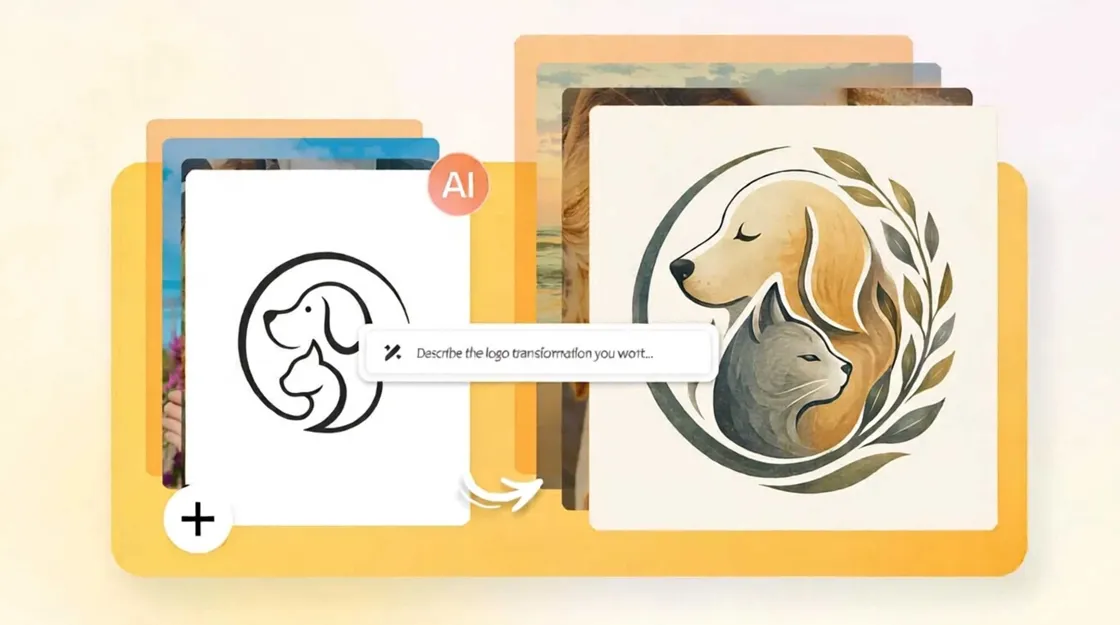
A logo is often the first visual people associate with a business, but creating one that feels distinctive and works across different channels can take time. AI logo generators make it easier to explore styles, colors, typography, and brand concepts without starting from scratch.
In this guide, you'll compare the best AI logo generators in 2026, including free and paid options. You'll learn what each tool does best, how to evaluate logo quality and customization, and which options fit different branding needs. You'll also see how AI design tools can help turn a logo direction into broader marketing and e-commerce creatives.
Key Takeaways
-
The best AI logo generator depends on your goals, including startup branding, e-commerce, social media, or professional design workflows.
-
Free AI logo generators are useful for exploring concepts, while advanced tools provide better customization and branding features.
-
A good AI-generated logo should remain clear, recognizable, and scalable across different platforms.
-
Better prompts help AI tools create logos that match your brand personality, audience, and industry.
-
Logo creation is only the first step. Consistent visuals across websites, products, and marketing channels help build a stronger brand identity.
How We Evaluated the Best AI Logo Generators in 2026
We evaluated each tool based on the factors that matter most when choosing a logo generator, from visual quality and customization to export options and ease of use. This approach also helps distinguish dedicated branding platforms from broader creative tools.
Design Quality
We looked at how well each tool generates polished, recognizable logo concepts, including its ability to produce clean layouts, balanced typography, and visually relevant symbols.
Customization Options
We considered how much control users have over colors, fonts, layouts, icons, and other design elements. Tools with more flexibility make it easier to adapt a generated concept to a specific brand.
Export Features
File formats and download options can affect how useful a logo is after generation. We checked whether each tool supports practical formats such as PNG and SVG and whether high-resolution exports require payment.
Branding Capabilities
Some tools go beyond logos by offering brand kits, color palettes, social assets, or other marketing materials. We considered how well each platform supports a broader visual identity.
Ease of Use
We assessed how simple it is to go from an idea to a usable logo, including the quality of the generation process, editing experience, and overall workflow. This is especially important when comparing the best free AI logo generators 2026 options.
10 Best AI Logo Generators in 2026
From quick startup concepts to complete brand identities, AI logo generators now offer different approaches to customization, branding, vector output, and creative workflows. The right choice depends on whether you need a simple logo, a complete brand kit, or additional marketing visuals.
We compared these 10 AI logo generators based on design quality, customization, starting price, free access, SVG availability, brand features, and ideal use cases.
|
Tool |
Best For |
Starting Price |
Free to Download? |
Vector (SVG) |
Main Strength |
Watch-out |
|---|---|---|---|---|---|---|
|
Looka |
Brand kits |
Paid plans |
No |
Yes |
Guided branding |
Best features require payment |
|
Canva |
Beginners |
Free/paid plans |
Yes |
Limited |
Easy editing |
Less specialized for logo generation |
|
Brandmark |
Logo concepts |
Paid downloads |
No |
Yes |
Focused logo creation |
Free preview, not free download |
|
Recraft |
Vector-focused designs |
Free/paid plans |
Yes |
Yes |
SVG/vector workflow |
Requires more design input |
|
LogoAI |
Automated branding |
Paid downloads |
No |
Yes |
Logo + brand assets |
Free to preview |
|
Design.com |
All-in-one branding |
Free/paid plans |
Limited |
Varies |
Large branding ecosystem |
Free access is limited |
|
Designkit |
Logo concepts and ecommerce brand visuals |
Free to try |
Yes |
Varies |
AI visual variations |
Not a replacement for dedicated brand-kit tools |
|
Wix Logo Maker |
Website owners |
Paid downloads |
No |
Yes |
Wix integration |
Best suited to Wix users |
|
Tailor Brands |
Guided business branding |
Paid plans |
No |
Yes |
Business-focused workflow |
Branding features are plan-dependent |
|
Adobe Express |
Adobe users |
Free/paid plans |
Yes |
Limited |
Broader creative tools |
More general-purpose than logo-focused |
Note: Free access, downloads, and SVG availability can vary by plan, export type, or current offering. Check each platform's current terms before purchasing.
Looka: Best for Brand Kits
Looka is designed for businesses that want to generate a logo and extend it into a broader brand identity. Its guided process helps users explore logo concepts, colors, fonts, and related brand assets.
Starting price: Paid packages; free logo previews are available, while downloads and brand assets require payment.
Canva: Best for Beginners
Canva is a practical option for beginners who want to generate or customize logo concepts using an easy visual editor. Its broader design ecosystem also makes it useful for creating social posts, presentations, and other branded content.
Starting price: Free plan available, with additional features through paid plans.
Brandmark: Best for Polished AI Logo Concepts
Brandmark focuses specifically on logo generation and helps turn business information into multiple logo concepts. It is useful when you want a dedicated logo tool rather than a broader design platform.
Starting price: Free to preview concepts, while high-resolution downloads and brand assets require payment.
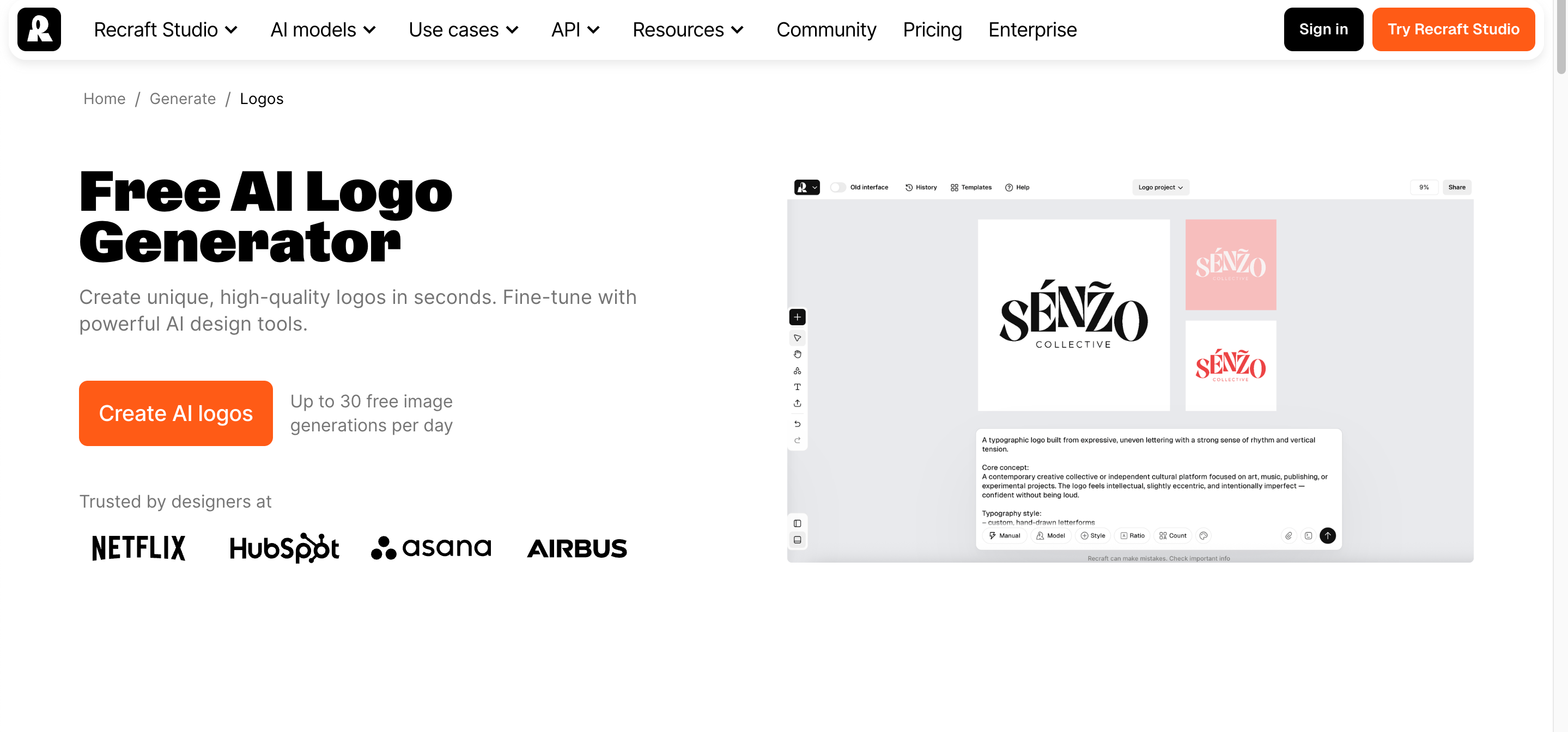
Recraft: Best for Vector-Focused Logo Design
Recraft stands out for users who need more control over vector-style graphics and scalable designs. It can be a strong option for designers who want to refine AI-generated concepts and work with SVG output.
Starting price: Free access is available, with additional usage and features through paid plans.
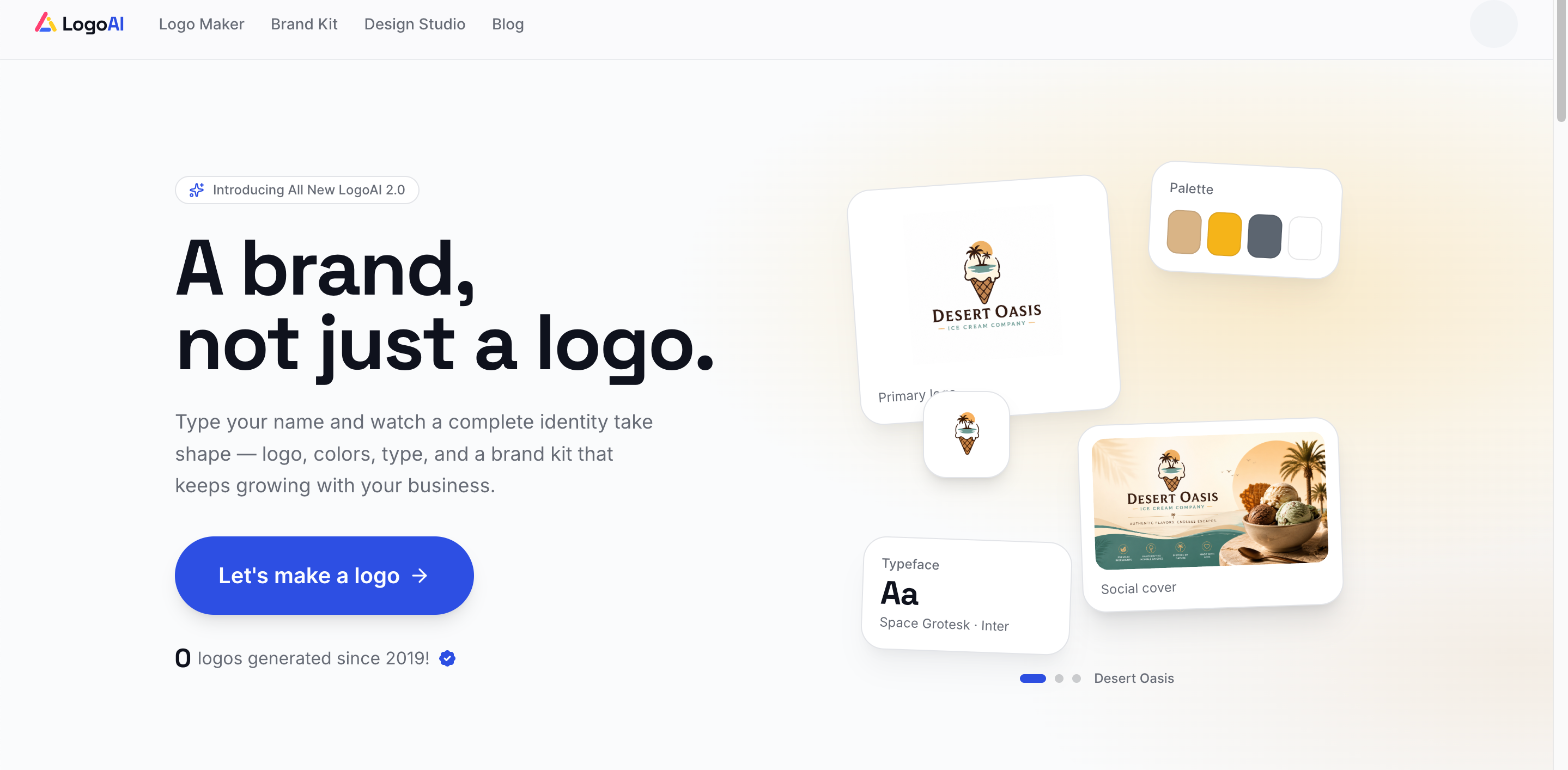
LogoAI: Best for Automated Logo Packages
LogoAI combines logo generation with automated branding materials, making it useful for businesses that want more than a standalone logo. It can generate related assets for maintaining a consistent visual identity.
Starting price: Logo concepts can be previewed for free, while downloadable logo packages require payment.
Design.com: Best for All-in-One Branding
Design.com combines logo creation with a wider collection of branding and marketing resources. It can suit small businesses looking for multiple branded assets alongside their logo.
Starting price: Free and limited access is available, while additional features and downloads may require payment.
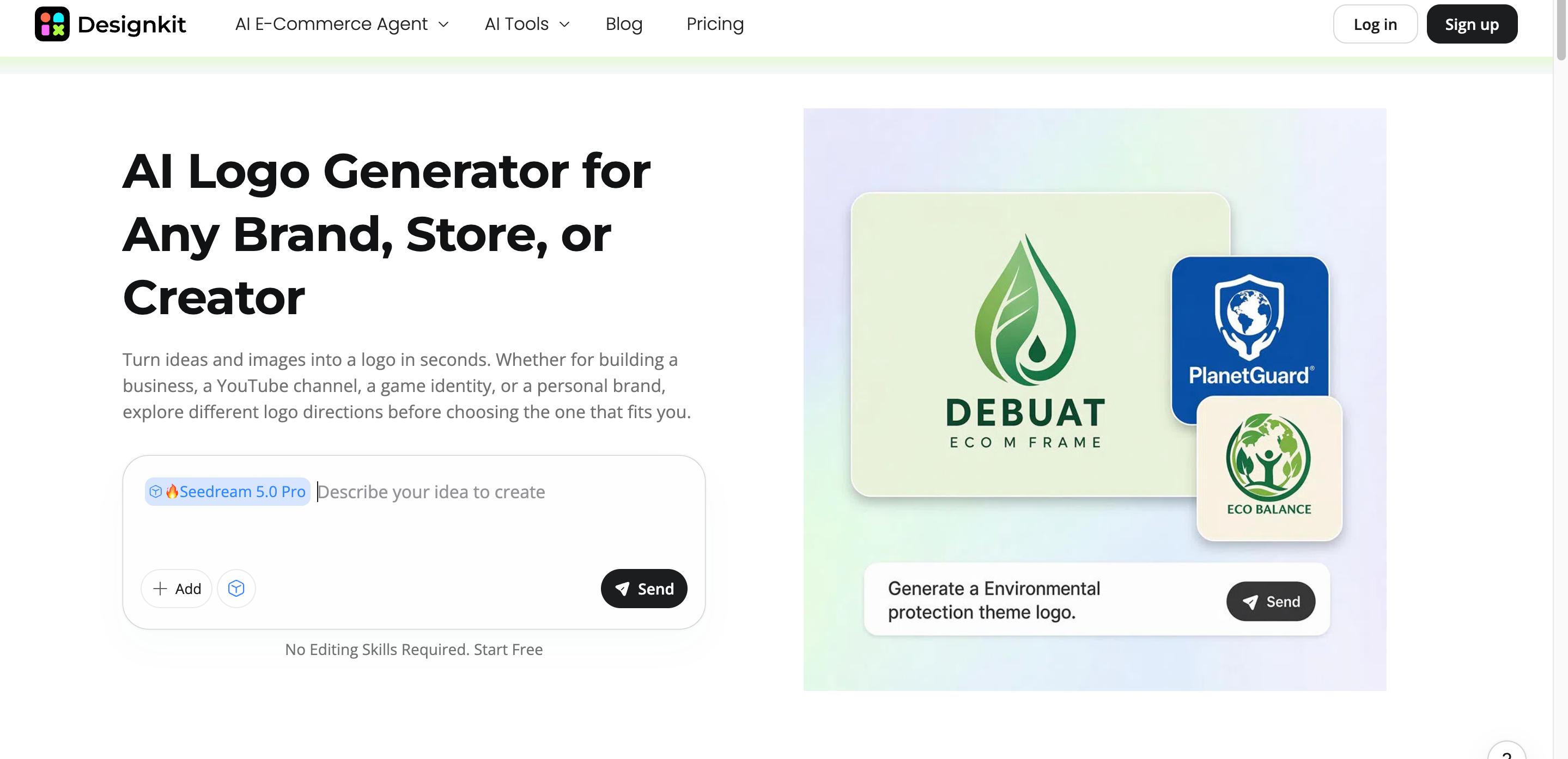
Designkit: Best for Logo Concepts and Ecommerce Brand Visuals
Designkit is useful when you need to explore logo concepts and then extend those visuals into ecommerce and marketing creatives. Its product visual AI can help turn those concepts into additional product and promotional visuals.
Starting price: Free to try, with access depending on the available plan and features.
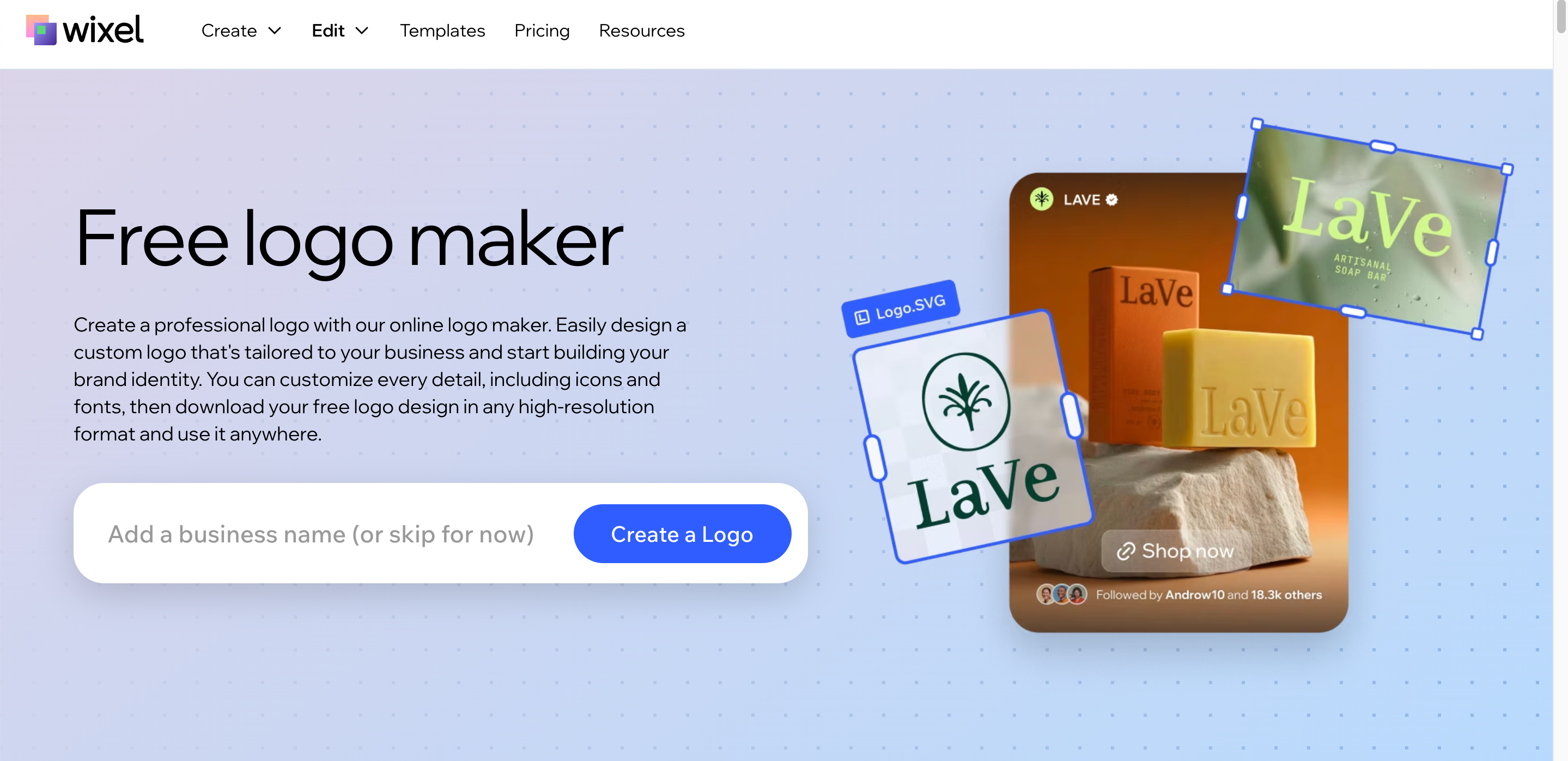
Wix Logo Maker: Best for Website Owners
Wix Logo Maker is a convenient choice for users already building a website with Wix. Its logo creation workflow connects naturally with other Wix websites and business tools.
Starting price: Logo designs can be previewed before purchasing downloadable files and additional assets.
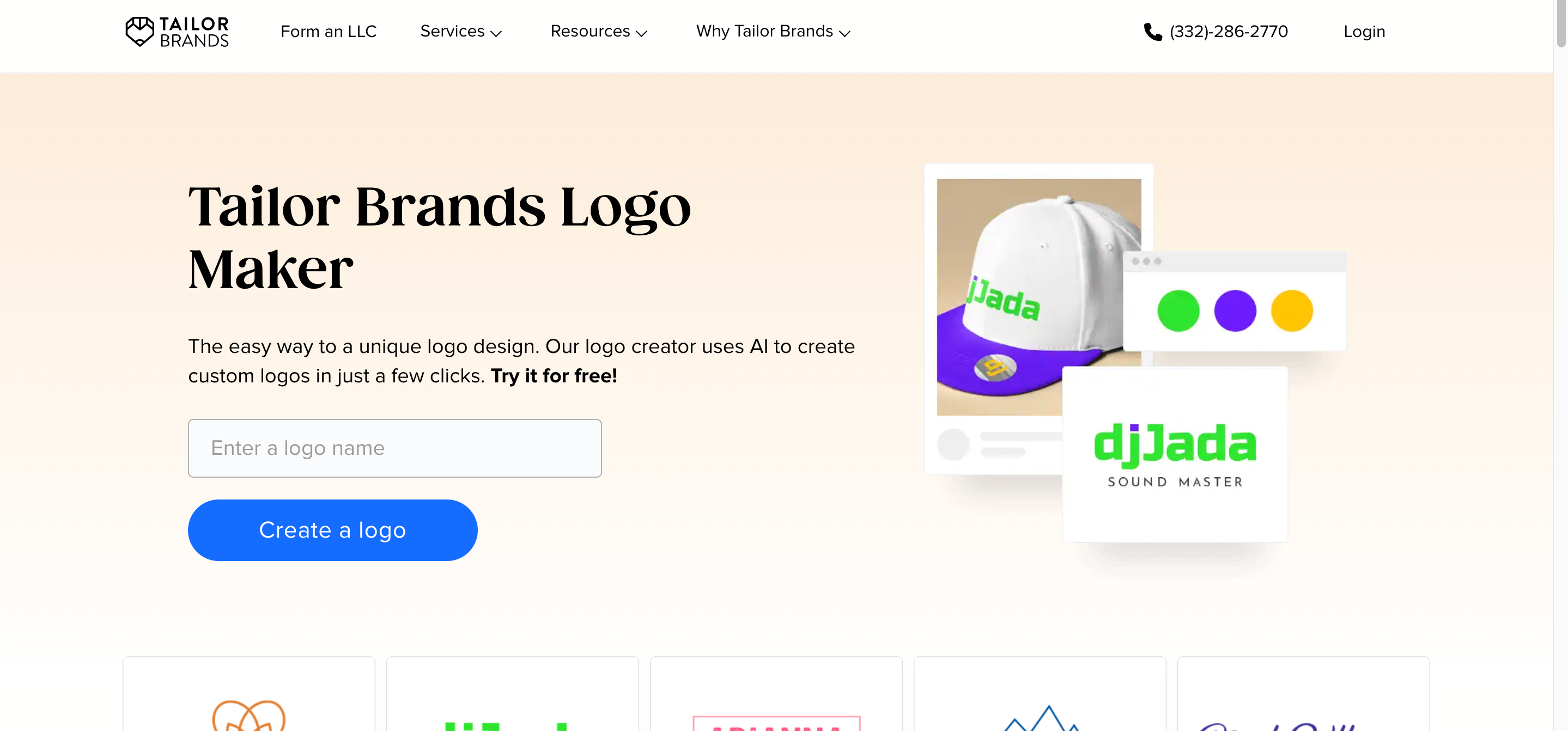
Tailor Brands: Best for Guided Business Branding
Tailor Brands focuses on helping businesses develop a consistent visual identity through guided branding tools. It is particularly useful for users who want assistance beyond generating a single logo.
Starting price: Branding features are available through paid plans, with options depending on the package selected.
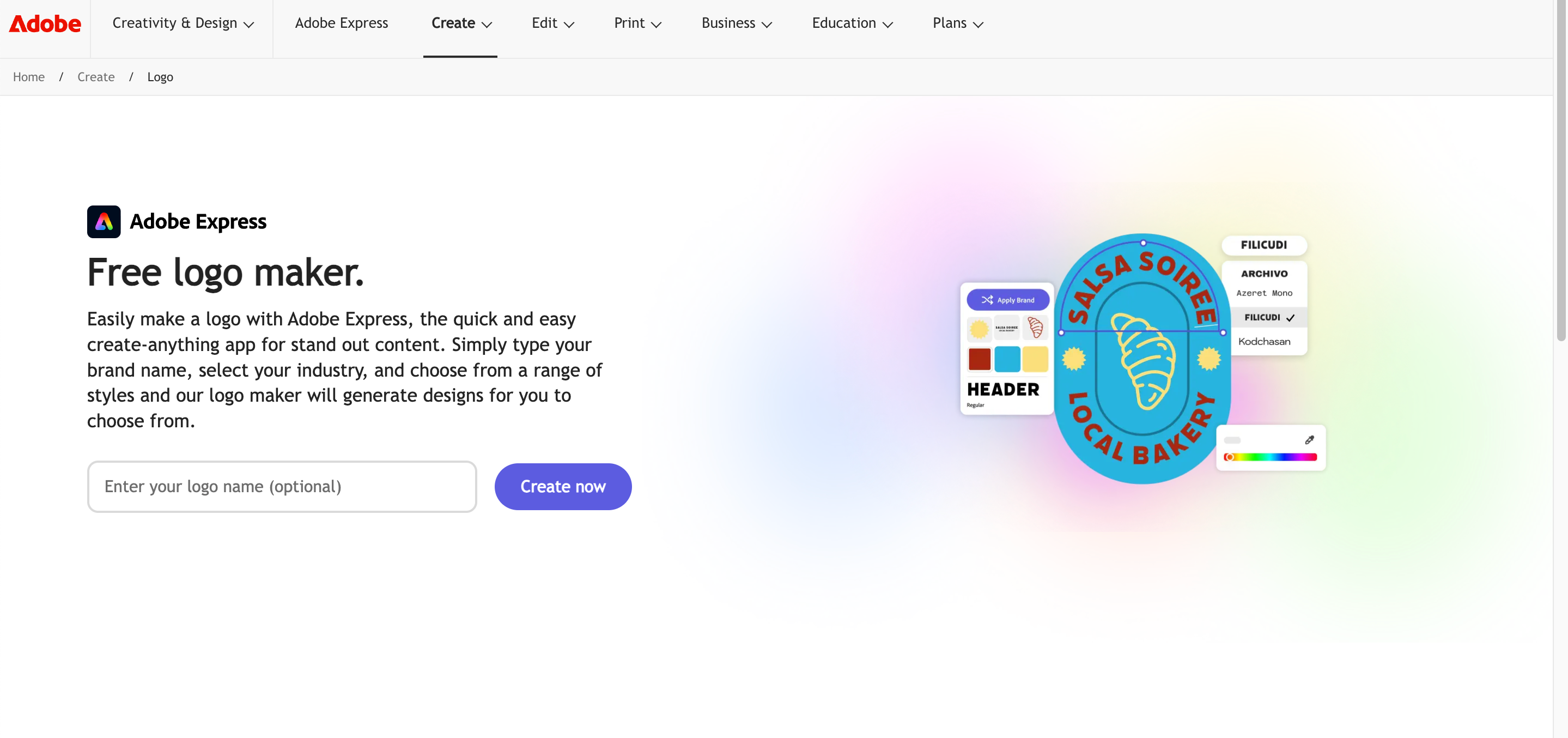
Adobe Express: Best for Adobe Users
Adobe Express works well for users who already use Adobe's creative ecosystem and want a simple way to develop and edit logo concepts alongside other marketing materials.
Starting price: Free plan available, with additional design and brand features offered through paid plans.
How to Get Better Results From an AI Logo Generator
A strong AI-generated logo usually comes from giving the tool clear direction rather than relying on one generic prompt. Define your brand first, explore different concepts, and test the strongest option before finalizing it.
Start With Your Brand Identity
Before generating anything, define your brand's personality, audience, colors, typography preferences, and visual style. A clear direction helps the best AI logo design tools 2026 produce concepts that feel relevant rather than generic.
Generate Multiple Concepts
Don't settle on the first design. Generate several variations with different icons, layouts, fonts, or color combinations. Comparing multiple options makes it easier to identify a concept with the strongest visual potential.
Refine the Strongest Direction
Once you find a promising concept, refine it instead of starting over. Adjust details such as spacing, typography, colors, and icon placement until the design better reflects your brand. The top AI logo generators can make this exploration much faster.
Test the Logo in Real Use
Preview your logo on the places where customers will actually see it, such as product packaging, websites, social profiles, or marketplace listings. You can also use an AI poster generator to explore how your branding works across promotional designs before committing to the final version.
Explore Designkit for Logo Concepts and Brand Creatives
A logo often becomes the visual starting point for a much larger set of e-commerce assets. If you're developing product imagery, promotional designs, or social content around the same brand direction, Designkit can help turn visual ideas into multiple creative variations rather than treating the logo as a standalone asset.
Designkit's text to image workflow can transform an existing image, preserve important visual elements, explore different styles, and generate related variations from a single reference.
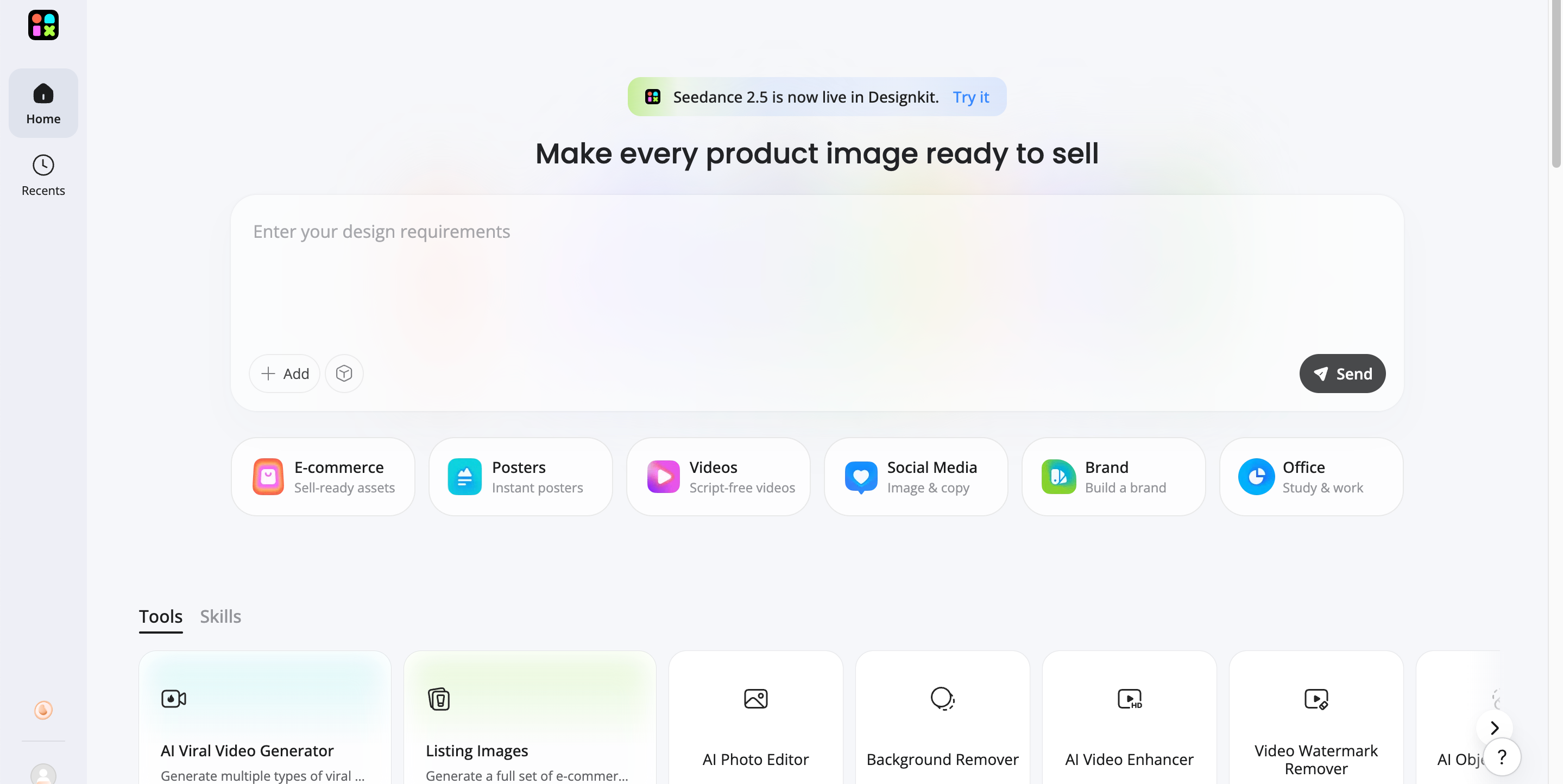
How to Explore a Logo Concept With Designkit in 3 Steps
Step 1: Define Your Brand Direction
Enter your brand idea or upload a reference visual. Include the business type, audience, style, colors, and visual personality you want to explore.
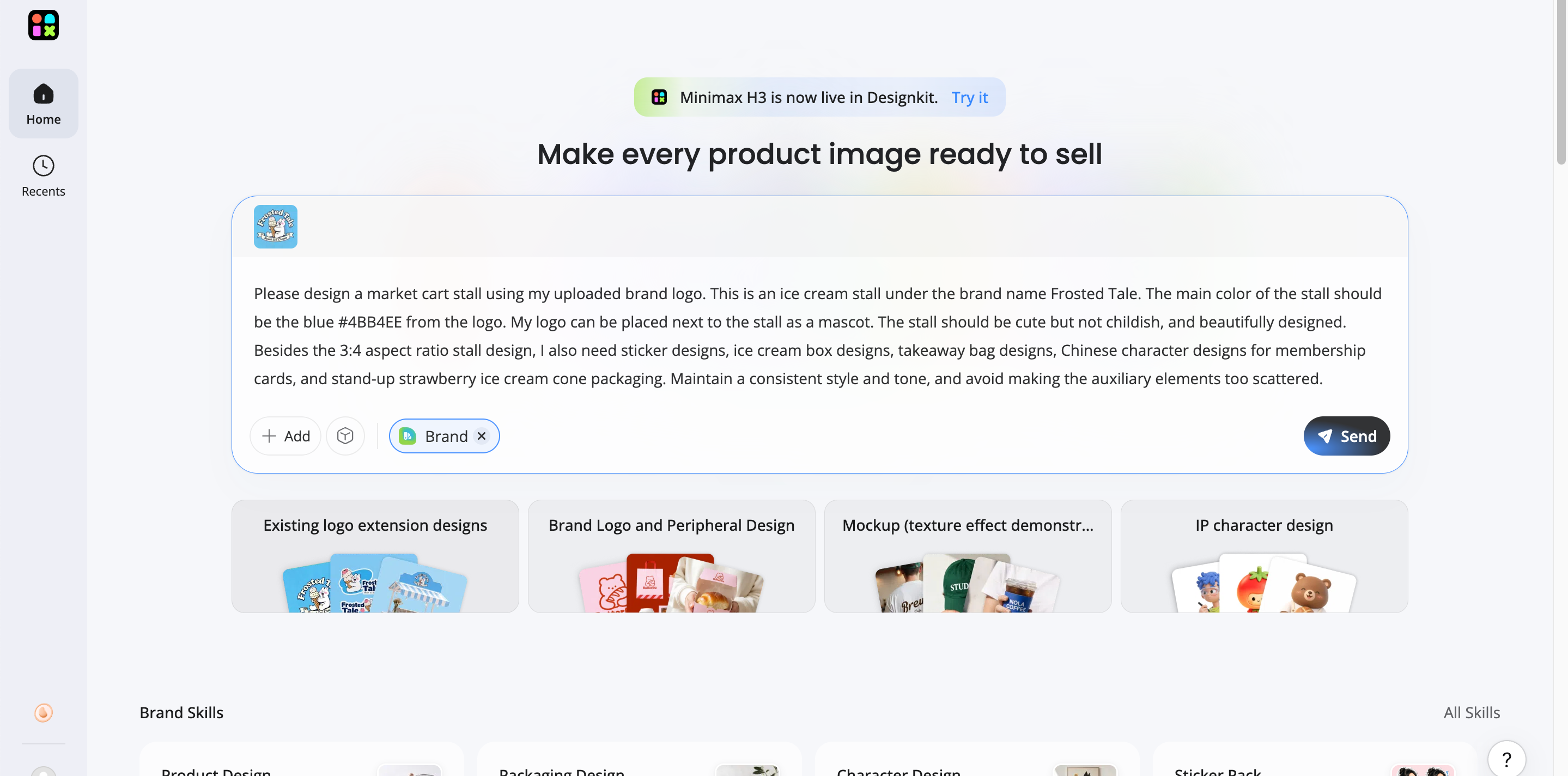
Step 2: Describe and Generate the Concept
Use a focused prompt to describe the logo direction, such as a minimalist geometric mark, premium typography, or a bold e-commerce brand style.
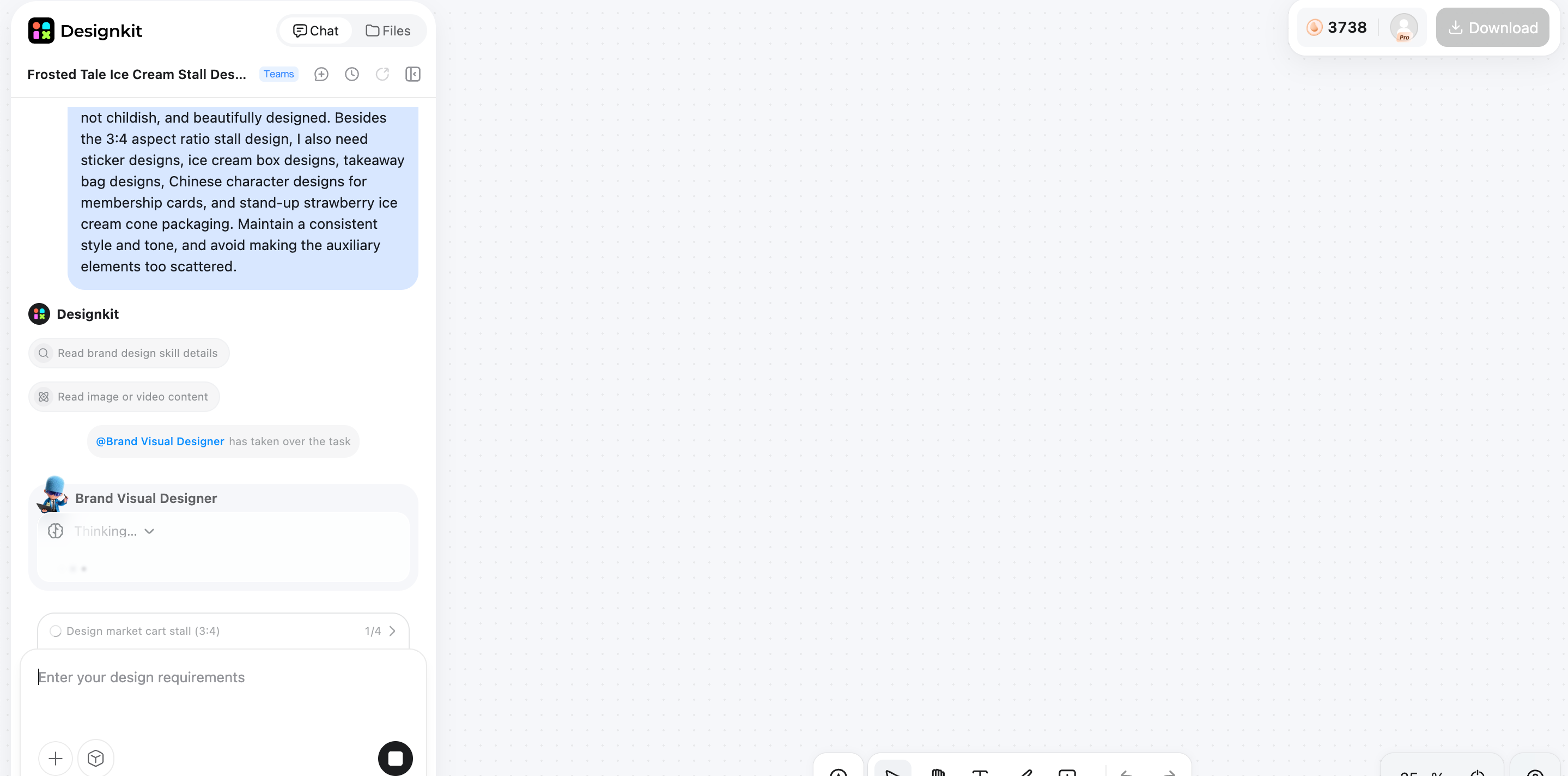
Step 3: Refine and Build Related Creatives
Review the variations, refine the strongest direction, then use the visual style as a starting point for product, social, or promotional creatives.
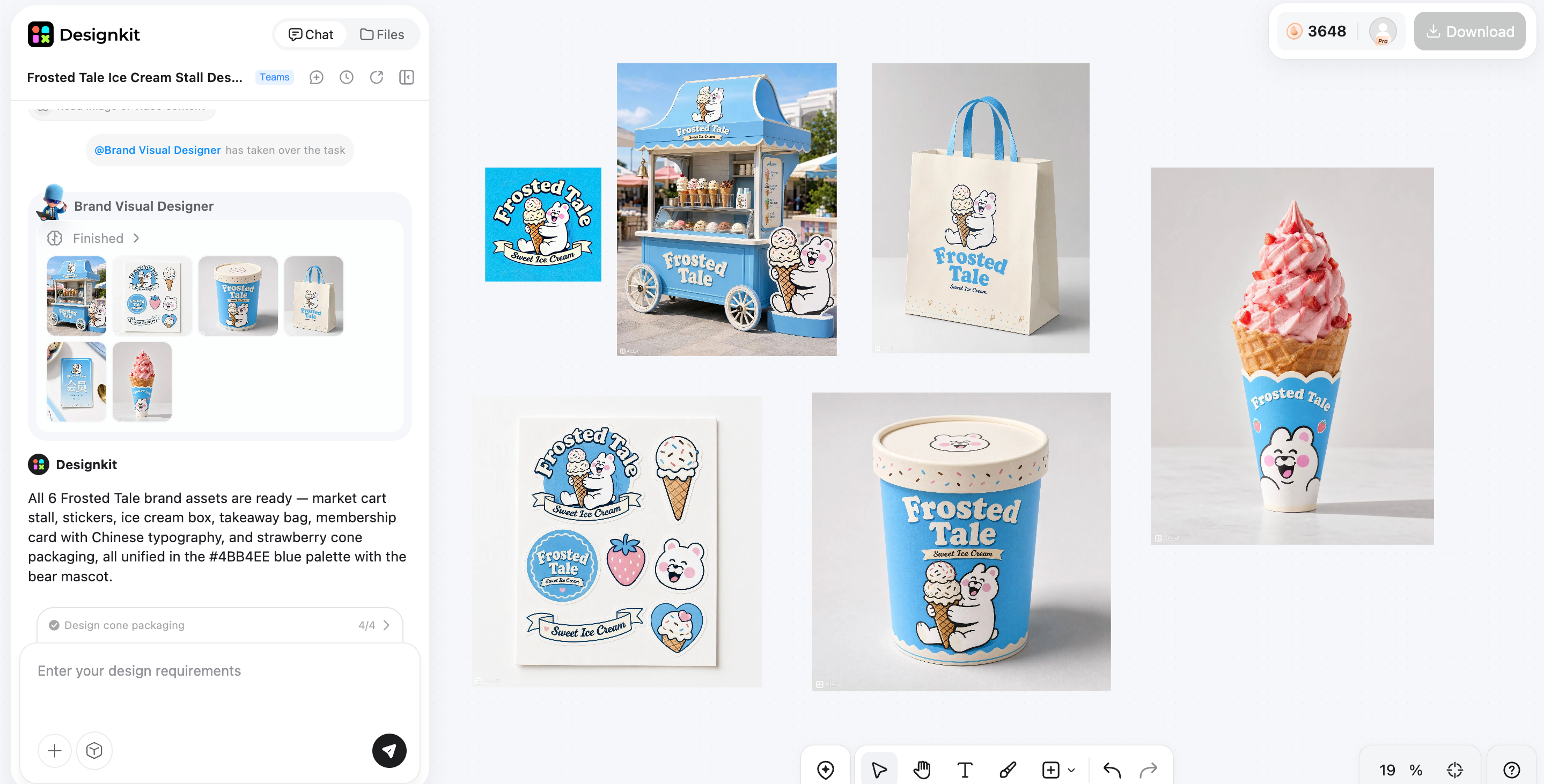
How Designkit Helps Build Your Brand Visuals
Designkit goes beyond logo concepts by helping turn your brand direction into product visuals, marketing creatives, and channel-ready designs.
AI Image Generation
Designkit's AI image generation helps you turn brand ideas into polished visuals for products, social media, and marketing. Generate concepts that align with your preferred style, theme, and visual direction.
Image to Image Transformation
Use an existing image as a starting point and transform it into new creative variations. Designkit's image to image AI can help adapt visuals while maintaining important elements of the original design.
Multiple Creative Variations
Explore different versions of the same concept without starting from scratch. Generate multiple visual directions to compare styles, compositions, and creative approaches before choosing the strongest option.
Natural Language Editing
Make changes using simple text instructions instead of complex editing steps. Describe what you want to adjust, and Designkit helps refine elements such as backgrounds, objects, colors, or overall visual style.
Multiple AI Models in One Workspace
Access multiple AI models within one workspace to explore different generation styles and capabilities. This makes it easier to test approaches and select the model that best fits each creative task.
Conclusion
The best AI logo generator depends on your branding goals, creative needs, and budget. AI tools make it easier to explore logo ideas, test different styles, and create a strong visual direction. But a logo is only one part of a complete brand identity. After creating your logo, you can use Designkit to turn your brand style into consistent product visuals, social media graphics, and marketing content.
Frequently Asked Questions
What is the best AI logo generator in 2026?
What is the best free AI logo generator?
The best free option depends on the features you need. Canva offers a free plan, while Recraft provides free access with usage limits. Designkit is also free to try, making it useful for exploring logo concepts and developing related AI image designs without committing upfront.
Are AI logo generators free to download?
Not always. Many tools let you generate or preview logos for free but charge for high-resolution files, SVGs, or complete brand packages. Designkit is free to try and can help you turn logo concepts into additional ecommerce and marketing visuals through its broader creative workflow.
Can I use an AI-generated logo commercially?
Commercial use depends on the tool's licensing terms and the assets used to generate the logo. Always review the platform's current usage rights before publishing. Designkit can support the next stage by helping develop marketing creatives around your approved logo.
Do these tools export SVG?
Some AI logo generators support SVG export, but availability varies by platform and plan. Recraft, for example, is particularly suited to vector-focused work. Designkit is better positioned for developing logo concepts and extending them into broader visual content rather than replacing dedicated vector-export tools.
How do I write a good AI logo prompt?
Describe your brand, industry, visual style, colors, typography, and the feeling you want the logo to communicate with. Avoid vague instructions and include details that should remain consistent. Designkit can then help you explore different visual directions and refine the strongest concept.
Can I use an AI logo on Shopify, Amazon, or my website?
Yes, an AI-generated logo can generally be used across these channels if your tool's licensing terms allow commercial use. For ecommerce brands, Designkit can take that visual direction further by helping develop product, social, and promotional assets for different channels.
You May Also Like
Remove.bg Shutting Down Dec 1, 2026: What Users Are Saying

7 Best Remove.bg Alternatives in 2026: Free & Paid Tools

Instagram Carousel: What It Is, How to Post & Create One

Nano Banana Prompts: 20+ Examples for Better AI Images

Ideogram AI Review 2026: Features, Pricing & Alternatives

Free Mac Photo Editor: 5 Tools Compared for Mac Users

How to Crop a Photo Into a Circle Online (Keep Quality)

How to Make an Image Transparent Online (AI Guide)

Pixlr Background Remover Review 2026: Features, Pricing & Alternatives

How to Fix Overexposed Photos: Recover Highlights Fast

OpenArt AI Review 2026: Features, Pricing & Alternatives

Best AI Headshot Generator: 9 Tools Compared for 2026

Best Stencil Maker Tools 2026: Turn Photos Into Stencils

Pixelbin Watermark Remover Review: Image & Video Results Tested

How to Make a Sticker on iPhone: Easy Step by Step Guide

Best AI Logo Generator in 2026: 10 Tools Compared

How to Turn a Photo Into a Cartoon: A Beginner-Friendly Guide

Landscape vs Portrait: Key Differences & Best Uses in 2026

How to Remove Watermark From Photo: AI, Photoshop & More

How to Fix Pixelated Photos: Photoshop, AI Tools & Tips

Bing Image Creator: How It Works, Features, Uses & Alternatives

How to Remove People from Photos with AI: A Step-by-Step Guide

How to Increase Image Resolution: AI, Photoshop & PPI

How to Add Text to a Photo: 8 Tips for Better Results

How to Fix Grainy Photos: Easy Ways to Clear Images

Creative Profile Picture Ideas for Every Style and Platform

Evoto AI Review 2026: Features, Pricing, Pros & Cons

Pixlr Photo Editor Review: Features, Pricing & Alternatives

Best AI Image Extender Tools in 2026: Expand Photos with AI

How to Make a Collage on iPhone: Easy Guide for 2026

How to Sharpen an Image in Photoshop (Smart Sharpen and Unsharp Mask)

Best Image Background Remover Tools in 2026: AI Tools Compared

How to Make Transparent Background in Paint: Step-by-Step Guide

How to Resize an Image: Best Methods, Tools & Quality Tips

Best AI Image Generator Tools in 2026: Top AI Platforms Compared

Remove.bg Review 2026: Features, Pricing & Is It Worth It?

Luminar Neo Photo Editor Review 2026: AI Features, Price & Pros

How to Post Multiple Photos on Instagram (2026 Guide)

25 Facebook Cover Photo Ideas for Personal & Business Pages

What Is a PFP? Meaning, Examples & How to Create One

Can You Edit an Instagram Post After Posting?

11 Best Canva Alternatives in 2026 for AI Design & Marketing

8 Best Midjourney Alternatives in 2026: Features, Pricing & Comparison

How to Restore Old Photos: AI Tools, Tips & Best Methods

Pixelcut AI Review 2026: Features, Pricing, Pros, Cons & Alternatives

How to Apply Watermark to Photos: Methods, Tips & AI Tools

How to Remove a Background in Illustrator: 4 Easy Methods

How to Change Background Color on Instagram Story (Easy Guide)

8 Best AI Poster Generators in 2026: Create Posters Faster with AI

10 Best AI Image Enhancers in 2026: Tested & Compared

10 Best AI Image Editors in 2026: Features, Pricing & Comparison

7 Best AI Background Changer in 2026: Remove & Replace Photo Backgrounds

Luminar Neo vs Lightroom: Features, Pricing & Comparison 2026

Kittl Review 2026: Is It Worth It? Features & Pricing

How to Make a Blurry Image Clear: 5 AI & Manual Ways

How to Remove Background on iPhone: 5 Easy Methods (2026)

Photoroom Background Remover Review 2026: Features & Alternatives

How to Remove Background in Canva: A Step-by-Step Guide

How to Remove Background in GIMP: Beginner-Friendly Guide

Funny Dog Memes to Try: Doge Meaning and 10 Original Ideas

Back to School Checklist 2026: Supplies, Timeline, and Planning

Recraft AI Review 2026: Features, Pricing, Pros, Cons & Alternatives

How to Make an Image Transparent in Google Slides: Opacity & Background Removal

VanceAI Photo Enhancer Review: Features, Pricing & Alternatives in 2026

What Does Emojify Mean? Text, Photos, & Emoji Art Explained

Top 8 Online Background Removers for Ecommerce Photos (2026)

How to Remove Background in Photoshop: 7 Easy Methods

6 Best AI Image Upscalers 2026: Tools Tested & Compared

Project Indigo Review: Is It Better Than iPhone Camera?

How Big Is an 8x10 Photo? Size, Pixels & Frame Guide

How Big Is a 4x6 Photo? Dimensions, Pixels & Printing Tips

Picsart AI Review: Features, Pricing, Pros, Cons & Alternatives

Lovart AI Review: AI Design Agent Features, Pricing & Alternatives

Fotor AI Image Generator Review: Features, Pricing & Alternatives

How to Add Emoji to Photo Online for Free

Emoji Wallpaper Ideas & How to Make One Online (2026)

Minimalist Poster Design: How to Make a Clean Poster (2026)

How to Make a Custom Poster That Is Ready to Print

Instagram Image Size Guide 2026: Post, Reel, Story & Carousel Specs

LinkedIn Image Size Guide: Profile, Post & Banner Dimensions

YouTube Profile Image Size: Best Dimensions & Safe Area 2026

How to Edit Amazon Product Photos That Boost Sales Fast
Build a Complete Brand Visual System
Create logo concepts, product visuals, social media graphics, and marketing assets with Designkit to keep your brand consistent across every channel.
