
Kling 3.0 Video Model Is Now Live
Experience the power of Kling 3.0 on x-design to turn any creative vision into a professional film and let everyone lead as a director.
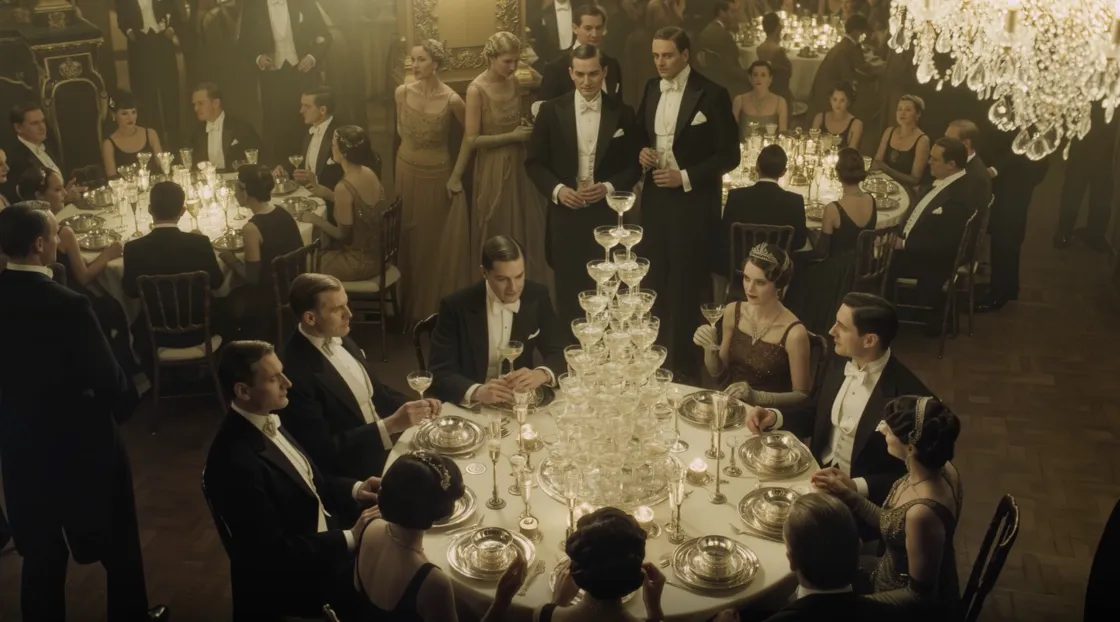
Multimodal Input and Output
You can upload images or videos as references, whether you are guiding characters or specific visual elements. The model understands reference content with high precision and maintains stability and consistency throughout the generation process.
Visual and Audio Consistency Across Scenes
No matter what you upload, including objects, characters, or audio, Kling 3.0 preserves feature-level consistency in the final output. Visuals and sound remain coherent across camera cuts and scene transitions without drift or mismatch.
Long-Form Video Generation
The model supports generating videos from three to fifteen seconds. Longer clips provide more room for storytelling, enabling continuous sequences without the need for fragmented stitching or manual editing.
Intelligent Shot Sequencing
Kling 3.0 automatically breaks down video content into well-structured shots, providing richer cinematic language and visual storytelling. Camera angles and framing adjust dynamically based on context, accurately interpreting both dialogue and voice-over scenes.
Native Audio and Multilingual Dialogue Support
The model accurately recognizes characters and their dialogue even in complex multi-speaker scenes. It supports Chinese, English, Japanese, Korean, and Spanish, and reproduces dialects and accents while keeping lip movements and facial expressions naturally aligned.
High-Fidelity Text Rendering
Text is rendered with exceptional accuracy. Logos, labels, and informational copy from source materials are preserved exactly as intended, and newly generated text remains clear and precise. This capability is ideal for detail-sensitive scenarios such as advertising and eCommerce.
Faster Performance and More Stable Results
The upgraded model delivers faster response times and more reliable outputs. High-quality results are achieved with fewer iterations, reducing trial-and-error and streamlining the creative workflow.
Frequently Asked Questions
What is Kling 3.0?
What kind of content can I use as input?
You can upload images, video clips, and audio as references. These inputs can be combined to guide characters, scenes, visual style, and motion, helping you bring your creative vision to life.
Do I need filmmaking experience or technical skills?
No. Kling 3.0 on Designkit is designed for creators of all levels. Simple, natural descriptions are enough to generate cinematic-quality videos without complex prompts or professional production knowledge.
Can I edit or extend my videos?
Yes. Kling 3.0 supports semantic video editing, allowing you to extend clips, adjust character actions, swap objects, or modify details while keeping the rest of the video intact.
Who is Kling 3.0 for?
Kling 3.0 on Designkit is perfect for creators, designers, marketers, and storytellers who want high-quality cinematic videos without the cost or complexity of traditional production. With Kling 3.0, anyone can be a director.
How to Use Kling 3.0 for Free on Designkit?
Add Your References
Upload images, video clips, and audio files as creative references.
Define Your Vision
Describe the video you want to create.
Generate the Video
Generate videos ranging from 3 to 15 seconds, then fine-tune the output through semantic edits.


