


Standalone workflow
Get your background removal done in Designkit without moving your workflow to Canva.

Remove.bg’s standalone site closes December 1, 2026.
Try Designkit for free cutouts and background removals: up to 100 free full-resolution images per day.
Upload a photo or drag it here. JPG, PNG, and WebP supported.
No picture on hand? Try with one of these:
The standalone Remove.bg website is shutting down.
You still need clean cutouts for everyday work, without moving your whole workflow into another design suite.
Per Remove.bg’s official FAQ, the standalone site ends on December 1, 2026 at 9:00 AM CET.
Web background removal is moving to Canva, while API users are being directed to Leonardo.Ai.
If your workflow is mainly background removal, you may prefer a dedicated browser-based alternative.
Designkit offers browser-based cutouts, batch processing for up to 15 images, and background replacement in the same workflow.
Designkit is a standalone image workflow for fast cutouts, batch processing, full-size exports, and everything you need after background removal.
Get your background removal done in Designkit without moving your workflow to Canva.

Upload first. Start removing backgrounds without creating an account.

Get free 100 full-resolution exports per day.

Remove backgrounds from multiple images at once, up to 15 per batch.

Replace backgrounds, resize images, and prepare them for social media and e-commerce listings.
One workflow for both paths: finish in three steps, or keep going to edit, resize, and export.
Upload → preview → download. The everyday path most Remove.bg users need.

Drop in a JPG, PNG, or WebP photo. Include one hard case with a busy background.

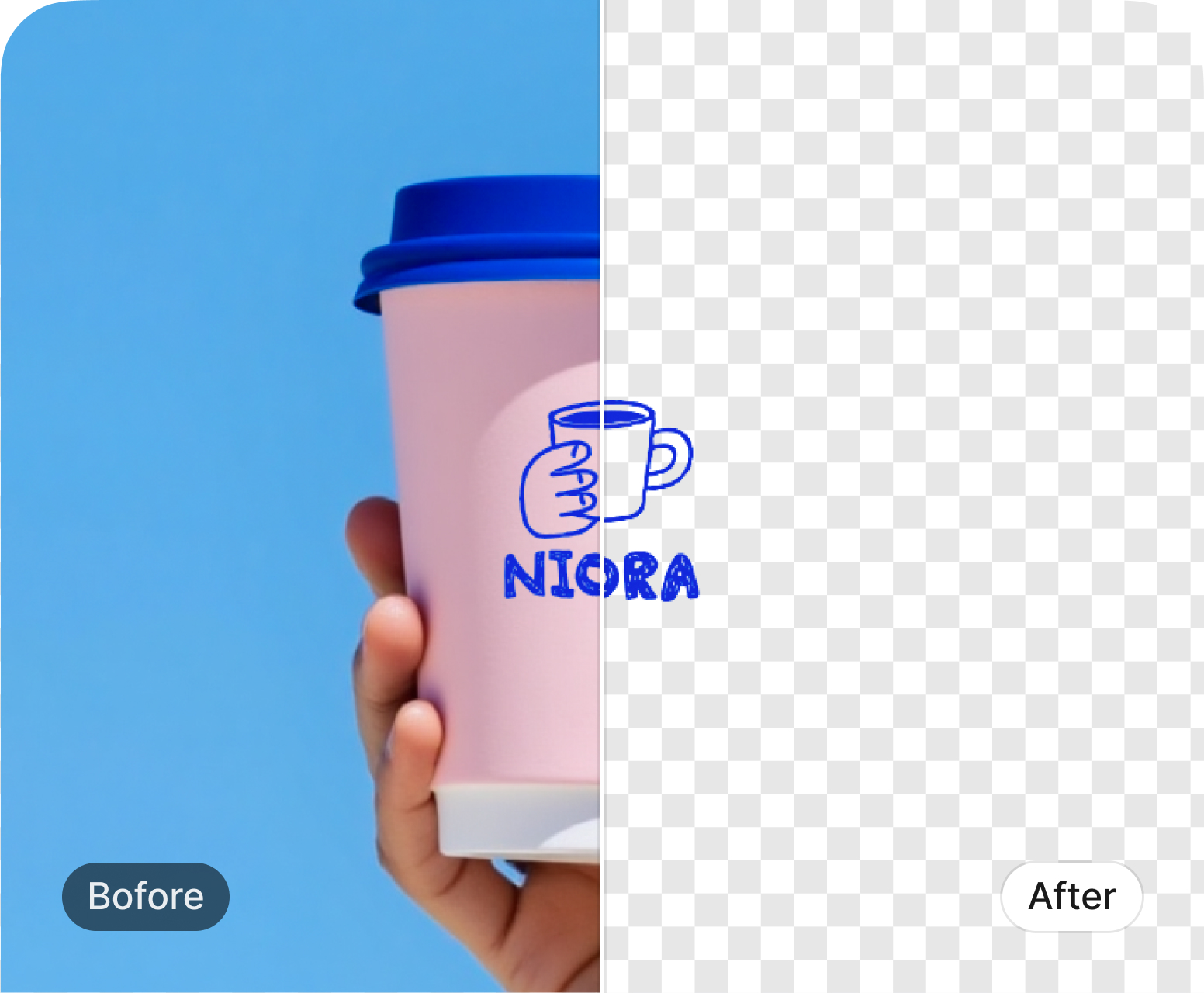
Designkit detects the subject, removes the background, and shows a cutout to review.

Export a clean cutout for ads, posts, or the next edit. Full-res download may need login.
From background removal to ready-to-use assets, complete the full workflow in Designkit.
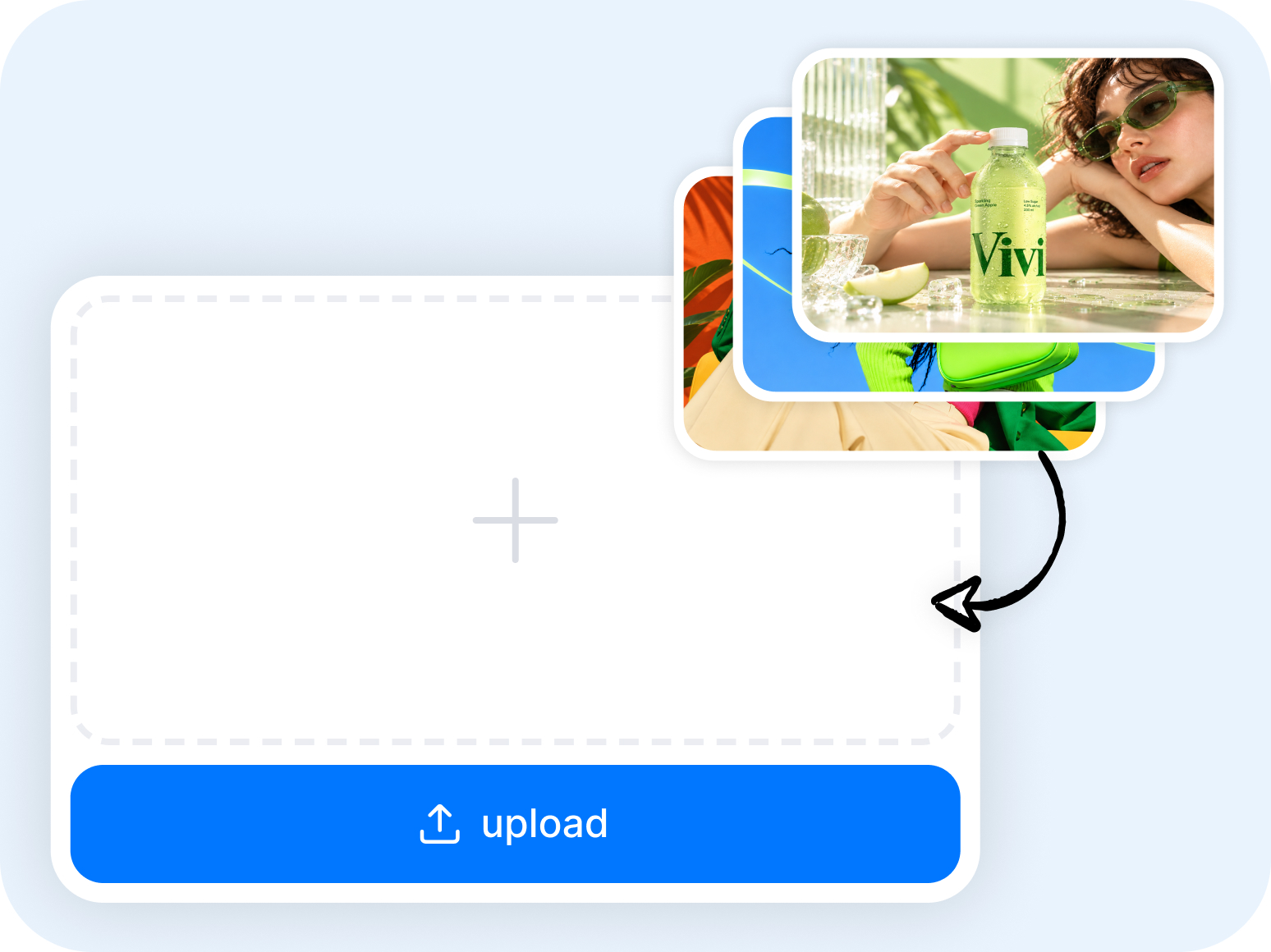
Bring in your original photos and get them ready for cutout.
JPG, PNG, or WEBP product shots
Normalize for stable detection
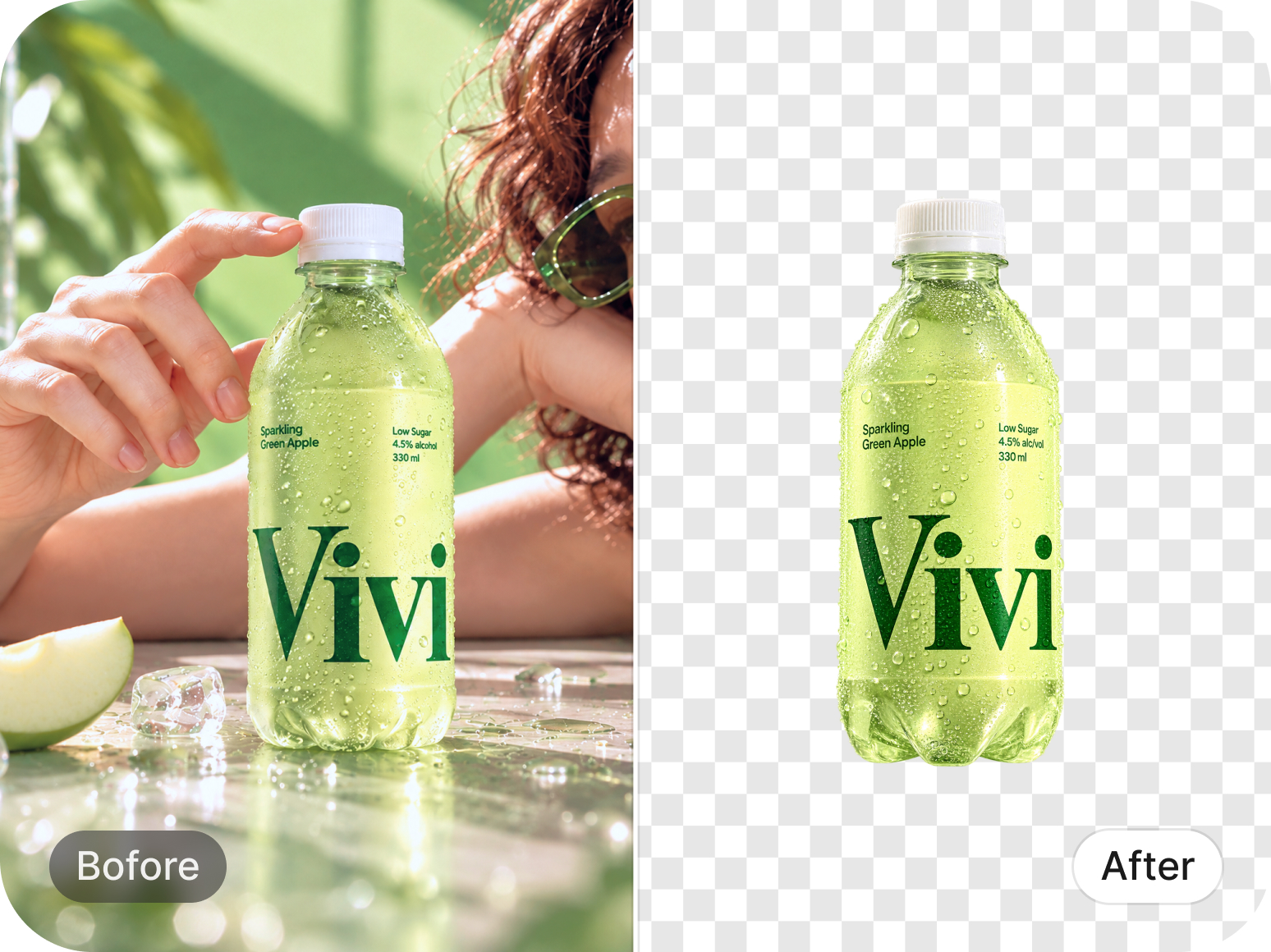
Detect the subject, separate layers, and produce a clean transparent base.
Find the main subject automatically
Split layers in one pass
Hair, fur, and product outlines
PNG-ready cutout layer
Polish tricky edges
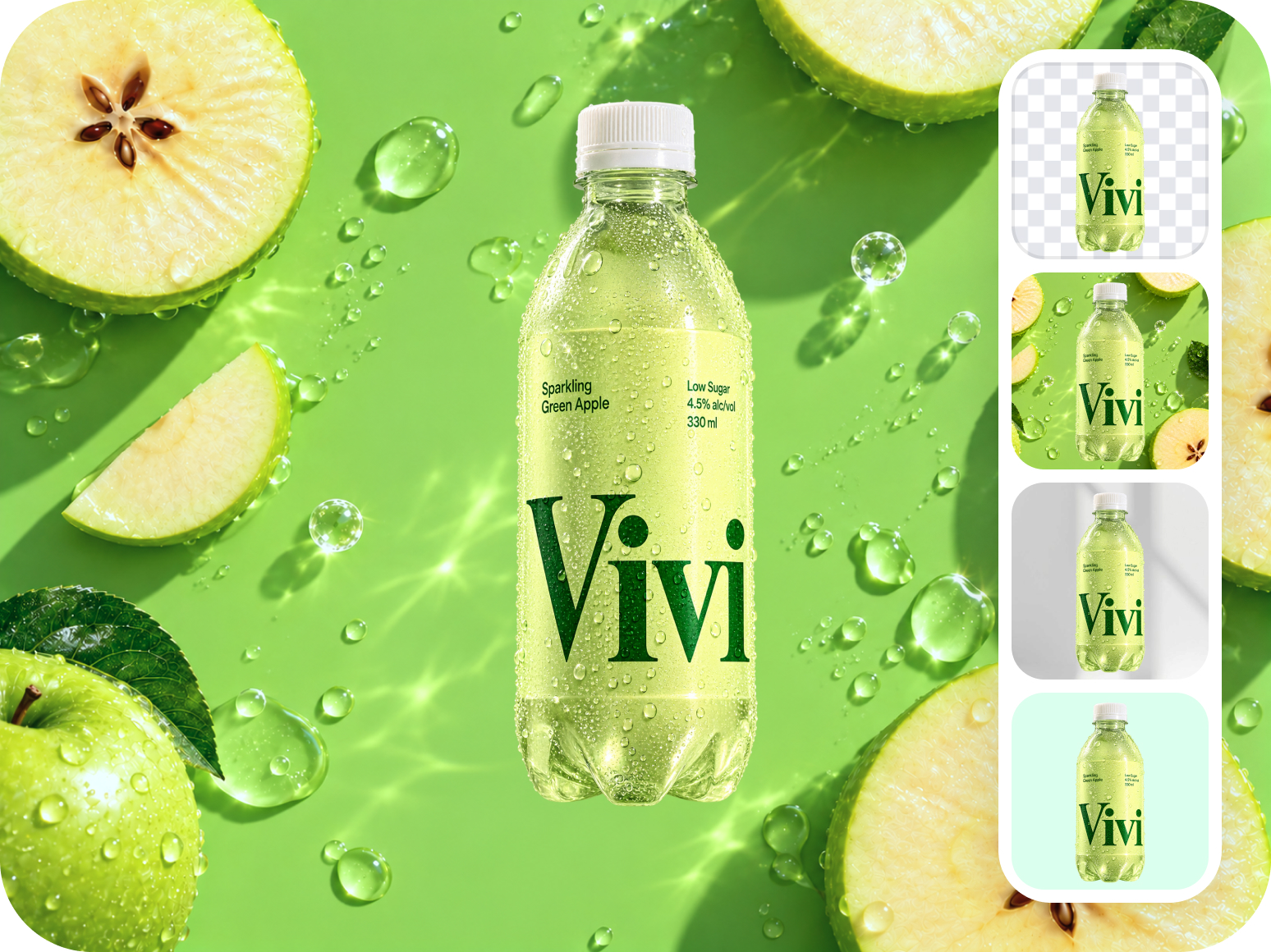
Keep transparency, add a solid color, or replace the scene in the same workflow.
For overlays and compositing
White, black, or custom color
Drop in a custom scene
Create a new lifestyle backdrop
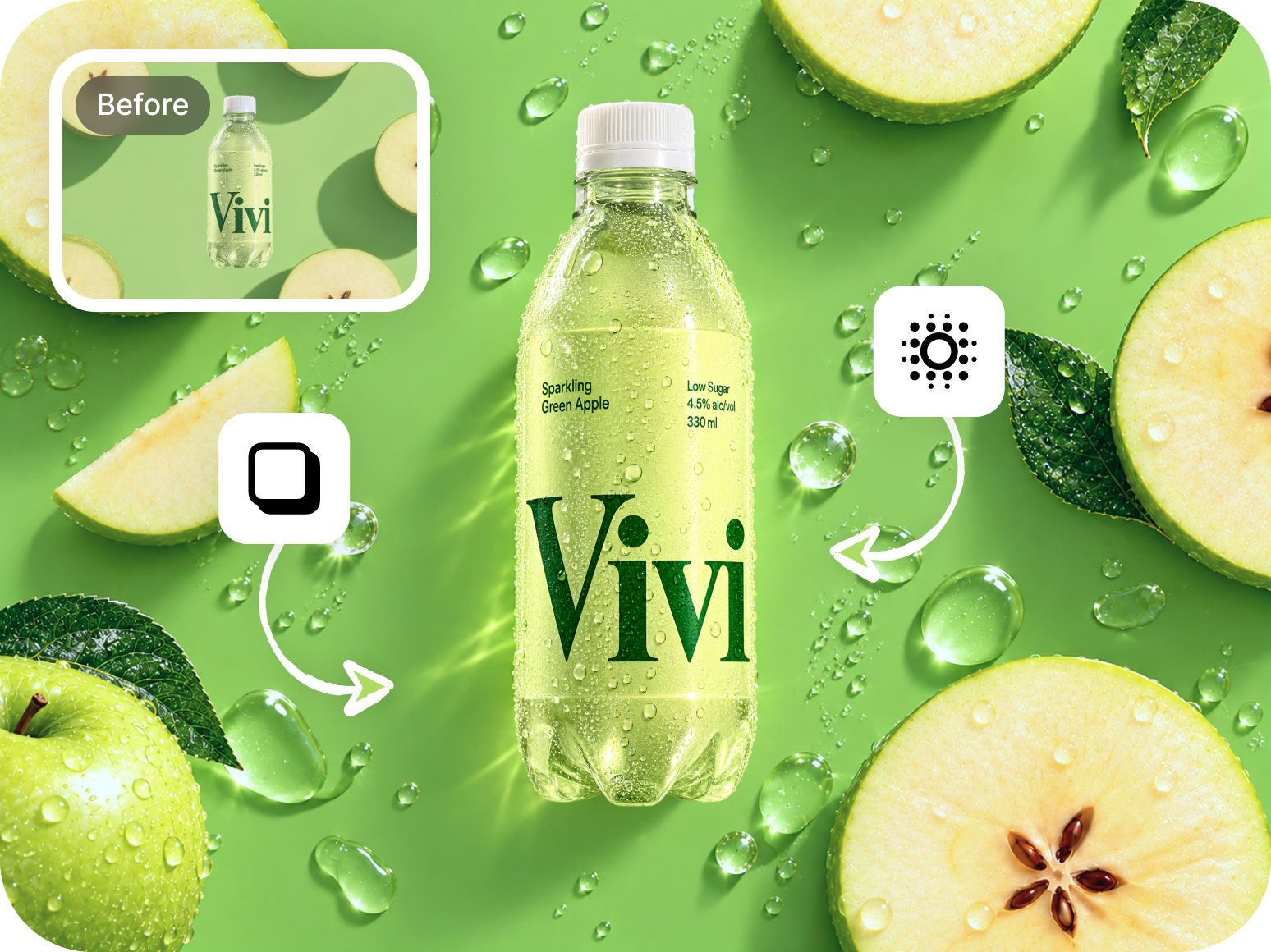
Blend the subject into the new scene and clean leftover edges.
Ground the subject in the scene
Match light direction and intensity
Align tones with the background
Remove hard cutout seams
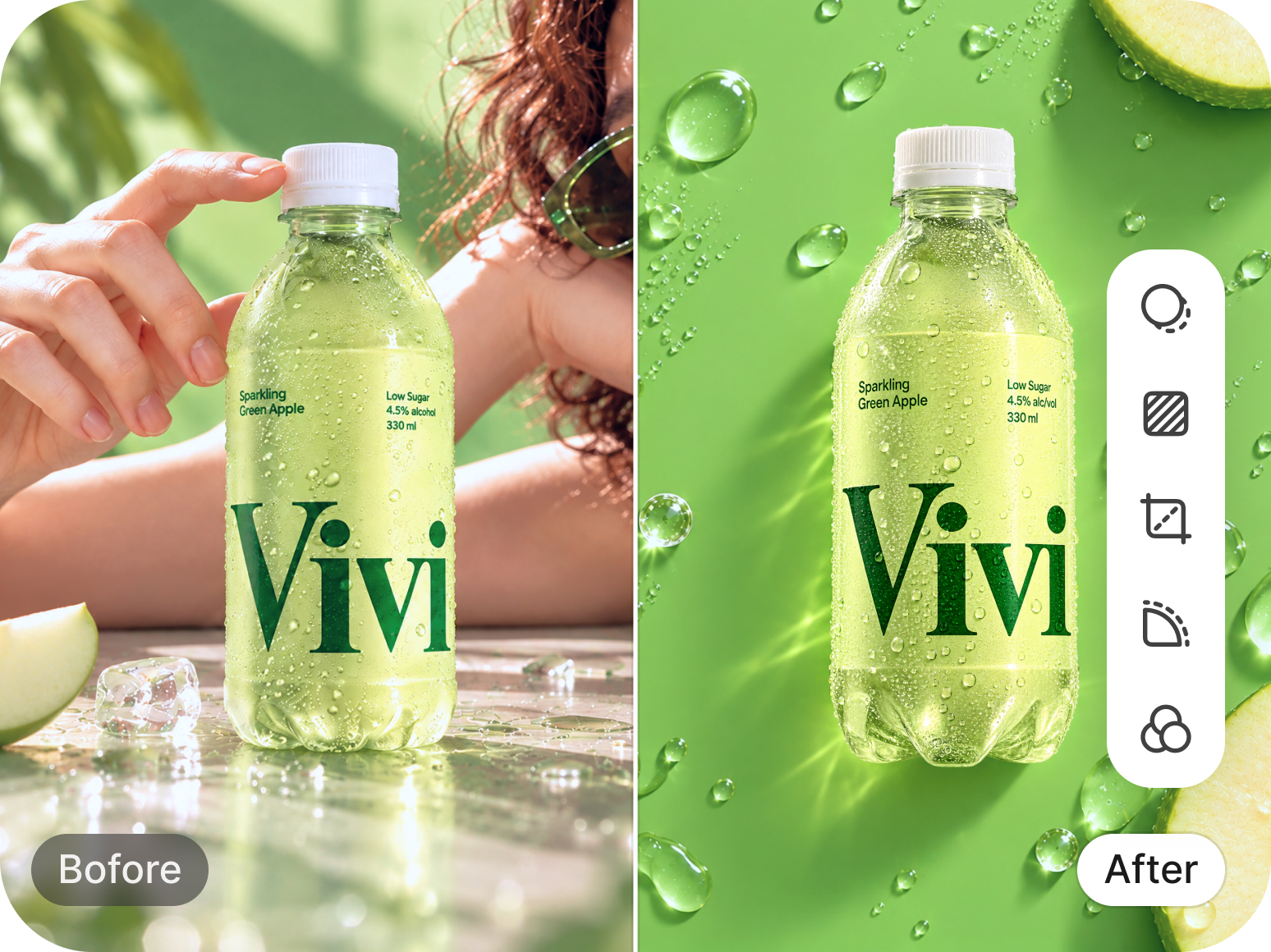
Compare with the original, then erase or restore edges before you export.
Check the result against the source
Remove leftover background bits
Bring back clipped subject areas
Soften or sharpen the cut line
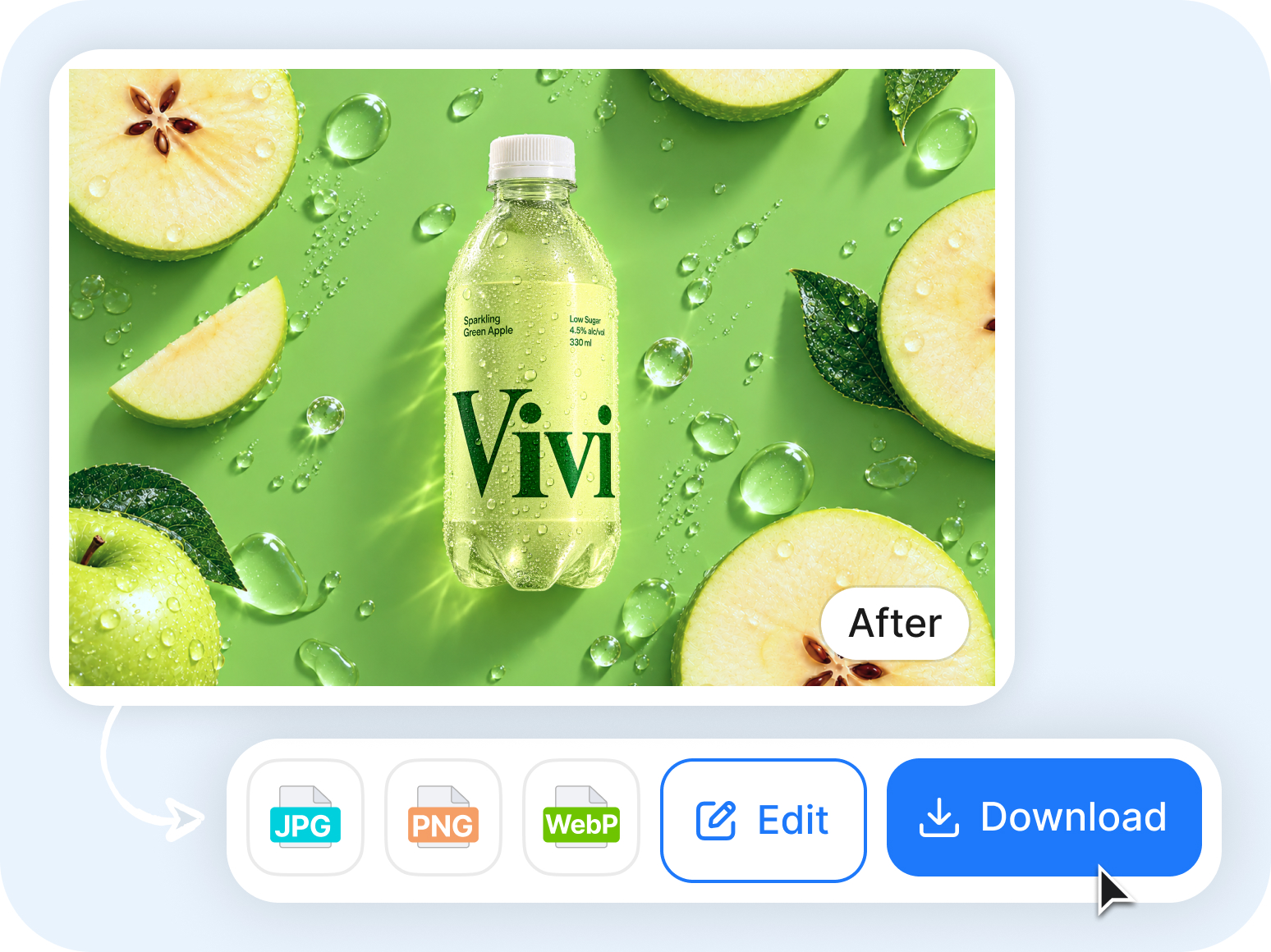
Download transparent or flattened files sized for the channels you use next.
Transparent background
Flattened delivery formats
Take the asset into your next workflow
Product · Social · Ads · Design
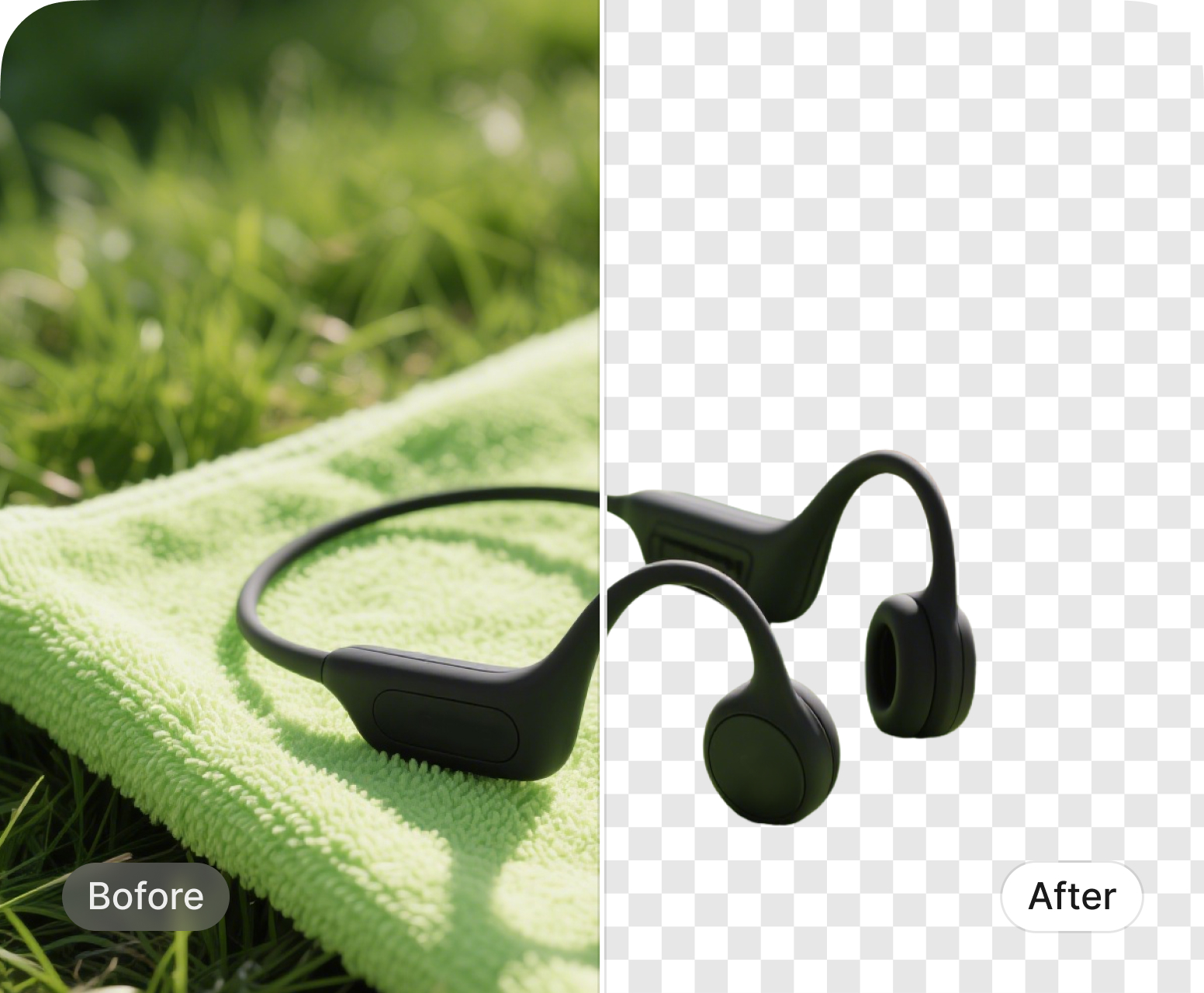
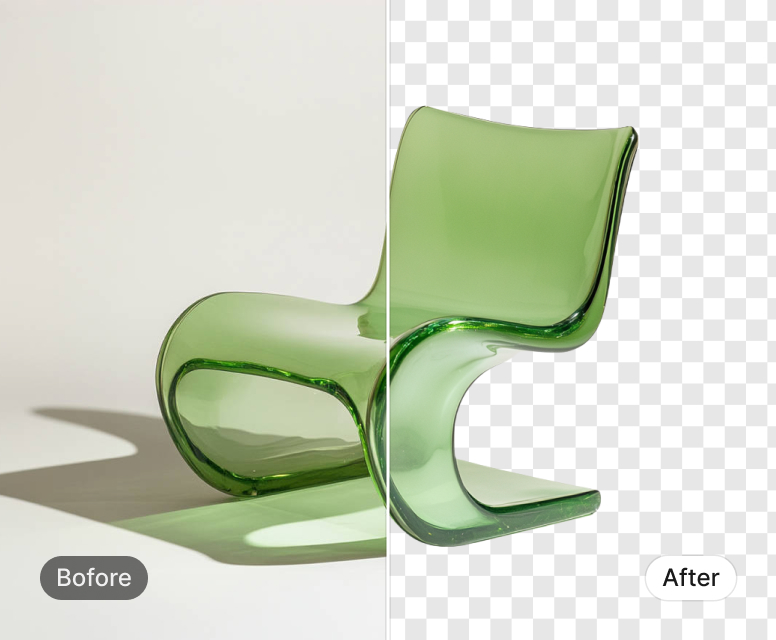
What matters when choosing a Remove.bg alternative, from availability to finished assets.
| What matters | Remove.bg | Designkit |
|---|---|---|
| 1 · Availability right now | ||
| Standalone product | Standalone site ends Dec 1, 2026; background removal is moving to Canva | Available today as a browser-based background remover |
| Getting started | Free low-resolution previews; continued access is moving to Canva | Upload and preview immediately with no signup required |
| Low-res previews | Unlimited low-res previews | Unlimited low-res previews without login |
| Full-resolution downloads | 1 free full-resolution image | 100 free full-resolution images |
| 2 · What you’re actually using it for | ||
| Core job | “I need the background gone.” | “I need a usable image.” Remove the background, then keep editing |
| After the cutout | Change backgrounds, add effects, or continue with other editing features | Change backgrounds, enhance, resize, and continue editing in the same workflow |
| 3 · From photo to finished asset | ||
| Typical path | Upload → remove → download or edit | Upload → remove → edit → resize → export |
| Background options | Transparent, colored backgrounds, templates, and AI-powered background features | Transparent, solid or custom colors, background replacement, and AI-generated scenes |
| Channel-ready output | Output sizes and templates are available, but marketplace/social presets are not the core workflow | Presets for marketplaces and social platforms, including Amazon, Shopify, Instagram, and more |
| 4 · Batch & volume | ||
| Batch workflow | Strong bulk workflows through the desktop app, API, and CLI | Up to 15 images per batch in the background remover, with resize and export in the same workflow |
| 5 · Best fit | ||
| Typical use case | Background removal, API integrations, and high-volume image processing | Product images, social content, marketing assets, and everyday image production |
| Workflow difference | Best when background removal is one step in a larger image-processing or automation stack | Best when you want to remove, prepare, resize, and export images in one workflow |
Standalone site ends Dec 1, 2026; background removal is moving to Canva
Available today as a browser-based background remover
Free low-resolution previews; continued access is moving to Canva
Upload and preview immediately with no signup required
Unlimited low-res previews
Unlimited low-res previews without login
1 free full-resolution image
100 free full-resolution images
“I need the background gone.”
“I need a usable image.” Remove the background, then keep editing
Change backgrounds, add effects, or continue with other editing features
Change backgrounds, enhance, resize, and continue editing in the same workflow
Upload → remove → download or edit
Upload → remove → edit → resize → export
Transparent, colored backgrounds, templates, and AI-powered background features
Transparent, solid or custom colors, background replacement, and AI-generated scenes
Output sizes and templates are available, but marketplace/social presets are not the core workflow
Presets for marketplaces and social platforms, including Amazon, Shopify, Instagram, and more
Strong bulk workflows through the desktop app, API, and CLI
Up to 15 images per batch in the background remover, with resize and export in the same workflow
Background removal, API integrations, and high-volume image processing
Product images, social content, marketing assets, and everyday image production
Best when background removal is one step in a larger image-processing or automation stack
Best when you want to remove, prepare, resize, and export images in one workflow
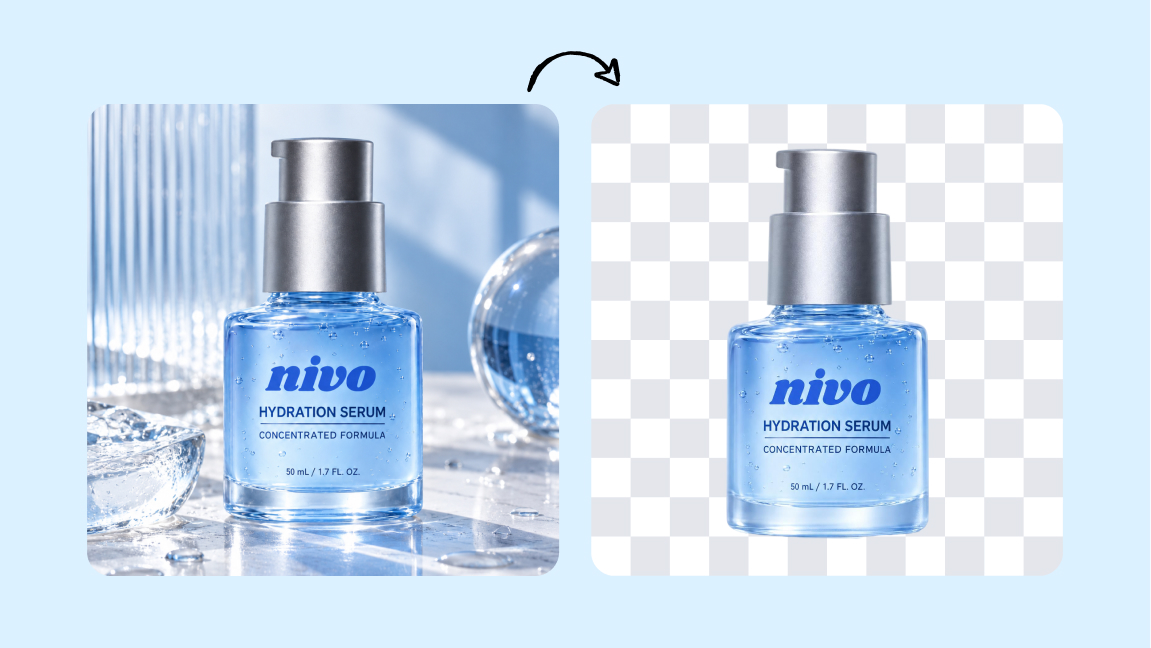
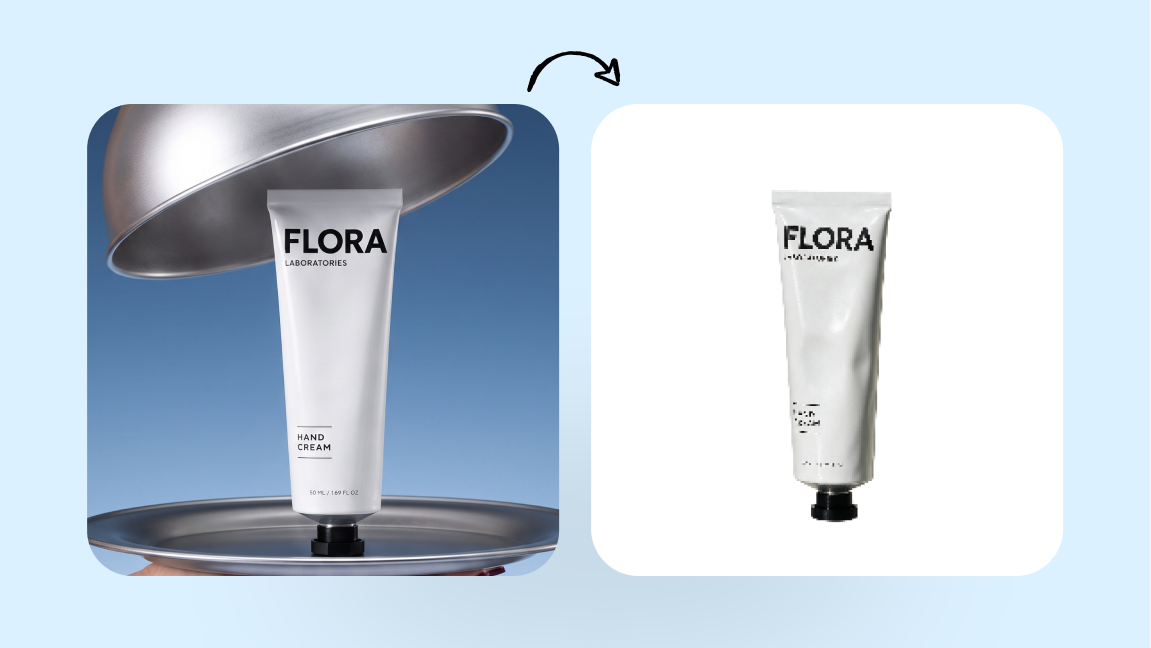
Place your product in new scenes and create studio-quality product photos without another photoshoot. Tool: AI product photography.
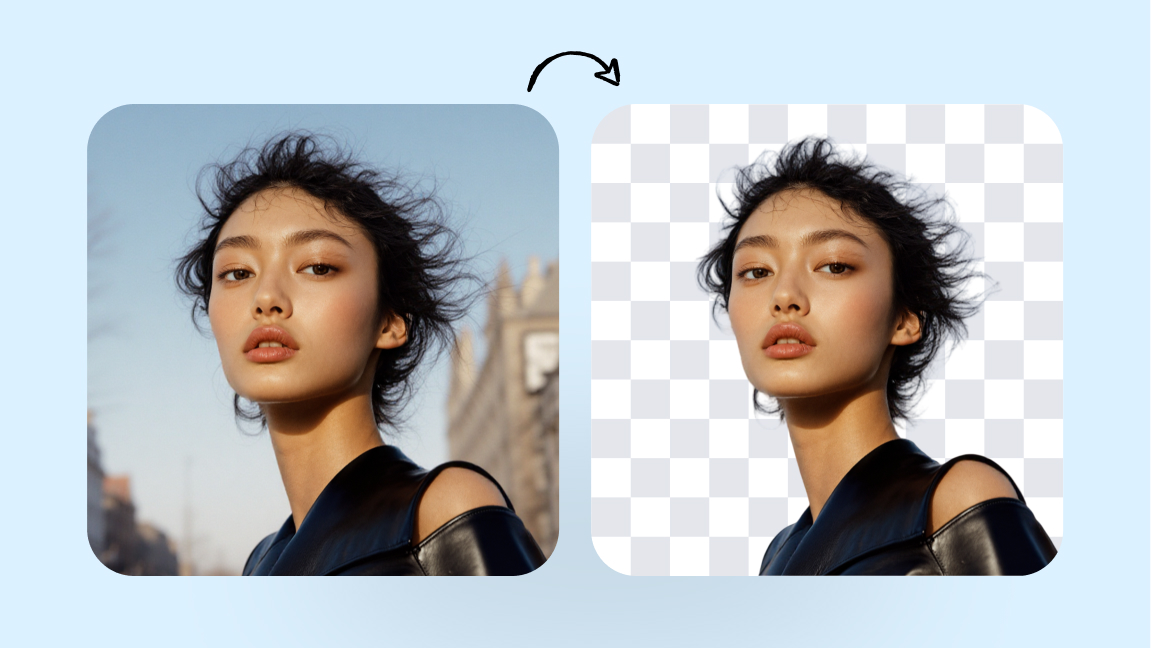
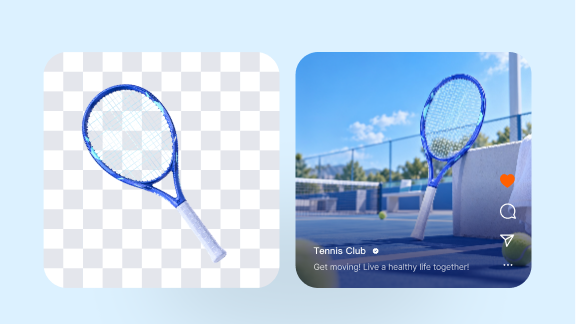
Generate new backgrounds around your cutout for campaigns, product pages, ads, and social content. Tool: AI background generator.
Turn product information into ready-to-use ecommerce listing content for your store or marketplace. Tool: Product listing generator.
Turn product images into videos for ads, social media, and ecommerce campaigns. Tool: AI product video.
Yes. Designkit provides up to 100 free full-resolution background removals per day. Unlike tools that restrict free users to low-resolution previews, Designkit lets users create usable high-resolution cutouts without paying per image.
Designkit offers up to 100 free full-resolution removals per day, batch processing of 15 images, background replacement and ecommerce/social resizing. Remove.bg currently offers free low-resolution web previews up to 0.25 MP and is moving its standalone web experience to Canva on December 1, 2026.
Yes. You can remove the original background, make it transparent or white, and resize images for marketplaces including Amazon, Shopify, eBay and Etsy.
Yes. After removing a background, Designkit can resize images for Instagram, TikTok, Facebook, YouTube and Pinterest, making it useful for ads, posts, thumbnails and creator content.
Yes. Designkit can process up to 15 images in one batch.
No. You can upload and preview a background removal without signing up. Full-resolution downloads may require login.
Remove.bg’s standalone website is scheduled to become unavailable on December 1, 2026 at 9:00 AM CET. Its background-removal service is moving to Canva, while API users are being directed to Leonardo.Ai. API users should review the migration documentation and check authentication, parameters, pricing, and integration requirements before switching.
Test Designkit with your own images.
Get up to 100 free removals per day and process up to 15 images per batch.


