
Best Midjourney Alternatives in 2026: Top AI Image Generators Compared
Looking for a Midjourney alternative? Compare top AI image generators on quality, pricing, editing, and commercial workflows for art, marketing, and business content.

Midjourney has changed how creators generate AI images, offering impressive artistic quality and advanced prompt understanding. However, it may not be the best choice for everyone. Some users look for alternatives because of pricing, workflow limitations, learning curves, or the need for more practical features such as image editing, brand consistency, and commercial content creation.
In this guide, we compare the best Midjourney alternatives in 2026 based on image quality, features, pricing, ease of use, and real-world workflows to help you choose the right AI image generator.
Quick Picks
-
Closest creative playground/free daily usage: Leonardo AI
-
Best text-in-image: Ideogram
-
Best photoreal/API-style generation: Flux
-
Best commercial-safe design workflow: Adobe Firefly
-
Best ecommerce marketing visuals workflow: Designkit
Why are people looking for Midjourney alternatives?
Understanding why creators both praise Midjourney and search for alternatives helps pinpoint exactly what features you need in an AI image tool.
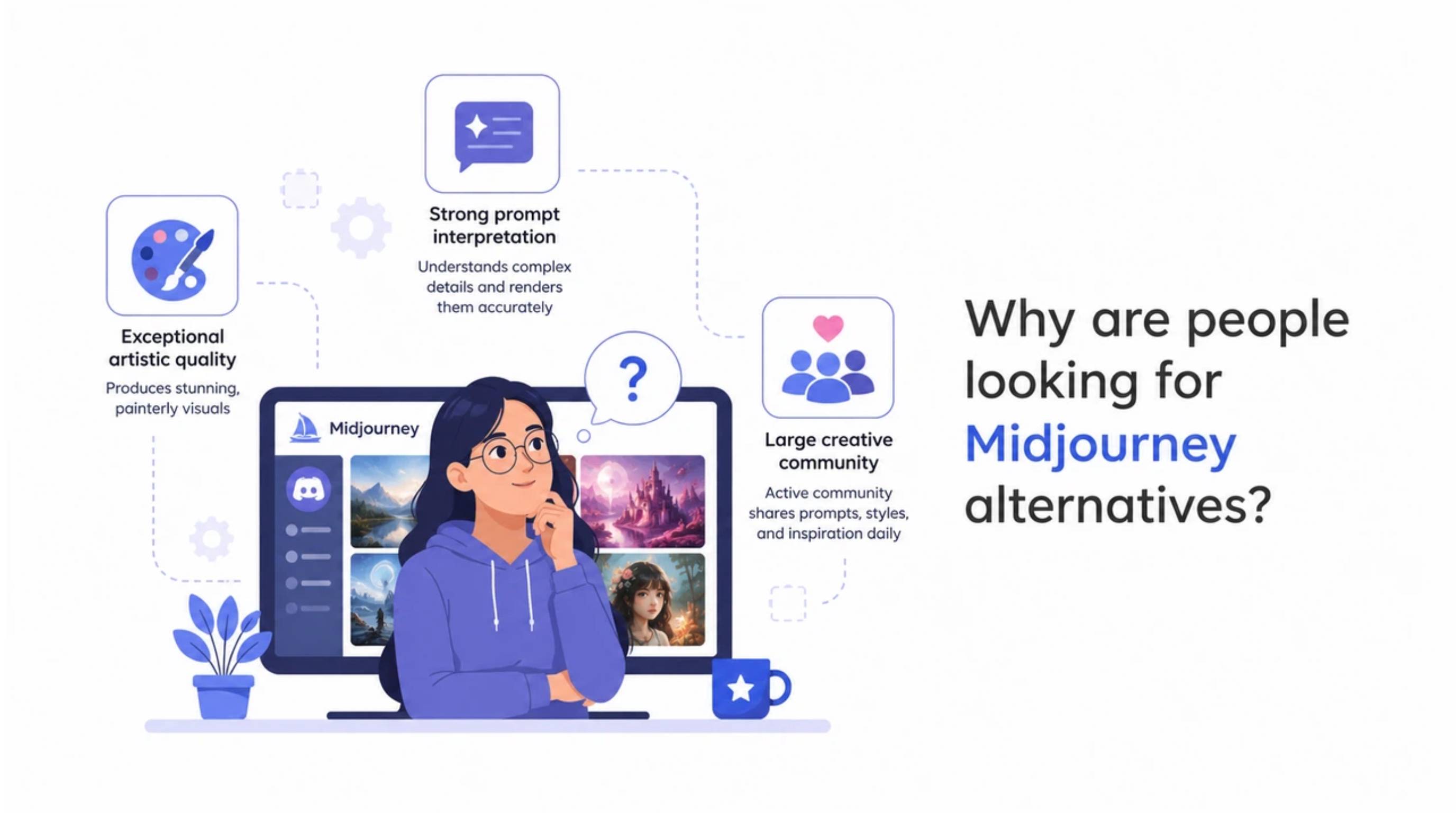
What makes Midjourney popular
-
Exceptional artistic quality: Midjourney consistently generates stunning, painterly, and aesthetically polished visuals that set the standard for AI art. Its default aesthetic turns even simple text prompts into visually captivating artwork.
-
Strong prompt interpretation: The system rarely fumbles complex instructions. It catches tiny details about lighting angles or obscure camera lenses and bakes them right into the scene.
-
Large creative community: A massive, active community shares prompts, styles, and feedback daily across public channels. This makes it easy for new creators to learn techniques and discover visual inspiration from millions of existing creations.
Why users consider an alternative to Midjourney
Here is a quick look at where Midjourney falls short and what you might want from a specialized replacement:
|
The Pain Point |
How Midjourney Operates |
What Users Seek in Alternatives |
|---|---|---|
|
Learning Curve |
Requires complex parameter codes (e.g., --v 6) |
Simple conversational prompts or template-based generation |
|
Workflow Friction |
Exclusively Discord-based chat interface |
Dedicated web apps with asset management dashboards |
|
Commercial Accuracy |
Prioritizes artistic style over brand guidelines |
Strict brand consistency and identical product preservation |
|
Editing Speed |
Requires regenerating or complex inpainting |
Built-in canvas tools for fast regional tweaks and resizing |
|
Pricing |
Paid subscription required to generate images |
Generous daily free tiers or permanent free usage options |
Who should consider another AI image generator
-
Marketers: Growth managers who need multi-size ad sets, rapid A/B testing variations, and high-converting text overlays will benefit from specialized marketing platforms.
-
Ecommerce businesses: Store owners need exact product fidelity, background removal, and listing-ready lifestyle shots rather than stylized artistic interpretations of their products.
-
Designers: Creative professionals who require vector outputs, transparent backgrounds, or native Photoshop integration will find tailored design tools much more efficient.
-
Content creators: Social media managers who prioritize fast text-in-image generation and intuitive web interfaces can work much faster outside of a chat app.
-
Small businesses: Teams looking for commercially safe training data, copyright peace of mind, and flexible free tiers should explore targeted alternatives.
Top 8 Midjourney alternatives worth trying in 2026
Here is a quick review of the top tools available right now.
|
Tool |
Best For |
Image Quality |
Editing Features |
Commercial Use |
Free Plan |
|---|---|---|---|---|---|
|
Leonardo AI |
Creative art/game-like assets |
Excellent |
Medium |
Yes (on paid tiers) |
Yes (daily limits) |
|
Ideogram |
Text-in-image, posters, ads |
Excellent for text |
Medium |
Yes |
Yes |
|
Flux |
Photoreal/flexible pipelines |
Excellent realism |
Limited (varies by host) |
Depends on host |
Depends on host |
|
Adobe Firefly |
Pro design + safer licensing |
Good–Strong |
Strong |
Yes |
Limited |
|
DALL·E/ChatGPT Images |
General generation in chat |
Good |
Strong |
Yes |
Via Plus plan |
|
Stable Diffusion |
Max control/local |
Excellent (model dependent) |
Depends on setup |
Yes |
Yes (self-hosted) |
|
Recraft AI |
Design assets/vectors |
Strong for design |
Medium–Strong |
Yes |
Yes (with limits) |
|
Designkit |
Ecommerce & marketing |
Good for product/marketing |
Strong for production |
Yes |
Yes |
A specific look at Midjourney alternatives: key features and best for
1. Leonardo AI
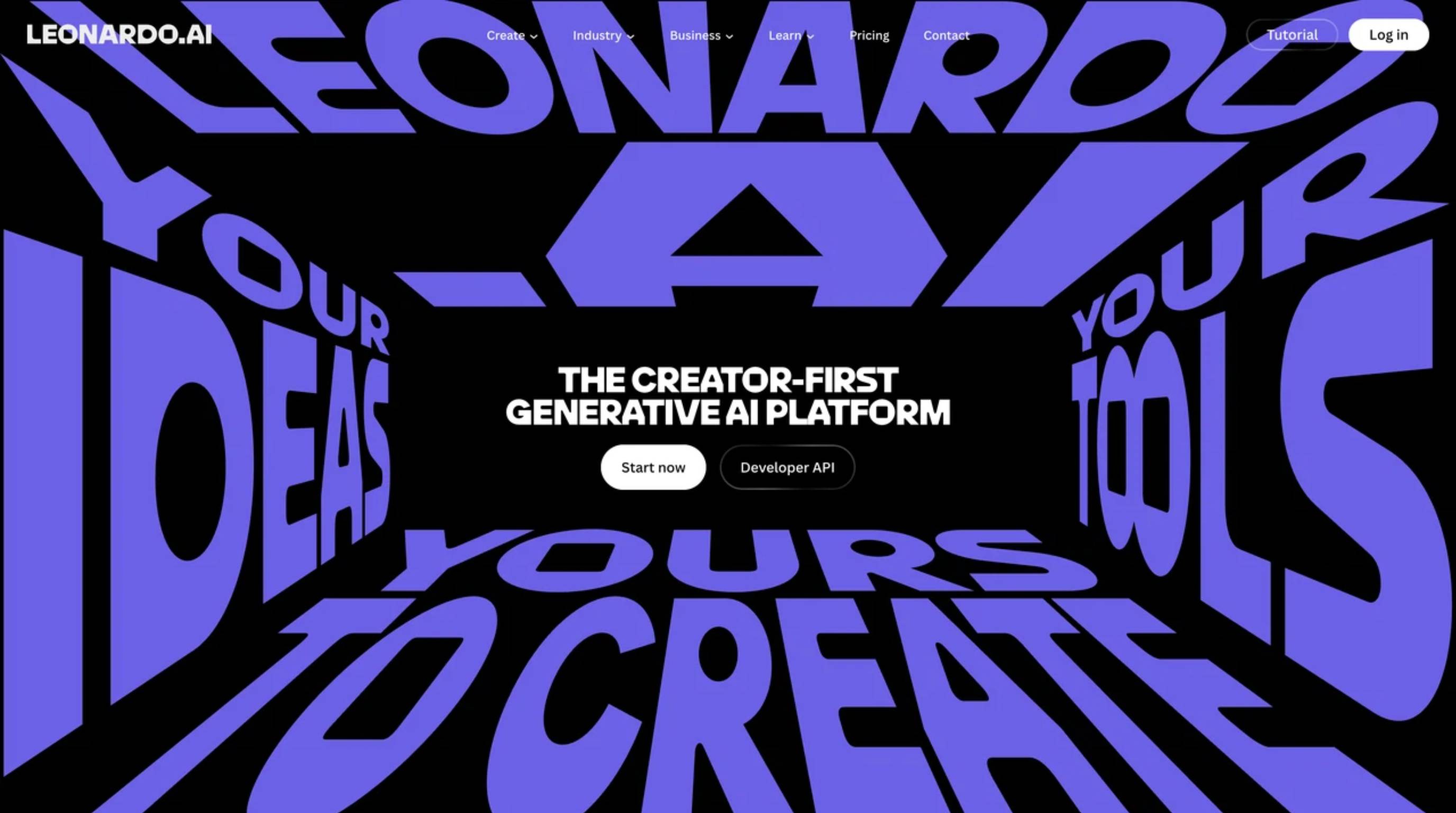
Leonardo removes the headache of Discord by providing a beautiful web-based interface. It serves as a stellar Midjourney AI alternative packed with custom-tuned models tailored for specific visual styles, including pixel art and photorealism. Since daily free tokens are provided, experimenting with different aesthetics happens easily without burning through an entire creative budget just to test a prompt.
Key Features:
-
Refreshes free generation tokens every single day.
-
Offers specific visual models to match desired vibes.
-
Real-time canvas editing to tweak images on the fly.
-
Pose-to-image control that mimics uploaded reference shots.
Best for: Creative art, concept design, and game assets.
2. Ideogram
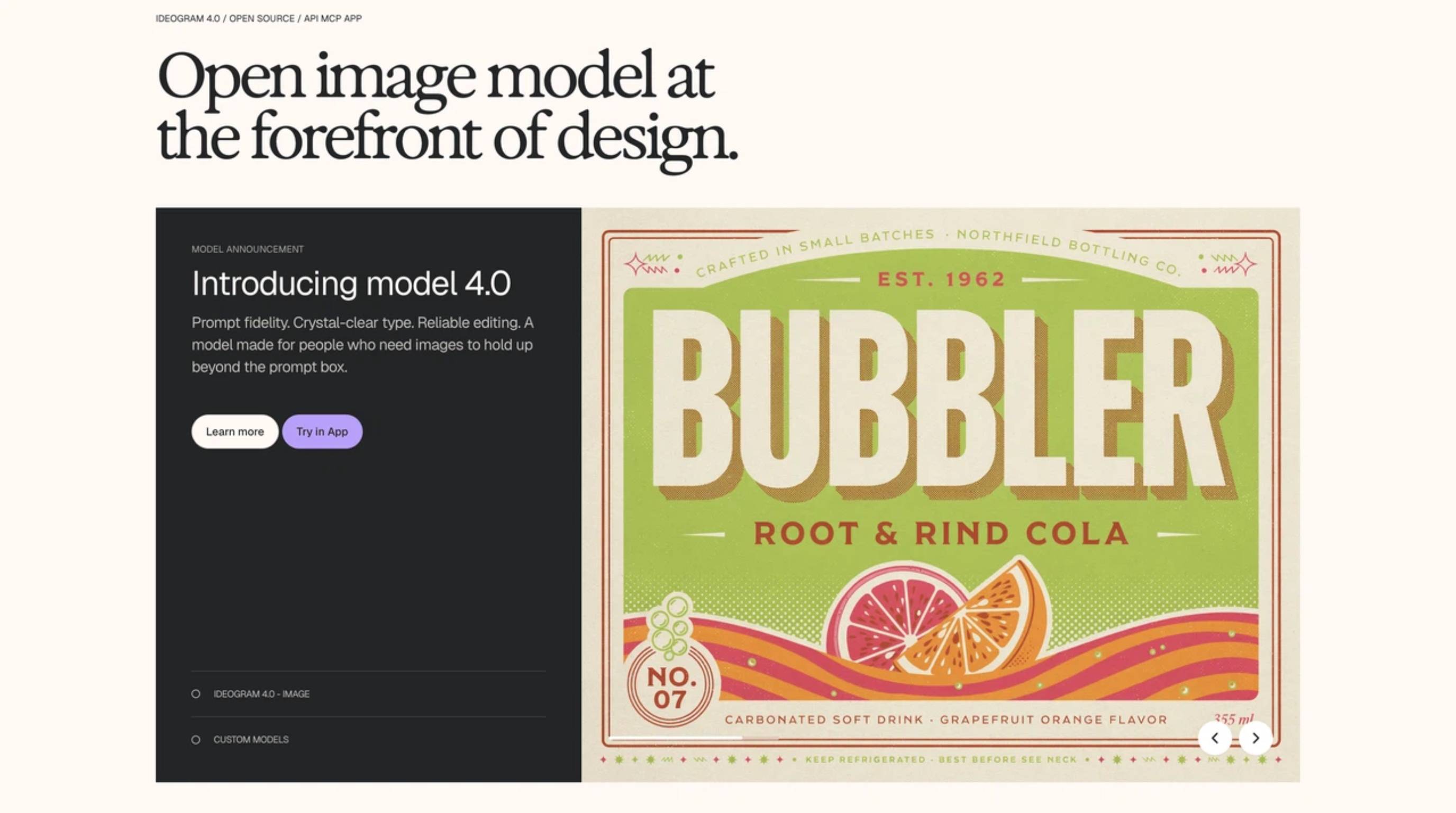
Generating images with text usually ends in a scrambled, misspelled mess. Ideogram fixes that completely. For teams throwing together promotional posters, funny memes, or social media ads where the typography simply must be correct, this tool nails it. It reads text prompts flawlessly and paints the letters perfectly into the scene, solving a major hurdle for graphic designers.
Key Features:
-
Flawless text rendering right inside the generated image.
-
A Magic Prompt feature that automatically spices up basic ideas.
-
Clean, Pinterest-style feed that makes browsing past generations easy.
-
Deep understanding of modern graphic design and typography trends.
Best for: Posters, typography-heavy ads, and readable text visuals.
3. Flux
Flux basically broke the internet upon release, immediately setting a new benchmark for hyper-realism. Built by a crew of open-source veterans, it handles complex instructions effortlessly and gets human anatomy, especially hands and skin textures, right almost every time. It remains highly flexible, meaning developers can easily plug the model right into custom workflows or backend commercial pipelines.
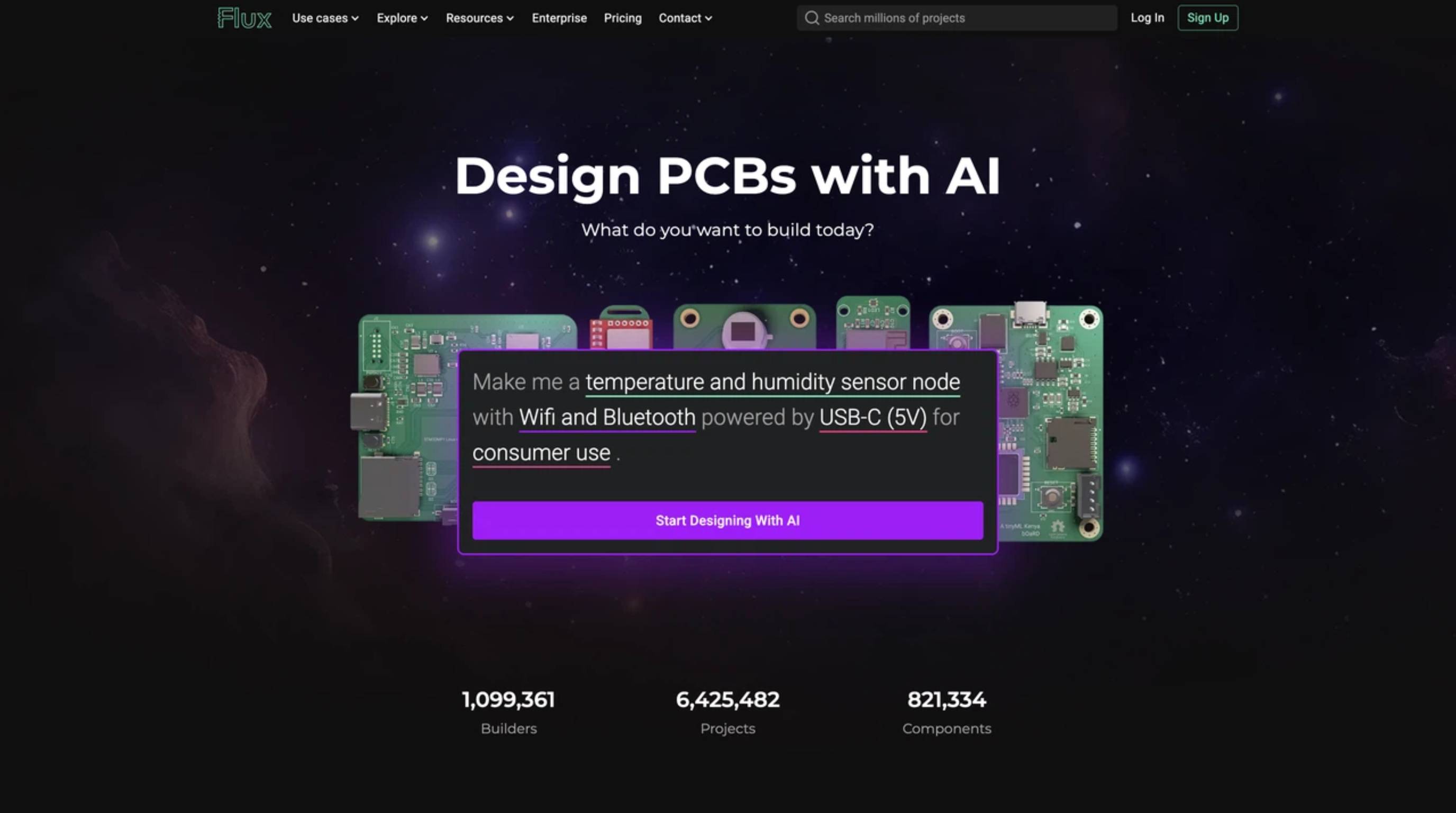
Key Features:
Unbelievable photorealism that genuinely fools the eye.
Listens perfectly when prompts ask for multiple subjects in one shot.
Comes in different versions (Pro, Dev, Schnell) depending on speed needs.
Perfect for API integrations and custom backend builds.
Best for: Photorealistic generations and flexible API-style workflows.
4. Adobe Firefly
For anyone working primarily inside Photoshop, Firefly represents the perfect alternative to Midjourney. Adobe built this generative engine entirely on licensed stock imagery, meaning enterprise teams can utilize the outputs without sweating over copyright lawsuits. Additionally, generative fill functions native to existing design files allow for seamless additions or removals of objects without leaving the familiar software environment.
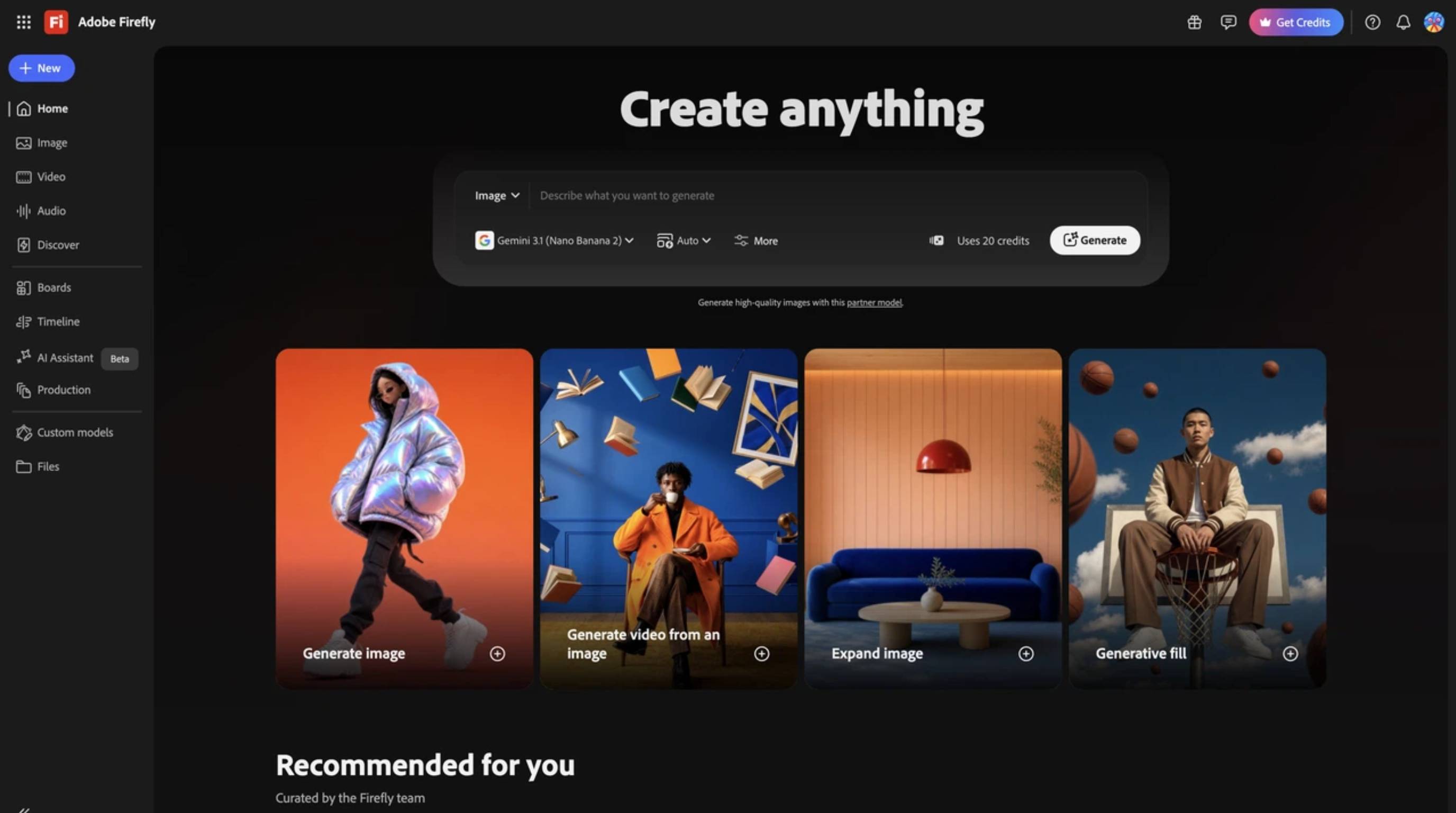
Key Features:
-
Trained strictly on safe, licensed content to prevent legal headaches.
-
Lives right inside Photoshop and Illustrator menus.
-
Wildly useful text-effect and generative recoloring tricks.
-
Matches the style of an uploaded reference image instantly.
Best for: Professional designers requiring safe licensing and deep editing integration.
5. DALL·E (ChatGPT Images)
DALL-E 3 remains arguably the most approachable tool on the market because it lives right inside ChatGPT. Instead of typing out weird slash-commands, generating visuals only requires asking the bot a simple question. If the picture isn't quite right, chat instructions, like "Make the car red instead of blue", handle the correction instantly.
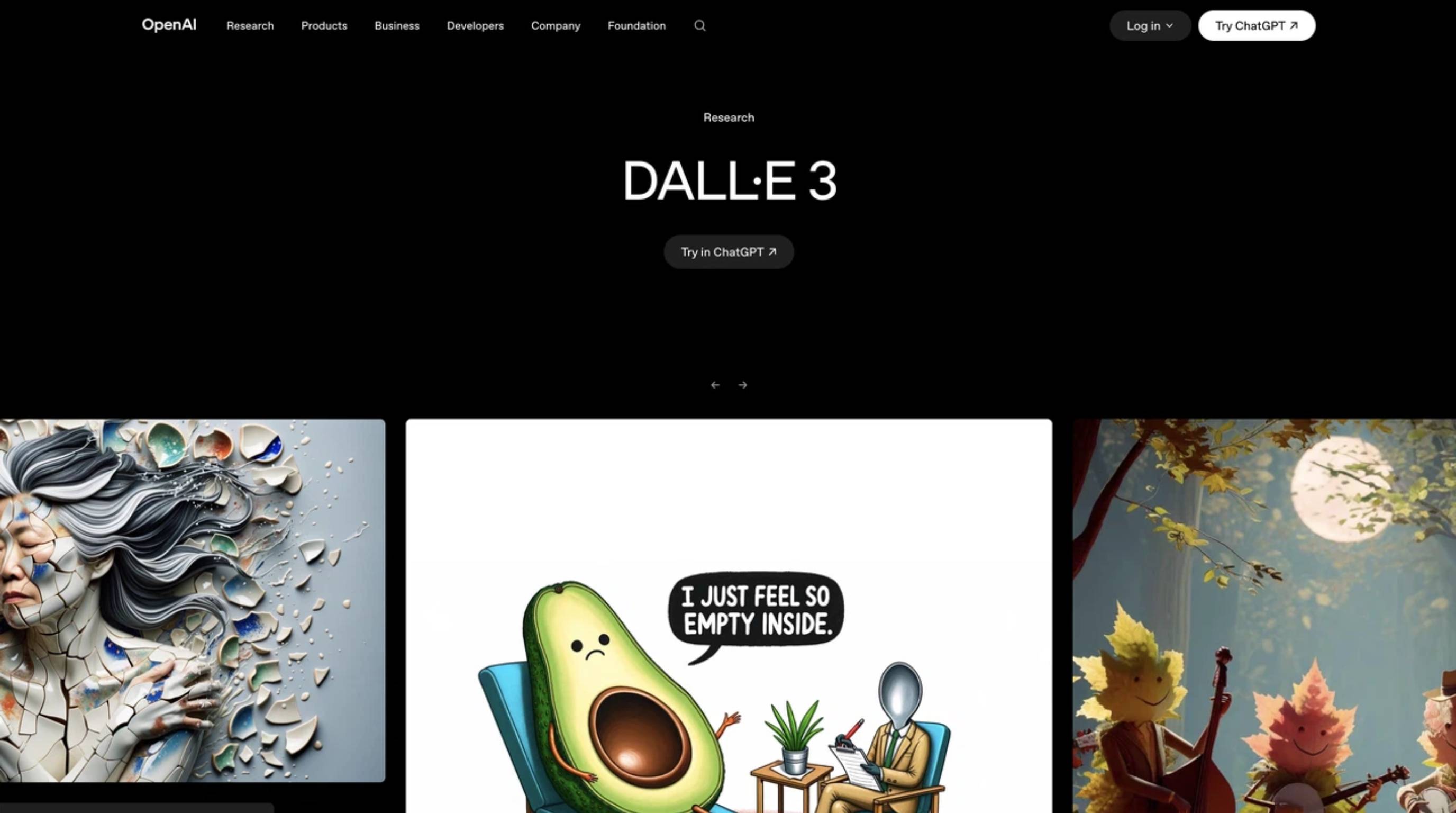
Key Features:
-
Fully conversational setup that feels completely natural to use.
-
Excellent at understanding narrative and storytelling prompts.
-
Allows selecting parts of the image right in the chat for quick edits.
-
Requires absolutely zero experience with prompt engineering.
Best for: General generation in a chat workflow and absolute beginners.
6. Stable Diffusion
Stable Diffusion is the heavy-duty, completely uncensored king of local AI generation. While a beefy graphics card is required to run it well, it grants total, absolute structural control over the final render. Creators can train it on specific faces, dictate exact character poses with ControlNet, and skip paying subscription fees forever since it runs entirely offline.
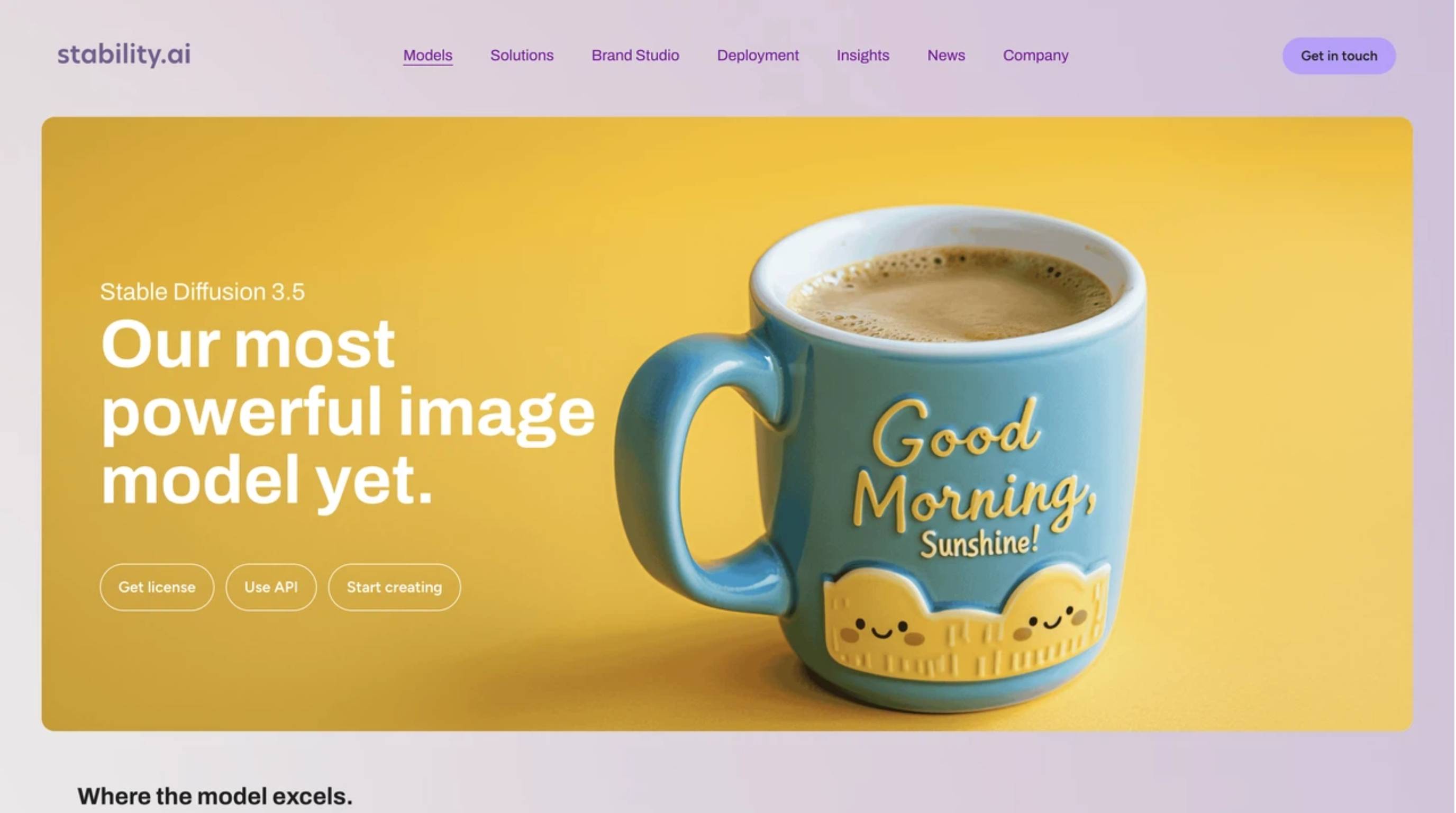
Key Features:
-
100% open-source software installed on a local hard drive.
-
Total structural control using advanced plugins like ControlNet.
-
Thousands of community-made models (LoRAs) available to download for free.
-
Complete privacy since nothing gets sent to a cloud server.
Best for: Power users, developers, and creators needing absolute local control.
7. Recraft AI
Most generators spit out flat JPEG or PNG files, which creates a nightmare when scaling a logo up for a billboard. Recraft changes the game by outputting crisp, infinitely scalable vector graphics (SVGs). It is heavily geared toward working designers who need to build out cohesive brand kits, crisp icons, and vector illustrations while maintaining strict aesthetic continuity.
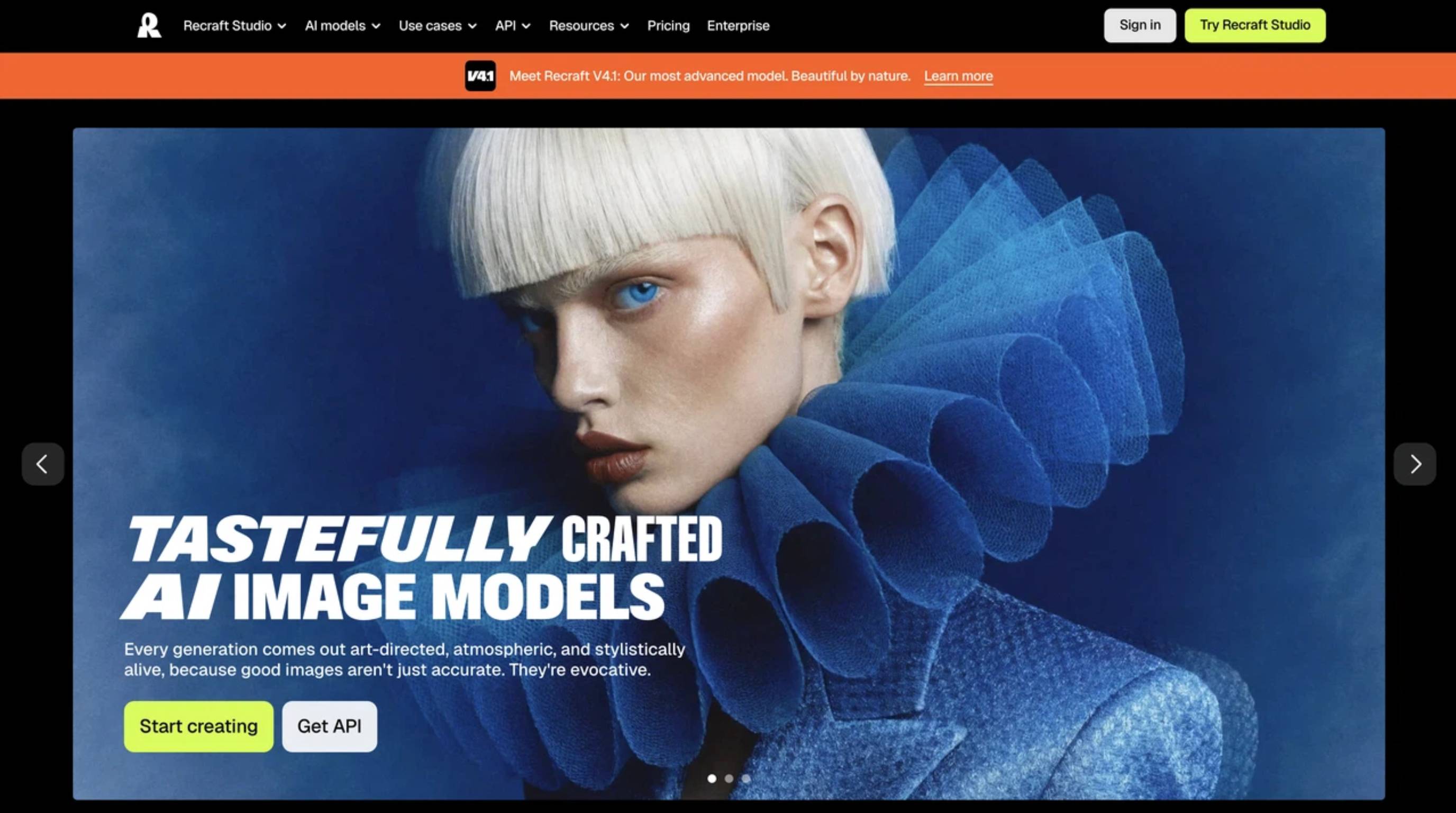
Key Features:
-
Actually exports clean vector SVG files, not just pixels.
-
Allows setting up a brand board so everything matches visually.
-
Quick and painless mockup generation for client presentations.
-
Infinite canvas workspace to drag, drop, and organize assets.
Best for: Brand designers, UI/UX professionals, and vector asset creation.
8. Designkit
When selling physical goods, artistic flair takes a backseat to accuracy. Designkit serves as a top AI product image generator built entirely for commerce. It takes actual, real-world product photos and builds hyper-realistic marketing scenes around them, without mutating the item. Finally, ready-to-run ad creatives get produced rather than just random, unusable artistic concepts.
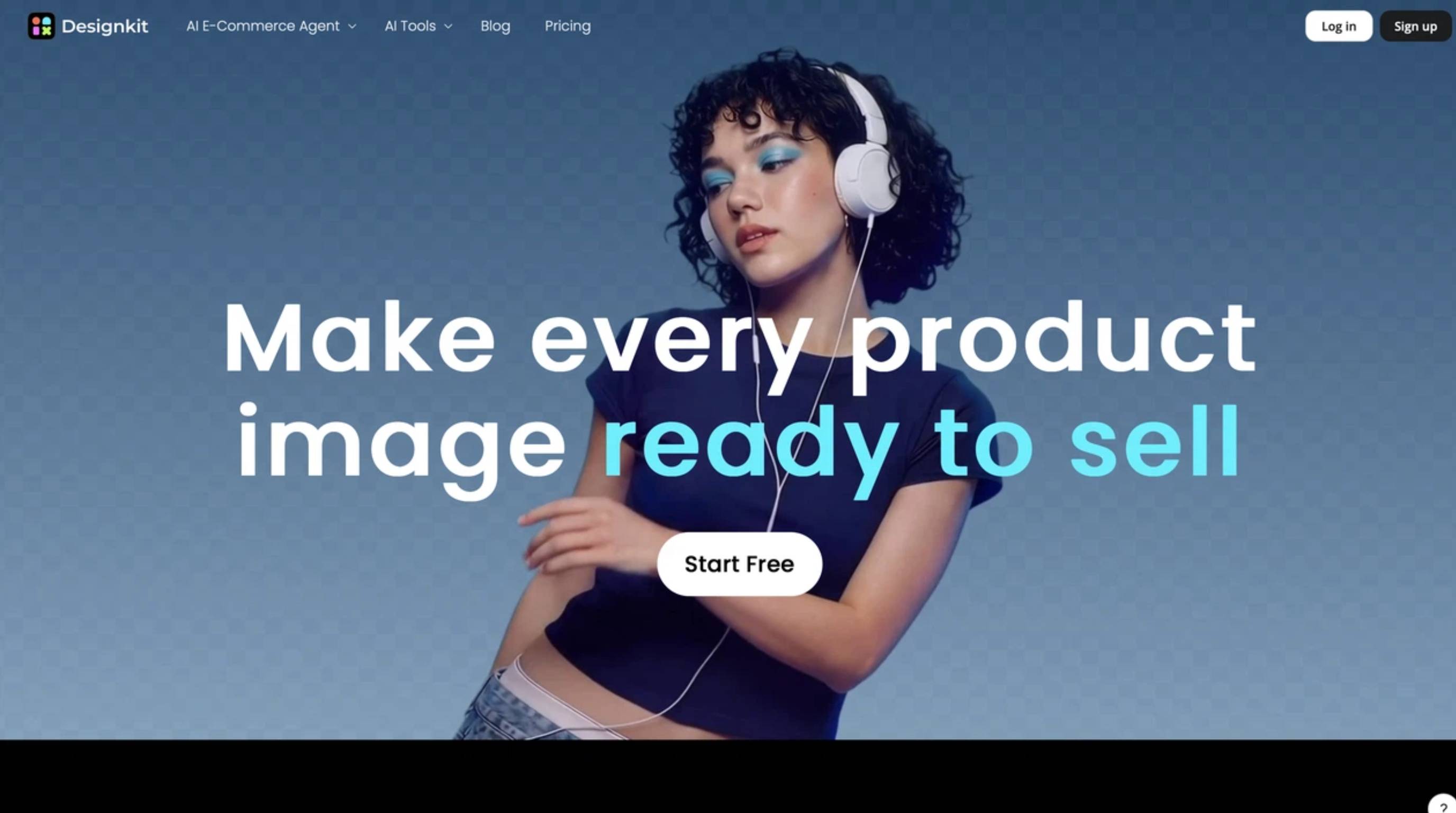
Key Features:
-
Full pipeline going straight from a raw product shot to a finished ad.
-
Locks in product details so the system doesn't accidentally change them.
-
Automatically snaps the new design into different social media aspect ratios.
-
Generates matching marketing copy alongside the completed visuals.
Best for: Ecommerce brands and marketers needing production-ready campaign assets.
Midjourney alternatives for different users
Choosing the right platform often comes down to specific skill levels and end goals.
Best for beginners
If getting started quickly without memorizing commands is the goal, DALL·E / ChatGPT Images and Leonardo AI are incredibly forgiving. They basically translate plain English into exactly what the generation engine needs to hear.
Best free Midjourney alternative
Hunting for a free Midjourney alternative usually leads to a few solid paths. Stable Diffusion costs exactly zero dollars when run locally on a strong computer. For web-based solutions, both Leonardo AI and Ideogram hand out daily free credits. Just keep an eye on their terms of service if those free images are intended for commercial sales.
Best for professional designers
If a Creative Cloud subscription is already active, Adobe Firefly is a no-brainer since it sits directly inside the apps designers use every day. When vectors or strict design systems are required, adding Recraft AI to the daily rotation makes perfect sense.
Best for businesses/ecommerce marketing
Brands cannot afford hallucinations where a sneaker suddenly sprouts a third lace. Designkit dominates here because it actually protects the core product visually. If an enterprise is paralyzed by copyright fears, Adobe Firefly guarantees legal safety for broader graphic design work.
Best for readable text in images
Struggling with misspelled words on graphics ends quickly with Ideogram. It currently sits light-years ahead of the competition when it comes to spelling things correctly on posters and meme templates.
Create business-ready visuals beyond AI image generation
Midjourney is ridiculously good at making pretty pictures, but real business requires more than just raw visuals. Marketing operators actually need to swap out backgrounds, erase stray objects, re-crop everything for Instagram, and prep assets for a massive product launch.
That's where standard generators hit a brick wall. Designkit bridges this gap by merging creation with a full-scale AI photo editor. It helps brands push a basic product shot all the way through to a finalized, high-converting ad set.
How to create AI visuals with Designkit
Follow this workflow to turn a simple product shot into a multi-size ad set.
Step 1: Upload your product images
Upload a clean product photo, like a flat lay or white-background image, to the main dashboard. Designkit automatically analyzes the image to isolate your item and recognize key details like shape and branding. This creates a razor-sharp, transparent foundation, ensuring the AI uses your actual product as the baseline so shoppers get exactly what they see.
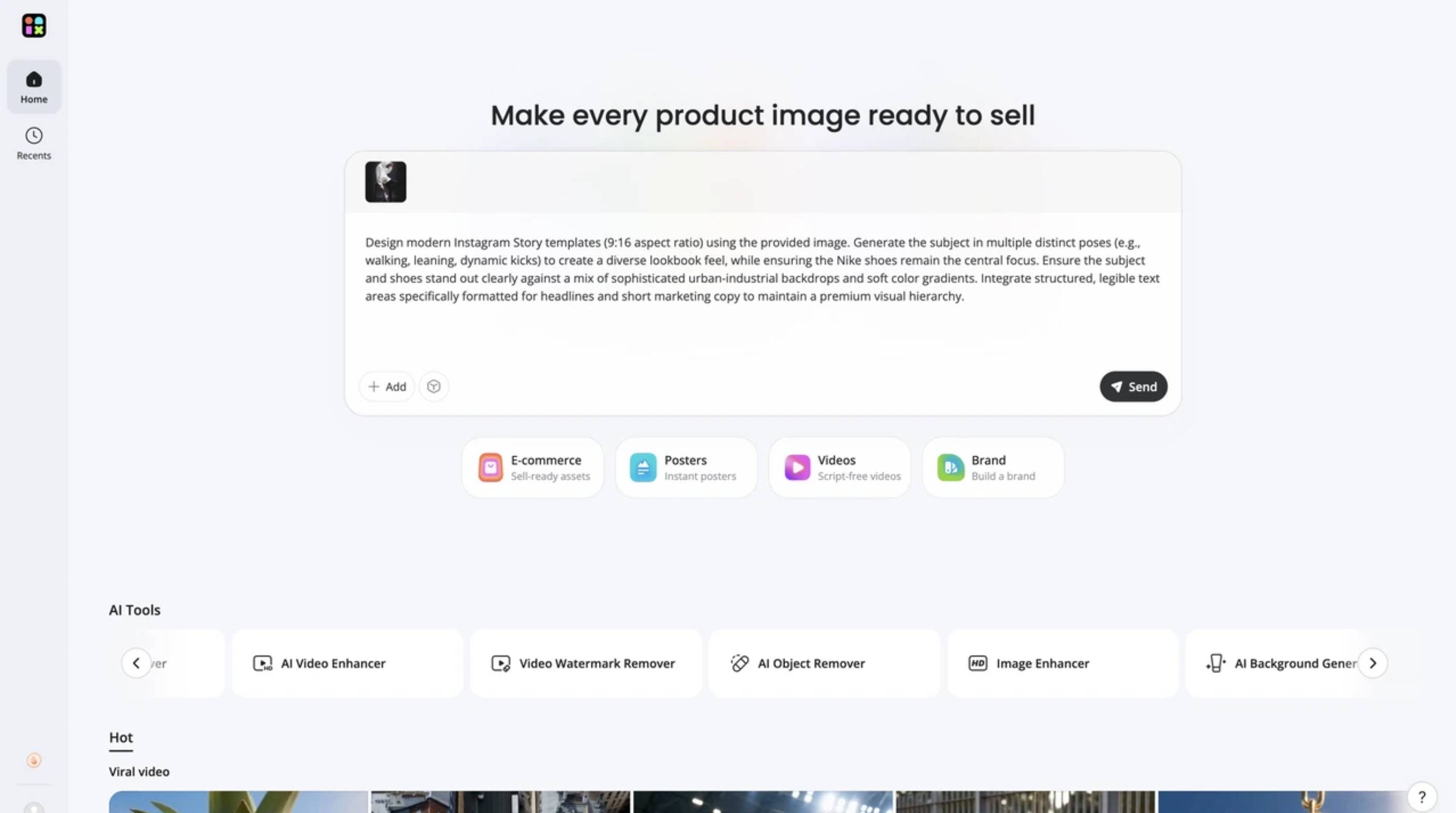
Step 2: Generate AI-powered marketing assets
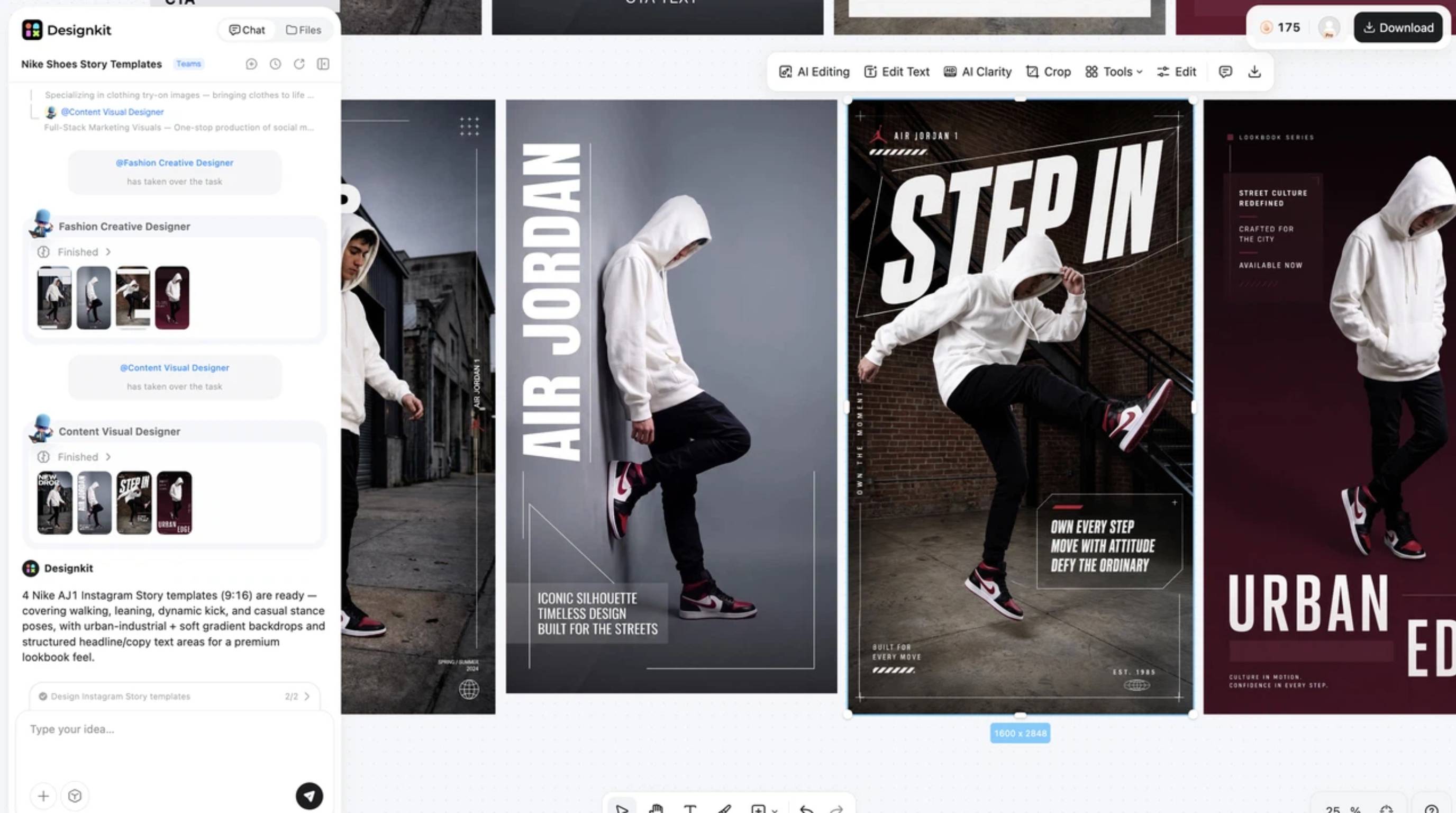
Decide on the creative assets you need, such as lifestyle scenes or marketing videos. Type your campaign vibe and selling points into the prompt field, select your media type, and hit send. Designkit will quickly generate a batch of professional, AI-crafted visuals perfectly tailored to your specifications with your product seamlessly integrated.
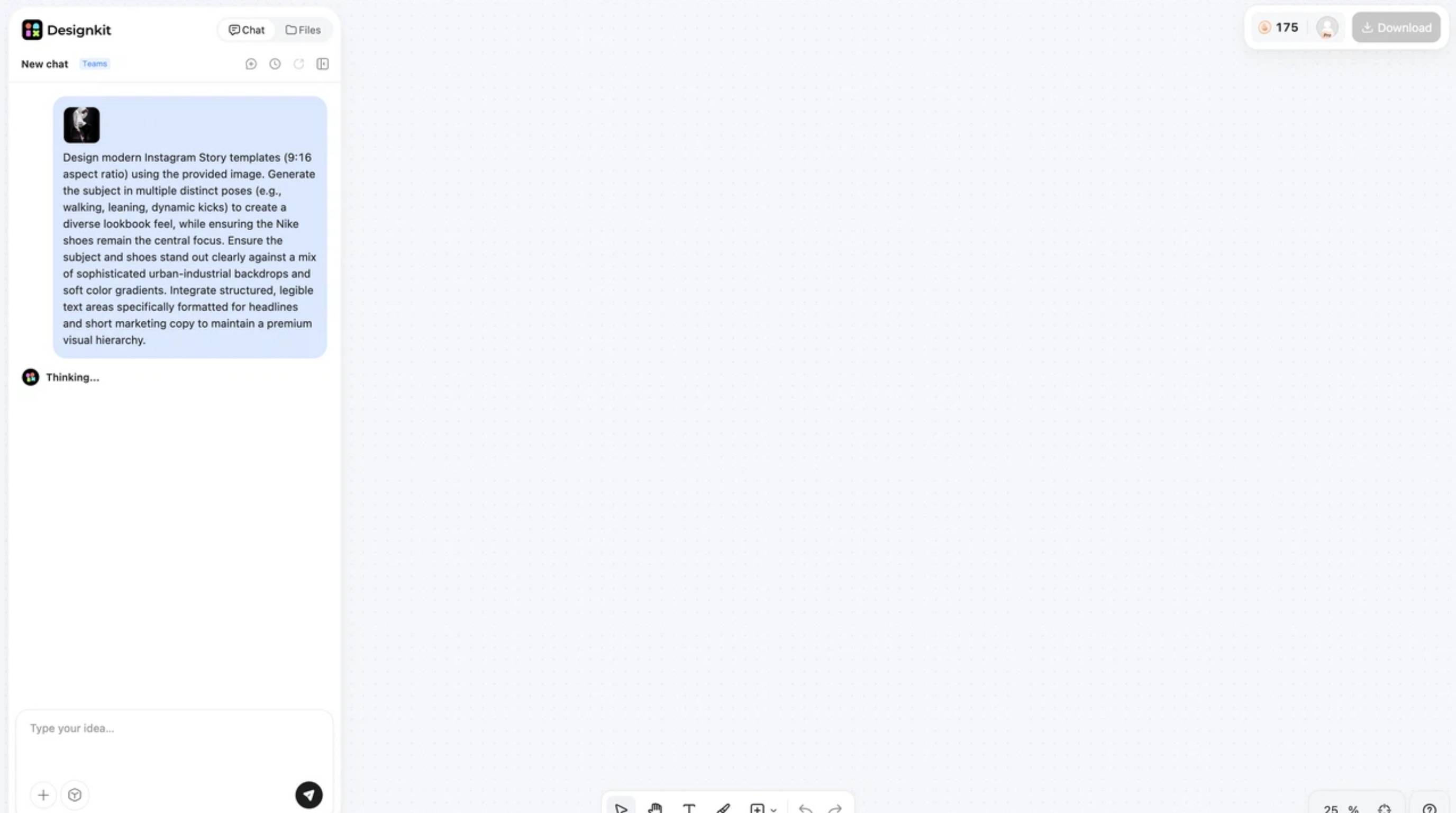
Step 3: Export for every sales channel
Preview your generated assets directly in the interface. Once you are happy with the results, select the layouts you need for different platforms and click the "Download" button at the top right. You will instantly get high-quality, channel-ready files perfectly sized for your ecommerce stores, marketplaces, and ad campaigns.
Create Business-ready Visuals Free
Common mistakes when choosing a Midjourney alternative
Avoid these pitfalls when migrating a workflow to a new platform.
Choosing only based on image quality
A tool might create stunning landscapes, but if you cannot easily add your brand logo or fix a tiny rendering error, it becomes useless for daily business operations. Prioritize workflow and editing capabilities alongside aesthetic quality.
Ignoring commercial usage rights
Not all AI models permit commercial use, especially on their free tiers. Always check the licensing agreements. Using non-commercial assets in your paid ad campaigns can lead to takedowns or legal issues.
Forgetting editing and production needs
Many users hunt for free alternatives to Midjourney but forget that generating the image is only step one. You still need to add text, adjust colors, and crop for different platforms. Choosing a tool with a built-in product visual AI workspace saves you from paying for a secondary tool and keeps your entire process in one window.
Not considering speed, UI, or team workflow
Trying to collaborate with an art director inside a fast-moving Discord channel is a special kind of torture. Look for web-based platforms that actually have team folders, shared asset libraries, and a normal user interface.
Final thoughts
At the end of the day, there isn't one magical tool that crushes the competition in every category. The "best" option depends entirely on whether indie video game assets, funny social posts, or high-volume ecommerce ads are being created.
While systems like Flux deliver insane photorealism, platforms like Designkit are built for the daily grind of running a business. Figuring out exactly where the daily bottleneck lives, matching it to the right platform, and adapting the workflow will cause production speed to skyrocket.
Frequently Asked Questions
What is the best Midjourney alternative in 2026?
Is there a free alternative to Midjourney?
Absolutely. Stable Diffusion is 100% free as long as a computer is strong enough to run it locally. For cloud-based platforms, both Leonardo AI and Ideogram give users a daily allowance of free credits.
Which Midjourney alternative creates the most realistic images?
Right now, Flux takes the crown. It handles tricky elements like human skin textures, realistic lighting, and actual human hands far better than almost everything else on the market.
What is the best Midjourney alternative for businesses?
Because branding needs to stay consistent and products must look accurate, Designkit is arguably the smartest route. It keeps the actual item intact while generating the lifestyle scene around it.
Can AI image generators be used commercially?
In most cases, yes, provided a paid subscription tier is active. Always read the fine print. For absolute zero-risk commercial safety, Adobe Firefly is the safest bet since it is trained on cleared stock assets.
Which Midjourney alternative is easiest for beginners?
DALL·E 3 via ChatGPT is basically foolproof. No weird prompting codes need to be learned; instructions are given just like talking to a normal person.
Is there a Midjourney alternative with built-in editing tools?
Yes, quite a few platforms realized users hate jumping between apps. Designkit has heavy-duty layout and resizing tools built right in, while Adobe Firefly and Leonardo AI both offer fantastic drag-and-drop canvas editing.
Can Midjourney alternatives create product images?
Most of them struggle heavily with this because they tend to "hallucinate" and alter the product's shape. Doing it right requires a specialized tool that removes the original background and builds a scene without touching the product's pixels.
You May Also Like

7 Best Remove.bg Alternatives in 2026: Free & Paid Tools

Instagram Carousel: What It Is, How to Post & Create One

Nano Banana Prompts: 20+ Examples for Better AI Images

Ideogram AI Review 2026: Features, Pricing & Alternatives

Free Mac Photo Editor: 5 Tools Compared for Mac Users

How to Crop a Photo Into a Circle Online (Keep Quality)

How to Make an Image Transparent Online (AI Guide)

Pixlr Background Remover Review 2026: Features, Pricing & Alternatives

How to Fix Overexposed Photos: Recover Highlights Fast

OpenArt AI Review 2026: Features, Pricing & Alternatives

Best AI Headshot Generator: 9 Tools Compared for 2026

Best Stencil Maker Tools 2026: Turn Photos Into Stencils

Pixelbin Watermark Remover Review: Image & Video Results Tested

How to Make a Sticker on iPhone: Easy Step by Step Guide

Best AI Logo Generator in 2026: 10 Tools Compared

How to Turn a Photo Into a Cartoon: A Beginner-Friendly Guide

Landscape vs Portrait: Key Differences & Best Uses in 2026

How to Remove Watermark From Photo: AI, Photoshop & More

How to Fix Pixelated Photos: Photoshop, AI Tools & Tips

Bing Image Creator: How It Works, Features, Uses & Alternatives

How to Remove People from Photos with AI: A Step-by-Step Guide

How to Increase Image Resolution: AI, Photoshop & PPI

How to Add Text to a Photo: 8 Tips for Better Results

How to Fix Grainy Photos: Easy Ways to Clear Images

Creative Profile Picture Ideas for Every Style and Platform

Evoto AI Review 2026: Features, Pricing, Pros & Cons

Pixlr Photo Editor Review: Features, Pricing & Alternatives

Best AI Image Extender Tools in 2026: Expand Photos with AI

How to Make a Collage on iPhone: Easy Guide for 2026

How to Sharpen an Image in Photoshop (Smart Sharpen and Unsharp Mask)

Best Image Background Remover Tools in 2026: AI Tools Compared

How to Make Transparent Background in Paint: Step-by-Step Guide

How to Resize an Image: Best Methods, Tools & Quality Tips

Best AI Image Generator Tools in 2026: Top AI Platforms Compared

Remove.bg Review 2026: Features, Pricing & Is It Worth It?

Luminar Neo Photo Editor Review 2026: AI Features, Price & Pros

How to Post Multiple Photos on Instagram (2026 Guide)

25 Facebook Cover Photo Ideas for Personal & Business Pages

What Is a PFP? Meaning, Examples & How to Create One

Can You Edit an Instagram Post After Posting?

11 Best Canva Alternatives in 2026 for AI Design & Marketing

8 Best Midjourney Alternatives in 2026: Features, Pricing & Comparison

How to Restore Old Photos: AI Tools, Tips & Best Methods

Pixelcut AI Review 2026: Features, Pricing, Pros, Cons & Alternatives

How to Apply Watermark to Photos: Methods, Tips & AI Tools

How to Remove a Background in Illustrator: 4 Easy Methods

How to Change Background Color on Instagram Story (Easy Guide)

8 Best AI Poster Generators in 2026: Create Posters Faster with AI

10 Best AI Image Enhancers in 2026: Tested & Compared

10 Best AI Image Editors in 2026: Features, Pricing & Comparison

7 Best AI Background Changer in 2026: Remove & Replace Photo Backgrounds

Luminar Neo vs Lightroom: Features, Pricing & Comparison 2026

Kittl Review 2026: Is It Worth It? Features & Pricing

How to Make a Blurry Image Clear: 5 AI & Manual Ways

How to Remove Background on iPhone: 5 Easy Methods (2026)

Photoroom Background Remover Review 2026: Features & Alternatives

How to Remove Background in Canva: A Step-by-Step Guide

How to Remove Background in GIMP: Beginner-Friendly Guide

Funny Dog Memes to Try: Doge Meaning and 10 Original Ideas

Back to School Checklist 2026: Supplies, Timeline, and Planning

Recraft AI Review 2026: Features, Pricing, Pros, Cons & Alternatives

How to Make an Image Transparent in Google Slides: Opacity & Background Removal

VanceAI Photo Enhancer Review: Features, Pricing & Alternatives in 2026

What Does Emojify Mean? Text, Photos, & Emoji Art Explained

Top 8 Online Background Removers for Ecommerce Photos (2026)

How to Remove Background in Photoshop: 7 Easy Methods

6 Best AI Image Upscalers 2026: Tools Tested & Compared

Project Indigo Review: Is It Better Than iPhone Camera?

How Big Is an 8x10 Photo? Size, Pixels & Frame Guide

How Big Is a 4x6 Photo? Dimensions, Pixels & Printing Tips

Picsart AI Review: Features, Pricing, Pros, Cons & Alternatives

Lovart AI Review: AI Design Agent Features, Pricing & Alternatives

Fotor AI Image Generator Review: Features, Pricing & Alternatives

How to Add Emoji to Photo Online for Free

Emoji Wallpaper Ideas & How to Make One Online (2026)

Minimalist Poster Design: How to Make a Clean Poster (2026)

How to Make a Custom Poster That Is Ready to Print

Instagram Image Size Guide 2026: Post, Reel, Story & Carousel Specs

LinkedIn Image Size Guide: Profile, Post & Banner Dimensions

YouTube Profile Image Size: Best Dimensions & Safe Area 2026

How to Edit Amazon Product Photos That Boost Sales Fast
Create Professional AI Visuals with the Right Midjourney Alternative
If your goal is polished ecommerce and campaign assets rather than Midjourney-style art experiments, Designkit helps teams produce publish-ready visuals faster.
