
AI Marketing Video Maker: Create High-Converting Video Ads in Minutes
Upload a product image, describe your idea, and get a campaign-ready marketing video in minutes. No filming, no studio, no editing team needed.
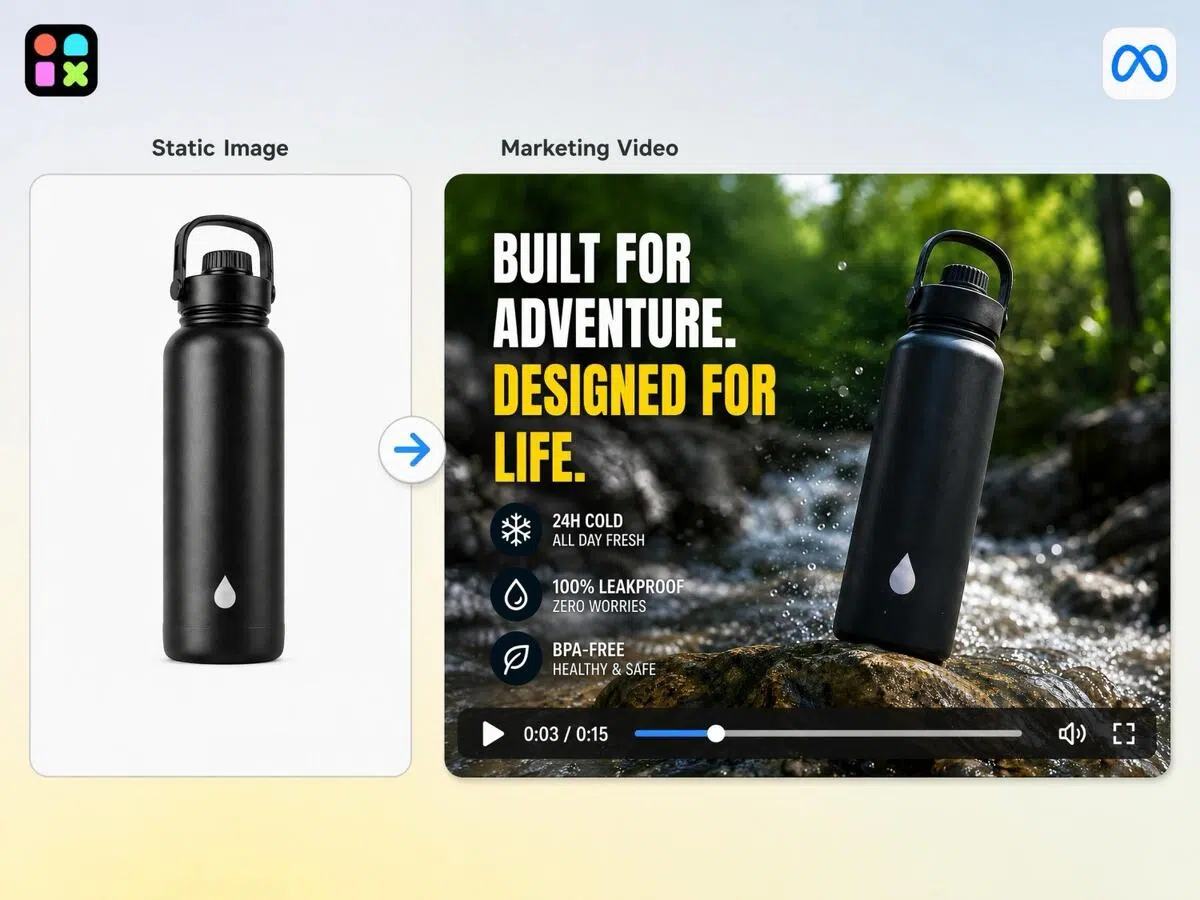
Upload product images and let Al batch-generate multiple high- converting video types with one click.
How to Make a Marketing Video in 3 Simple Steps
Upload Your Product Image
Open Designkit workspace upload one or more product images. Even a basic phone photo works as your starting point.
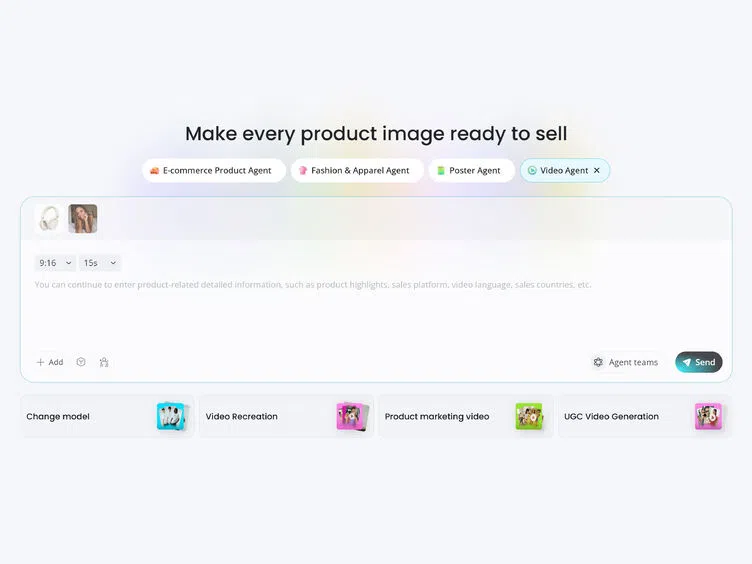
Set Your Video Style and Selling Points
Select your platform, format, and video length. Add product highlights and audience details — or generate them with one click. Choose Seedance 2.0 for realistic UGC or Kling 3.0 for smoother motion, then let Designkit create your video.
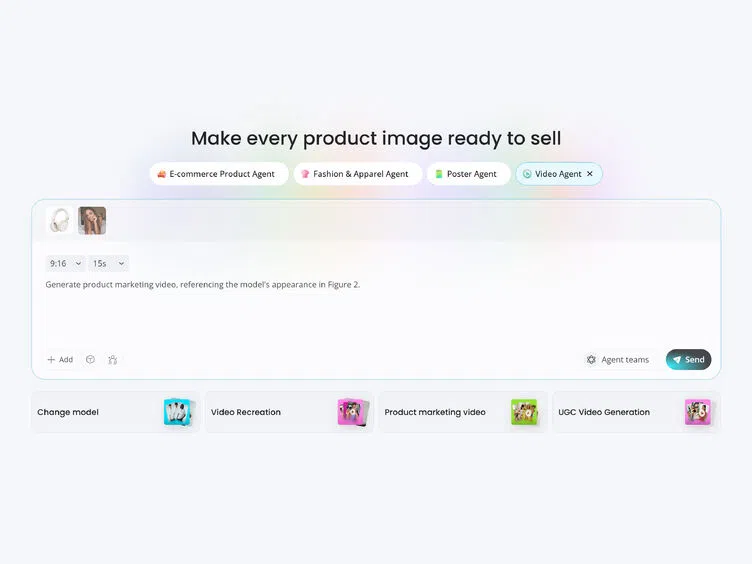
Preview, Refine and Download
Review and refine hooks, captions, scenes, or branding. Export watermark-free videos in platform-ready formats for TikTok, Reels, Meta, and YouTube.
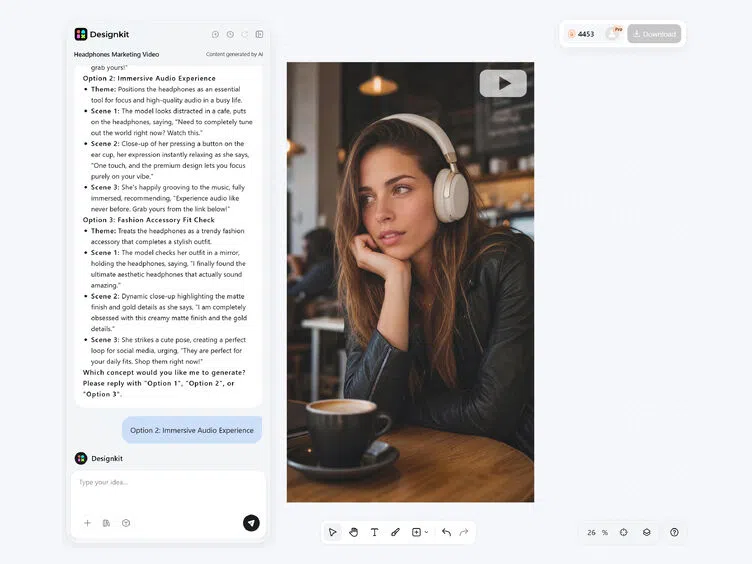
What Designkit's Marketing Video Maker Can Do for Marketers
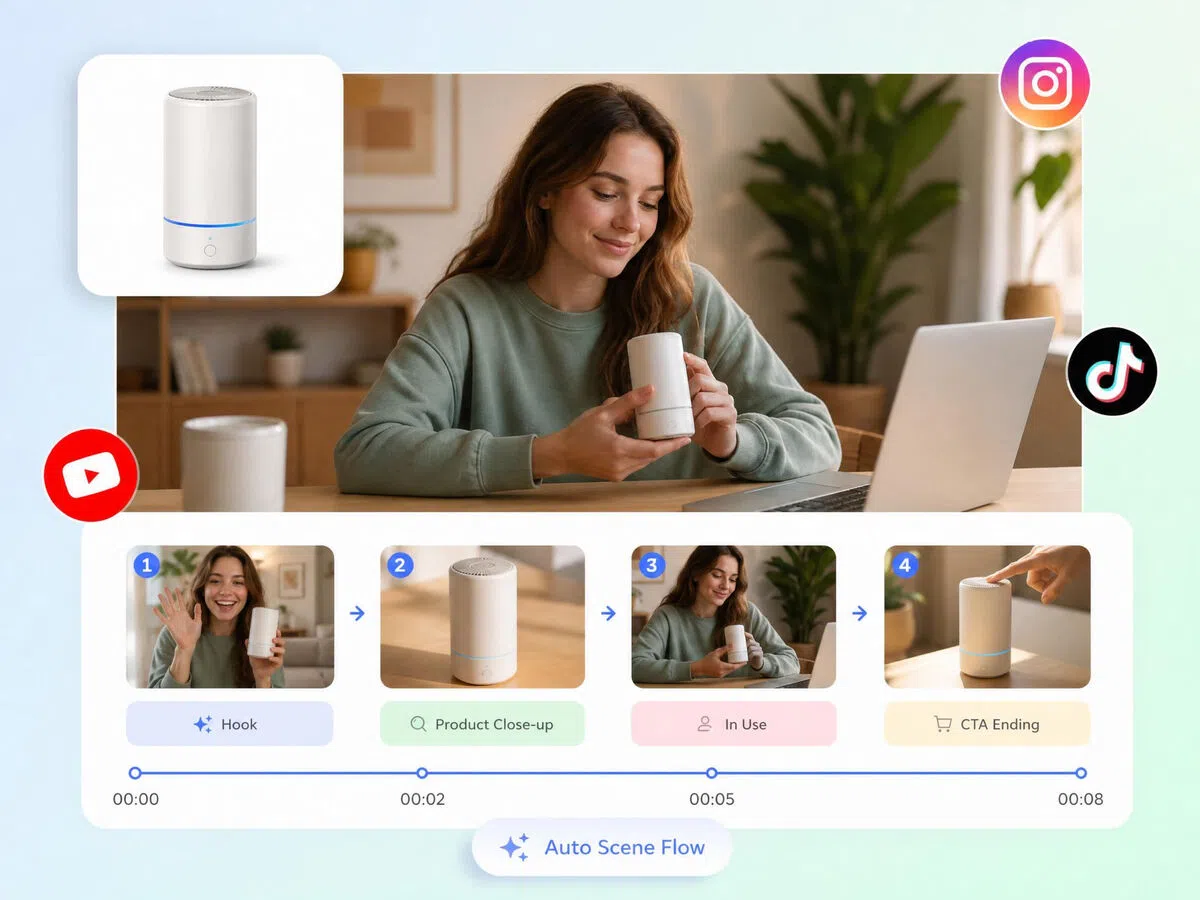
Turn Product Images into Marketing Videos Instantly
Upload a product photo and Designkit builds a complete marketing video — hooks, scene flow, captions, and transitions included. No timeline editing, no clip assembly. One image in, publish-ready video out.
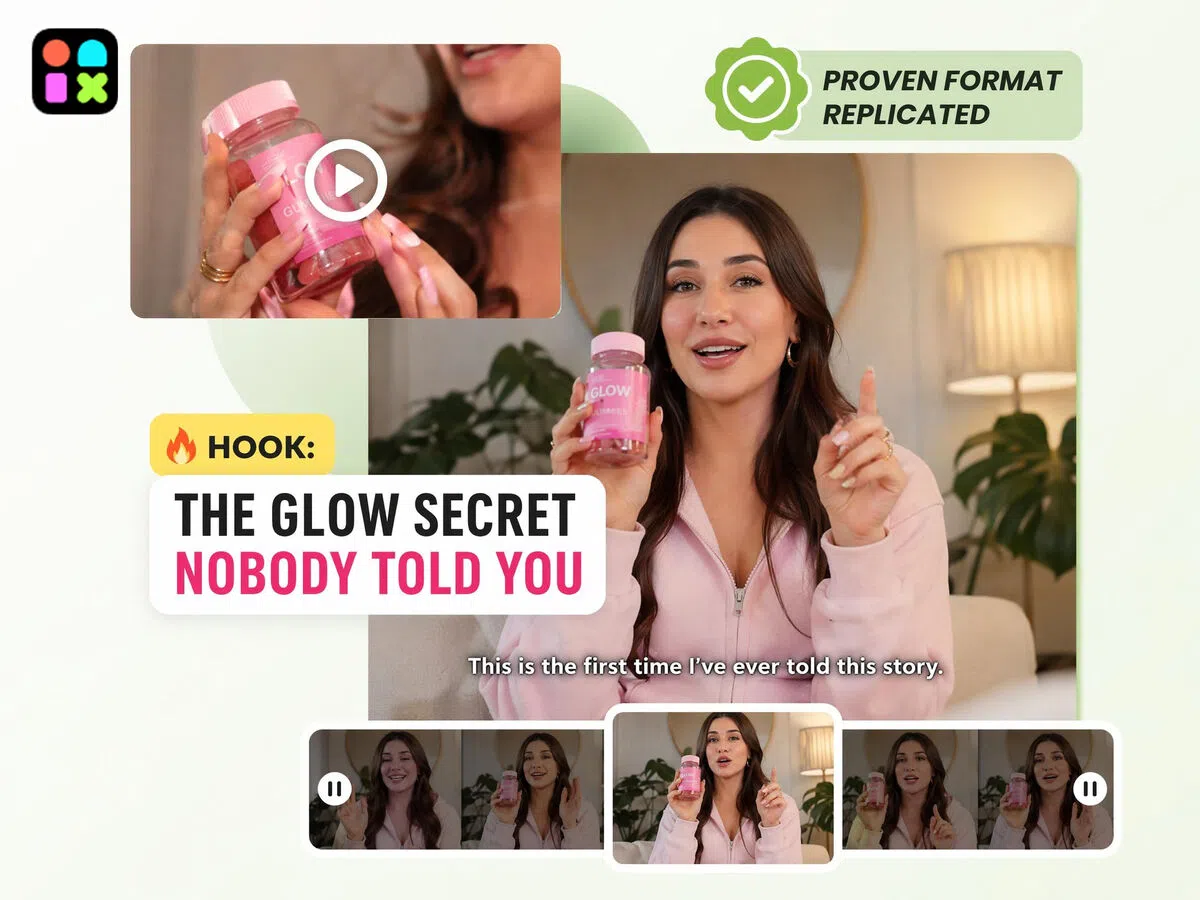
Replicate Winning Video Structures from Any Reference
Upload a reference video alongside your product image and Designkit generates multiple variations that follow the same hook style, pacing, and scene structure — with your product swapped in. Skip the guesswork of what works.
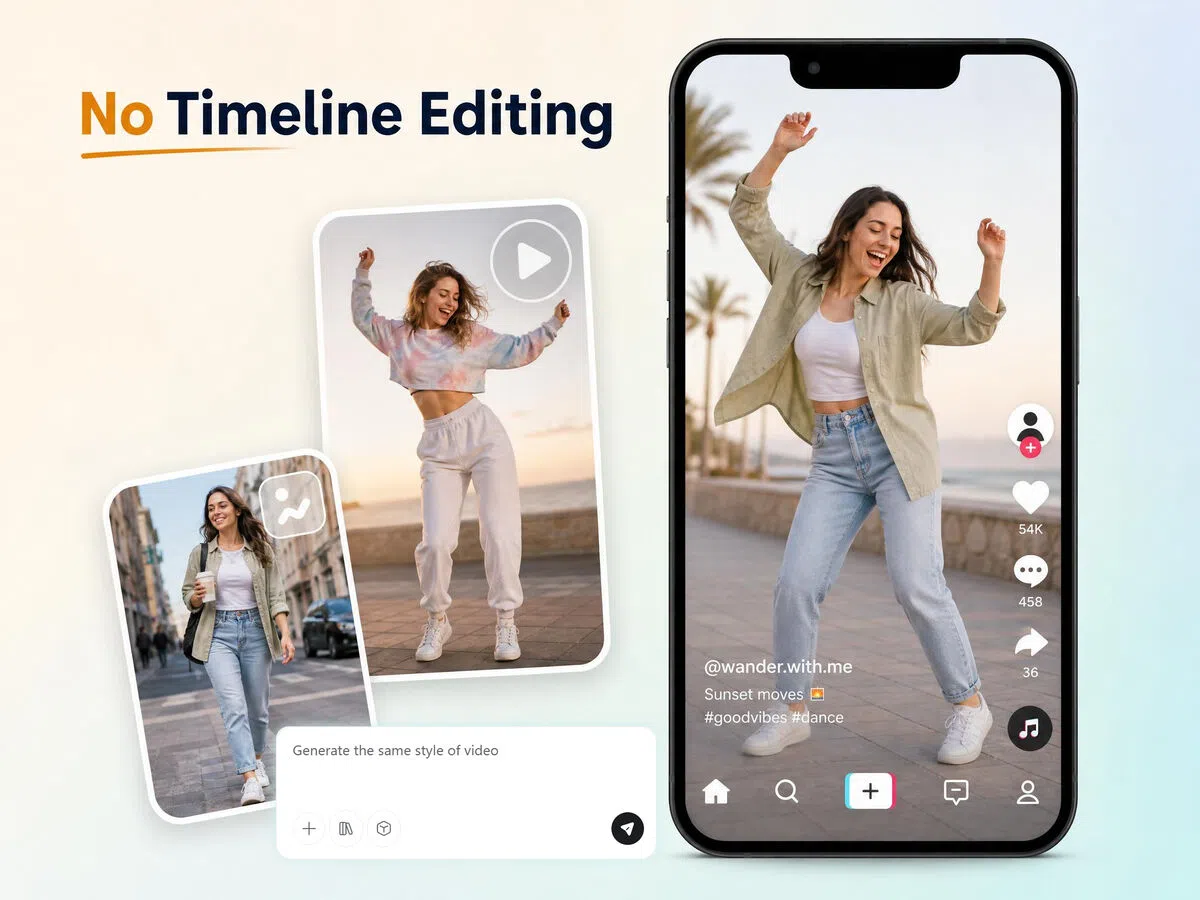
Control Video Details with Simple Text Prompts
Describe what you want — scene direction, tone, hook style, pacing — and the video updates accordingly. No editing software, no timeline. Prompt once, get a finished marketing video.
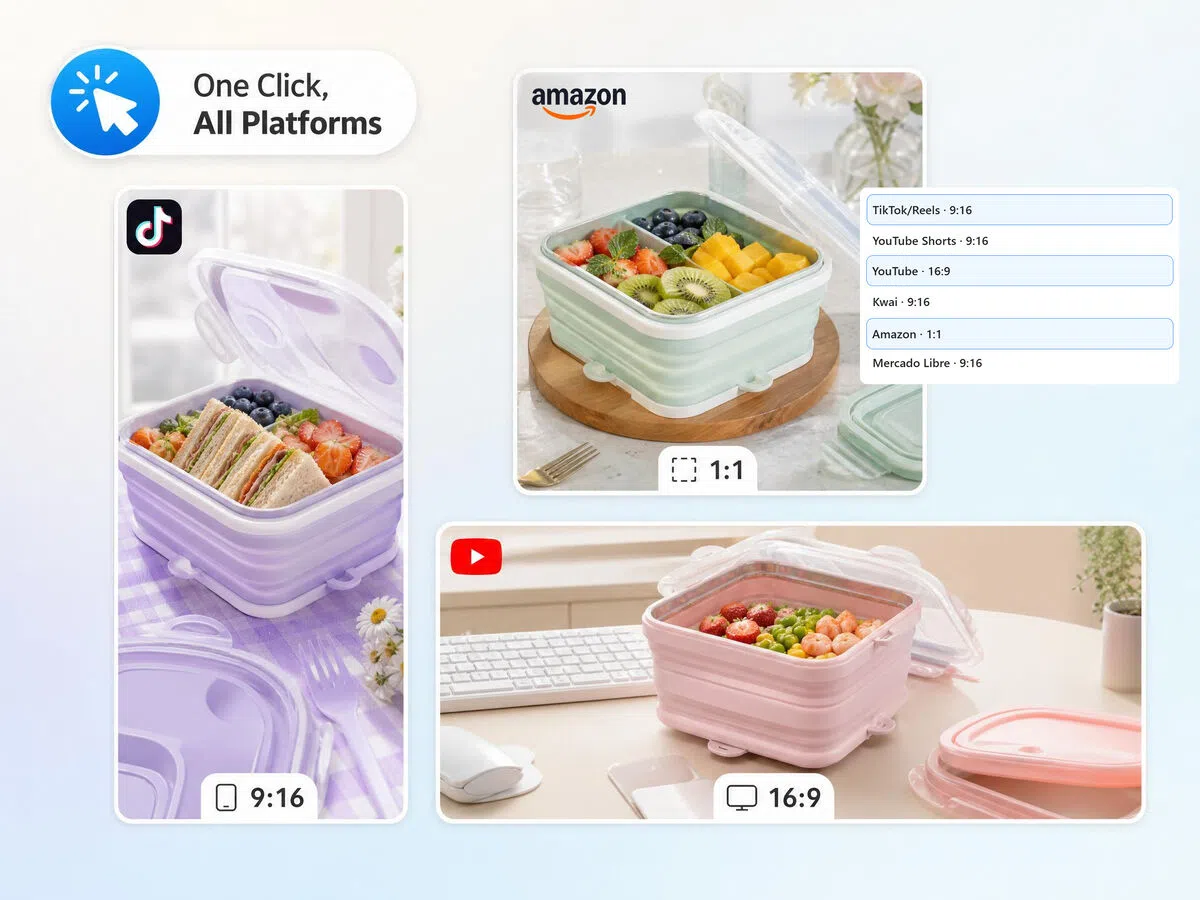
Auto-Format Videos for TikTok, Reels, Meta, and Amazon
Each video is automatically exported in 9:16, 1:1, and 16:9 — ready for TikTok, Instagram Reels, YouTube Shorts, Meta Ads, and Amazon listings without extra editing.
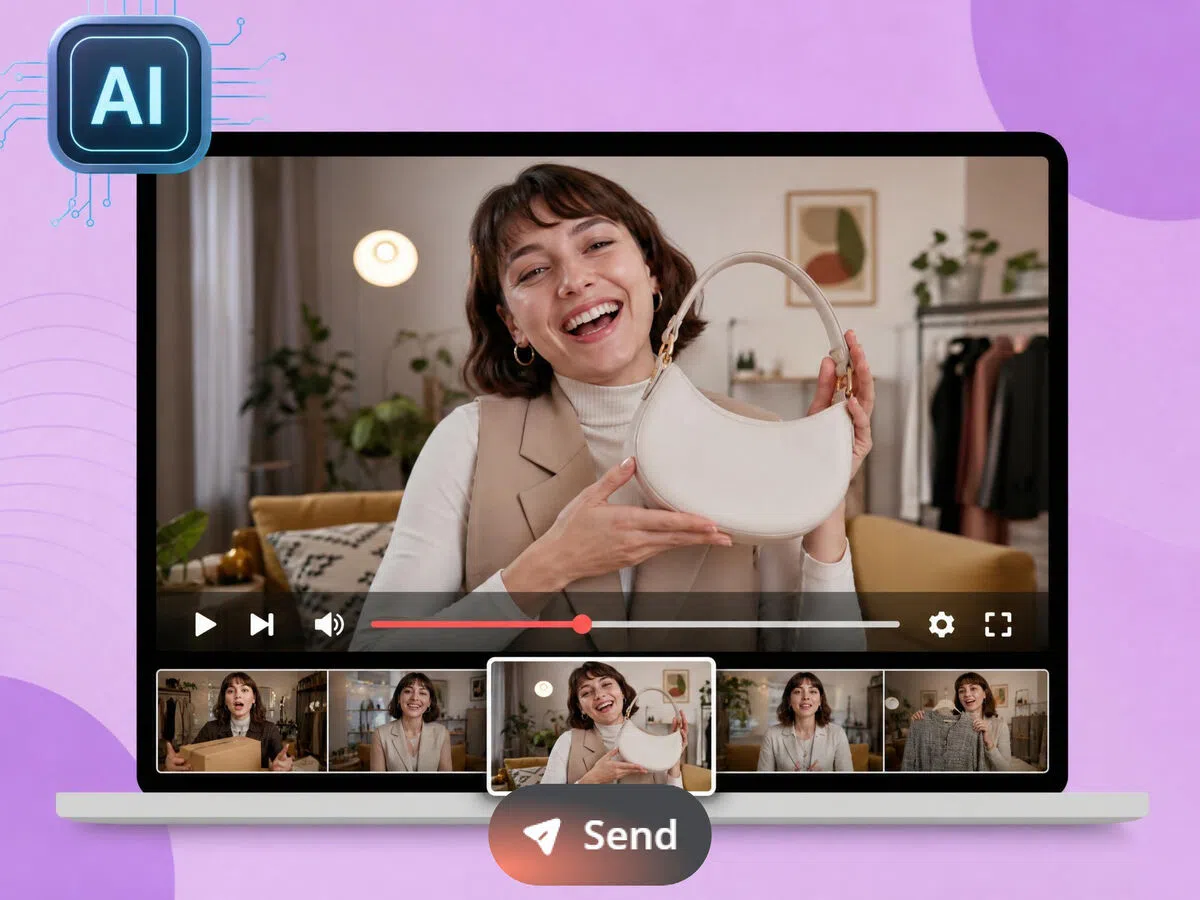
Customize Your AI Spokesperson by Age, Gender, and Look
Choose your model's gender, age range, appearance, and style to match your target audience. Designkit renders a realistic on-camera presenter for your marketing video — no casting, no scheduling, no shoot day.
Who Can Use Designkit for Marketing Video Creation
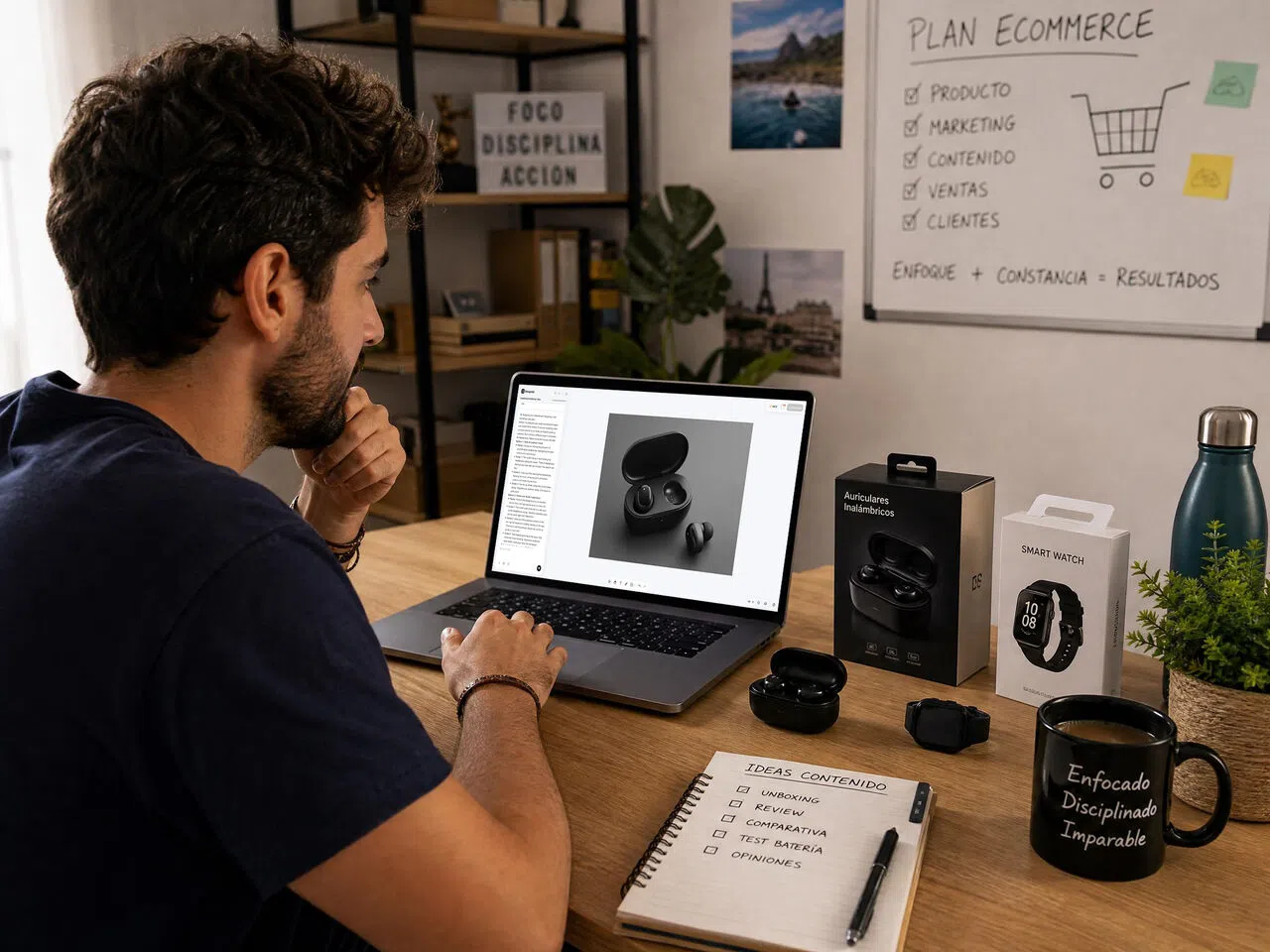
Product Listing Videos for Amazon and Shopify Sellers
Amazon and Shopify sellers know that listings with video outperform static images — but producing video for every SKU means shoots, editors, and days of turnaround. With Designkit, upload a product image and get a listing-ready marketing video in minutes. Consistent format, clean output, ready to upload directly to your product page or Sponsored Video campaign.
Why Designkit Works for Marketing Video

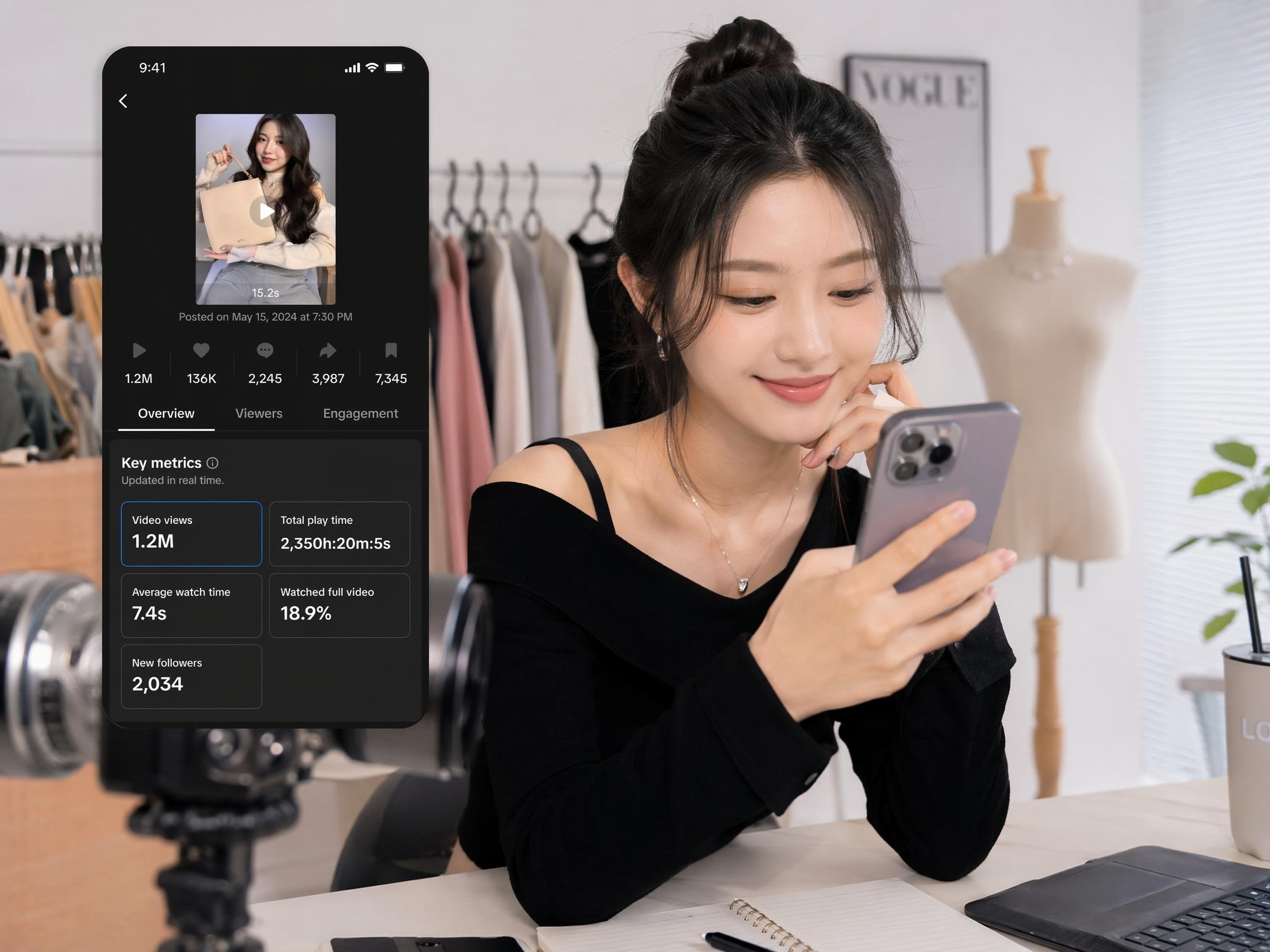
One Image, Multiple Campaign Videos
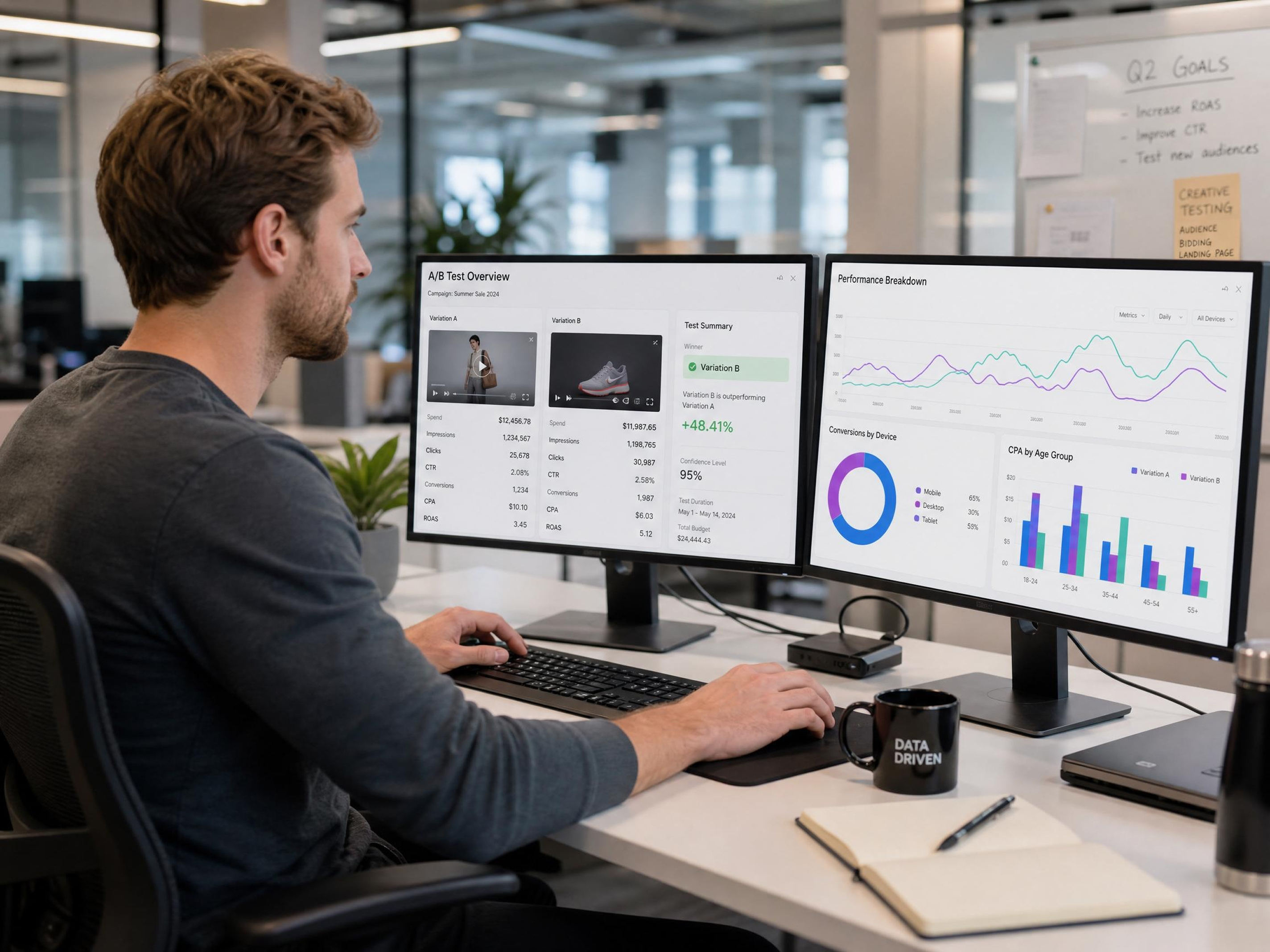
Turn one product image into multiple campaign videos with different hooks and styles. Test creatives faster and scale ad spend without additional shoots or production cycles.

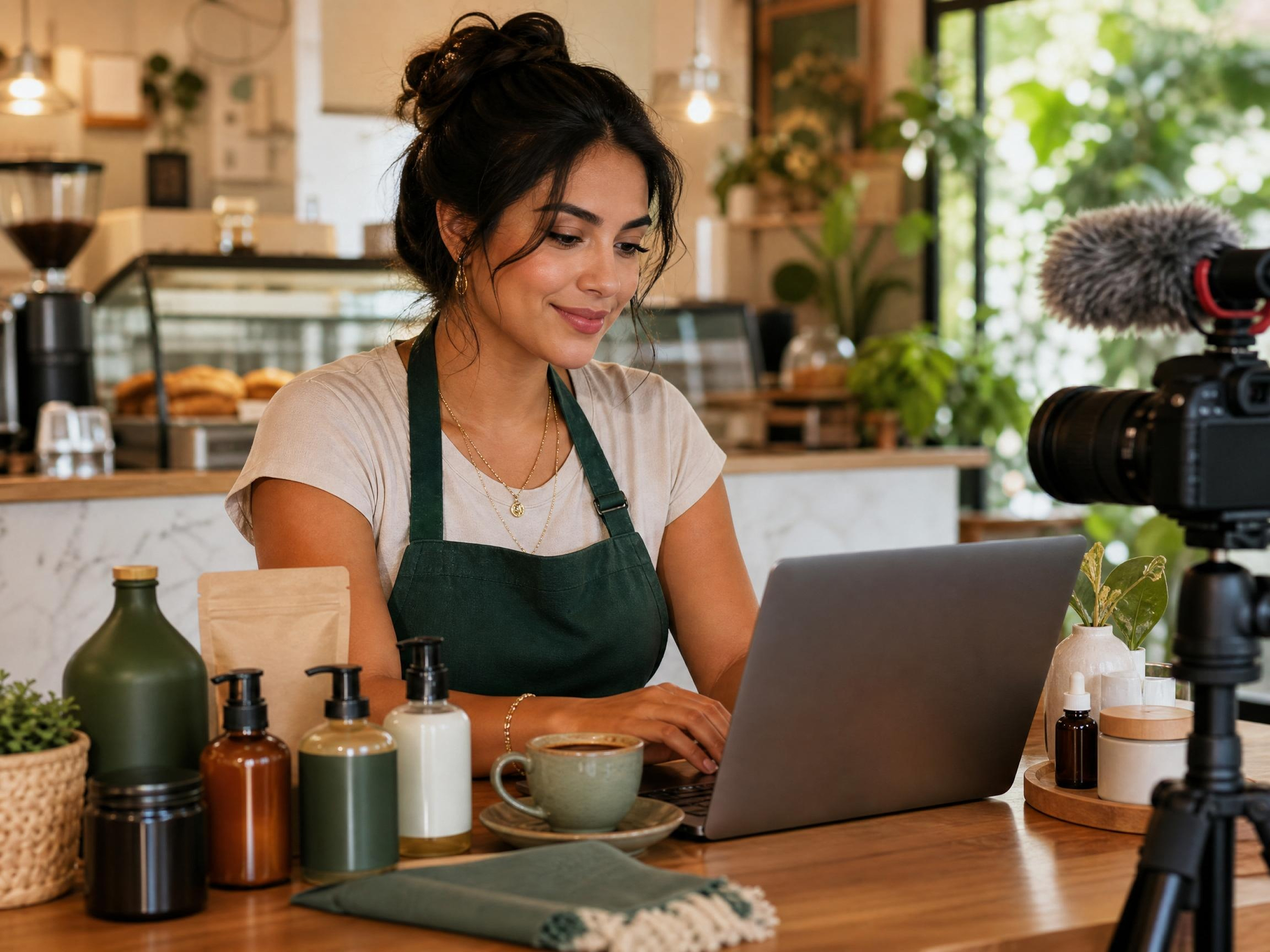
Replicate Winning Video Formats Without Filming
Upload a reference video and Designkit produces variations that match the same hook structure and pacing — with your product in frame. No studio, no model, no shoot day.

Prompt-Based Edits, No Timeline Required
Adjust hooks, scene direction, or messaging tone by typing what you want. Every change is applied instantly — no software to learn, no timeline to manage, no editor to brief.
Frequently Asked Questions
How does AI turn product images into marketing videos?
Do AI-generated marketing videos look realistic enough to run as ads?
Yes. The output is designed to match the look and feel of creator-made content — natural pacing, on-camera presenter options, and platform-native formatting. The goal is for viewers to engage with the content, not identify it as AI-generated.
Do I need editing skills to use AI marketing video tools?
No editing skills are required. Traditional video editing tools need timelines and manual cuts, but here everything is prompt-based. Designkit handles scene generation, pacing, and visual storytelling automatically, so users can create professional marketing videos just by uploading images and typing simple instructions.
Can I customize the AI model or spokesperson in my video?
Yes. You can select your presenter's gender, age range, appearance, and style before generating. This lets you match the on-camera look to your target audience without casting or scheduling a real shoot.
Can I use AI marketing videos for Amazon and Shopify?
Yes, marketing videos can be used across ecommerce platforms like Amazon and Shopify to improve product presentation. Designkit generates platform-ready videos optimized for product listings, helping showcase features more clearly and making product pages more engaging without requiring additional editing or formatting.
Can I scale video creation for multiple products?
Yes, video creation can be scaled across entire product catalogs instead of working on each item separately. Designkit supports batch generation, allowing multiple product images to be converted into marketing videos in one workflow while maintaining consistent quality, style, and branding across all outputs.
Create More Marketing Videos with Less Manual Work
Stop waiting on editors. Upload your product image and get a publish-ready marketing video today.

What Marketers and Sellers Think about Designkit
Users love Designkit for fast video creation that saves time and boosts engagement.
Amazon Listings Improved with Better Video Content
Managing product videos used to feel slow and expensive, especially across multiple listings. With Designkit, video creation has become much more streamlined and consistent. My previously unorganized product pages now feel more engaging, and customers understand products better, leading to stronger listing performance and smoother content updates.
Viral-Style Video Creation for TikTok Shops
I used to spend most of my day editing videos before a new product launch. With Designkit I can get a publish-ready video done in the time it used to take me just to set up the timeline. Freelance editing costs have dropped a lot since I switched, and the output is more consistent than what I was getting before.
Shopify Store Growth with Engaging Video Content
My Shopify store struggled with low interaction because static images failed to engage customers. With Designkit, I added AI-generated marketing videos across product pages, resulting in higher conversions and increased monthly sales, along with improved browsing time in my store.
Faster Testing with Dropshipping Products
Product testing speed was a major challenge for me in dropshipping campaigns. Designkit helps me create marketing videos instantly, without editing delays, improving testing efficiency, and enabling me to scale multiple winning products faster across ad campaigns.
Handmade Brand Reduced Production Effort
I was juggling three different tools to handle photos and videos, and it was eating up most of my week. Now everything runs through one workflow in Designkit. I've freed up a lot of time and my monthly production spend is noticeably lower — without any drop in quality.
Faster Campaign Launches for Small Businesses
Launching seasonal campaigns used to mean waiting on outsourced edits for days. Now I can put together product videos, promo clips, and ad creatives the same day I decide to run something. It's made it a lot easier to stay reactive to trends without falling behind on other work.