
Best AI Image Enhancers in 2026: 10 Tools Compared
Compare the best AI image enhancers to sharpen photos, upscale images, restore details, and improve image quality for photography, ecommerce, and creative workflows.


AI image enhancers make it easier to improve photo quality without spending hours on manual editing. Whether you're restoring old photos, sharpening blurry images, reducing noise, or upscaling low-resolution pictures, the right AI tool can produce cleaner and more detailed results in just a few clicks. However, not every solution delivers the same level of quality or workflow efficiency.
In this guide, we compare the best AI image enhancers based on enhancement quality, AI capabilities, ease of use, pricing, and real-world performance, helping you choose the right tool for photography, e-commerce, content creation, or professional design projects.
Quick Comparison of the Best AI Image Enhancers
Choosing the best AI image enhancer depends on your workflow, editing needs, and budget. Some tools specialize in professional photo restoration, while others focus on ecommerce images, portrait enhancement, or fast online upscaling. The comparison below highlights the top AI image enhancer options to help you find the best AI image enhancement tool for your projects.
|
Tool |
Best For |
Key Strength |
Free Plan |
|---|---|---|---|
|
Topaz Photo AI |
Professional photographers |
Detail enhancement and noise reduction |
Demo / Paid |
|
Let's Enhance |
Image upscaling |
Resolution enhancement |
Limited credits |
|
Remini |
Portrait enhancement |
Face restoration |
Limited / Watermark |
|
Upscayl |
Free offline upscaling |
Local processing and privacy |
Free |
|
Adobe Photoshop |
Advanced photo editing |
Comprehensive editing tools |
Subscription |
|
Adobe Lightroom |
Photo management |
Photo organization and enhancement |
Subscription |
|
Luminar Neo |
Creative photo editing |
AI-powered editing tools |
Trial / Paid |
|
Upscale.media |
Quick online upscaling |
Fast, browser-based enhancement |
Free tier limits |
|
Fotor AI |
Beginners |
One-click photo enhancement |
Free / Paid |
|
Designkit |
Ecommerce businesses |
Image enhancement and marketing assets |
Yes |
How We Tested the Best AI Image Enhancers
To identify the best AI photo enhancer tools, we evaluated each platform using real-world images, including portraits, product photos, landscapes, and low-resolution files. Every tool was tested for image quality, usability, speed, pricing, and export performance to determine which delivers the most consistent results.
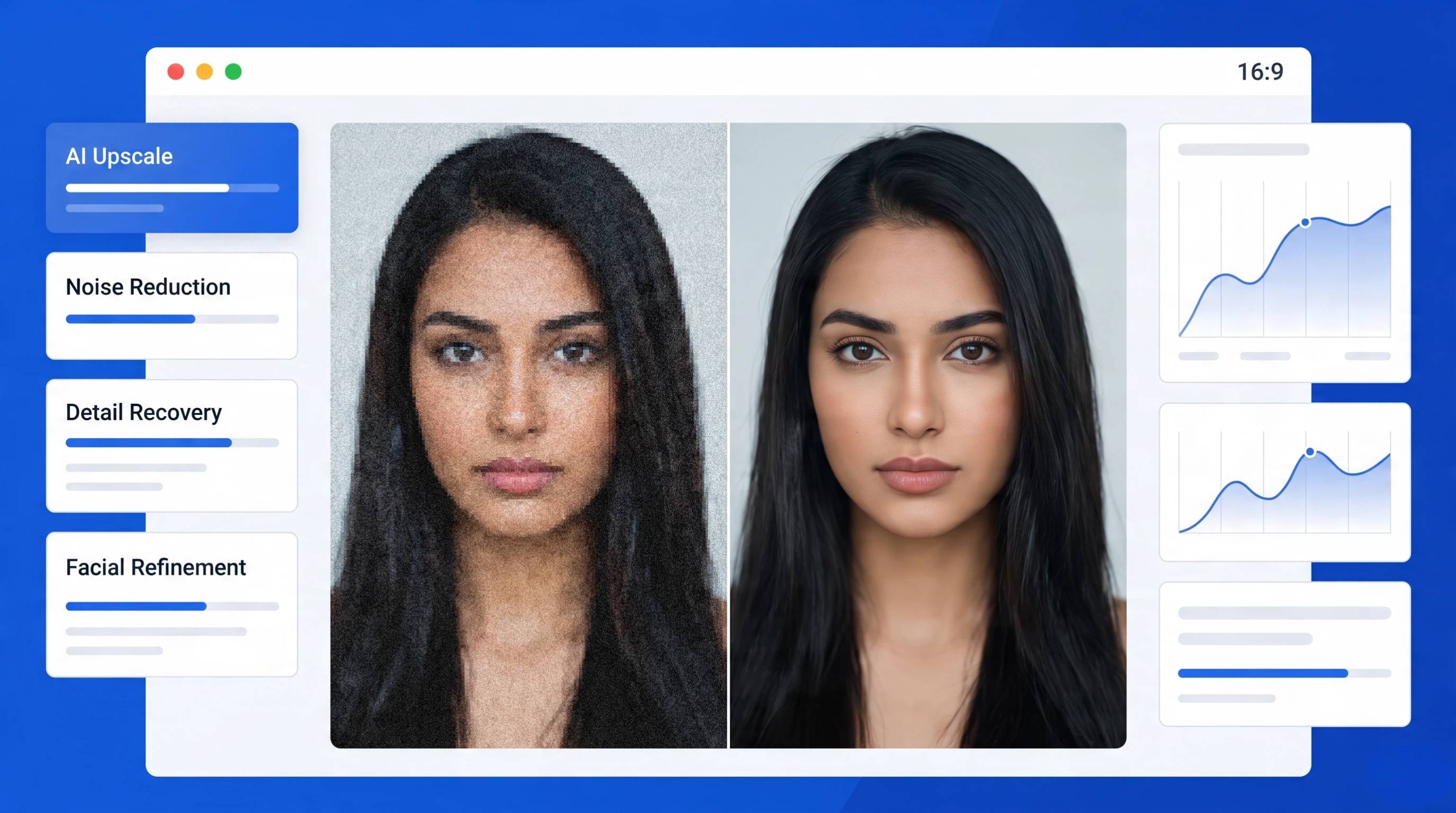
Image Enhancement Quality
The most important factor was how effectively each AI image enhancer improved overall image quality. We compared sharpness, color accuracy, lighting adjustments, and texture improvements across different photo types to identify the best image enhancer for everyday and professional editing.
Detail Preservation
A strong best AI image enhancement tool should recover fine textures without making images look artificial. We checked how well each platform preserved facial features, fabric textures, product details, and natural edges after enhancement and upscaling.
Noise Reduction
Many AI tools promise cleaner photos, but aggressive noise removal can blur important details. We tested low-light and high-ISO images to evaluate how each top AI image enhancer balanced noise reduction while maintaining realistic textures and clarity.
Upscaling Quality
We enlarged images by 2×, 4×, and higher to assess resolution improvements. The best AI image enhancer should increase image size without introducing jagged edges, halos, or blurry artifacts, making it suitable for print, ecommerce, and marketing use.
Processing Speed
Speed matters when enhancing multiple images. We measured upload time, AI processing, and export performance for both browser-based and desktop software. Faster processing improves productivity, especially for businesses handling large image libraries.
Ease of Use
We evaluated how quickly new users could enhance photos without editing experience. The best AI photo enhancer combines intuitive controls, one-click enhancements, clear workflows, and useful automation while still providing advanced options for experienced users.
Export Quality
High-quality exports are essential for websites, ecommerce stores, print, and social media. We compared supported formats, maximum resolution, compression handling, watermark policies, and overall output quality to determine which tools produce the most reliable final images.
Pricing
Value was assessed by comparing free plans, subscriptions, credit systems, and premium features. We considered whether each tool offers enough functionality to justify its cost, helping users choose the best AI model for high quality pictures within their budget.
10 Best AI Image Enhancers in 2026
Whether you need to restore old photos, upscale low-resolution images, improve product photography, or create marketing visuals, today's AI tools can deliver impressive results in just a few clicks. Below are the 10 best AI image enhancers tested for image quality, speed, usability, and value.
1. Topaz Photo AI: Best AI Image Enhancer for Professional Photographers
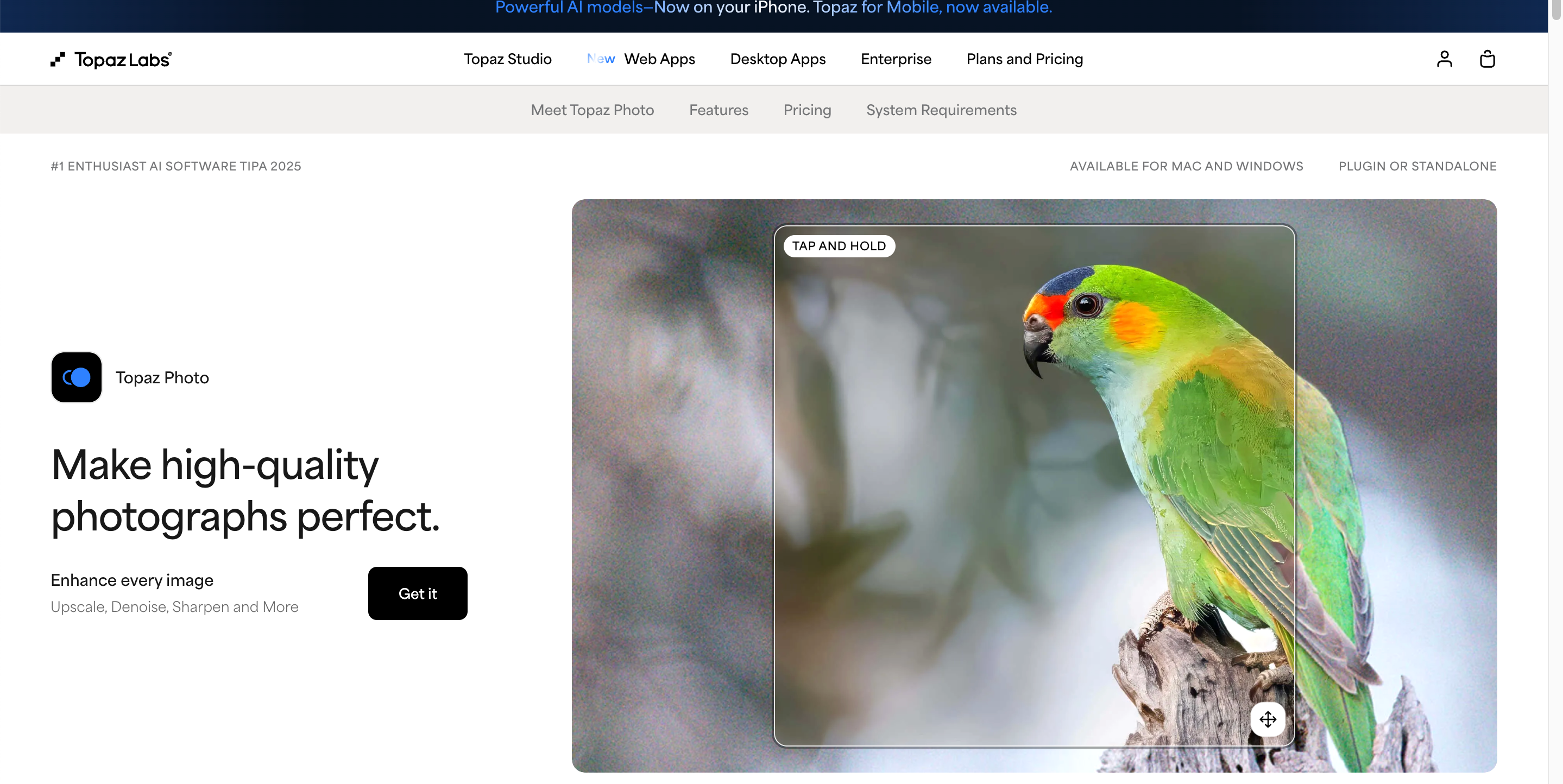
Topaz Photo AI is widely regarded as one of the best AI image enhancers for professionals. It combines intelligent sharpening, noise reduction, and image upscaling while preserving fine details, making it ideal for high-resolution photography.
Best For
Professional photographers, wildlife photography, landscape photography, and high-resolution image restoration.
Key Features
-
AI-powered sharpening
-
Advanced noise reduction
-
High-quality image upscaling
-
Face recovery technology
-
RAW image support
-
Batch processing
|
Pros |
Cons |
|---|---|
|
|
Pricing
Starts around $199 as a one-time purchase with optional upgrades.
2. Let's Enhance: Best AI Upscaling Tool
Let's Enhance specializes in increasing image resolution without sacrificing quality. It is among the best AI image enhancement tools for printing, ecommerce, and marketing images.
Best For
Image upscaling, print preparation, ecommerce product photos, and digital artwork.
Key Features
-
AI image upscaling
-
Color and lighting correction
-
Batch enhancement
-
JPEG artifact removal
-
Cloud-based processing
-
API access
|
Pros |
Cons |
|---|---|
|
|
Pricing
Limited free credits. Paid plans start at approximately $9/month.
3. Remini: Best AI Photo Enhancer for Portraits
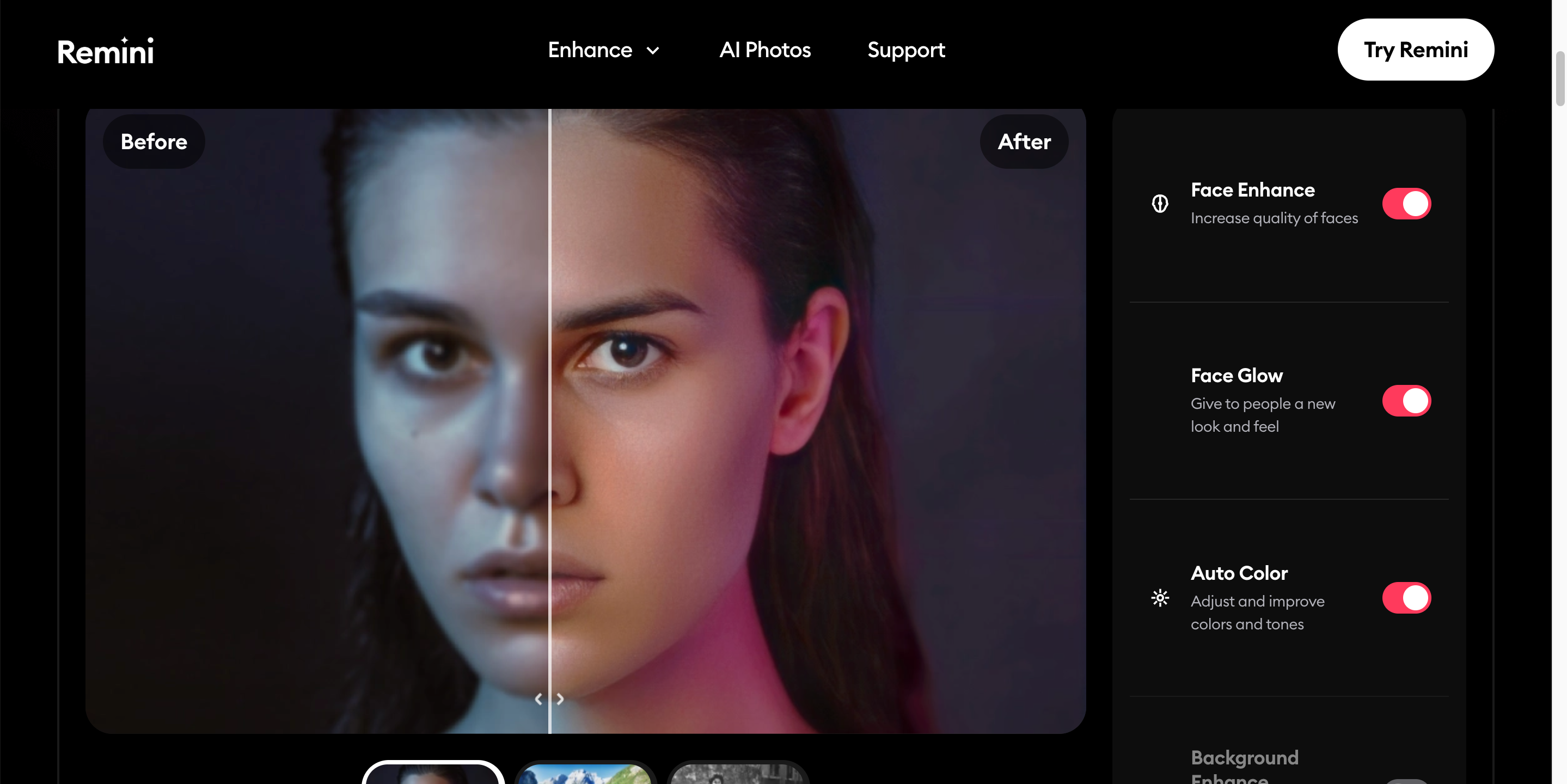
Remini focuses on facial restoration and portrait enhancement. It's considered one of the best AI photo enhancers for repairing blurry selfies and improving old family photos.
Best For
Portrait photography, selfies, old photos, and facial restoration.
Key Features
-
AI face enhancement
-
Portrait restoration
-
Blur removal
-
Skin detail recovery
-
Mobile apps
-
One-tap enhancement
|
Pros |
Cons |
|---|---|
|
|
Pricing
Free version available. Premium plans start at around $6–10/month depending on region.
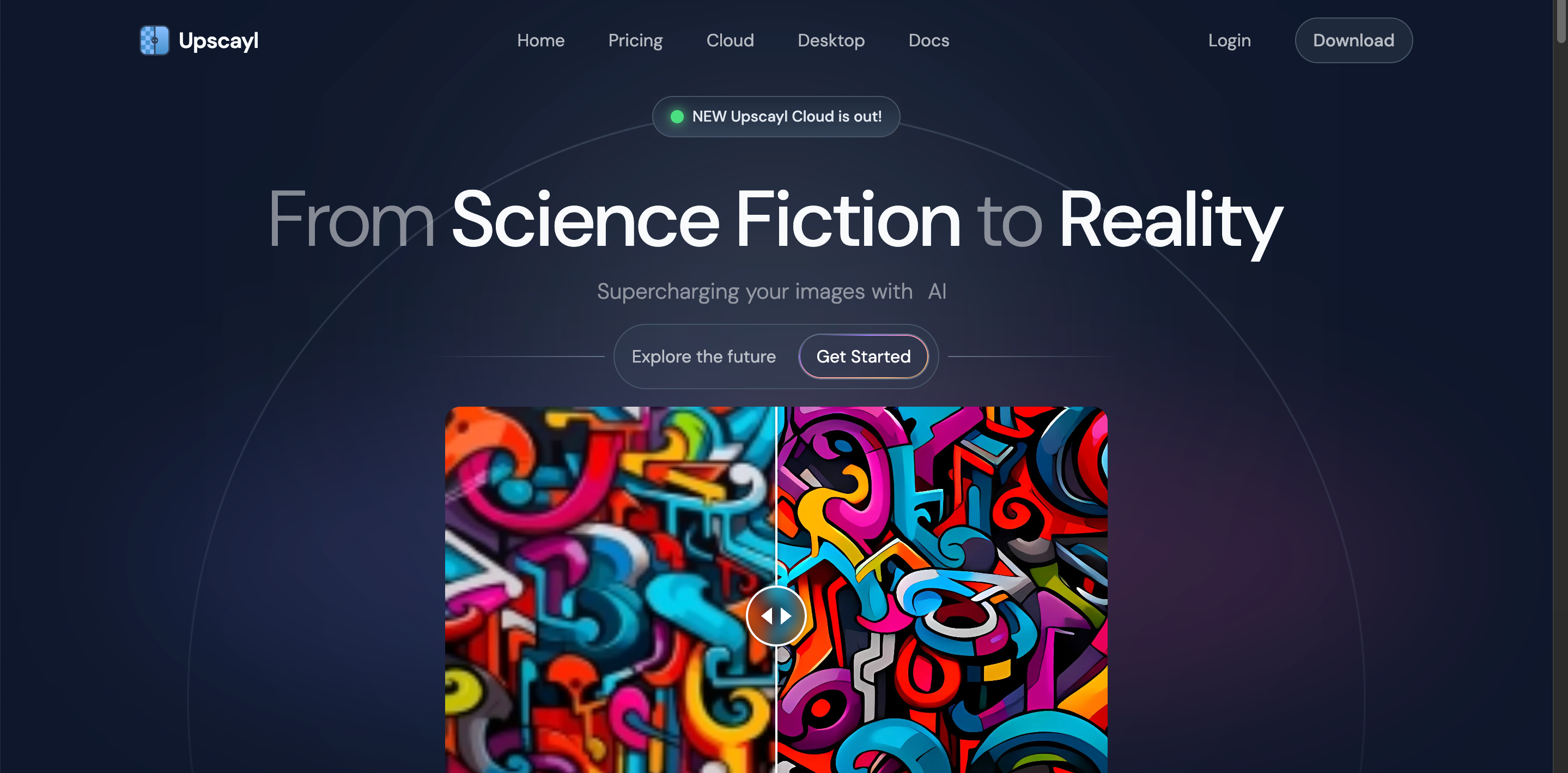
4. Upscayl: Best Free Desktop Upscaler
Upscayl is an open-source desktop application that delivers high-quality image upscaling while keeping all processing local for maximum privacy.
Best For
Free image upscaling, offline editing, and privacy-focused users.
Key Features
-
AI-powered upscaling
-
Offline processing
-
Multiple AI models
-
Windows, macOS, and Linux support
-
Batch processing
-
Open source
|
Pros |
Cons |
|---|---|
|
|
Pricing
Completely free.
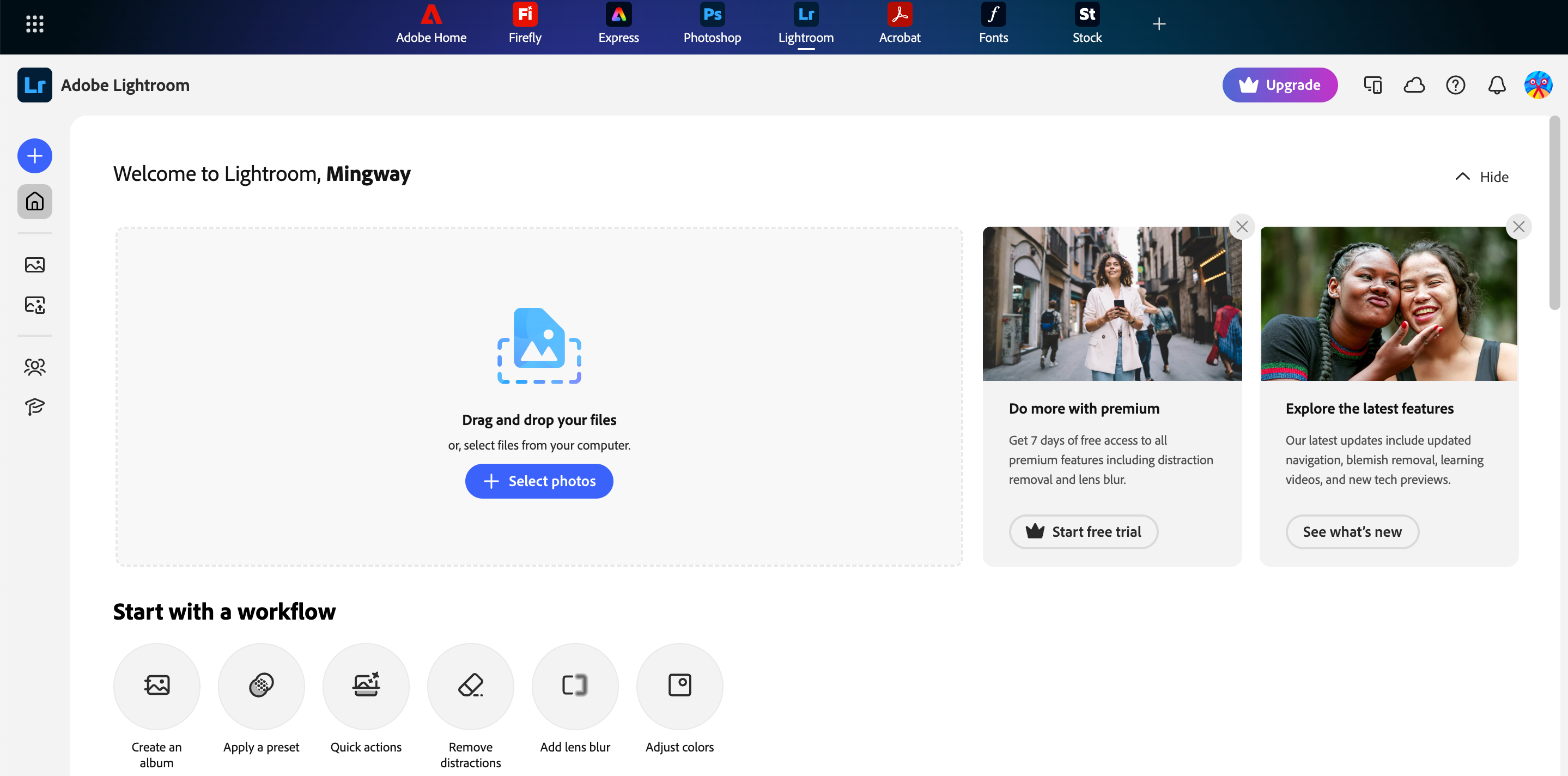
5. Adobe Lightroom: Best AI Enhancement Workflow for Photographers
Adobe Lightroom combines AI-powered editing with powerful photo organization, making it a favorite workflow solution for professional photographers.
Best For
Professional photography workflows, RAW editing, and photo management.
Key Features
-
AI Denoise
-
AI masking
-
RAW editing
-
Cloud synchronization
-
Presets
-
Batch editing
|
Pros |
Cons |
|---|---|
|
|
Pricing
Starts around $11.99/month.
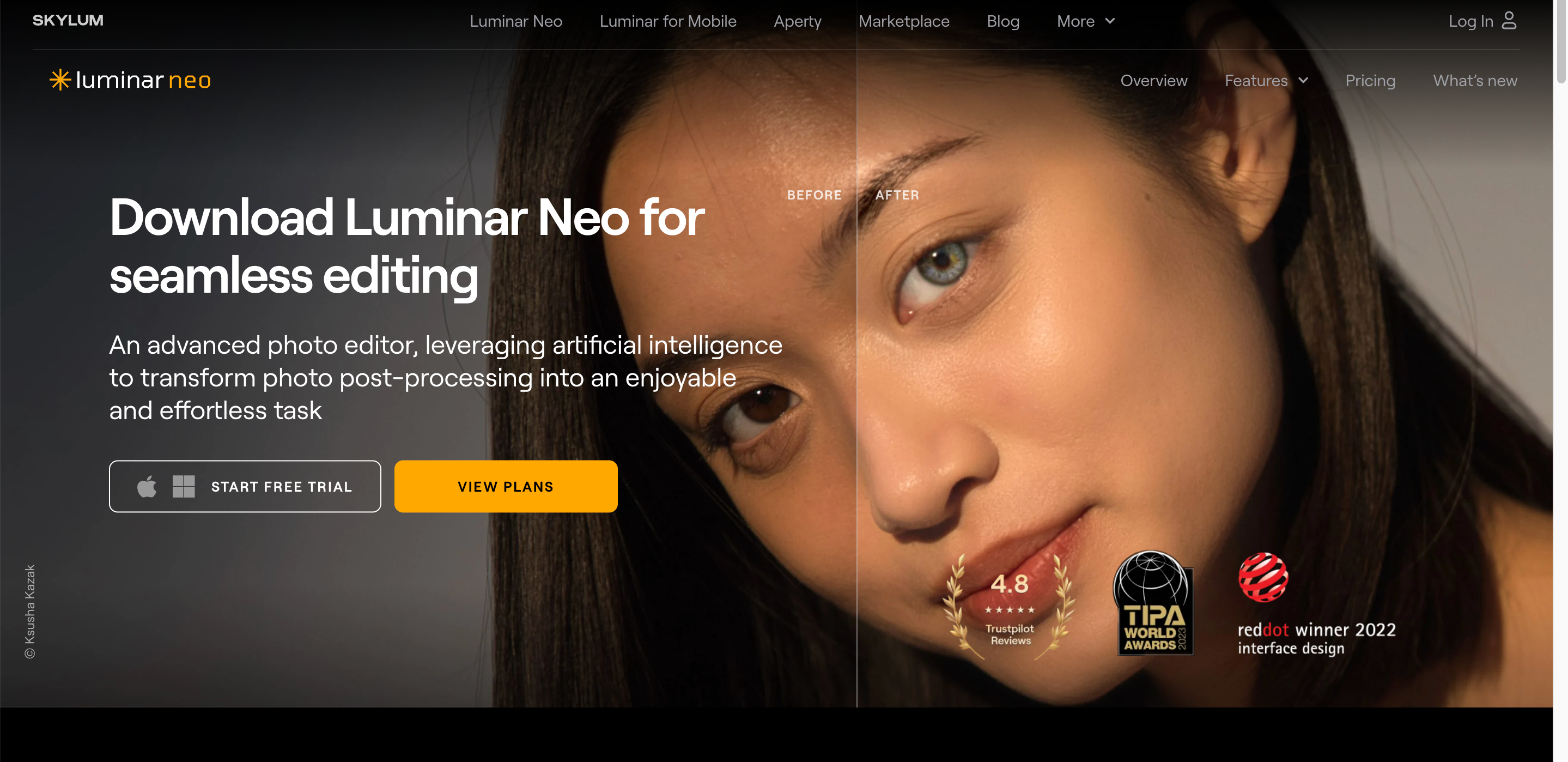
6. Luminar Neo: Best Creative AI Photo Enhancer
Luminar Neo blends traditional editing with creative AI tools, making it ideal for photographers who want dramatic visual improvements.
Best For
Creative editing, landscape photography, portraits, and artistic enhancements.
Key Features
-
AI Relight
-
Sky replacement
-
AI Enhance
-
Structure AI
-
Portrait enhancement
-
Layer support
|
Pros |
Cons |
|---|---|
|
|
Pricing
Subscription and lifetime license options are available.
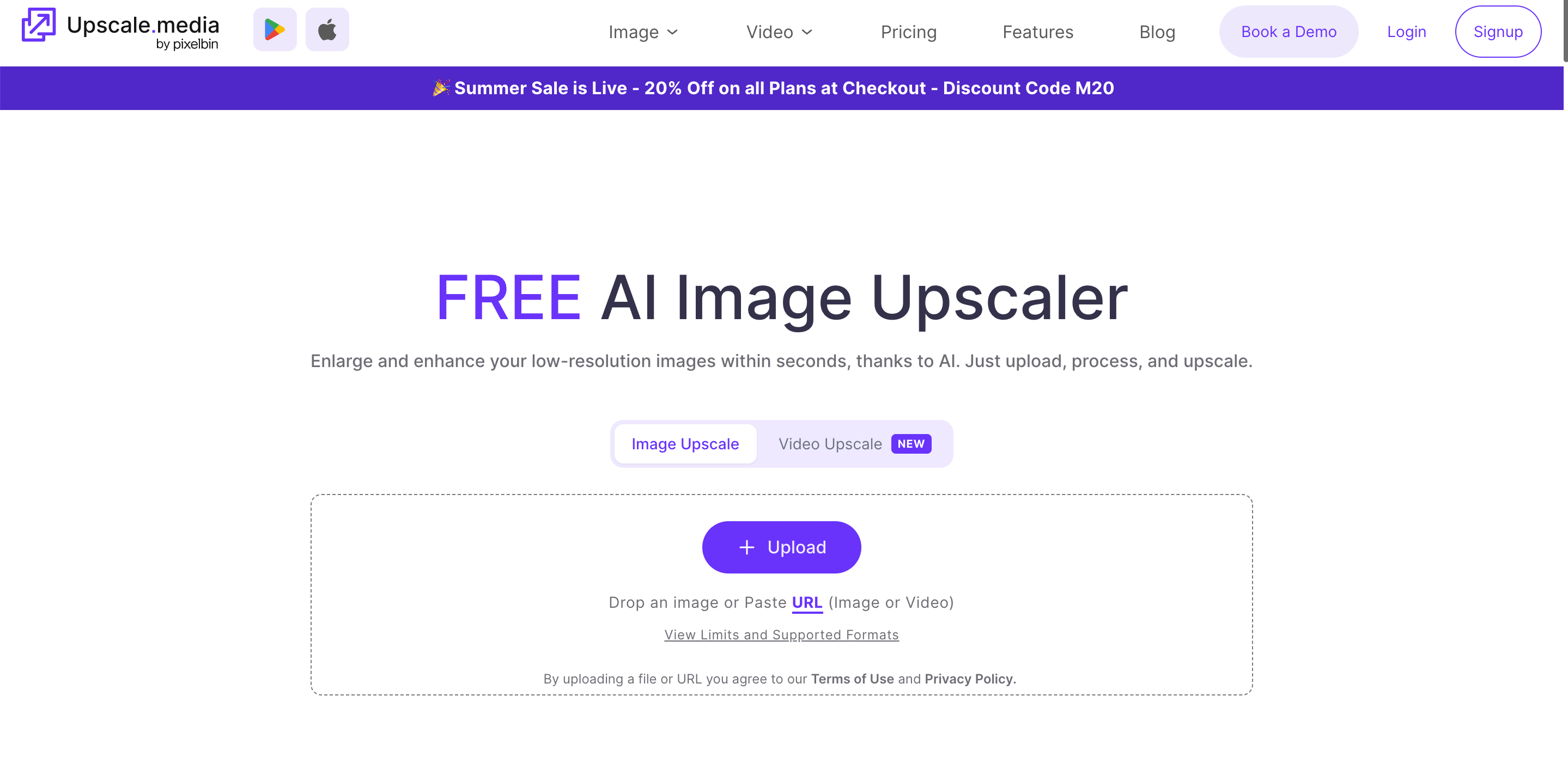
7. Upscale.media: Best Free Online AI Image Enhancer
Upscale.media offers quick browser-based image enhancement with no software installation, making it one of the top AI image enhancers for casual users.
Best For
Quick online upscaling, social media images, and occasional photo enhancement.
Key Features
-
One-click upscaling
-
AI enhancement
-
Noise reduction
-
Color optimization
-
Browser-based editing
-
Mobile support
|
Pros |
Cons |
|---|---|
|
|
Pricing
Free tier available with paid plans for higher usage.
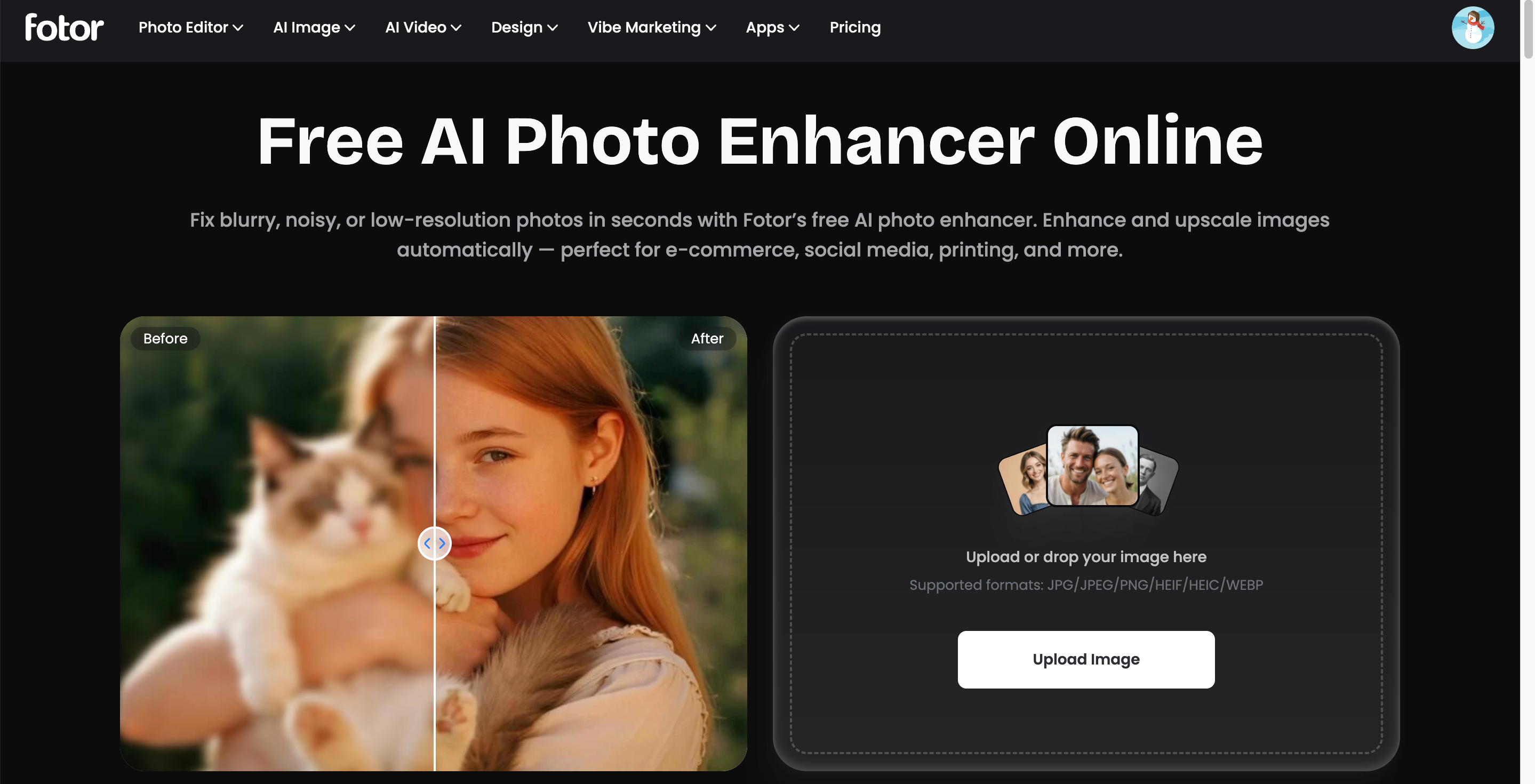
8. Fotor AI: Best AI Enhancer for Beginners
Fotor provides a simple editing experience with automatic AI enhancement, making it a strong choice for users new to photo editing.
Best For
Beginners, bloggers, students, and small businesses.
Key Features
-
One-click AI enhancement
-
AI upscaling
-
Background remover
-
AI retouching
-
Filters
-
Templates
|
Pros |
Cons |
|---|---|
|
|
Pricing
Free version available. Pro plans start around $8.99/month.
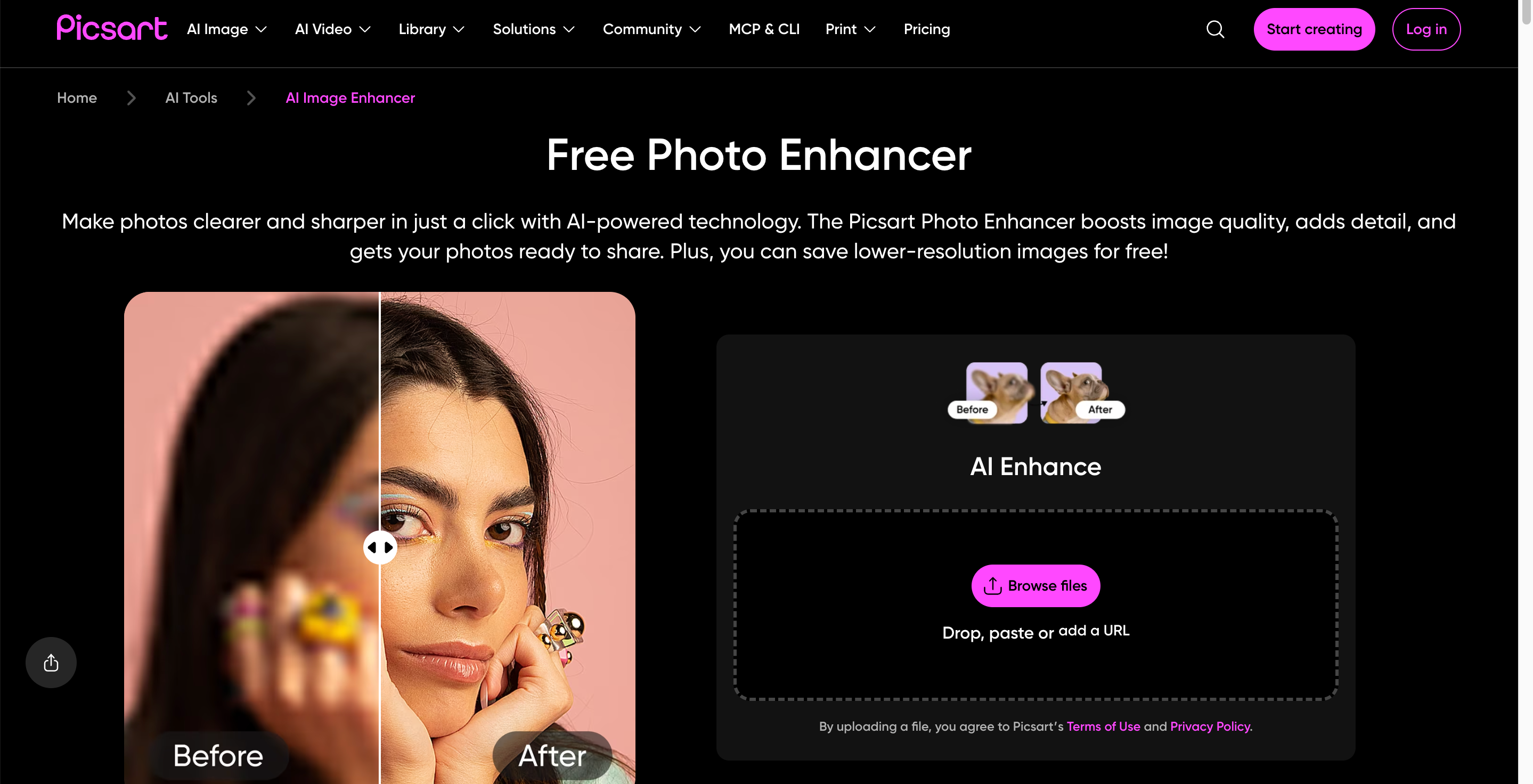
9. Picsart AI: Best AI Enhancer for Social Media Creators
Picsart combines AI enhancement with creative editing tools designed for social media content creation.
Best For
Instagram creators, TikTok creators, influencers, and content marketers.
Key Features
-
AI Enhance
-
AI background removal
-
Filters and effects
-
Collage maker
-
AI image generator
-
Mobile editing
|
Pros |
Cons |
|---|---|
|
|
Pricing
Free plan available. Gold subscription starts around $13/month.
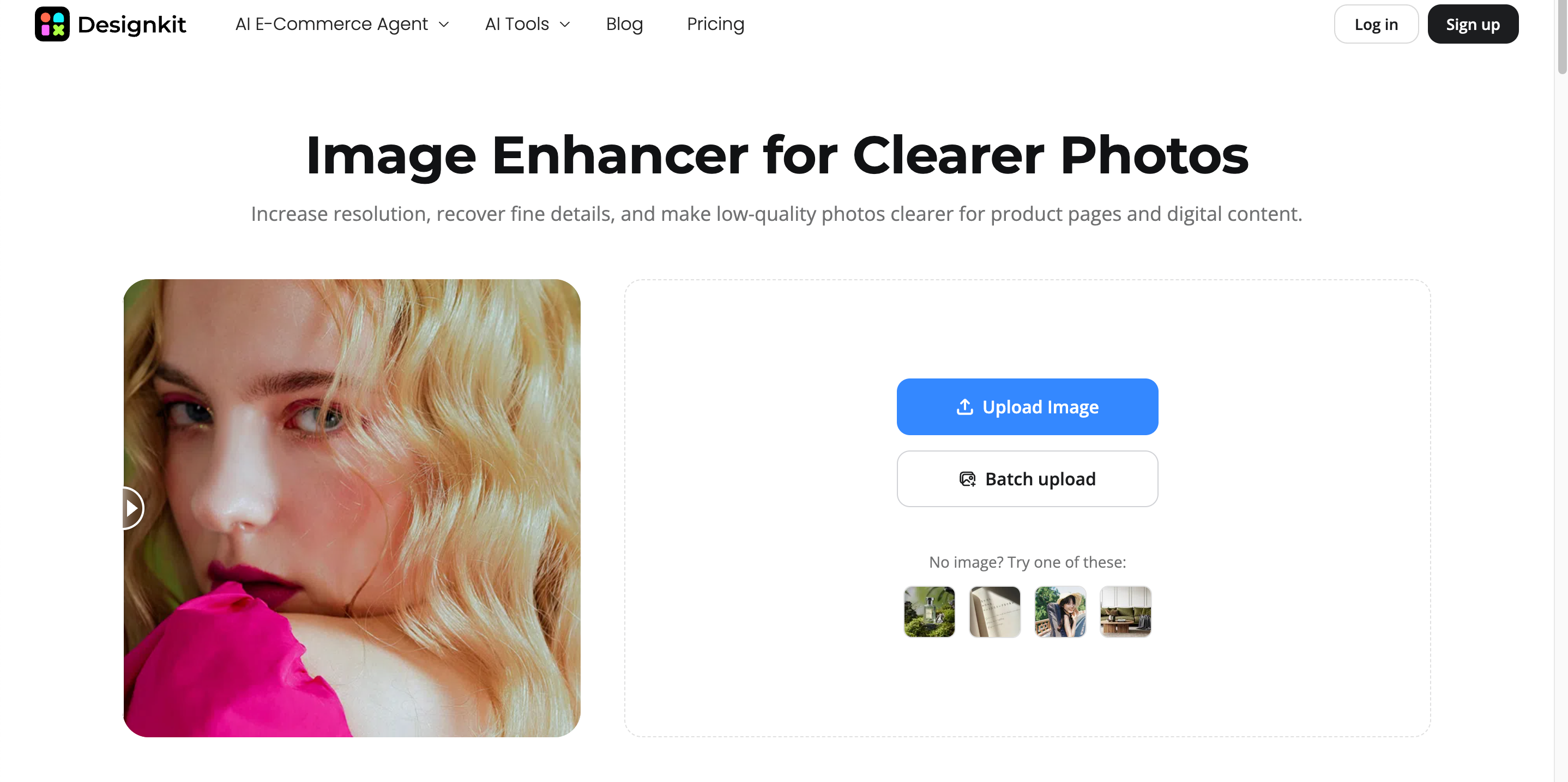
10. Designkit: Best AI Image Enhancer for E-commerce Visual Creation
Designkit goes beyond traditional enhancement by helping ecommerce businesses improve product images while creating complete marketing-ready visuals. It combines AI image enhancement with background generation, resizing, and content creation for online stores.
Best For
Ecommerce sellers, Shopify stores, Amazon listings, product photography, and digital marketing.
Key Features
-
AI image enhancement
-
Product photo upscaling
-
AI background generation
-
One-click product retouching
-
Smart resize for marketplaces
-
Marketing asset creation
|
Pros |
Cons |
|---|---|
|
|
Pricing
Free plan available with paid plans offering additional AI credits and advanced features.
How to Choose the Best AI Image Enhancer
The best AI image enhancer depends on what you want to improve. Some tools focus on sharpening and restoring photo quality, while others specialize in upscaling, portrait enhancement, or ecommerce product images. Start by identifying your primary use case, then choose a tool that excels in that area instead of selecting the one with the longest feature list.
Choose Based on Your Main Goal
|
Goal |
Recommended Tool |
Why It Stands Out |
|---|---|---|
|
For Photo Quality Improvement |
Topaz Photo AI |
Delivers professional-grade sharpening, noise reduction, and detail recovery, making it one of the best AI photo enhancers for photographers. |
|
For Pure Upscaling in a Browser |
Let's Enhance |
Ideal for increasing image resolution online with minimal effort while preserving image quality for web and print use. |
|
For Free Offline Enhancement |
Upscayl |
A free, open-source desktop application that processes images locally, making it perfect for users who value privacy and offline editing. |
|
For Professional Photography |
Adobe Lightroom or Luminar Neo |
Both offer advanced AI editing tools alongside complete photography workflows, making them excellent choices for professionals handling RAW images. |
|
For Portrait Enhancement |
Remini |
Specializes in facial restoration, selfie enhancement, and recovering old or blurry portraits with AI-powered detail enhancement. |
|
For Ecommerce Image Creation |
Designkit |
Combines AI image enhancement with product retouching, background generation, resizing, and marketing asset creation, making it a complete solution for online sellers. |
Bonus: Enhance Images Faster with Designkit
Whether you're improving product photos, portraits, or marketing visuals, Designkit combines AI image enhancement with powerful editing tools in one streamlined workflow. Instead of using separate apps for sharpening, upscaling, background editing, and resizing, you can enhance and prepare images for multiple channels from a single platform.
Key Features of Designkit AI Image Enhancer
AI Image Enhancement: Improve blurry, low-resolution, or dull images with AI that sharpens details, enhances colors, reduces noise, and restores clarity while preserving a natural look.
AI Image Upscaling: Increase image resolution without sacrificing quality. Designkit intelligently adds detail, making photos suitable for high-resolution printing, websites, and digital marketing.
AI Background Removal & Generation: Remove distracting backgrounds in one click or generate realistic AI backgrounds that better match your brand, campaign, or creative vision.
Bulk Image Enhancement: Enhance multiple images simultaneously with consistent AI adjustments, helping businesses and creators save time while maintaining a cohesive visual style.
Multi-Platform Image Resizing: Resize enhanced images for Amazon, Shopify, Instagram, Facebook, TikTok, Pinterest, LinkedIn, and other platforms without losing image quality.
How to Enhance Images with Designkit
Enhancing images with Designkit takes only a few simple steps, making it suitable for beginners and professionals alike.
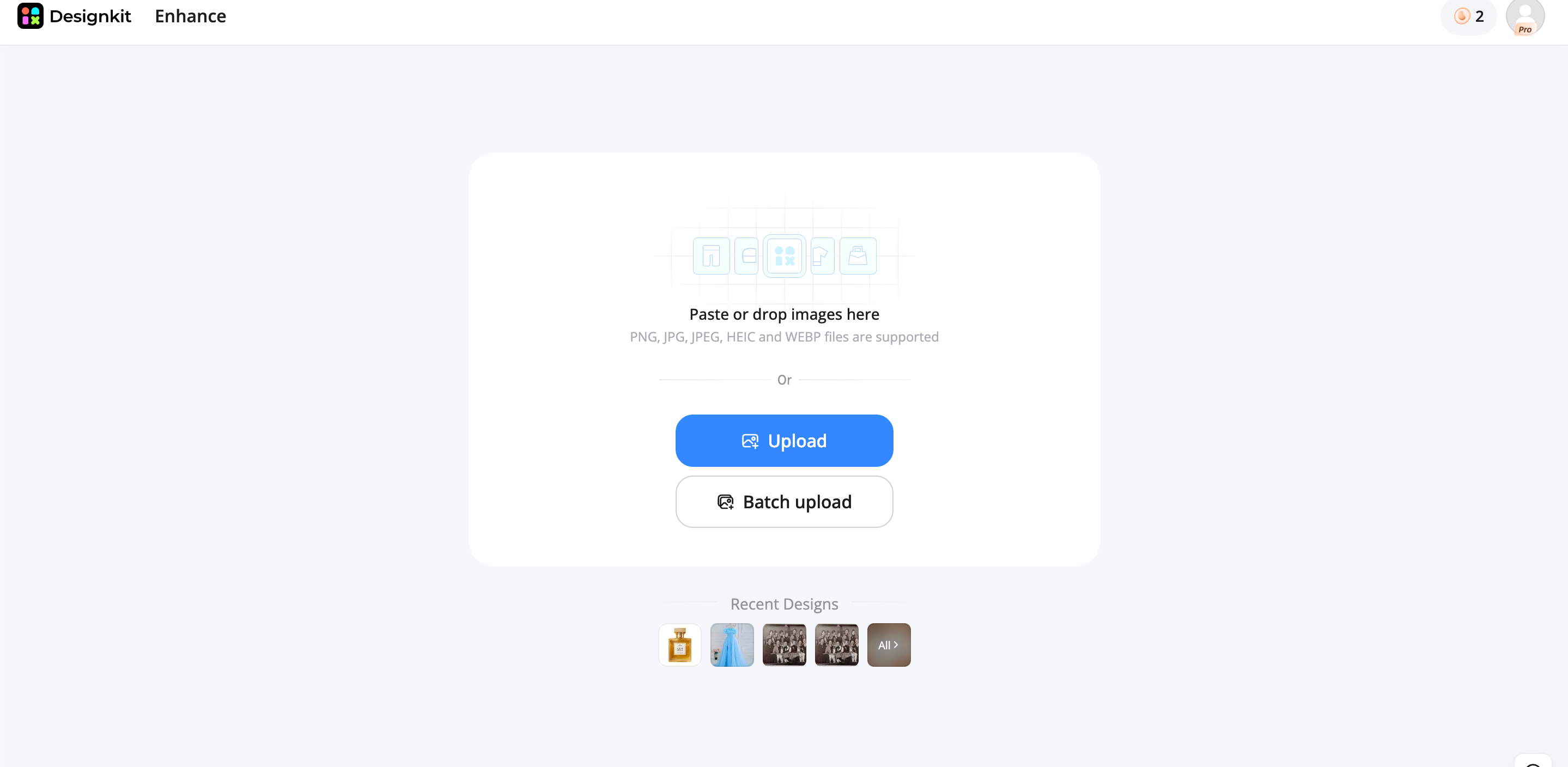
Step 1: Upload Your Image
Upload a portrait, pet photo, product image, or any picture you want to improve. Designkit supports popular image formats and automatically prepares files for AI enhancement.
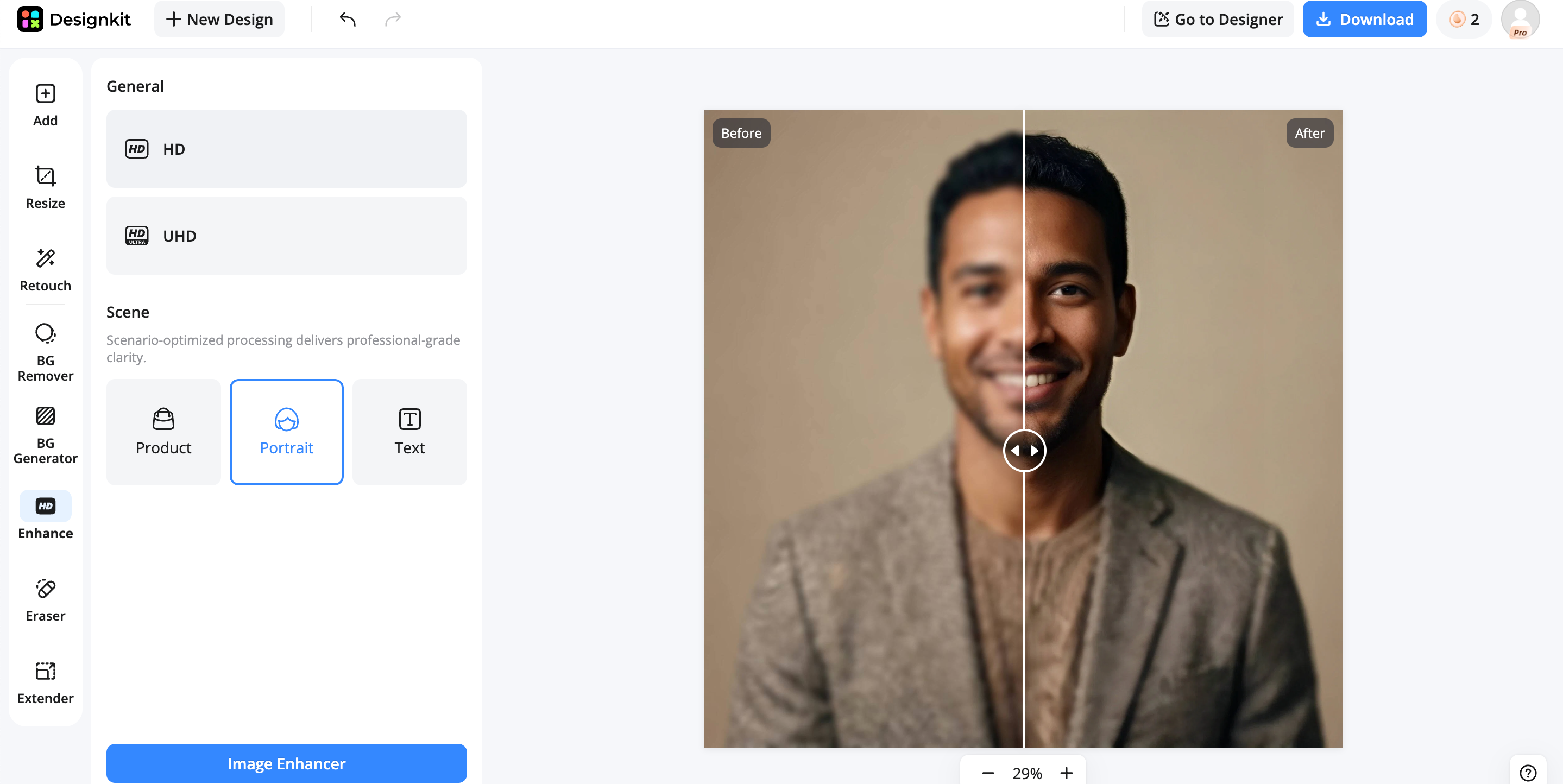
Step 2: Apply AI Enhancement
Select the AI Image Enhancer to sharpen details, reduce noise, improve lighting, and upscale the image. You can also remove the background, generate a new one, or further refine the image using additional AI editing tools.
Step 3: Export Your Image
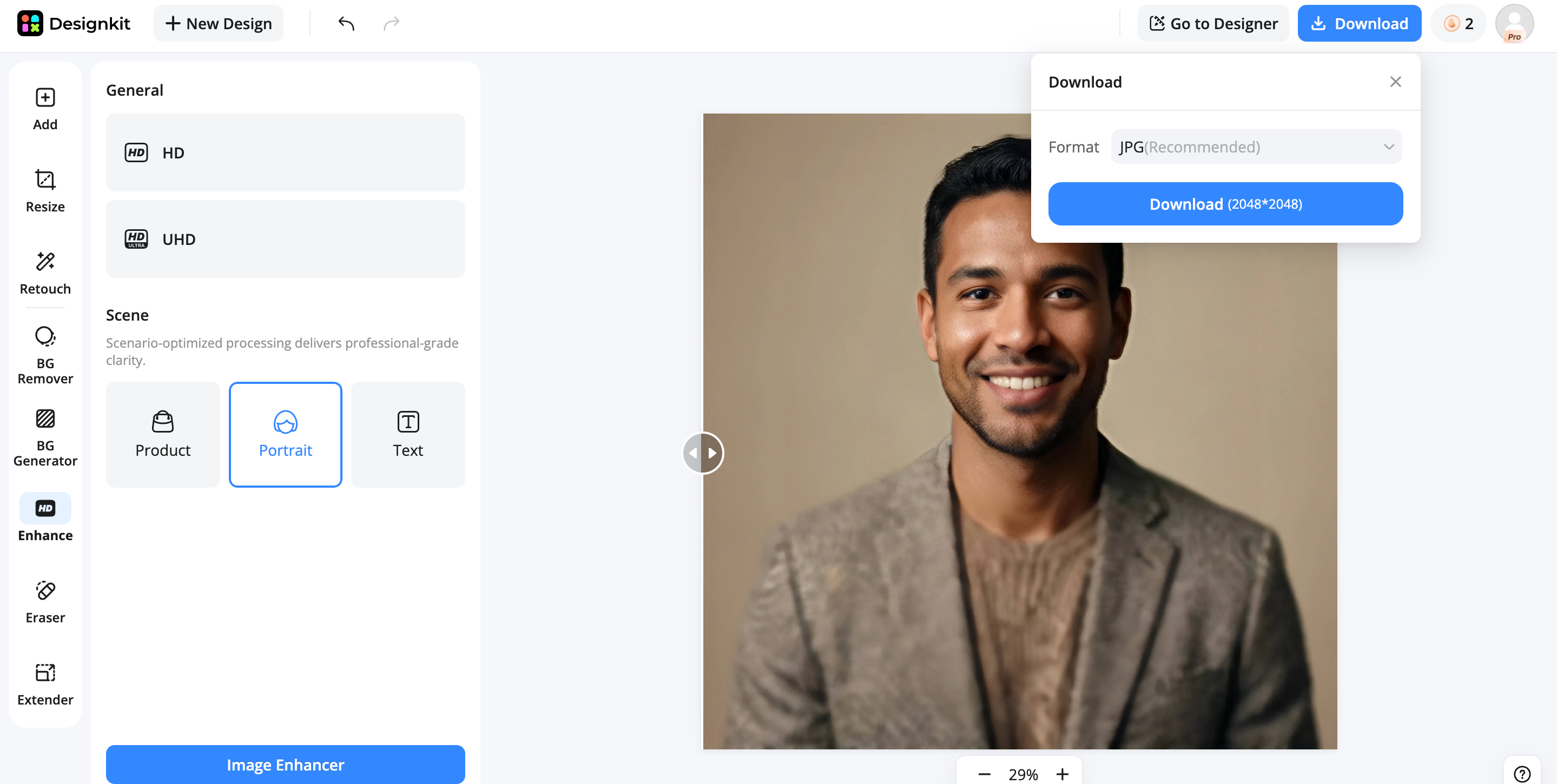
Download your enhanced image in high resolution or instantly resize it for websites, social media, e-commerce marketplaces, presentations, or digital marketing campaigns.
Pro Tips for Better AI Image Enhancement
Getting the best results from an AI image enhancer isn't just about choosing the right tool. Following a few best practices can help you achieve sharper, more natural-looking images while preserving important details for print, ecommerce, or social media.
Start with the Highest-Quality Source Image
AI can improve an image, but it cannot fully recover details that were never captured. Whenever possible, use the original photo instead of a compressed screenshot or social media download. A higher-quality source gives the best AI image enhancer more data to produce cleaner and sharper results.
Compare Multiple Enhancement Models
Different AI models excel at different tasks. One may produce better portraits, while another delivers stronger upscaling or noise reduction. If your chosen tool offers multiple enhancement modes, compare the outputs to find the best AI model for high quality pictures based on your specific image.
Enhance Before Background Editing
Improve image quality before removing or replacing the background. Enhancing first preserves finer edges, textures, and object details, resulting in cleaner cutouts and more realistic composites during the editing process.
Optimize Images for Every Platform
After enhancement, resize and export images according to where they'll be used. Ecommerce marketplaces, websites, print materials, and social media platforms all have different image size and quality requirements. Optimized exports help maintain sharp visuals while improving loading speed.
Save High-Resolution Master Files
Always keep a full-resolution copy of your enhanced image before creating smaller versions. A master file allows you to generate optimized exports for different platforms later without repeating the enhancement process or losing image quality.
Conclusion
The best AI image enhancer ultimately depends on your goals.
Topaz Photo AI excels at professional-quality enhancement, Let's Enhance leads in browser-based upscaling, Remini is ideal for portrait restoration, and Upscayl offers a powerful free offline solution. Lightroom and Luminar Neo provide advanced photography workflows, while Fotor and Picsart are great for beginners and content creators. For ecommerce businesses, Designkit combines AI image enhancement with product editing and marketing asset creation.
Choose a tool that matches both your image enhancement needs and your overall creative workflow to achieve consistently high-quality results with less time and effort.
Frequently Asked Questions
Which is the best AI image enhancer?
What is the best AI photo enhancer for blurry images?
For blurry images, Topaz Photo AI and Remini consistently deliver the strongest results. Topaz is better for landscapes, wildlife, and general photography, while Remini specializes in restoring facial details in portraits and selfies. Both use AI to recover lost sharpness while reducing artifacts. If you're enhancing product images for online stores, Designkit offers AI-powered image enhancement together with product retouching and background editing, allowing you to transform blurry product photos into polished visuals suitable for ecommerce listings and advertising.
Can AI improve low-resolution photos?
Yes. Modern AI image enhancers use deep learning models to intelligently upscale low-resolution photos while reconstructing edges, textures, and fine details. Unlike traditional resizing, AI predicts missing pixels to create a sharper and more natural-looking image. Results depend on the original image quality, but today's tools can significantly improve photos for websites, print, and social media. If you're preparing ecommerce images, Designkit enhances resolution while also optimizing product photos for marketplace requirements, helping sellers produce professional-looking product visuals more efficiently.
Which AI image enhancer produces the most realistic results?
Topaz Photo AI is widely recognized for producing some of the most realistic AI-enhanced images because it preserves natural textures while avoiding excessive sharpening. Lightroom and Luminar Neo also deliver realistic improvements when combined with manual adjustments. The best results come from balancing enhancement with minimal artificial effects. For ecommerce brands, Designkit focuses on realistic product enhancement by improving image clarity, refining product details, and generating clean backgrounds that maintain a natural, trustworthy appearance for online shoppers.
Is there a free AI image enhancer?
Yes. Several AI image enhancers offer free plans or free versions. Upscayl is completely free and works offline, making it an excellent option for users who prioritize privacy. Upscale.media and Fotor also provide free tiers with usage limits, while Remini offers limited free enhancements. These options are suitable for occasional editing without a subscription. Businesses needing both image enhancement and marketing-ready assets can use Designkit's free plan to improve product images while accessing additional ecommerce-focused editing tools as their needs grow.
What is the best AI model for high-quality pictures?
There is no single AI model that is best for every scenario. Different enhancement engines are optimized for portraits, landscapes, product photography, or image upscaling. Topaz Photo AI uses advanced AI models for professional-quality restoration, while Lightroom integrates AI into a complete editing workflow. The ideal choice depends on your image type and intended use. For ecommerce businesses, Designkit combines AI enhancement with product-focused editing features, helping create high-quality pictures that are optimized for online stores, advertising campaigns, and marketplace listings.
Which AI image enhancer is best for product photography?
For product photography, image quality alone is not enough. You also need background editing, resizing, and visuals optimized for ecommerce platforms. While Topaz Photo AI can improve sharpness and detail, Designkit is specifically built for product photography workflows. It enhances product images, generates professional backgrounds, removes distractions, resizes assets for marketplaces, and helps create marketing materials. This makes it an excellent choice for Shopify stores, Amazon sellers, and ecommerce brands looking to streamline visual content creation.
Can AI image enhancers restore old photos?
Yes. AI image enhancers can restore old or damaged photos by sharpening blurry areas, reducing noise, correcting faded colors, and improving facial details. Portrait-focused tools like Remini are especially effective for restoring family photos, while Topaz Photo AI performs well on a wider variety of image types. Although severe physical damage may still require manual restoration, AI significantly reduces restoration time. After restoration, Designkit can further enhance the image with improved backgrounds, refined colors, and marketing-quality outputs when needed.
How do AI image enhancers work?
AI image enhancers are trained on millions of images to recognize patterns, textures, edges, and details. When you upload a photo, the AI analyzes its quality and predicts missing information to sharpen details, reduce noise, improve colors, and upscale resolution. Unlike traditional editing, these tools automate complex enhancements in just a few clicks. Designkit applies similar AI technology while extending the workflow beyond enhancement, allowing users to edit backgrounds, optimize product images, and create ready-to-publish ecommerce visuals from the same platform.
Which AI image enhancer is best for e-commerce businesses?
For ecommerce businesses, the best AI image enhancer should do more than improve image quality. It should also help create product-ready visuals that increase conversions. Designkit is designed specifically for this purpose, combining AI image enhancement with background generation, product retouching, smart resizing, and marketing asset creation. Instead of using separate tools for editing and design, businesses can complete their entire visual workflow in one platform, making it an ideal solution for Shopify stores, Amazon sellers, and online brands.
You May Also Like

7 Best Remove.bg Alternatives in 2026: Free & Paid Tools

Instagram Carousel: What It Is, How to Post & Create One

Nano Banana Prompts: 20+ Examples for Better AI Images

Ideogram AI Review 2026: Features, Pricing & Alternatives

Free Mac Photo Editor: 5 Tools Compared for Mac Users

How to Crop a Photo Into a Circle Online (Keep Quality)

How to Make an Image Transparent Online (AI Guide)

Pixlr Background Remover Review 2026: Features, Pricing & Alternatives

How to Fix Overexposed Photos: Recover Highlights Fast

OpenArt AI Review 2026: Features, Pricing & Alternatives

Best AI Headshot Generator: 9 Tools Compared for 2026

Best Stencil Maker Tools 2026: Turn Photos Into Stencils

Pixelbin Watermark Remover Review: Image & Video Results Tested

How to Make a Sticker on iPhone: Easy Step by Step Guide

Best AI Logo Generator in 2026: 10 Tools Compared

How to Turn a Photo Into a Cartoon: A Beginner-Friendly Guide

Landscape vs Portrait: Key Differences & Best Uses in 2026

How to Remove Watermark From Photo: AI, Photoshop & More

How to Fix Pixelated Photos: Photoshop, AI Tools & Tips

Bing Image Creator: How It Works, Features, Uses & Alternatives

How to Remove People from Photos with AI: A Step-by-Step Guide

How to Increase Image Resolution: AI, Photoshop & PPI

How to Add Text to a Photo: 8 Tips for Better Results

How to Fix Grainy Photos: Easy Ways to Clear Images

Creative Profile Picture Ideas for Every Style and Platform

Evoto AI Review 2026: Features, Pricing, Pros & Cons

Pixlr Photo Editor Review: Features, Pricing & Alternatives

Best AI Image Extender Tools in 2026: Expand Photos with AI

How to Make a Collage on iPhone: Easy Guide for 2026

How to Sharpen an Image in Photoshop (Smart Sharpen and Unsharp Mask)

Best Image Background Remover Tools in 2026: AI Tools Compared

How to Make Transparent Background in Paint: Step-by-Step Guide

How to Resize an Image: Best Methods, Tools & Quality Tips

Best AI Image Generator Tools in 2026: Top AI Platforms Compared

Remove.bg Review 2026: Features, Pricing & Is It Worth It?

Luminar Neo Photo Editor Review 2026: AI Features, Price & Pros

How to Post Multiple Photos on Instagram (2026 Guide)

25 Facebook Cover Photo Ideas for Personal & Business Pages

What Is a PFP? Meaning, Examples & How to Create One

Can You Edit an Instagram Post After Posting?

11 Best Canva Alternatives in 2026 for AI Design & Marketing

8 Best Midjourney Alternatives in 2026: Features, Pricing & Comparison

How to Restore Old Photos: AI Tools, Tips & Best Methods

Pixelcut AI Review 2026: Features, Pricing, Pros, Cons & Alternatives

How to Apply Watermark to Photos: Methods, Tips & AI Tools

How to Remove a Background in Illustrator: 4 Easy Methods

How to Change Background Color on Instagram Story (Easy Guide)

8 Best AI Poster Generators in 2026: Create Posters Faster with AI

10 Best AI Image Enhancers in 2026: Tested & Compared

10 Best AI Image Editors in 2026: Features, Pricing & Comparison

7 Best AI Background Changer in 2026: Remove & Replace Photo Backgrounds

Luminar Neo vs Lightroom: Features, Pricing & Comparison 2026

Kittl Review 2026: Is It Worth It? Features & Pricing

How to Make a Blurry Image Clear: 5 AI & Manual Ways

How to Remove Background on iPhone: 5 Easy Methods (2026)

Photoroom Background Remover Review 2026: Features & Alternatives

How to Remove Background in Canva: A Step-by-Step Guide

How to Remove Background in GIMP: Beginner-Friendly Guide

Funny Dog Memes to Try: Doge Meaning and 10 Original Ideas

Back to School Checklist 2026: Supplies, Timeline, and Planning

Recraft AI Review 2026: Features, Pricing, Pros, Cons & Alternatives

How to Make an Image Transparent in Google Slides: Opacity & Background Removal

VanceAI Photo Enhancer Review: Features, Pricing & Alternatives in 2026

What Does Emojify Mean? Text, Photos, & Emoji Art Explained

Top 8 Online Background Removers for Ecommerce Photos (2026)

How to Remove Background in Photoshop: 7 Easy Methods

6 Best AI Image Upscalers 2026: Tools Tested & Compared

Project Indigo Review: Is It Better Than iPhone Camera?

How Big Is an 8x10 Photo? Size, Pixels & Frame Guide

How Big Is a 4x6 Photo? Dimensions, Pixels & Printing Tips

Picsart AI Review: Features, Pricing, Pros, Cons & Alternatives

Lovart AI Review: AI Design Agent Features, Pricing & Alternatives

Fotor AI Image Generator Review: Features, Pricing & Alternatives

How to Add Emoji to Photo Online for Free

Emoji Wallpaper Ideas & How to Make One Online (2026)

Minimalist Poster Design: How to Make a Clean Poster (2026)

How to Make a Custom Poster That Is Ready to Print

Instagram Image Size Guide 2026: Post, Reel, Story & Carousel Specs

LinkedIn Image Size Guide: Profile, Post & Banner Dimensions

YouTube Profile Image Size: Best Dimensions & Safe Area 2026

How to Edit Amazon Product Photos That Boost Sales Fast
Enhance Every Image with Confidence
Improve image quality, then create listing graphics, branded visuals, and marketing assets from the same AI-powered workflow.
