
Turn Long Videos Into Ready-to-Post YouTube Shorts
Repurpose podcasts, tutorials, streams, product videos, and images into vertical YouTube Shorts in minutes.
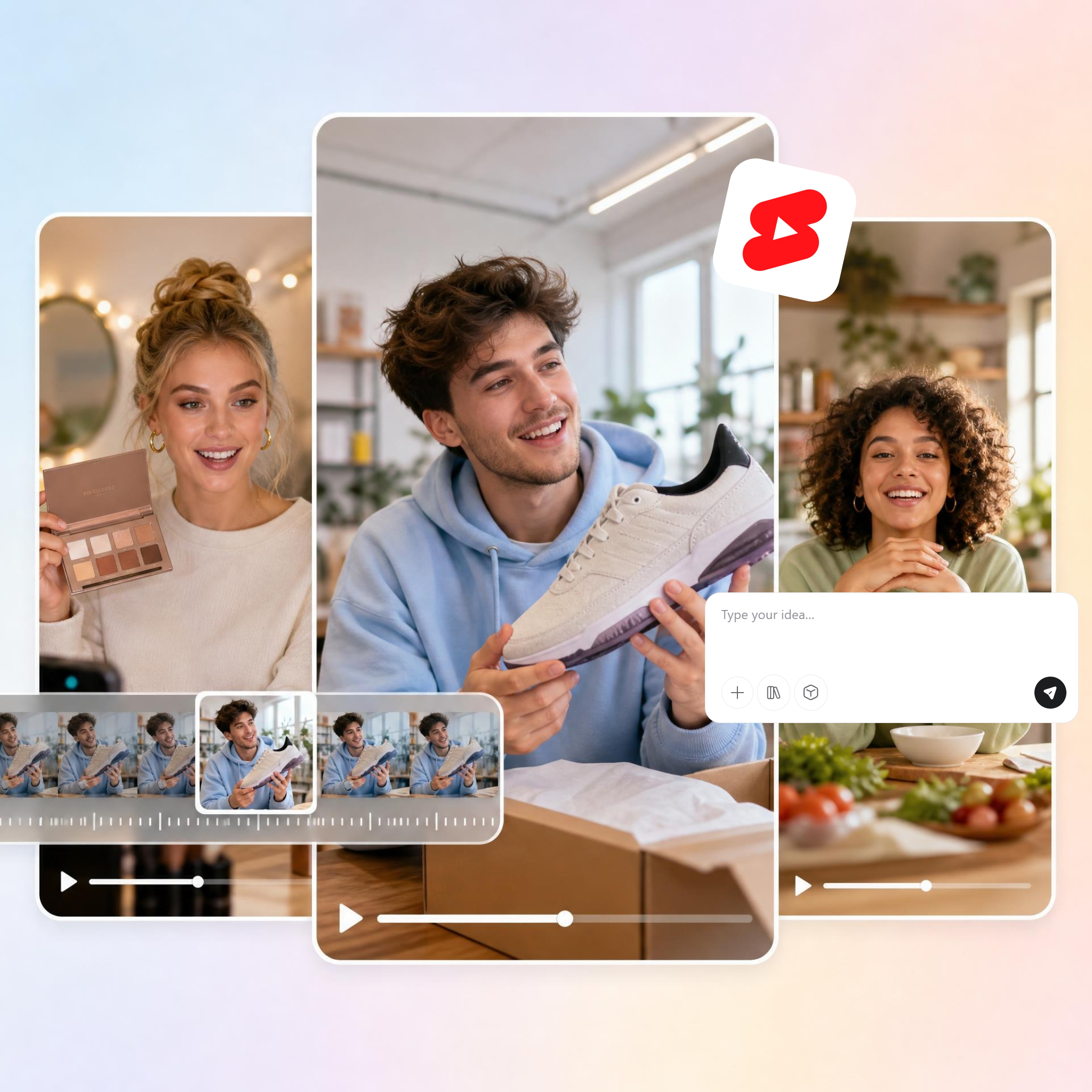
How to Make YouTube Shorts in 3 Simple Steps
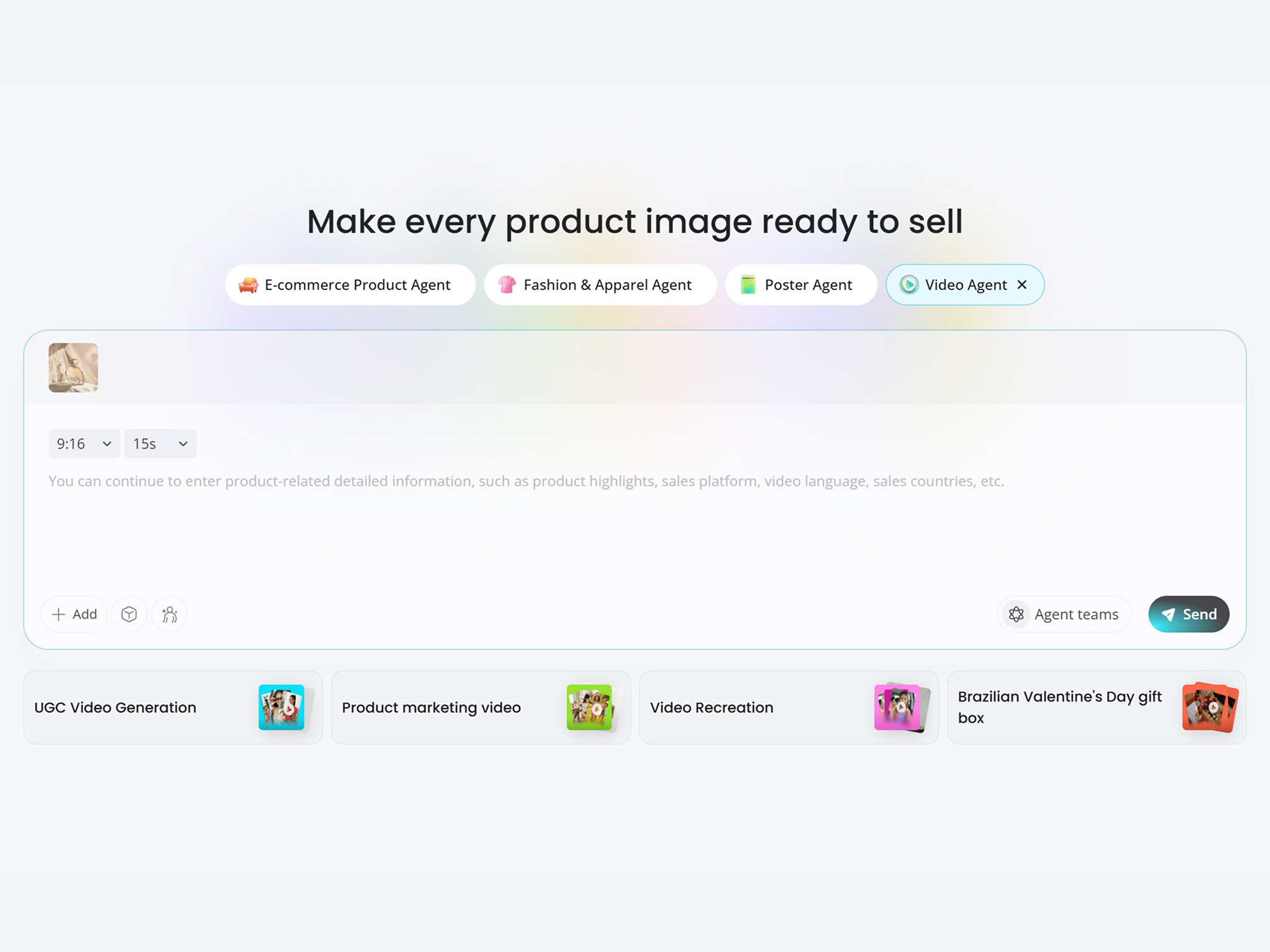
Upload Your Video or Image
Upload a podcast, tutorial, stream, product video, or image. Designkit prepares your content for short-form video creation.
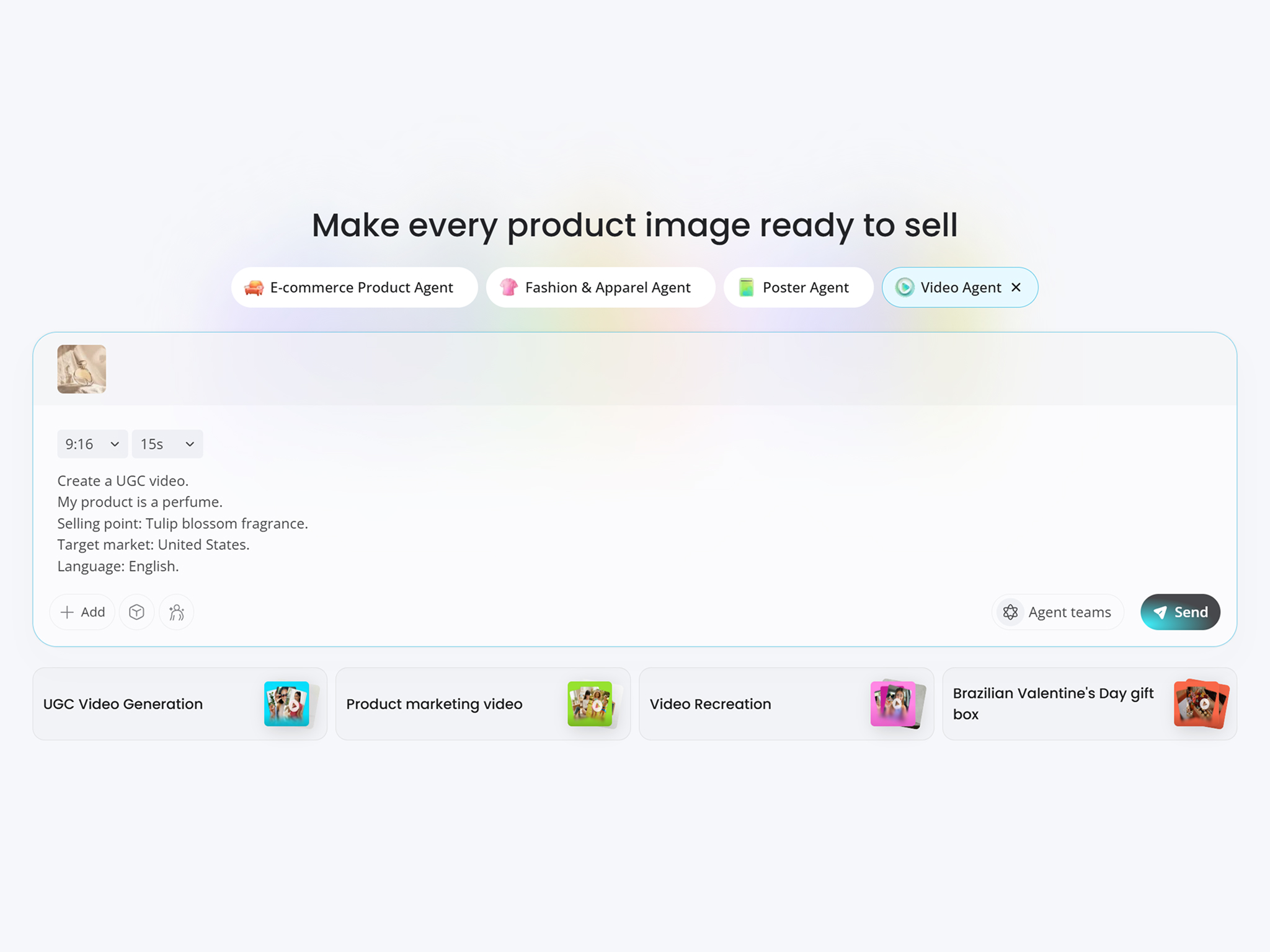
Generate and Customize Your Shorts
Describe the Shorts you want, let AI find highlights, create scripts, add captions, reframe footage, or generate avatar-led Shorts. Adjust the style, pacing, layout, and voice to match your channel.
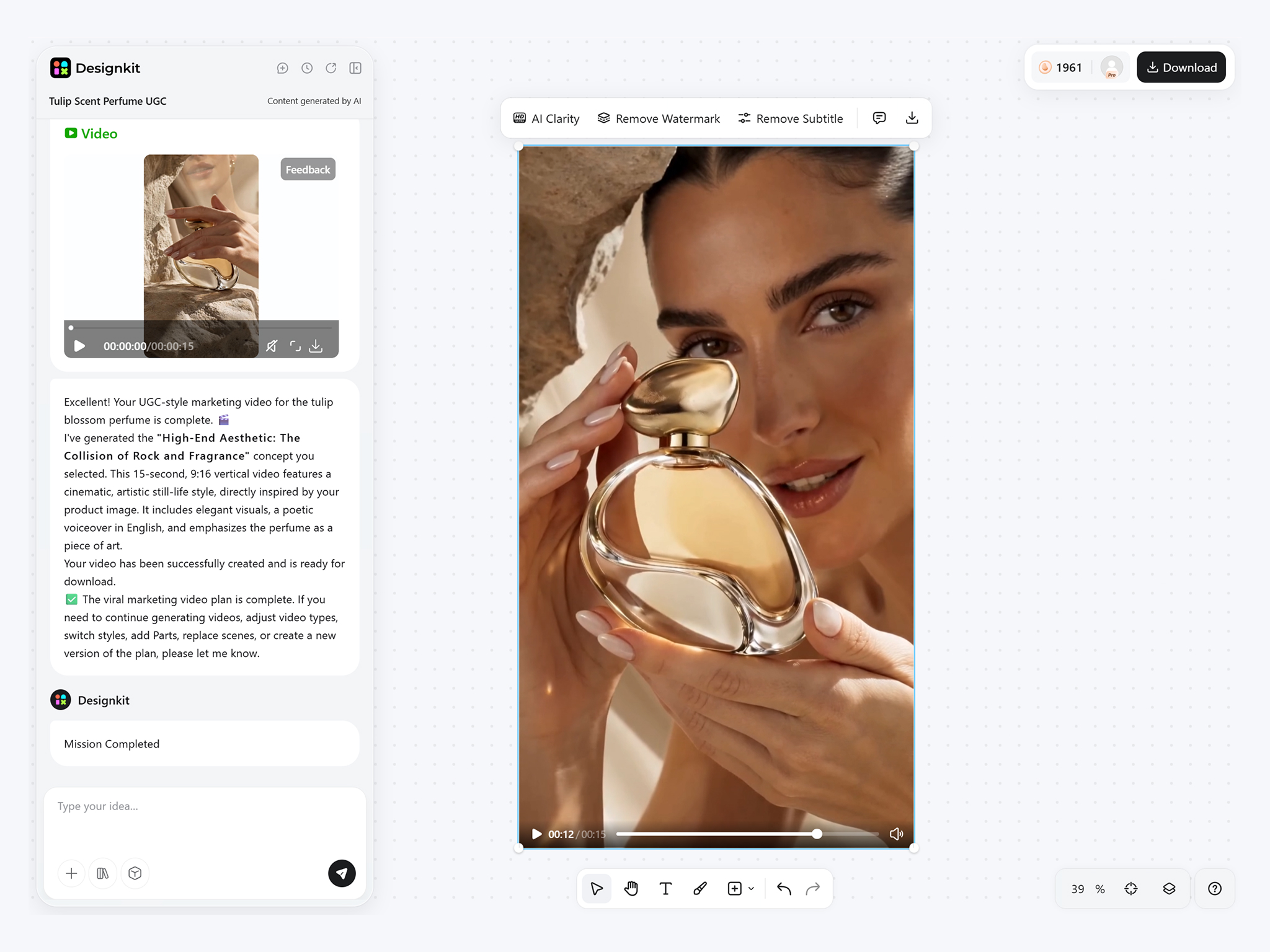
Preview and Export
Review your Short, make final edits, and export in a vertical 9:16 format ready for YouTube.
What Makes Designkit a Smarter YouTube Shorts Maker
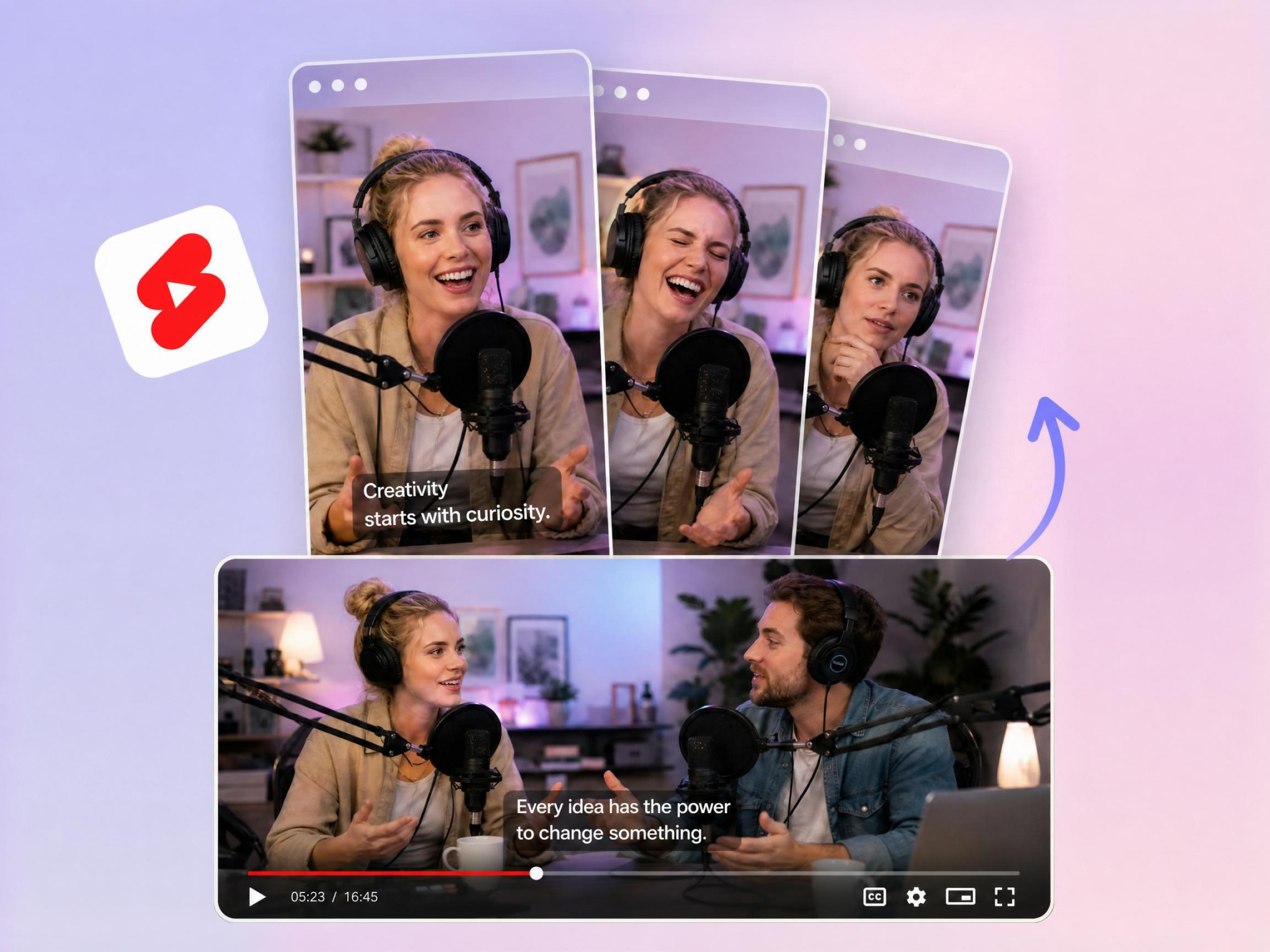
Create Multiple Shorts From One Long Video
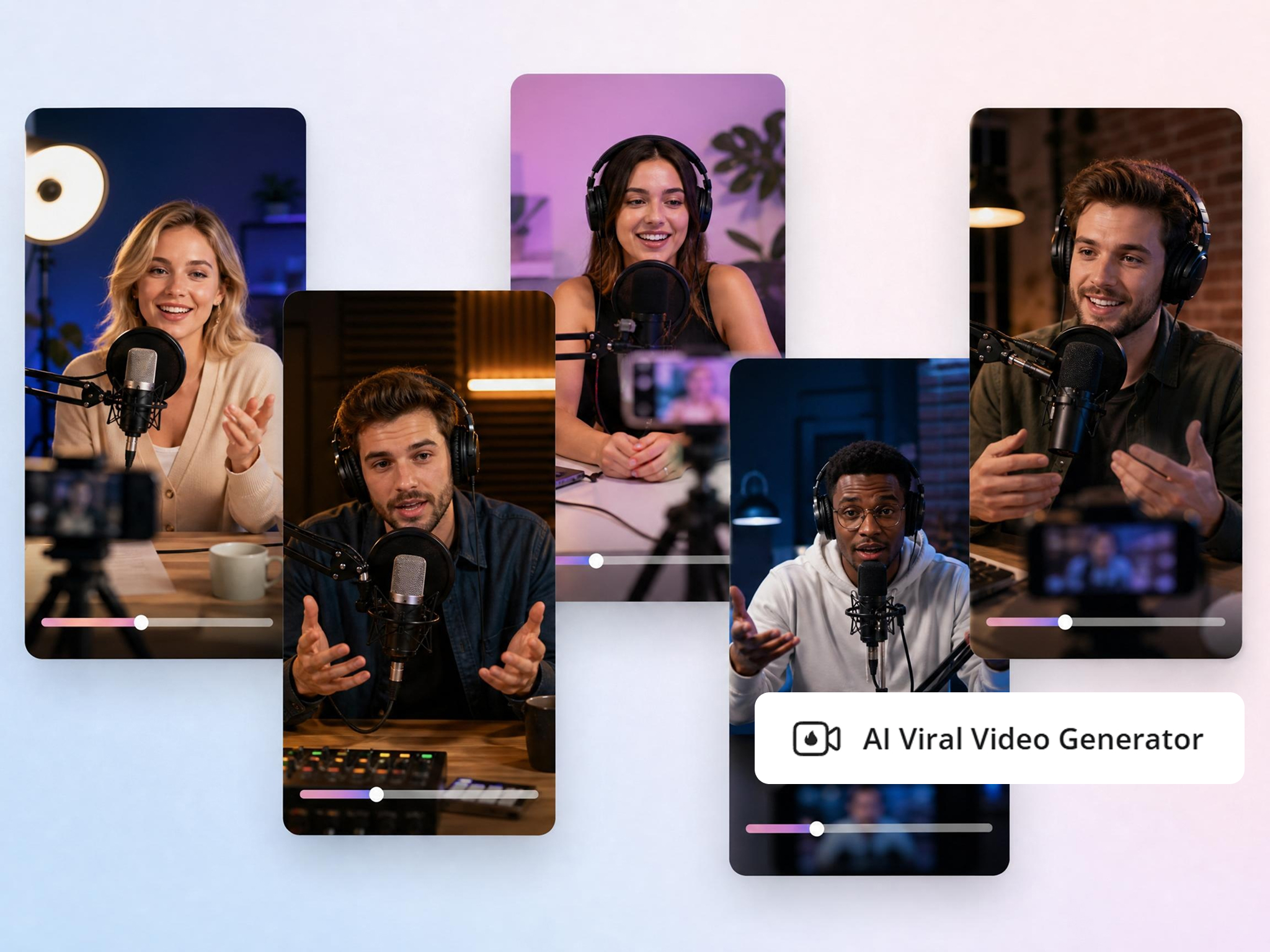
Designkit scans long-form content, identifies strong moments, and turns them into several short vertical clips. Repurpose podcasts, interviews, streams, webinars, and tutorials without cutting every clip manually.
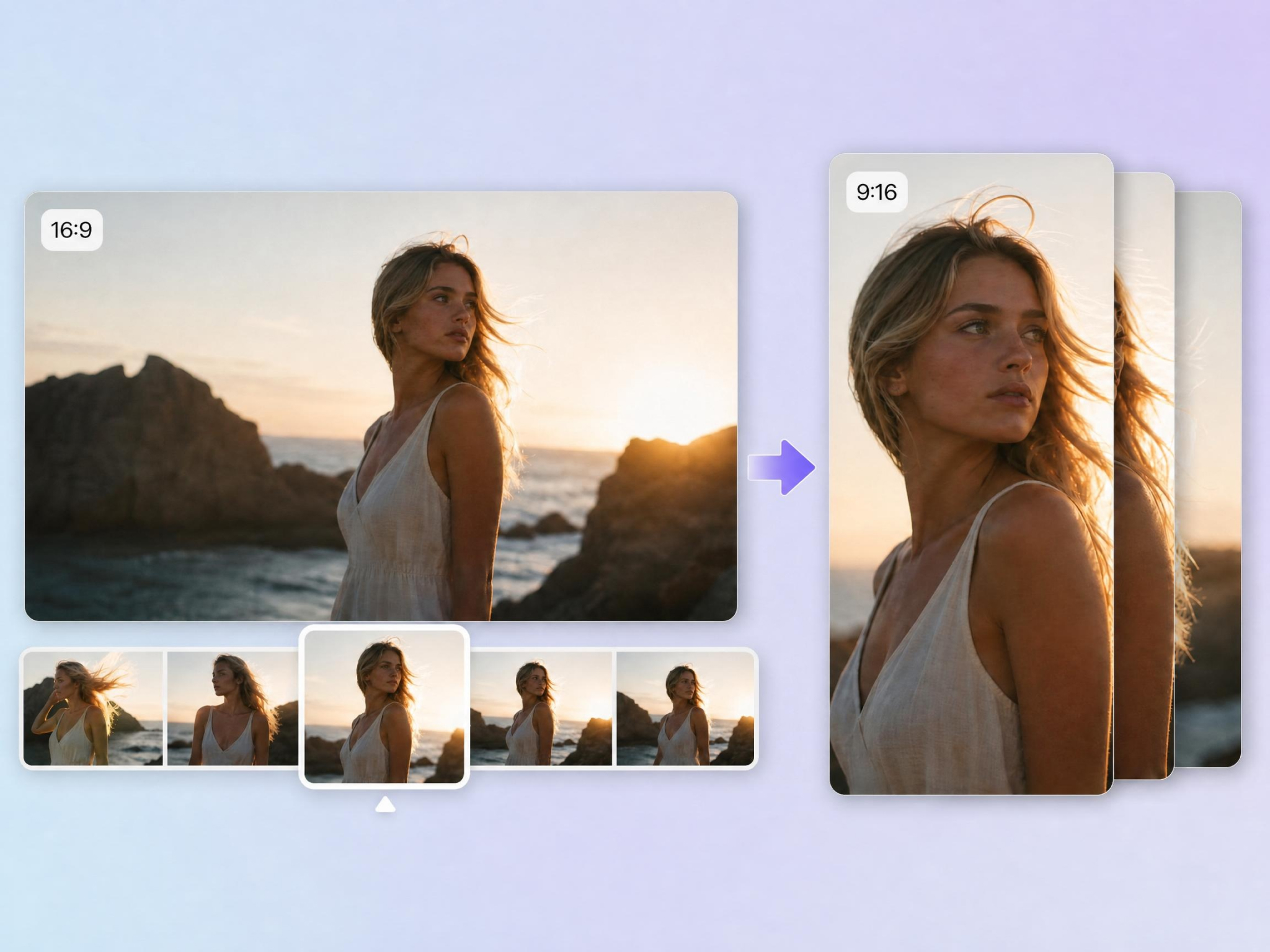
Convert Horizontal Videos to Vertical Shorts
Most existing content is recorded in horizontal format, making it difficult to reuse for shorts. Designkit transforms 16:9 footage into 9:16 Shorts while keeping speakers, products, and key action centered. Your videos stay clear and mobile-friendly without manual cropping.
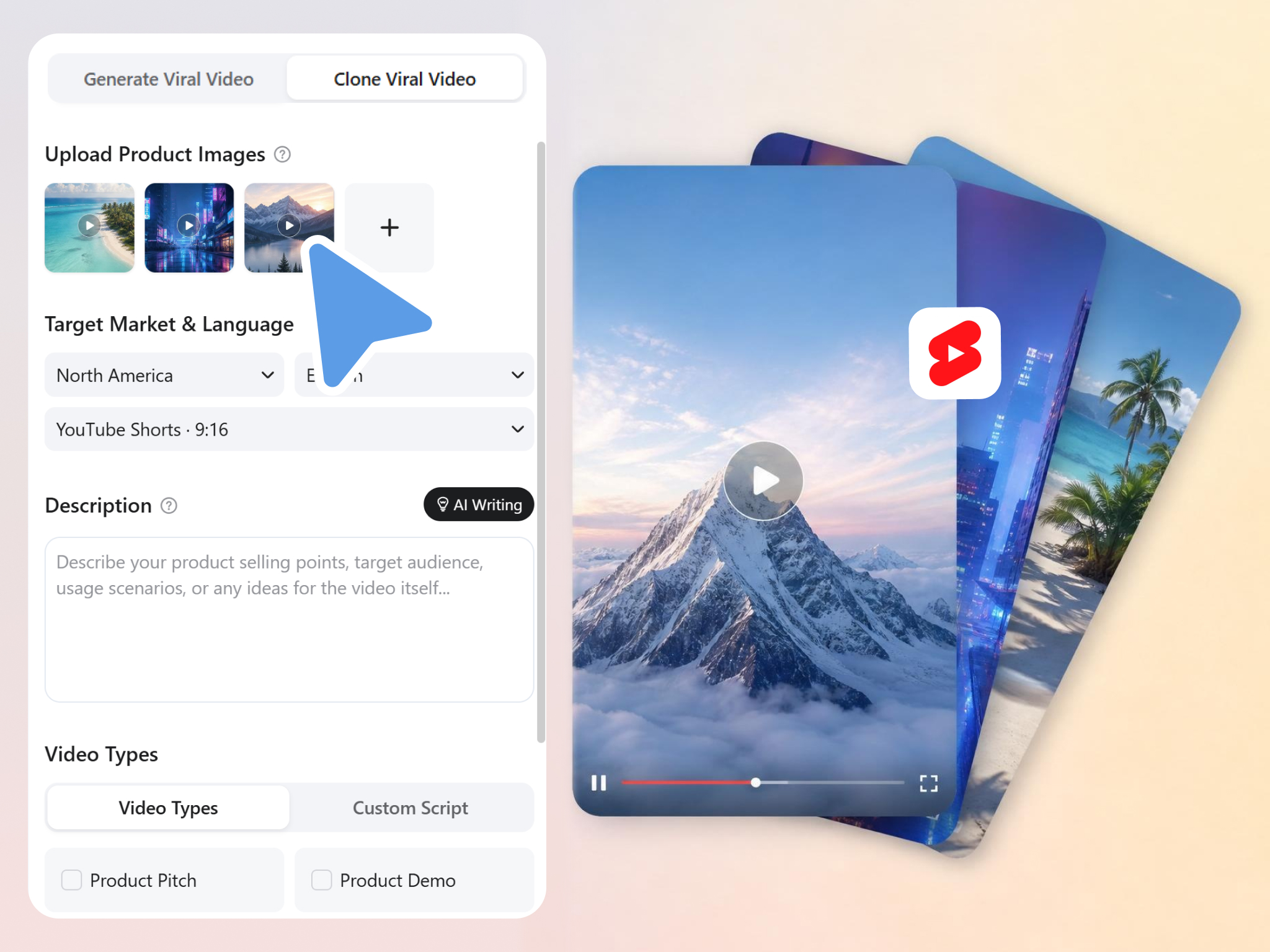
Recreate Shorts From a Reference Video
Successful Shorts often follow proven structures and pacing. Upload a reference Short and use its structure, pacing, and visual flow to create new variations for your own content. It helps you test proven formats faster.
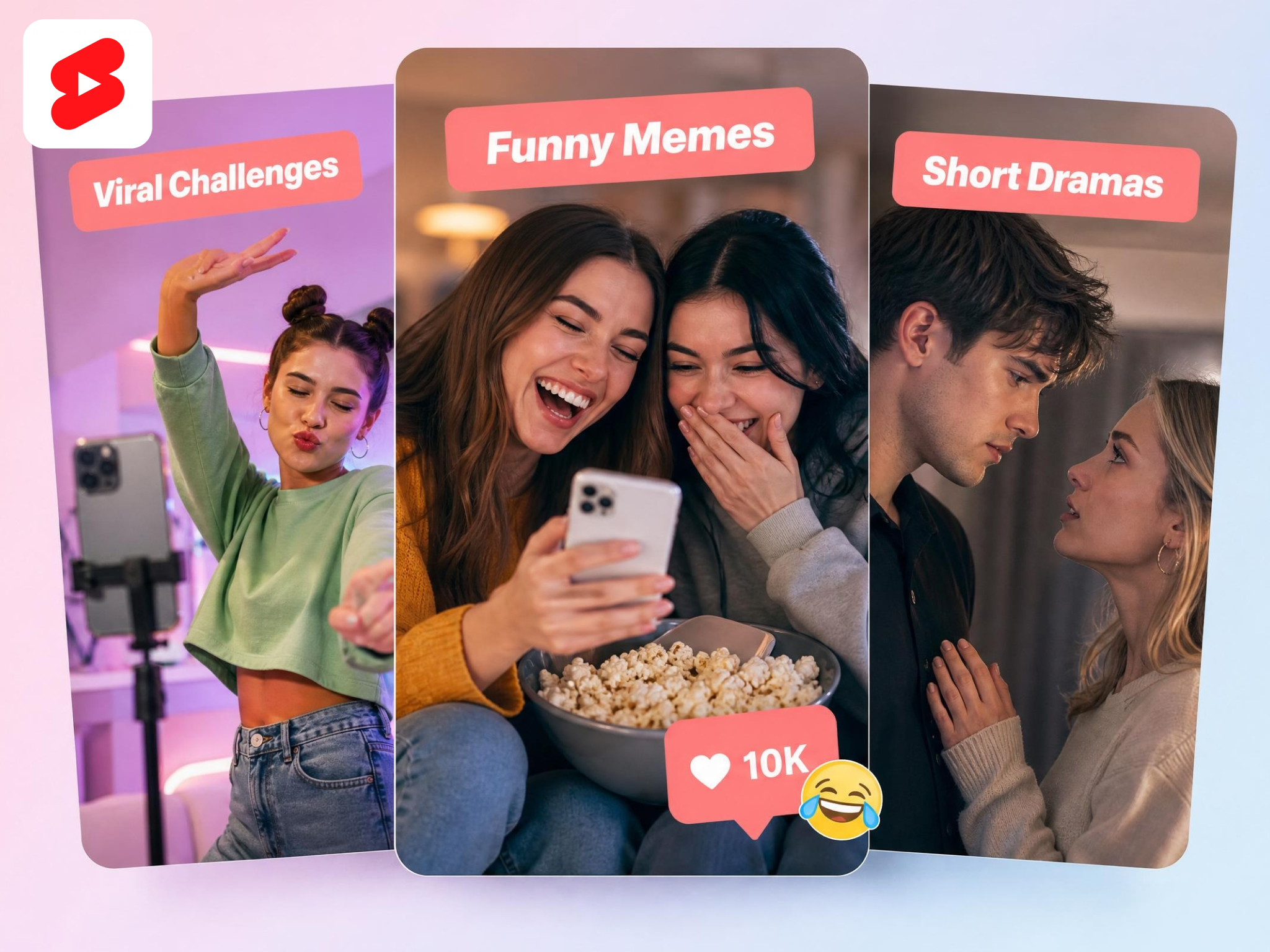
Make Shorts With Custom AI Avatars
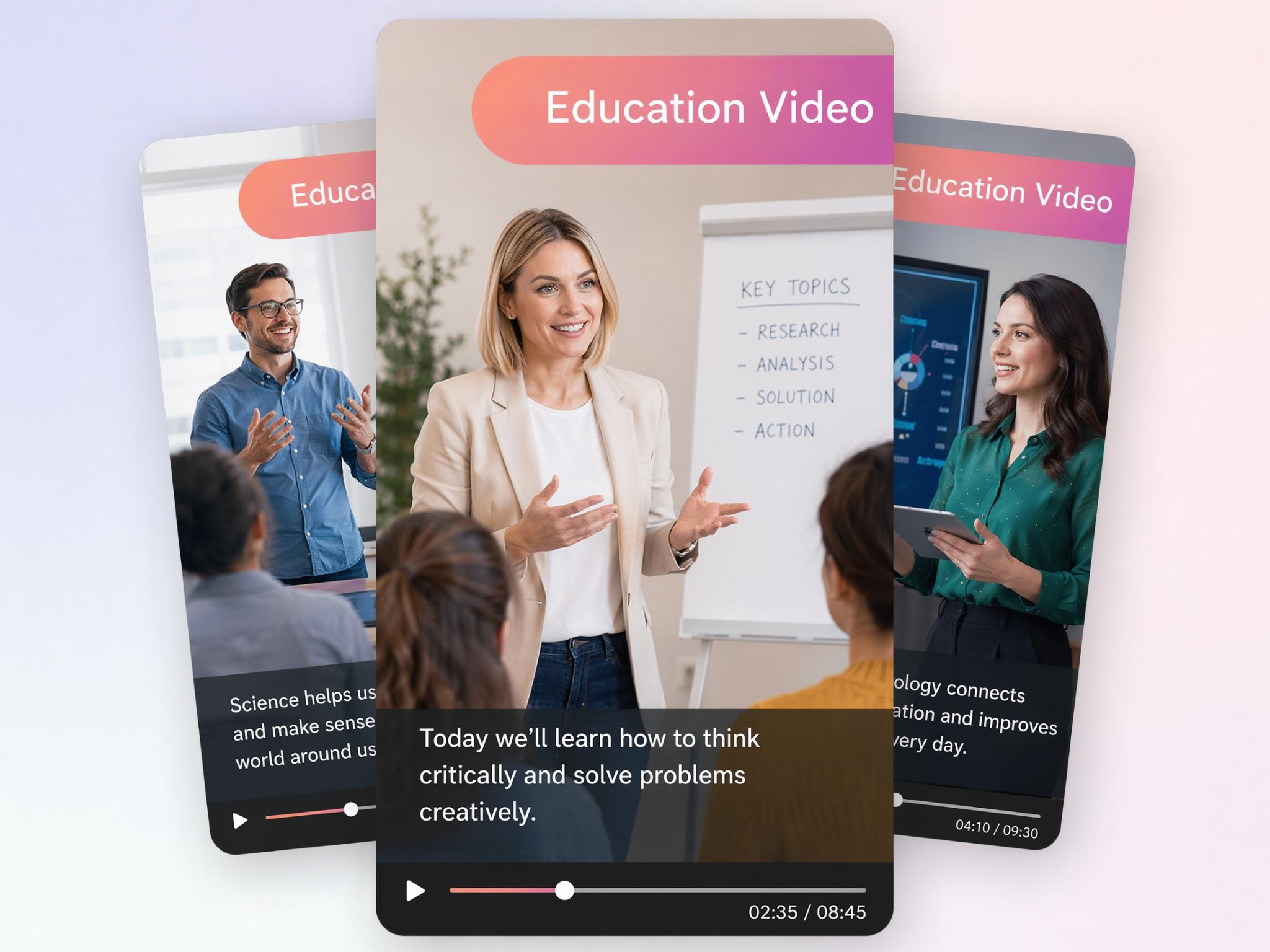
Creating on-camera content consistently can be challenging. Designkit creates avatar-led Shorts for education, product promotion, storytelling, and UGC-style content. Customize avatar appearance, voice, and style to fit your brand or channel.
Enhance Existing Footage Before Publishing
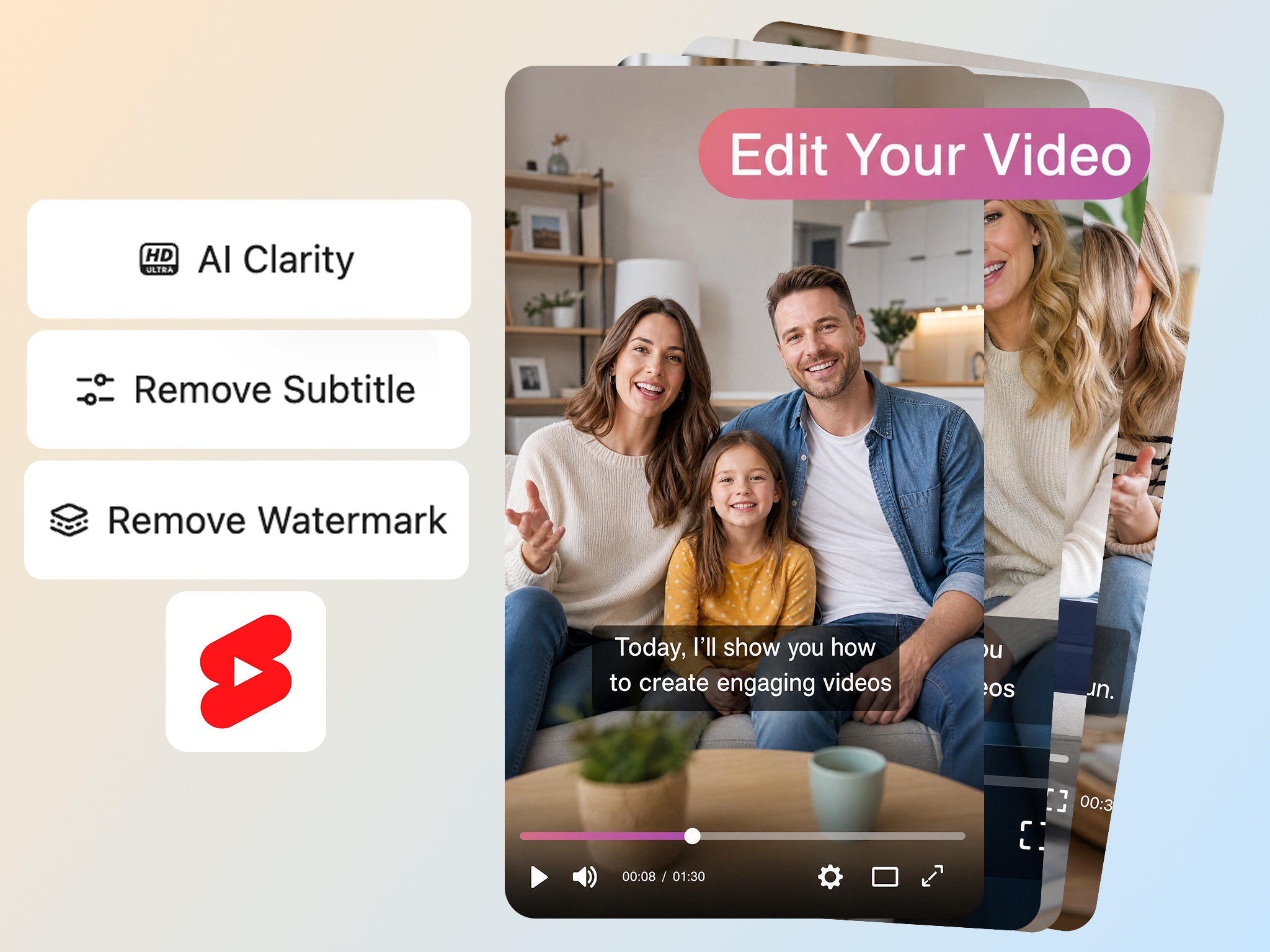
Old footage often needs improvement before being reused as a short. Designkit enhances video quality with video enhancement, background cleanup, sharpening, and watermark removal, where applicable. Turn archived footage into cleaner Shorts ready for reuse.
Generate Multilingual YouTube Shorts
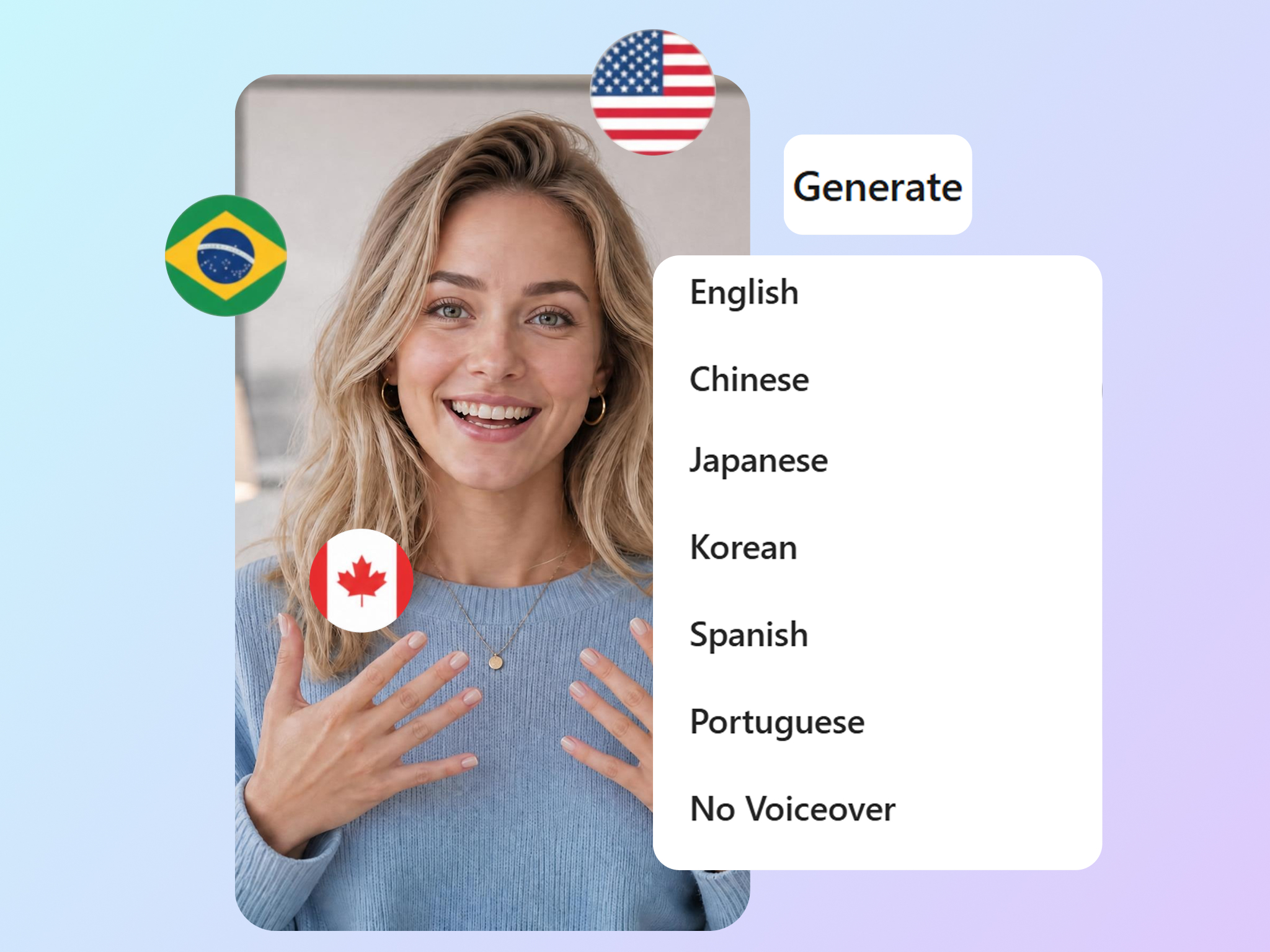
Growing a global audience usually requires creating separate videos for different markets. Designkit adapts the same Short for different markets with translated captions and voiceovers, helping you reach global viewers without remaking each video from scratch.
Built for Creators, Brands, Educators, and Teams That Need More Shorts
Create High-Impact Gaming Highlight Clips
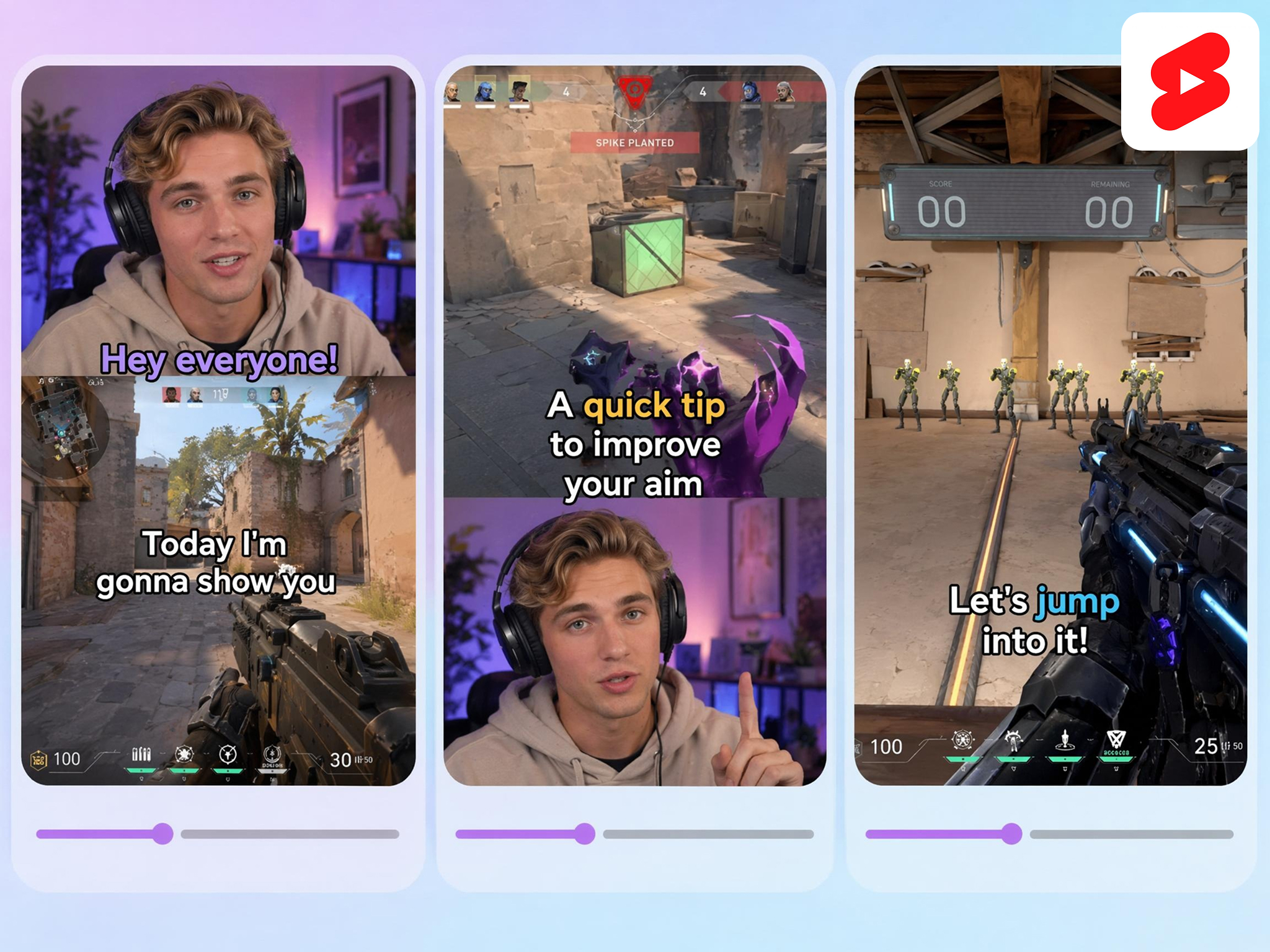
Widescreen gameplay rarely fits a phone screen, so highlights get lost. Designkit reframes streams into vertical Shorts with facecam overlays and highlight-focused cuts that keep the action centered, so your best plays land with mobile viewers.
Why Creators Choose Designkit for Short-Form Video

Make Shorts Without a Camera or Crew
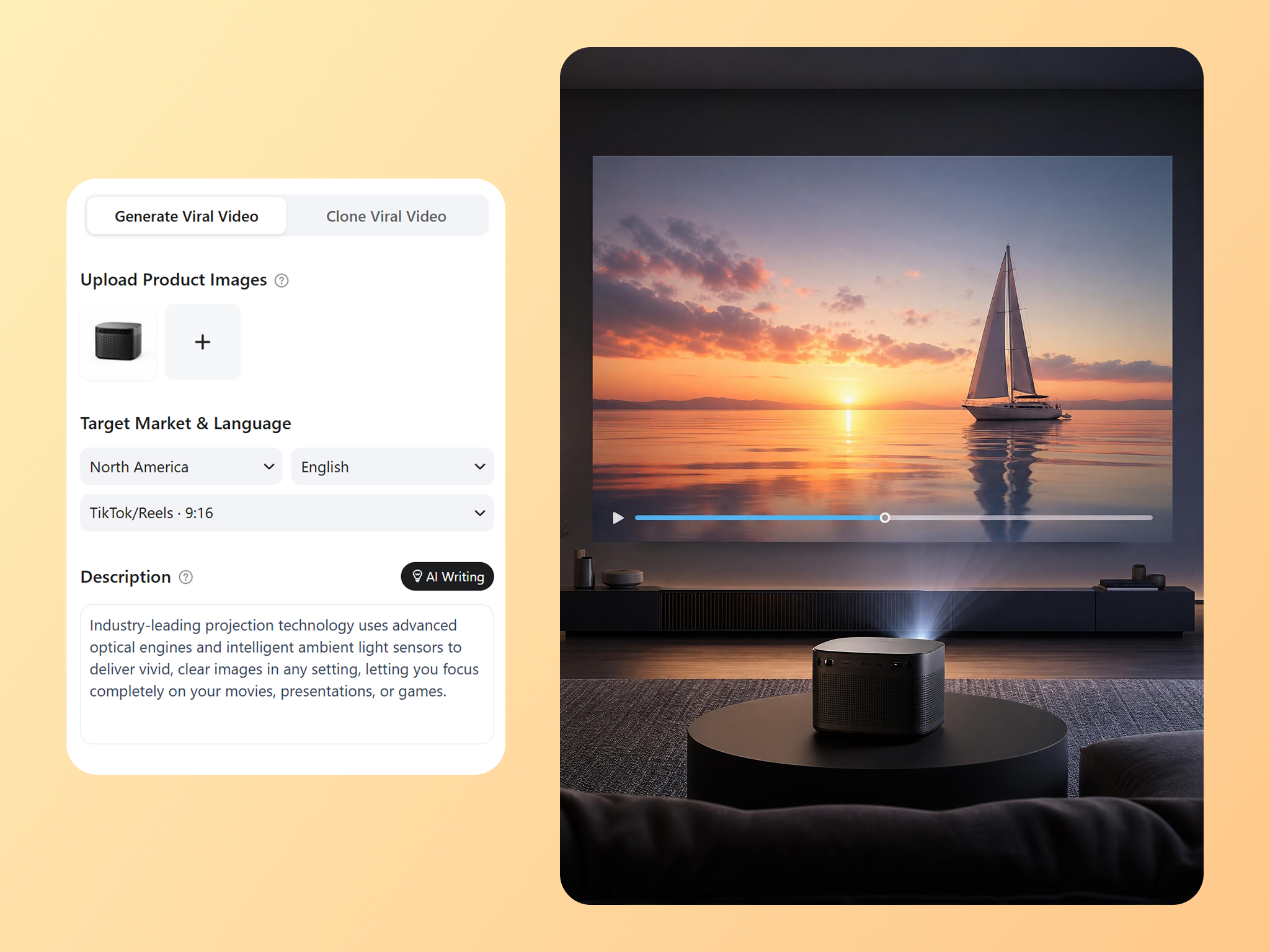
Filming new content costs time and money. Designkit turns footage you already have into Shorts, so you can publish more without recording anything new.
Recreate Top-Performing Shorts in Bulk
Building each Short from scratch is slow. Designkit generates several variations from a proven format, so you scale what already works.
Keep One Channel Identity Across Every Short
Mixed styles weaken a channel. Designkit holds captions, layout, and look consistent, so every Short reads as part of the same channel.
Refresh Old Footage Without Editing Software
Dated clips usually sit unused. Designkit improves their quality and clears distractions with no editing software, so past footage becomes new Shorts.
Reach Global Viewers in Their Language
Going global normally means remaking each video. Designkit adapts your Shorts into several languages, so new audiences get content that fits without a reshoot.

Scale Output as Your Channel Grows
More growth brings more content pressure. Designkit helps you produce more Shorts at a steady quality, so your schedule holds as your audience expands.
Frequently Asked Questions
What is an AI YouTube Shorts maker?
Do the AI-generated Shorts look natural and professional?
Yes, AI video tools can produce Shorts that are natural, visually appealing, captivating, and platform-ready. Designkit creates Shorts that look like YouTube content, enabling creators to publish high-quality content that seamlessly integrates with organic videos without appearing unnatural.
Can I recreate a viral Short by uploading a reference video?
Yes, you can choose an AI video tool to clone a viral Short and recreate a new one with your own style. Designkit's AI video ad recreation provides this feature, letting you upload a video reference and recreate it in minutes, no filming and editing needed at all.
Can I customize the AI avatar, and how many Shorts can I generate at once?
Yes, Designkit allows you to create AI avatars that are personalized to your brand, audience, or campaign goals. You can customize avatar age, appearance, body type, facial features, expressions, and gestures. Once you have created your avatar, you can use it to develop different video ideas and make up to 5 Shorts at once. This enables you to create several versions of avatar-driven UGC content, experiment with various creative approaches, and expand content creation without the need to shoot new footage for each campaign.
Can I clean up existing footage, like upscaling quality or removing watermarks?
Yes, existing footage can be improved through upscaling, sharpening, background cleanup, and watermark removal before being repurposed. Designkit includes AI-powered enhancement tools that help transform older or lower-quality clips into cleaner, more professional Shorts suitable for publishing.
How can I create Shorts consistently without filming new videos?
Consistency can be achieved by reusing content rather than continually shooting new material. Designkit enables creators to repurpose their podcasts, webinars, tutorials, product videos, and clips into several Shorts, ensuring a consistent publishing schedule with minimal effort.
Can I create different types of Shorts for different audiences?
Yes, you can. With Designkit, everyone can create a variety of content formats, styles and messaging. Its important because different audiences have different tastes. Designkit can help you to transform a single concept into educational Shorts, product promotions, creator-style videos, tutorials, highlights, and other formats, helping you reach multiple audience segments without starting from scratch.
Turn Your Existing Content Into YouTube Shorts
Every podcast, stream, tutorial, product demo, and image can become short-form content. Use Designkit to create vertical Shorts faster and keep your channel active.



What Creators Say About Designkit for YouTube Shorts Creation
Real creators use Designkit to publish more content, reduce editing workload, and keep their channels growing.
Ten Shorts From One Episode
I used to get a couple of usable clips from each episode at most. Now I pull a whole batch of Shorts from a single recording, and my uploads are far more consistent. Every episode gives me way more content than before.
So Much Free Traffic to My Store
Making video for my products felt overwhelming. Now I turn my product images into Shorts in a few minutes and post them regularly. A lot more customers find my store through organic traffic.
My Gaming Shorts Finally Look Right
Turning my streams into vertical Shorts used to look terrible. Now the clips fit mobile perfectly, and my subscriber count took off once I started posting them.
Better Tutorial Completion
My lessons covered valuable information, but many students dropped off before reaching the key points. With Designkit, I turn complex topics into engaging visual videos that are easier to follow. Students now stay focused longer, complete more lessons, and regularly tell me the content feels clearer and more enjoyable to learn from.
A Bunch of Versions at Once
Managing content for several brands usually meant repeating the same editing process. Designkit lets me generate 3–5 versions from one concept, making it much easier to keep multiple channels active with fresh content.
Saved Our Agency Hours
Our agency manages short-form content for more than 10 clients. Designkit helped us produce nearly twice as many Shorts from existing footage. We deliver content faster while maintaining a consistent level of quality.