
AI Background Generator Online
Build custom image backgrounds quickly with backdrop. This free backgroud changer is perfect for creating awesome images within just a few seconds.
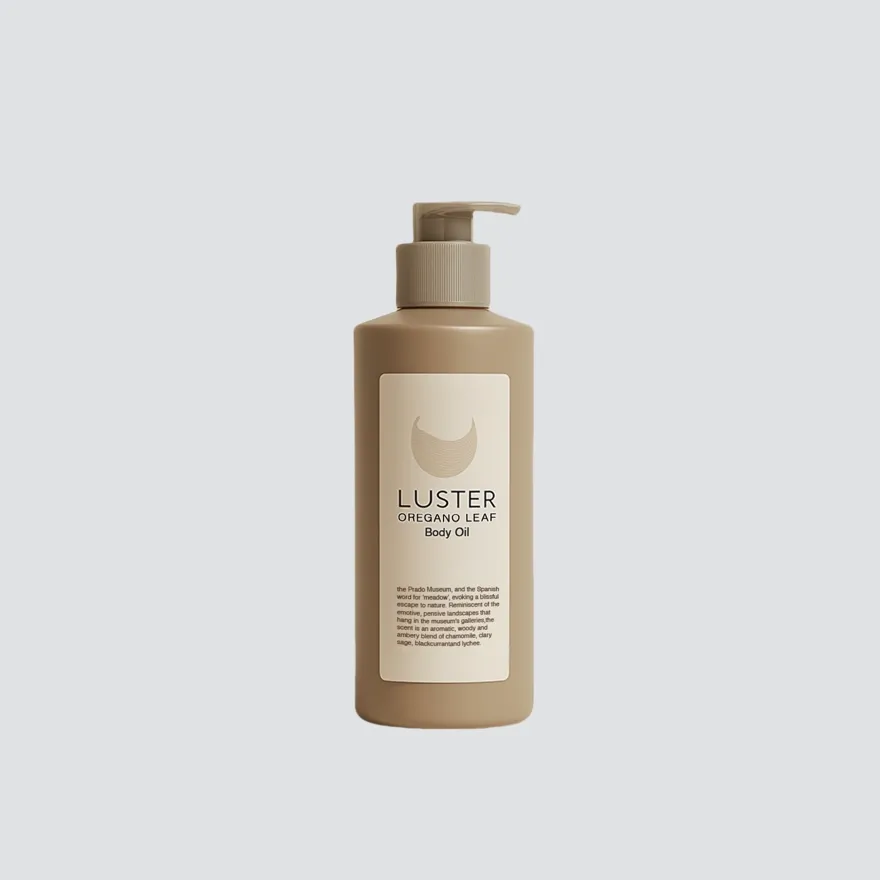
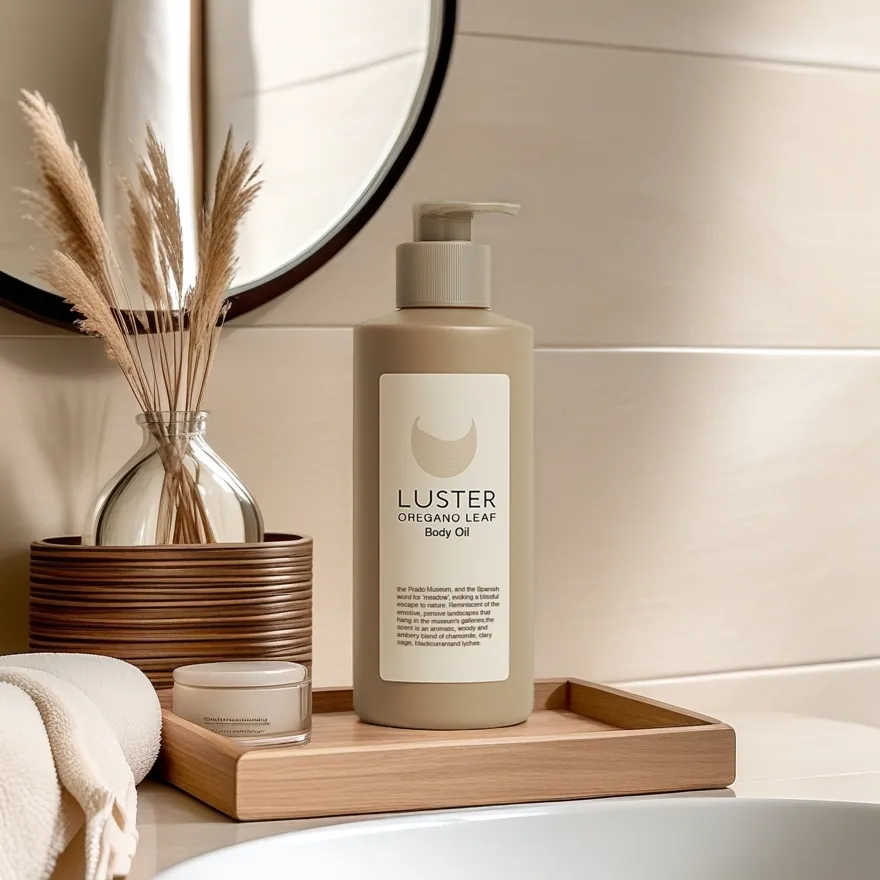
No image? Try one of these:

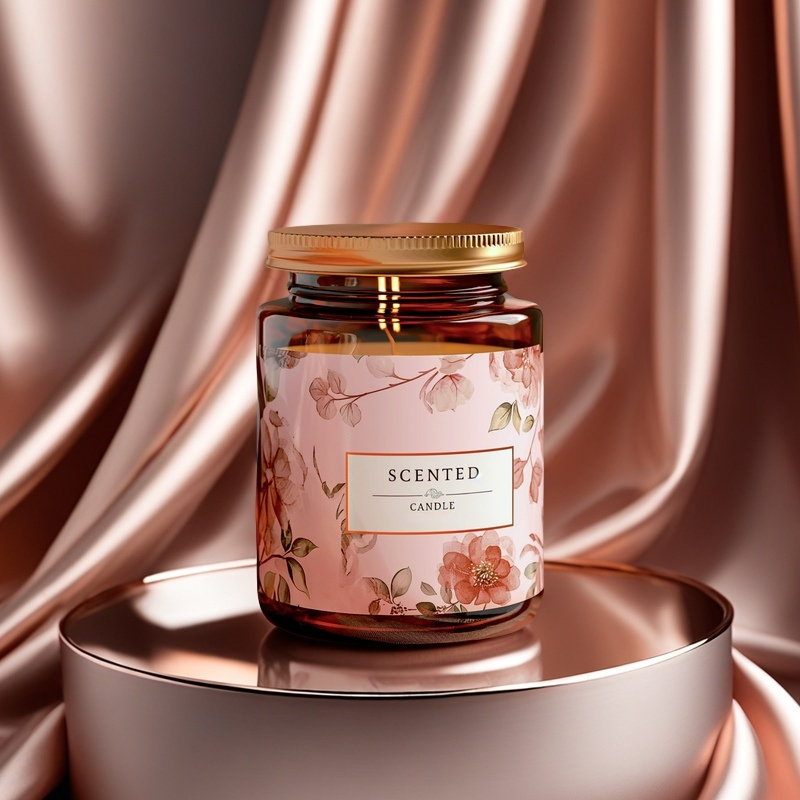
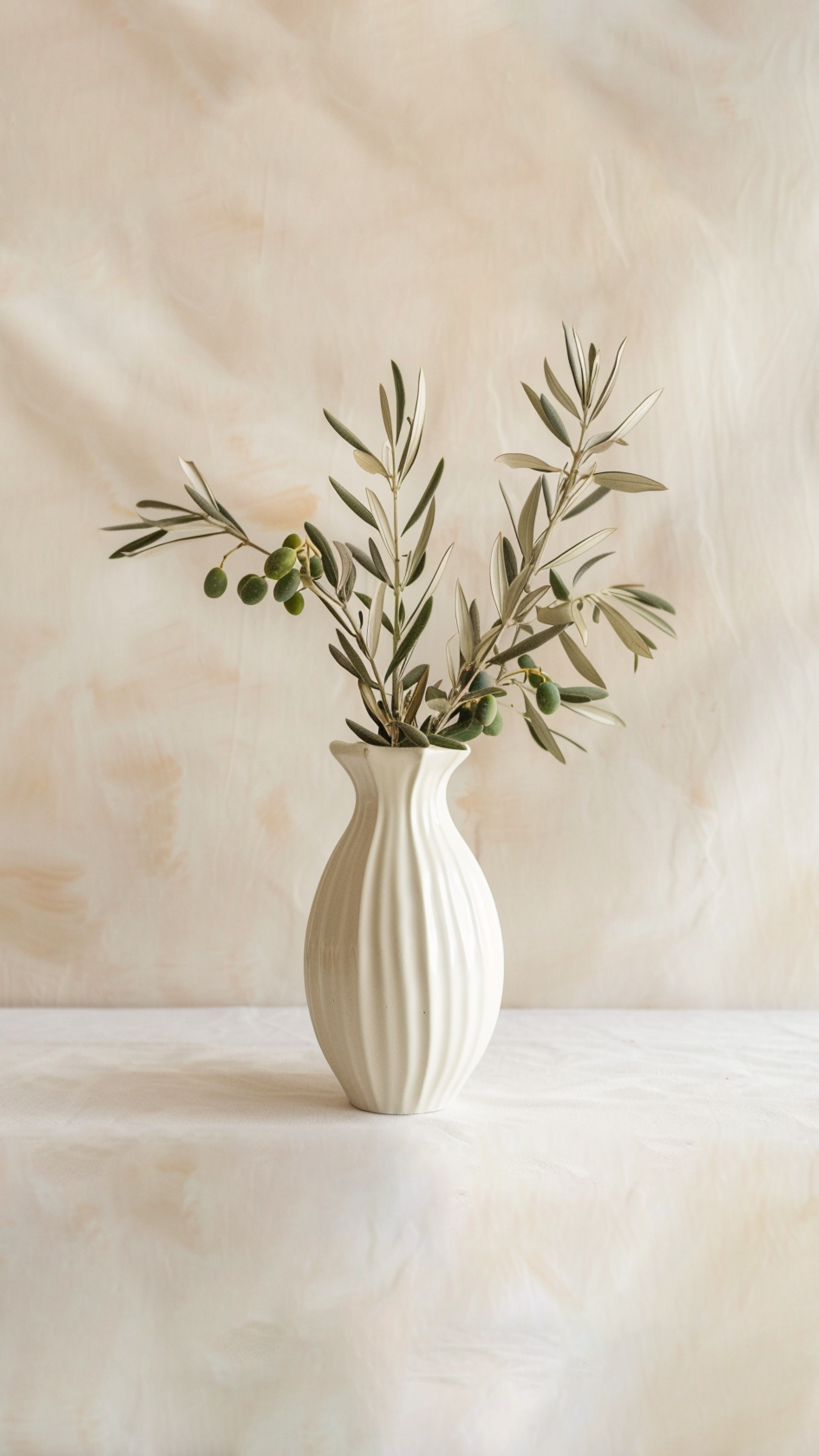
Usage of the AI Background Generator
Upload an image
Just upload your product image to the AI product image generator and you’re on your way with a custom background.
Customize the background
Select a background from the selection of backgrounds in the generator library that is most suitable for your product style and theme.
Generate backgrounds
Fine tune lighting and transparency, then download your new polished image to use across your media.
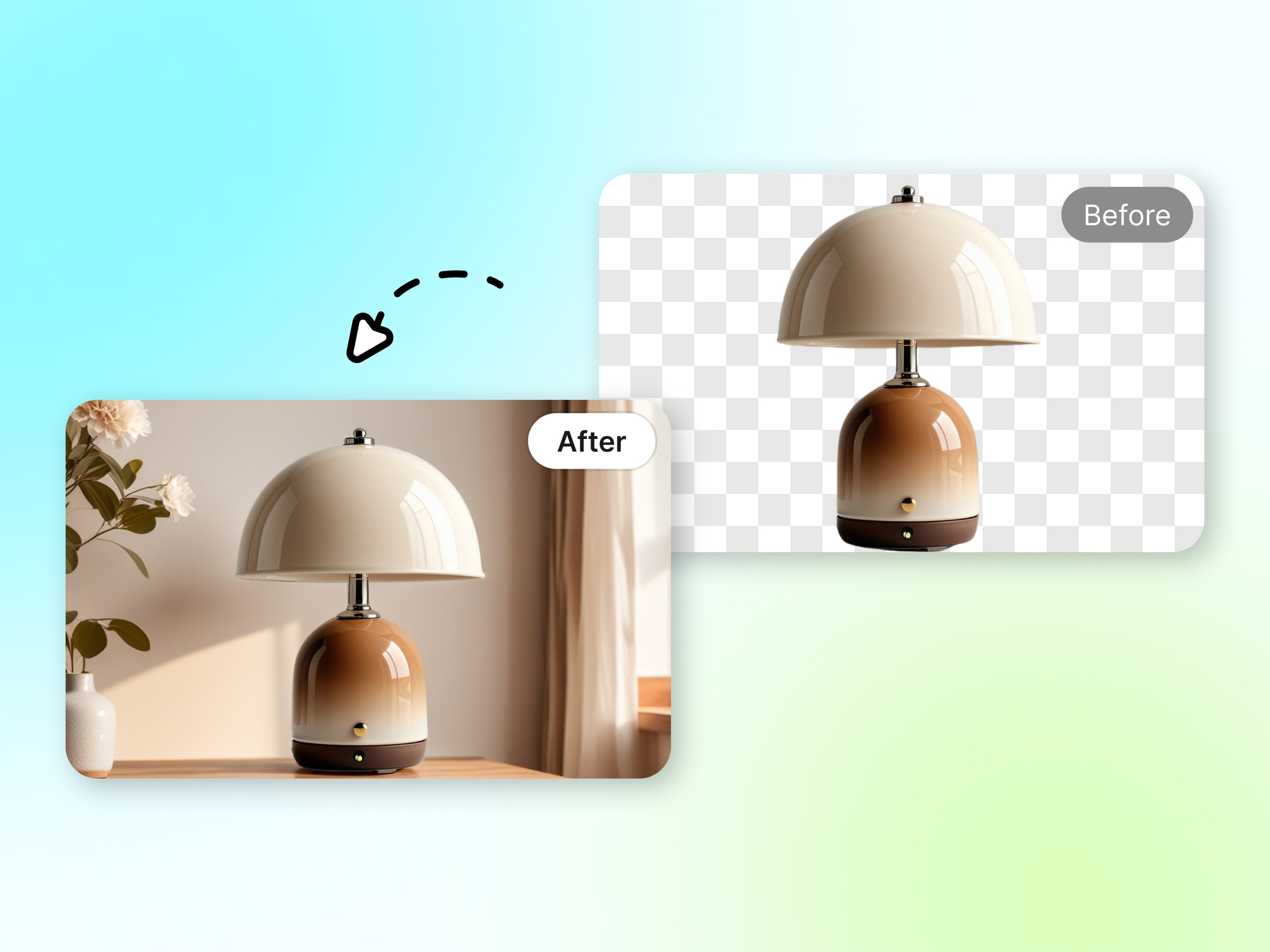
One-click Image Background Generator
With a single click, AI product image generator surrounds your product with contextual lifestyle scenes. With sophisticated algorithm, it can auto determine product’s outline facilitating and combines it with realistic effects such as shadow, reflection and light but maintains professional quality. The results are crisp and professional looking shoots with studio style composition and no manual editing required! As an Al background creator and BG image generator, this BG changer tools instantly save hours of design time and provide a valuable asset to your project workflow to creates stunning visuals with ease and add creativity to your work!
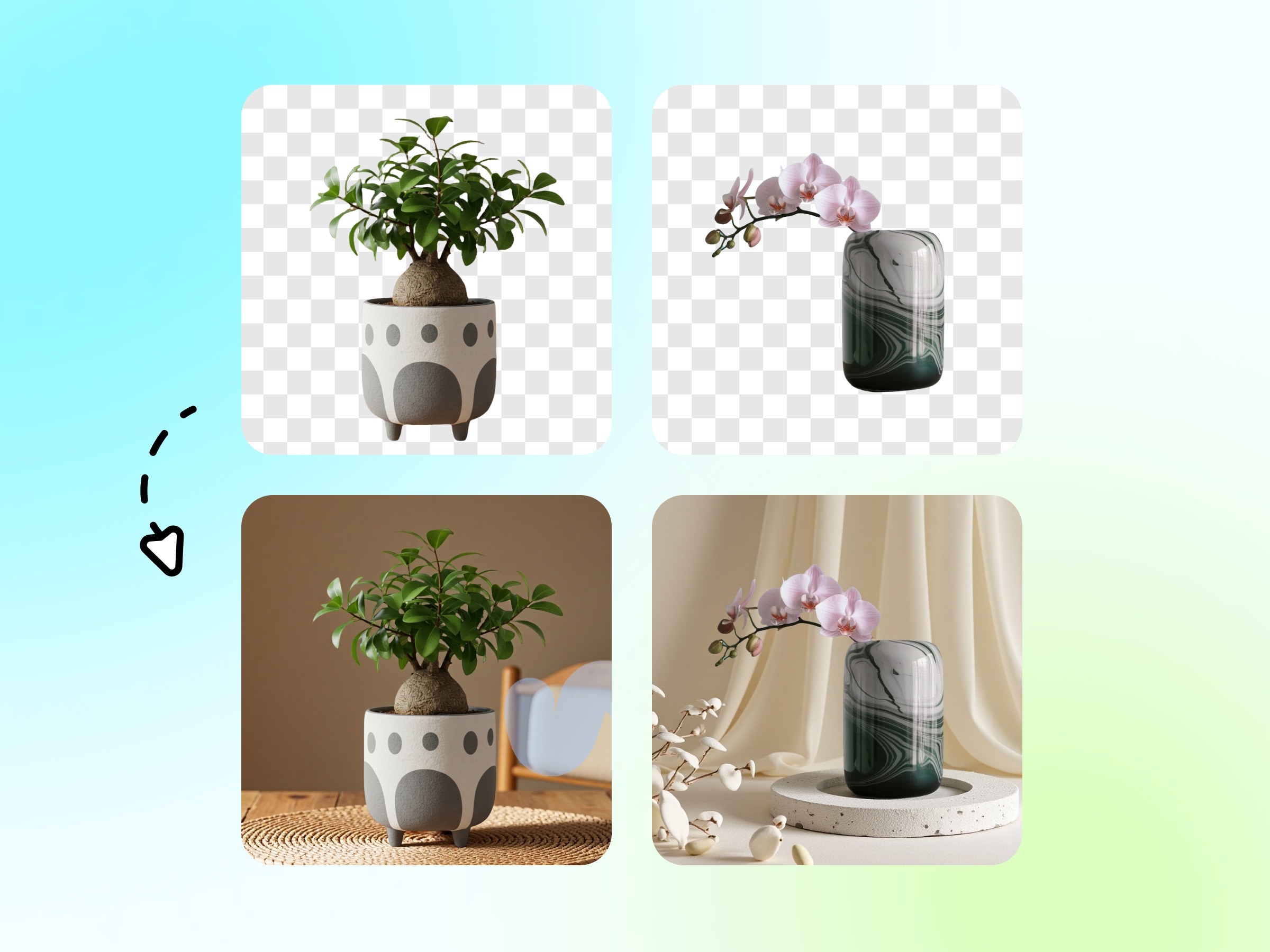
True and natural product photography
With the help of AI just like this one is a result of combining an innovative algorithm with the most accurate recreation of lighting, texture, and shadows. The final product gives an impression of being photographed in a pure natural setting. This AI product image creator seamlessly integrates your products into the scene without any visible edges or lighting discrepancies, thus allowing you to achieve the high-quality studio-grade look of product photos without actually needing a studio. Moreover, as an AI background changer, it provides a natural depth and a realistic look that turns plain product photos into engaging visual stories.
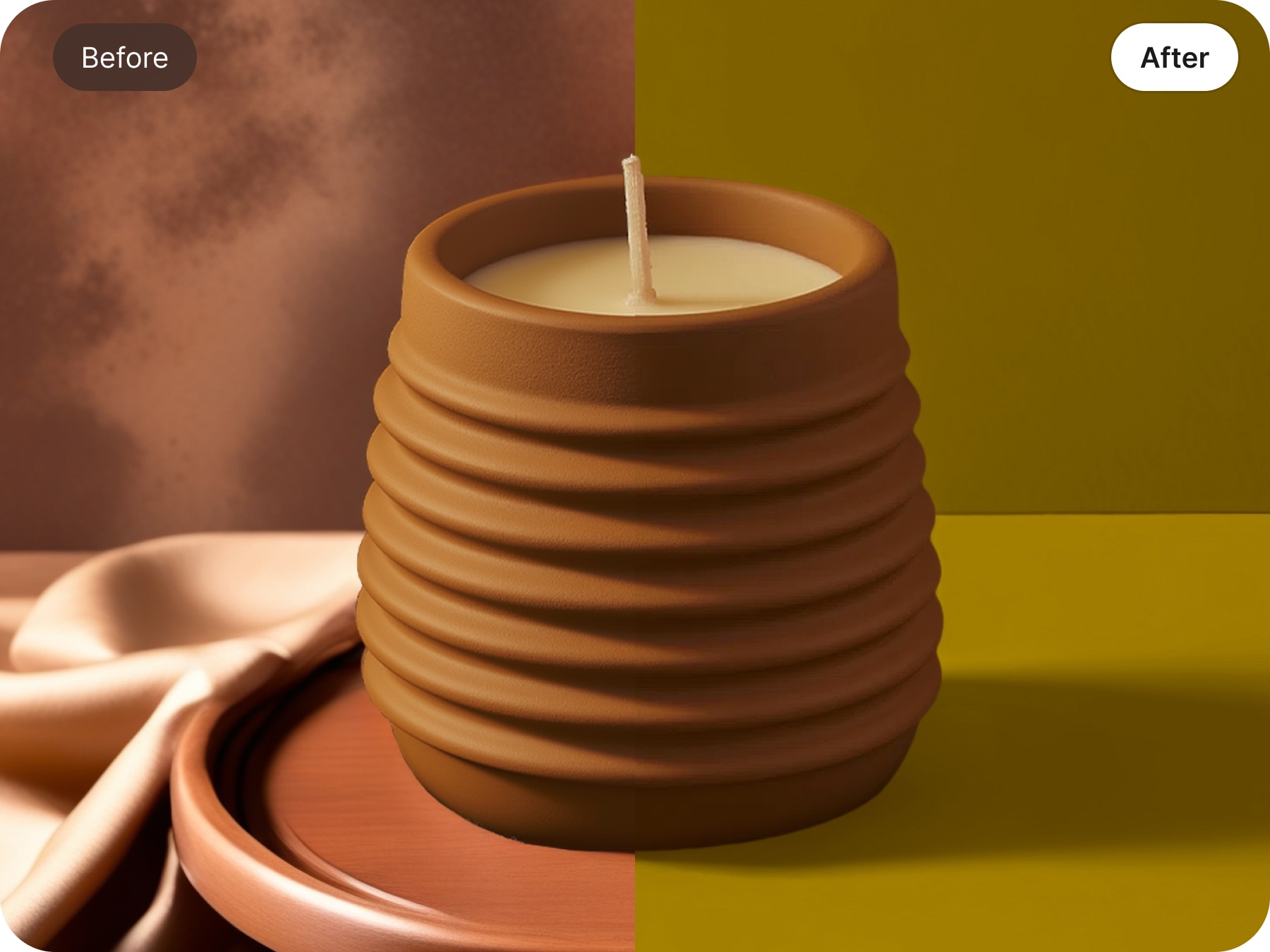
Perfect for Home & Living Goods
Designkit is made for home and living online sellers who want to showcase their products in a warm and cozy environment. It offers a wide range of simple and natural background options such as living rooms and snuggly corners. You can also add small details of fabric, wood, or greenery to match your brand style. This free AI-driven background generator is a strong tool that can help you tell a story and connect with people emotionally through images. The custom background generator is creating friendly and warm scenes that make your product seem personal and familiar. Moreover, as Designkit is a no-installation-required app, the entire process of design can be done in your web browser making it accessible and quick from anywhere.
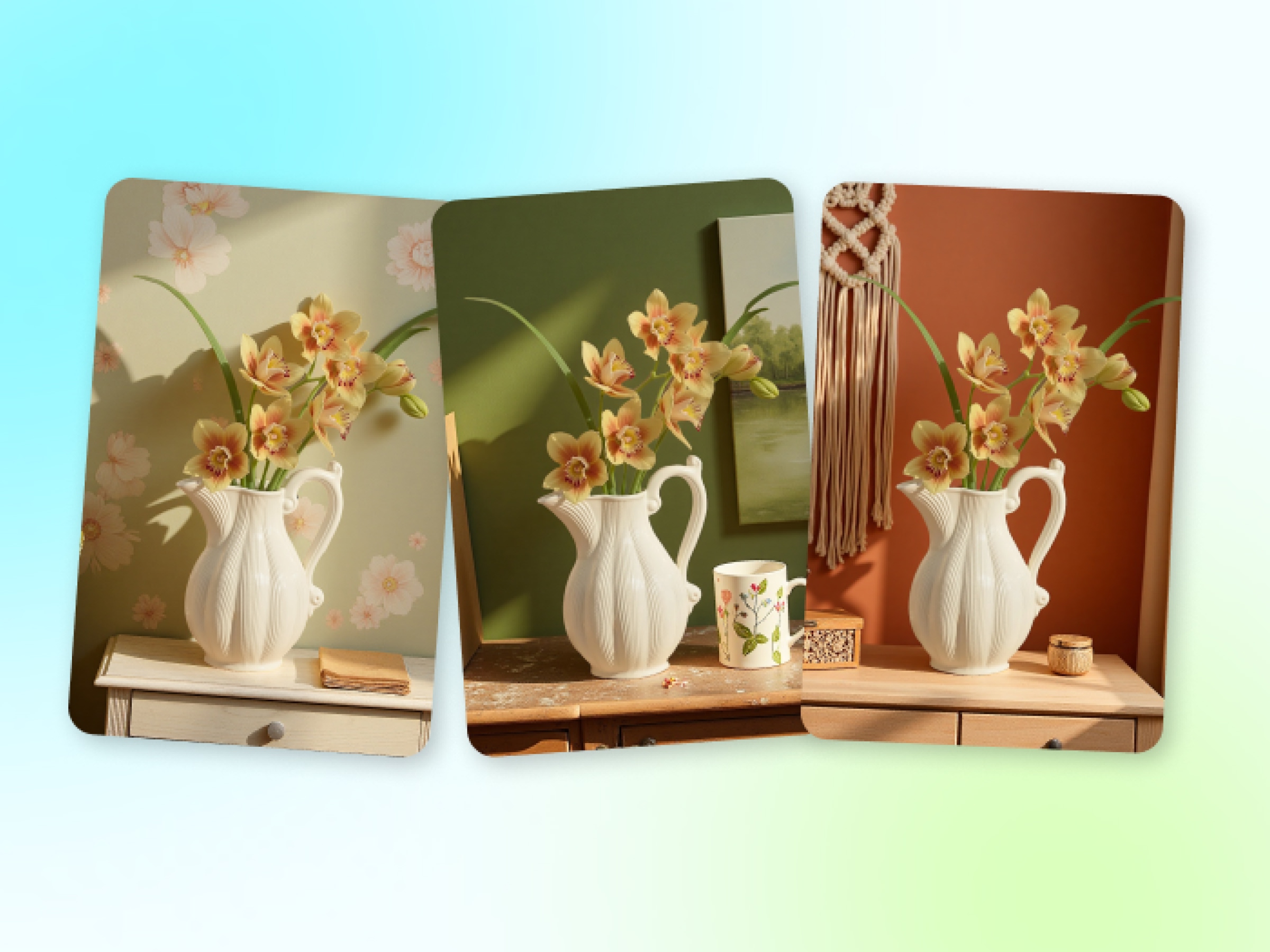
600+ Backgrounds Presets in HD Quality
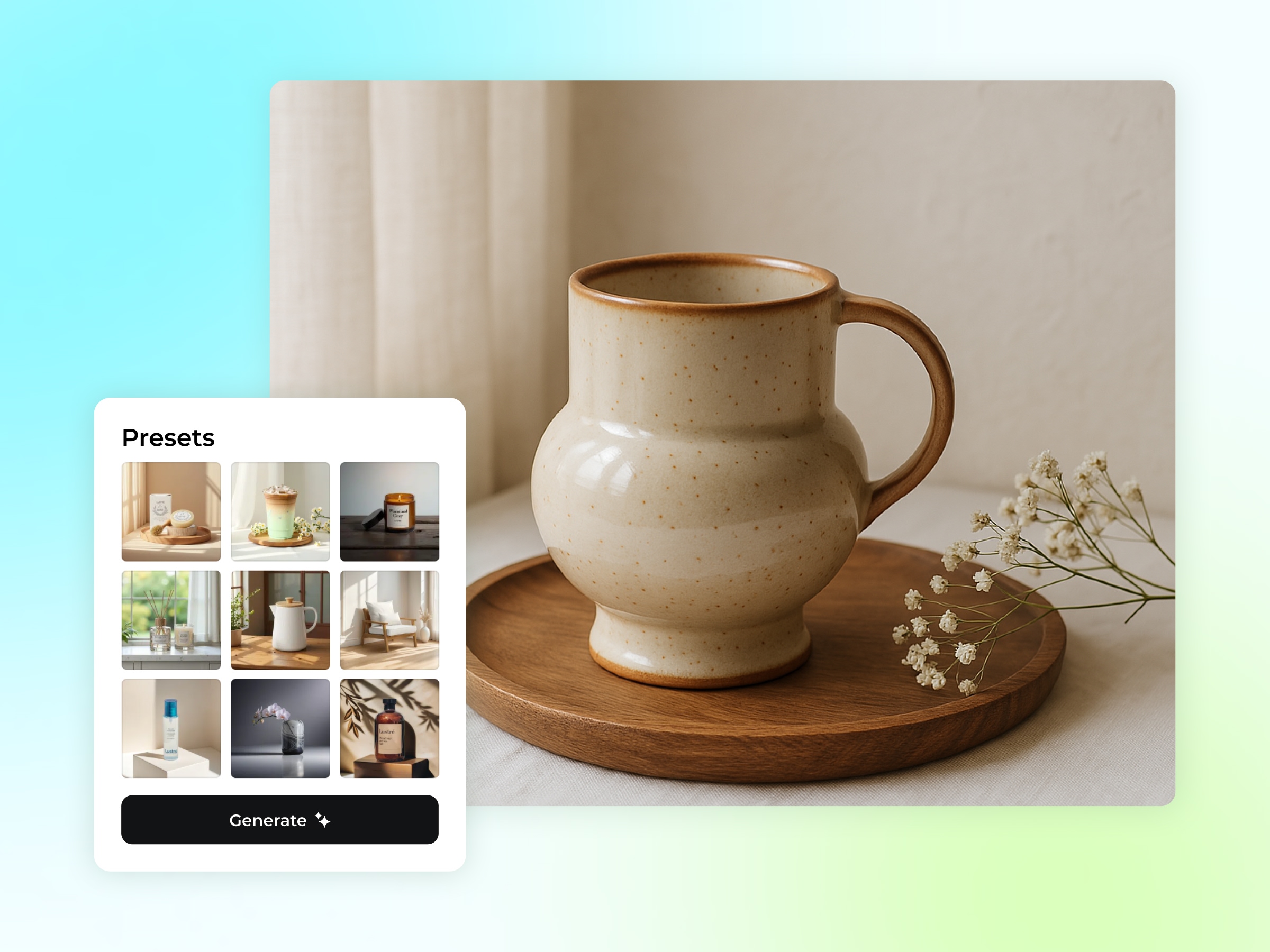
Just thinking about creating that perfect background for your product might be a chore. Designkit has got you covered with more than 600 background presets, each tailored for different product types and brand aesthetics, ranging from minimal to maximal. Being an HD 4K background generator, Designkit makes sure that each background is crisp, bright, and eye-catching. If you are looking for a simple or a rich lifestyle background, this AI photo background generator can create high-quality results with only a few clicks. The best part? New users receive free credits, so they can start creating professional backgrounds right away.
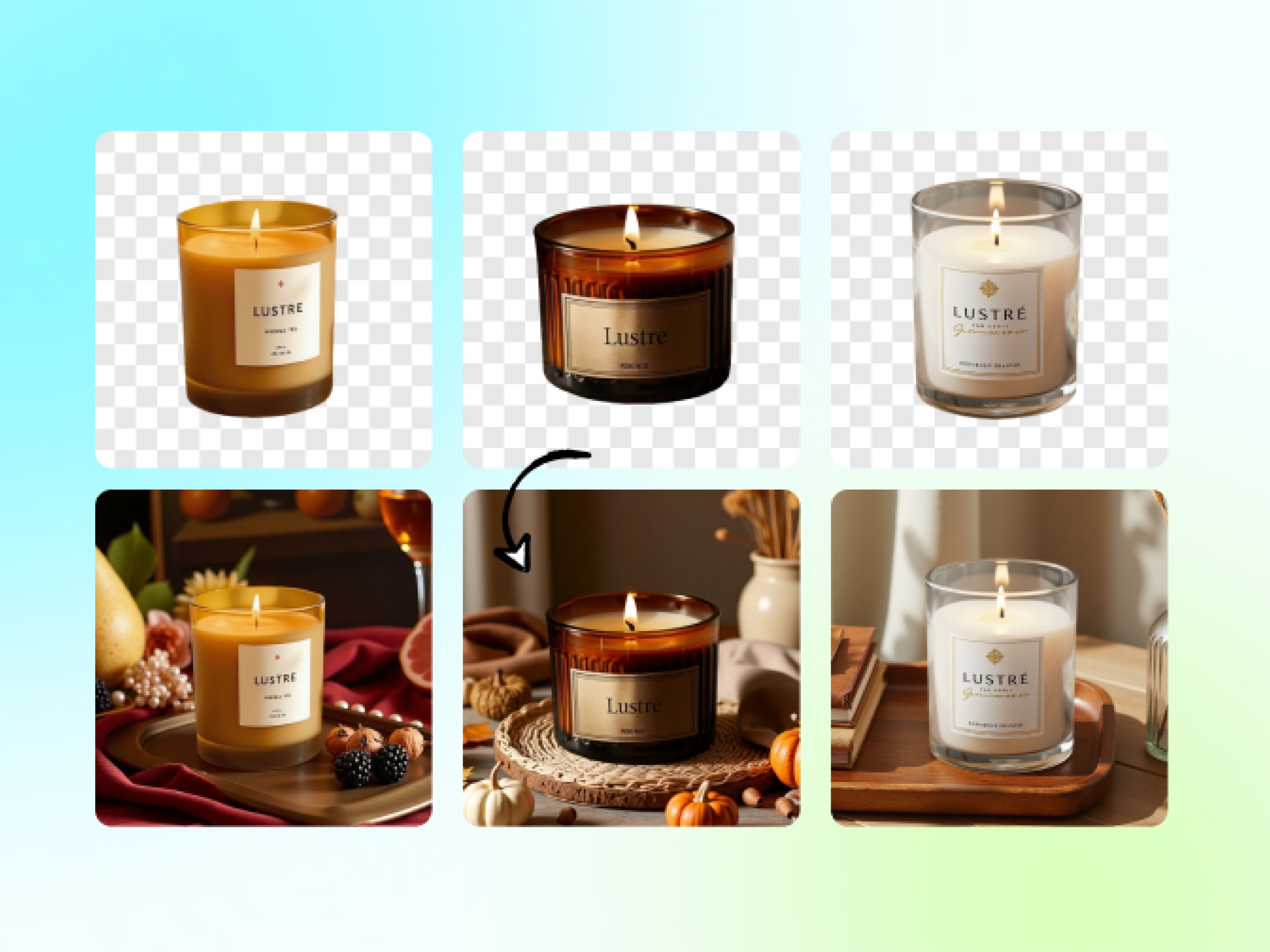
New Images Each Time
With Designkit, it is impossible to find two similar images as each one is generated differently. You can set the degree of creativity, from changing details to creating a whole new background. This AI Background Generator will provide unique and new designs for your background at all times. Besides that, it can also function as a Transparent Background Generator, allowing you to separate your product or change the background to different layouts and platforms without duplicating visuals.
Create Backgrounds In Various Ways
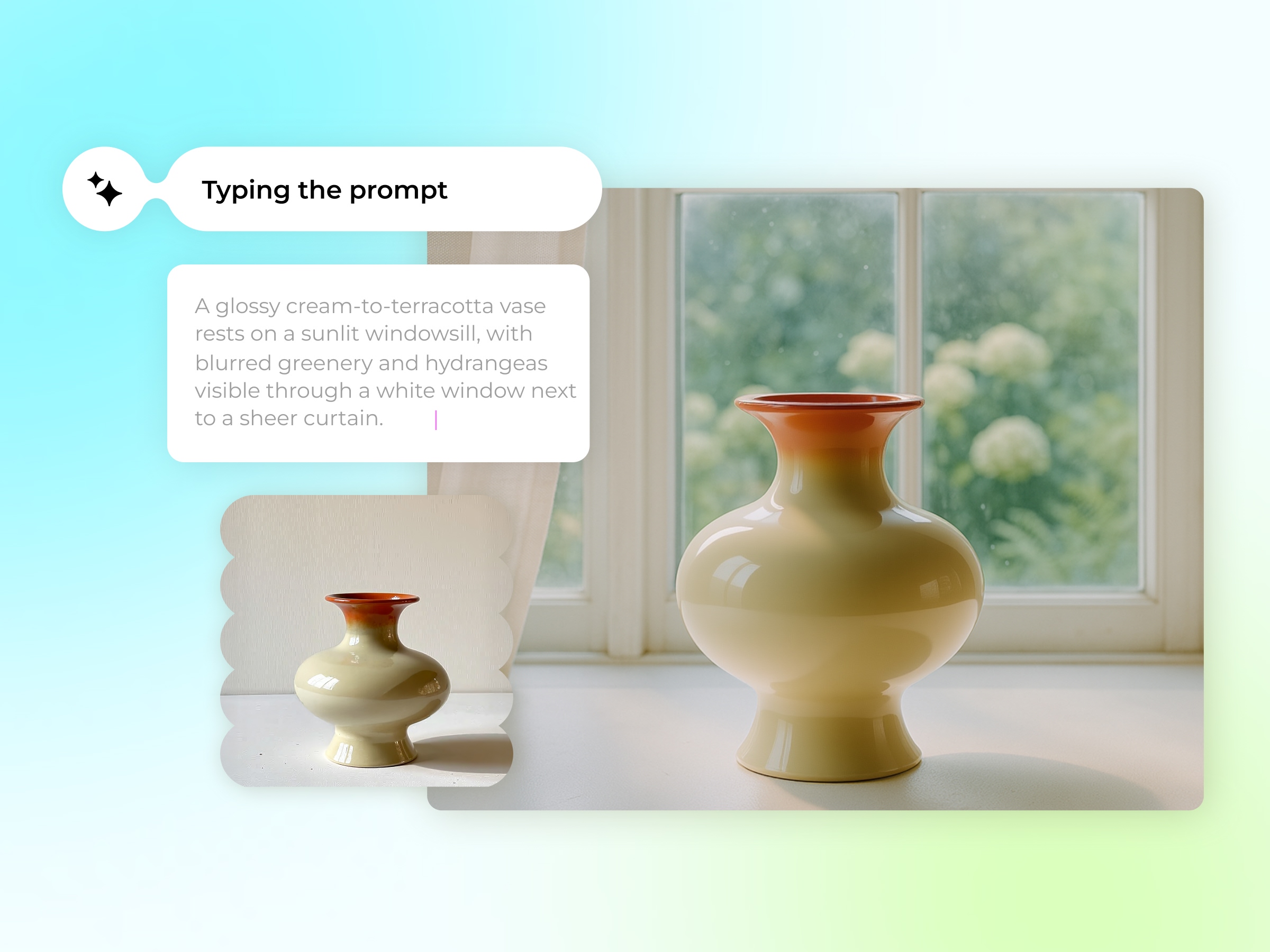
Create Custom Backgrounds with Smart Prompts
The AI background generator from Designkit allows you to access a plentiful collection of background presets just by a text prompt input powered by GPT-40. Each one is professionally styled and is ready to use, so it is very easy to show off your product. Besides, it can also be used as a transparent background generator for layouts that are cleaner and distraction-free.

Advantages of Designkit's Background Generator

Background Generator Powered by AI
Designkit's AI background generator takes the product you want to showcase and the background that will highlight it. It matches shadows and lighting to blend in perfectly with your original photo, making the change virtually indistinguishable. The high-quality results can be used in any professional context.

Vast Library of Preset Backgrounds
You can find more than 600 preset background scenes by Designkit. These backgrounds are created with your products in mind and are a perfect setting for your images. Designkit makes it easy for you to find the perfect background by theme, tone, or product category.

Smart Prompts to Customize
No need for design skills. Simply describe the background you want and the AI will produce an image that matches your description. The collections can range from simple and clean studio shots to lively and colorful lifestyle settings.
Frequently Asked Questions
How to make an image background transparent?
How do I change my image background?
Easy. The process is slick: Start by uploading the image to the AI Background Maker. Next, look to the right-hand panel where you’ll find choices to add a fresh, crisp solid color to the back of your subject. But wait, it gets better! On the left, you can browse through a fantastic gallery of preset backgrounds that are actually designed and tailored for your specific image. Pick the background that just feels right, click “Generate,” and the final image is saved directly to your device, no fuss.
Is this image background generator free to use?
Yes, totally free to start. New users automatically get a sweet batch of free credits, which lets you truly test drive the tool and create some stunning, high-quality images without spending a dime upfront. Once you’ve used up those initial free credits and you’re absolutely hooked on the quality, you can simply grab more points as needed.
Can I edit my image inside the background generator?
You bet! Look, we all know the background isn’t always the only thing that needs a little polish. If you need to tweak more than just the backdrop, the AI Background Generator has a built-in image editor ready for you. You can start by trimming those rough edges, adjusting the overall image size to fit your needs, or even just using our features to drastically enhance the picture quality.
