
AI Social Media Poster Generator: Create Campaign Visuals in Seconds
Type a prompt or upload a reference image and let Designkit generate platform-ready social media posters in seconds. No design software, no blank canvas, no rebuilding the same layout every campaign.
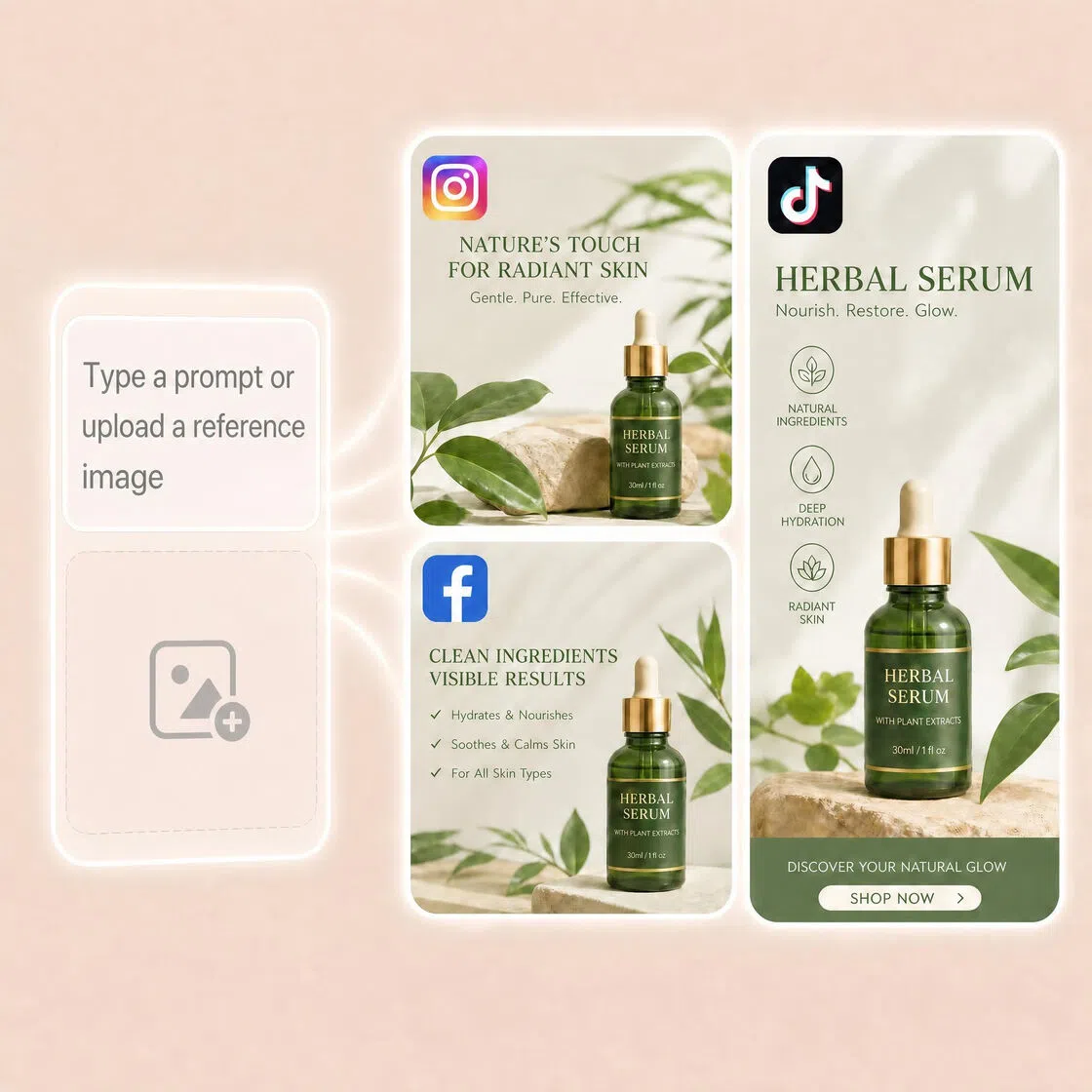
How to Create Posters in 3 Steps with Designkit
Enter Your Idea or Upload an Image
Start a new poster project. Enter a text prompt to tell Designkit what you want to create, like campaign details, event information, or promotion ideas, or upload an image to guide poster generation. Even a basic phone photo works.
Generate Your Poster Design
Click send and let Designkit create poster options based on your input. Choose a design direction, then refine layouts, text, size, or visual elements through additional prompts to match your campaign, event, or content needs.
Export and Publish
Download your poster for social media posts, stories, ads, and campaign updates. Export assets for Instagram, TikTok, Facebook, LinkedIn, and other social media in platform-ready formats.
What Makes Designkit Different for Social Media Posters
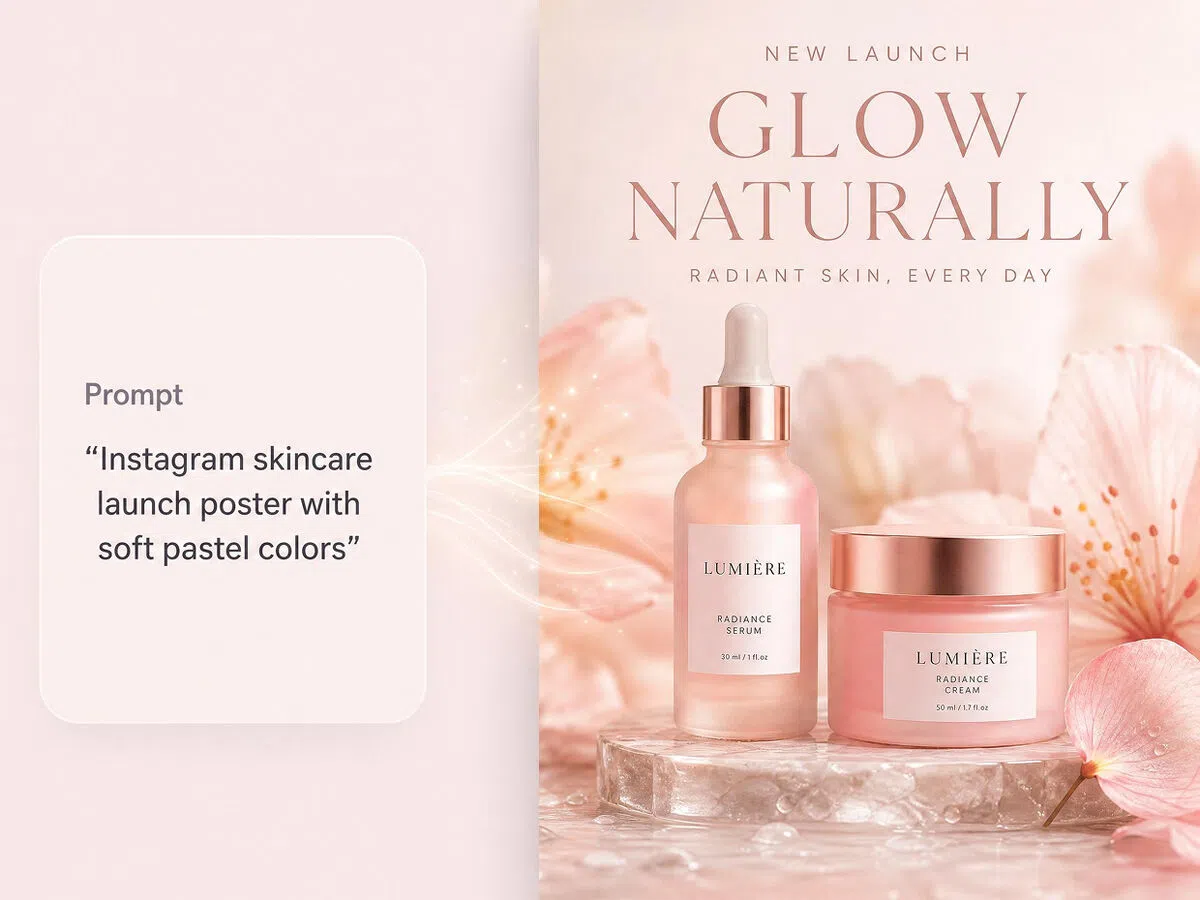
Go from Prompt to Social Poster in Minutes
Enter campaign goals, promotion details, or product information and generate social media poster concepts without starting from empty canvases. Turn ideas into poster designs faster while reducing repetitive setup work before every campaign.
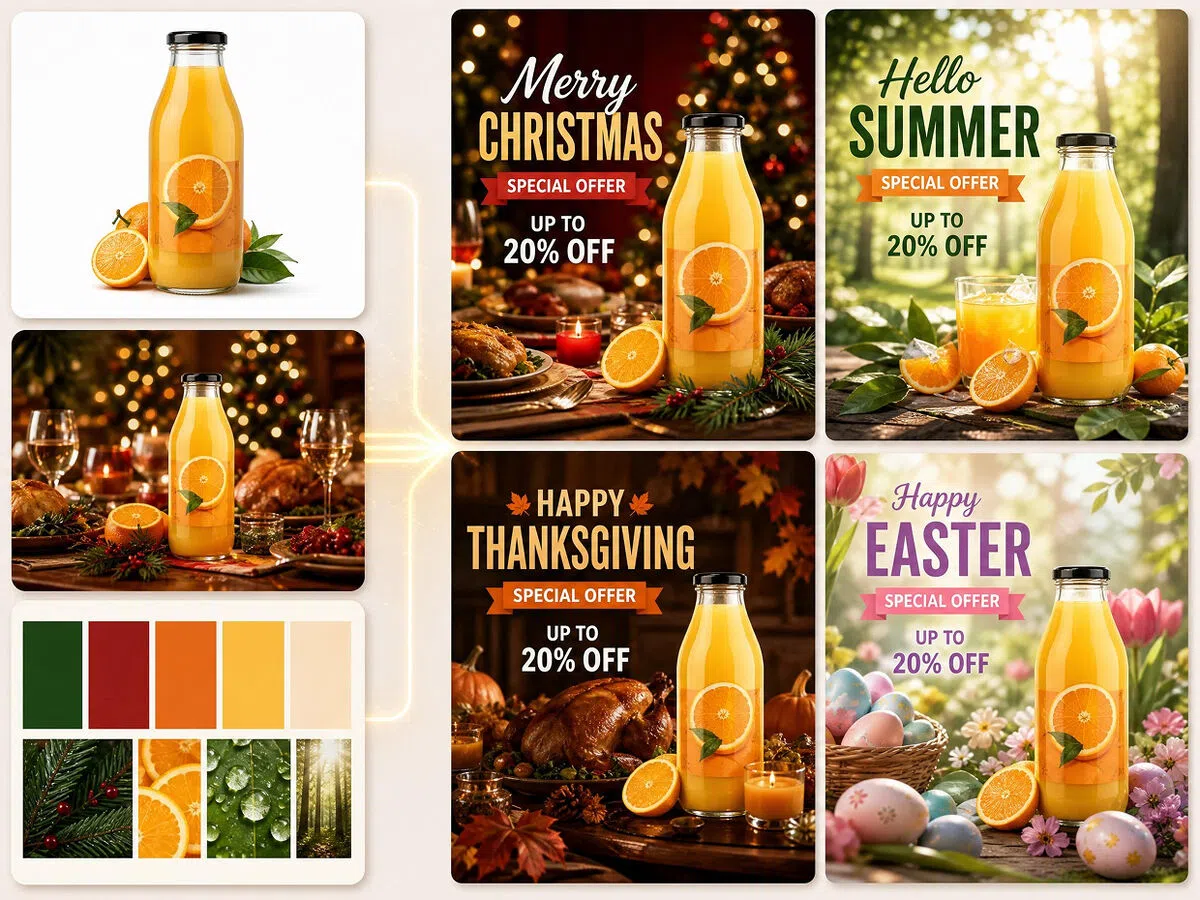
Reuse Existing Visuals Without Rebuilding Everything
Already have a product image, old campaign banner, or reference visual? Upload existing materials to guide poster creation instead of rebuilding campaign visuals repeatedly. Build updated social campaign posters around new discounts, launches, and seasonal promotions with less manual rework.
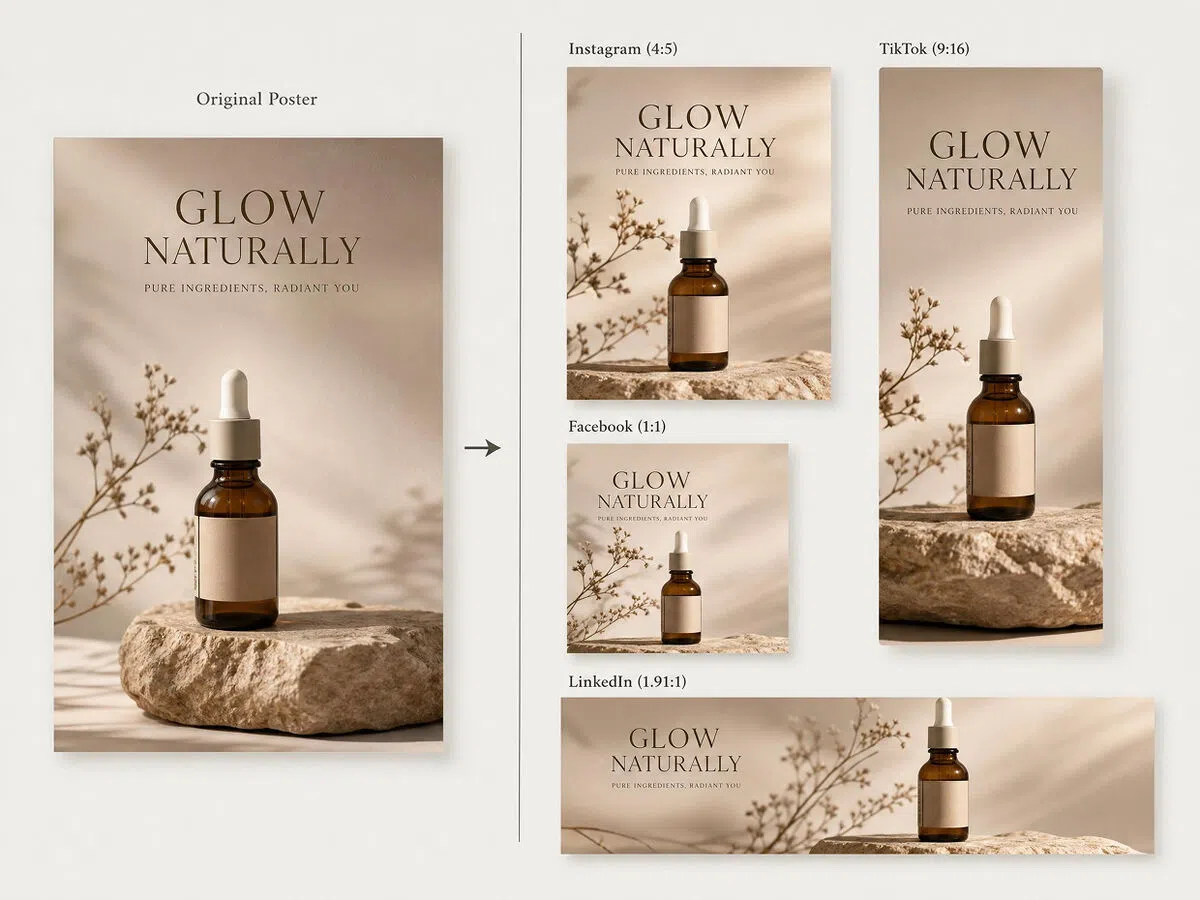
Create Platform-Sized Posters for Different Social Channels
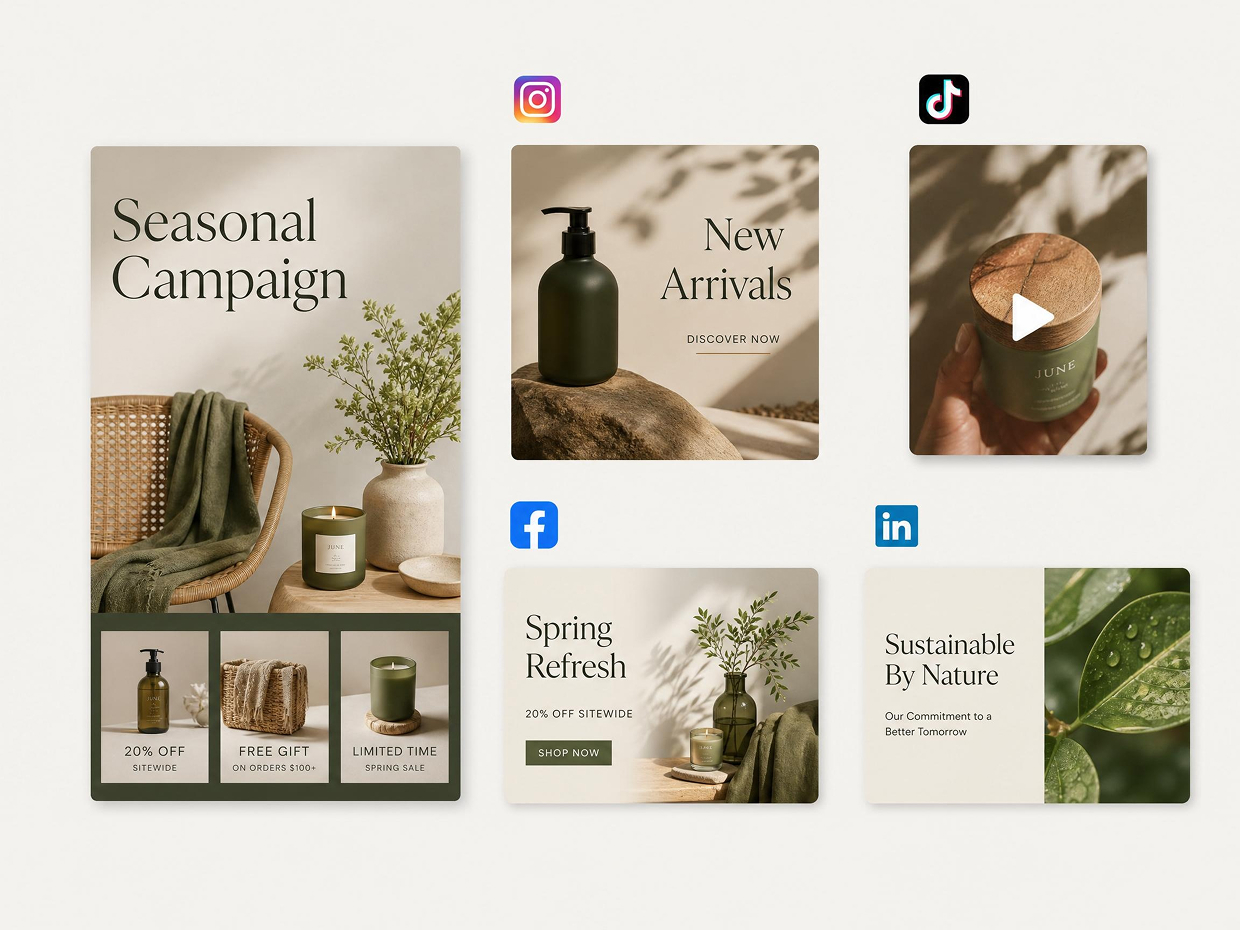
Social media campaigns rarely live in one place. Create poster variations for Instagram, TikTok, Facebook, LinkedIn, and different publishing formats without manually recreating content for every platform.
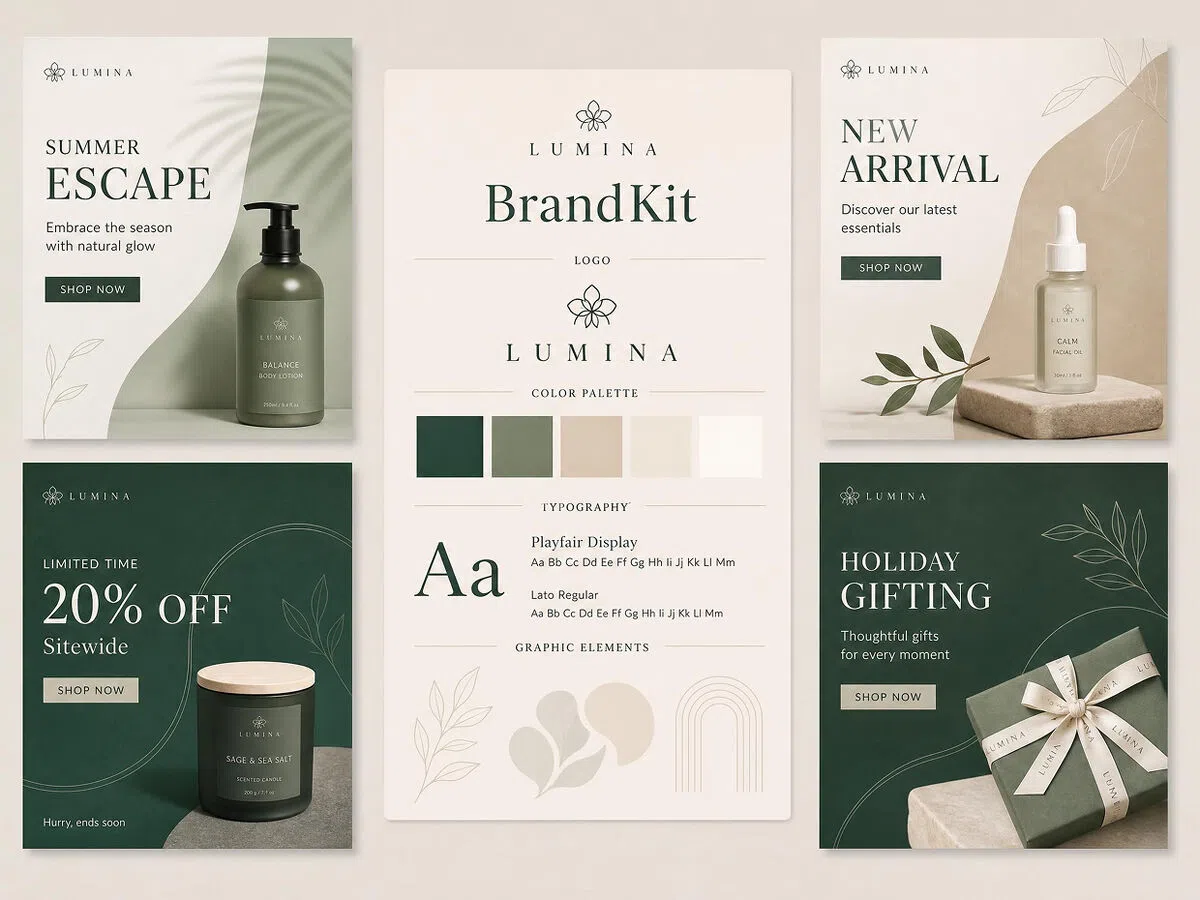
Keep Visual Direction More Consistent Across Campaigns
Keep launches, promotions, and recurring content visually more connected across campaigns. Generate posters from reference materials and campaign inputs to maintain stronger visual consistency over time.
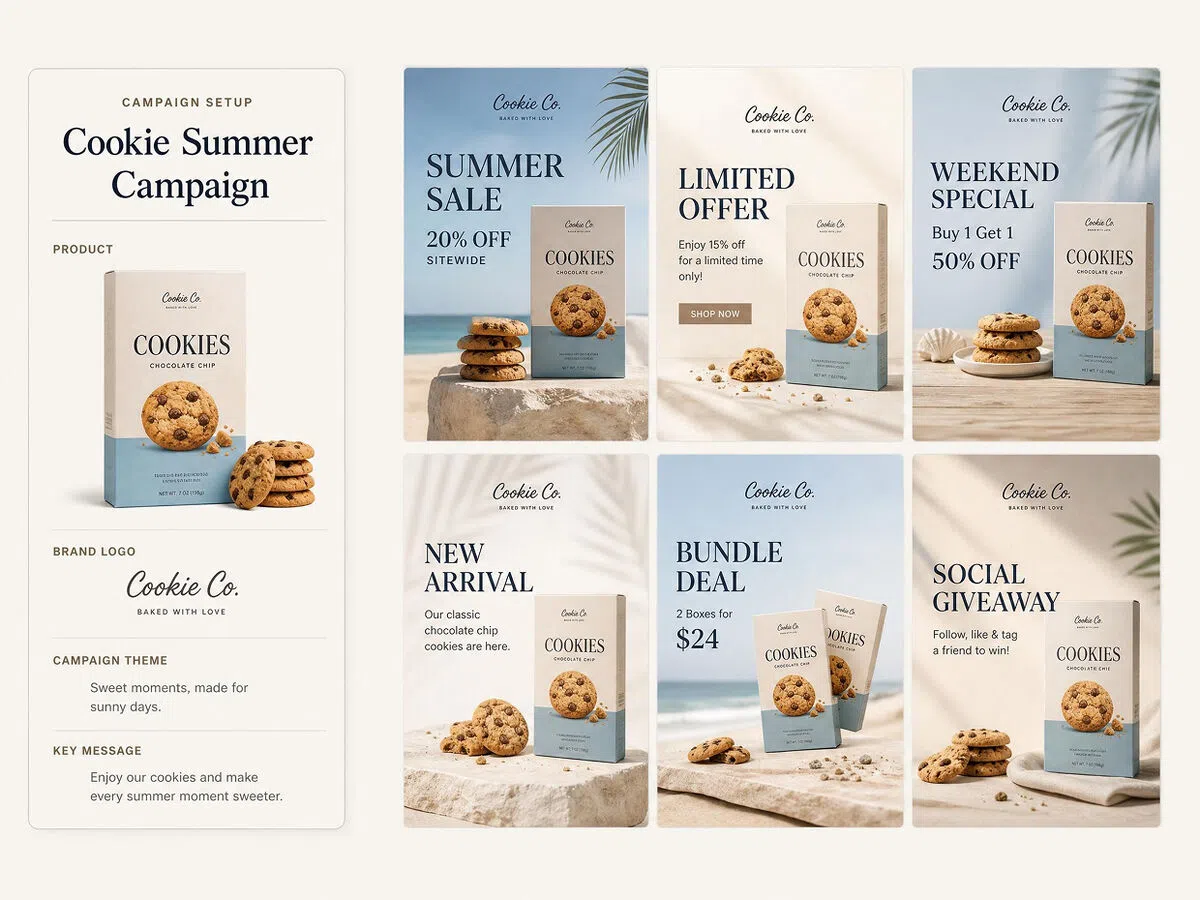
Generate Multiple Posters from One Campaign Setup
Prepare poster variations for launches, promotions, seasonal campaigns, and recurring content without creating them one by one. Reuse campaign inputs across multiple poster outputs to produce social visuals at larger volume while reducing repetitive production work.
For Social Media Creators Who Publish Content Consistently
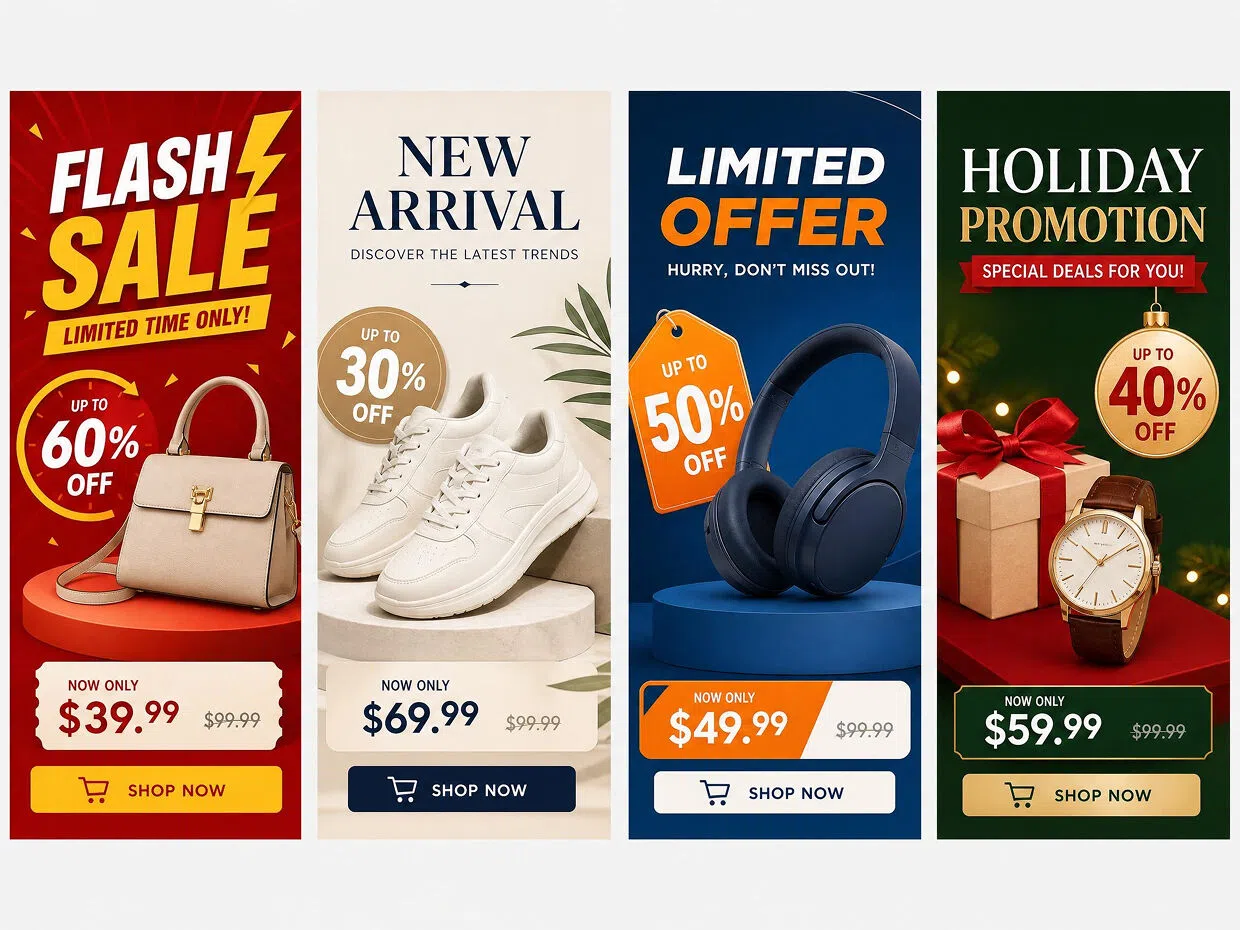
Online Sellers: Launch Product Graphics Without a Designer
Designkit gives online sellers a faster way to build posters for product launches, flash sales, discounts, and store announcements, with campaign visuals that stay consistent across every promotion. Create visuals for holiday campaigns, new arrivals, limited offers, and social media promotions faster from prompts or existing images. Reduce time spent manually adjusting layouts between campaigns and keep promotional materials more visually connected across launches, seasonal sales, and store updates.
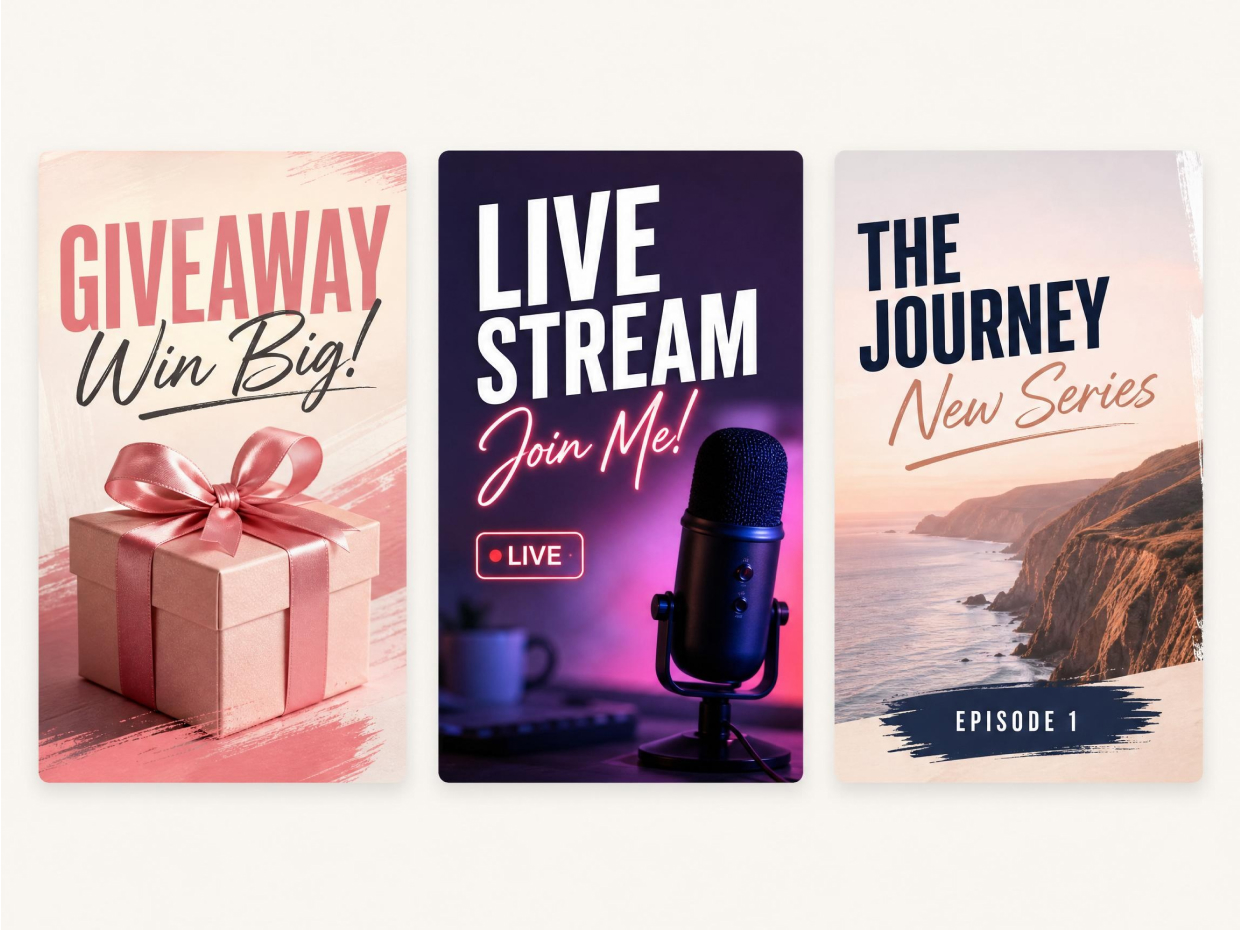
Why Choose Designkit for AI Social Media Poster Creation
Keep Brand Visuals Consistent Across Campaigns
Designkit supports social poster creation through prompts and reference materials, making recurring promotions, launches, and content series easier to keep visually connected. Less time adjusting style decisions repeatedly. More consistency across campaigns.
Spend Less Time Correcting Generated Content
Build social posters around prompts and existing materials so outputs land closer to publishing-ready content with fewer manual revisions before posts go live. Designkit keeps recurring campaign production easier to manage across publishing workflows.
Create Social Posters Feel Less Generic
Social content stands out more when visuals feel intentional instead of looking like every campaign came from the same template. Designkit helps generate posters around campaign direction and reference materials so content stays closer to your own visual style.
Poster Types You Can Create with Designkit
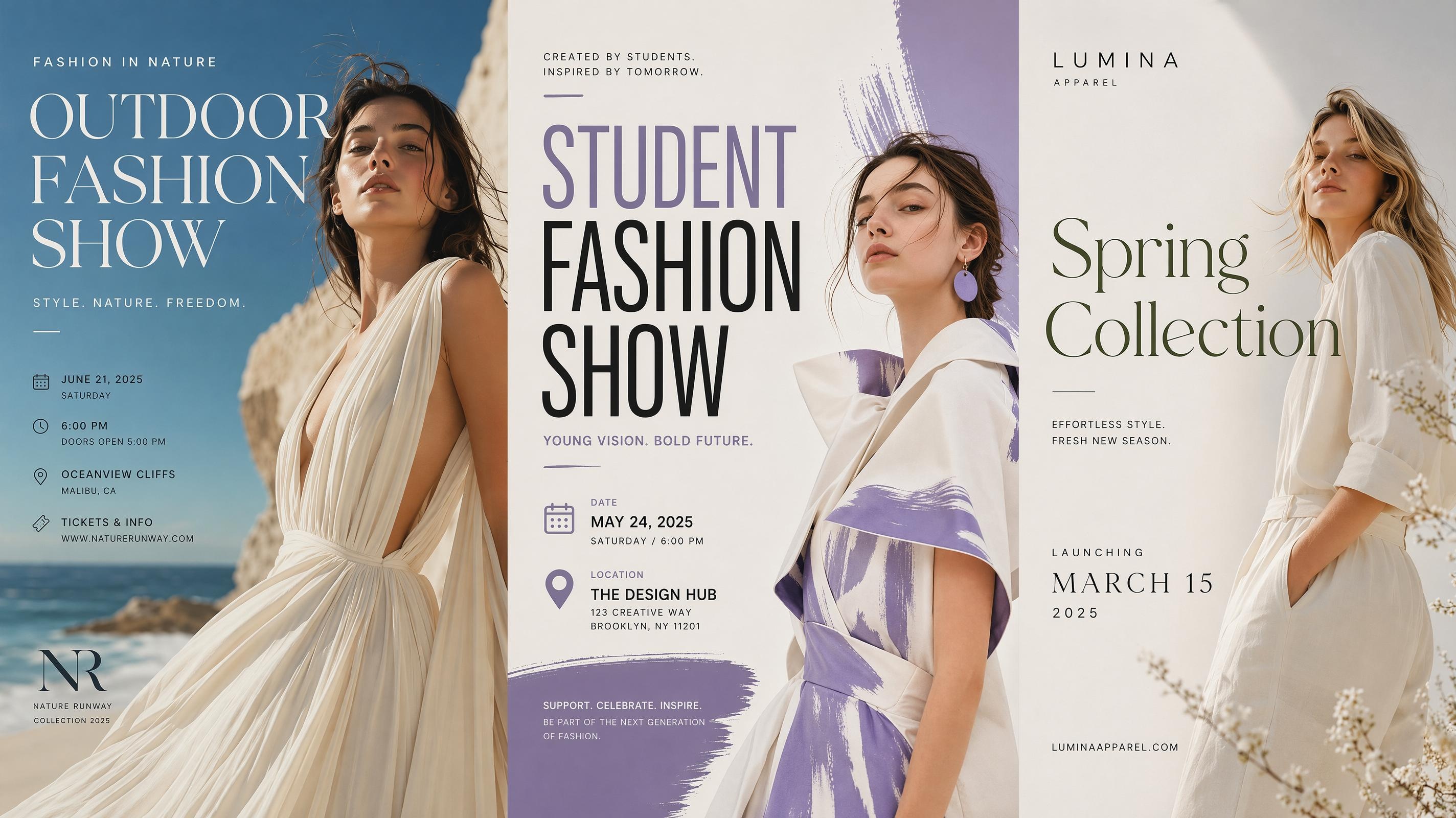
Fashion Poster
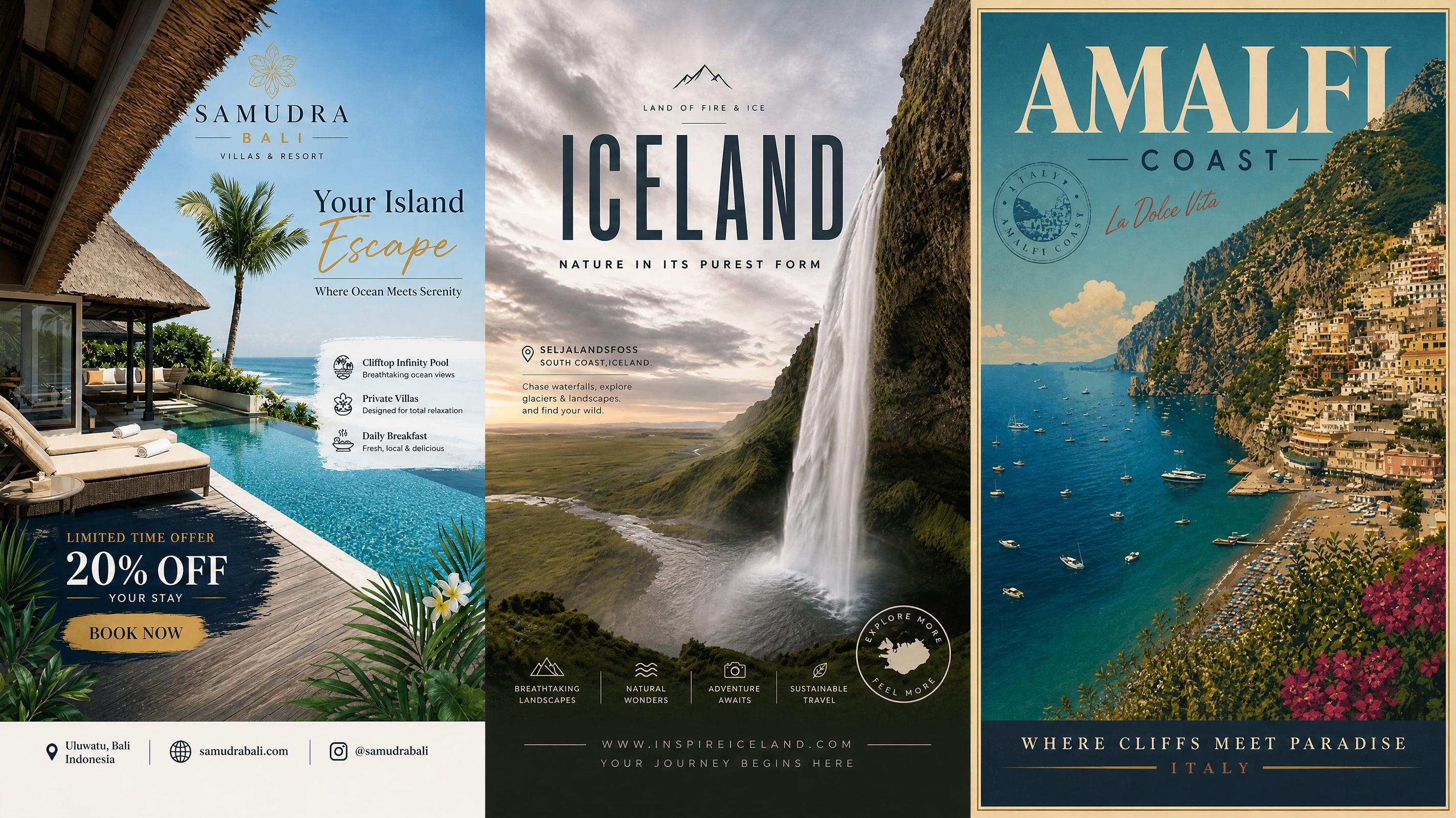
Travel Poster
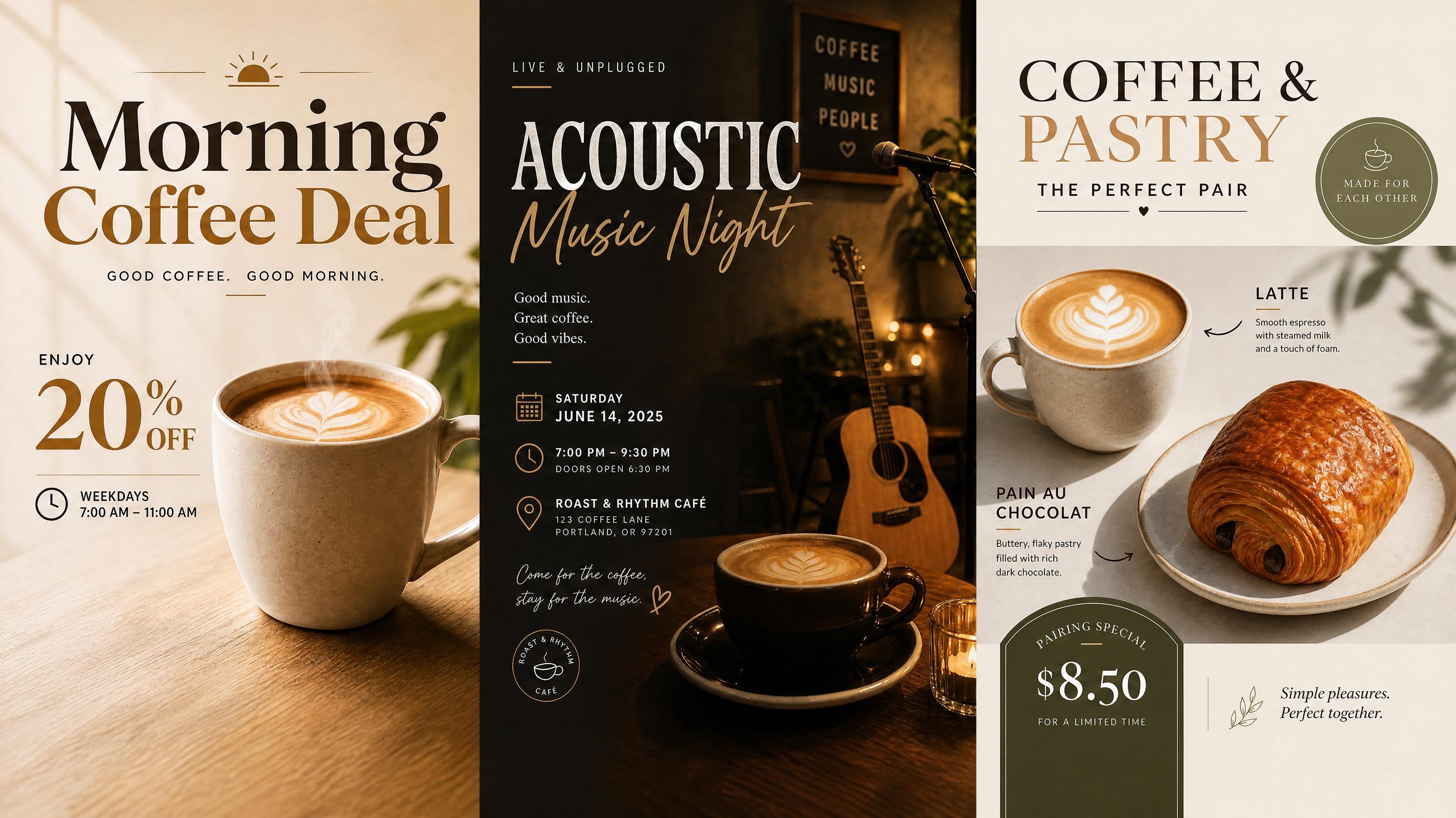
Cafe Poster
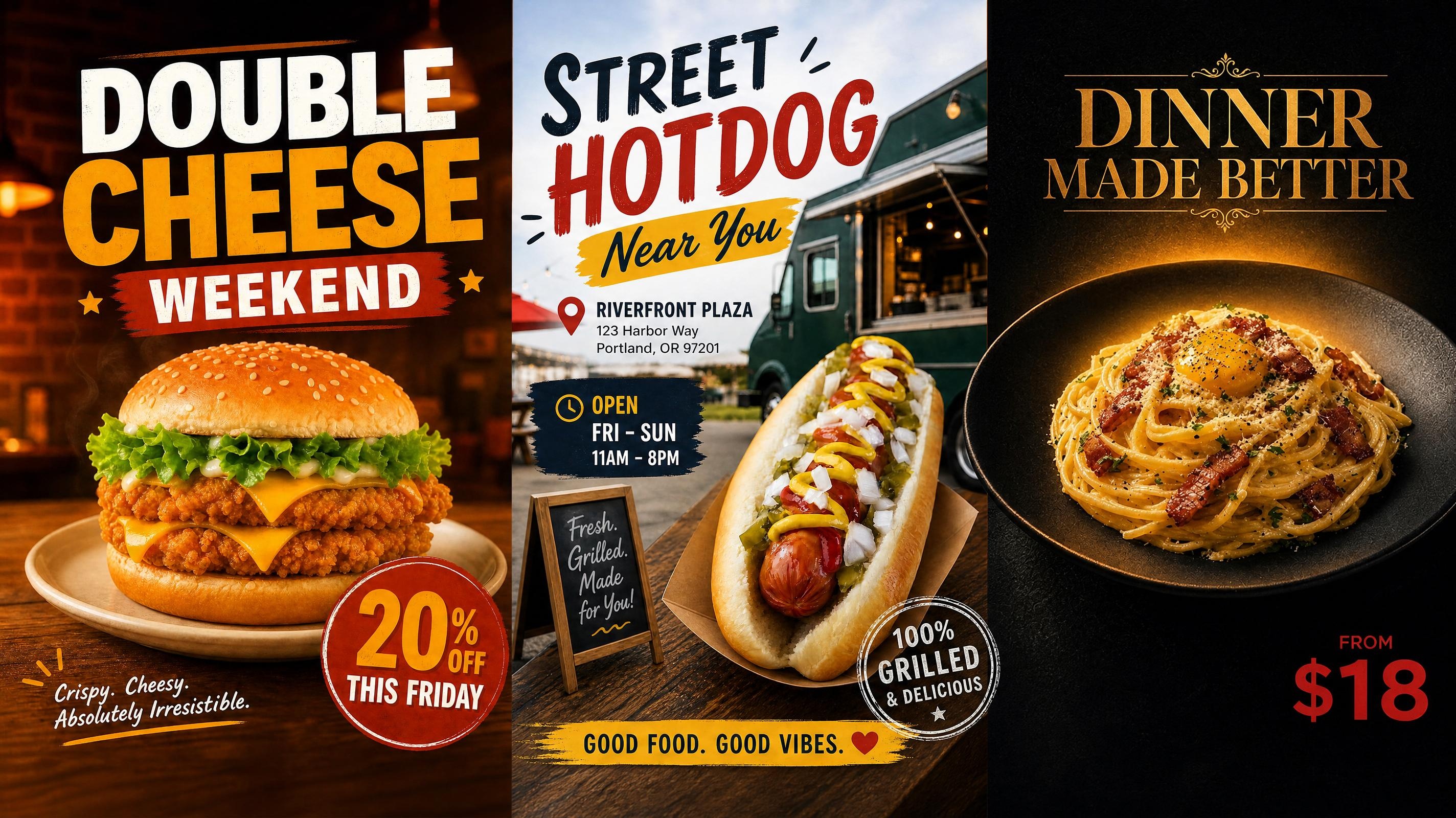
Food Poster
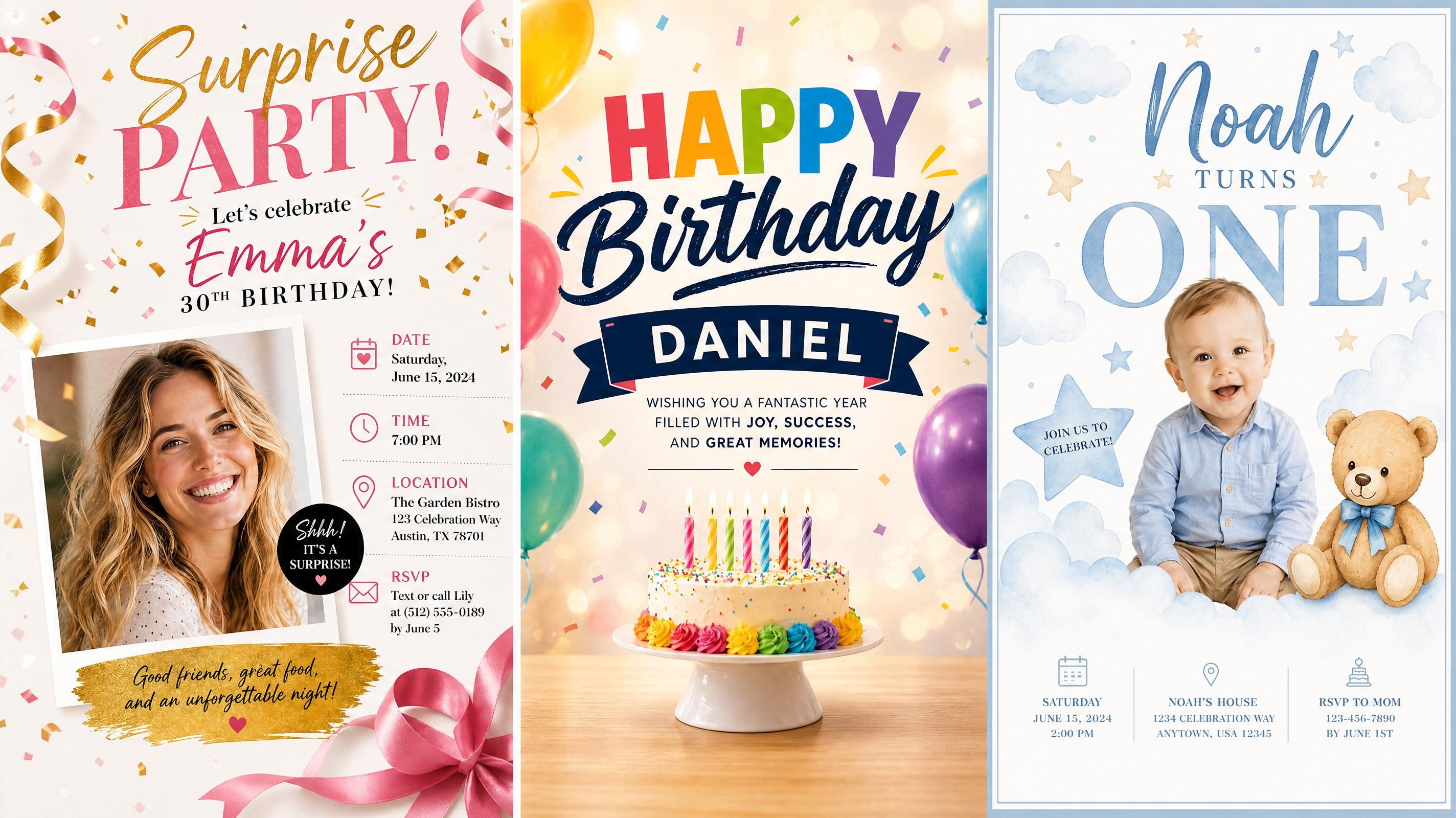
Birthday Poster
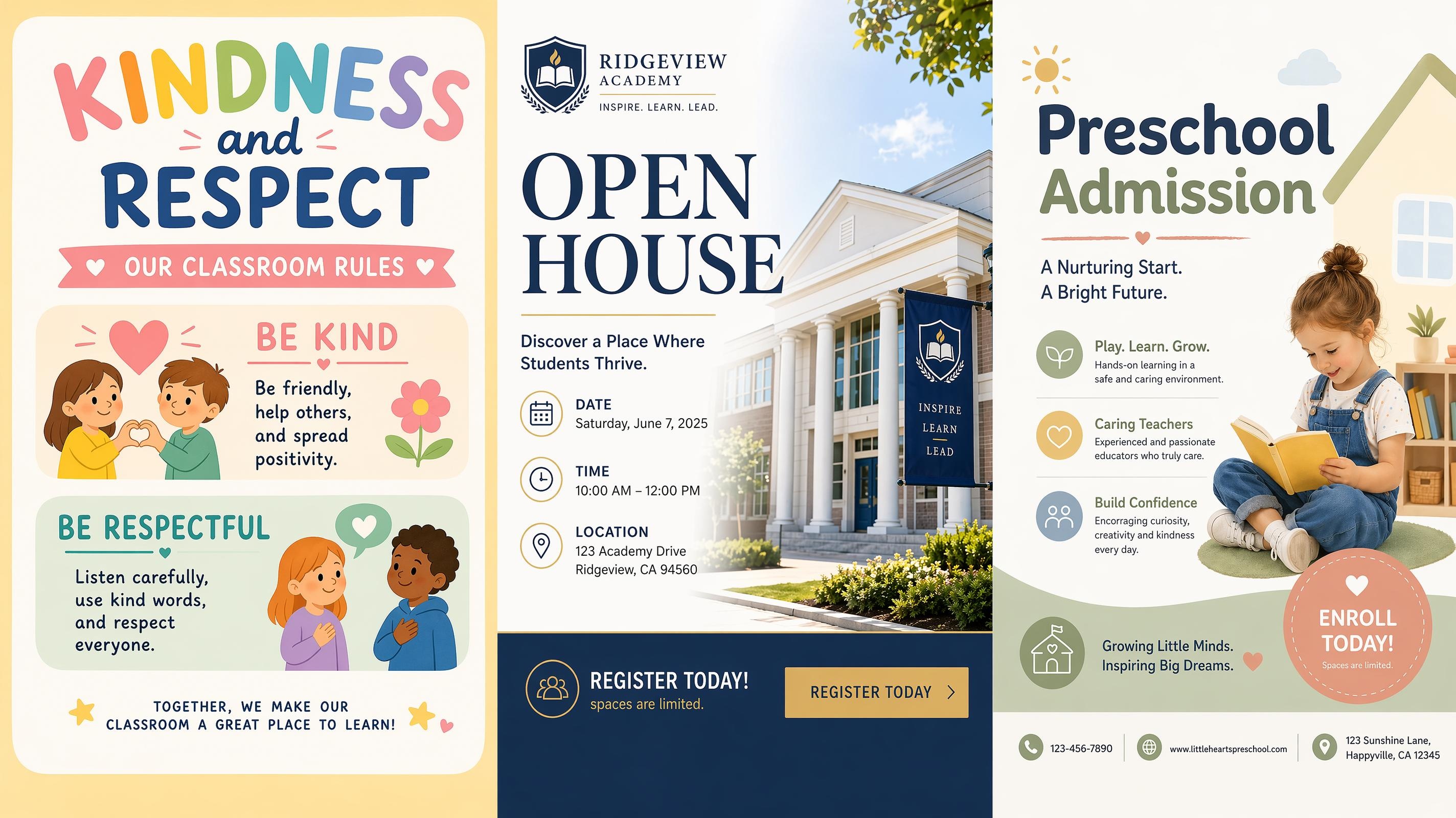
School Poster
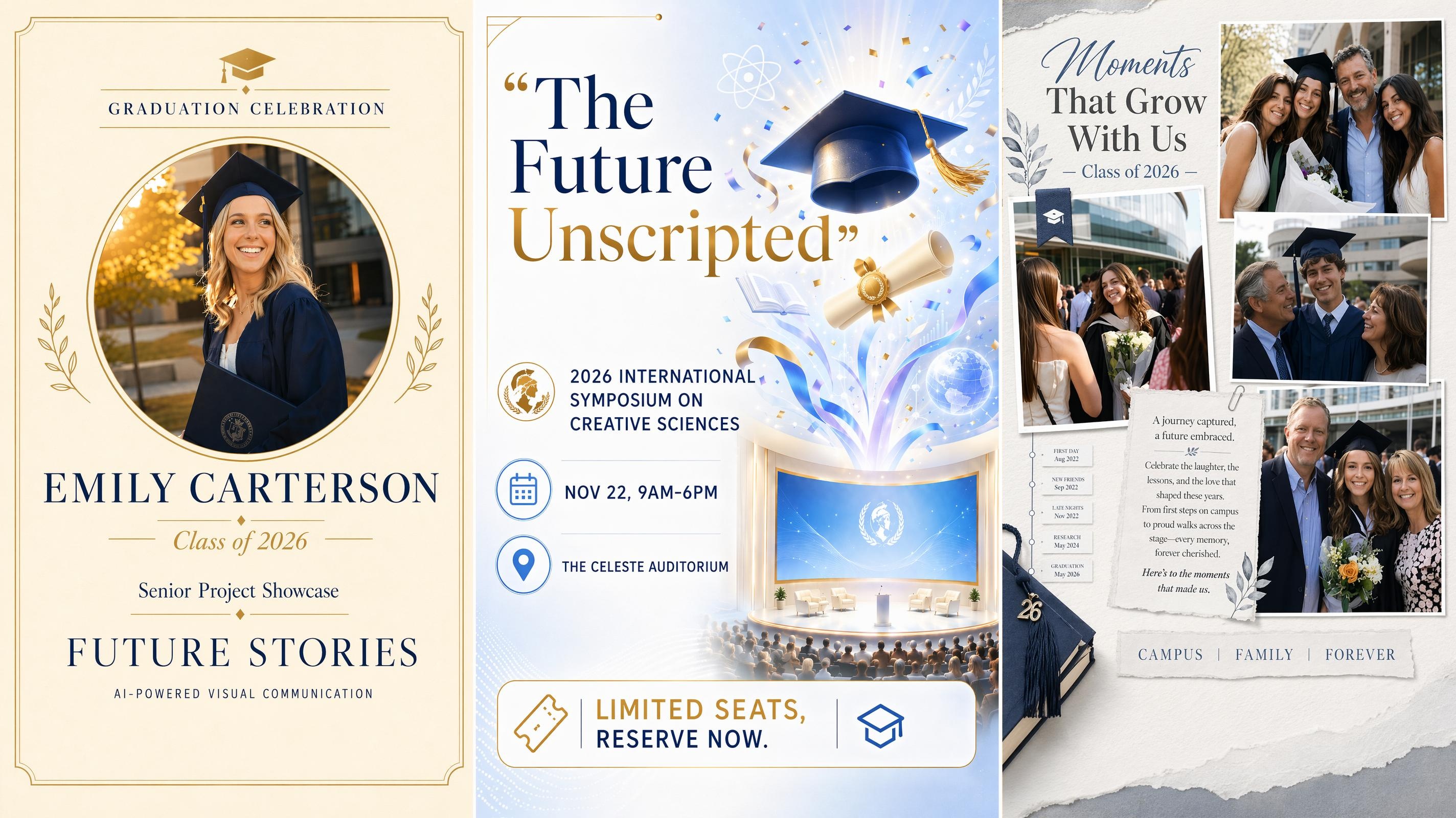
Graduation Poster
Frequently Asked Questions
How do I create a social media poster with AI?
Can social media posters be created without design experience?
Yes. Instead of staring at a blank canvas, you start with a prompt or an existing image. No need to learn layer management or typography rules before you can get something out the door.
Will AI change my colors, campaign style, or visual direction?
It can drift if you let it. The fix is giving it more to work with. You can upload your reference materials, drop in campaign context, and Designkit uses those inputs to stay closer to your existing visual direction instead of making creative decisions on your behalf.
Can I create posters sized for Instagram, TikTok, and Facebook in one go?
Yes. Designkit handles different platform dimensions so you're not manually cropping the same poster multiple times. You can enter your publishing targets as a prompt before you export and the layouts adjust to fit each platform's specs.
Is my uploaded content stored securely?
Yes. Uploaded materials are processed within platform workflows designed around content creation needs. Review current storage and privacy policies for additional information.
Can multiple social media posters be generated at once?
Yes. Multiple campaign visuals can be created within the same workflow instead of rebuilding content one asset at a time. Existing materials and prompts can be reused to prepare recurring social content more efficiently.
Is Designkit free to use as an AI social media poster generator?
Yes, you can start generating social media posters for free without a credit card. Free access includes poster generation from prompts and image uploads. Paid plans unlock additional credits, brand kit storage, bulk export, and platform-specific size presets.
Can I keep my brand style consistent across different poster campaigns?
Yes. Reference images and campaign materials can be added to guide poster generation across recurring promotions and content series. This makes campaign visuals easier to keep visually connected without rebuilding style decisions repeatedly.
Create Social Media Posters Free, No Design Skills Needed.
Create social media posters for launches, promotions, and campaigns without rebuilding designs every time. Enter your idea, customize visuals, and keep content moving. Start free.

What Users Say About Designkit
Morning Brief to Campaign Assets by Noon
Campaign visuals used to take most of my morning because every social post had to start from scratch. We started generating posters by Designkit from prompts and existing campaign assets instead. Campaign preparation time dropped from around 4 hours to less than 1 hour for recurring promotions.
Bring Campaign Design Back In-House
We kept outsourcing social campaign graphics in the past, and creating visuals internally slowed everything down. After my friend recommended Designkit to me, we then started building promotional posters directly from campaign briefs and existing images. Design costs finally dropped by around 40% while campaign content moved faster.
Graphics That Don't Feel AI-Generated
We have been struggling with the problem that our campaign visuals often felt generic after AI generation and still needed extra editing before publishing. We started building posters around reference materials and campaign direction instead of relying only on prompts in Designkit. Social visuals moved from multiple revision rounds to same-day publishing while keeping content more aligned with campaign style.
Keep Campaign Visuals Consistent
Our launches often looked disconnected because campaign visuals changed every time promotions restarted. Around half a year ago, we started building social posters around existing materials and campaign direction using Designkit. More than 50 product campaigns stayed visually more connected without rebuilding designs repeatedly as a result.
More Engagement Without Generic Content
We often found the problem that our social media poster frequently blended into crowded feeds and campaign engagement stayed flat. We started generating social media posters around campaign goals and reference materials instead. Click-through rate improved by 18% across promotional campaigns after updating creative workflows.
Launch Campaign Content Without a Design Team
As a startup company, we needed social visuals constantly but did not have design support or time to learn complicated software. I searched on the internet and found Designkit, and then started building campaign posters from prompts and existing materials. It is noticeable that our social content preparation moved from occasional campaign pushes to a repeatable weekly workflow.