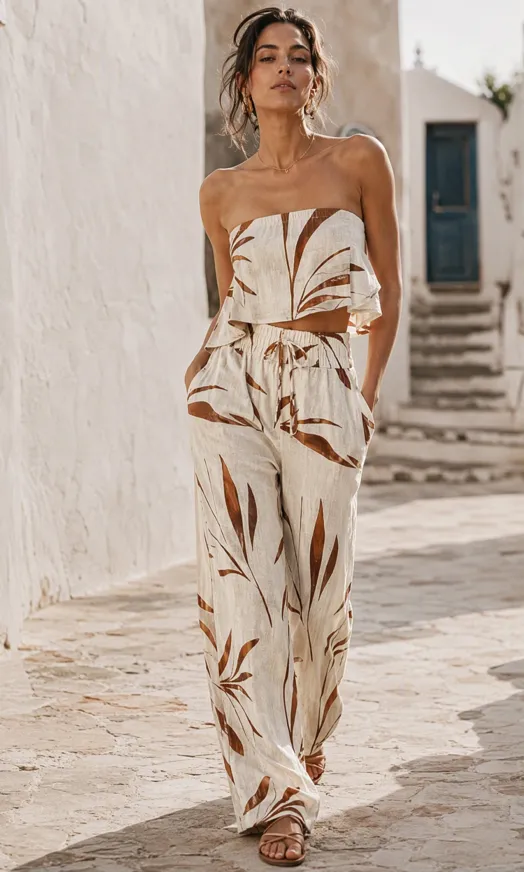

AI Fashion Photography for Apparel Brands
Turn garment photos into on-model product images and collection visuals. Create professional fashion photography for product listings and brand marketing with Designkit.
From garment photos to your next collection.
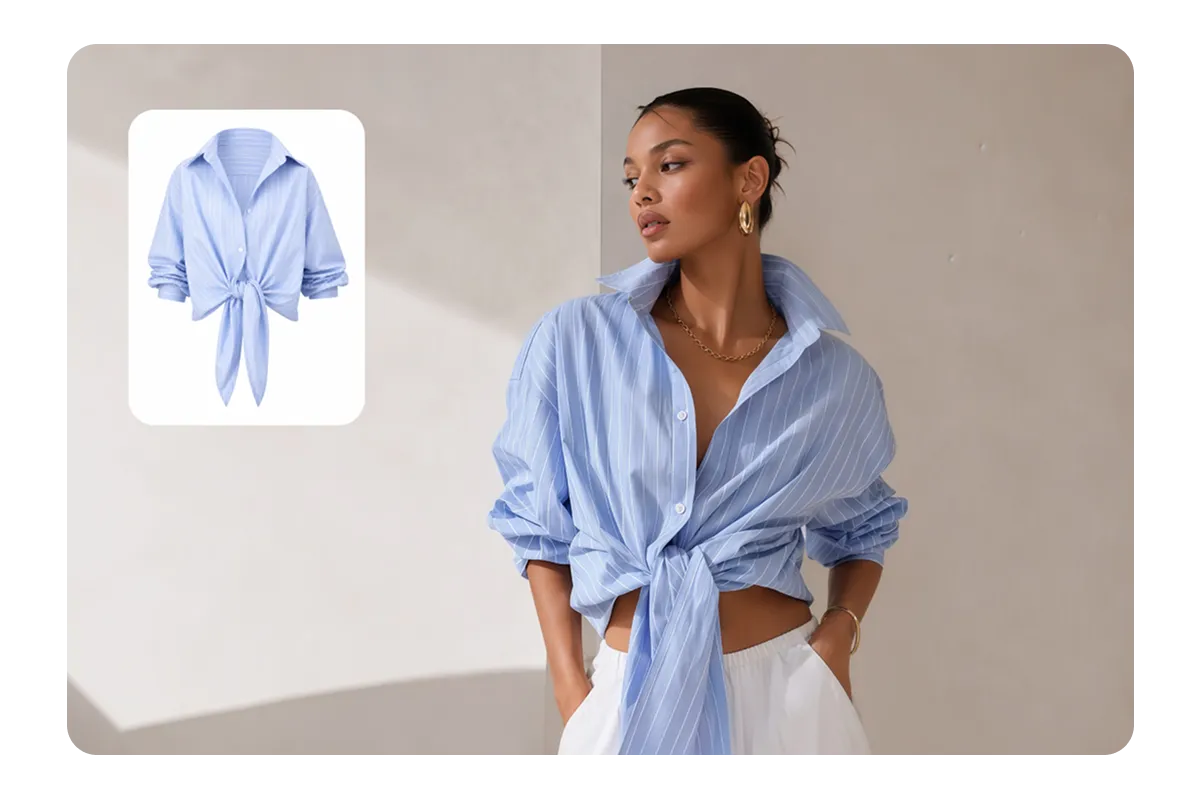
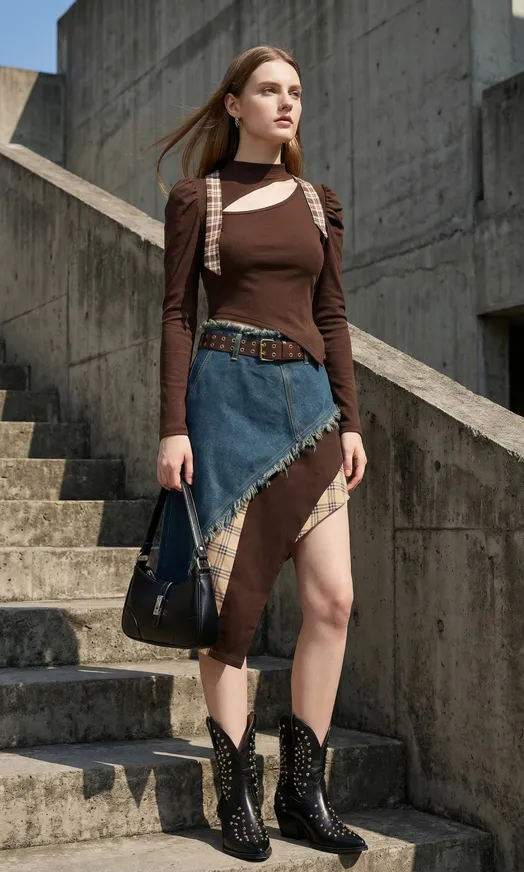
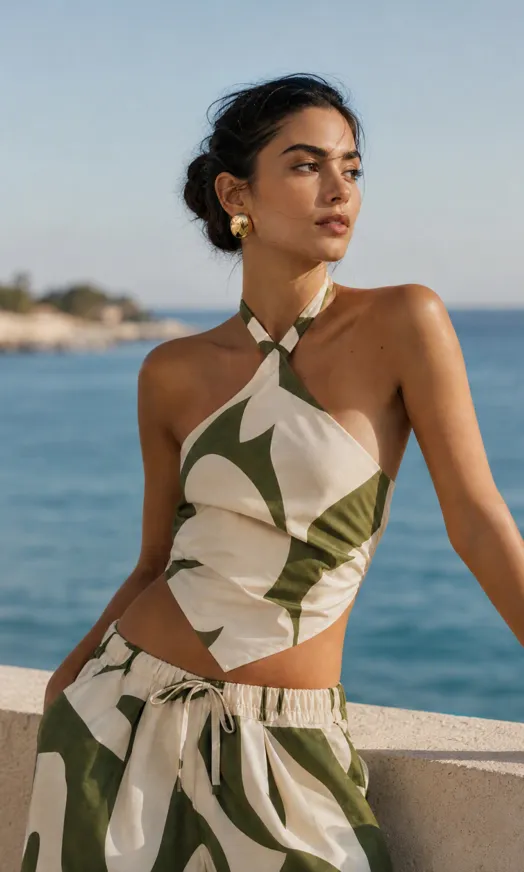
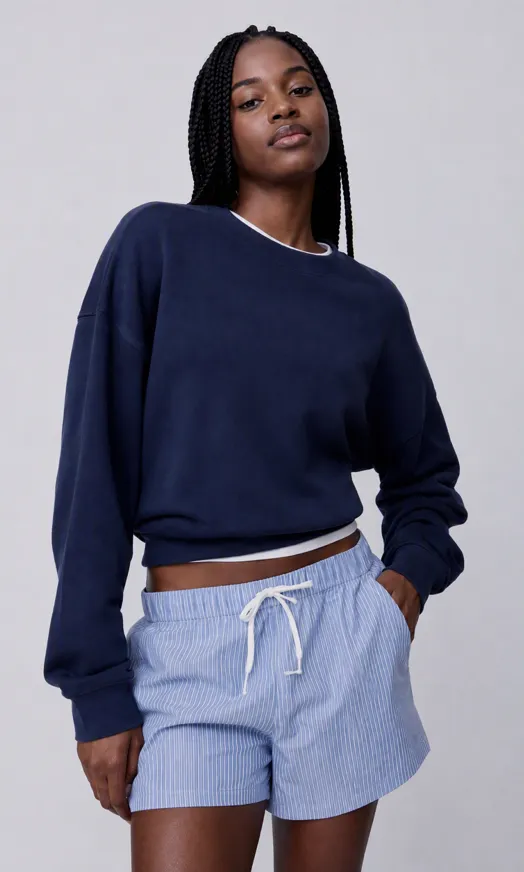
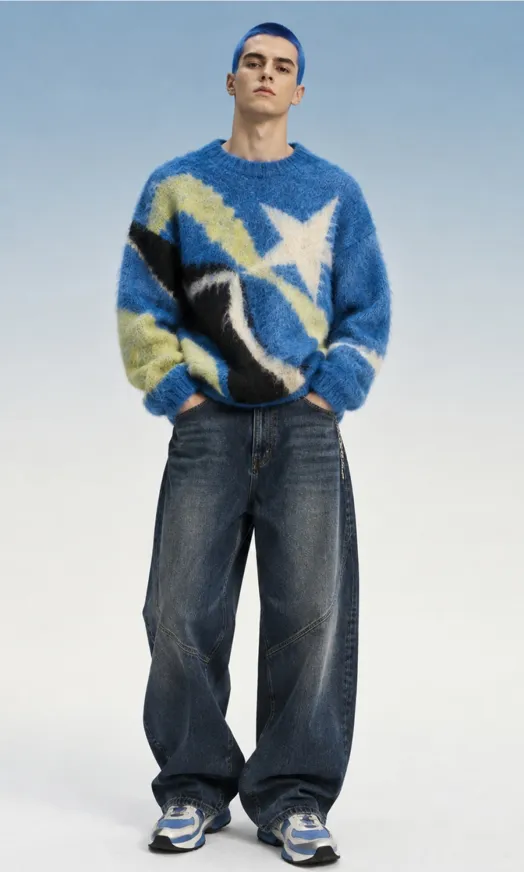
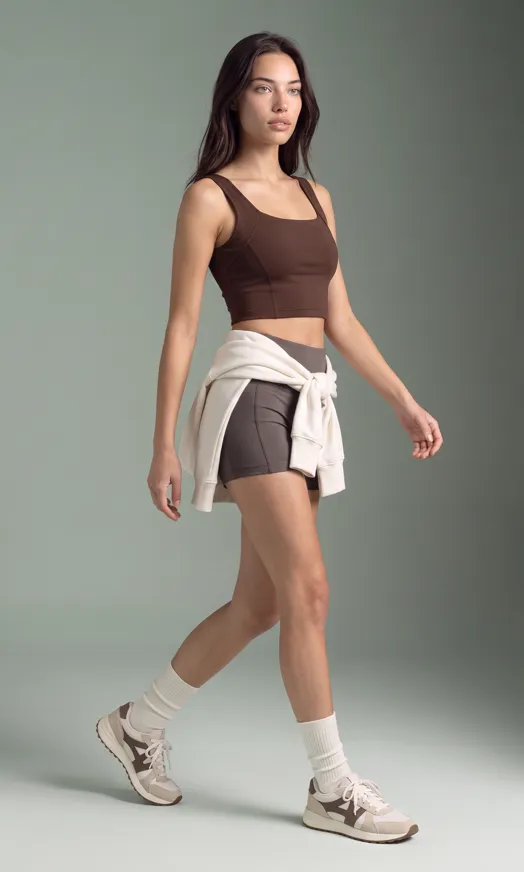
Explore Fashion Photography for Your Brand
Transform apparel into on-model product images and lifestyle visuals, with different styles, poses, and brand aesthetics.
Create More Fashion Visuals for Every Collection
Create the product images and brand visuals you need as new styles and collections arrive.
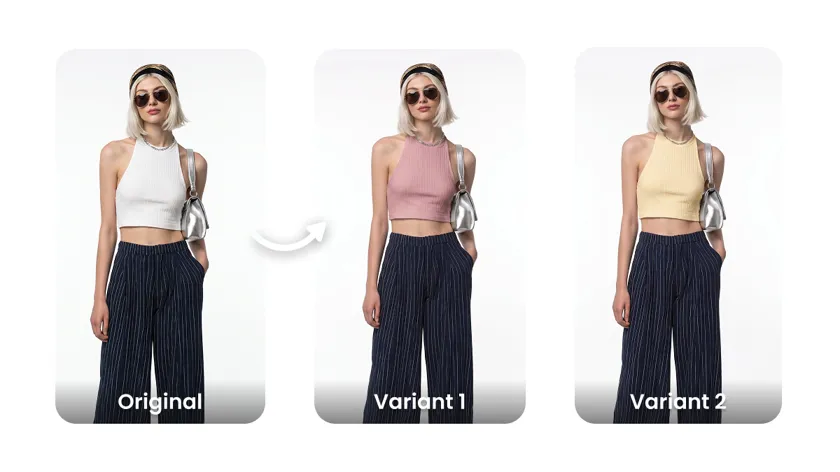
More product visuals
Create product and on-model images for the different styles and SKUs in your collection.
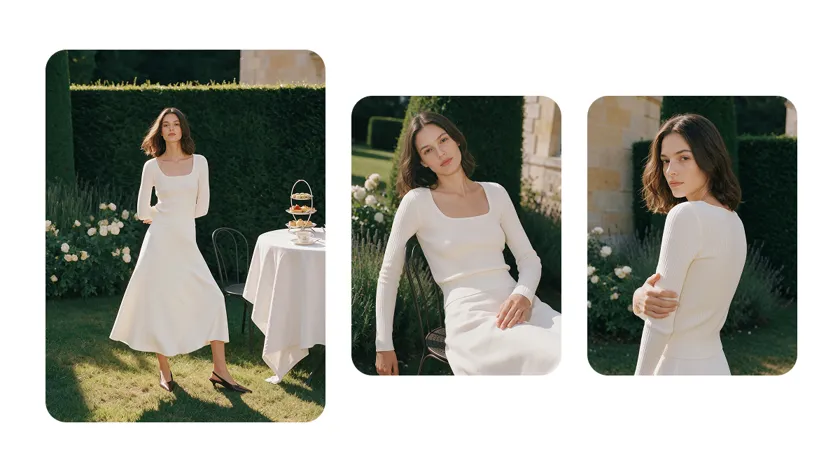
A visual style that feels like your brand
Explore models, scenes and compositions that complement your collection and brand identity.
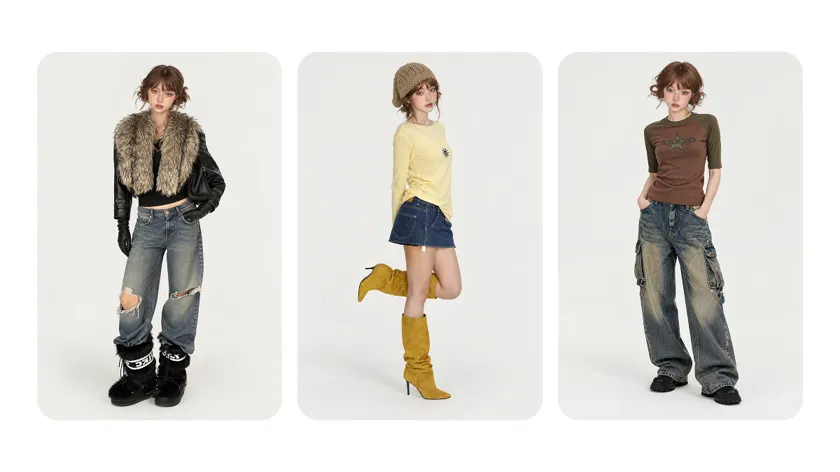
More flexible production
Create fashion visuals around your product launches and content needs, without planning every image around a traditional photoshoot.
From garment photos to fashion visuals
Start with your garment photos, choose a model and scene, and create on-model visuals for your collection.
01
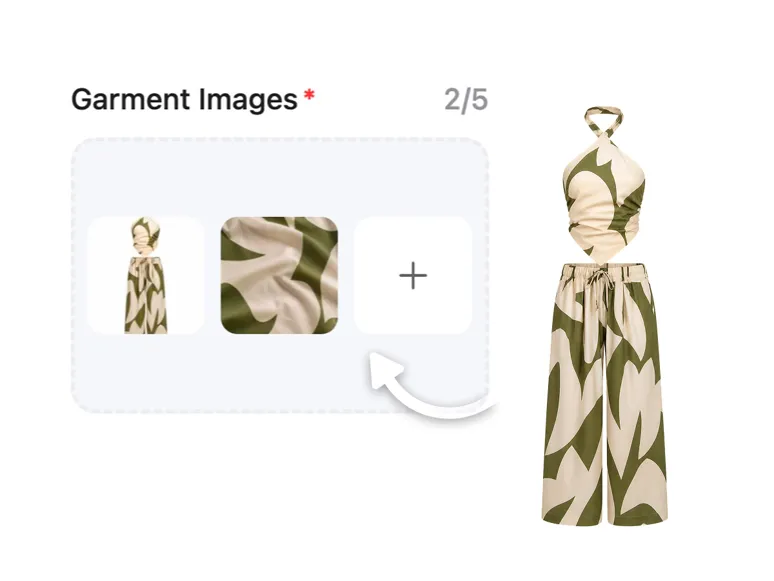
Prepare your garment photos
Start with clear photos that show each garment’s shape, color, and details.
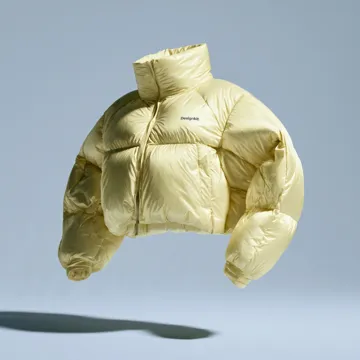
If needed, create a white background for clothes, flat lay apparel photography, or ghost mannequin images.
02
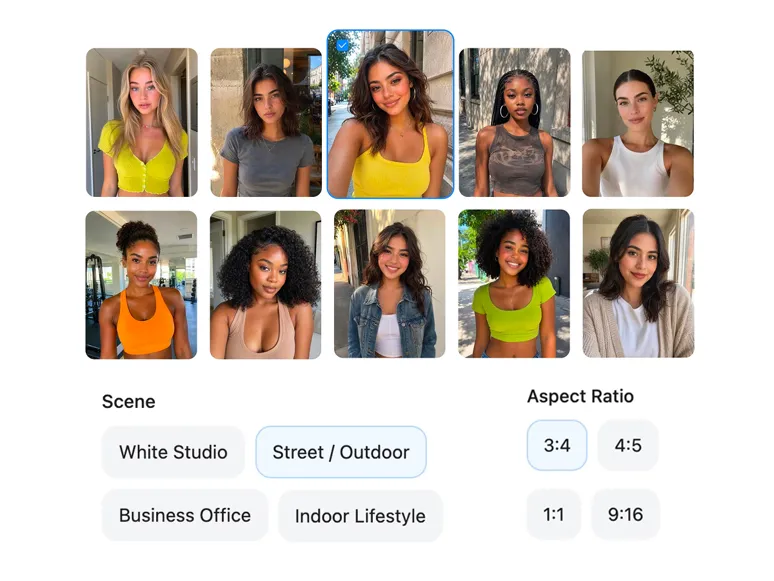
Choose a model and setting
Select a model, pose, and scene for your brand.
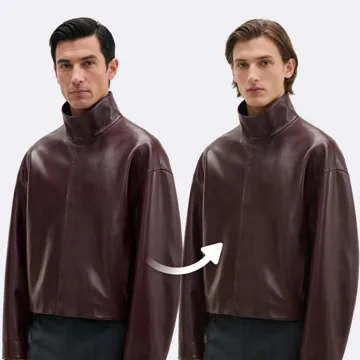
Create visuals with the AI Fashion Model Generator, try AI Model Swap, or adjust the model’s skin tone.
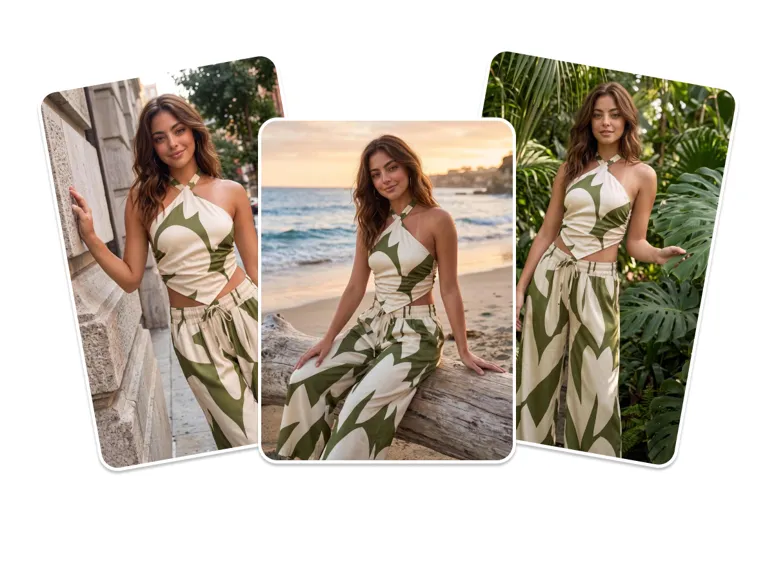
03
Create on-model visuals
Bring your garments onto models with Virtual Try-On for Apparel.
Explore more looks with the AI Outfit Generator, change clothing colors, or use the AI Clothes Changer.

04
Review garment details
Compare each result with your original garment.
Check the color, fabric, fit, patterns, logos, and details such as straps, seams, and accessories.
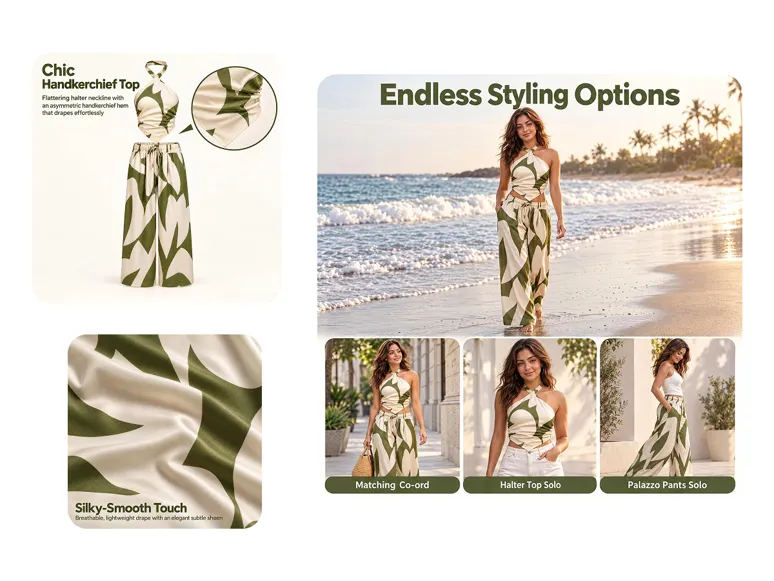
Create visuals for every fashion collection
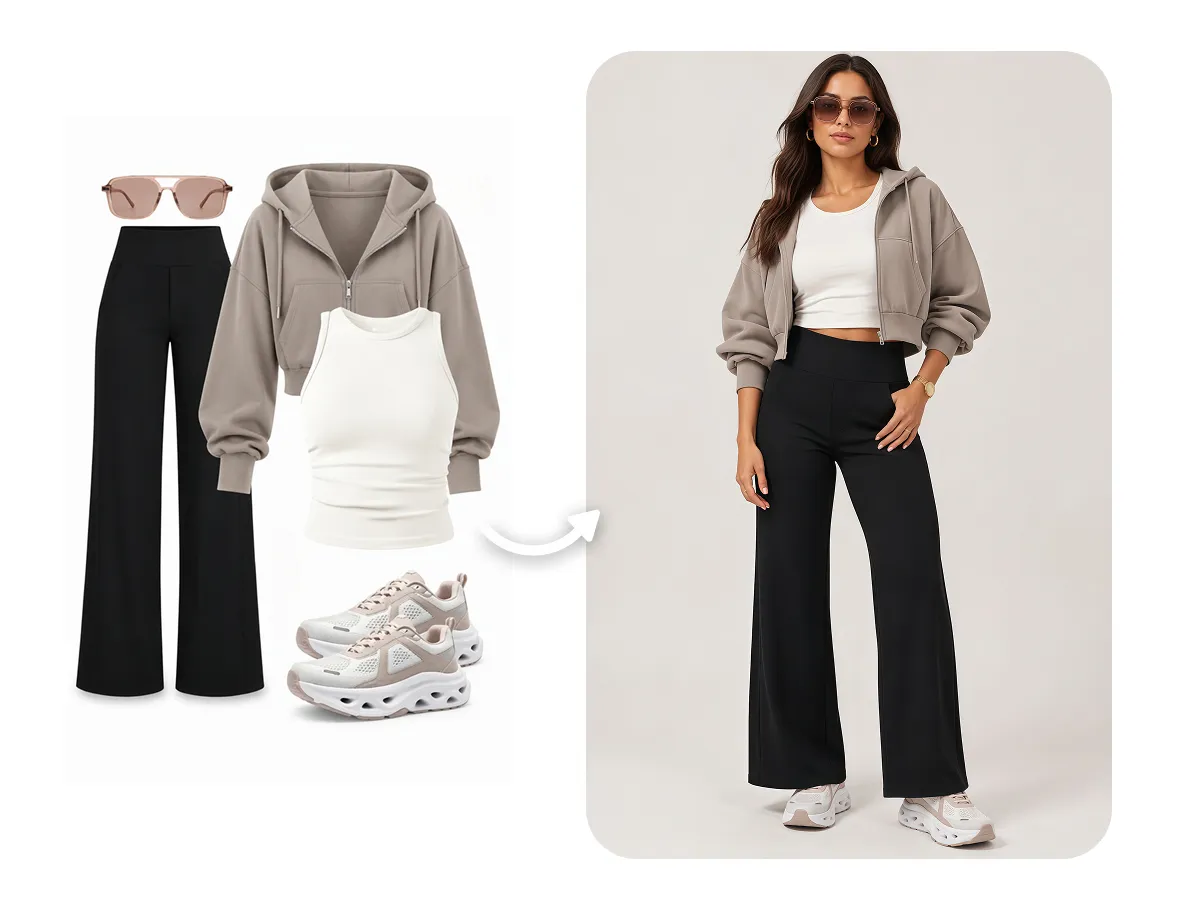
On-model product photography
See how your garments look on a model
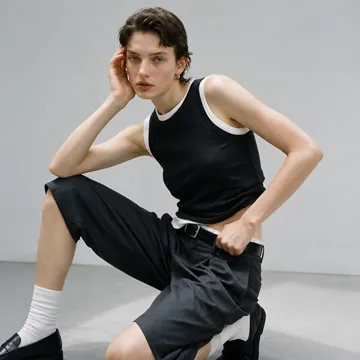
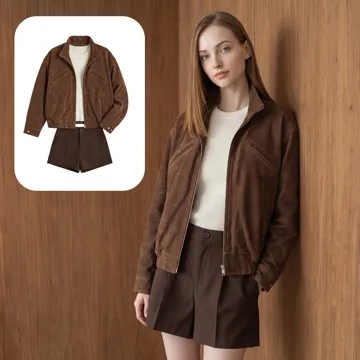
Turn garment photos into on-model product images that highlight each piece's silhouette, fabric and design details. Review the results against the original product before use.
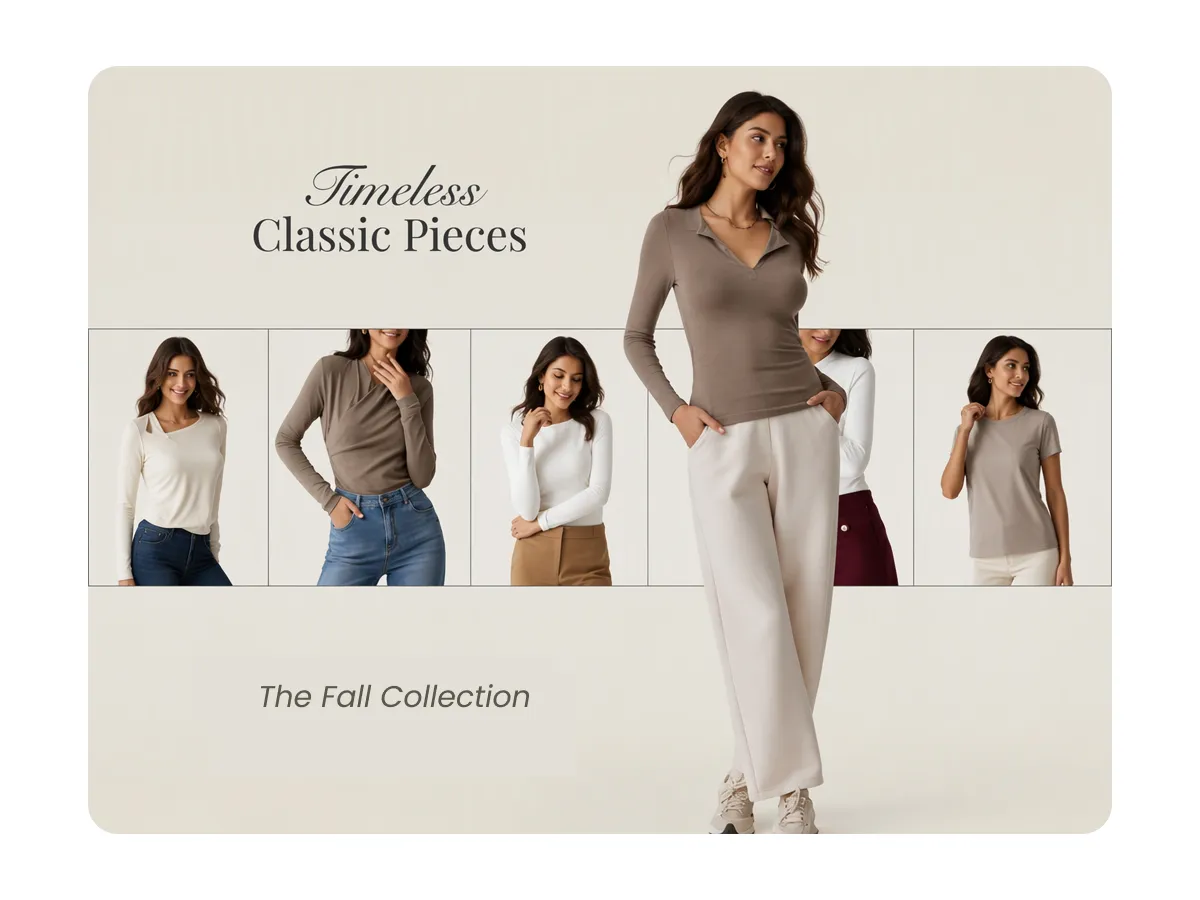
New collection photography
Create visuals for every new arrival
Prepare imagery for different styles and SKUs in your collection. Explore models and scenes that complement the collection's overall aesthetic, then review each garment's details.
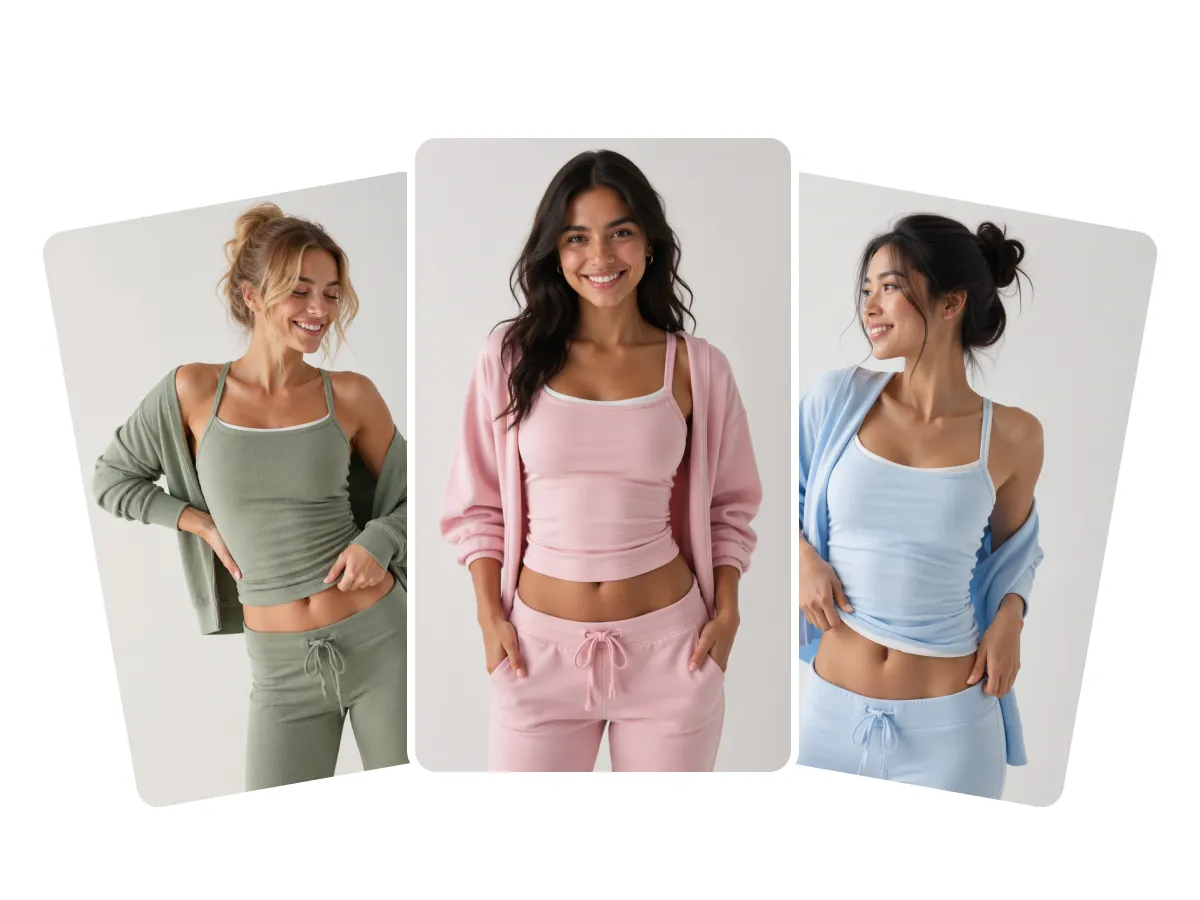
Brand-style fashion visuals
Explore Different Creative Directions
Experiment with model presentations, locations and compositions to create distinctive fashion imagery for your brand campaigns and seasonal collections.
Every category has its own character
From fabric and silhouette to straps and lace, review the details that make each garment distinctive.
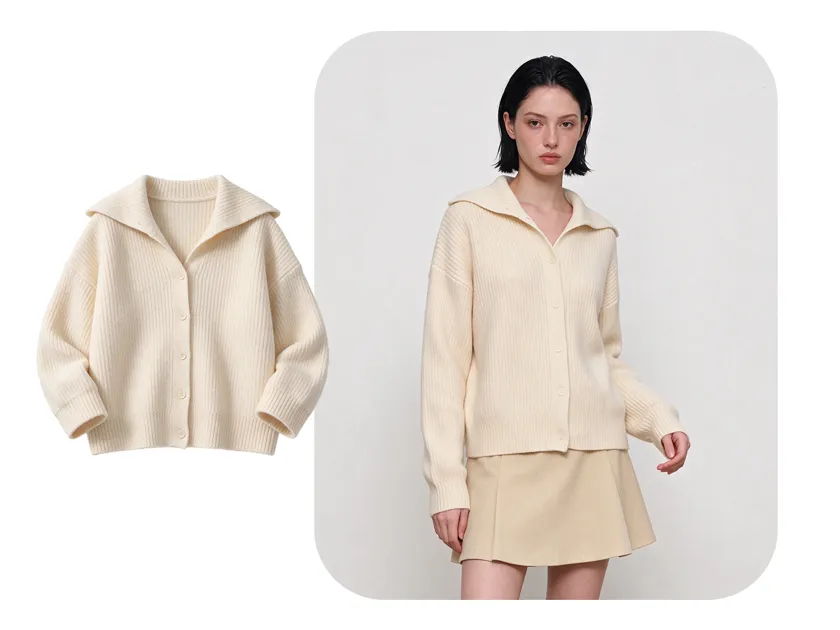
Womenswear
Highlight the silhouette, fabric, fit and patterns that define each piece.
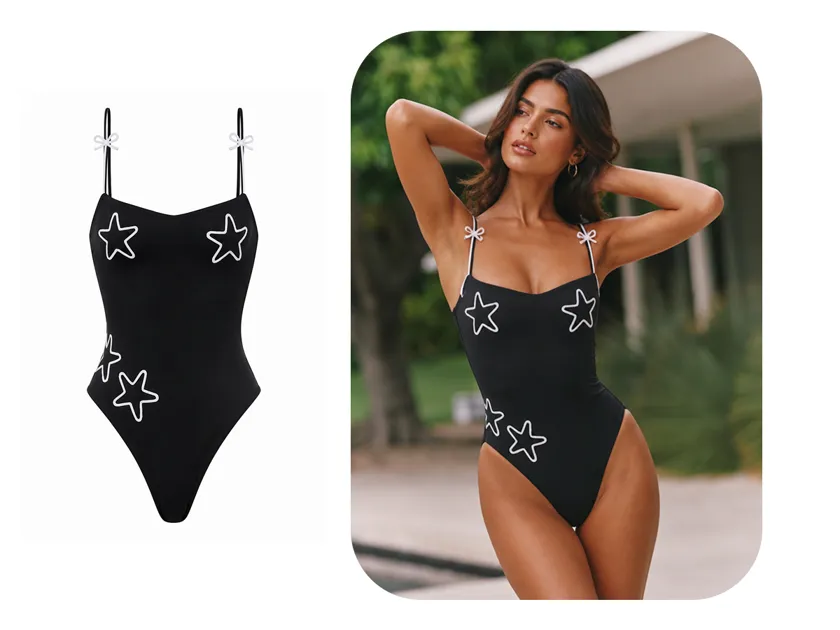
Swimwear
Highlight fit, straps, color and the design details of each swimsuit.
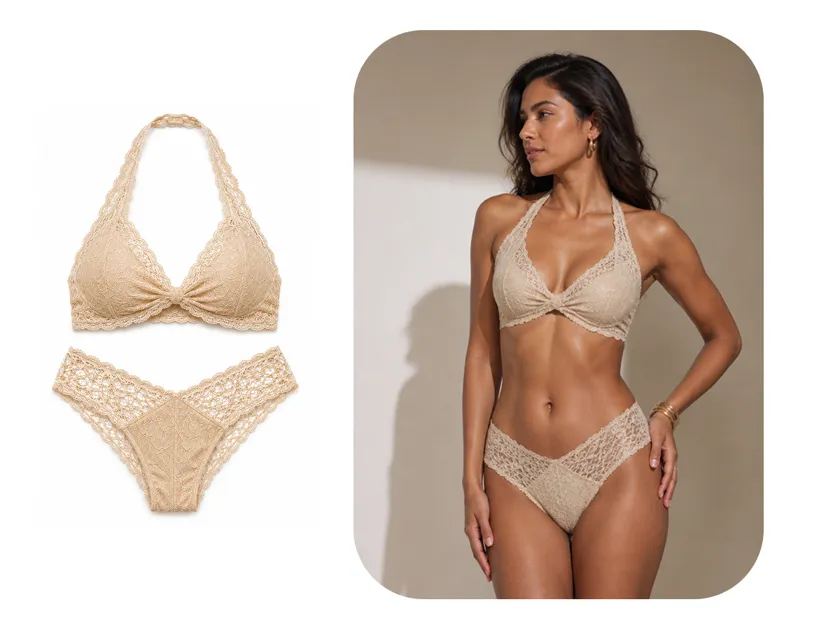
Lingerie
Showcase the details that matter, from lace and cups to straps and fabric.
From Fashion Photos to Marketing Assets
Use your fashion visuals across product listings, collection showcases, social media and brand campaigns.
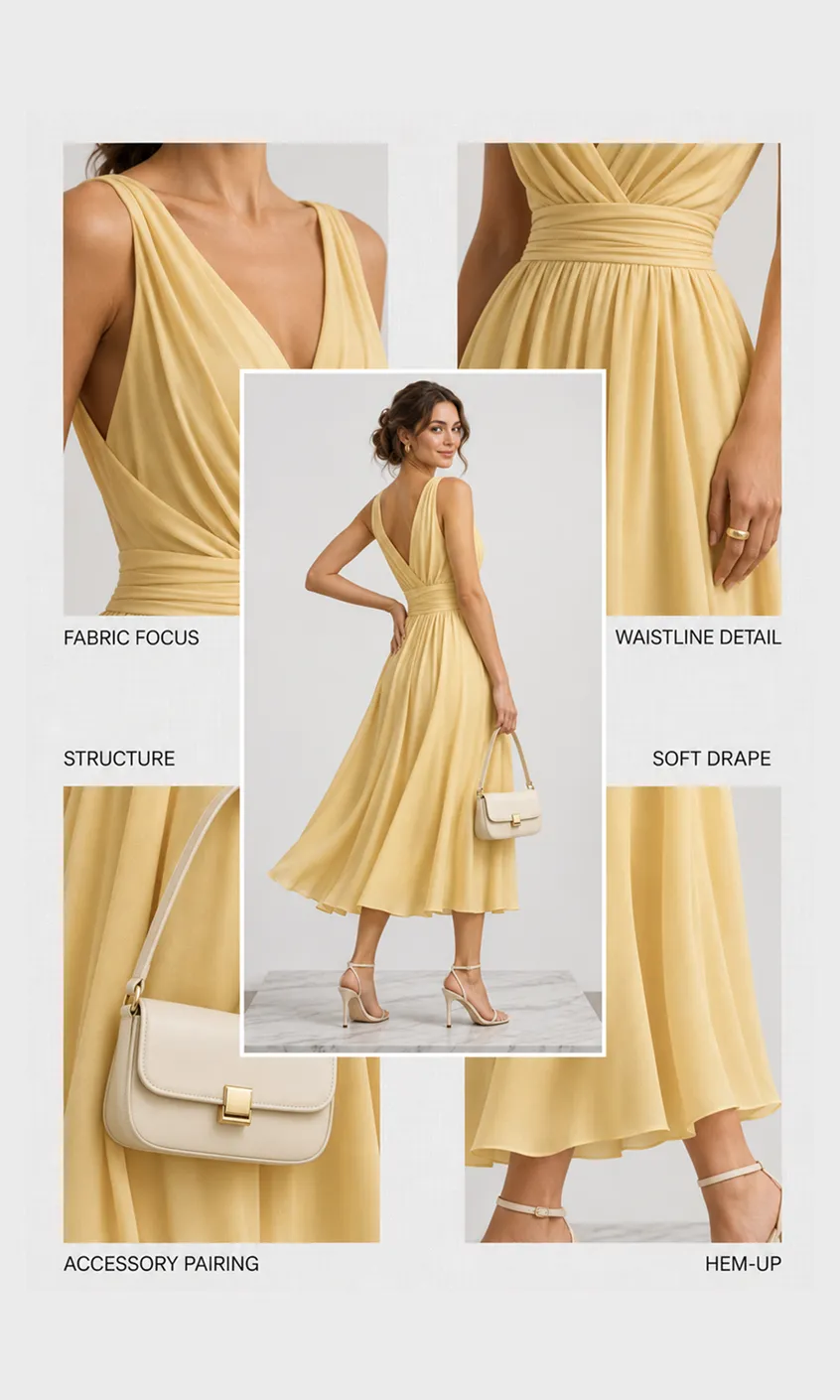
Product listings
Create on-model product image sets for online store and catalog.
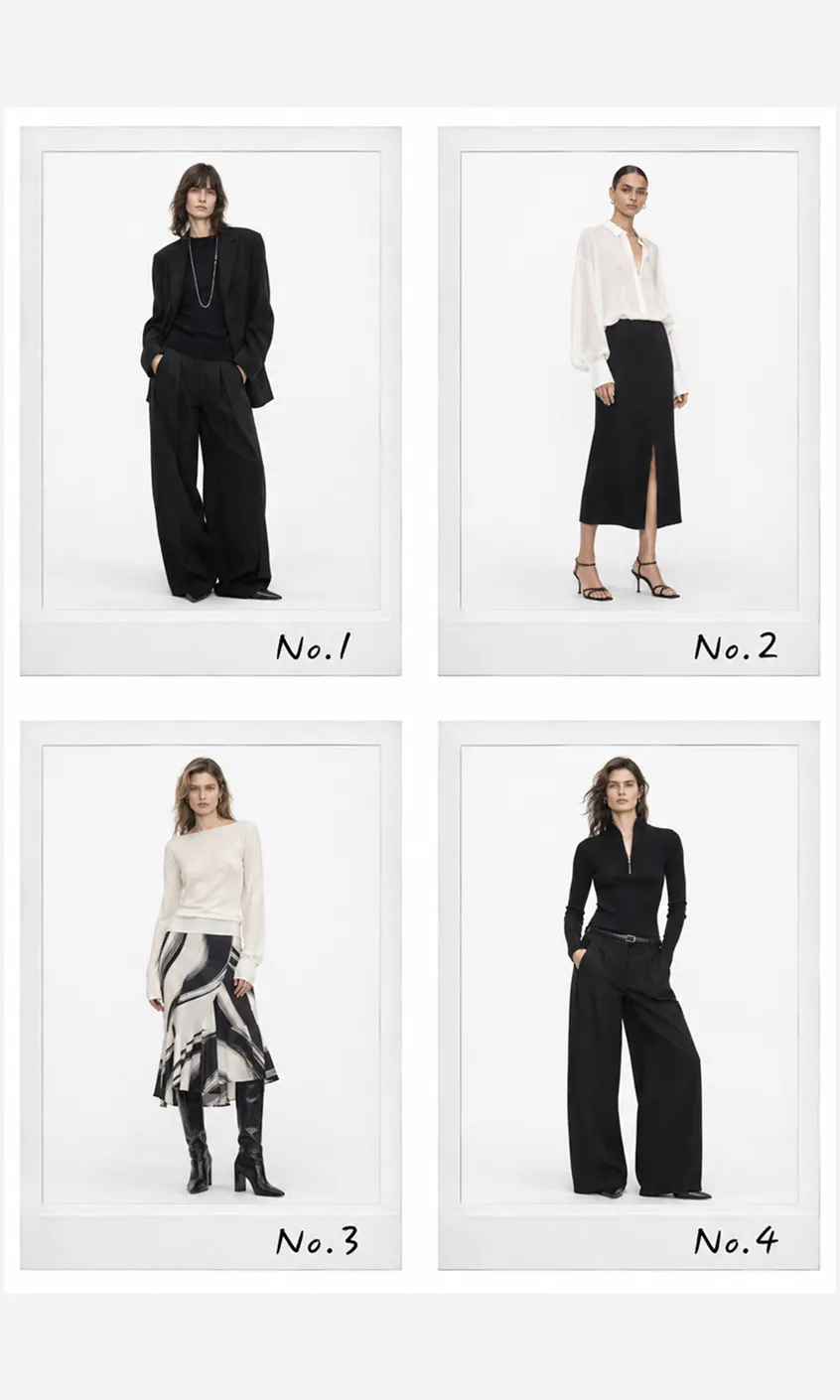
Lookbooks
Showcase seasonal collections through curated fashion imagery.
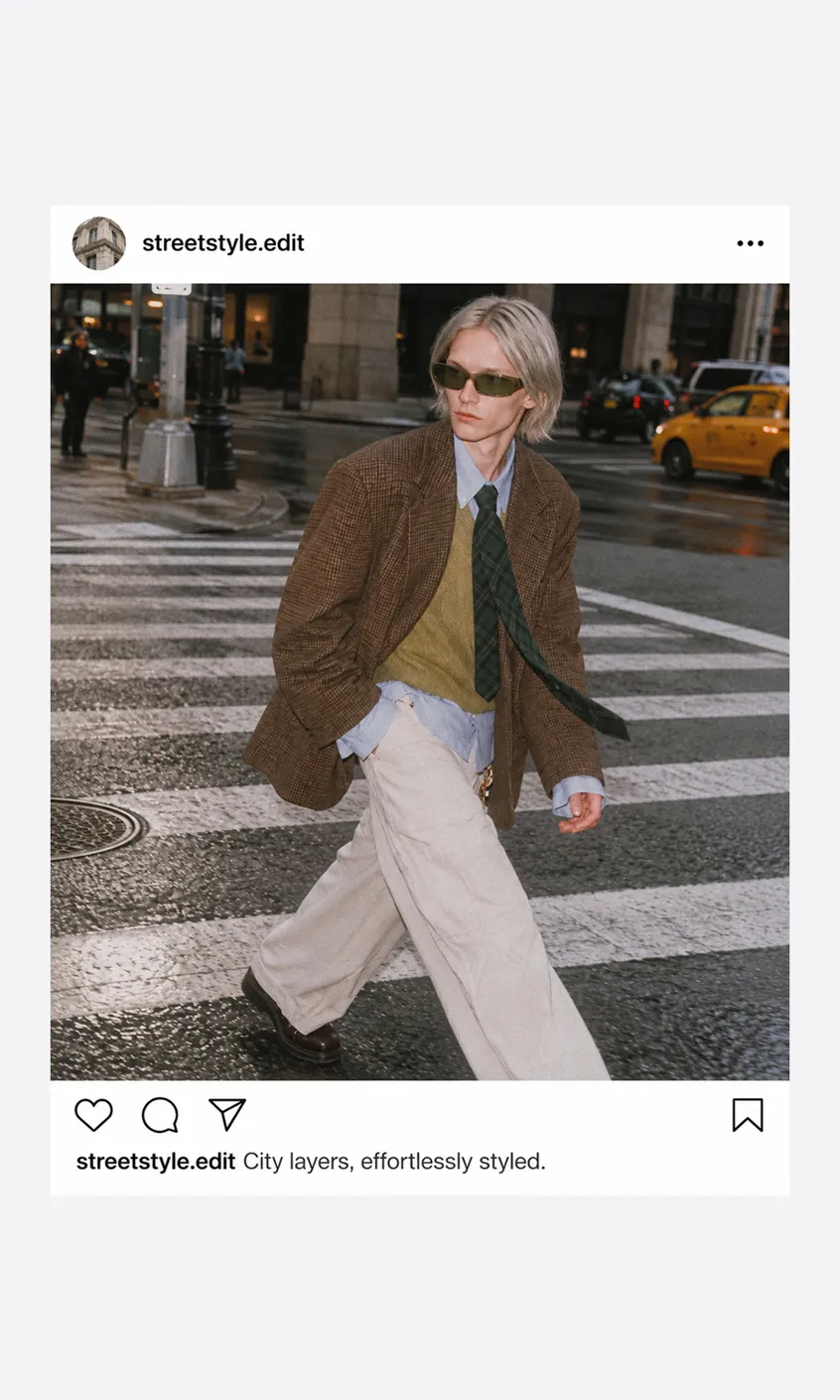
Social media
Share new arrivals and collection stories across social channels.
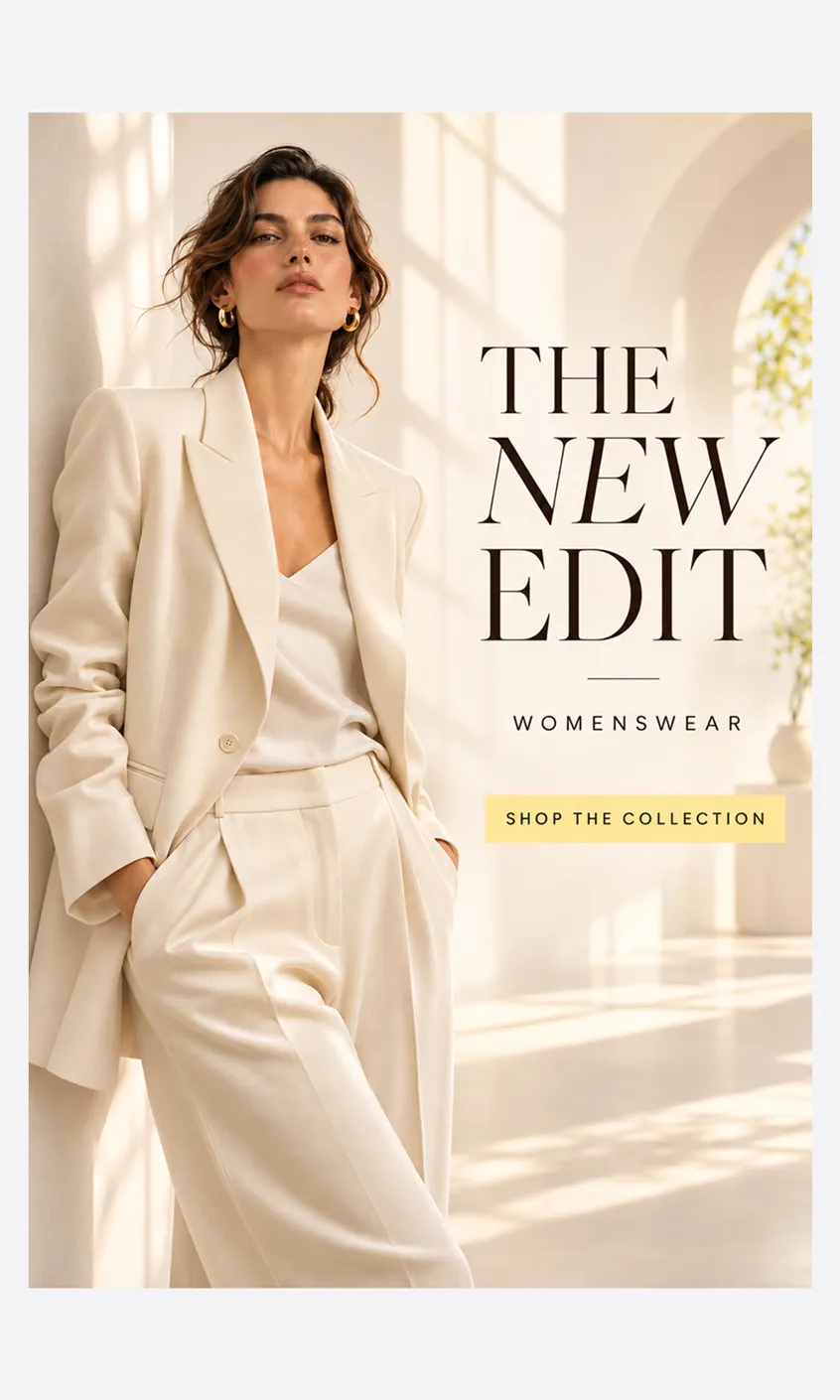
Fashion campaigns
Use fashion visuals in seasonal launches and brand promotions.


Frequently Asked Questions
You can upload garment photos in JPEG, PNG, GIF, WebP, SVG or PDF format. Choose a clear image that shows the garment and its key details.
Your next collection starts here
Turn your garment photos into fashion visuals for your next launch.