
Your AI Video Agent: Plans, Creates, and Edits: All in One Go
Upload a product image, describe your goal, and Designkit handles the rest — scripting, scene building, formatting, and export. All automated.
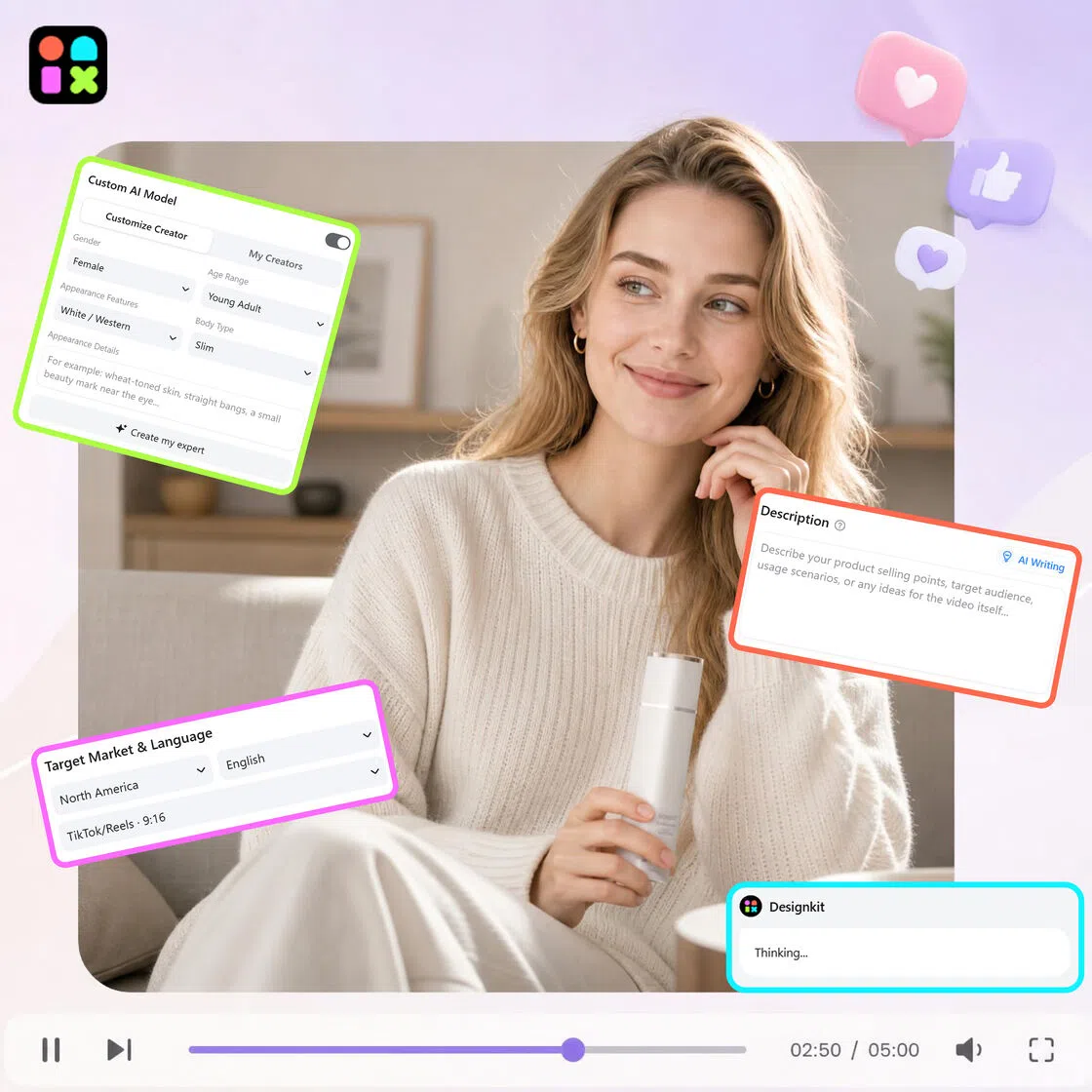
How AI Video Agent Runs Your Video Workflow Automatically
pload Your Product Image or Reference Video
Upload your product image or video, then set your target platform, aspect ratio, duration, and select an AI model like Seedance 2.0 or Kling 3.0. Add a short prompt to guide the output, then let the agent take over and handle the full video creation workflow from there.
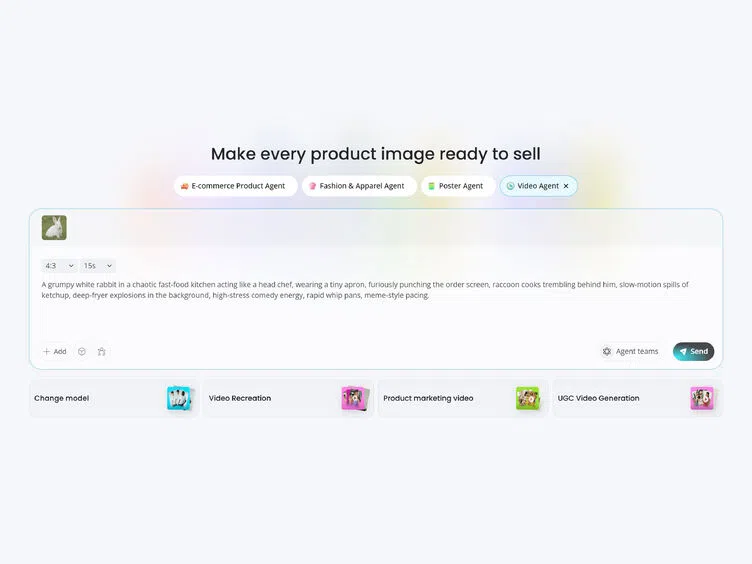
Let the AI Build and Vary Your Video
Designkit analyzes your input and automatically generates multiple video concepts — different hooks, scene sequences, and messaging angles. No scripting, no timeline editing.
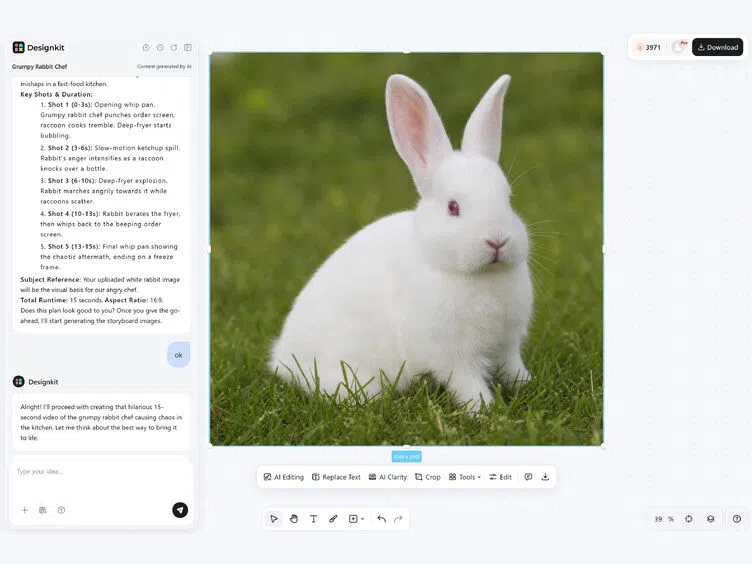
Refine, Format, and Export
Review the variations, pick the one that fits your campaign, or regenerate until it lands. Export in platform-ready formats: 9:16 for TikTok and Reels, 1:1 for Meta, 16:9 for YouTube and Amazon and ready to publish.
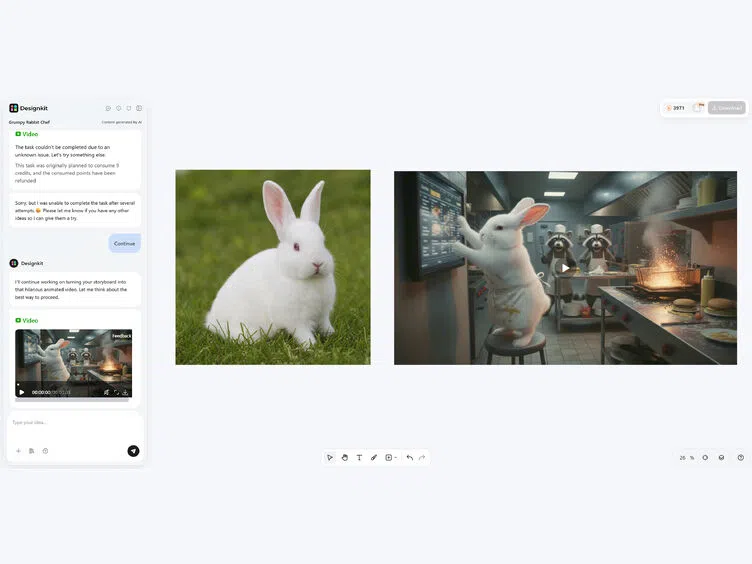
How Designkit's AI Video Agent Transforms Video Creation
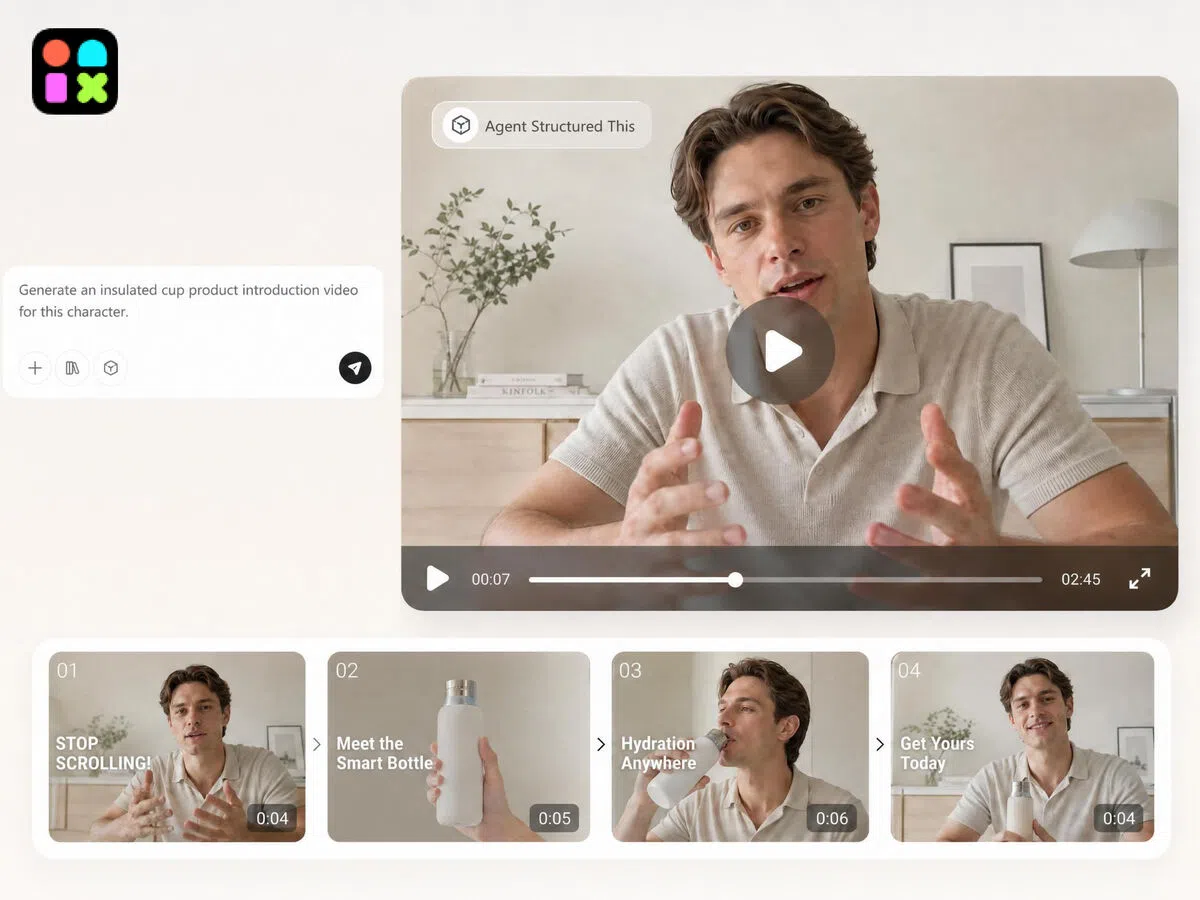
From Input to Publish-Ready Video, Fully Automated
Drop in a product image and a short prompt. Designkit's AI video agent scripts the structure, builds scenes, adds captions, selects hooks, and formats for your target platform — all without a single manual step. One input, one complete workflow, one export-ready video.
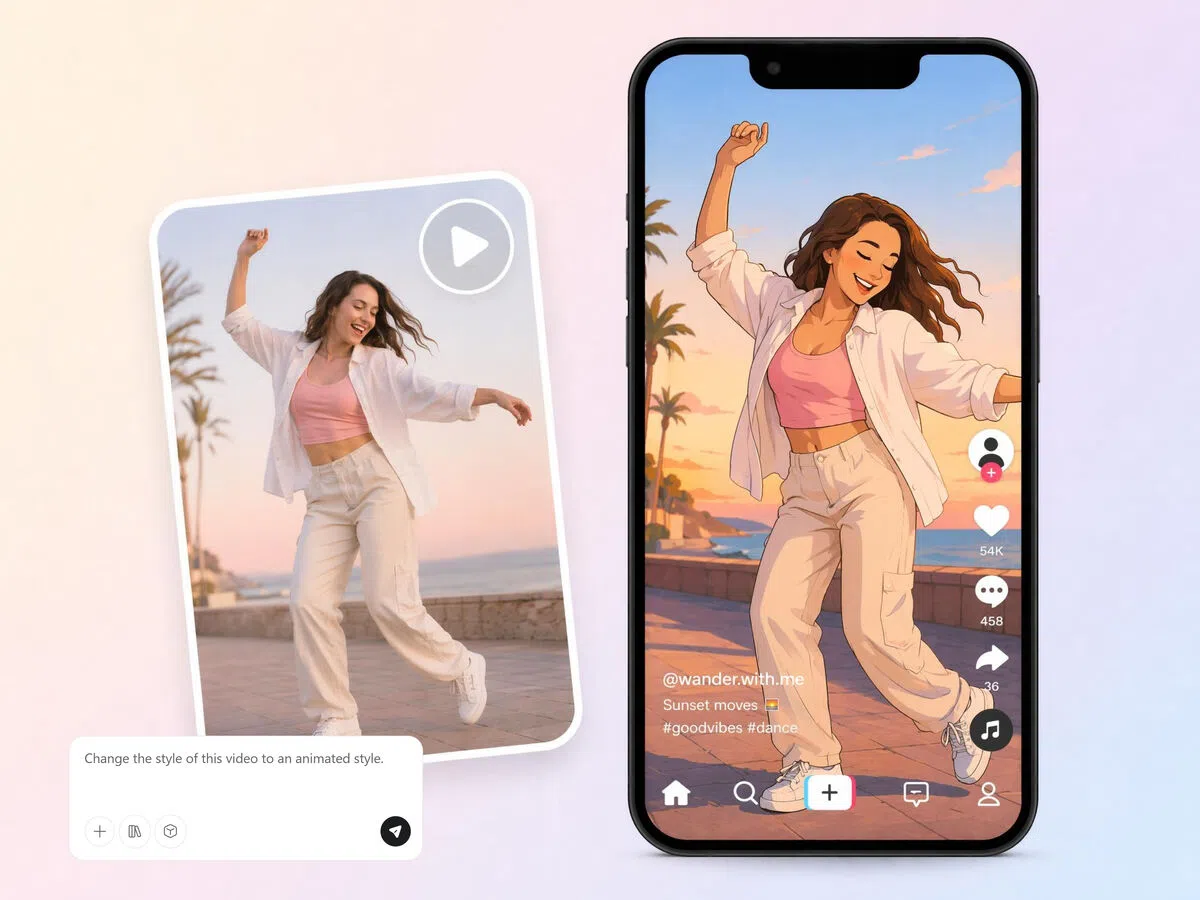
Replicate Any Winning Video with Your Product Swapped In
Upload a reference video alongside your product image. Designkit analyzes its hook style, pacing, and scene structure, then generates a new version with your product in frame — no reshooting, no manual editing, no guessing what works.
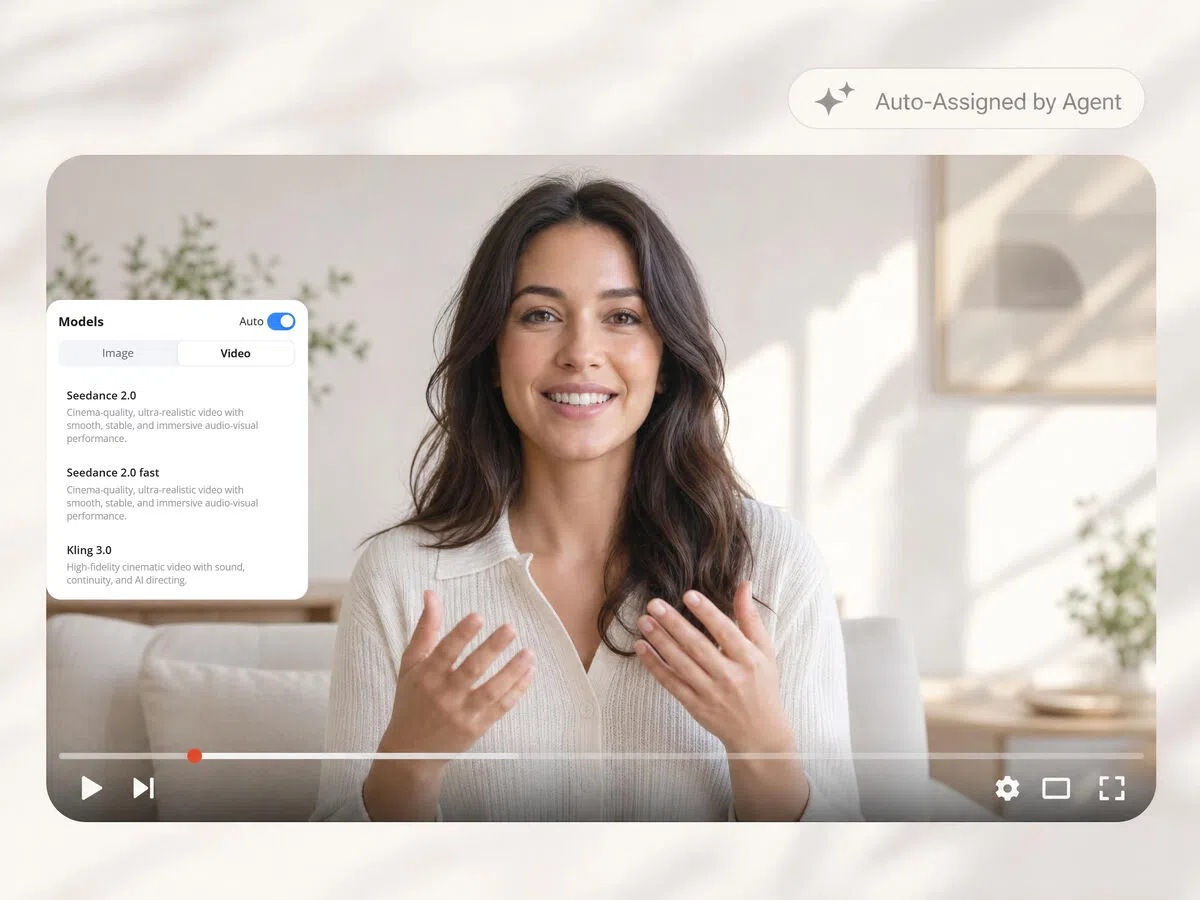
Powered with Multiple AI Models: Your Idea, Your Video
Designkit uses advanced models like Seedance 2.0 and Kling 3.0 to produce multiple video variations with different hooks, scenes, and messaging. This supports faster A/B testing, better ad optimization, and scalable creative production across campaigns.
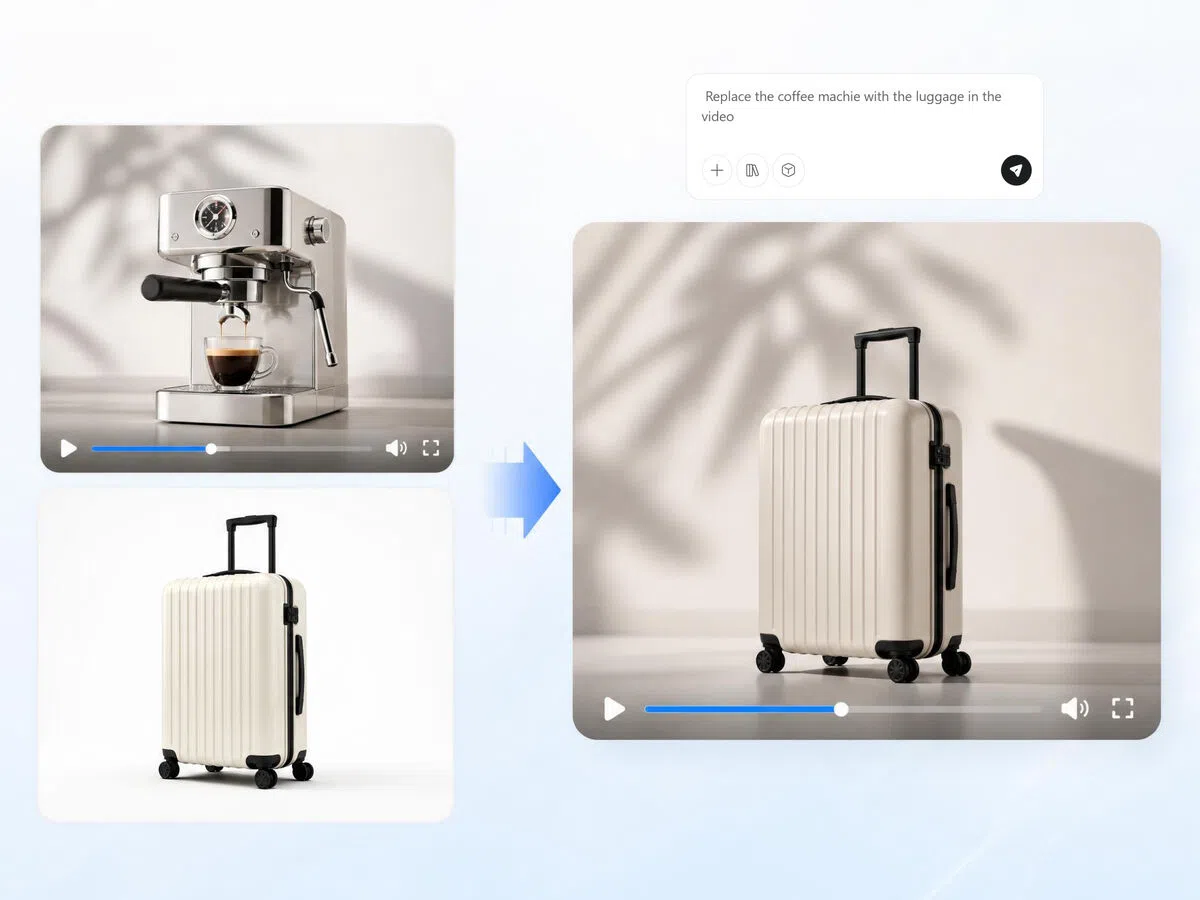
Refine Any Detail with a Text Prompt — No Timeline Needed
Need a different hook, a calmer tone, or a scene cut earlier? Describe the change and Designkit updates the video instantly. No software to learn, no timeline to scrub through, no editor to brief.
Built for Anyone Who Wants to Create Videos Easily

Product Videos for Amazon and Shopify Listings, Without a Shoot
Every product listing performs better with video, but producing video for 20, 50, or 100 SKUs means shoots, editors, and weeks of turnaround. Designkit's AI video agent takes your existing product images and generates listing-ready videos — structured to showcase benefits, formatted to platform specs, ready to upload. Launch new products the same day, not the same month.


Why Teams Choose Designkit's AI Video Agent

One Input Runs the Entire Video Workflow
Scripting, scene planning, formatting, and export — all handled automatically from a single product input. No tool switching, no manual handoffs between steps.

Built for Multi-Platform Output Without Extra Work
Every video is automatically formatted for TikTok (9:16), Meta (1:1), YouTube (16:9), and Amazon — from one generation. No resizing, no reformatting, no separate exports per platform.

Generate Variations at Scale, Not One at a Time
One product input produces multiple video variations with different hooks and structures. Test creatives across campaigns without producing each version manually or briefing a designer for every iteration.
Frequently Asked Questions
What is an AI video agent?
Do AI-generated marketing videos look realistic enough to run as paid ads?
Yes. The output is designed to match the pacing, hook structure, and visual style of creator-made content — not polished brand commercials. Most viewers engage with it as regular video content. For best results, use clean product images and a specific prompt describing your target audience and tone.
What's the difference between generating from a product image and replicating a reference video?
Generating from a product image builds the video structure from scratch based on your prompt and platform settings. Replicating a reference video analyzes the hook style, pacing, and scene structure of an existing video and recreates it with your product swapped in. Use the first for new creative angles; use the second when you have a proven format you want to match.
Who should use an AI video agent?
AI video agents are useful for ecommerce sellers, marketers, small businesses, agencies, influencers, and content creators who need videos consistently. They help reduce production complexity and speed up content creation. Designkit makes video generation accessible for users who want professional content without relying on expensive production teams or advanced editing software.
Do I need extra skills to use an AI video agent?
Not at all, AI video agents are designed to simplify the video creation process. Most workflows only require product images, text prompts, or ideas to get started. Designkit automatically handles scene generation, video structure, and editing tasks, helping users create polished videos without needing technical knowledge, editing experience, or design skills.
Can AI video agents create ads for Facebook, TikTok, and Instagram?
Yes, AI video agents can generate marketing videos optimized for major social platforms, including Facebook, TikTok, Instagram, and YouTube. Different formats, styles, and hooks can be created based on platform requirements. Designkit helps generate social-ready video variations that support advertising campaigns while reducing repetitive editing and production work.
Can I turn product images into marketing videos for Amazon and Shopify?
Yes. Upload your product image and a short description — the AI video agent builds a structured video that highlights key benefits, with the right format for each platform. Amazon listings get 16:9 product videos; Shopify store pages and social campaigns get 9:16 or 1:1 formats, all from the same input.
Can I generate multiple video variations for A/B testing?
100%, generating multiple video versions is one of the biggest advantages of AI-powered video creation. Different hooks, pacing styles, messaging angles, and visual formats can be tested simultaneously. Designkit helps create multiple video variations quickly, making it easier for businesses and marketers to test performance and identify stronger-performing creatives faster.
Put Your Video Production on Autopilot with Designkit's AI Video Agent
Your next campaign video is one product image away. Upload, prompt, and export — no filming, no editing team, no waiting. Start free with Designkit.

Trusted by E-Commerce Sellers, Content Creators, Marketers, and More
Automated Shopify Video Workflow That Increased Conversions
I used to involve multiple steps across different tools — writing copy, planning scenes, editing, and formatting for each channel. With Designkit's AI video agent, I upload product assets and the workflow handles everything from structure to export. Campaigns launch faster, and my product pages are converting noticeably better since switching.
Faster Ad Testing Through Multi-Step Automation
I spent too much time coordinating scripts, concepts, and ad variations manually. Designkit automated the whole workflow — multiple content angles, organized variations, assets ready for testing. A/B testing is much faster now, and acquisition costs have come down across campaigns.
Product Validation Without Manual Production Bottlenecks
Honestly, I was exhausted jumping between tools just to test one product. Editing, scripting, and resizing, it was a mess and slowed everything down. With Designkit's AI Video Agent, I just drop in product info and it handles the whole workflow from setup to export. It honestly took a huge load off my shoulders. I can now test products way faster and scale over 10 winning products without burning out.
One Input, Finally No More Repeating Work
Before this, I felt like I was doing the same job over and over, making different versions of the same video for ads, product pages, and social media. Super draining. Designkit changed that completely. I just give one input and it handles all formats automatically. Everything finally feels aligned, and engagement actually starts going up without me doing extra work every time.
Agency Life Without Constant Fire Drills
Running client campaigns used to be nonstop chaos — files everywhere, endless revisions, late-night edits. After switching to Designkit, most of that repetitive grind disappeared. The agent handles structuring, creation, and export automatically. My team is shipping significantly more content per week without the constant stress.
From Overwhelmed to Actually in Control of Growth
I used to spend ridiculous hours stitching together product assets, trying to make videos feel "good enough" for campaigns. It was honestly frustrating because nothing felt scalable. With Designkit's AI Video Agent, everything feels way more under control now. I can go from product input to full campaign-ready videos without the usual headache. It helped me move faster, test more ideas, and my conversions definitely started improving in a real way.