
Create Short Videos from Mixed Media with MiniMax H3
Turn a written idea or mixed-media references into a 4–15 second video with visuals and stereo audio generated together. Output at up to 2K.
MiniMax H3 Model Highlights
Combine Different Reference Types
Bring a required text instruction together with image, video, or audio references. H3 interprets how the supplied media relate to the intended video within one generation context.
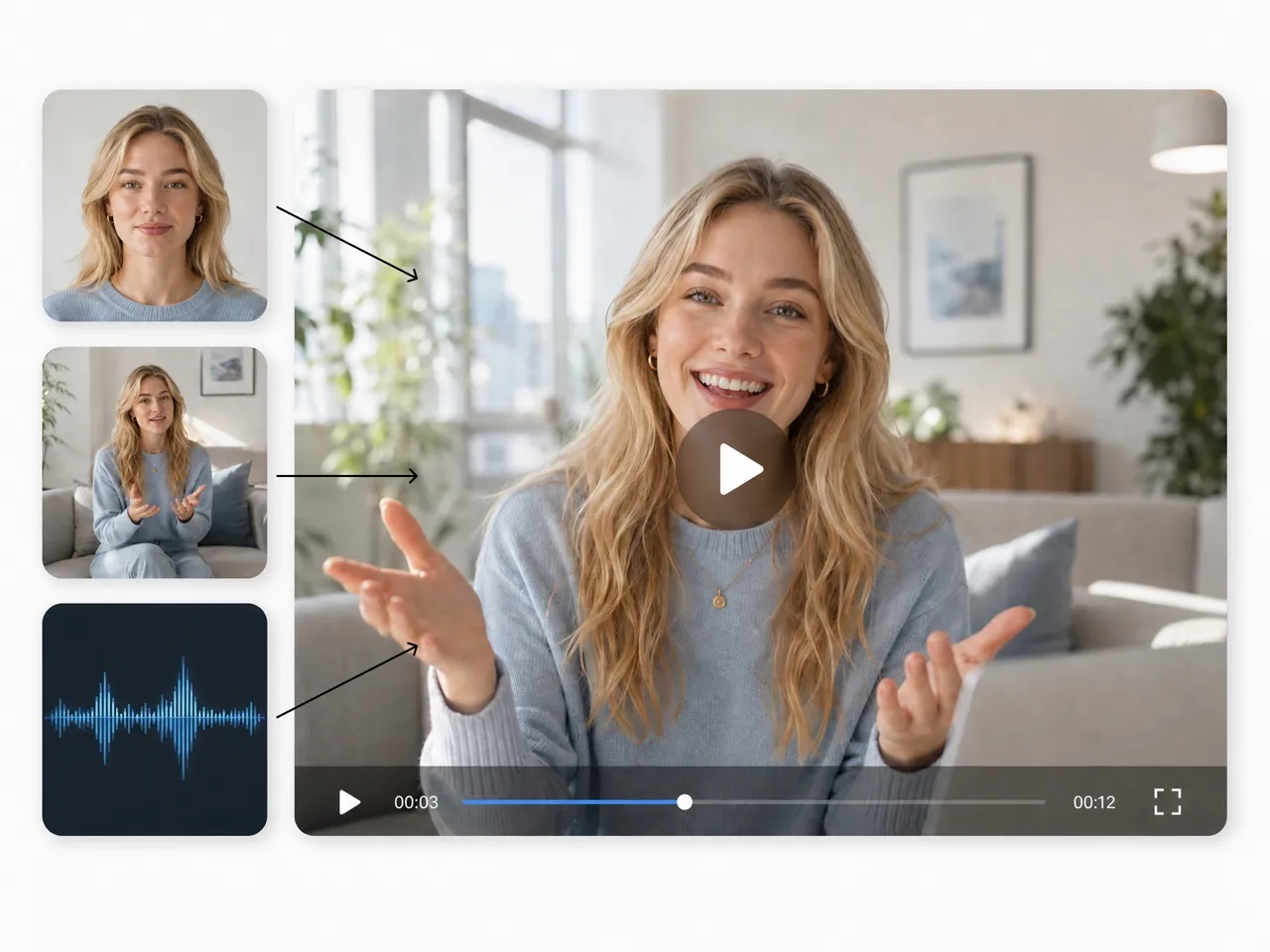
Shape Motion and Camera Behavior
Use reference media to guide movement, camera behavior, and editing rhythm instead of limiting control to visual appearance. More of the intended treatment carries into the generated sequence.
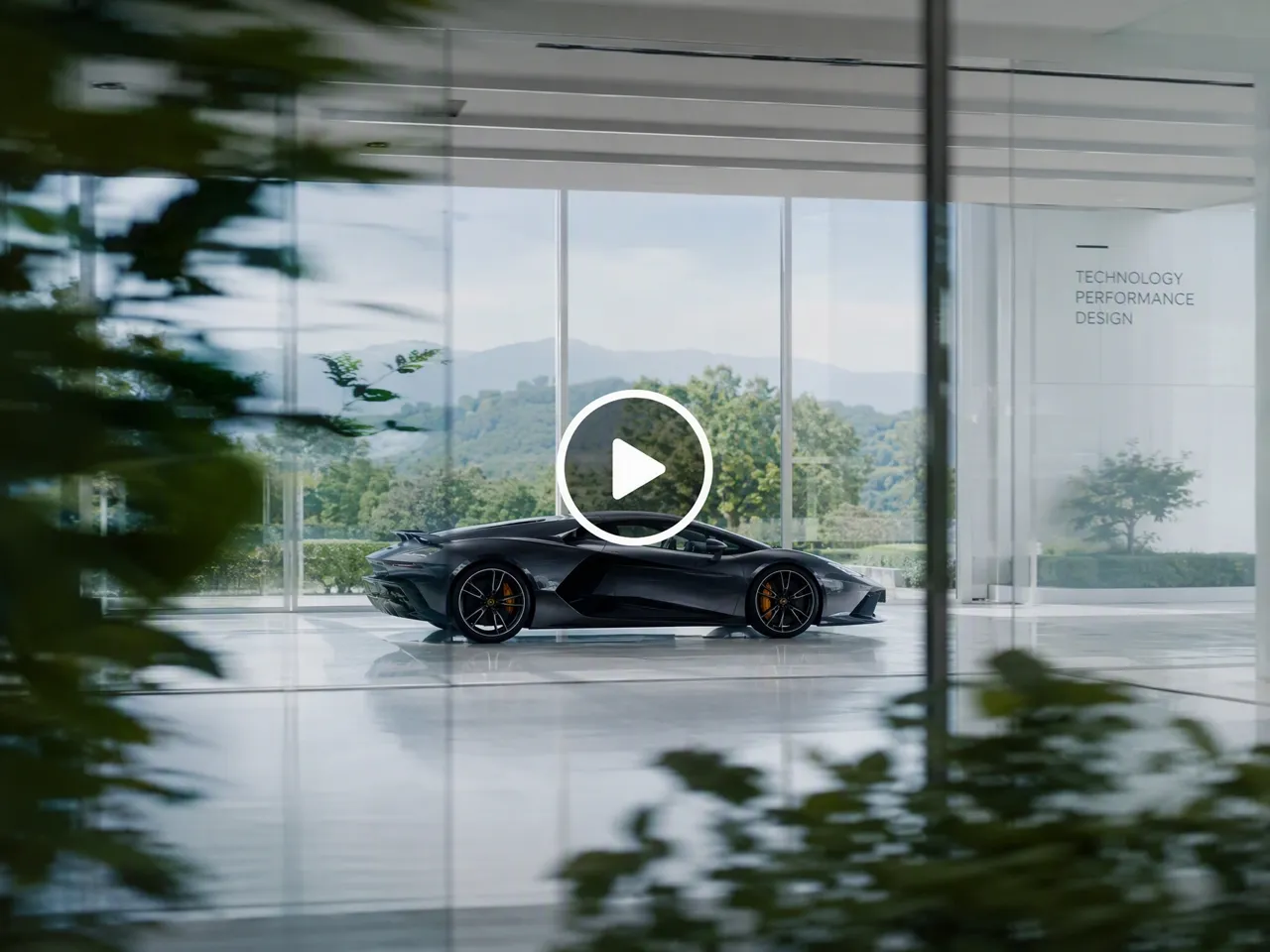
Generate Video and Stereo Audio Together
H3 jointly predicts video and audio, producing 32 kHz stereo sound with the visuals. MiniMax also lists stable dialogue support across 11 languages.
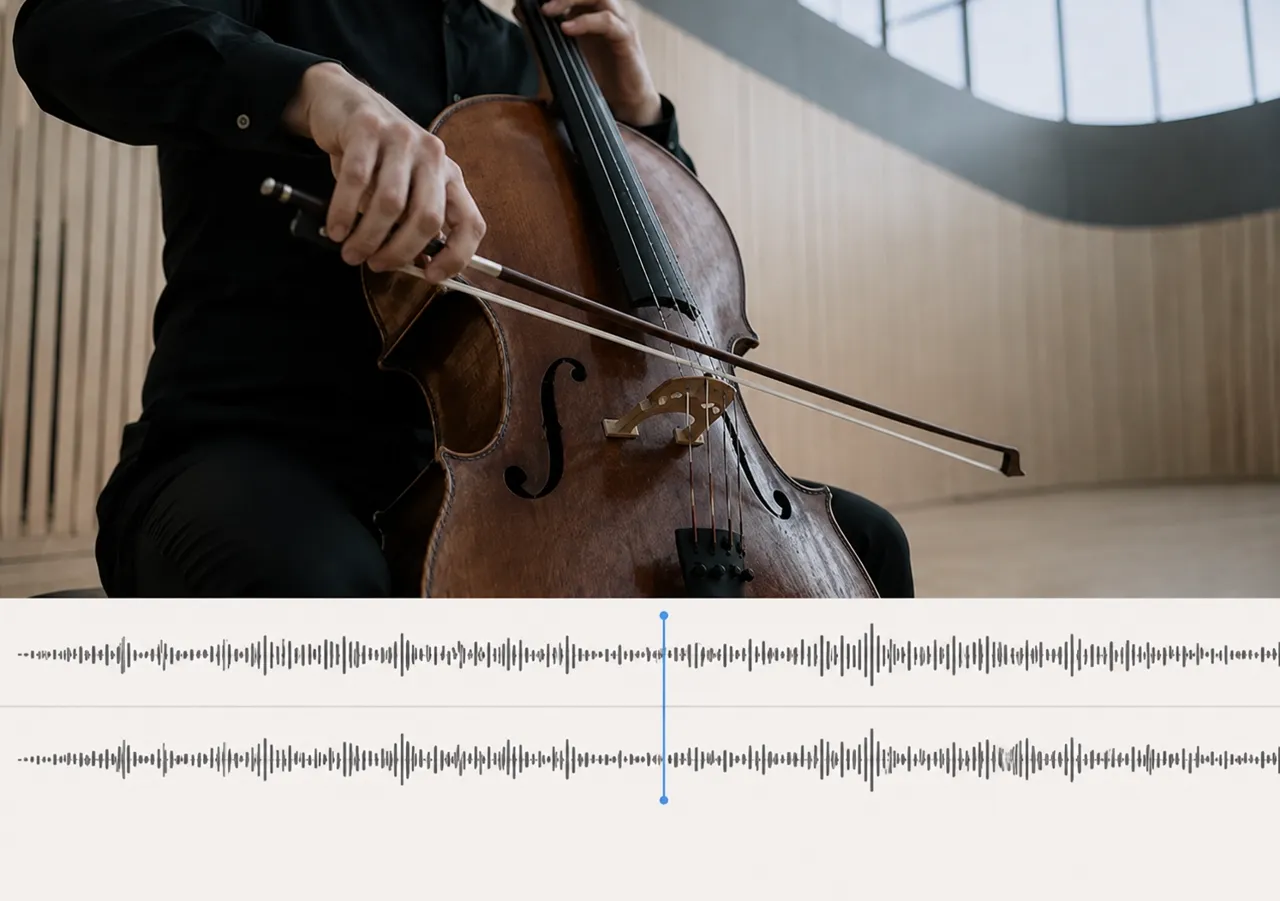
Produce Detailed Video at Up to 2K
Create a 768p base result or use the full H3 workflow for 2K output. H3-Regenerate-2K combines the base video with its original context to recover more visual detail.

How to Create MiniMax H3 Videos in 3 Steps
Describe the Video
Write a clear instruction for the subject, action, setting, camera behavior, timing, and sound. Every H3 request requires text.
Add the Right References
Add an opening or closing frame, or use images, video, or audio in reference mode. Frame mode and reference mode are separate workflows.
Set the Output and Generate
Choose a duration from 4 to 15 seconds and a supported or adaptive aspect ratio, then generate the video.
What MiniMax H3 Can Do for Video Creation
Generate a Complete Scene from Text
- What it does: Describe the content, motion, camera behavior, and sound in text, and H3 generates a new video with audio from scratch.
- Best for: Exploring a short scene before preparing dedicated visual references.
Connect a Defined Beginning and Ending
- What it does: Add one image as the first or last frame, or use two images to define both endpoints of the generated sequence.
- Best for: Animating a prepared visual or creating a transition between two specific frames.
Shape Video with Multimodal References
- What it does: Combine text with supported reference images, video, or audio. Reference mode accepts up to 9 images, 3 videos, 3 audio clips, and 12 media files in total.
- Best for: Carrying a more specific subject, movement, camera treatment, or sound direction into the result.
Animate a Prepared Image
- What it does: Add one image as the first or last frame. H3 can animate forward from the image or generate a sequence that arrives at the defined composition.
- Best for: Adding motion to an existing visual while keeping one end of the clip anchored.
Use MiniMax H3 for Different Video Goals

Develop Short Campaign Concepts
Test how a campaign hook, message, and pacing work together before committing to a larger production. A generated concept gives the team a concrete draft to review, helping them spot a weak opening or unclear narrative while changes remain practical.
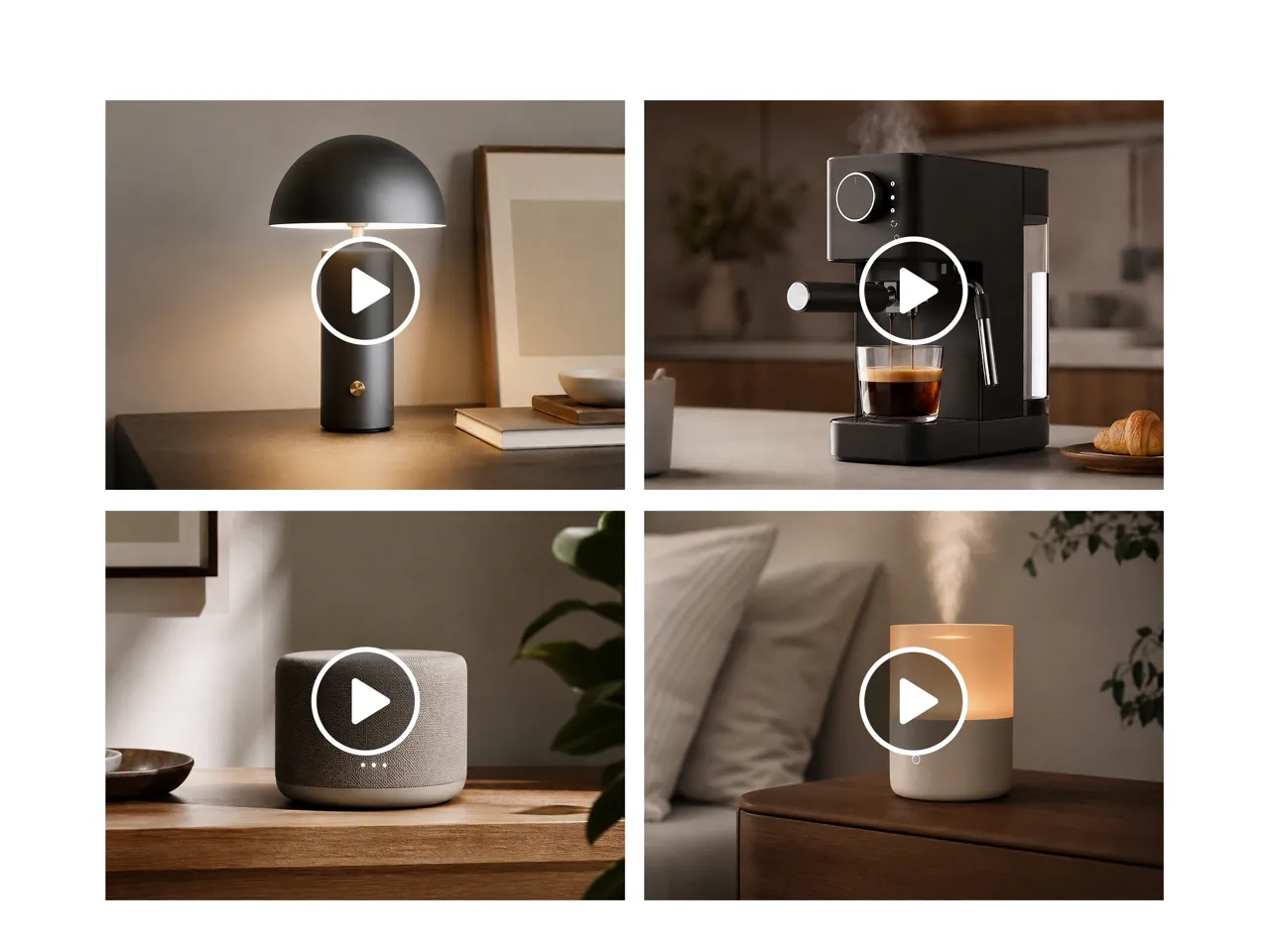
Why Choose Designkit for MiniMax H3 Videos

Extend Existing Assets into Motion
Reuse Designkit visuals as frames or references instead of rebuilding the source material in a separate video workflow.

Access H3 in Your Browser
Access H3 in the browser instead of configuring open weights, local hardware, and a separate generation environment.

Keep Video and Stills Connected
Create or edit supporting stills around an H3 video on the same platform instead of splitting the project across separate tools.

Guide H3 Through a Creative Agent
Describe the intended result in a conversational workspace instead of learning a separate model-specific interface.

Test Concepts Before Full Production
Review an early audiovisual draft before committing more time and budget to a larger shoot or edit.

Create Supporting Visuals on the Same Platform
Prepare the still images surrounding an H3 clip without moving the project into another creative tool.
Unlock More Creative Possibilities
Kling 3.0 Video Model: Cinematic Multimodal AI Video Generation
Happy Horse 1.0 AI Video Model for Video Generation
Nano Banana Pro AI Image Model for E-Commerce
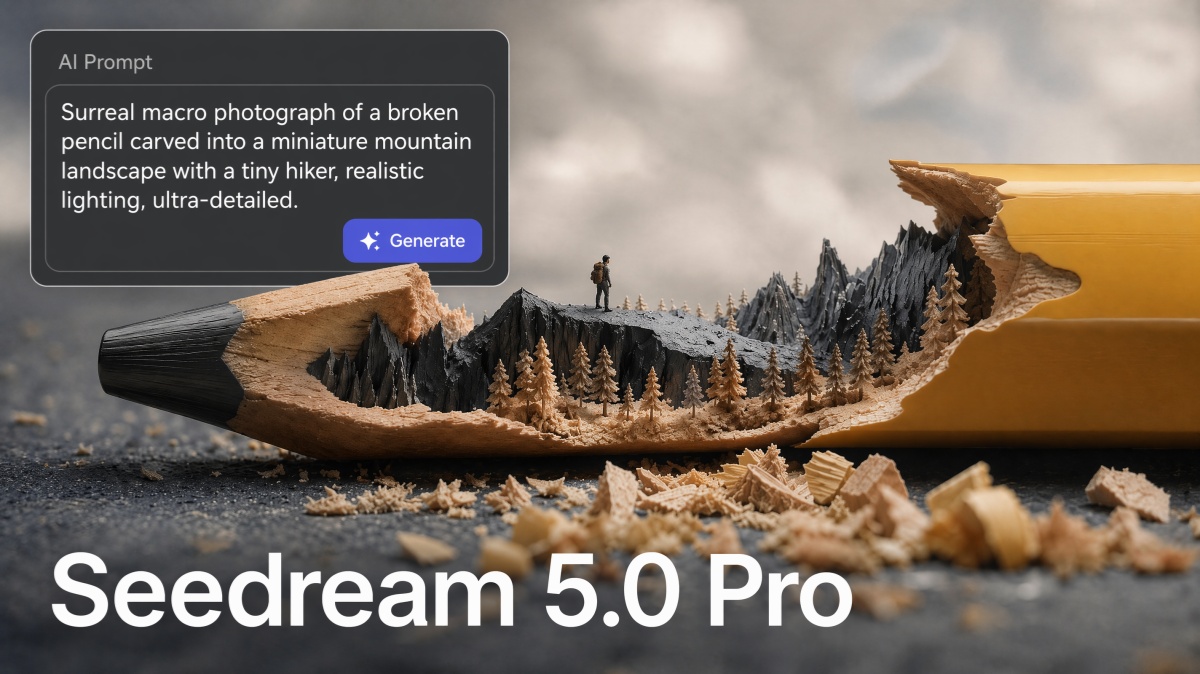
Seedream 5.0 Pro: AI Image Model for Realistic Image Generation
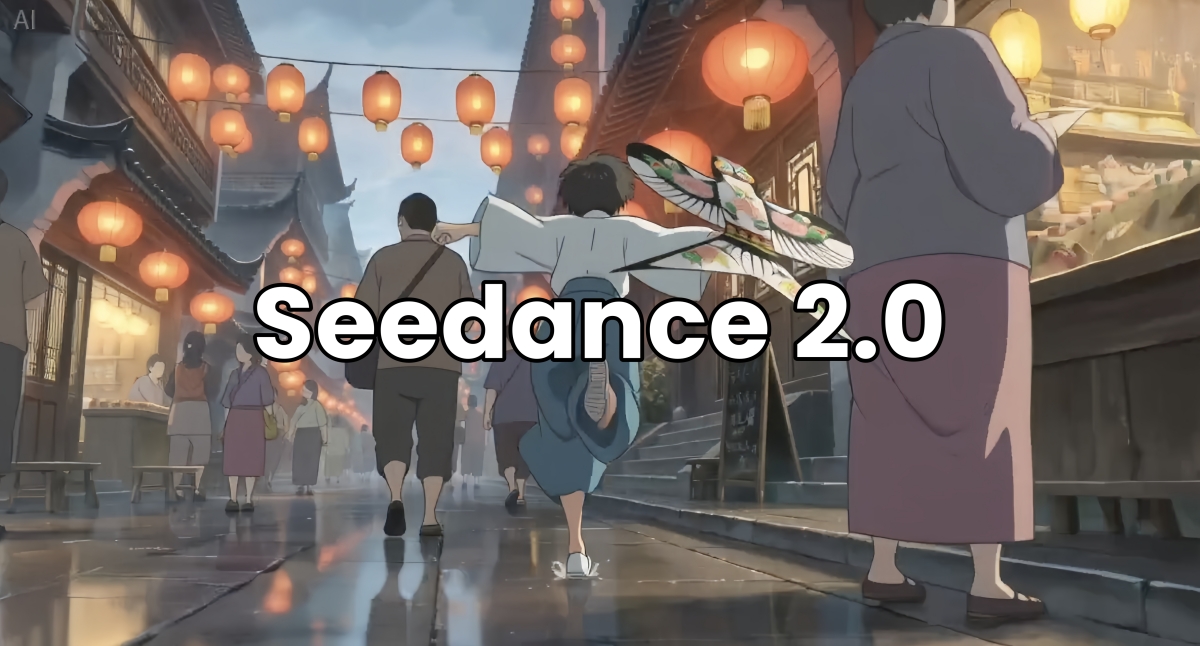
Seedance 2.0: UGC Video Agent for Ecommerce & Social Commerce
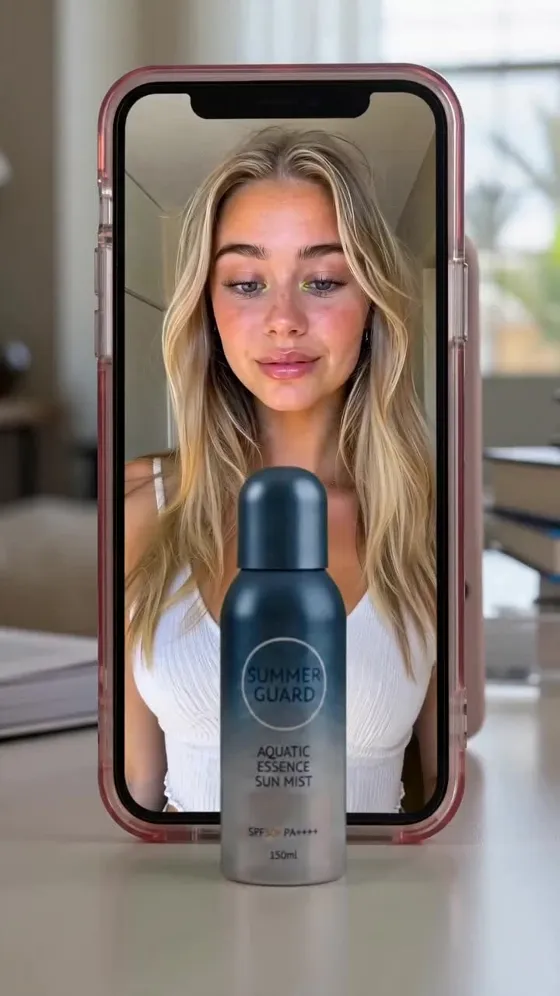
Seedance 2.5 | 4K E-Commerce Video Ad Generator & Motion Studio
Seedream 5.0: The Autonomous AI Design Agent for E-commerce Scale
Seedream 4.0: Pro AI Product Image Generator
Frequently Asked Questions
What is MiniMax H3?
What inputs can I use with MiniMax H3?
Every generation requires a text instruction. The base workflow accepts text alone, one image as the first or last frame, or two images for both endpoints. Reference mode supports any combination of up to 9 images, 3 video clips, and 3 audio clips, with no more than 12 media files in total. Frame mode and reference mode are separate workflows.
How long can a MiniMax H3 video be?
MiniMax H3 generates clips from 4 to 15 seconds in whole-second increments.
Does MiniMax H3 generate audio with video?
Yes. H3 jointly predicts video and 32 kHz stereo audio. MiniMax lists stable dialogue support for Arabic, Chinese, English, French, German, Italian, Japanese, Korean, Portuguese, Russian, and Spanish, with varying support for additional languages.
Does MiniMax H3 generate native 2K video?
MiniMax lists 768P and 2K as output options in its hosted API. Its model card explains that H3-Base first generates a 768p result, while H3-Regenerate-2K uses that result and the original context to produce the 2K version. The open H3-Base model should therefore not be described as generating native 2K in one stage.
Can I use an existing video as a reference?
Yes. A video reference can guide elements such as motion, camera behavior, style, character, or editing rhythm. This reference-based workflow is different from editing individual regions on a traditional video timeline.
How realistic are MiniMax H3 videos?
Results depend on the instruction and the quality of any references. H3 can generate coherent motion, sound, and short commercial concepts, but brand details, text, and object continuity should still be reviewed before final use.
Shape Your Next Video with MiniMax H3
Start with a clear instruction, then guide the motion, camera, and sound with the references that matter to your idea.

What Video Creators Say About Designkit for MiniMax H3
See how different creators use MiniMax H3 to develop and review short video concepts on Designkit.
The First Draft Felt More Complete
I could review the movement, pacing, and sound as one concept instead of imagining how separate pieces might fit together. It gave our team a much clearer starting point for deciding what needed another pass.
Existing Assets Had Somewhere to Go
We already had strong campaign stills but no clear plan for extending them into video. Using those visuals in Designkit helped us explore a motion concept while keeping the original creative work relevant.
Client Feedback Became More Specific
A written treatment left too much open to interpretation. Once I had a short video concept to present, the client could respond to the camera movement, tone, and pacing instead of giving broad feedback on an abstract idea.
I Could Compare Different Openings
The first few seconds were the hardest part of my concept to judge. Creating several directions from the same idea helped me see which opening communicated the subject clearly before I developed the rest of the content.
The Sound Was Part of the Review
I did not have to treat audio as something to consider after the visuals were settled. Hearing it within the generated concept made it easier to judge the atmosphere and decide which parts of the idea still felt disconnected.