
From Mockup to Product Shoot with GPT Image 2.5
Create polished listing, lifestyle, and ad images from a product photo or brief. Refine details and create variations without starting over.
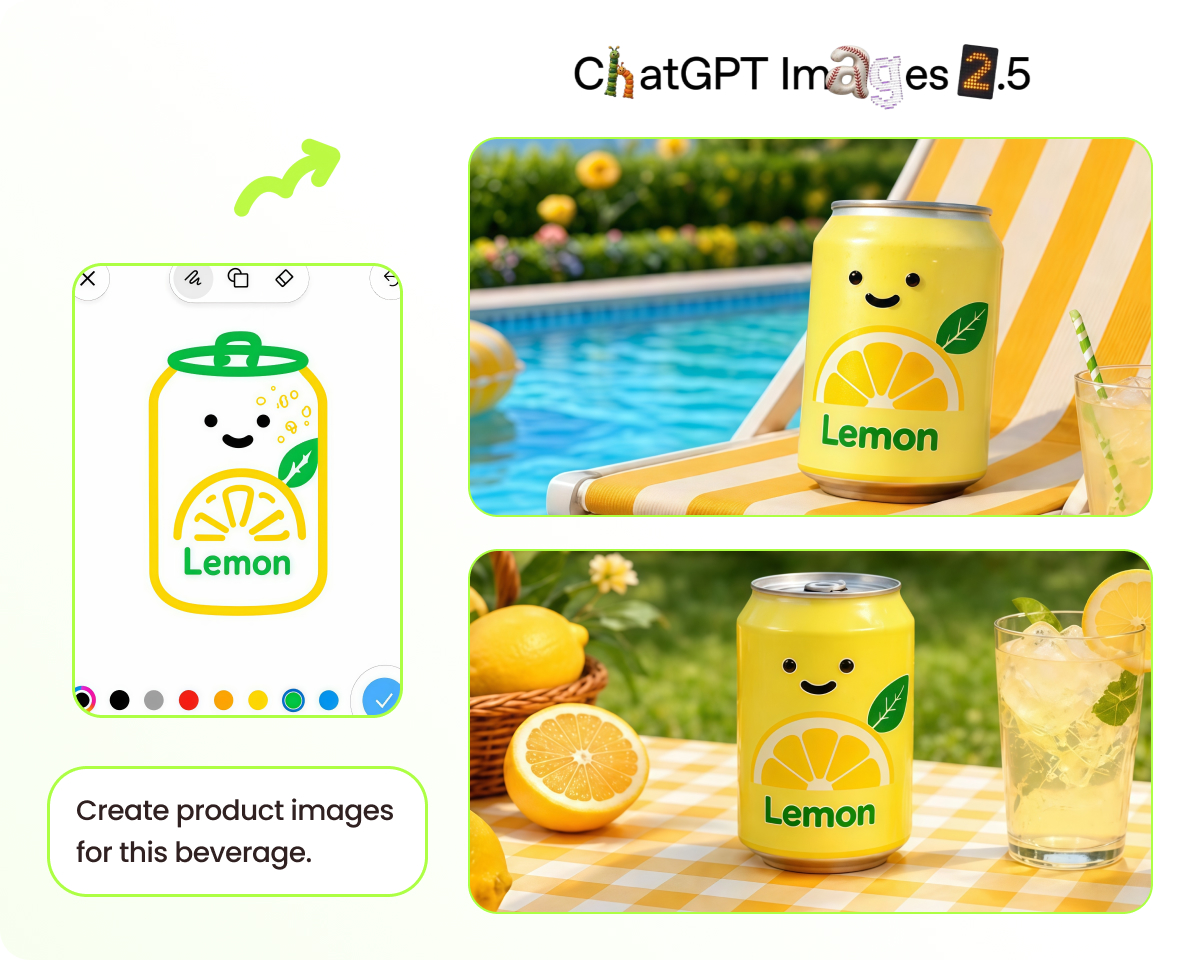
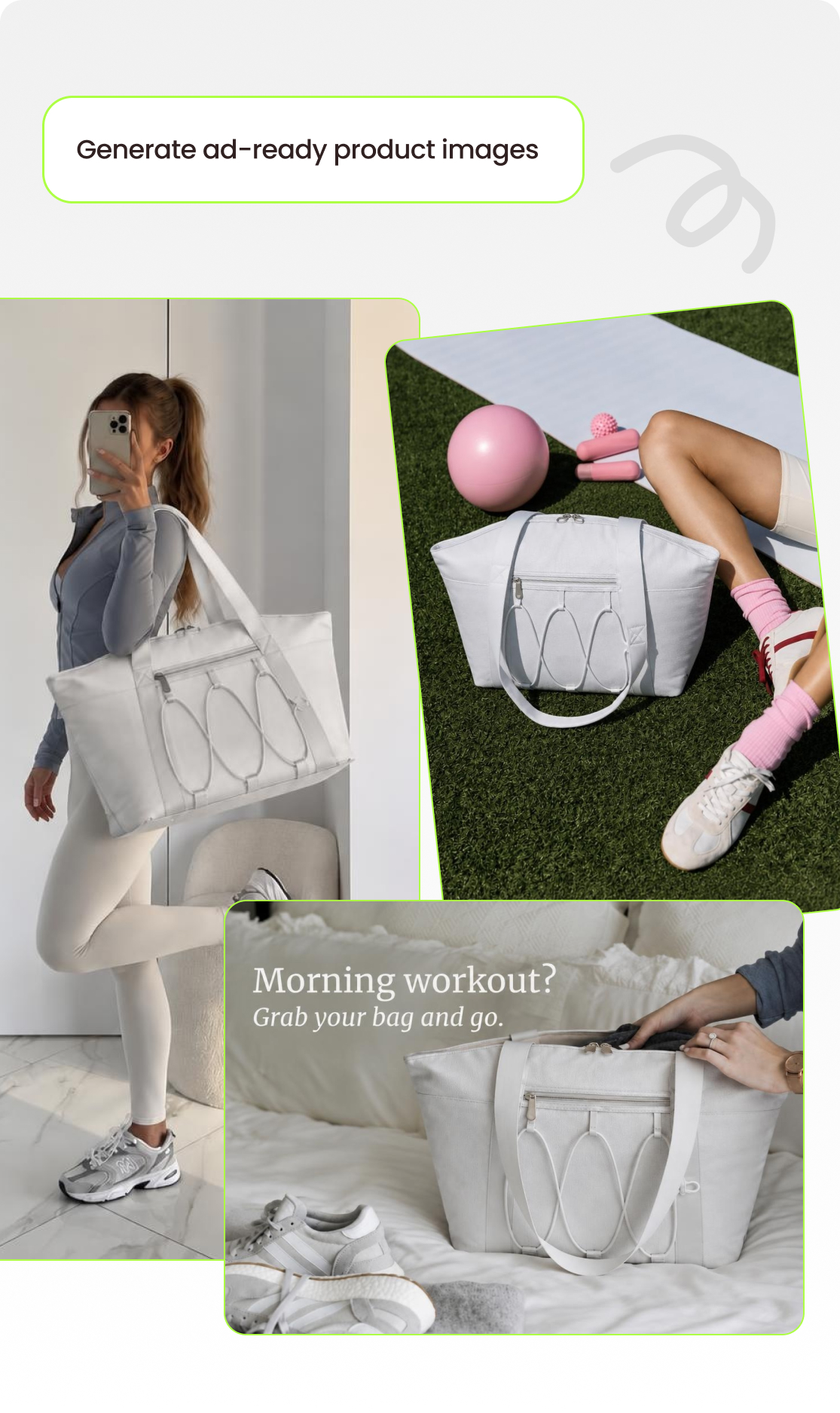
Product Images You Can Create with GPT Image 2.5
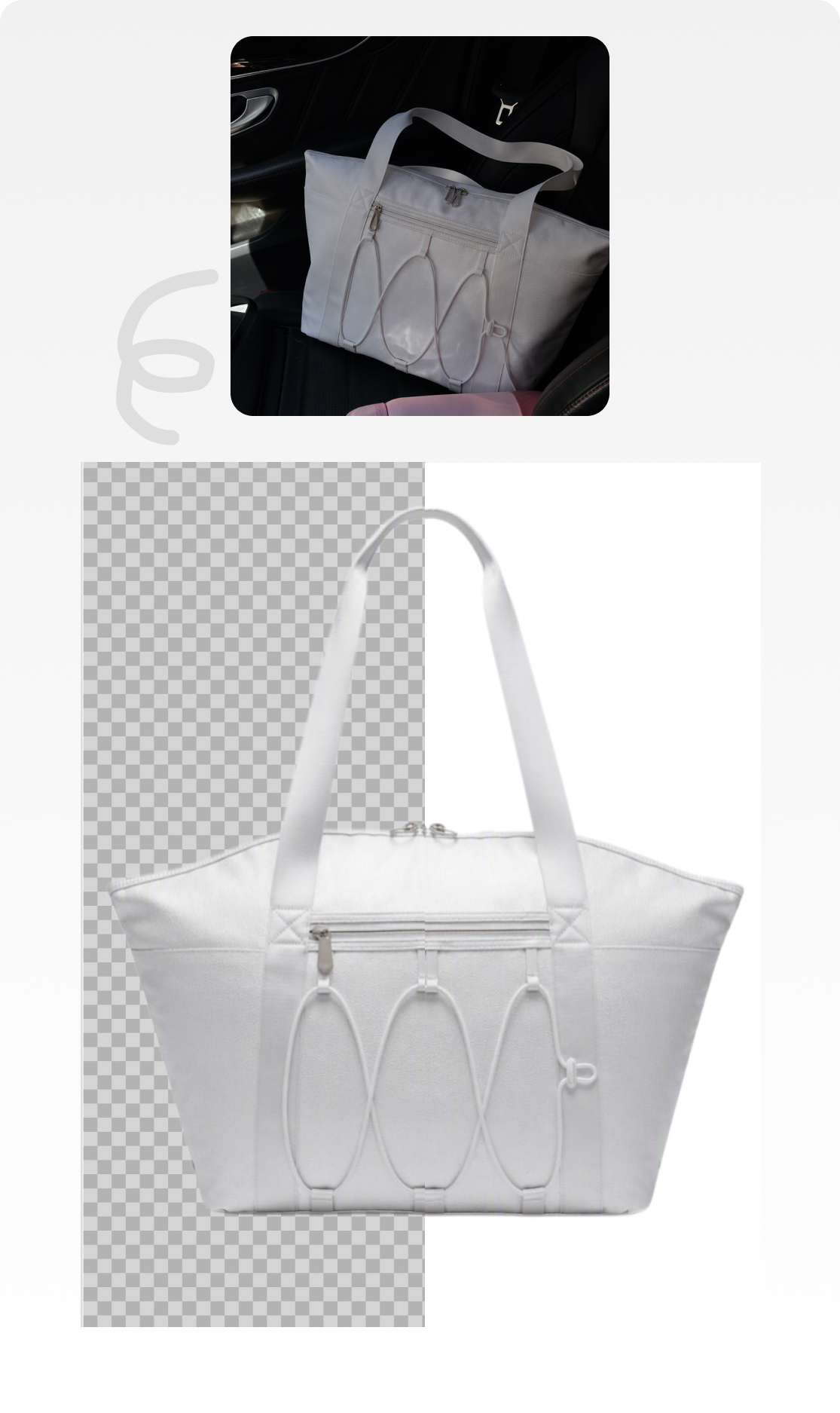
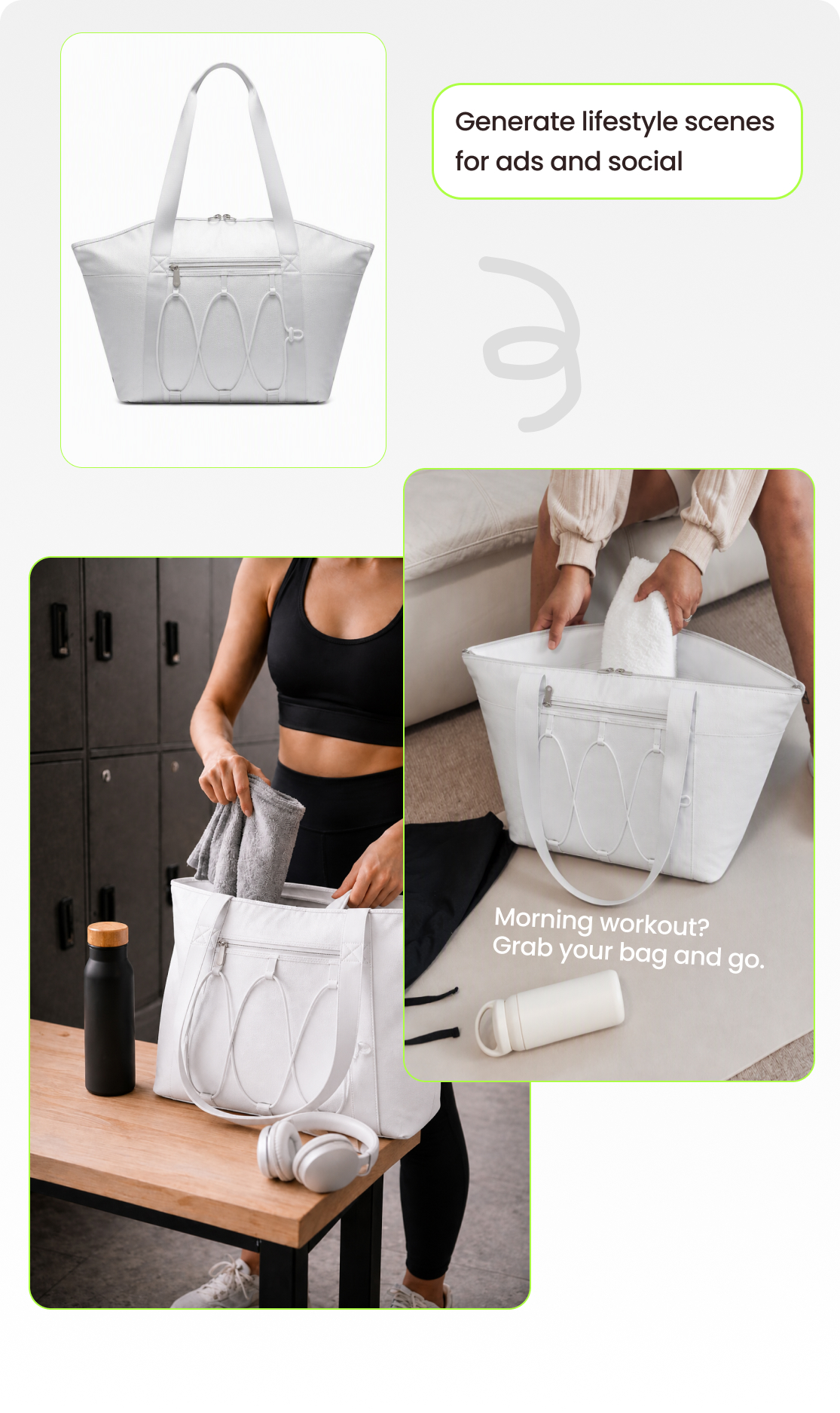
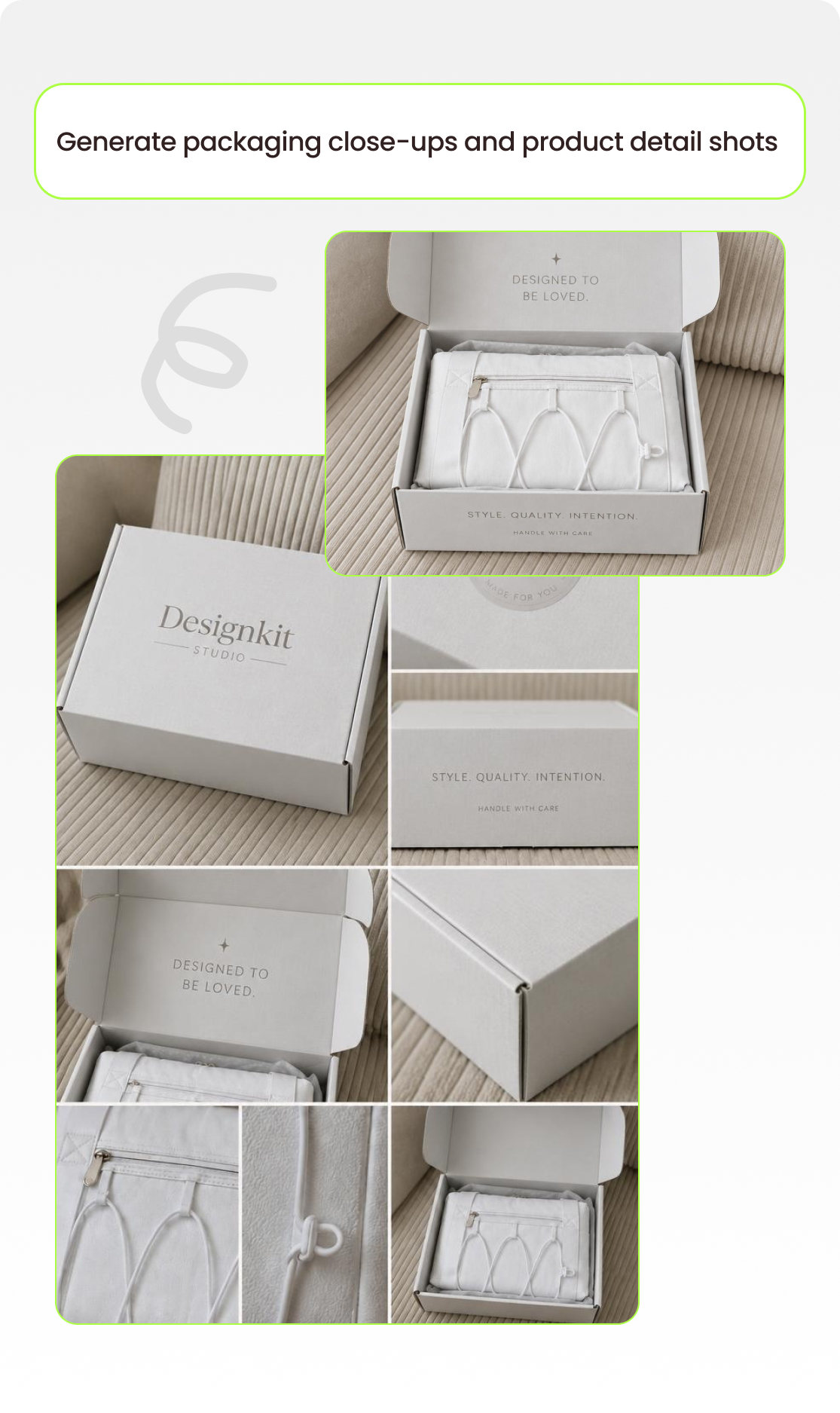
How to Create Product Images with GPT Image 2.5
Add your product
Upload a product photo or reference image, or describe your product and its key details.
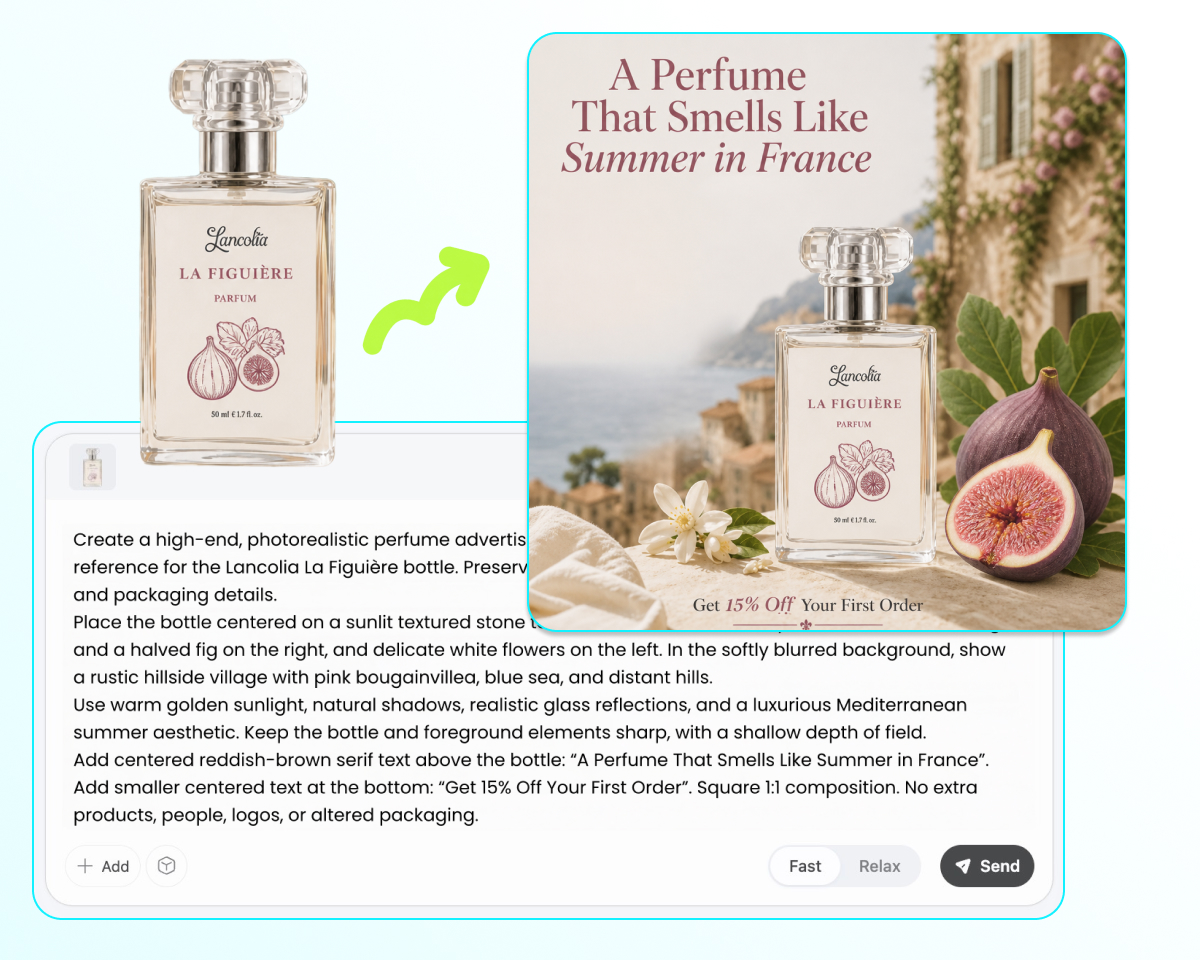
Describe the image you want
Write a prompt describing the background, setting, composition, lighting, angle, props, and other details you want.
Generate your product image
Generate your first product image with GPT Image 2.5. Review the result for product identity, edges, and packaging details.
Refine your image
Describe the changes you want to make to the background, props, lighting, packaging, or composition, then refine the image in place.
Export your images
Export your finished product images for product pages, marketplaces, lifestyle campaigns, or ads.
GPT Image 2.5 Product Image Features
Generate Product Photos Faster
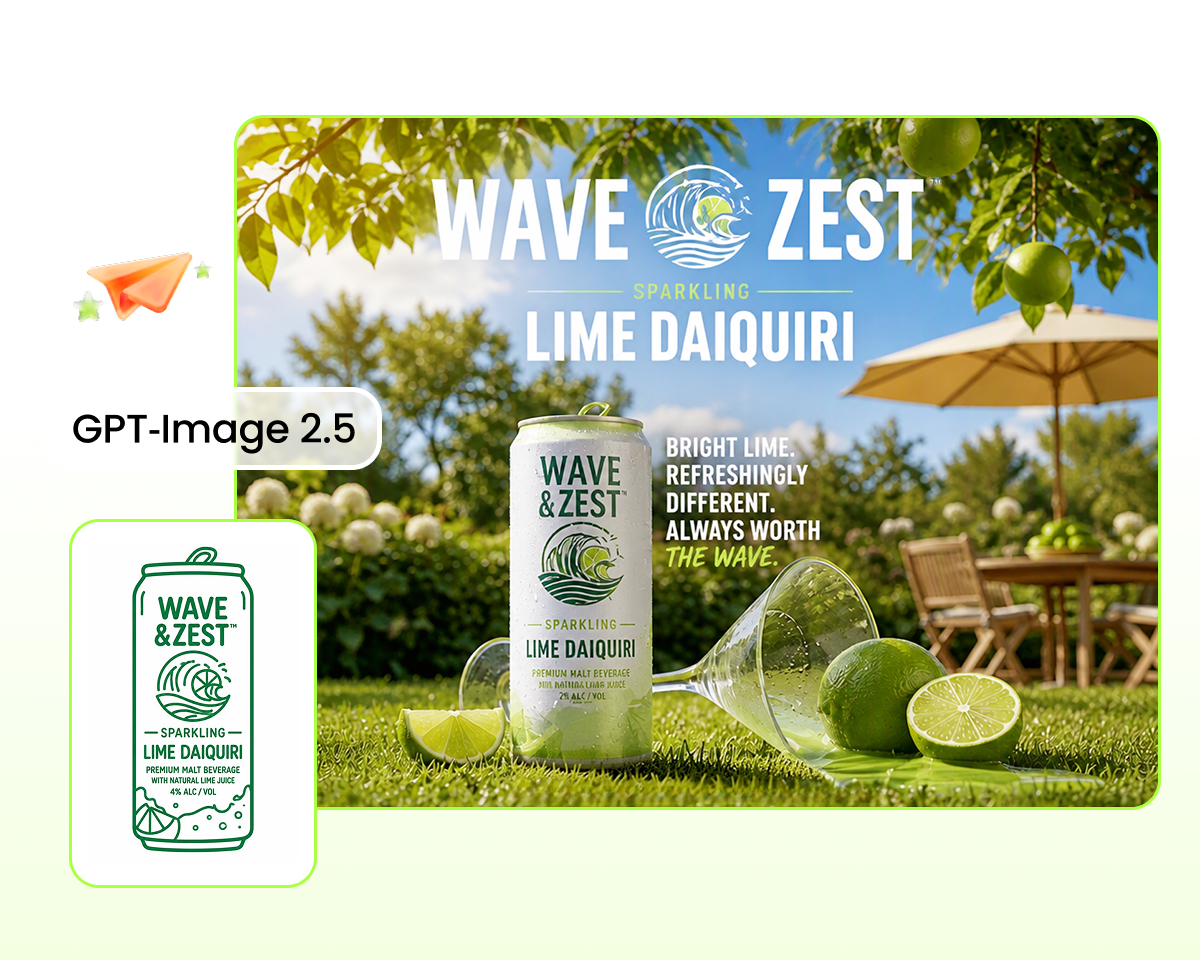
Create white-background product photos, lifestyle shots, and ad variations with less waiting. GPT Image 2.5 offers up to about 50% lower latency than Images 2.0, helping you move from one creative idea to the next faster.
Refine product images with focused edits
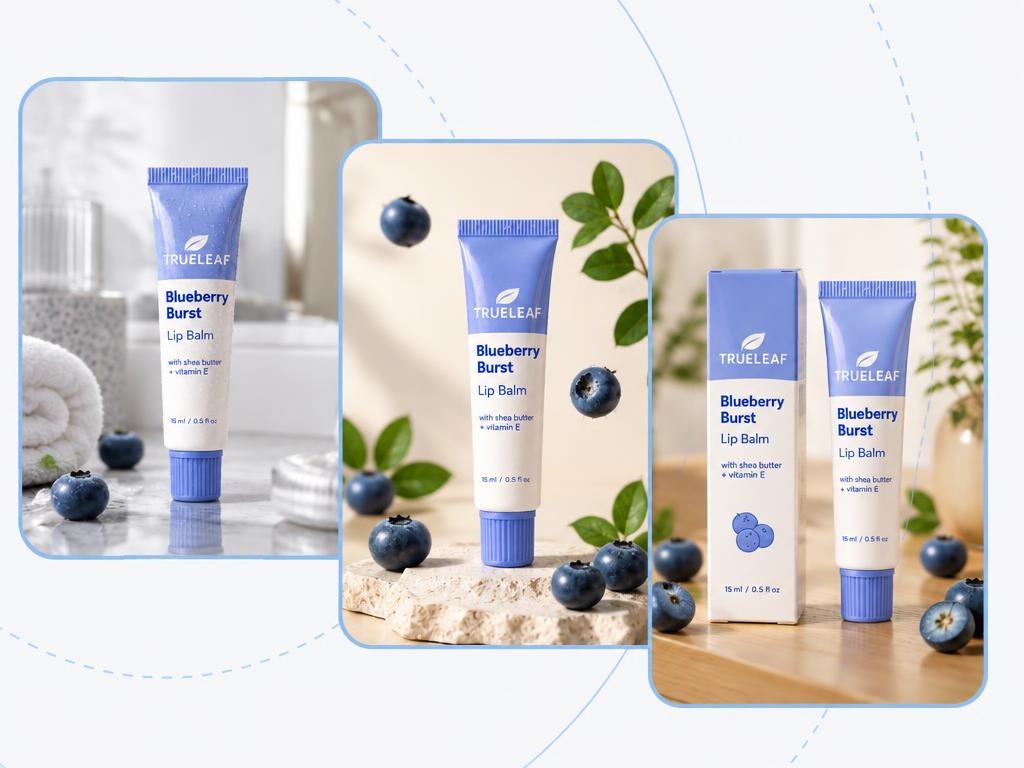
Change backgrounds, props, packaging, or other details without rebuilding the entire image. Make targeted changes while keeping the rest of your product shot more consistent.
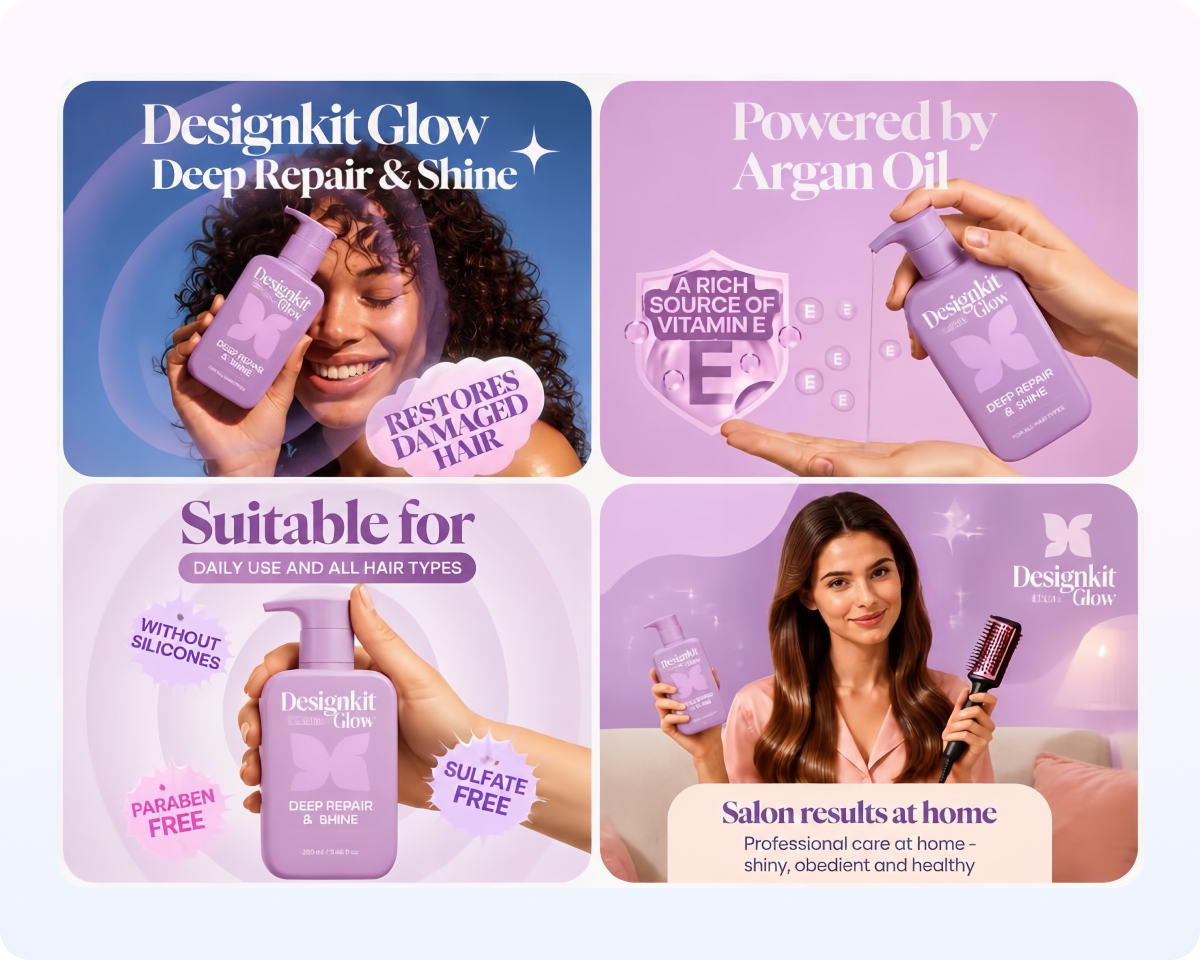
Keep product details consistent across edits
Make multiple edits to the same product image while maintaining its identity and overall composition. This makes it easier to turn one approved product shot into a complete set of creative variations.
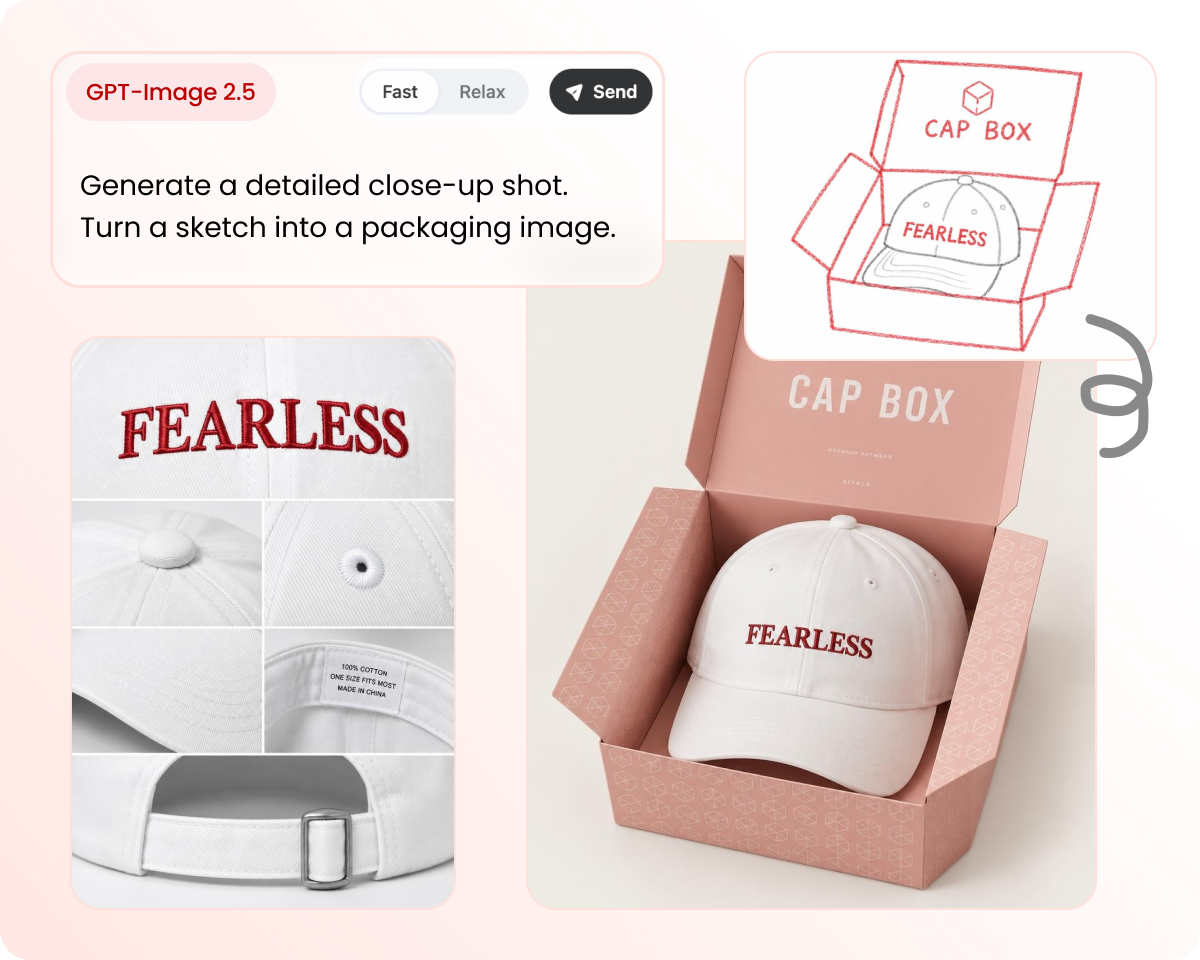
Create detailed product and packaging shots
Highlight materials, edges, packaging, and other product details in close-up images. Create detail shots for product listings, brand reviews, and marketing materials.
Who Uses GPT Image 2.5 for Product Images
Ecommerce & Marketplace Sellers
Online Store Owners
Performance Marketers
Designers & Art Directors
Agency & Catalog Teams
Product & Brand Teams
Why Create Product Images Here with GPT Image 2.5
Built for product photography
Create white-bg, lifestyle, packaging, and product variants for listings and ads—not open-ended art.

Faster, focused edits
Change one detail at a time without rebuilding the entire image.
From brief to export
Generate, refine, and export product images for stores, marketplaces, and ads in one workflow.
Frequently Asked Questions
Can I use GPT Image 2.5 to generate product images?
How do I create product photos with GPT Image 2.5?
Upload a product photo or enter a brief, choose a style or template, generate with GPT Image 2.5, refine the result, and export your final images.
Can GPT Image 2.5 create ecommerce product photos?
Yes. Create listing images including white-background heroes, transparent cutouts, alternate views, and product detail shots.
Can I create white-background product images?
Yes. Generate clean white-background product photos for ecommerce listings and catalog pages.
Can GPT Image 2.5 create lifestyle product photos?
Yes. Place your product in different lifestyle and contextual scenes for campaigns, social content, and ads without arranging a new shoot for every setting.
Can I create product images for ads and social media?
Yes. Create variations with different backgrounds, compositions, and settings to test creative directions across paid social and campaigns.
Can GPT Image 2.5 edit packaging and product details?
Yes. Make focused edits to backgrounds, props, packaging, materials, or other details while preserving more of the original composition. GPT Image 2.5 is designed to follow editing instructions more precisely across multiple turns.
Is GPT Image 2.5 faster than Images 2.0?
Yes. OpenAI reports up to 50% lower image-generation latency compared with Images 2.0, although actual generation time varies by request and settings.
Can GPT Image 2.5 keep products consistent across edits?
Yes. GPT Image 2.5 improves multi-turn editing consistency, helping preserve the product and earlier changes as you build different variants from the same image.
Can I generate product images for commercial use?
You should use product images and assets that you own or are authorized to use, and review the applicable terms for your account before publishing commercial content.
Does GPT Image 2.5 support batch product images?
You can use this workflow to create product image sets across multiple SKUs. Dedicated batch-generation availability may depend on the product or workspace plan.
Keep going after your product image set
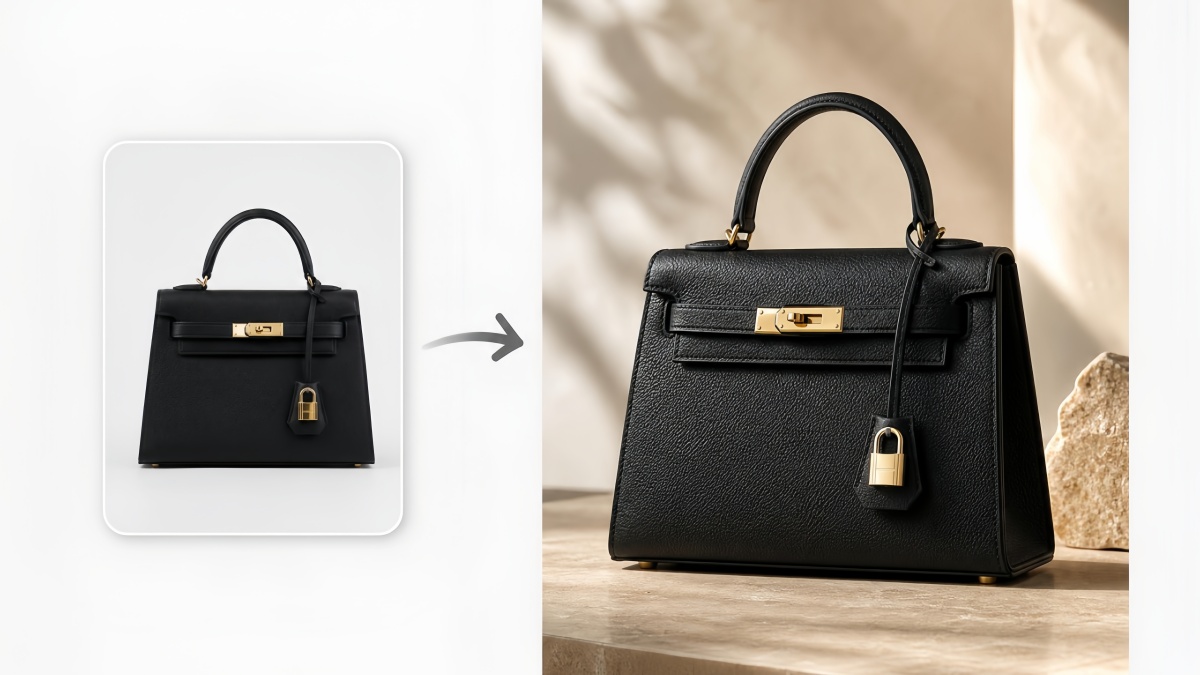
AI Product Photography
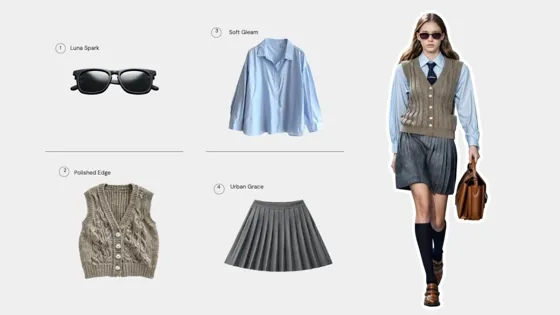
AI Virtual Try-On
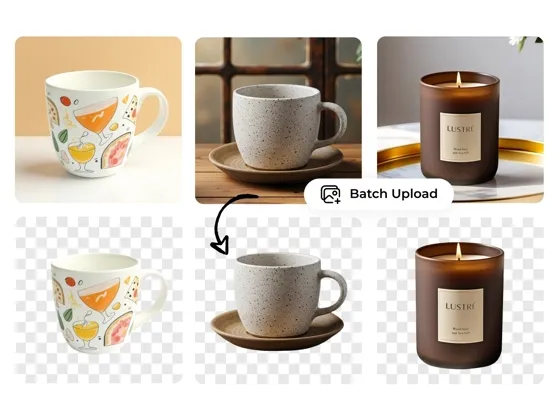
Background Remover Online
AI Photo Editor Online
Create AI Product Images with GPT Image 2.5
Faster generation · Focused edits · Built for product images



What people use it for
Clean white-bg listing drafts from one product photo
I can turn one product photo into clean, white-background listing images without setting up another shoot. It’s a quick way to get a solid first draft ready while I’m still working through the product details.
A usable first draft from a simple product prompt
I can start with a product reference and a simple prompt instead of figuring out every detail upfront. It gives me a usable first draft, then I can refine the scene from there.
Multiple ad directions from the same product image
I use it to create different backgrounds, settings, and compositions for paid social. I can test several ad directions from the same product image without rebuilding the whole thing each time.
Small packaging and material edits without restarting
I often need to refine packaging, finishes, or material details without changing the rest of the composition. Being able to make those smaller edits and review them one by one makes the process much easier.
First-pass catalog images across multiple SKUs
When we’re working through a large catalog, we can generate first-pass images across multiple SKUs and quickly see which products are ready to use and which ones actually need a new shoot.
Explore campaign visuals before production
For launches and campaigns, we use it to explore different visual directions before production. We can try new settings, compositions, and creative concepts around the same product and see what’s worth developing further.