
Emoji Wallpaper Ideas and How to Make Your Own
Explore cute, aesthetic, pastel, dark, and minimal emoji wallpaper ideas, then learn how to create a custom phone wallpaper online in minutes.

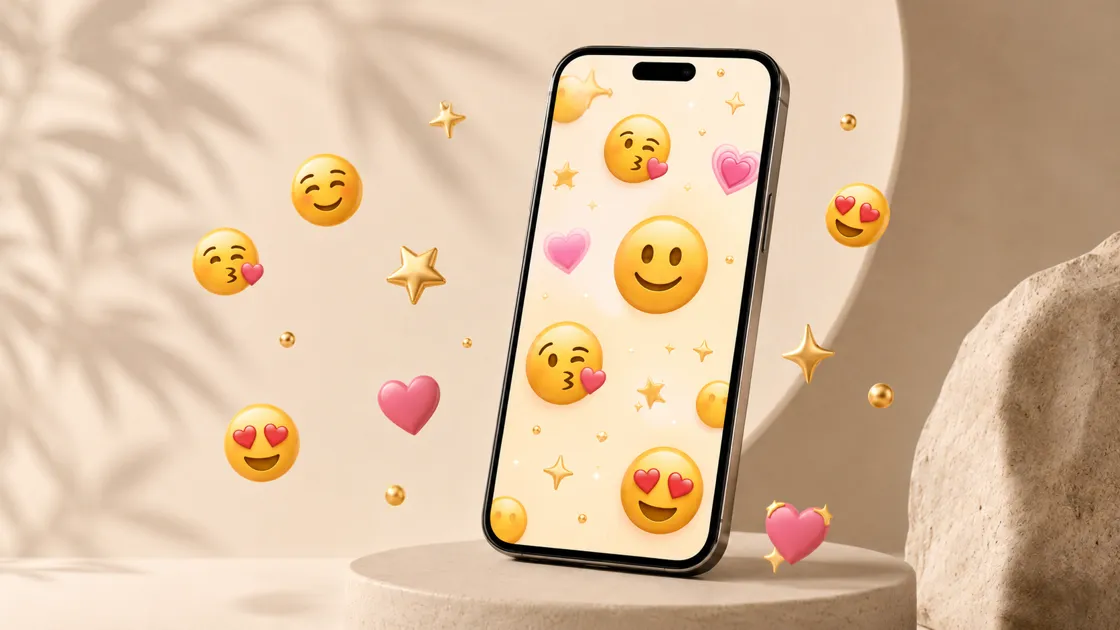
A cute emoji wallpaper can turn your phone into something more personal. Many people now choose an emoji background instead of a plain photo. It works great for both the lock screen and the home screen. Some people prefer simple patterns, while others really like colorful designs. Popular options include minimal, dark, pastel, and soft aesthetic emoji designs today.
You can choose a cute style that really matches your personality well. Instead of downloading random images, you can create something that fits perfectly. Tools like Designkit let you design custom wallpapers online in just minutes. This article covers cute styles and shows how to make your own.
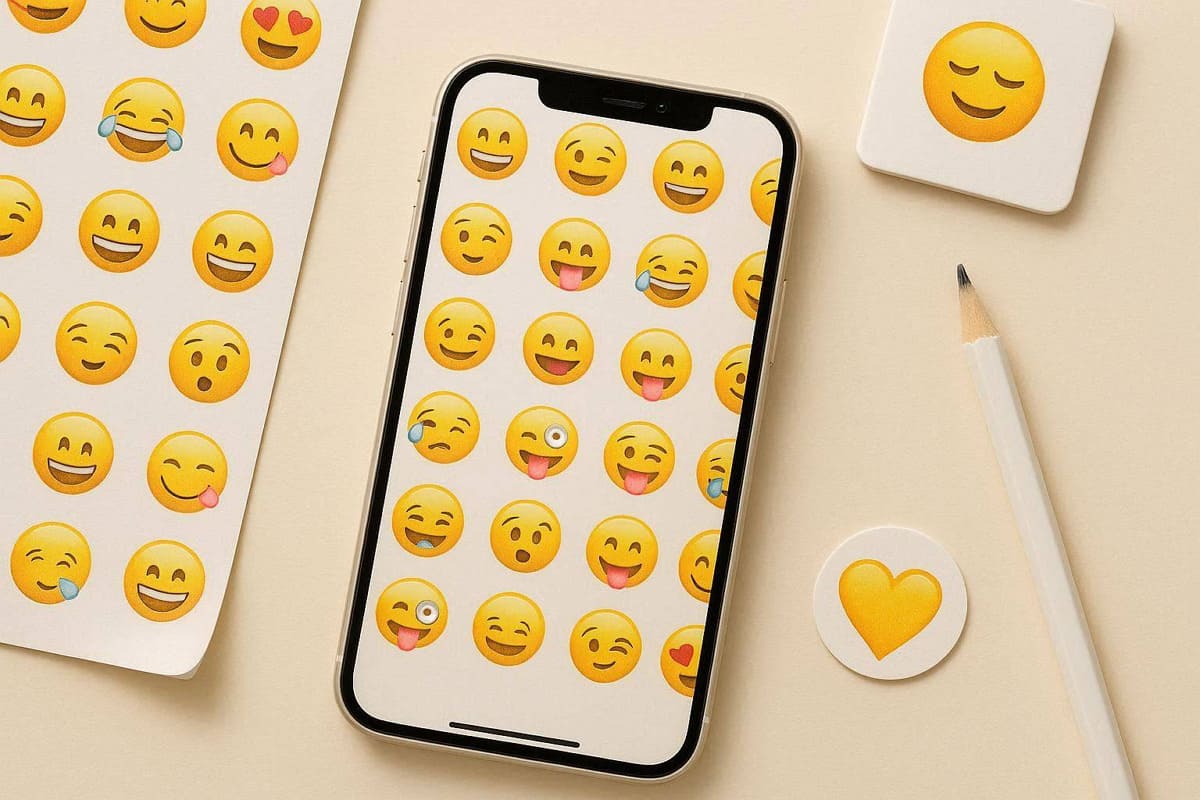
What Is an Emoji Wallpaper?
An emoji wallpaper is a background made using emoji icons and color. This style also depends on spacing, layout, color, and overall visual mood. Many people use it as a phone, iPhone, desktop, or lock screen wallpaper. Adobe also reported that 91% of emoji users value self-expression daily. Now, let's explore the different, cute emoji wallpaper styles you can pick from:
1. Emoji Pattern Backgrounds
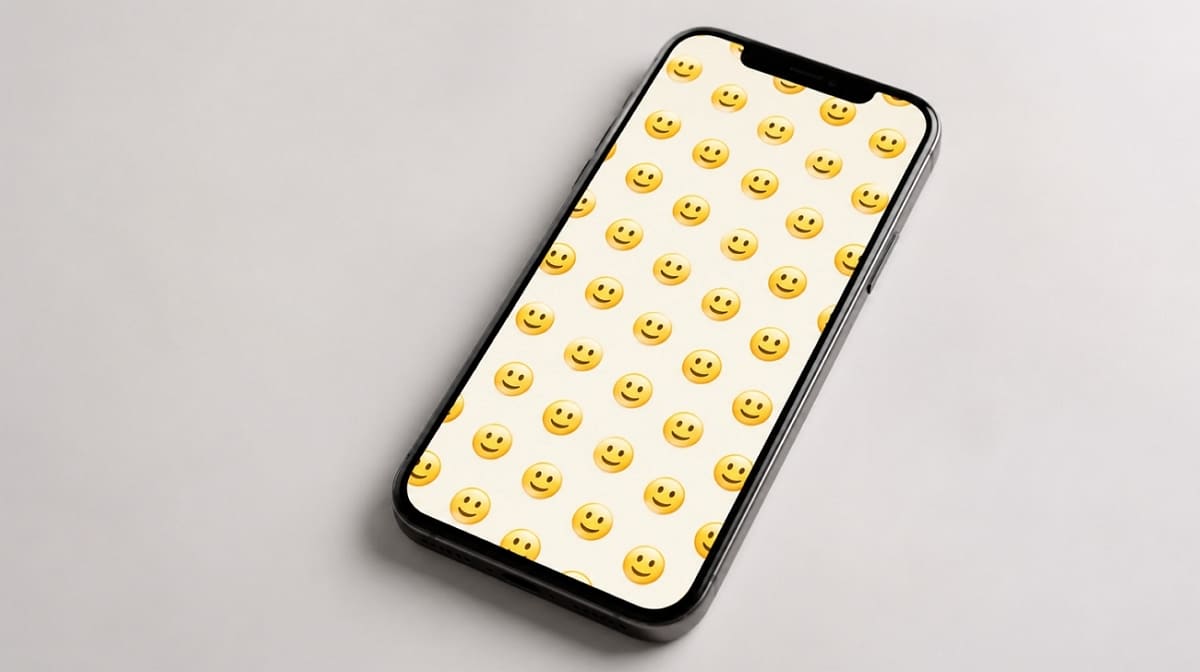
Emoji pattern backgrounds repeat the same emoji icons across the whole screen. They work best with a clean, organized, and very simple layout. Controlled spacing keeps the pattern looking neat instead of cluttered or messy.
2. Emoji Mood Wallpapers
Such styles of emoji wallpapers use specific choices to express a certain feeling. Color and layout also help set the overall tone and mood clearly. A calm mood might use soft emojis and gentle pastel color tones.
3. Emoji Lock Screen Wallpapers
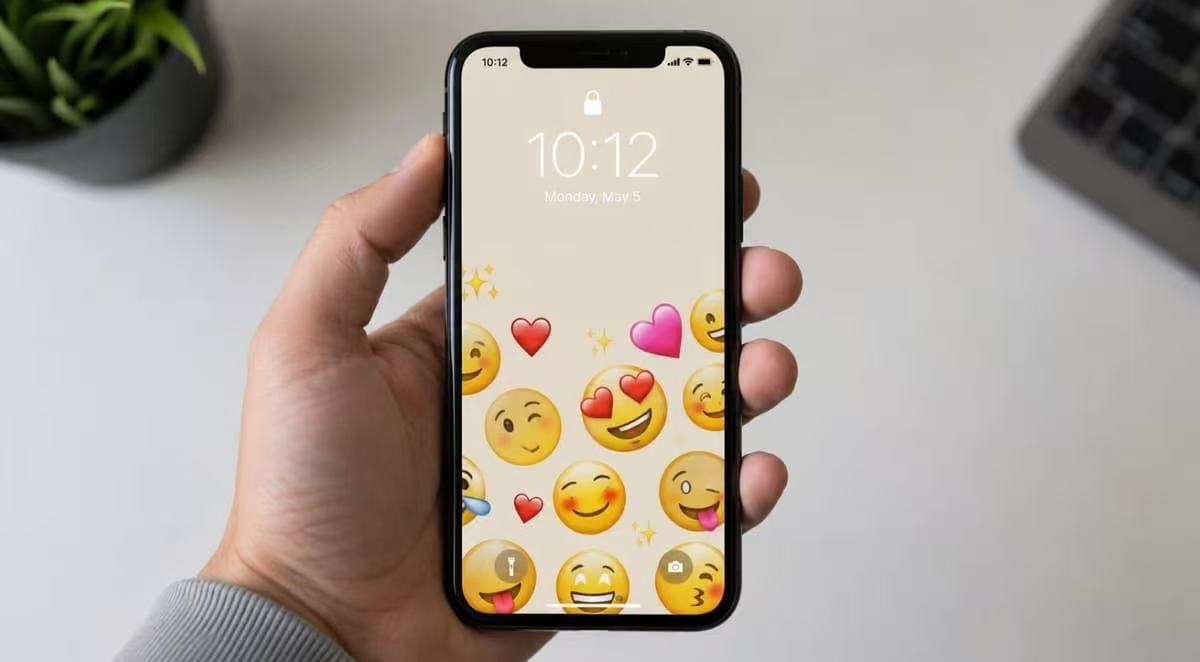
Lock screen wallpapers need to keep more open space near the clock. The design should avoid feeling too crowded around the top or center. This keeps the time, date, and controls easy to read at a glance.
Cute Emoji Wallpaper Ideas to Try
Choosing the right wallpaper style helps your phone match personal preferences and everyday screen usage. In this part, you will take a closer look at each individual wallpaper style:
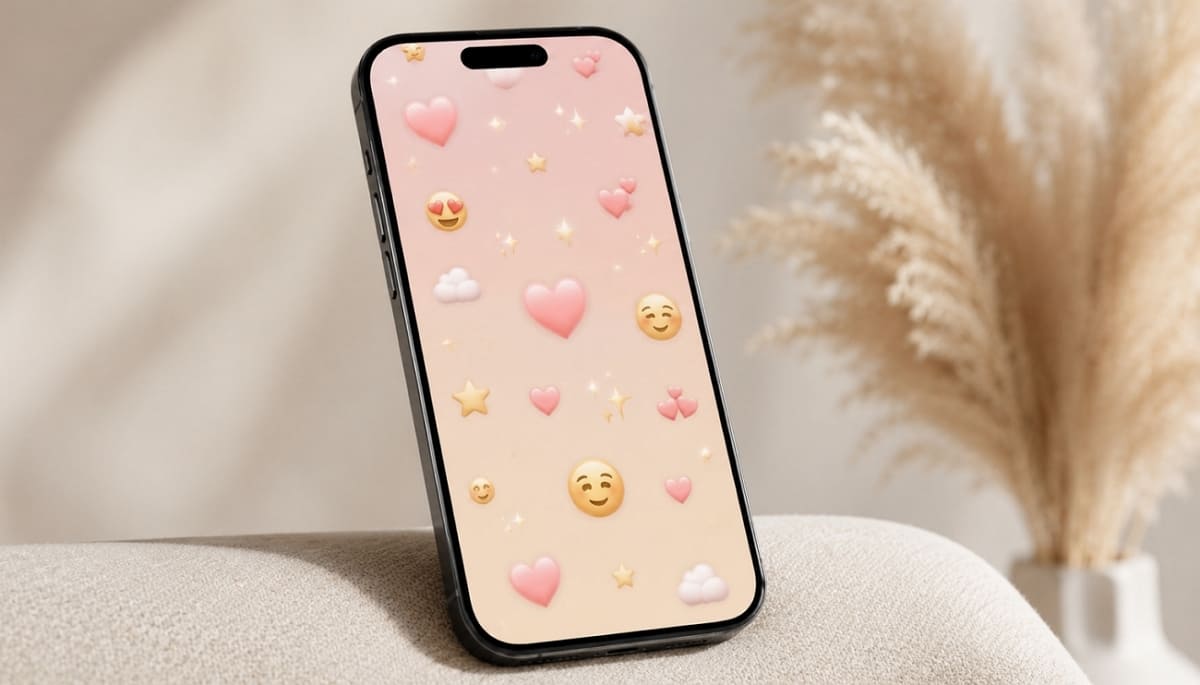
1. Pastel Emoji Wallpaper
Pastel emoji wallpapers use soft colors like blush pink and mint. Small emoji details keep the whole design looking cute without feeling busy. Choose this style for relaxing screens with clear icons and gentle everyday visual appeal.
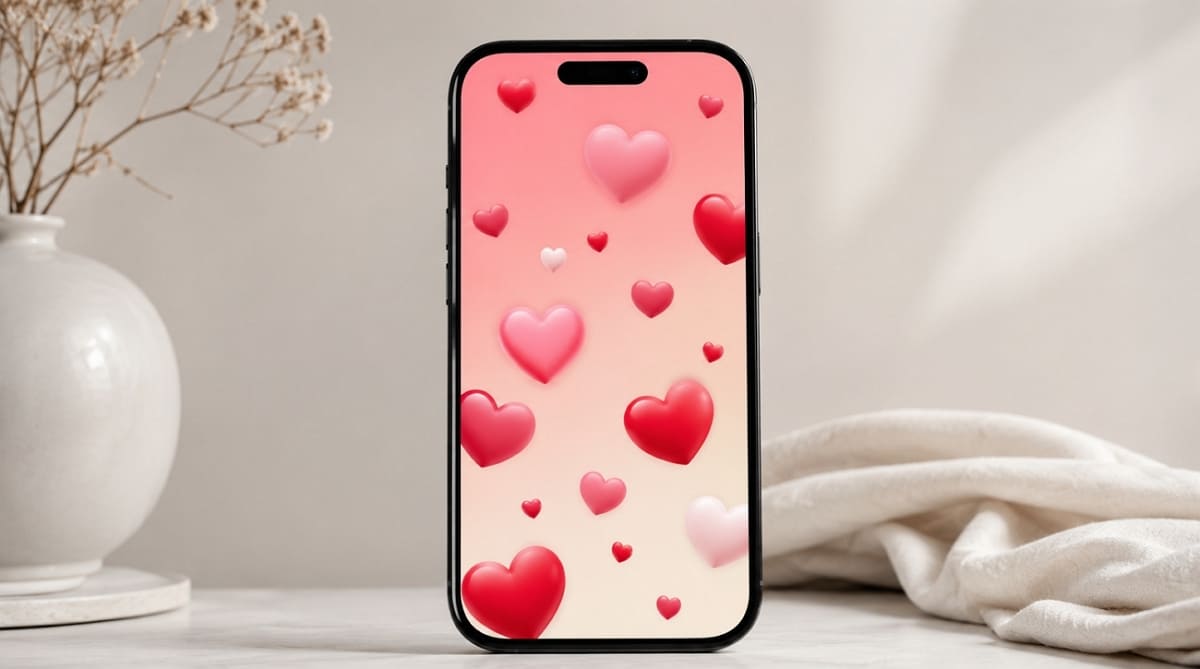
2. Heart Emoji Wallpaper
Heart emoji wallpapers usually combine warm colors with soft, gentle gradients throughout. The design keeps the tone sweet without feeling too decorative or busy. It may also help fit as a cute emoji wallpaper for Valentine's or everyday use.
3. Smiley Emoji Background
Smiley emoji backgrounds use repeated happy faces as the main visual pattern. A bright, simple design feels playful across almost any phone screen today. It also works well as a clean, easy-to-use emoji phone wallpaper choice.
4. Kawaii Emoji Wallpaper
This type of wallpaper usually uses sparkly elements and rounded characters to deliver a playful look. Rounded elements keep wallpapers playful without making important screen areas feel visually crowded together. Therefore, this playful style may even work as a fun, cute emoji wallpaper.
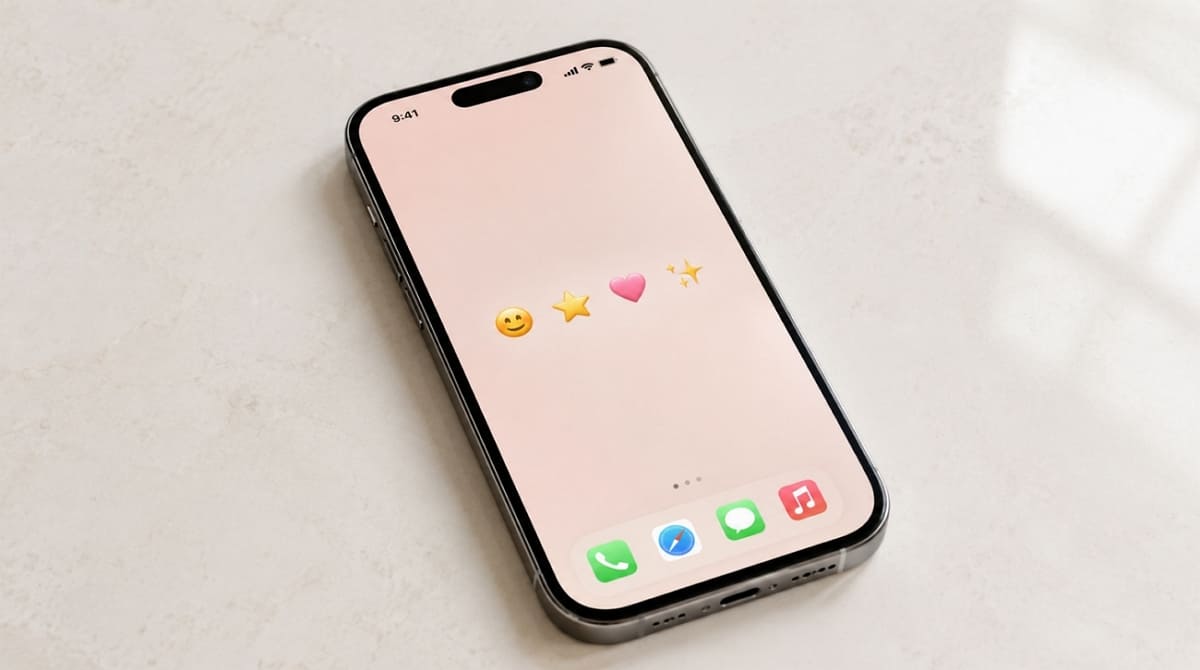
5. Minimal Emoji Wallpaper
Minimal emoji wallpapers use fewer icons and much more open, empty spaces. Minimal layouts keep widgets readable while creating cleaner screens for comfortable everyday phone use. It also makes a practical, everyday emoji phone wallpaper for daily use.
6. Gradient Emoji Background
Gradient emoji backgrounds blend smoothly, with flowing colors behind small, scattered emoji elements. The combination makes the finished wallpaper feel much more polished and refined. It adds depth while keeping emoji wallpapers polished across different phone displays.
7. Dark Emoji Wallpaper
Such wallpapers basically pair a dark background with bright, colorful emoji accents. As an example, a midnight backdrop with neon accents reduces overall screen brightness during nighttime usage. It may even provide a crisp layout for an emoji lock screen wallpaper at night.
8. Aesthetic Emoji Wallpaper
Aesthetic emoji wallpapers use balanced placement, soft colors, and subtle visual effects. Extra spacing keeps this style feeling designed instead of random or messy. Additionally, it suits users who want a more curated emoji wallpaper for iPhone or Android.
9. Funny Emoji Wallpaper
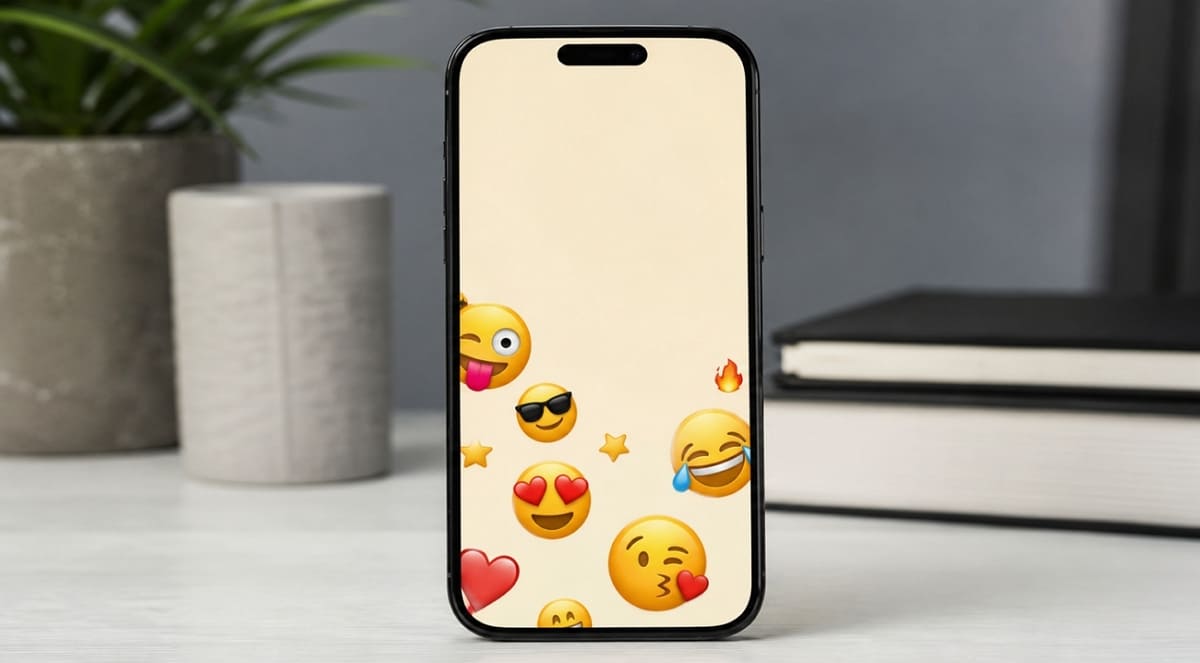
Funny emoji wallpapers use expressive faces set on a simple, plain background. This playful style feels more relaxed and often meme-inspired in tone. For users who want a cute emoji background, funny wallpapers add personality while keeping phone interactions enjoyable.
How to Make an Emoji Wallpaper on iPhone (Built-In Option)
Your iPhone already includes a native option for making an emoji wallpaper. Built-in options create quick wallpapers without downloading extra apps. Yet, Apple Support confirms emoji wallpaper works on iOS 16 or later. Go through these steps to make an emoji wallpaper for iPhone:
Step 1. On the lock screen, tap an empty area for a few seconds and choose the “+” button. After accessing the new screen, tap on “Emoji ” to view and select a wallpaper.
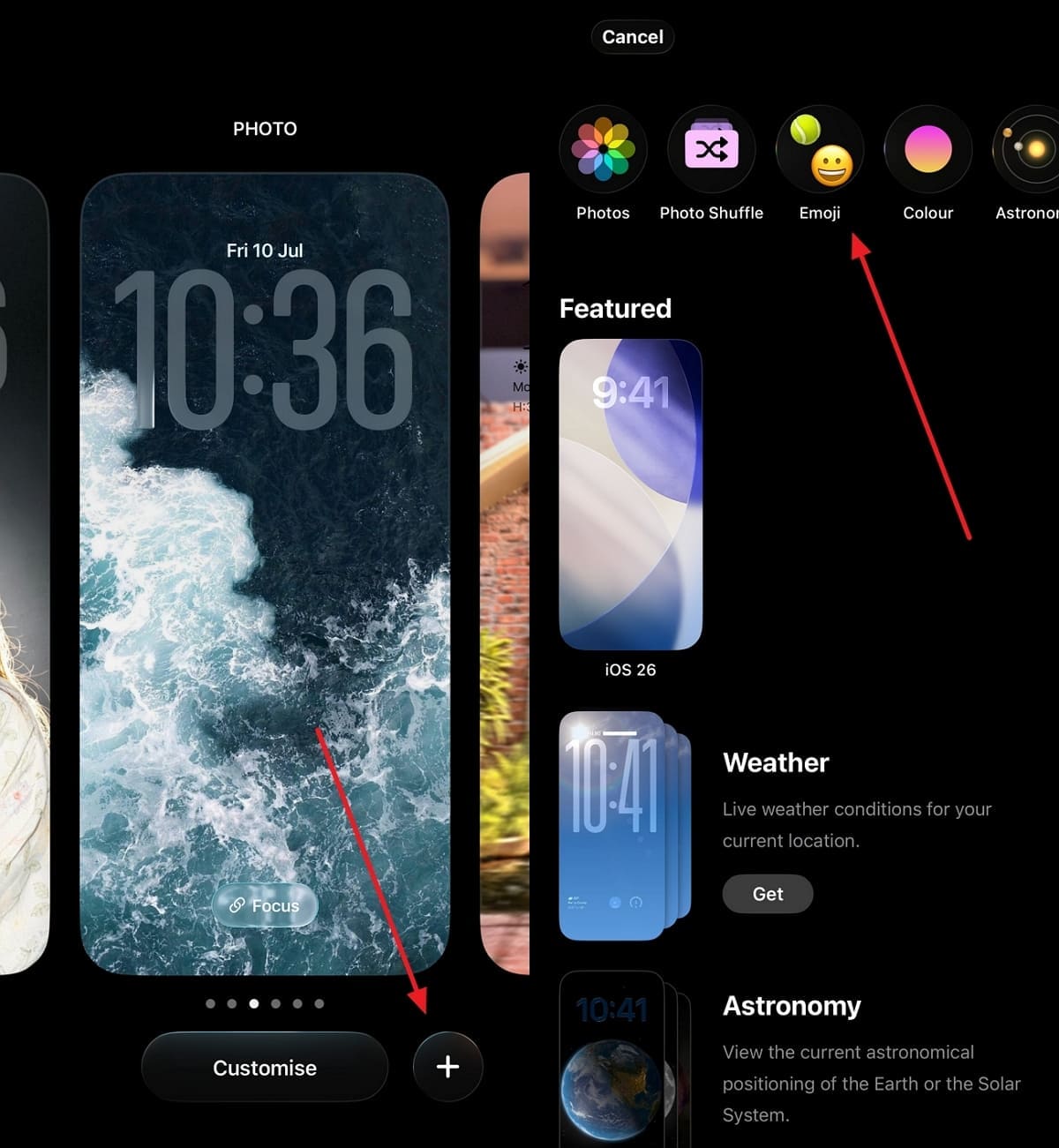
Step 2. Followi ng this, add up to 6 different emojis to set on your wallpaper. You can also swipe left to view different wallpaper grids. Then, tap the “Clock ” icon to choose your desired font color or style and add it.
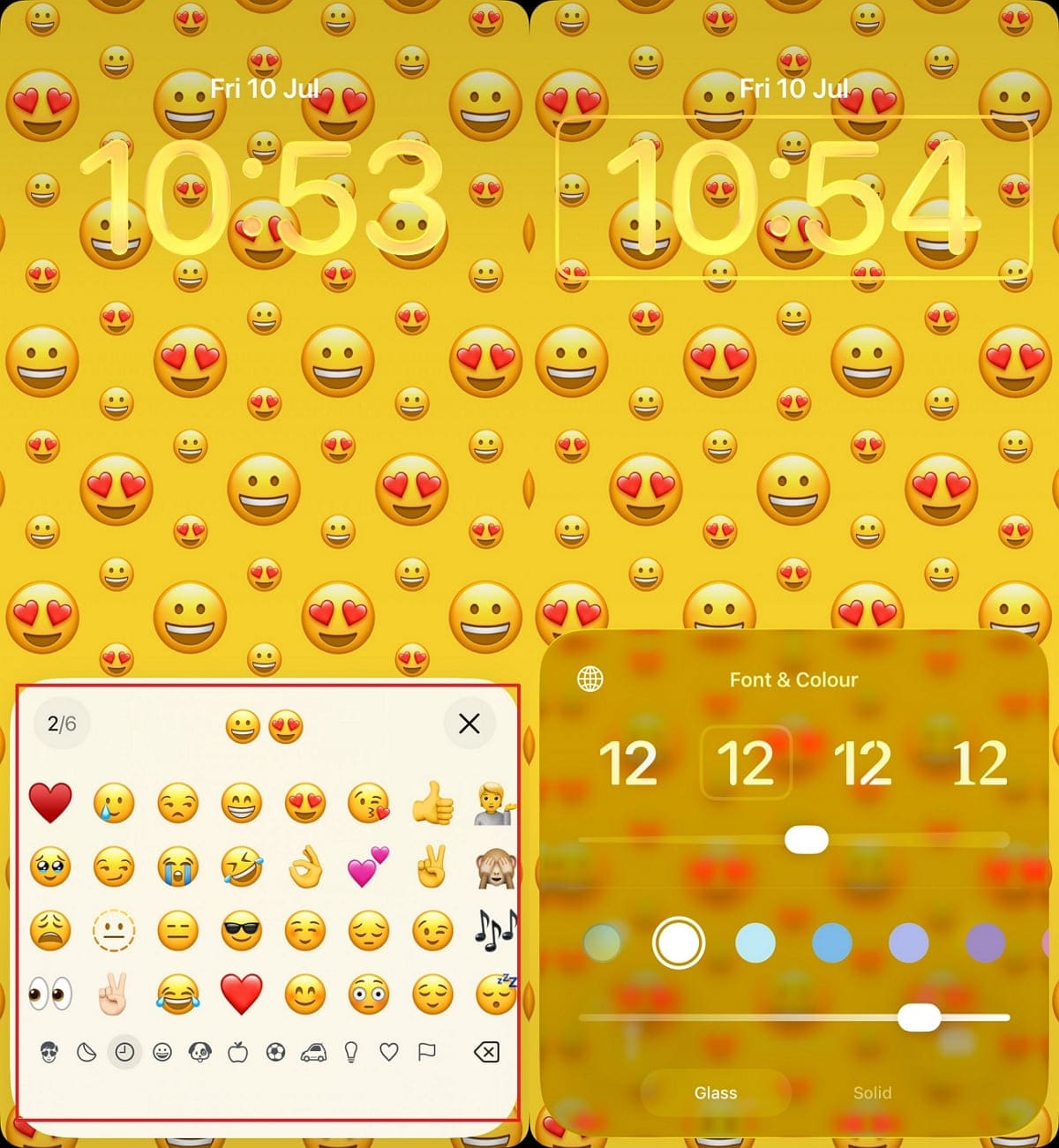
Android Pixel phones also offer a similar emoji wallpaper feature called Emoji Workshop. Check Google's official support page for complete Pixel Workshop instructions. Yet, for fully custom, cute, or aesthetic AI styles, use the online tool as explained in the next part.
How to Make an Emoji Wallpaper Online
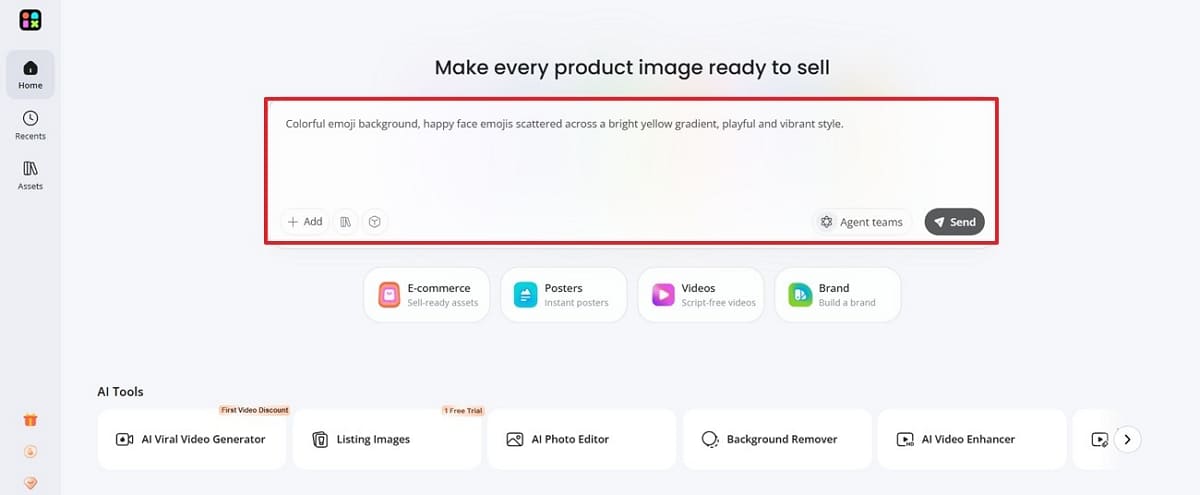
If you want more creative control, Designkit makes custom emoji lock screen wallpaper online much easier to build. It gives you greater flexibility to customize every part of your emoji wallpaper. So, you can follow these 5 simple steps to design and download your emoji wallpaper:
Step 1. Generate Your Emoji Background
1. Access the “AI Image Generator ” tool, type in your prompt to generate an emoji background, and press “ Send.”
Step 2. Refine the Wallpaper Style
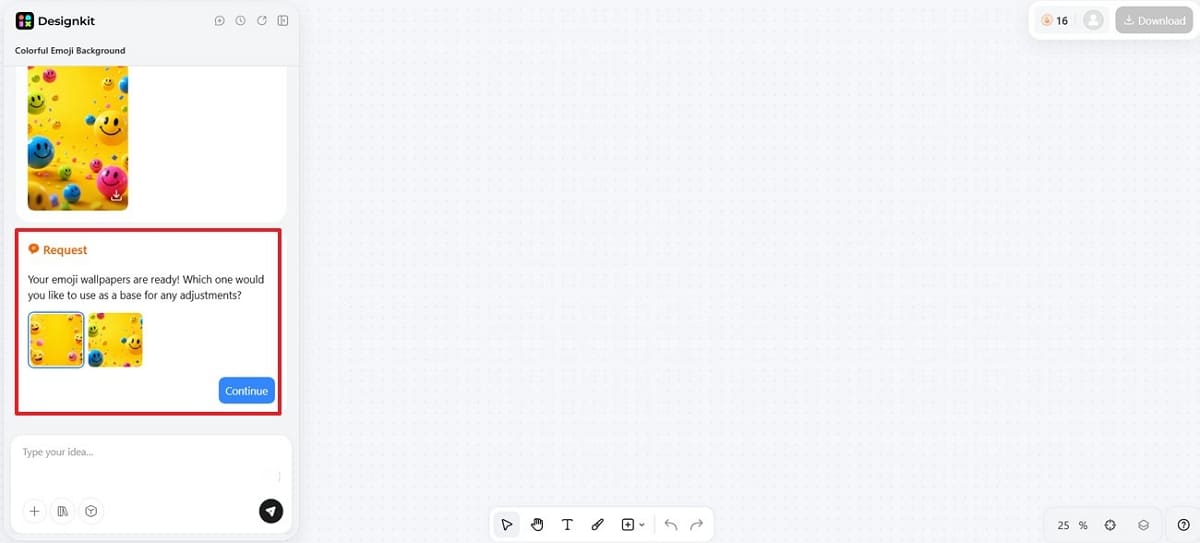
1. Compare different versions before editing because stronger layouts require fewer adjustments later, and click “Continue.”
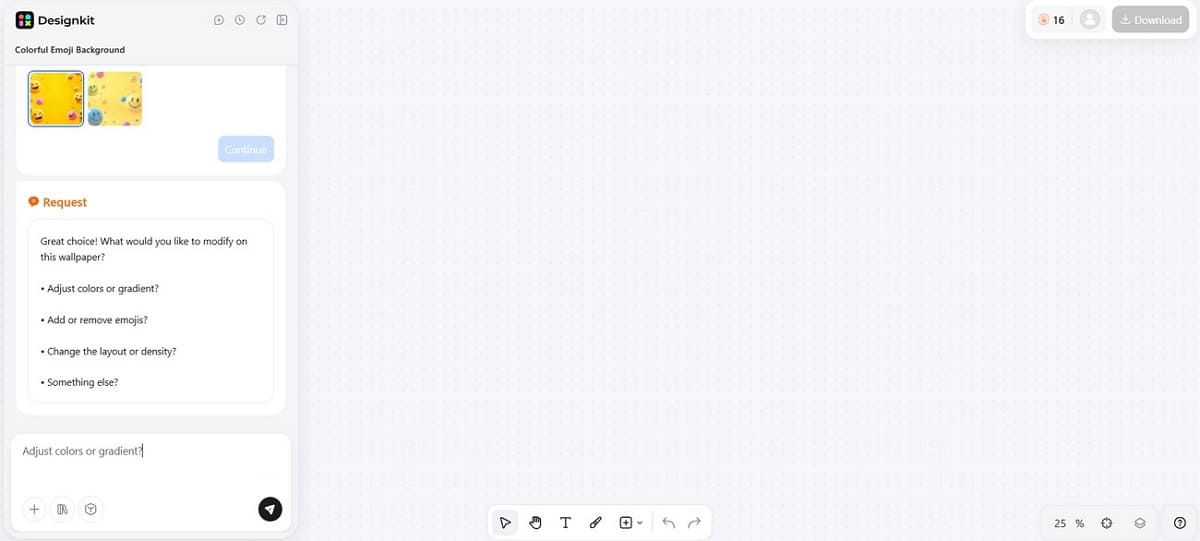
2. Enter your desired modification on your selected emoji style to refine it.
Generate Generate Your Emoji Wallpaper Free
Step 3. Add Small Sticker Details (Optional)
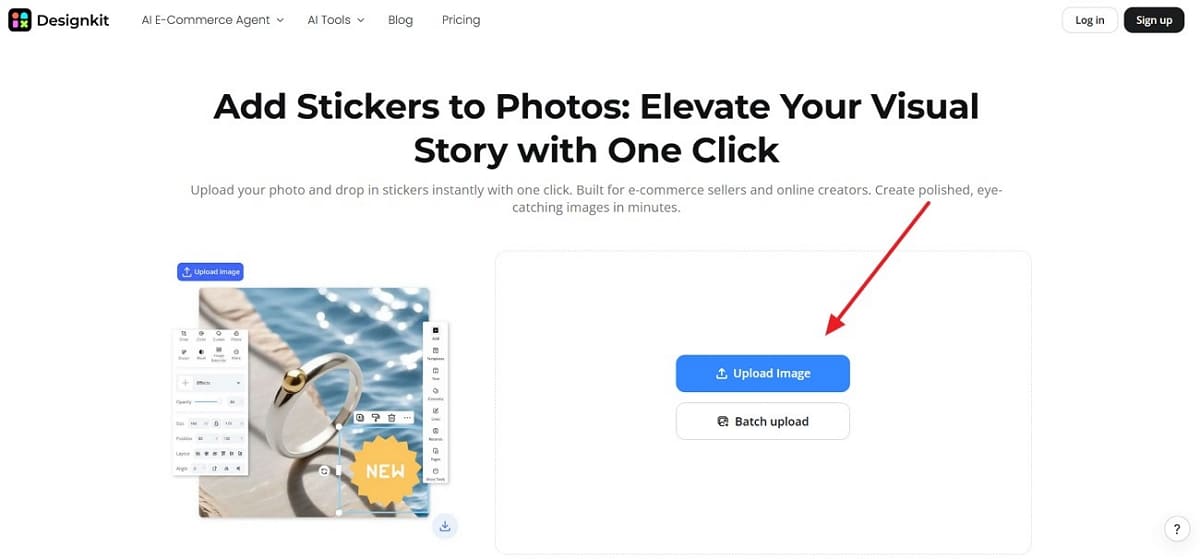
1. For adding stickers, head to “Add Stickers to Photos ” in Designkit and press “ Upload Image ” to import the emoji background photo.
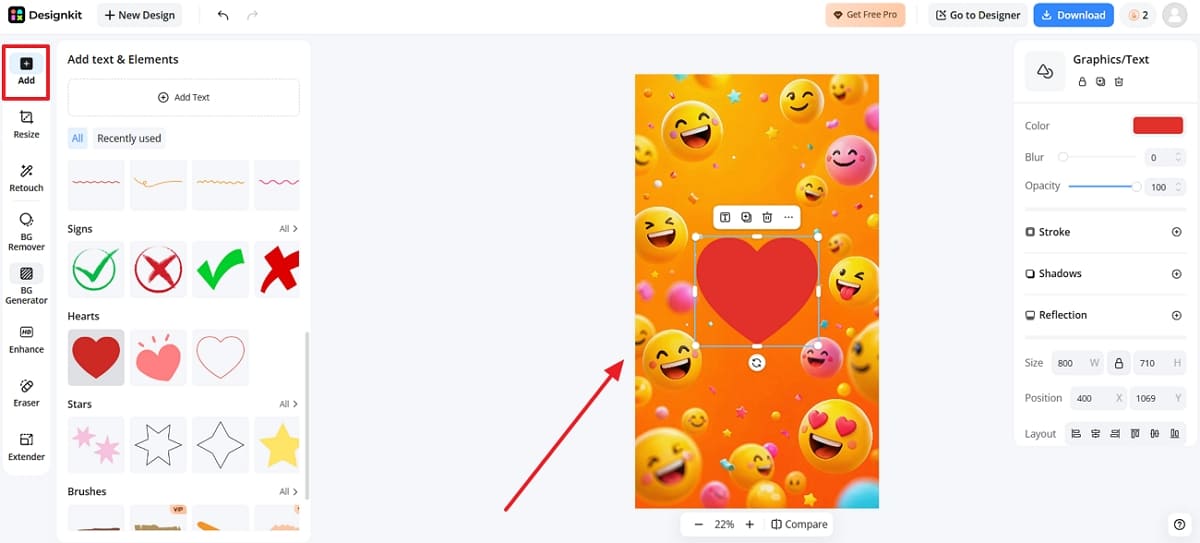
2. Following this, click the “Add ” tab and choose your desired stickers, like “ Heart,” to apply them. Adjust sticker size and position carefully so icons remain easy to recognize, and press “Download.”
Step 4. Resize It for Your Phone
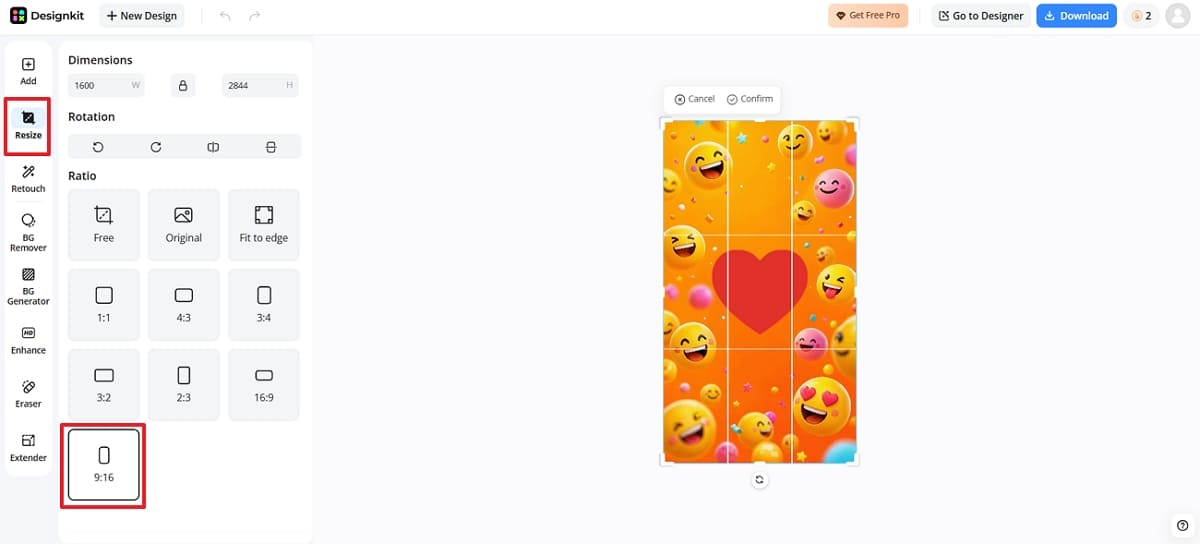
You now need to resize your image by either cropping it inside the editing panel or accessing “Resize Your Images Page For Free.” In the workspace, access the “Resize ” tab and choose the “ 9:16 ” ratio for your phone’s wallpaper.
Step 5. Download and Set Your Wallpaper
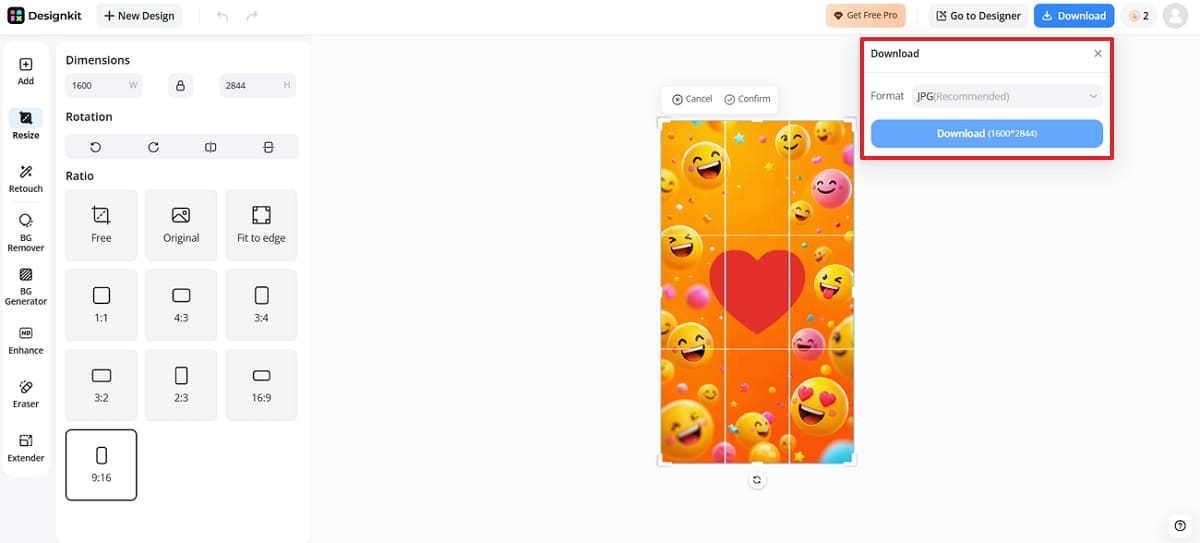
Once you complete the AI generation process, preview the emoji wallpaper and click “Download.” As a small menu pop-up, select your image output format and press “Download ” again.
Edit Your Emoji Wallpaper Online
Best Sizes or Tips for Emoji Phone Wallpapers
Best sizes and simple tips help your emoji wallpaper fit different screens without awkward cropping. The following recommendations cover phone wallpapers, lock screens, and HD exports:
1. General Phone Wallpaper Size
Users should use a vertical 9:16 layout as their safest starting point. The format fits most phone screens without stretching important emoji details. It also keeps the wallpaper easy to crop and preview.
2. iPhone Emoji Wallpaper Size
Create a high-resolution vertical file for the best emoji wallpaper iPhone results. Afterward, adjust the crop inside the iPhone wallpaper settings after importing it. This approach helps keep icons, time, and background details balanced.
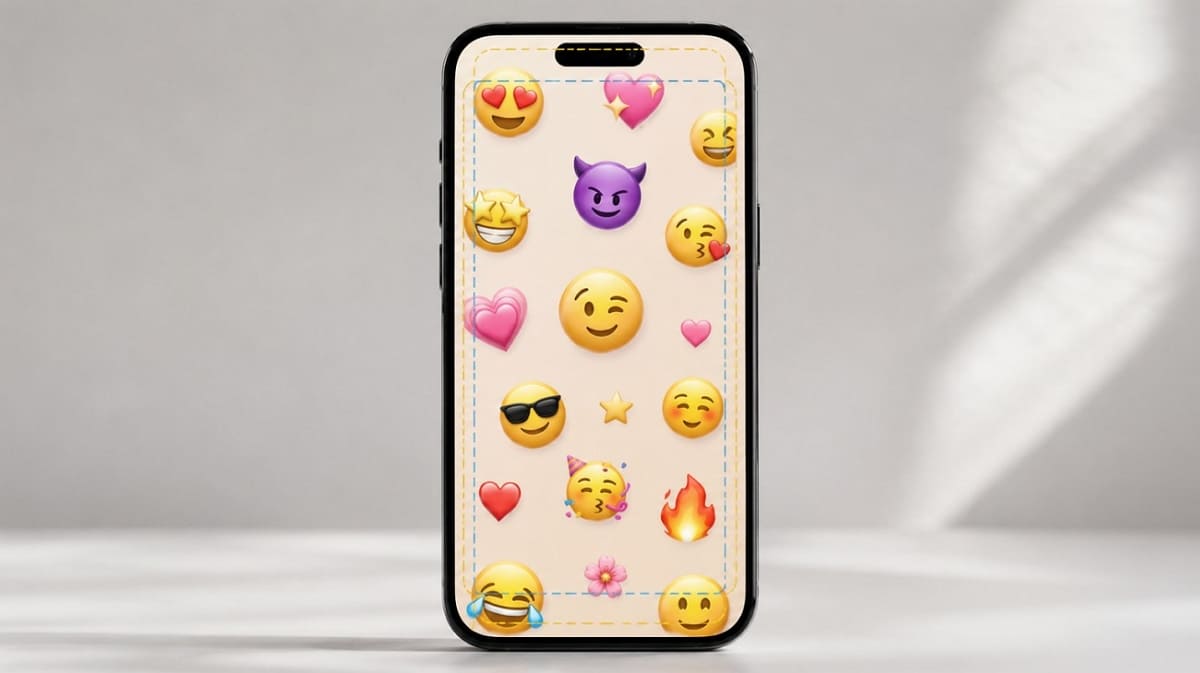
3. Lock Screen Emoji Wallpaper Tips
Leave a clean space near the top so the clock stays readable. Emoji elements should stay away from important lock screen controls, too. It keeps the emoji lock screen wallpaper clear and practical daily.
4. HD Emoji Wallpaper Export
Exporting in clear, HD keeps colors sharp and details looking clean. This matters when users want an emoji wallpaper HD finish. So, a crisp file also looks better after resizing it for different screens.
Emoji Wallpaper Prompt Ideas
Try these 5 simple prompts inside the Designkit AI Image Generator tool today to create attractive emoji wallpapers:
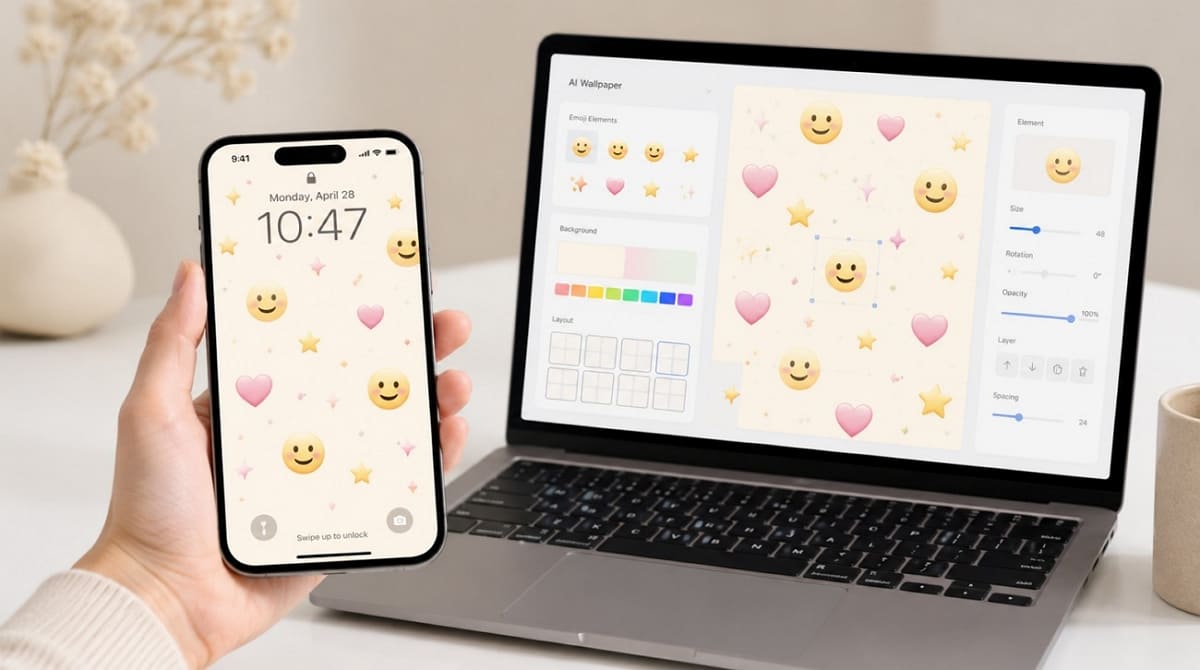
1. Cute Pastel Emoji Wallpaper: Create a cute pastel emoji wallpaper featuring smiling emojis, hearts, stars, and clouds on a soft pink and lavender gradient background with a clean, minimal aesthetic.
2. iPhone Lock Screen Emoji Wallpaper: Design a modern iPhone lock screen wallpaper with scattered emoji icons, subtle pastel colors, plenty of open space around the clock area, and a clean, premium look.
3. Minimal Emoji Background: Generate a minimalist emoji wallpaper with small smiley emojis, a white background, balanced spacing, soft shadows, and a simple, elegant design.
4. HD Emoji Phone Wallpaper: Create an emoji wallpaper HD with colorful floating emojis, smooth gradients, soft lighting, crisp details, and a premium smartphone background style.
5. Kawaii Emoji Wallpaper: Design a kawaii emoji wallpaper featuring adorable smiling faces, hearts, bows, stars, sparkles, and pastel pink, blue, and yellow colors in a cute Japanese-inspired aesthetic.
Tips for Making a Better Emoji Wallpaper
These practical tips will help your emoji wallpaper look polished, clean, and professional:
1. Keep the Background Clean
Emoji elements already look eye-catching, so always keep the background quite simple. A busy background can easily distract from your cute emoji background design.
2. Leave Space for App Icons
Home screen wallpapers need enough clean space so app icons stay visible. The balance keeps your emoji phone wallpaper looking neat and well organized.
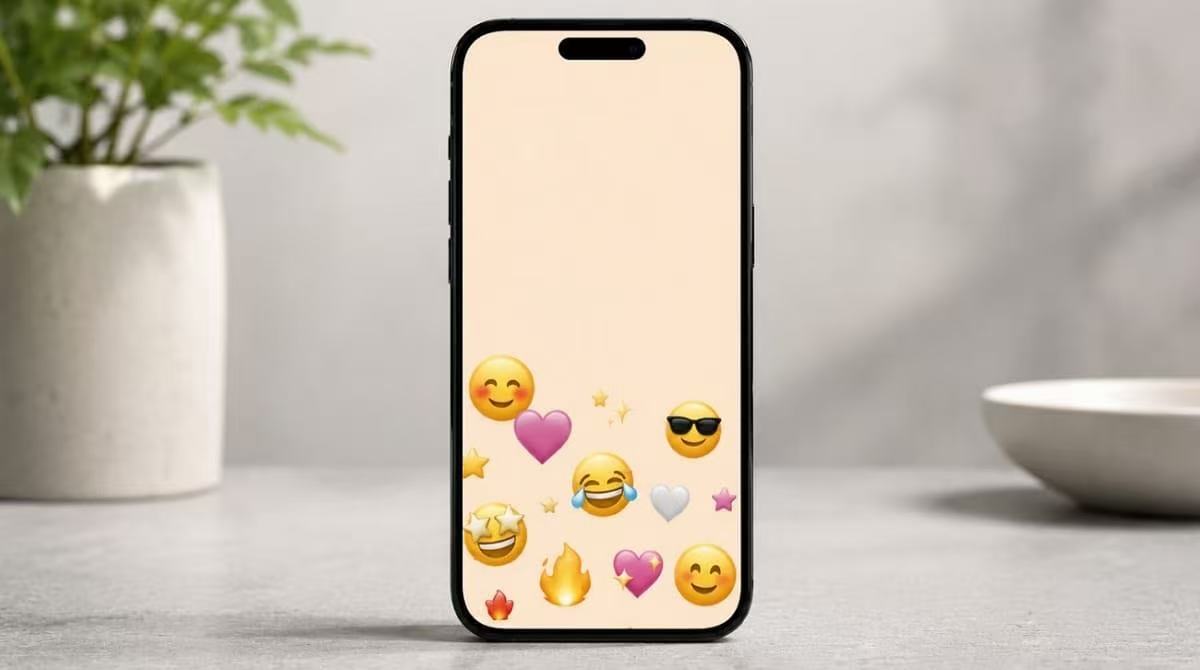
3. Match the Emoji Mood
Your wallpaper looks much more polished when the mood truly matches well. Matching colors and expressions together creates a cuter emoji wallpaper overall.
4. Preview It on Your Phone
Always test your finished wallpaper directly on your actual phone screen first. Check the clock area, icons, and crop for your emoji lock screen wallpaper.
Conclusion
Making your own emoji wallpaper is more flexible than getting any random background designs online. A simple layout helps keep icons readable and makes future edits much easier. In this case, Designkit can help generate, customize, resize, and download wallpapers matching your preferred style quickly. Try one prompt, refine your favorite version, then set your finished wallpaper with confidence.
Frequently Asked Questions
What size should my emoji wallpaper be?
Can I make an emoji wallpaper on my iPhone?
Yes, iPhones running iOS 16 or later include a native emoji wallpaper option. Tap the lock screen to choose Emoji and pick your favorite wallpaper and emojis.
How do I create an emoji wallpaper for my lock screen?
Leave extra space near the top so your clock stays readable. Keep emoji elements away from important controls and lock screen icons.
What makes an emoji background look more aesthetic?
Usually, balanced placement and soft colors create a polished look. Extra spacing also helps the design feel intentional instead of random.
Can I add stickers to my emoji wallpaper?
Yes, platforms like Designkit's Add Stickers tool lets you add hearts, stars, or smileys. This optional step adds extra personality to your finished wallpaper design.
How do I export my emoji wallpaper in HD?
Choose the HD export option before downloading your finished emoji wallpaper. It keeps colors sharp and details clean across different phone screens.
You May Also Like

Aesthetic Poster Ideas: Find Your Style and Create Printable Art

How to Make a Custom Poster That Is Ready to Print

Minimalist Poster Design: How to Make a Clean Poster (2026)

Father's Day Gift Ideas: Personalized Card, Poster and Video

20 FIFA World Cup Merchandise Ideas That Fans Actually Buy
Amazon Summer Sale 2026: Listing Design Trends & Product Image Ideas
10 Best Virtual Try-On Apps & Tools for Online Shopping in 2026
How to Try Makeup Online with AI and Virtual Makeup Try-On Apps (2026)
Turn Your Favorite Emojis into a Custom Wallpaper
Turn your favorite emojis into a wallpaper that matches your mood and style. Start free with Designkit.


