
Create Custom Banner Designs with AI for Every Platform
Generate banners from text prompts or existing images. Customize layouts, typography, colors, and visuals, then resize your banner for websites, ads, social media, ecommerce, and events.
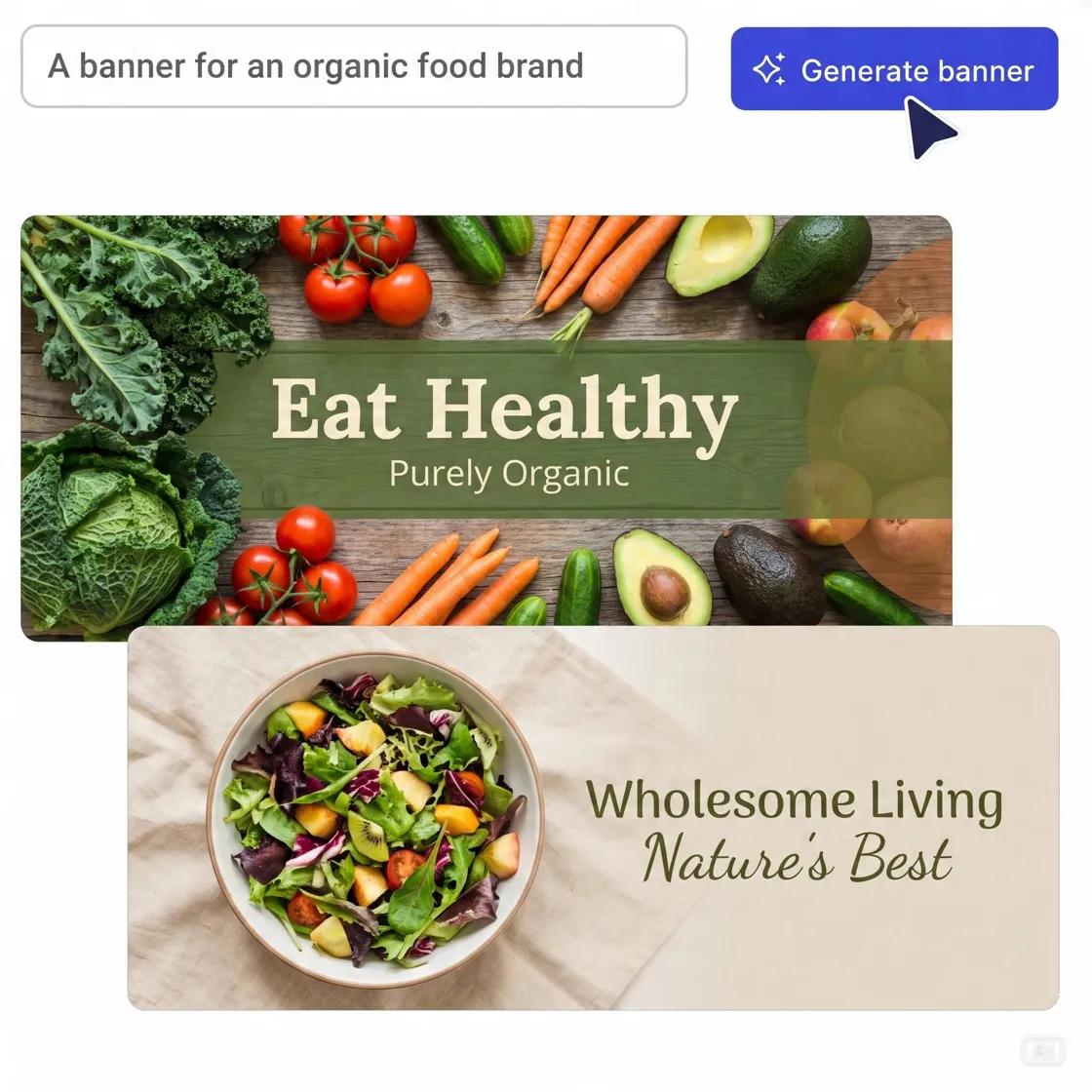
Start with a Designed Layout and Generate Banner in Seconds
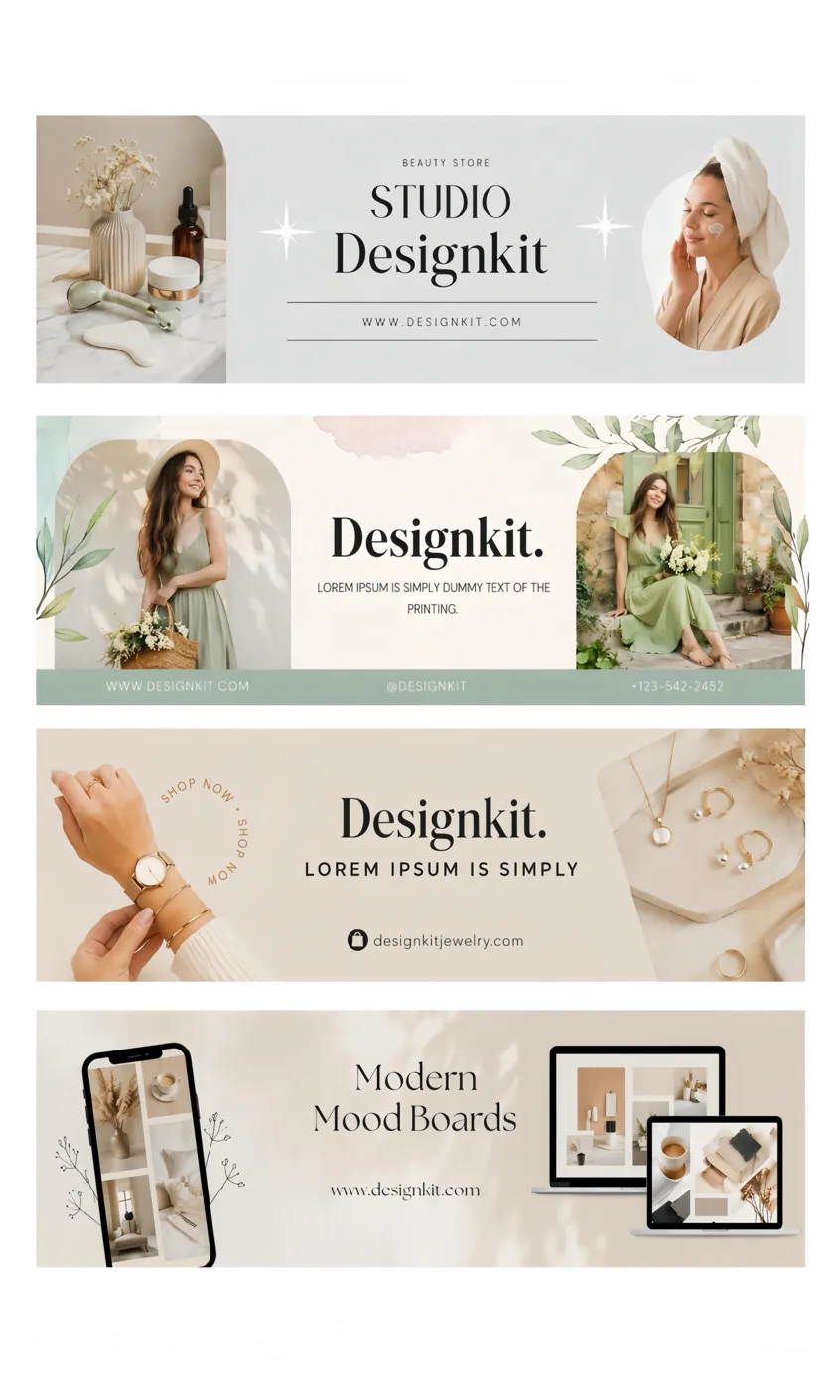
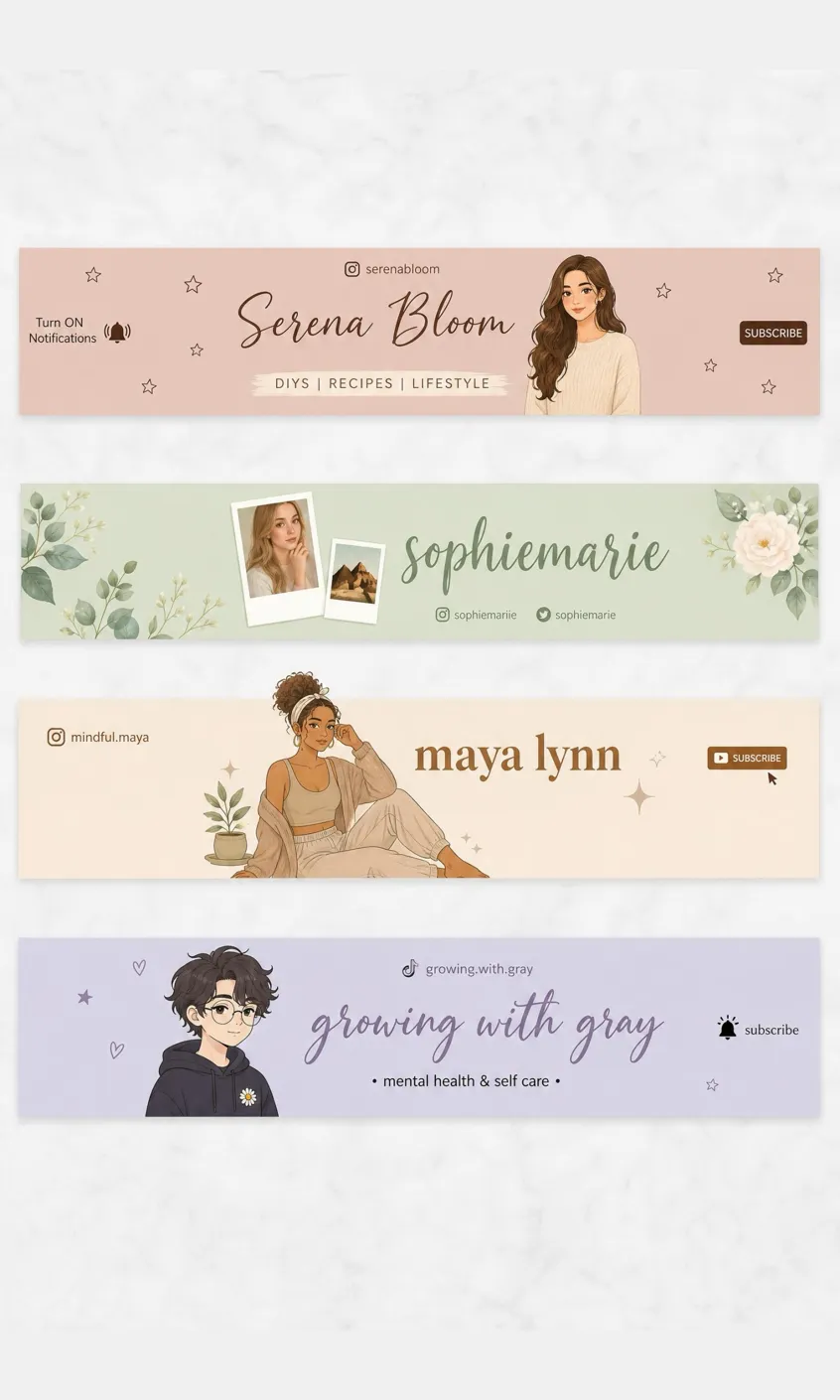
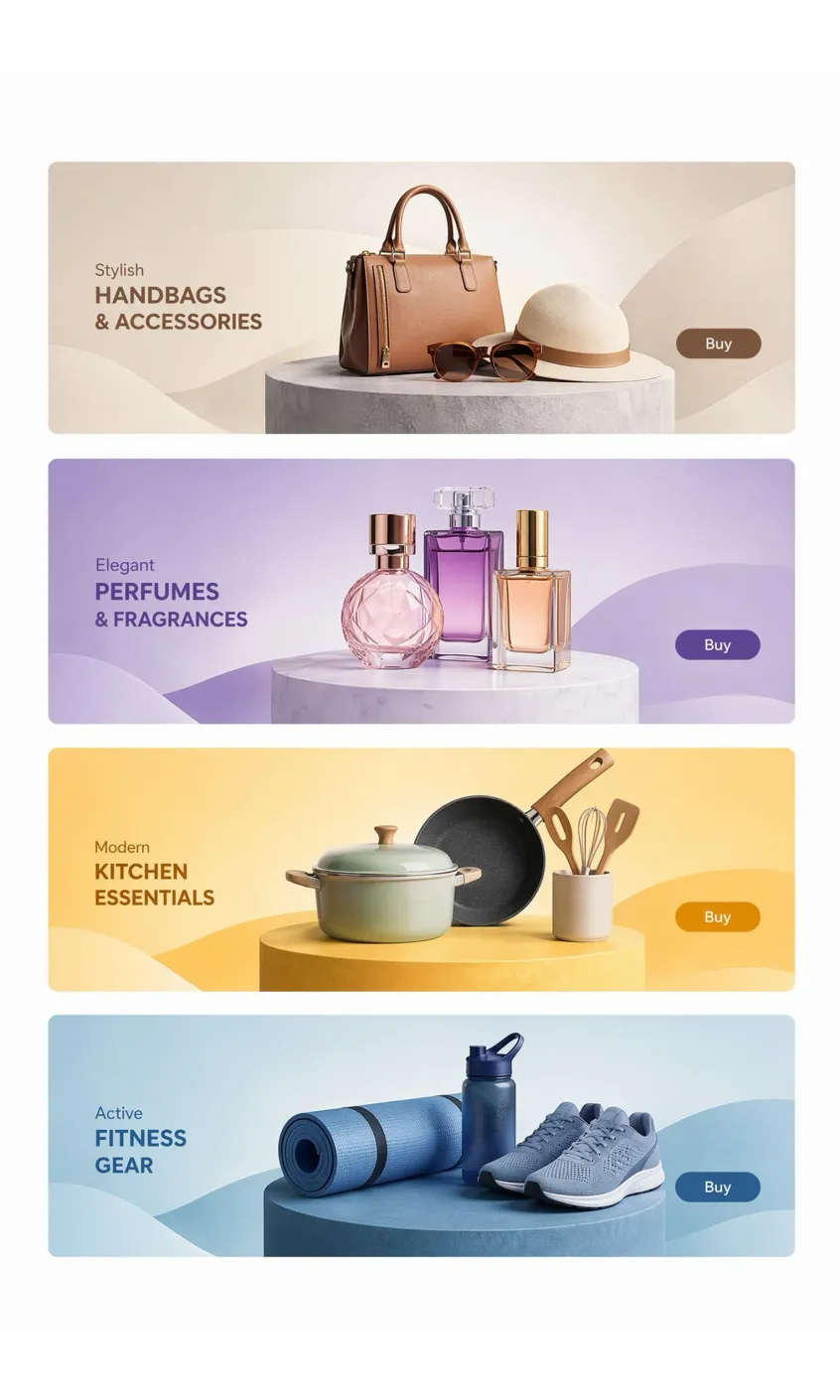
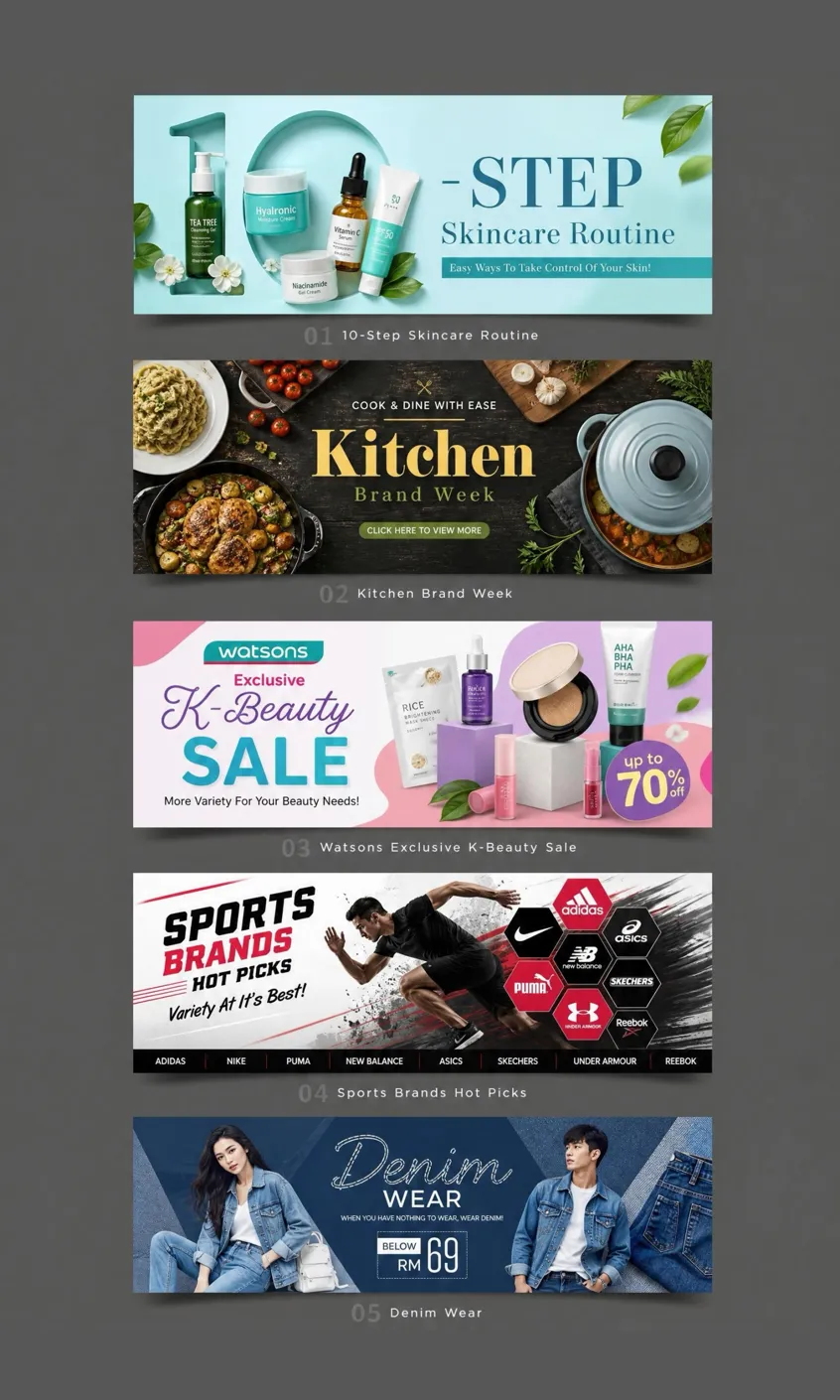
How to Create a Banner in 3 Steps
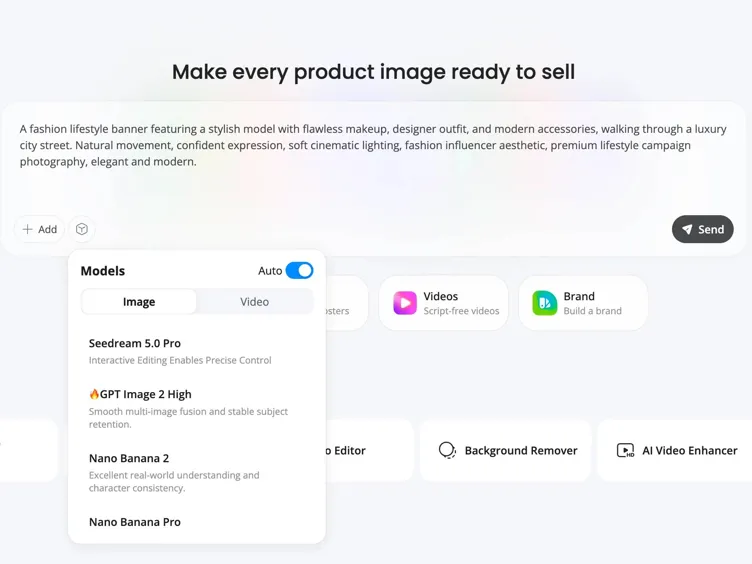
Describe Your Banner or Upload Assets
Enter a campaign idea, headline, or upload a logo, product photo, or reference image.r design.
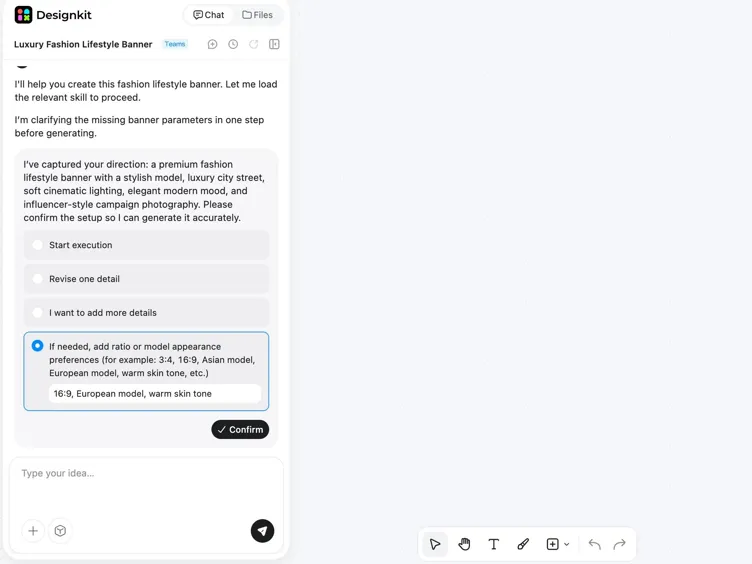
Customize Layout, Colors, and Copy
Adjust background, product placement, text, and colors. AI suggests layout options based on your campaign goal.
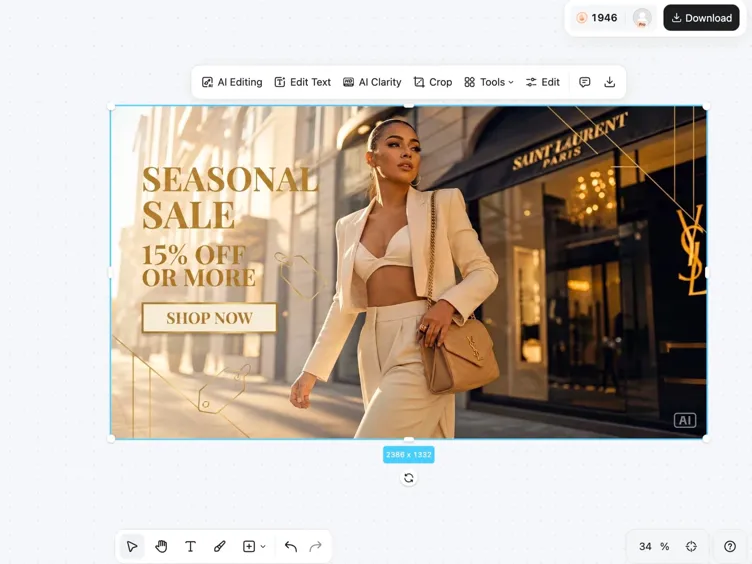
Download Your Banner
Export banner sizes for web, social, ads, and ecommerce. Download high resolution PNG or JPG files ready to publish.
What Makes Designkit Ideal for AI Banner Creation
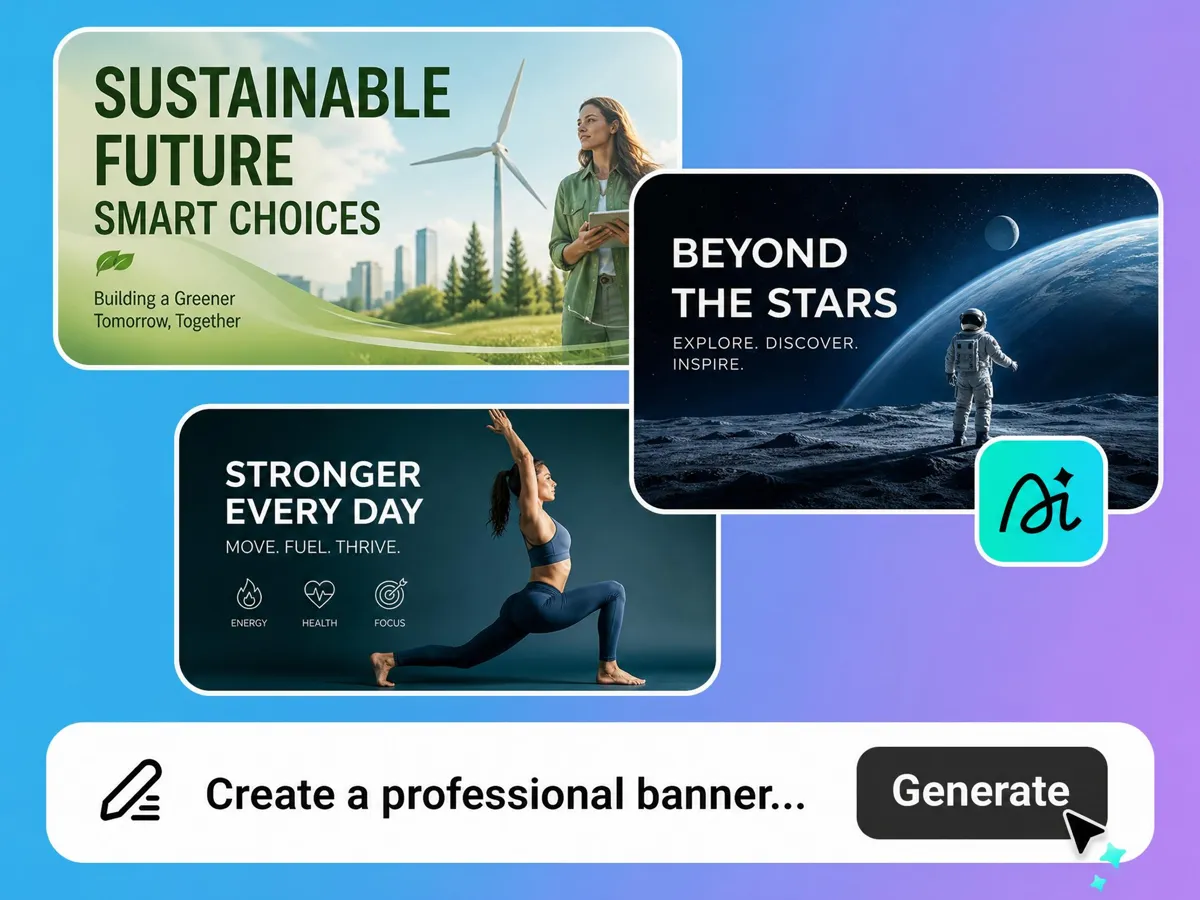
Generate Banners from Text or Images
Turn a product photo, logo, or short prompt into a polished AI banner creator workflow that produces ready-to-use layouts in minutes. Skip manual design work and quickly create banner concepts for promotions, launches, and seasonal campaigns.
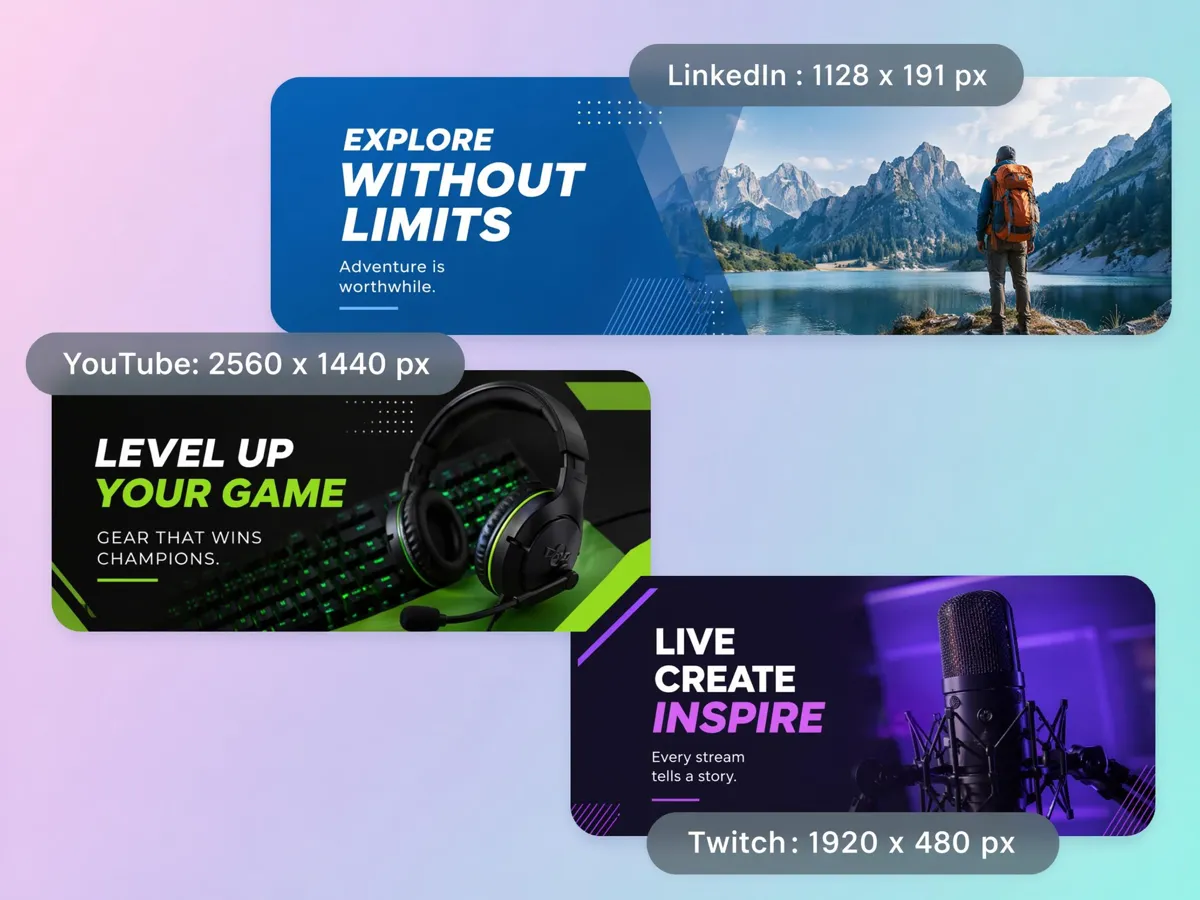
Resize One Design for Every Platform
A single banner image rarely fits every platform. Automatically resize banners for websites, YouTube, Facebook, Instagram, LinkedIn, ecommerce stores, and display ads while keeping text, products, and branding properly aligned.
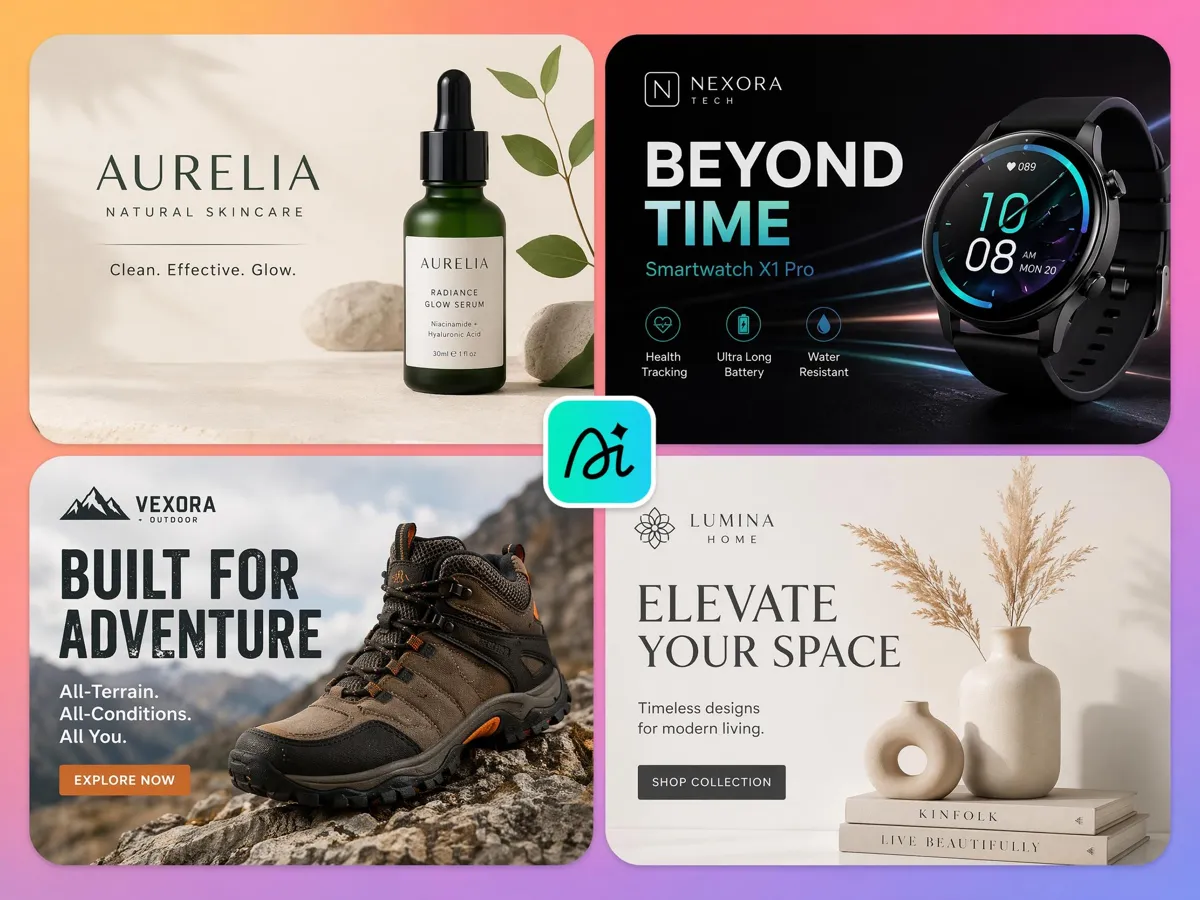
Build Brand-Ready Banner Variations
Marketing campaigns perform better when you test different designs. Use the AI banner maker to generate multiple versions with new headlines, colors, product placements, and offers without rebuilding each banner from scratch.
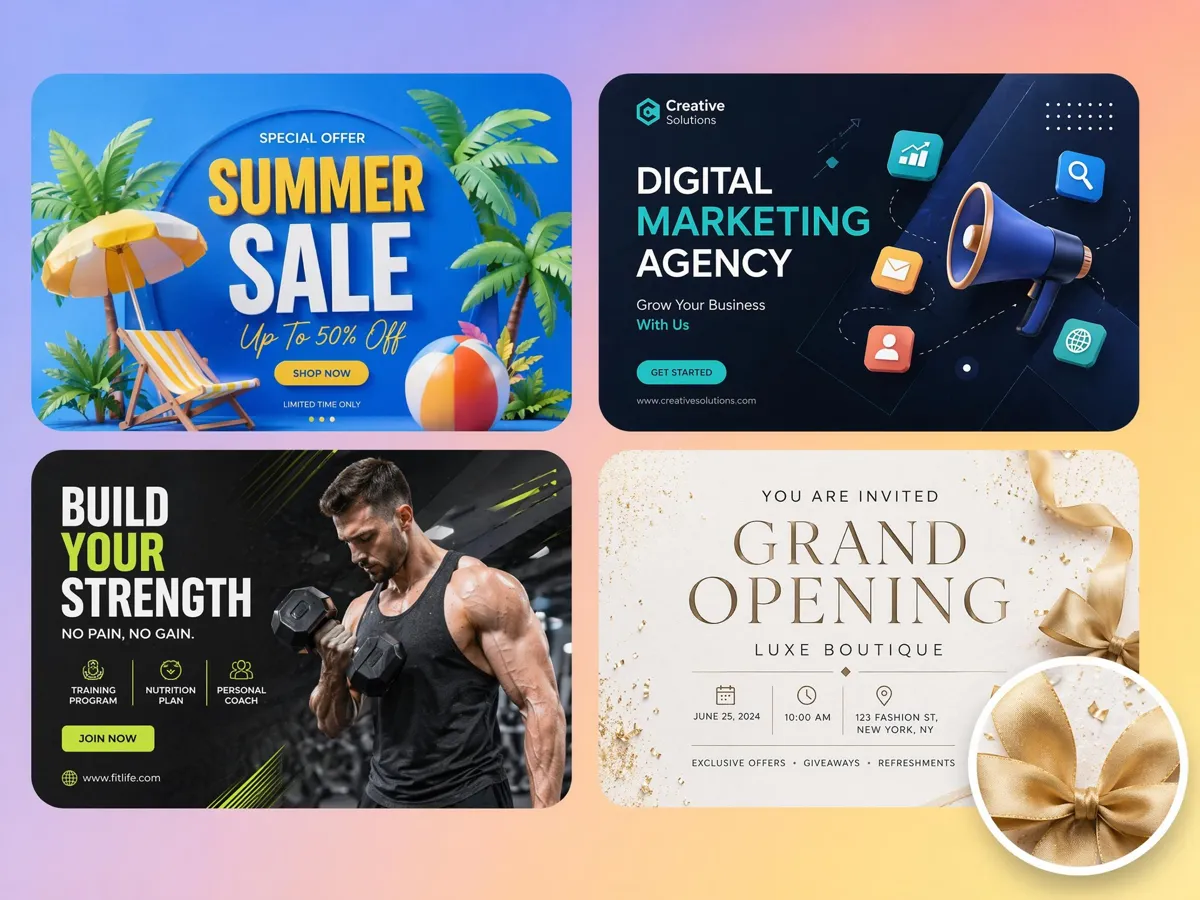
Keep Products and Text Easy to Read
Promotional banners often fail because text overlaps products or key offers become difficult to notice. Automatically arrange headlines, product images, pricing, and CTAs to create balanced AI generated banners with clear visual hierarchy.
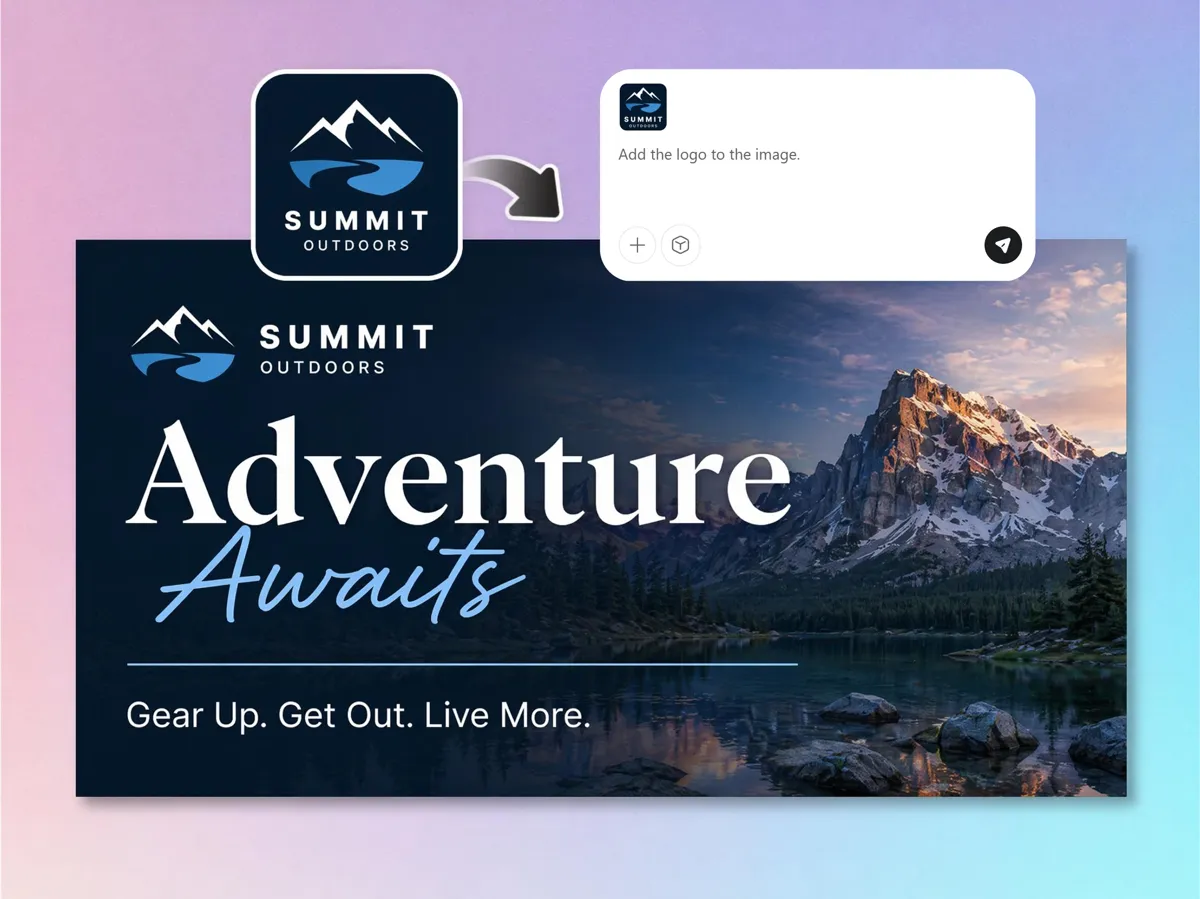
Update Banner Designs Without Starting Over
Need to refresh a promotion or launch a new product? Replace backgrounds, swap product photos, update branding, and edit messaging in seconds with the free AI banner generator, eliminating the need to recreate the entire design.
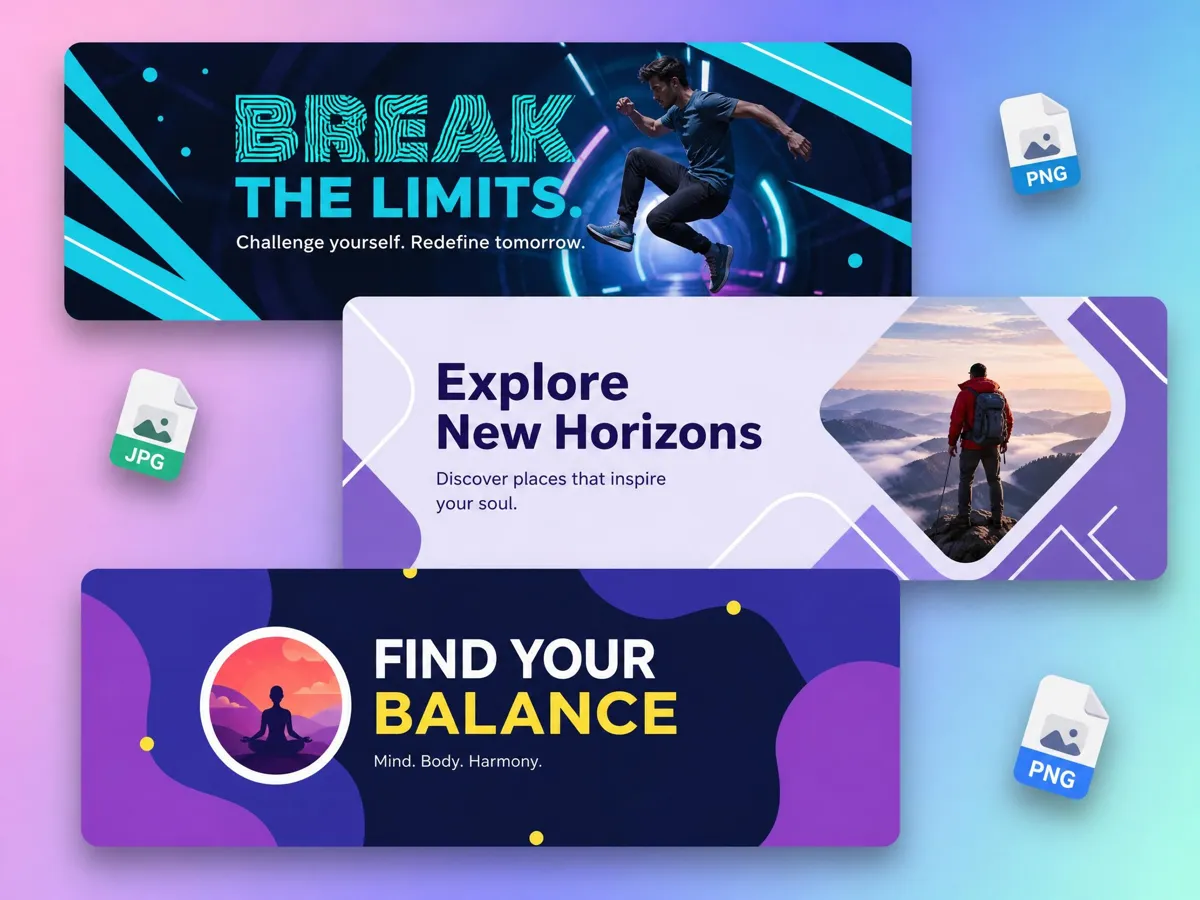
Export Ready-to-Use Banner Files
Download high-resolution PNG or JPG files that are ready for websites, online stores, digital advertising, social media, presentations, or print. Publish banners immediately without extra resizing or quality loss.
Built for Everyone Who Creates Banner Designs
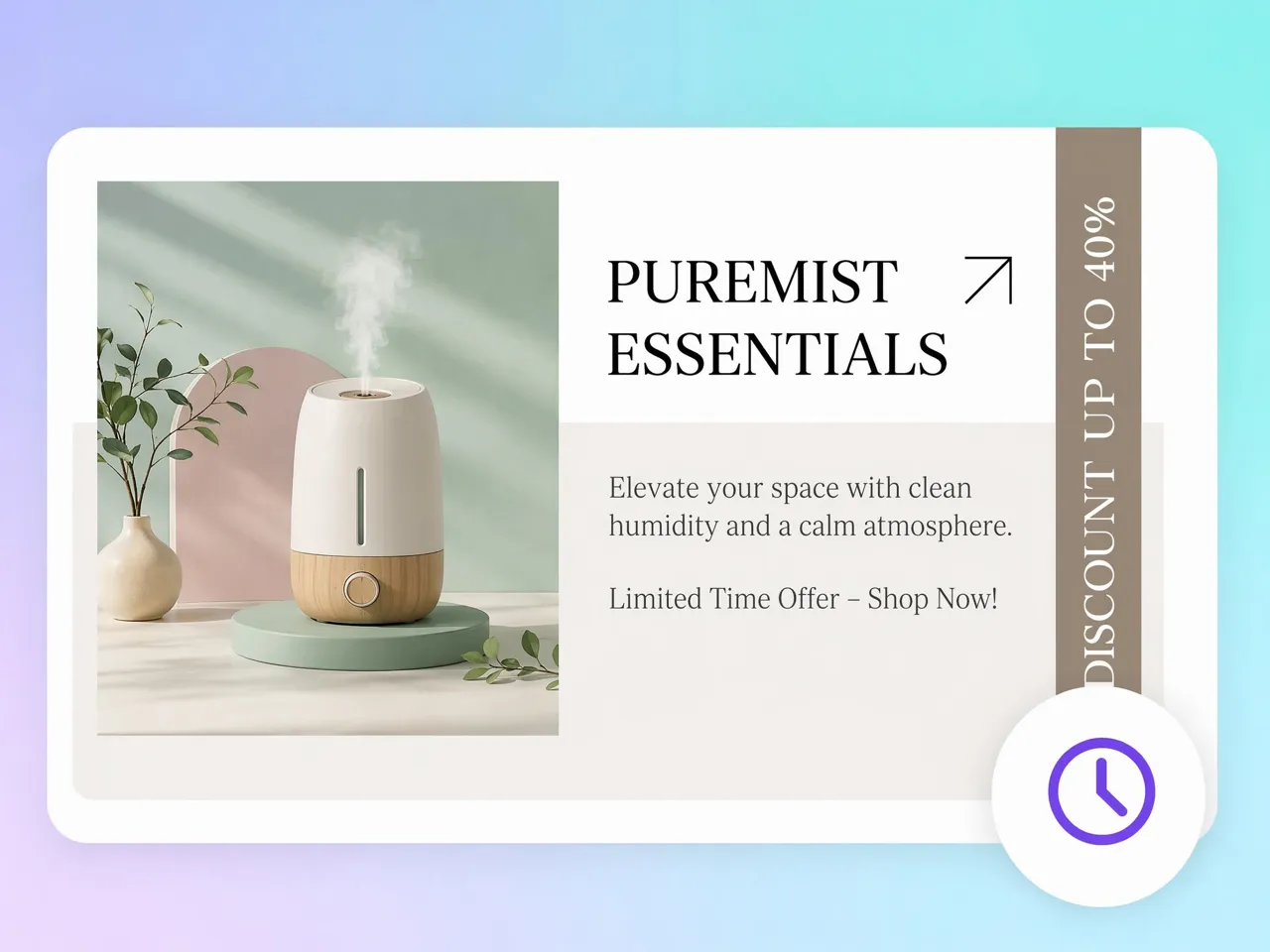
Launch Promotions Without Starting from Scratch
Store owners often need new banners for product launches, seasonal sales, and limited-time offers but lack time to redesign every campaign. Use the free AI banner generator to turn product photos and marketing ideas into ready-to-publish store banners that help shoppers notice your latest promotions faster.
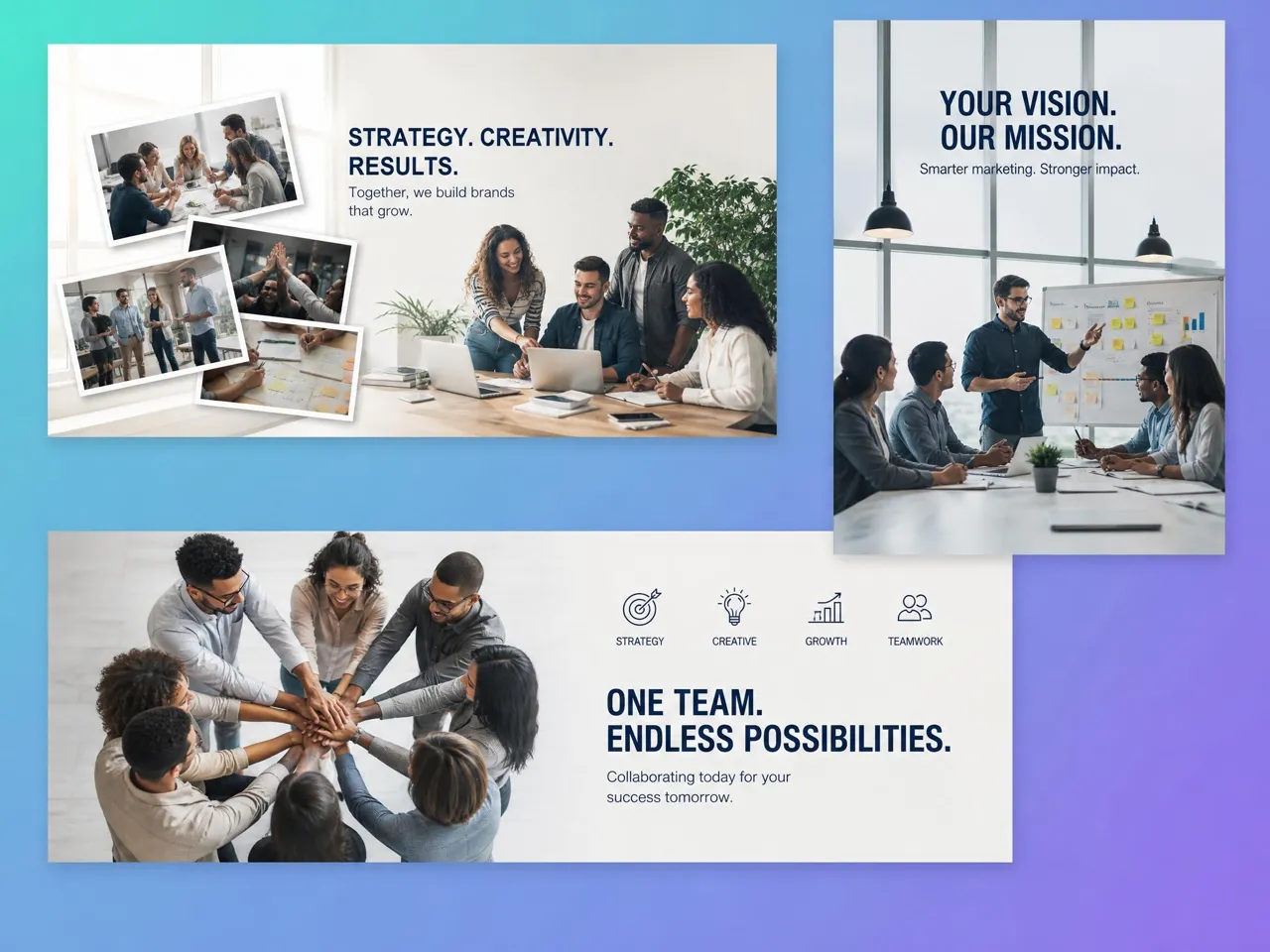
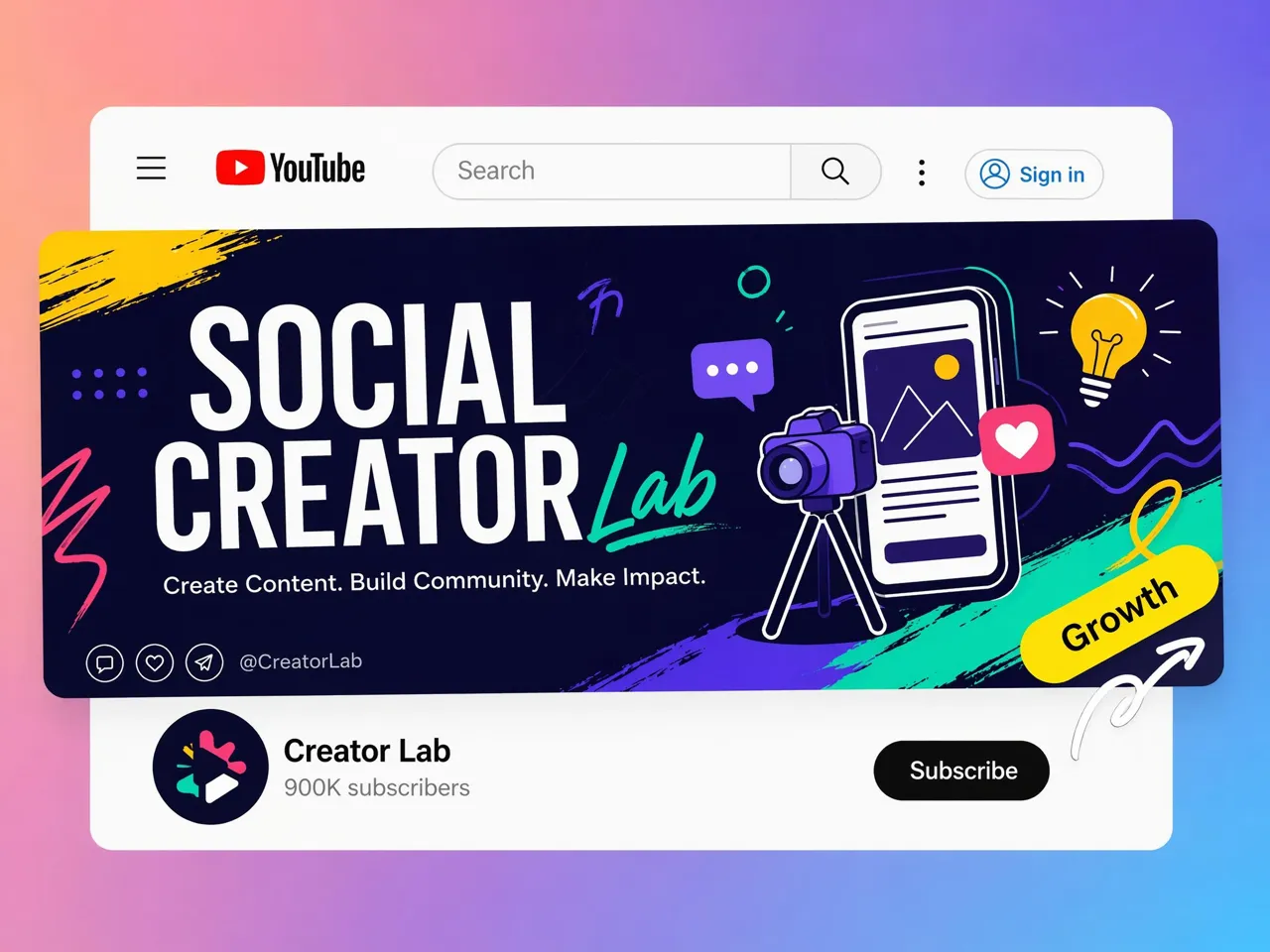
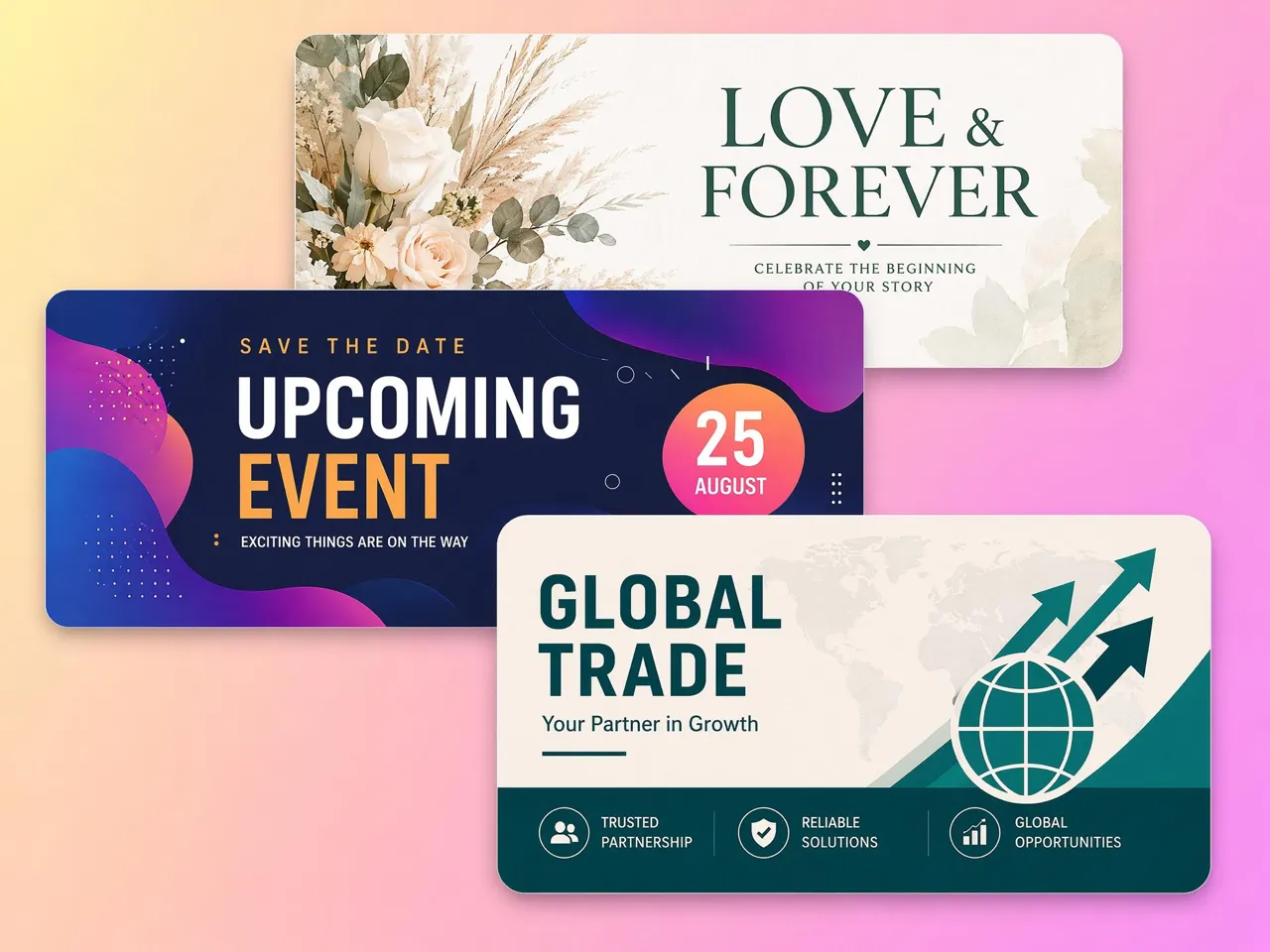
Why Choose Designkit for Banner Creation
No Manual Editing or Template Hunting
Skip searching through template libraries or rebuilding designs from scratch. Turn ideas into reusable banner layouts that can be updated for future campaigns.

One Design, Every Platform Size
Create one banner and adapt it for websites, social media, ecommerce stores, and display ads without recreating the layout for every size.
Update Headlines Without Starting Over
Replace promotional text, pricing, or campaign messaging while keeping the existing banner structure, reducing repetitive editing work.
Create Platform-Specific Assets Efficiently
Generate banner versions that meet different platform requirements, making it easier to publish campaigns across multiple channels.

Batch Variations for Campaign Testing
Produce multiple banner versions with different offers, visuals, or headlines, so campaign testing can continue without manual redesign.
Scale Banner Production for Large Campaigns
Create and manage large volumes of banner assets for product launches, seasonal promotions, and ongoing marketing campaigns using the same workflow.
Unlock More Creative Possibilities
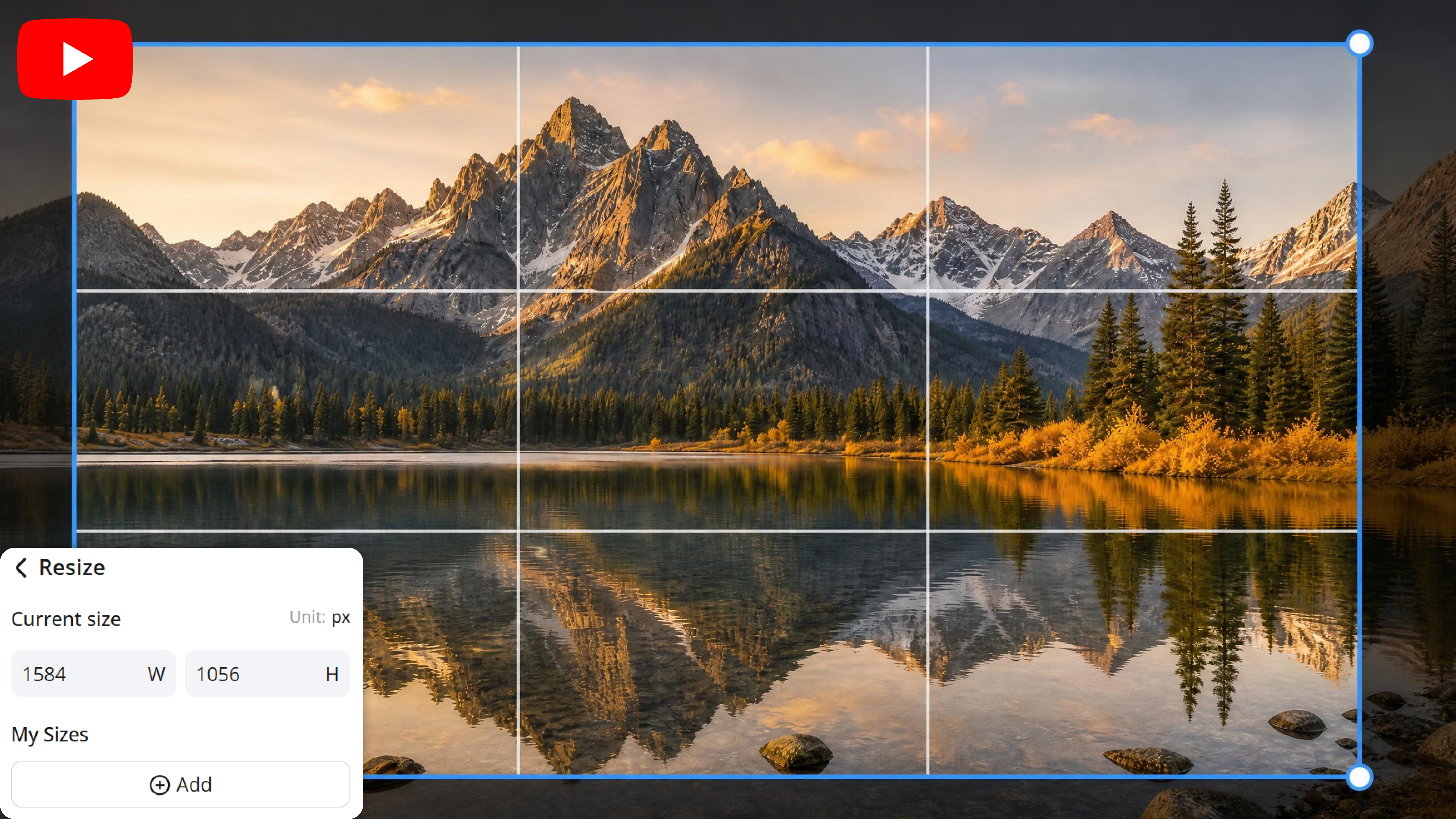
YouTube Banner Resizer Online
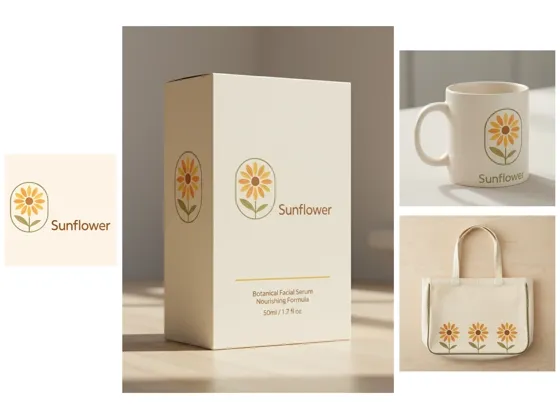
Free AI Image Generator
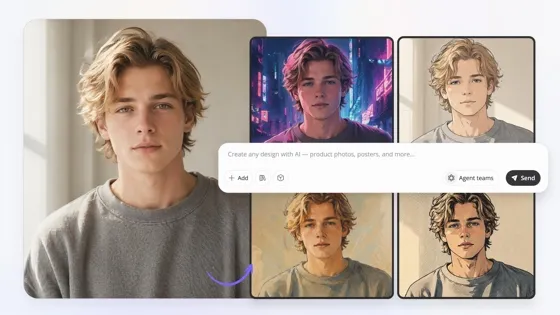
Image to Image AI
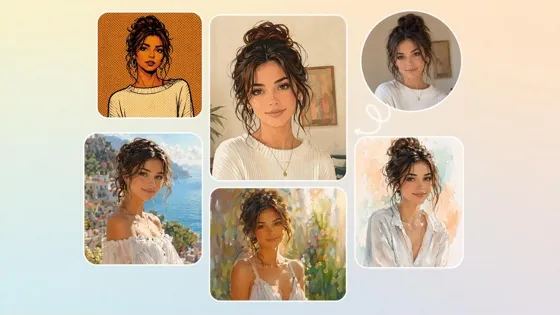
Turn Photos Into Art Styles
Frequently Asked Questions
Can I create banners from text prompts?
Can I resize one banner for different platforms?
Yes. A single banner can be adapted to multiple dimensions without manually rebuilding the design for every channel. Designkit helps resize banners for websites, social media platforms, ecommerce stores, display ads, and other digital placements while maintaining a balanced layout.
Can I use my own logo and product photos?
You can upload your own logo, product images, and brand assets to create banners that match your business identity. Designkit lets you replace visuals, adjust layouts, and customize text, so every banner reflects your products and branding.
Can I create multiple banner versions for A/B testing?
Creating multiple banner variations makes it easier to compare headlines, colors, offers, and product placements across campaigns. Designkit helps generate different banner versions quickly, making A/B testing more efficient without redesigning each variation manually.
Can I edit the generated banner later?
Yes. Generated banners remain editable, so you can update promotional text, swap product images, replace backgrounds, or modify colors whenever your campaign changes. Designkit allows you to make revisions without creating a completely new banner.
Which banner sizes can I create?
You can create banners in a wide range of dimensions for websites, social media, online stores, digital advertising, presentations, and other marketing channels. Designkit supports common banner sizes and lets you generate custom dimensions to match your publishing requirements.
Do AI generated banners look professional enough for commercial use?
Banner quality depends on your content, branding, and final edits, but AI-generated designs can be suitable for commercial marketing, ecommerce, and promotional campaigns. Designkit helps create high-resolution banners that can be customized before publishing or printing.
Can I generate banners without design experience?
You don't need graphic design skills to create effective banners. Simply provide a prompt or upload your images, then customize the generated layout as needed. Designkit simplifies the design process with editable templates and intuitive tools for users of all experience levels.
Turn Every Campaign into a Banner Instantly
Generate custom AI banners with Designkit from text or images, customize every detail, and download platform-ready banner designs for your next campaign.



What Users Say About Designkit Banner Maker
Real experiences creating banner designs for marketing and branding
Launched Seasonal Campaigns Faster
Every promotion needed banners in several sizes, which used to take hours. Designkit generated campaign-ready layouts and resized them for every storefront, helping us launch seasonal sales much sooner without redesigning each version.
Easier A/B Testing for Display Ads
I generated multiple banner concepts from one prompt instead of rebuilding each version in design software. Comparing headlines and layouts made campaign prep faster.
Maintained Brand Consistency
Our website banners, event graphics, and promotional visuals are all needed to match. Designkit kept colors, typography, and layouts consistent across every banner, reducing design revisions throughout the campaign.
Prepared Event Promotions Quickly
Each event required banners for websites, social media, and printed displays. Designkit helped me create matching graphics for every channel from one original design, saving significant preparation time.