
Turn Any Product Photo into Studio-Quality Images with AI
Upload a phone or supplier photo and get professional product images ready for Amazon and Shopify. No studio, no editing software, no reshooting.
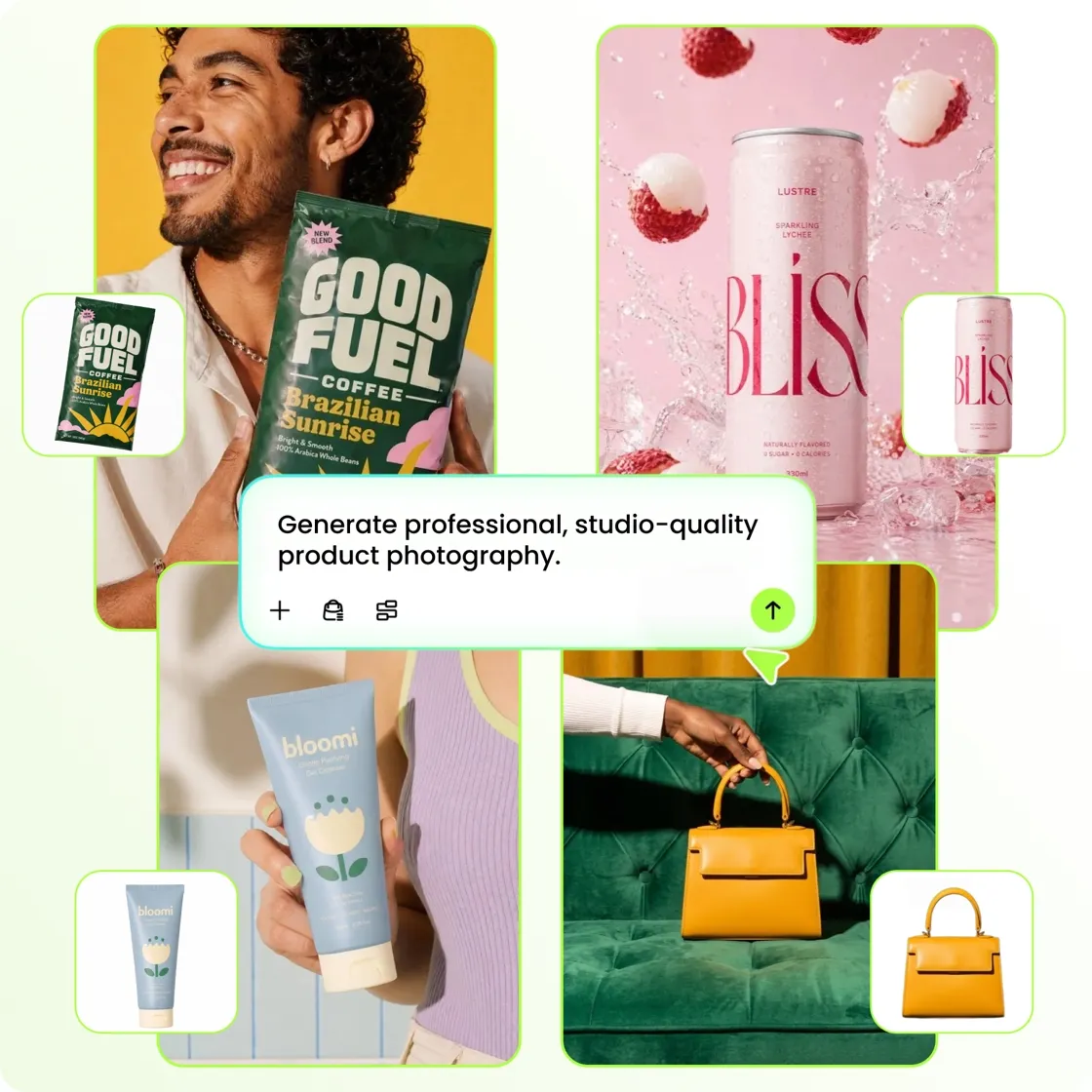
How to Create Product Photos in 3 Steps
Upload Your Product Photo
Upload a product photo from your phone, supplier, or existing catalog. Designkit removes the original background and cleans up the image so your product is ready for new scenes and layouts.
Create New Product Scenes
Generate Product Scenes Choose from white background setups, studio scenes, and lifestyle environments. Lighting and shadows are matched automatically so the final image looks consistent and ready to use.
Download Images Ready
Download Store-Ready Images Download high-resolution images sized for Amazon, Shopify, ads, and social media. Files are export-ready with no additional editing required.
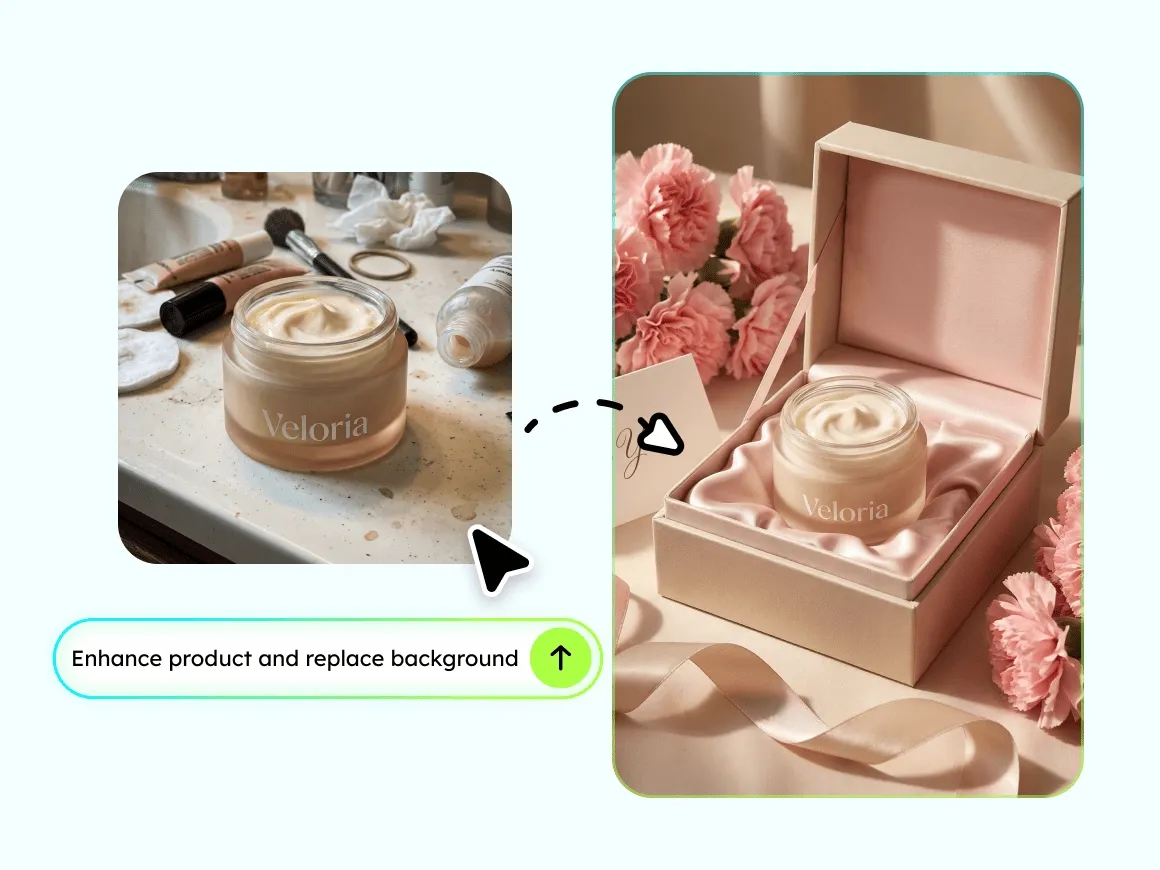
Phone Shot to Pro Product Photo in 10 Seconds
Your supplier sent a photo with a messy background and bad lighting? AI automatically removes distractions, corrects exposure, enhances product details, and delivers a clean, sharp product image that looks professionally shot. Works with phone shots, supplier images, warehouse photos, and even screenshots.
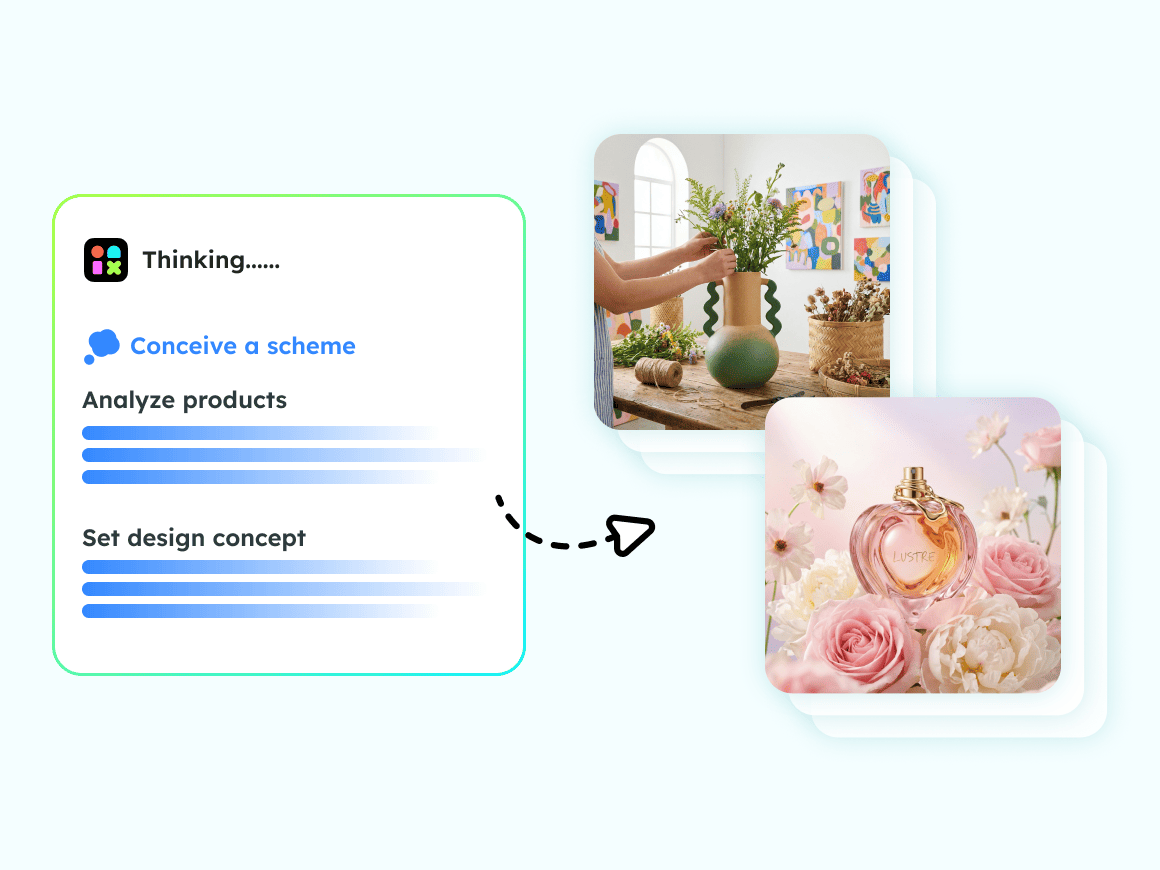
AI Picks the Perfect Scene You Just Click Generate
Tell the AI what you are selling, and it recommends scenes that match your product style. Candle in a warm bedroom with soft ambient lighting. Water bottle on an outdoor hiking trail at golden hour. Skincare on a marble countertop with natural window light. Coffee mug on a cozy wooden desk with morning atmosphere. Lighting and shadows adapt in real time so your product integrates seamlessly into the scene, not cut and pasted on top. Or type your own scene description for full creative control.
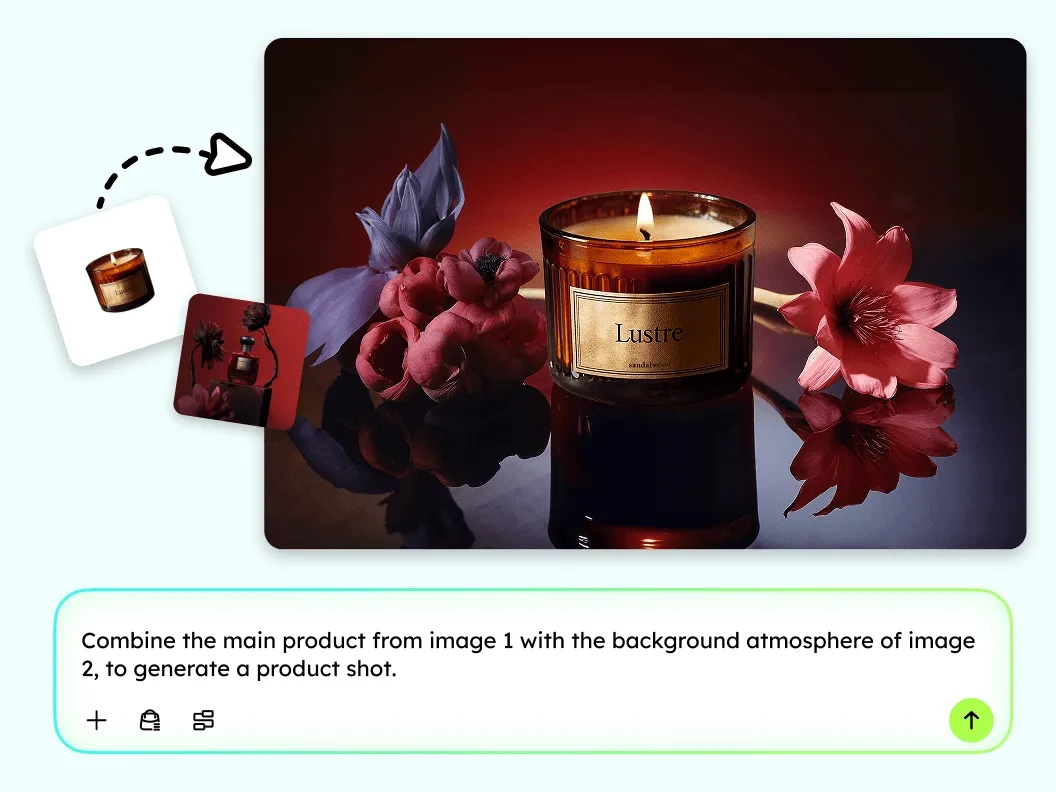
Clone Best Seller Visual Styles 100% Copyright Safe
See a competitor product image that performs well? Upload it as a style reference. AI analyzes the composition, color palette, and visual focus, then applies a similar aesthetic to YOUR product photo without copying any copyrighted elements. Every image generated is commercially licensed and safe to use on any platform worldwide.
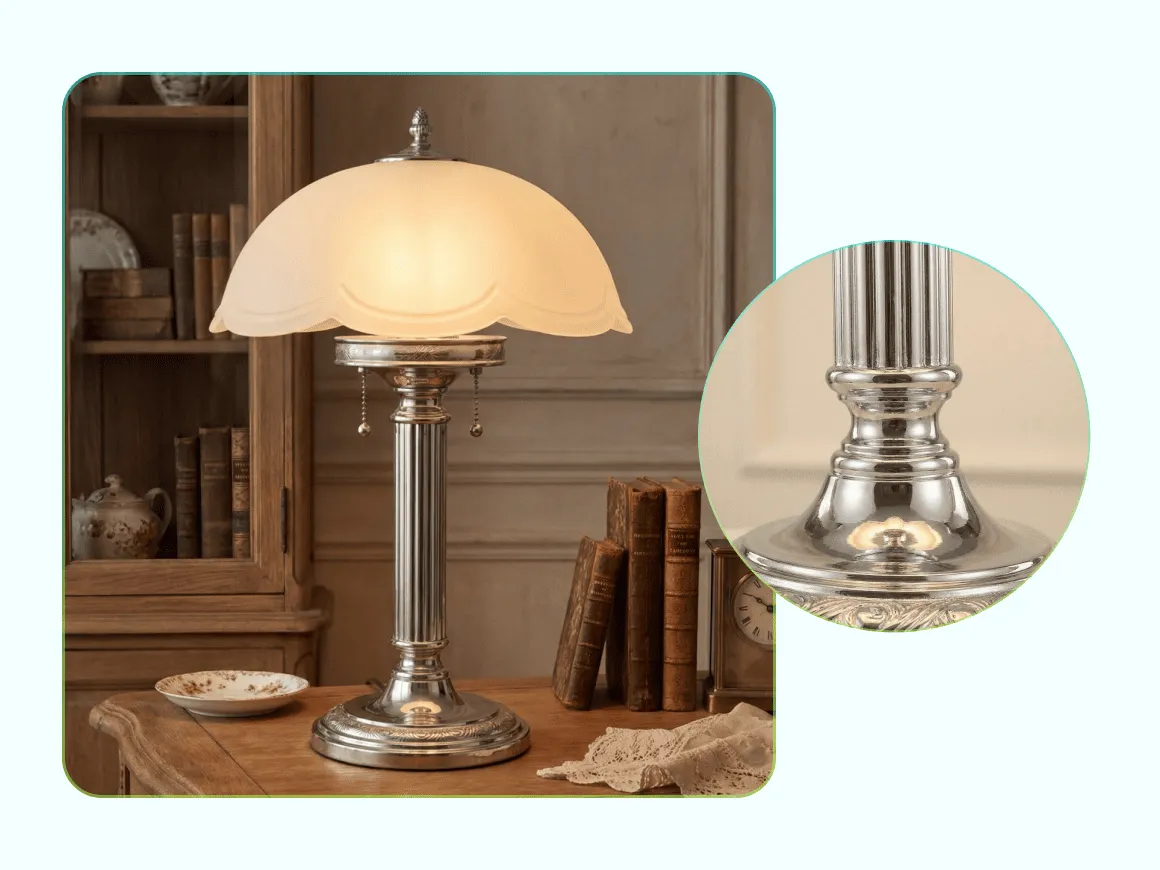
Every Texture Preserved Fabric, Metal, Glass, Food
AI enhances your product while preserving what matters most the weave of fabric, the sheen of metal, the translucency of glass, the texture of food. Minor flaws like blur, color deviation, or dust spots are automatically corrected during generation. Product shape, color, and proportions stay 100% true to the original.
Designed for Different Product Image Workflows
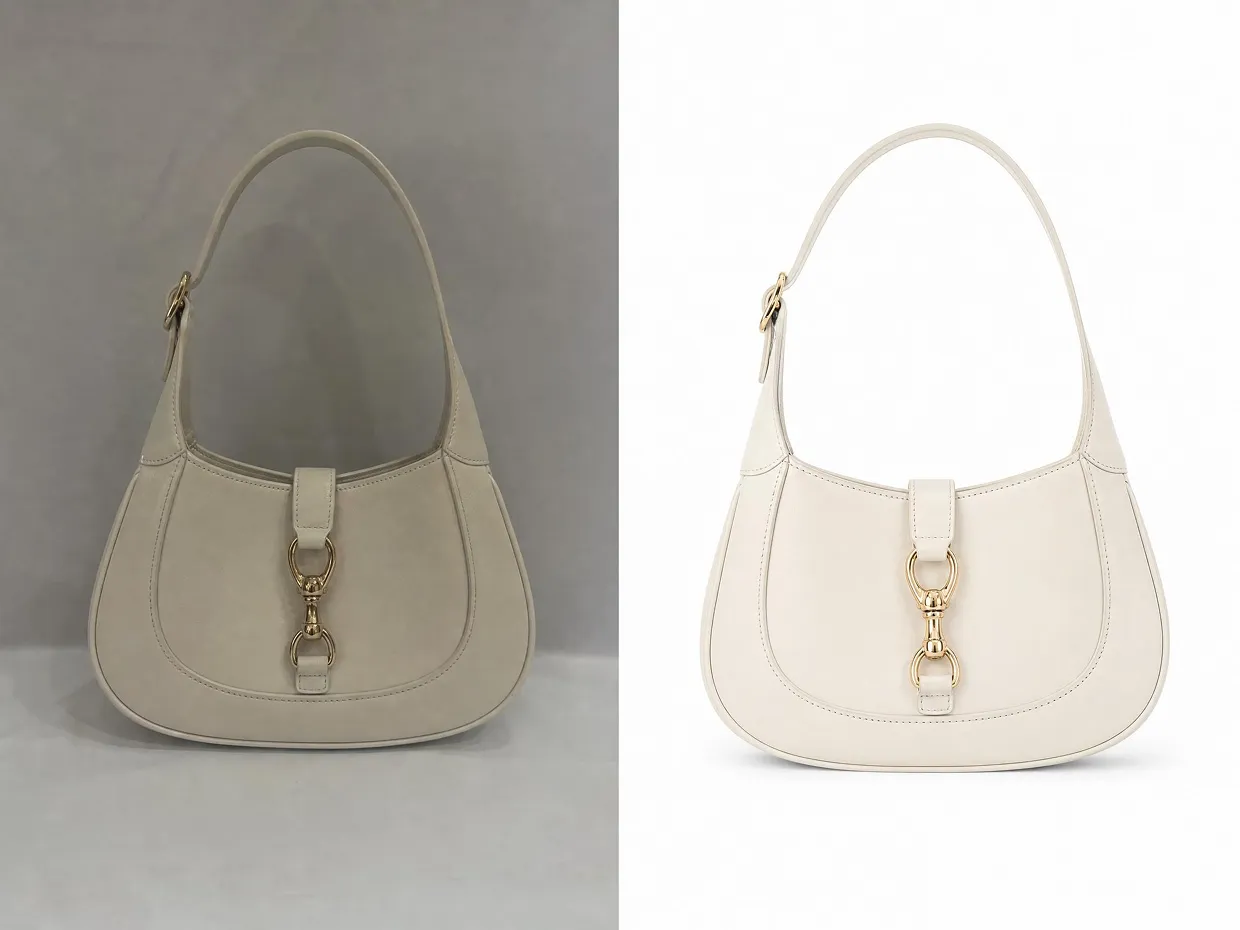
Online Store Sellers: Turn Everyday Product Photos Into Store-Ready Visuals
Many small sellers rely on supplier photos or phone snapshots that do not meet platform standards. Designkit turns low-quality product images into clean, professional visuals ready for Amazon and Shopify listings, without needing a studio booking or a design team on hand.
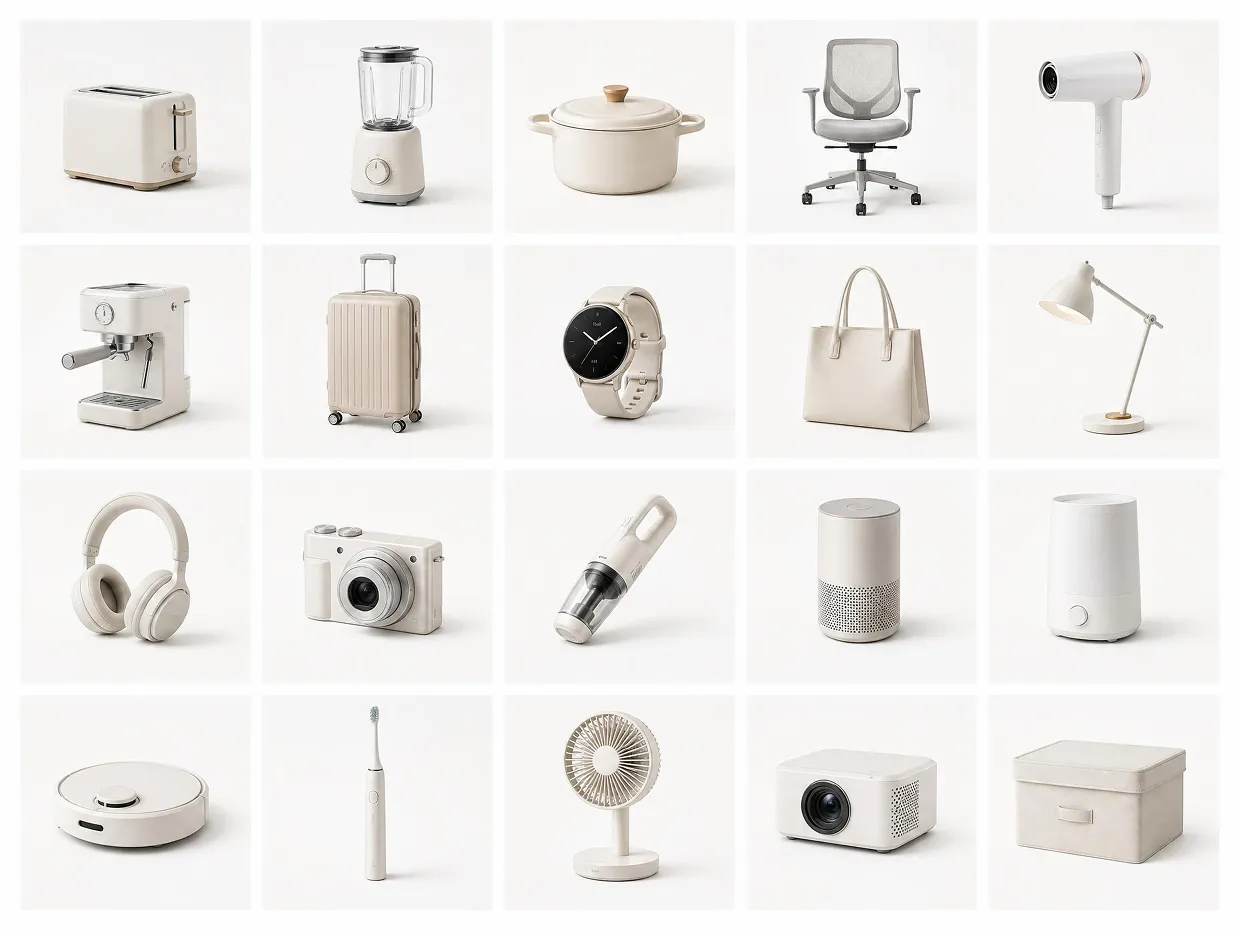
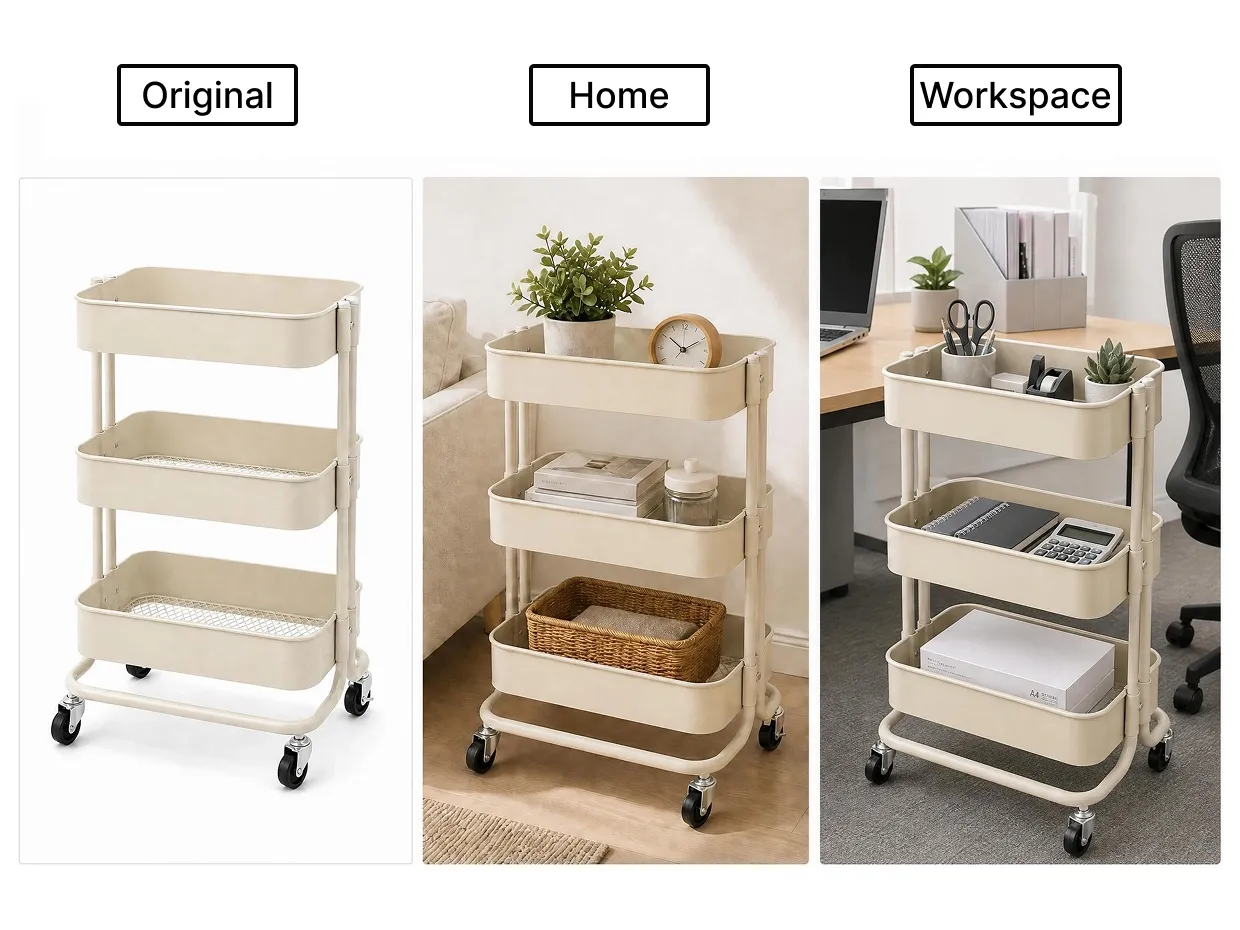
Built for Faster Product Image Workflows

Faster Product Image Production
Designkit helps teams create product photos, marketing visuals, and listing images in less time. Generate backgrounds, product scenes, and ready-to-use assets from a single workflow instead of editing every image manually.

Consistent Visuals Across Platforms
Keep product images consistent across online stores, ads, and social media campaigns. Designkit helps maintain matching backgrounds, lighting, and visual styles across different products and formats.

No Studio or Designer Required
Produce clean, professional product photos without booking a studio or hiring a designer. Designkit handles background removal, scene generation, and lighting adjustments in one workflow, so teams of any size can maintain high-quality visuals without outsourcing.
Product Photography Tools by Style and Product Type
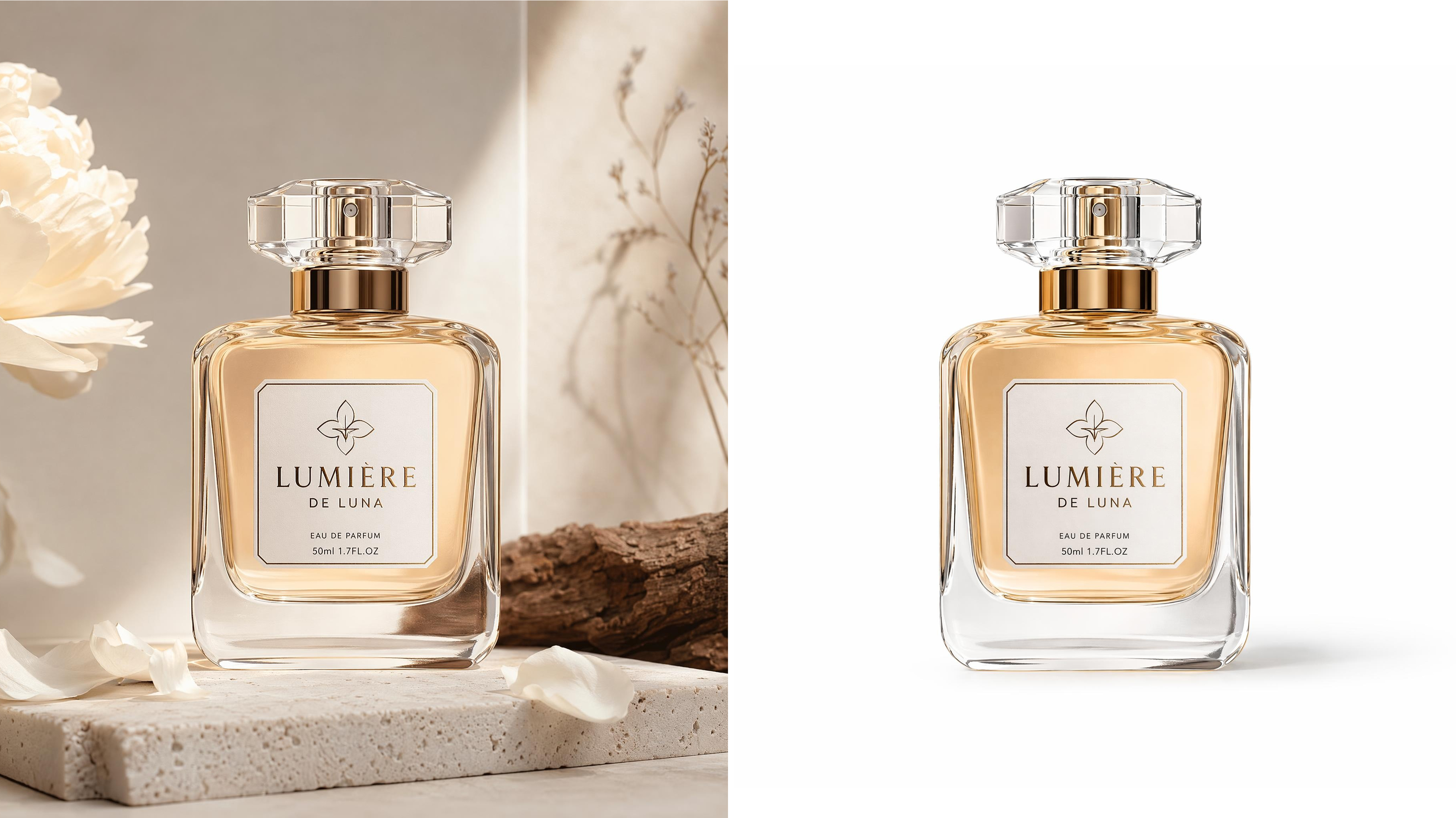
White Background Photos
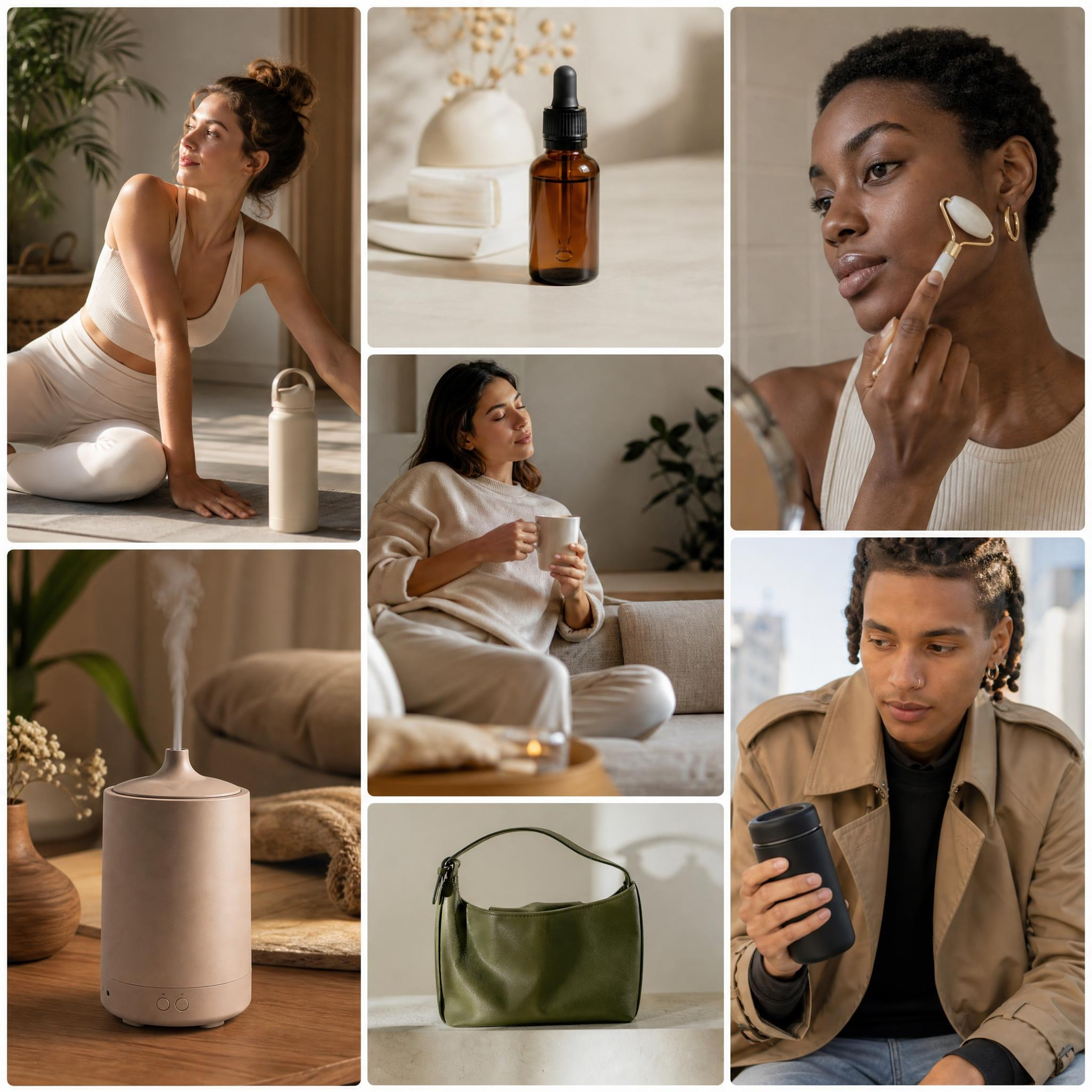
Lifestyle Product Photos
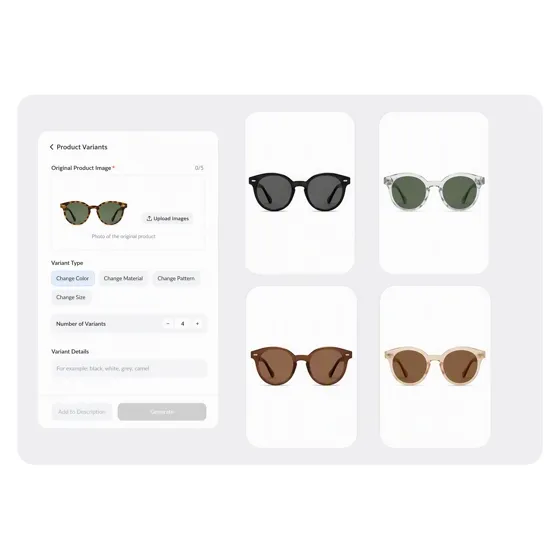
Product Variant Generator
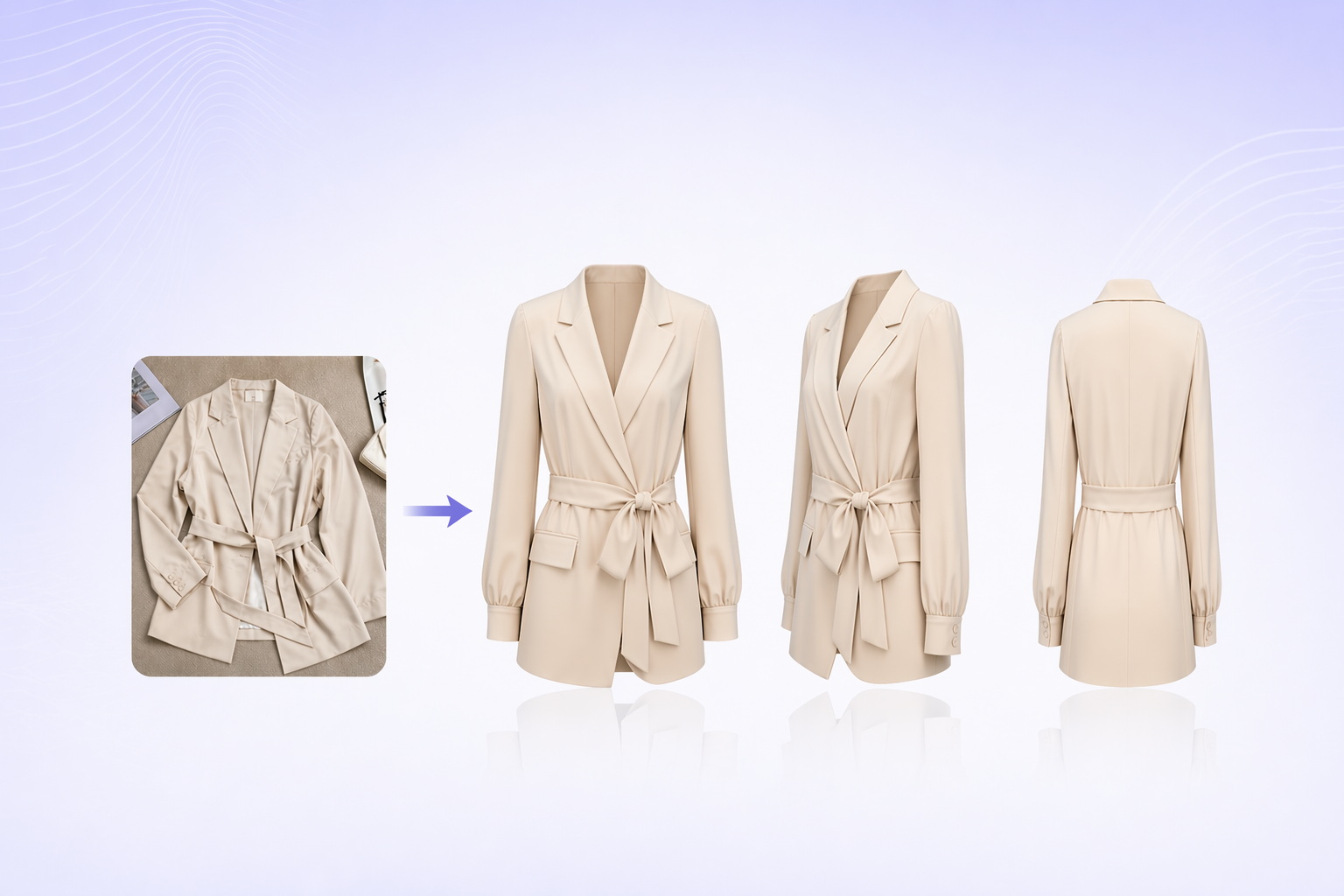
Ghost Mannequin Images
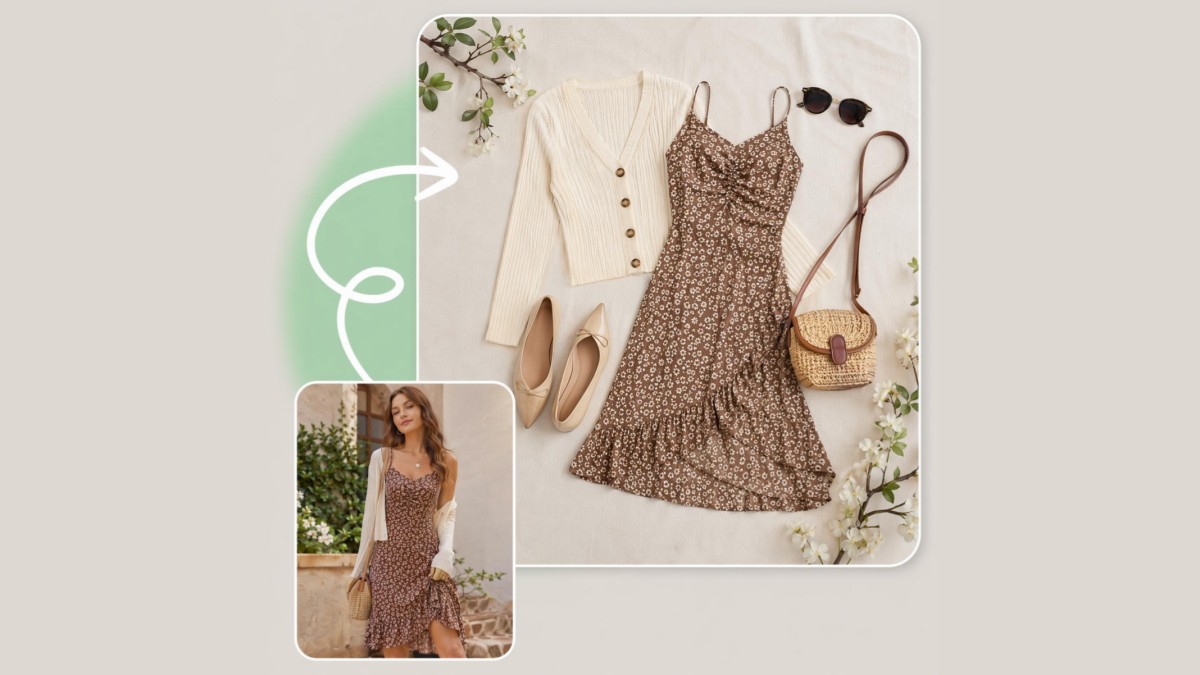
Flat Lay Photo Generator
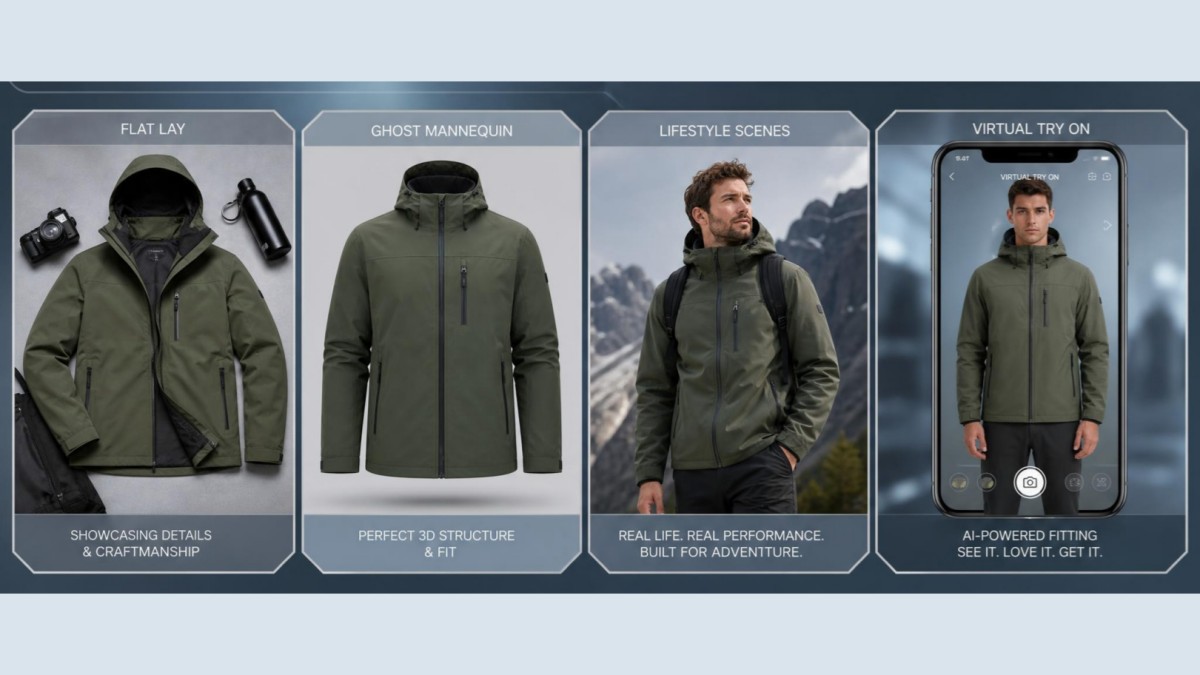
Clothing Photo Generator
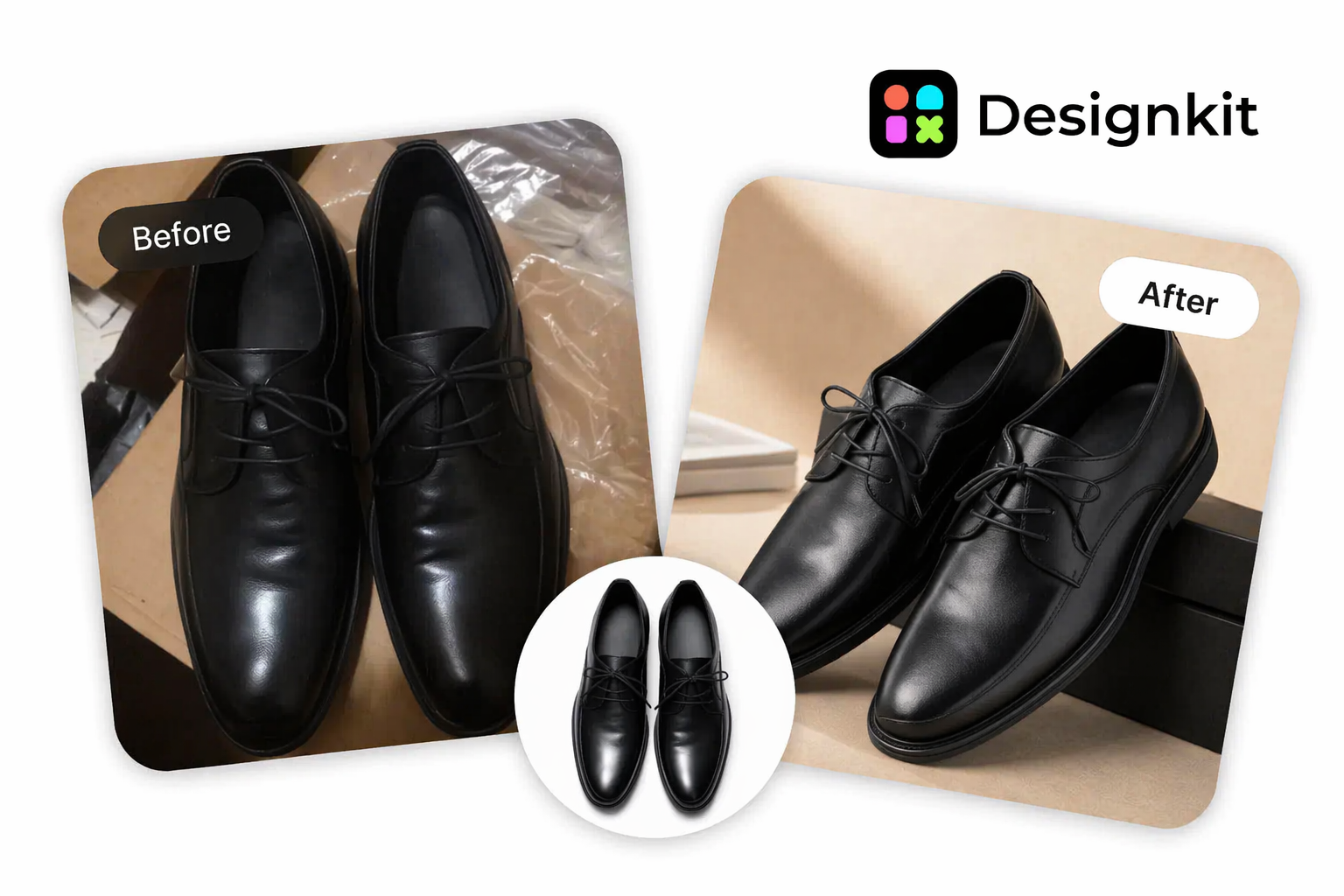
Shoe Photo Generator
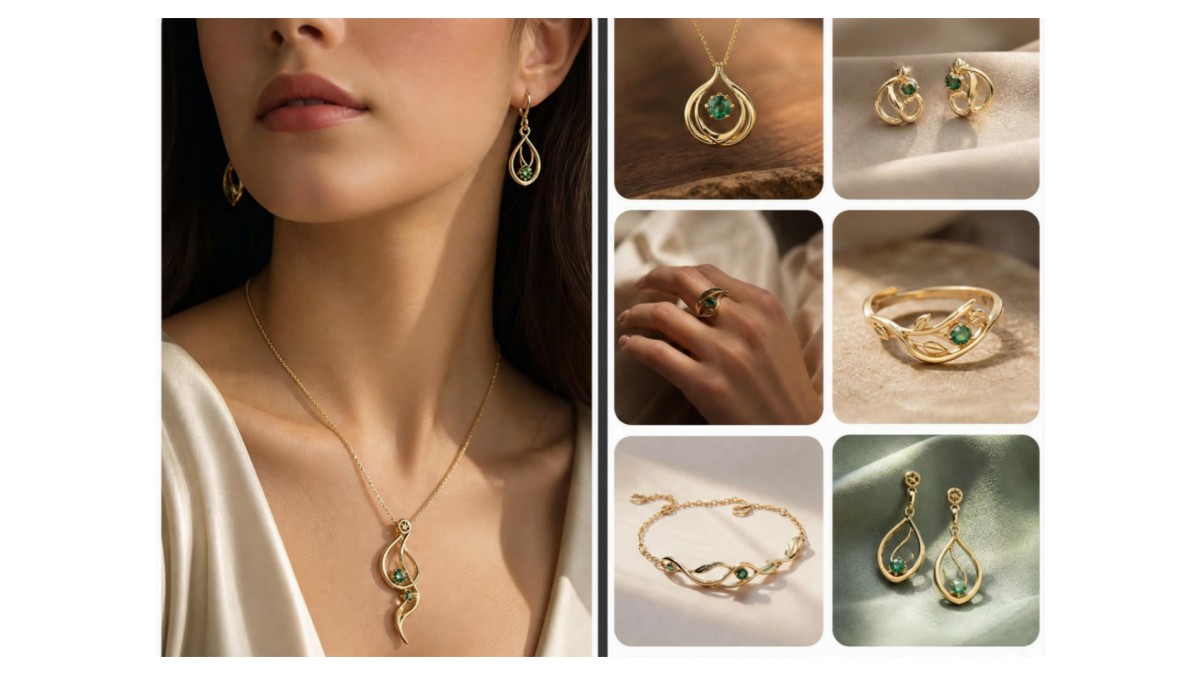
Jewelry Photo Generator
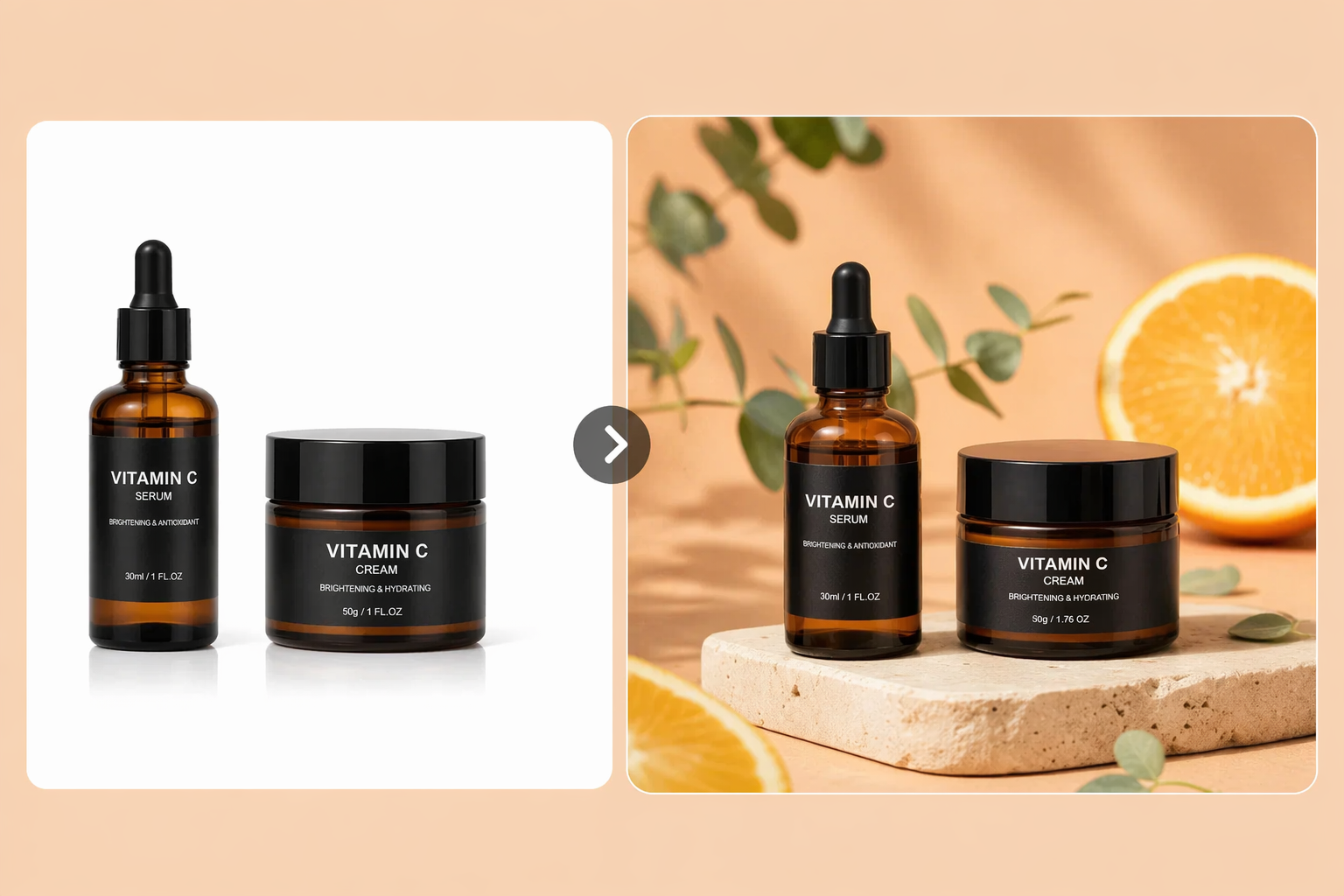
Skincare Photo Generator
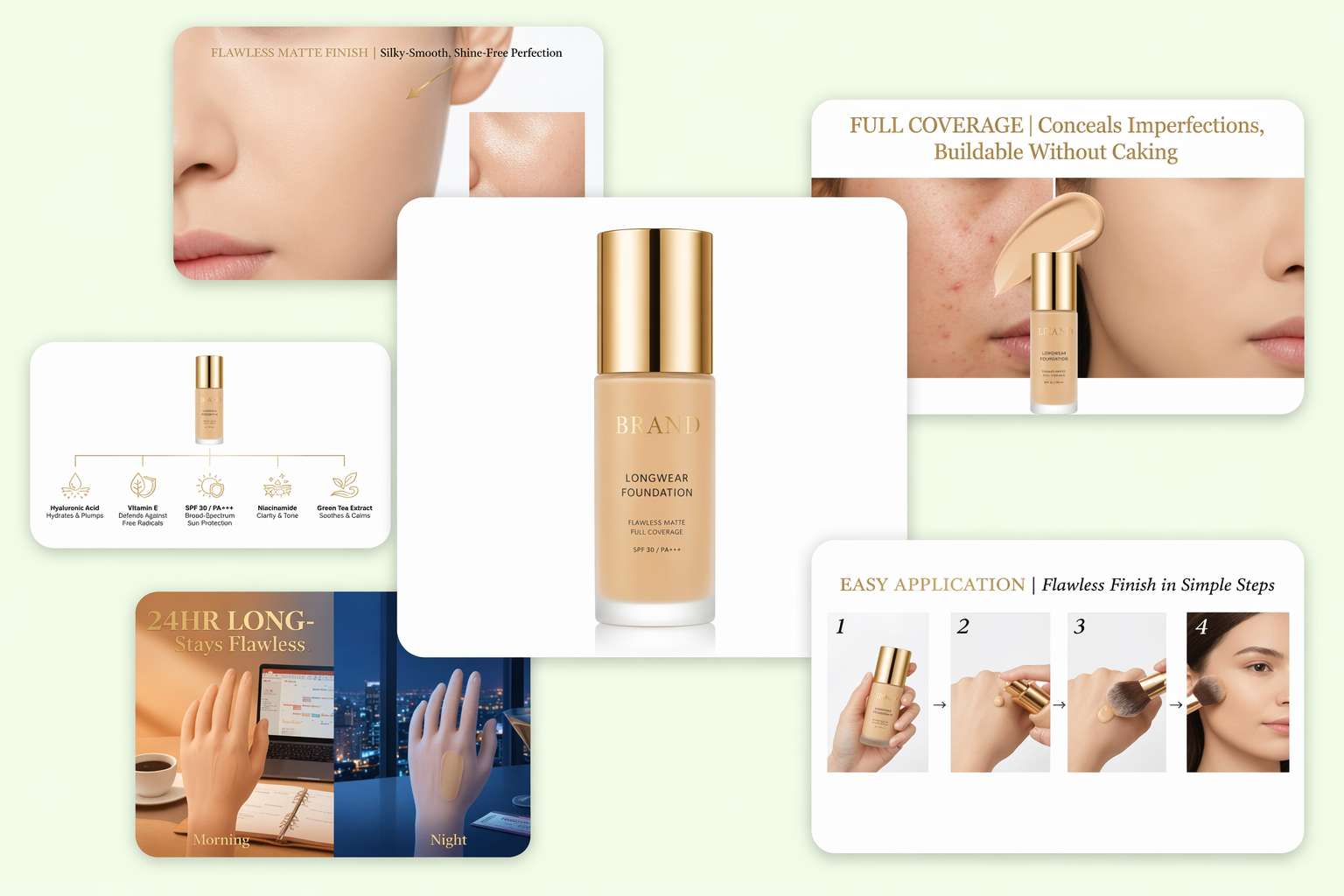
Cosmetics Photo Generator
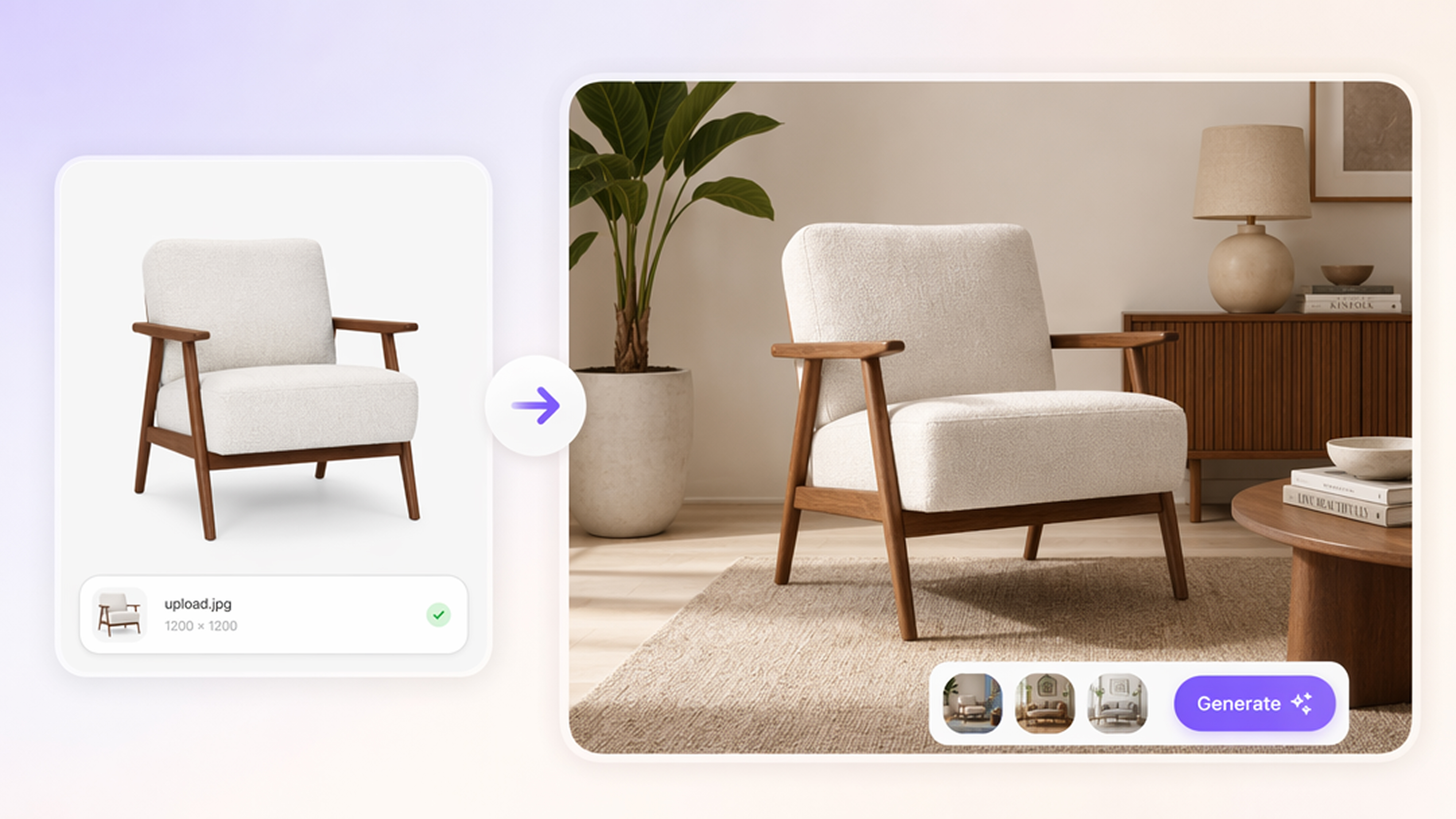
Home Decor Photo Tools
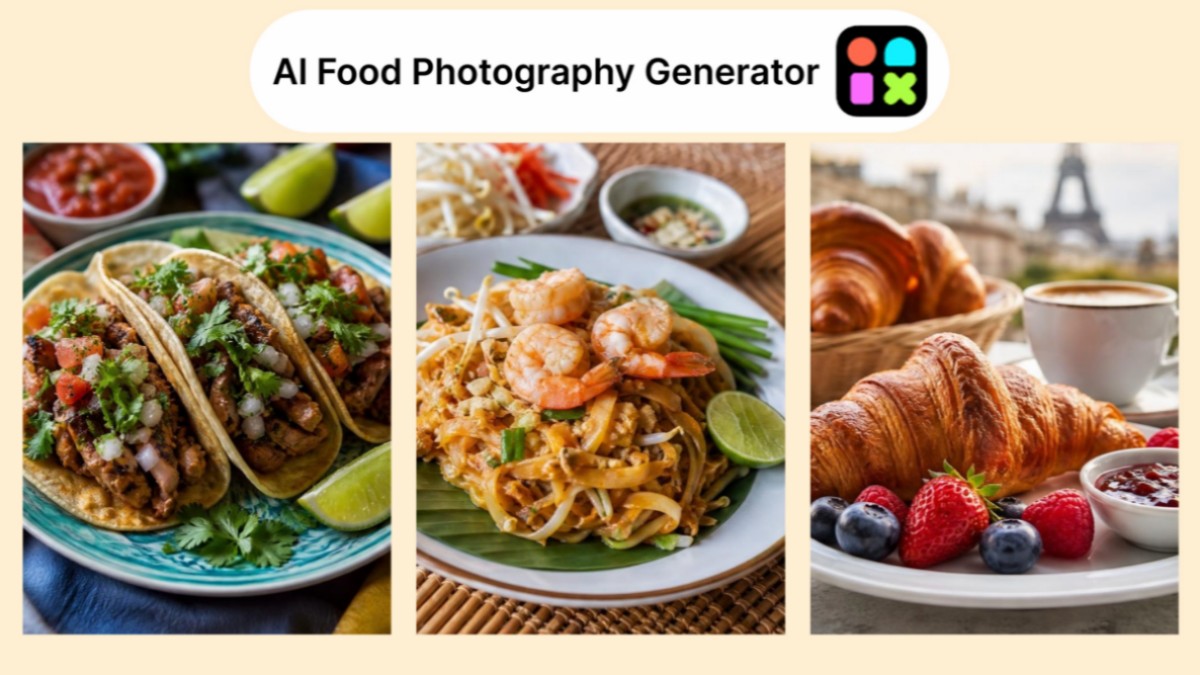
Food Photo Generator
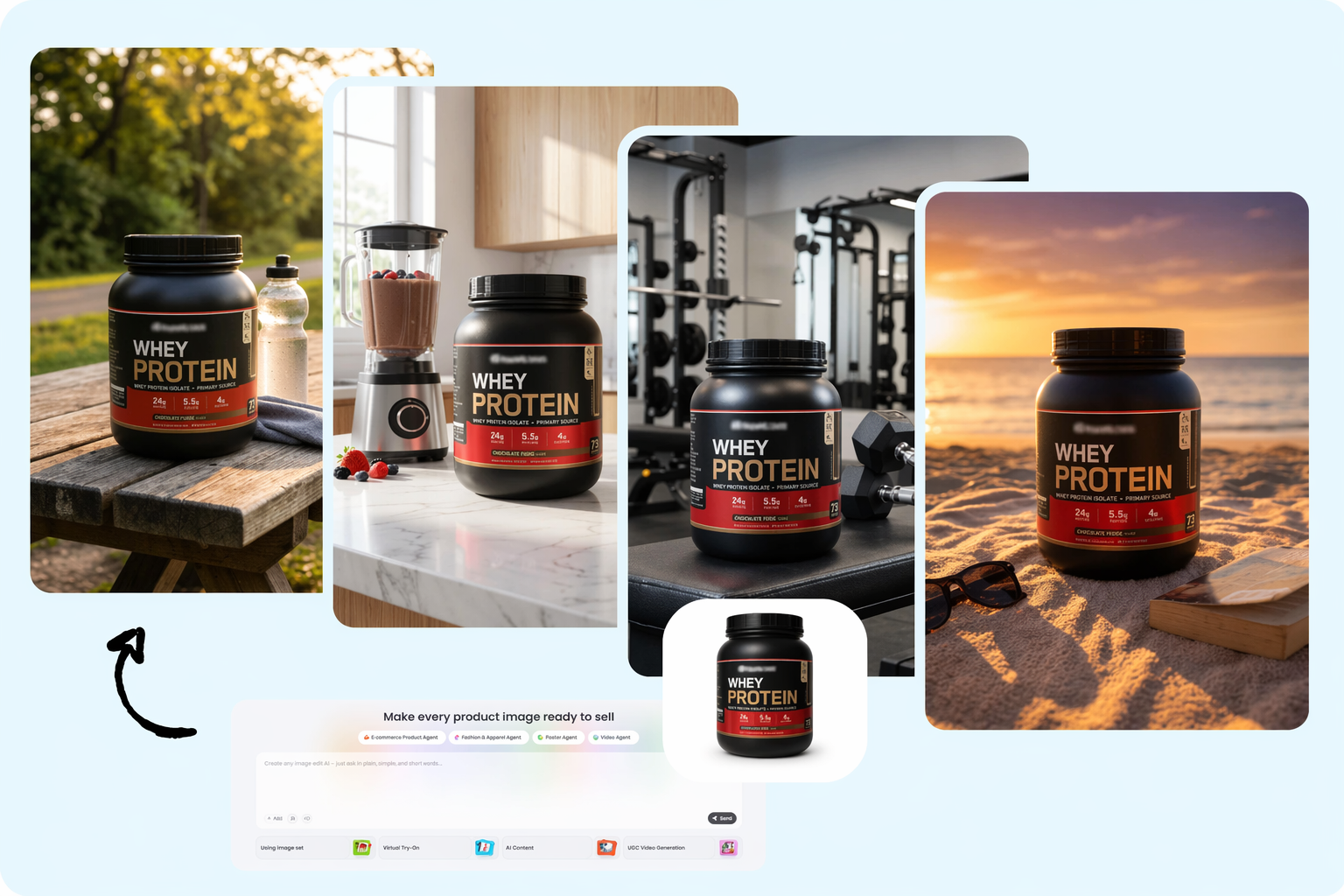
Supplement Photo Tools
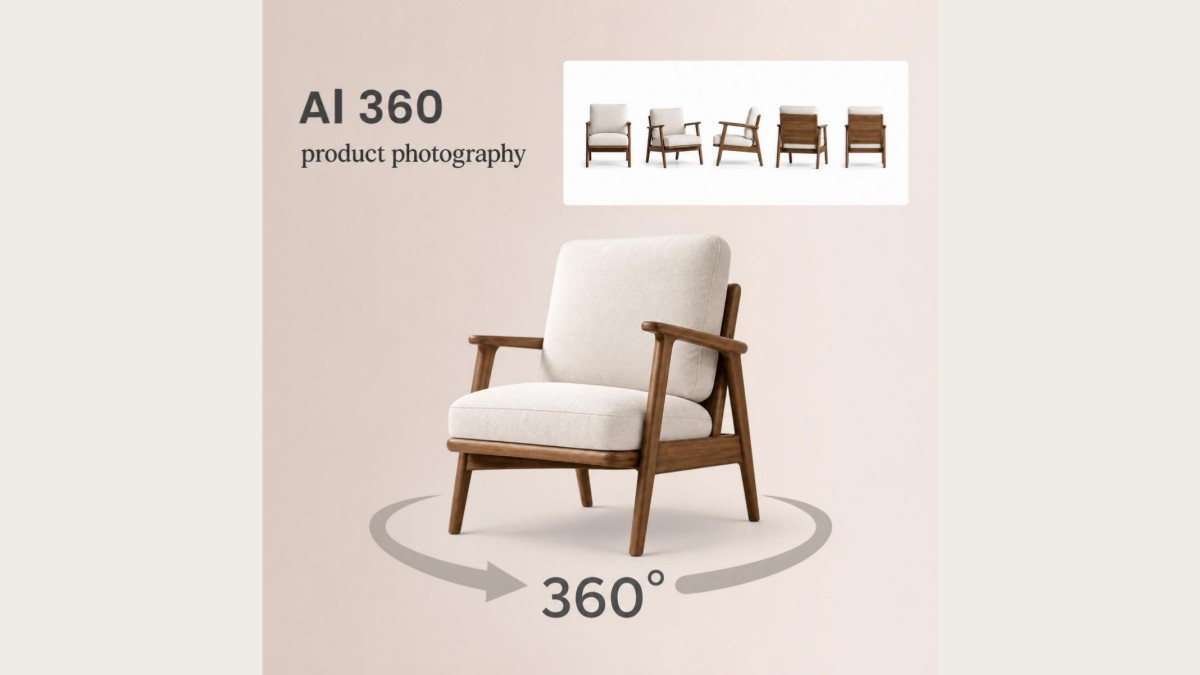
360 Product Photography
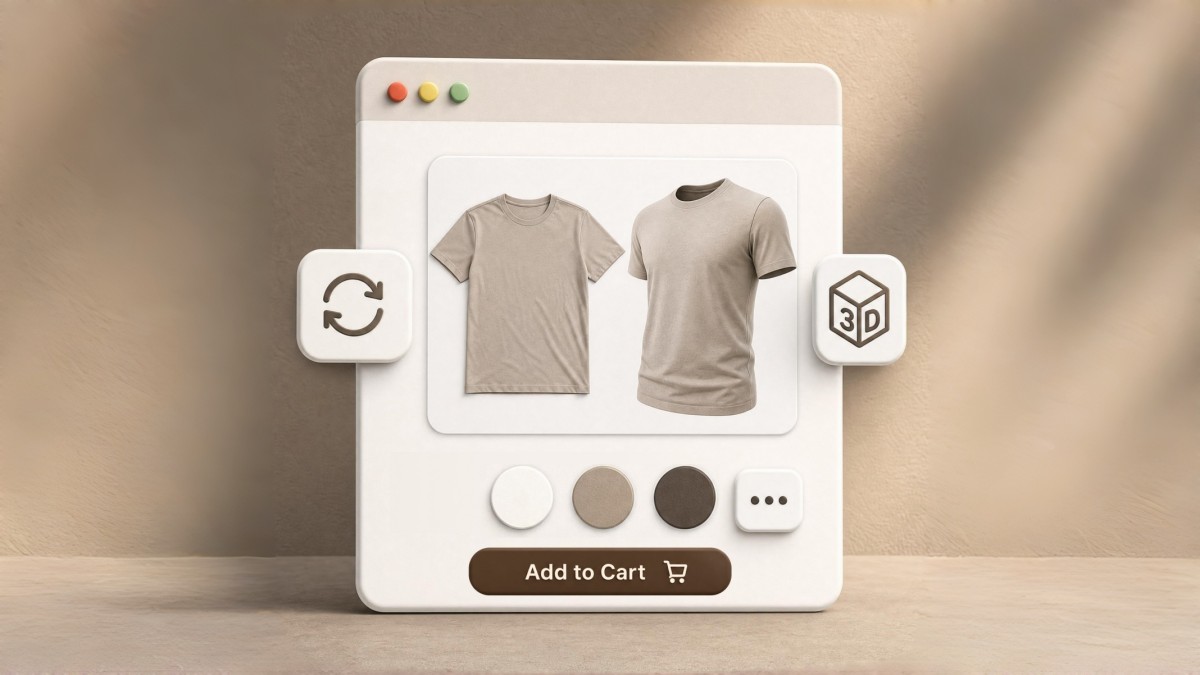
3D Product Image Tools
Product Photography Tips and Ideas
Frequently Asked Questions
Can AI really replace professional product photography?
How do I make my product photos look professional without a studio?
Upload any product photo — even a phone shot with a cluttered background. Designkit's AI removes the background, corrects lighting, enhances details, and places your product into a professional scene. The result looks like it was shot in a $500/day studio. No equipment, no design skills, no editing experience needed.
What types of product scenes can AI generate?
Designkit generates a wide range of scenes tailored to your product category: white/solid backgrounds for marketplace hero images, lifestyle scenes (kitchen, bathroom, outdoor, office, bedroom), seasonal themes (holiday, summer, spring), and custom scenes from your text description. AI adapts lighting and shadows to each scene for a natural, realistic look.
Is there a free AI product photo tool I can try?
Yes! Designkit offers 20 free credits on sign-up — enough to generate professional product images for several products. You also earn 10 free credits daily just by logging in. No credit card required. All free-tier images are full resolution with no watermarks.
What are Amazon's product image requirements?
Amazon requires main product images to have a pure white background (RGB 255,255,255), minimum 1000px on the longest side (2000×2000px recommended), and the product must fill at least 85% of the frame. Designkit generates images that automatically meet all these requirements. Just select "Amazon" as your export format and download.
Can I generate product images in batch?
Yes. Upload multiple product photos at once, and AI generates professional images for each one with consistent quality, lighting style, and scene type. Ideal for catalog refreshes, seasonal updates, or new product launches. Batch export as ZIP in one click.
Ready to Upgrade Your Product Photos?
Generate professional product images instantly with AI. Showcase your products in high-quality, realistic photos ready for eCommerce, ads, and social media campaigns.


