
Seedream 5.0 Pro AI Image Generator
Create realistic images, marketing graphics, product visuals, and multilingual designs with Seedream 5.0 Pro. Designkit lets you generate, edit, and refine images in one place, helping you move from idea to finished visual with less manual work.
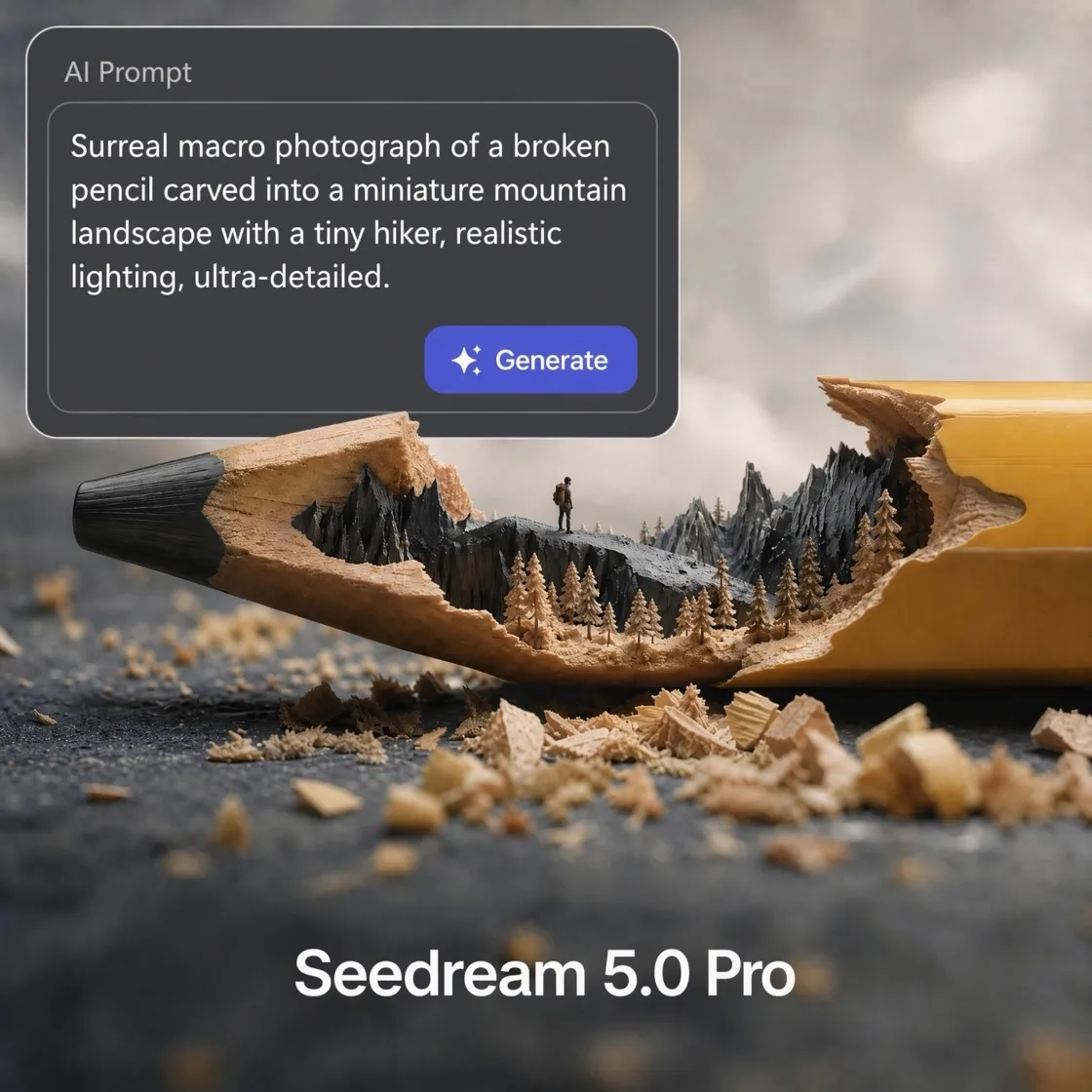
What Seedream 5.0 Pro Brings to Designkit
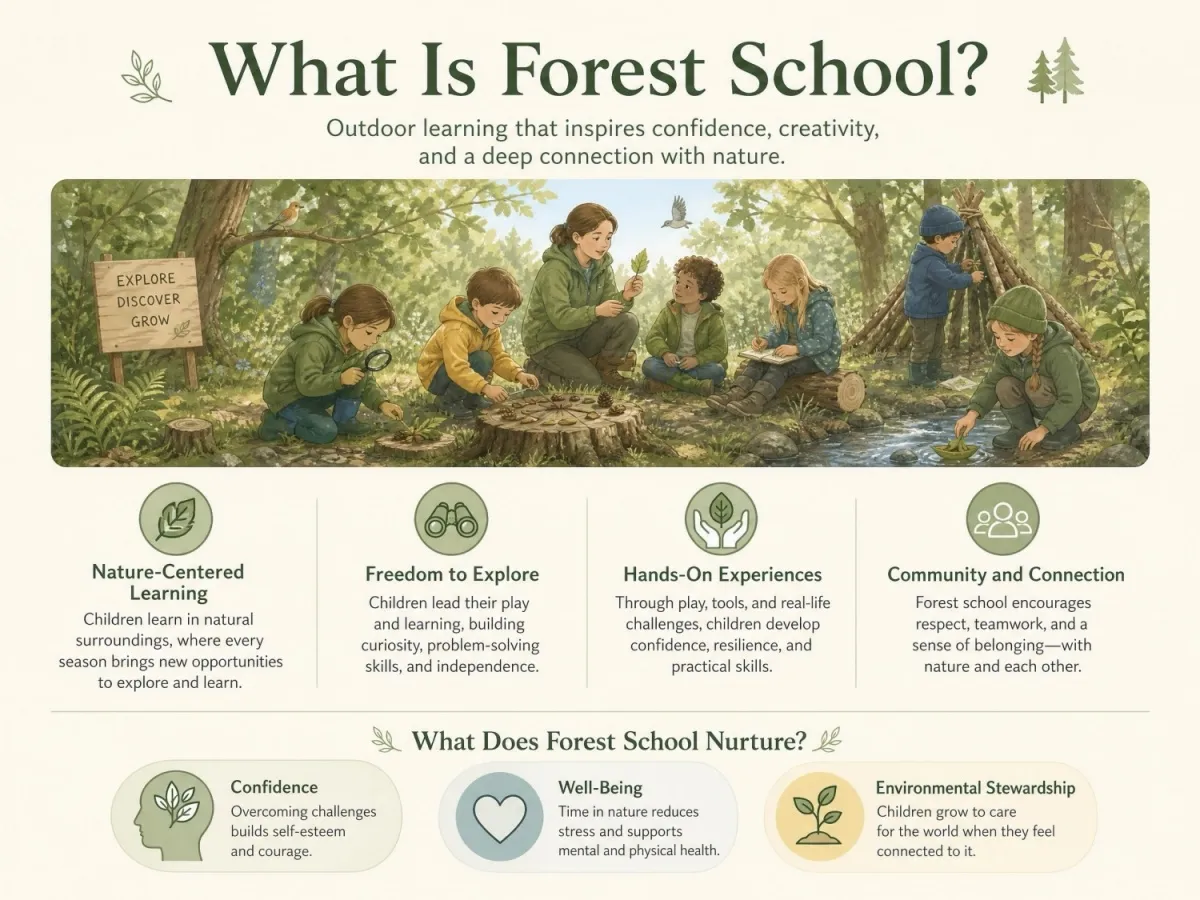
Create Infographics with Clear Layouts
Turn complex information into charts, diagrams, timelines, and marketing graphics with a single prompt. Seedream 5.0 Pro organizes content into a clear visual hierarchy while keeping text readable. It's well suited for presentations, product explainers, educational content, and promotional materials that need both structure and visual clarity.
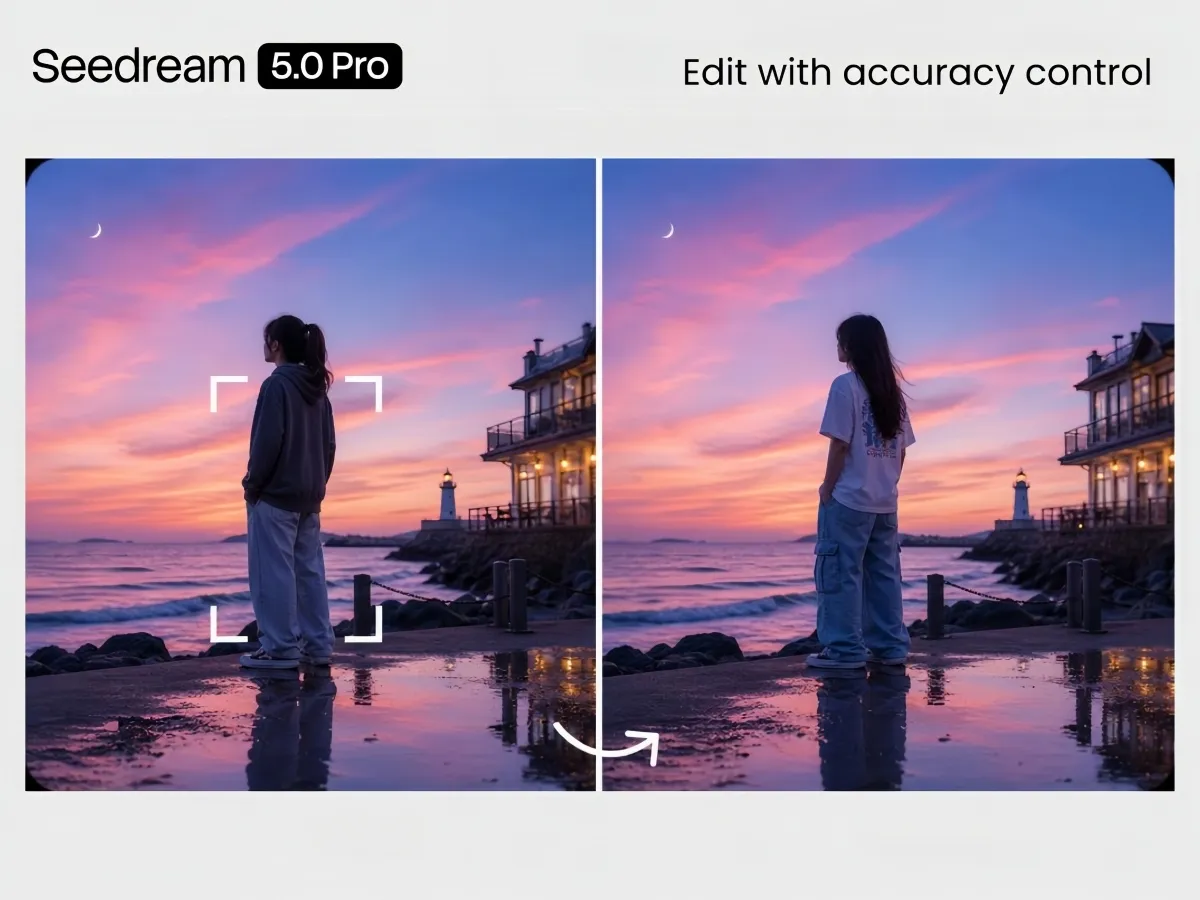
Make Precise Edits Without Starting Over
Update only the part of an image you want to change. Replace objects, adjust colors, add new elements, or edit backgrounds while keeping the rest of the image unchanged. This makes it faster to refine designs without regenerating the entire image.
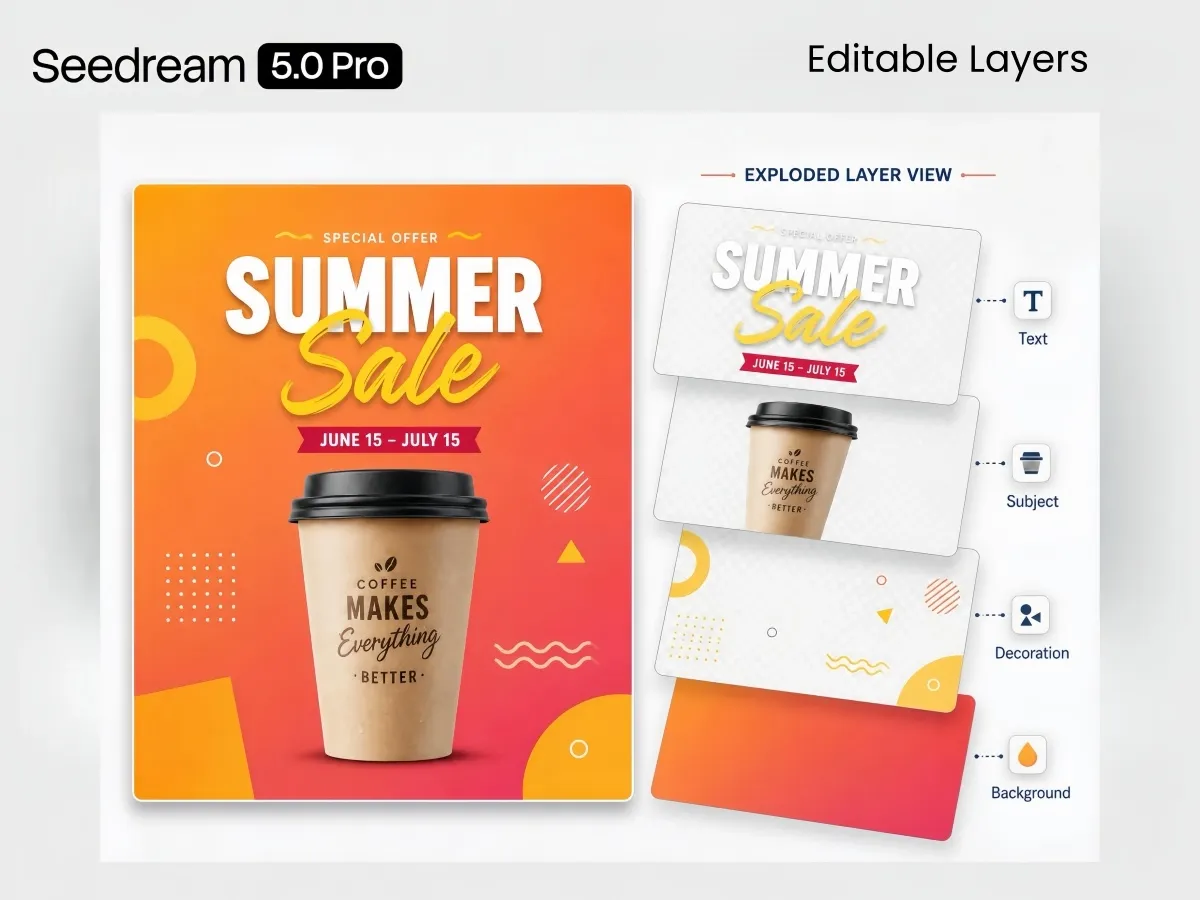
Convert Images into Editable Layers
Separate text, subjects, backgrounds, and other elements into individual layers for easier editing. You can move, replace, or adjust each element independently, making it simple to continue working on posters, marketing assets, and creative projects.
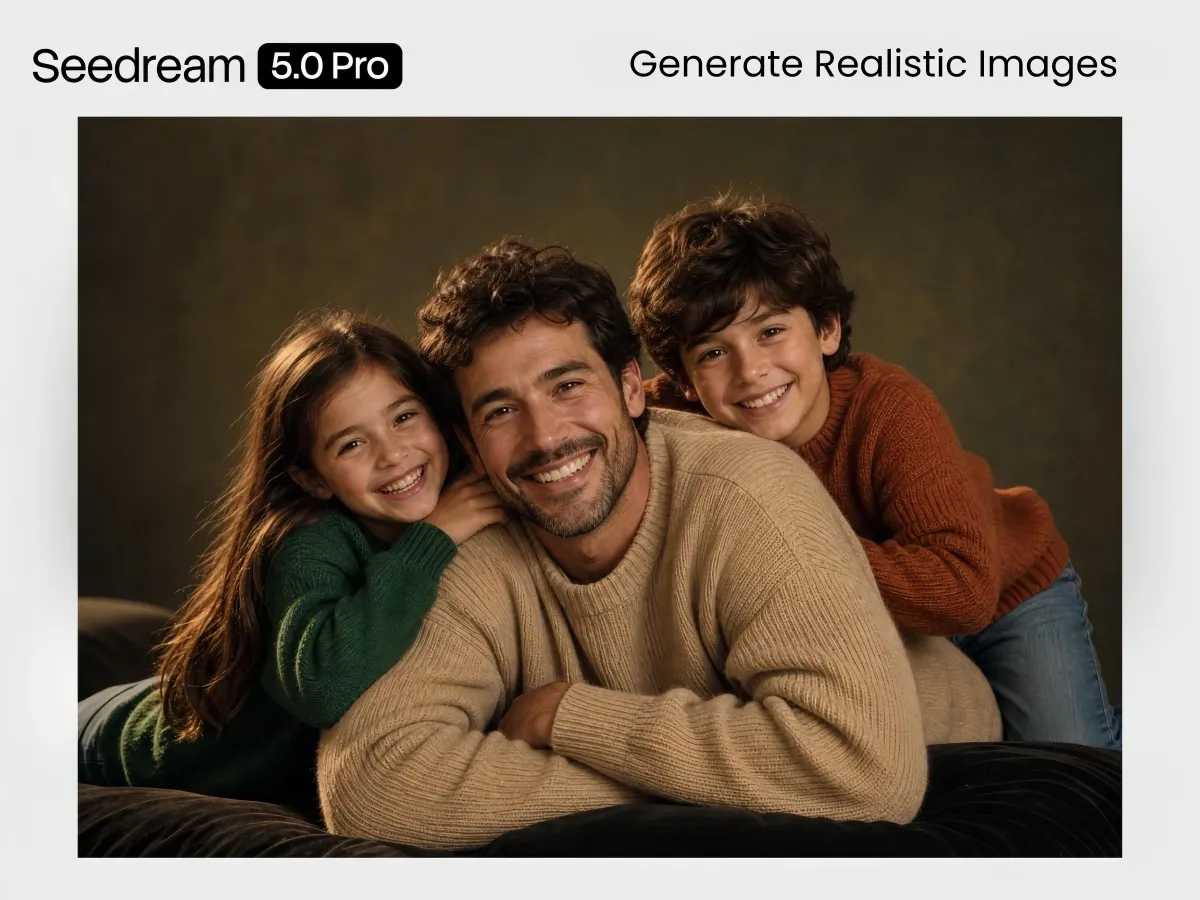
Generate More Realistic Images
Create images with natural lighting, accurate materials, and lifelike facial details. Seedream 5.0 Pro produces realistic reflections, shadows, textures, and skin tones, making it a strong choice for portraits, product photography, and commercial visuals.
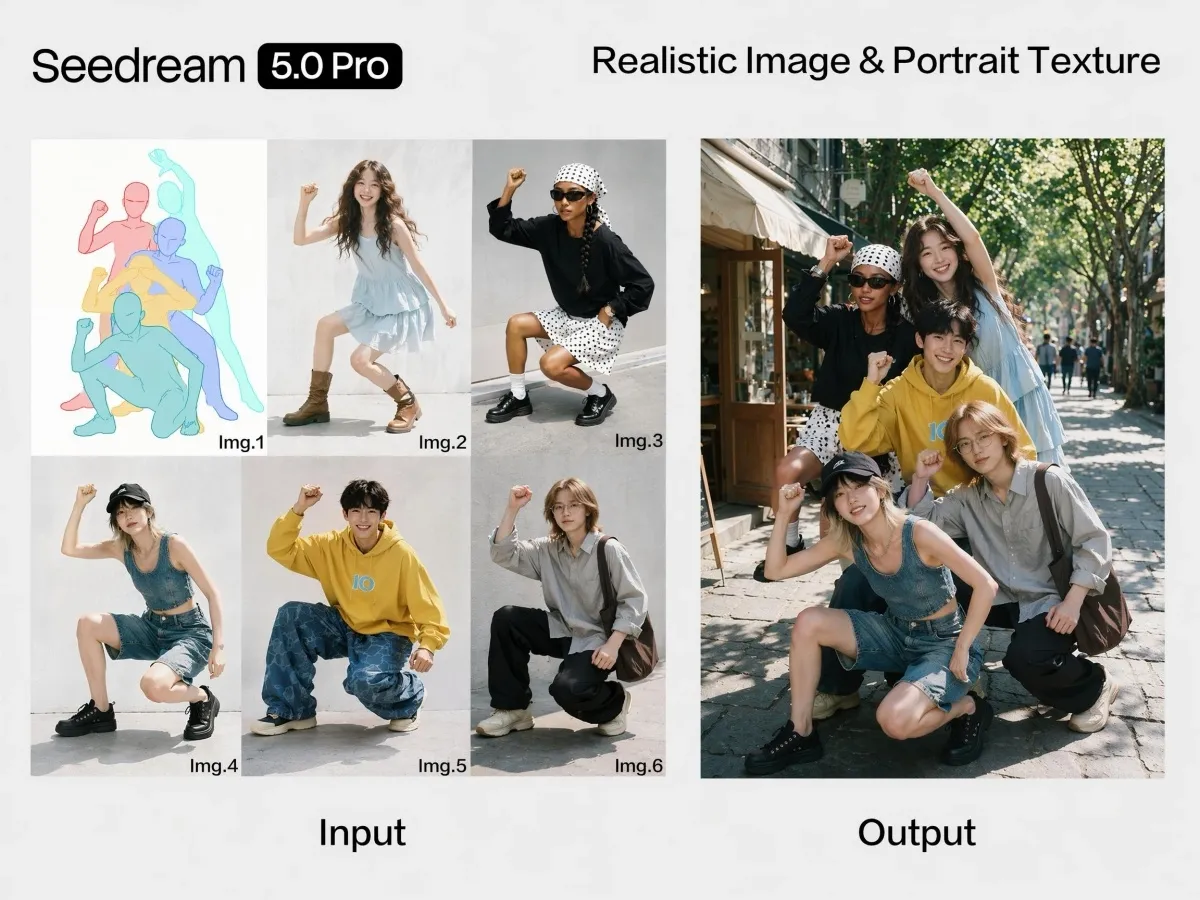
Combine Sketches and Reference Images
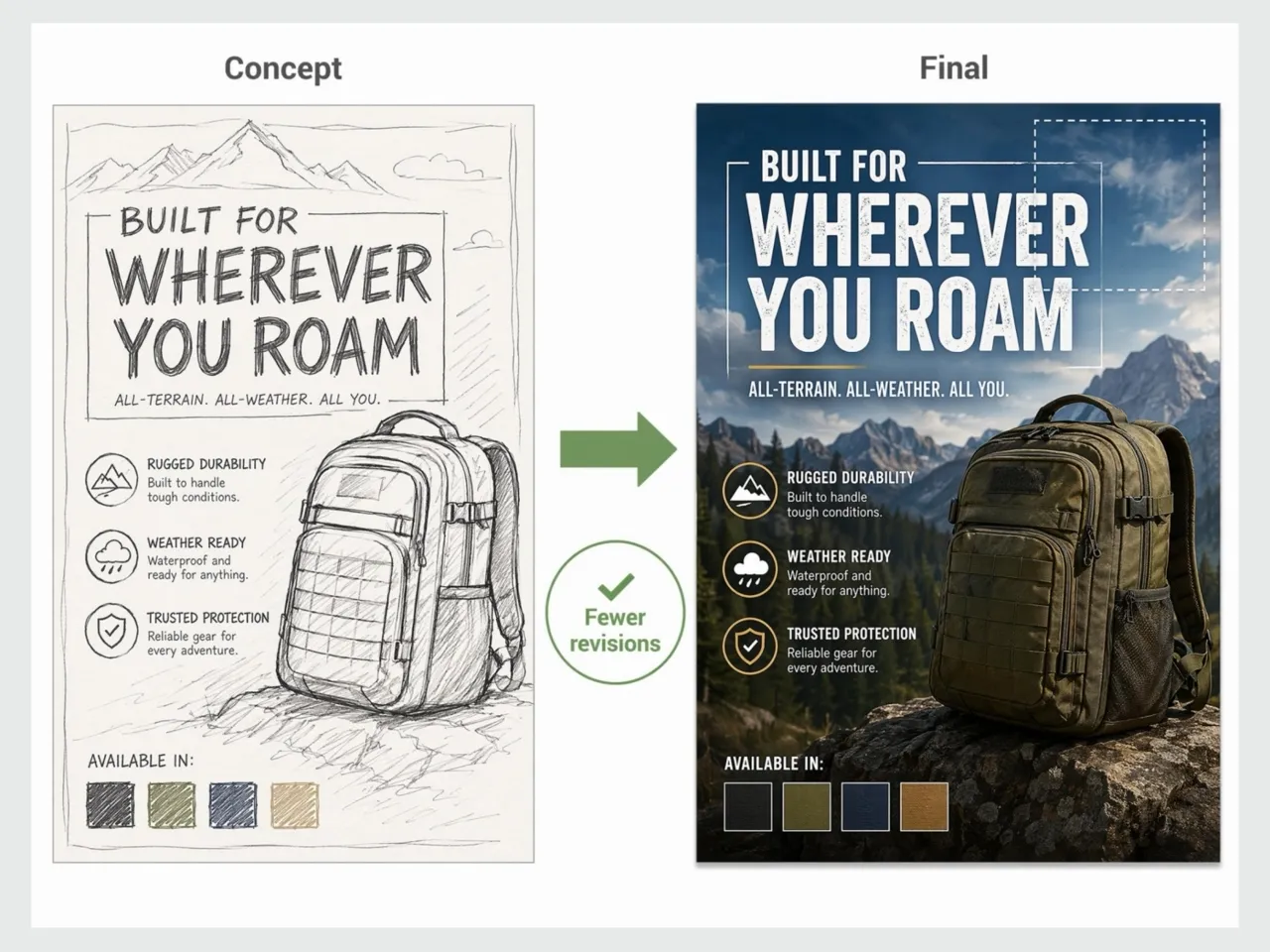
Start with a rough sketch or upload multiple reference images to guide the final result. Seedream 5.0 Pro understands layouts, object placement, and visual references, making it easier to explore ideas before finalizing a design.
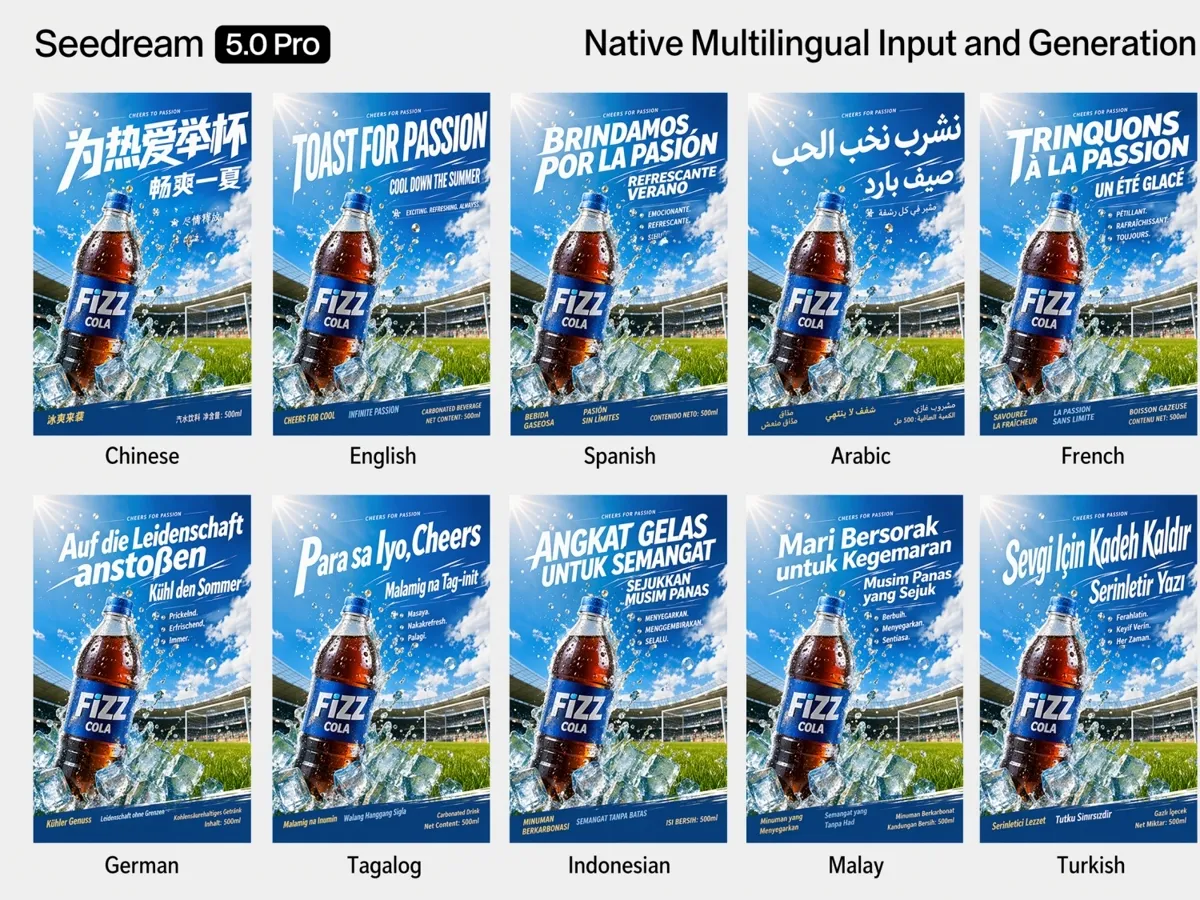
Generate Images in Multiple Languages
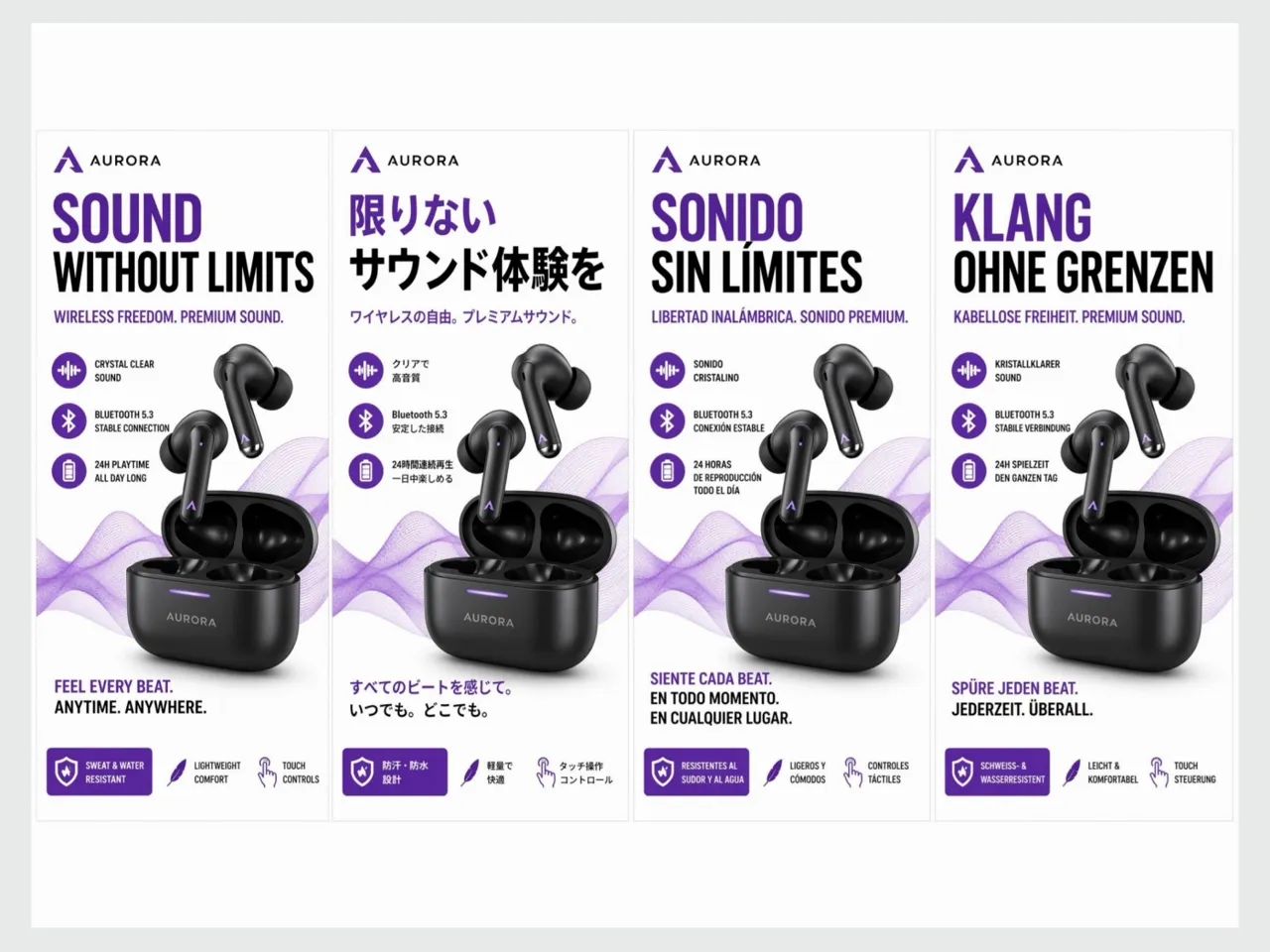
Write prompts in your preferred language and create localized visuals without translating instructions first. Seedream 5.0 Pro supports multiple languages and produces readable text that fits different markets, making it easier to create global marketing materials.
How to Generate Images with Seedream 5.0 Pro
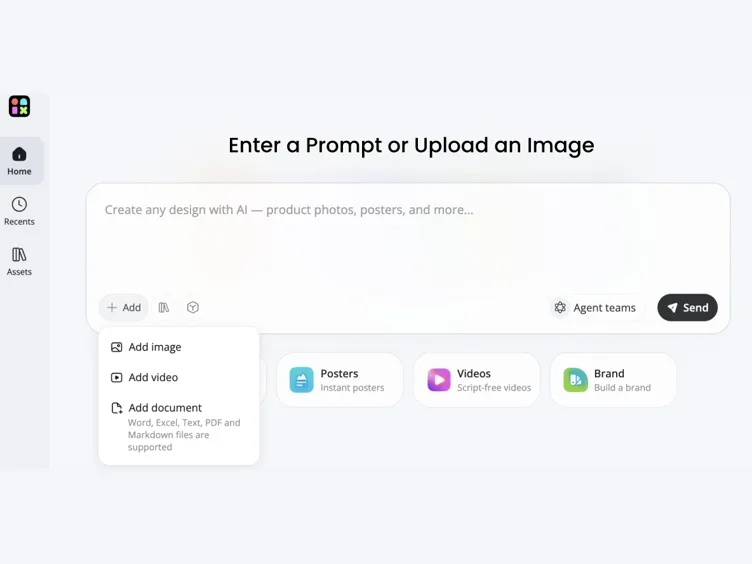
Upload Your Image or Start from a Prompt
Add a reference photo, sketch, or existing visual as your starting point. You can also begin with a text-only prompt if you are creating from scratch.
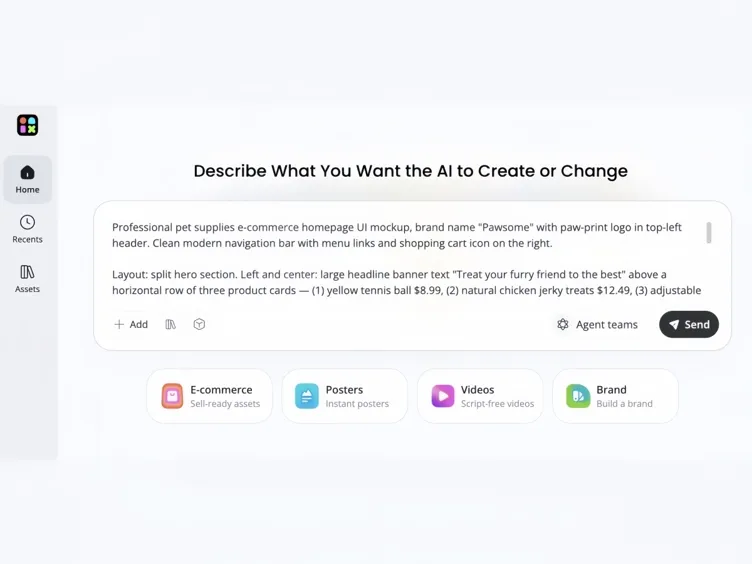
Describe What You Want the AI to Create or Change
Tell Seedream 5.0 Pro what to generate or edit in plain language. Include the subject, scene, mood, lighting, layout, text content, or specific changes you want. The clearer your description, the closer the output matches your intent.
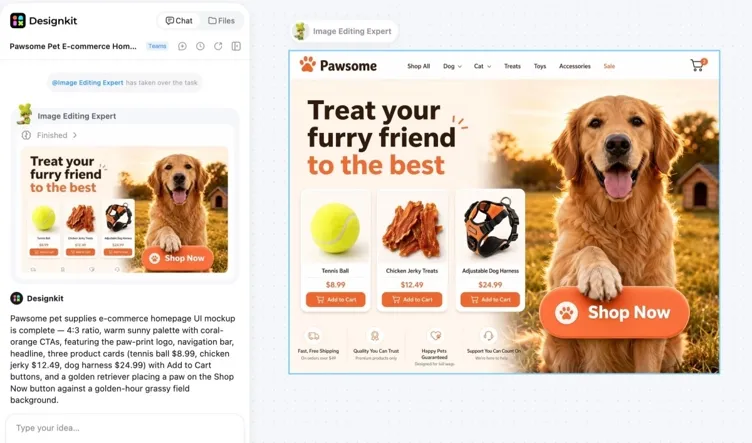
Generate, Refine, and Download
Review the result and refine details with follow-up prompts or regional edits. Download the final visual when it is ready to use.
Benefits of Using Seedream 5.0 Pro in Designkit
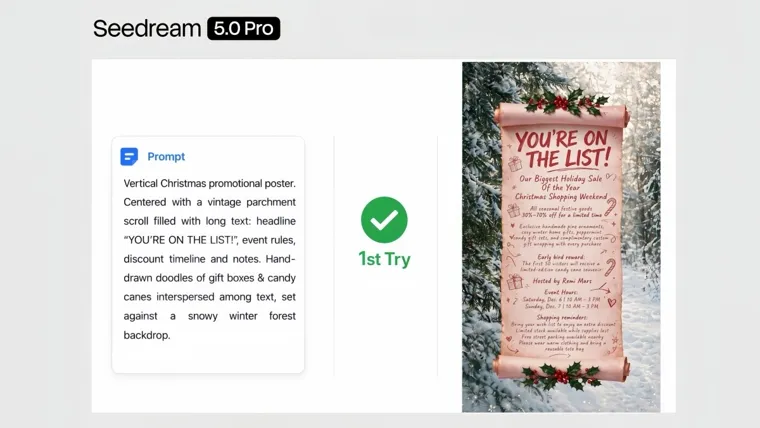
Create Faster with Fewer Revisions
Seedream 5.0 Pro understands detailed prompts more accurately, helping you create the right visuals faster with fewer revisions.
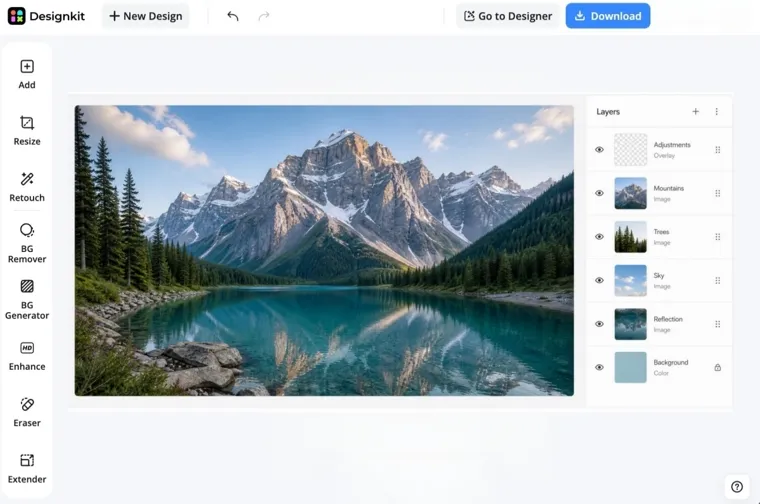
Keep Your Workflow in One Place
Generate images, edit specific areas, organize layers, and export assets without switching between multiple tools.
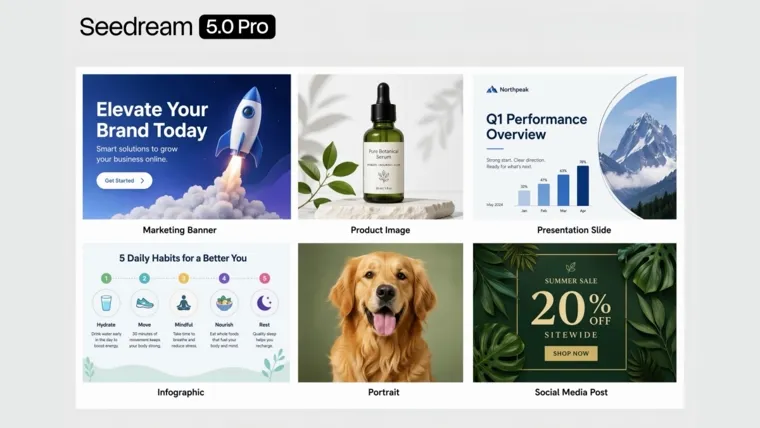
Produce Content for More Use Cases
Create marketing graphics, product images, presentations, infographics, portraits, and social media visuals with one AI image workflow.
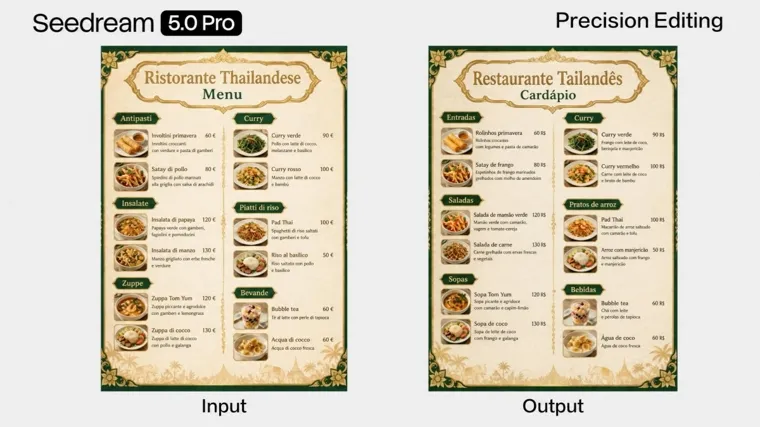
Deliver Professional Results More Consistently
Generate realistic images with detailed textures and natural styles that are ready for campaigns, presentations, and client reviews.
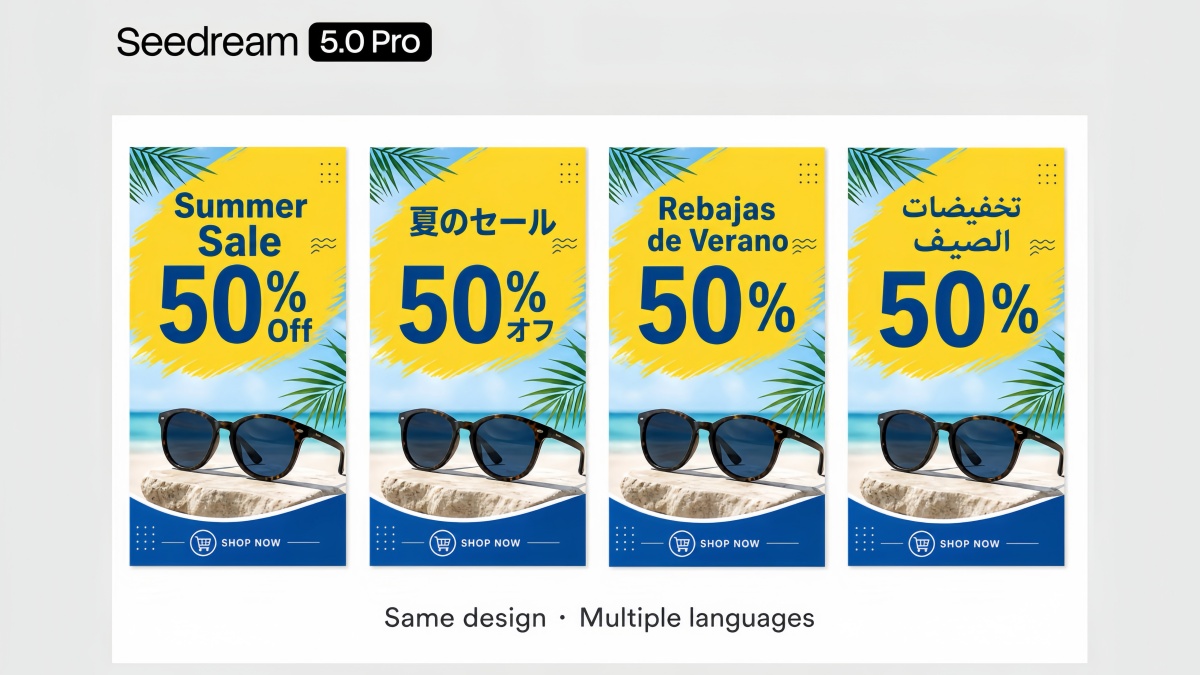
Create for Global Audiences
Generate localized visuals in multiple languages without translating prompts or rebuilding designs for different markets.
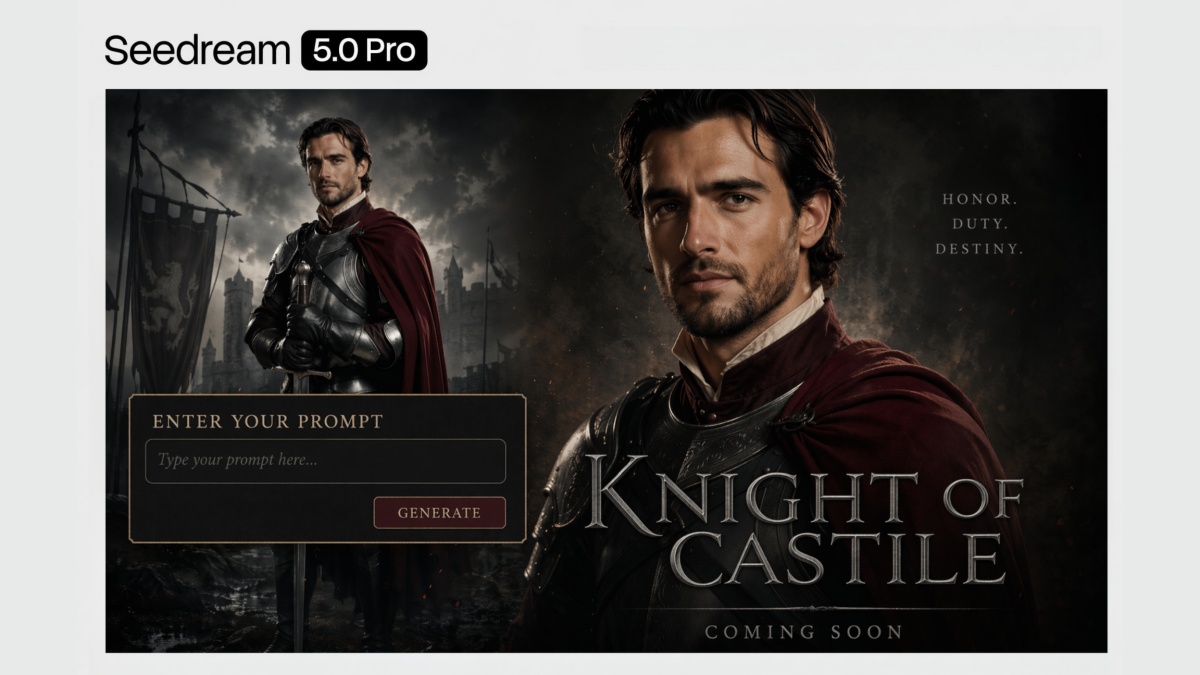
Easy to Use for Any Skill Level
Simple prompts and intuitive editing tools help beginners get started quickly while giving experienced creators more control when needed.
Who Uses Seedream 5.0 Pro in Designkit
Ecommerce Sellers
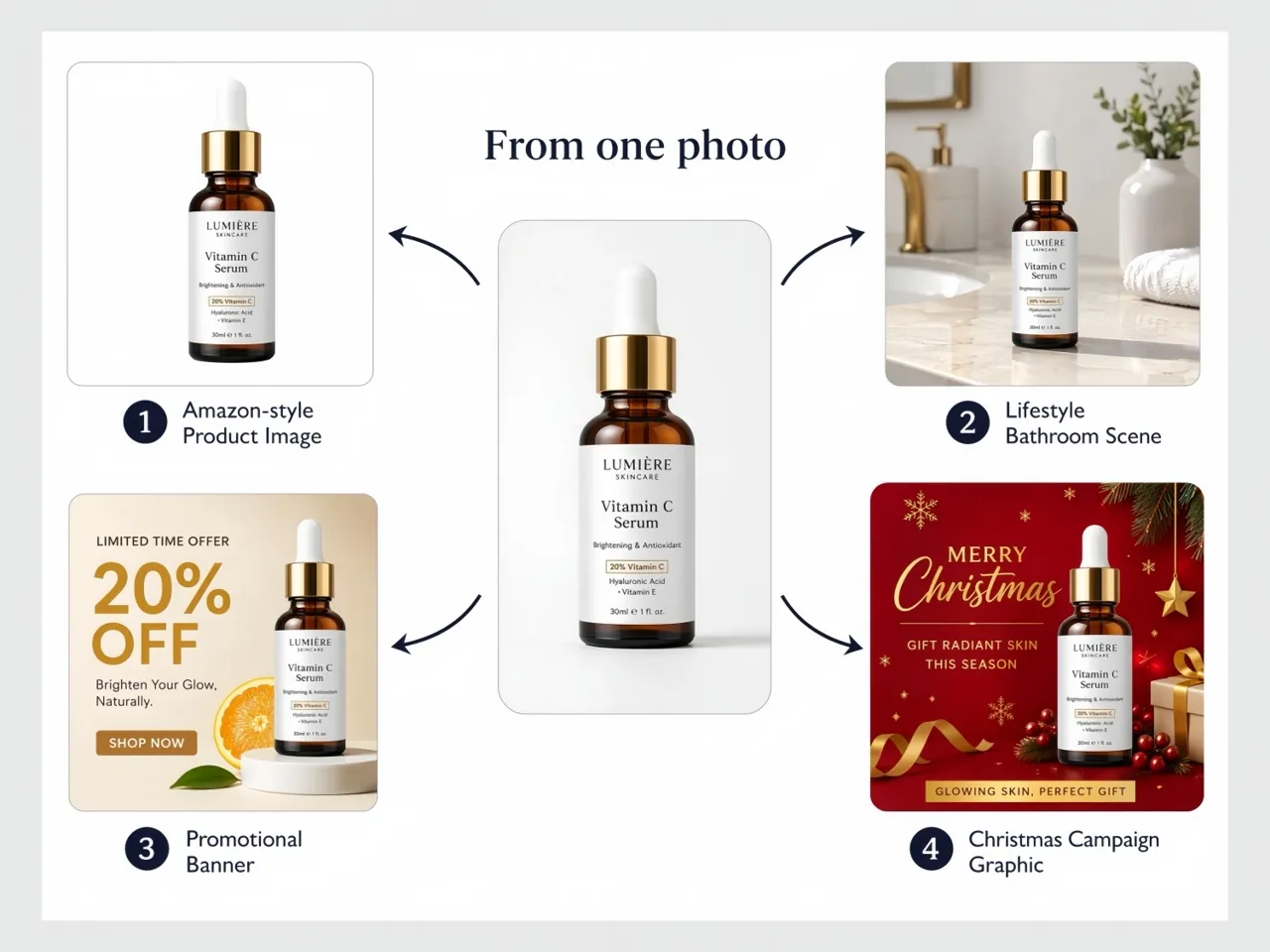
Create product images, lifestyle scenes, promotional banners, and seasonal campaign graphics from existing product photos. Update backgrounds, text, or visual details without arranging another photoshoot, making it easier to keep listings fresh across Amazon, Shopify, and other marketplaces.
Brand and Marketing Teams
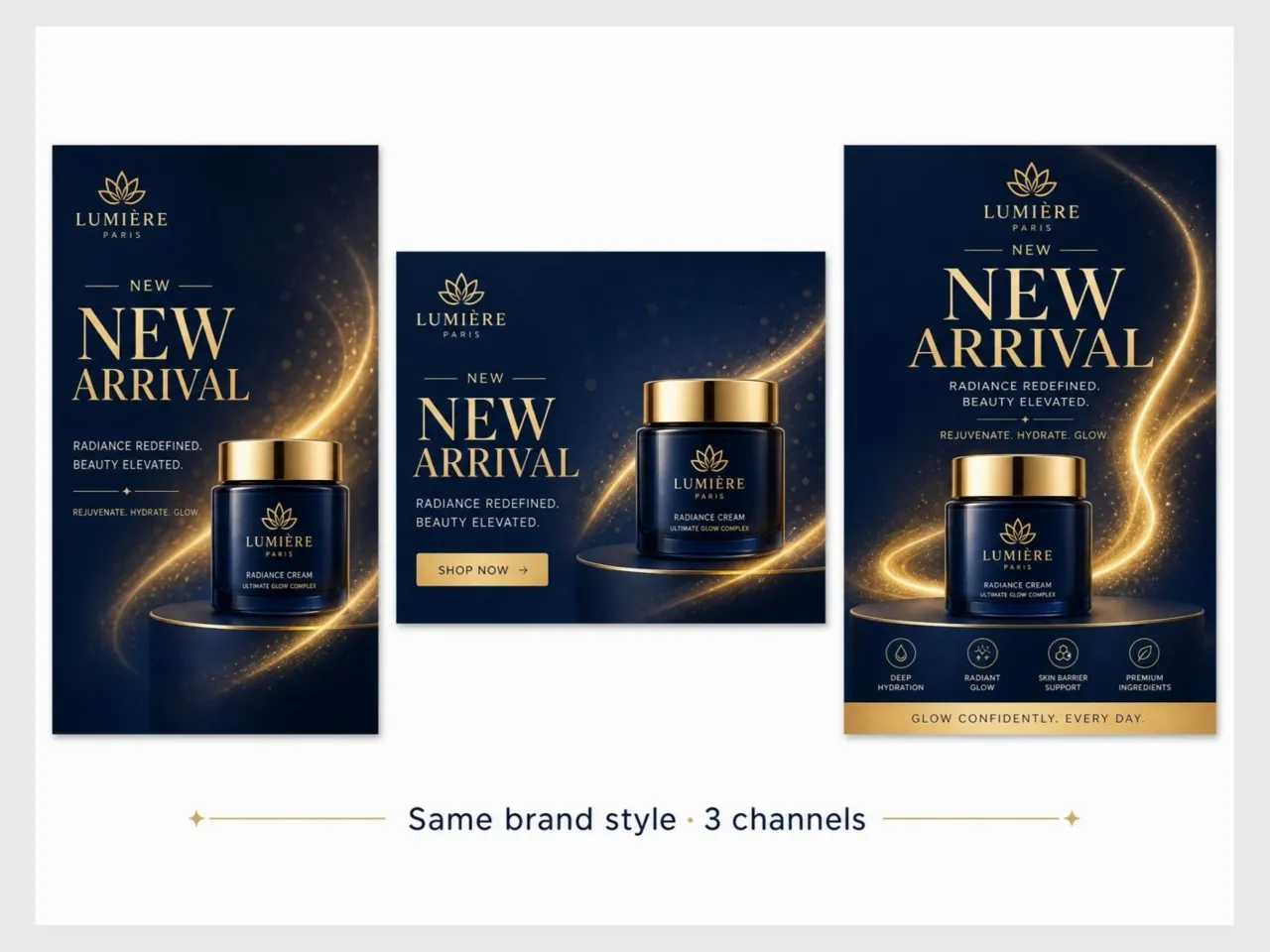
Produce campaign visuals, product launch graphics, email banners, and promotional assets that stay consistent with your brand style. Generate multiple creative directions quickly and refine the strongest concepts for different channels.
Content Creators and Social Media Managers
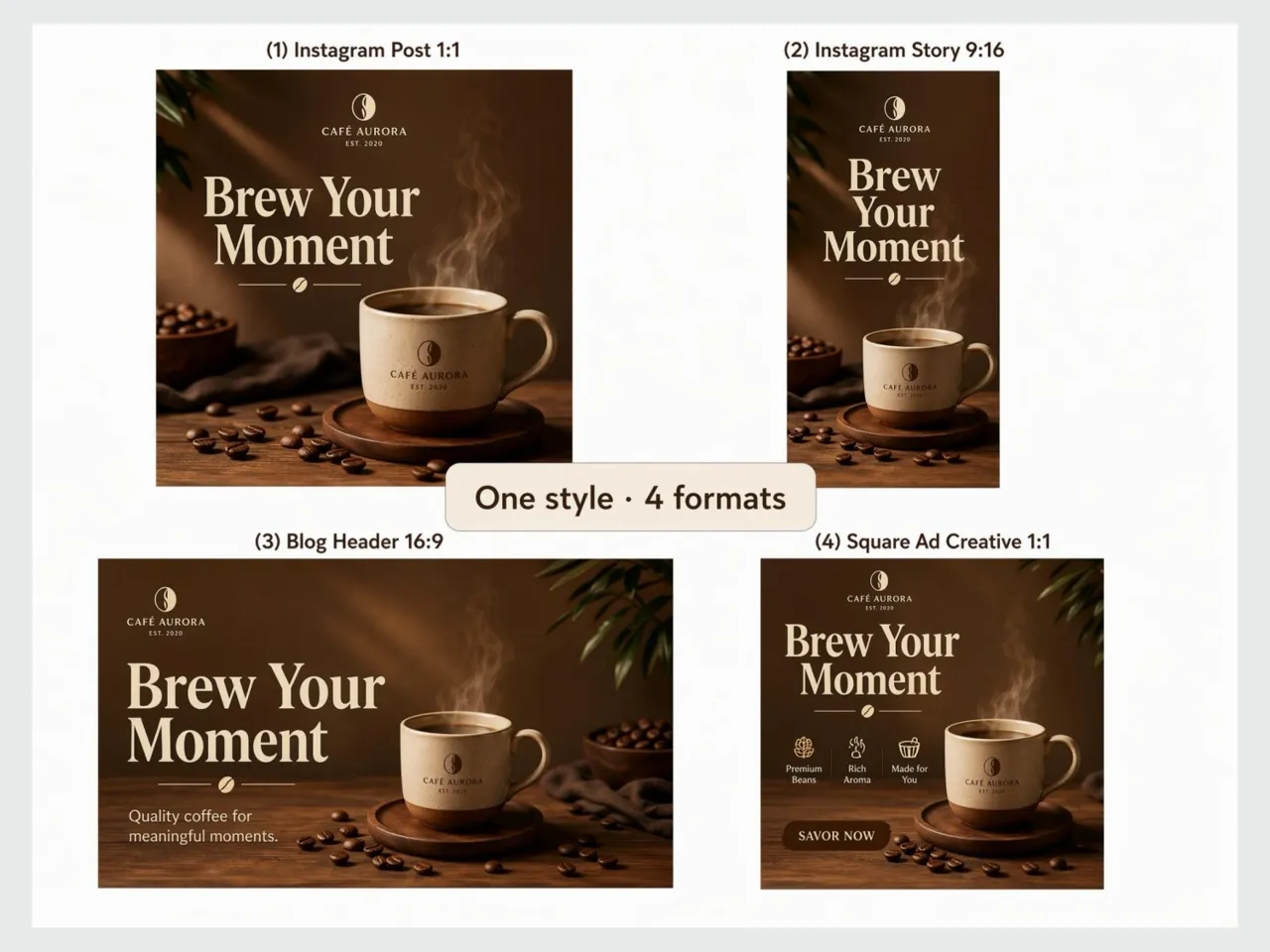
Create visuals for social posts, stories, blog content, and advertising campaigns with a consistent visual style. Generate multiple versions for different platforms or audiences without rebuilding every design from scratch.
Designers and Creative Teams
Explore ideas, refine existing visuals, and edit specific parts of an image without interrupting your workflow. Seedream 5.0 Pro helps creative teams move from concept to final artwork with fewer revisions and less manual editing.
Global Marketing Teams
Create localized marketing materials in multiple languages while keeping layouts, typography, and branding consistent. Produce regional campaign assets more efficiently without redesigning each version for different markets.
FAQs About Seedream 5.0 Pro
What Is Seedream 5.0 Pro?
What can I create with Seedream 5.0 Pro?
You can generate marketing graphics, product images, portraits, illustrations, concept art, diagrams, UI mockups, and other creative visuals from text prompts or edited images.
What makes Seedream 5.0 Pro different?
The biggest improvements include better prompt accuracy, cleaner text inside images, more realistic visual details, stronger support for complex layouts, and more precise image editing.
Can Seedream 5.0 Pro generate images with readable text?
Yes. It is significantly better at rendering text within posters, social graphics, presentations, and other design-focused images than earlier versions.
Does Seedream 5.0 Pro support languages other than English?
Yes. It supports multilingual prompts, allowing users to create images using several native languages without first translating instructions into English.
Do the images look realistic enough for product listings and ads?
In most cases, yes. Seedream 5.0 Pro is strong at lighting, materials, and scene consistency. For brand-critical listings, check fine details like labels, textures, and text accuracy before going live.
Can I edit part of an image without regenerating everything?
Yes. Mark the region you want to change and update colors, labels, objects, or background details. The rest of the image stays intact, including lighting and perspective.
Is Designkit free to try?
Yes. You can start with free credits to test product scene generation, ad creatives, and editing features. Extended usage depends on your Designkit plan.
Unlock More Creative Possibilities
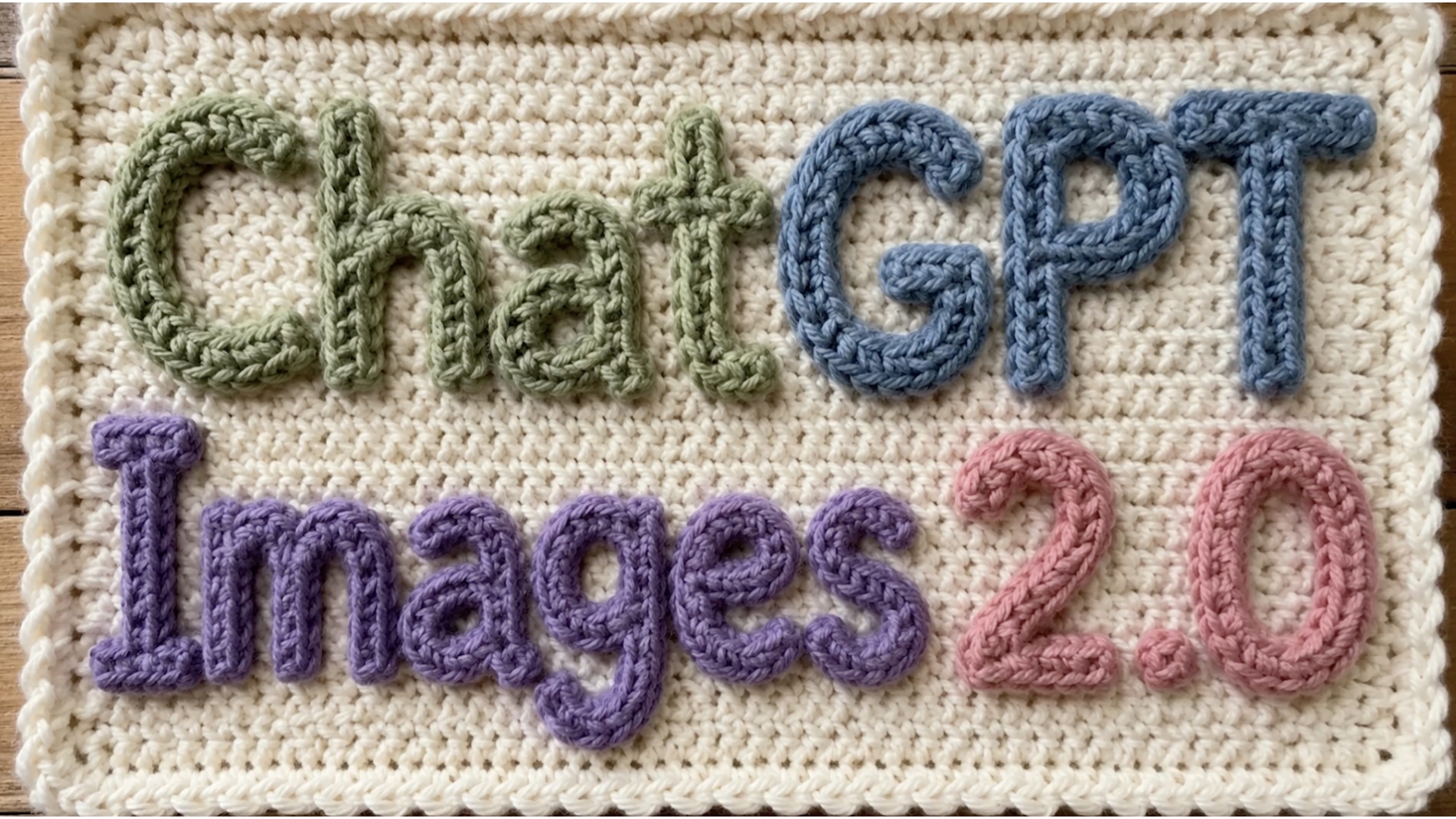
GPT Image 2
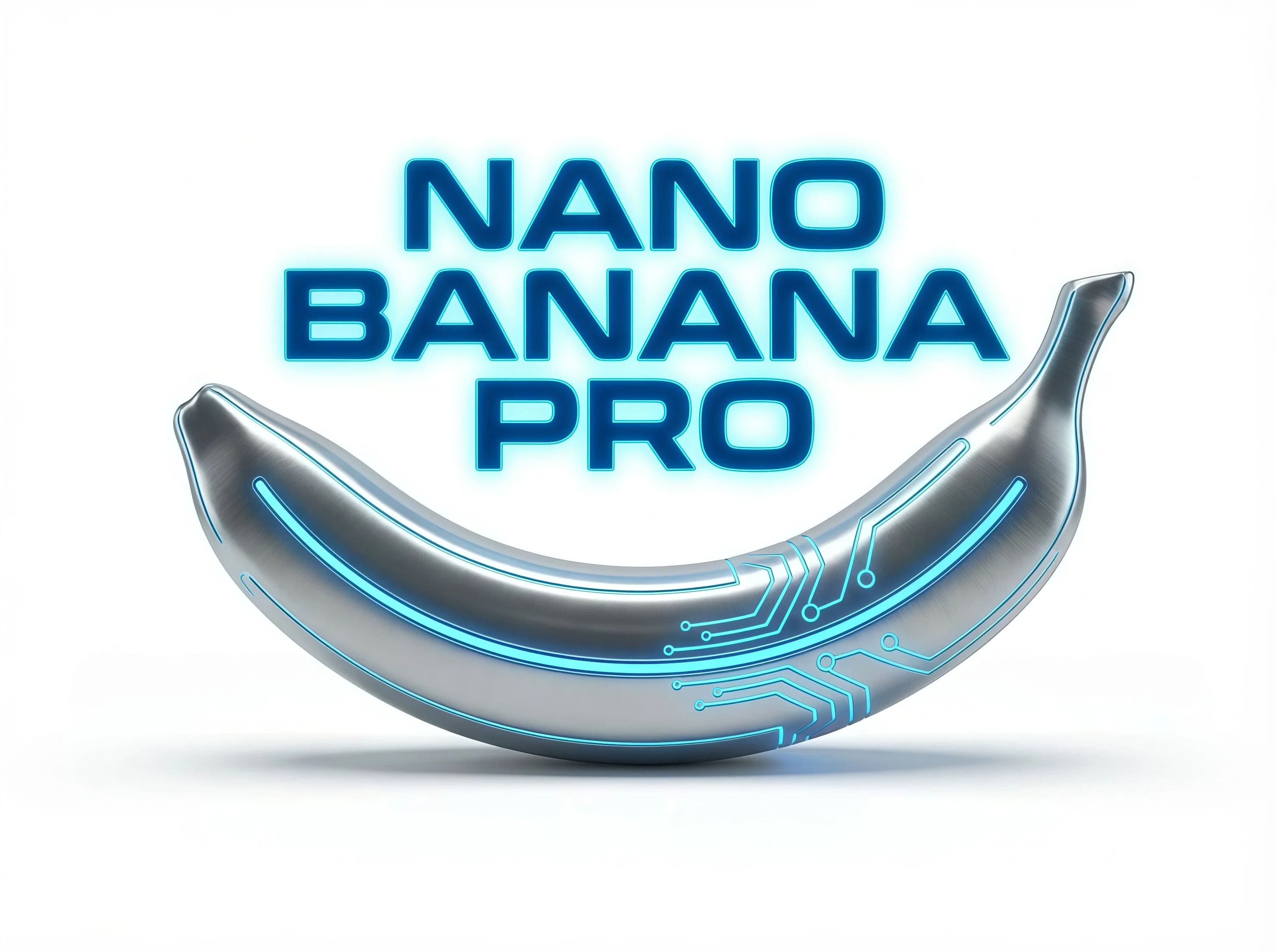
Nano Banana Pro
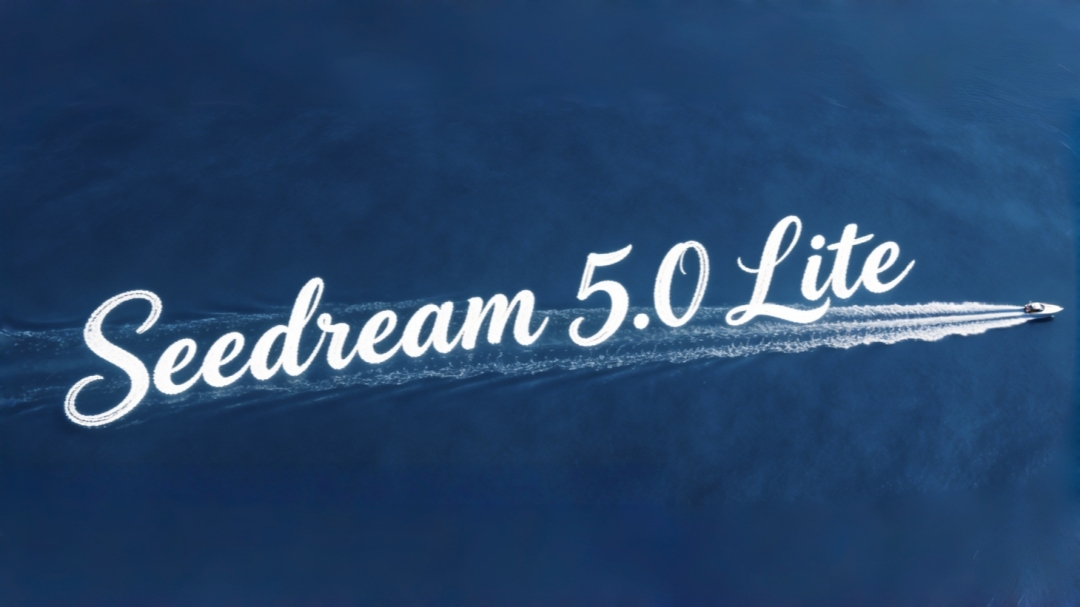
Seedream 5.0
Nano Banana
Start Generating Images With Designkit
Upload a product photo and create listing visuals, ad creatives, and campaign graphics powered by Seedream 5.0 Pro. Try free and see how fast your store assets can be ready.



What Users Say About Seedream 5.0 Pro
Local Edits That Don't Break the Scene
I used to regenerate entire images when one detail was off. Now I mark the area I want to change and the lighting still matches. Saves me a lot of time on client revisions.
Layer Separation Changed My Poster Workflow
Dense Layouts That Actually Read Well
I needed a poster with charts, headlines, and body copy in one frame. Seedream 5.0 Pro got the hierarchy usable on the first few tries, which is way better than cleaning up messy text in other tools.
Complex Prompts Stay Coherent
I often write long prompts with multiple subjects and specific layout instructions. The composition stays readable instead of falling apart like it did with lighter models.
Simple Enough Without Design Software
I don't use Photoshop, but describing the scene I want is enough for daily visuals. The results look polished enough to share with clients without hiring a designer for every task.
Multilingual Output That Saves a Round of Work
We needed Arabic and English versions of the same campaign visual. The text direction and layout looked right enough to send to our team for review without a separate localization pass.