
TikTok Carousel Generator for Product Marketing
Turn your product photos into engaging TikTok sales posts with AI-powered visuals, product highlights, and social media captions. Choose industry-specific templates, customize your image settings, and create product-focused carousel content for your next campaign.
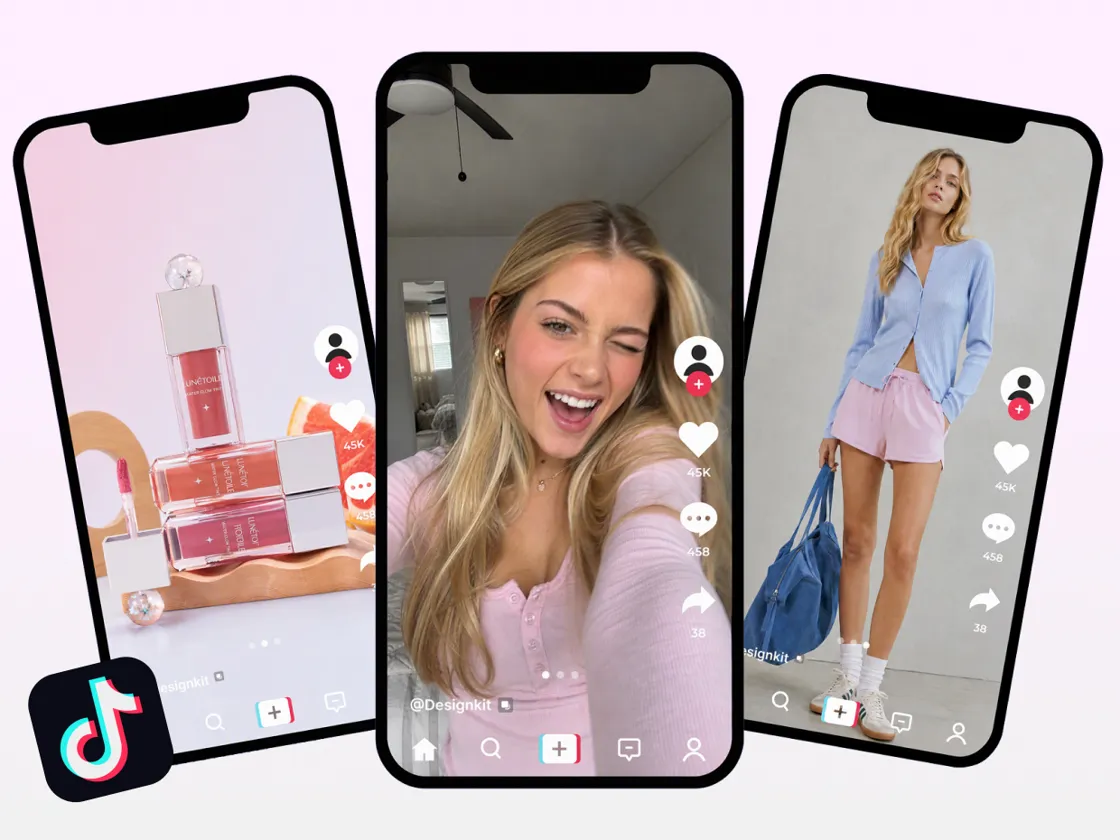
TikTok Carousels You Can Create with Designkit
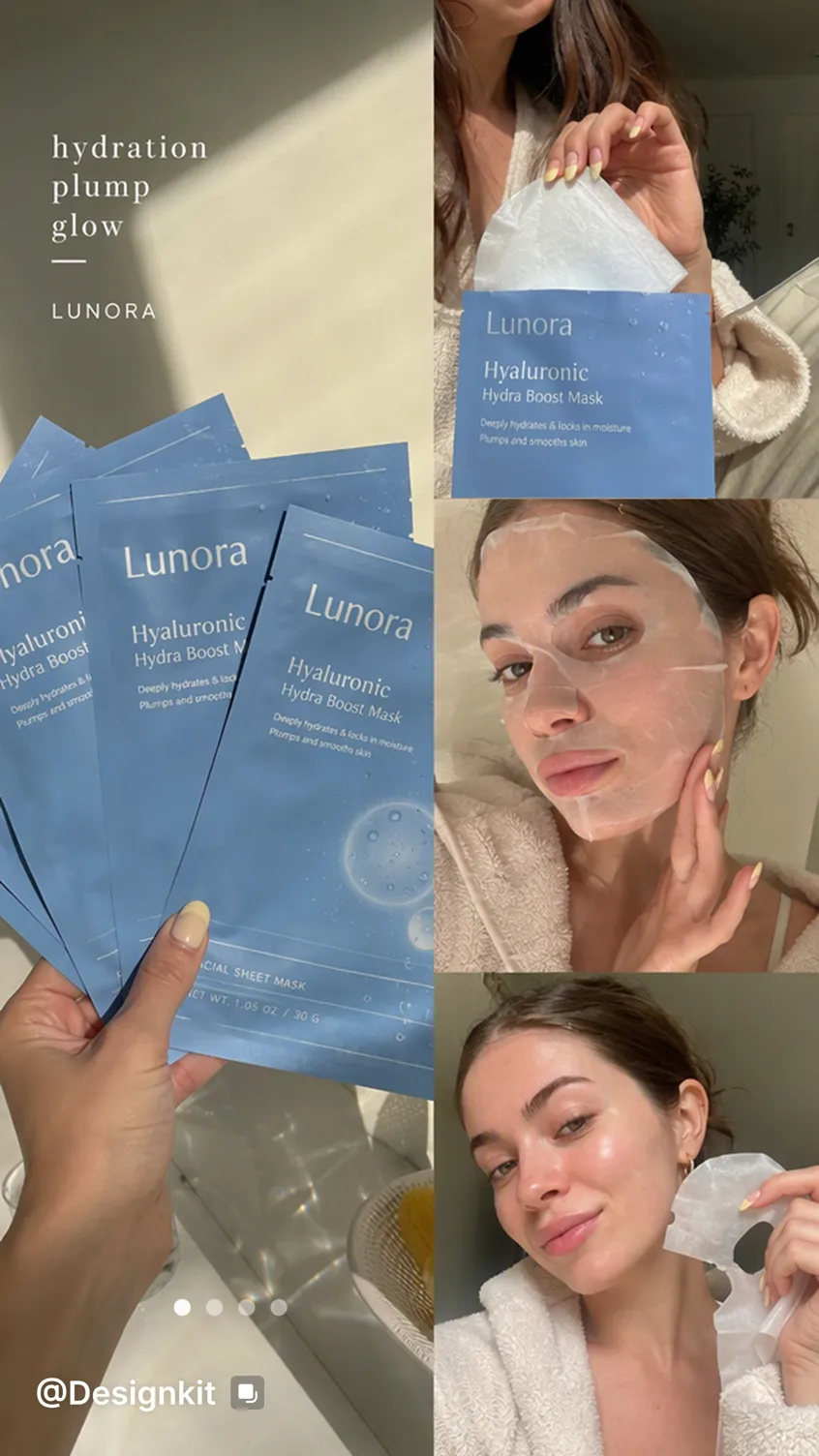
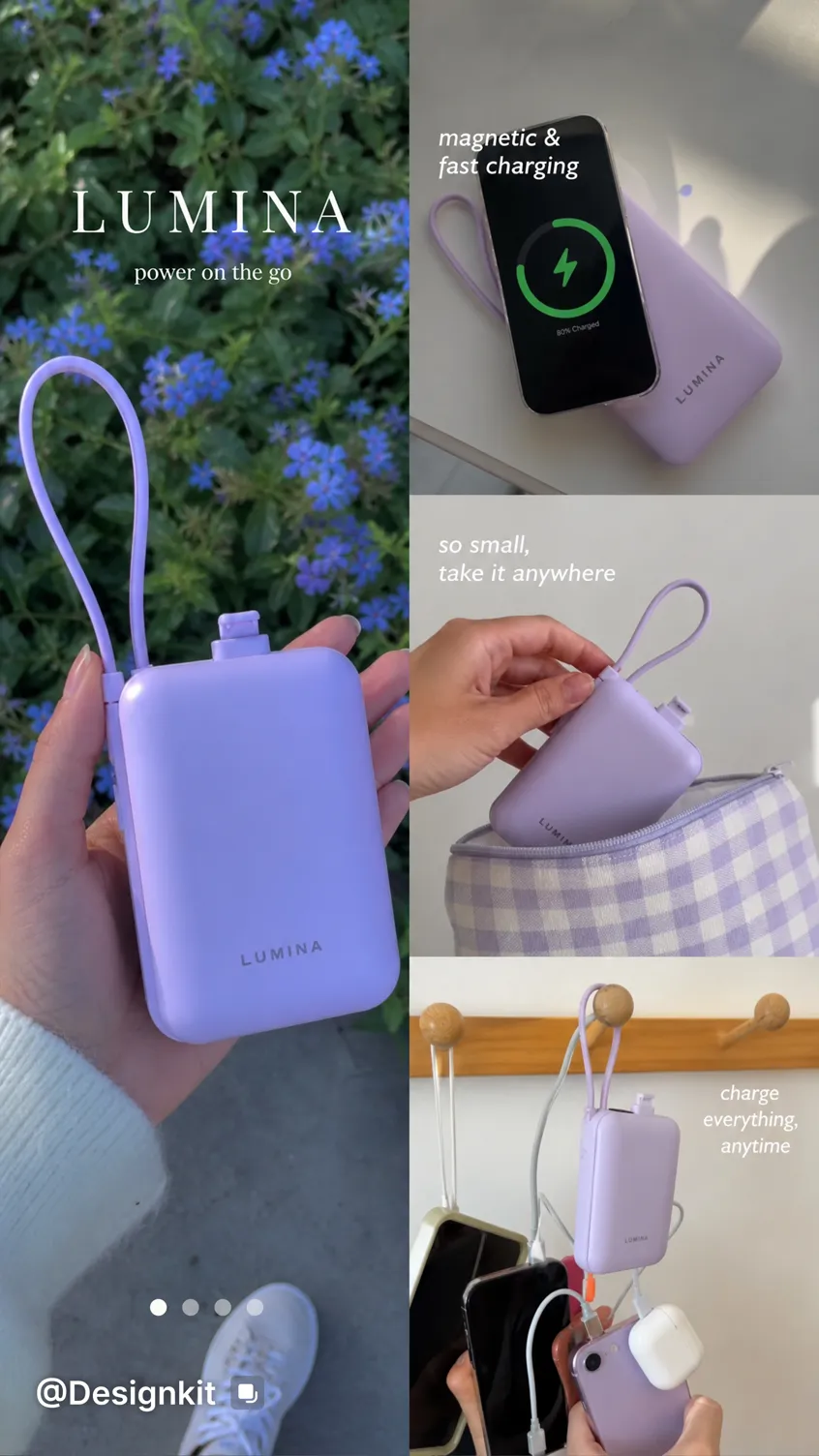
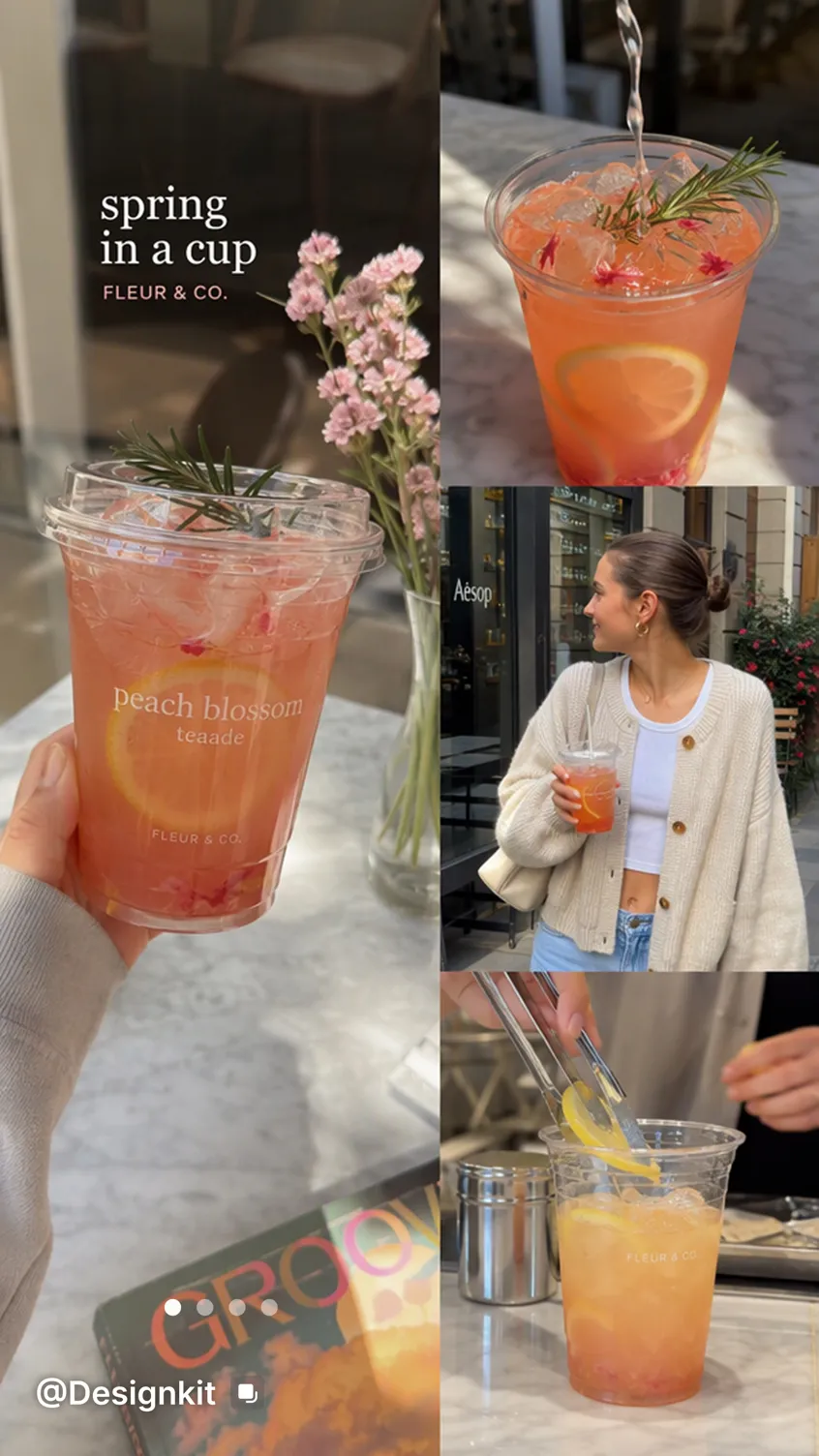

TikTok Carousel Generator Features
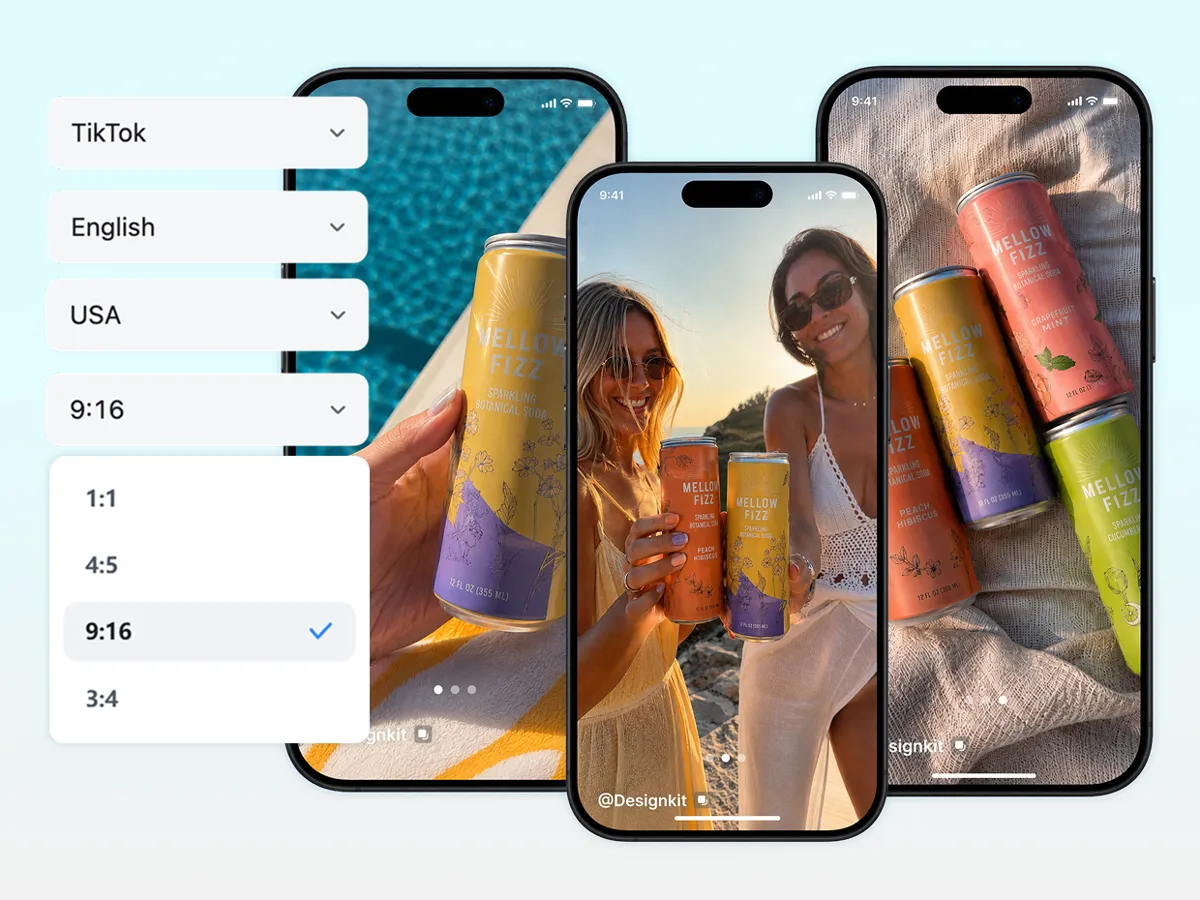
Generate Connected TikTok Carousel Slides in 9:16
Turn your uploaded photos into a connected, multi-slide carousel for TikTok Photo Posts. Set the ratio to 9:16 and choose 1 to 20 slides to create vertical content for product showcases, educational posts, promotions, and more. You can also choose 1:1, 4:5, 3:4, or 16:9 for other platforms and placements.
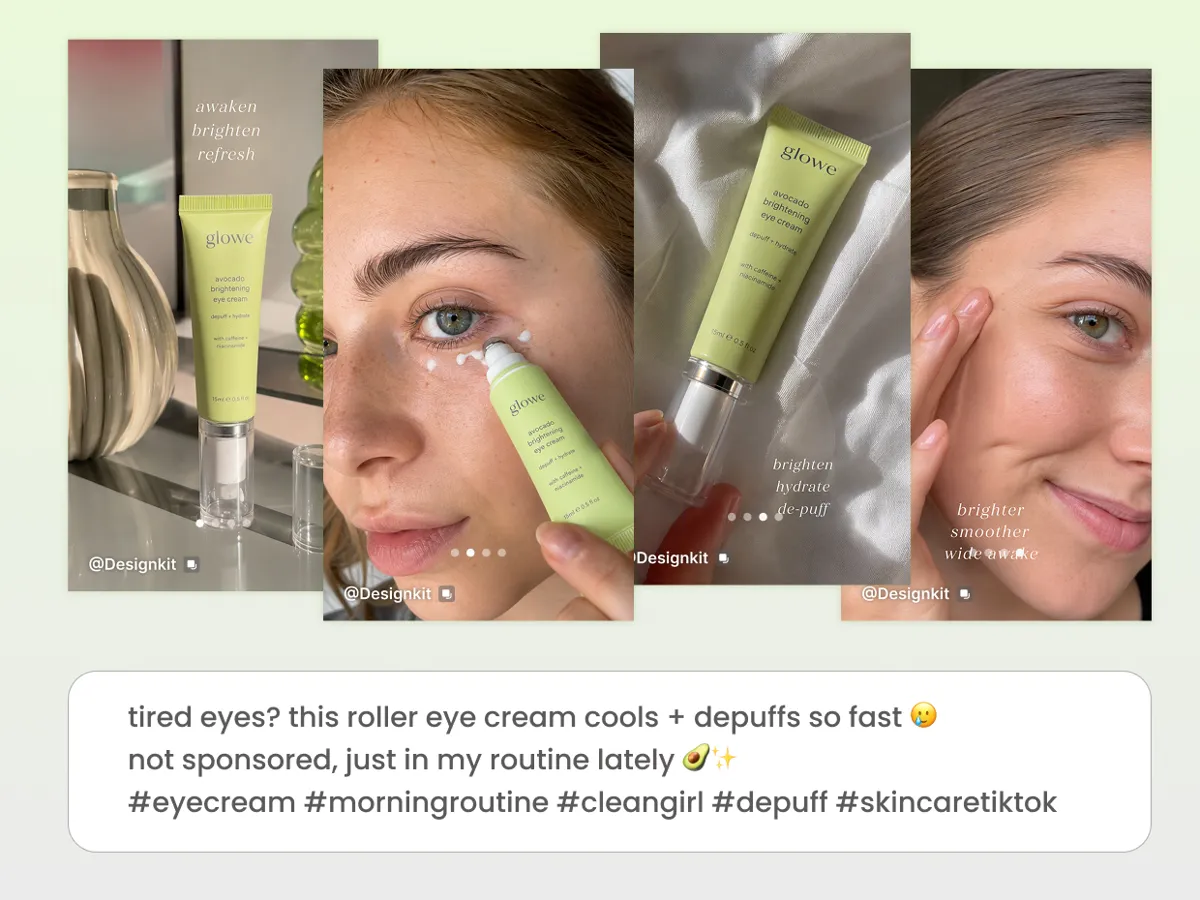
Generate Captions, Hashtags, and Visuals Together
Prepare your carousel visuals and TikTok post copy in one workflow. Generate captions and relevant hashtags alongside your slides, then refine the wording to match your message and audience before publishing.
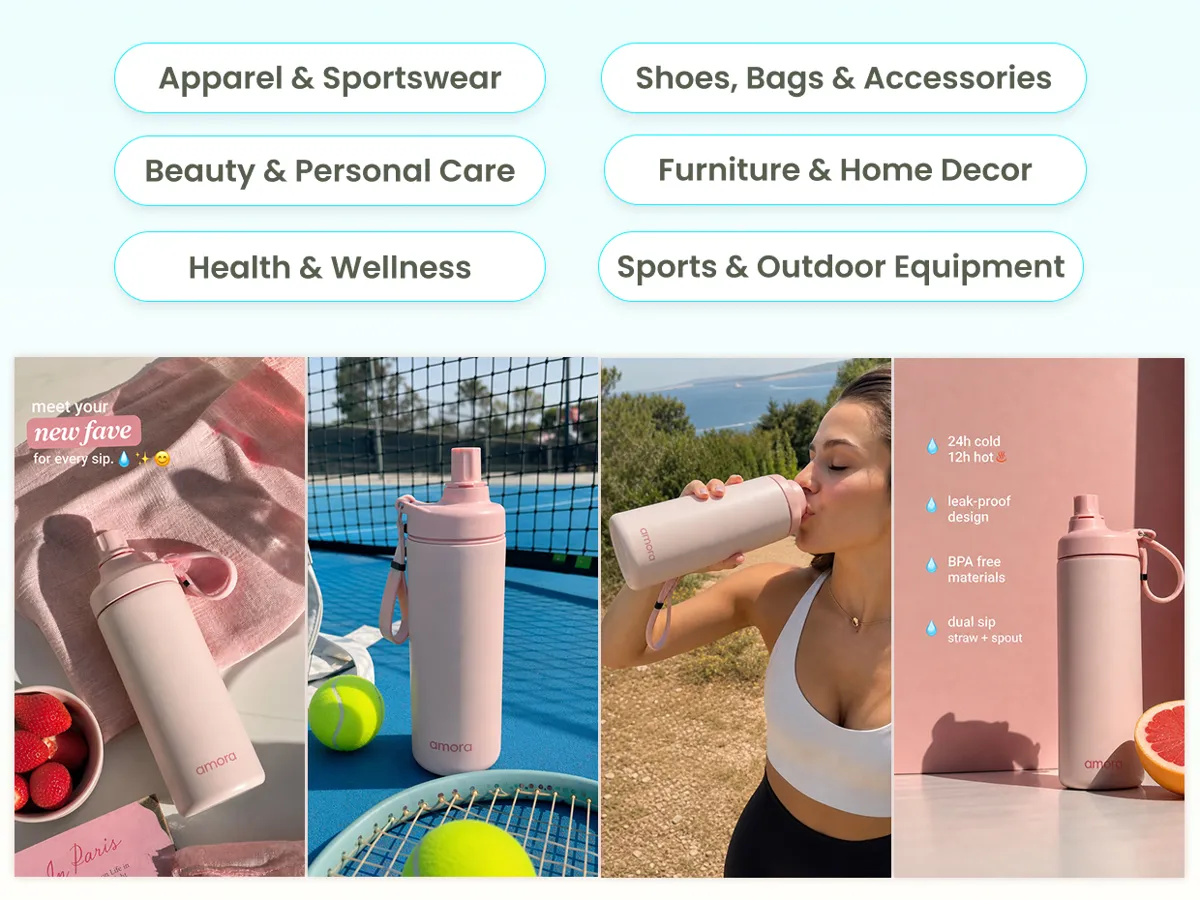
Choose Templates for Your Product Category
Explore templates for apparel, accessories, home decor, electronics, beauty, and more. Select a visual direction that suits your product and marketing goals.
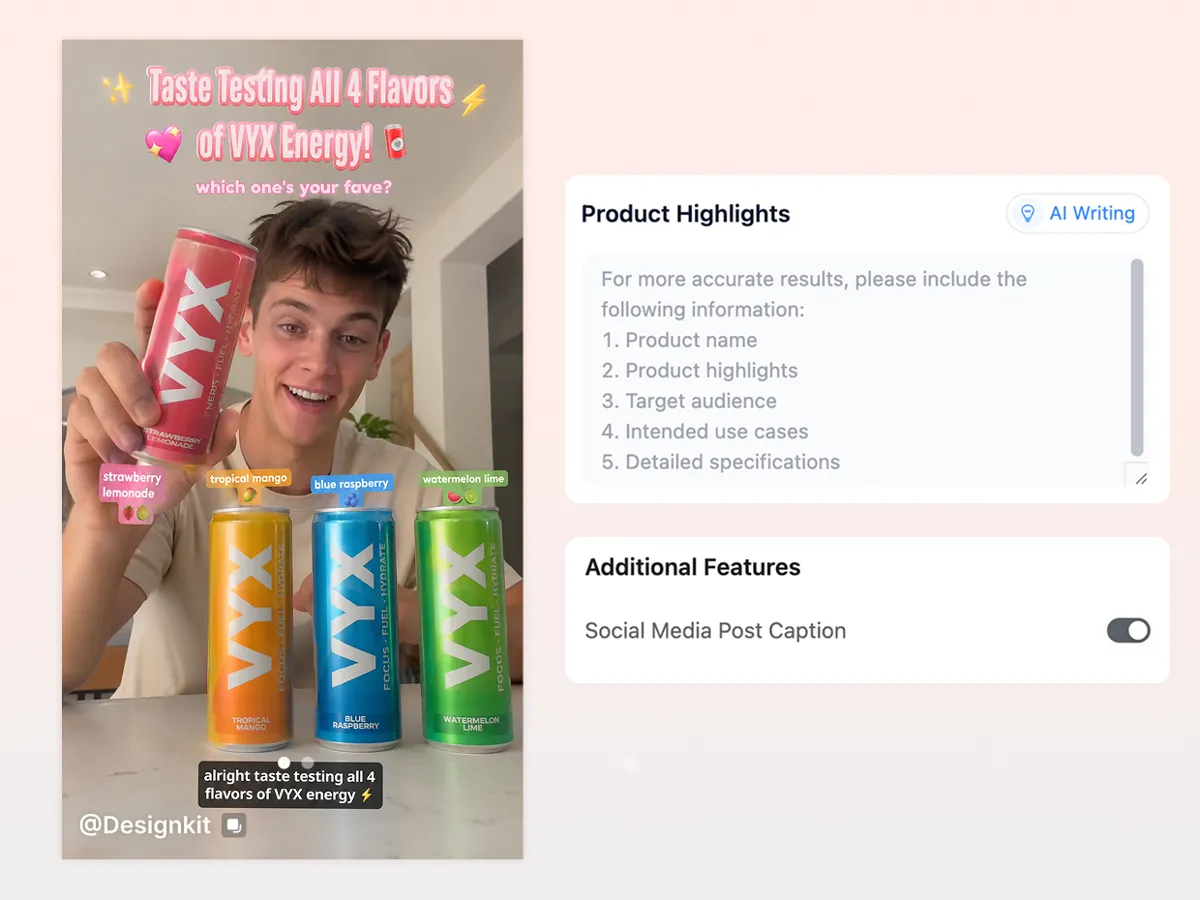
Highlight Your Product's Key Features
Add your product name, key selling points, target audience, use cases, and specifications. Use AI Writing to help organize your product information into clear, relevant highlights.
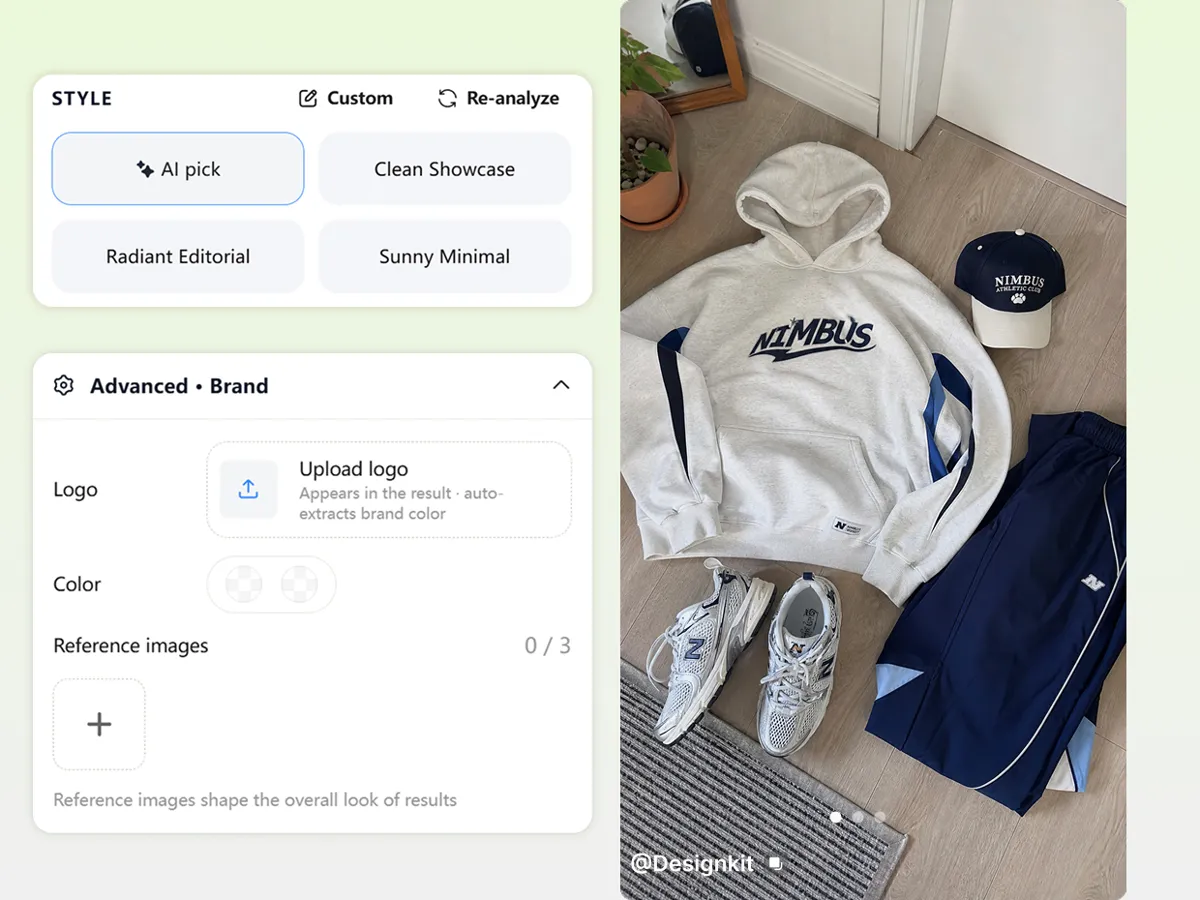
Customize Your Carousel Style and Branding
Guide the look of your slides with AI Pick, style suggestions, or a custom prompt. Add your logo, brand colors, and reference images to help create a more consistent visual identity across your carousel.
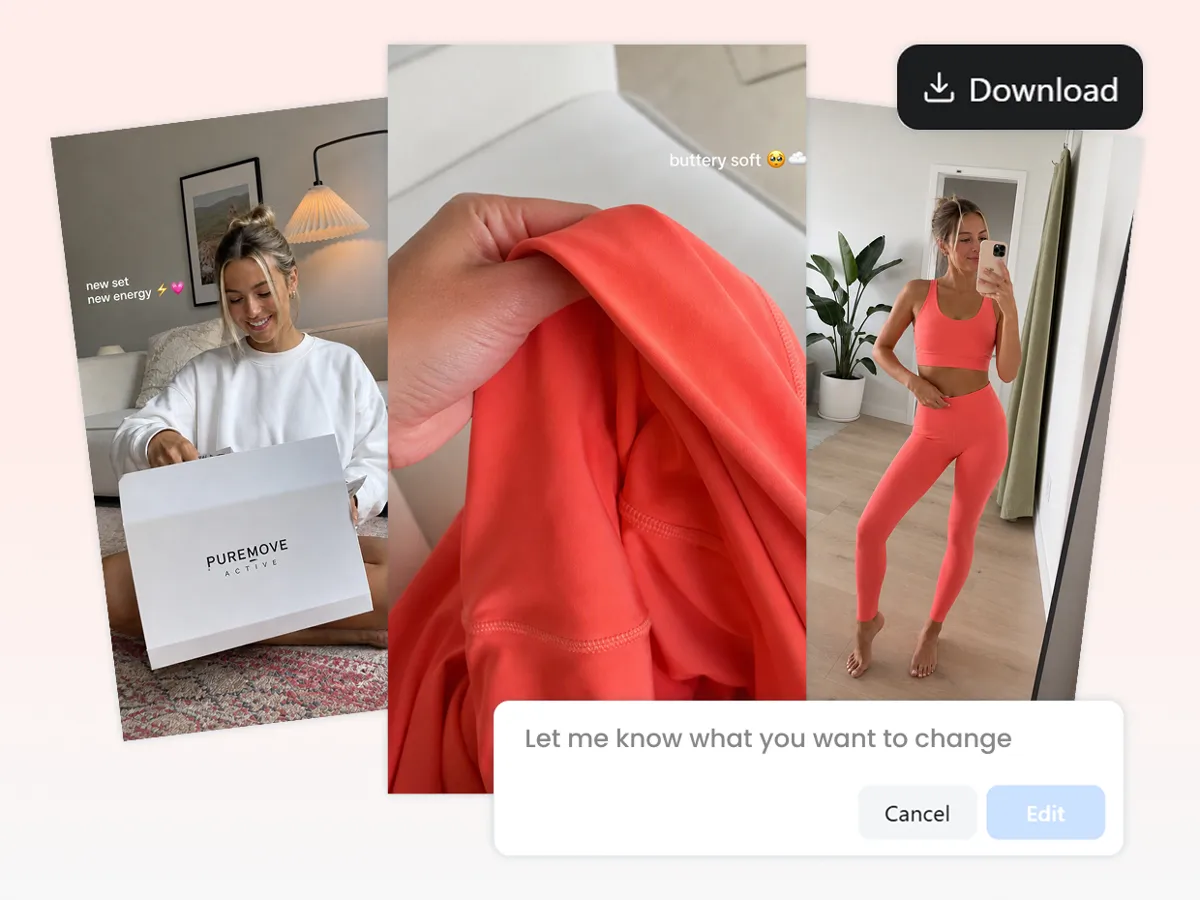
Download Your Carousels or Continue Editing
Preview your generated carousel before exporting. Download individual images or the complete set as a ZIP file, or continue editing in Agent to refine your slides without starting over.
How to Create a TikTok Carousel with Designkit
Step 1Upload Product Photos and Set Your Strategy
Upload up to 5 images per product. Select TikTok as your platform, choose your target market and language, and set the aspect ratio to 9:16 for vertical content.
Step 2Add Product Highlights and Choose a Template
Enter your product name, key features, target audience, use cases, and specifications. Use AI Writing to help prepare your product highlights, then choose a template that matches your product category and desired visual style.
Step 3Customize and Generate Your Sales Post
Choose whether to display text on your images, enable Social Media Post Caption if needed, and set the number of images for your carousel. Click Generate Sales Post, review the generated visuals, and download your finished content.
Who Can Use a TikTok Carousel Generator?
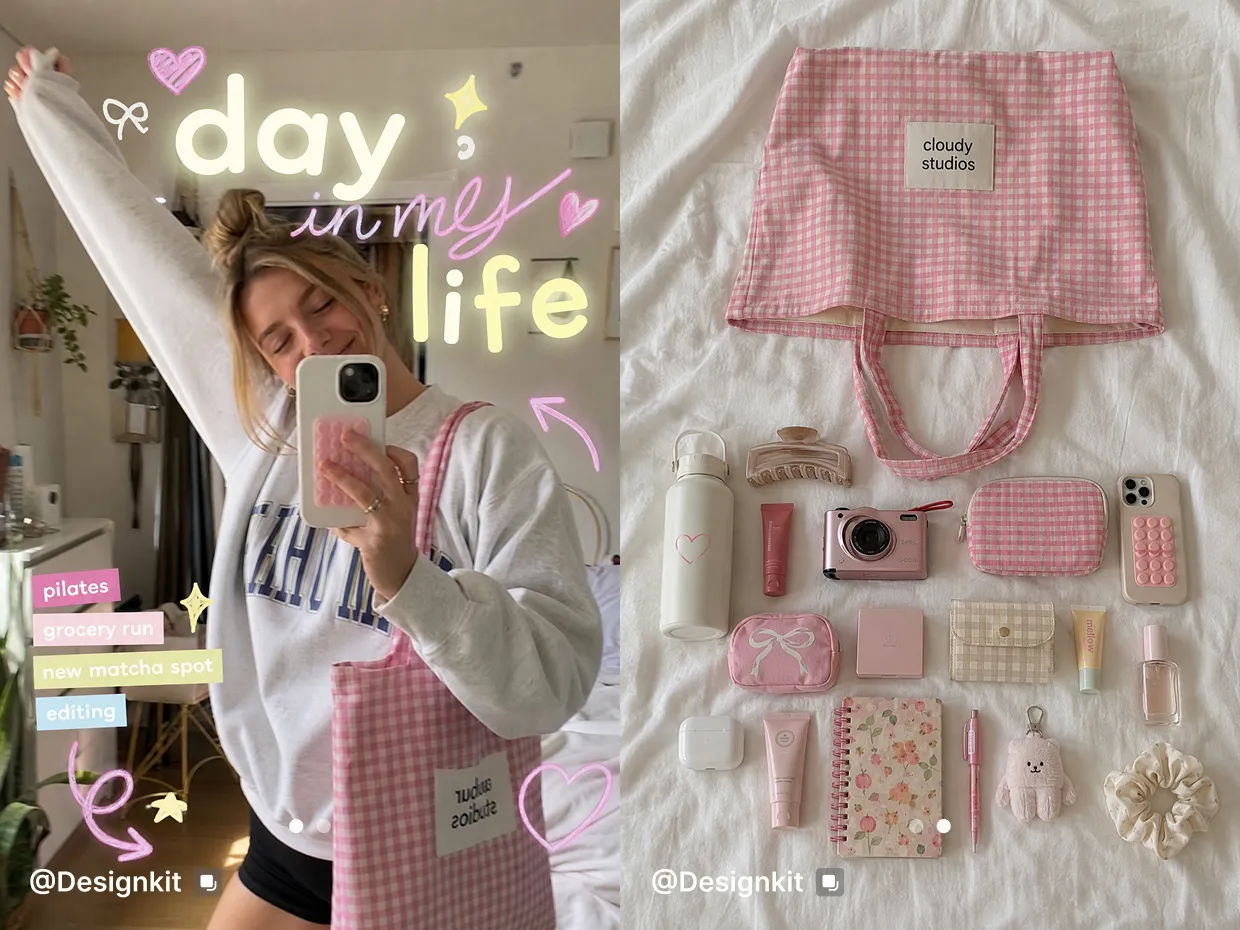
Create educational and relatable carousels
Turn personal photos, tips, and everyday moments into connected photo posts.
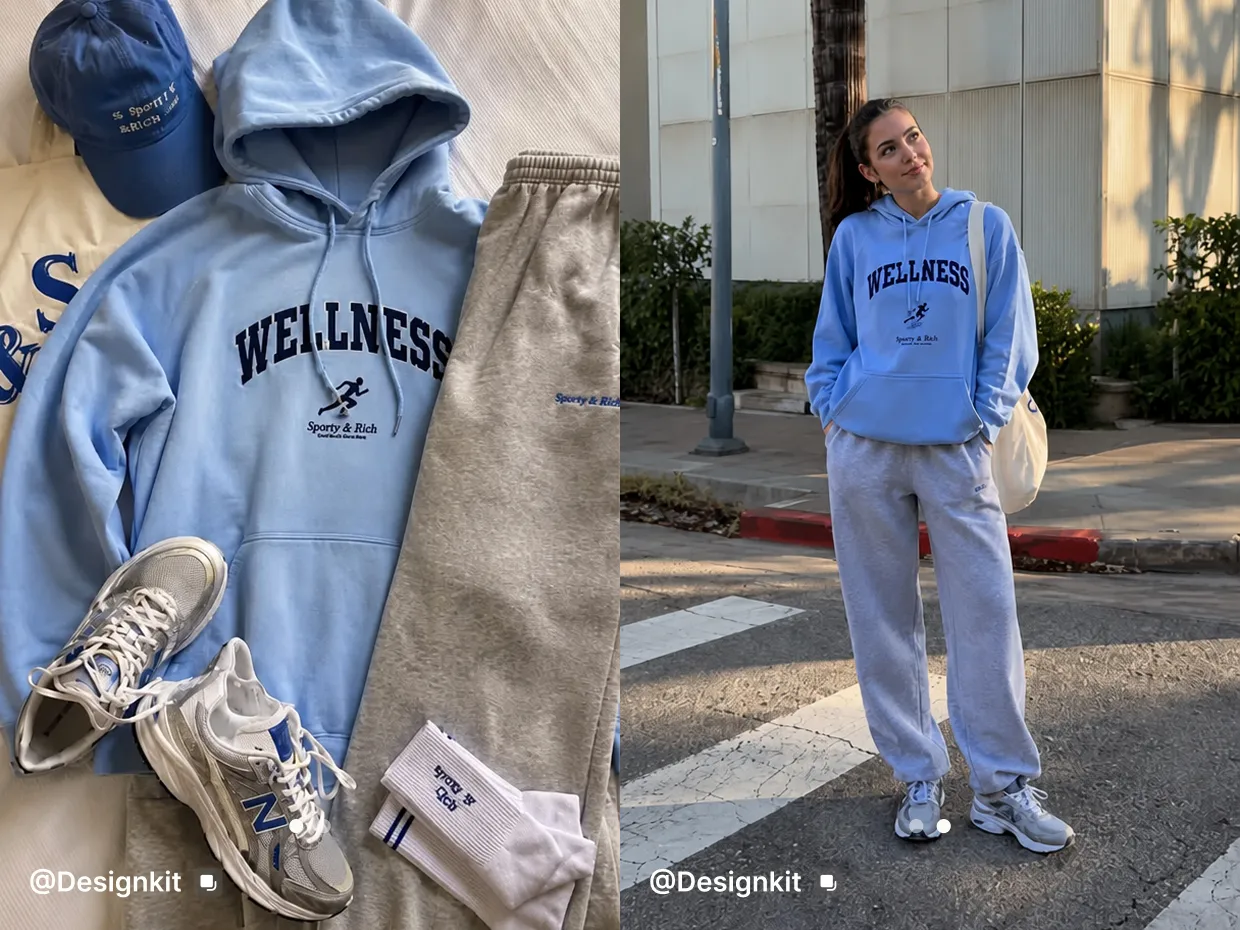

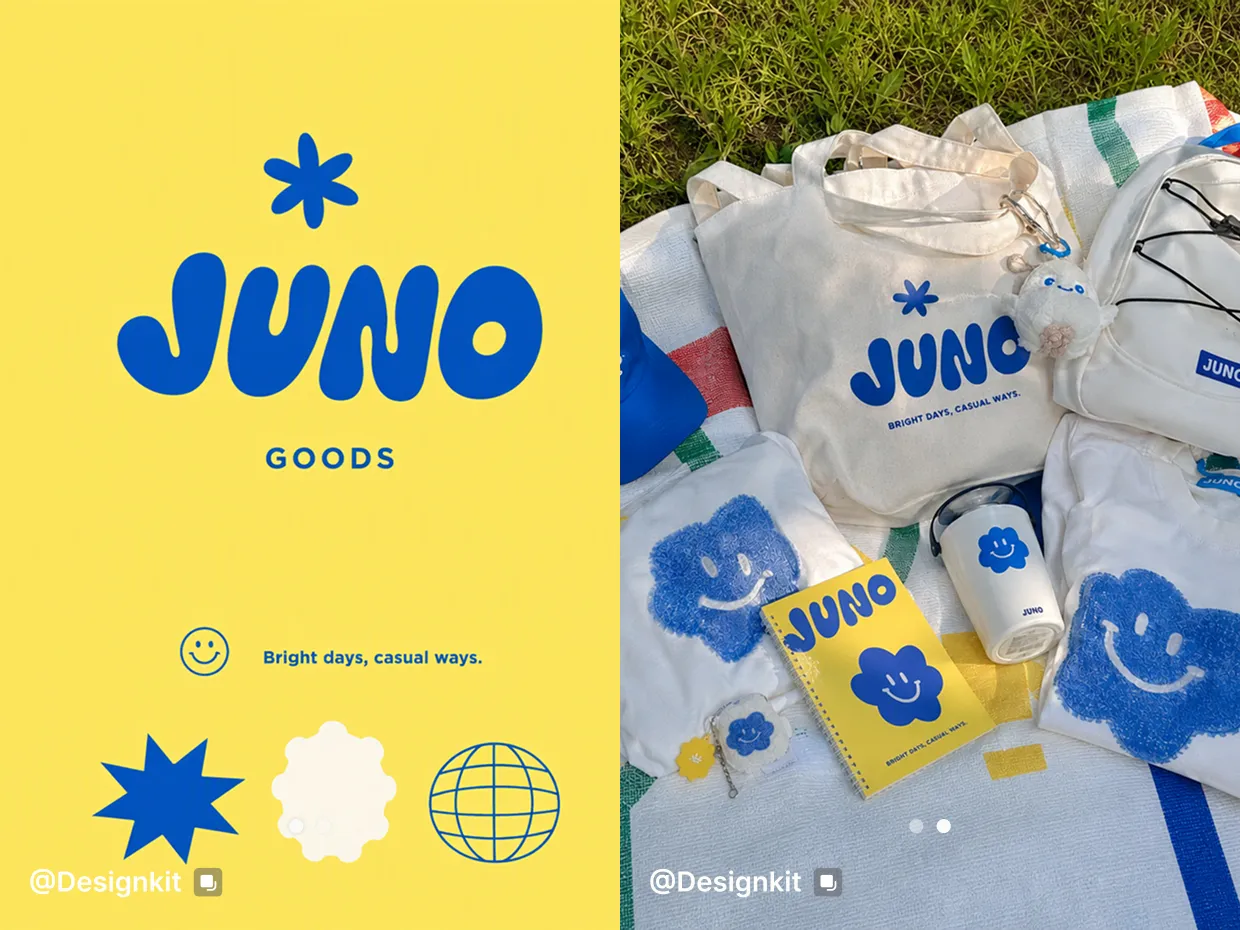
Why Create TikTok Carousels with Designkit
Upload your existing photos and turn them into a connected carousel without building every slide from scratch.
Set the slide count, Purpose, ratio, text, style, and brand direction before generating.
Download individual images or a ZIP file, then upload the slides to TikTok Photos.
More Tools for TikTok Content Creation
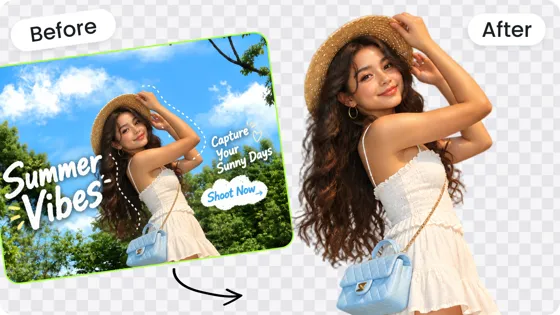
Background Remover
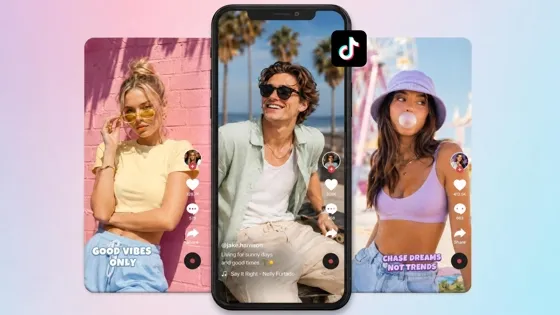
TikTok Video Maker
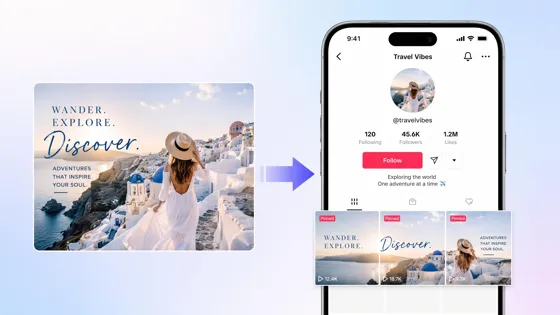
TikTok Banner Maker
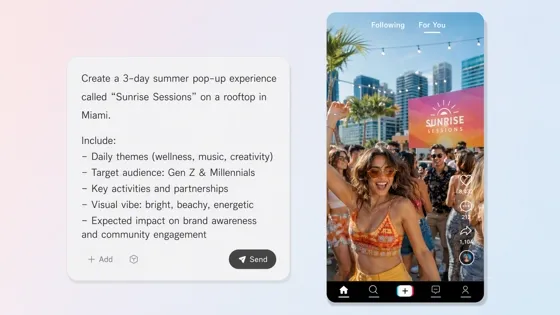
TikTok Script Generator
Frequently Asked Questions
Does Designkit have a TikTok carousel generator?
How do I create a TikTok carousel in Designkit?
Upload 1 to 5 images, choose Carousel, select your slide count and Purpose, set Ratio to 9:16, optionally add text, style, and brand settings, then create and download your slides.
Do I need to upload images first?
Yes. Social Media Posts requires at least one uploaded image before you can generate posts.
What ratio should I use for a TikTok carousel?
Choose 9:16 for vertical TikTok photo posts. The default ratio in the workspace is 4:5.
How many slides can I create?
Carousel supports 1 to 20 slides, with 4 slides selected by default.
Can I add different text to each slide?
Yes. Text on image supports one line per image, and AI fill can help generate the copy.
What types of TikTok carousels can I create?
You can create Educational, Product Showcase, Product Launch, Promo Campaign, Social Proof, Lifestyle Scene, and Relatable Content carousels.
Can I download all carousel slides at once?
Yes. You can download individual images or download the carousel as a ZIP file.
Is the TikTok carousel generator free?
You can start with the free generation allowance available in your Designkit workspace. Your remaining free allowance is shown in the workspace and may vary by account.
Does the TikTok carousel generator create captions and hashtags?
Yes. Designkit can generate post captions and hashtags along with your carousel visuals, so you can refine the full post in one workflow.
Create Your TikTok Carousel in 9:16
Upload your photos, choose Carousel and 9:16, and create a connected slide set with captions and hashtags ready to download and post.
Carousel · 9:16 · Captions & hashtags · Up to 20 slides · Download / ZIP


