
Generate Images From Text Prompts With AI
Describe the image you need and Designkit creates original visuals for marketing, ecommerce, and social content. No design software required.
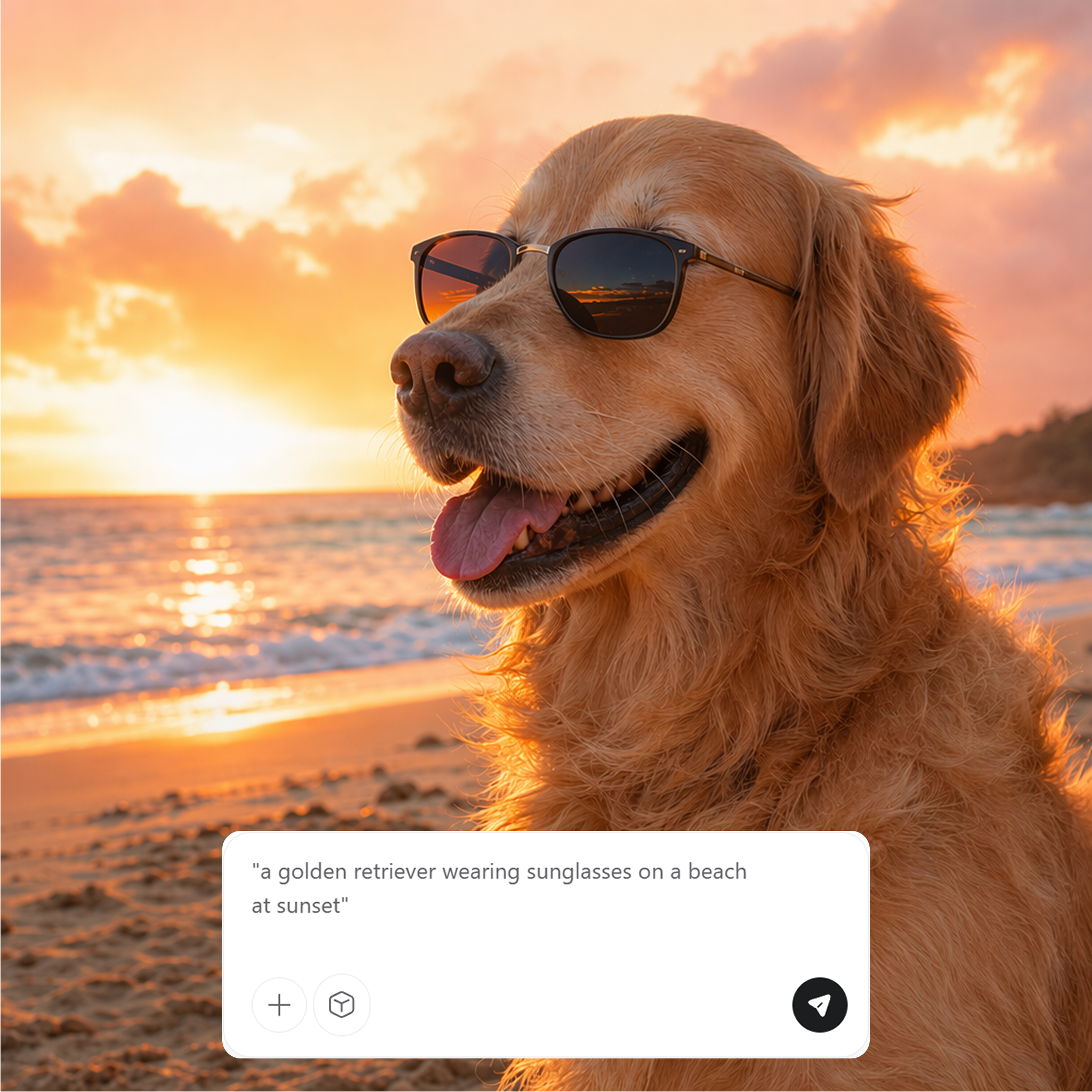
AI Text to Image Generator for Everyone
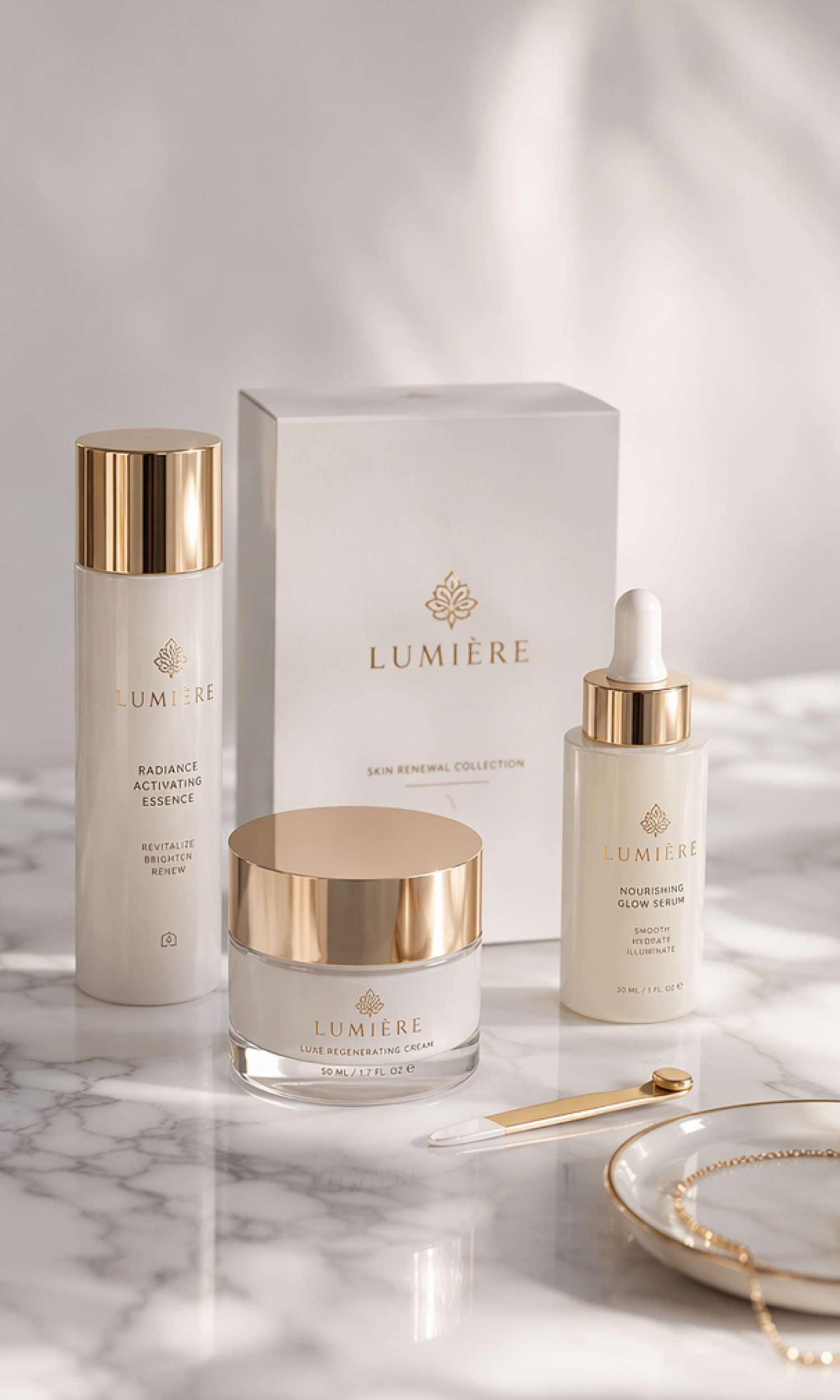

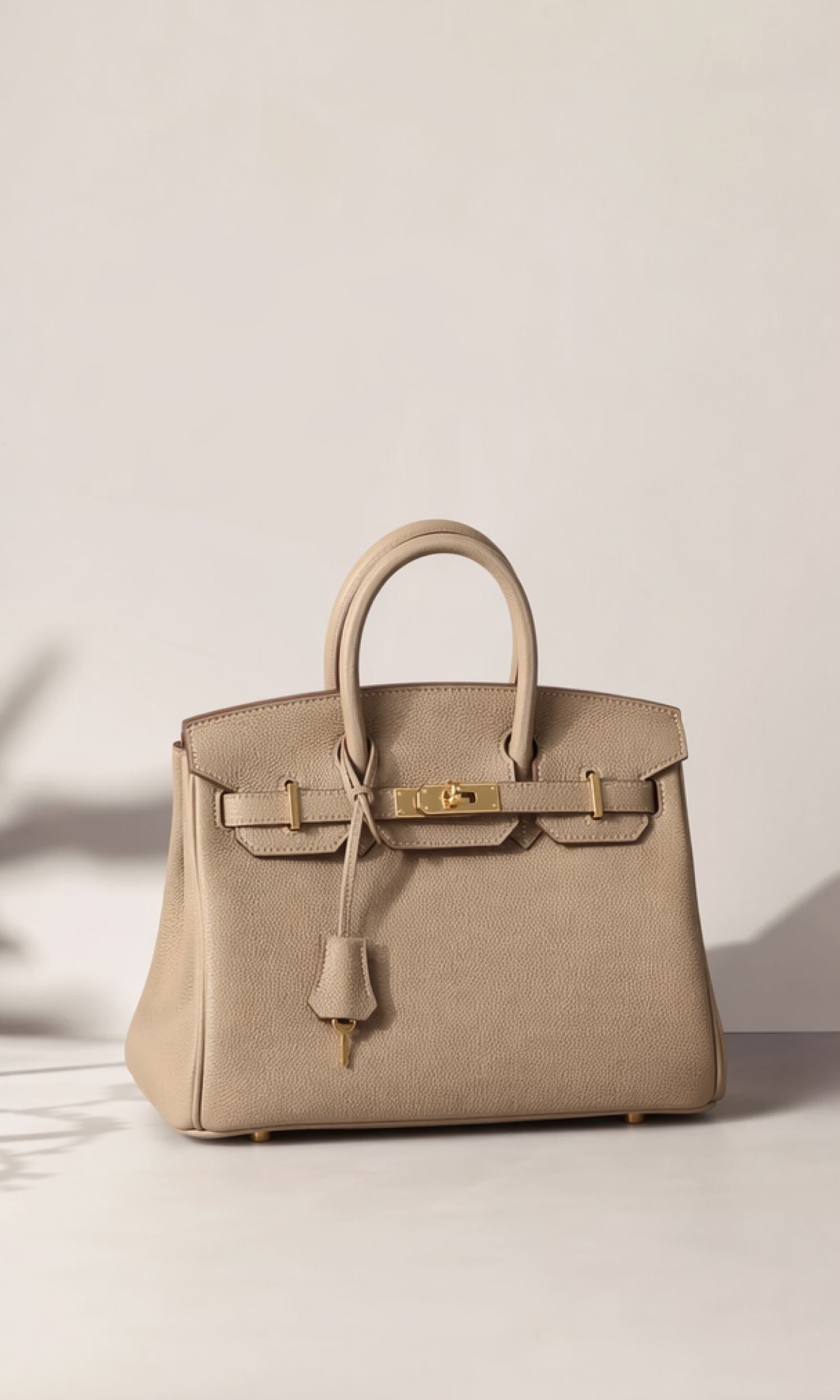
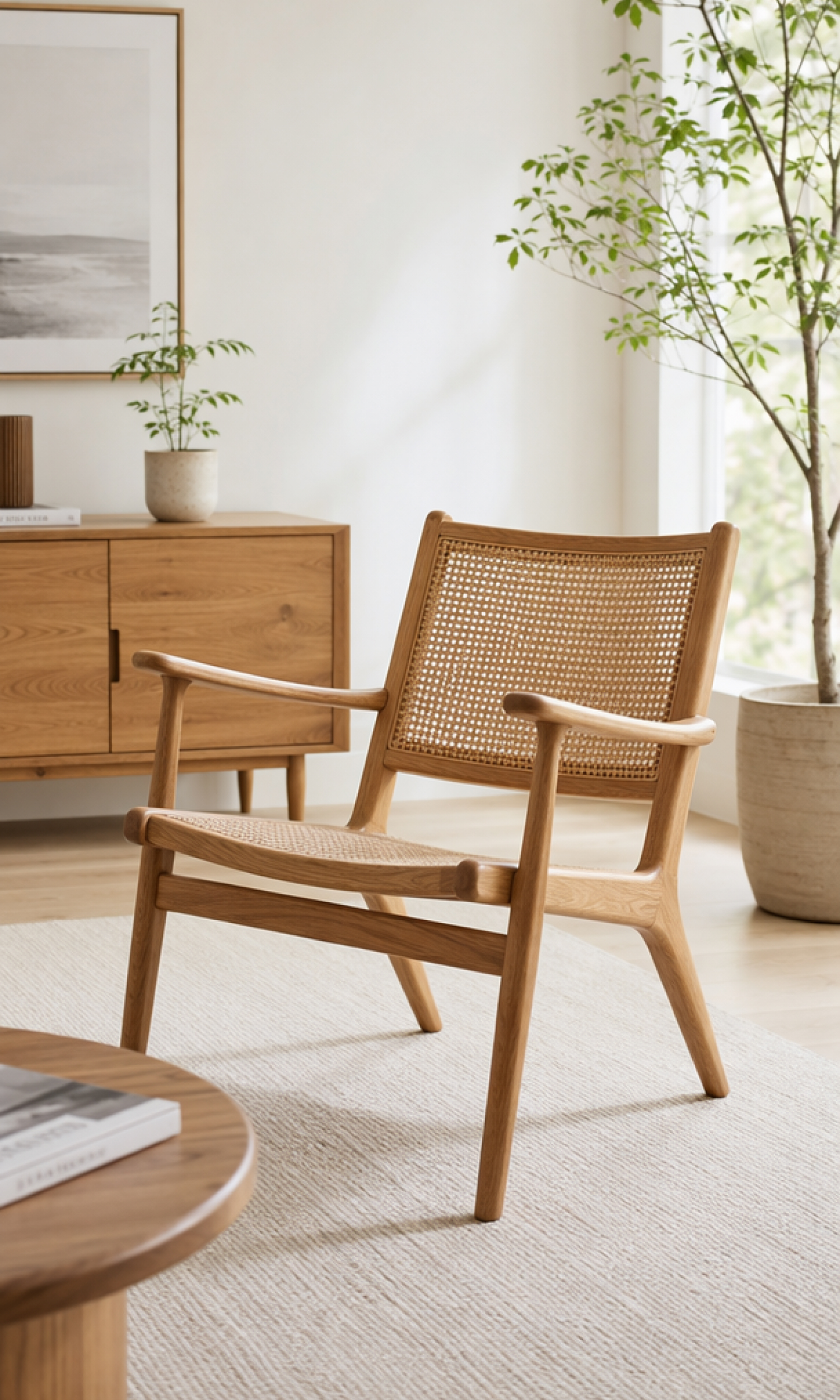
How to Create an Image From Text in 3 Steps
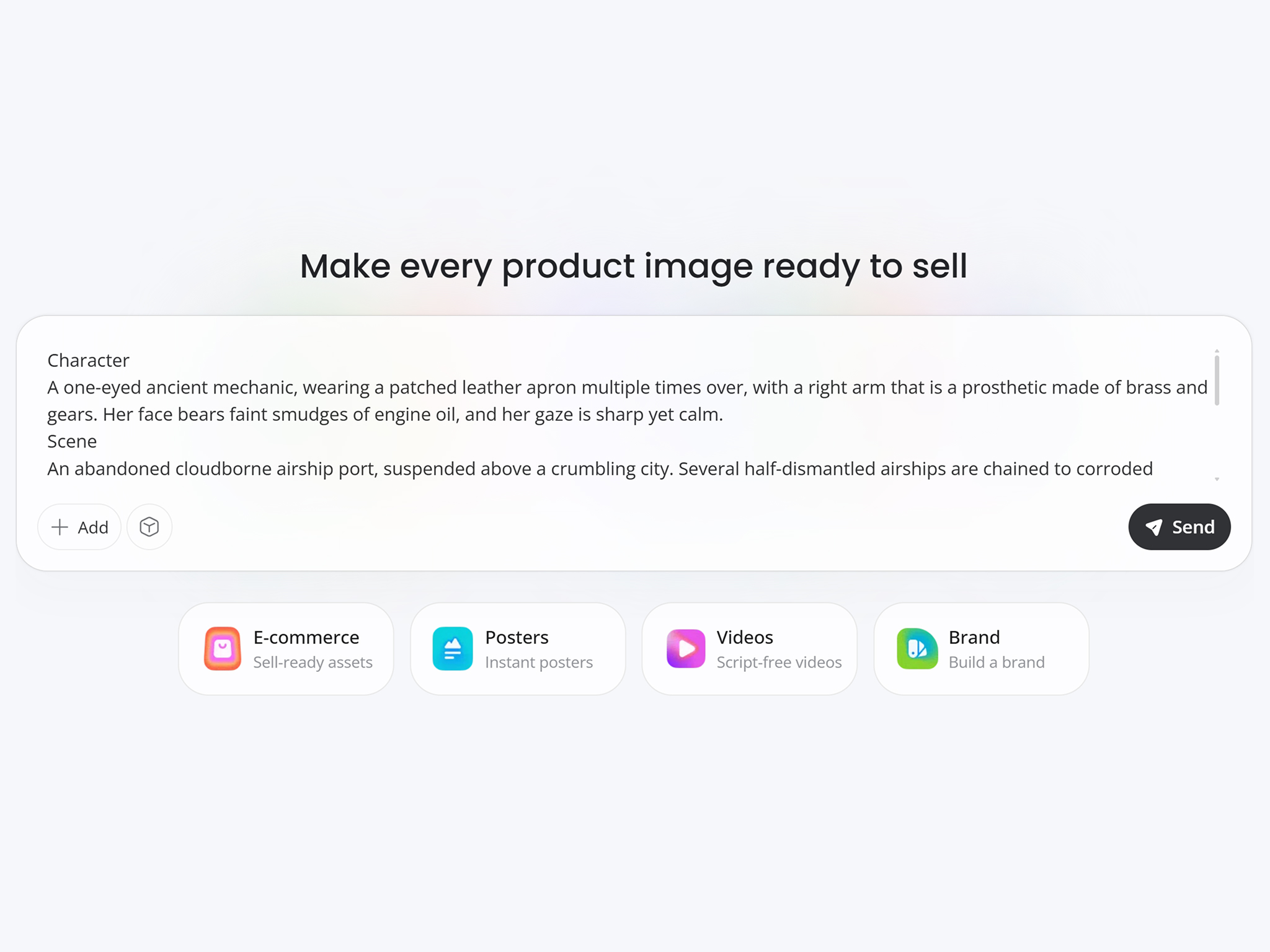
Write Your Image Prompt
Describe the image you want using natural language. Add details such as the subject, style, lighting, colors, or composition to guide AI.
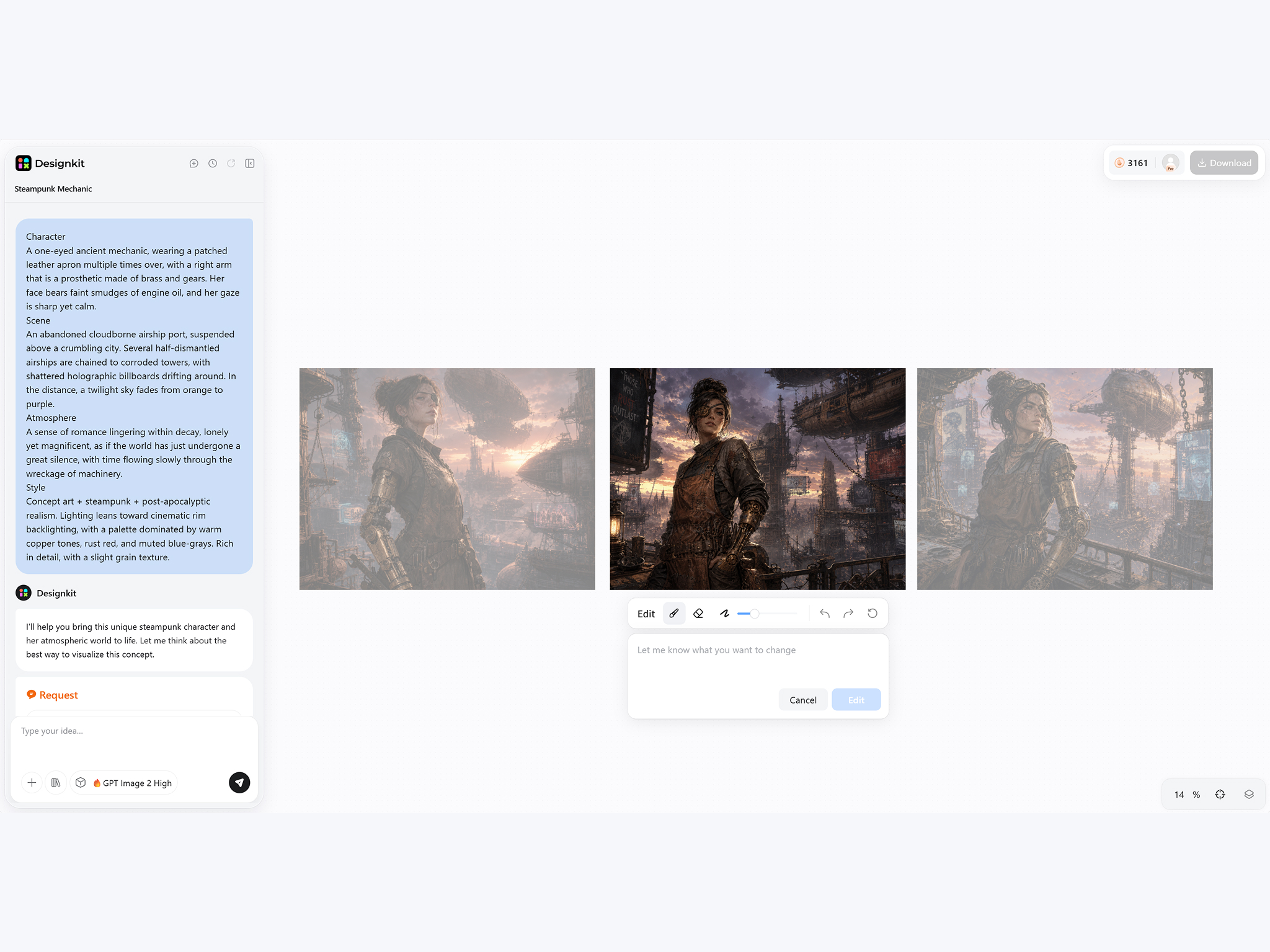
Customize Your Visual Direction
Type your preferred art style, aspect ratio, colors, and composition. Fine-tune the visual direction before generating your image.
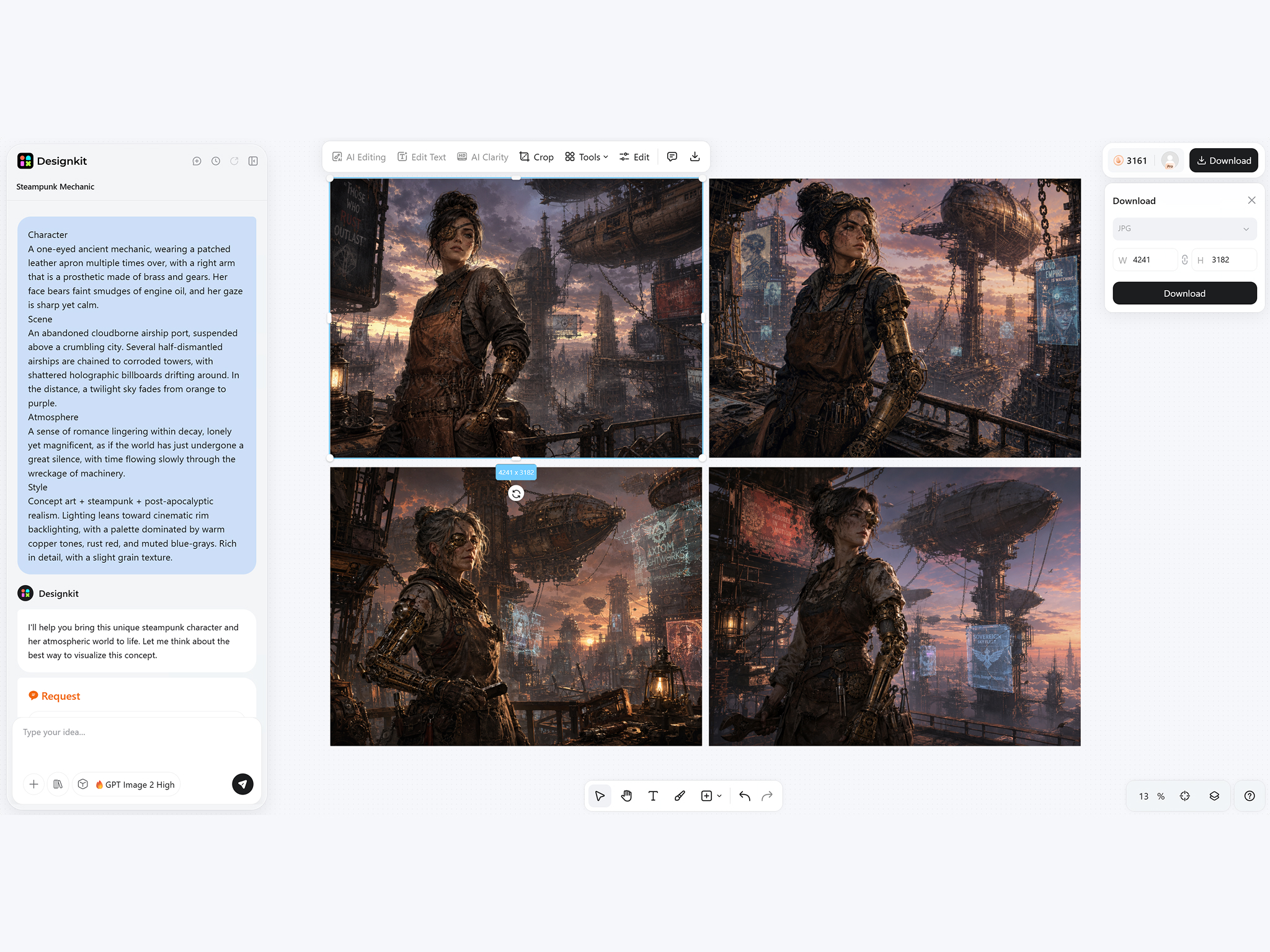
Generate and Download
Review multiple AI-generated images, compare different variations, and download your preferred result as a high-resolution JPG or PNG.
What Makes Designkit Text to Image Generator Different
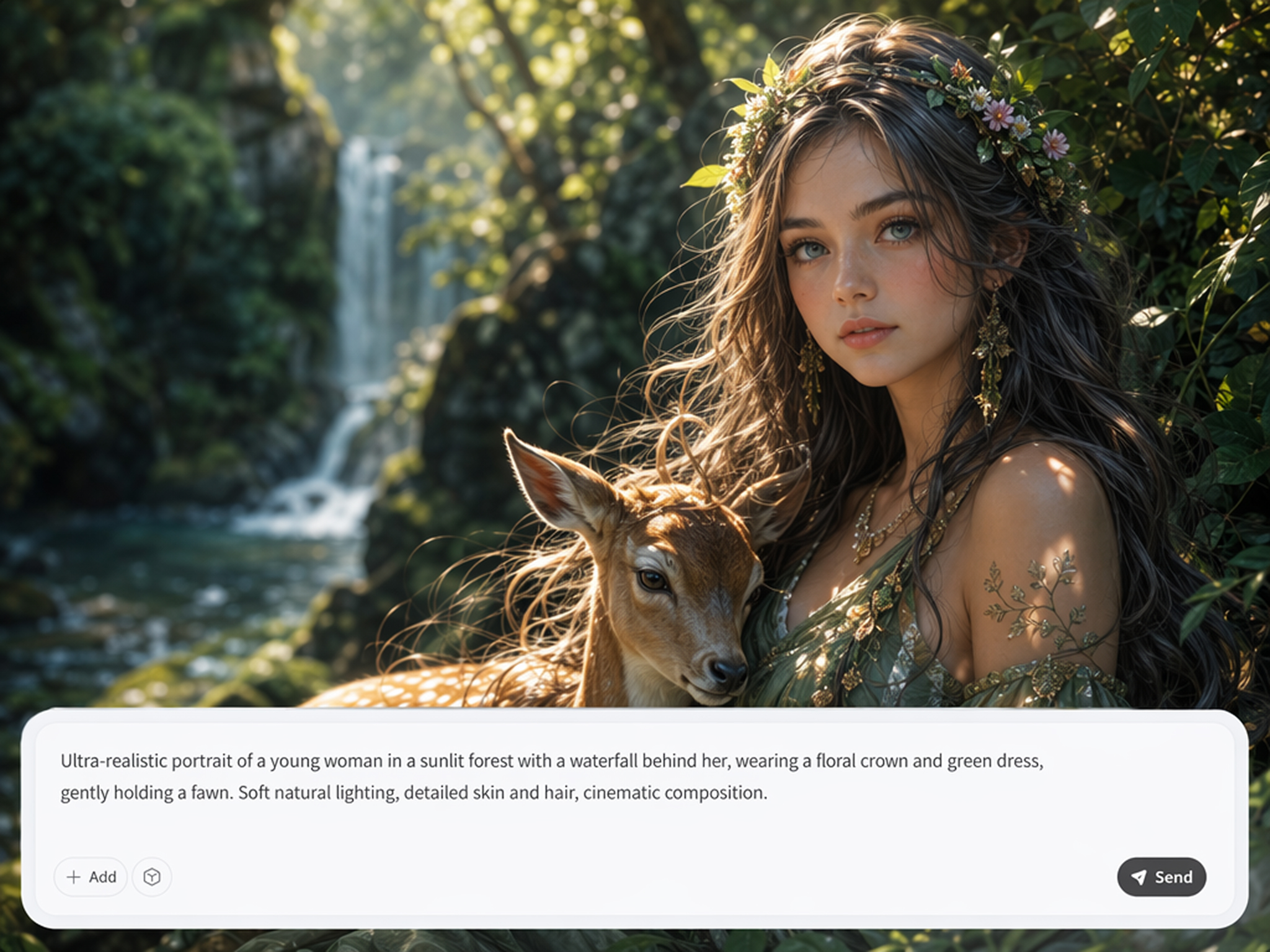
Turn Simple Words Into Original Visual Concepts
Describe an idea in a few words and watch it become a unique visual without browsing stock libraries or opening complex design software. Designkit's text to image AI helps you create original concepts in minutes.
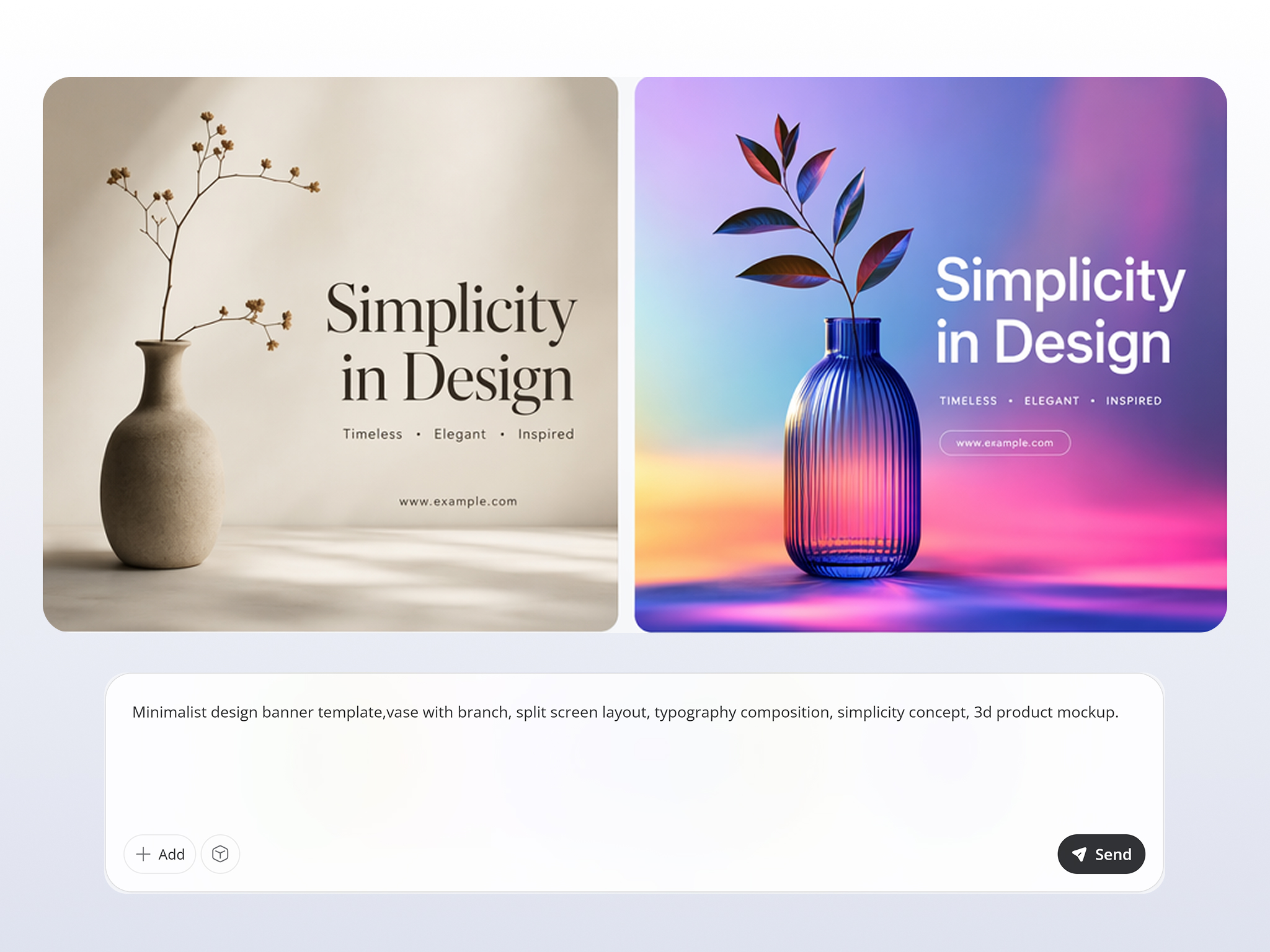
Control Every Detail With Natural Prompts
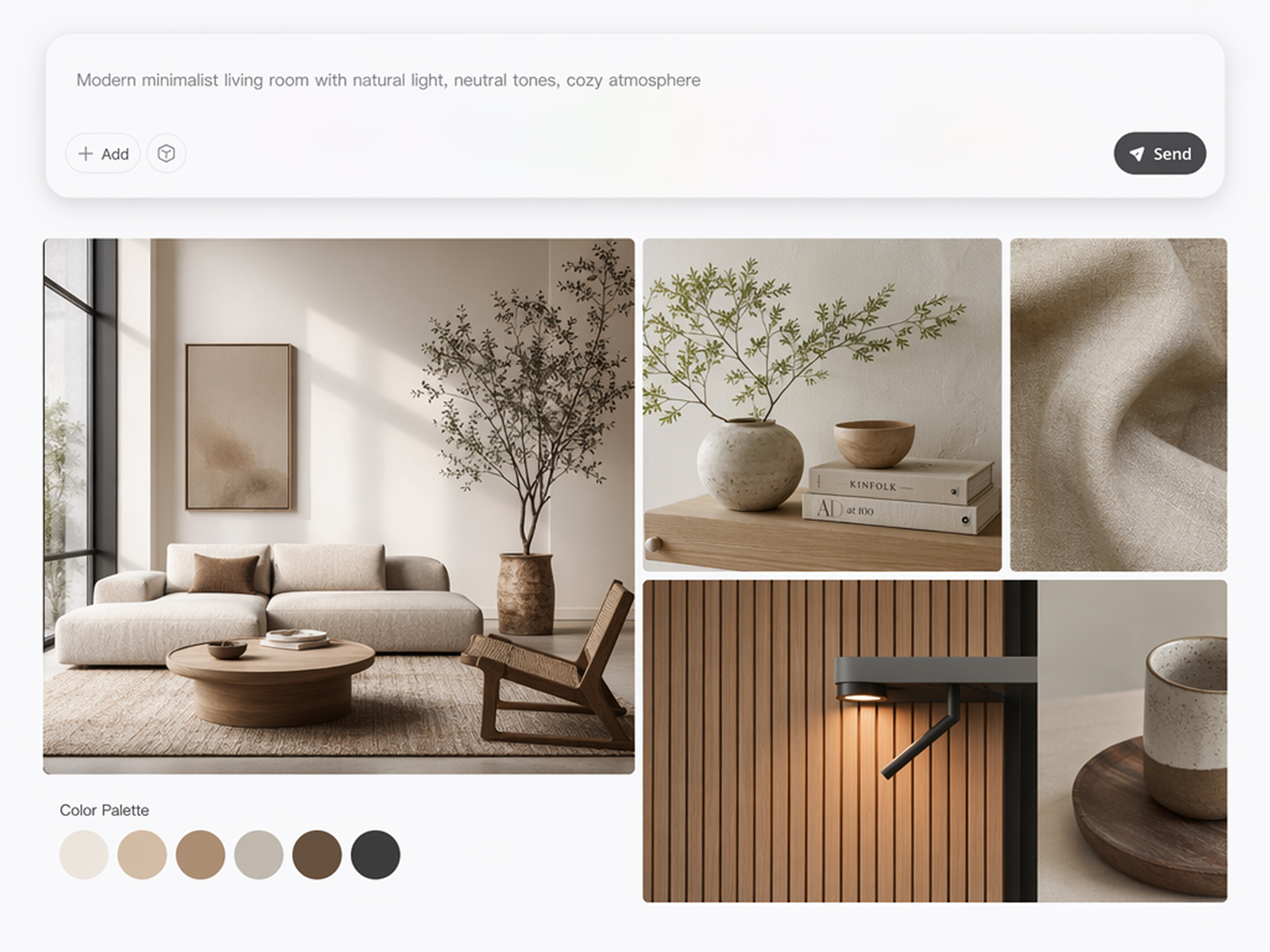
Write prompts the way you naturally describe an idea. Adjust subjects, colors, lighting, composition, and artistic style to guide the AI text to image generator toward visuals that closely match your creative vision.
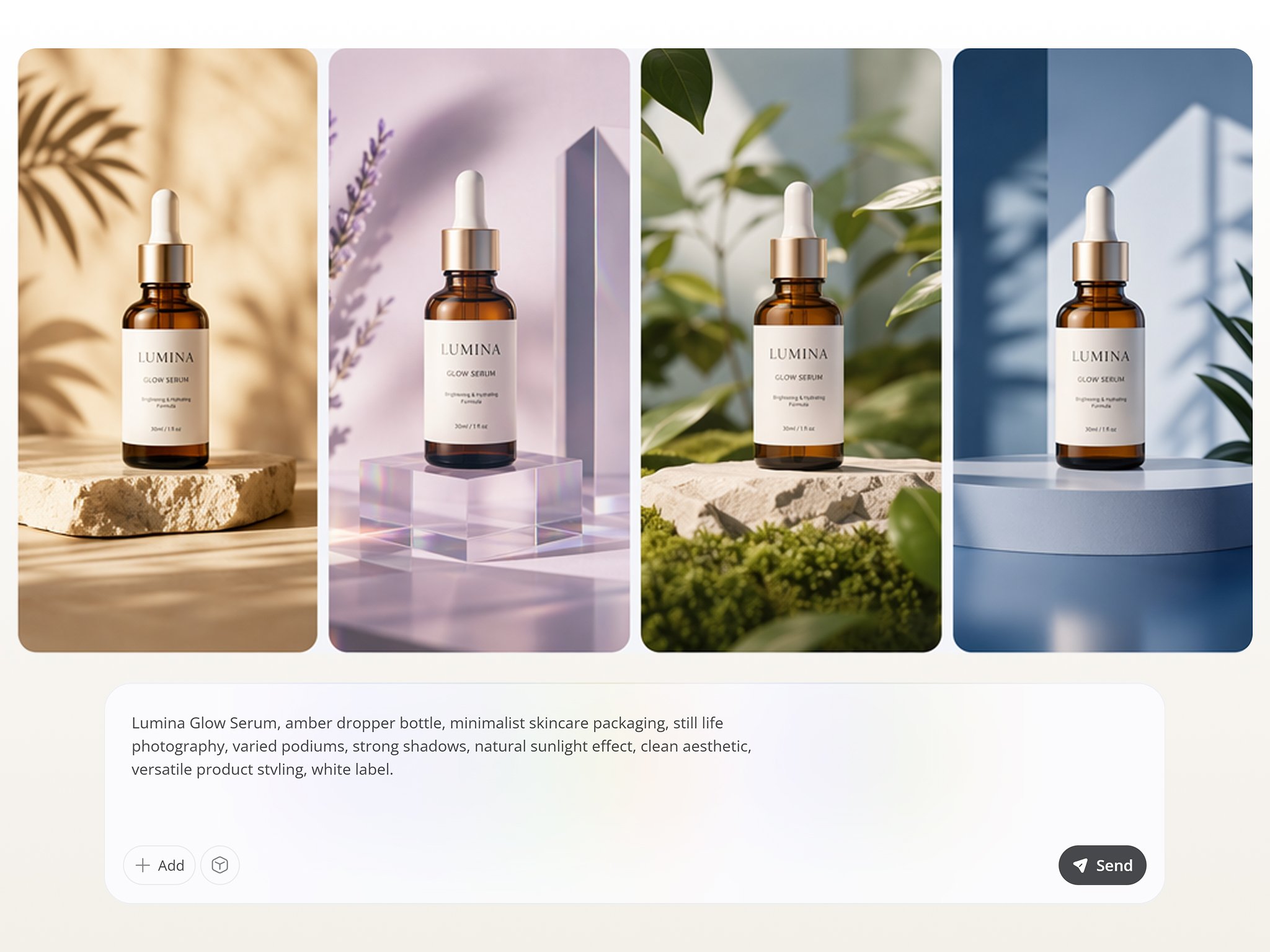
Generate Multiple Variations From One Prompt
One prompt can produce several creative directions, making it easier to compare styles before choosing the final image. Continue refining results or pair them with Designkit's AI image generator for more creative possibilities.
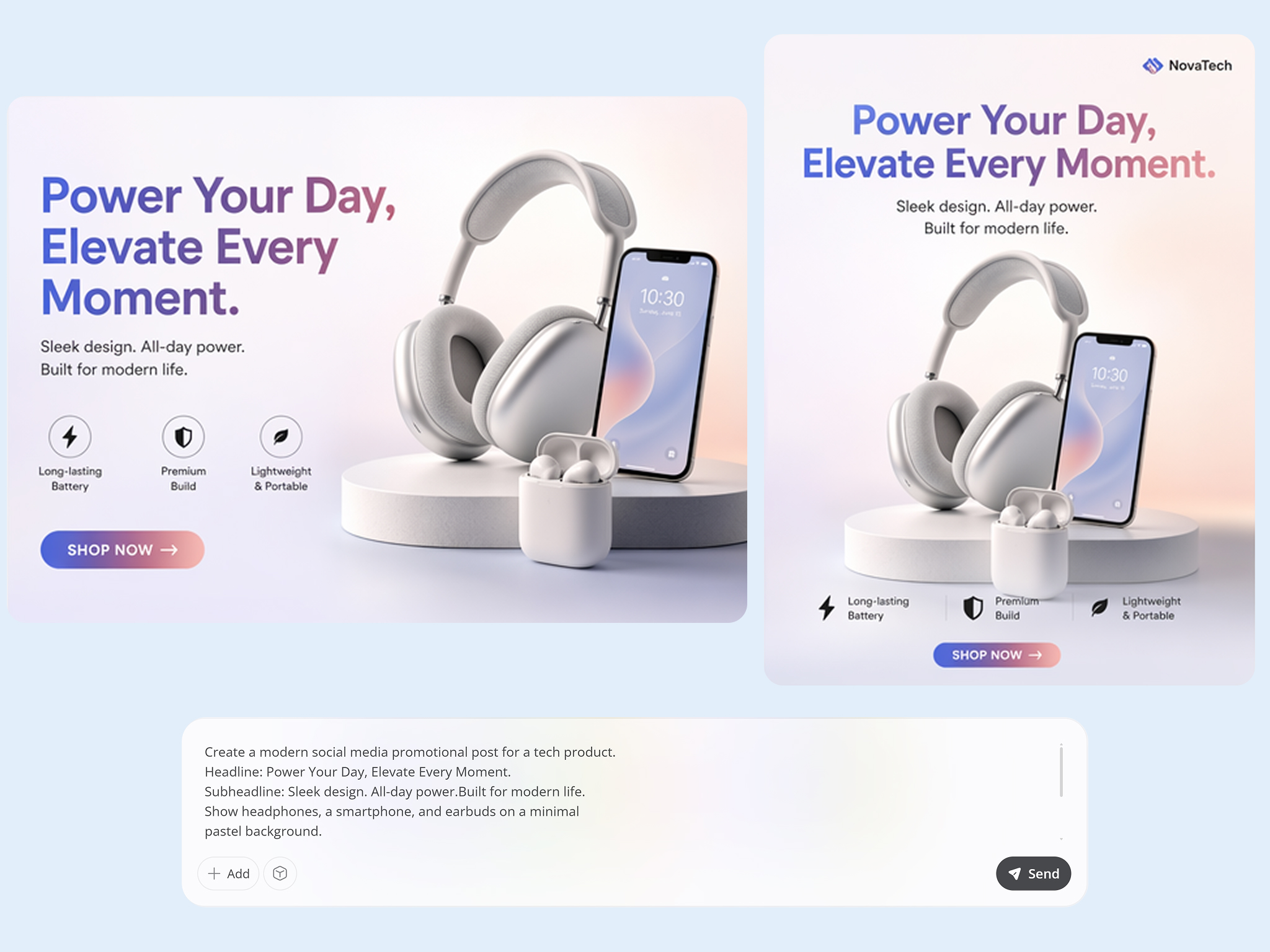
Create Ad and Social Visuals From Text
Produce banners, product ads, promotional graphics, and social media visuals directly from written prompts. Convert text to image concepts into ready-to-use marketing assets without starting every design from scratch.
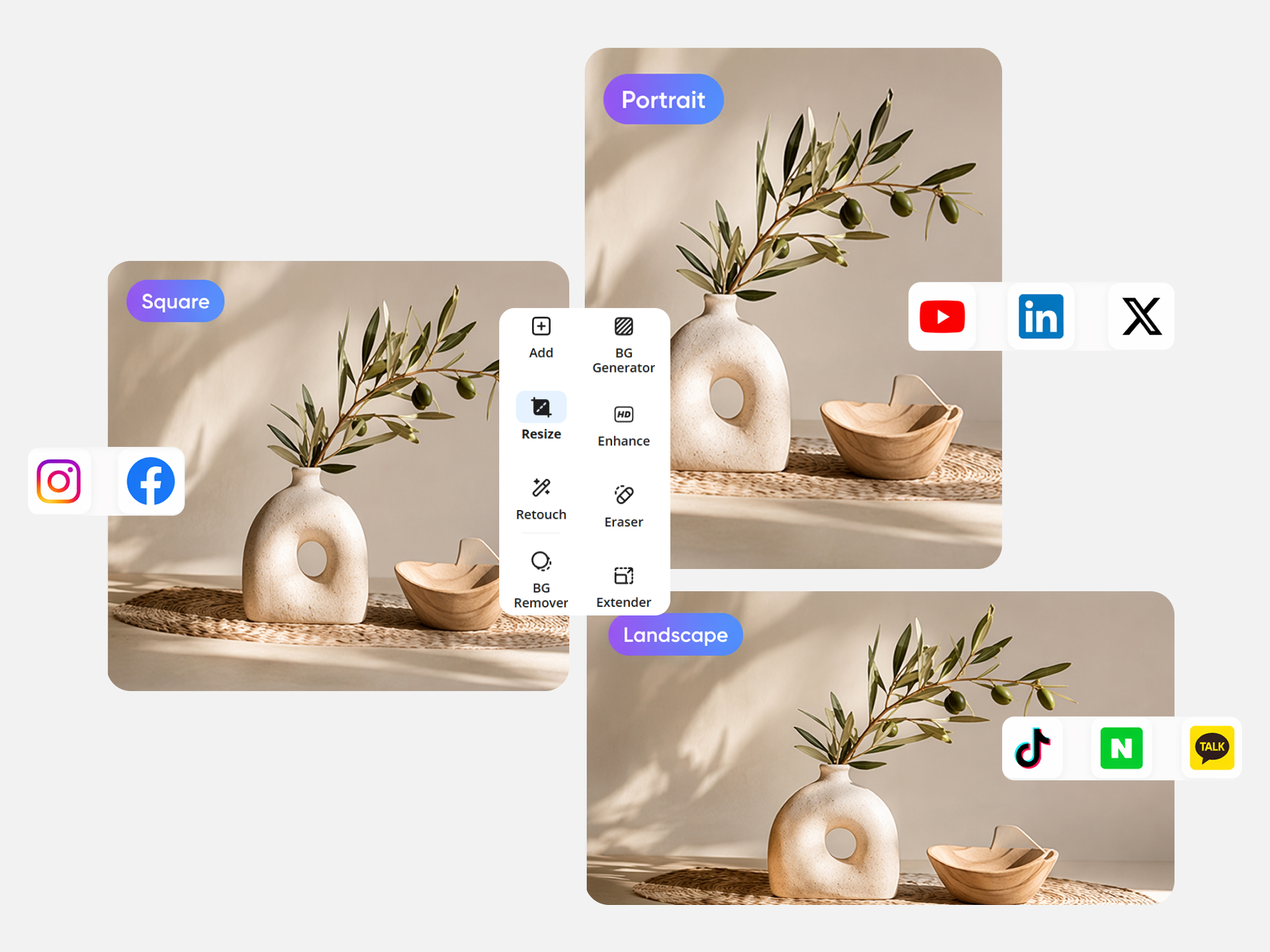
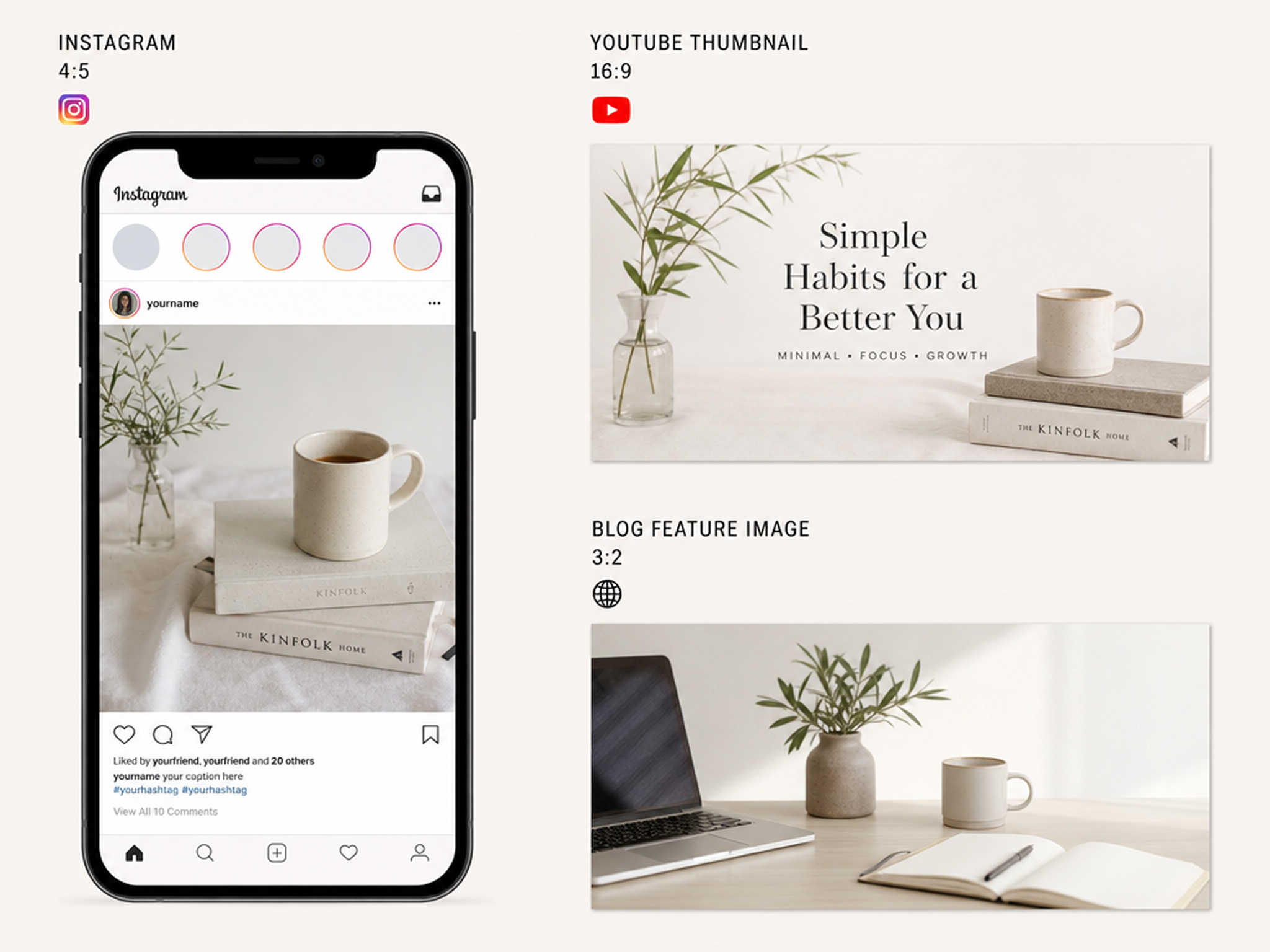
Export Platform-Ready Aspect Ratios
Generate images in formats suited for websites, online stores, social platforms, and presentations. Finish your workflow with the image resizer to prepare visuals for different publishing requirements.
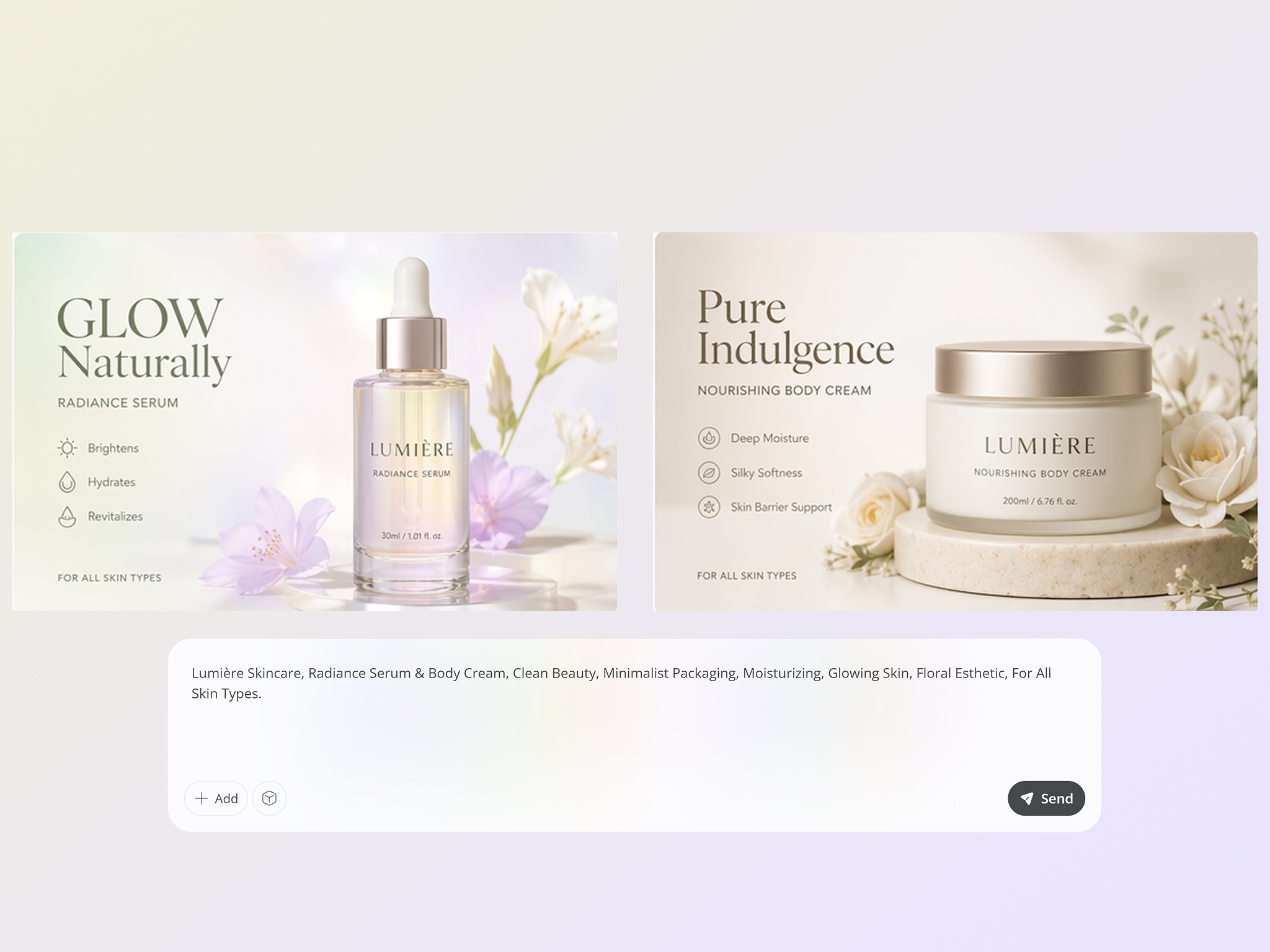
Reuse Prompts for Consistent Brand Styles
Save successful prompts and reuse them across future campaigns to maintain consistent colors, composition, and creative direction. This makes the text to image generator useful for building recognizable brand visuals over time.
Who Uses Designkit Text to Image Generator
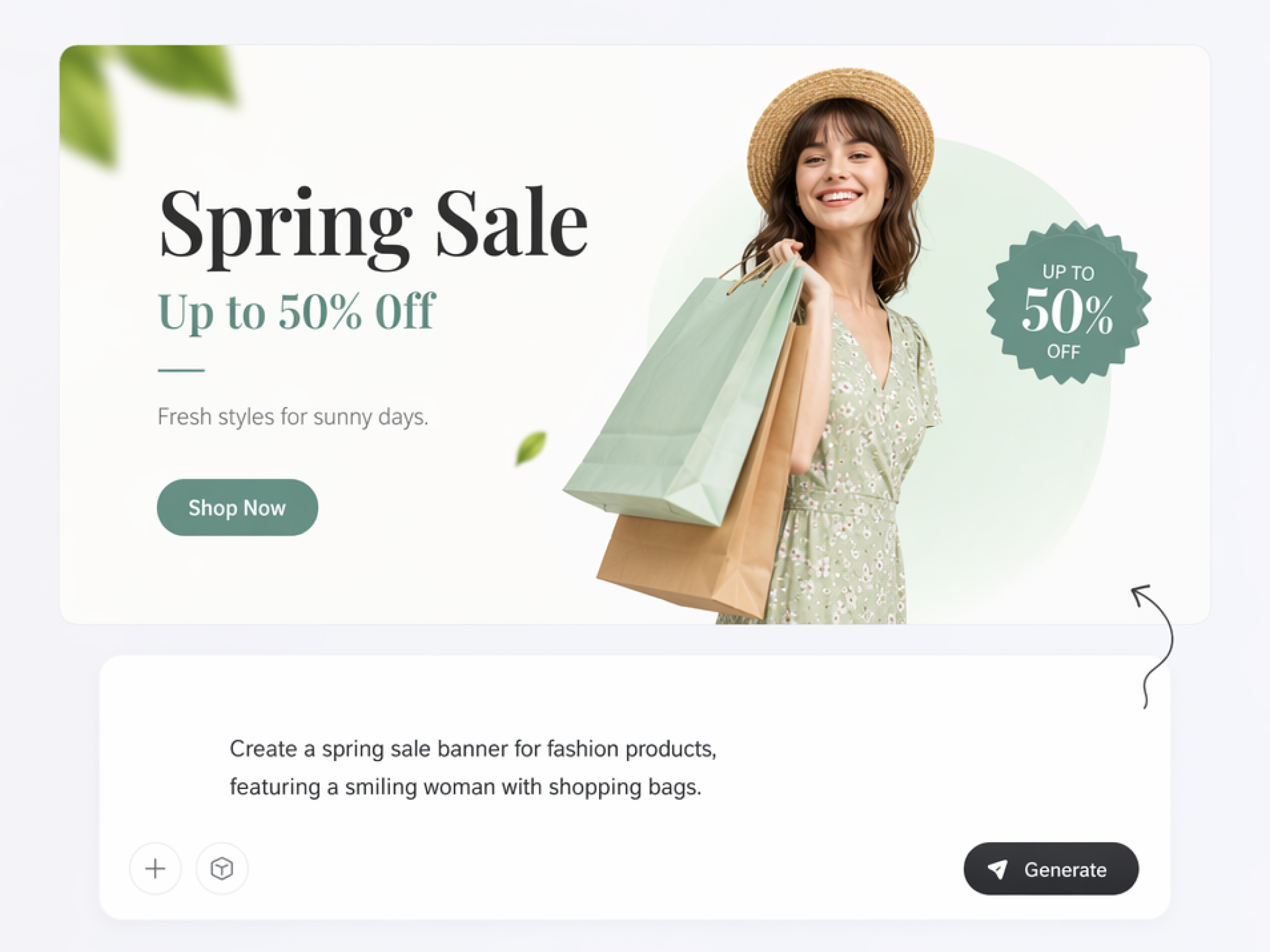
Produce Campaign Visuals From Prompts
Launch campaigns without waiting for new design assets. Use a text to image generator to create ad creatives, promotional banners, and social visuals from simple prompts while exploring multiple campaign directions before publishing.
Why Choose Designkit Text to Image Generator
Start With Ideas, Not Templates
Turn written ideas into original visuals instead of adapting stock templates or modifying existing artwork.
Generate More Possibilities Before Deciding
Compare multiple image variations from one prompt to choose the direction that best matches your project.
One Tool for Ads, Product Visuals, and Social Graphics
Create marketing images, ecommerce visuals, and social content from one prompt with no design skills needed.
No Professional Skills Required
Describe your ideas naturally, and Designkit creates polished visuals without requiring design experience.

Go From Prompt to Export in One Session
Generate, review, and download finished images without switching between multiple creative tools.
Free Credits To Start
Try the free AI text to image generator with signup credits before upgrading for additional image generations.
Unlock More Creative Possibilities
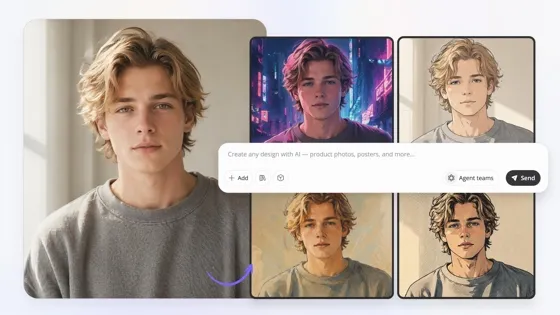
Image to Image AI
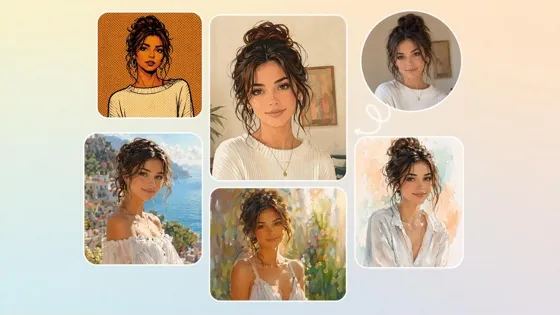
Turn Photos Into Art Styles
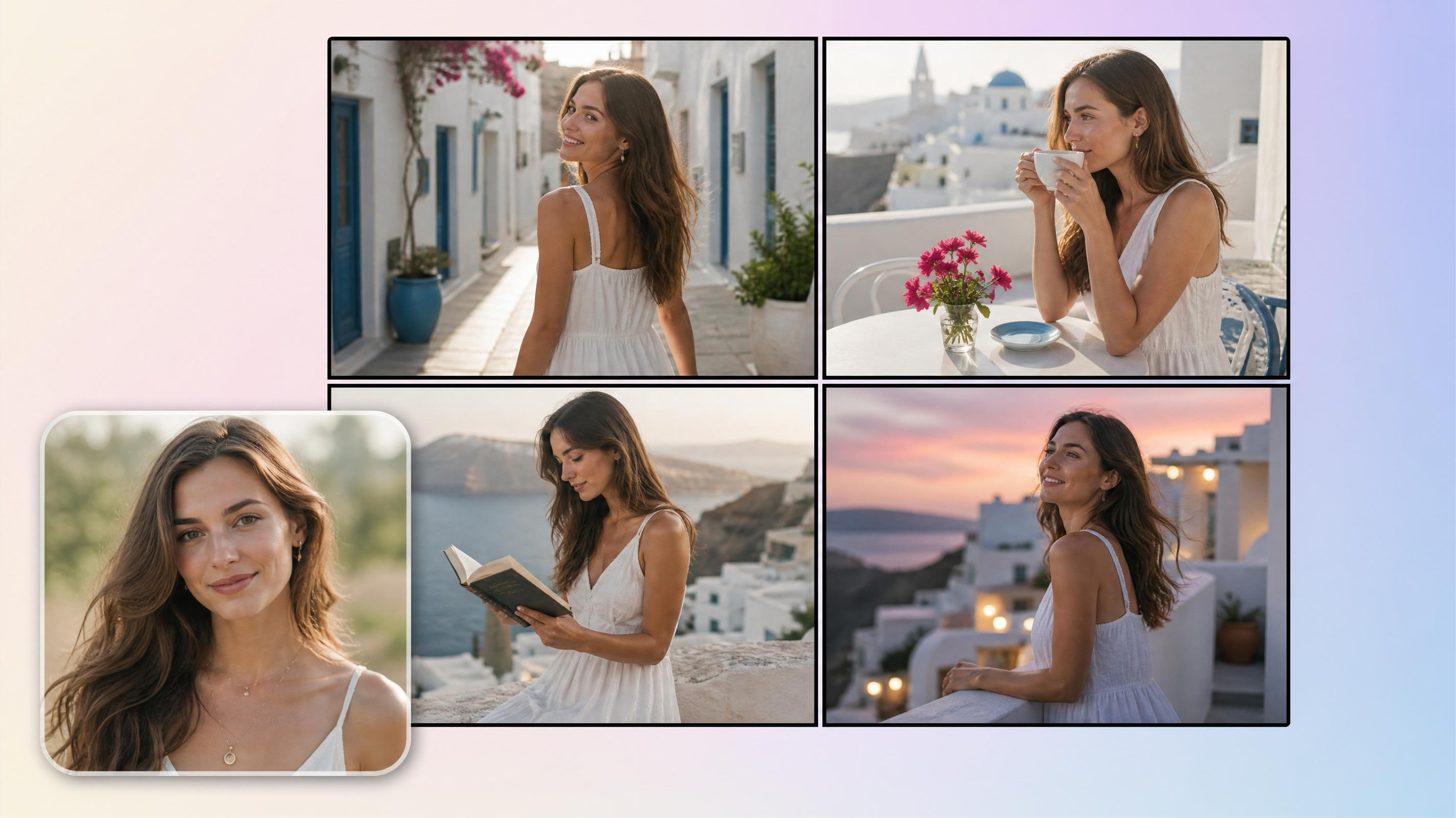
AI Storyboard Generator
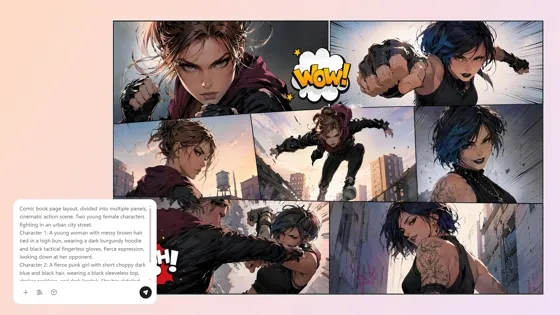
AI Comic Generator
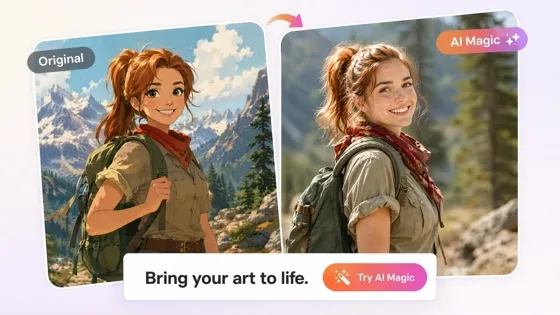
Cartoon to Realistic AI
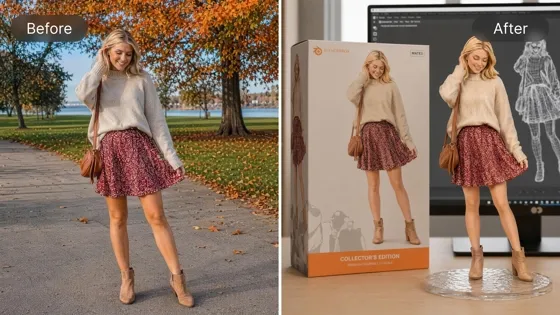
AI Action Figure Generator
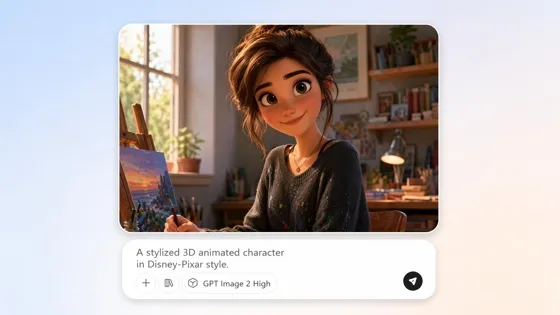
AI Cartoon Character Maker
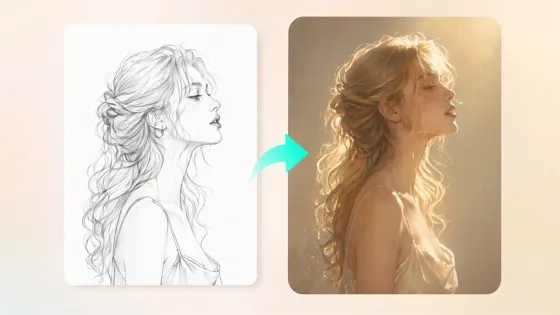
Sketch to Image AI
Frequently Asked Questions
What is a text to image generator?
How does the AI image generator from text work?
Enter a prompt describing your concept and select optional settings like style, aspect ratio, or composition. Designkit processes your instructions and outputs one or more AI images for you to review, refine and download.
Can I use Designkit text to image generator for free?
Yes. New users receive signup credits to try the free AI text to image generator before upgrading. Generate images from your prompts, compare different styles, and explore the creative possibilities before choosing a paid plan.
What styles can I generate from a text prompt?
You can create realistic photos, illustrations, anime art, digital paintings, sketches, concept art, product visuals, marketing graphics, and many other creative styles. Simply describe the look you want, and Designkit generates images that match your prompt.
Can I use AI generated images commercially?
Yes. Images created on eligible paid plans can be used for commercial projects such as advertising, ecommerce, websites, presentations, and marketing campaigns. Always review the latest licensing terms before publishing or distributing your generated images.
Can I generate multiple versions of the same prompt?
Yes. Generate several variations from a single prompt to compare different styles, layouts, colors, and compositions. You can also refine your prompt and regenerate images until you achieve a result that matches your creative vision.
Do AI generated images look realistic enough for marketing?
Yes. Well written prompts can produce realistic visuals suitable for marketing, ecommerce, social media, and presentations. Add details about the subject, lighting, style, and composition to help Designkit generate images that better match your intended outcome.
What file formats can I download?
Export your generated images as high-resolution JPG or PNG files. These formats are suitable for websites, ecommerce stores, social media, marketing campaigns, presentations, and other digital projects. Once downloaded, your images are ready to use without additional editing or file conversion.
Create Your First Image From Text Today
Write a prompt and download original visuals for marketing, ecommerce, and social posts. Start free with signup credits.

What Users Say About Designkit Text to Image Generator
See how teams and creators use Designkit to turn text prompts into original visuals for marketing, branding, and creative work.
Prepared Campaign Visuals Much Faster
Creating fresh campaign graphics every week used to slow our team down. Now we enter one prompt, compare several image concepts, and choose the strongest result. Our campaign production time has been reduced by nearly half without sacrificing creativity.
Simplified Early Product Brainstorming
We use Designkit to see packaging and product ideas from simple prompts before we spend money on design work. Seeing concepts early helps the team make better decisions and reduces design rework later.
Created Original Content for Every Platform
Stock images make our content feel repetitive across channels. Designkit lets me create original visuals for Instagram, LinkedIn, blogs, and campaigns. Every post feels new yet stays on-brand.
Reduced Illustration Costs for Client Projects
Clients often need visual concepts before approving a direction. I generated several creative options during our first meeting, making feedback more productive and reducing the need for outsourced illustrations on early-stage projects.
Built Business Presentations With Custom Graphics
We wanted visuals that showed off our product, not just generic graphics in our presentations. Designkit allows us to create tailored images from prompts, making each pitch deck more relevant and much more aligned with our corporate identity.
Maintained Consistent Branding Across Campaigns
We use the same prompts that work well on seasonal launches and product campaigns to create new visuals with a familiar look. That consistency has built our brand and has made creative production faster for every campaign.