
Create TikTok Videos From Ideas, Images, or Clips
Turn product photos, scripts, short clips, and simple ideas into ready-to-post TikTok videos. Designkit helps you create vertical 9:16 videos with AI avatars, captions, voiceovers, and TikTok-friendly pacing.
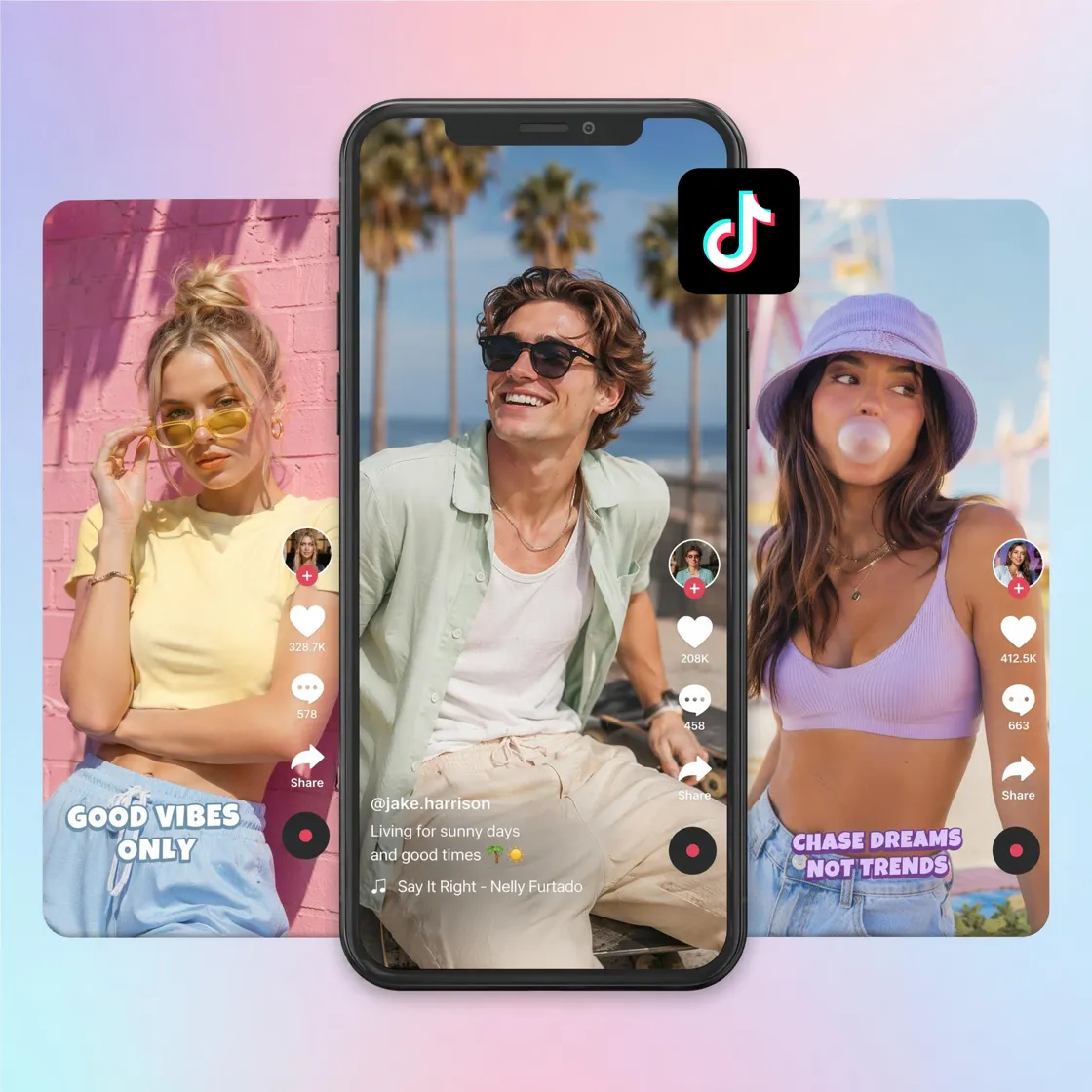
How to Make a TikTok Video in 3 Steps
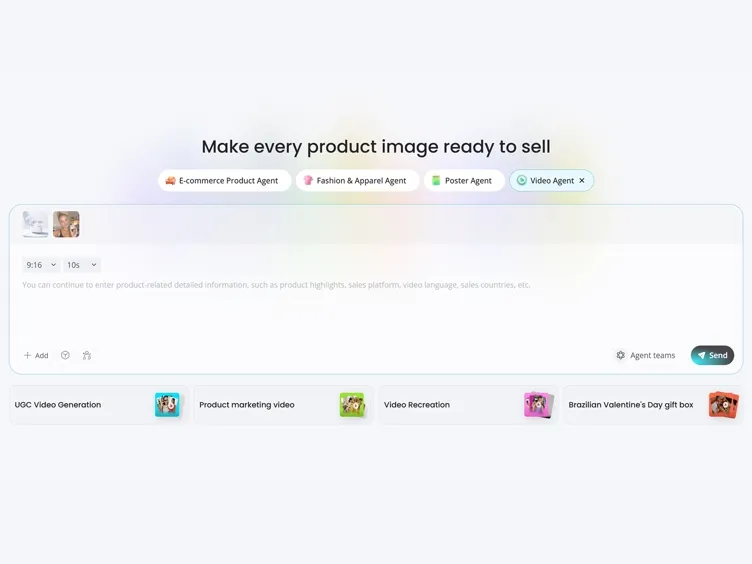
Upload an Image, Video, or Idea
Start with a product photo, video clip, script, URL, or simple prompt. Designkit prepares your content for vertical TikTok creation.
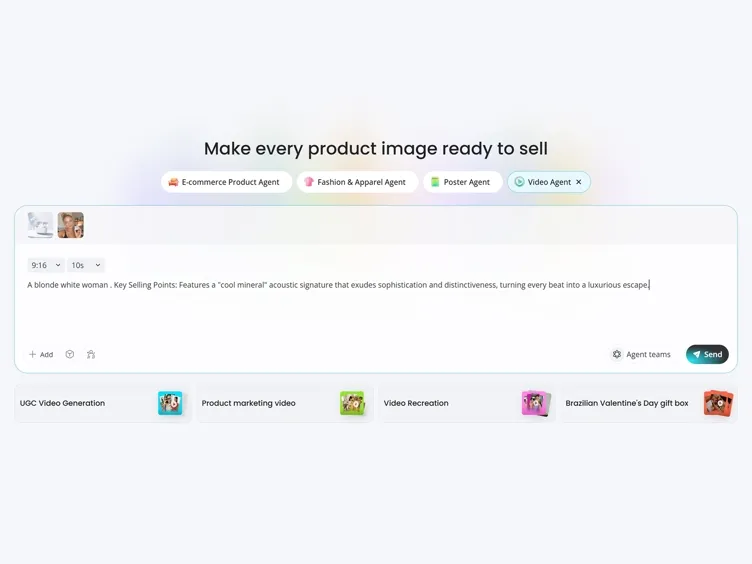
Generate Your TikTok Video
Use AI to create a TikTok-ready video with captions, motion, voiceover, effects, and optional AI avatars. Adjust the style, pacing, language, and layout to match your content goal.
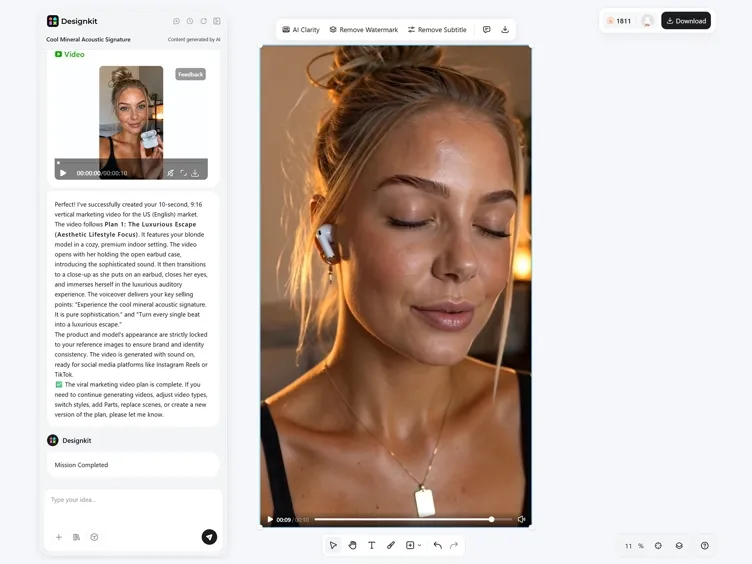
Preview and Export
Review your video, create additional versions for testing, and export a 9:16 TikTok video ready to post.
What You Can Create With Designkit TikTok Video Maker
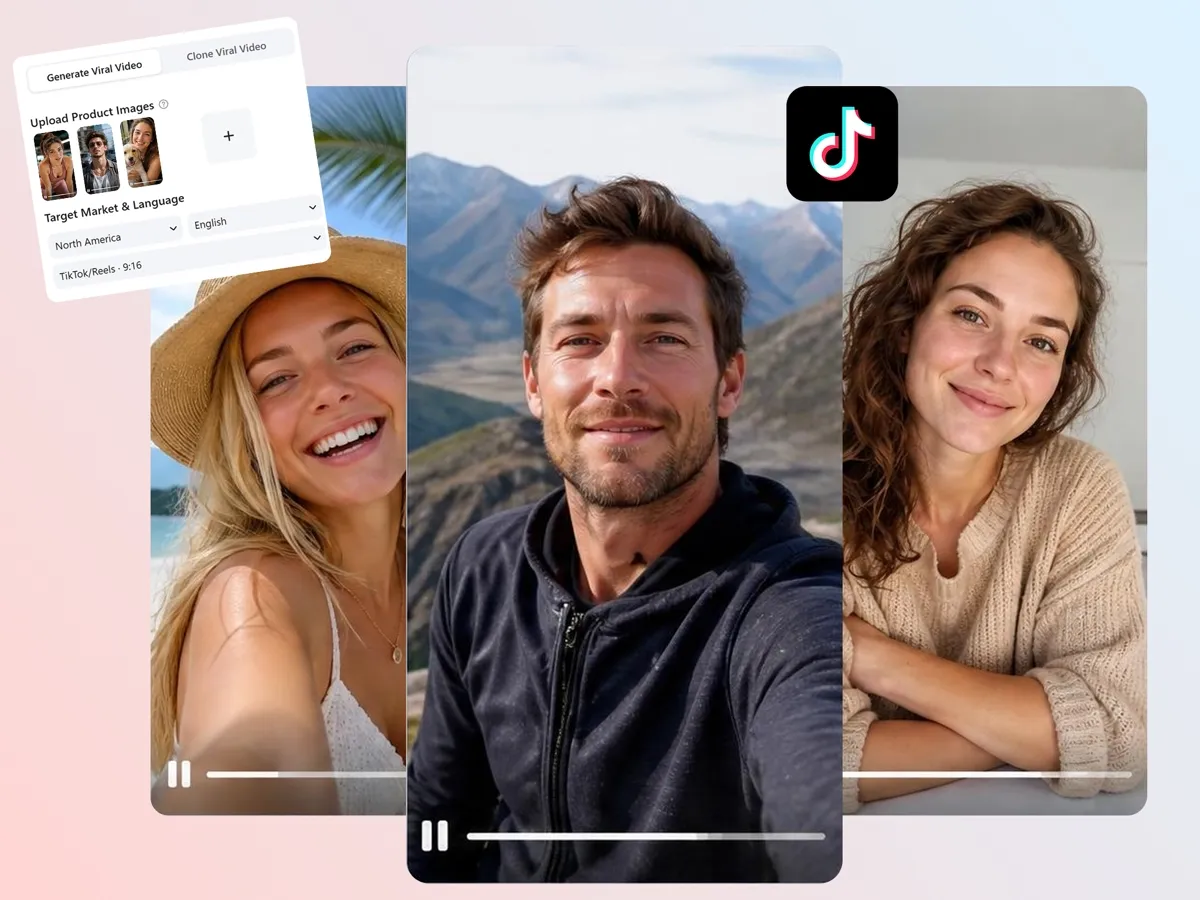
Turn Photos and Ideas Into TikTok Videos
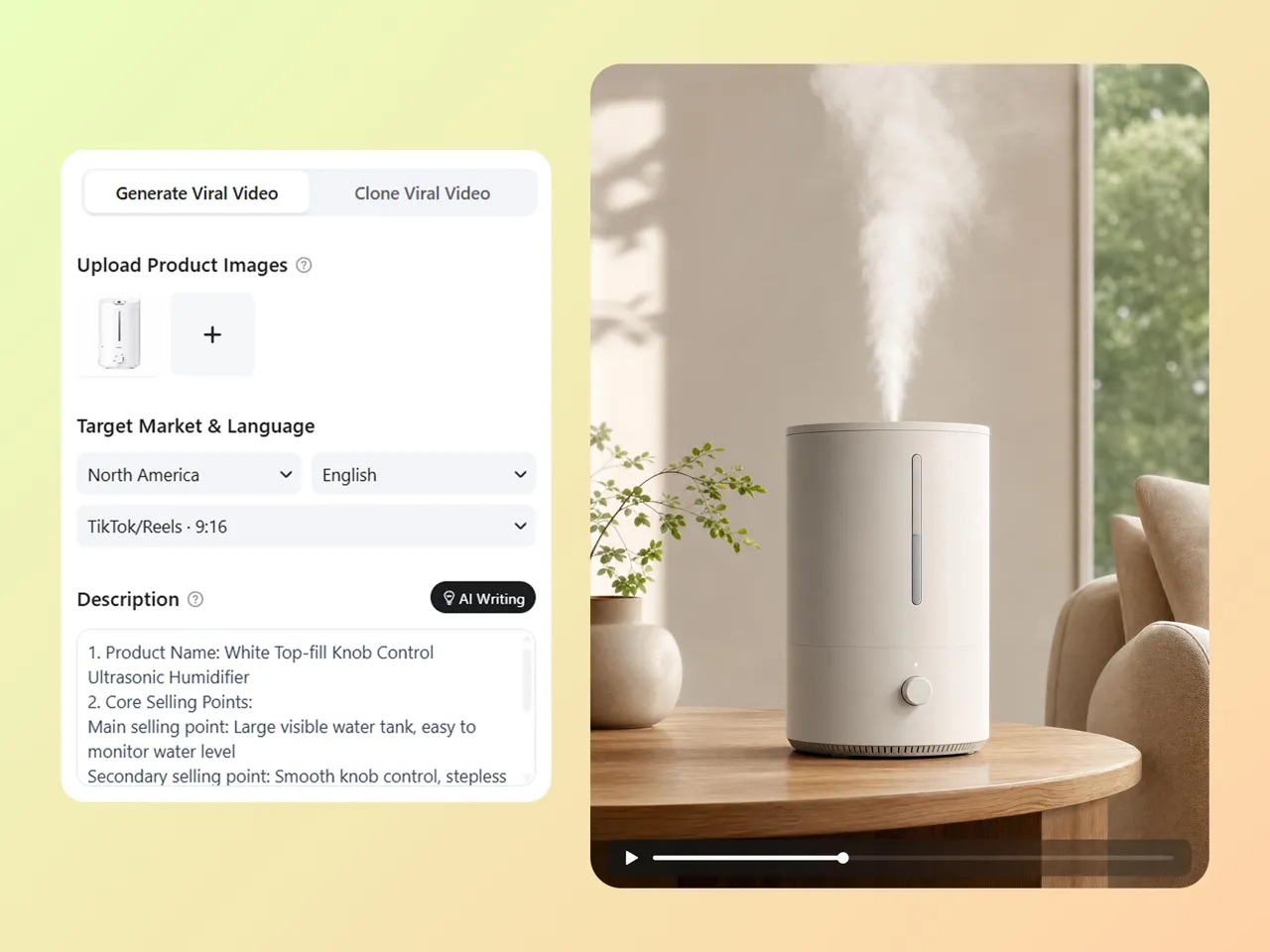
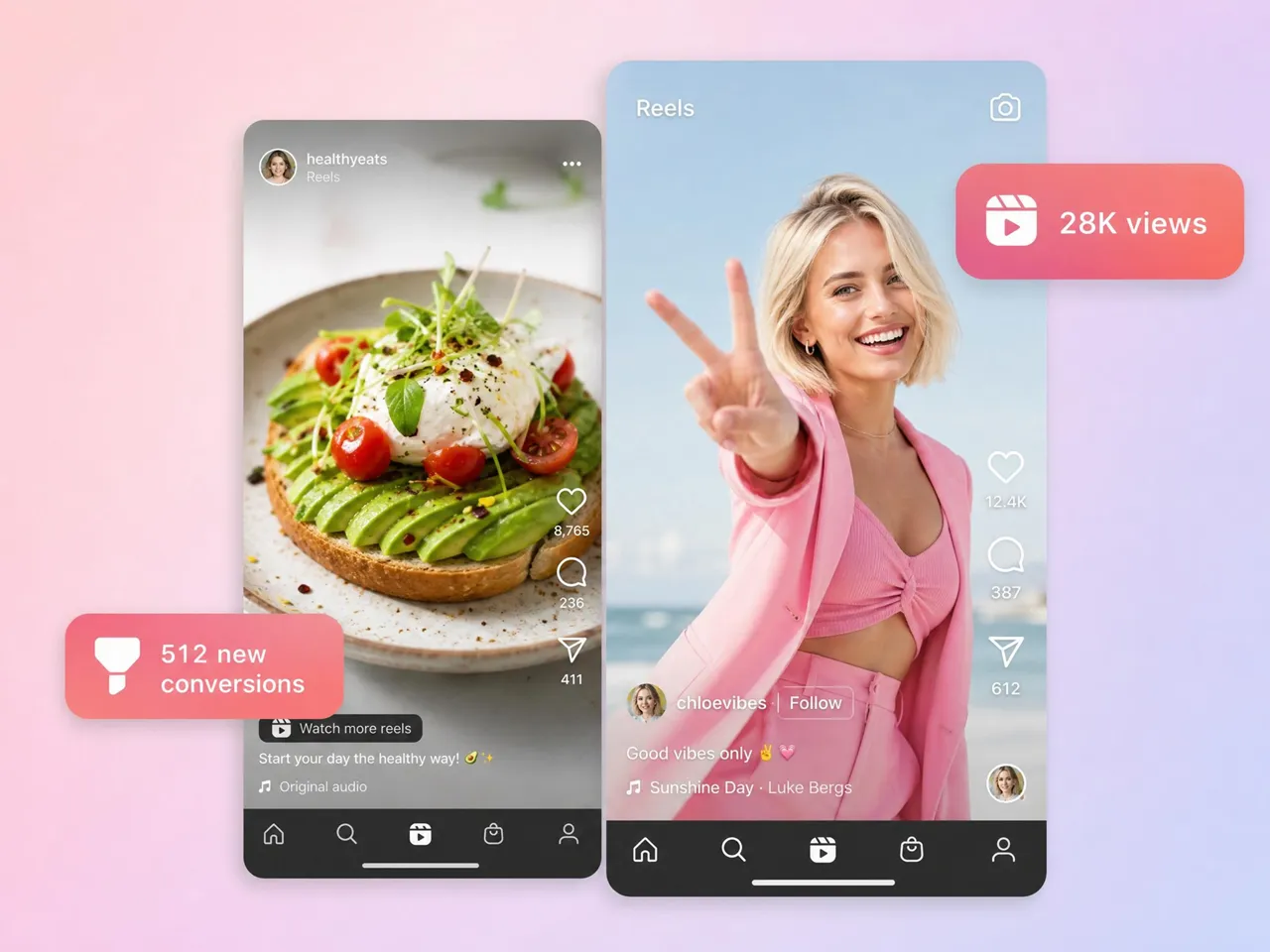
Create TikTok videos from product images, lifestyle photos, prompts, or scripts. Designkit adds motion, captions, voiceover, and vertical formatting so static assets become short-form videos.
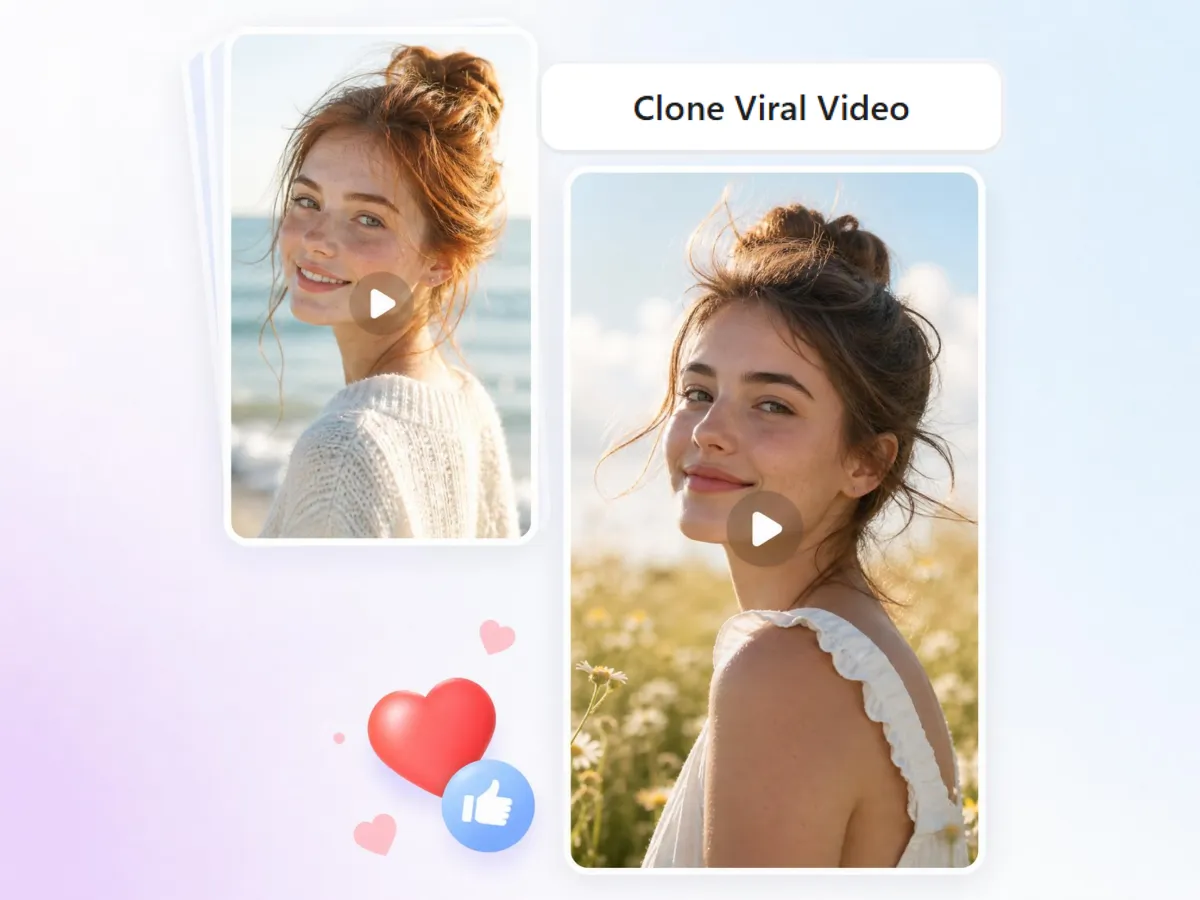
Recreate TikTok Formats From a Reference Video
When a trend starts taking off, speed matters. Upload a reference video to generate new TikTok variations based on a similar structure, rhythm, and format. Use proven creative patterns while keeping the final video aligned with your own product, message, or brand.
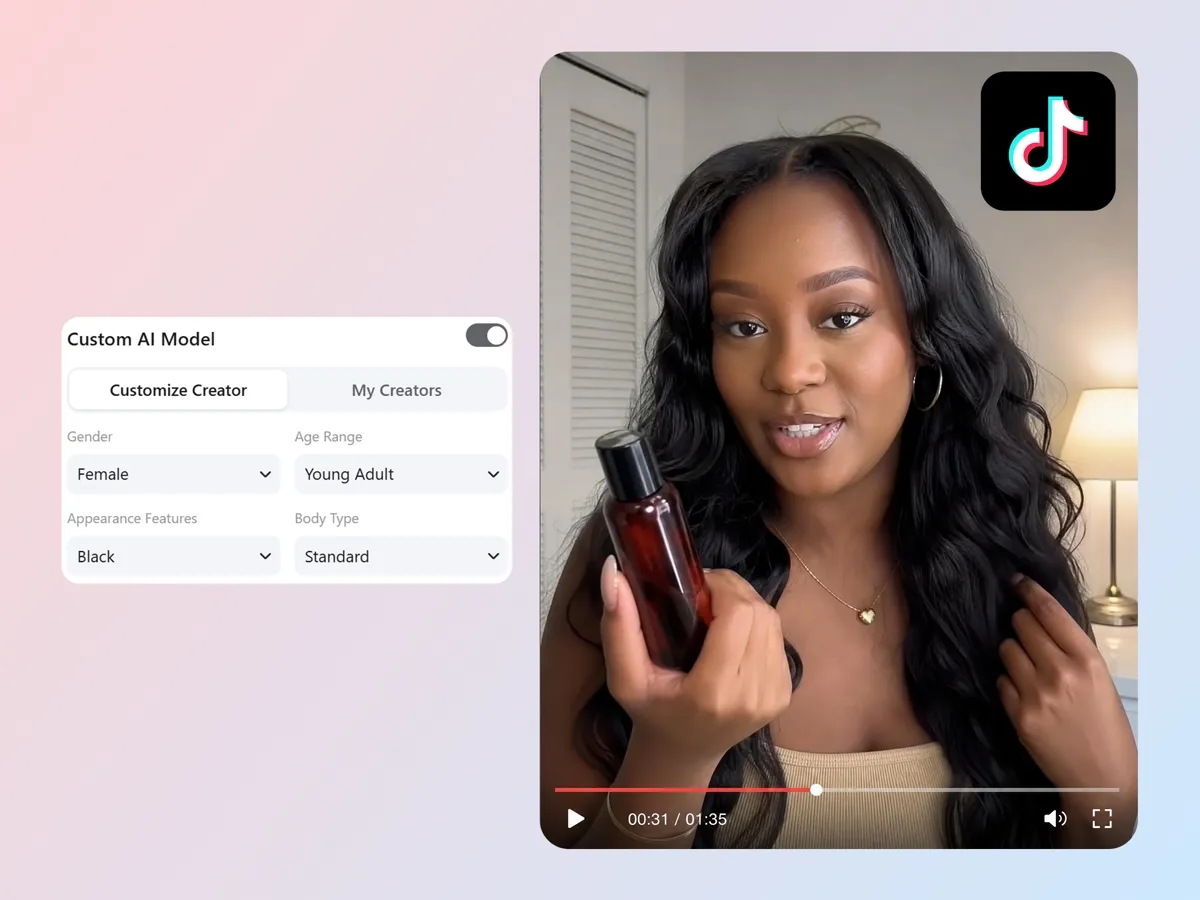
Create TikTok Videos With AI Avatars
Not every campaign needs a camera crew or content creator. Use realistic AI avatars for product explainers, UGC-style ads, educational videos, and brand storytelling. Customize appearance, voice, language, and delivery style to fit your audience.
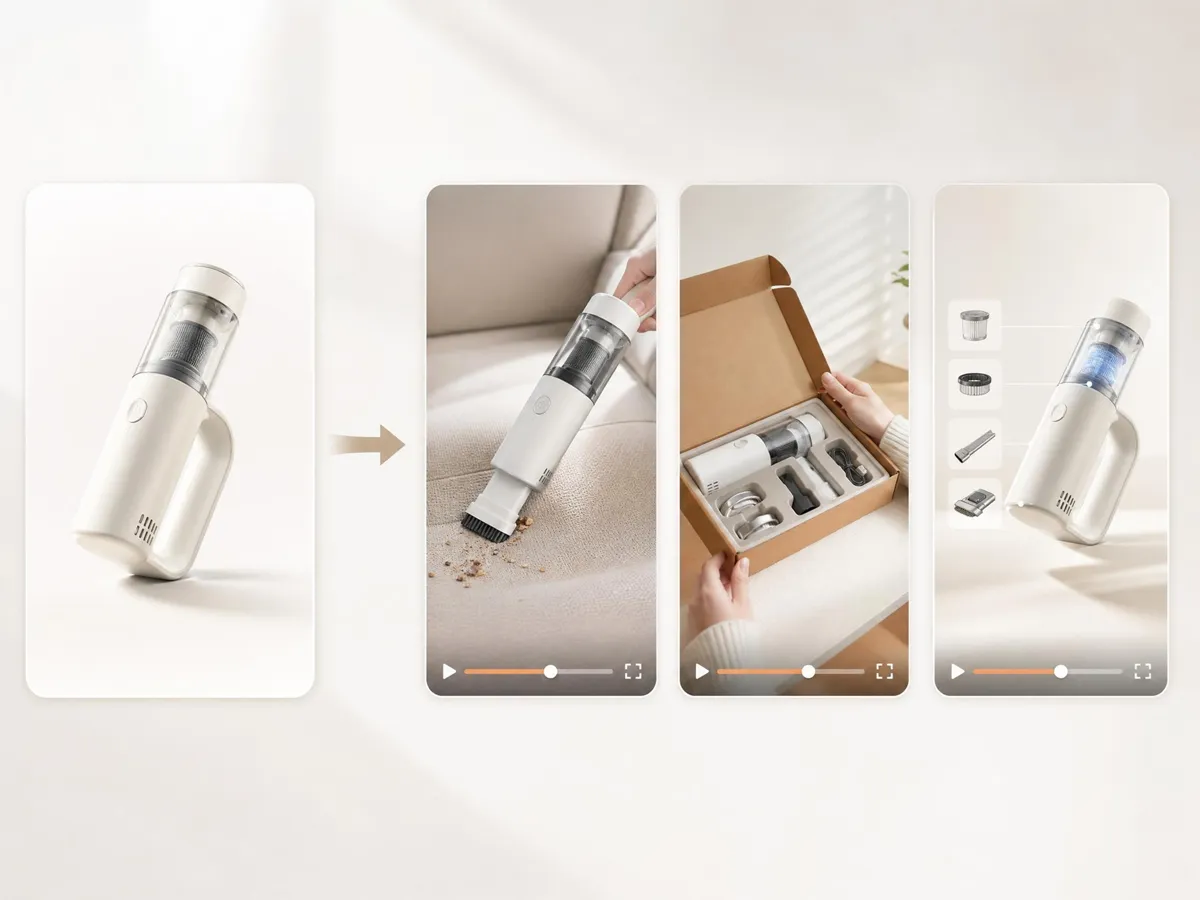
Generate Multiple TikTok Variations From One Concept
Turn one idea into different TikTok formats, including product demos, testimonials, reactions, unboxings, tutorials, and promotional videos. Test more hooks and creative angles without starting over each time.
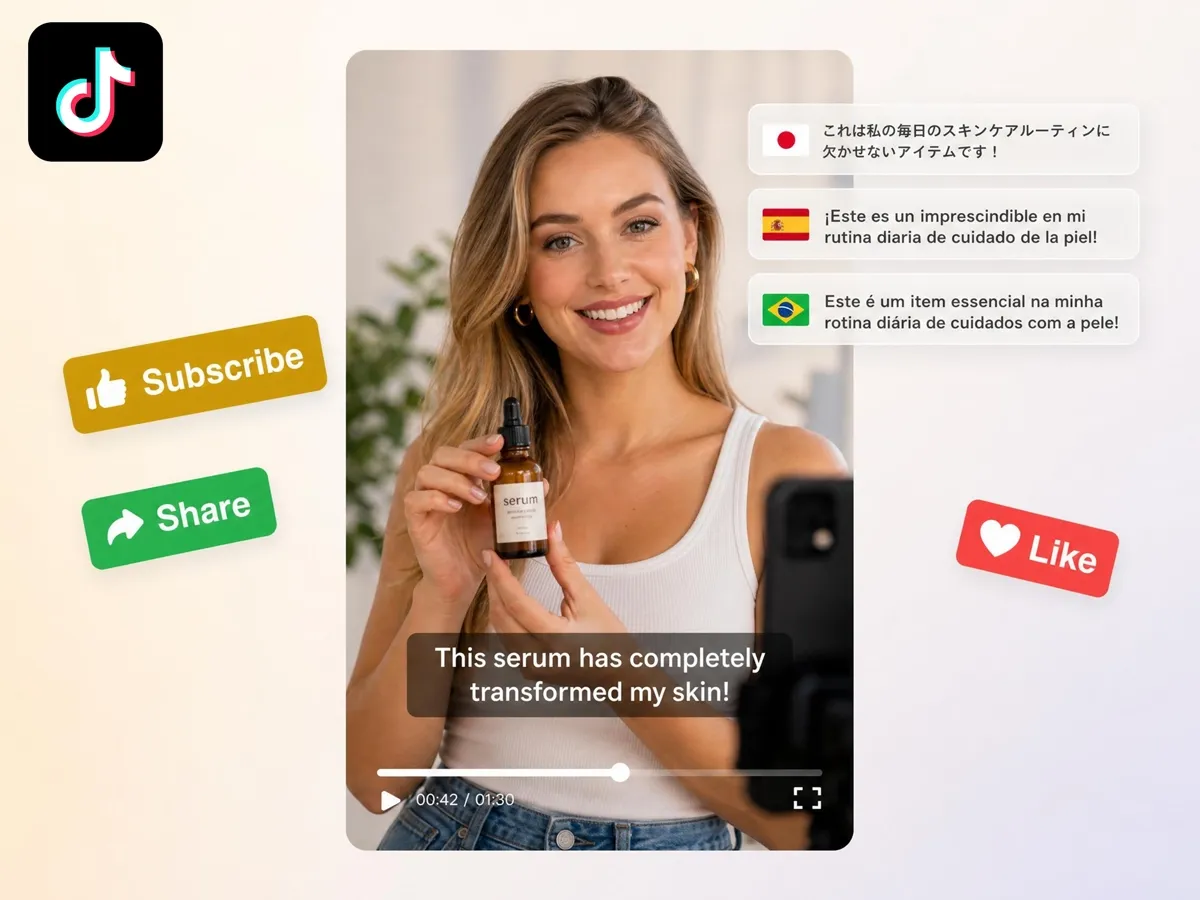
Create TikTok Videos for Global Audiences
Create multilingual TikTok videos with translated captions, voiceovers, and on-screen text. Reach more audiences without filming separate versions for every language.
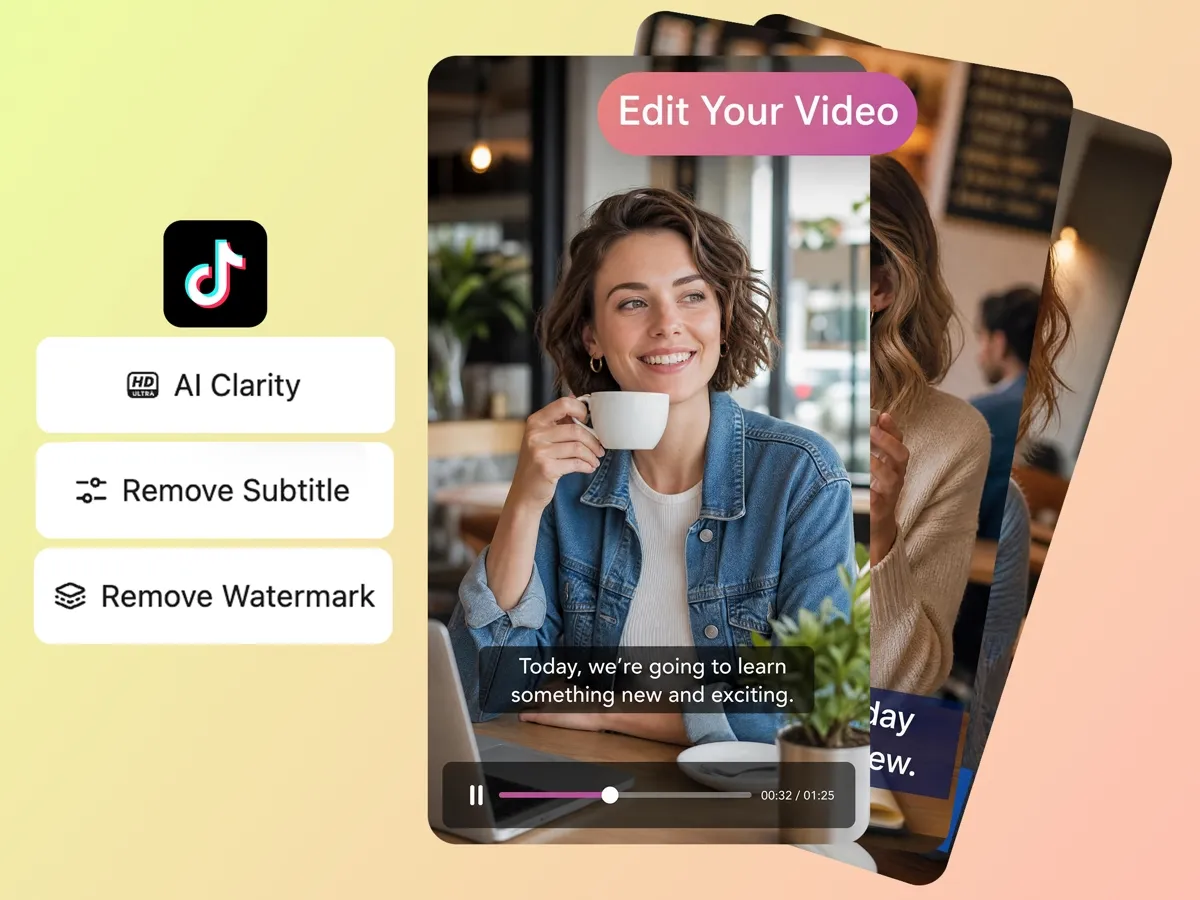
Improve Videos Before Publishing
Enhance video quality, clean up backgrounds, sharpen details, adjust framing, and prepare clips for TikTok, Reels, or Shorts.
Built for Brands, Creators, Educators, and Teams Creating TikTok Content
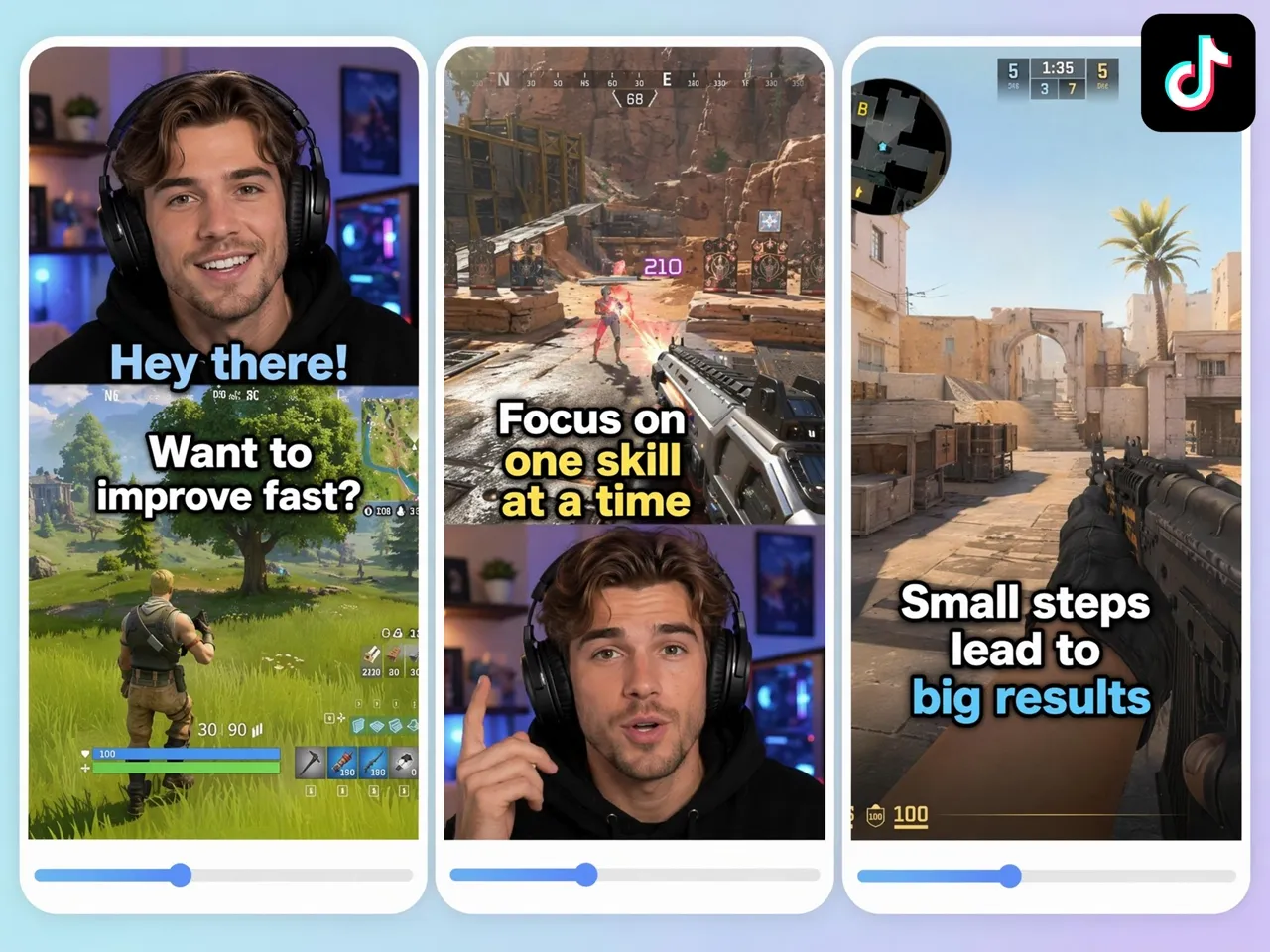
Split-Screen Gaming for Mobile-Friendly Highlights
Gaming creators can convert horizontal gameplay into engaging vertical content without complicated editing. Designkit combines facecam reactions and gameplay footage into mobile-friendly TikToks that showcase key moments, achievements, and entertaining reactions.
Why Creators Use Designkit for TikTok Video Creation
Create Content That Fits TikTok Natively
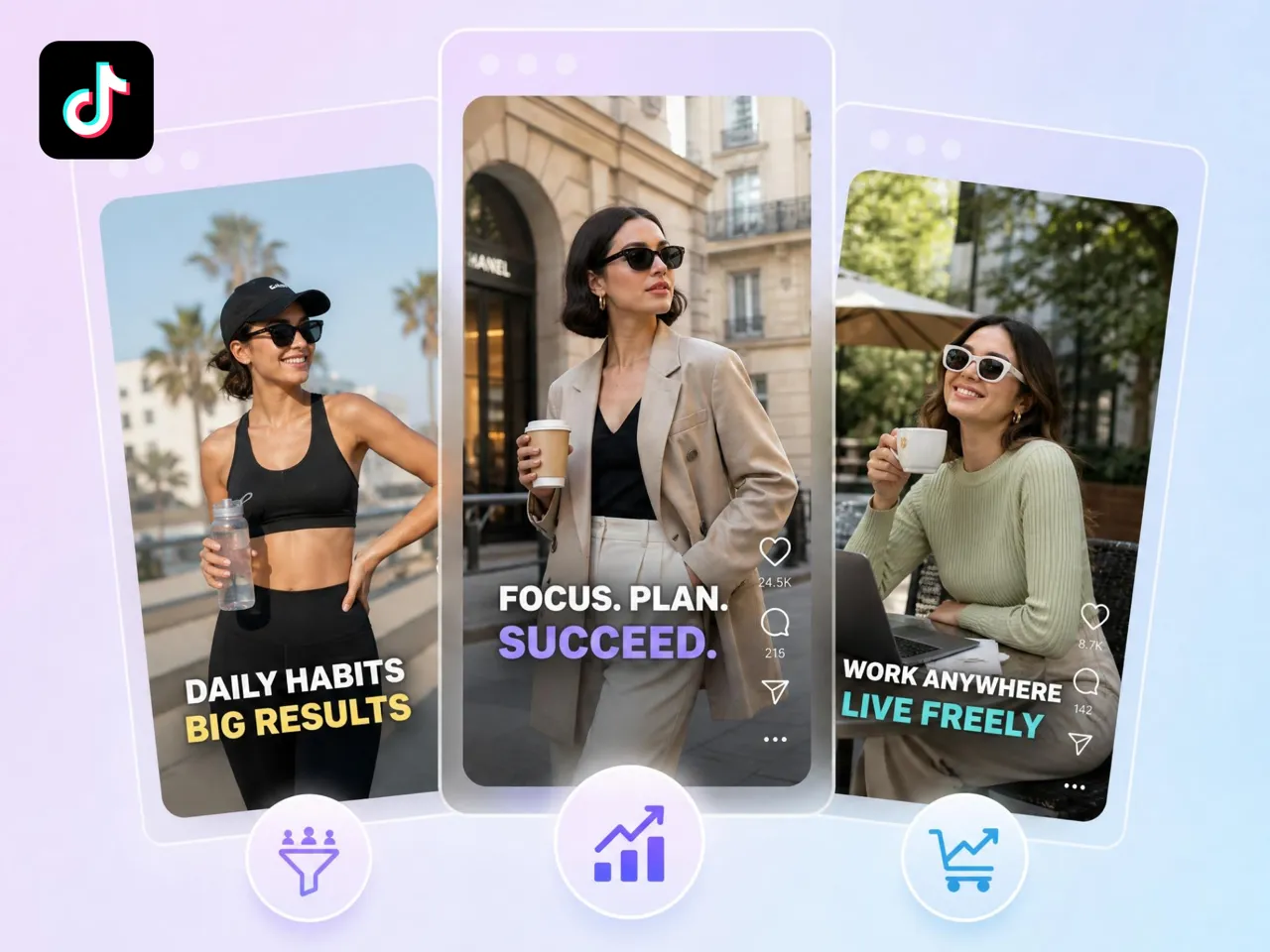
Over-produced videos tend to underperform on TikTok. Designkit builds vertical layouts, captions, and pacing made for the feed, so your content reads as native and gets discovered.

Go From Idea to Posted TikTok in Minutes
Filming and editing slow you down when a trend is moving. Designkit takes you from a prompt or image to a finished vertical TikTok in minutes, so you post while the moment still counts.

Launch More Creative Variations for Testing
Finding a winning creative takes constant experimenting. Designkit generates several versions of one video quickly, so you can test hooks, formats, and messaging without rebuilding each clip.

Export Clean, High-Resolution Videos
Watermarks and low-quality exports look unprofessional. Designkit delivers clean HD videos ready for TikTok campaigns, organic posts, and creator collaborations.

Scale Output Without a Production Team
Posting consistently can overwhelm a small team. Designkit helps creators and brands produce more TikToks without extra editors or equipment, so your schedule holds as you grow.

Reuse One TikTok Across Reels and Shorts
A vertical TikTok already fits Instagram Reels and YouTube Shorts. Designkit lets you export one clip for all three, so you reach more viewers without remaking the video.
Frequently Asked Questions
What is an AI TikTok video maker?
How do I make TikTok videos without filming or appearing on camera?
You use product photos, stock footage, screen recordings, or scripts instead of recording yourself. Designkit turns those assets into complete TikToks with avatars, captions, and narration, so you can publish consistently while staying behind the scenes.
Do the AI-generated TikToks look natural and professional?
Yes. Designkit produces TikToks with smooth pacing, natural movement, and platform-friendly layouts, so they blend into users' feeds while staying polished enough for brands and creators.
How do I turn product photos into TikTok Shop videos?
You add motion, text overlays, voiceovers, and product-focused storytelling to a static image. Designkit does this automatically, turning product photos into TikTok Shop videos that show features and benefits and feel native to the platform.
Can I clone a trending TikTok by uploading a reference?
Yes. Upload a reference TikTok and Designkit generates fresh variations on a similar format and pacing, using your own branding, products, and messaging. The goal is original content built on a proven concept, not a copy.
Can I customize the AI avatar, and how many versions can I generate at once?
Yes. Adjust the avatar's appearance, voice, language, and presentation style to match your brand. Designkit also generates multiple versions of one concept at once, which makes content testing much faster.
Can I clean up footage, like upscaling or removing watermarks?
Yes. Designkit boosts resolution, sharpens detail, clears distractions, and removes watermarks, so older or lower-quality clips become clean TikToks ready for ads and organic posts.
How can I create TikToks consistently without filming every day?
You adapt one video instead of remaking it. Designkit generates multilingual versions with translated voiceovers, captions, and on-screen text, so you expand into new markets without recording separate content per language.
How do I make TikToks for different countries and languages?
Reaching international audiences usually means adapting your content rather than creating entirely new videos. Translating voiceovers, captions, and on-screen text can help make content feel local to different viewers. Designkit simplifies this process by generating multilingual versions of TikTok videos, allowing you to expand into new markets without recording separate content for every language.
Create TikTok Videos Faster With AI
Turn one idea, image, product photo, or clip into TikTok-ready videos with captions, avatars, voiceovers, and vertical layouts. Create more content, test more variations, and publish faster with Designkit.



How Creators Go Viral With Designkit's TikTok Video Maker
Real experiences from creators and brands creating better TikTok content.
Product videos finally started converting
Watching people scroll past my product videos used to feel frustrating because I knew the products were good, but the content was not doing them justice. After creating around 25 TikTok Shop videos with Designkit, I started noticing more activity and stronger buying interest. Seeing customers finally respond felt incredibly rewarding.
The AI avatars look genuinely real
I always felt a little discouraged when I compared my videos with bigger creators. Mine never looked polished enough. After using Designkit for a few weeks, my captions and videos started feeling more refined. For the first time, I felt genuinely excited and confident before posting content.
Old podcast footage became useful again
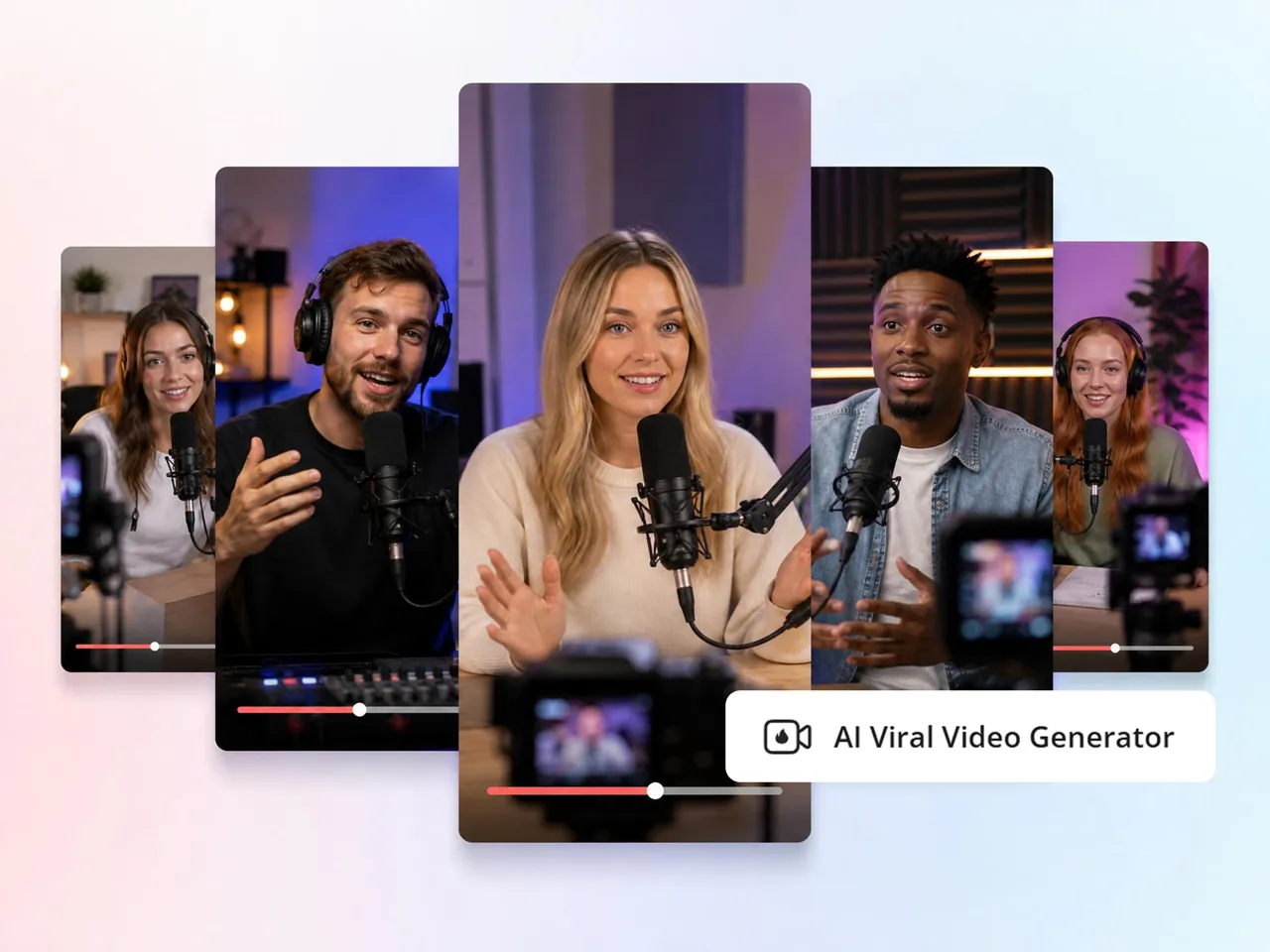
We had almost 150 hours of podcast footage sitting untouched because editing everything felt overwhelming. Honestly, it was painful watching so much content go unused. Designkit helped us turn old clips into Shorts, and seeing forgotten videos come back to life felt surprisingly satisfying.
A whole batch of versions at once
I used to spend so much time trying to sync transitions and music perfectly, and it still never felt right. It became exhausting after a while. After creating over 15 videos with Designkit, my edits finally looked the way I imagined. Hitting publish suddenly felt exciting again.
Gaming clips finally looked right on mobile
I hated seeing my gameplay look messy after converting everything into vertical format. It was disappointing because the original videos looked great. After creating more than 20 clips with Designkit, everything finally felt clean and natural. I actually felt proud sharing them.
Managing client work stopped being a scramble
Handling multiple brand projects every week used to make me feel constantly stressed and behind schedule. I always felt pressure trying to keep up. After delivering over 40 videos in one week with Designkit, things finally felt manageable again. That feeling of relief honestly meant a lot.