
Social Media Post Generator for Captions and Visuals
Turn a prompt or product photo into a social media post with a matching caption. Create content for Instagram, Facebook, and TikTok without designing and writing each post separately.
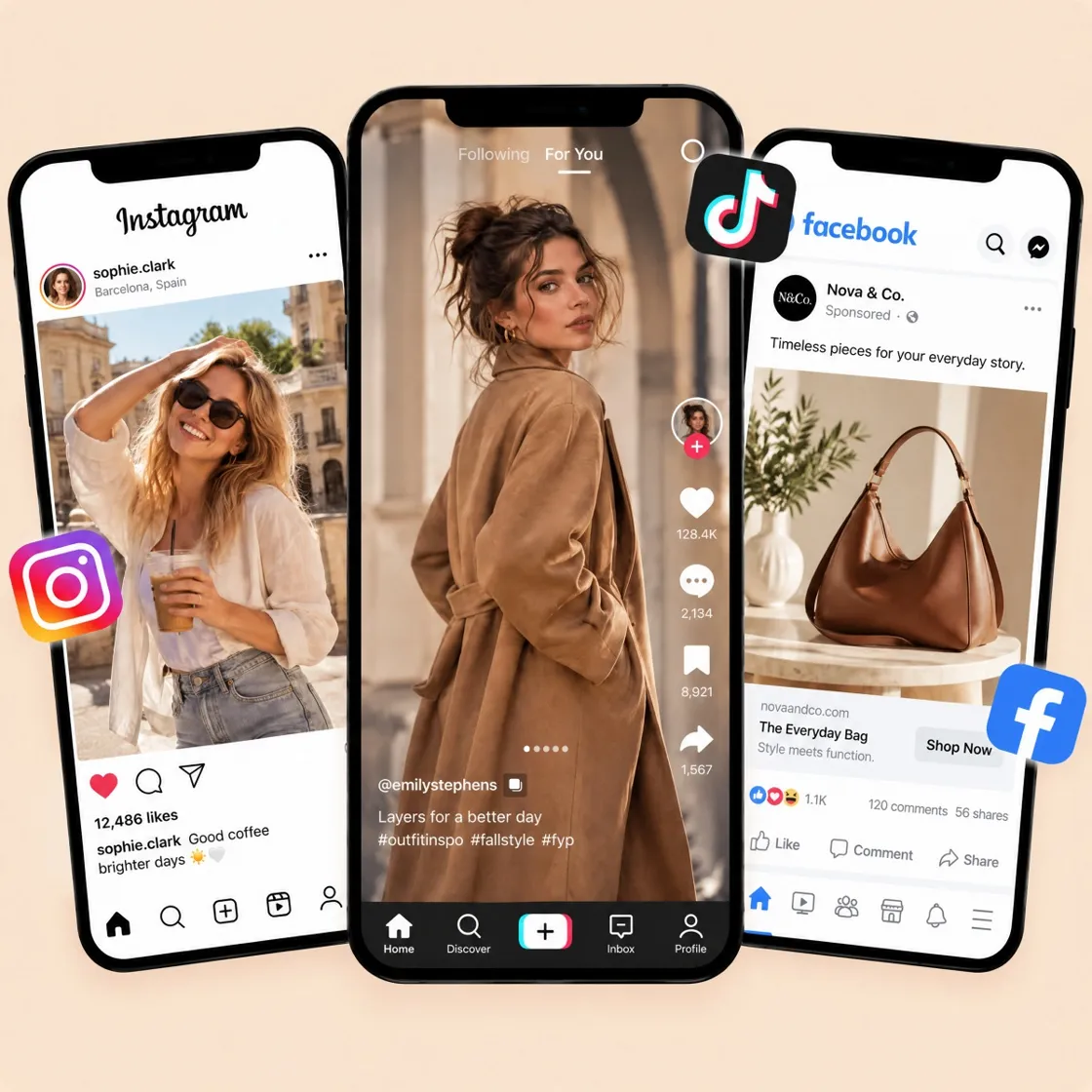
Create Social Posts for Every Platform
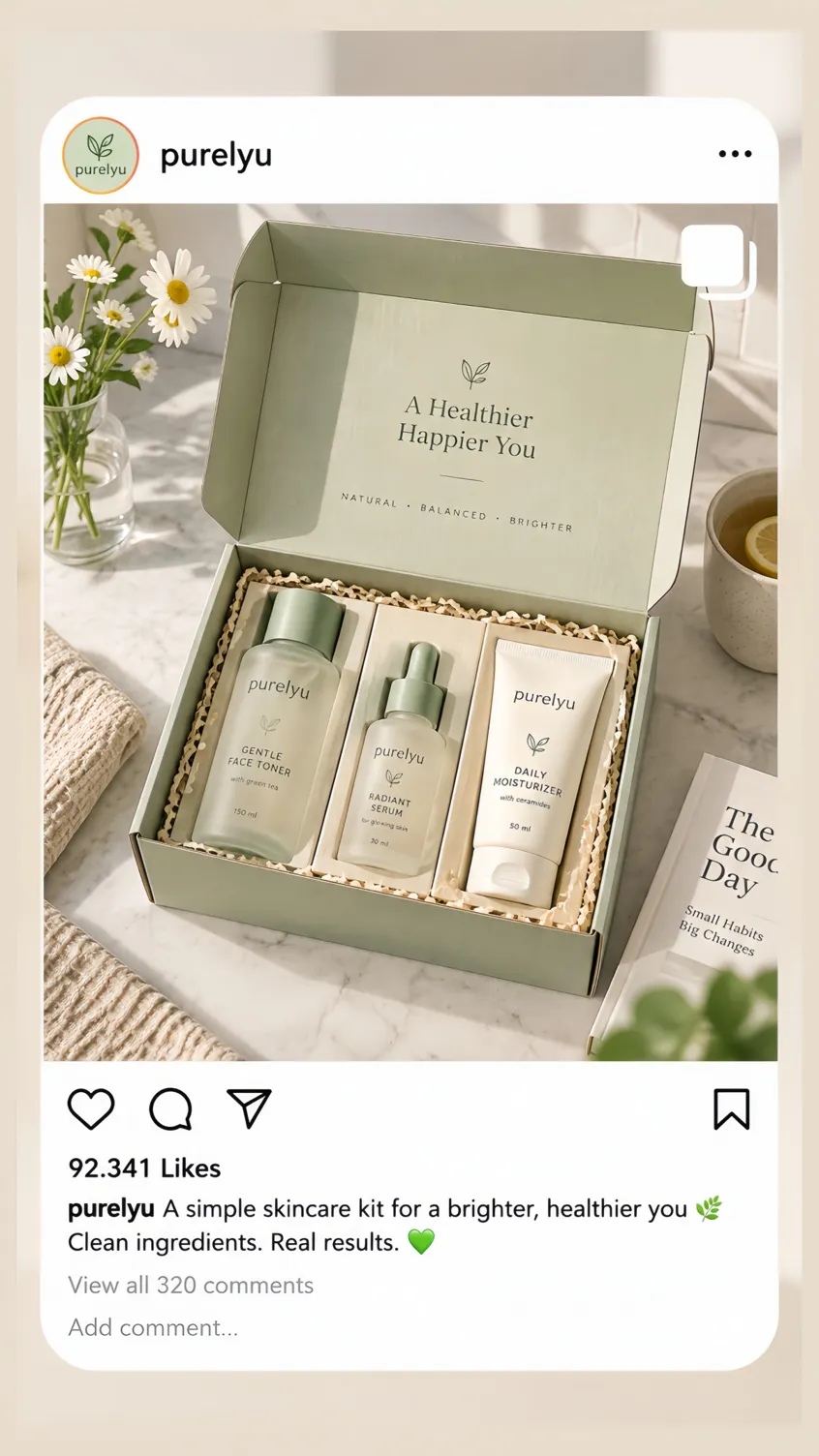
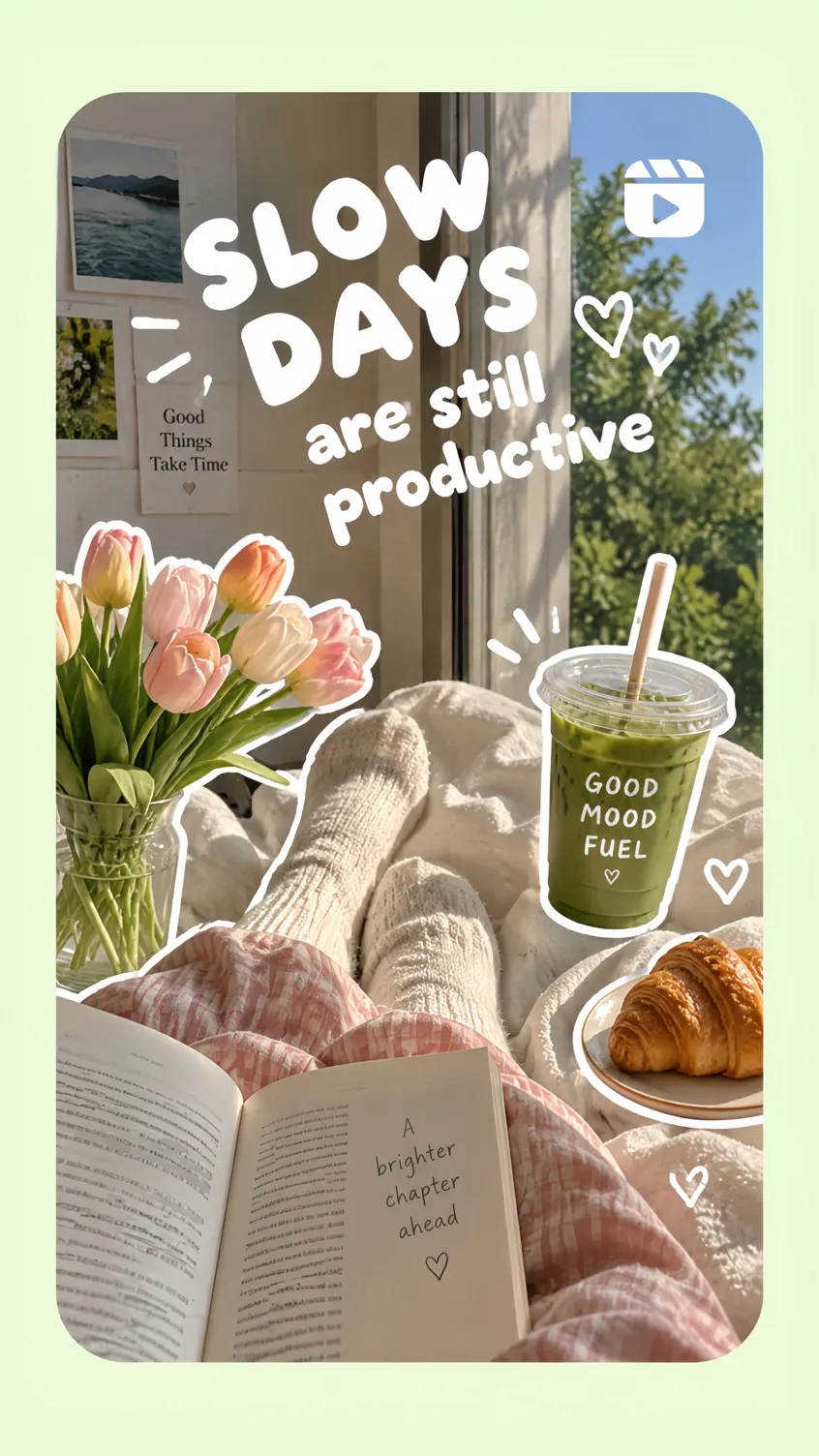
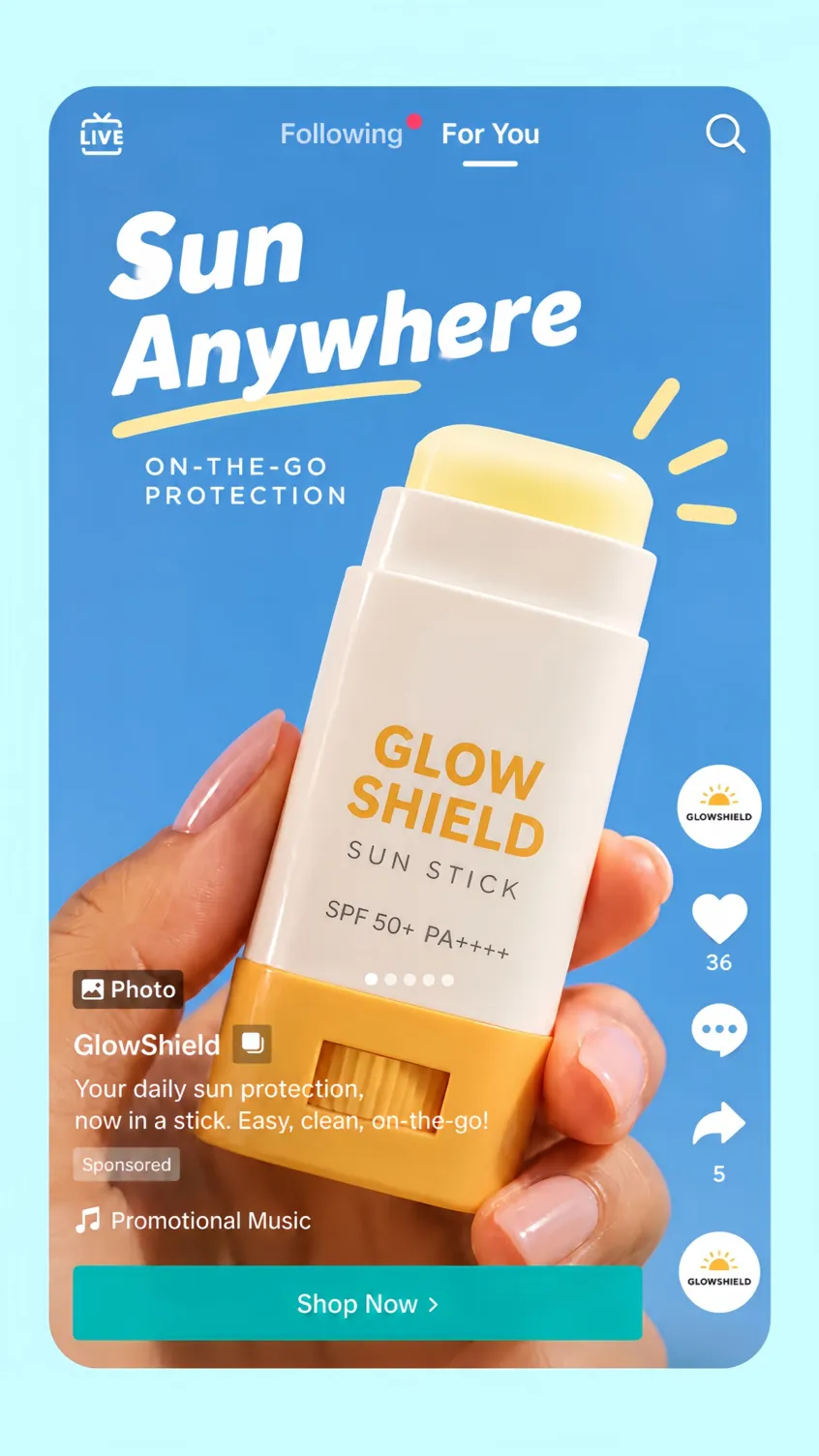

Social Media Post Generator Features
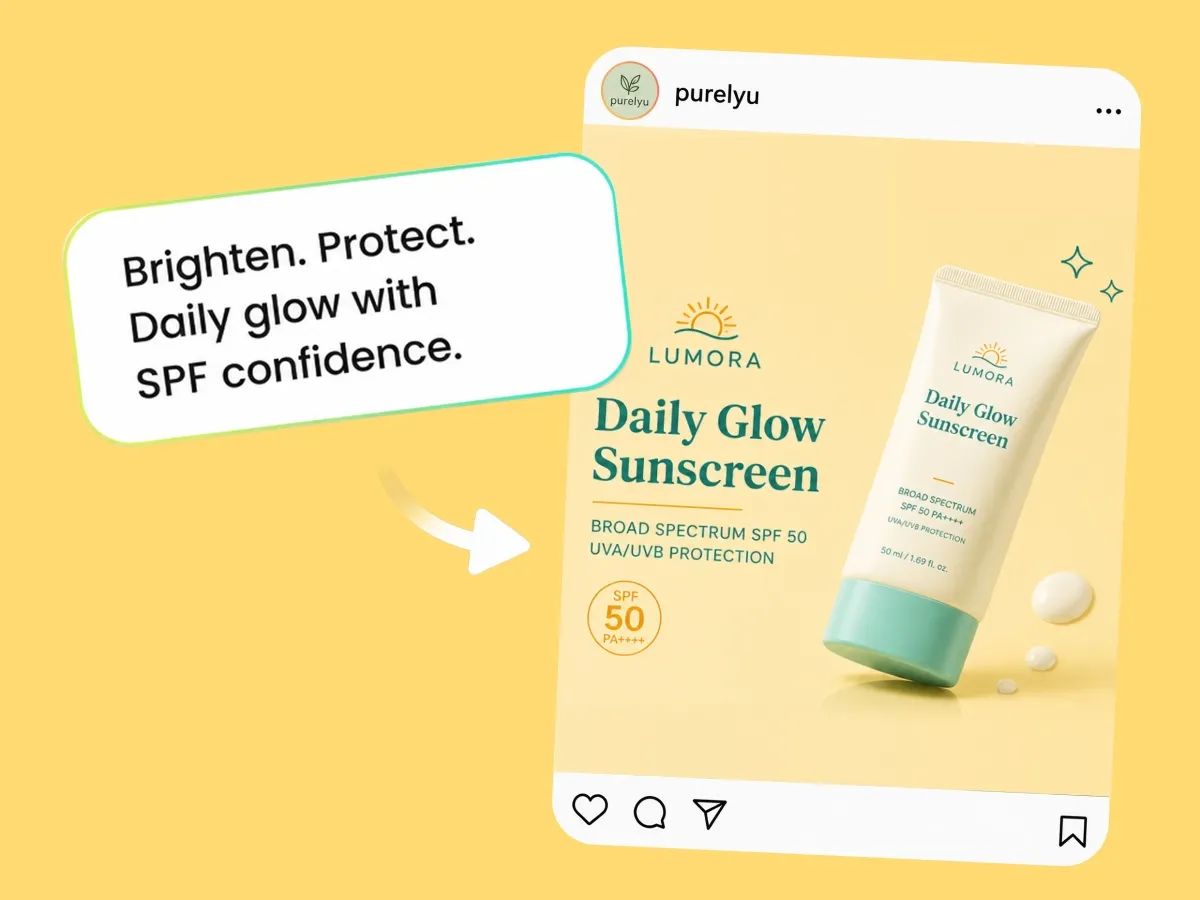
Generate Posts from a Prompt or Photo
Start with a campaign idea, product photo, or reference image and turn it into a complete social post concept.
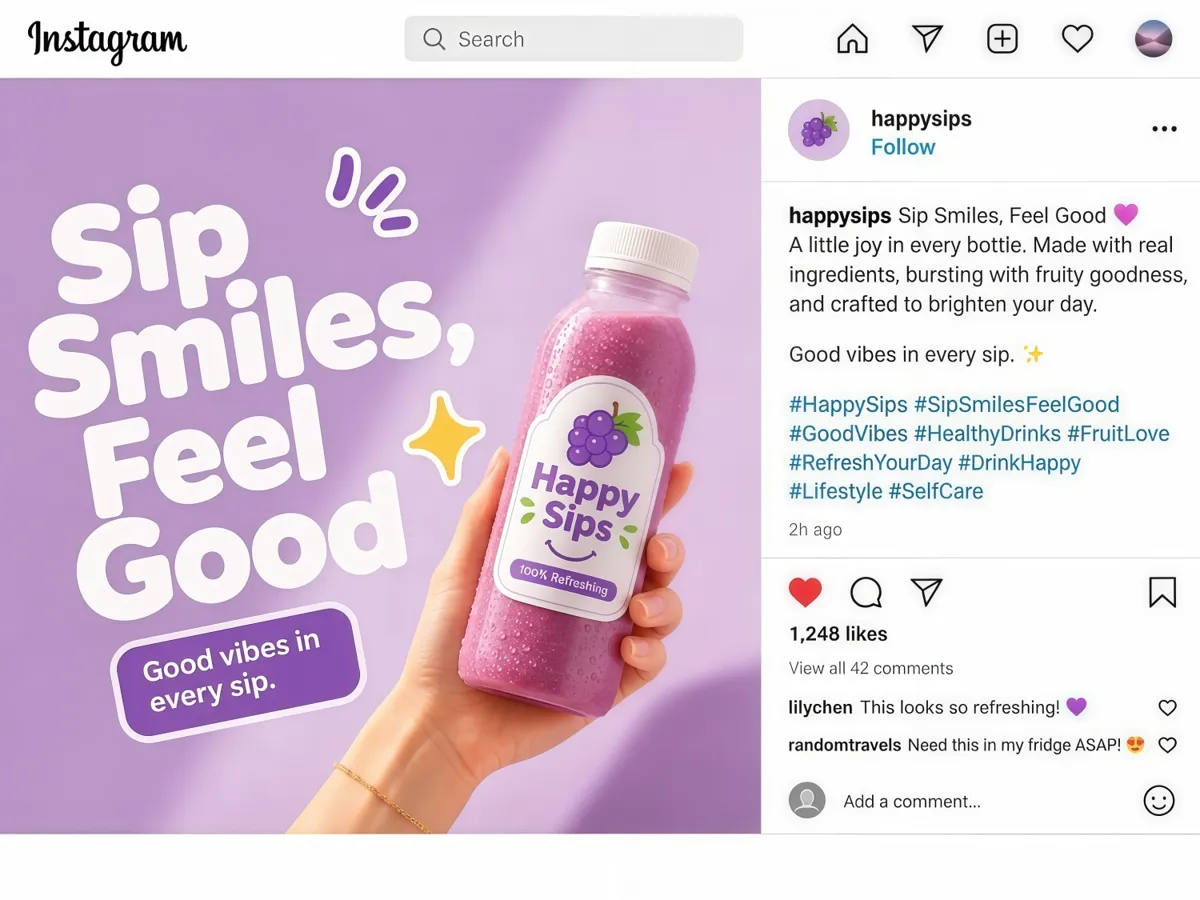
Create Captions, Hashtags, and Visuals Together
Generate the caption, hashtags, and visual in one workflow, then refine them together so the message and creative stay aligned.
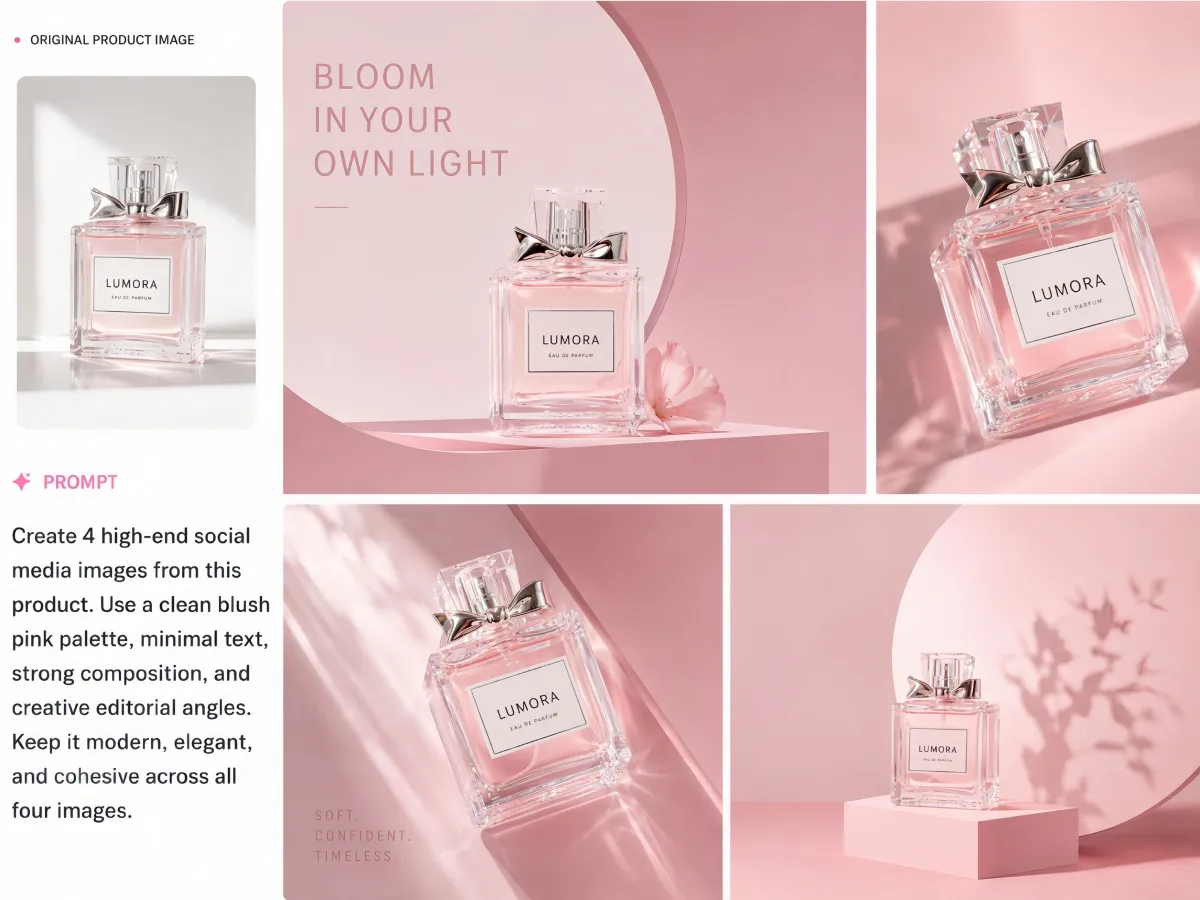
Turn Existing Assets into New Posts
Reuse product photos, banners, and campaign references to create fresh content for launches, promotions, and recurring campaigns.
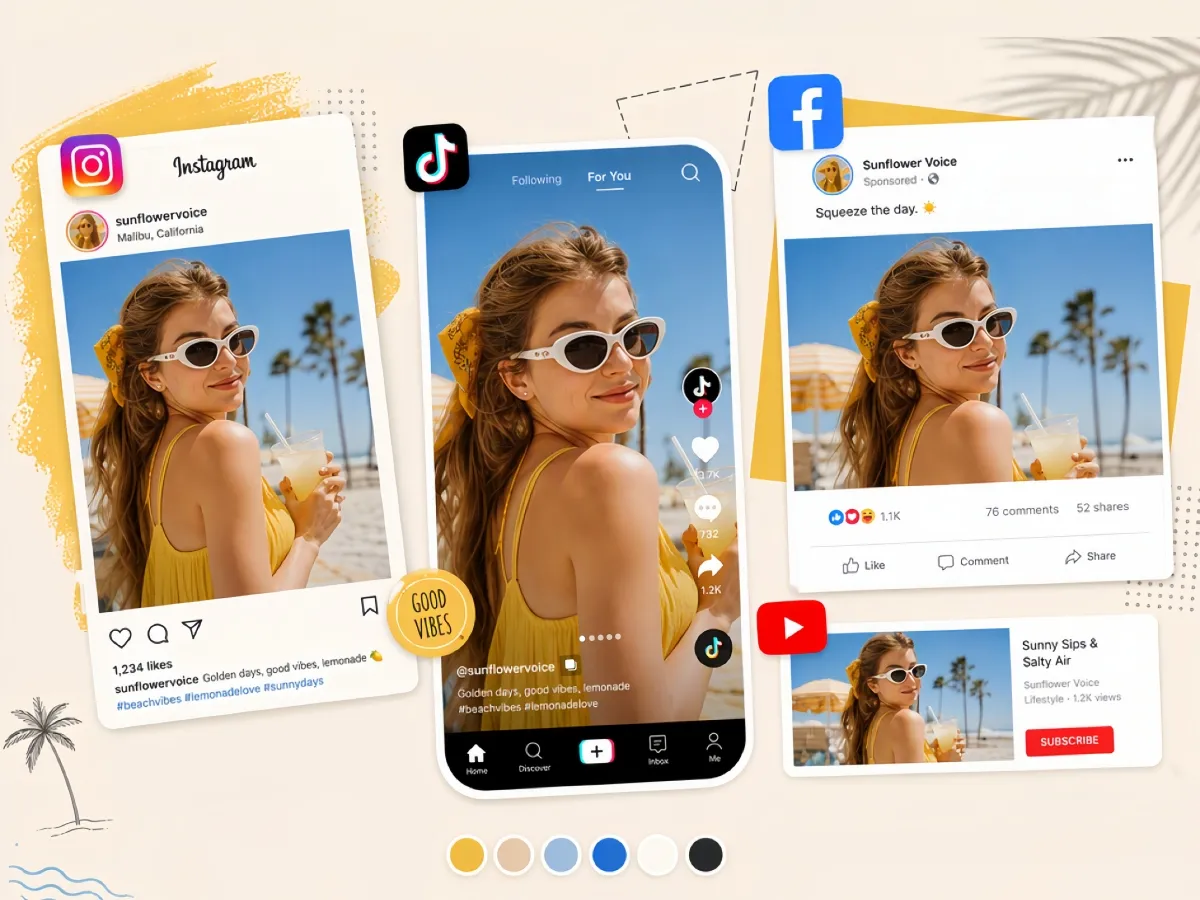
Create Multiple Platform Formats
Generate content for Instagram, Facebook, and TikTok, including feed posts, Stories, Reels covers, and multi-image carousels.
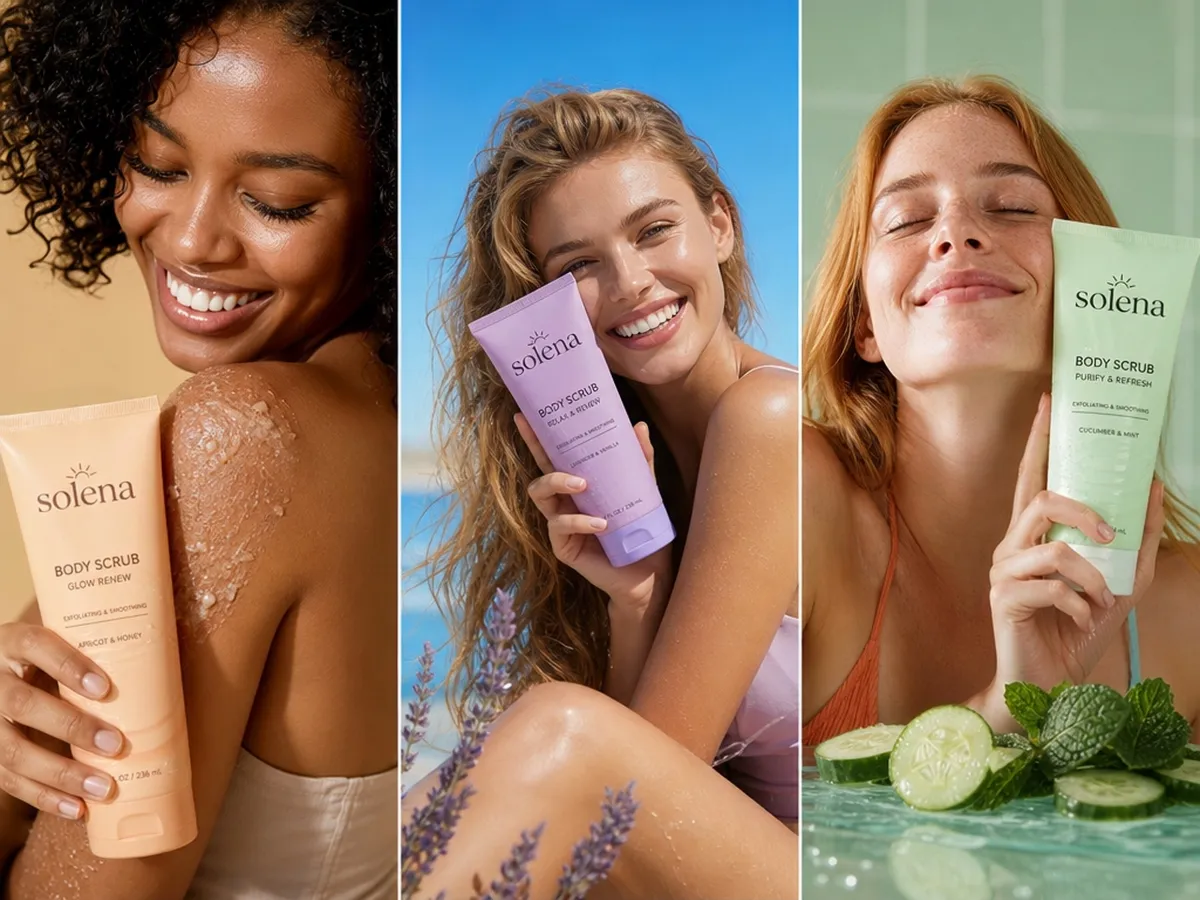
Generate Multiple Variations
Explore different creative directions from the same brief or assets. Create options for testing, content calendars, and recurring campaigns.
How to Use the Social Media Post Generator
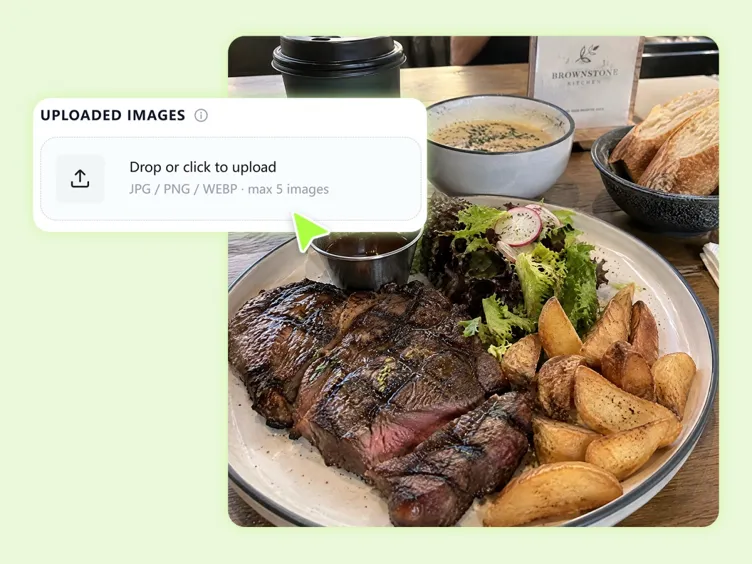
Step 1. Enter Your Idea or Upload a Photo
Describe your offer, launch, event, audience, or tone, or upload a product photo or brand reference.
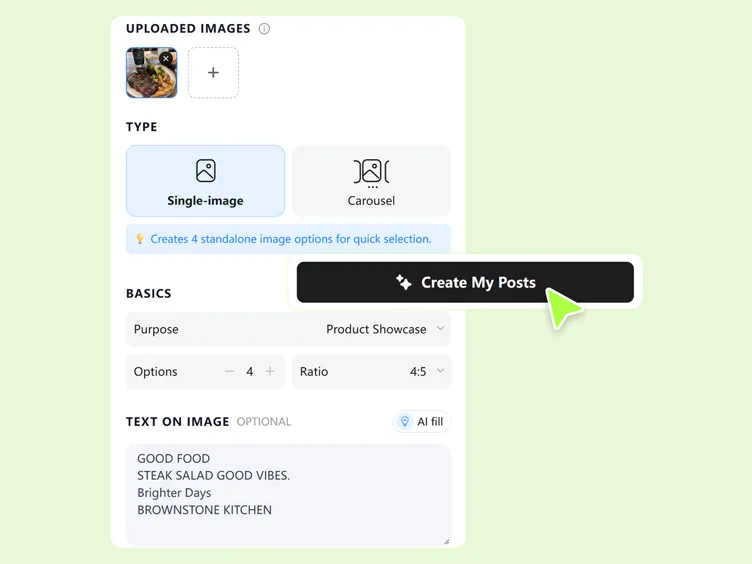
Step 2. Generate and Refine Your Post
Generate a post, choose a direction, then refine the layout, text, visuals, and caption to fit your campaign.
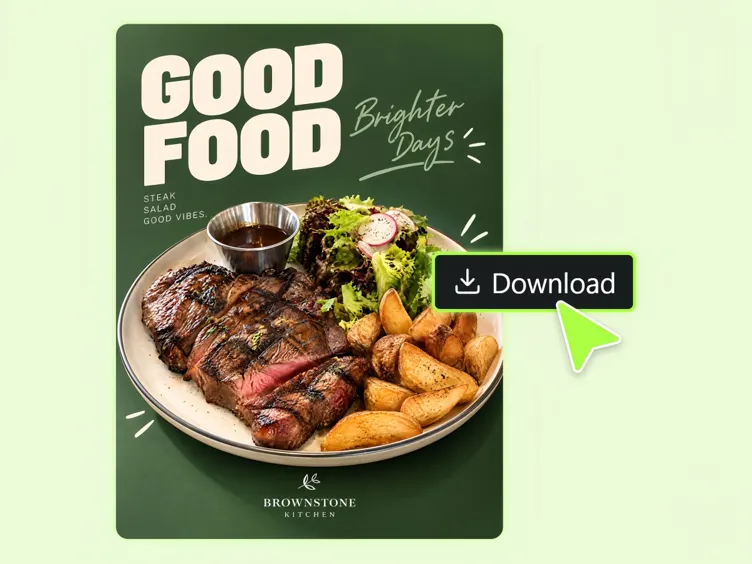
Step 3. Export and Publish
Download the finished visual and copy the caption. Publish or schedule the post using the social media tools you already use.
Who Uses the AI Social Media Post Generator?

Social Media Managers
Turn campaign briefs into social posts for launches, promotions, and content calendars without creating every asset from scratch.
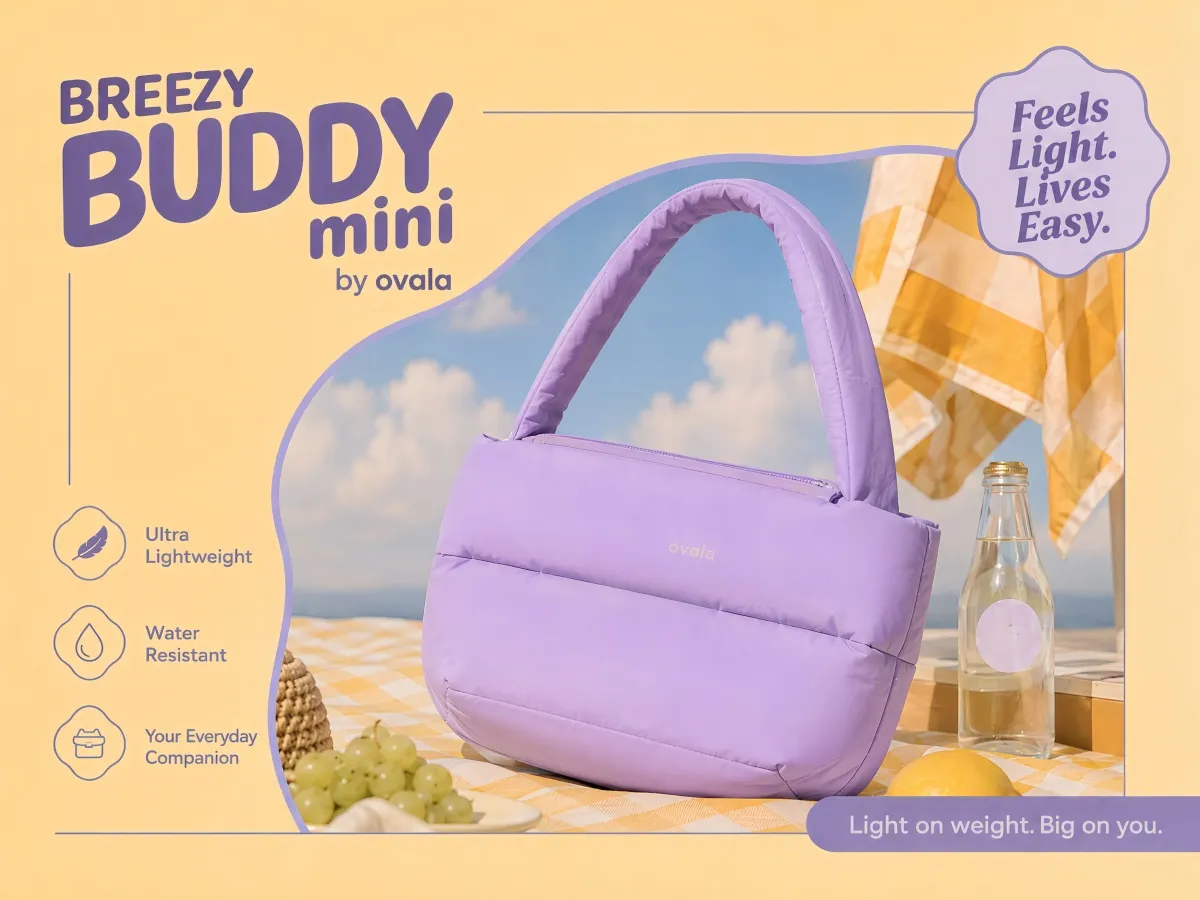
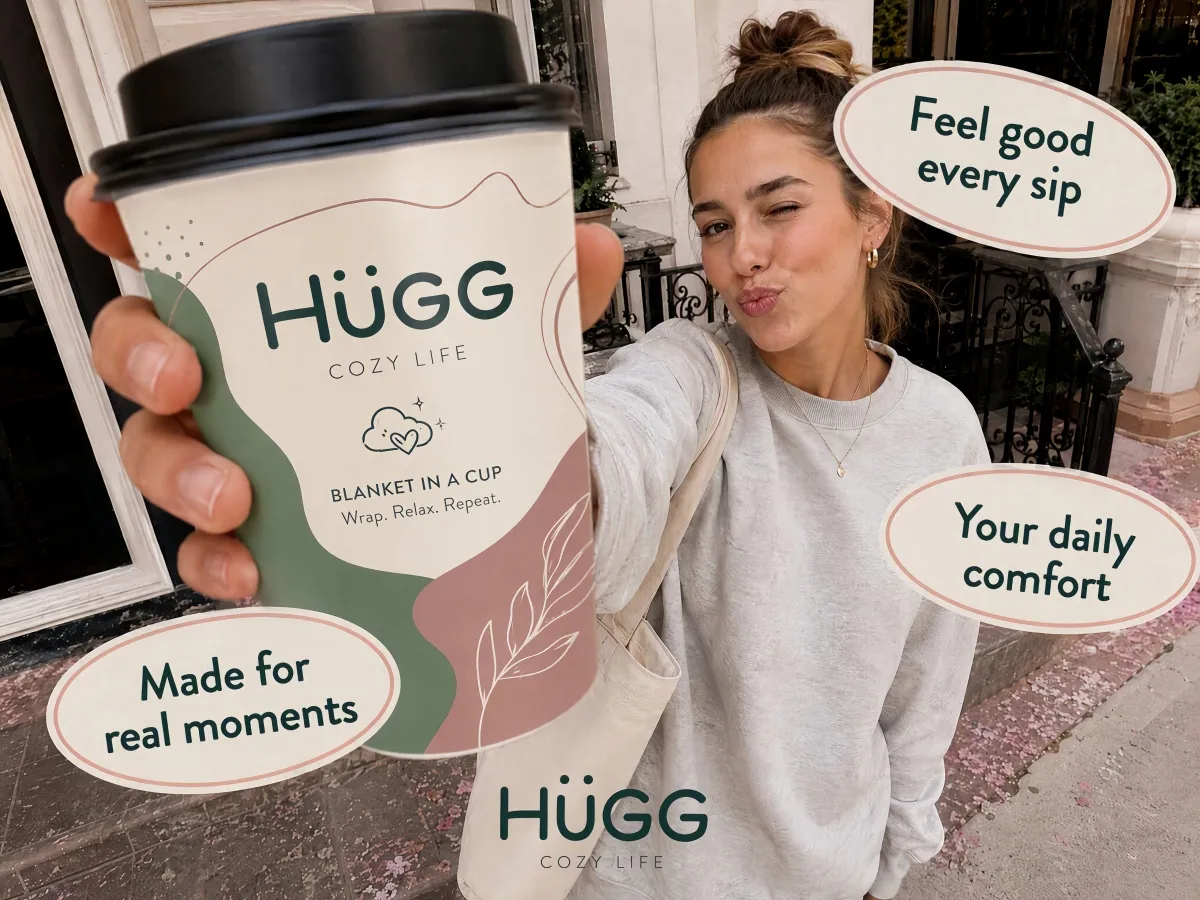
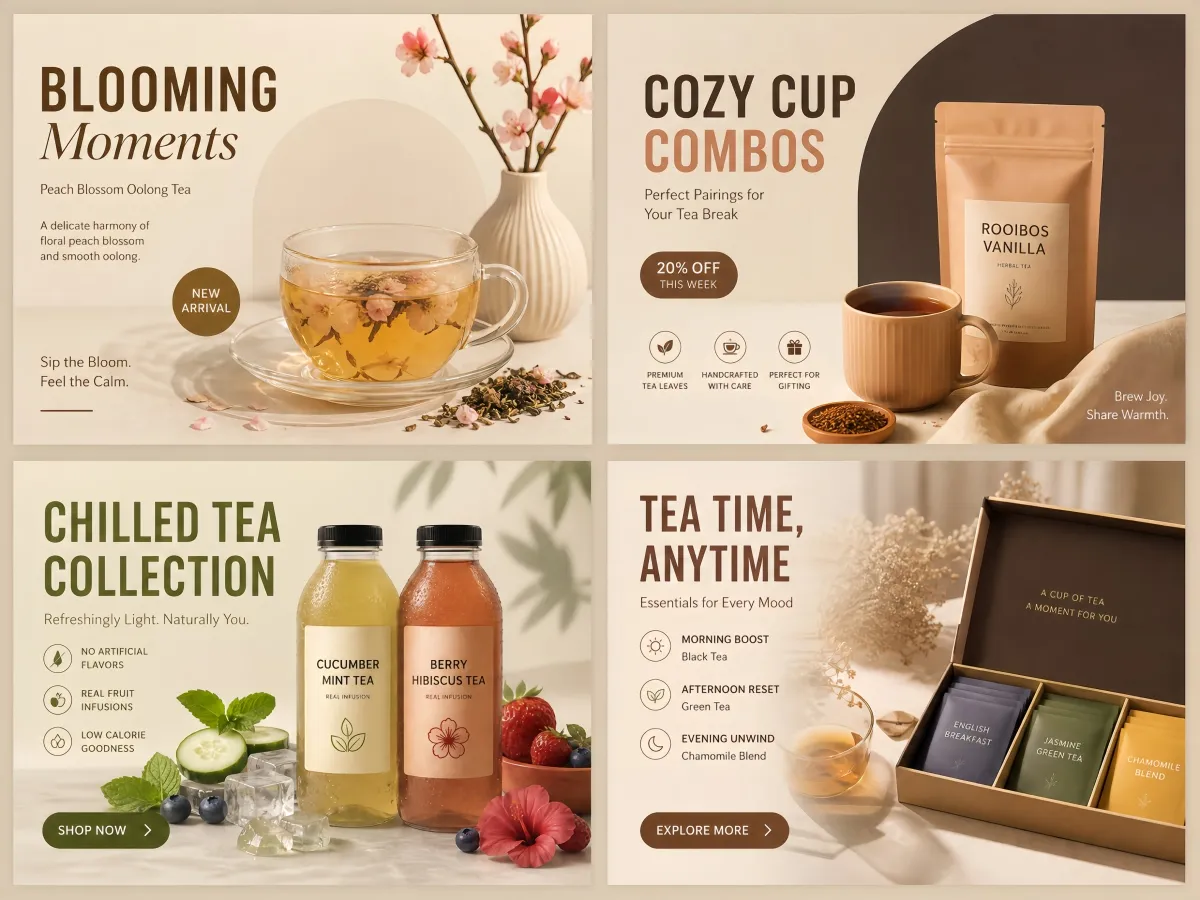
Create Content for Every Campaign
Product launches
Turn product photos into promotional social posts.
Sales & promotions
Create offer-focused visuals and captions for campaigns.
Content series
Generate variations from one campaign idea for recurring posts.
Multi-platform campaigns
Adapt one concept for Instagram, Facebook, and TikTok.
Client work
Create editable first drafts for review and refinement.
Why Create Social Posts with Designkit?
Use a product photo, campaign reference, or simple prompt as the starting point. You do not need to build every post from an empty canvas.

Generate the visual and written content together, then refine the complete post instead of switching between separate design and copy tools.
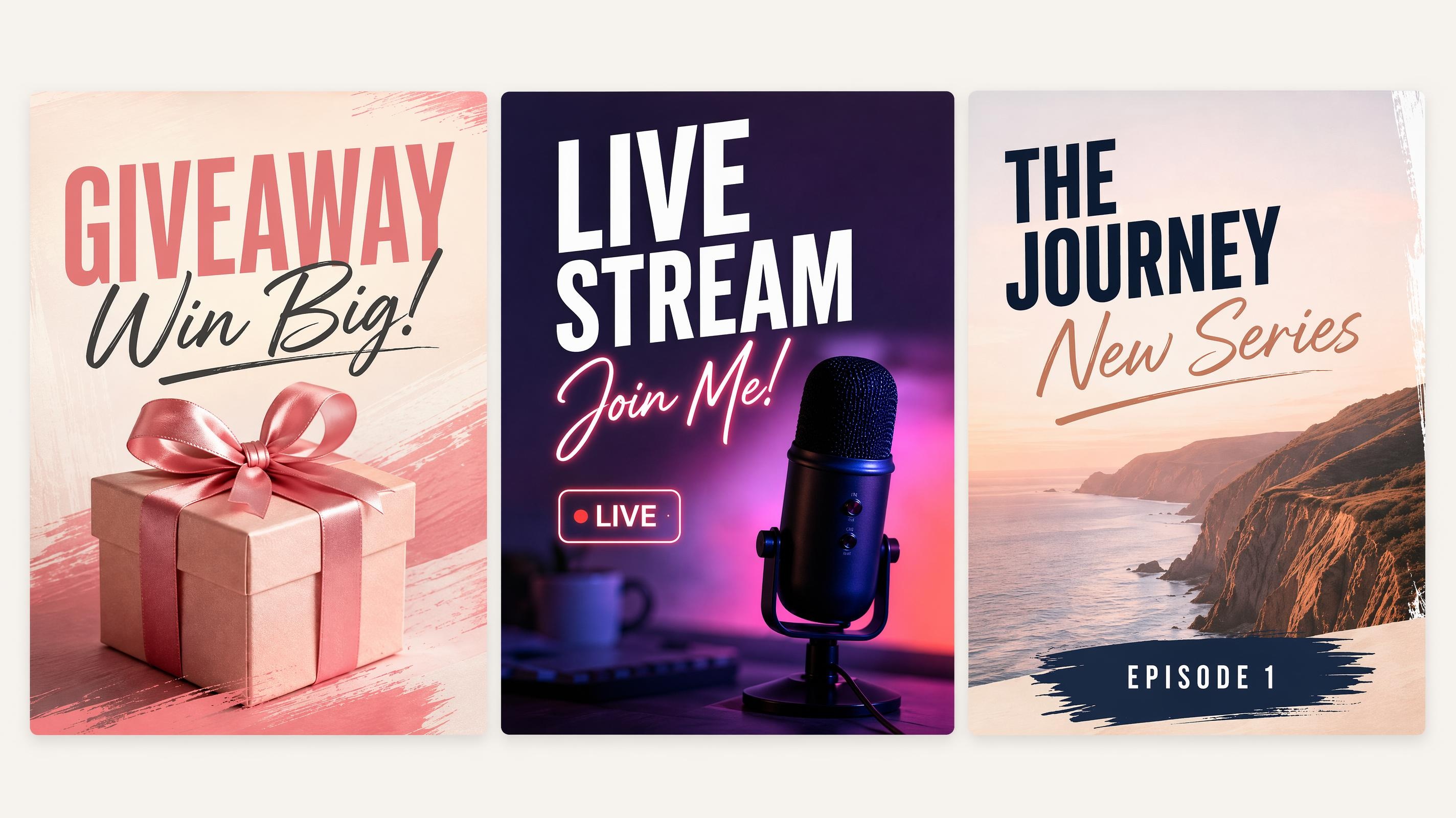
Turn a campaign concept into multiple posts and formats, making it easier to create recurring content without repeating the same manual work.
Take Your Social Content Further
Background Remover
AI Image Editor
Social Media Poster Generator
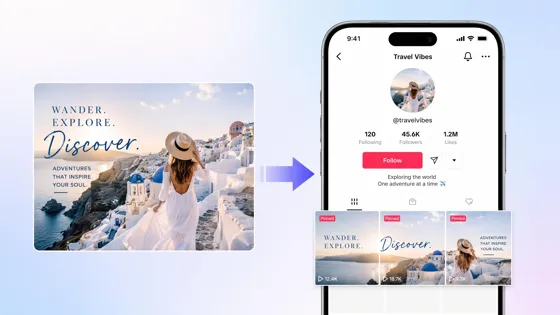
TikTok Banner Maker
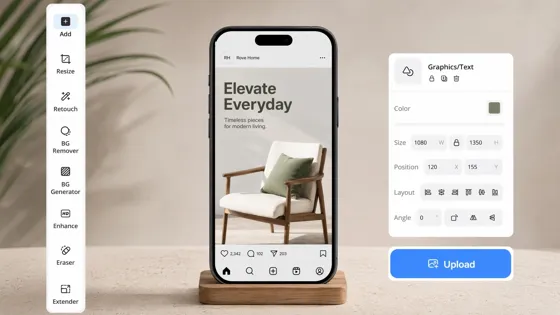
Instagram Mockup Generator
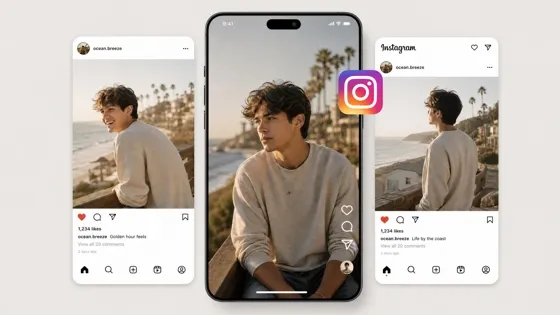
AI Instagram Video Maker
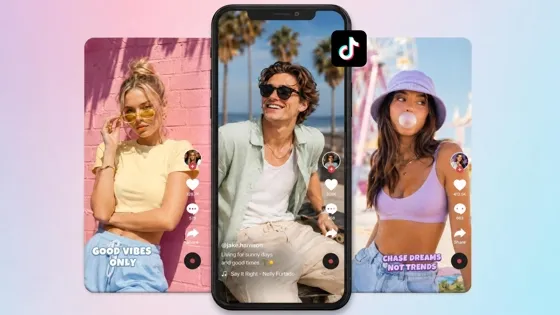
TikTok Video Maker
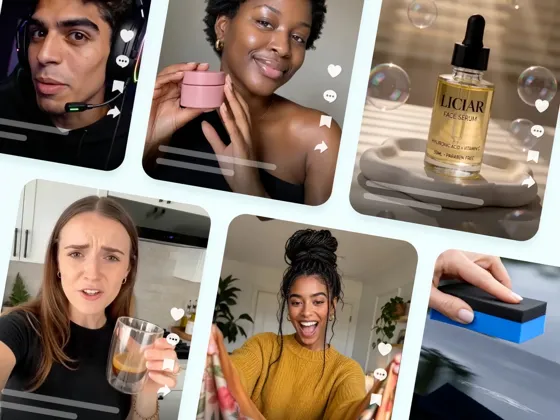
AI Viral Video Generator
More Social Content Guides
Frequently Asked Questions
Can I use Designkit as an AI social media post generator?
How do I generate a social media post with a caption and image?
Enter a campaign idea or upload a reference image, generate a post, refine the visual and caption, then export the creative and copy the caption.
Can I create Instagram posts and Stories?
Yes. Create Instagram feed posts, Stories, and Reels covers from the same campaign idea and adapt the creative to each format.
Can I create Facebook posts?
Yes. Generate Facebook feed posts for launches, promotions, announcements, and other campaign content.
Can I create TikTok carousel posts?
Yes. Create multi-image TikTok carousel posts for product showcases, offers, and other swipeable content.
Can I start with a product photo?
Yes. Upload a product photo, banner, or other reference image to guide the generation. This is especially useful for ecommerce and DTC content.
Can I generate captions without creating a new visual?
You can refine and create caption variations within the workflow. If you only need copy, you can also use Designkit's related caption-generation tools.
Is Designkit free to try?
Yes. You can start free and preview generated posts before export. Available limits depend on your current Designkit plan.
Can Designkit keep my brand colors and style?
Upload brand references and provide clear campaign context to guide the output. More specific references and prompts give you greater control over the visual direction.
How is Designkit different from Canva templates or caption-only tools?
Template tools generally require you to assemble the design yourself, while caption-only tools focus on copy. Designkit combines visual generation and caption creation in one workflow, starting from a prompt, photo, or reference image.
Does Designkit schedule posts to social networks?
The social media post generator focuses on content creation and export. You can download the visual and copy the caption, then publish or schedule them using the social tools you already use.
Can I use generated posts commercially?
Commercial use depends on your current Designkit plan and applicable terms. Review the terms for your account before using generated content for high-volume or client work.
Create Your Next Social Post in One Workflow
Turn a prompt or photo into a social media post and matching caption, then refine and export it for your next campaign.
Prompt or photo · Caption + visual · Instagram / Facebook / TikTok · Start free


