
Pixlr Background Remover Review: Is It Worth Using in 2026?
See how Pixlr background remover works for different images. Explore its AI removal quality, editing features, pricing, limitations, and alternatives for easier image creation.

Removing a background can make product photos, portraits, social posts, and marketing images easier to reuse. Pixlr background remover uses AI to detect the main subject and separate it from the surrounding background. This review looks at its removal quality, editing workflow, pricing, limitations, and alternatives to help you decide whether Pixlr fits your image editing needs.
Key Takeaways
-
Pixlr background remover uses AI to detect subjects and remove unwanted backgrounds.
-
It works best with clear subjects and defined edges.
-
Hair, transparent objects, and complex outlines can require additional adjustments.
-
Pixlr combines background removal with other photo editing tools.
-
Free access may have limits on ads, AI usage, and exports, so check the current plan details before relying on it for regular work.
-
The best alternative depends on whether you need quick cutouts, product photography, graphic design, or broader AI image creation.
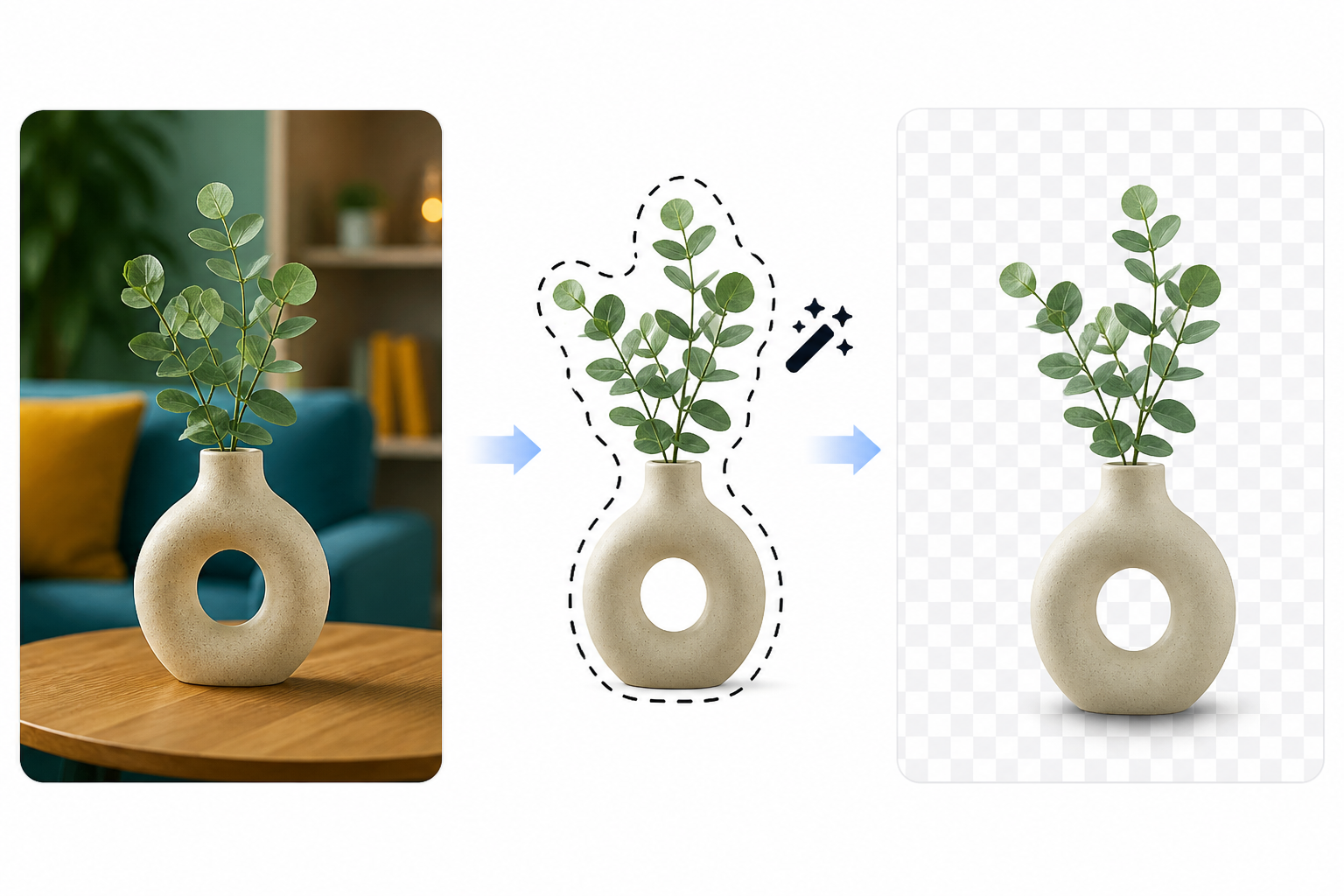
What is Pixlr background remover?
Pixlr background remover is an AI-powered tool that separates the main subject from its original background. You can use the result as a transparent image, place it in a new background, or continue editing it in Pixlr.
What can you use Pixlr background removal for?
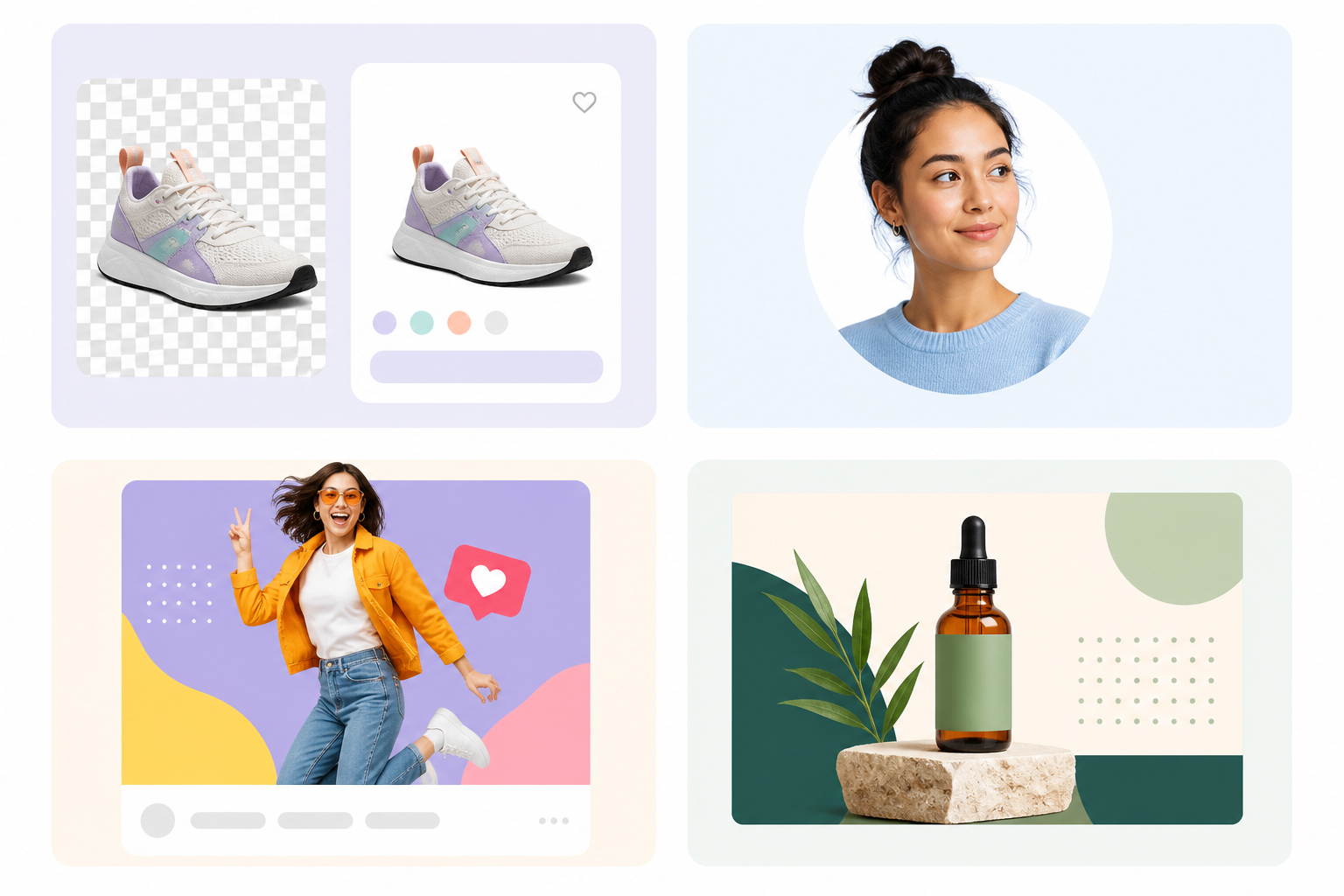
Background removal is useful whenever the original surroundings distract from the main subject or do not fit the final design. Pixlr can work across several common image editing tasks.
Product photos
Ecommerce sellers can cut out product photos and drop them on simple, branded, or lifestyle scenes. A clean cutout will also help to make it easier to reuse product images across listings and promotional graphics.
Portraits and profile images
Portrait subjects can be separated from their original surroundings for profile pictures, social posts, business graphics, and personal branding. Results are usually easier to clean up when the subject has clear edges and good contrast with the background.
Social media graphics
Creators can isolate people, products, or objects and place them into different layouts. This gives you more control over the composition without having to photograph the subject again.
Marketing materials
Marketers can use background-free subjects in ads, banners, promotional images, and campaign graphics. The same cutout can then be placed on different backgrounds for different campaigns.
How to remove background in Pixlr
The Pixlr workflow is intended to automate the primary selection job. Note that the exact interface may change, so check the current Pixlr tool before publishing detailed interface instructions.
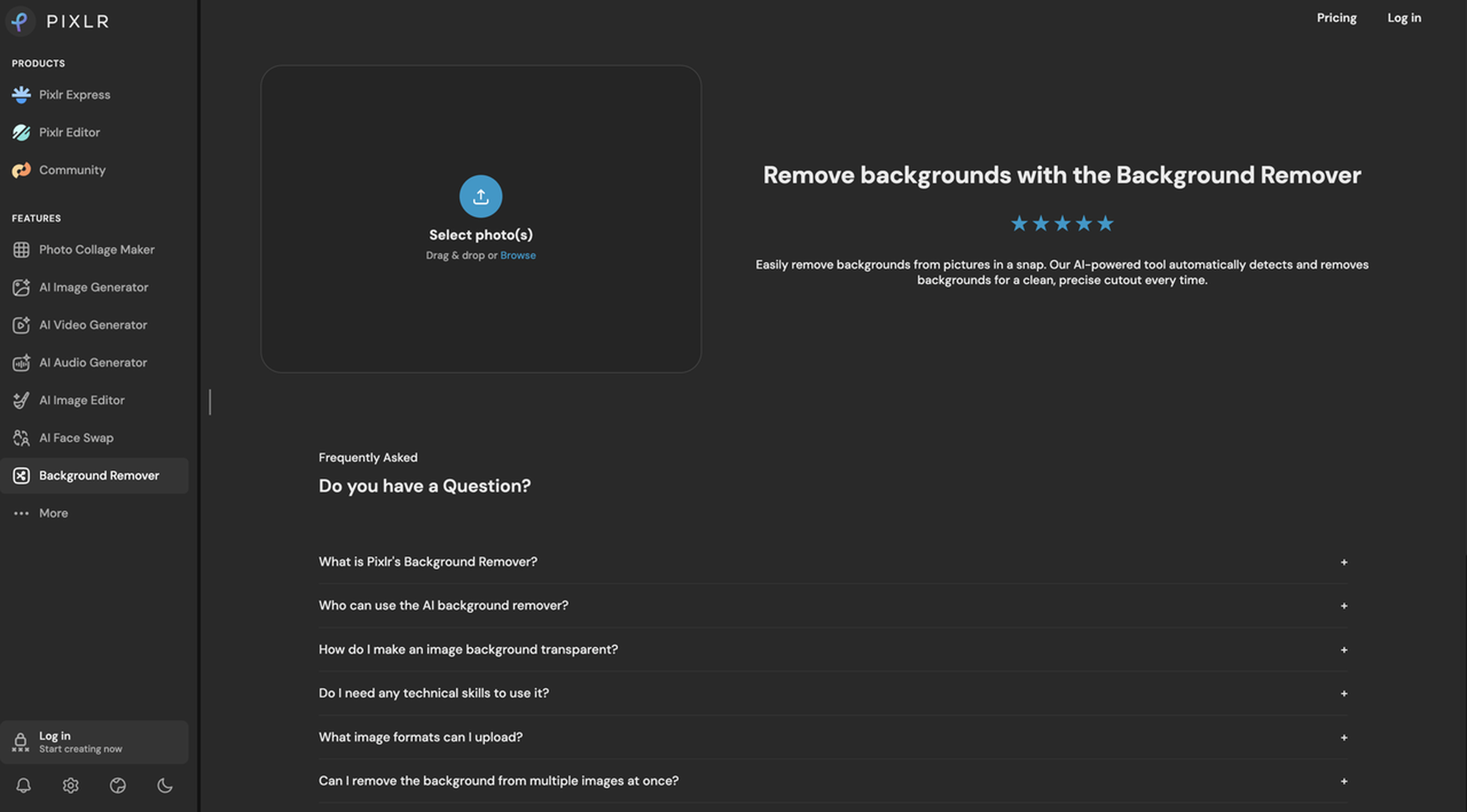
Step 1: Open Pixlr background remover
Go to Pixlr's background removal tool and upload the image you want to edit. Choose a clean source image where the subject can be clearly separated from the background.
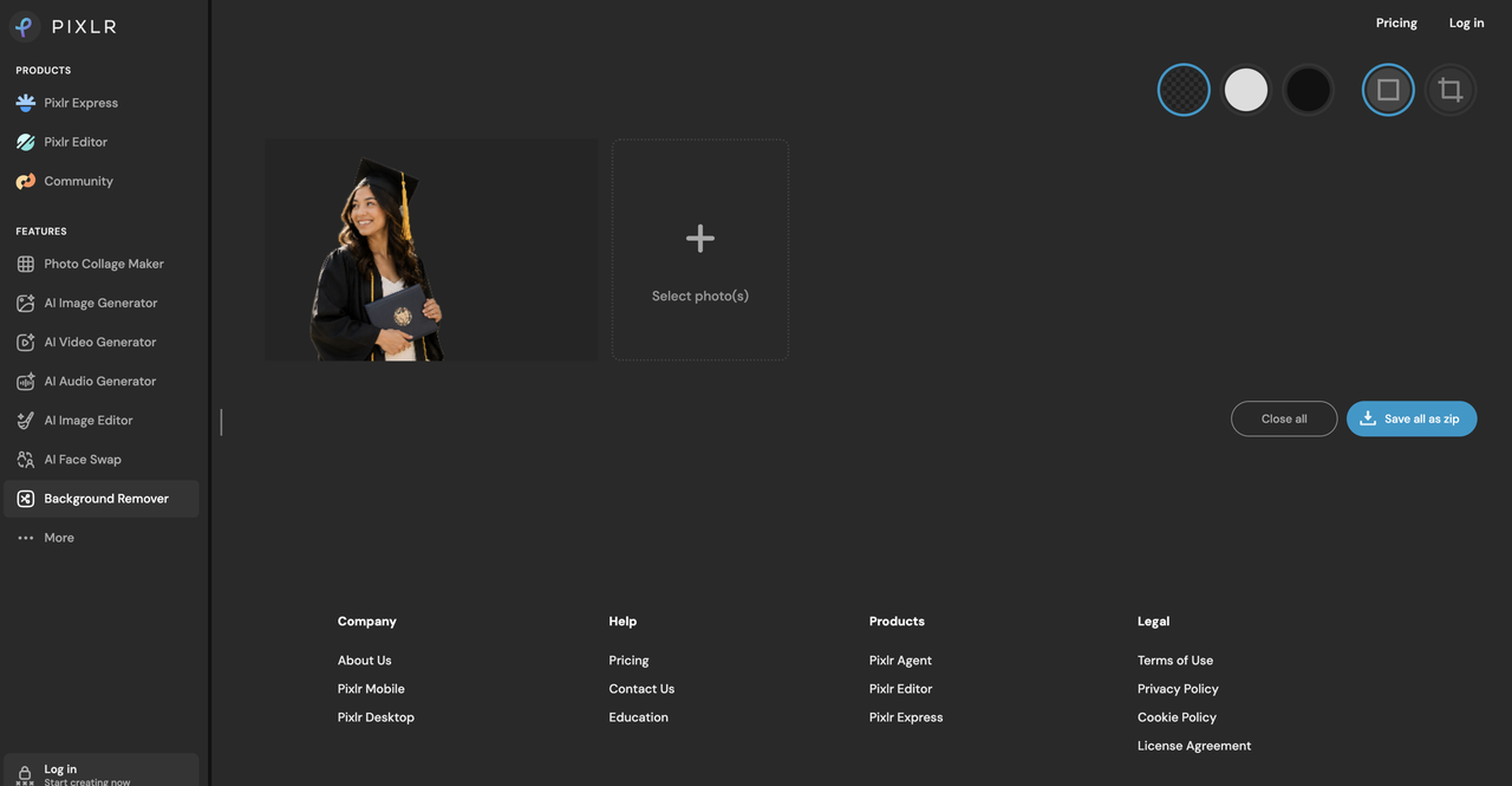
Step 2: Apply AI background removal
Let Pixlr analyze the image and identify the main subject. The AI removes the surrounding background, leaving the subject isolated for further editing.
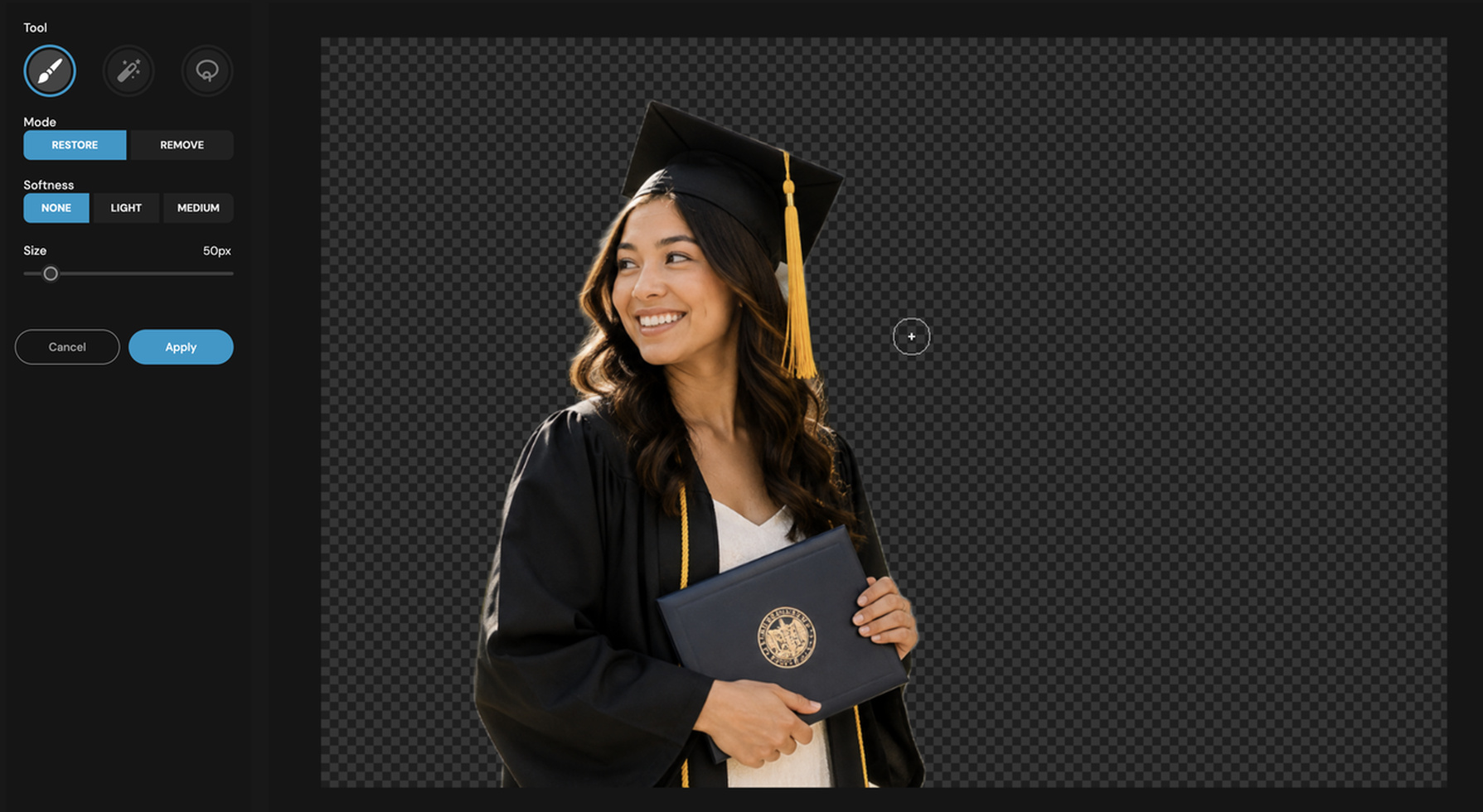
Step 3: Adjust the cutout
Inspect the edges around hair, thin objects, clothing, and product details. If the automatic result misses part of the subject or removes too much, make the necessary corrections before continuing.
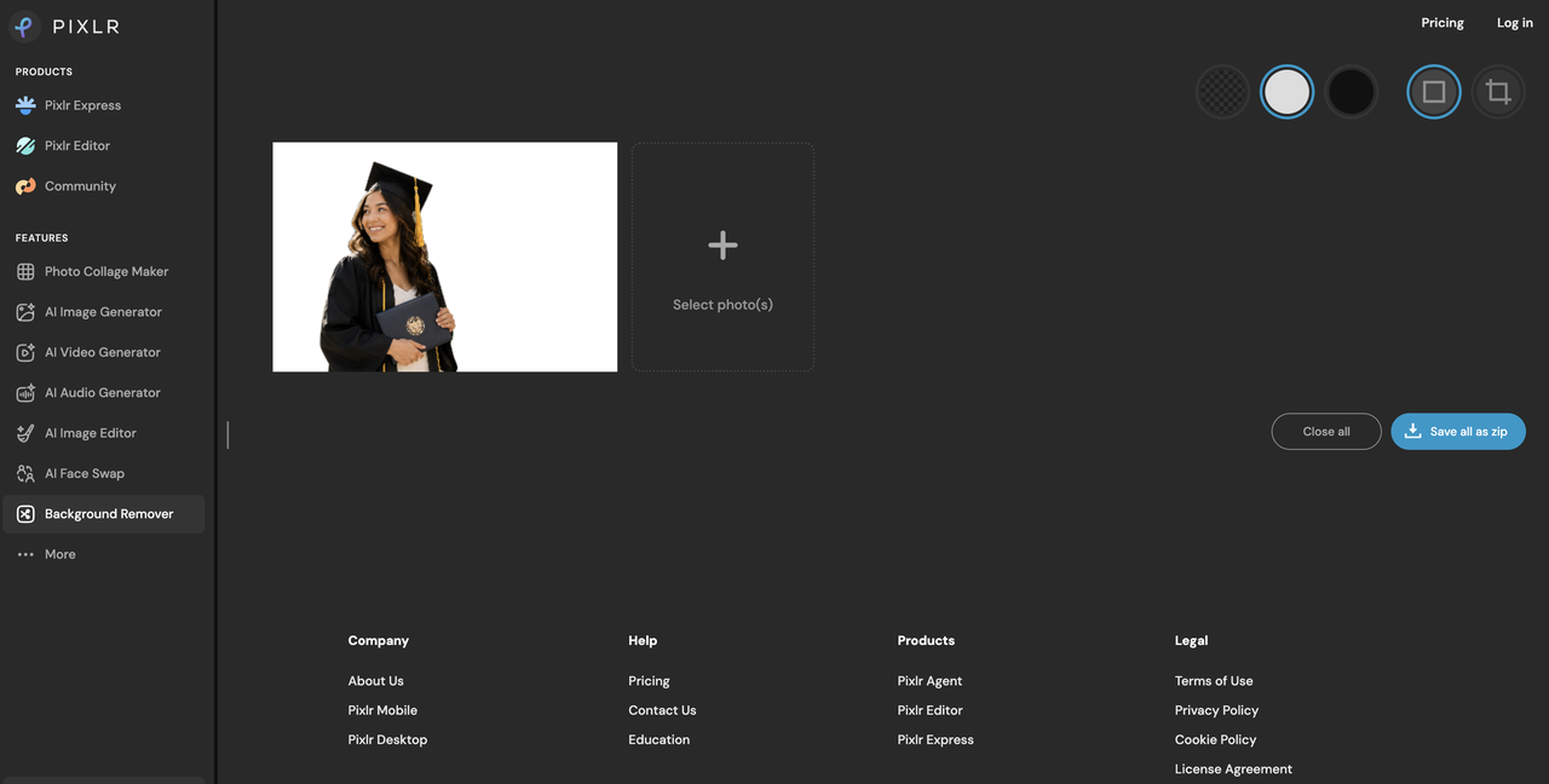
Step 4: Export the image
Once the result looks clean, export the image using the available format and resolution options. You can also add a new background or make other edits before downloading the final image.
Pixlr Background Remover Review: Accuracy, Features & Limitations
Pixlr Background Remover is built around speed rather than a manual masking workflow. Its results depend on the image, so the useful test is how well it handles different subjects, how much editing is available afterward, and how much correction users need.
AI background removal quality
The AI background remover works best when the subject is sharp, and the edges are distinct. Generally, simple product photos, portraits, and clean backgrounds will yield cleaner results. Images of products need more work on thin handles, reflections, small details, and irregular edges. Hair, loose clothing, and fine details can be trickier for portraits, and transparent objects like glass and veils may need refinement too. Backgrounds can be problematic if objects overlap the subject or have similar colors.
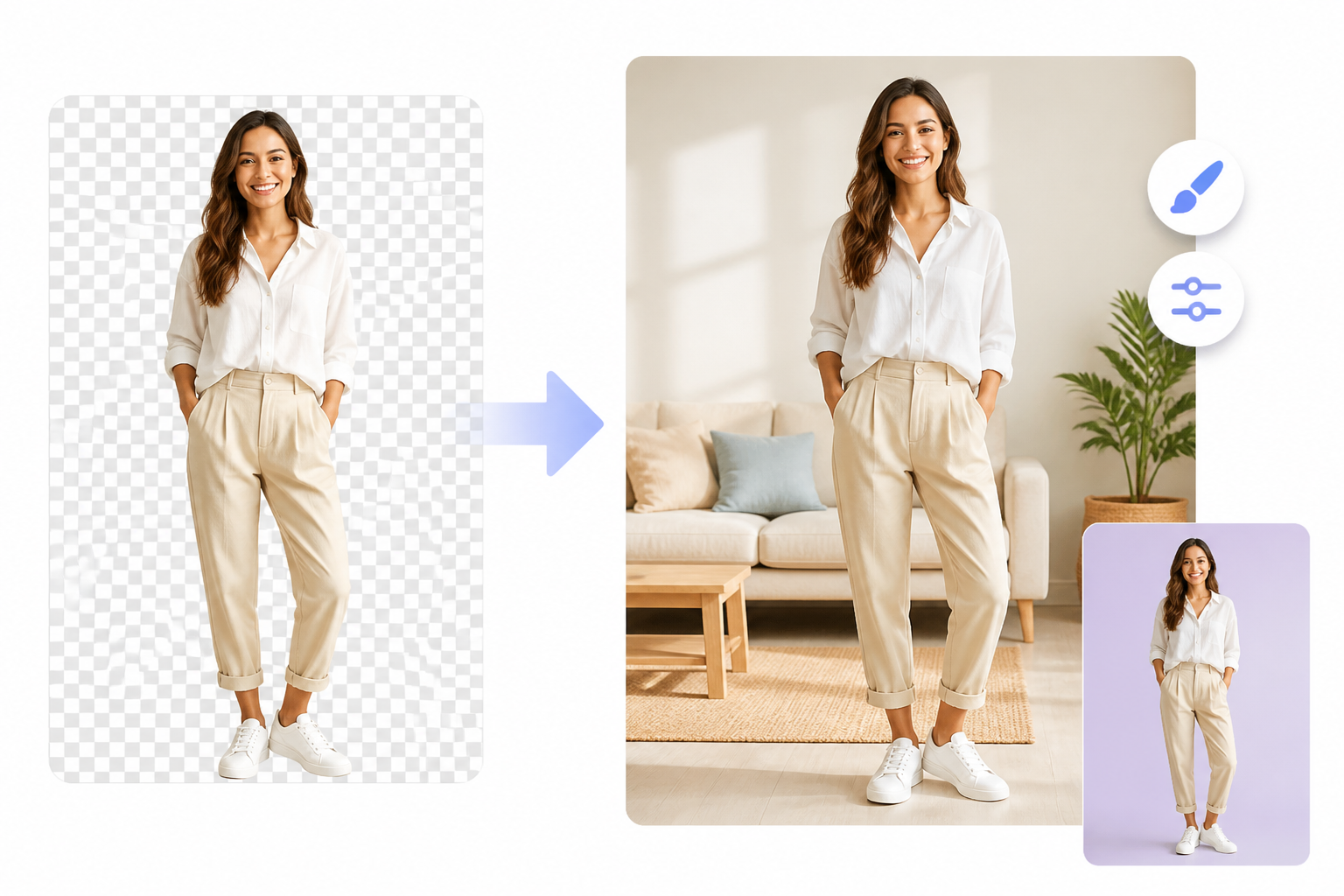
Background replacement and editing
Often, removing the original background is just the start. Add a solid color, white background, or a new scene as per your need. In a Pixlr white background remover workflow, inspect the cutout for any leftover edges or artifacts in the new background. After removing the background, you also get a few additional editing tools to tweak the image in Pixlr.
Ease of use and processing speed
AI removal means less manual selection is required, so you can start with an automatic cutout and concentrate on checking it. Pixlr is a web-based editor, so it is handy for quick edits, althou gh processing speed can depend on the image and the service's current conditions. The workflow is straightforward for one-off projects, but ecommerce users who rely on it should also consider how many images they need and how much manual correction will be required.
Pixlr Background Remover Pros and Cons
The Pixlr bg remover makes sense for users who want automated background removal alongside general photo editing. It may be less suitable for workflows that require large volumes of highly consistent product images or extensive AI scene creation.
|
What it does well |
Limitations |
|---|---|
|
Fast automated background removal |
Complex edges can require manual refinement |
|
Browser-based editing |
Results vary depending on image complexity |
|
Additional photo editing capabilities |
Some advanced capabilities may require paid access |
|
Background replacement options |
Users who only need cutouts may not need the full editor |
|
Useful for quick creative projects |
Ecommerce-focused users may need additional tools for complete product image creation |
Pixlr Pricing: Free Access, Plans & Value
Pixlr has free access, as well as paid plans. But it's worth noting that the free experience isn't just unlimited background removal. Check the current official pricing info for AI use, ads, export restrictions, and other limits before you pick the right plan for your workflow.
Is Pixlr Background Remover Free?
Pixlr offers free access, but the available features and limits depend on the plan. Pixlr's free plan includes access to Pixlr Express and Pixlr Editor, but with ads and more limited AI and creative features. Users who regularly remove backgrounds should check the current AI allowances and export options before relying on the free plan.
What Do Pixlr Paid Plans Include?
Pixlr's paid plans provide broader access to AI tools, creative assets, and editing features with fewer restrictions. The current pricing page lists Plus, Premium, and Team options, with differences in AI credits, premium content, and access to advanced features. Compare the plans based on your expected AI usage, editing needs, and image production volume.
|
Plan |
Price (Yearly) |
Best for |
What it includes |
|---|---|---|---|
|
Plus |
$1.99/month |
Occasional users |
More editing and AI access with fewer restrictions than the free plan |
|
Premium |
$7.99/month |
Regular creators |
Higher AI usage, premium content, and broader access to creative tools |
|
Team |
$12.99/month per seat |
Businesses and teams |
Team-focused access to Pixlr's editing and AI features |
Is Pixlr Worth It for Background Removal?
For occasional background removal, Pixlr can be a practical choice if its free access meets your needs and you also want general photo editing tools. For frequent ecommerce or marketing work, consider the plan limits, AI credits, and overall workflow. If you also need product scenes and marketing-ready visuals, a broader AI image platform may offer more value.
Best Pixlr Background Remover Alternatives
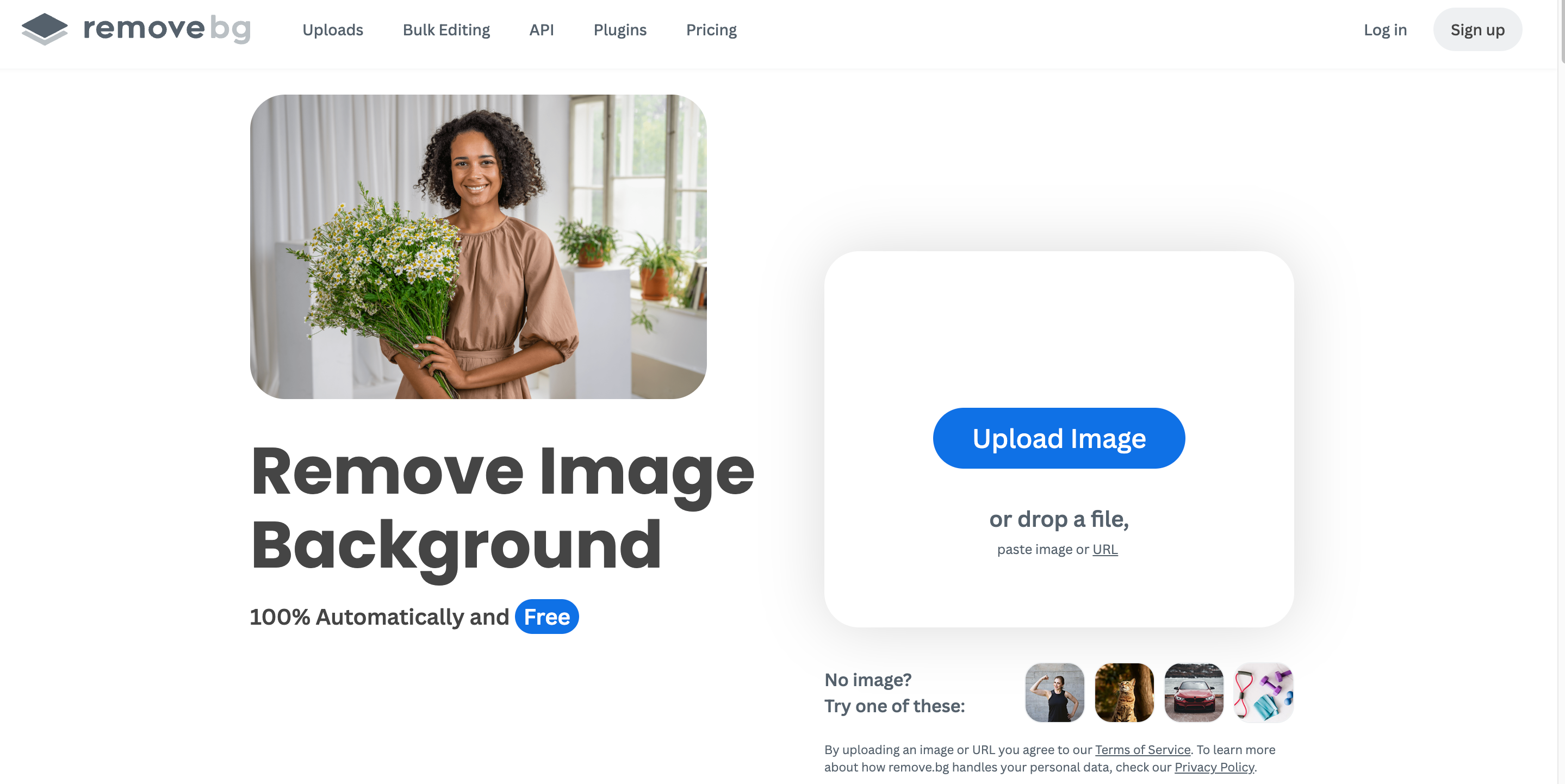
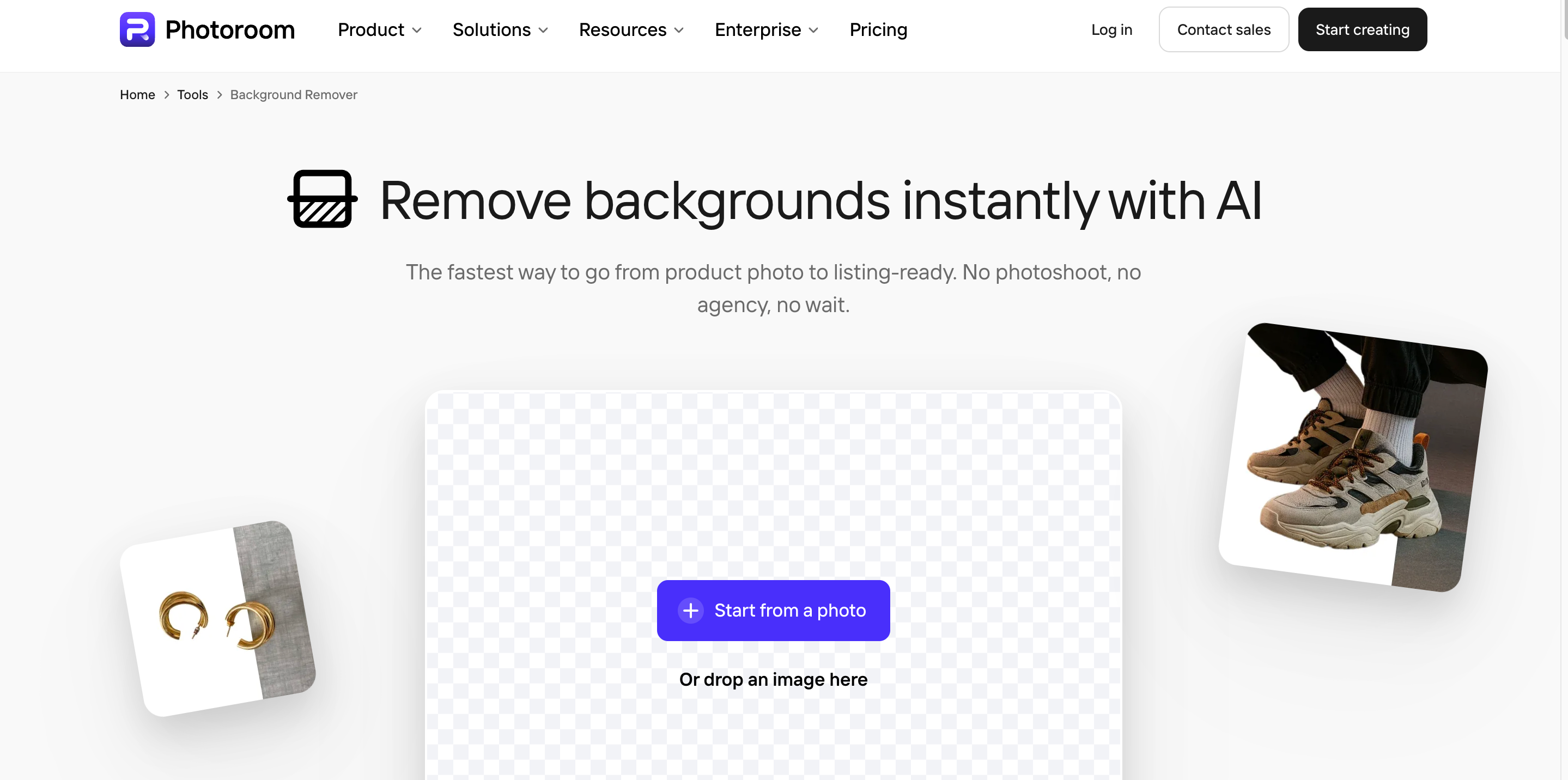
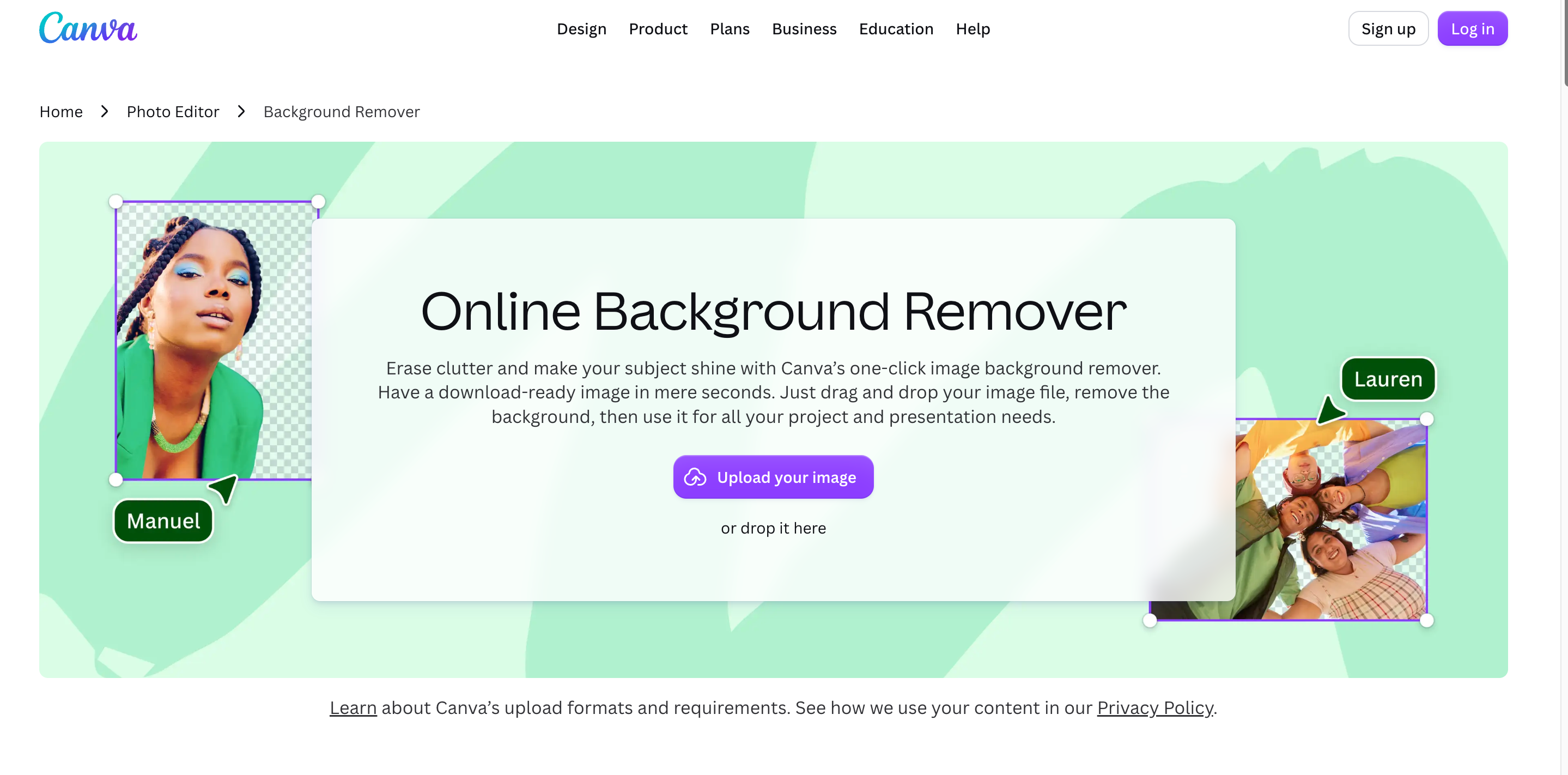
Pixlr is one possibility, but different tools fit different image workflows. Remove.bg is all about cutouts, PhotoRoom is all about product photography, Canva is all about image editing and design at once, and Designkit is all about ecommerce and marketing image creation in general.
Remove.bg
Best for: Dedicated AI background removal Remove.bg is all about automatic background removal. This makes it a good fit if you just want to quickly cut out a subject cleanly and don't need broader editing tools. It's great for product photos, portraits, and social media assets, but users who want to create and edit a wider range of images may feel limited.
PhotoRoom
Best for: Ecommerce product photography PhotoRoom is designed for product image editing and commercial photography workflows. Its product-oriented workflow isn't ideal for users looking for general-purpose image editing, but it is well suited to ecommerce sellers and small businesses creating glossy listings, ads and social media visuals.
Canva
Best for: Background removal within graphic design projects, Canva provides a background removal tool with templates, layouts, and bigger design applications. It's perfect for social posts, presentations, ads, and marketing graphics, but those looking for more sophisticated background removal or AI image workflows may need a more dedicated tool.
Designkit
Designkit is an AI-powered image creation and editing platform for businesses that require more than basic background removal. It blends background removal with AI-generated scenes, product photography, and marketing image creation. This is useful for ecommerce sellers, marketers, brands, and designers who want to transform simple product or subject images into polished visual assets without jumping between multiple tools.
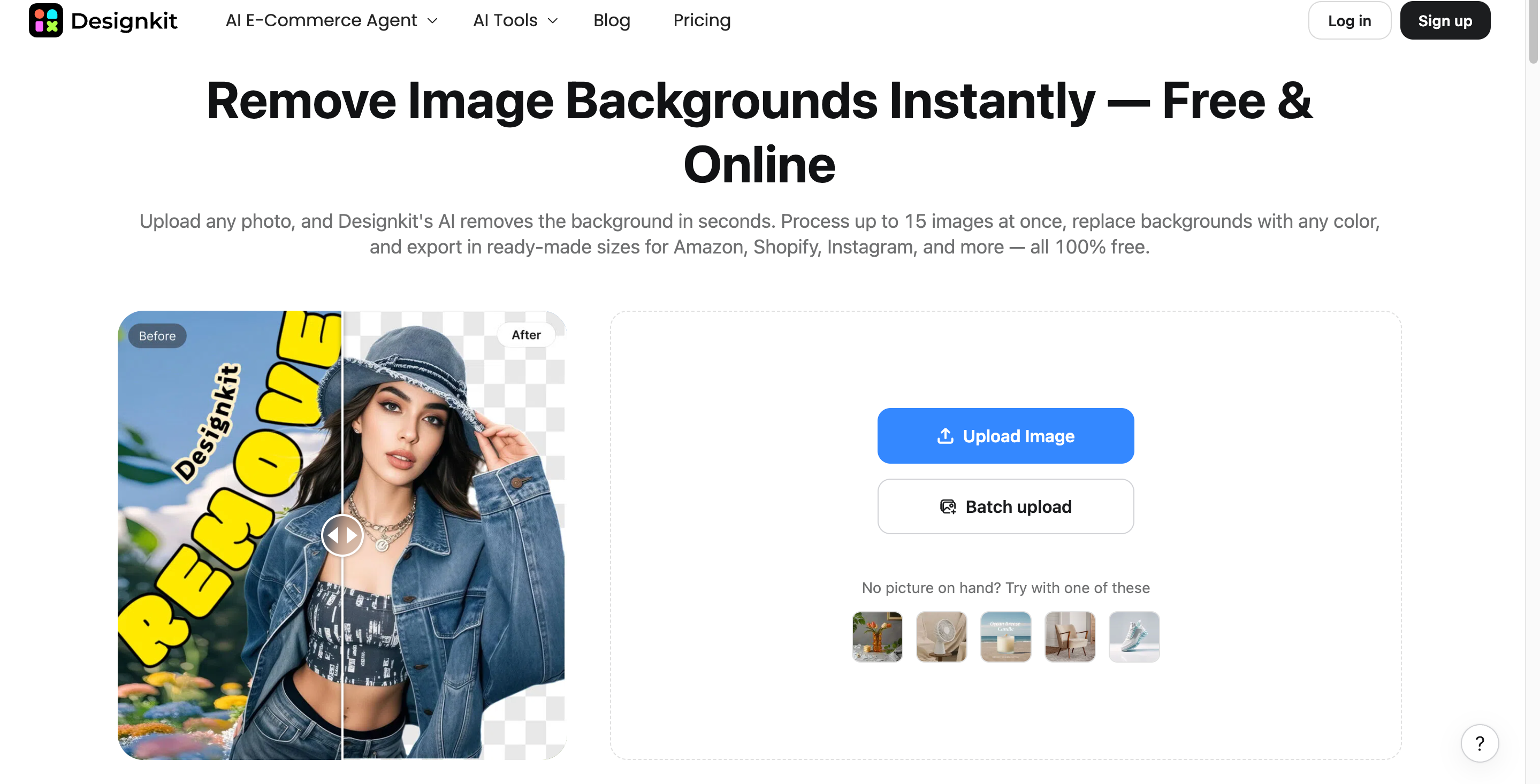
Best for: AI-powered image editing, product photography, and marketing visuals
Who it fits: Ecommerce sellers, marketers, brands, and designers who need more than basic background removal.
How it works:
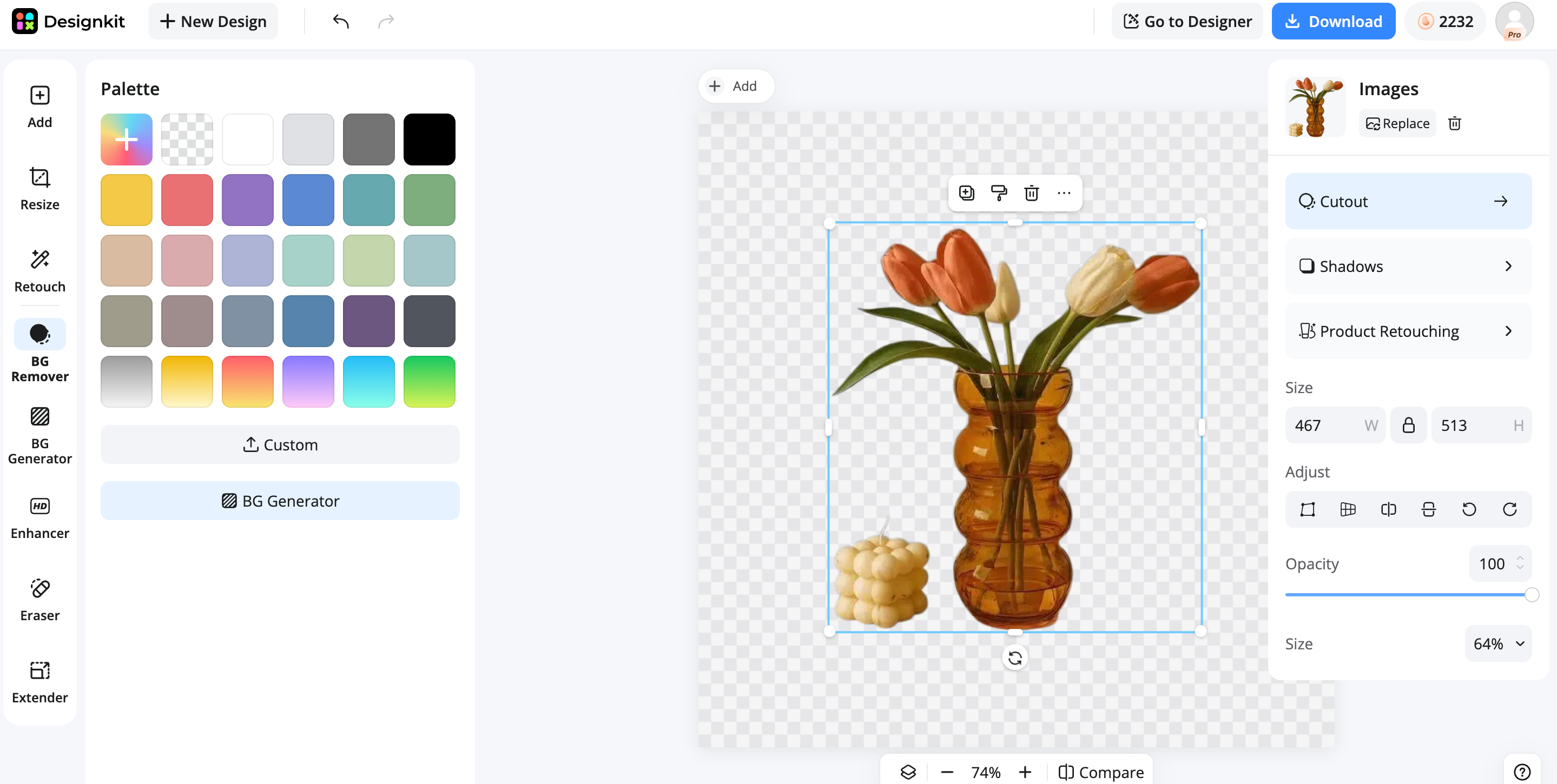
Step 1: Upload and remove
Upload your image and use AI to remove the original background. The subject is automatically isolated and ready for further editing.
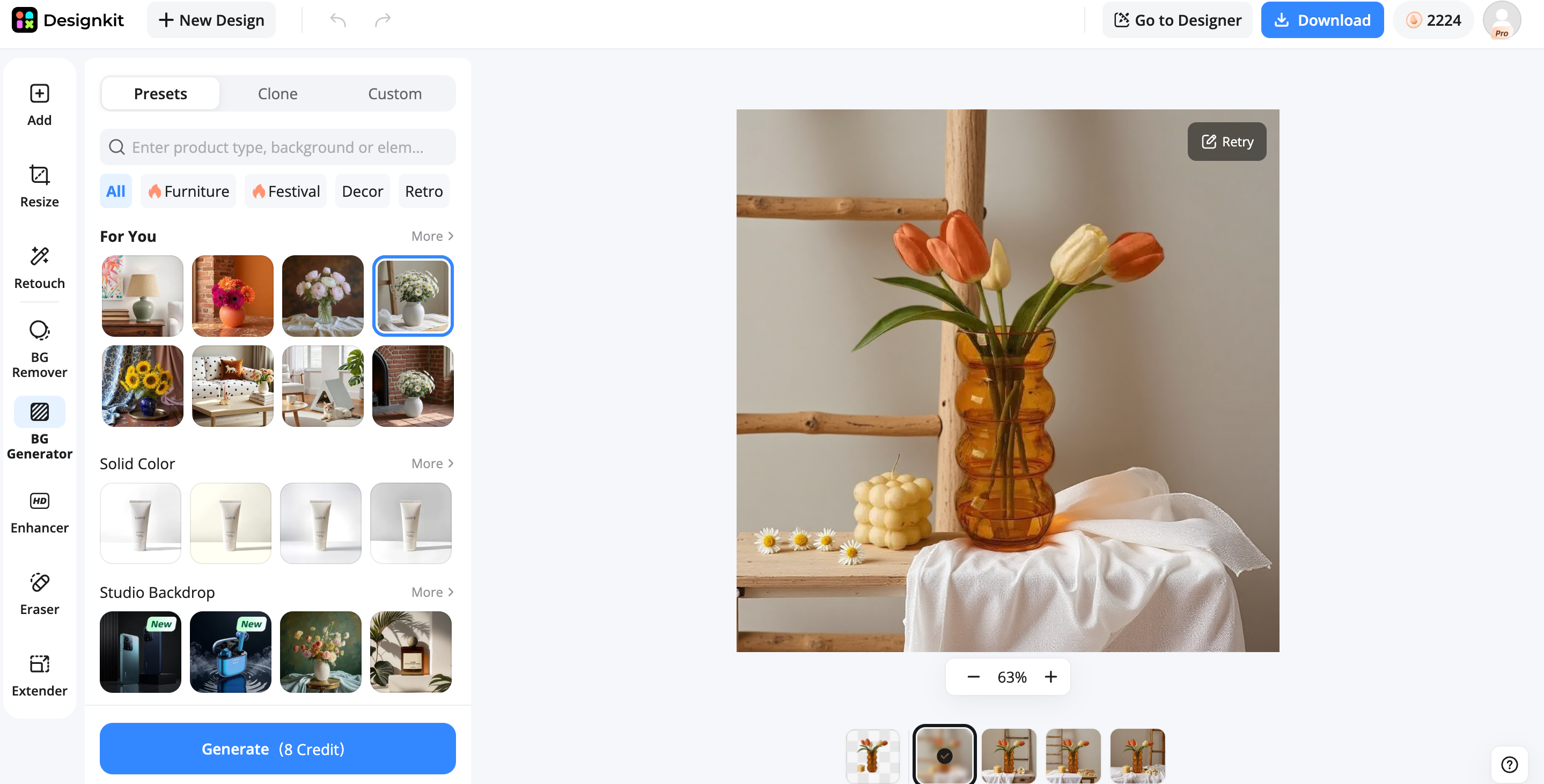
Step 2: Create a new scene
Generate or choose a new background for the subject. Adjust the composition to match your ecommerce, advertising, or social media needs.
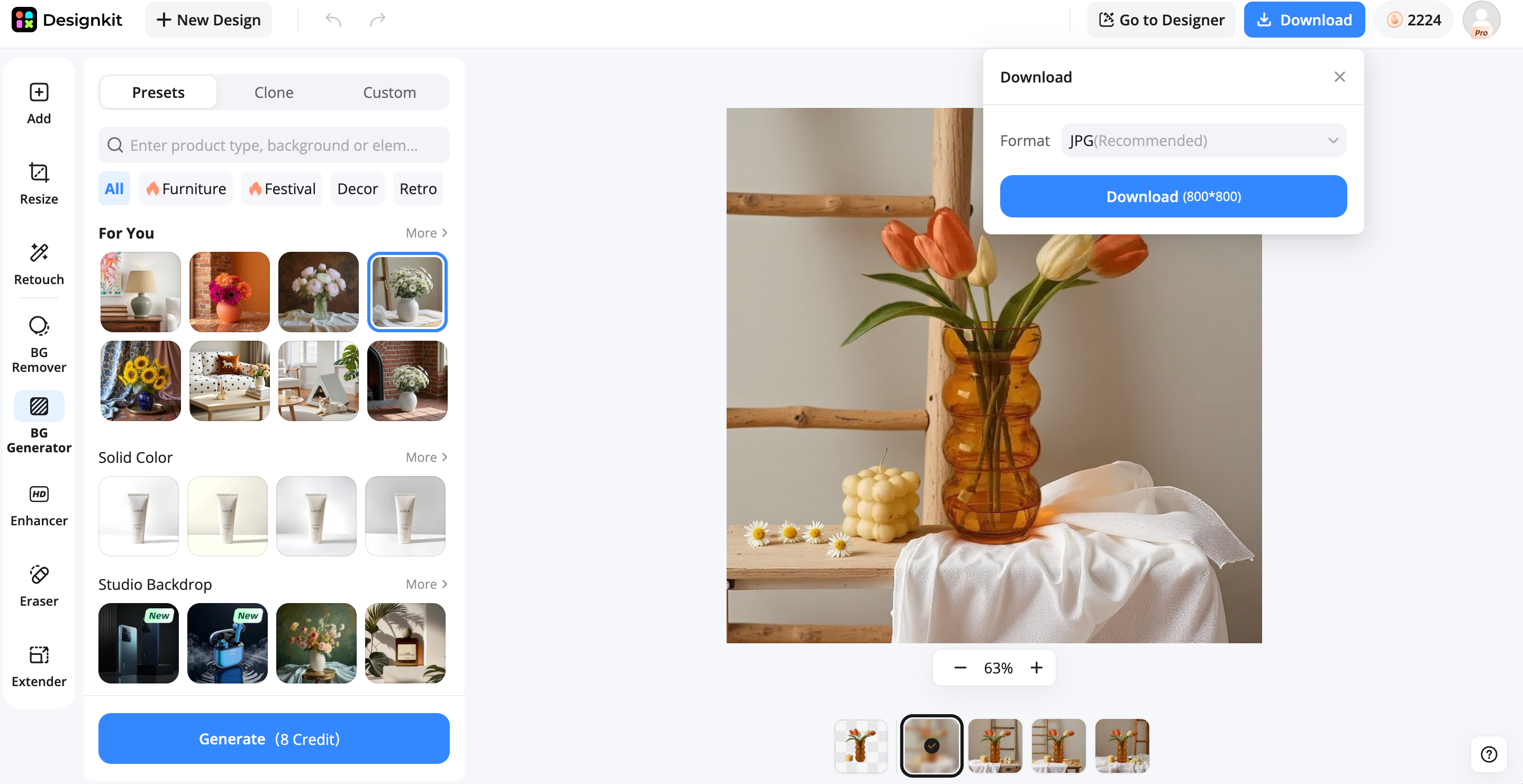
Step 3: Export the image
Download the finished visual once the composition looks right. Use it for ecommerce listings, advertising, social media, or other marketing materials.
Pixlr vs Designkit
Pixlr is better suited to general-purpose photo editing and quick background removal, while Designkit is more focused on ecommerce and marketing visuals.
|
Feature |
Pixlr |
Designkit |
|---|---|---|
|
AI background removal |
Yes |
Yes |
|
Background replacement |
Yes |
Yes |
|
AI background generation |
Available |
Yes |
|
Product photography |
Limited |
Strong |
|
AI image creation |
Yes |
Yes |
|
Marketing visuals |
Yes |
Strong |
|
Batch image editing |
Available |
Yes |
|
Best for |
General photo editing |
Ecommerce and marketing visuals |
Choose Pixlr if you need quick background removal, general photo editing, and manual controls. It is a practical option for users who want to remove unwanted backgrounds and continue refining images within a familiar browser-based editing workflow.
Choose Designkit if you need AI-generated product scenes, ecommerce images, and marketing-ready visuals. It is better suited to workflows that go beyond background removal, helping you create new backgrounds, enhance product presentation, and prepare visuals for listings, advertising, and social media.
Final Thoughts
If you need a quick background cleanup and basic photo editing, Pixlr background remover is a handy choice. Simple images are handled well, but complex edges and fine details might require more attention.
Pixlr may be enough for the occasional cutout, especially if its free access is enough for your needs. For the average ecommerce and marketing production, compare tools based on image volume, editing requirements, background generation, and export limits. Designkit is another tool that allows users to remove backgrounds, create new scenes, and prepare polished image assets.
Frequently Asked Questions
Is Pixlr background remover free to use?
How accurate is Pixlr AI background remover?
Accuracy depends on the image and subject. Clear edges are generally easier to process, while hair, transparent objects, fine details, and busy backgrounds may require additional refinement after automatic removal.
Can Pixlr remove backgrounds from product photos?
Yes. Pixlr can be used to remove backgrounds from product images, especially when the product has clear edges and good contrast with its surroundings. Complex shapes, reflections, and small details may require extra adjustments.
What is the best alternative to Pixlr background remover?
The right alternative depends on your needs. Remove.bg focuses on background removal, PhotoRoom is suited to product photography, Canva combines editing with design, while Designkit supports ecommerce and marketing workflows with AI background removal, background generation, and product photography.
Can I create a white background product image with Pixlr?
Yes. After removing the original background, you can place the product on a white background. Review the edges carefully against the new background to catch any remaining artifacts or unwanted areas.
You May Also Like
Remove.bg Shutting Down Dec 1, 2026: What Users Are Saying

7 Best Remove.bg Alternatives in 2026: Free & Paid Tools

Instagram Carousel: What It Is, How to Post & Create One

Nano Banana Prompts: 20+ Examples for Better AI Images

Ideogram AI Review 2026: Features, Pricing & Alternatives

Free Mac Photo Editor: 5 Tools Compared for Mac Users

How to Crop a Photo Into a Circle Online (Keep Quality)

How to Make an Image Transparent Online (AI Guide)

Pixlr Background Remover Review 2026: Features, Pricing & Alternatives

How to Fix Overexposed Photos: Recover Highlights Fast

OpenArt AI Review 2026: Features, Pricing & Alternatives

Best AI Headshot Generator: 9 Tools Compared for 2026

Best Stencil Maker Tools 2026: Turn Photos Into Stencils

Pixelbin Watermark Remover Review: Image & Video Results Tested

How to Make a Sticker on iPhone: Easy Step by Step Guide

Best AI Logo Generator in 2026: 10 Tools Compared

How to Turn a Photo Into a Cartoon: A Beginner-Friendly Guide

Landscape vs Portrait: Key Differences & Best Uses in 2026

How to Remove Watermark From Photo: AI, Photoshop & More

How to Fix Pixelated Photos: Photoshop, AI Tools & Tips

Bing Image Creator: How It Works, Features, Uses & Alternatives

How to Remove People from Photos with AI: A Step-by-Step Guide

How to Increase Image Resolution: AI, Photoshop & PPI

How to Add Text to a Photo: 8 Tips for Better Results

How to Fix Grainy Photos: Easy Ways to Clear Images

Creative Profile Picture Ideas for Every Style and Platform

Evoto AI Review 2026: Features, Pricing, Pros & Cons

Pixlr Photo Editor Review: Features, Pricing & Alternatives

Best AI Image Extender Tools in 2026: Expand Photos with AI

How to Make a Collage on iPhone: Easy Guide for 2026

How to Sharpen an Image in Photoshop (Smart Sharpen and Unsharp Mask)

Best Image Background Remover Tools in 2026: AI Tools Compared

How to Make Transparent Background in Paint: Step-by-Step Guide

How to Resize an Image: Best Methods, Tools & Quality Tips

Best AI Image Generator Tools in 2026: Top AI Platforms Compared

Remove.bg Review 2026: Features, Pricing & Is It Worth It?

Luminar Neo Photo Editor Review 2026: AI Features, Price & Pros

How to Post Multiple Photos on Instagram (2026 Guide)

25 Facebook Cover Photo Ideas for Personal & Business Pages

What Is a PFP? Meaning, Examples & How to Create One

Can You Edit an Instagram Post After Posting?

11 Best Canva Alternatives in 2026 for AI Design & Marketing

8 Best Midjourney Alternatives in 2026: Features, Pricing & Comparison

How to Restore Old Photos: AI Tools, Tips & Best Methods

Pixelcut AI Review 2026: Features, Pricing, Pros, Cons & Alternatives

How to Apply Watermark to Photos: Methods, Tips & AI Tools

How to Remove a Background in Illustrator: 4 Easy Methods

How to Change Background Color on Instagram Story (Easy Guide)

8 Best AI Poster Generators in 2026: Create Posters Faster with AI

10 Best AI Image Enhancers in 2026: Tested & Compared

10 Best AI Image Editors in 2026: Features, Pricing & Comparison

7 Best AI Background Changer in 2026: Remove & Replace Photo Backgrounds

Luminar Neo vs Lightroom: Features, Pricing & Comparison 2026

Kittl Review 2026: Is It Worth It? Features & Pricing

How to Make a Blurry Image Clear: 5 AI & Manual Ways

How to Remove Background on iPhone: 5 Easy Methods (2026)

Photoroom Background Remover Review 2026: Features & Alternatives

How to Remove Background in Canva: A Step-by-Step Guide

How to Remove Background in GIMP: Beginner-Friendly Guide

Funny Dog Memes to Try: Doge Meaning and 10 Original Ideas

Back to School Checklist 2026: Supplies, Timeline, and Planning

Recraft AI Review 2026: Features, Pricing, Pros, Cons & Alternatives

How to Make an Image Transparent in Google Slides: Opacity & Background Removal

VanceAI Photo Enhancer Review: Features, Pricing & Alternatives in 2026

What Does Emojify Mean? Text, Photos, & Emoji Art Explained

Top 8 Online Background Removers for Ecommerce Photos (2026)

How to Remove Background in Photoshop: 7 Easy Methods

6 Best AI Image Upscalers 2026: Tools Tested & Compared

Project Indigo Review: Is It Better Than iPhone Camera?

How Big Is an 8x10 Photo? Size, Pixels & Frame Guide

How Big Is a 4x6 Photo? Dimensions, Pixels & Printing Tips

Picsart AI Review: Features, Pricing, Pros, Cons & Alternatives

Lovart AI Review: AI Design Agent Features, Pricing & Alternatives

Fotor AI Image Generator Review: Features, Pricing & Alternatives

How to Add Emoji to Photo Online for Free

Emoji Wallpaper Ideas & How to Make One Online (2026)

Minimalist Poster Design: How to Make a Clean Poster (2026)

How to Make a Custom Poster That Is Ready to Print

Instagram Image Size Guide 2026: Post, Reel, Story & Carousel Specs

LinkedIn Image Size Guide: Profile, Post & Banner Dimensions

YouTube Profile Image Size: Best Dimensions & Safe Area 2026

How to Edit Amazon Product Photos That Boost Sales Fast
From Background Removal to Better Visuals
A clean cutout is only the first step. Use Designkit to remove backgrounds, create new scenes, enhance images, and prepare visuals for your next project.
