
Evoto AI Review: Is the AI Photo Editor Worth It in 2026?
Discover how Evoto AI speeds up portrait editing with AI retouching, batch processing, and professional photo workflows. Explore features, pricing, and alternatives in this 2026 review.

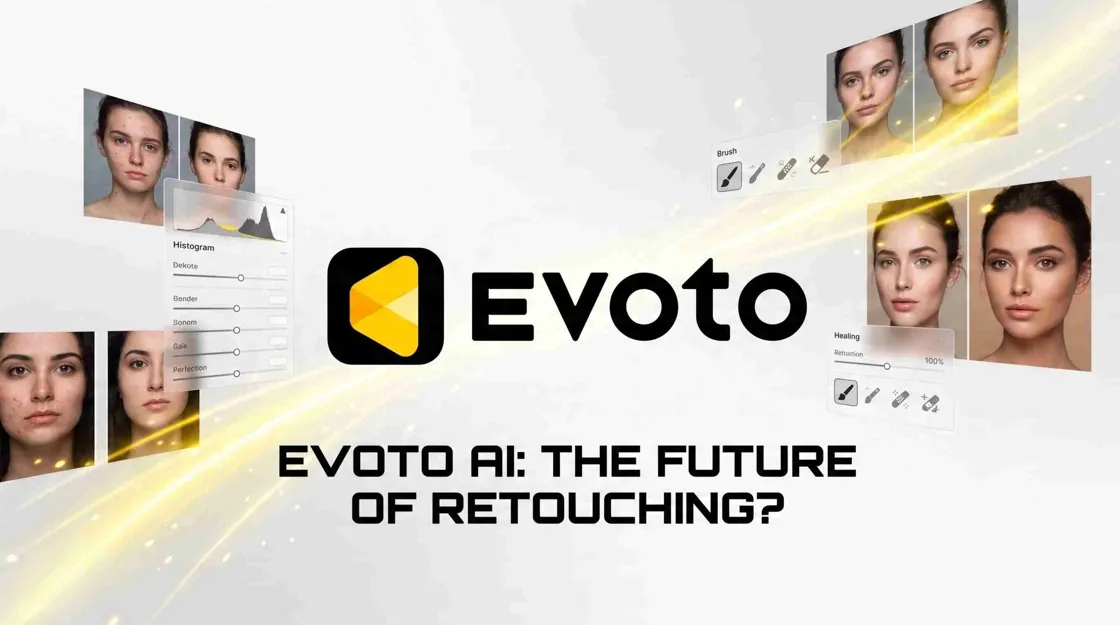
Editing portraits can take hours, especially when photographers need to process hundreds of images from weddings, studio sessions, or events. Evoto AI aims to speed up that process with automated portrait retouching, batch adjustments, and AI-assisted editing tools. Unlike general photo editors, Evoto AI focuses heavily on portrait workflows. It helps photographers improve skin tones, refine facial details, apply consistent edits across multiple images, and prepare photos faster for delivery.
In this Evoto AI review, we will look at its features, pricing, advantages, limitations, and alternatives to help you decide whether it is the right photo editor for your needs.
What Is Evoto AI?
Evoto AI is a portrait-focused photo editing application designed to simplify common retouching tasks. It combines automatic adjustments with manual controls, allowing users to improve portraits without spending as much time making repetitive edits. The platform includes tools for skin retouching, facial adjustments, body shaping, color correction, background editing, presets, and batch processing. Instead of replacing traditional editing completely, Evoto AI helps photographers speed up the parts of editing that usually take the most time.
What Makes Evoto AI Unique?
AI-Powered Portrait Retouching
Evoto is good at repetitive portrait fixes like blemish fixing, skin retouching, face retouching, eye editing, teeth editing, etc. It offers tools to work with blemishes, wrinkles, skin tone, face, eyes, teeth, and other portrait-specific corrections.
Batch Photo Editing Automation
Batch processing is especially useful for photographers who return from a wedding or event with hundreds of images. Evoto can sync edits, presets, cropping, brightness, contrast, and other edits across multiple images.
Professional Photography Workflow
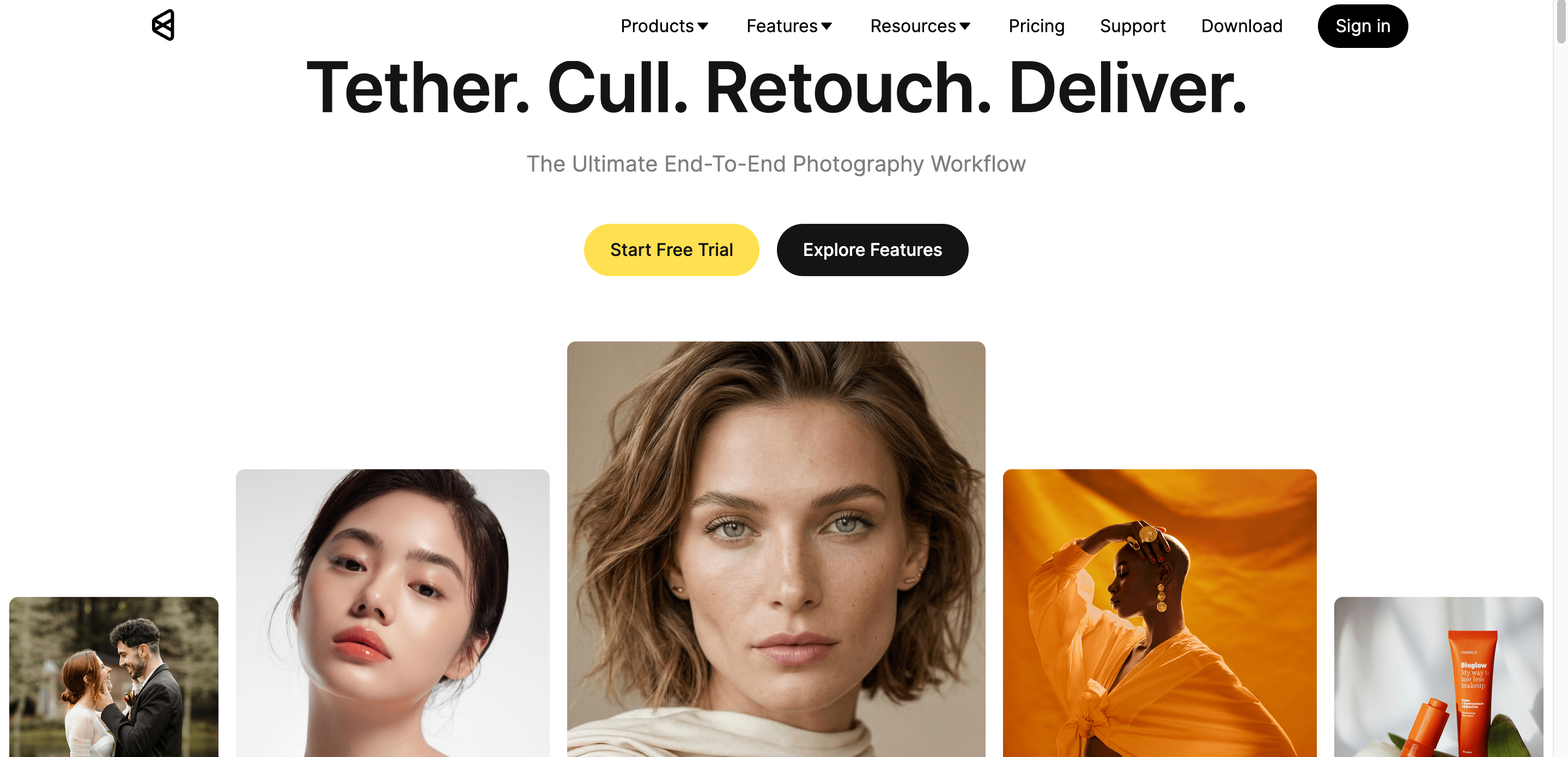
The platform is built around how photographers actually work: import photos, select or cull them, make initial edits, retouch key subjects, sync edits, review the batch, and export finished files.
Who Should Use Evoto AI?
Evoto AI is mainly designed for users who spend significant time editing portraits or managing large image collections.
|
User |
Best Use Cases |
|---|---|
|
Portrait photographers |
Professional portrait retouching |
|
Wedding photographers |
Batch editing large photo collections |
|
Photography studios |
Client image enhancement |
|
Content creators |
Social media portraits |
|
Freelancers |
Fast client photo delivery |
For casual users who edit photos only occasionally, a simpler online photo editor may provide sufficient functionality. However, photographers handling frequent portrait sessions can benefit more from Evoto AI's automation.
Evoto AI Features Review
Evoto AI's most useful features are its portrait retouching, batch editing, color controls, and background tools.
AI Portrait Retouching
Evoto's portrait tools handle many of the tedious tasks that would otherwise require manual retouching. These include blemish removal, wrinkle reduction, skin tone adjustment, face refinement, eye editing, and body adjustments.
AI Photo Editing Tools
Besides portraits, Evoto offers tools to edit your images, such as color correction, filters, cropping, background changes, and other enhancements. It features a color workflow with white balance, tone, HSL, and other manual controls, as well as AI-assisted editing.
Batch Photo Editing
Batch editing is one of the most practical reasons to consider Evoto AI. A typical workflow starts with one image serving as the reference, or "hero," image. After making the required adjustments, you can save those settings as a preset and synchronize them across other images.
AI Background and Image Enhancement Tools
Background tools can remove distractions, eliminate unwanted elements, modify backdrops, and enhance the presentation of a subject. Reviewers have also highlighted background cleanup as a useful part of studio and portrait workflows.
Evoto AI Pricing
Evoto pricing uses a credit-based system.
|
Category |
Annual Subscription |
Pay-as-You-Go |
|---|---|---|
|
Free Trial |
Available on selected plans |
Not available |
|
Payment |
Yearly |
One-time purchase |
|
Credits |
800–24,000/year |
200–3,600 |
|
Credits Roll Over |
Yes |
No |
|
Credit Expiry |
While subscription is active |
2 years |
|
Devices Supported |
2–6 |
2 |
|
Best For |
Frequent/professional photographers |
Casual or occasional users |
Evoto AI pricing, credits, and subscription details may change over time. Always check the latest pricing information before purchasing.
Things to Consider Before Paying for Evoto AI
Before choosing an Evoto subscription, consider four things:
Credit Consumption: Export volume matters more than the number of edits you perform.
Editing Workflow: Complete your Evoto edits before moving files into another application and returning them for another export, because re-importing and exporting can consume additional credits depending on the workflow.
Professional Usage: High-volume photographers should estimate their average monthly and annual export volume before selecting a plan.
Evoto AI Pros and Cons
Evoto AI works best for portrait-heavy photography. Users who need extensive RAW catalog management, graphic design, or e-commerce creative production may need another tool.
What Evoto AI does well
Fast AI Portrait Retouching: Skin, facial, eye, teeth, and body adjustments can reduce repetitive manual work.
Natural-Looking Results: When adjustments are kept moderate, the platform can preserve a more realistic portrait appearance rather than relying on a heavy filter effect.
Excellent Batch Editing Workflow: Presets and synchronized adjustments make it practical for high-volume projects.
Professional Color Correction: Color matching, filters, and manual controls provide more flexibility than basic automatic enhancement tools.
Saves Post-Production Time: For photographers handling hundreds of images, synchronized edits can reduce repetitive retouching work.
Evoto AI limitations
Limited Free Access: Free access is primarily useful for testing, not for replacing a professional paid workflow.
Credit-Based Pricing May Not Suit Everyone: High-volume exporters need to carefully calculate their expected credit consumption.
Learning Curve for Beginners: The large number of portrait controls and adjustment sliders can take time to learn.
Primarily Focused on Portrait Photography: It is strongest when the workflow revolves around people and photography rather than broader marketing design.
Manual Adjustments Are Still Necessary: AI can accelerate repetitive work, but complex images may still need manual finishing. Independent testing has reported situations involving face detection and over-smoothing where manual refinement remains useful.
Best Evoto AI Alternatives
While Evoto AI is well suited to portrait editing and photography workflow automation, another platform may be better if your primary goal is RAW management, general graphic design, creative effects, or e-commerce marketing.
Adobe Lightroom
Best for: Professional photo editing and RAW image workflows
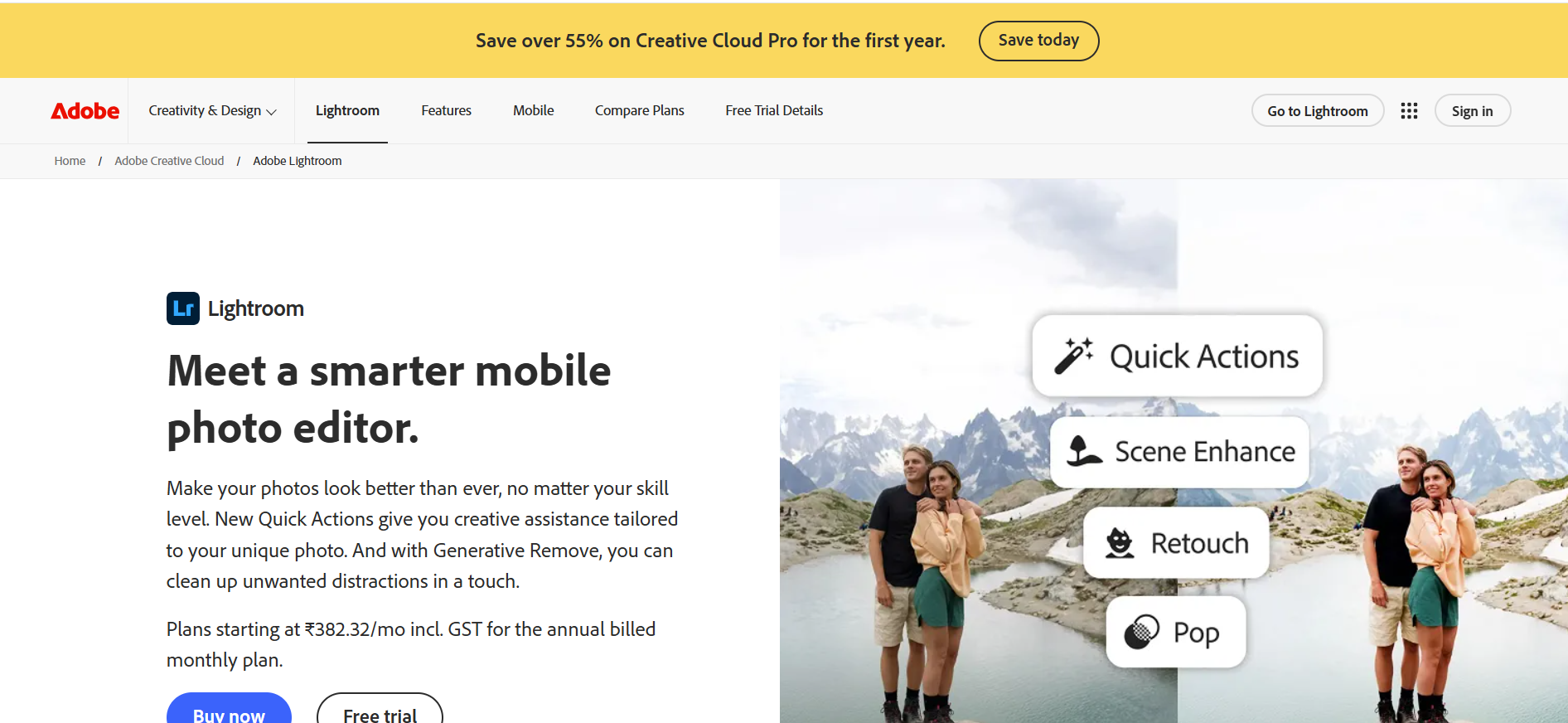
Adobe Lightroom is better suited for photographers who need detailed control over their entire photo library. It offers RAW processing, catalog organization, advanced color grading, masking tools, and professional editing controls. Choose Lightroom if your workflow starts with managing and developing large photo collections rather than focusing mainly on portrait automation.
Luminar Neo
Best for: AI-powered creative photo editing
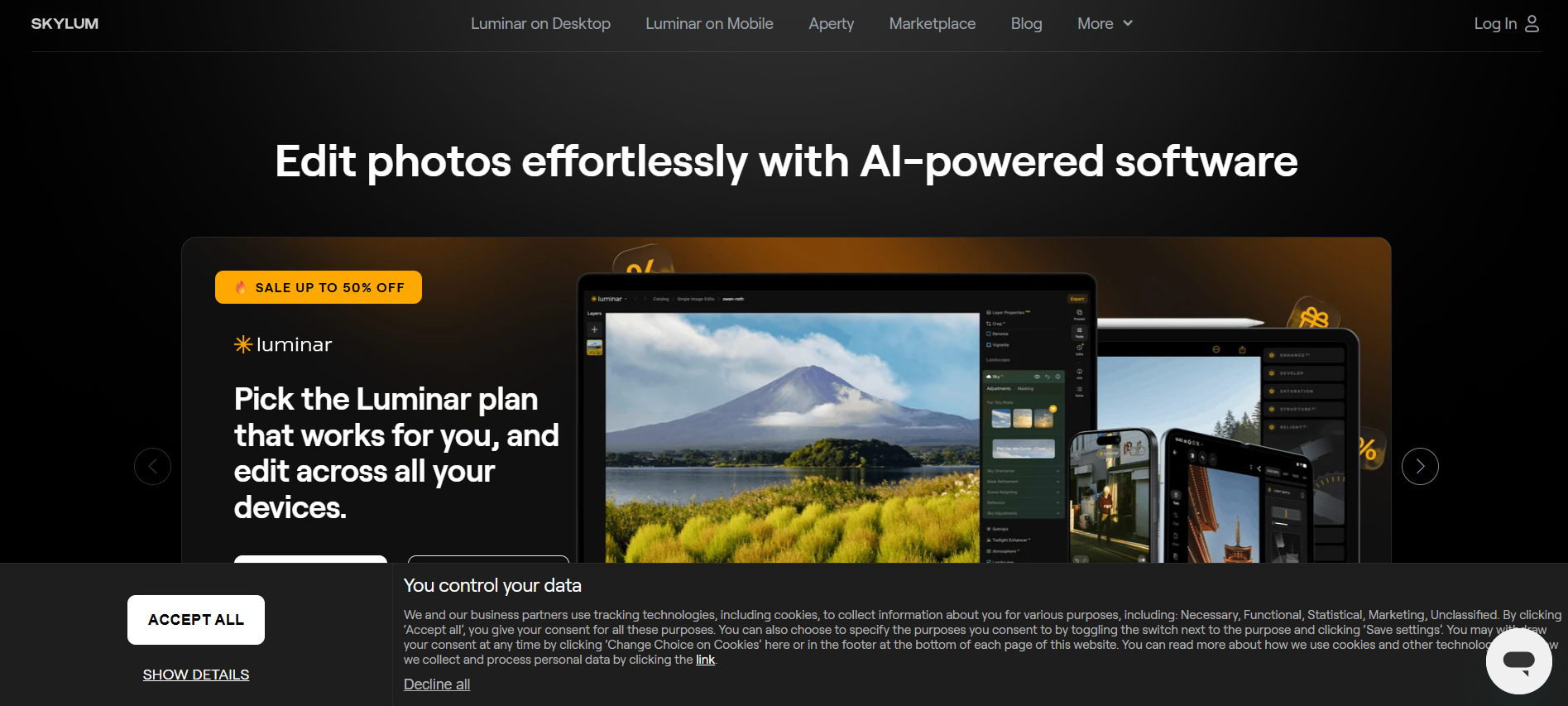
Luminar Neo combines traditional photo editing with AI-assisted creative features. It is useful for users who want effects such as AI sky replacement, lighting adjustments, object removal, and creative image transformations. Compared with Evoto AI, Luminar Neo focuses more on creative editing possibilities rather than high-volume portrait processing.
Designkit
Best for: AI photo editing, creative enhancement, and visual content creation
Designkit is an AI-powered image editing platform that helps users enhance, edit, and transform images with tools like AI retouching, image enhancement, face enhancement, blemish removal, background editing, and object removal. It allows users to improve portraits, fix image quality issues, adjust visual elements, and create new image variations with AI-assisted editing tools.
How to Edit and Enhance Images with Designkit
Designkit provides a simple AI-assisted editing workflow for improving image quality, refining portraits, and creating new visual variations. Upload your image, apply the right AI editing tools, and customize the final result based on your creative needs.
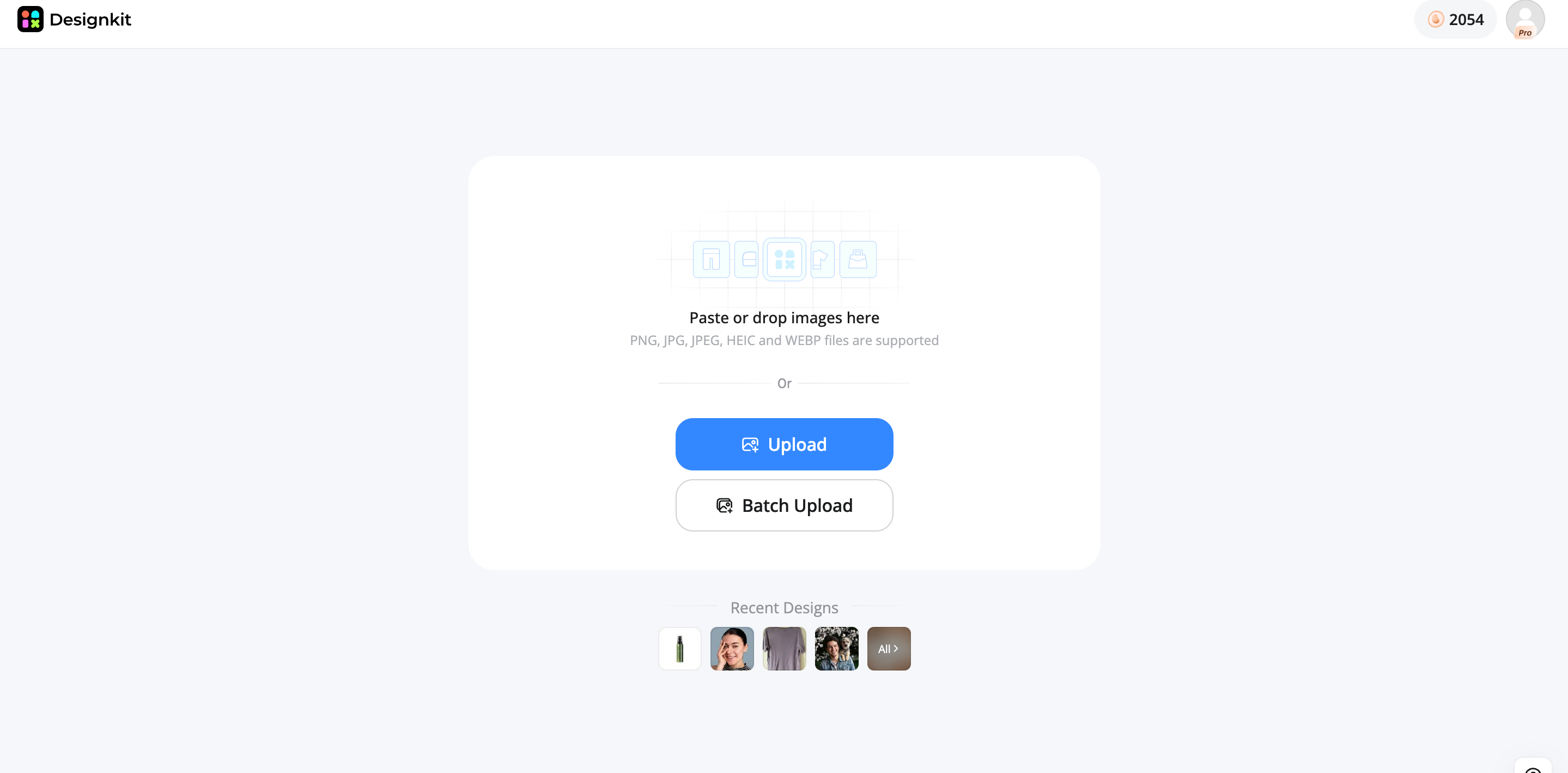
Step 1: Upload Your Image
Upload your portrait, product photo, or existing image to start editing. Designkit works with different types of visuals, whether you want to improve photo quality, refine details, or create a completely new look.
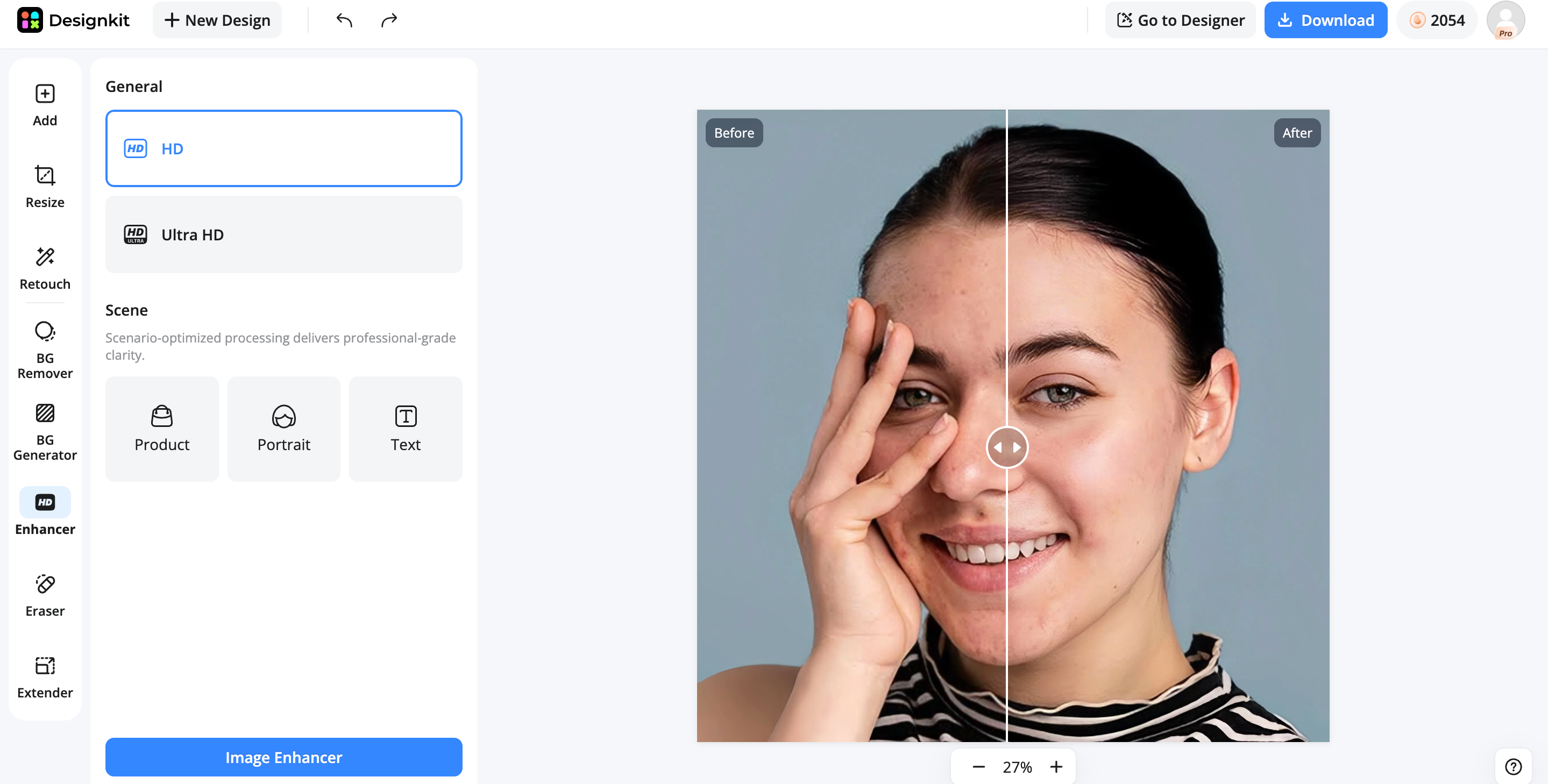
Step 2: Enhance and Customize Your Image
Use Designkit's AI editing tools to improve your images with less manual work. Enhance image clarity, refine facial details, remove skin imperfections, or apply AI retouching to create cleaner and more polished results. You can also adjust backgrounds, remove unwanted objects, and create different visual variations.
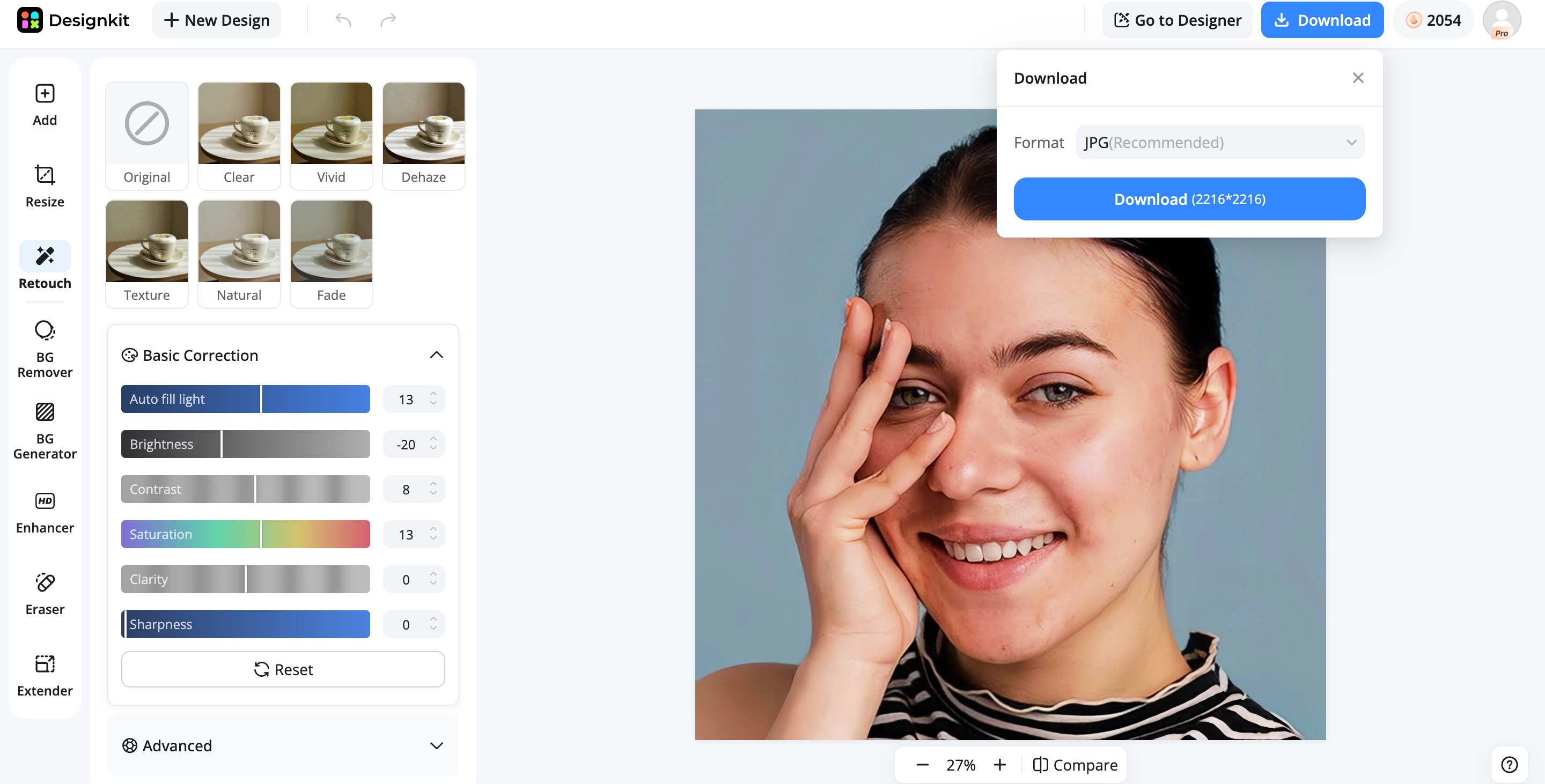
Step 3: Export Your Final Image
Review the edited result and export your final image for your intended use. Whether you need updated portraits, social media visuals, website images, or creative assets, Designkit helps prepare images in a ready-to-use format.
Evoto AI vs Designkit: Which One Should You Choose?
Evoto AI and Designkit both use AI, but they solve different problems. Evoto focuses on photo retouching, while Designkit focuses on e-commerce and marketing visuals.
|
Feature |
Evoto AI |
Designkit |
|---|---|---|
|
Main focus |
Portrait retouching |
AI image editing and creative workflows |
|
Portrait editing |
Excellent |
Strong |
|
Face enhancement |
Excellent |
Strong |
|
Skin retouching & blemish removal |
Excellent |
Strong |
|
Batch photo editing |
Excellent |
Available |
|
Image enhancement |
Basic |
Strong |
|
Background editing |
Available |
Strong |
|
Object removal |
Limited |
Strong |
|
Creative image variations |
Limited |
Strong |
|
Best for |
Photographers handling portrait collections |
Creators and users needing flexible image editing |
Choose Evoto AI If You Need:
Portrait Retouching: Choose Evoto AI if your main goal is improving portraits. It is suitable for skin retouching, facial adjustments, and creating natural-looking edits for people-focused photography.
Wedding or Event Photo Editing: Evoto AI works well for photographers handling large galleries from weddings, events, or studio sessions. Its batch editing tools help apply consistent adjustments across hundreds of images.
Batch Processing: If you regularly edit large image collections, Evoto AI can reduce repetitive editing work with presets and synchronized adjustments.
Faster Client Delivery: For photographers with tight deadlines, Evoto AI helps speed up post-production so you can deliver polished photos to clients faster.
Choose Designkit If You Need:
A Complete AI Photo Editing Workflow: Enhance image quality, retouch portraits, remove imperfections, and customize images in one place.
More Control Over Portrait Enhancement: Refine faces, improve skin details, and create natural-looking portrait edits with AI tools.
Creative Image Variations: Change backgrounds, remove unwanted elements, and explore different visual styles from one image.
Flexible Editing for Different Purposes: Prepare images for social media, branding, websites, ecommerce, and other creative projects.
Final Thoughts
Evoto AI is a practical choice for photographers who need portrait retouching, batch editing, and faster photo processing. Its AI-assisted tools can help simplify repetitive editing tasks and create consistent results across large image collections. For users looking for a broader AI image editing experience, Designkit can also be a flexible alternative with tools for image enhancement, retouching, background editing, and creative image adjustments. The right choice depends on your editing needs, workflow, and the type of images you create.
Frequently Asked Questions
Is Evoto AI free?
How does Evoto AI photo editing function?
Evoto AI uses AI-assisted tools to analyze images and automate tasks such as portrait retouching, skin adjustments, facial editing, color correction, and batch processing. Users can edit a reference image, apply the same adjustments to multiple photos, and fine-tune the results before exporting.
What is Evoto AI used for?
Evoto AI is mainly used for portrait-focused editing workflows, including wedding photography, fashion shoots, studio portraits, and event photography. It helps photographers handle repetitive retouching tasks and deliver consistent results across large image collections.
How much does Evoto AI cost?
Evoto AI uses a credit-based pricing model with subscription plans and pay-as-you-go options. The total cost depends on how many images you export and how frequently you use the software, so photographers should estimate their monthly editing volume before purchasing.
What are the best Evoto AI alternatives?
The best alternative depends on what you want to create. Lightroom is better suited for RAW editing and photo organization, Luminar Neo focuses on creative AI enhancements, while Designkit provides a broader AI image editing workflow with features such as image enhancement, face enhancement, AI retouching, background editing, and creative image transformations.
Can Evoto AI edit photos in batches?
Yes, batch editing is one of Evoto AI’s main advantages. Users can apply presets and synchronized adjustments across multiple photos, which helps photographers maintain a consistent look across large collections.
Can I use Evoto AI for more than portrait retouching?
Evoto AI is primarily designed around portrait editing, but it also includes tools for color adjustments, backgrounds, and general image improvements. If you need a wider range of editing tasks, such as AI enhancement, object removal, creative transformations, or different image styles, platforms like Designkit can provide a more flexible editing workflow.
You May Also Like
Remove.bg Shutting Down Dec 1, 2026: What Users Are Saying

7 Best Remove.bg Alternatives in 2026: Free & Paid Tools

Instagram Carousel: What It Is, How to Post & Create One

Nano Banana Prompts: 20+ Examples for Better AI Images

Ideogram AI Review 2026: Features, Pricing & Alternatives

Free Mac Photo Editor: 5 Tools Compared for Mac Users

How to Crop a Photo Into a Circle Online (Keep Quality)

How to Make an Image Transparent Online (AI Guide)

Pixlr Background Remover Review 2026: Features, Pricing & Alternatives

How to Fix Overexposed Photos: Recover Highlights Fast

OpenArt AI Review 2026: Features, Pricing & Alternatives

Best AI Headshot Generator: 9 Tools Compared for 2026

Best Stencil Maker Tools 2026: Turn Photos Into Stencils

Pixelbin Watermark Remover Review: Image & Video Results Tested

How to Make a Sticker on iPhone: Easy Step by Step Guide

Best AI Logo Generator in 2026: 10 Tools Compared

How to Turn a Photo Into a Cartoon: A Beginner-Friendly Guide

Landscape vs Portrait: Key Differences & Best Uses in 2026

How to Remove Watermark From Photo: AI, Photoshop & More

How to Fix Pixelated Photos: Photoshop, AI Tools & Tips

Bing Image Creator: How It Works, Features, Uses & Alternatives

How to Remove People from Photos with AI: A Step-by-Step Guide

How to Increase Image Resolution: AI, Photoshop & PPI

How to Add Text to a Photo: 8 Tips for Better Results

How to Fix Grainy Photos: Easy Ways to Clear Images

Creative Profile Picture Ideas for Every Style and Platform

Evoto AI Review 2026: Features, Pricing, Pros & Cons

Pixlr Photo Editor Review: Features, Pricing & Alternatives

Best AI Image Extender Tools in 2026: Expand Photos with AI

How to Make a Collage on iPhone: Easy Guide for 2026

How to Sharpen an Image in Photoshop (Smart Sharpen and Unsharp Mask)

Best Image Background Remover Tools in 2026: AI Tools Compared

How to Make Transparent Background in Paint: Step-by-Step Guide

How to Resize an Image: Best Methods, Tools & Quality Tips

Best AI Image Generator Tools in 2026: Top AI Platforms Compared

Remove.bg Review 2026: Features, Pricing & Is It Worth It?

Luminar Neo Photo Editor Review 2026: AI Features, Price & Pros

How to Post Multiple Photos on Instagram (2026 Guide)

25 Facebook Cover Photo Ideas for Personal & Business Pages

What Is a PFP? Meaning, Examples & How to Create One

Can You Edit an Instagram Post After Posting?

11 Best Canva Alternatives in 2026 for AI Design & Marketing

8 Best Midjourney Alternatives in 2026: Features, Pricing & Comparison

How to Restore Old Photos: AI Tools, Tips & Best Methods

Pixelcut AI Review 2026: Features, Pricing, Pros, Cons & Alternatives

How to Apply Watermark to Photos: Methods, Tips & AI Tools

How to Remove a Background in Illustrator: 4 Easy Methods

How to Change Background Color on Instagram Story (Easy Guide)

8 Best AI Poster Generators in 2026: Create Posters Faster with AI

10 Best AI Image Enhancers in 2026: Tested & Compared

10 Best AI Image Editors in 2026: Features, Pricing & Comparison

7 Best AI Background Changer in 2026: Remove & Replace Photo Backgrounds

Luminar Neo vs Lightroom: Features, Pricing & Comparison 2026

Kittl Review 2026: Is It Worth It? Features & Pricing

How to Make a Blurry Image Clear: 5 AI & Manual Ways

How to Remove Background on iPhone: 5 Easy Methods (2026)

Photoroom Background Remover Review 2026: Features & Alternatives

How to Remove Background in Canva: A Step-by-Step Guide

How to Remove Background in GIMP: Beginner-Friendly Guide

Funny Dog Memes to Try: Doge Meaning and 10 Original Ideas

Back to School Checklist 2026: Supplies, Timeline, and Planning

Recraft AI Review 2026: Features, Pricing, Pros, Cons & Alternatives

How to Make an Image Transparent in Google Slides: Opacity & Background Removal

VanceAI Photo Enhancer Review: Features, Pricing & Alternatives in 2026

What Does Emojify Mean? Text, Photos, & Emoji Art Explained

Top 8 Online Background Removers for Ecommerce Photos (2026)

How to Remove Background in Photoshop: 7 Easy Methods

6 Best AI Image Upscalers 2026: Tools Tested & Compared

Project Indigo Review: Is It Better Than iPhone Camera?

How Big Is an 8x10 Photo? Size, Pixels & Frame Guide

How Big Is a 4x6 Photo? Dimensions, Pixels & Printing Tips

Picsart AI Review: Features, Pricing, Pros, Cons & Alternatives

Lovart AI Review: AI Design Agent Features, Pricing & Alternatives

Fotor AI Image Generator Review: Features, Pricing & Alternatives

How to Add Emoji to Photo Online for Free

Emoji Wallpaper Ideas & How to Make One Online (2026)

Minimalist Poster Design: How to Make a Clean Poster (2026)

How to Make a Custom Poster That Is Ready to Print

Instagram Image Size Guide 2026: Post, Reel, Story & Carousel Specs

LinkedIn Image Size Guide: Profile, Post & Banner Dimensions

YouTube Profile Image Size: Best Dimensions & Safe Area 2026

How to Edit Amazon Product Photos That Boost Sales Fast
Edit and Enhance Photos with AI
Evoto AI helps photographers streamline portrait retouching and batch editing. Designkit helps users enhance, customize, and transform images with AI-powered editing tools for different creative needs.
