
AI Video Generator: Type an Idea, Upload an Image, Get a Video
Transform simple ideas, scripts, or images into engaging AI videos in seconds with Designkit. Create marketing videos, ads, and social content with hooks, captions, and visuals optimized for creators, educators, and marketers.

How to Create a Video in 3 Simple Steps with Designkit AI Free Video Generator
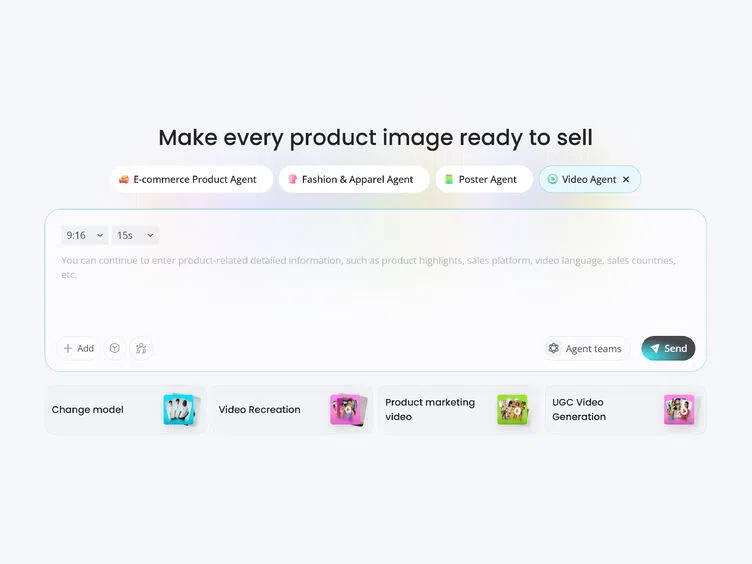
Upload an Image or Enter Your Idea
Upload a product image, paste a script, or type your idea directly — all three work as starting points. White background images give cleaner visual output.
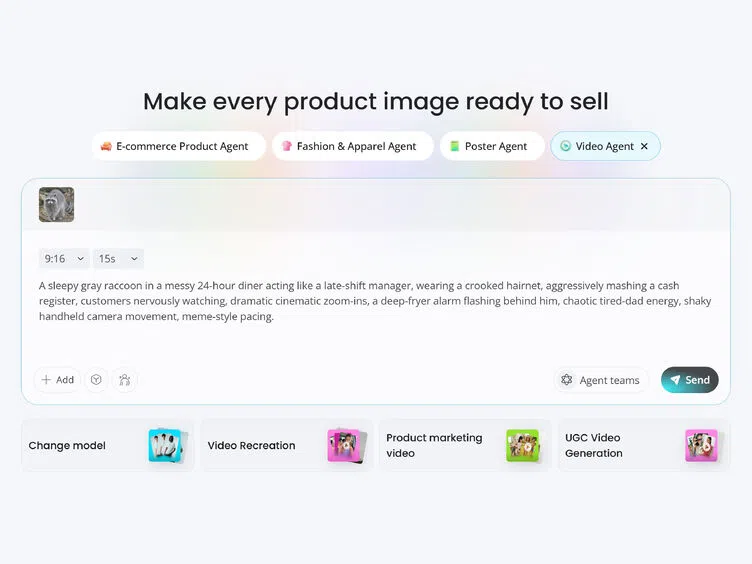
Set Your Video Style
Choose format (vertical, square, horizontal) and duration. Enter your idea, topic, or script — the AI builds scenes, captions, and transitions automatically. Or click "AI Generate" to draft your key points from scratch.
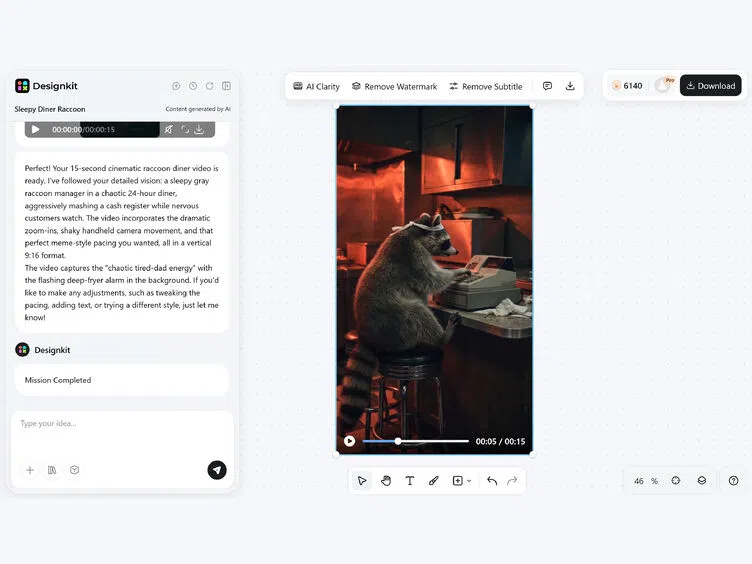
Preview, Edit & Download
Review and refine with the built-in editor. Export in 9:16 for TikTok and Reels, 1:1 for Instagram, 16:9 for YouTube without any watermark.
What Makes Designkit Ideal for AI Video Generation
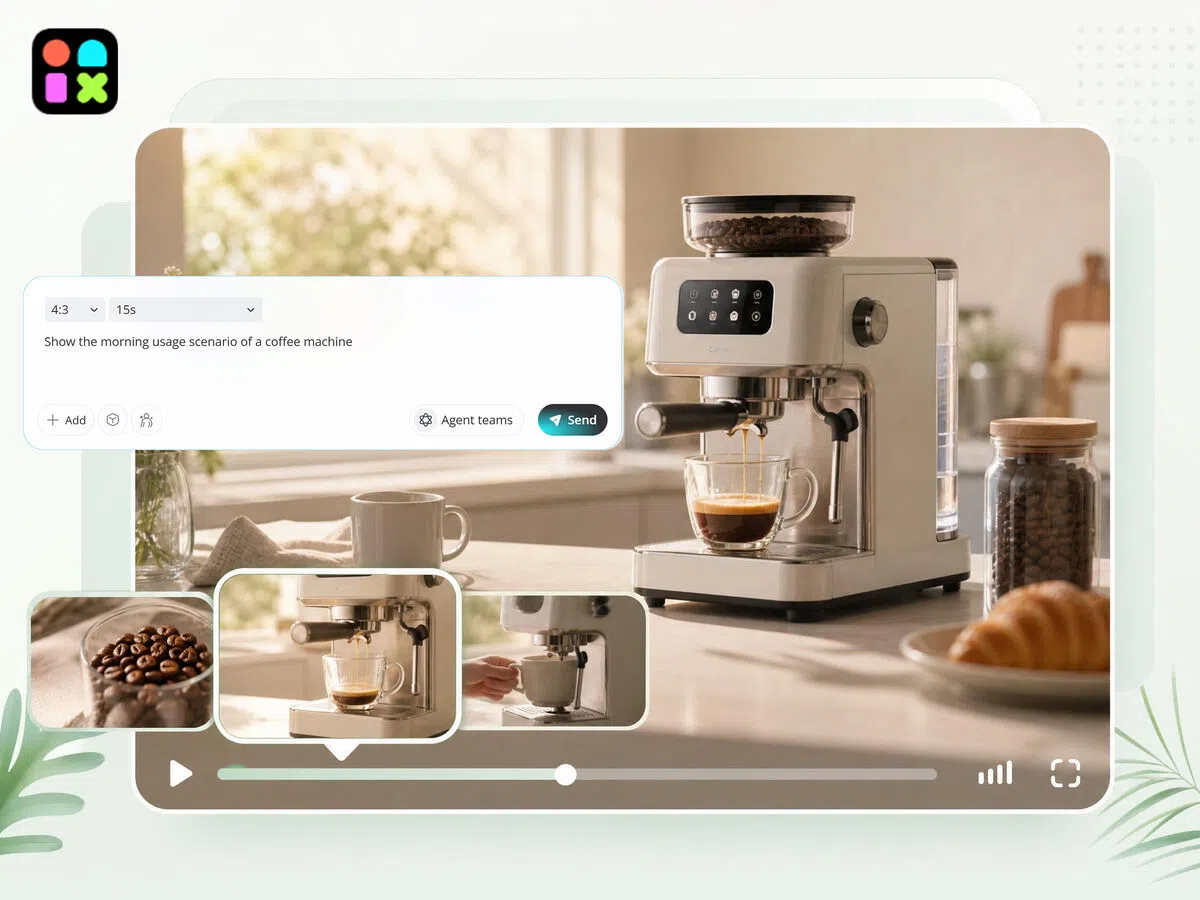
From Text Idea to Full Video in Seconds
Turn any text, idea, script, or prompt into a complete video automatically. Designkit structures scenes, visuals, and flow without requiring editing skills or production knowledge. This helps users quickly transform raw concepts into ready-to-publish videos for social media, marketing, or creative projects.
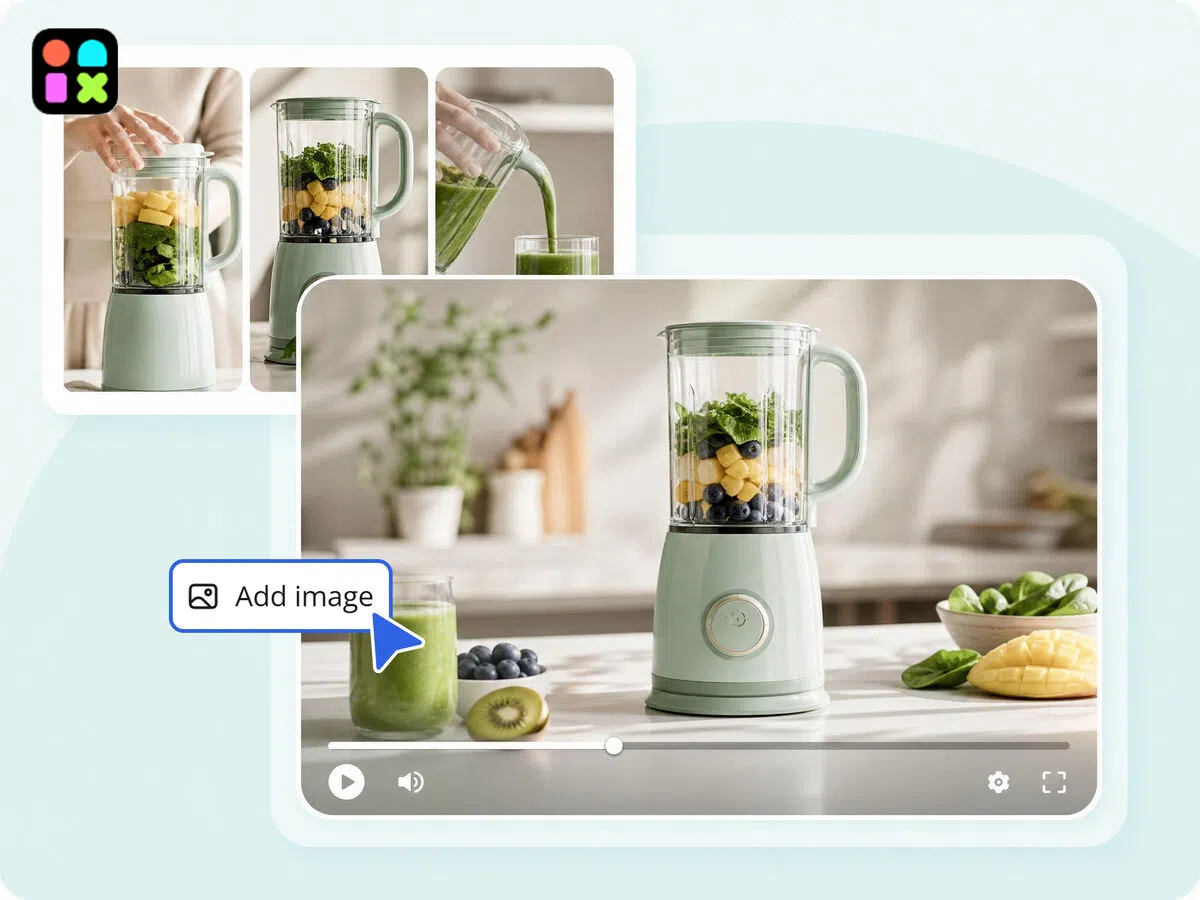
From Image to Story-Driven Video in One Click
Upload a single image and let Designkit convert it into a structured video with motion, transitions, and visual storytelling. The AI builds scene flow around your image instead of keeping it static, helping you turn simple visuals into engaging narrative-driven content instantly.
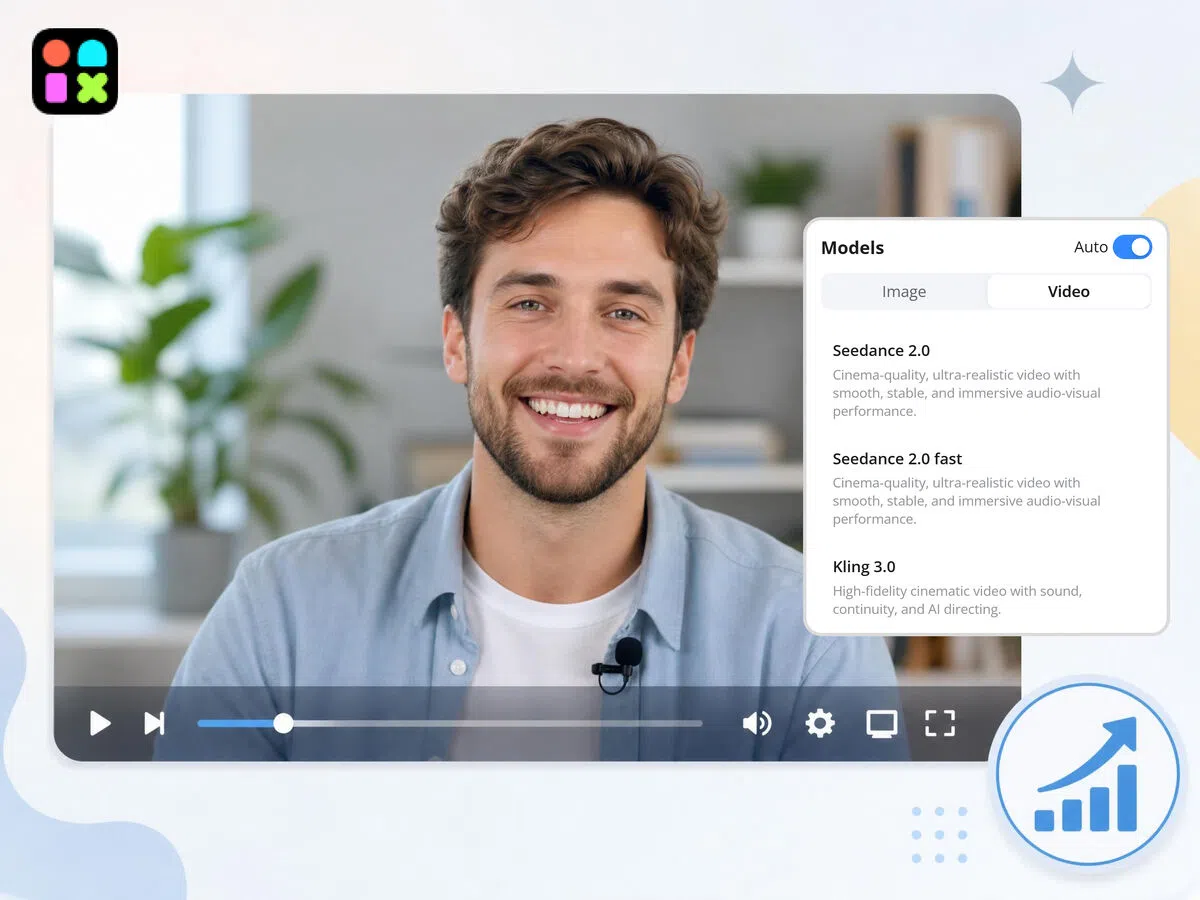
Multiple AI Video Models for Every Creative Need
Designkit offers different AI models optimized for specific outputs such as realistic video generation, animated styles, educational visuals, and experimental creative formats. Users can select the model that best fits their goal, improving control over output style and quality without manual editing complexity.
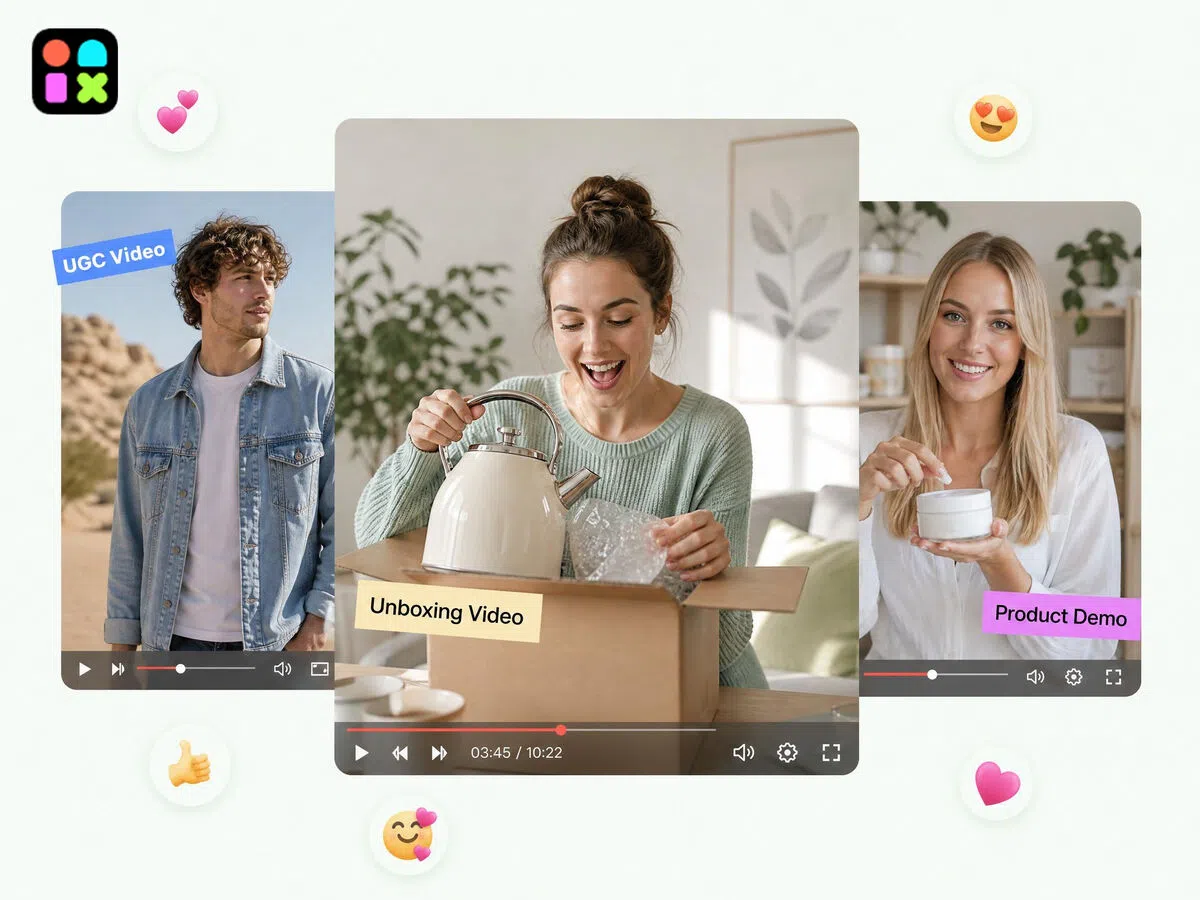
Customizable Video Styles for Every Purpose
Create videos in different styles, including cinematic, UGC-style, explainers, vlogs, animations, and promotional formats. Designkit adapts structure and tone based on style selection, so the output fits ads, branding, or organic social media without manual adjustments.
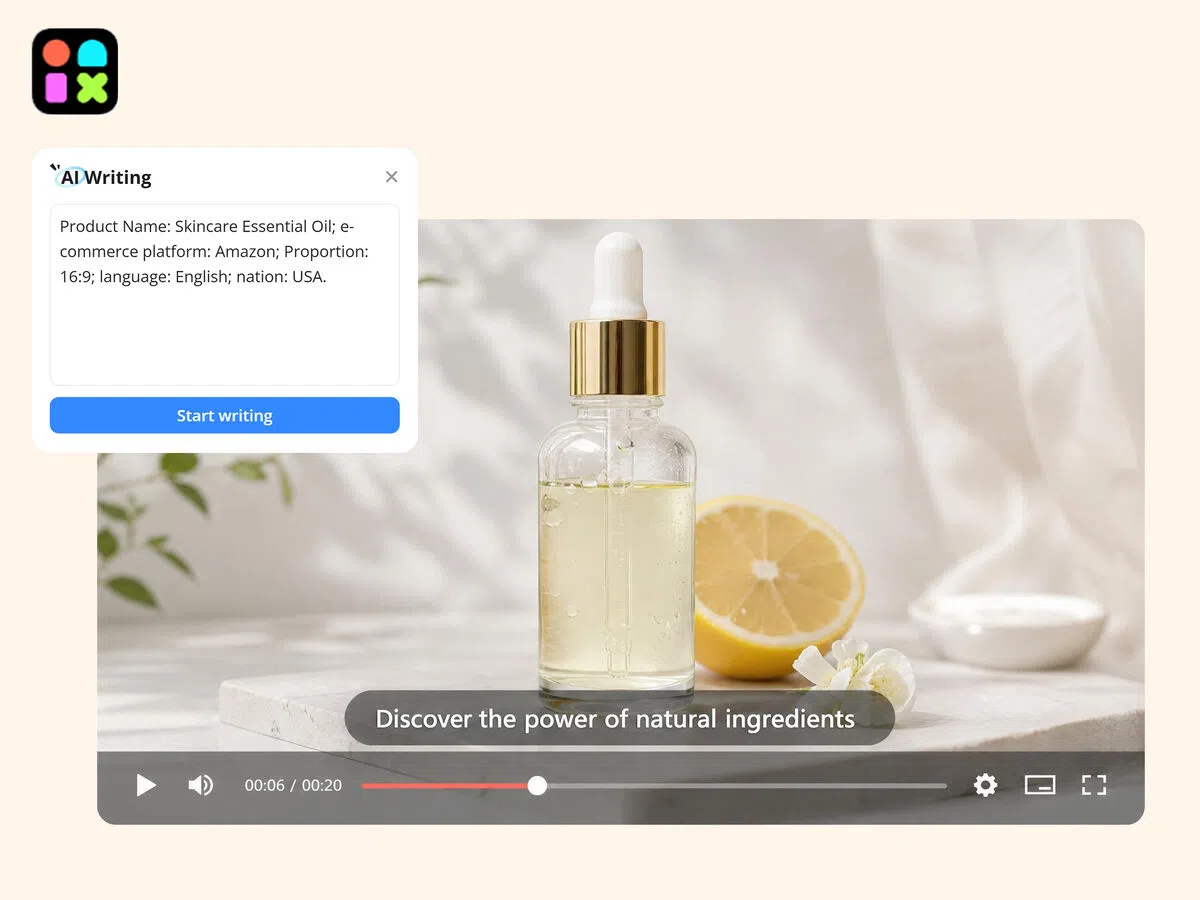
No Script? Describe It and AI Writes One for You
Don't have a ready script — just describe the topic, tone, and length. Designkit generates the script, breaks it into scenes, adds captions and transitions end to end. The blank page problem disappears before you start.
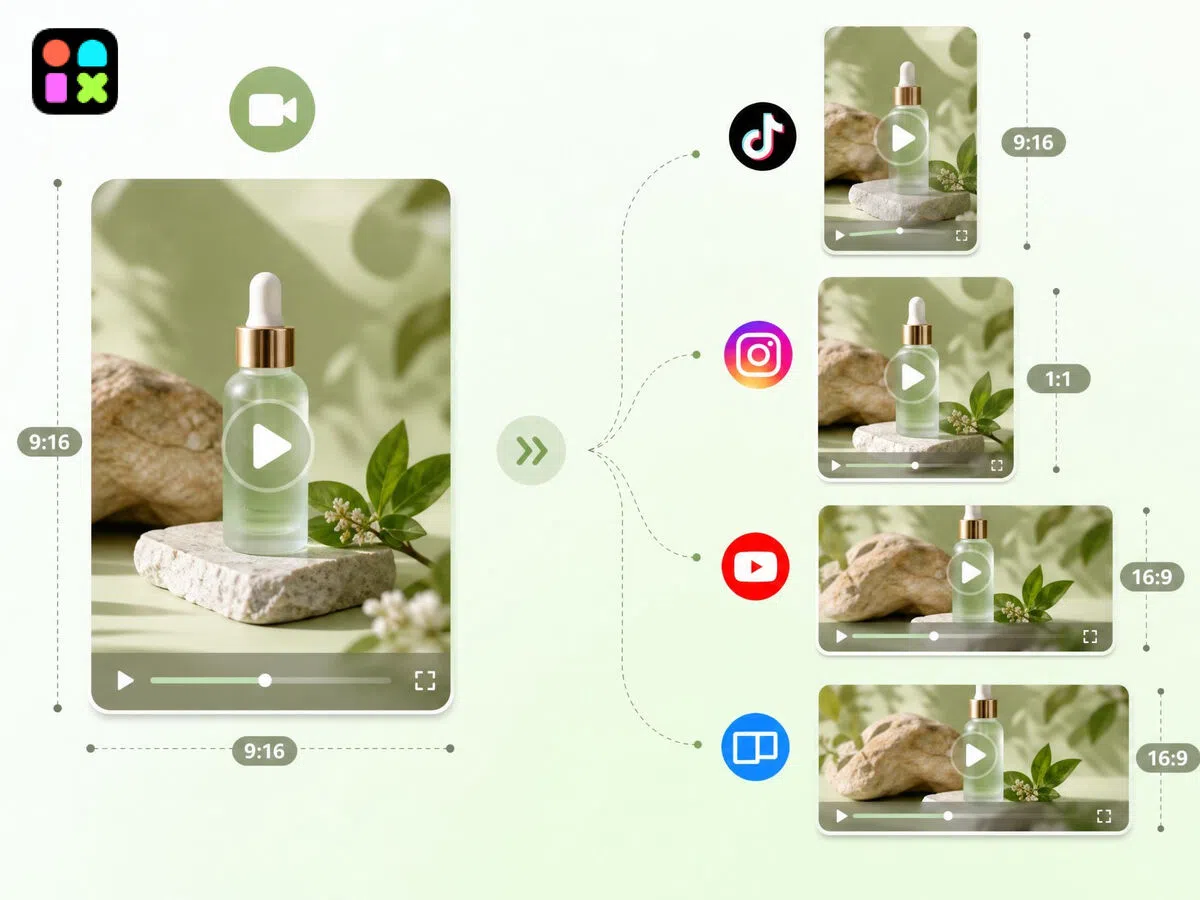
One Video, Every Platform Format
Automatically resize and adapt videos into multiple formats for platforms like TikTok, Instagram, YouTube, websites, and presentations. Designkit ensures each version fits platform requirements while keeping the core message and visuals consistent across all channels.
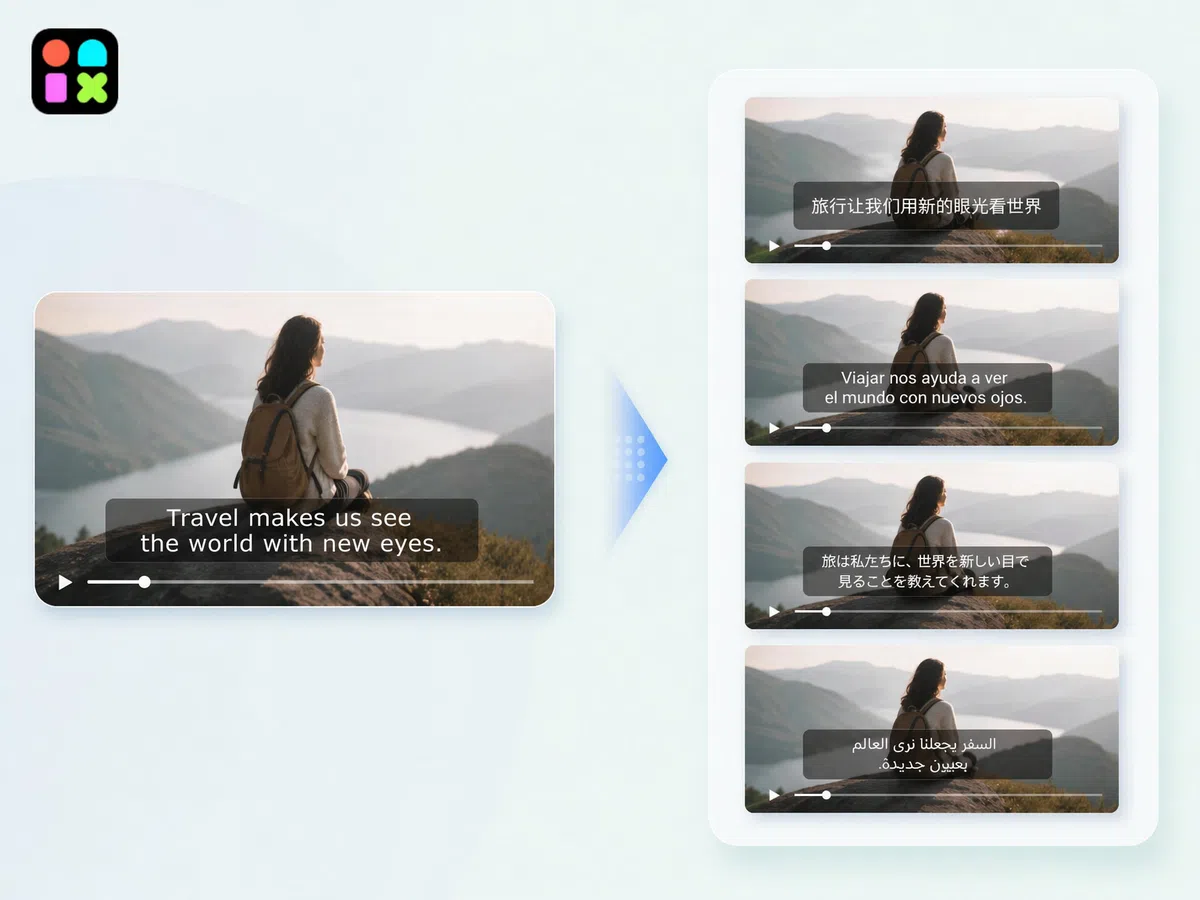
Multilingual Video Creation for Global Reach
Create videos in multiple languages to reach global audiences without separate production workflows. Designkit helps adapt scripts and on-screen content for different regions while maintaining consistent visual quality, making it easier to scale content internationally.
AI Video Creation for Every Creator, Educator, and Brand

Turn Raw Ideas into Publish-Ready Videos, Without the Edit Grind
Scripts, notes, rough concepts — creators spend more time editing than creating. Drop your idea or script into Designkit and get scenes, captions, and pacing arranged automatically. Publish to YouTube, TikTok, or your blog the same session you came up with the idea.
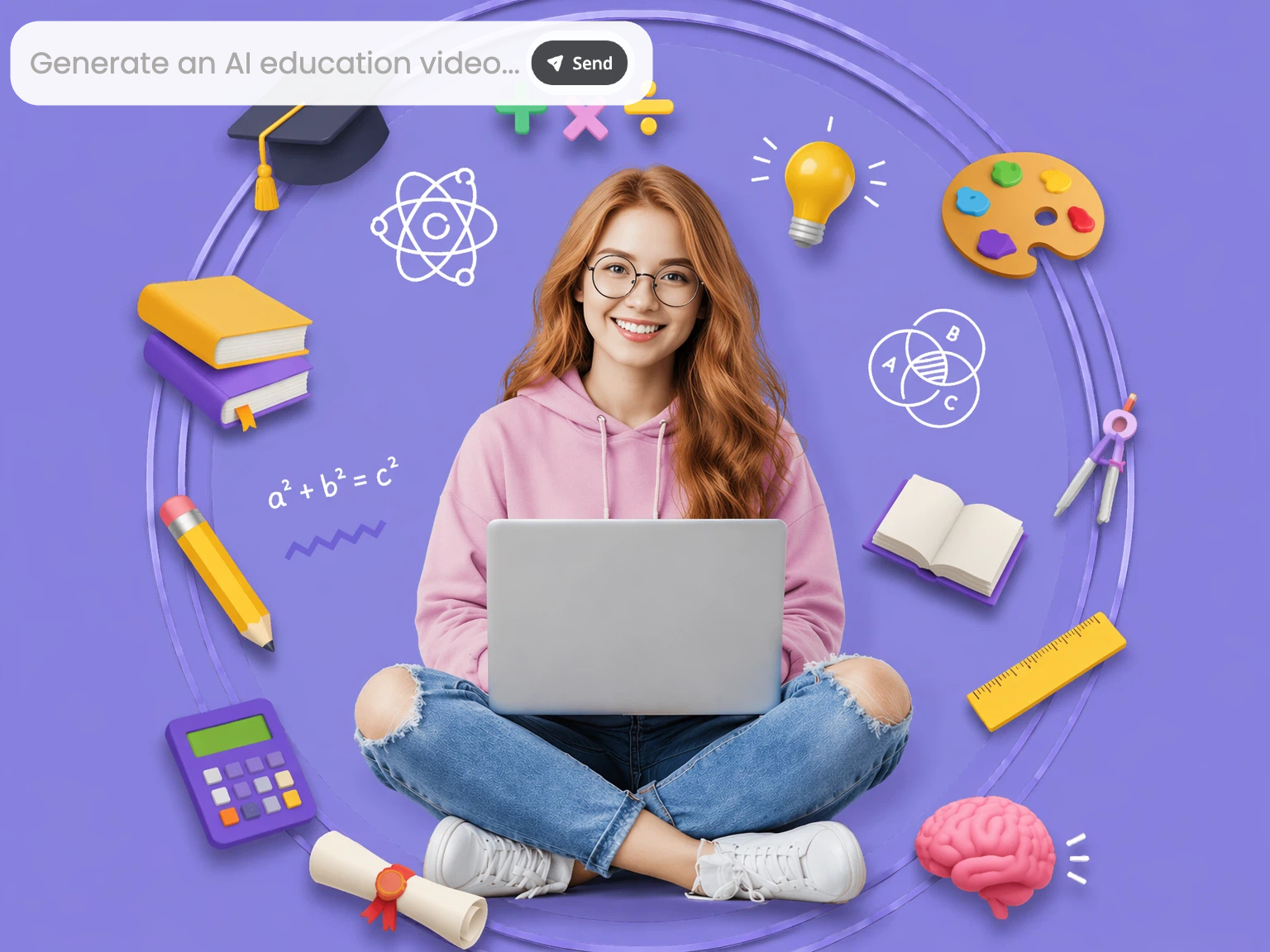
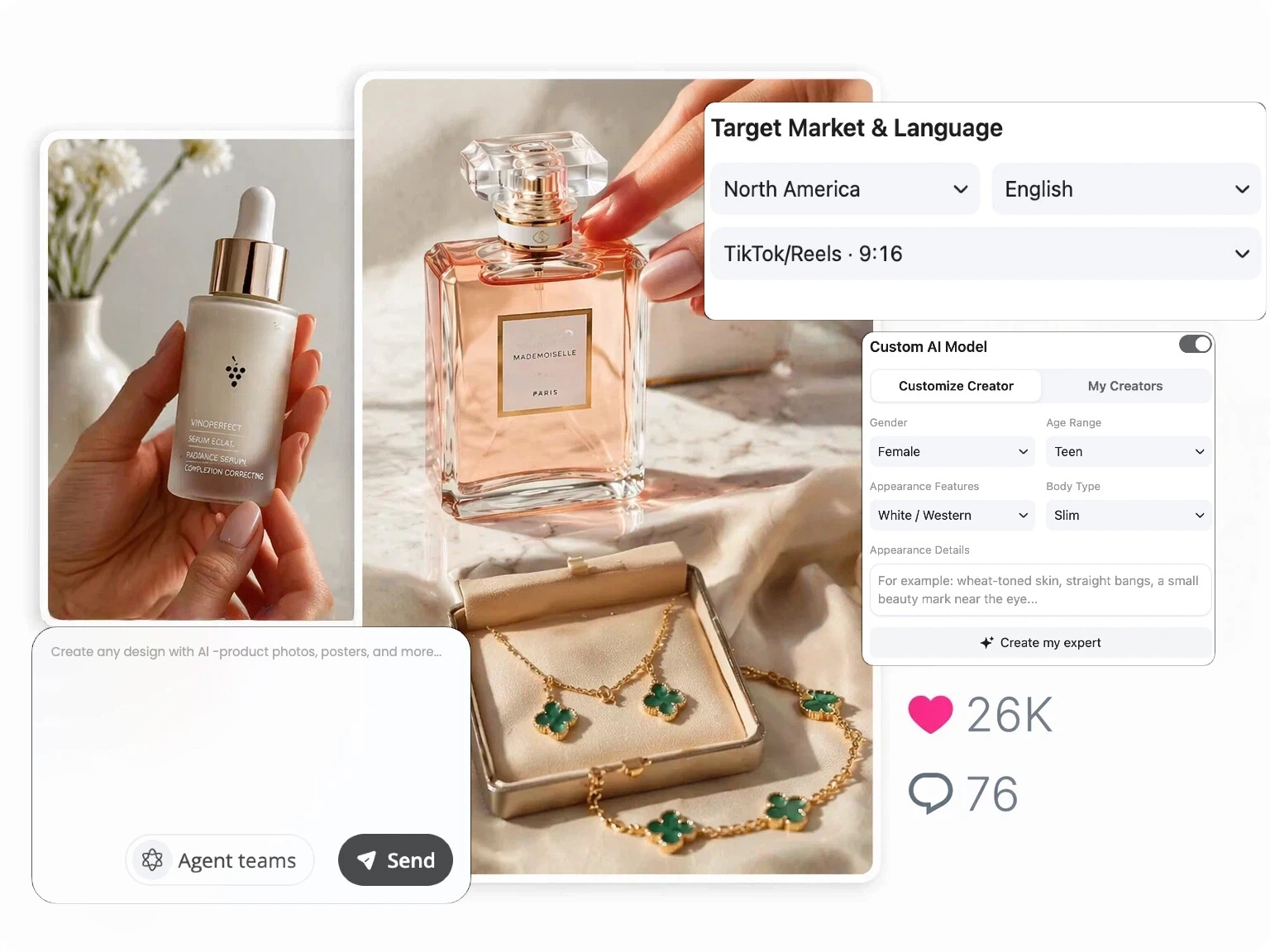

What You Can Create with AI Video Generator

AI Video Agent
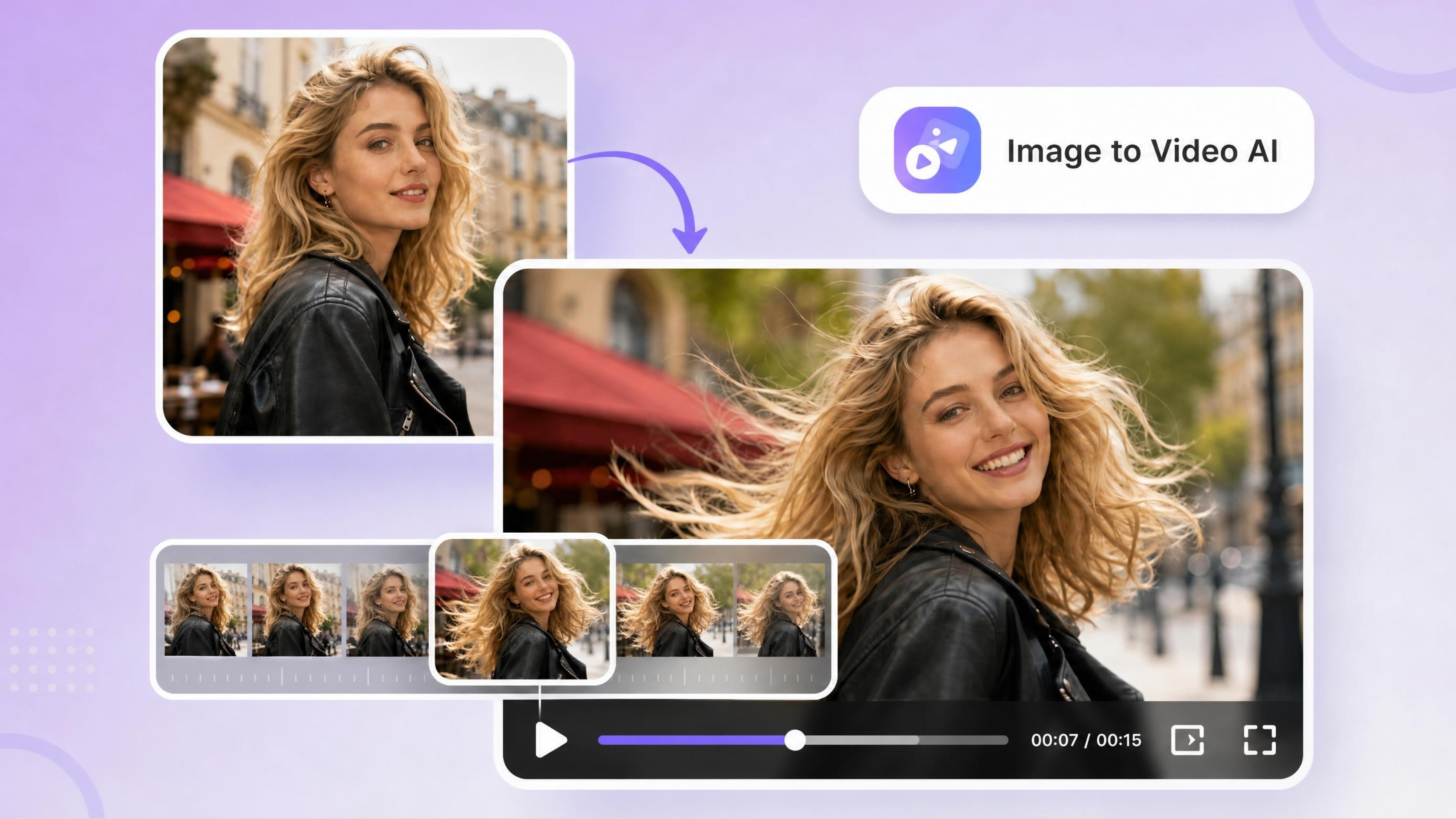
AI Image to Video Generator
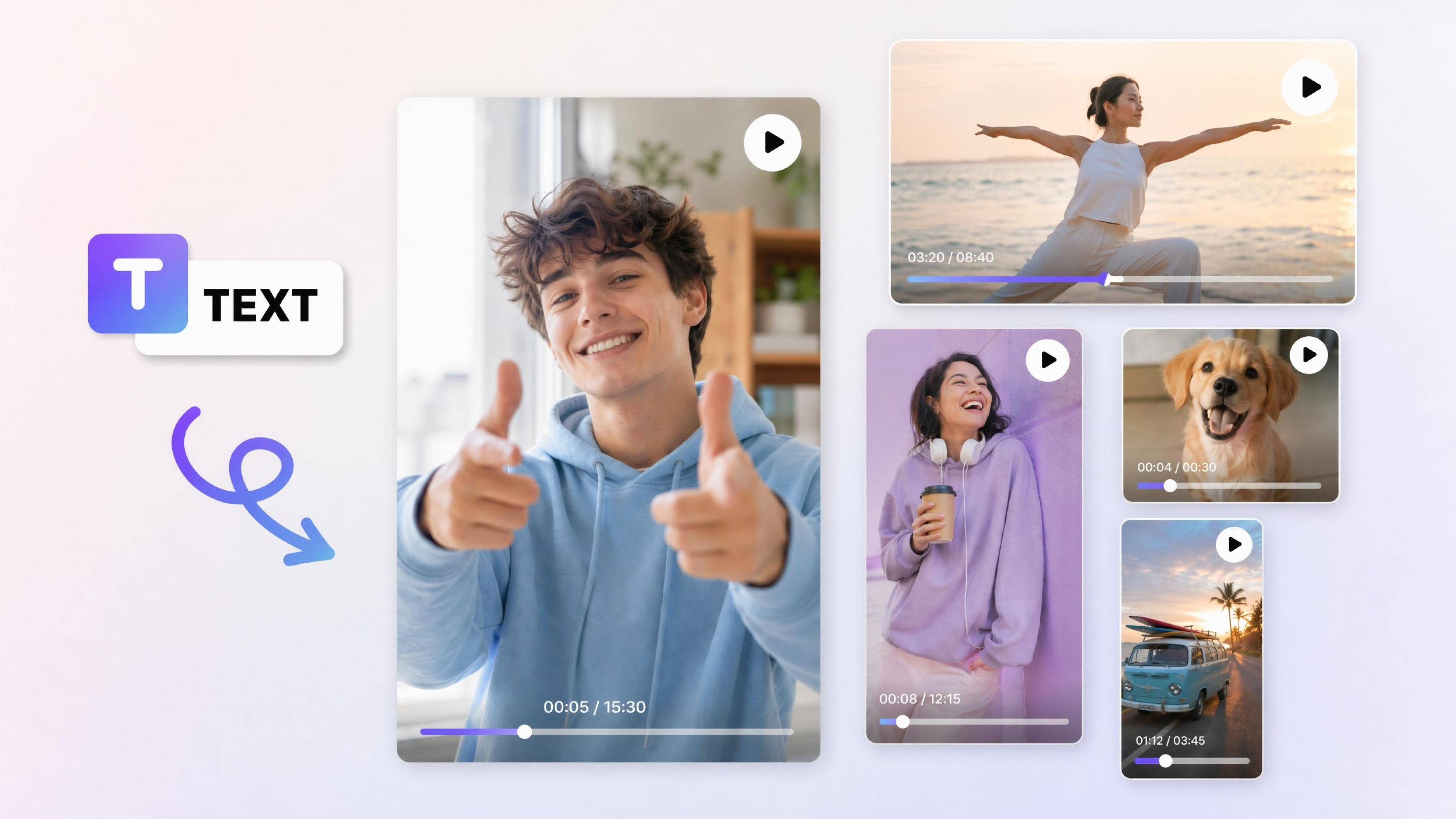
AI Text to Video Generator
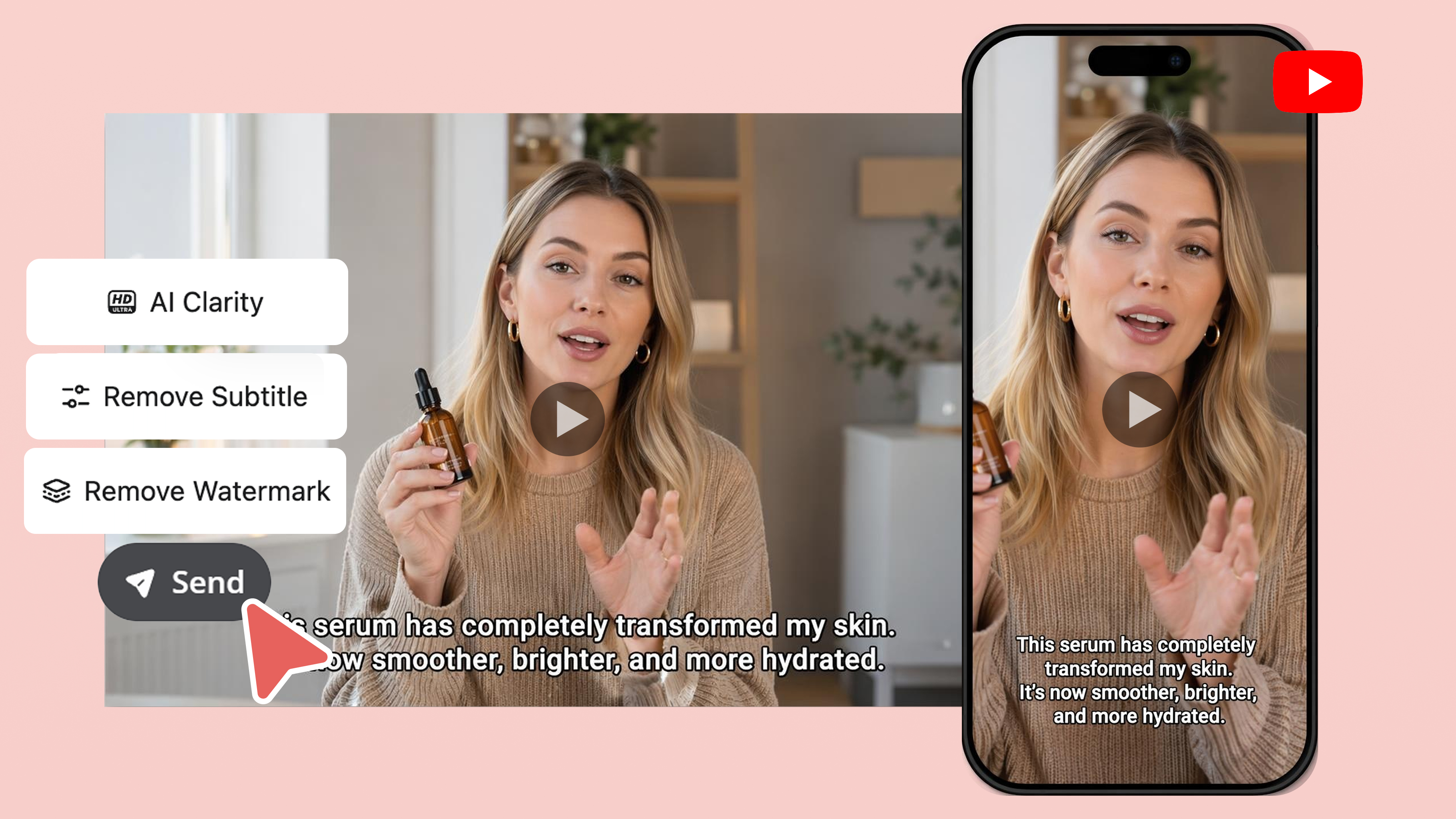
AI YouTube Video Maker
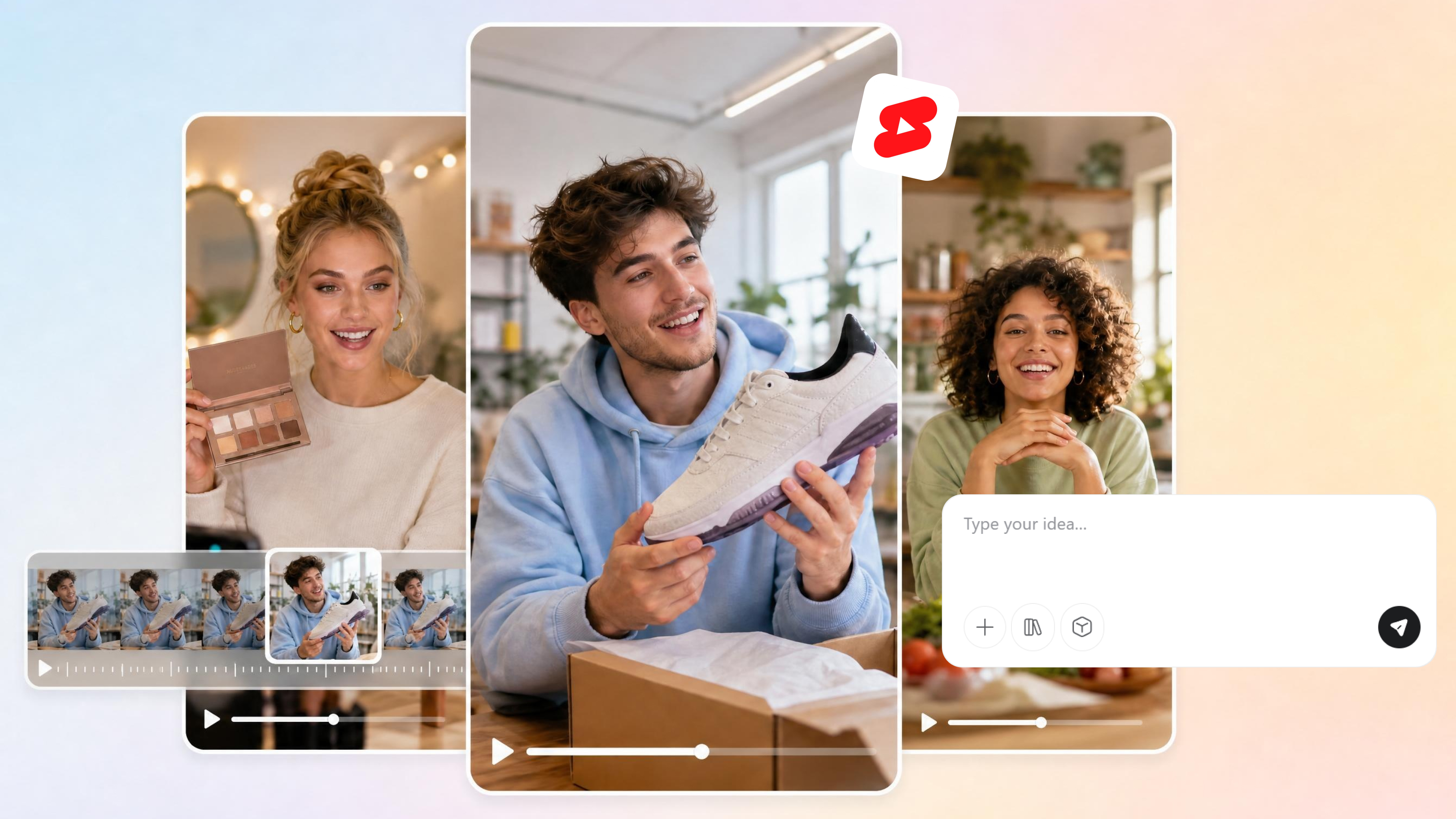
AI YouTube Shorts Maker
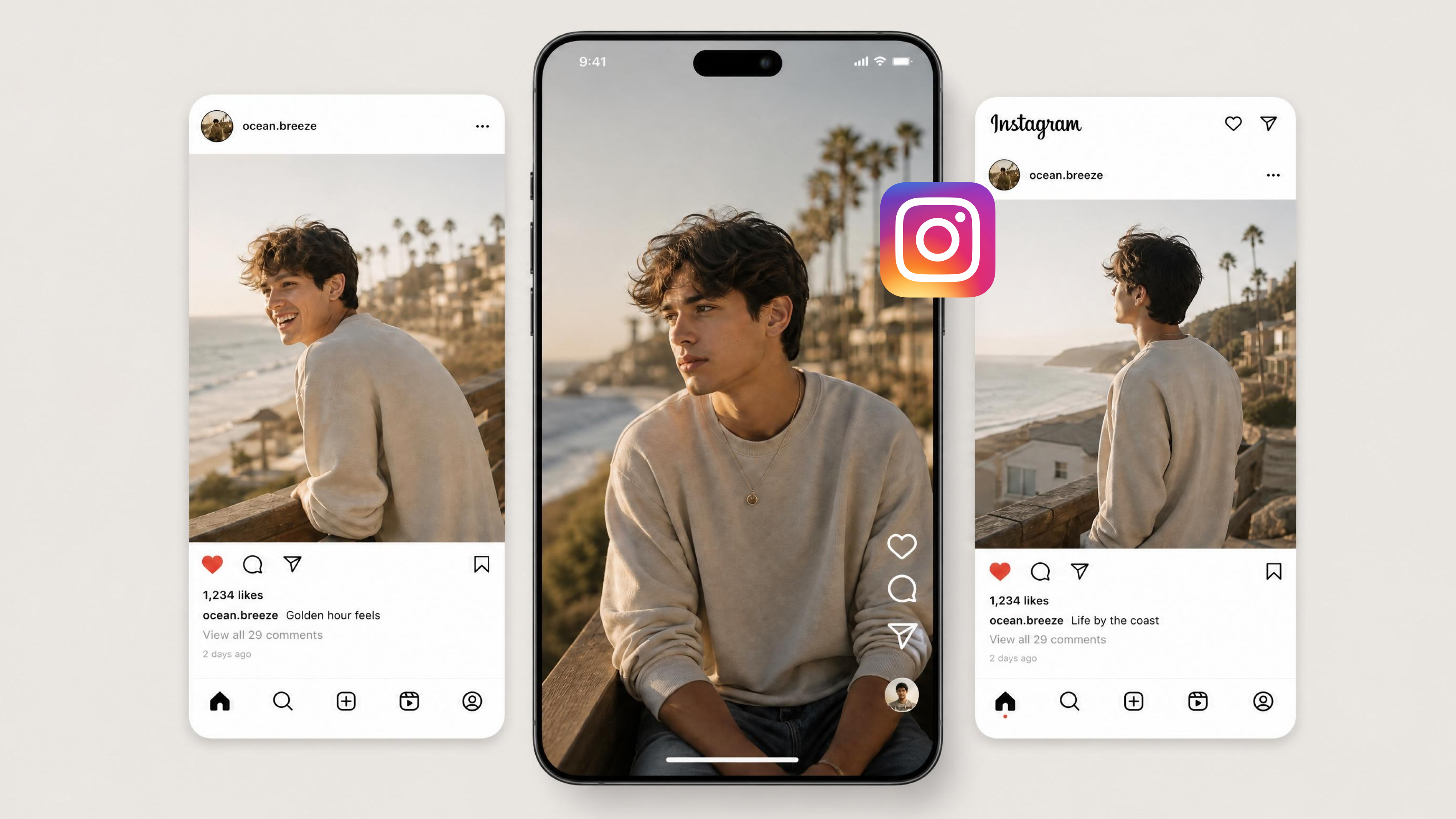
AI Instagram Video Maker
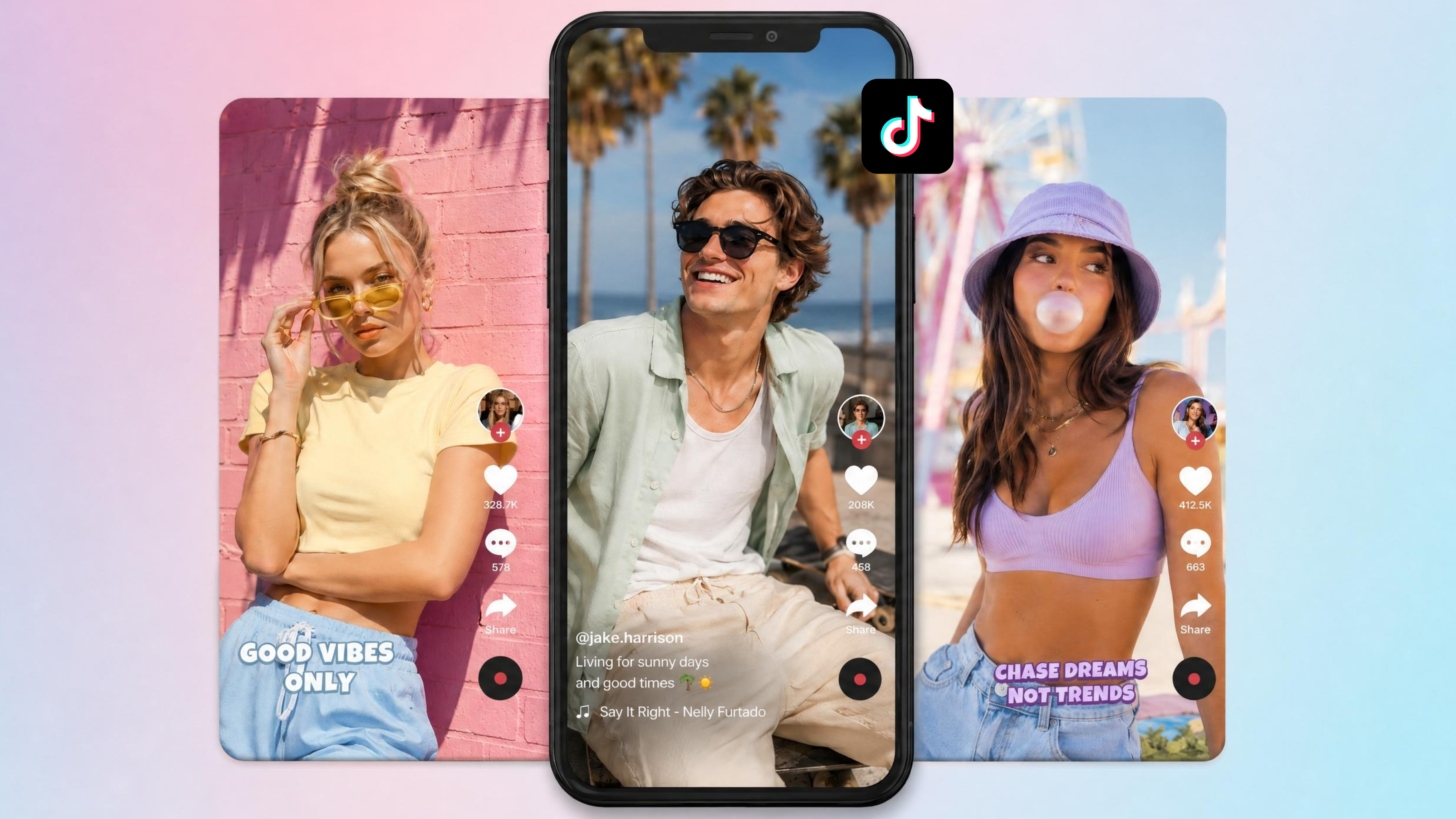
TikTok Video Maker
Why Choose Designkit's AI Video Generator

Anyone Can Make Videos, No Skills, No Equipment
No editing software, no camera, no production knowledge required. Upload an idea or image and get a finished video — built for complete beginners and working professionals alike.

Every Input Works, Text, Image, or Idea
Type a script, paste a topic, or upload an image — Designkit accepts all three and builds a structured video from any starting point. No need to reformat your content before using it.

Every Style, Every Format, Only Need One Tool
Educational, cinematic, UGC, promotional — switch styles without switching tools. Every format outputs platform-ready, from TikTok vertical to YouTube landscape.

Your Voice, Any Language, Any Audience
Generate videos with multilingual support to reach global audiences easily. Adapt your content to different regions, languages, and cultural contexts without extra effort.

Scale from One Video to a Hundred Without Extra Work
Individual creators and large content teams use the same workflow. Output volume scales without adding production steps or coordination overhead.

No Team? No Budget? No Problem
Create high-quality videos independently without hiring editors, designers, or production teams. Ideal for small businesses, solo creators, and anyone building content on a limited budget.
Frequently Asked Questions
What can I create with an AI video generator?
Do AI-generated videos look realistic enough to publish?
Yes, output quality depends on your input — the more specific your idea or script, the more structured and polished the result. UGC-style videos are designed to look creator-made rather than AI-generated. Cinematic and explainer formats follow standard visual storytelling conventions. For best results, use a clear prompt and preview before exporting.
What is the difference between AI text to video and image to video?
AI text to video generates visuals from written prompts or scripts, while image to video transforms static images into animated video content with motion and effects. Designkit supports both workflows, so users can choose between storytelling from text or bringing existing visuals to life with an AI video generator from the image process.
What kind of input works best - a script, an idea, or an image?
All three inputs work depending on your goal. Scripts are ideal for structured storytelling, ideas help generate creative directions, and images are best for fast visual transformation. Designkit is flexible enough to interpret any input type and turn it into a polished output using an AI video generator from text system.
Do I need any video editing or design skills to use it?
No, you don’t need editing or design experience. Designkit automates the entire process from scene creation to animation and export, allowing users to focus only on ideas and messaging while the tool handles execution in the background.
What video styles can I choose, and can I customize tone and format?
Yes, available styles include UGC-style, cinematic, explainer, educational, and promotional formats. Select your style before generating and the AI adjusts scene structure, pacing, and visual tone to match. You can also control aspect ratio and duration to fit your target platform.
Can I create videos in multiple languages for different audiences?
Yes, videos can be adapted for different languages and markets. Designkit makes it easy to localize content by adjusting scripts, captions, and on-screen messaging, so your videos stay clear and culturally relevant for each audience. At the same time, it keeps visual quality, pacing, and branding consistent, helping brands scale globally without losing identity or message clarity.
What AI video styles work best for TikTok?
Short, fast-paced, and attention-grabbing styles perform best on TikTok, especially UGC-style ads, product demos, and hook-driven storytelling. Designkit helps structure videos to match these engagement patterns for stronger reach and retention.
Is AI video generation free? What are the usage limits?
Many AI video tools offer free access with limited usage for testing and basic creation, while advanced features may require paid plans. Designkit provides scalable options so users can start small and upgrade as their content needs grow.
Turn Your First Idea into a Video Today
Your first video is one idea away. Type it, upload an image, or paste a script — and Designkit handles the rest. Start free.

User Reviews of Designkit AI Video Generator for Fast Content Creation
See how creators, educators, and professionals use Designkit to turn ideas into videos quickly and easily.
Turning Ideas into Complete Videos in Minutes
I used to spend hours editing videos just to bring a simple idea to life. With Designkit, I can turn written ideas or rough concepts into fully structured videos with scenes, captions, and visuals in minutes. It has completely changed my creative workflow—I now produce 3–4 videos per week with the same effort that previously took me an entire day.
Turning Course Content into Engaging Educational Videos
As a teacher creating online courses, I often struggled to make lessons more engaging. Designkit lets me convert lecture notes into visual videos that students actually enjoy watching. What used to take most of a morning now takes a fraction of that — and my teaching workflow finally feels manageable.
Faster Video Production for Large-Scale Campaigns
Managing multiple product campaigns means a lot of video output. Designkit made bulk content creation straightforward — I can generate a solid library of videos from simple inputs in a single session. Coordination across tools used to eat up most of my day; now it's down to a quick review and export.