
AI Tool to Change Background Color Free
Upload a product image, pick your brand color, and Designkit changes the background while preserving every product detail. No designer, no reshooting, no extra files.
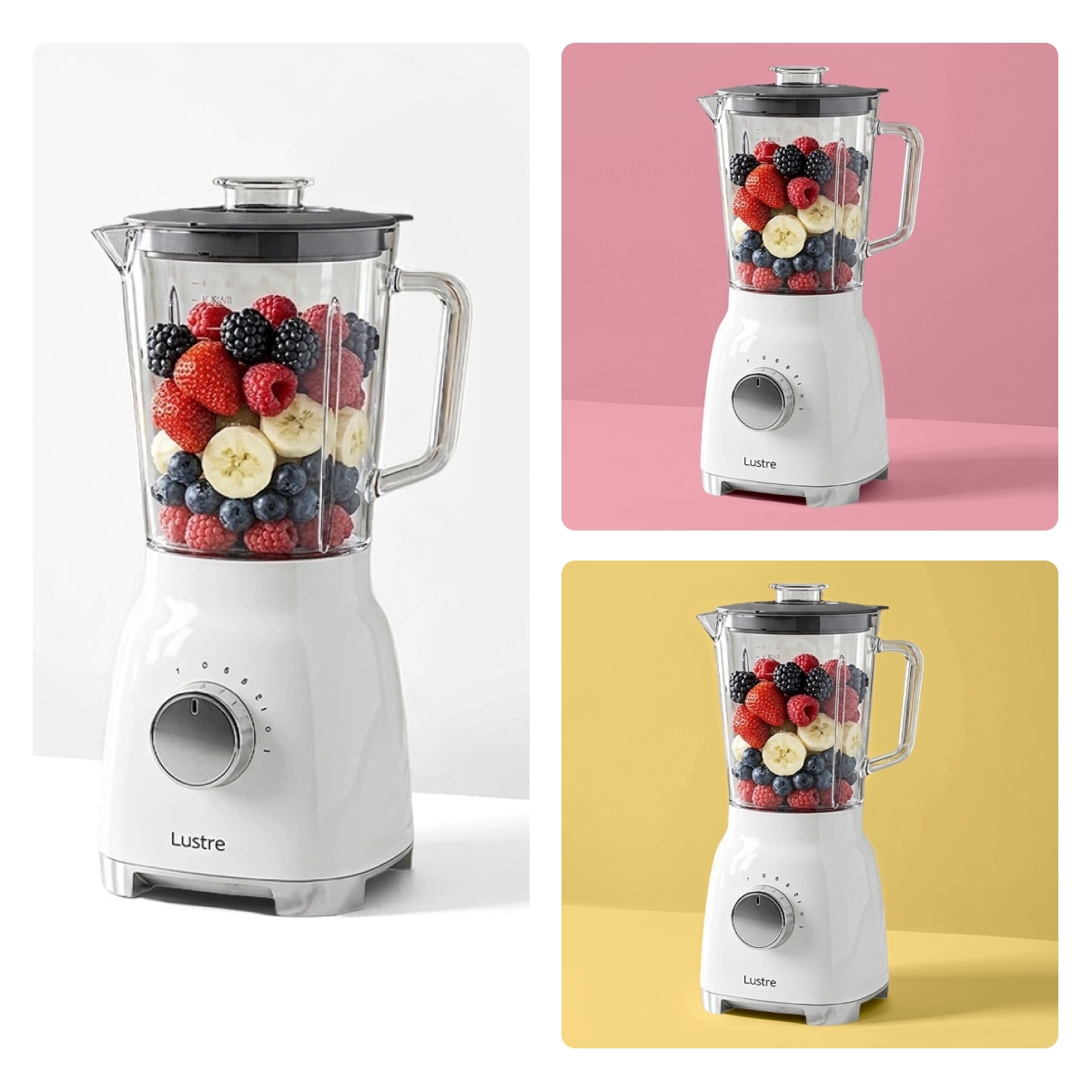
No image? Try one of these:


How to Change Background Color in Seconds
Upload Your Original Asset
Upload your product photo from any device. Designkit supports PNG, JPG, and other high-res formats to ensure a clean source.
Pick Your Brand or Campaign Color
Navigate to the color picker to enter a custom HEX code for brand consistency, or choose from our curated presets tailored for modern marketing.
Export Your Polished Image
Review the result and click 'Download'. Your asset is ready in JPG or PNG format, optimized for immediate use across your storefront or social feeds.
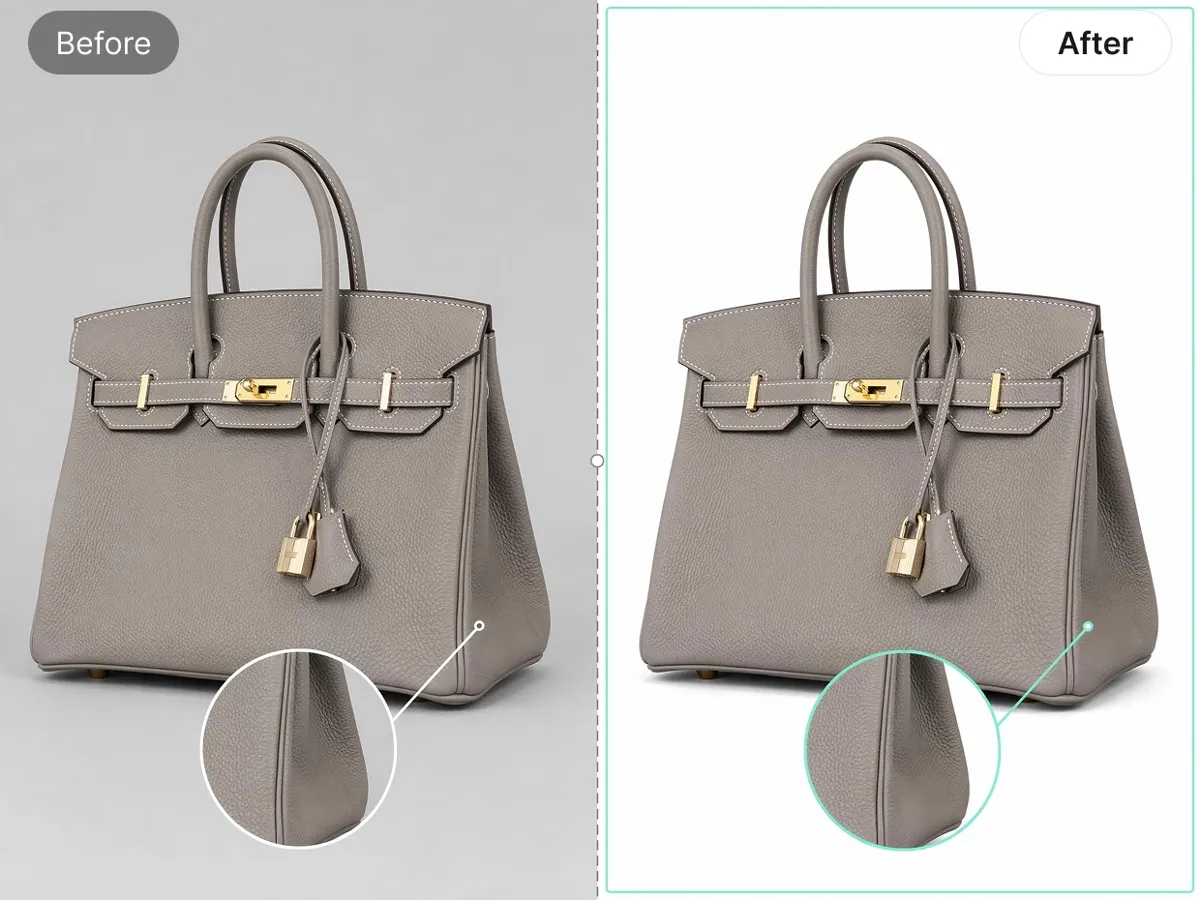
Replace Background Colors Without Recreating the Entire Image
Change background color while keeping the product image intact. The original item stays clean, natural, and ready for use, so sellers can turn one photo into listing visuals, campaign assets, or brand updates instead of planning a new shoot for every background request.
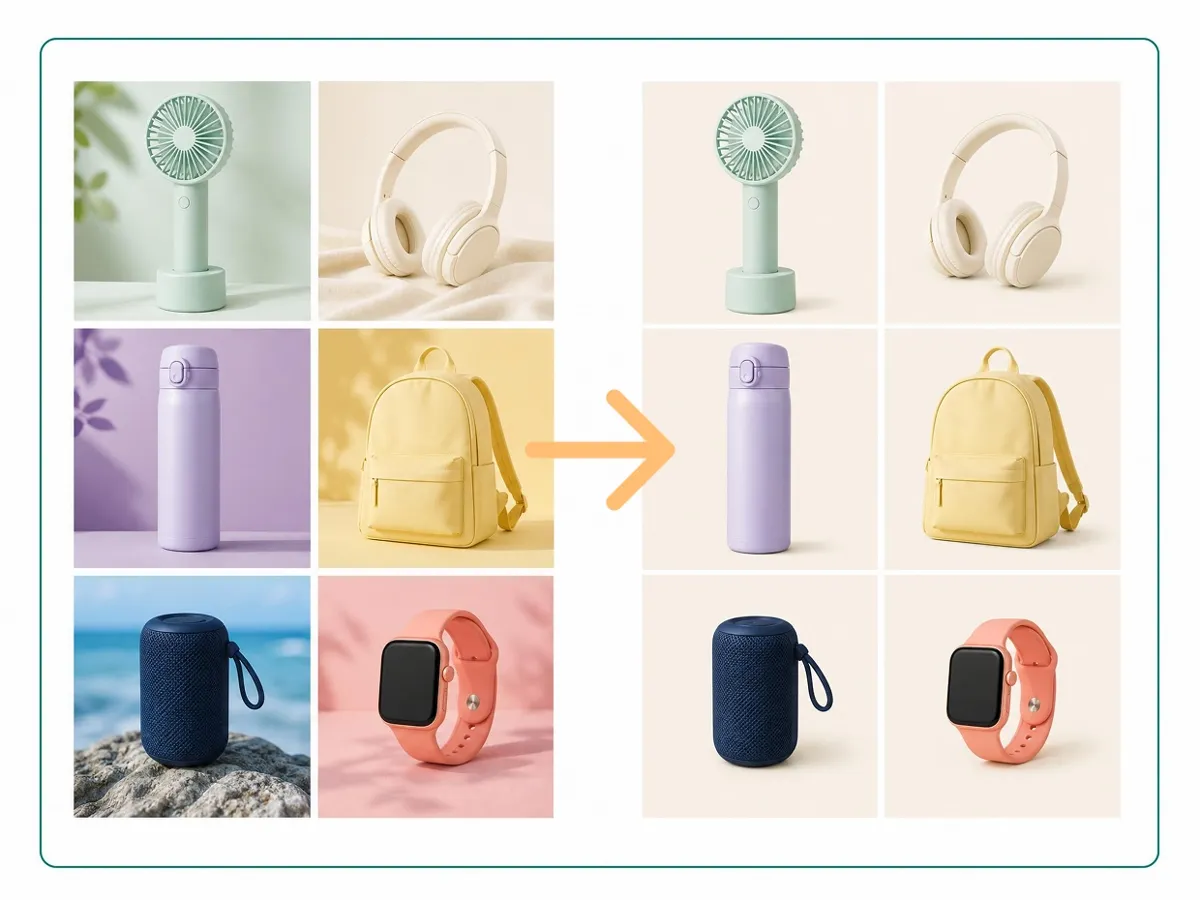
Match Brand Colors Across Every Product Image
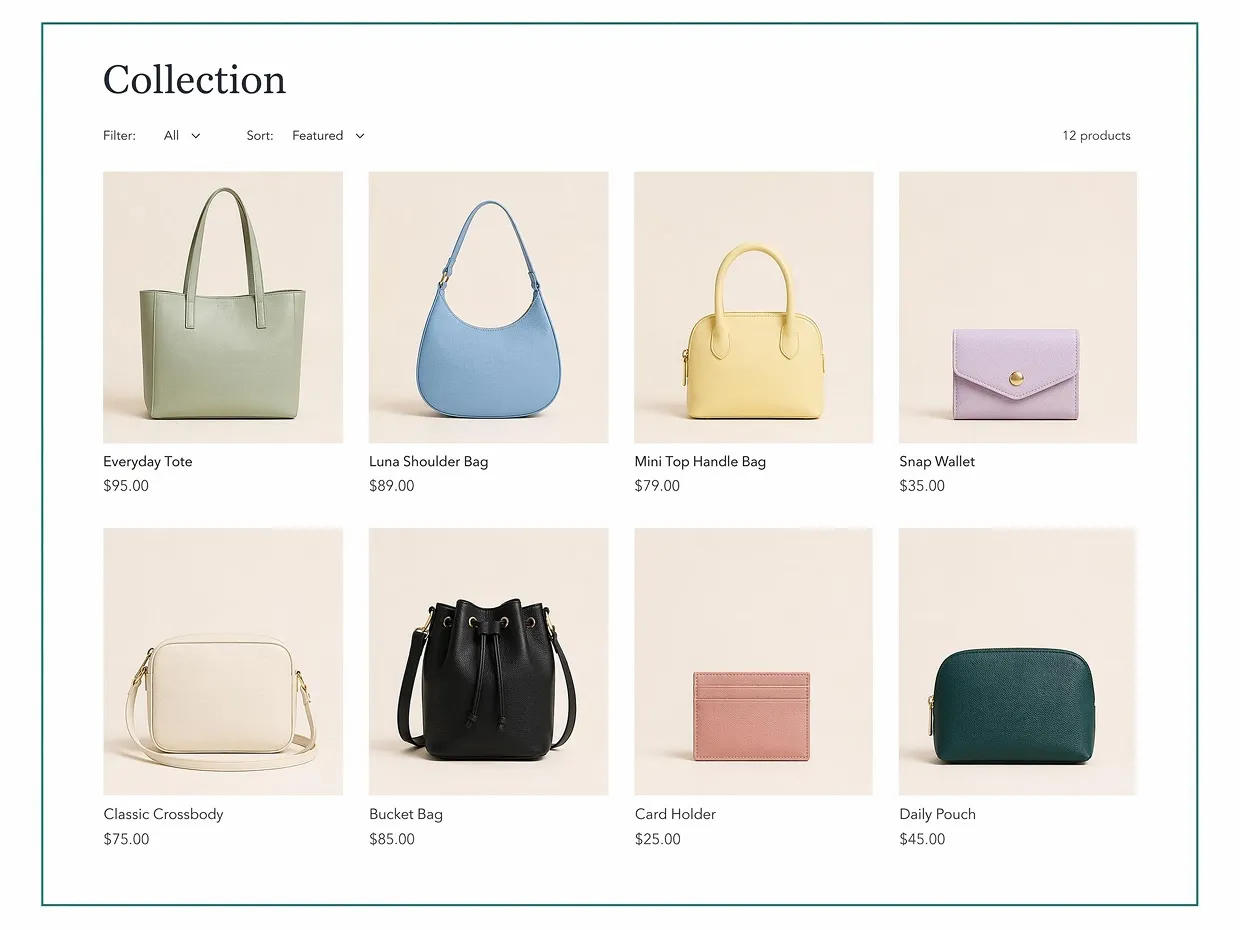
Keep product backgrounds aligned across your catalog, from brand color updates to seasonal campaign changes. Set the background once, apply it across related product images, and keep collection pages, product grids, and promotional visuals looking unified when the campaign direction changes.
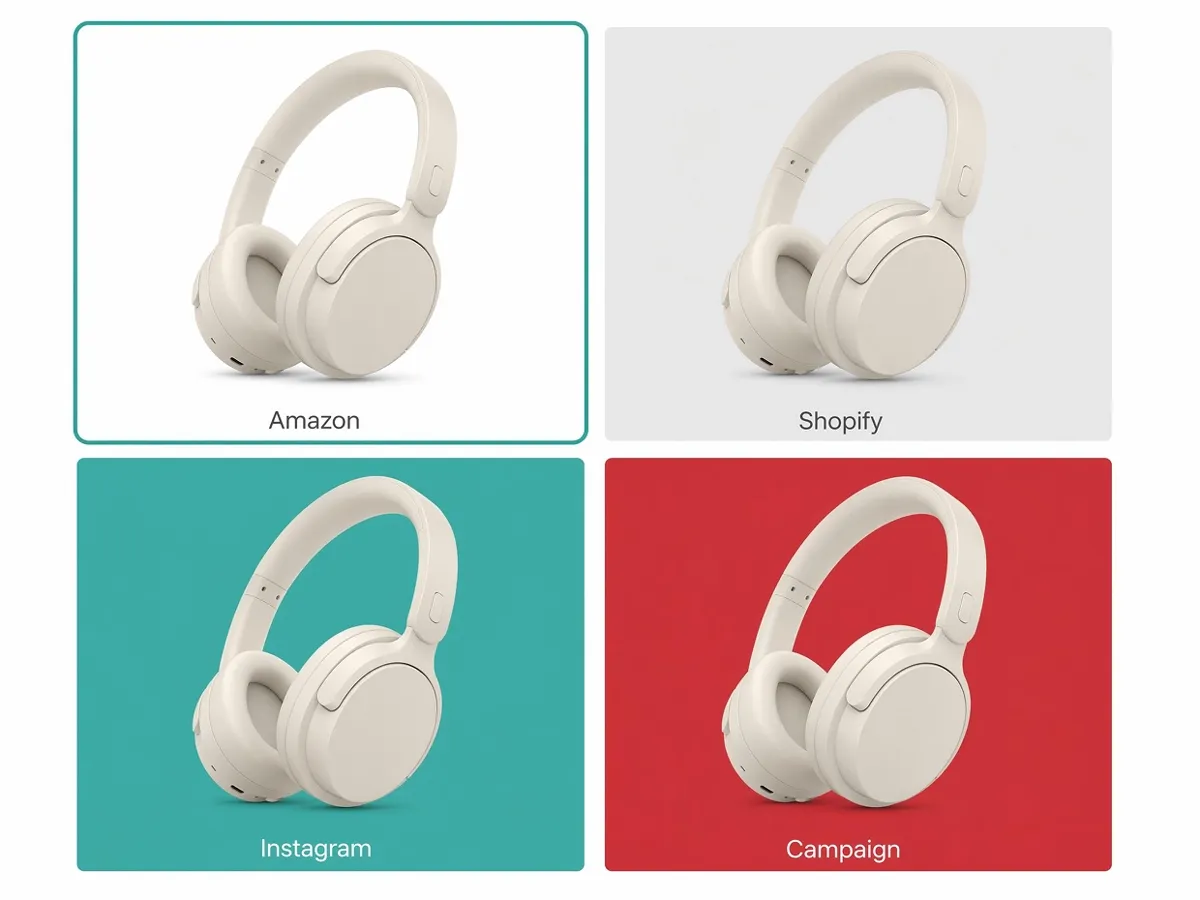
Create Marketplace-Ready Background Variations
Different sales channels call for different image styles. Create several background color versions from one product photo for marketplaces, online stores, social posts, and ad campaigns. Sellers can adapt the same product shot for each channel instead of managing separate image libraries.
Built for Sellers Changing Product Backgrounds
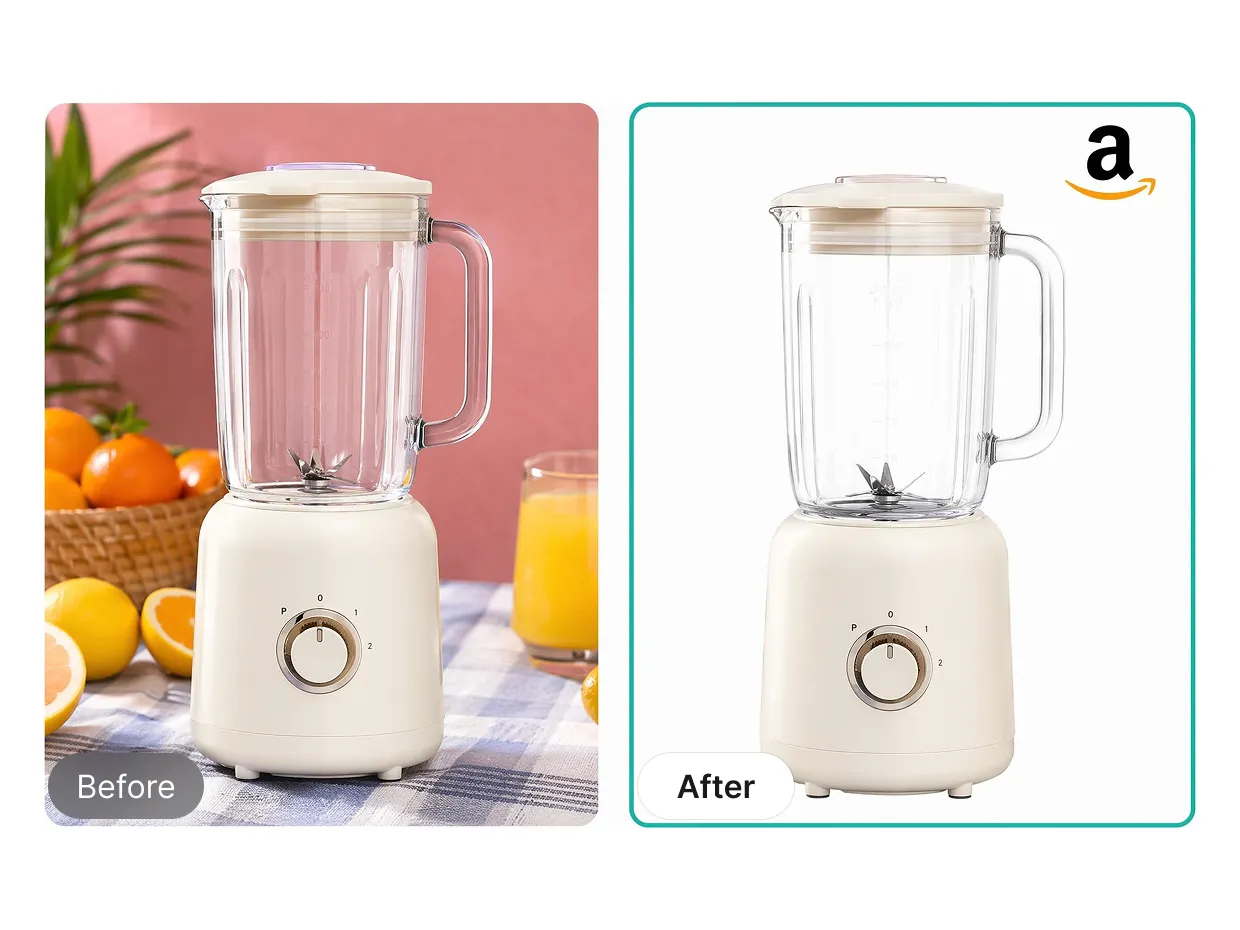
Amazon & Marketplace Sellers: Create White Background Images for Listing Compliance
Marketplace sellers need images that feel clean and fit each channel’s rules. Change background color from one product photo to prepare listing visuals for Amazon, Walmart, Etsy, or other marketplaces. It helps teams refresh older SKUs, test a new visual style, and keep product pages ready when platform or campaign needs change.
Why Choose Designkit for Changing Background Colors

Work From Photo to Finished Image
Edit background color, clean up the product photo, resize it, and prepare the final image in one place. Sellers do not have to move the same file between several tools.

Change Visual Direction More Easily
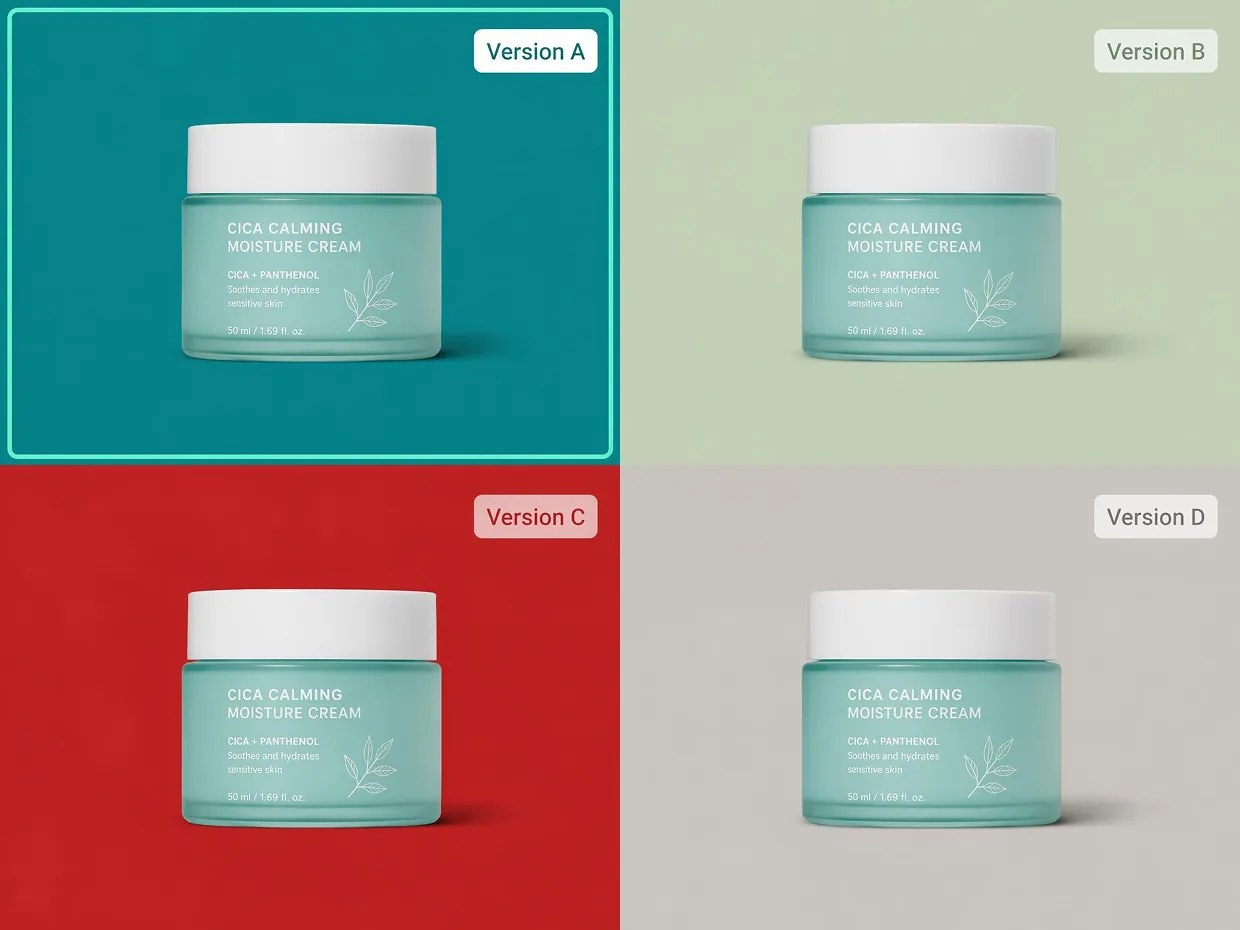
Try different background colors and review the results in the same workflow. Store teams can make small campaign or catalog changes without waiting on every design request.

Handle More Product Photos
Designkit supports repeatable product image work as the catalog grows. Teams can apply the same background direction across related products and keep updates easier to manage.
Frequently Asked Question
Is the background color changer free to use?
How do I change the background color of a photo?
Upload your product image and describe the background color you want, or enter a hex code to match a specific brand color. Designkit generates a new version while preserving product edges, shadows, and textures. Review the result, make adjustments if needed, and download when ready."
Can I use these images for Amazon and Shopify?
Yes. You can create white backgrounds that meet Amazon's pure white image requirements, as well as on-brand color versions for Shopify storefronts and social channels. The same product photo can be reused across multiple platforms without reshooting
Will changing the background affect my product colors or details?
No. The tool keeps product textures, shapes, and visual details close to the original image. Clear source photos usually produce the best results.
Can I change background colors for multiple images at once?
Yes. Upload multiple product photos and apply the same background color across the entire set. This makes catalog and collection updates much faster.
How realistic do the background color changes look?
Results depend on the quality of the source image. Clean product photos with defined edges produce the most accurate output. The tool preserves original product textures, shadows, and shapes, so the final image looks consistent with how the product was originally photographed.


