
Recraft AI Review: Is the AI Design Tool Worthy 2026?
Recraft AI review for 2026: vector/SVG generation, Recraft V3, pricing and free-plan limits, pros and cons, plus alternatives for designers and marketers.

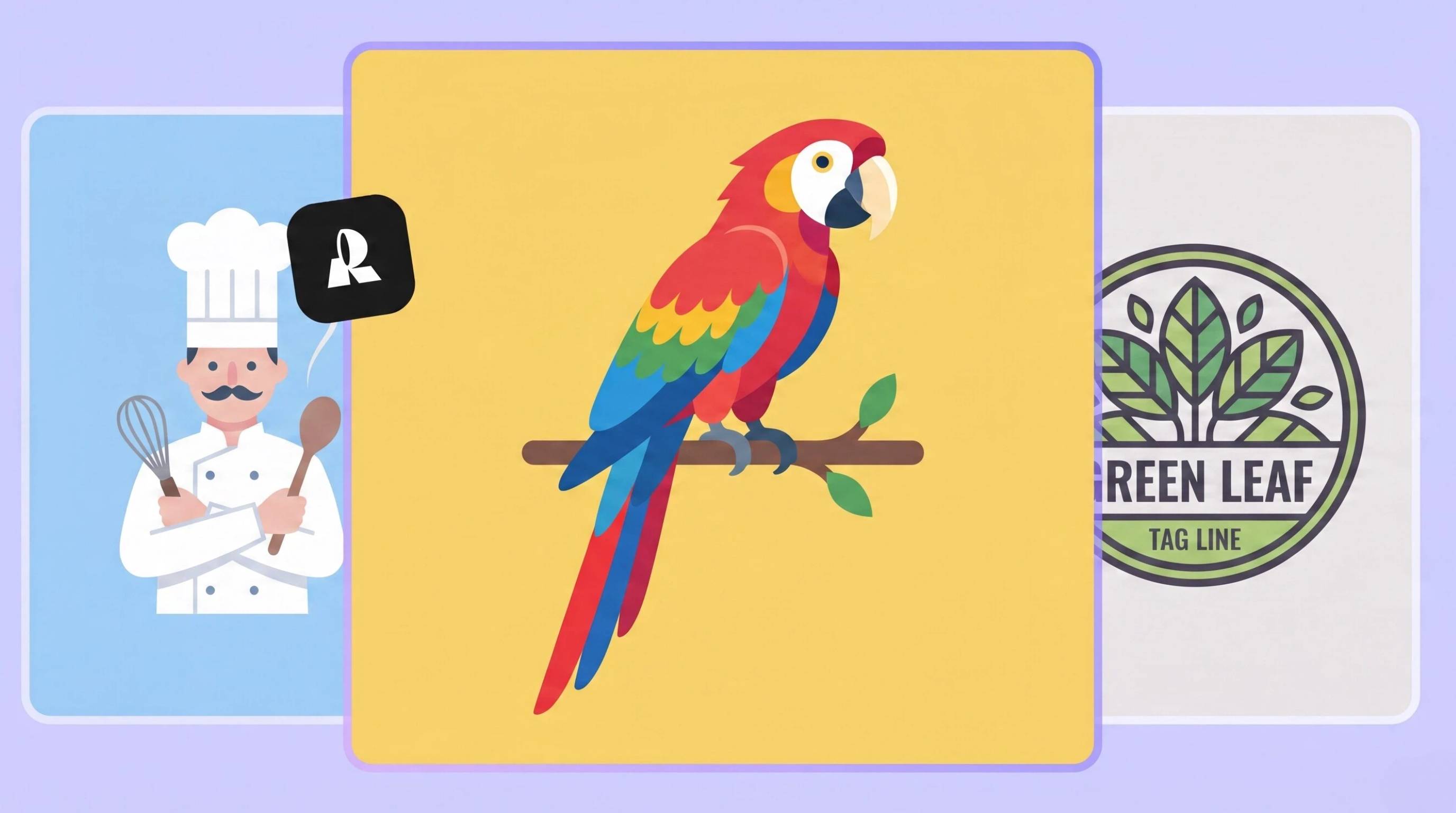
AI image generators have evolved far beyond creating artistic visuals. Today, designers, marketers, and businesses expect AI tools to produce editable assets, maintain brand consistency, and fit seamlessly into professional design workflows. That's where Recraft AI stands out. Instead of focusing only on text-to-image generation, it combines raster artwork with native vector creation, making it easier to build graphics that can be edited and scaled without losing quality.
In this Recraft AI review, we'll look at what the platform offers, including vector generation features, image creation tools, pricing, recent improvements to the model, and overall usability. Whether you are looking for a Recraft AI image generator for marketing graphics or a Recraft AI vector generator for logos and illustrations, this guide will help you find out whether it is the best AI design tool for your workflow.
What is Recraft AI?
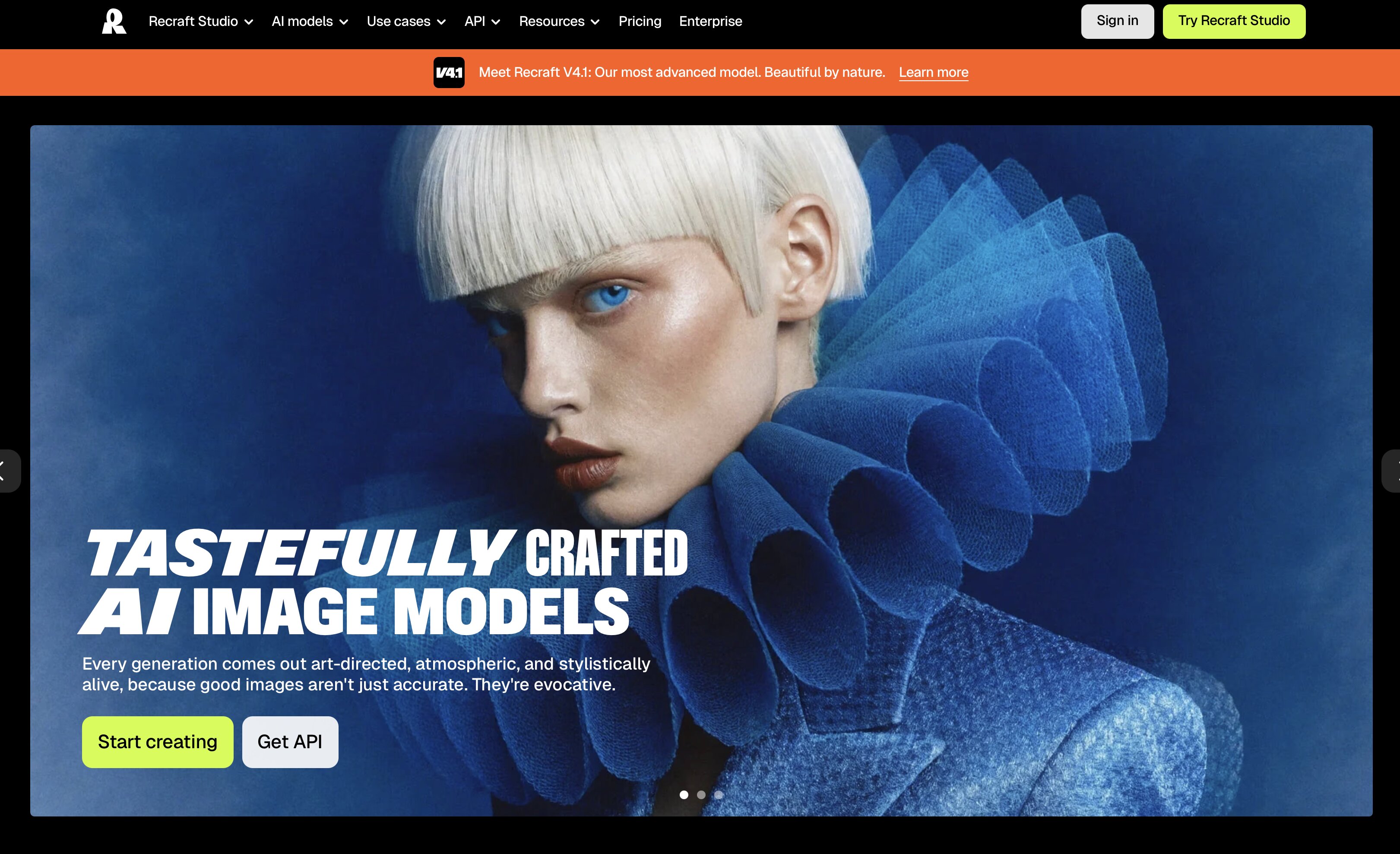
Recraft AI is an AI design platform that allows you to generate raster images and editable vector graphics from text prompts. The Recraft AI tool is aimed at professional design workflows, unlike many AI image generators that focus mostly on artistic outputs. It has image generation, SVG creation, style controls and editing capabilities, making it suitable for branding, marketing and illustration projects.
Recraft AI allows for native vector generation as well as traditional AI images, so designers can create scalable assets that can be polished in software like Figma or Adobe Illustrator. That makes it a usable option for users looking for production-ready graphics, not one-off AI artwork.
What makes Recraft AI unique?
Recraft AI is different from many other AI image generators in that its focus is not on generating visuals, but on generating editable, design-ready assets. Its strengths are as follows:
-
Native AI vector generation: Create editable SVG graphics for icons, logos, and illustrations without relying on raster-to-vector conversion.
-
Editable design assets: Refine generated graphics more easily in professional design software, saving time during post-production.
-
Brand style consistency: Apply consistent styles across multiple generations to create cohesive branding and marketing materials.
-
Design-first workflow: Combine AI image generation, vector creation, and asset editing in a workflow designed for real creative projects.
Who should use Recraft AI?
|
User |
Best use cases |
|---|---|
|
Graphic designers |
Vector graphics, illustrations, icons, and logo concepts |
|
Brand teams |
Visual identity systems, brand assets, and marketing materials |
|
Marketing teams |
Campaign graphics, advertisements, and promotional content |
|
Content creators |
Social media visuals, thumbnails, and digital illustrations |
|
Small businesses |
Logos, promotional graphics, and branded marketing assets |
Whether you're creating scalable vector illustrations, building a brand identity, or producing marketing graphics, Recraft AI offers tools that fit a variety of creative workflows. While it caters primarily to designers, its intuitive interface also makes it accessible for marketers, content creators, and small businesses looking to produce professional-quality visuals with less manual effort.
Recraft AI features review
Recraft AI is not just about creating AI-generated artwork but generating design-ready assets. Its biggest benefits are native vector generation, consistent illustrations and a workflow that works for branding and marketing projects. This is how its main features fare in real-world usage.
Recraft AI vector generator
One of the best features of the platform is the Recraft AI vector generator. It generates scalable and editable SVG graphics for icons, logo concepts and illustrations that can be scaled up or down easily without losing quality. The outputs generally need less cleanup than raster-based AI tools before they are refined in Figma or Adobe Illustrator.
Recraft AI image generator
The Recraft AI image generator turns text prompts into professional illustrations and marketing images. It gives accurate results for different styles and is better at dealing with text in images than many other AI tools out there. Most outputs are good for concept creation and digital content. Detailed prompts get the best results.
Recraft V3
Image quality, vector accuracy and style uniformity were improved in Recraft V3 visually. Generated assets are better prompt-aligned, and typically require less manual editing than previous versions. As the platform grows, it's worth double-checking for the most recent version updates before subscribing.
Recraft AI image upscaler
The Recraft AI image upscaler improves the resolution of generated images, making them more suitable for presentations and marketing materials. It's useful for enhancing raster graphics, but if you need unlimited scalability, starting with a vector file remains the better option.
Recraft AI pricing
When it comes to selecting an AI design platform, pricing holds equal importance as features. Recraft AI is free to try and offers paid plans for higher limits, private generations, and commercial rights. Knowing how the credit system works can help you select the right plan for your workflow.
Recraft AI pricing plans
|
Plan |
Price (Billed Annually) |
Best for |
Key features |
|---|---|---|---|
|
Free |
$0 |
Exploring Recraft AI |
Limited free credits, 3 generations per style per day, 3 image uploads daily, up to 2 images per generation, basic editing tools, public images only, no commercial use |
|
Basic |
$10/month |
Individual creators |
1,000 credits/month, commercial rights, private generations, unlimited image uploads, advanced editing tools, credit top-ups, up to 5 parallel generations |
|
Pro |
$16/month |
Professional creators |
2,000 credits/month, video generation, access to multiple AI models, priority image generation, full video generation controls, up to 10 parallel image and video generations |
|
Teams |
$18/month per seat |
Creative teams |
2,000 credits/month per seat, shared workspace, custom styles, centralized billing and account management, premium support, Single Sign-On (SSO) |
Is Recraft AI free?
Yes, Recraft AI has a free plan to try its AI design tools. It provides a limited number of free credits, basic editing features and a small number of daily generations, which is ideal for testing the platform. But images generated on the free plan are public and not for commercial use, so businesses and professional creators will likely need a paid subscription.
Things to know before paying
Look beyond the monthly cost before you choose a plan. Basic has commercial rights, private generations, and advanced editing tools. Pro has video generation, priority processing and higher generation limits. The team's plan is more appropriate for larger creative workflows with shared workspaces, centralized management and premium support if you are working with a team.
Recraft AI pros and cons
Like any AI design platform, Recraft AI has its pros and cons. It does a great job of generating usable design assets and maintaining visual consistency, but some of its limitations may be felt by users with more demanding creative or commercial workflows.
What Recraft AI does well
Recraft AI is well suited for designers and creative teams who need more than standard AI-generated images. Some of its biggest advantages include:
-
Produces editable SVG and vector graphics for scalable design projects.
-
Delivers high-quality illustrations with consistent visual styles.
-
Maintains better brand and style consistency than many general AI image generators.
-
Handles text within images more effectively than many competing tools.
-
Offers a designer-friendly workflow that fits branding, illustration, and marketing projects.
Recraft AI limitations
While Recraft AI performs well in many areas, there are a few limitations to consider before subscribing:
-
The free plan includes limited daily credits, making it better for testing than regular use.
-
Several advanced features are restricted to paid plans.
-
Complex prompts may still require multiple refinements to achieve the desired result.
-
It offers fewer ready-made templates than design platforms like Canva.
-
It's less suitable for ecommerce product photography or AI-generated product marketing visuals.
-
Some outputs may still need polishing in Figma or Adobe Illustrator before they're production-ready.
Best Recraft AI alternatives
Recraft AI is a decent choice for AI-generated illustrations and vector graphics, but it may not suit all creative workflows. Some users are looking to create artistic images while others need marketing assets, product images or branded content out of the box. Here are a few options you might want to look into depending on your needs.
Midjourney
Best for: Artistic and photorealistic image generation
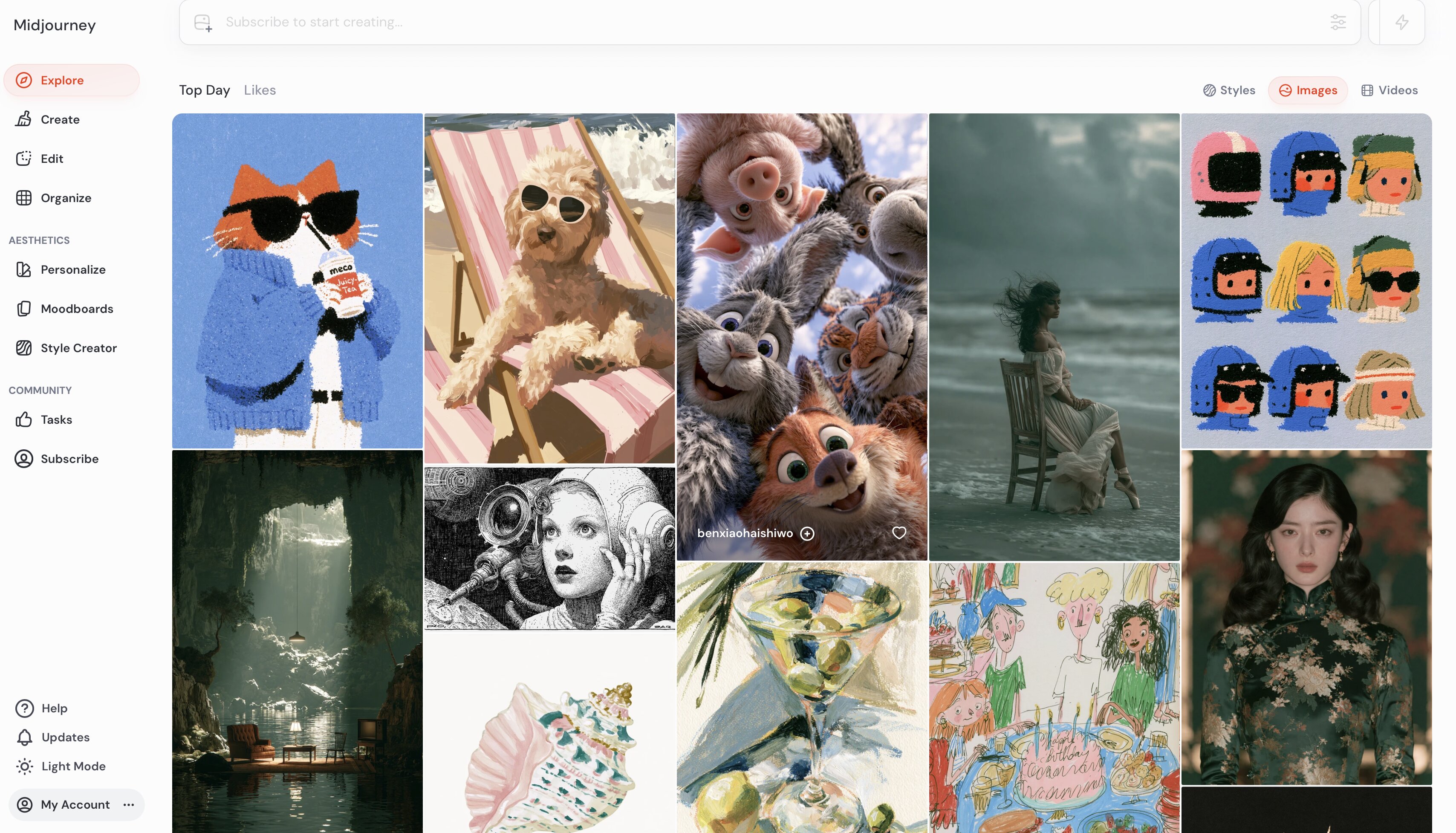
Midjourney is a popular choice for creating visually impressive artwork, concept art, and photorealistic images. It's ideal for creative exploration but doesn't focus on editable vector graphics or marketing-focused design workflows like Recraft AI.
Canva
Best for: Template-based graphic design and brand collaboration
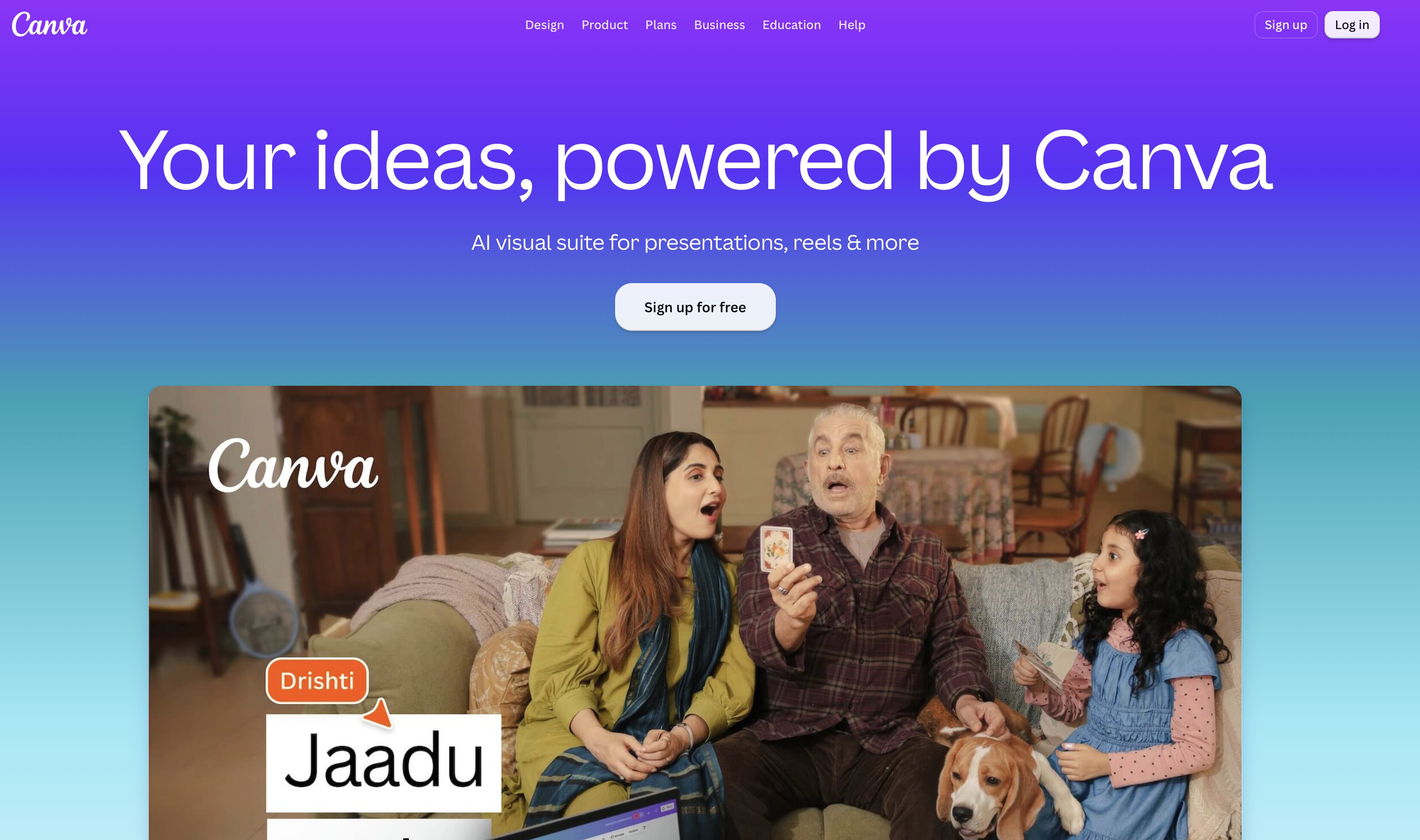
Canva is designed for users who want to create presentations, social media graphics, and marketing materials with minimal design experience. Its extensive template library and collaboration features make it a practical choice for individuals and teams.
Adobe Express
Best for: Quick branded marketing content
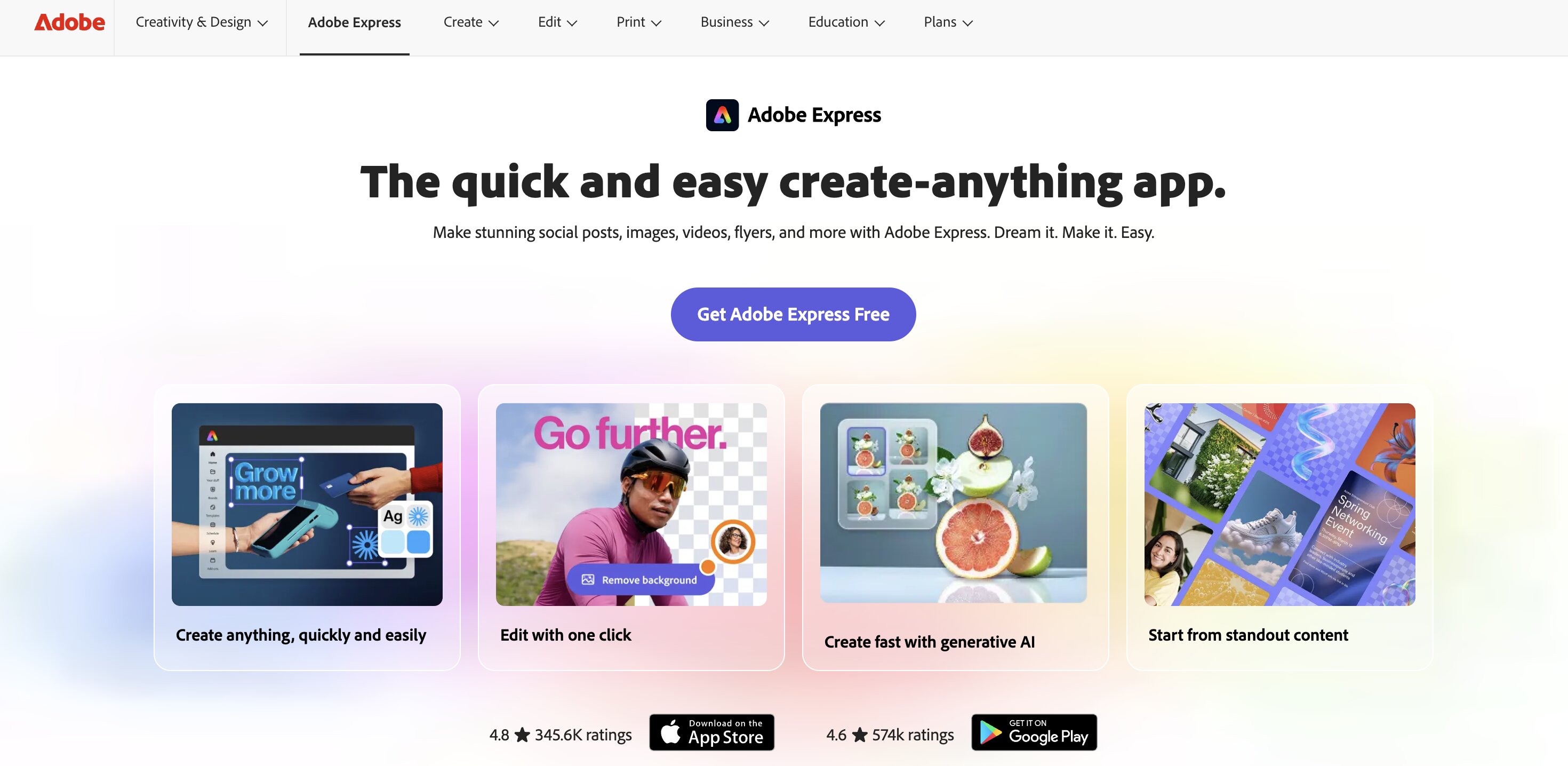
Adobe Express helps businesses design professional marketing assets with AI-powered editing and integrated branding tools. It's a nice way to get professional content created quickly, without the complexity of Adobe's entire creative suite.
Designkit
Best for: Ecommerce product visuals and scalable marketing creatives
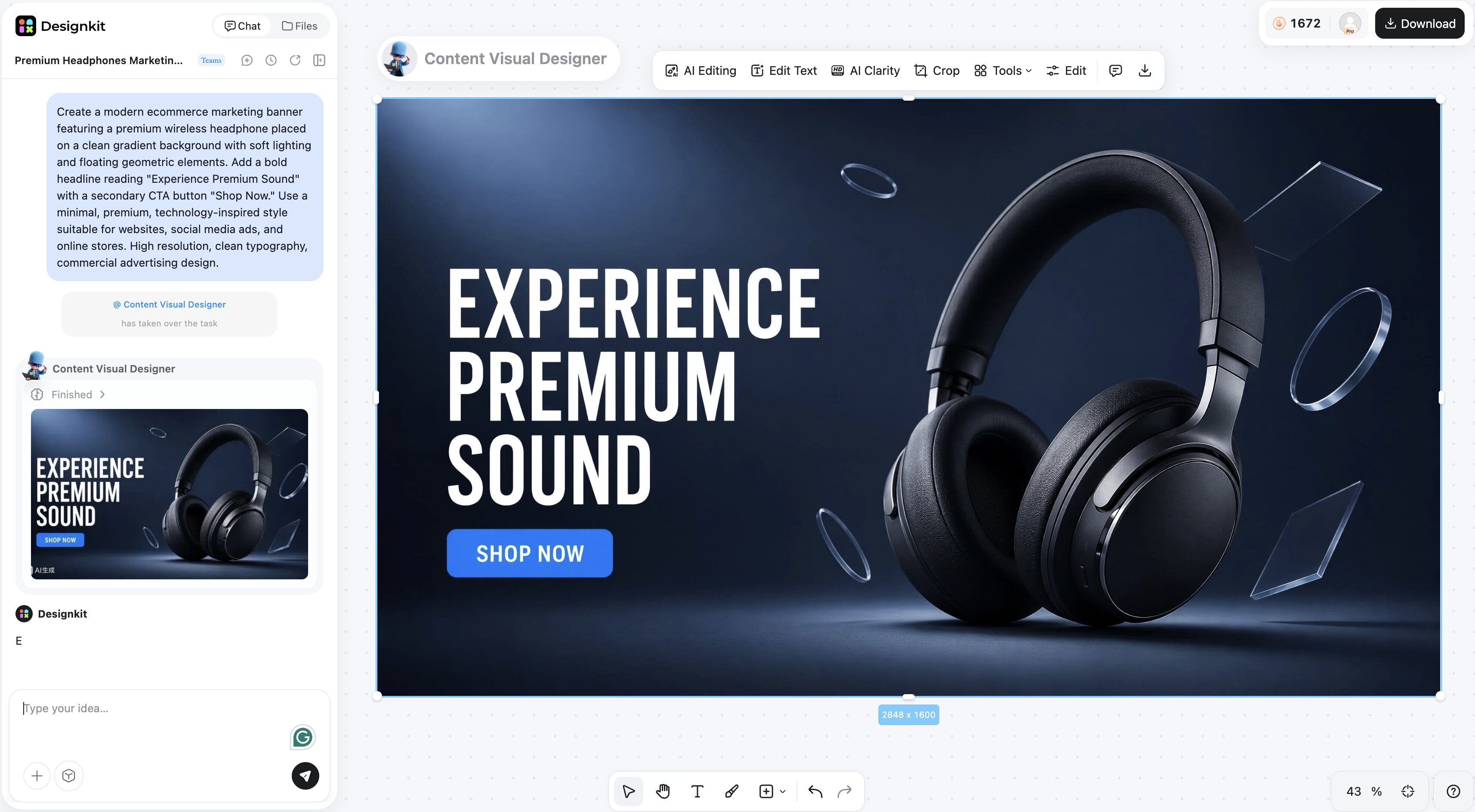
While Recraft AI is designed for illustrations, SVG graphics, and brand artwork, Designkit focuses on helping businesses create polished marketing assets. It's a better fit for ecommerce brands, marketers, and content teams that need product images, promotional banners, and social media creatives that are ready to publish with minimal editing.
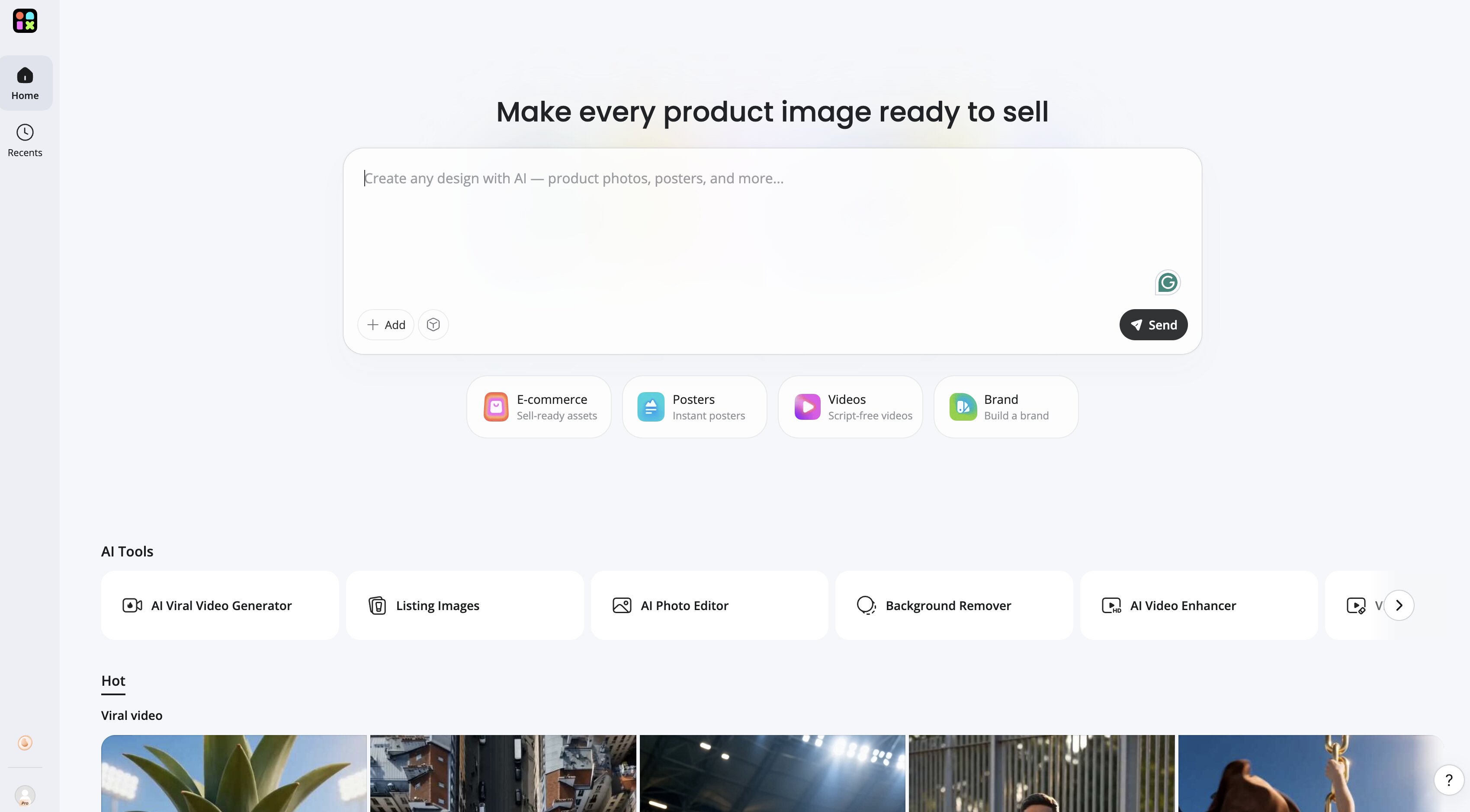
How to create marketing visuals with Designkit
Creating marketing-ready visuals with Designkit is straightforward, whether you're promoting a product launch or running an advertising campaign.
Step 1: Upload your product or brand assets
Start by uploading your product photos, logo, or other brand elements. These assets become the foundation for generating consistent marketing creatives.
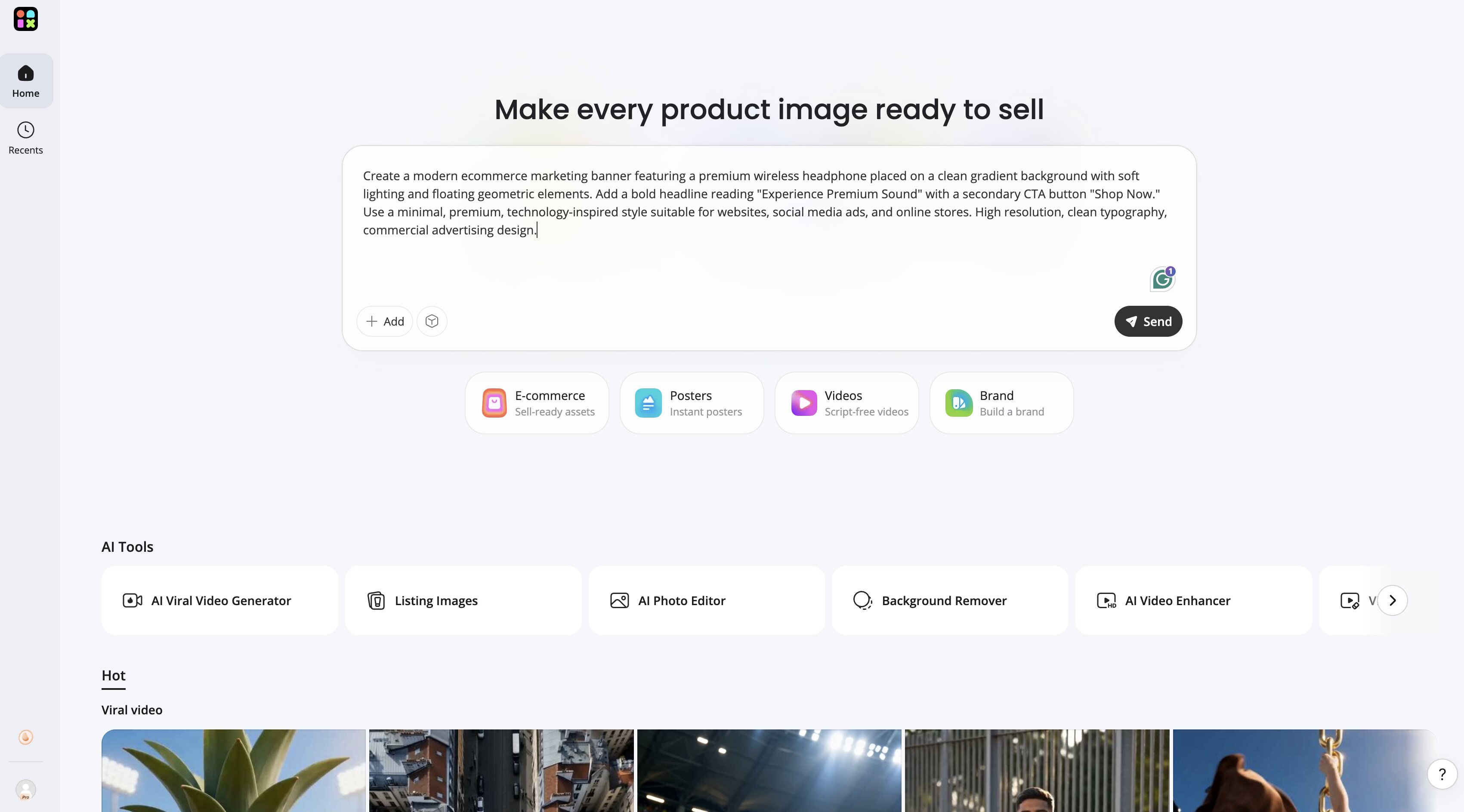
Step 2: Generate AI-powered marketing visuals
Select the type of creativity you want, such as product banners, promotional graphics, or social media posts. You can also use the AI Marketing Banner Generator to quickly create campaign-ready visuals.
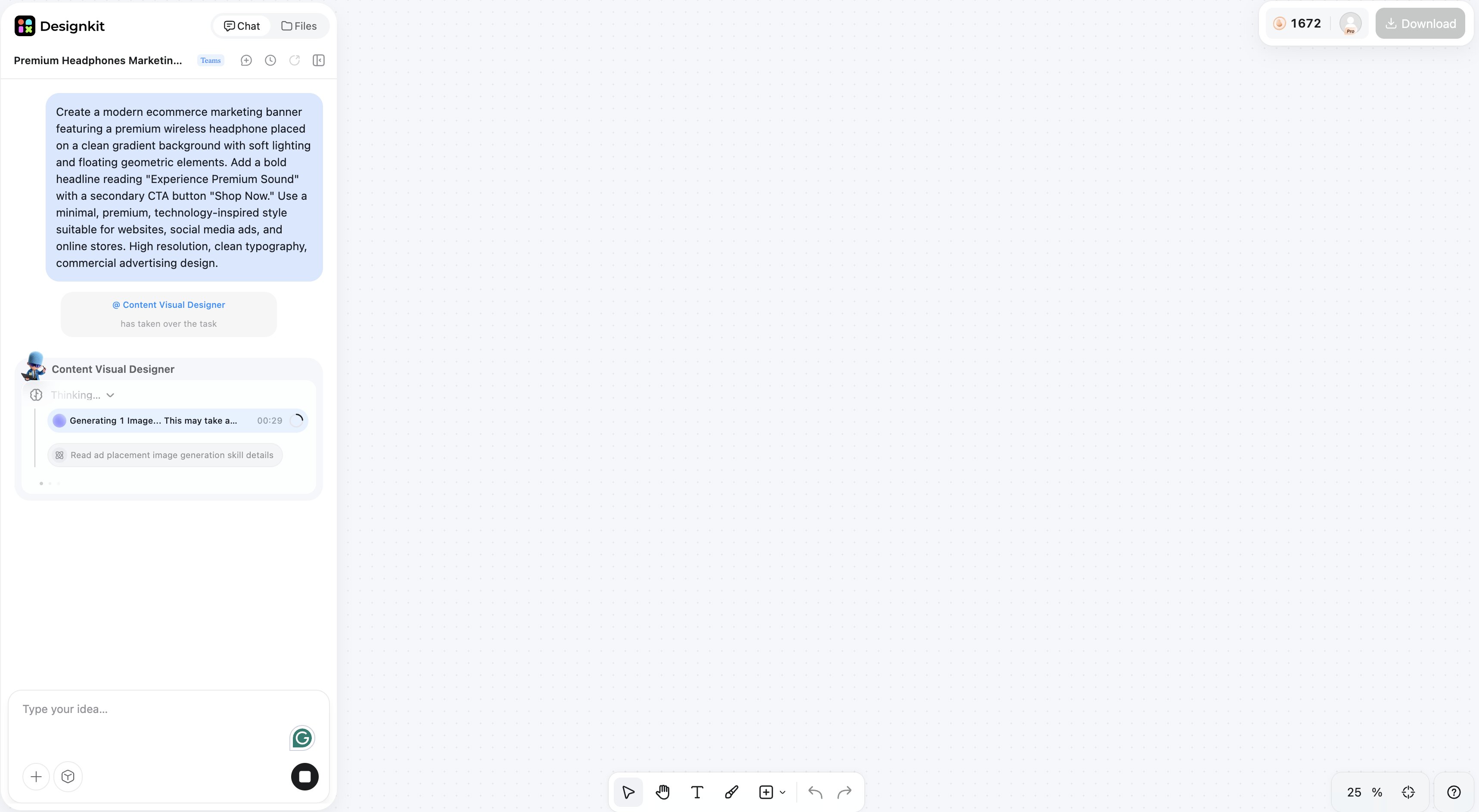
Step 3: Customize and export
Review the generated designs, make any final adjustments to match your branding, and export them for your website, online store, social media channels, or advertising campaigns.
Recraft AI vs. Designkit: Which one should you choose?
Recraft AI and Designkit are both AI-powered tools that enable users to create visual content, but they cater to different creative needs. Recraft AI is designed for designers who want vector graphics, brand assets, and editable illustrations. Designkit, however, is for businesses and marketers looking to quickly create product visuals, advertising creatives, and ecommerce content.
|
Feature |
Recraft AI |
Designkit |
|---|---|---|
|
Main focus |
Graphic design |
Marketing content |
|
Vector graphics |
Excellent |
Limited |
|
Illustrations |
Excellent |
Good |
|
Product photography |
Limited |
Strong |
|
Ecommerce visuals |
Limited |
Strong |
|
Advertising creatives |
Good |
Strong |
|
Templates |
Limited |
Extensive |
|
Best for |
Designers |
Businesses and marketers |
Choose Recraft AI if you need:
Recraft AI is the better choice if your work revolves around creating original design assets that require flexibility and scalability. Consider it if you regularly create:
-
SVG graphics and vector illustrations
-
Logo concepts and brand artwork
-
Icons, digital illustrations, and creative assets
-
Graphics that need further editing in Figma or Adobe Illustrator
Choose Designkit if you need:
If your priority is creating marketing content instead of standalone illustrations, Designkit offers a workflow that's better suited to business needs. It's a strong choice for teams that need to produce:
-
Product visuals for online stores
-
Advertising creatives and promotional banners
-
Ecommerce content for marketplaces and websites
-
Social media campaigns and branded marketing assets
Why creators and businesses choose Designkit
Designkit helps businesses move from product images to campaign-ready creatives without juggling multiple design tools. Its AI-powered workflow simplifies content production while maintaining a consistent brand identity across different channels. Designkit is designed for businesses that need to produce high-quality marketing assets efficiently. Instead of creating individual illustrations, it helps teams generate consistent visuals for product launches, advertising campaigns, and ecommerce stores from a single workflow.
-
AI product photography for professional-looking product images
-
AI background generation to create clean, branded scenes
-
Marketing creative generation for ads and promotional campaigns
-
Multi-channel resizing for websites and social media
-
Bulk creative variations for faster campaign production
If you're looking to improve the quality of your product visuals before using them in marketing campaigns, the AI Image Upscaler can also help enhance image clarity while preserving important details.
Conclusion
Recraft AI is a powerful AI design platform to create illustrations, vector graphics, and branded assets. It generates SVG natively, has a consistent design quality and a workflow that designers like. This makes it a strong choice for graphic designers, creative professionals and brand teams. If your work is about logos, icons, illustrations, or other scalable graphics, you will find features in Recraft AI that many general AI image generators do not have.
But businesses often need more than just standalone design assets. Marketing campaigns require product images, promo banners, social media creatives and ecommerce content that can be produced efficiently at scale. And that's where Designkit comes in to complement Recraft AI. Recraft AI is more illustration, and vector assets-focused, while Designkit is more focused on helping businesses create product visuals, advertising creatives and marketing content at scale.
Frequently Asked Questions
What is Recraft AI used for?
Is Recraft AI free?
Yes, Recraft AI offers a free plan with limited daily credits, making it suitable for testing the platform. For commercial projects, higher usage limits, and private generations, a paid plan is generally recommended.
What is Recraft V3?
Recraft V3 is a newer AI model that has better image quality, vector generation and style consistency than older versions. It generates cleaner outputs that usually need less manual editing.
Can Recraft AI create SVG files?
Yes. One of Recraft AI's biggest strengths is its ability to generate native SVG files, making it well suited for icons, logo concepts, and other scalable graphics.
Is Recraft AI good for logo design?
Yes. Recraft AI can generate logo concepts and editable vector assets that designers can further refine in software like Figma or Adobe Illustrator before finalizing a brand identity.
Can Recraft AI generate commercial images?
Yes, but commercial usage is dependent on your subscription plan. Before using assets generated in client work or commercial projects, review the licensing terms of your selected plan.
Is Recraft AI better than Midjourney?
It depends on your needs. Recraft AI is better for vector graphics, editable illustrations, and branding assets, while Midjourney is better suited for artistic and photorealistic image generation.
What are the best Recraft AI alternatives?
Midjourney is a popular artistic image generator, Canva is a graphic design tool with templates, Adobe Express is for creating marketing content with your brand's look and feel, and Designkit is an ecommerce image and AI marketing creative tool.
Can Recraft AI create product images?
Recraft AI can generate product-style illustrations and promotional graphics, but it isn't specifically built for ecommerce product photography. If your workflow involves creating product images, advertising creatives, and marketing assets, Designkit provides a more specialized solution.
You May Also Like
Remove.bg Shutting Down Dec 1, 2026: What Users Are Saying

7 Best Remove.bg Alternatives in 2026: Free & Paid Tools

Instagram Carousel: What It Is, How to Post & Create One

Nano Banana Prompts: 20+ Examples for Better AI Images

Ideogram AI Review 2026: Features, Pricing & Alternatives

Free Mac Photo Editor: 5 Tools Compared for Mac Users

How to Crop a Photo Into a Circle Online (Keep Quality)

How to Make an Image Transparent Online (AI Guide)

Pixlr Background Remover Review 2026: Features, Pricing & Alternatives

How to Fix Overexposed Photos: Recover Highlights Fast

OpenArt AI Review 2026: Features, Pricing & Alternatives

Best AI Headshot Generator: 9 Tools Compared for 2026

Best Stencil Maker Tools 2026: Turn Photos Into Stencils

Pixelbin Watermark Remover Review: Image & Video Results Tested

How to Make a Sticker on iPhone: Easy Step by Step Guide

Best AI Logo Generator in 2026: 10 Tools Compared

How to Turn a Photo Into a Cartoon: A Beginner-Friendly Guide

Landscape vs Portrait: Key Differences & Best Uses in 2026

How to Remove Watermark From Photo: AI, Photoshop & More

How to Fix Pixelated Photos: Photoshop, AI Tools & Tips

Bing Image Creator: How It Works, Features, Uses & Alternatives

How to Remove People from Photos with AI: A Step-by-Step Guide

How to Increase Image Resolution: AI, Photoshop & PPI

How to Add Text to a Photo: 8 Tips for Better Results

How to Fix Grainy Photos: Easy Ways to Clear Images

Creative Profile Picture Ideas for Every Style and Platform

Evoto AI Review 2026: Features, Pricing, Pros & Cons

Pixlr Photo Editor Review: Features, Pricing & Alternatives

Best AI Image Extender Tools in 2026: Expand Photos with AI

How to Make a Collage on iPhone: Easy Guide for 2026

How to Sharpen an Image in Photoshop (Smart Sharpen and Unsharp Mask)

Best Image Background Remover Tools in 2026: AI Tools Compared

How to Make Transparent Background in Paint: Step-by-Step Guide

How to Resize an Image: Best Methods, Tools & Quality Tips

Best AI Image Generator Tools in 2026: Top AI Platforms Compared

Remove.bg Review 2026: Features, Pricing & Is It Worth It?

Luminar Neo Photo Editor Review 2026: AI Features, Price & Pros

How to Post Multiple Photos on Instagram (2026 Guide)

25 Facebook Cover Photo Ideas for Personal & Business Pages

What Is a PFP? Meaning, Examples & How to Create One

Can You Edit an Instagram Post After Posting?

11 Best Canva Alternatives in 2026 for AI Design & Marketing

8 Best Midjourney Alternatives in 2026: Features, Pricing & Comparison

How to Restore Old Photos: AI Tools, Tips & Best Methods

Pixelcut AI Review 2026: Features, Pricing, Pros, Cons & Alternatives

How to Apply Watermark to Photos: Methods, Tips & AI Tools

How to Remove a Background in Illustrator: 4 Easy Methods

How to Change Background Color on Instagram Story (Easy Guide)

8 Best AI Poster Generators in 2026: Create Posters Faster with AI

10 Best AI Image Enhancers in 2026: Tested & Compared

10 Best AI Image Editors in 2026: Features, Pricing & Comparison

7 Best AI Background Changer in 2026: Remove & Replace Photo Backgrounds

Luminar Neo vs Lightroom: Features, Pricing & Comparison 2026

Kittl Review 2026: Is It Worth It? Features & Pricing

How to Make a Blurry Image Clear: 5 AI & Manual Ways

How to Remove Background on iPhone: 5 Easy Methods (2026)

Photoroom Background Remover Review 2026: Features & Alternatives

How to Remove Background in Canva: A Step-by-Step Guide

How to Remove Background in GIMP: Beginner-Friendly Guide

Funny Dog Memes to Try: Doge Meaning and 10 Original Ideas

Back to School Checklist 2026: Supplies, Timeline, and Planning

Recraft AI Review 2026: Features, Pricing, Pros, Cons & Alternatives

How to Make an Image Transparent in Google Slides: Opacity & Background Removal

VanceAI Photo Enhancer Review: Features, Pricing & Alternatives in 2026

What Does Emojify Mean? Text, Photos, & Emoji Art Explained

Top 8 Online Background Removers for Ecommerce Photos (2026)

How to Remove Background in Photoshop: 7 Easy Methods

6 Best AI Image Upscalers 2026: Tools Tested & Compared

Project Indigo Review: Is It Better Than iPhone Camera?

How Big Is an 8x10 Photo? Size, Pixels & Frame Guide

How Big Is a 4x6 Photo? Dimensions, Pixels & Printing Tips

Picsart AI Review: Features, Pricing, Pros, Cons & Alternatives

Lovart AI Review: AI Design Agent Features, Pricing & Alternatives

Fotor AI Image Generator Review: Features, Pricing & Alternatives

How to Add Emoji to Photo Online for Free

Emoji Wallpaper Ideas & How to Make One Online (2026)

Minimalist Poster Design: How to Make a Clean Poster (2026)

How to Make a Custom Poster That Is Ready to Print

Instagram Image Size Guide 2026: Post, Reel, Story & Carousel Specs

LinkedIn Image Size Guide: Profile, Post & Banner Dimensions

YouTube Profile Image Size: Best Dimensions & Safe Area 2026

How to Edit Amazon Product Photos That Boost Sales Fast
Create marketing assets beyond AI design
Use Recraft AI to create illustrations and vector graphics, then bring your marketing campaigns to life with Designkit. Generate product visuals, advertising creatives, and branded content with an AI-powered workflow built for businesses.


