
Image to Image AI for Instant Style Transformation
Upload one photo and get new styles, backgrounds, and versions of it. Tell the AI what to change, keep the parts that matter, and use the results right away.
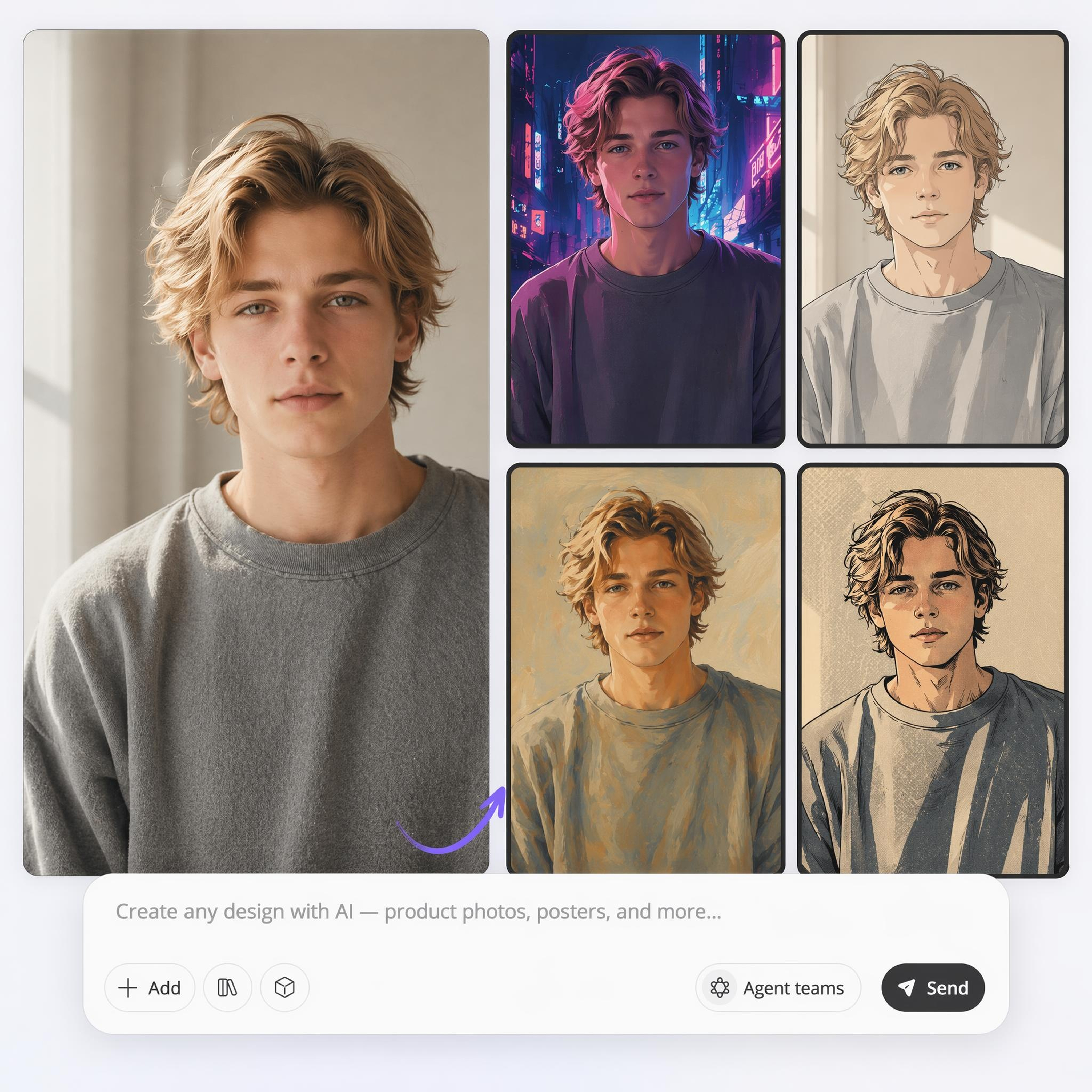
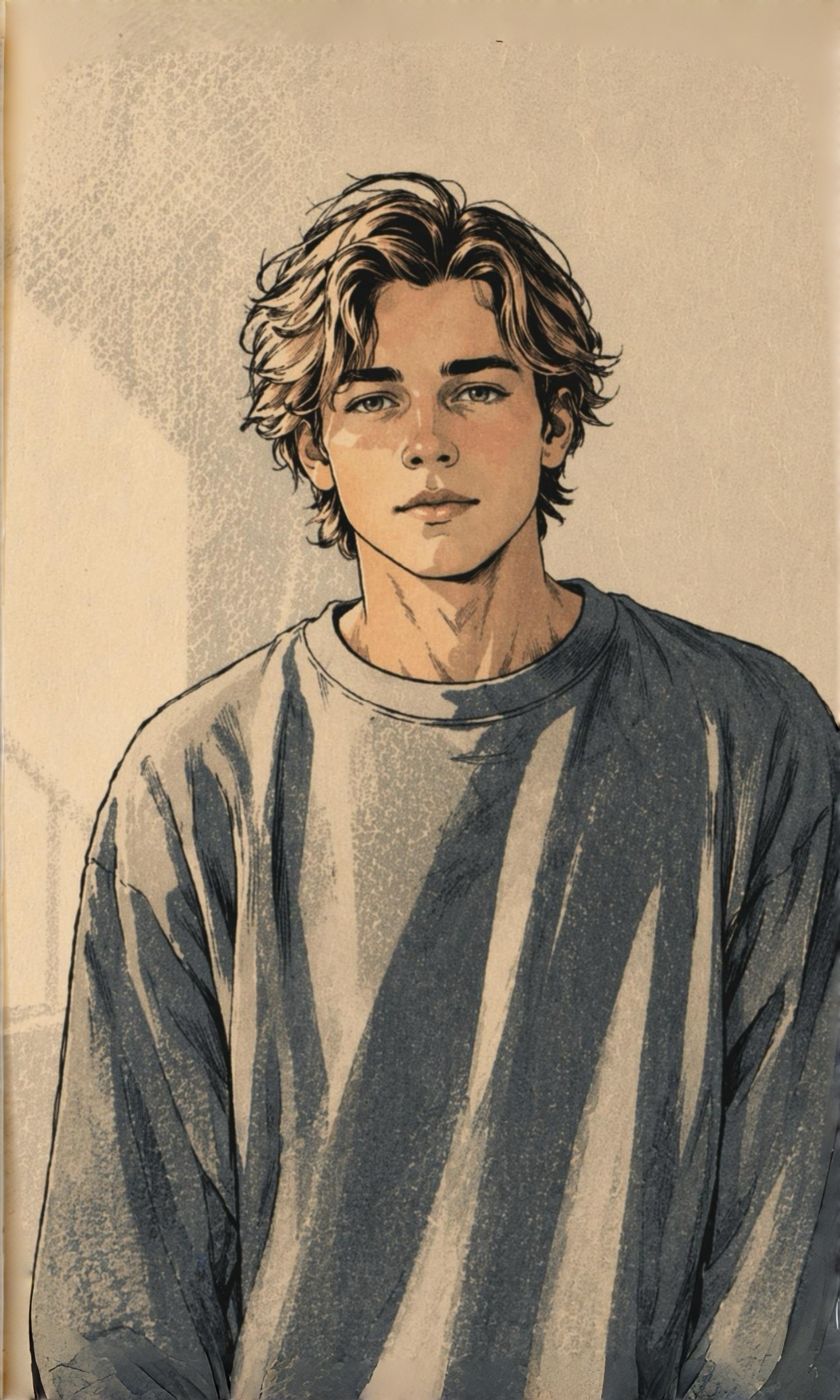
Your Image, Recreated in Any Style
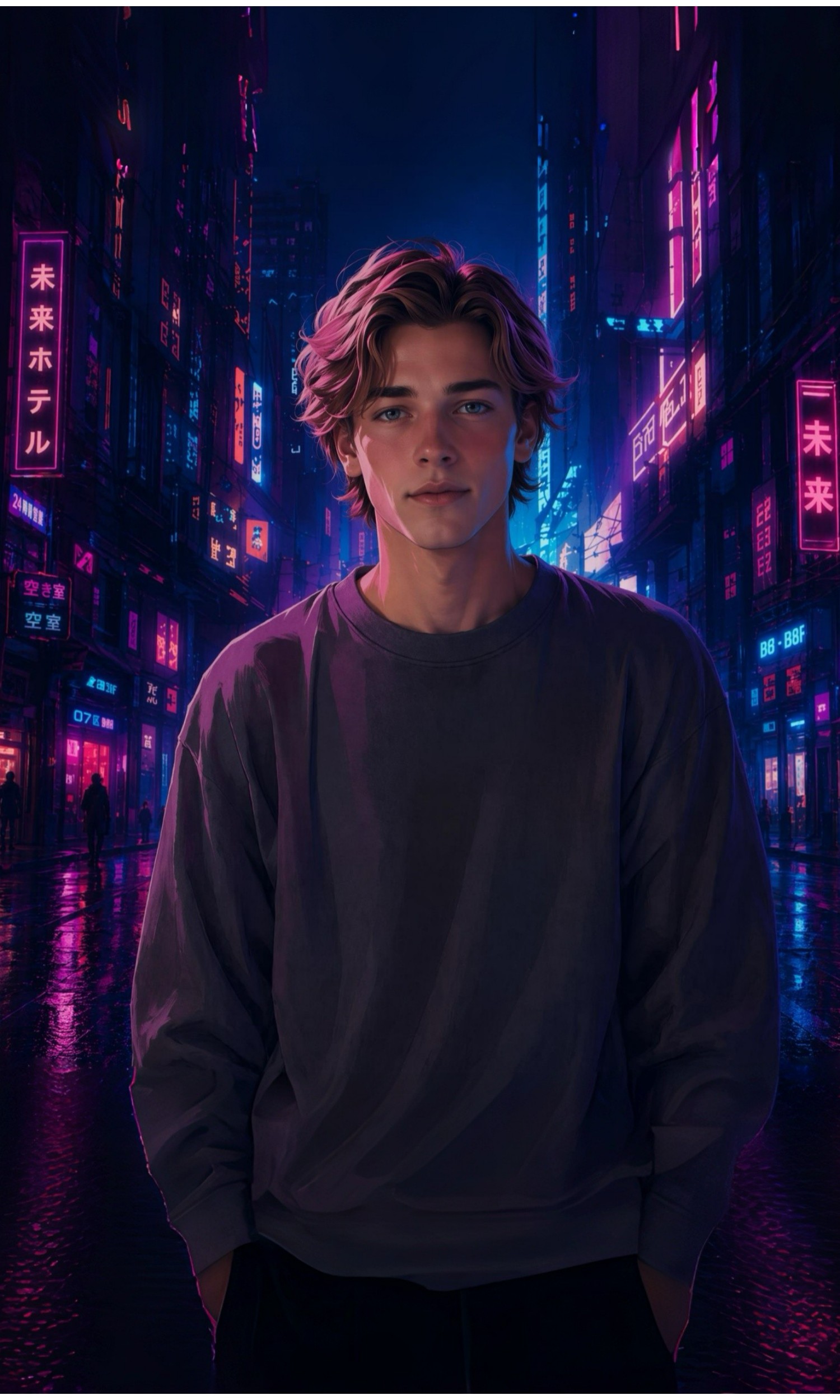
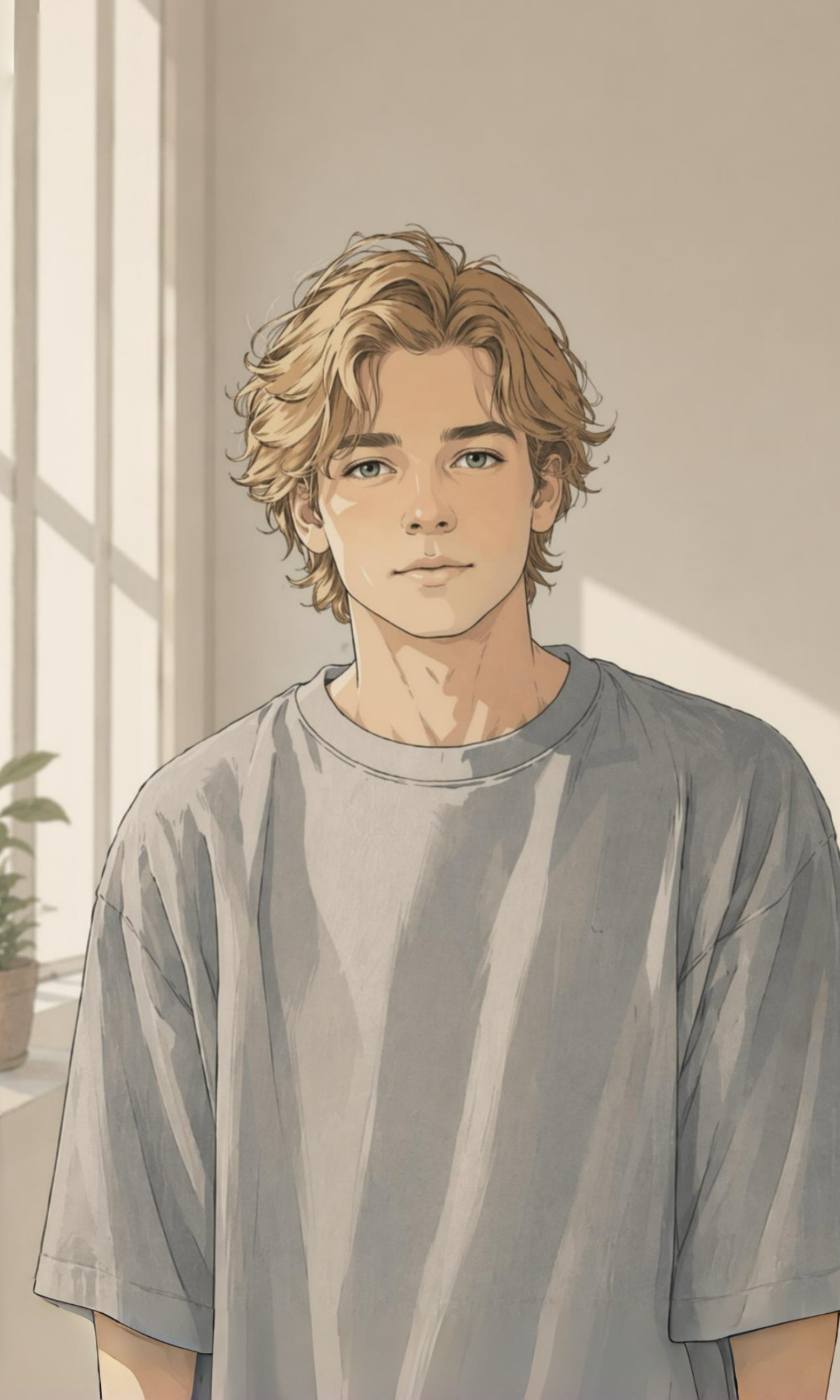
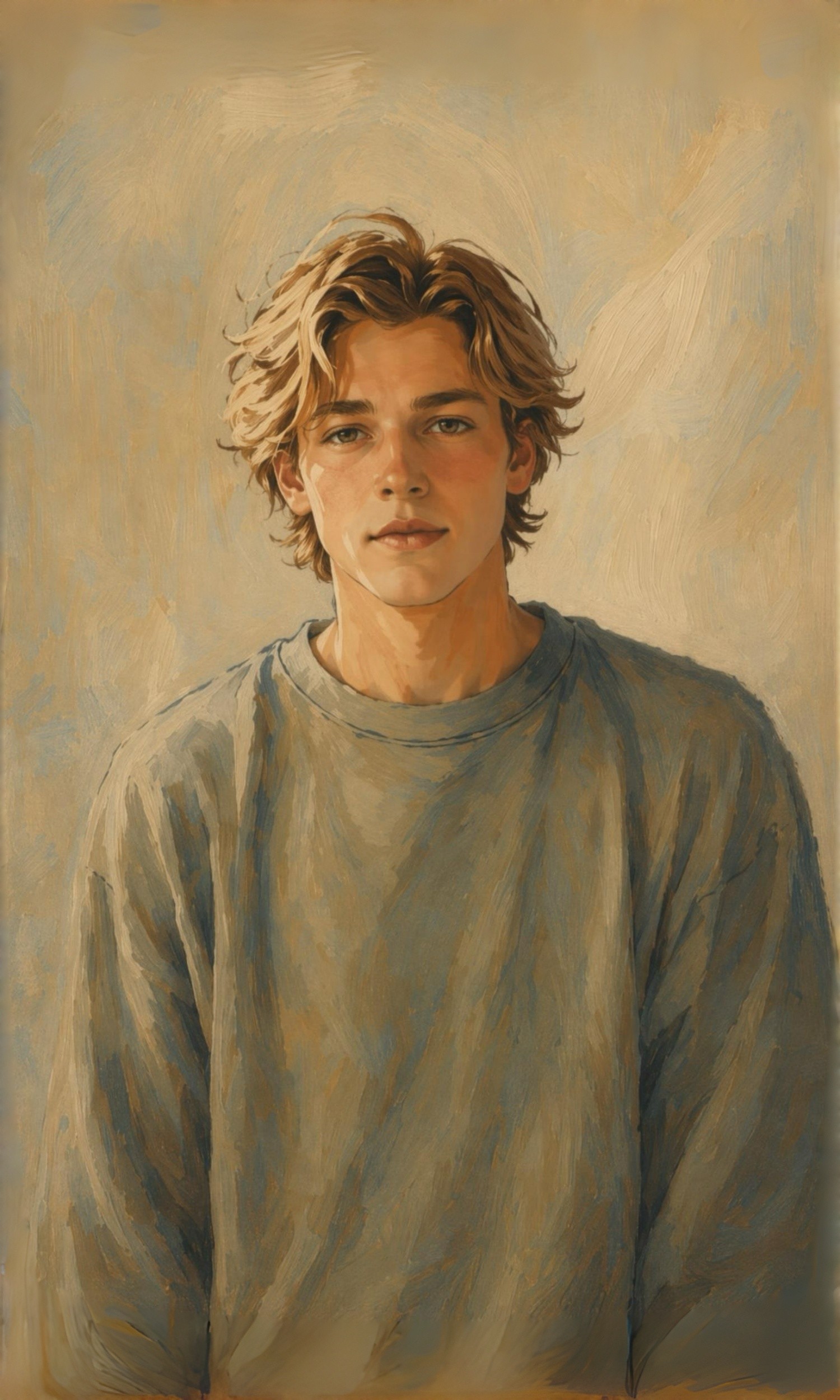
How to Transform Any Image in 3 Steps
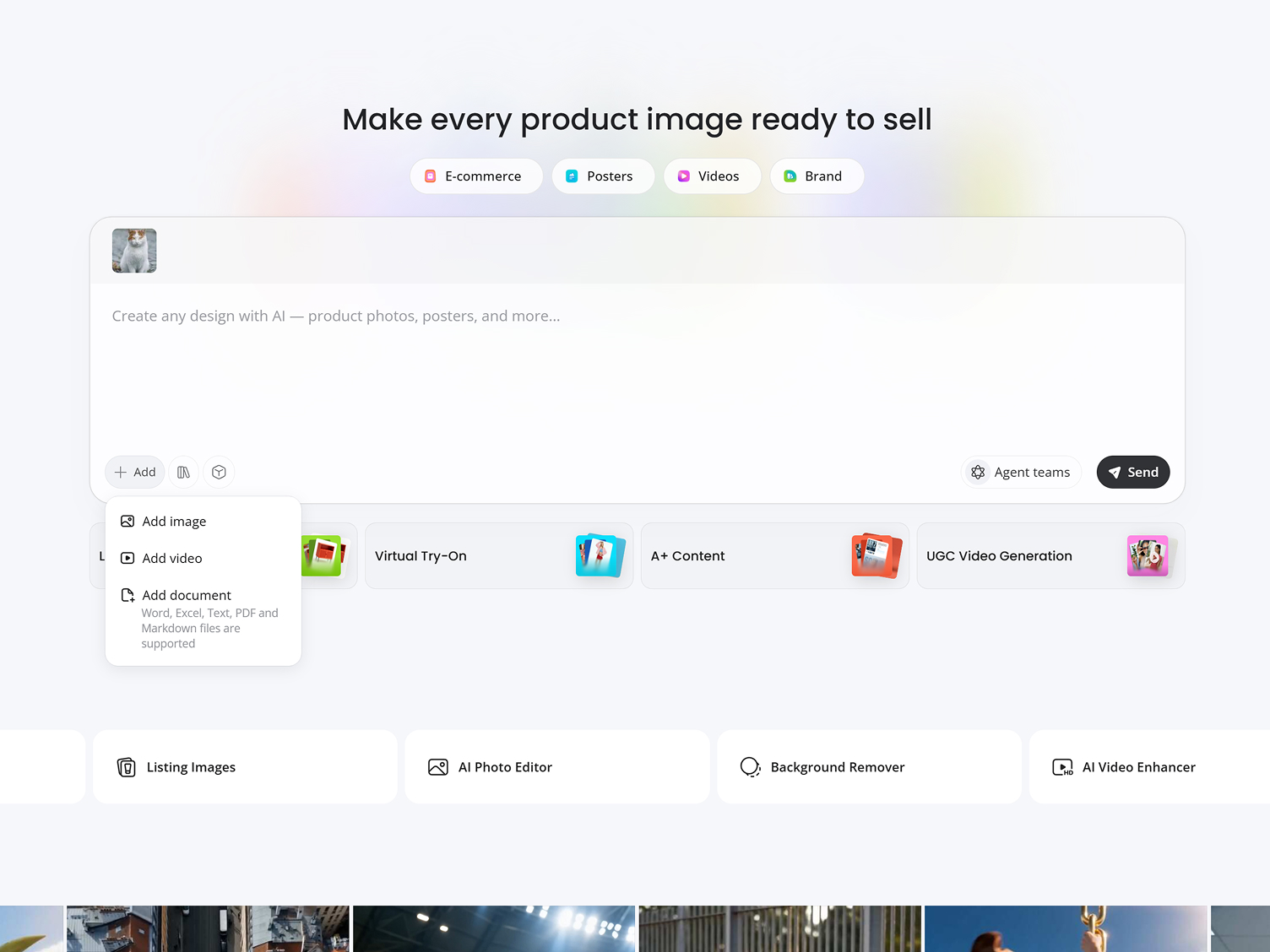
Upload Your Image
Upload a photo, product shot, illustration, or portrait you want to change.
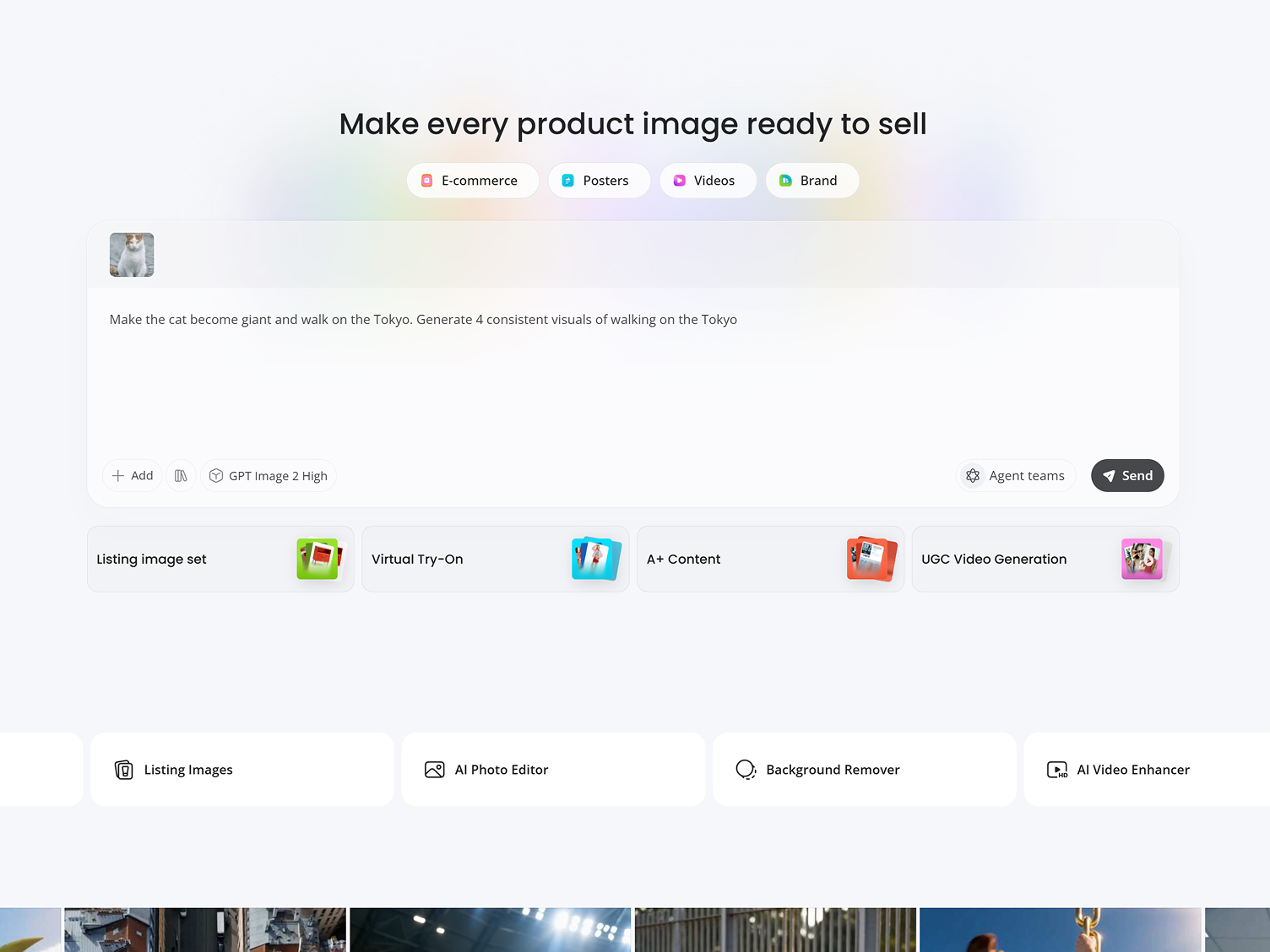
Describe the Changes
Type what to adjust, such as style, color, lighting, background, or material, and pick the AI model you want to run it on.
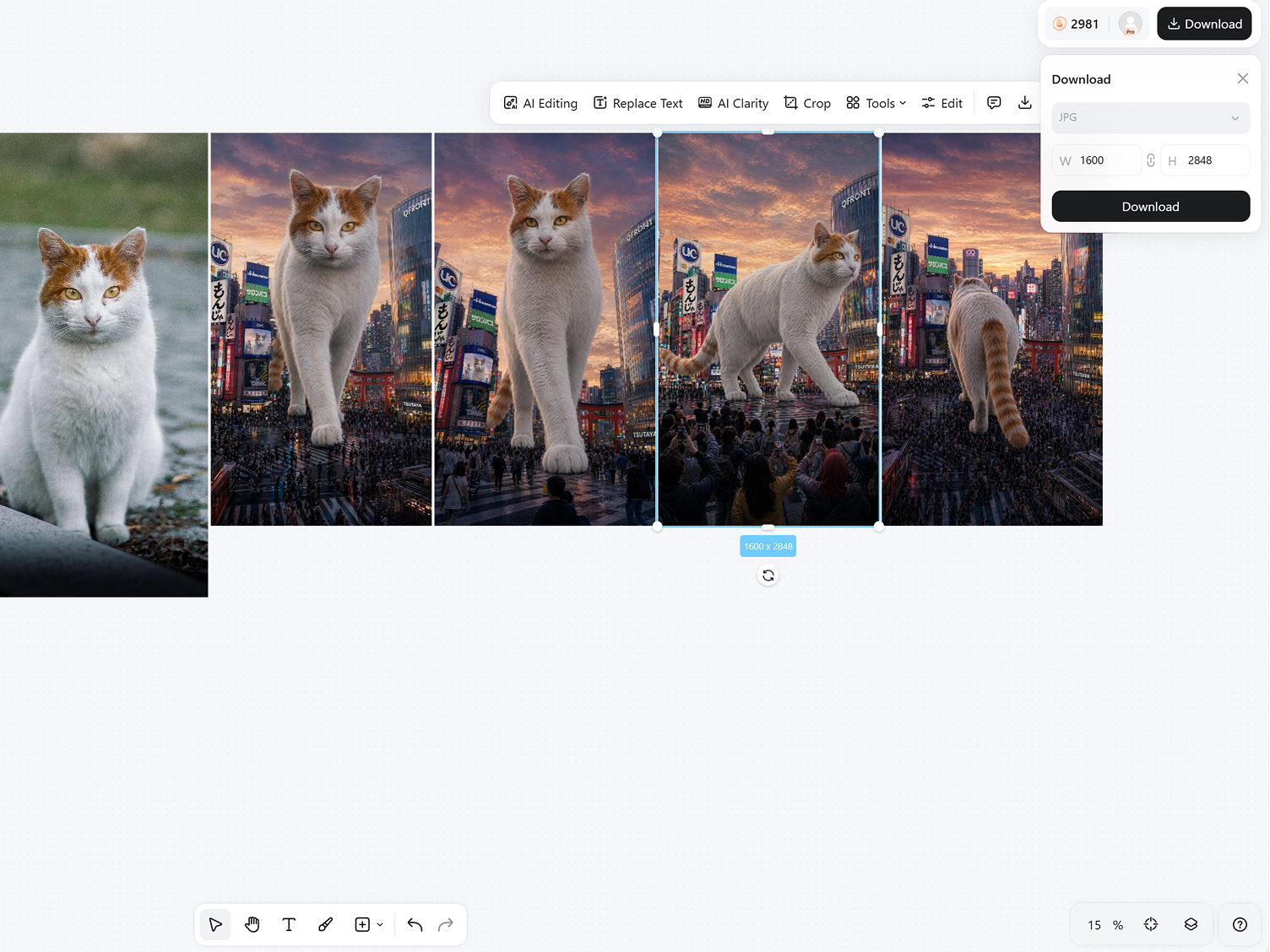
Generate and Download
Preview AI-generated variations, refine your instructions if needed, and download your favorite result.
Capabilities of Designkit for Image to Image AI
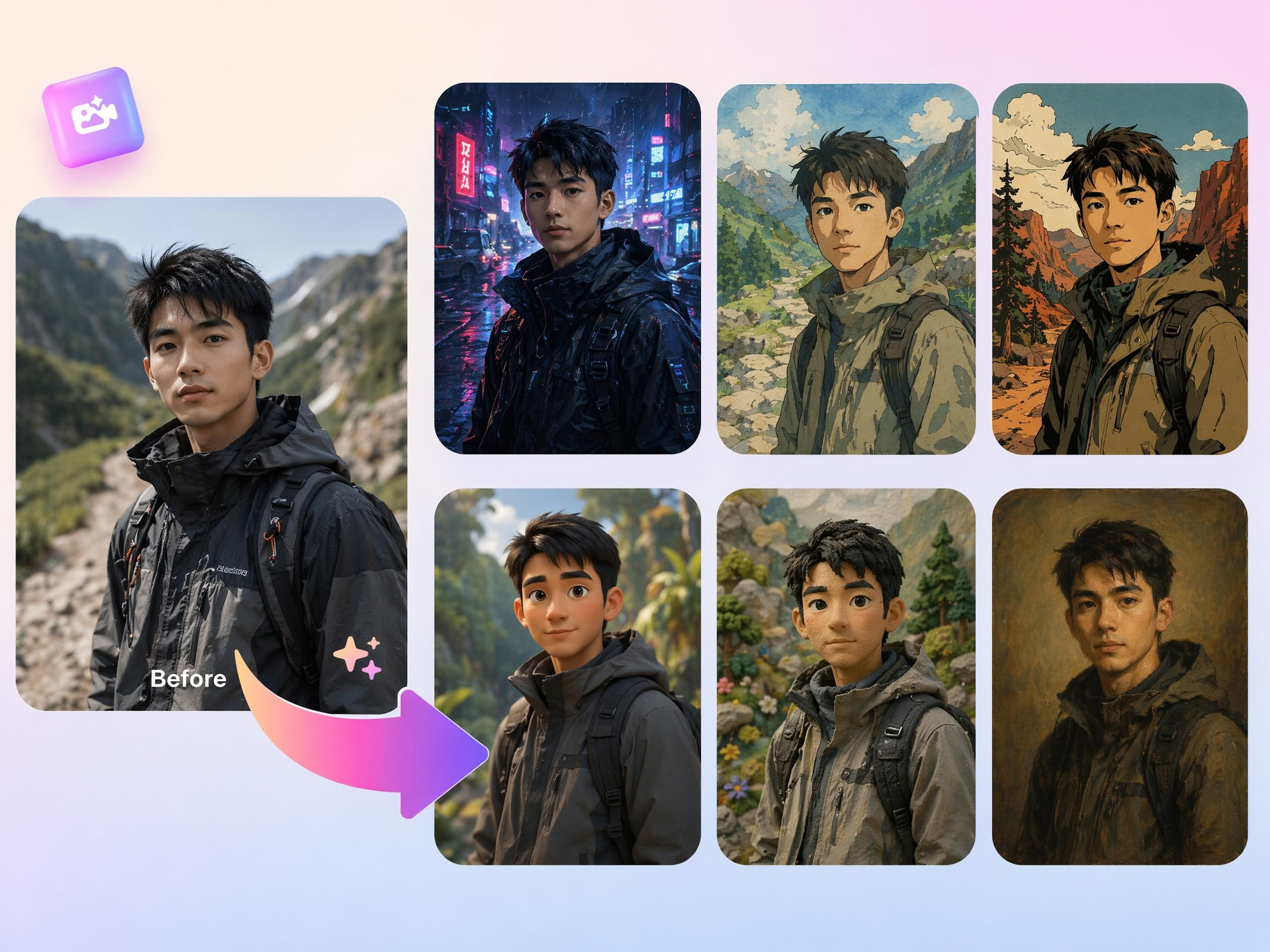
Keep the Subject, Change the Style
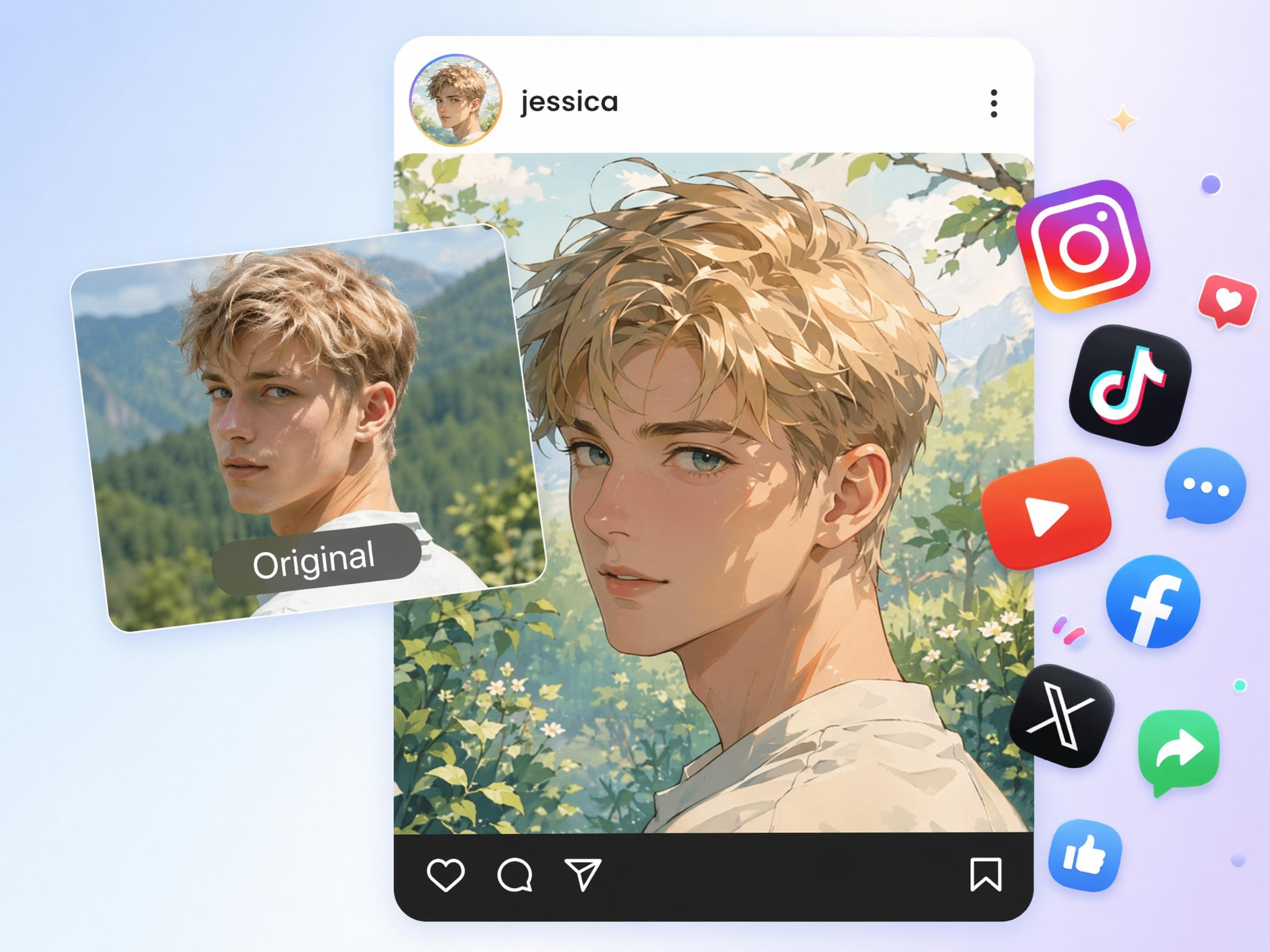
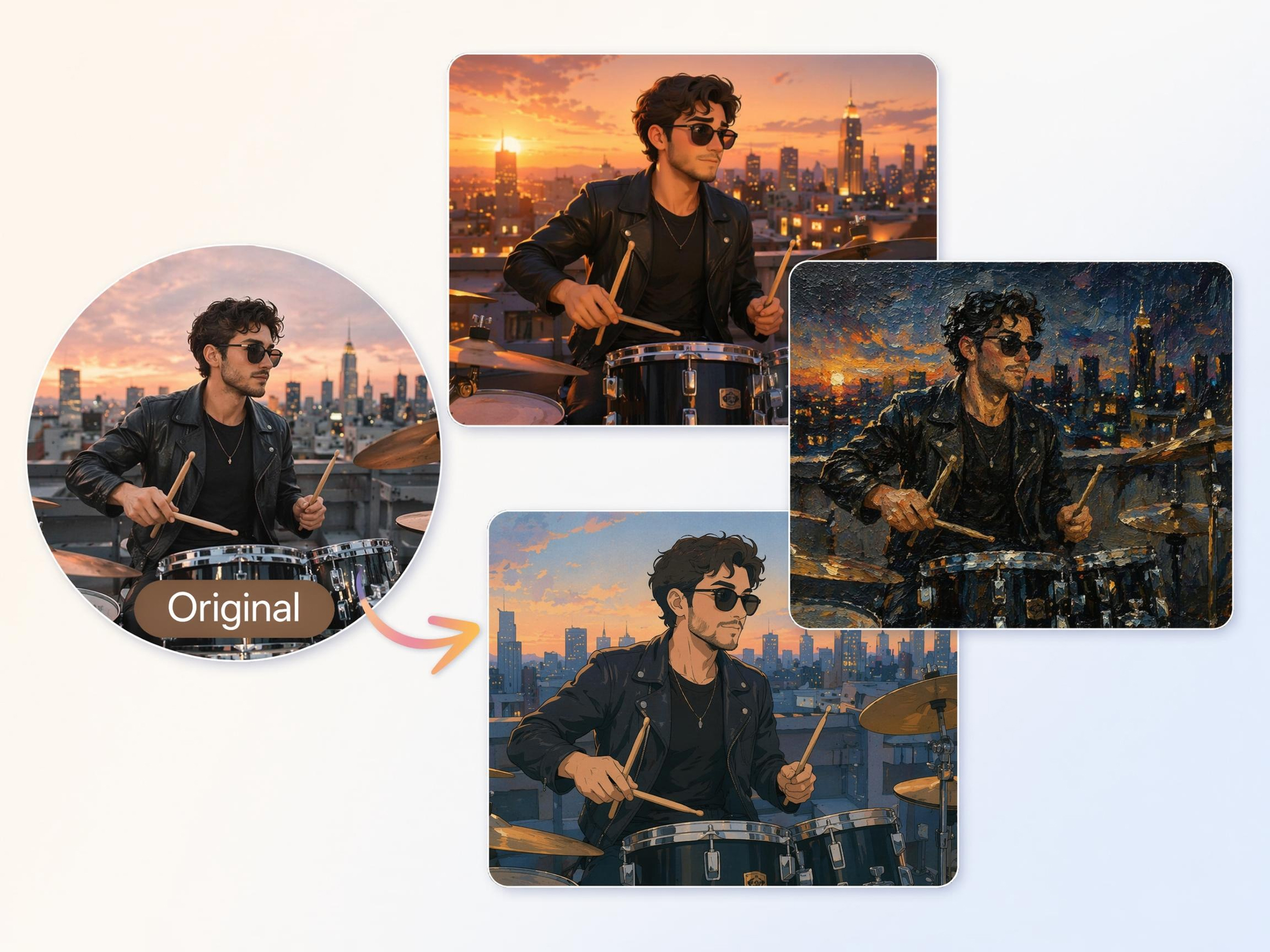
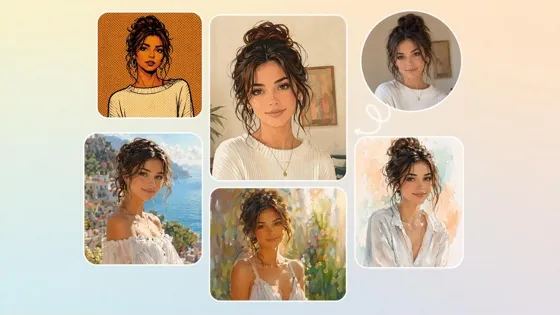
Turn an existing photo into a new visual style while keeping the main subject recognizable. Designkit's AI image to image workflow helps create anime, illustration, painting, or cinematic variations from the same source image.
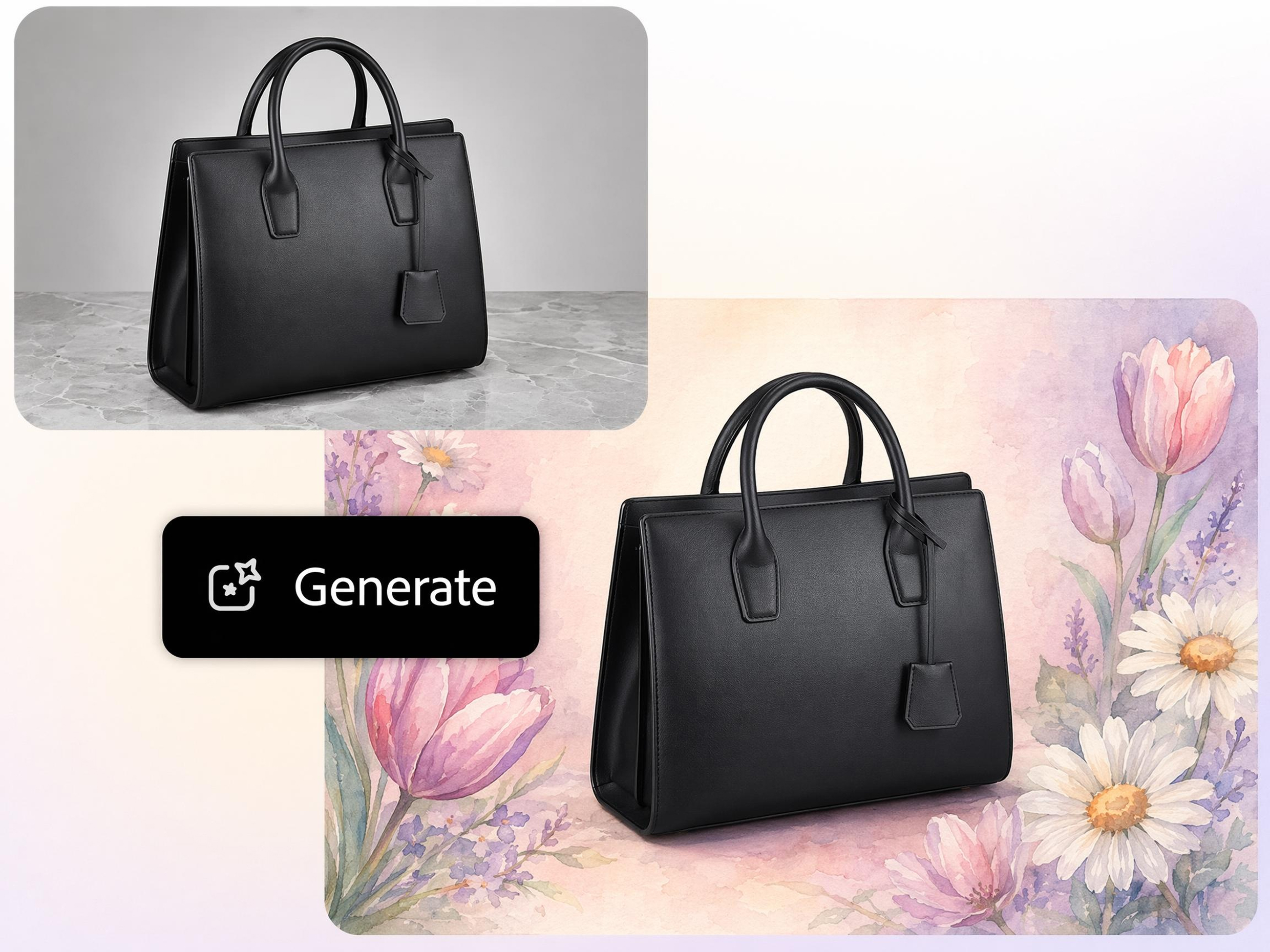
Get Several Versions from One Image
One image can support many creative directions. Designkit's AI image generator from images creates multiple interpretations from a single upload, so you can compare styles, moods, and concepts before choosing.
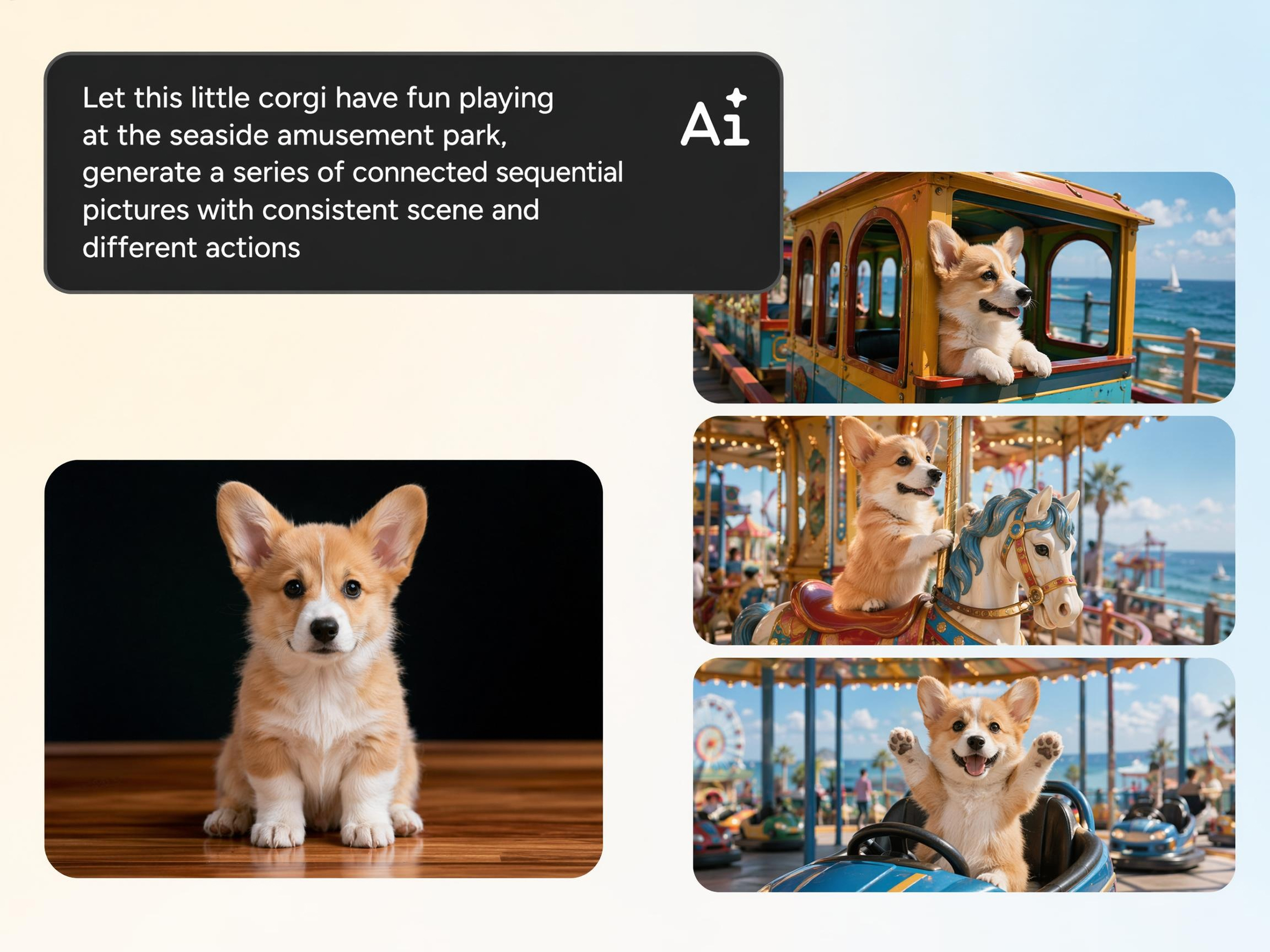
Create Consistent Visual Variations from Images
Marketing teams, creators, and designers often need several image options without rebuilding concepts from scratch. Designkit generates related visual variations that preserve core elements while introducing new creative directions.
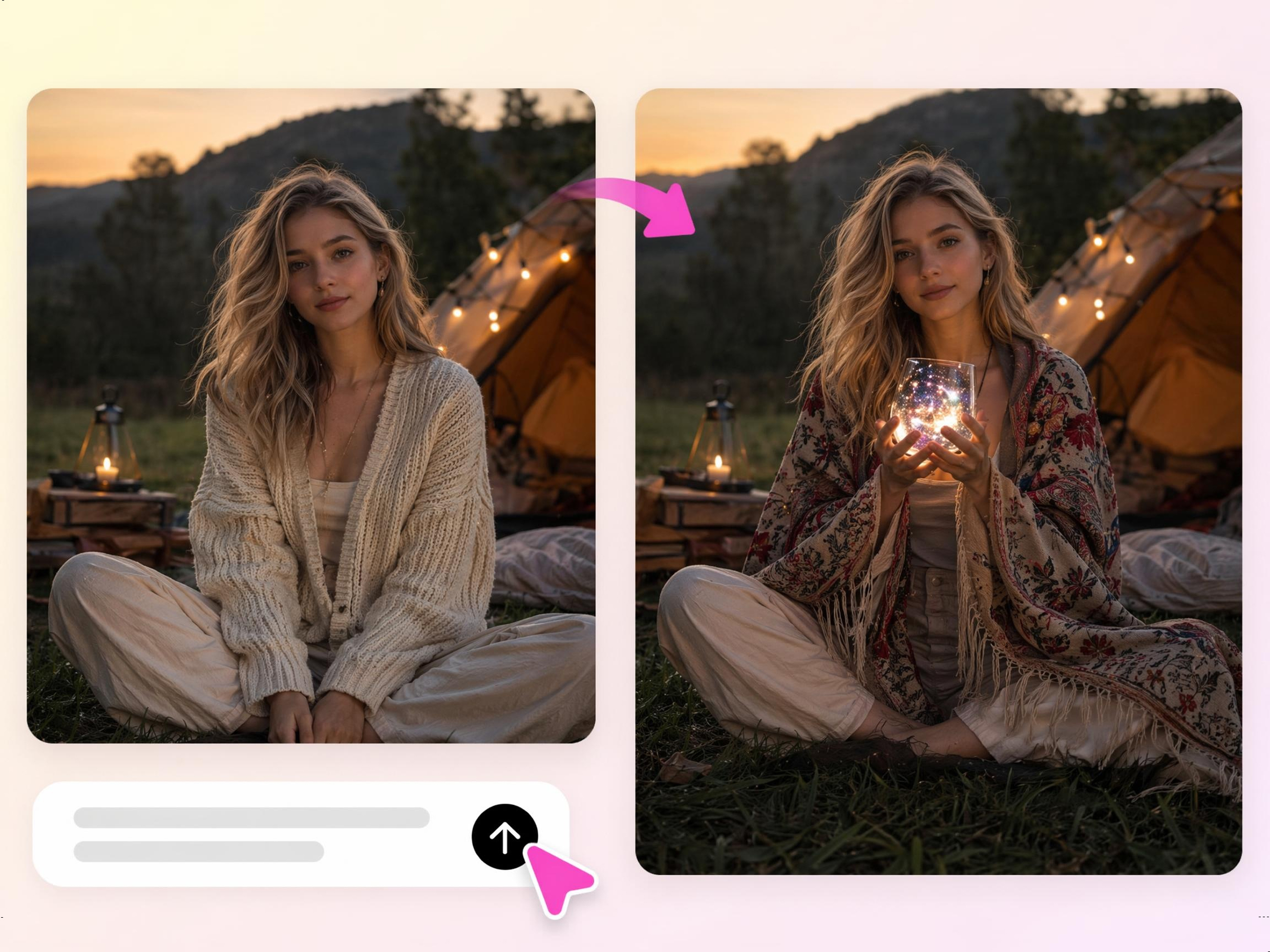
Control Image Details with Simple Prompts
Making targeted changes usually requires advanced editing tools and manual work. With Designkit's image to image AI editor, describe adjustments in plain language and generate updated versions without complex editing workflows.
Built for Every Team That Needs More From One Image
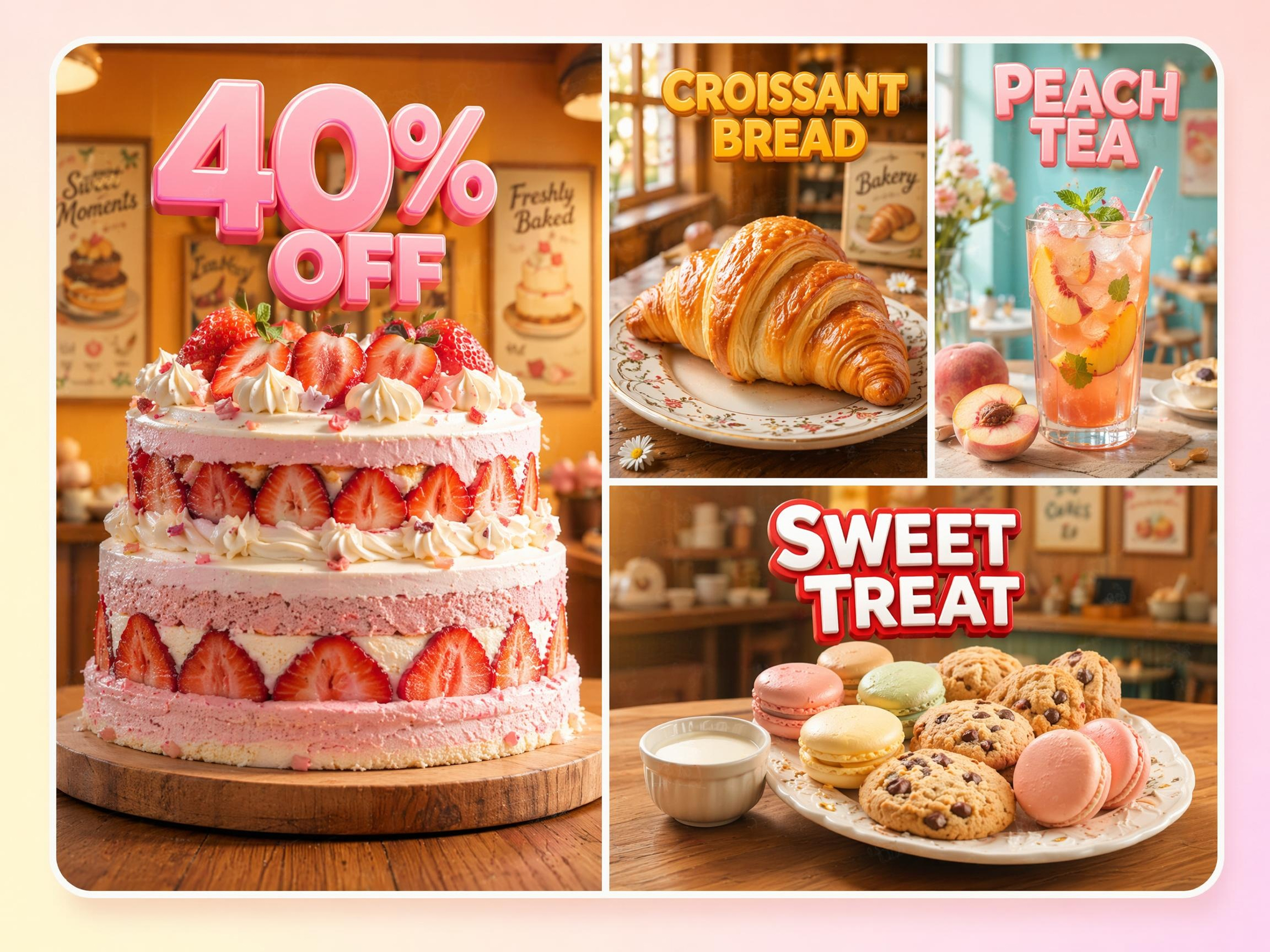
Make New Product Visuals Without Reshooting
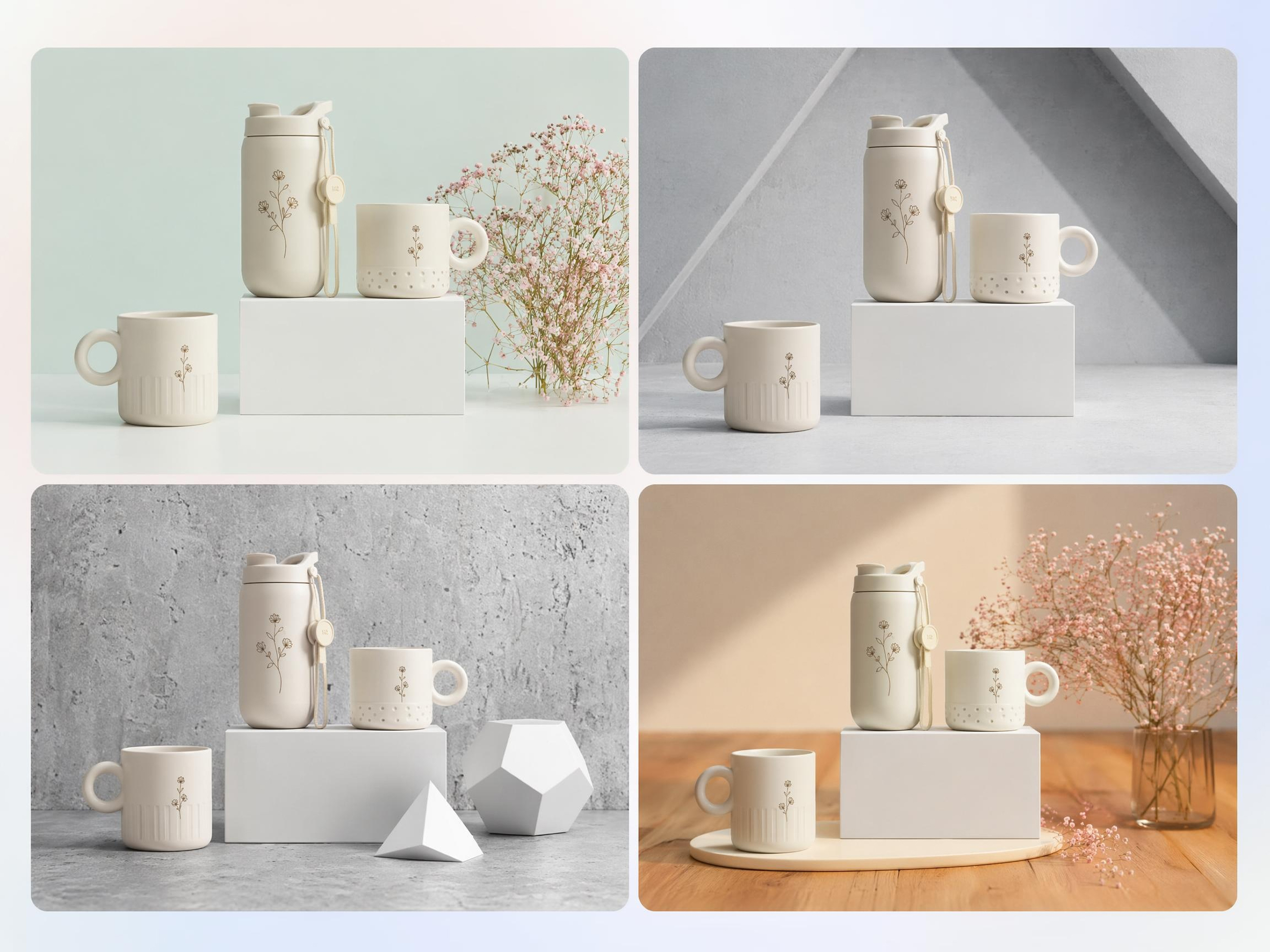
Seasonal campaigns, promotions, and marketplace updates often require fresh imagery, but new photoshoots increase cost and production time. Designkit's image to image AI generator transforms existing product photos into new visual concepts while keeping the product recognizable.
Why Creators Choose Designkit for Image to Image AI
Start from a Photo You Already Own
Turn existing images into new creative assets, reducing the need to create concepts or visuals from scratch.

Keep Structure While Changing Style
Preserve recognizable subjects and layouts while exploring entirely different visual directions and aesthetics.
Several AI Models in One Workspace
Compare different generation approaches in one place instead of switching between multiple creative tools.
No Reshoots and No Outsourced Design
Create new campaign visuals, concepts, and variations from existing images without additional production costs.
Adjust Results in Natural Language
Make revisions through simple instructions rather than learning complex editing tools or design workflows.
Usable Versions Back in Minutes
Generate multiple ready-to-use concepts quickly, making it easier to test, refine, and publish creative ideas.
Unlock More Creative Possibilities
AI Filter
AI Cartoon Character Maker
AI Icon Generator
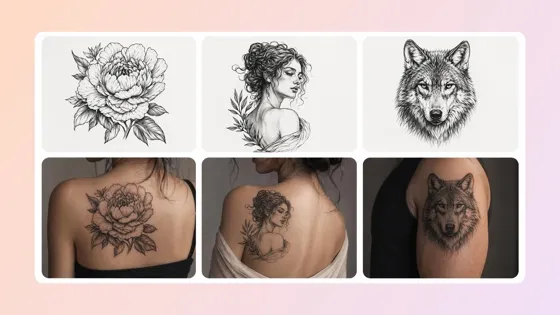
AI Tattoo Generator
Frequently Asked Questions
What is image to image AI, and how is it different from a normal photo editor?
Do the results look realistic, or do they look obviously AI-generated?
The result depends on the style and instructions you provide. Image to image AI can generate highly realistic variations or intentionally artistic outputs such as illustrations, paintings, and fantasy artwork. With Designkit, you can guide the level of realism through simple prompts, helping the generated image match your intended use case. More realistic instructions generally produce images that remain closer to the appearance of the original photo.
Can I keep the subject the same and only change the style?
Yes. One of the main advantages of image to image AI is the ability to preserve the subject while transforming the visual style. Designkit uses the uploaded image as a reference and applies the requested changes around it. For example, a portrait can become a comic illustration or an anime-style image while maintaining recognizable facial features, pose, and overall composition.
What kinds of changes can I make to an image?
You can change artistic style, colors, mood, lighting direction, textures, backgrounds, clothing appearance, visual themes, and more. Designkit allows you to describe the desired outcome in natural language, and the system generates a new version based on those instructions. The exact range of changes depends on the source image and the level of transformation requested.
How is image to image different from text to image?
Image to image starts with an existing picture, while text to image starts from a written prompt alone. Designkit uses the uploaded image as a visual reference, helping preserve important details such as subject, composition, and structure. Text to image creates everything from scratch, whereas image to image provides more control when you already have a photo or design that you want to modify.
Can ecommerce sellers use it for product and listing images?
Yes. Ecommerce sellers often use image to image workflows to create lifestyle scenes, seasonal variations, campaign visuals, and promotional graphics from existing product photos. Designkit helps generate new concepts without requiring a new photoshoot for every marketing need. However, sellers should always review marketplace requirements when using generated images for product listings.
Can I get several versions of the same photo at once?
Yes. Generating multiple variations from one image is a common use case for image to image AI. Designkit can create different styles, concepts, and visual directions from the same source image, making it easier to compare options before selecting a final version. This is especially useful when testing creative ideas, campaign concepts, or alternative visual approaches.
Do I need professional editing skills to use image to image AI?
No. Image to image AI is designed to reduce the need for advanced editing knowledge. Instead of learning complex tools, you upload an image and describe the changes you want. Designkit handles the generation process and produces updated versions based on your instructions. This allows creators, marketers, business owners, and everyday users to create image variations without traditional design experience.
Turn One Photo Into the Versions You Need
Upload any image, describe the changes you want, and instantly create new styles, backgrounds, and creative variations with AI.



What Users Say About Restyling Their Images
Users turn existing images into fresh creative assets without starting from scratch.
Skipped a Whole Product Shoot
We needed fresh campaign visuals but didn't have the time or budget for another photoshoot. I uploaded existing product photos and generated several new styles with Designkit. Seeing one image turn into multiple campaign-ready assets felt incredible. It saved us money and helped us launch on schedule.
Found My Direction Faster
I often get stuck choosing between different visual styles. Instead of rebuilding designs from scratch, I uploaded one concept and explored multiple directions. Seeing so many possibilities helped me make decisions much faster. It took away a lot of creative frustration.
My Old Photos Feel Current Again
I had photos that performed well but felt outdated. Designkit helped me transform them into fresh visuals that matched my current style. It was exciting seeing familiar images become something completely different. My content suddenly felt relevant again without creating everything from the beginning.
Reduced Design Outsourcing Costs
Our team needed fresh visuals for social media and promotions but couldn't justify hiring freelance designers for every campaign. Designkit helped us create multiple marketing image variations from existing assets, reducing outsourced design expenses by about 60% over three months.