
Enhance Video Quality to 4K Online Free
Turn low-resolution clips into sharp 4K with smoother frame rates. Drop, paste, or import from TikTok, IG, and YouTube. No signup needed.
Drag & drop, paste, or click to upload (MP4, MOV, M4V supported)
Try These Videos:
How to Enhance Video Quality in 3 Steps
Upload or Import Your Video
Drop, paste, or click to upload (.mp4, .mov, .m4v), or paste a TikTok, Instagram, YouTube, or Facebook link. Add several clips at once with batch upload.
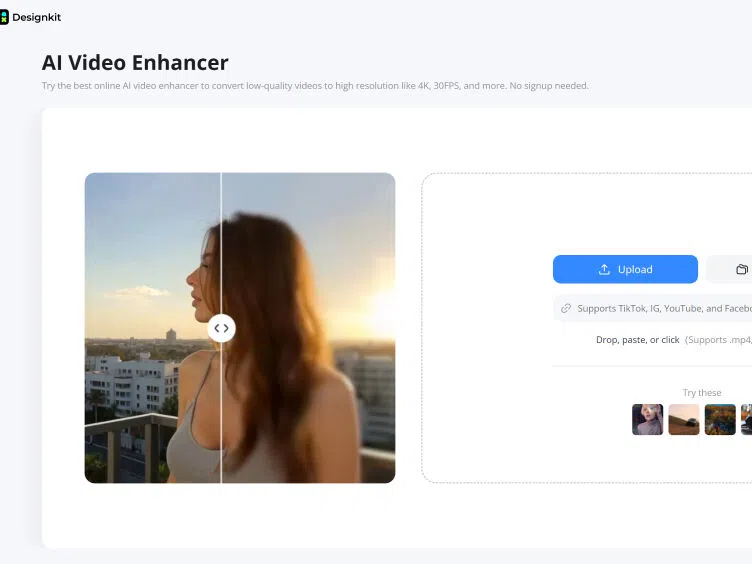
Choose 4K and Click Enhance
Pick your target resolution, 1K, 2K, or 4K, then hit Enhance. Designkit's AI upscales every frame, sharpens detail, and smooths motion automatically.
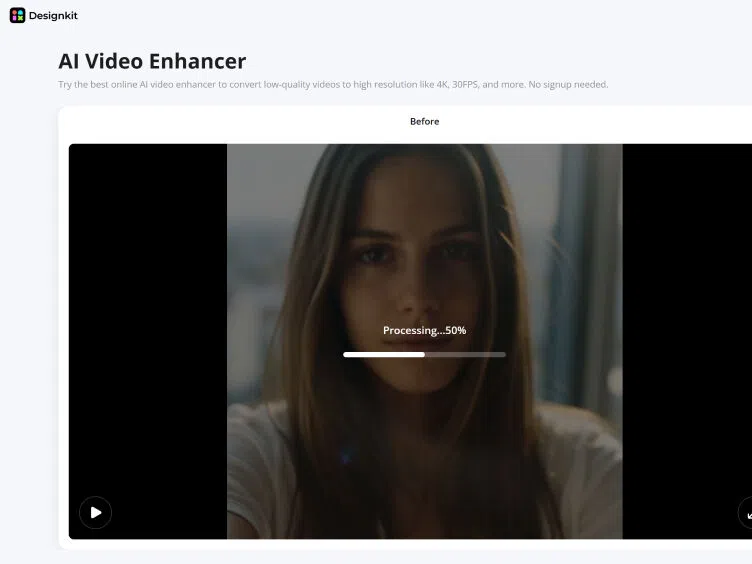
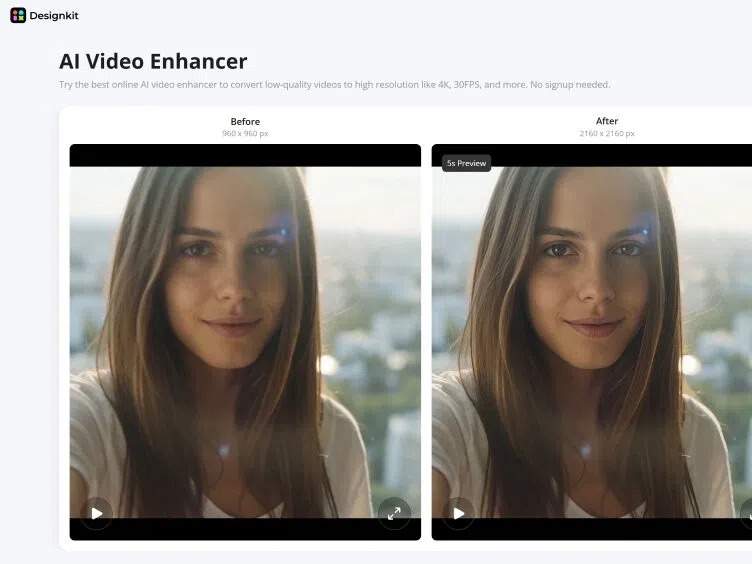
Preview and Export
Compare the original and enhanced clip side by side, then download it ready to post on TikTok, Reels, YouTube Shorts, or your product listings.
Improve Video Quality From Source to Output
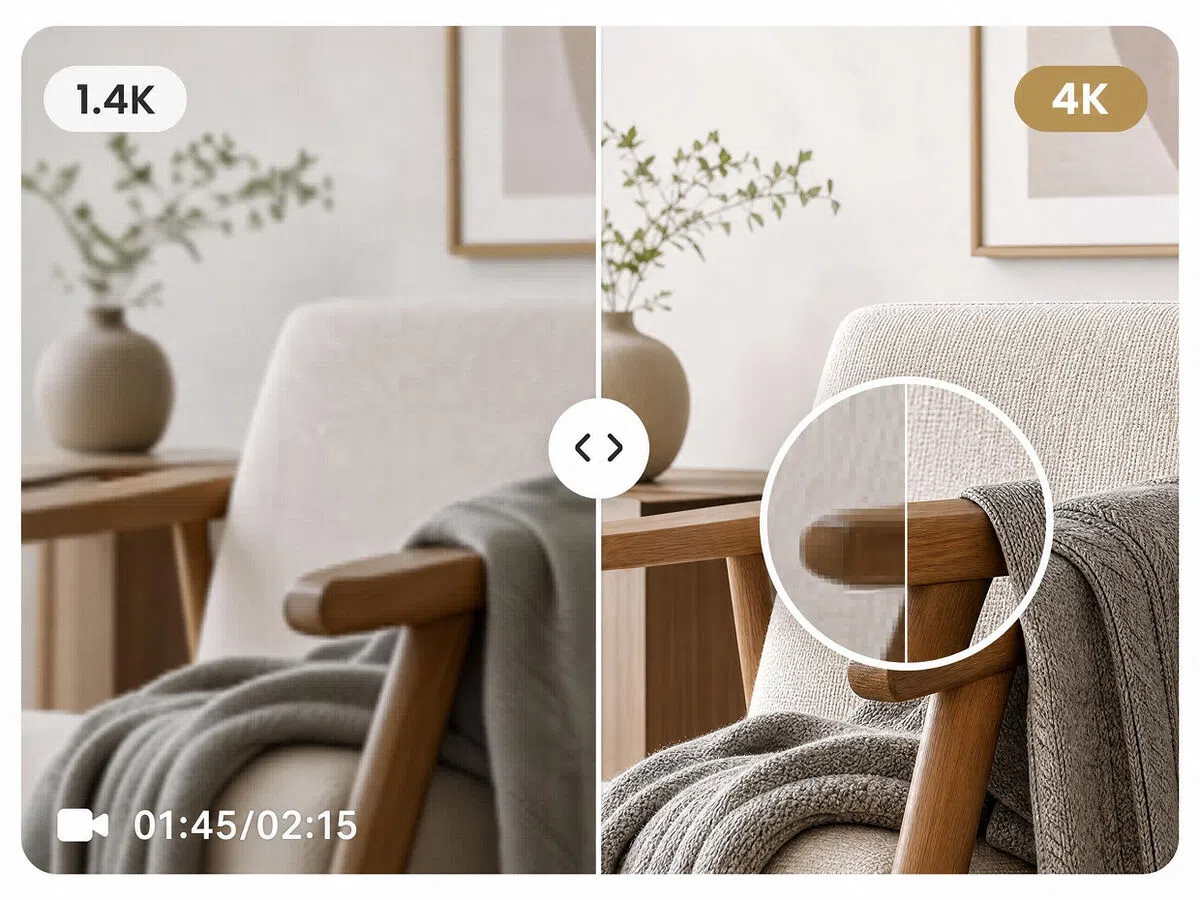
Upscale Video to 4K for Clearer Detail
Soft source footage can hide texture and make smaller details difficult to see. Increase the resolution up to 4K while preserving the original scene, so the video holds up better on larger displays.
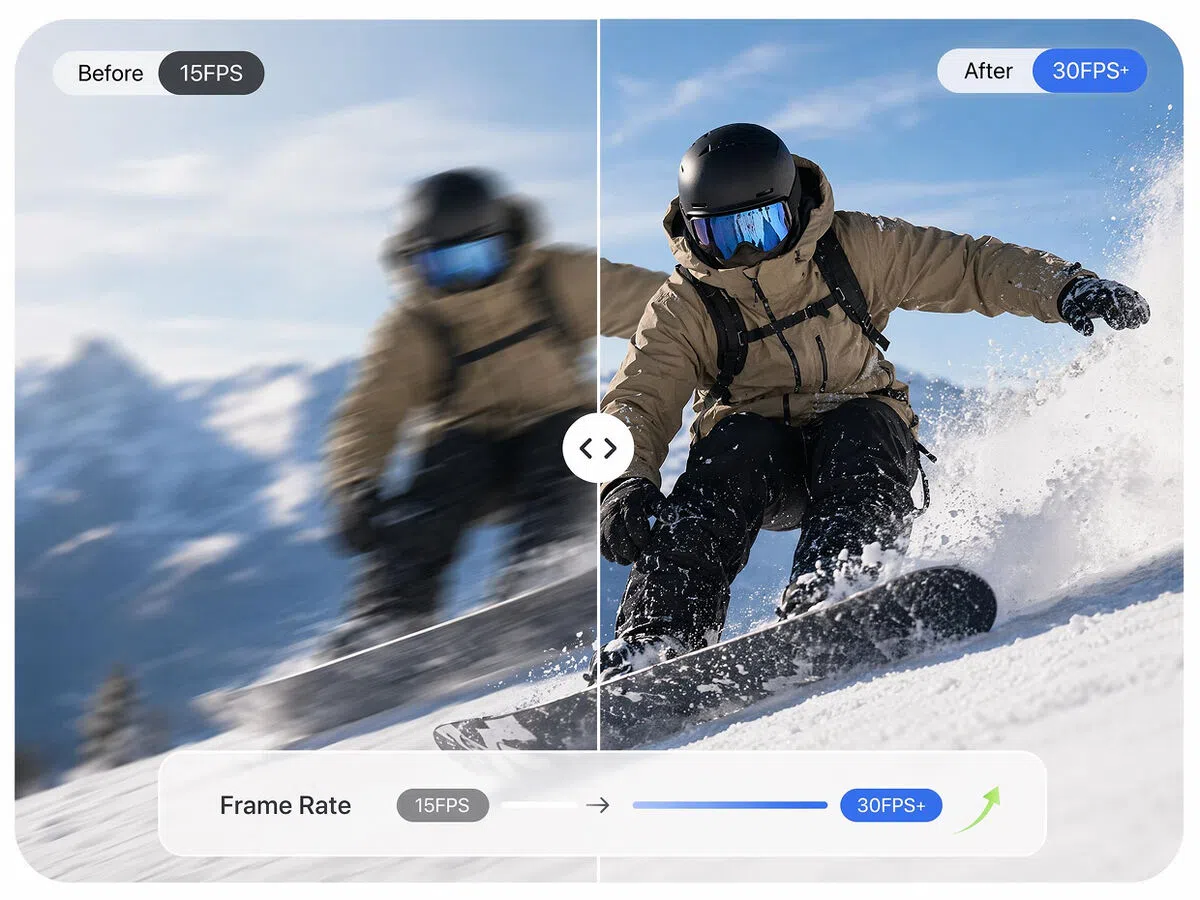
Increase Video Frame Rate for Smoother Motion
Low frame rates can make fast action and camera movement look uneven. Raise the video frame rate to 30 FPS or a supported higher setting for smoother, more natural playback.
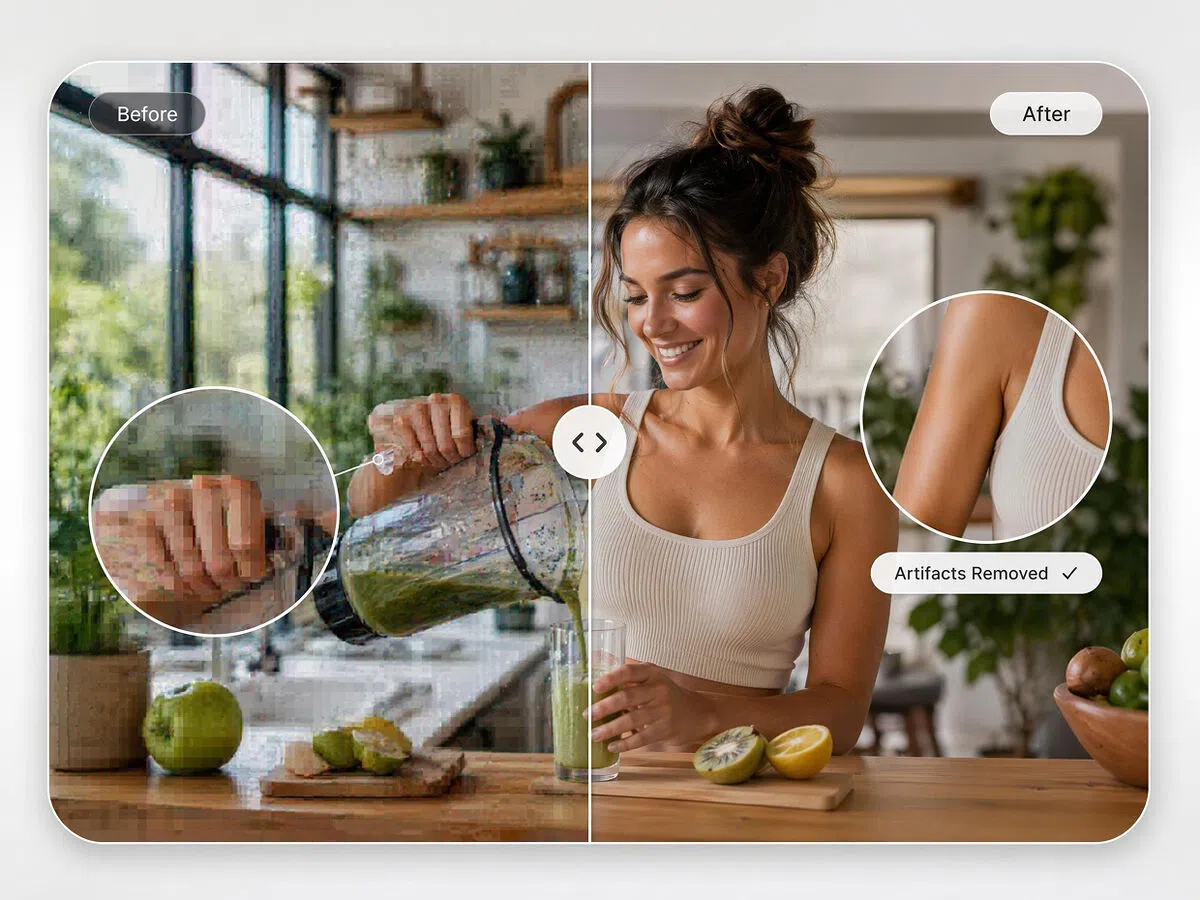
Unblur Video and Reduce Compression Artifacts
Repeated exports and uploads can leave footage blocky, grainy, or visibly blurred. Designkit reduces compression artifacts and cleans up soft edges while keeping the original content intact.
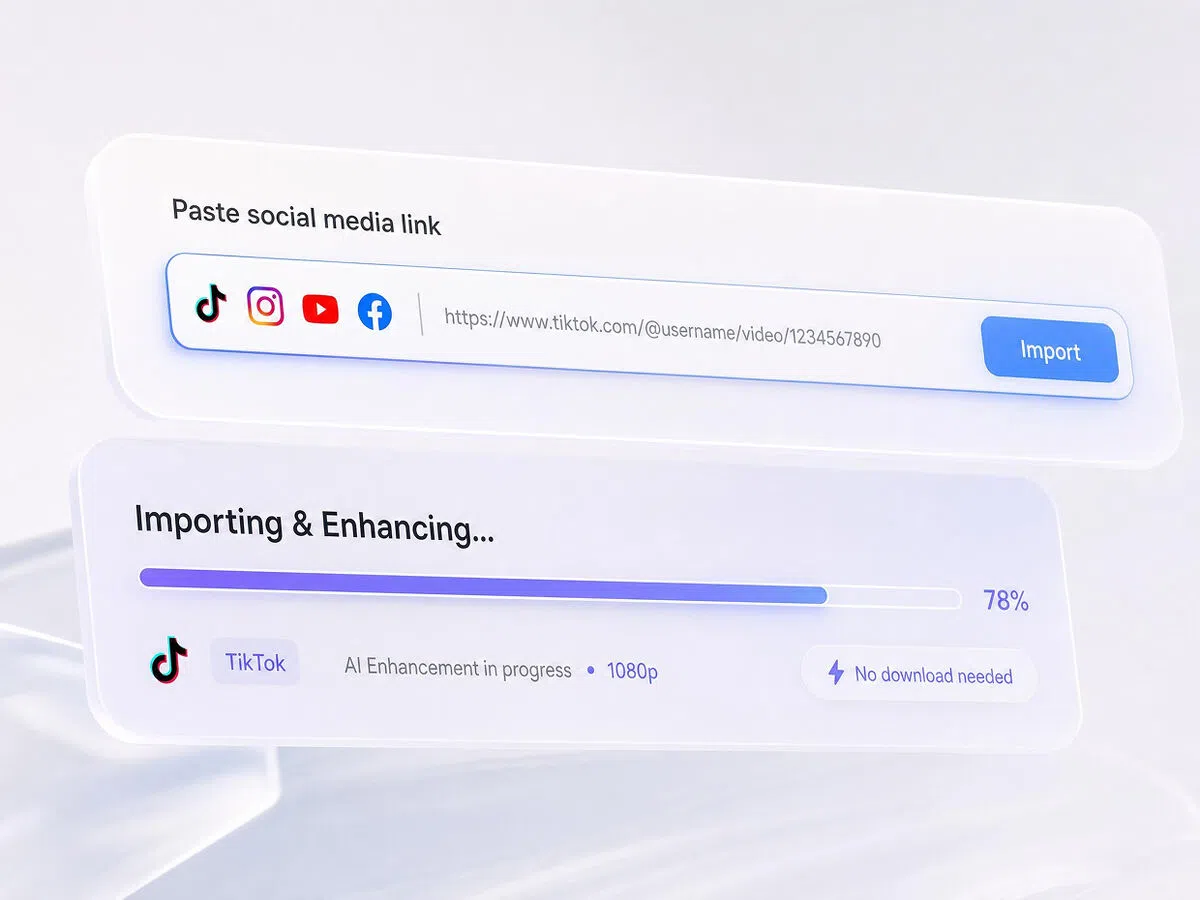
Import Social Videos From a Link
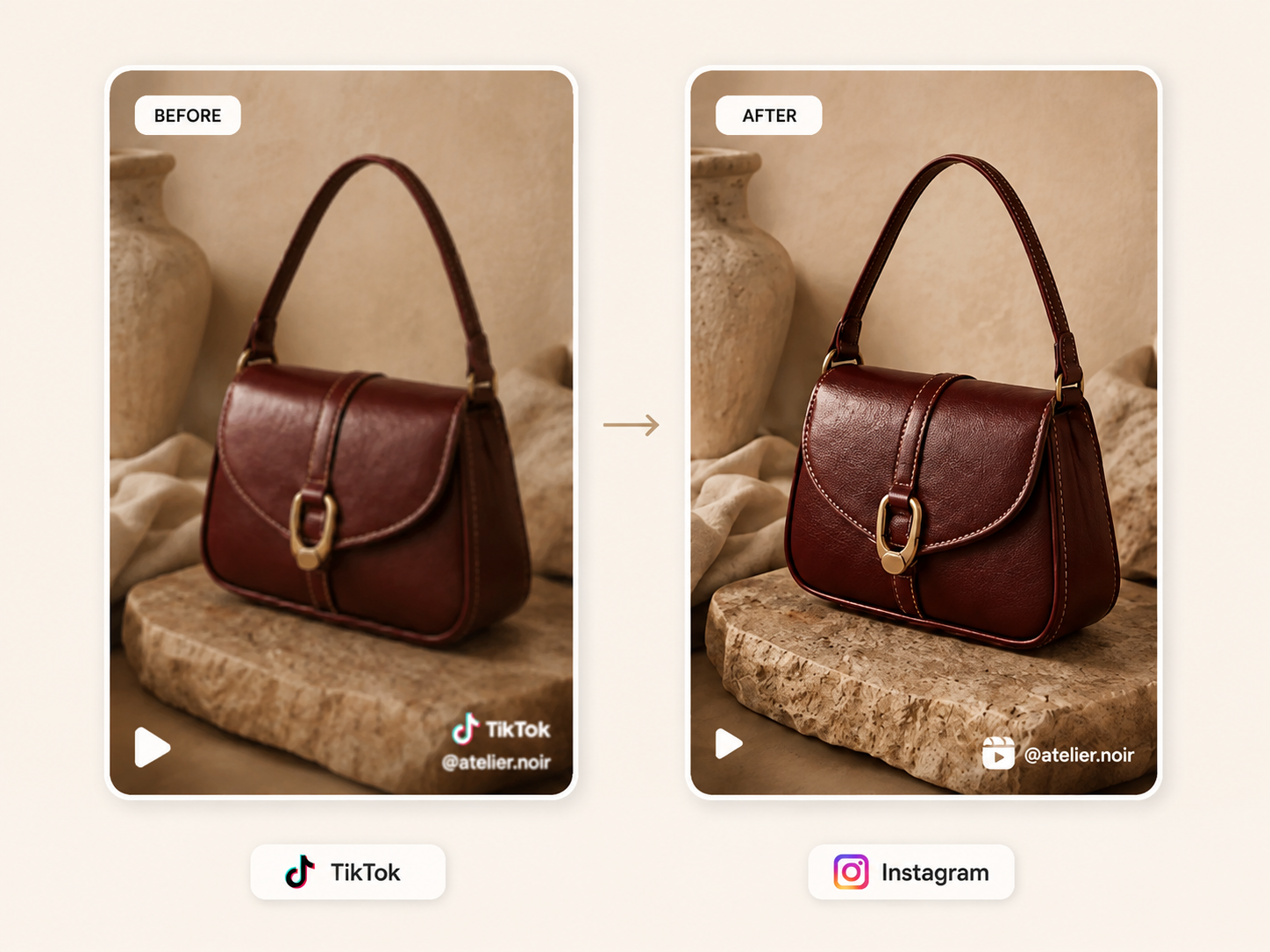
Paste a supported TikTok, Instagram, YouTube, or Facebook URL to bring the clip directly into the enhancer. Start improving the source without completing a separate download first.
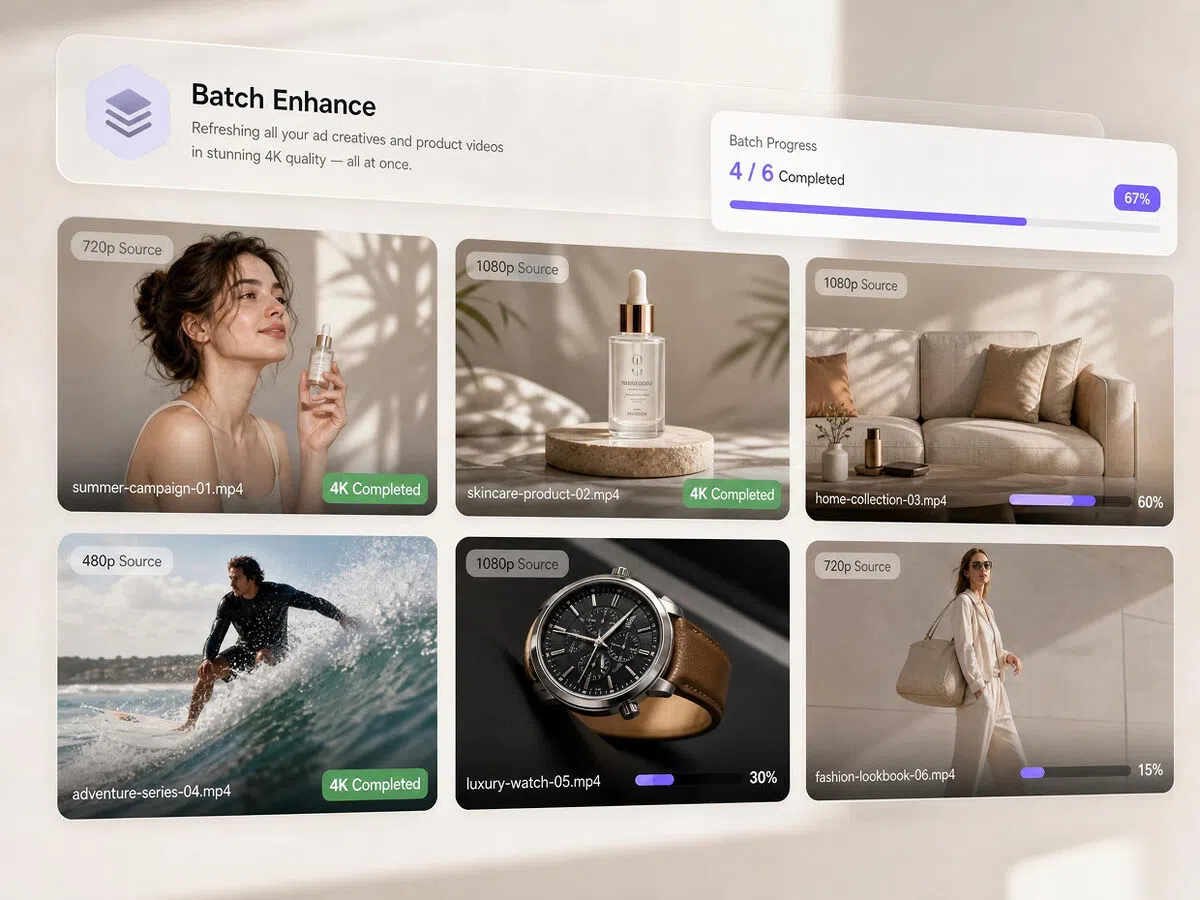
Enhance Multiple Videos in One Batch
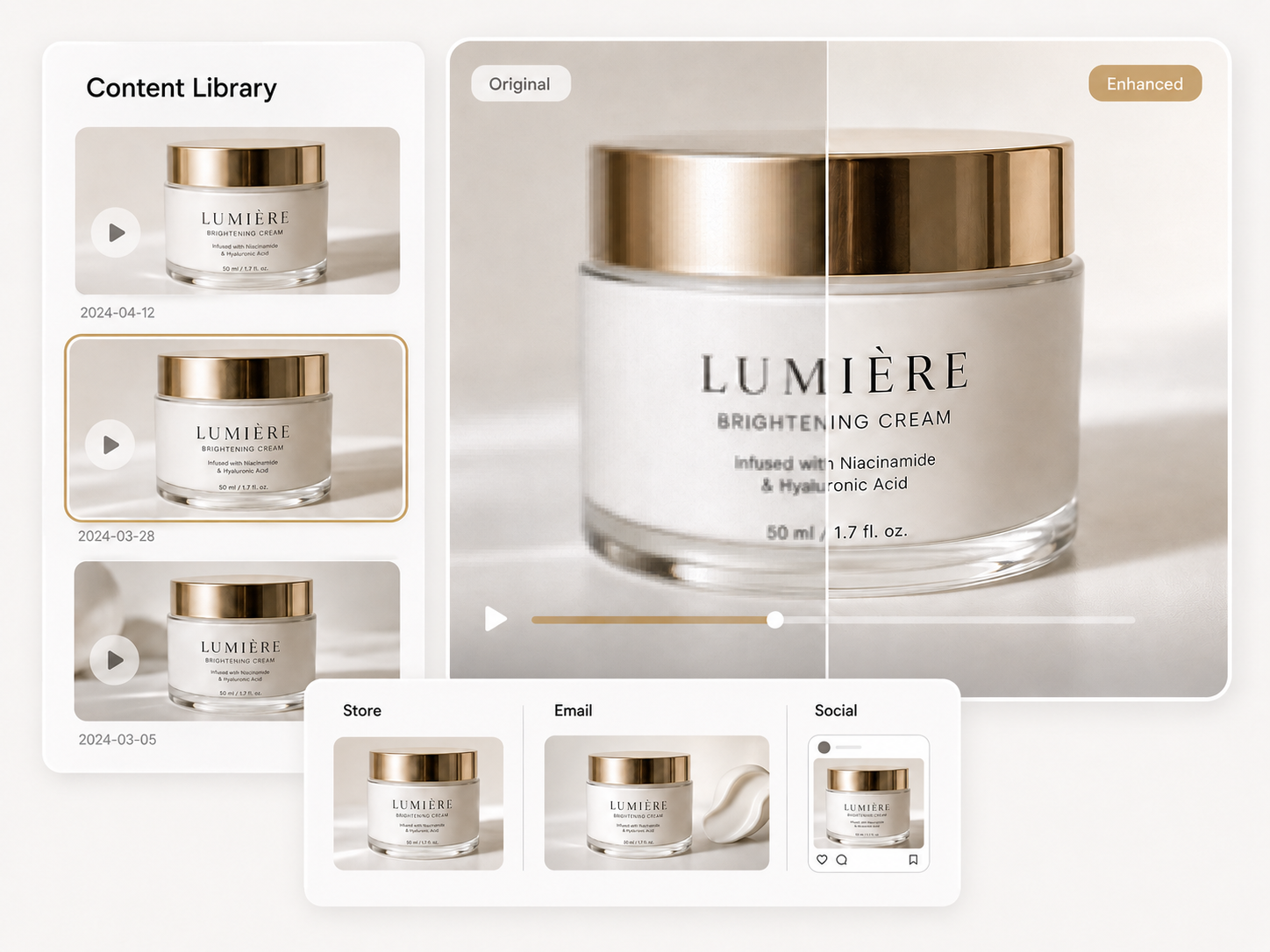
A larger content library should not require the same upload process for every clip. Designkit’s batch video enhancer keeps several files in one queue and lets you follow their progress together.
Improve Video Quality for Every Content Role
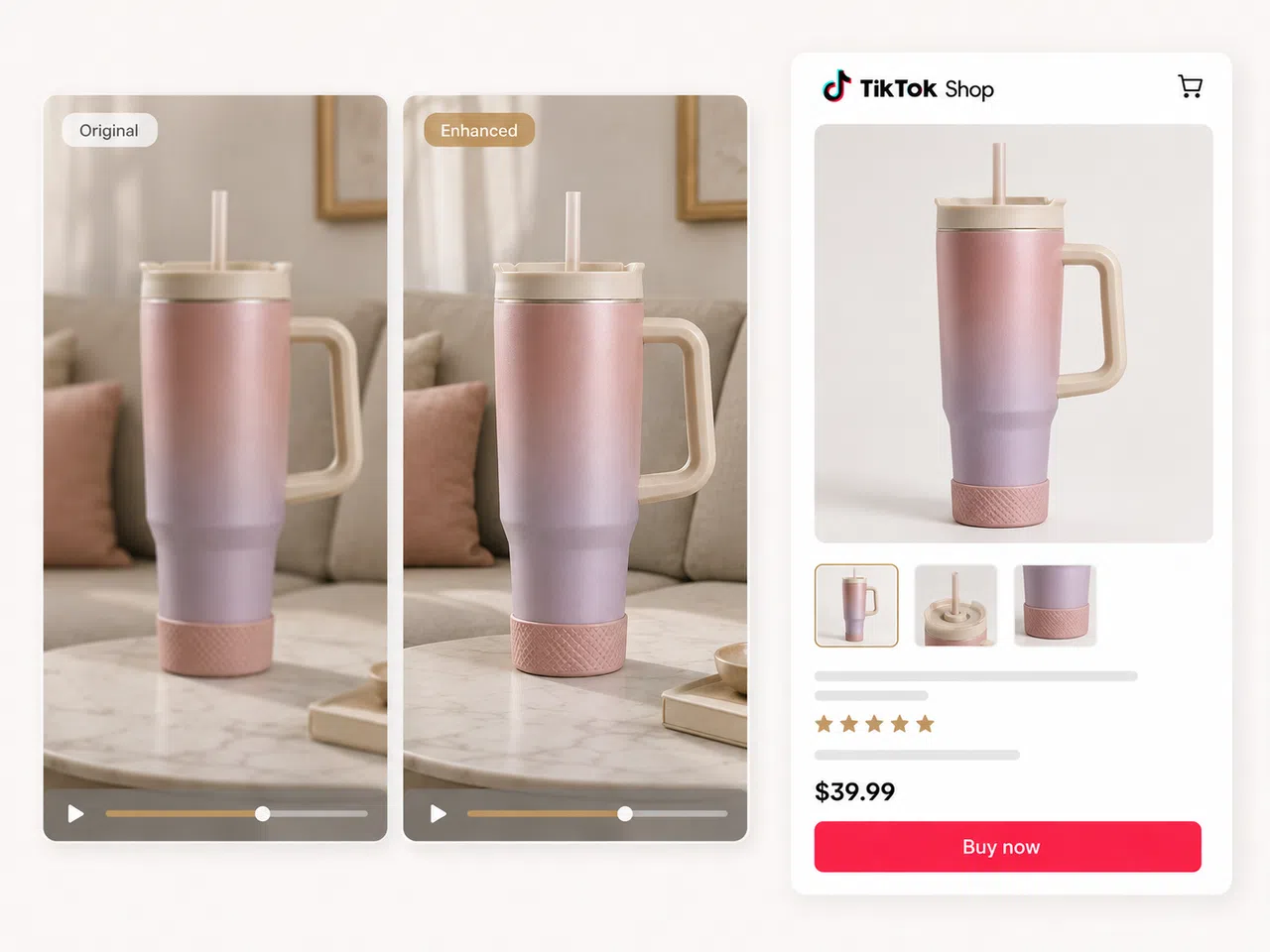
Make Product Details Easier to See
Low-quality supplier footage can make packaging, materials, and small details difficult to judge on a mobile screen. Improve clarity before posting to TikTok Shop, so shoppers get a clearer view of the item.
Why Choose Designkit for Video Enhancement

No Signup or Software Install Needed
Enhance videos straight in your browser with no account and no download. Paste a link or drop a file and start in seconds.

Made for Social and Brand Content
Designkit supports product videos, social posts, and everyday brand content in one connected creative workflow.

Link Import and Batch in One Place
Pull clips directly from TikTok, IG, YouTube, and Facebook and enhance them in bulk, something single-file desktop tools can't match.

No Reshoots, No Editing Skills
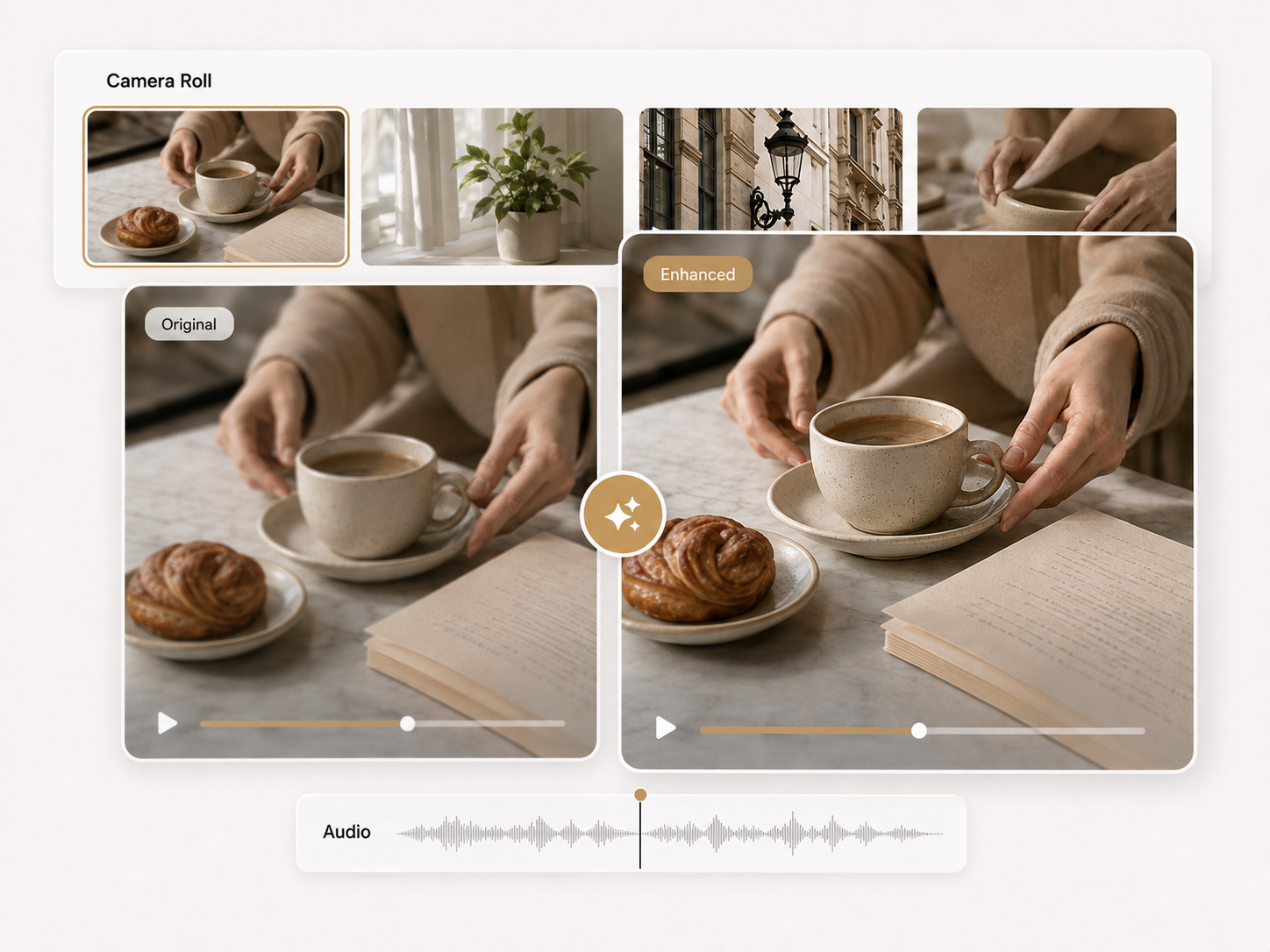
Improve footage you already have instead of paying for new shoots or learning complex editing software.

Consistent Quality Across Channels
Keep resolution and look uniform whether the clip goes to a listing, an ad, or a social feed.

Free to Start, Results in Minutes
Run your first enhancement with no account and no cost, and get a usable clip back fast.
Unlock More Creative Possibilities
AI Image to Video Generator
AI Instagram Video Maker
Script to Video AI
AI Text to Video
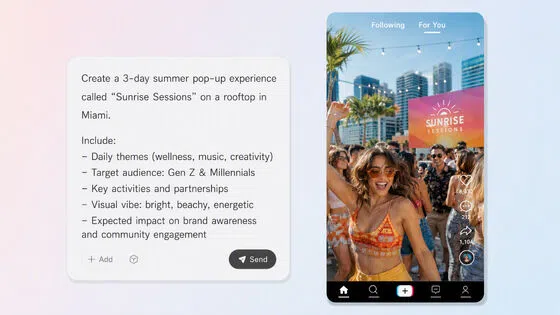
TikTok Script Generator
TikTok Video Maker
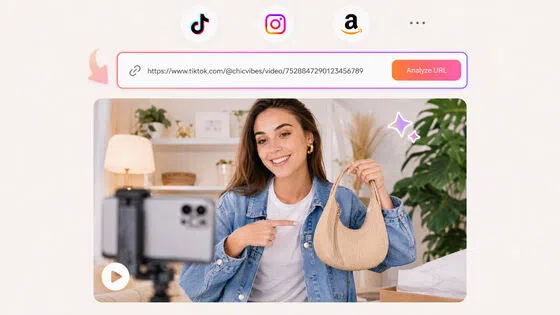
URL to Video

AI Video Agent
Frequently Asked Questions
What is an AI video enhancer?
How do I enhance video quality online?
Upload a file (.mp4, .mov, .m4v) or paste a TikTok, Instagram, YouTube, or Facebook link, choose your target resolution or frame rate, then preview and download the enhanced clip.
Is it really free, and do I need to sign up?
You can enhance videos without creating an account. Just drop, paste, or import a clip to get started.
Can I import videos directly from social media?
Yes. Paste a link from TikTok, Instagram, YouTube, or Facebook and the video imports for enhancing—no downloading the original first.
Can I enhance more than one video at a time?
Yes. Batch upload lets you process multiple clips together, which is handy for refreshing a full set of product or ad videos.
What resolutions and frame rates are supported?
You can upscale footage up to 4K and raise frame rates such as 30FPS for smoother motion, depending on your source clip.
Will the enhanced video actually look natural?
The AI rebuilds detail frame by frame to keep results sharp and realistic, avoiding the over-smoothed, plastic look that crude upscalers often produce.
What video formats can I upload?
The tool supports common formats including .mp4, .mov, and .m4v.
Turn Low-Quality Clips Into Sharp, Share-Ready Video
Upload or paste a link and let AI upscale your video to crisp 4K. Free, with no signup needed.

What Sellers and Creators Say About Designkit
Real experiences improving product footage, creator clips, ad variations, and previously published social content.
The Link Found My Clip
An approved brand clip was still on Instagram, but the original file had disappeared into an old project folder. I imported the post from its link, improved the source, and reused the cleaned version in our next content cycle.
Supplier Footage Became Usable
Our supplier’s product video looked soft enough that the packaging became difficult to read on the store page. I upscaled the original clip before publishing it, and the label and finish were clear enough to keep the footage instead of requesting another file.
Fast Motion Stayed Watchable
I run a bunch of ad variants and used to enhance them one by one in another tool. Being able to drop a whole batch in and import straight from our TikTok saves me a ton of clicking around.
One Batch Cleared the Queue
Several ad variations from an earlier launch needed another round of testing. I added the full set to one batch and reviewed the results together, which saved me from reopening the enhancer and repeating the setup for every version.
The Old Clip Fit Again
I found an older phone clip that fit a new story, but it looked rough beside my recent footage. Cleaning up the blur and compression helped it sit naturally in the sequence, so the quality shift no longer pulled attention away from the content.