
Ideogram AI Review: Is It Worth Using in 2026?
Explore this Ideogram AI review to see how its image generator works, assess image quality and text rendering, check pricing, and compare alternatives for different creative needs.


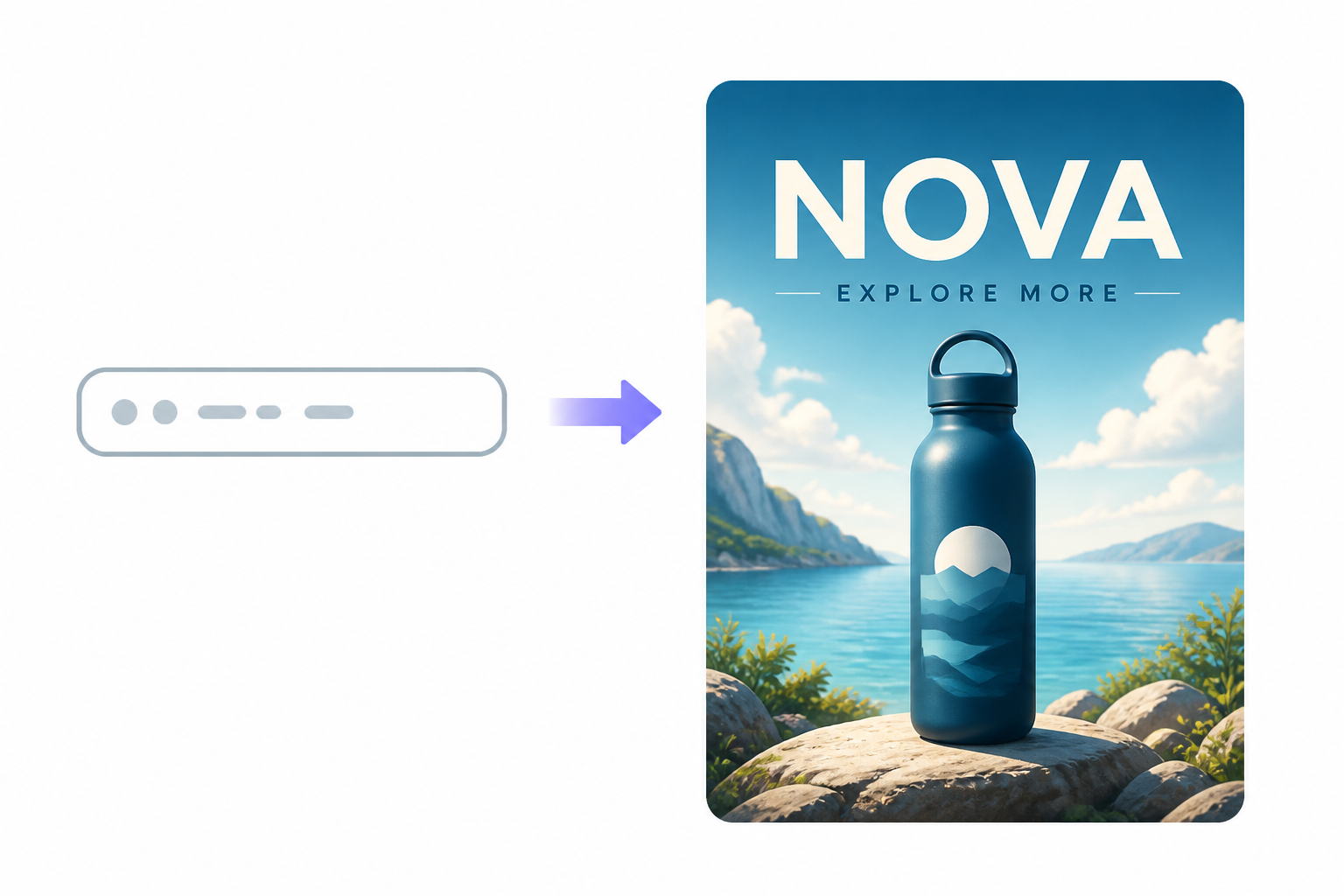
Ideogram AI is an AI image generator designed to turn text prompts into visual content, with particular strength in generating readable text inside images. It can be useful for posters, logos, social media graphics, illustrations, and other designs where typography is part of the visual.
In this Ideogram AI review, we'll look at how the Ideogram image generator works, how its outputs perform in practice, its text-rendering capabilities, pricing, limitations, and alternatives. We'll also compare it with Designkit where the use cases overlap, so you can choose a tool based on the type of content you actually need to create.
Key takeaways
-
Ideogram is primarily a text-to-image platform for creating creative visuals from prompts.
-
Its text rendering is one of its most notable advantages.
-
It works well for posters, logos, social graphics, illustrations, and visual concepts.
-
Output quality depends on the prompt, composition, style, and generation settings.
-
Ideogram has free access as well as paid plans with higher usage limits and additional capabilities.
-
Its strengths are more apparent in creative and typography-focused projects than in complete product-content workflows.
-
Designkit is a better fit when the goal is to create product visuals, marketing assets, and related content from one workflow.
What is Ideogram and what can you create with it?
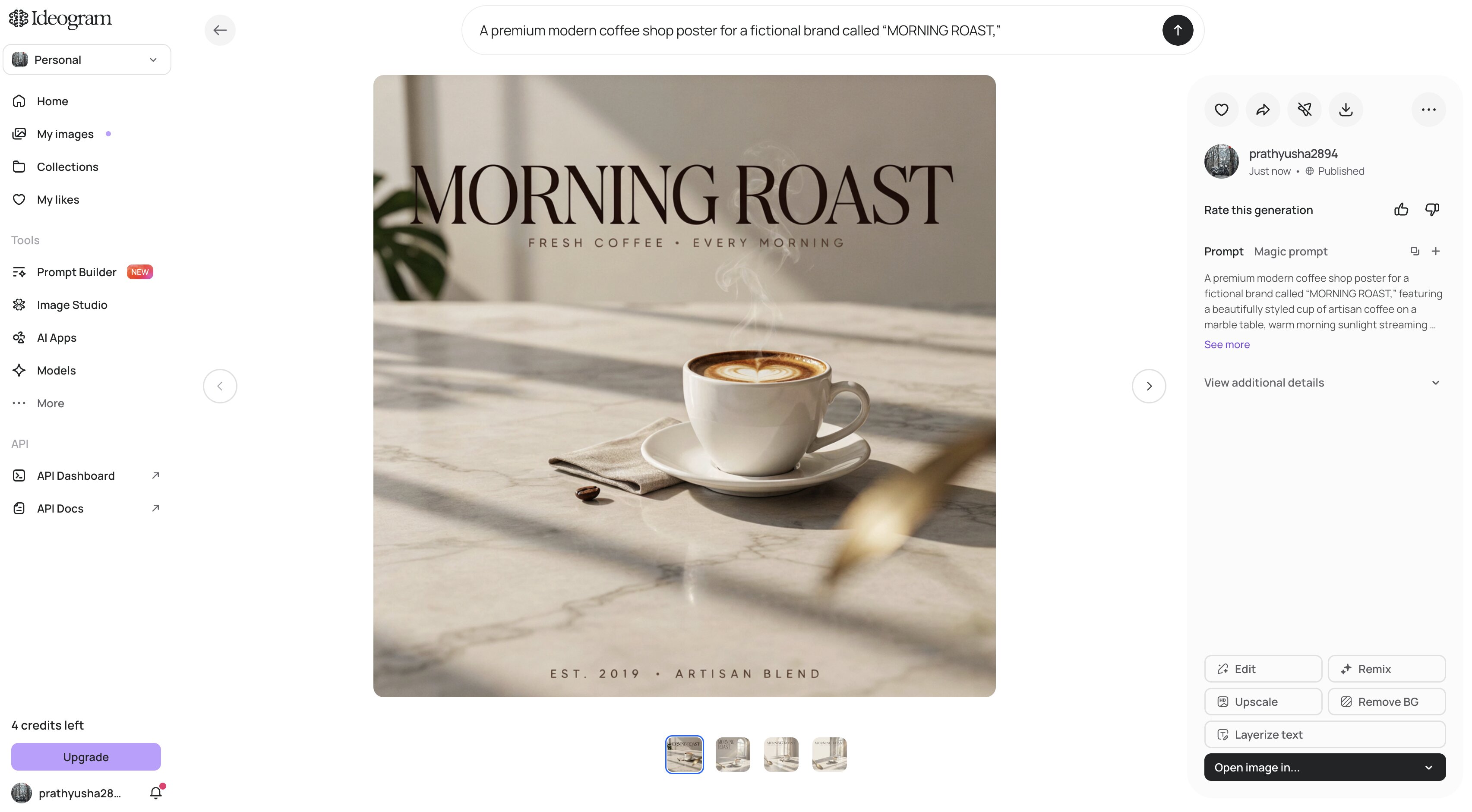
Ideogram is an AI image generator that turns text prompts into images, with a particular focus on typography and text-heavy designs. It is designed for creators, designers, marketers, and businesses that want to explore visual concepts without building every element manually. You can describe the subject, style, composition, colors, and wording you want, then generate image variations based on those instructions. This makes it useful for posters, logos, social media graphics, illustrations, advertising concepts, and other designs where the visual and written elements need to work together.
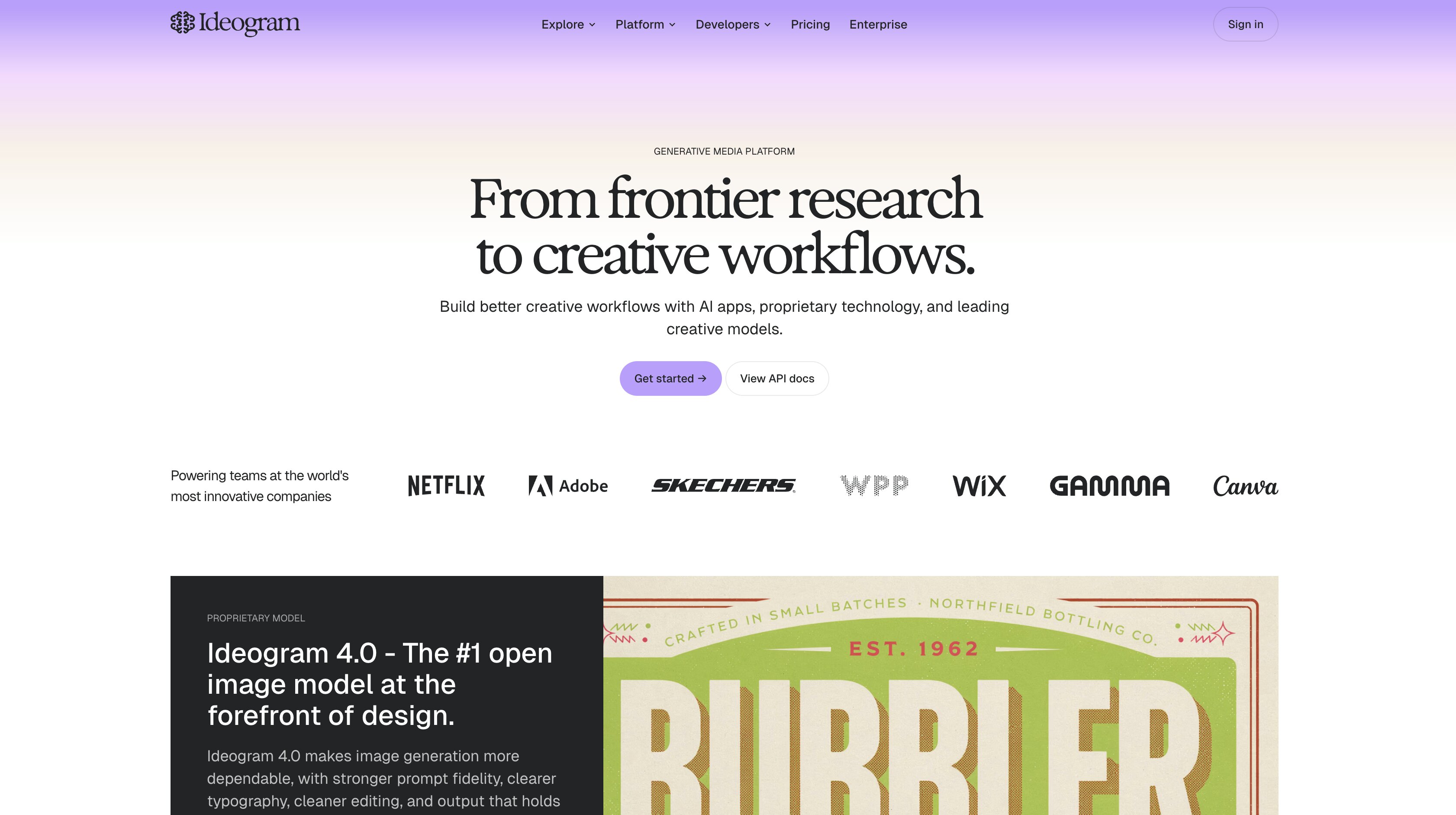
What's particularly interesting about the platform is how it handles text in generated images. AI image generators have struggled for a long time to generate readable and correctly spelled text, but Ideogram was built with typography-focused generation in mind. While longer or more complex wording may still yield different results, the ability is practical for concepting promotional graphics, event posters, quote images, branded visual ideas, and more. For more detailed designs, the output created here can serve as a starting point and be further refined in a separate design workflow.
How does the Ideogram image generator work?
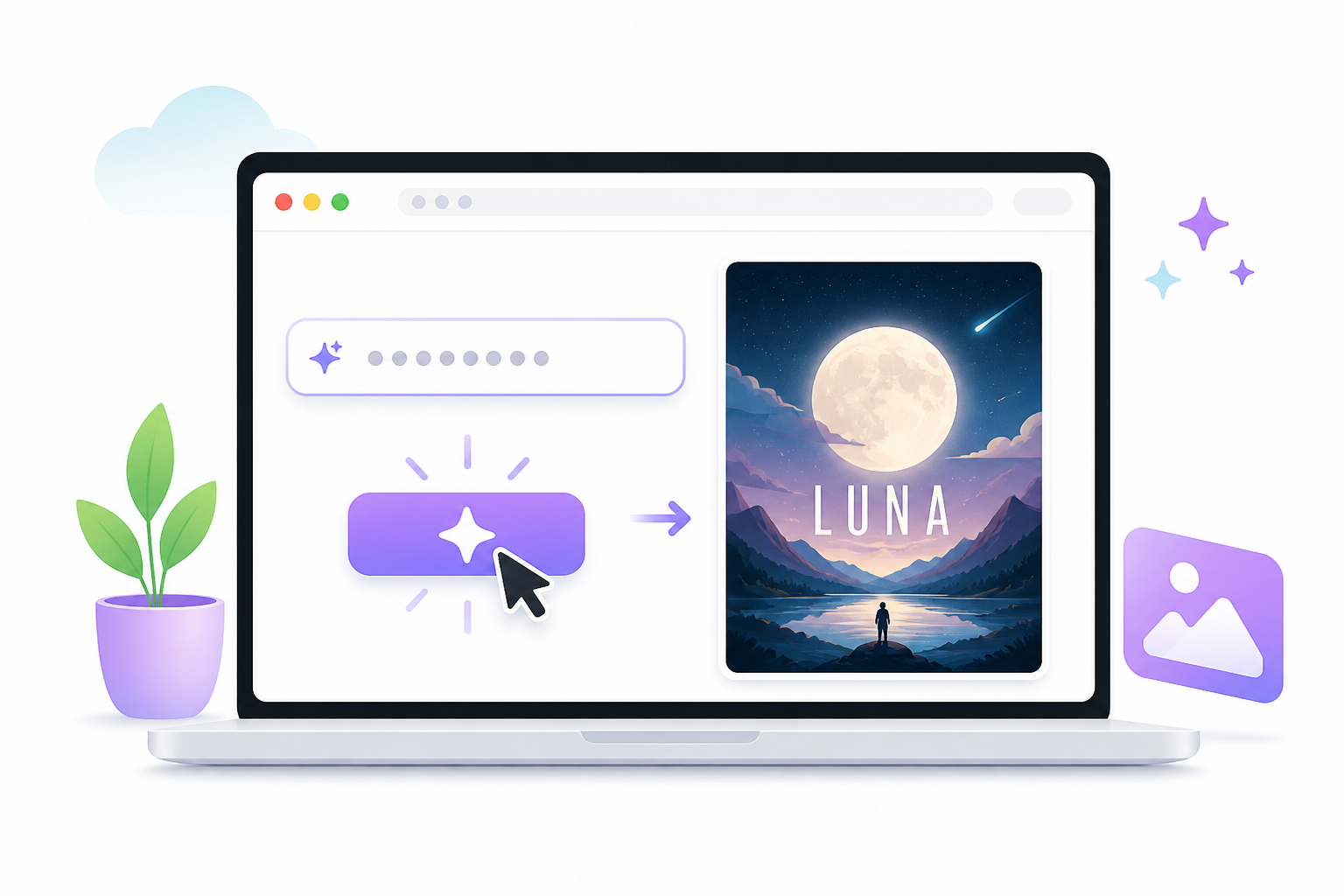
The Ideogram image generator follows a simple prompt to image workflow:
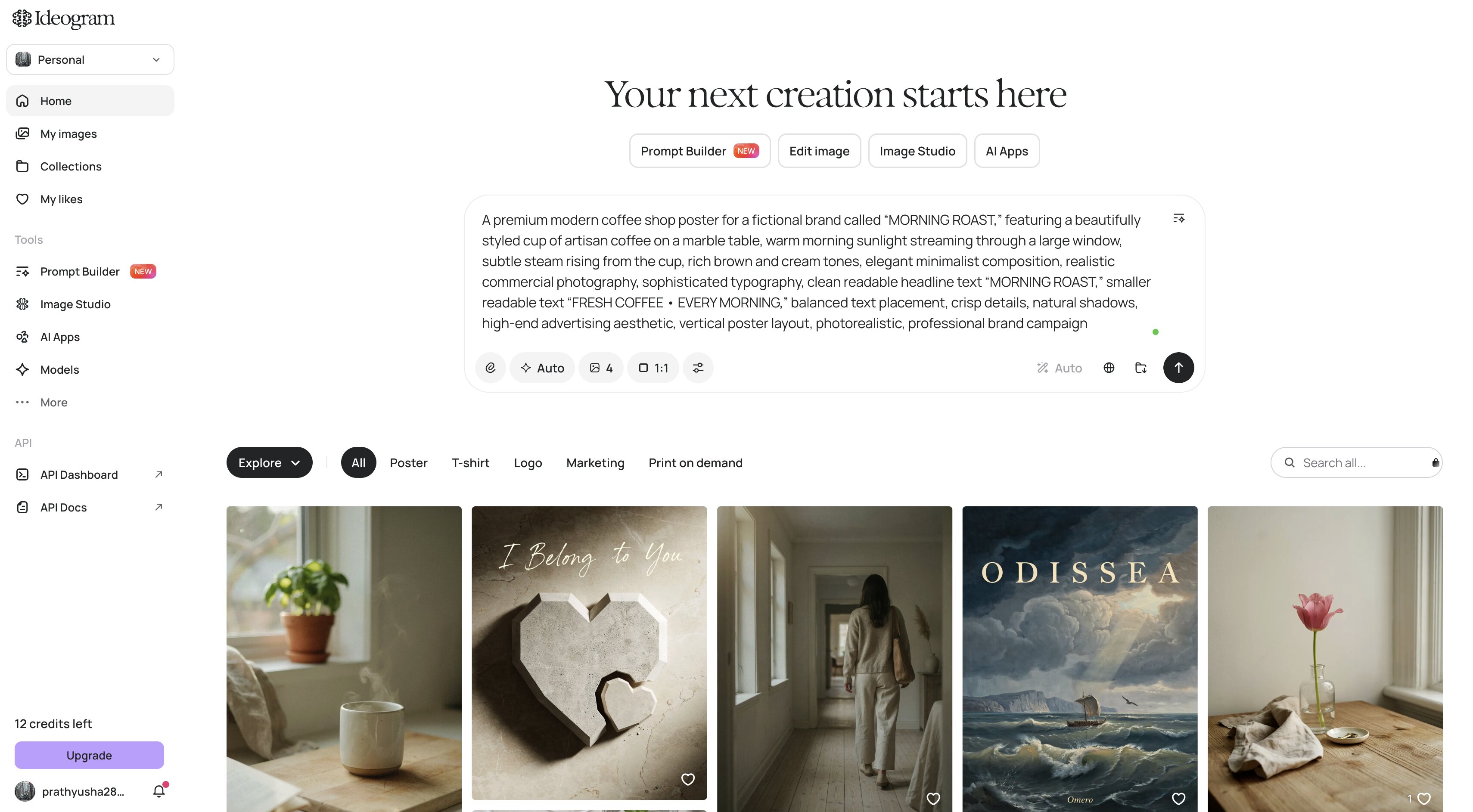
Step 1: Write your image prompt
Describe the subject, composition, visual style, colors, mood, and any exact wording you want to appear in the image. Specific instructions give Ideogram clearer direction.
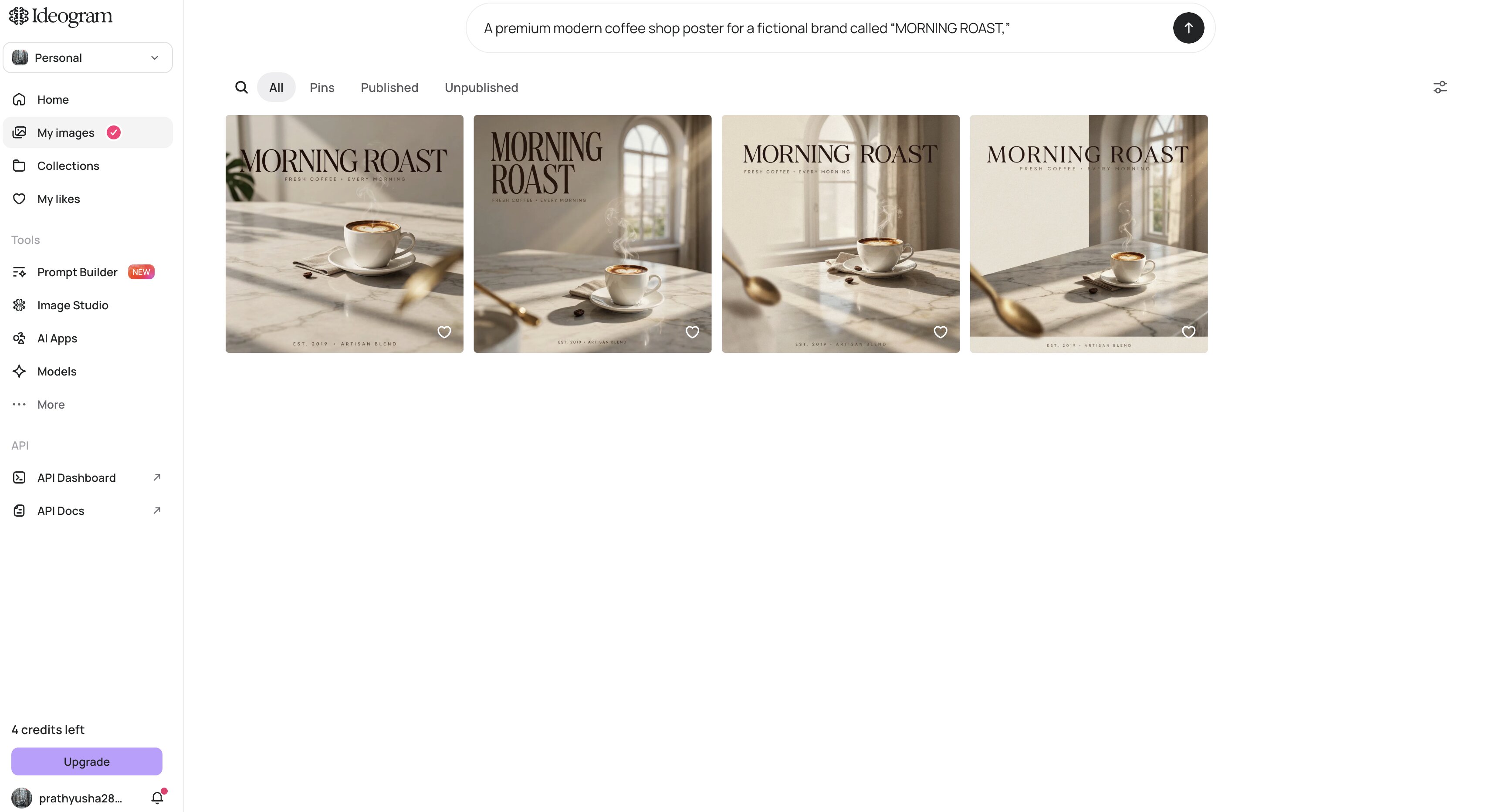
Step 2: Generate and review the results
Submit the prompt to create image variations, then compare them for visual quality, composition, and text accuracy. Look for the version that comes closest to your intended design.
Step 3: Refine the selected result
Adjust the prompt or use Ideogram's available editing and canvas tools to improve the image. You can refine visual elements, correct text, or develop the chosen concept further.
What can you create with Ideogram?
You can use Ideogram to create posters, logos, social media graphics, illustrations, book covers, advertising concepts, and typography-focused artwork. It is particularly useful when a design needs to combine imagery with a specific headline, phrase, or other written element. For example, you can explore different poster concepts for a campaign, develop logo directions, create social media graphics, or experiment with visual ideas for branding and promotional content.
Ideogram AI features worth testing
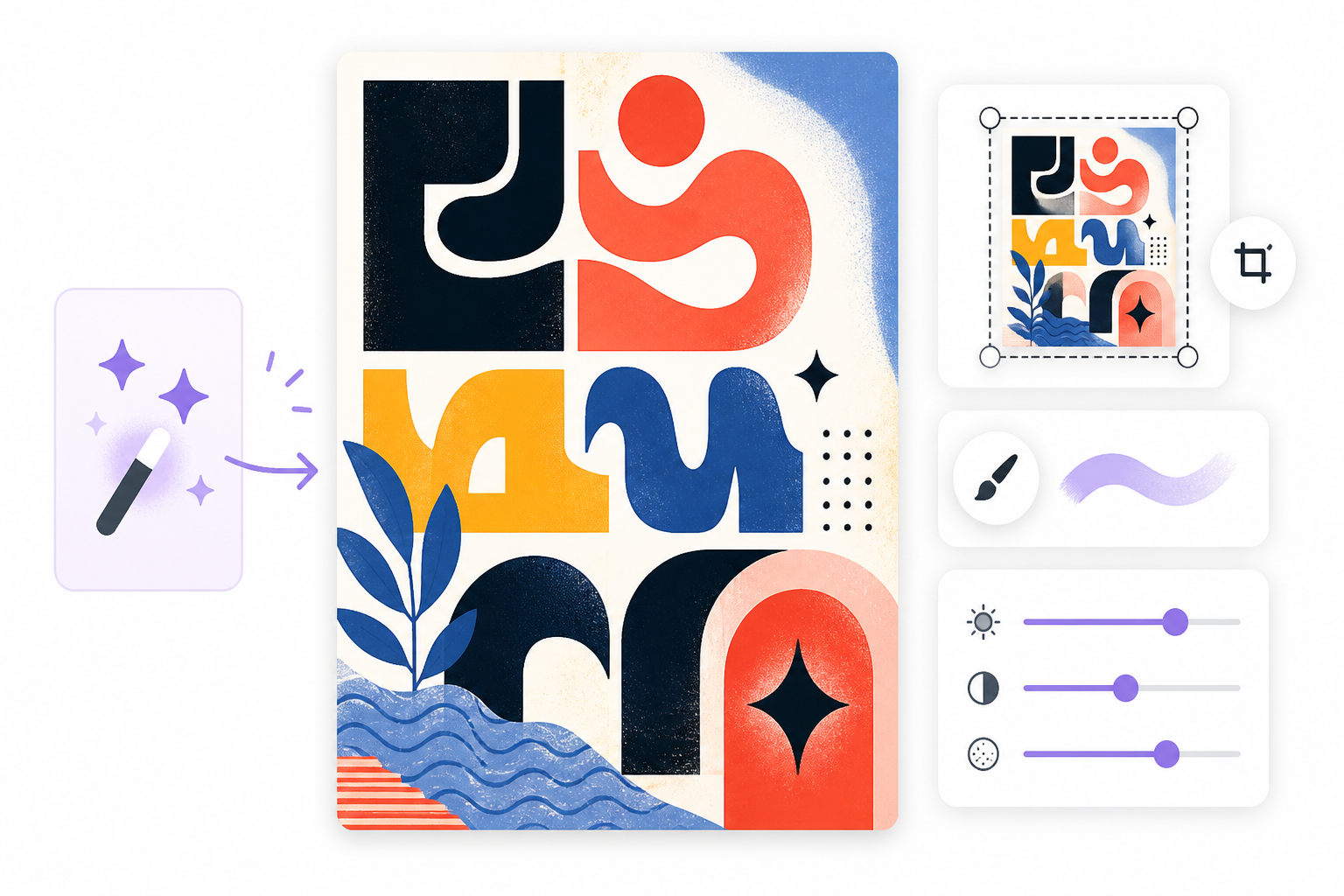
Ideogram stands out for more than simple text-to-image generation. Its text rendering, prompt enhancement, visual styles, and editing workspace give you several ways to create and refine an image. These are the features worth testing to see where the platform performs best.
Text and typography generation
One of the biggest reasons to pick Ideogram is text rendering. You can write headlines, phrases, logos and other lettering right into the prompt, making the tool useful for posters, social graphics, signs and branding concepts where readable text is part of the image. It's not always perfect with longer or more complex wording, but tends to make text-heavy image generation more practical than starting with a visual and adding typography separately.
Magic Prompt and visual styles
Magic Prompt takes a basic idea and turns it into a richer prompt by adding visual direction for things like composition, style and overall look and feel. You can also try different styles without rewriting your prompt from scratch thanks to style options in Ideogram. This is useful when you have a clear subject but want to quickly compare several creative directions. The downside is that the additional prompt detail can sometimes move the result away from the specific look you had in mind originally.
Canvas and image editing
Ideogram's Canvas gives you a workspace for continuing to develop generated images instead of treating every generation as a separate result. It can be useful when an image is close to what you need, but the composition or individual elements still require adjustment. This makes the workflow more practical for developing a design concept through several iterations, particularly when you want to refine an existing result rather than repeatedly start from a blank prompt.
Ideogram AI review: Image quality, text rendering & user experience
Ideogram's feature list looks impressive, but the real test is how well those features hold up when creating actual images. We looked at image quality, text accuracy, creative control, and the overall workflow to see where the platform performs well and where you may need to compromise.
How good are Ideogram's generated images?
Ideogram creates illustrations, posters, social graphics, branding concepts and other creative visuals at a professional caliber. Simple prompts are more likely to yield predictable compositions, whereas complex instructions may introduce unwanted elements. The quality is good but you might have to do a few generations before you get an image that fits your exact idea.
How well does Ideogram generate text in images?
Text generation is one of Ideogram's strongest areas. It can produce readable words directly inside images, making it particularly useful for posters, logos, advertisements, signs, and social media graphics. Shorter text is generally easier to control, so you should still check spelling and wording before using an output.
How much creative control does Ideogram offer?
Ideogram offers several ways to shape an image's look without overwhelming you with technical settings. Magic Prompt can expand a basic idea, while different styles let you explore alternative visual directions. However, its editing capabilities are more limited than those of full creative suites, so that detailed post-generation changes may require another tool.
Is Ideogram easy to use?
The web-based interface is easy enough for beginners to begin generating images without a lot of setup. You may enter a prompt, review the results, adjust your direction, and generate again as needed. The simplicity is great for quick creative work, but the workflow might not be as flexible for users who want advanced editing and granular controls.
Ideogram pricing, pros & cons, user feedbac k
Ideogram's value depends on how often you generate images and how much control you need from the platform. The free option is useful for trying the workflow, while the paid plans increase the available credits and add capabilities aimed at regular creators, professionals, and teams.
Is Ideogram free?
Yes. Ideogram offers a free option for those who want to test its image-generation workflow before paying. That may be enough for an occasional experiment, but if you're creating on a regular basis, a paid plan may make more sense.
What does Ideogram cost?
Ideogram's current pricing page lists four paid options. The annual billing view shows Plus at $15/month, Pro at $42/month, and Team at $20 per user/month, while Enterprise uses custom pricing. The plans differ mainly in credit allowances, generation features, and collaboration or organizational capabilities.
|
Plan |
Price |
Credits |
Best for |
|---|---|---|---|
|
Plus |
$15/month |
1,000/month |
Individual creators |
|
Pro |
$42/month |
3,500/month |
High-volume users |
|
Team |
$20/user/month |
1,500/user/month |
Small teams |
|
Enterprise |
Custom |
Custom |
Larger organizations |
Plus and Pro include private generation, unlimited slow credits, character consistency, and larger generation queues. Pro also adds batch generation and quality export, while Team includes collaboration features and centralized billing. Enterprise is aimed at organizations that need custom models, volume discounts, and priority support.
What Ideogram does well
-
Produces readable text within generated images.
-
Works well for posters, logos, advertisements, and social graphics.
-
Offers multiple visual styles for creative experimentation.
-
It has a straightforward interface that is easy to approach.
-
Provides different plans for occasional and higher-volume use.
Ideogram limitations
-
Complex prompts can still require several attempts to get the desired result.
-
Advanced editing and customization are not as extensive as those found in broader creative platforms.
-
Free usage is limited, which may not suit frequent creators.
-
The best plan depends on how quickly you use your monthly credits.
What do users say about Ideogram?
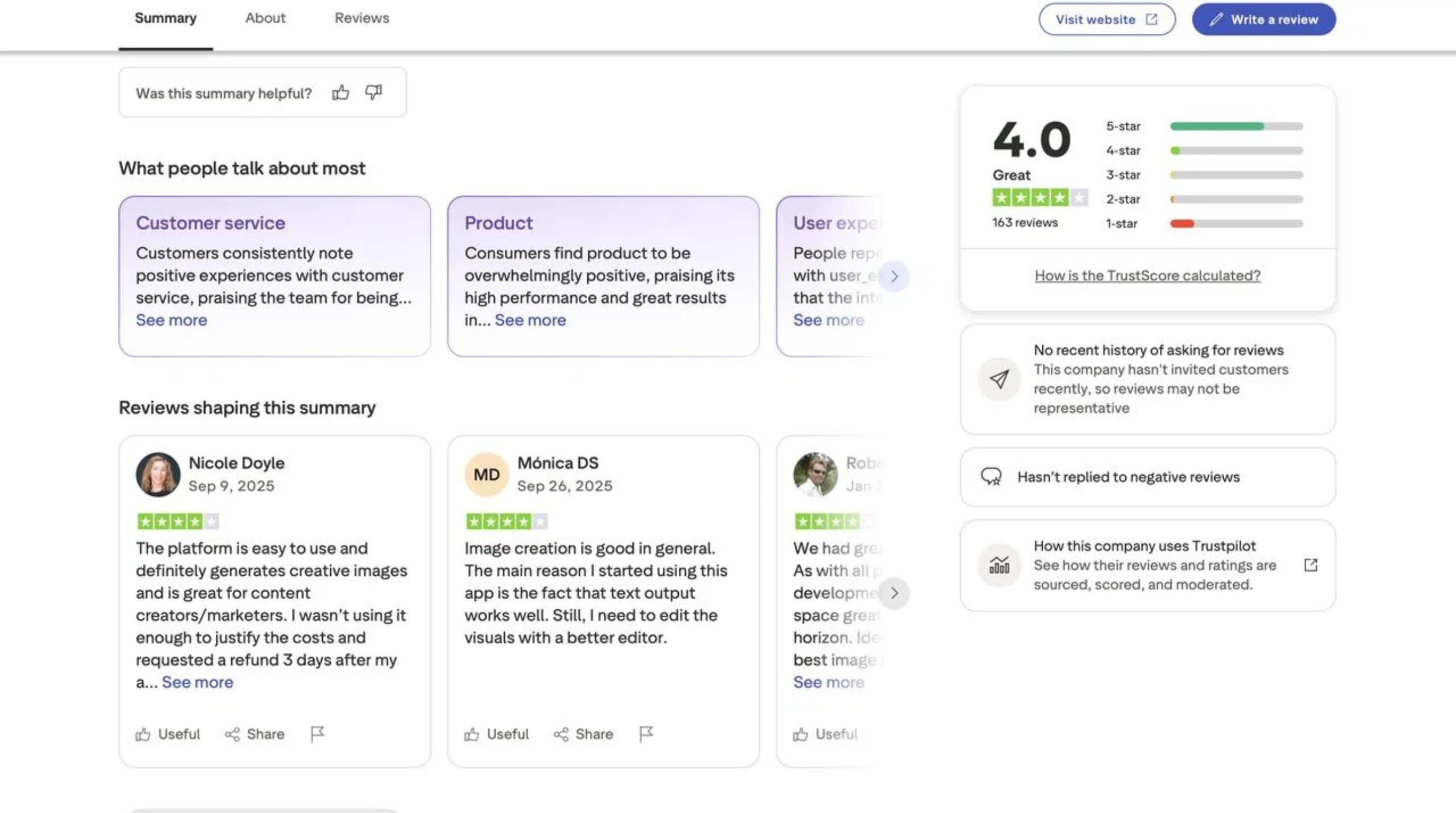
Trustpilot feedback is generally positive, with Ideogram rated 4.0/5 from 163 reviews in the screenshot. Users highlight its ease of use and creative image generation, while one reviewer specifically praised its text output but noted that the visuals still needed a better editor. Another reviewer felt the platform was useful for content creation but questioned the cost for their level of usage.
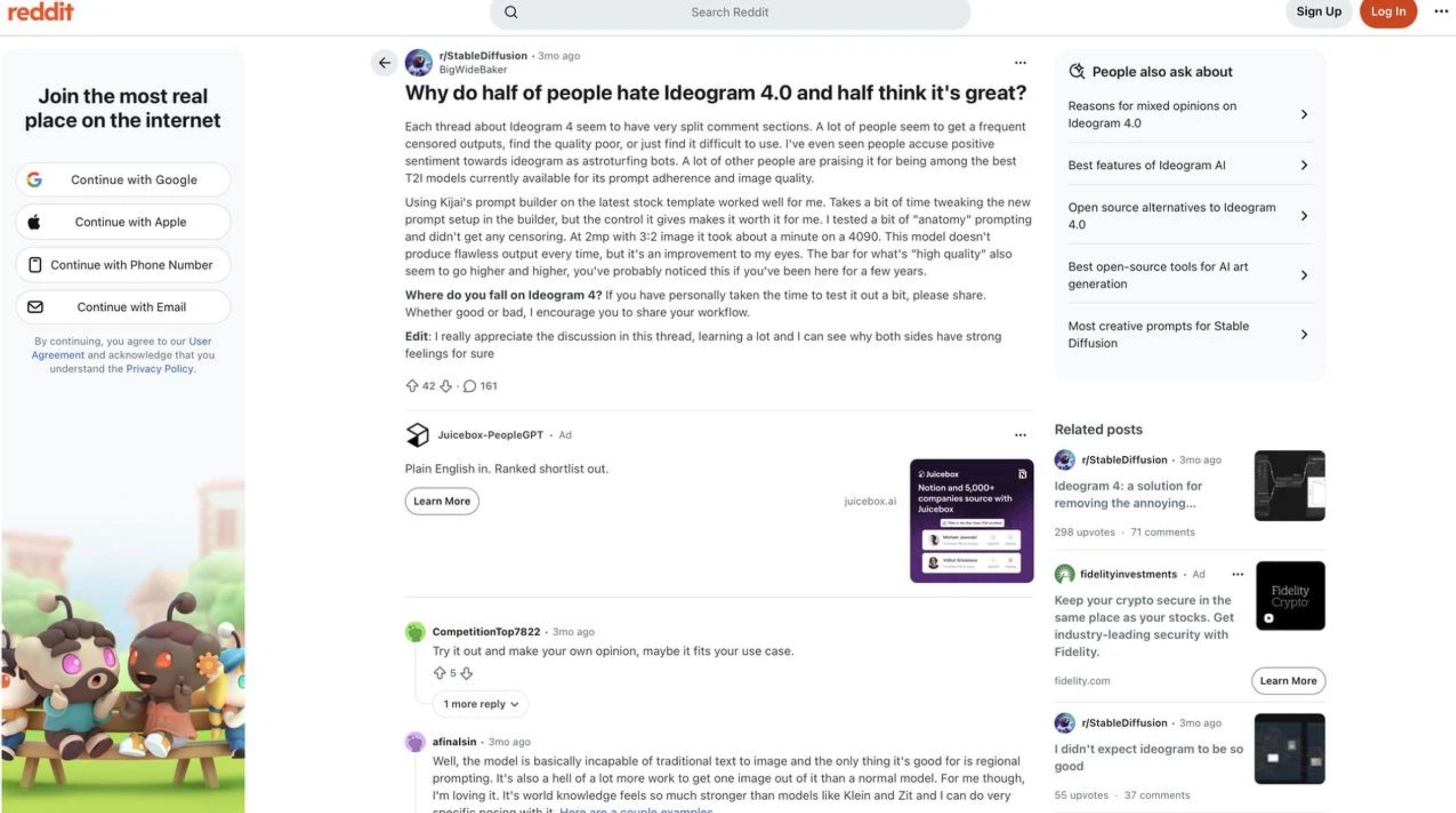
The discussion on Reddit is more mixed. Some users report Ideogram follows prompts well and produces good quality images, while others claim it gives inconsistent results or is difficult to use for certain prompts. The discussion suggests that the experience can vary quite a bit depending on the type of image you are generating and how much prompt tweaking is needed.
Is Ideogram worth it?
If you're looking for an easy-to-use AI image generator for creative visuals, especially posters, logos, social graphics, and designs where readable text matters, Ideogram is worth a try. For the free option, you can try it out before you buy it, and the paid plans give you more power for everyday use. However, if you need more than creative image generation, such as product visuals and marketing assets, then a more specialized platform like Designkit might be a better fit.
Best Ideogram alternatives in 2026
Ideogram AI's best alternative depends on what you want to create and your level of control. That said, if you're after artistic images, professional design, or marketing content, other tools may do a better job than Ideogram particularly if you're focused on typography. Here are the main options, each of which suits a different kind of creative workflow.
Midjourney
Best for: Artistic and highly stylized images
Midjourney is a strong choice when visual style is the main priority. It can create detailed artwork, imaginative scenes, and distinctive compositions, making it useful for artists and creators exploring different creative directions.
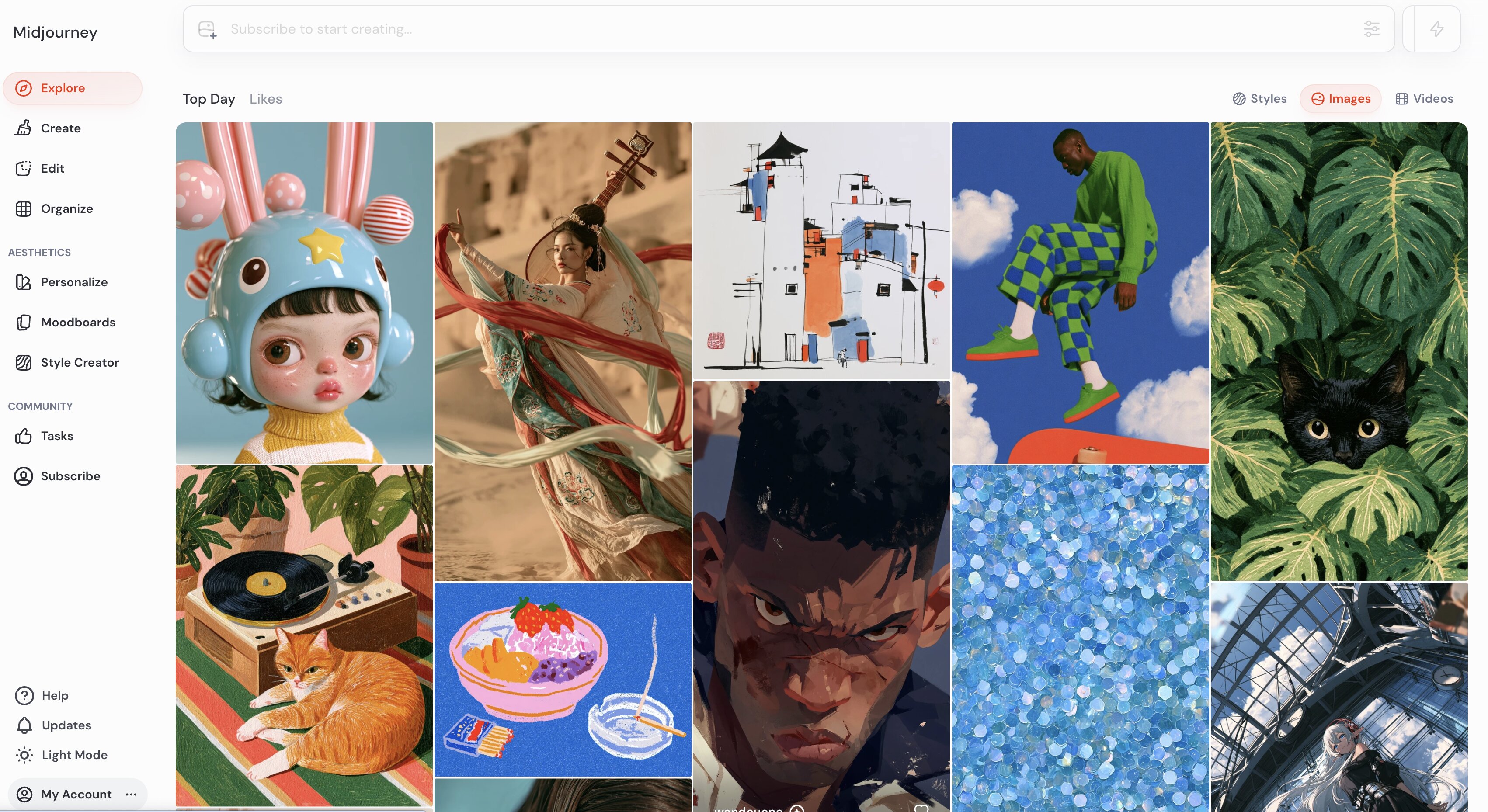
Who it fits: Artists, illustrators, and creators who prioritize distinctive visual styles.
Limitation vs Ideogram: Midjourney is less focused on accurate text generation, so Ideogram is generally better for posters, typography-heavy graphics, and other designs where text is central.
Adobe Firefly
Best for: Professional creative workflows
Adobe Firefly is useful when AI image generation needs to fit into an existing design workflow. Its connection with Adobe's wider creative ecosystem makes it convenient for designers who want to generate assets and continue editing them within familiar tools.
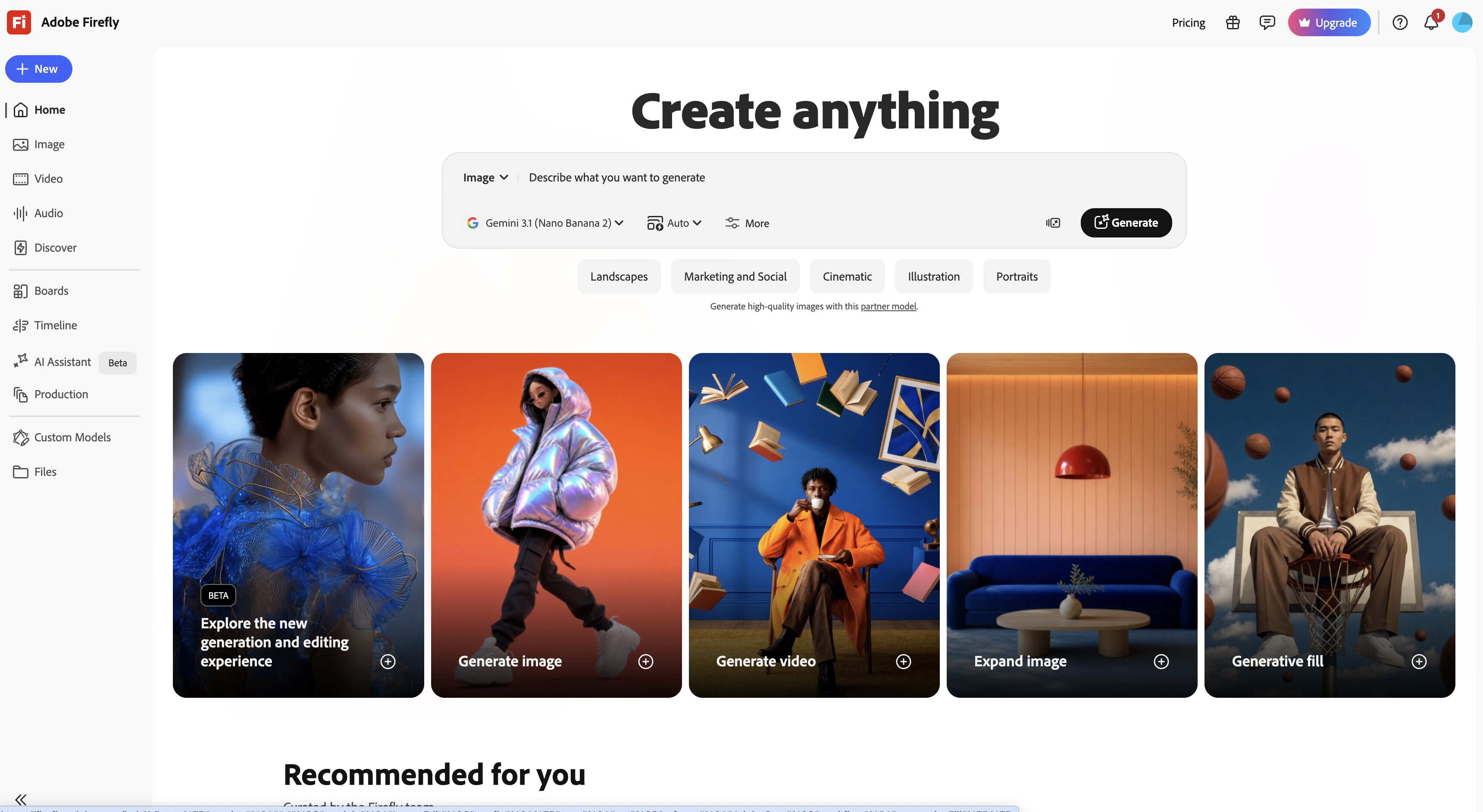
Who it fits: Designers, marketers, creative teams, and Adobe users.
Limitation vs Ideogram: Firefly's main advantage is its broader creative ecosystem rather than a specific focus on typography-heavy image generation.
Canva
Best for: Marketing and everyday design
Canva combines AI image generation with templates, layouts, editing tools, and other design features. This makes it practical when you need to generate an image and turn it into a finished social post, presentation, advertisement, or other marketing asset in the same workflow.
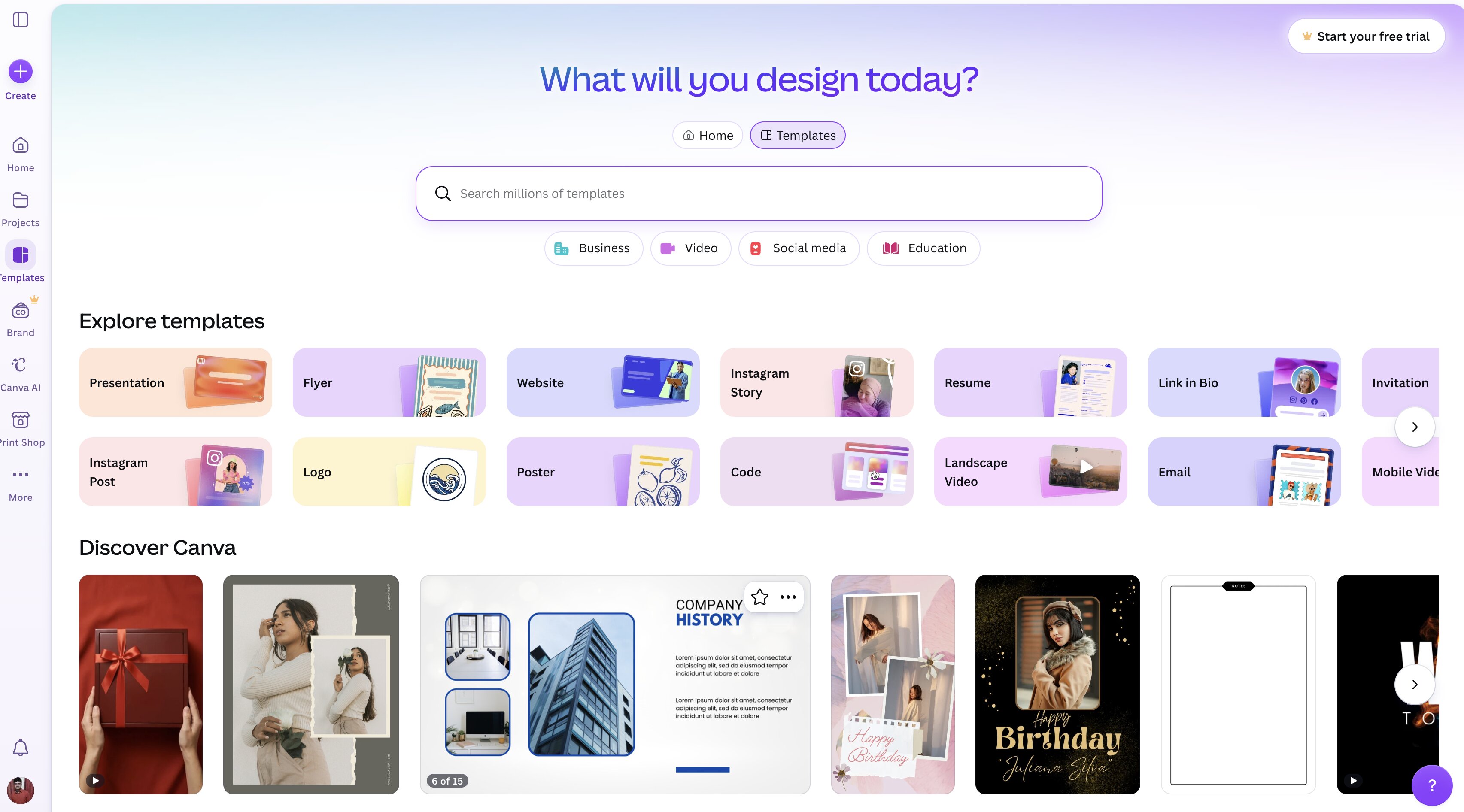
Who it fits: Creators, marketers, small businesses, and teams.
Limitation vs Ideogram: AI image generation is only one part of Canva's broader design platform, while Ideogram offers a more focused image-generation experience.
Leonardo AI
Best for: Creative image generation and customization
Leonardo AI is a good option for users who want more control over the image-generation process. Its customization options give creators more flexibility to experiment with different styles and refine their visual concepts.
Who it fits: Artists, creators, designers, and users who want greater control over their image-generation workflow.
Limitation vs Ideogram: Its broader range of controls can require more experimentation, while Ideogram offers a more focused experience for typography-heavy visuals.
Designkit
Best for: Product visuals and marketing content
Designkit is a better fit when AI-generated images are part of a wider product or marketing workflow. It supports product visuals, advertising creatives, social content, and other marketing assets rather than focusing only on general-purpose creative image generation.
Who it fits: E-commerce sellers, brands, marketers, and small teams that need product and promotional visuals.
Limitation vs Ideogram: More focused on product and marketing content than general-purpose creative image generation. If you need to refine product visuals, Designkit's image editing tools are a more relevant option.
Quick pick: Choose Ideogram for creative, typography-focused images; Midjourney for artistic visuals; Firefly for professional Adobe workflows; Canva for everyday design; Leonardo AI for customization; and Designkit for product and marketing content.
Final thoughts
Ideogram is a capable AI image generator for creators who want polished visuals from text prompts, especially when readable text and typography are important. Its styles and editing tools make it useful for posters, logos, social graphics, and creative concepts, although results can vary with more complex prompts. Ultimately, the right choice depends on your workflow. Ideogram is better suited to creative, typography-focused projects, while Designkit is a stronger option when you also need product visual AI, advertising creatives, social content, and other marketing assets.
Frequently Asked Questions
What is Ideogram AI mainly used for?
Is Ideogram better than Midjourney?
It depends on what you want to make. Ideogram is better if you need readable text in your design. Midjourney is more known for artistic and very stylized images. And if you're all about product visuals, lifestyle images or marketing creatives, Designkit is more relevant.
Can Ideogram create images with accurate text?
Yes, generating readable text is one of the main strengths of Ideogram, so it's useful for posters, ads, logos, and social graphics. However, for more complex prompts, results can still vary. Designkit is a more focused set of creative tools for product-centric visuals.
Is Ideogram AI free?
Ideogram does have a free option, but it is more limited in use than its paid plans. If you have a need to routinely create product photography, lifestyle visuals or marketing creatives, then Designkit could be a good fit for that type of content workflow.
Can Ideogram create videos?
Ideogram is primarily designed for creating and editing still images, not video. So it's more suited for graphics, illustrations, posters and other static content. For product and marketing visuals, Designkit offers a workflow that is better suited for these needs.
What is the best Ideogram alternative?
The best alternative depends on what you are trying to achieve. Midjourney is good for art images, Adobe Firefly is good for professional creative work, Canva is good for everyday designs, and Leonardo AI offers more customization. Designkit is more geared to product visuals and marketing creatives.
You May Also Like
Remove.bg Shutting Down Dec 1, 2026: What Users Are Saying

7 Best Remove.bg Alternatives in 2026: Free & Paid Tools

Instagram Carousel: What It Is, How to Post & Create One

Nano Banana Prompts: 20+ Examples for Better AI Images

Ideogram AI Review 2026: Features, Pricing & Alternatives

Free Mac Photo Editor: 5 Tools Compared for Mac Users

How to Crop a Photo Into a Circle Online (Keep Quality)

How to Make an Image Transparent Online (AI Guide)

Pixlr Background Remover Review 2026: Features, Pricing & Alternatives

How to Fix Overexposed Photos: Recover Highlights Fast

OpenArt AI Review 2026: Features, Pricing & Alternatives

Best AI Headshot Generator: 9 Tools Compared for 2026

Best Stencil Maker Tools 2026: Turn Photos Into Stencils

Pixelbin Watermark Remover Review: Image & Video Results Tested

How to Make a Sticker on iPhone: Easy Step by Step Guide

Best AI Logo Generator in 2026: 10 Tools Compared

How to Turn a Photo Into a Cartoon: A Beginner-Friendly Guide

Landscape vs Portrait: Key Differences & Best Uses in 2026

How to Remove Watermark From Photo: AI, Photoshop & More

How to Fix Pixelated Photos: Photoshop, AI Tools & Tips

Bing Image Creator: How It Works, Features, Uses & Alternatives

How to Remove People from Photos with AI: A Step-by-Step Guide

How to Increase Image Resolution: AI, Photoshop & PPI

How to Add Text to a Photo: 8 Tips for Better Results

How to Fix Grainy Photos: Easy Ways to Clear Images

Creative Profile Picture Ideas for Every Style and Platform

Evoto AI Review 2026: Features, Pricing, Pros & Cons

Pixlr Photo Editor Review: Features, Pricing & Alternatives

Best AI Image Extender Tools in 2026: Expand Photos with AI

How to Make a Collage on iPhone: Easy Guide for 2026

How to Sharpen an Image in Photoshop (Smart Sharpen and Unsharp Mask)

Best Image Background Remover Tools in 2026: AI Tools Compared

How to Make Transparent Background in Paint: Step-by-Step Guide

How to Resize an Image: Best Methods, Tools & Quality Tips

Best AI Image Generator Tools in 2026: Top AI Platforms Compared

Remove.bg Review 2026: Features, Pricing & Is It Worth It?

Luminar Neo Photo Editor Review 2026: AI Features, Price & Pros

How to Post Multiple Photos on Instagram (2026 Guide)

25 Facebook Cover Photo Ideas for Personal & Business Pages

What Is a PFP? Meaning, Examples & How to Create One

Can You Edit an Instagram Post After Posting?

11 Best Canva Alternatives in 2026 for AI Design & Marketing

8 Best Midjourney Alternatives in 2026: Features, Pricing & Comparison

How to Restore Old Photos: AI Tools, Tips & Best Methods

Pixelcut AI Review 2026: Features, Pricing, Pros, Cons & Alternatives

How to Apply Watermark to Photos: Methods, Tips & AI Tools

How to Remove a Background in Illustrator: 4 Easy Methods

How to Change Background Color on Instagram Story (Easy Guide)

8 Best AI Poster Generators in 2026: Create Posters Faster with AI

10 Best AI Image Enhancers in 2026: Tested & Compared

10 Best AI Image Editors in 2026: Features, Pricing & Comparison

7 Best AI Background Changer in 2026: Remove & Replace Photo Backgrounds

Luminar Neo vs Lightroom: Features, Pricing & Comparison 2026

Kittl Review 2026: Is It Worth It? Features & Pricing

How to Make a Blurry Image Clear: 5 AI & Manual Ways

How to Remove Background on iPhone: 5 Easy Methods (2026)

Photoroom Background Remover Review 2026: Features & Alternatives

How to Remove Background in Canva: A Step-by-Step Guide

How to Remove Background in GIMP: Beginner-Friendly Guide

Funny Dog Memes to Try: Doge Meaning and 10 Original Ideas

Back to School Checklist 2026: Supplies, Timeline, and Planning

Recraft AI Review 2026: Features, Pricing, Pros, Cons & Alternatives

How to Make an Image Transparent in Google Slides: Opacity & Background Removal

VanceAI Photo Enhancer Review: Features, Pricing & Alternatives in 2026

What Does Emojify Mean? Text, Photos, & Emoji Art Explained

Top 8 Online Background Removers for Ecommerce Photos (2026)

How to Remove Background in Photoshop: 7 Easy Methods

6 Best AI Image Upscalers 2026: Tools Tested & Compared

Project Indigo Review: Is It Better Than iPhone Camera?

How Big Is an 8x10 Photo? Size, Pixels & Frame Guide

How Big Is a 4x6 Photo? Dimensions, Pixels & Printing Tips

Picsart AI Review: Features, Pricing, Pros, Cons & Alternatives

Lovart AI Review: AI Design Agent Features, Pricing & Alternatives

Fotor AI Image Generator Review: Features, Pricing & Alternatives

How to Add Emoji to Photo Online for Free

Emoji Wallpaper Ideas & How to Make One Online (2026)

Minimalist Poster Design: How to Make a Clean Poster (2026)

How to Make a Custom Poster That Is Ready to Print

Instagram Image Size Guide 2026: Post, Reel, Story & Carousel Specs

LinkedIn Image Size Guide: Profile, Post & Banner Dimensions

YouTube Profile Image Size: Best Dimensions & Safe Area 2026

How to Edit Amazon Product Photos That Boost Sales Fast
Create More Than AI-Generated Images
Create product visuals, lifestyle images, marketing creatives, and social content with Designkit, giving your visual workflow more room beyond AI-generated images.
