
Best AI Image Editor: 10 Tools Compared for Every Workflow
Discover the best AI image editors for enhancing photos, removing backgrounds, generating creative visuals, and streamlining content workflows. Compare top tools for photography, e-commerce, social media, and marketing.

AI image editors have made photo editing faster, smarter, and more accessible than ever. Whether you're enhancing product photos, removing backgrounds, retouching portraits, or creating marketing visuals, the right tool can save time while improving image quality. However, not every AI photo editor offers the same features or workflow. Some are built for professional photographers, while others focus on content creation or e-commerce.
In this guide, we compare the best AI image editors based on editing capabilities, ease of use, pricing, and real-world workflows to help you choose the right solution for your needs.
How We Tested the Best AI Image Editors
To identify the best AI image editor options available today, we evaluated every tool using real-world editing tasks instead of relying on marketing claims. Each AI image editing tool was tested across four key areas that matter to creators, marketers, ecommerce businesses, and everyday users.
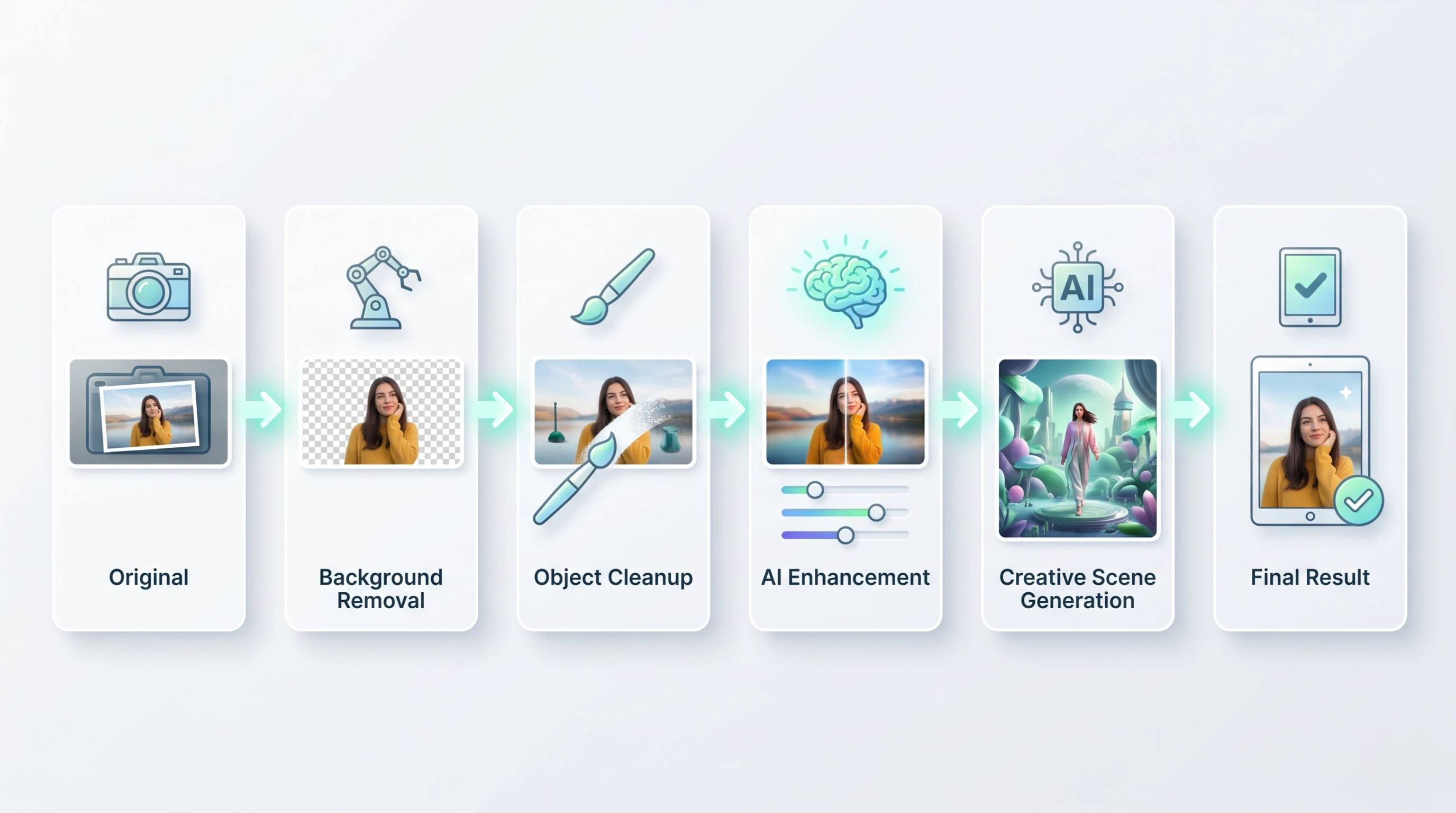
AI Editing Accuracy
A powerful AI photo editor should deliver accurate, natural-looking results with minimal manual corrections. We tested each tool using different image types, including portraits, products, and lifestyle photos, to measure:
-
Background removal quality: Clean edge detection for hair, transparent objects, and complex backgrounds.
-
Object removal precision: How well unwanted people or objects were removed while preserving surrounding details.
-
Image enhancement results: Improvements in sharpness, lighting, colors, and overall image quality without introducing visible artifacts.
-
Realistic AI generation: The ability to generate or replace image elements that blend naturally with the original photo.
Editing Workflow
The best AI photo editing tools should simplify editing rather than add extra steps. We evaluated the overall user experience by considering:
-
Ease of use: Beginner-friendly interfaces with intuitive editing controls.
-
Editing speed: Time required to complete common editing tasks.
-
Automation features: Smart one-click edits and AI-powered recommendations that reduce manual work.
-
Batch processing support: The ability to edit multiple images efficiently for high-volume workflows.
Creative Capabilities
Beyond basic corrections, modern AI image editors should help users produce unique visuals for marketing, social media, and creative projects. We assessed each editor's ability to offer:
-
Background generation: AI-generated scenes that match the subject naturally.
-
Templates: Ready-to-use layouts for common design needs.
-
Design customization: Flexible controls for adjusting colors, text, effects, and visual elements.
-
Creative variations: Multiple AI-generated versions from a single image or prompt to encourage experimentation.
Business Value
Businesses need more than great editing—they also need practical features that fit everyday workflows. We reviewed each AI tool to edit photos based on:
-
Pricing: Overall value across free and paid plans.
-
Export options: Supported file formats, image quality, and resolution.
-
Platform support: Availability across web, desktop, and mobile devices.
-
Commercial use cases: Suitability for ecommerce listings, product photography, marketing campaigns, and professional content creation.
10 Best AI Image Editors in 2026
AI-powered editing has evolved far beyond simple filters and one-click enhancements. Today's best AI image editor platforms can remove backgrounds, erase unwanted objects, generate realistic content, improve image quality, and automate repetitive editing tasks in seconds. Whether you're a professional photographer, content creator, online seller, or marketer, the right AI photo editor can significantly speed up your workflow while producing high-quality results.
The comparison below highlights the leading AI image editing tools of 2026, comparing their ideal use cases, standout AI features, pricing, and supported platforms to help you choose the right solution for your needs.
|
Tool |
Best For |
Key AI Features |
Pricing |
Platform |
|---|---|---|---|---|
|
Adobe Photoshop |
Professional designers |
Generative Fill, AI selection, object removal, layers |
Subscription |
Desktop/Web |
|
Adobe Lightroom |
Photographers |
AI masking, enhancement, RAW editing |
Subscription |
Desktop/Mobile |
|
Luminar Neo |
AI-powered photo editing |
Sky replacement, Relight AI, portrait enhancement |
Subscription/One-time |
Desktop |
|
Photoroom |
Product photography |
Background removal, AI backgrounds, batch editing |
Free + Paid |
Web/Mobile |
|
Canva AI |
Social content creation |
Magic Edit, AI generation, templates |
Free + Paid |
Web/Mobile |
|
Picsart AI |
Creators and influencers |
AI Replace, background tools, effects |
Free + Paid |
Web/Mobile |
|
Fotor AI |
Beginners |
AI enhancer, retouching, background tools |
Free + Paid |
Web/Mobile |
|
Designkit |
E-commerce, brands, marketers |
AI enhancement, background editing, object removal, AI generation, batch editing |
Free + Paid |
Web |
|
Pixlr |
Quick online editing |
AI background removal, generative tools |
Free + Paid |
Web |
|
Photopea |
Free Photoshop alternative |
Layers, AI tools, advanced editing |
Free + Paid |
Web |
1. Adobe Lightroom: Best AI Photo Editor for Photographers
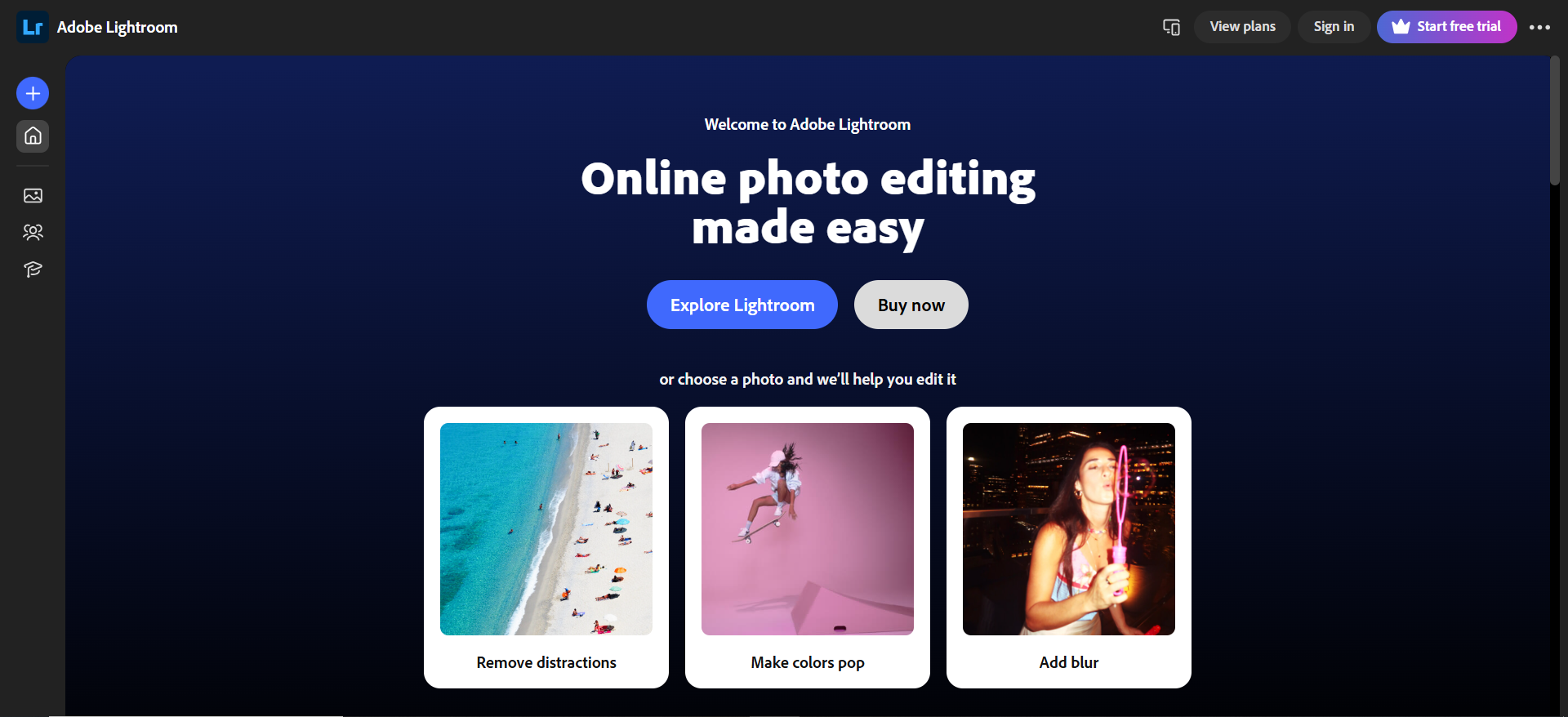
Best For: Professional photographers, hobbyists, and anyone who regularly edits RAW images.
Key Features
-
AI Masking for precise subject and sky selections
-
AI-powered noise reduction and image enhancement
-
Advanced RAW photo editing
-
Lens corrections and color grading
-
Cloud syncing across desktop and mobile
|
Pros |
Cons |
|---|---|
|
|
Pricing: Subscription plans start at $11.99/month (Photography Plan).
2. Luminar Neo: Best AI Editor for Creative Enhancements
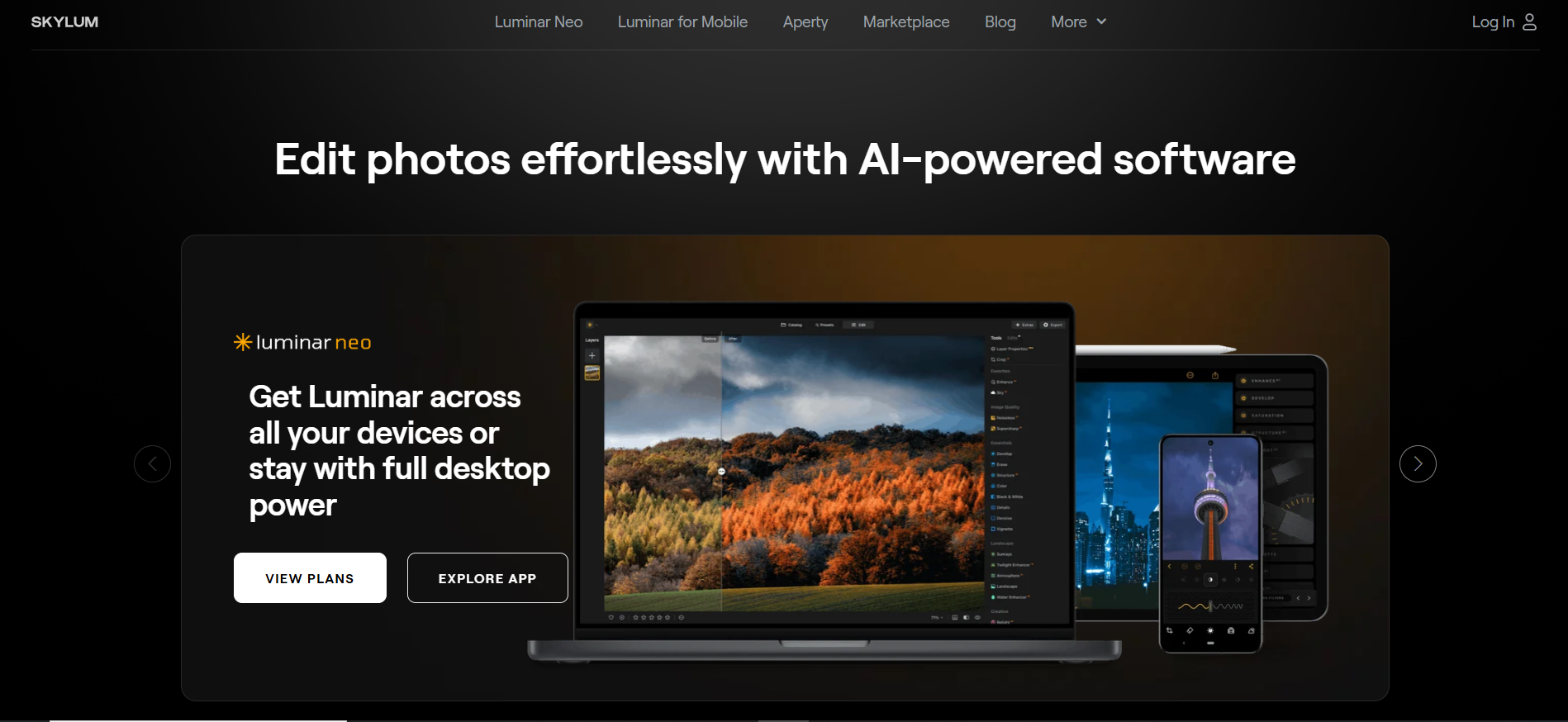
Best For: Creators who want fast, AI-powered photo enhancements with minimal manual editing.
Key Features
-
Sky Replacement AI
-
Relight AI for lighting adjustments
-
Portrait enhancement tools
-
Object removal and background editing
-
Layer-based editing
|
Pros |
Cons |
|---|---|
|
|
Pricing: Subscription or one-time purchase options available.
3. Adobe Photoshop: Best AI Image Editor for Professional Designers
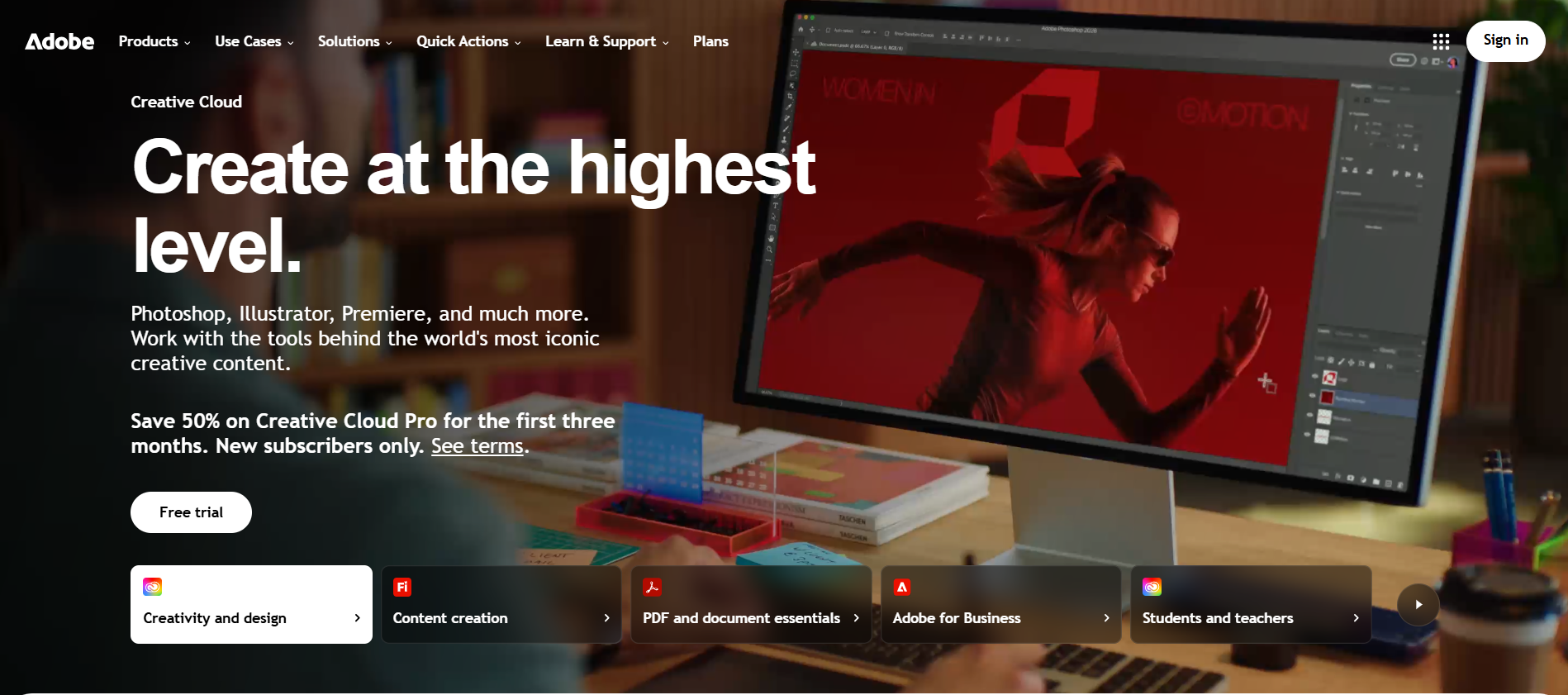
Best For: Professional designers, creative agencies, and advanced photo editors.
Key Features
-
Generative Fill powered by AI
-
AI object removal
-
Intelligent subject selection
-
Layer-based editing
-
Extensive retouching and compositing tools
|
Pros |
Cons |
|---|---|
|
|
Pricing: Subscription plans start at $22.99/month.
4. Photoroom: Best AI Image Editor for Product Photos
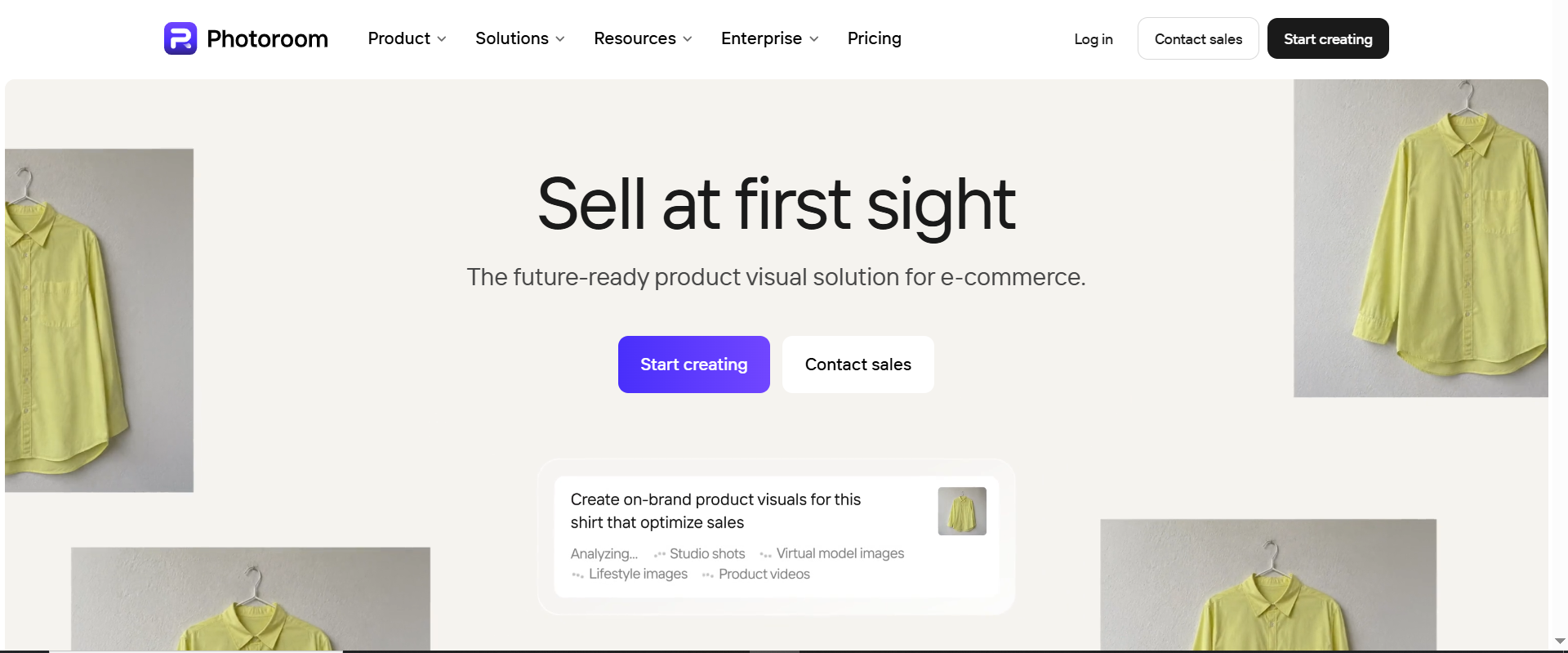
Best For: Small businesses, online sellers, and marketplace listings that need clean studio-style product photography.
Unlike Designkit, which focuses on creating marketing visuals for multiple channels such as ecommerce stores, ads, and social media, Photoroom specializes in fast product cutouts, studio backgrounds, and ready-made templates for product images.
Key Features
-
One-click background removal
-
AI-generated studio backgrounds
-
Product photo templates
-
Batch editing
-
Shadow and lighting adjustments
|
Pros |
Cons |
|---|---|
|
|
Pricing: Free plan available; paid plans start at approximately $9.99/month.
5. Canva AI: Best AI Image Editor for Social Media Content
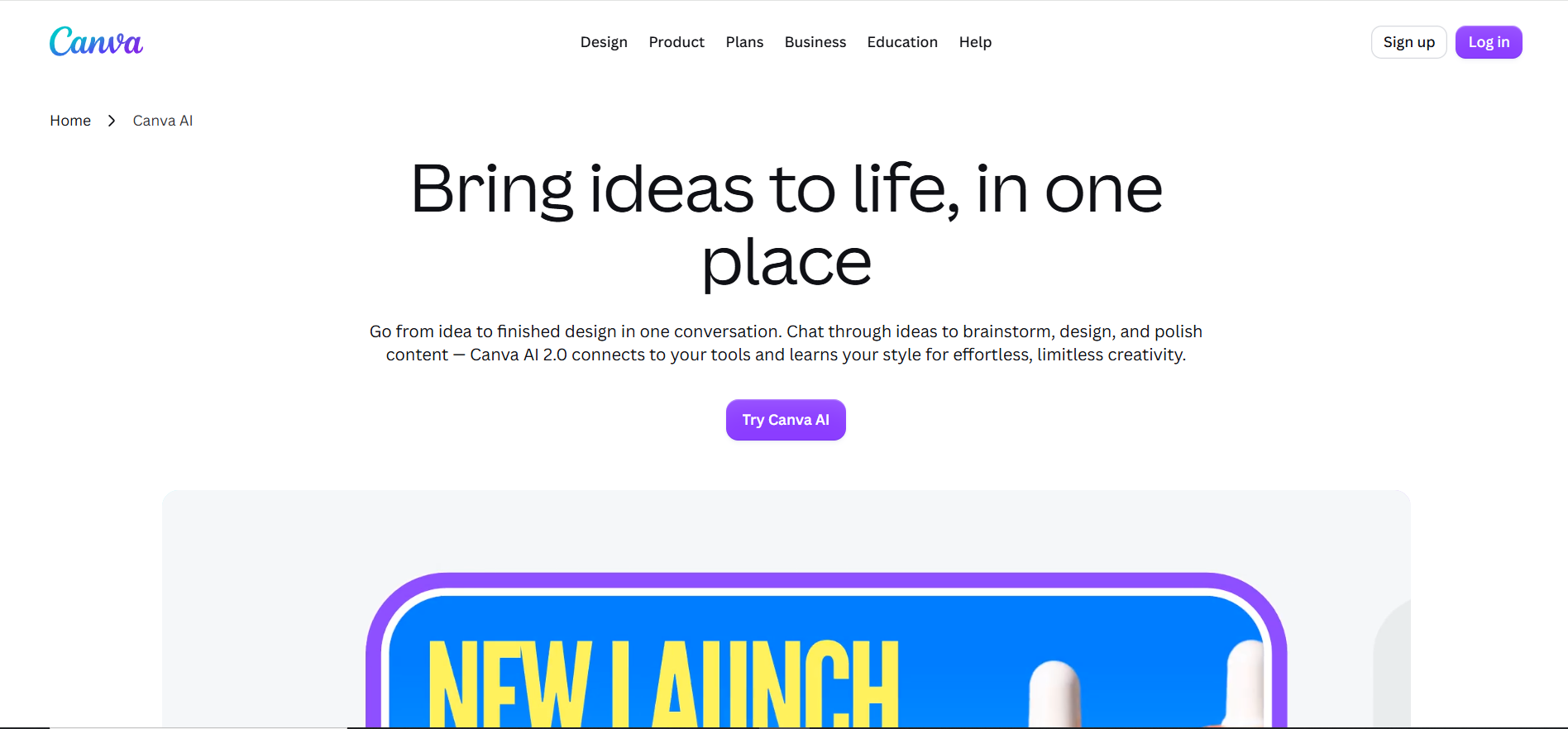
Best For: Social media managers, marketers, educators, and small businesses creating visual content.
Key Features
-
Magic Edit
-
AI image generation
-
Background remover
-
Thousands of customizable templates
-
Brand Kit and collaboration tools
|
Pros |
Cons |
|---|---|
|
|
Pricing: Free plan available; Canva Pro starts at $15/month.
6. Pixlr: Best AI Editor for Creative Content
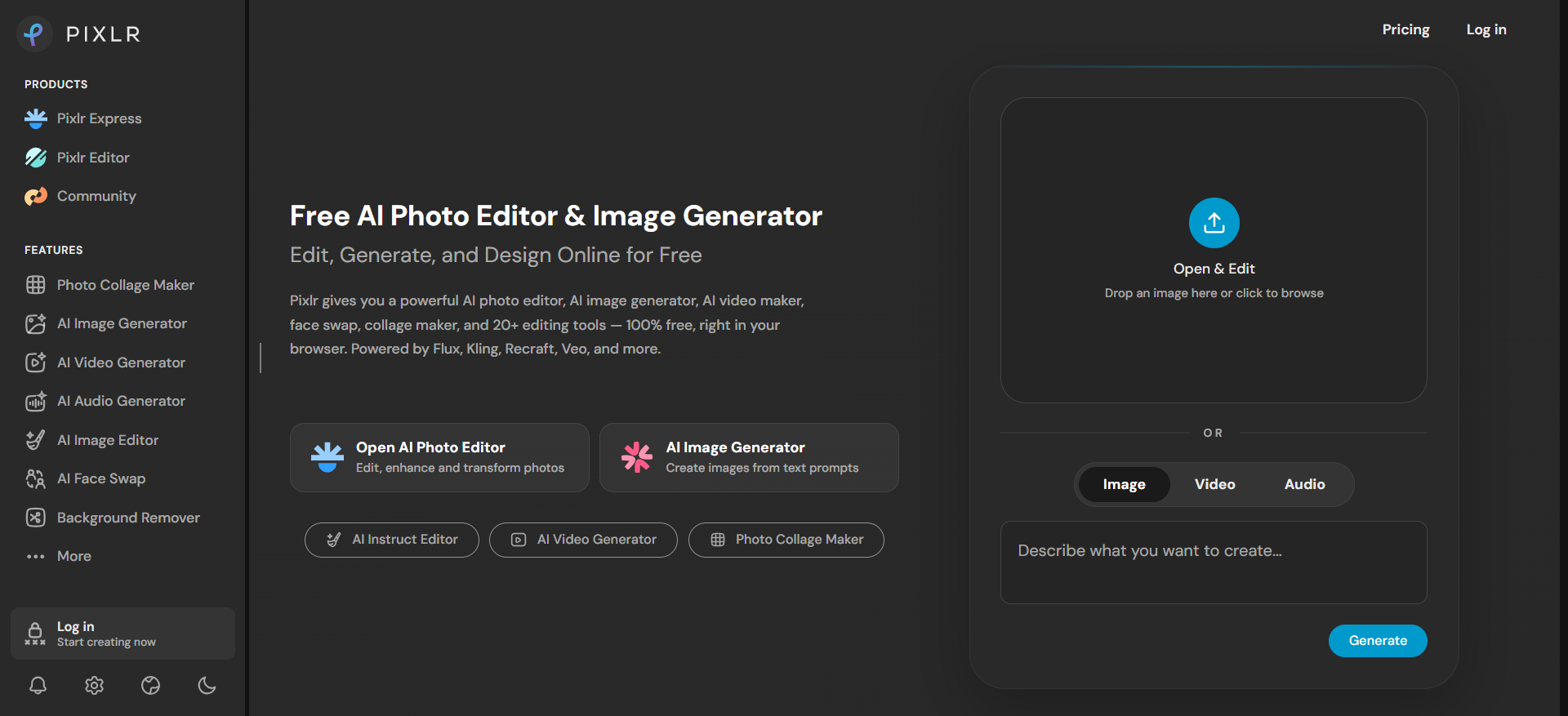
Best For: Users who want quick online edits without installing desktop software.
Key Features
-
AI background removal
-
Generative AI image tools
-
Object removal
-
Filters and creative effects
-
Browser-based editing
|
Pros |
Cons |
|---|---|
|
|
Pricing: Free plan available; premium plans start at approximately $2.49/month.
7. Fotor AI: Best AI Editor for Beginners
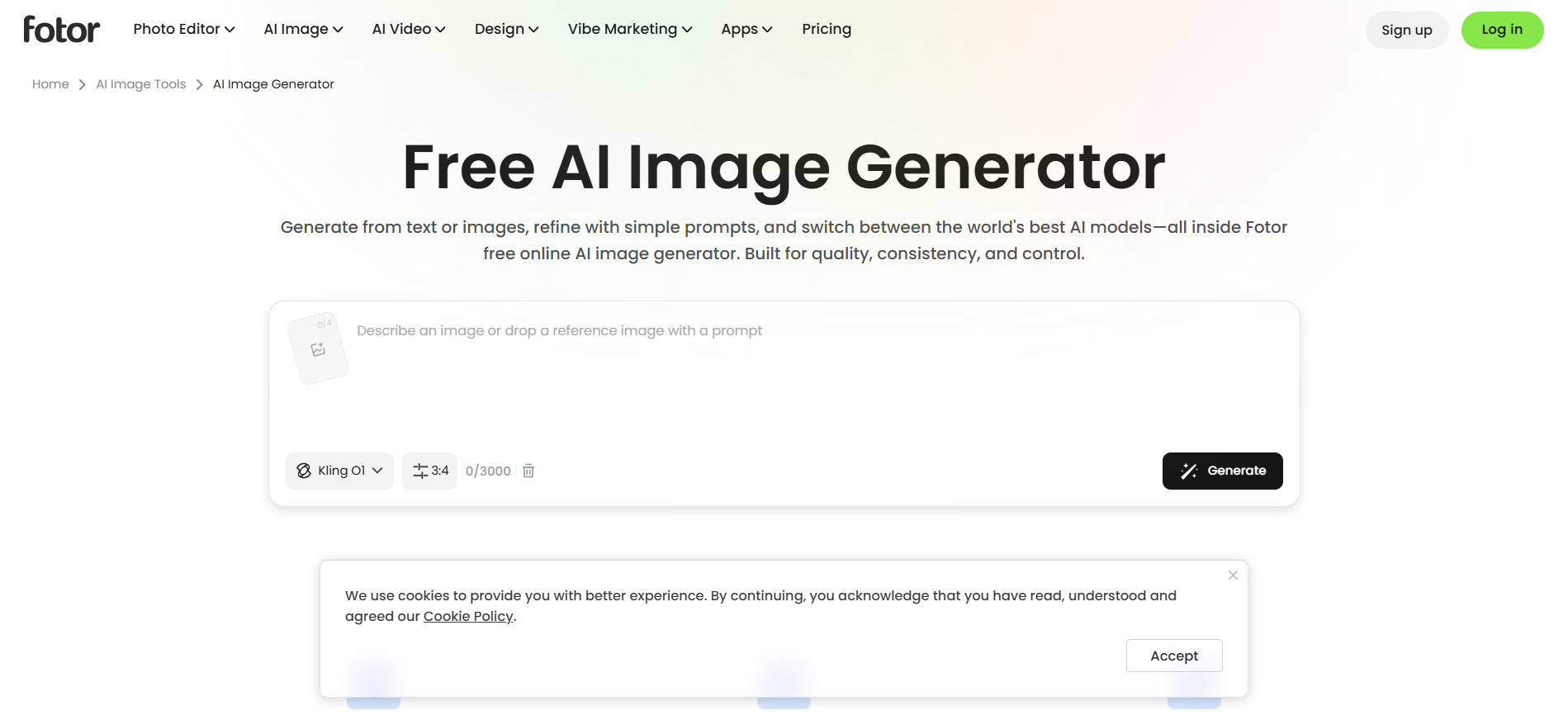
Best For: Beginners and casual users looking for simple AI photo editing.
Key Features
-
AI image enhancer
-
Portrait retouching
-
AI background remover
-
One-click filters
-
AI image generation
|
Pros |
Cons |
|---|---|
|
|
Pricing: Free plan available; Fotor Pro starts at approximately $8.99/month.
8. Designkit: Best AI Image Editor for E-commerce Creative Workflows
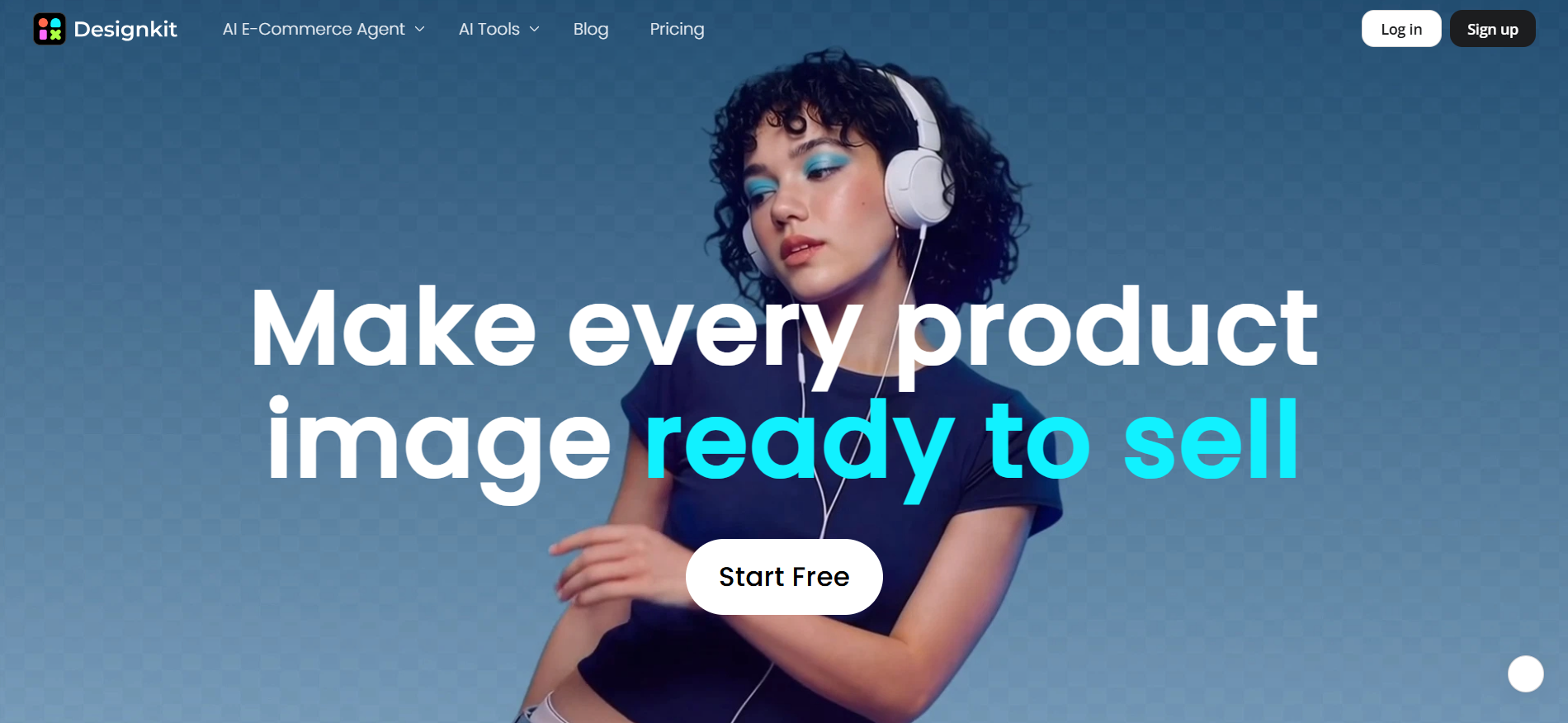
Best For: E-commerce businesses, online sellers, marketers, and brands that need to produce high volumes of product creatives for marketplaces, online stores, paid ads, email campaigns, and social media while maintaining consistent branding and reducing manual design work.
Why We Recommend It
Unlike traditional AI image editors that focus only on editing photos, Designkit helps turn product images into marketing-ready assets. It combines AI editing, content generation, layout design, resizing, and marketplace exports in one workflow, making it ideal for businesses managing multiple sales channels.
How to Edit Images with Designkit in 3 Simple Steps
Editing images with Designkit is designed to be fast and efficient, whether you're enhancing product photos, creating marketing creatives, or preparing marketplace listings.
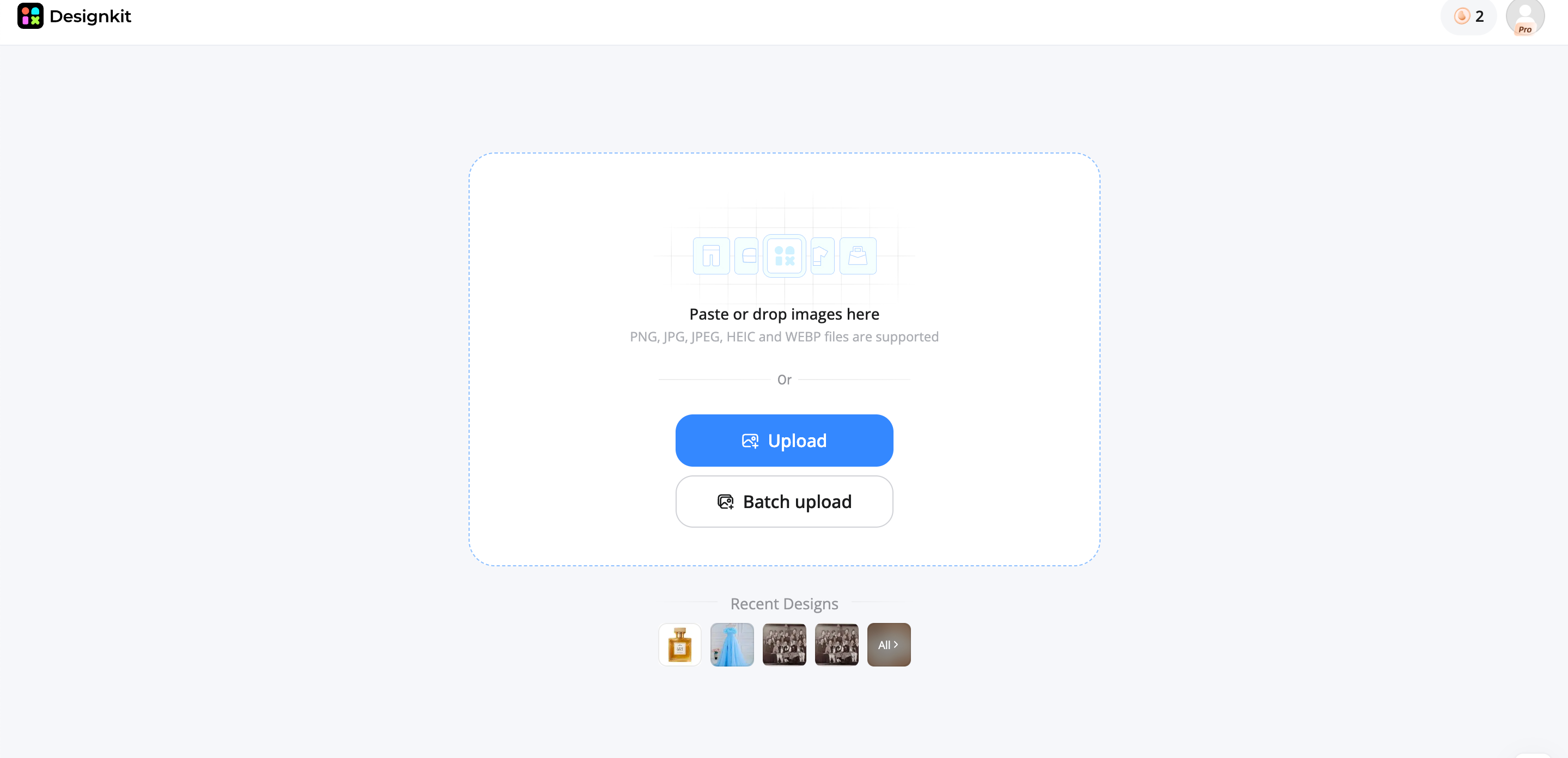
Step 1: Upload Your Image
Open Designkit and go to AI Photo Editor to upload your image. You can leverage tools like Background Remover and Generator, Object Remover, Image Enhancer, and more in one place.
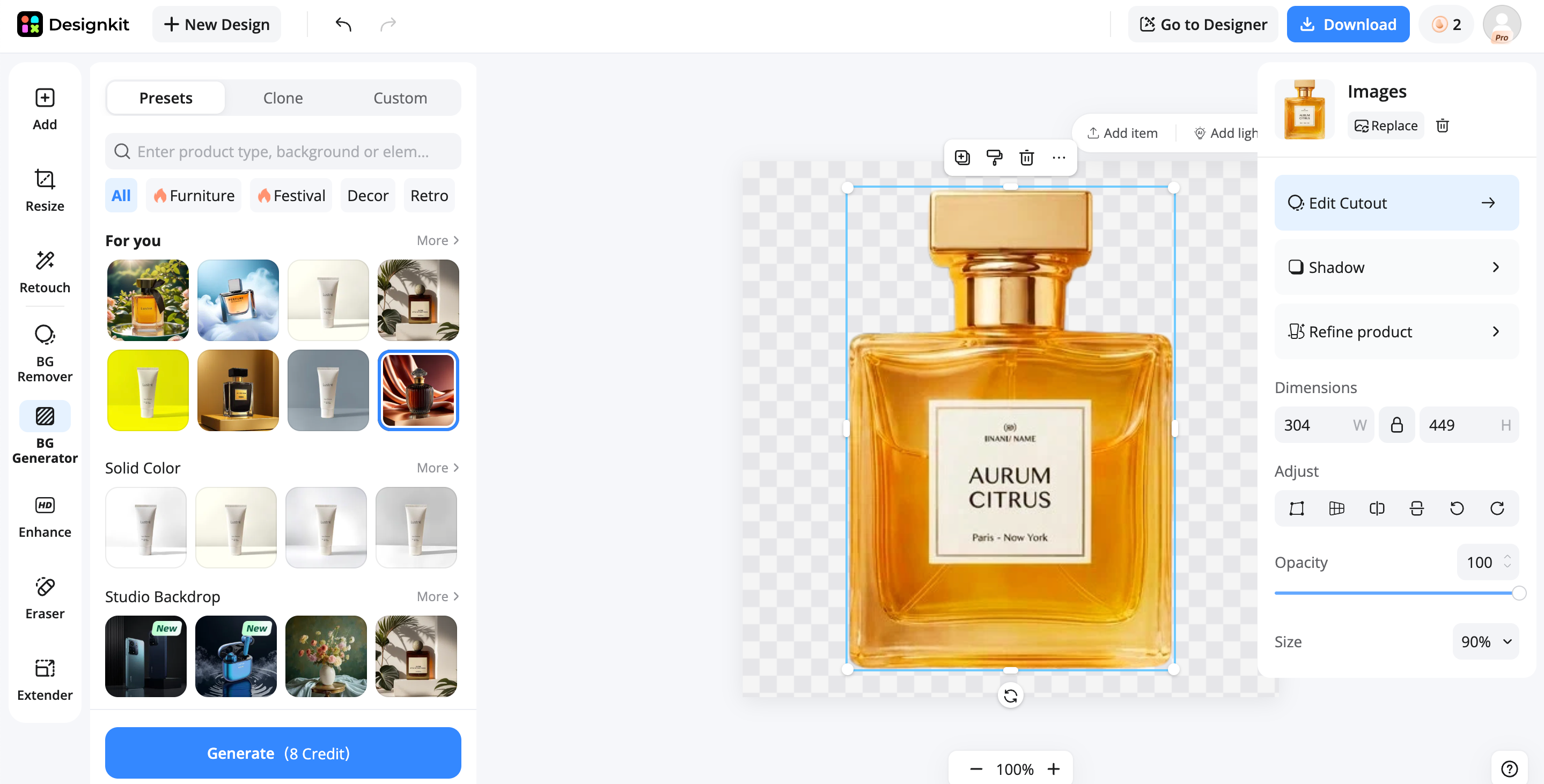
Step 2: Edit Your Image
Use Designkit AI to enhance quality, remove objects, replace backgrounds, and resize layouts without manual editing. Create more variations in seconds.
Step 3: Export and Publish
Preview your design, export in high resolution, and publish it to marketplaces, ecommerce stores, websites, email, or social media. Ready for all uses.
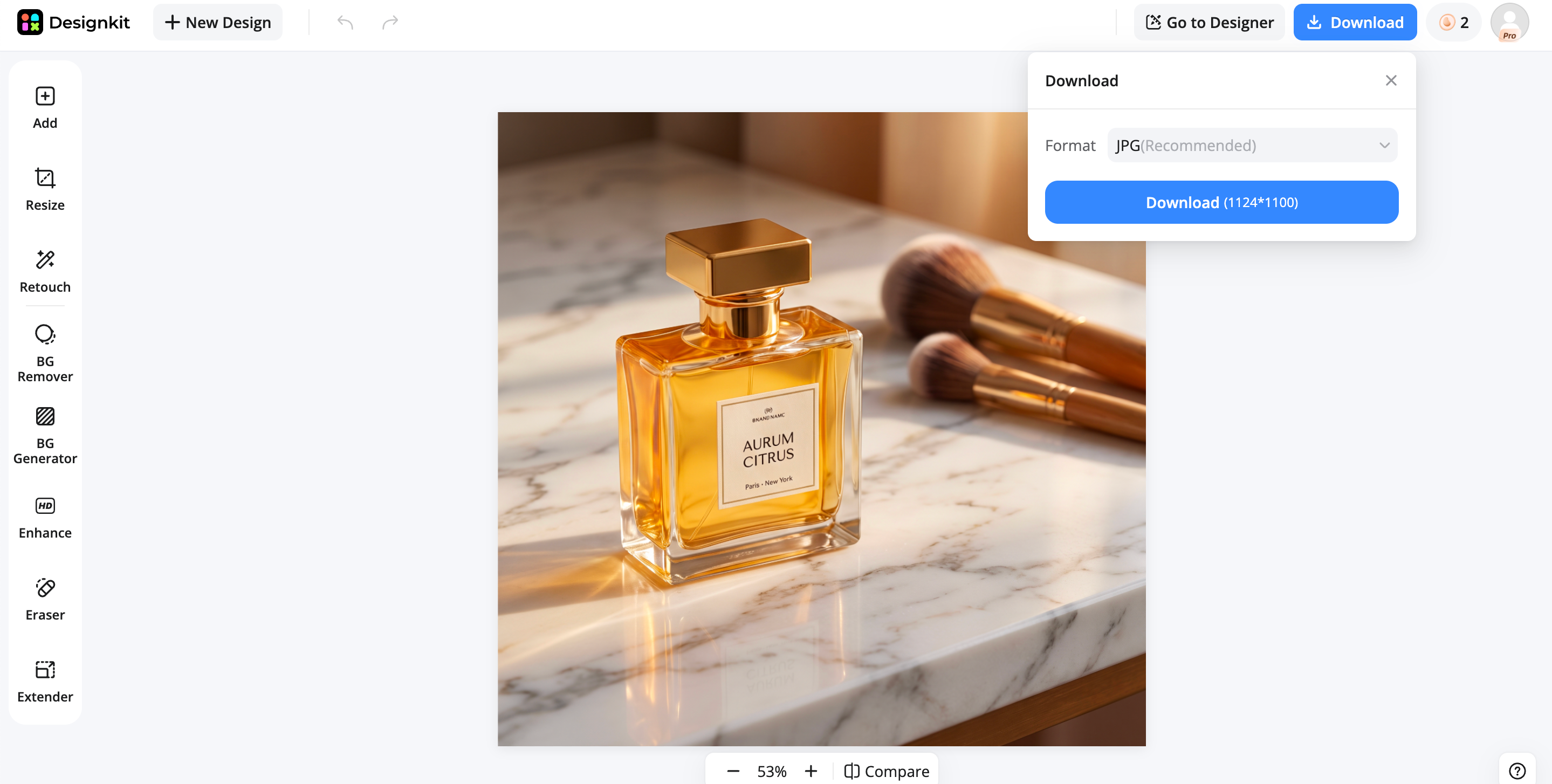
Key Features of Designkit for AI image editing
- AI Image Enhancement: Automatically improves image quality by sharpening details, balancing lighting, correcting colors, and increasing clarity. The image enhancer helps product photos appear cleaner and more professional without requiring advanced editing skills or lengthy manual adjustments.
- AI Background Editing: Replace, remove, or generate backgrounds with AI while keeping products naturally blended into the scene. Create studio, lifestyle, seasonal, or branded backgrounds that match different campaigns without scheduling new product photo shoots.
- AI Object Removal: Remove distracting objects, unwanted props, reflections, logos, or imperfections while preserving natural textures. AI intelligently reconstructs surrounding areas, producing clean product images that are ready for ecommerce listings and marketing materials.
- Listing-Ready Creatives: Create optimized visuals for product listings with balanced layouts, clear messaging, and properly sized images. This streamlines the process of preparing assets for online stores without switching between multiple editing tools.
- Multi-Platform Resizing: Instantly resize one creative for marketplaces, websites, social media, display ads, and email marketing. The image resizer preserves image quality and layout consistency while adapting designs to different platform specifications.
- Marketplace Exports: Export creatives in formats suitable for major ecommerce marketplaces and online stores. High-resolution downloads and optimized dimensions simplify publishing product images across multiple selling platforms.
|
Pros |
Cons |
|---|---|
|
|
Pricing: Free plan available with paid plans for advanced features.
9. Picsart AI: Best Online AI Photo Editor
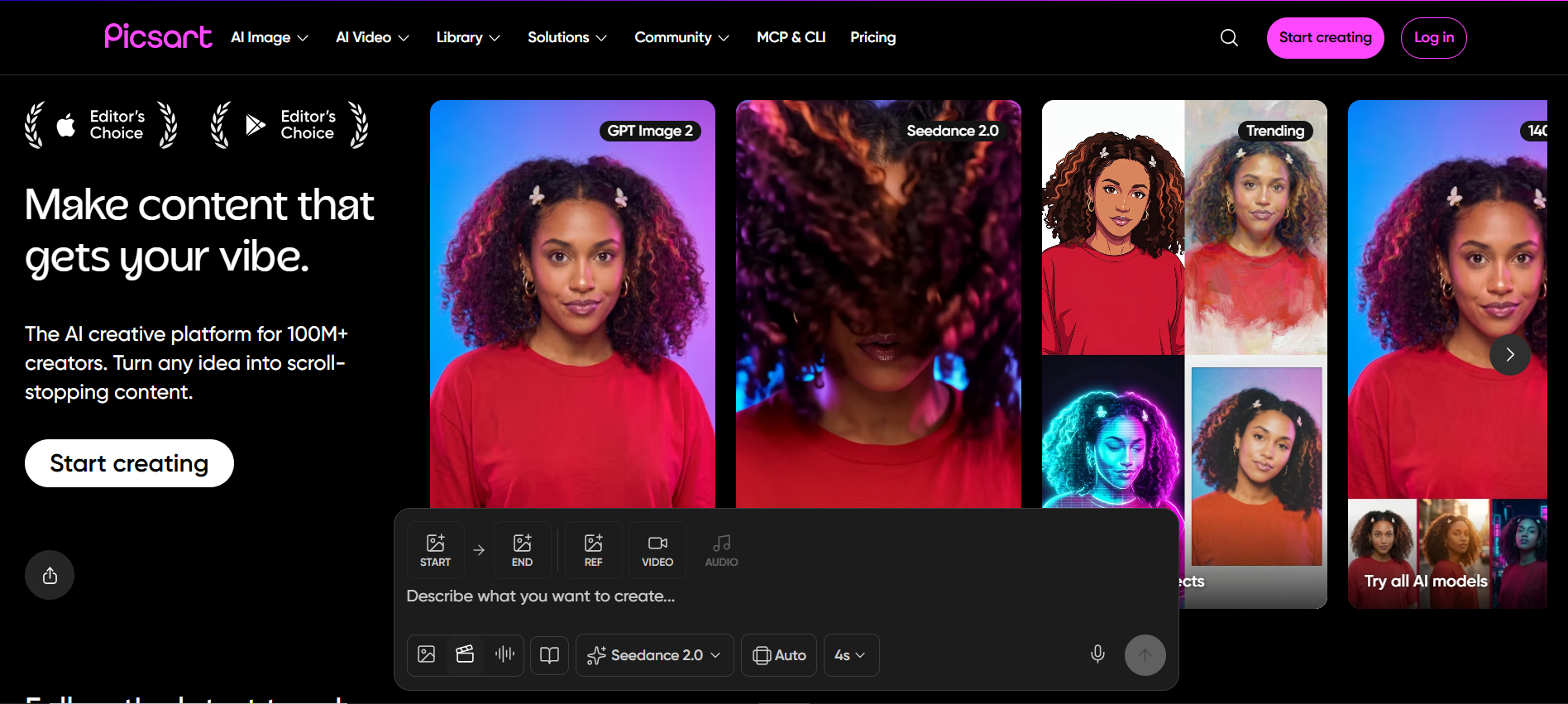
Best For: Content creators, influencers, small businesses, and social media users who want quick AI-powered editing from any device.
Key Features
-
AI Replace
-
AI background remover
-
AI image generator
-
Smart object removal
-
Creative filters and effects
-
Templates and sticker library
|
Pros |
Cons |
|---|---|
|
|
Pricing: Free plan available; paid plans start at approximately $5/month.
10. Photopea: Best Free AI Image Editor Alternative
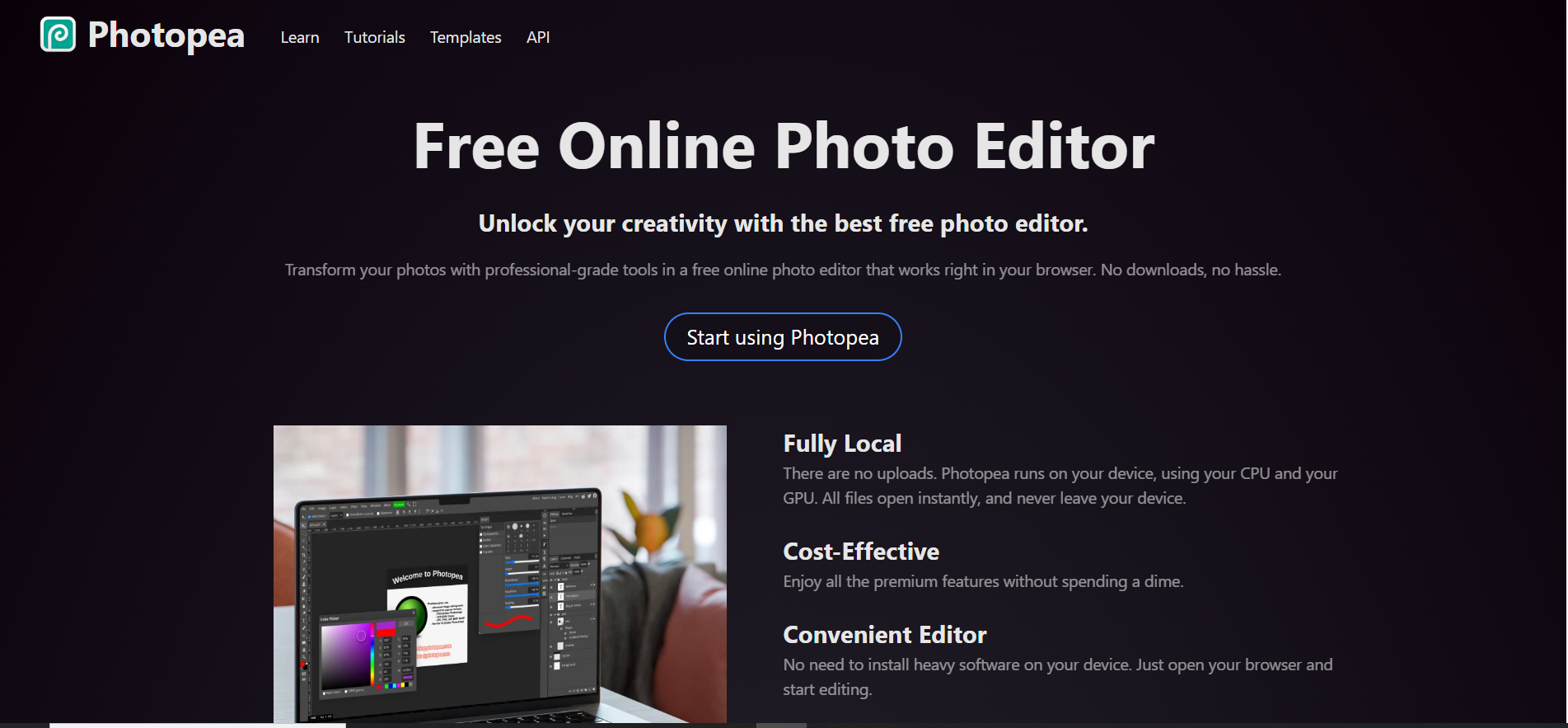
Best For: Users are looking for a free browser-based alternative to Photoshop with support for advanced editing and layered design files.
Key Features
-
Layer-based editing
-
PSD, XD, Sketch, and AI file support
-
AI-powered background removal
-
Advanced selection tools
-
Smart object editing
-
Browser-based workspace
|
Pros |
Cons |
|---|---|
|
|
Pricing: Free plan available; Premium removes ads and unlocks additional features.
Which AI Image Editor Should You Choose?
The best AI image editor depends on your workflow, editing goals, and the type of content you create. Some AI photo editing tools excel at professional retouching, while others are designed for ecommerce, social media, or quick online edits. Here's a quick guide to help you choose.
Best for Product Photography
If your priority is creating clean, professional product images, Photoroom and Designkit are excellent choices.
-
Photoroom is ideal for studio-style product photography, fast background removal, and ready-made templates.
-
Designkit goes beyond editing by helping businesses create listing images, promotional banners, social media creatives, and marketplace-ready visuals from a single workflow.
Best for Professional Photographers
Photographers who need advanced editing capabilities should consider:
-
Adobe Lightroom for AI masking, RAW processing, and color grading.
-
Adobe Photoshop for detailed retouching, compositing, and generative AI editing.
-
Luminar Neo for fast creative enhancements, portrait retouching, and landscape editing.
These platforms offer some of the best AI photo editing features for professional-quality results.
Best for Social Media
For creators producing content quickly, these AI image editors stand out:
-
Canva AI for templates, Magic Edit, and collaborative design.
-
Picsart AI for creative effects, AI Replace, and mobile-friendly editing.
Both make it easy to create engaging content for Instagram, TikTok, Facebook, and other platforms.
Best Free AI Image Editor
If you're looking for a capable AI photo editor without a large investment, consider:
-
Canva Free for basic AI design and editing.
-
Pixlr for fast browser-based AI editing.
-
Fotor for one-click enhancements and simple retouching.
-
Photopea if you need advanced layer-based editing similar to Photoshop.
Best for E-commerce Businesses
Online sellers managing large product catalogs should look for an AI image editing tool built for commercial workflows.
-
Photoroom is excellent for creating clean product photos with studio backgrounds.
-
Designkit is better suited for brands that need product listings, ad creatives, social media assets, and marketplace-ready designs at scale.
Common Mistakes When Choosing an AI Image Editor
Comparing Features Instead of Workflows
Many people compare feature lists without considering how an AI image editor fits into their daily workflow. A tool that saves time through automation is often more valuable than one with dozens of advanced features you'll rarely use.
Ignoring Export Quality
Always check export resolution, supported file formats, and image quality. High-quality exports are essential for ecommerce listings, print materials, and professional marketing campaigns.
Choosing Based Only on Price
Free tools can be useful, but they may limit AI features, export quality, or commercial usage. Consider the overall value, productivity gains, and capabilities instead of focusing only on subscription cost.
Overlooking Multi-Platform Support
The best AI photo editing tools should work across the platforms you use most, whether that's desktop, web, or mobile. Cross-platform access makes it easier to edit and publish content from anywhere.
Not Testing AI Editing Accuracy
Before committing to a platform, test how well it handles background removal, object removal, image enhancement, and AI-generated content. Editing accuracy often matters more than the number of available features.
Pro Tips for Better AI Photo Editing
Start with High-Quality Images
AI performs best when the original image is sharp, well-lit, and properly exposed. Starting with better source photos leads to cleaner edits, more accurate selections, and higher-quality final results.
Keep Brand Consistency Across Creatives
Use consistent colors, fonts, logos, and visual styles across all marketing materials. Many AI image editing platforms let you save templates and brand assets for faster, more consistent content creation.
Generate Multiple Variations
Instead of relying on a single design, use AI to create multiple backgrounds, layouts, or image styles. Comparing different creative versions helps identify the visuals that deliver stronger engagement and conversions.
Optimize Images for Every Platform
Resize and optimize your images for websites, ecommerce marketplaces, social media, email campaigns, and digital ads. Proper dimensions improve both visual quality and platform performance.
Save Reusable Templates
If you frequently create similar designs, save reusable templates for product launches, seasonal campaigns, and social media posts. This reduces repetitive work and helps maintain a consistent visual identity across every project.
Conclusion
The best AI image editor is the one that fits your workflow, not just your feature checklist. Tools like Photoshop, Lightroom, and Luminar Neo excel at professional photo editing, while Canva, Picsart, Pixlr, and Fotor make AI editing accessible for everyday creators. Photoroom is ideal for studio-style product photography, and Designkit stands out by extending beyond editing to help businesses create listing-ready, marketplace-ready, and social media marketing assets. Evaluate your editing needs, budget, and publishing goals to choose an AI photo editor that supports your entire creative process from image editing to final content delivery.
Frequently Asked Questions
What is the best AI image editor in 2026?
Which AI photo editor is best for beginners?
Canva, Fotor, and Picsart are excellent choices for beginners because they offer simple interfaces and one-click AI features. As your projects grow, Designkit provides the same ease of use while adding AI-powered background editing, product layouts, and marketing asset creation for business-ready results.
Can AI edit photos professionally?
Yes. Modern AI photo editors can remove backgrounds, erase objects, enhance quality, and generate realistic edits that meet professional standards. For businesses, Designkit extends these capabilities by helping transform edited images into marketplace listings, ads, and branded marketing creatives.
What is the best AI tool for removing backgrounds?
Photoshop, Photoroom, and Pixlr offer excellent AI background removal with accurate subject detection. If you also need to replace backgrounds, generate new scenes, and prepare visuals for ecommerce or social media, Designkit provides an end-to-end workflow beyond simple background removal.
Are AI photo editors better than Photoshop?
Not always. Photoshop remains the industry standard for advanced editing and detailed control. However, AI photo editors are much faster for everyday tasks. Designkit focuses on speed and automation, helping businesses create polished product visuals and marketing assets without complex editing.
What is the best free AI image editor?
Canva, Pixlr, Fotor, and Photopea all offer capable free plans for AI-powered editing. If your work involves ecommerce or digital marketing, Designkit's free plan lets you edit product images while creating branded visuals and listing-ready creatives from the same platform.
Which AI image editor is best for product photography?
Photoroom is ideal for studio-style product photography and background removal. For brands that need complete ecommerce content, Designkit goes further by combining AI image editing with layouts, copy generation, multi-platform resizing, and marketplace-ready creative production.
Can AI image editors create marketing visuals?
Yes. Many AI editors now generate banners, social graphics, and promotional designs alongside image editing. Designkit is built specifically for this workflow, enabling businesses to create product listings, advertising creatives, social posts, and branded visuals from a single edited image.
How does AI improve photo editing workflows?
AI automates repetitive tasks like background removal, object cleanup, image enhancement, and resizing, reducing editing time significantly. Designkit builds on this automation by combining AI editing, creative generation, templates, and exports into one streamlined workflow for faster content production.
You May Also Like

7 Best Remove.bg Alternatives in 2026: Free & Paid Tools

Instagram Carousel: What It Is, How to Post & Create One

Nano Banana Prompts: 20+ Examples for Better AI Images

Ideogram AI Review 2026: Features, Pricing & Alternatives

Free Mac Photo Editor: 5 Tools Compared for Mac Users

How to Crop a Photo Into a Circle Online (Keep Quality)

How to Make an Image Transparent Online (AI Guide)

Pixlr Background Remover Review 2026: Features, Pricing & Alternatives

How to Fix Overexposed Photos: Recover Highlights Fast

OpenArt AI Review 2026: Features, Pricing & Alternatives

Best AI Headshot Generator: 9 Tools Compared for 2026

Best Stencil Maker Tools 2026: Turn Photos Into Stencils

Pixelbin Watermark Remover Review: Image & Video Results Tested

How to Make a Sticker on iPhone: Easy Step by Step Guide

Best AI Logo Generator in 2026: 10 Tools Compared

How to Turn a Photo Into a Cartoon: A Beginner-Friendly Guide

Landscape vs Portrait: Key Differences & Best Uses in 2026

How to Remove Watermark From Photo: AI, Photoshop & More

How to Fix Pixelated Photos: Photoshop, AI Tools & Tips

Bing Image Creator: How It Works, Features, Uses & Alternatives

How to Remove People from Photos with AI: A Step-by-Step Guide

How to Increase Image Resolution: AI, Photoshop & PPI

How to Add Text to a Photo: 8 Tips for Better Results

How to Fix Grainy Photos: Easy Ways to Clear Images

Creative Profile Picture Ideas for Every Style and Platform

Evoto AI Review 2026: Features, Pricing, Pros & Cons

Pixlr Photo Editor Review: Features, Pricing & Alternatives

Best AI Image Extender Tools in 2026: Expand Photos with AI

How to Make a Collage on iPhone: Easy Guide for 2026

How to Sharpen an Image in Photoshop (Smart Sharpen and Unsharp Mask)

Best Image Background Remover Tools in 2026: AI Tools Compared

How to Make Transparent Background in Paint: Step-by-Step Guide

How to Resize an Image: Best Methods, Tools & Quality Tips

Best AI Image Generator Tools in 2026: Top AI Platforms Compared

Remove.bg Review 2026: Features, Pricing & Is It Worth It?

Luminar Neo Photo Editor Review 2026: AI Features, Price & Pros

How to Post Multiple Photos on Instagram (2026 Guide)

25 Facebook Cover Photo Ideas for Personal & Business Pages

What Is a PFP? Meaning, Examples & How to Create One

Can You Edit an Instagram Post After Posting?

11 Best Canva Alternatives in 2026 for AI Design & Marketing

8 Best Midjourney Alternatives in 2026: Features, Pricing & Comparison

How to Restore Old Photos: AI Tools, Tips & Best Methods

Pixelcut AI Review 2026: Features, Pricing, Pros, Cons & Alternatives

How to Apply Watermark to Photos: Methods, Tips & AI Tools

How to Remove a Background in Illustrator: 4 Easy Methods

How to Change Background Color on Instagram Story (Easy Guide)

8 Best AI Poster Generators in 2026: Create Posters Faster with AI

10 Best AI Image Enhancers in 2026: Tested & Compared

10 Best AI Image Editors in 2026: Features, Pricing & Comparison

7 Best AI Background Changer in 2026: Remove & Replace Photo Backgrounds

Luminar Neo vs Lightroom: Features, Pricing & Comparison 2026

Kittl Review 2026: Is It Worth It? Features & Pricing

How to Make a Blurry Image Clear: 5 AI & Manual Ways

How to Remove Background on iPhone: 5 Easy Methods (2026)

Photoroom Background Remover Review 2026: Features & Alternatives

How to Remove Background in Canva: A Step-by-Step Guide

How to Remove Background in GIMP: Beginner-Friendly Guide

Funny Dog Memes to Try: Doge Meaning and 10 Original Ideas

Back to School Checklist 2026: Supplies, Timeline, and Planning

Recraft AI Review 2026: Features, Pricing, Pros, Cons & Alternatives

How to Make an Image Transparent in Google Slides: Opacity & Background Removal

VanceAI Photo Enhancer Review: Features, Pricing & Alternatives in 2026

What Does Emojify Mean? Text, Photos, & Emoji Art Explained

Top 8 Online Background Removers for Ecommerce Photos (2026)

How to Remove Background in Photoshop: 7 Easy Methods

6 Best AI Image Upscalers 2026: Tools Tested & Compared

Project Indigo Review: Is It Better Than iPhone Camera?

How Big Is an 8x10 Photo? Size, Pixels & Frame Guide

How Big Is a 4x6 Photo? Dimensions, Pixels & Printing Tips

Picsart AI Review: Features, Pricing, Pros, Cons & Alternatives

Lovart AI Review: AI Design Agent Features, Pricing & Alternatives

Fotor AI Image Generator Review: Features, Pricing & Alternatives

How to Add Emoji to Photo Online for Free

Emoji Wallpaper Ideas & How to Make One Online (2026)

Minimalist Poster Design: How to Make a Clean Poster (2026)

How to Make a Custom Poster That Is Ready to Print

Instagram Image Size Guide 2026: Post, Reel, Story & Carousel Specs

LinkedIn Image Size Guide: Profile, Post & Banner Dimensions

YouTube Profile Image Size: Best Dimensions & Safe Area 2026

How to Edit Amazon Product Photos That Boost Sales Fast
Create Better Images Faster with AI
Transform ordinary photos into polished, professional visuals with Designkit. Enhance images, remove backgrounds, edit objects, and create marketing-ready designs faster with AI-powered editing tools.
