
Lovart AI Review: AI Design Agent Features, Pricing & Alternatives
Review Lovart AI’s design agent, features, pricing and credits, ecommerce fit, and alternatives—so you can tell whether it matches your workflow.

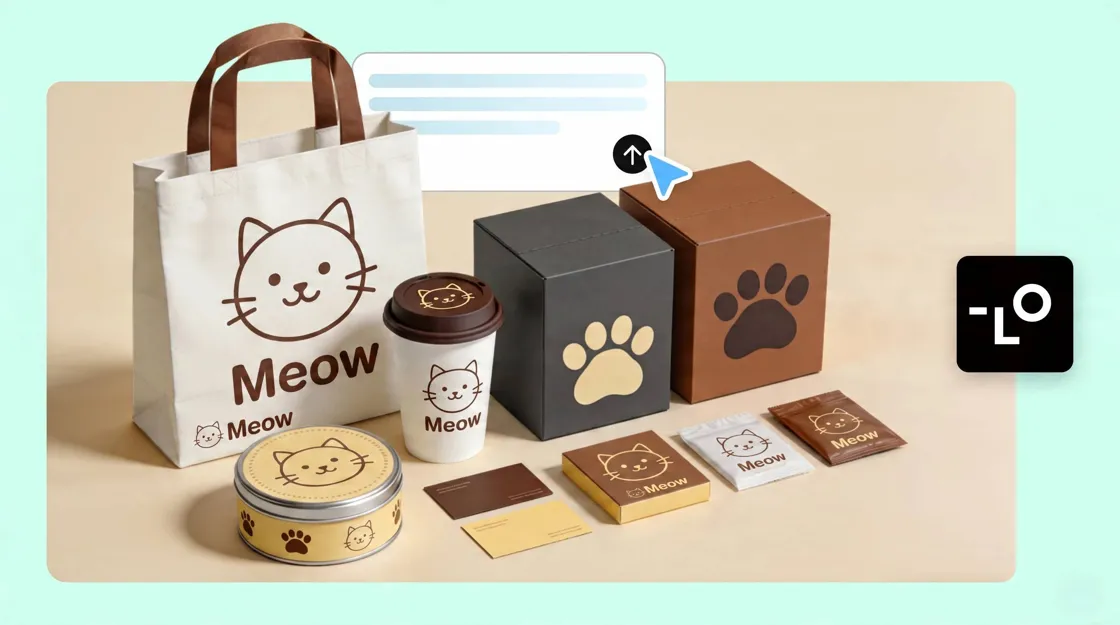
This Lovart AI review covers what the design agent does, which features matter for real projects, how pricing and credits work, where it fits ecommerce workflows, and which alternative tool types to consider if Lovart is not the right match.
Lovart is an AI design agent focused on turning a creative brief into multiple design assets. It is designed for workflows that need brand consistency and multi-asset production, while users looking for more specialized product editing or template-first layouts may prefer other tools.
What Is Lovart AI?
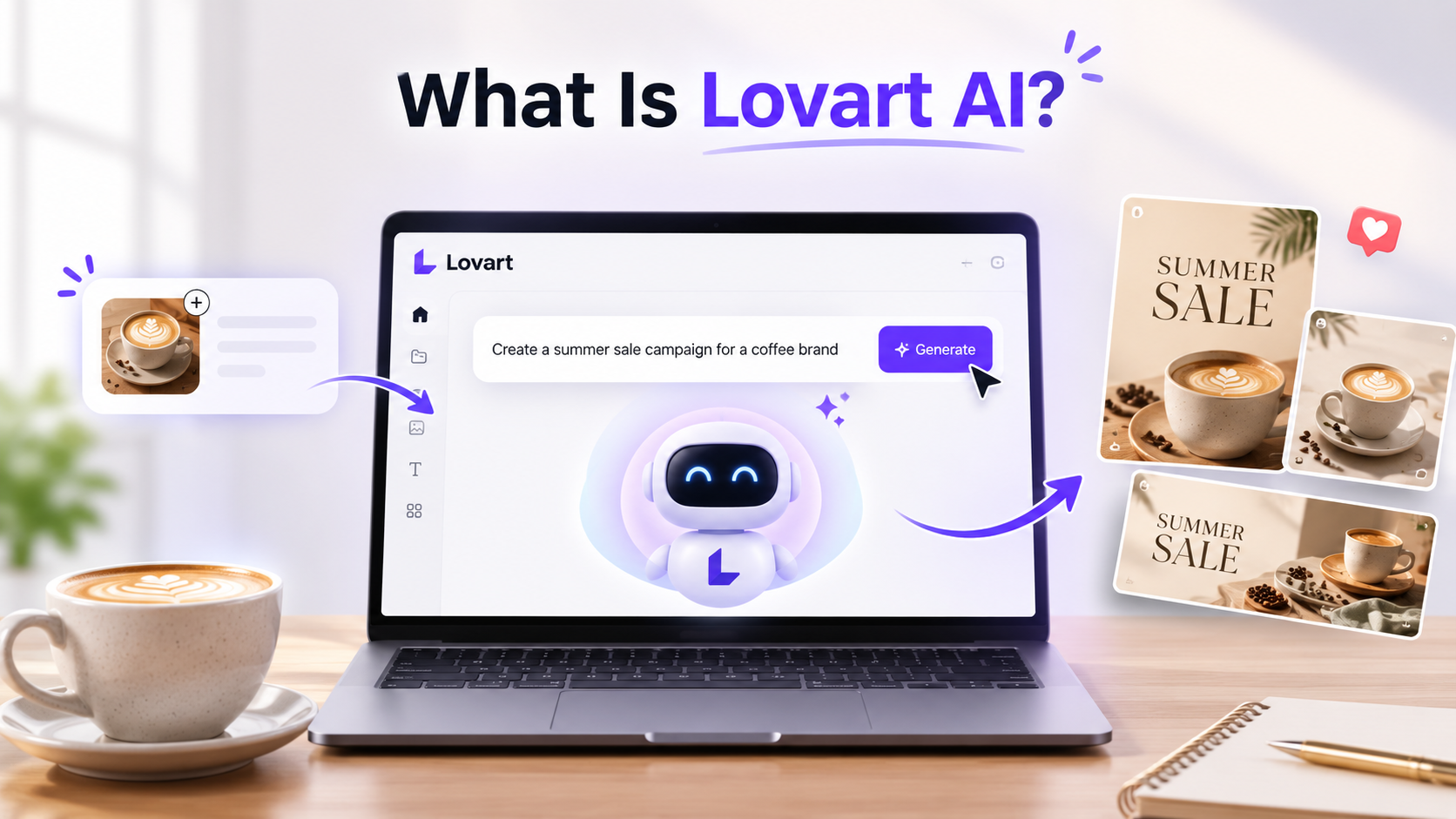
Lovart AI is a creative assistant built around an AI design agent, not a one-shot image prompt box. You start with a brief—audience, style, deliverables—then work with the agent across iterations on a canvas before exporting.
Typical outputs include logo and brand identity concepts, marketing and social graphics, and illustration-led visuals. Compared with a traditional AI image generator that returns a single still, Lovart steers a project from brief to a set of related assets you can refine in one place.
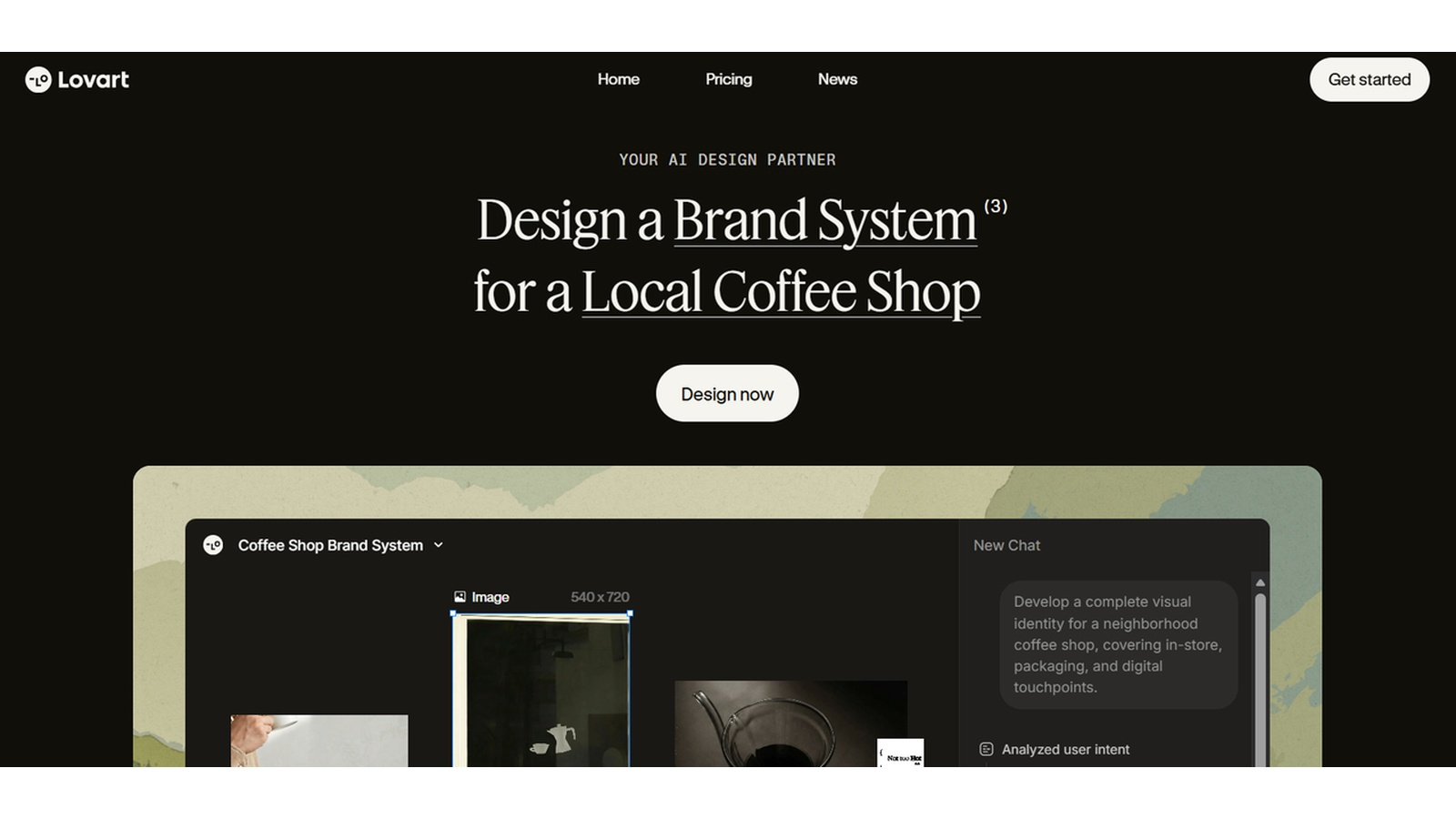
How to use Lovart AI in 3 Steps?
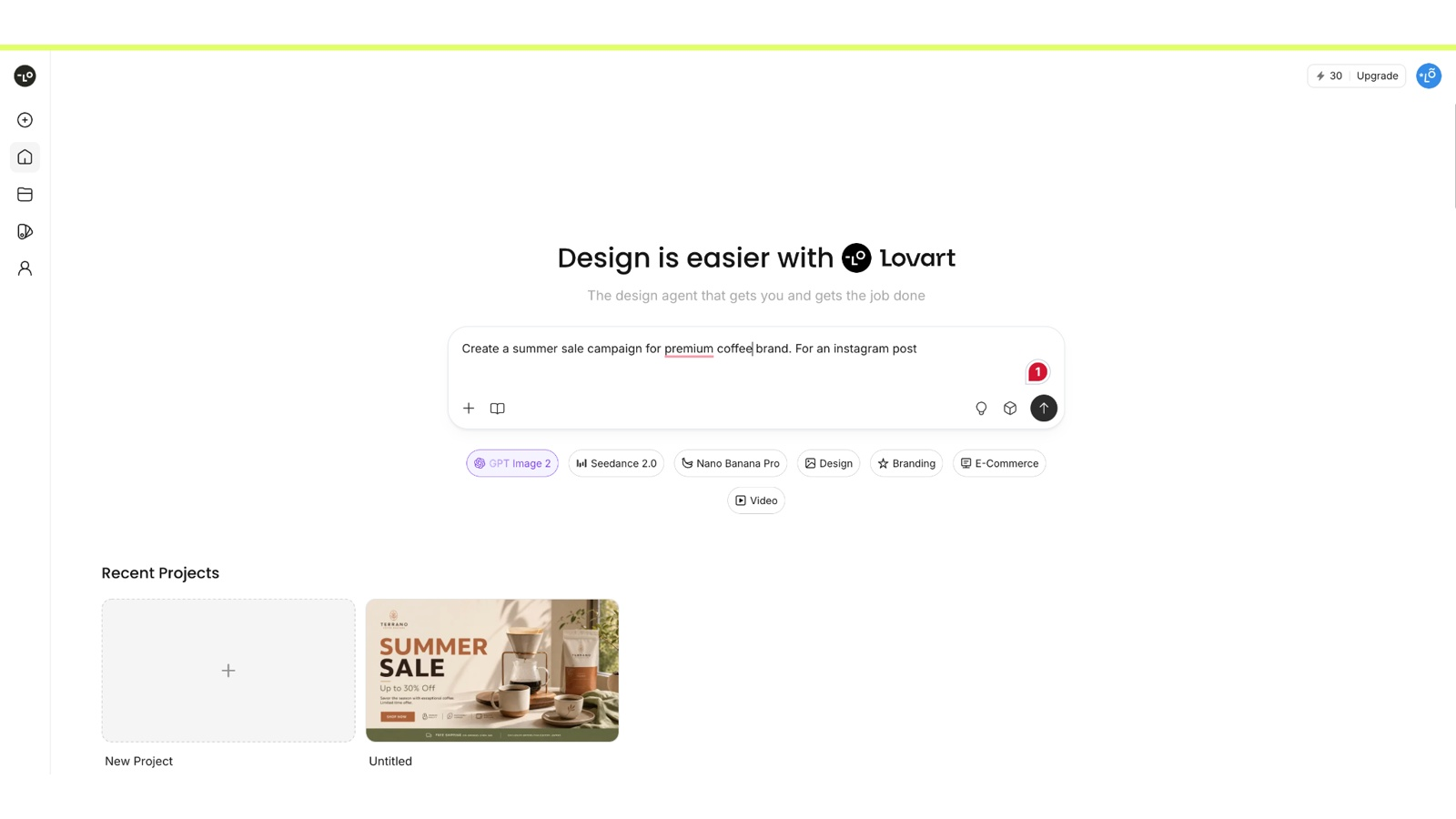
Step 1: Describe your creative brief
Enter your project goals, brand preferences, target audience, and design requirements. Providing clear details helps Lovart generate more relevant concepts from the start.
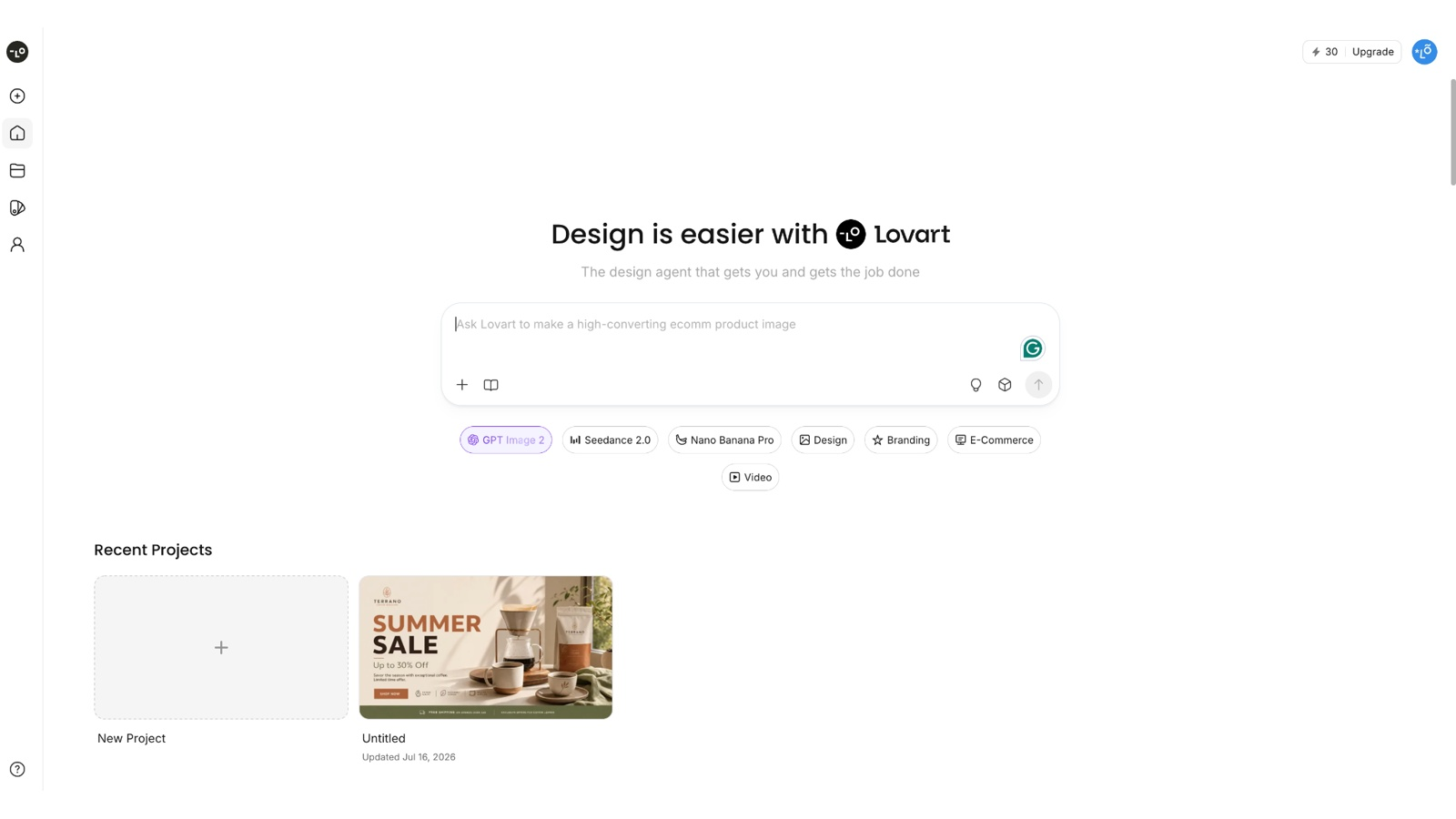
Step 2: Collaborate with the Lovart Agent
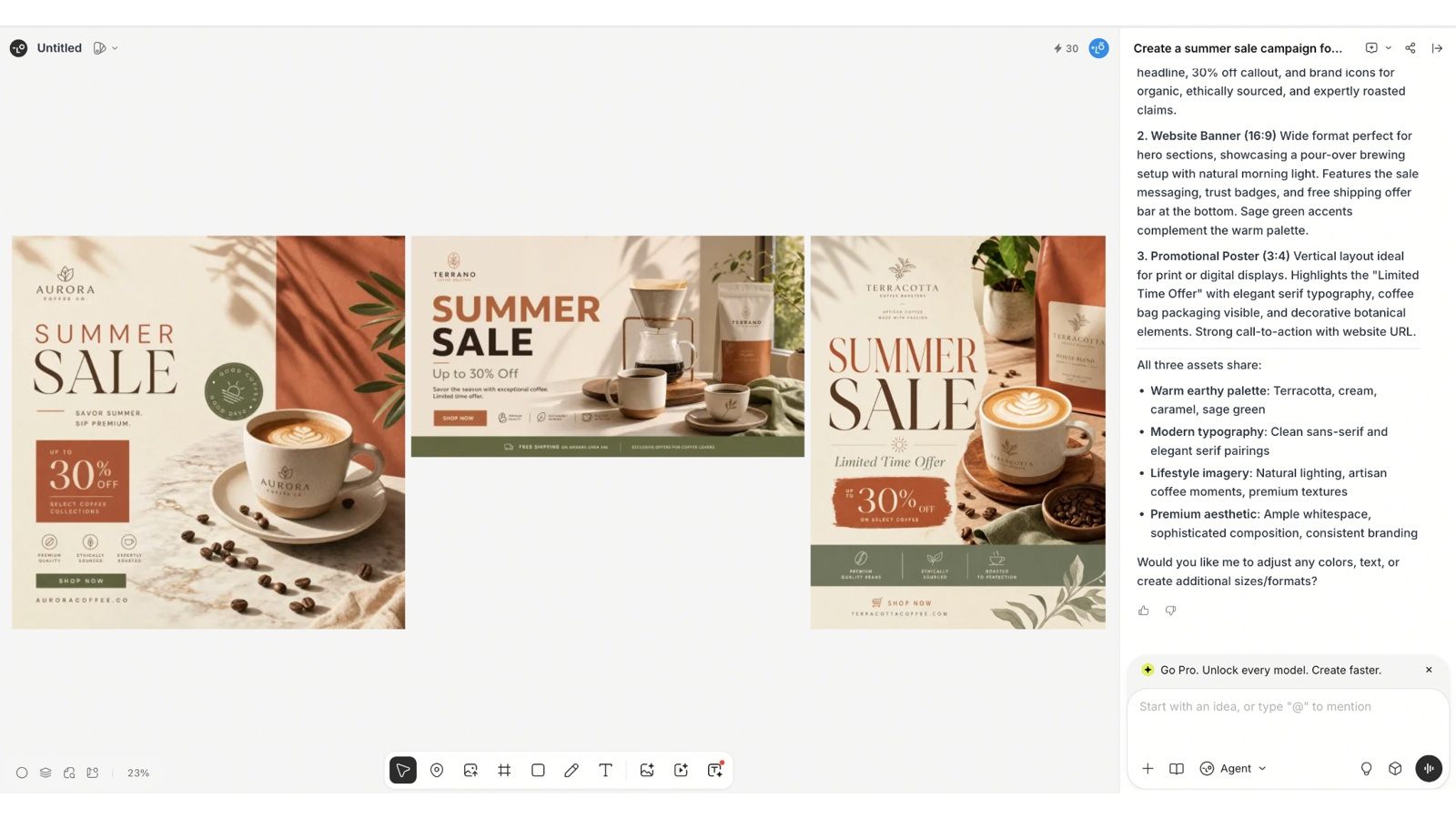
Get your first ideas refined by asking for changes to the layout, color, typography, or branding elements. "Iterative workflow lets you improve designs without having to start all over again."
Step 3: Review, edit, and export
Review the generated assets, make final tweaks, and export them for your project. You can also tweak the exported files in your favourite design software if needed.
Lovart AI Features
For a review decision, these are the capabilities that usually matter most:
-
AI design agent / creative workflow: moves from brief to drafts with follow-up edits instead of isolated prompts
-
Multi-asset generation: logos, social posts, ads, illustrations, and related campaign pieces from one project
-
Brand consistency / Brand Kit: keeps colors, styles, and identity cues aligned across outputs when you set them up
-
Canvas / editing workflow: review, adjust, and continue the thread on a shared board
-
Image and other creative outputs: still graphics are the core; richer media options depend on plan and model settings
Quick pros
-
Strong for iterative branding and concept exploration
-
Useful when you need several matching assets from one brief
-
Keeps design work inside a guided agent workflow
Quick cons
-
Credits can run down quickly on high-resolution or media-heavy jobs
-
Product detail and fine text can drift across generations
-
Team collaboration depth may feel light for large production orgs
Lovart AI Pricing
Lovart uses subscription tiers with monthly credits. The sticker price is only half of the story—credit burn depends on the task, model, and generation settings (agent requests vs. canvas size/quality). Unused monthly credits typically do not roll over; top-up packs follow Lovart’s own expiry rules. Plans and included credits can change, so confirm on Lovart’s official pricing page before you buy.
|
Plan |
Price (annual billing, as listed previously) |
Best for |
|---|---|---|
|
Starter |
$16/month |
Individuals exploring AI design with moderate monthly credits |
|
Basic |
$27/month |
Freelancers who need more credits and frequent generation |
|
Pro |
$45/month |
Designers and small teams with heavier creative workloads |
|
Ultimate |
$109/month |
Businesses and power users who need higher credit ceilings |
How credits work in practice: agent runs and canvas generations both spend credits; more complex models and higher quality settings cost more. Treat the table as a snapshot for planning, not a permanent price list.
Is Lovart AI Good for Ecommerce?
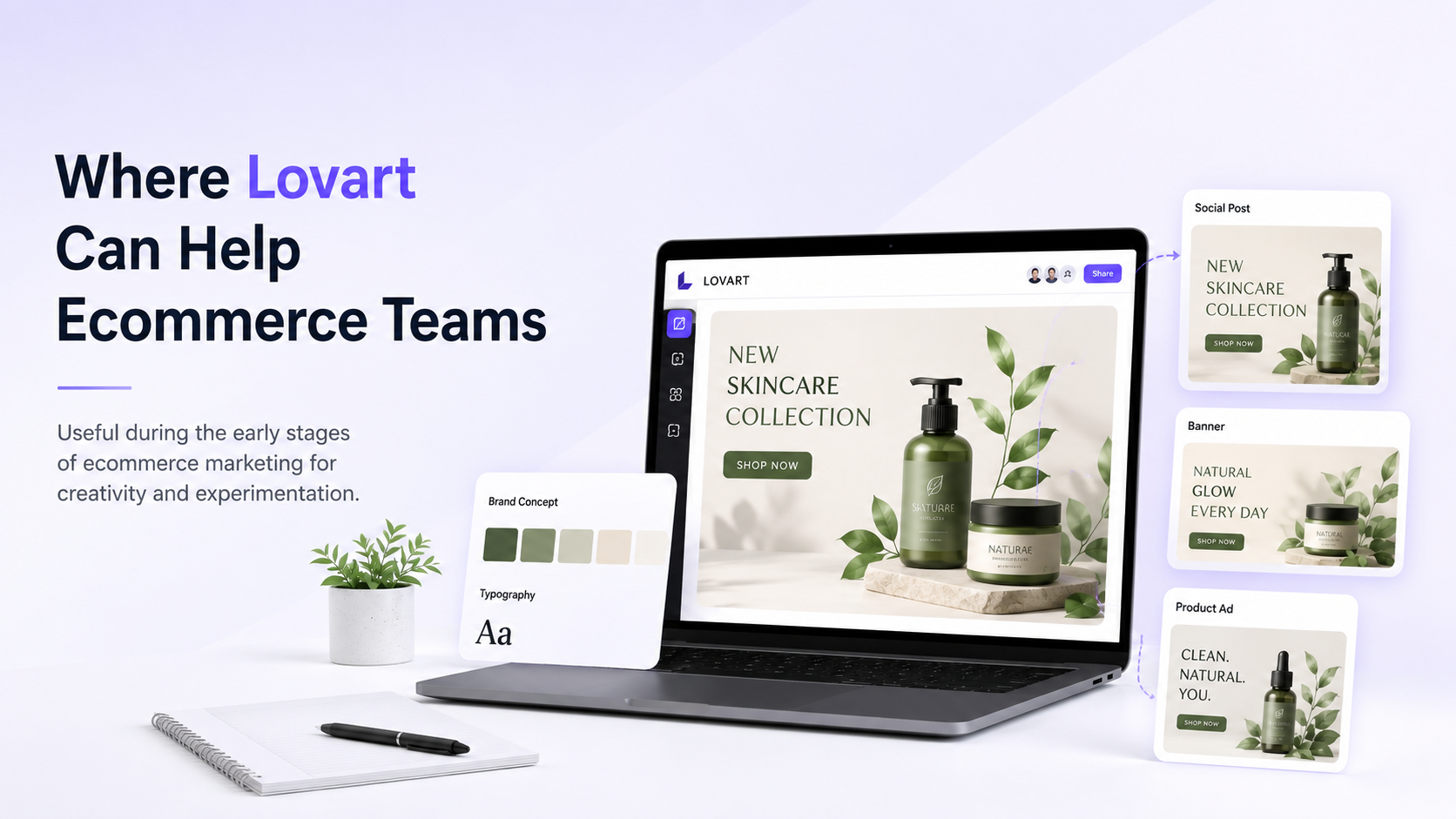
What it can do: help ecommerce teams explore campaign concepts, brand-led social sets, and creative directions before production locks in.
Relevant ecommerce use cases: mood boards for launches, ad concept variants, and branded lifestyle ideas when pixel-perfect product fidelity is not the first requirement.
Potential limitations: catalog-accurate product shots, marketplace-ready size packs, and large batches of performance ad crops often need more specialized product-image workflows. Lovart can start the creative thread; it may not finish every SKU pipeline alone.
Lovart AI Alternatives
|
Tool |
Best for |
Main capability |
Key difference |
|---|---|---|---|
|
Canva |
Template-led marketing graphics |
Drag-and-drop layouts, brand kits, team editing |
Faster for preset social formats; less agent-led brief iteration |
|
Midjourney |
High-style still generation |
Prompt-driven image exploration |
Strong for art direction; weaker as a full multi-asset design agent |
|
Designkit |
Ecommerce product and campaign visuals |
Product-led image and marketing asset generation |
Built around product photos and sell-ready creatives more than brand-agent ideation |
There is no perfect AI platform for every creative workflow. The choice you make depends on your goals and if you need branding support, artistic image generation, or e-commerce content production. Below are three popular options that specialize in different areas.
Canva
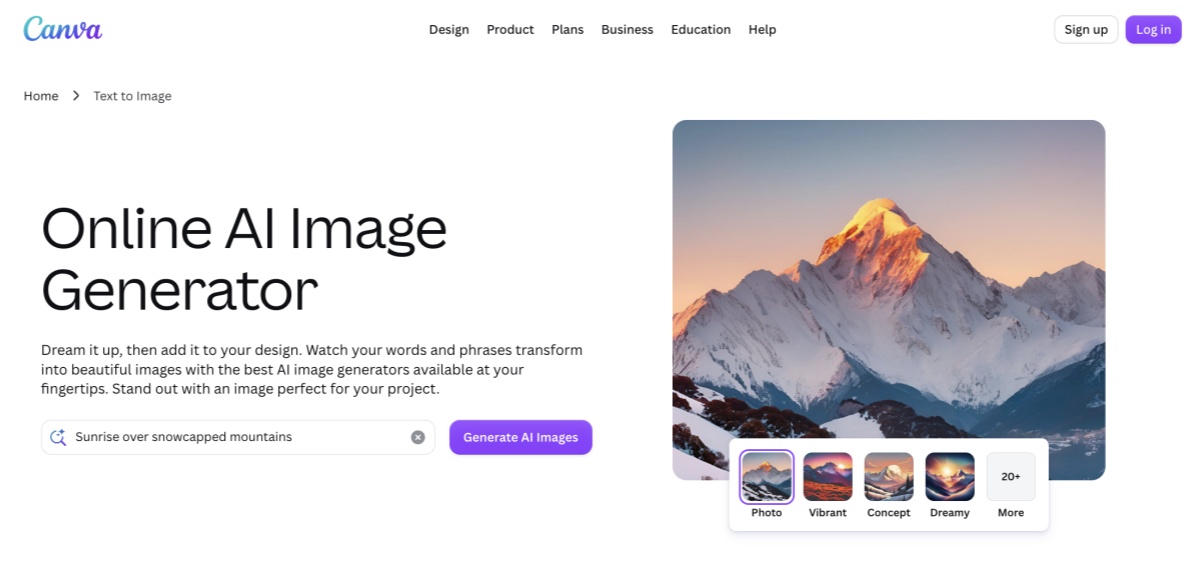
If you want a basic design platform with templates already set up, Canva is a good option. The service features team brand kits, drag-and-drop editing and collaboration tools to create presentations, social media graphics, marketing materials and other business collateral.
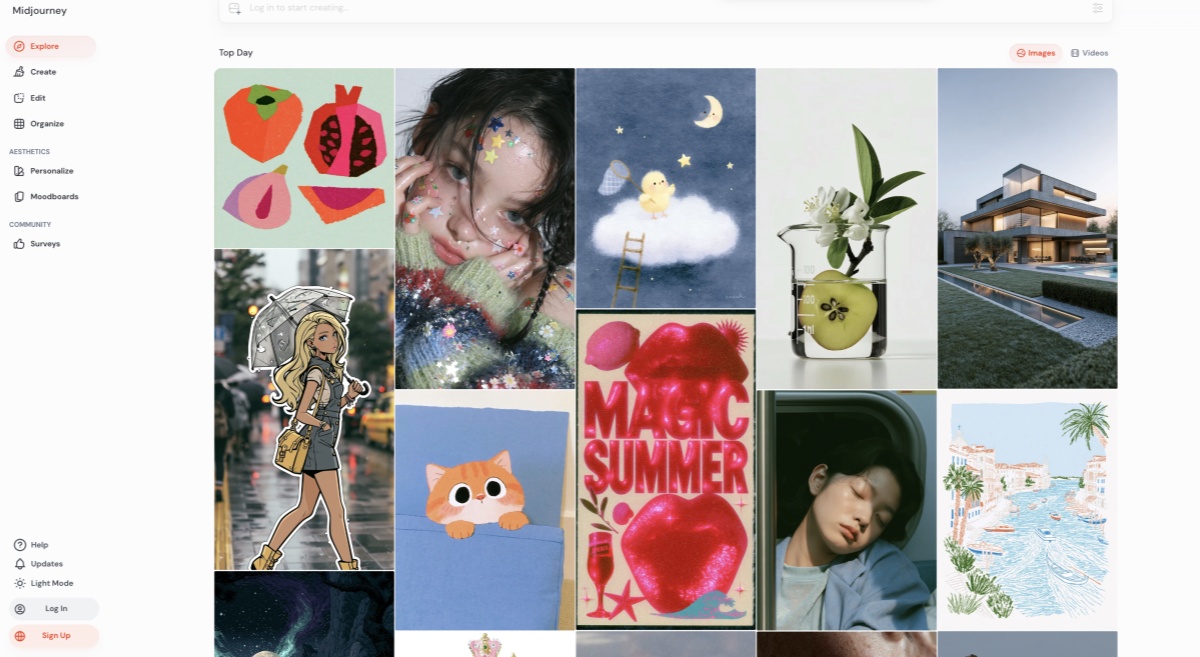
Midjourney
Midjourney is known for producing high-quality artistic images with rich detail and creative styles. It is well-suited for concept art, illustrations, and visual exploration, making it a popular option for designers and digital artists.
Designkit
Designkit is for e-commerce businesses that want more than creative concepts. It assists in the creation of AI product photography , lifestyle visuals and batch marketplace creatives, allowing brands to produce consistent, marketing-ready assets at scale.
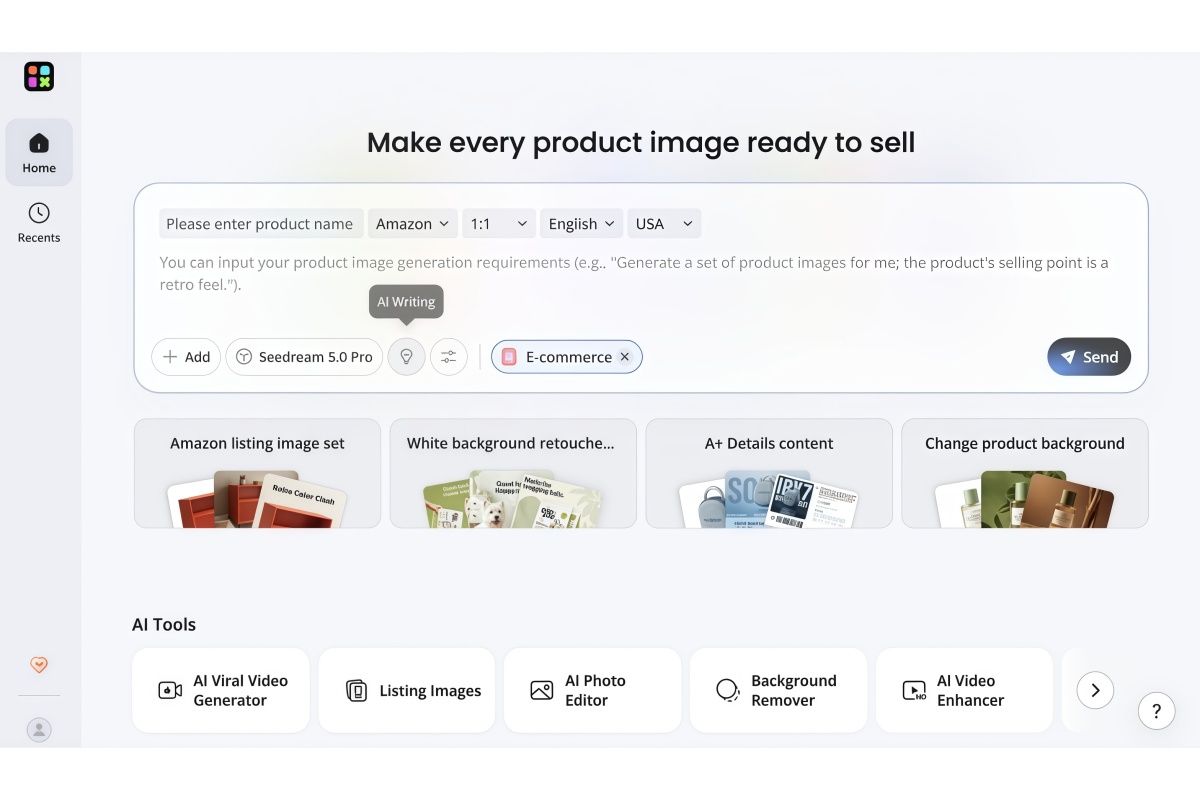
Designkit: A Lovart alternative built for ecommerce creative workflows
Lovart helps with creative exploration. Designkit is built for ecommerce teams that need to turn product information into marketing-ready visuals—product photos, lifestyle scenes, and campaign assets you can reuse across channels.
How Designkit supports ecommerce creative production
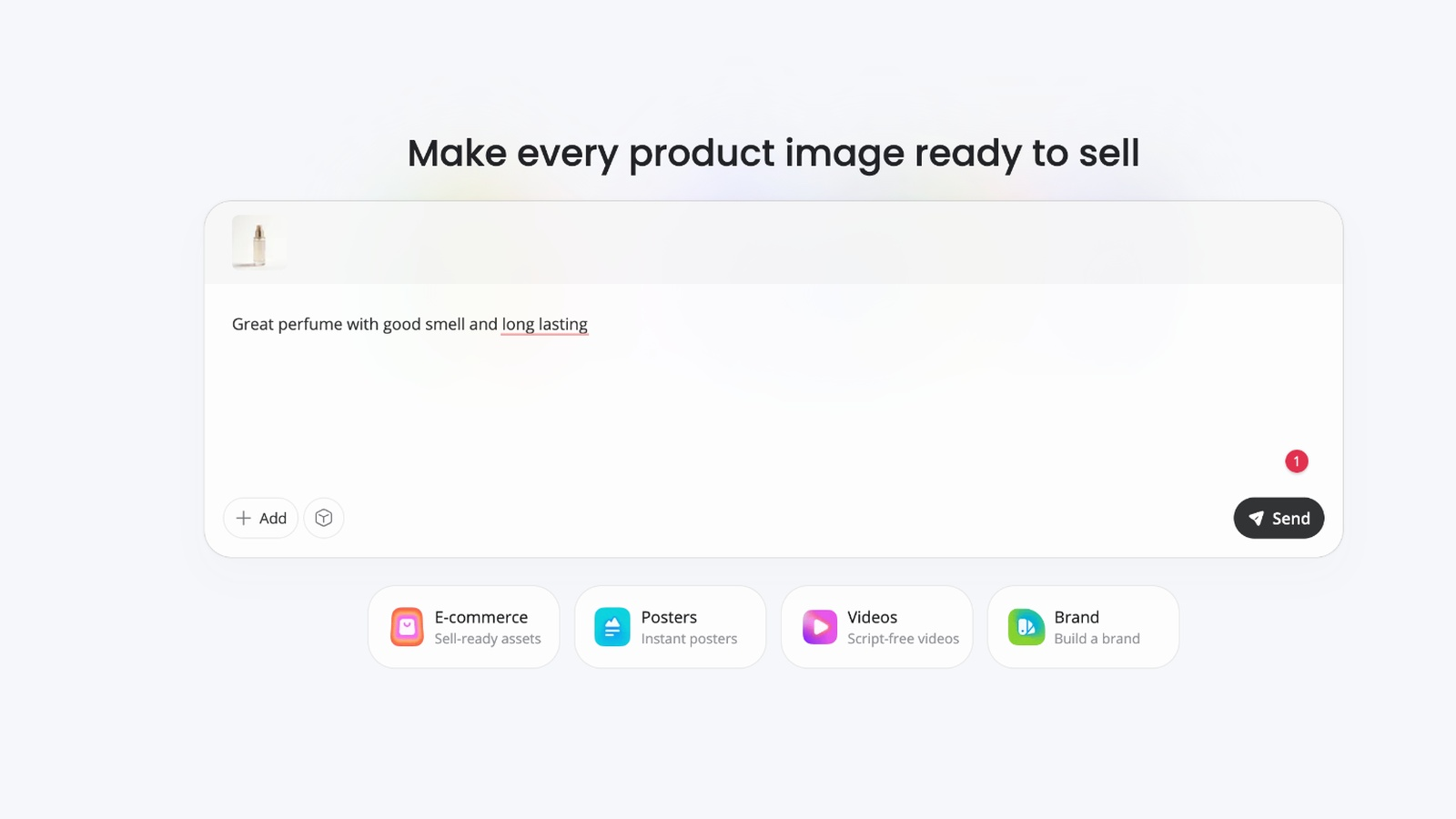
Step 1: Upload your product image. Use a product shot as the base so key details stay consistent across generated visuals.
Step 2: Generate commercial visual assets. Create product photos, lifestyle images, banners, and campaign variations without designing each piece from scratch.
Step 3: Adapt content across channels. Resize and adjust outputs for marketplaces, site, social, and ads so the brand presentation stays aligned.
Why ecommerce brands choose Designkit
-
Create product visuals without traditional photoshoots
-
Produce multiple marketing variations faster for ads and promotions
-
Keep product presentation consistent across websites, marketplaces, and social
Who should choose Lovart AI vs Designkit
Choose Lovart AI if you need brand and concept exploration—logos, identity directions, illustrations, and marketing graphics driven by a creative brief.
Choose Designkit if you sell online and need scalable, commercial-ready assets: AI product photography, lifestyle scenes, and listing or campaign visuals built from product images.
Open Designkit when the next step after concepting is sell-ready ecommerce creatives.
Final Thoughts
Lovart AI fits creators and teams that want an agent-led path from brief to a set of related designs, with brand consistency and credits as the main operating constraints. It is less ideal as the only tool for strict product-accurate ecommerce production. Match the tool to the workflow: concept and multi-asset design here; specialized editors or ecommerce generators when the job is different.
Frequently Asked Questions
What is Lovart AI?
What is the Lovart AI design agent?
It is the assistant that reads your brief, proposes designs, and continues edits with you instead of returning a single disconnected image from one prompt.
What are Lovart AI’s main features?
Core features for most buyers are the agent workflow, multi-asset generation, Brand Kit / brand consistency controls, and canvas editing. Exact model options depend on the plan.
How does Lovart AI pricing work?
Plans are subscription tiers with monthly credits. Credits are spent based on the task, model, and settings. Prices and credit bundles can change, so check Lovart’s pricing page for current numbers.
Is Lovart AI free to use?
Availability of a free tier or trial can change. Most ongoing work sits on paid credit-based plans. Confirm current free or trial options on Lovart’s site.
Is Lovart AI good for ecommerce?
It can help with campaign concepts and branded creative exploration. Catalog-accurate product packs and marketplace-ready batches often need more specialized product workflows.
What are Lovart AI pros and cons?
Pros: iterative agent workflow, multi-asset sets, brand-oriented generation. Cons: credit burn on heavy jobs, product-detail consistency limits, and lighter collaboration for large teams.
What are the best Lovart AI alternatives?
It depends on the job. Template-led teams often look at Canva; style-heavy stills at Midjourney; product and ecommerce asset pipelines at tools built for catalog and campaign production.
You May Also Like
Remove.bg Shutting Down Dec 1, 2026: What Users Are Saying

7 Best Remove.bg Alternatives in 2026: Free & Paid Tools

Instagram Carousel: What It Is, How to Post & Create One

Nano Banana Prompts: 20+ Examples for Better AI Images

Ideogram AI Review 2026: Features, Pricing & Alternatives

Free Mac Photo Editor: 5 Tools Compared for Mac Users

How to Crop a Photo Into a Circle Online (Keep Quality)

How to Make an Image Transparent Online (AI Guide)

Pixlr Background Remover Review 2026: Features, Pricing & Alternatives

How to Fix Overexposed Photos: Recover Highlights Fast

OpenArt AI Review 2026: Features, Pricing & Alternatives

Best AI Headshot Generator: 9 Tools Compared for 2026

Best Stencil Maker Tools 2026: Turn Photos Into Stencils

Pixelbin Watermark Remover Review: Image & Video Results Tested

How to Make a Sticker on iPhone: Easy Step by Step Guide

Best AI Logo Generator in 2026: 10 Tools Compared

How to Turn a Photo Into a Cartoon: A Beginner-Friendly Guide

Landscape vs Portrait: Key Differences & Best Uses in 2026

How to Remove Watermark From Photo: AI, Photoshop & More

How to Fix Pixelated Photos: Photoshop, AI Tools & Tips

Bing Image Creator: How It Works, Features, Uses & Alternatives

How to Remove People from Photos with AI: A Step-by-Step Guide

How to Increase Image Resolution: AI, Photoshop & PPI

How to Add Text to a Photo: 8 Tips for Better Results

How to Fix Grainy Photos: Easy Ways to Clear Images

Creative Profile Picture Ideas for Every Style and Platform

Evoto AI Review 2026: Features, Pricing, Pros & Cons

Pixlr Photo Editor Review: Features, Pricing & Alternatives

Best AI Image Extender Tools in 2026: Expand Photos with AI

How to Make a Collage on iPhone: Easy Guide for 2026

How to Sharpen an Image in Photoshop (Smart Sharpen and Unsharp Mask)

Best Image Background Remover Tools in 2026: AI Tools Compared

How to Make Transparent Background in Paint: Step-by-Step Guide

How to Resize an Image: Best Methods, Tools & Quality Tips

Best AI Image Generator Tools in 2026: Top AI Platforms Compared

Remove.bg Review 2026: Features, Pricing & Is It Worth It?

Luminar Neo Photo Editor Review 2026: AI Features, Price & Pros

How to Post Multiple Photos on Instagram (2026 Guide)

25 Facebook Cover Photo Ideas for Personal & Business Pages

What Is a PFP? Meaning, Examples & How to Create One

Can You Edit an Instagram Post After Posting?

11 Best Canva Alternatives in 2026 for AI Design & Marketing

8 Best Midjourney Alternatives in 2026: Features, Pricing & Comparison

How to Restore Old Photos: AI Tools, Tips & Best Methods

Pixelcut AI Review 2026: Features, Pricing, Pros, Cons & Alternatives

How to Apply Watermark to Photos: Methods, Tips & AI Tools

How to Remove a Background in Illustrator: 4 Easy Methods

How to Change Background Color on Instagram Story (Easy Guide)

8 Best AI Poster Generators in 2026: Create Posters Faster with AI

10 Best AI Image Enhancers in 2026: Tested & Compared

10 Best AI Image Editors in 2026: Features, Pricing & Comparison

7 Best AI Background Changer in 2026: Remove & Replace Photo Backgrounds

Luminar Neo vs Lightroom: Features, Pricing & Comparison 2026

Kittl Review 2026: Is It Worth It? Features & Pricing

How to Make a Blurry Image Clear: 5 AI & Manual Ways

How to Remove Background on iPhone: 5 Easy Methods (2026)

Photoroom Background Remover Review 2026: Features & Alternatives

How to Remove Background in Canva: A Step-by-Step Guide

How to Remove Background in GIMP: Beginner-Friendly Guide

Funny Dog Memes to Try: Doge Meaning and 10 Original Ideas

Back to School Checklist 2026: Supplies, Timeline, and Planning

Recraft AI Review 2026: Features, Pricing, Pros, Cons & Alternatives

How to Make an Image Transparent in Google Slides: Opacity & Background Removal

VanceAI Photo Enhancer Review: Features, Pricing & Alternatives in 2026

What Does Emojify Mean? Text, Photos, & Emoji Art Explained

Top 8 Online Background Removers for Ecommerce Photos (2026)

How to Remove Background in Photoshop: 7 Easy Methods

6 Best AI Image Upscalers 2026: Tools Tested & Compared

Project Indigo Review: Is It Better Than iPhone Camera?

How Big Is an 8x10 Photo? Size, Pixels & Frame Guide

How Big Is a 4x6 Photo? Dimensions, Pixels & Printing Tips

Picsart AI Review: Features, Pricing, Pros, Cons & Alternatives

Lovart AI Review: AI Design Agent Features, Pricing & Alternatives

Fotor AI Image Generator Review: Features, Pricing & Alternatives

How to Add Emoji to Photo Online for Free

Emoji Wallpaper Ideas & How to Make One Online (2026)

Minimalist Poster Design: How to Make a Clean Poster (2026)

How to Make a Custom Poster That Is Ready to Print

Instagram Image Size Guide 2026: Post, Reel, Story & Carousel Specs

LinkedIn Image Size Guide: Profile, Post & Banner Dimensions

YouTube Profile Image Size: Best Dimensions & Safe Area 2026

How to Edit Amazon Product Photos That Boost Sales Fast
Match the Tool to the Job
Use Lovart when you need agent-led brand and campaign concepts. When the next step is product-accurate ecommerce visuals, Designkit is built for that workflow.


