

Handle Moving Watermarks
Track watermarks as the camera, subject, or overlay moves.

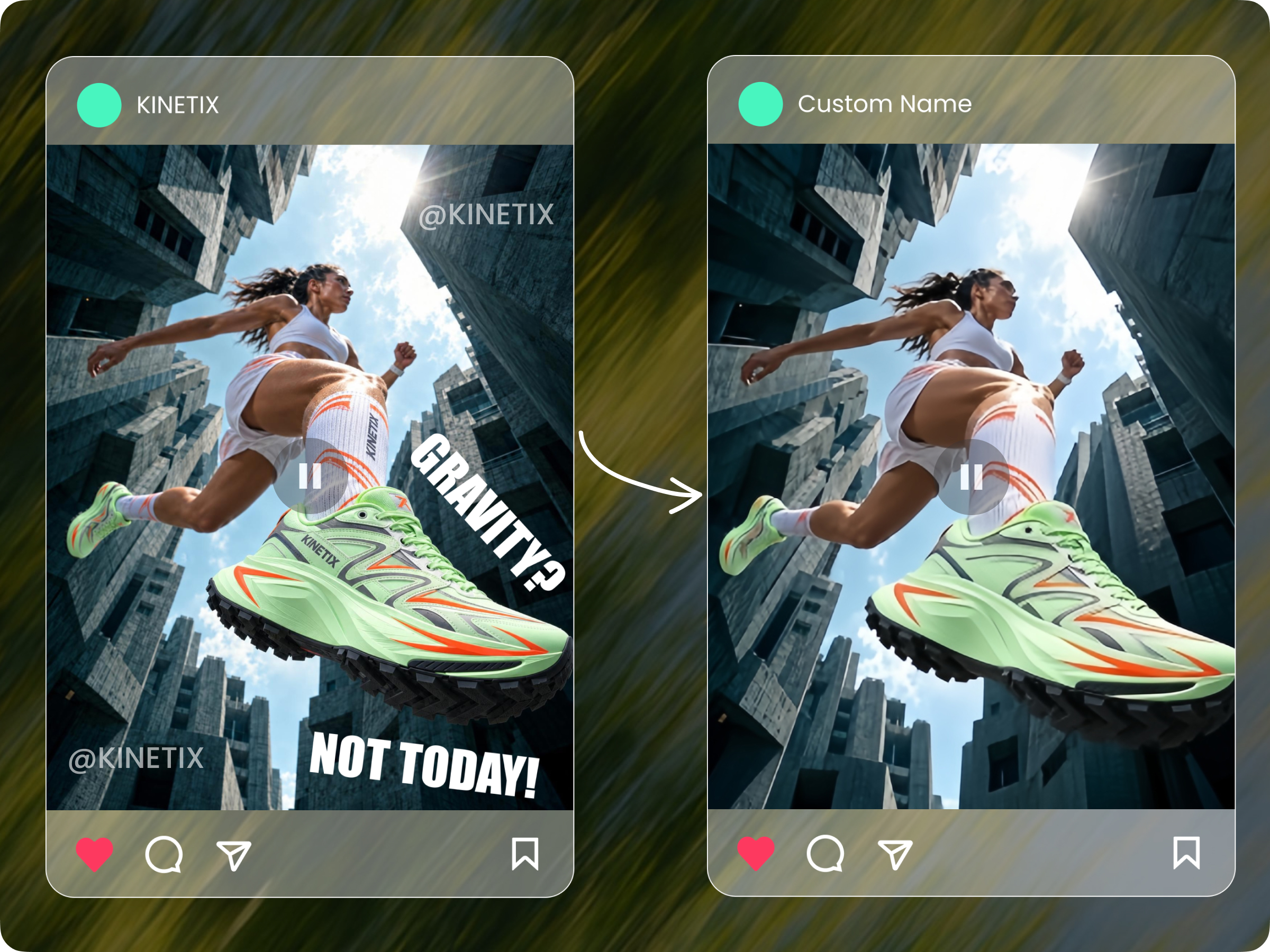
Remove logos, TikTok watermarks, usernames, subtitles, AI export marks, and other unwanted overlays from videos with AI. Upload a video or paste a social link to remove watermarks without cropping or frame-by-frame editing.
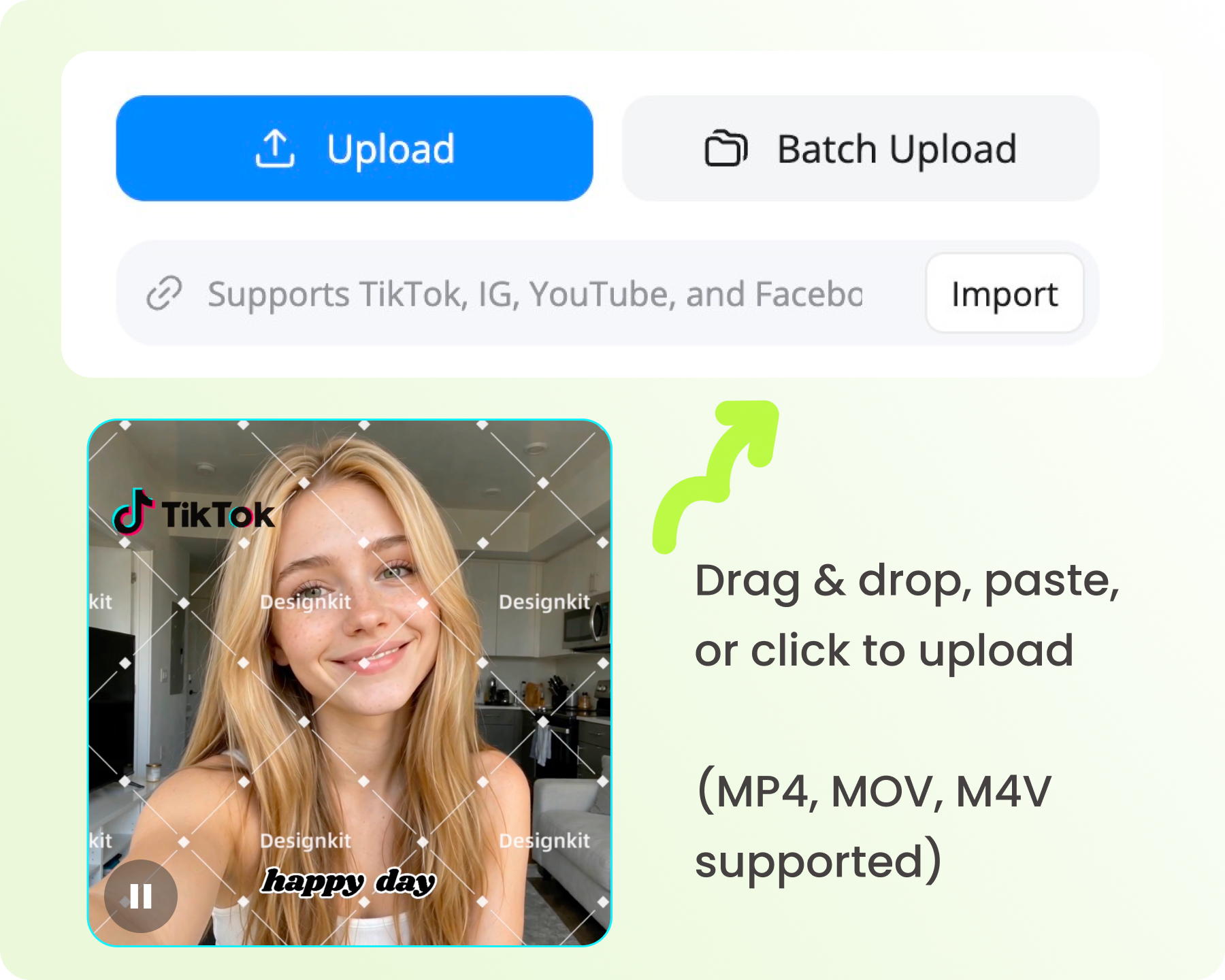
Drag & drop, paste, or click to upload (MP4, MOV, M4V supported)
Try These Videos:


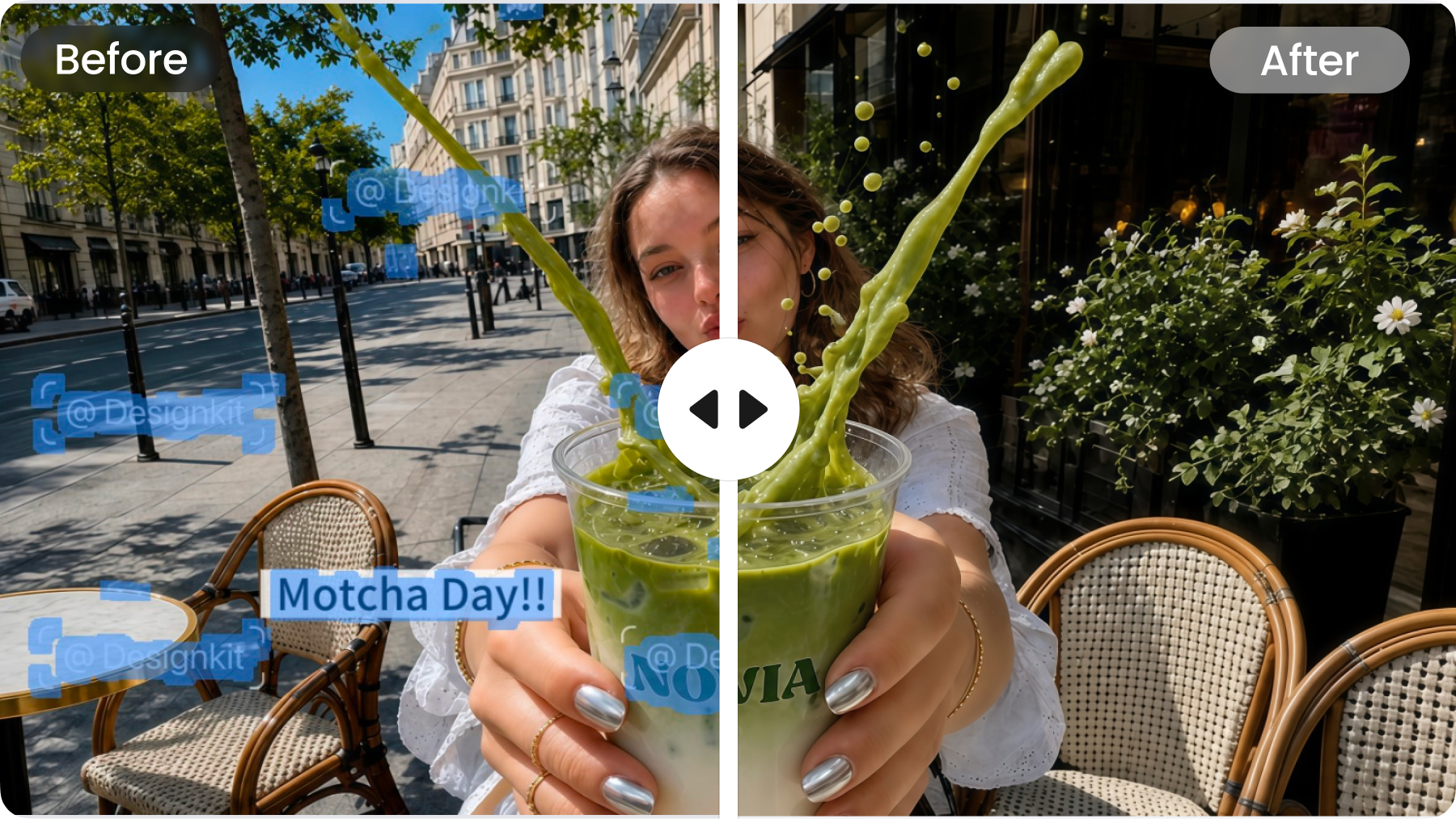
Designkit removes logos, text, and watermarks while reconstructing the covered area from surrounding pixels, textures, and motion. Get a cleaner result without simply placing a blurry patch over the watermark.
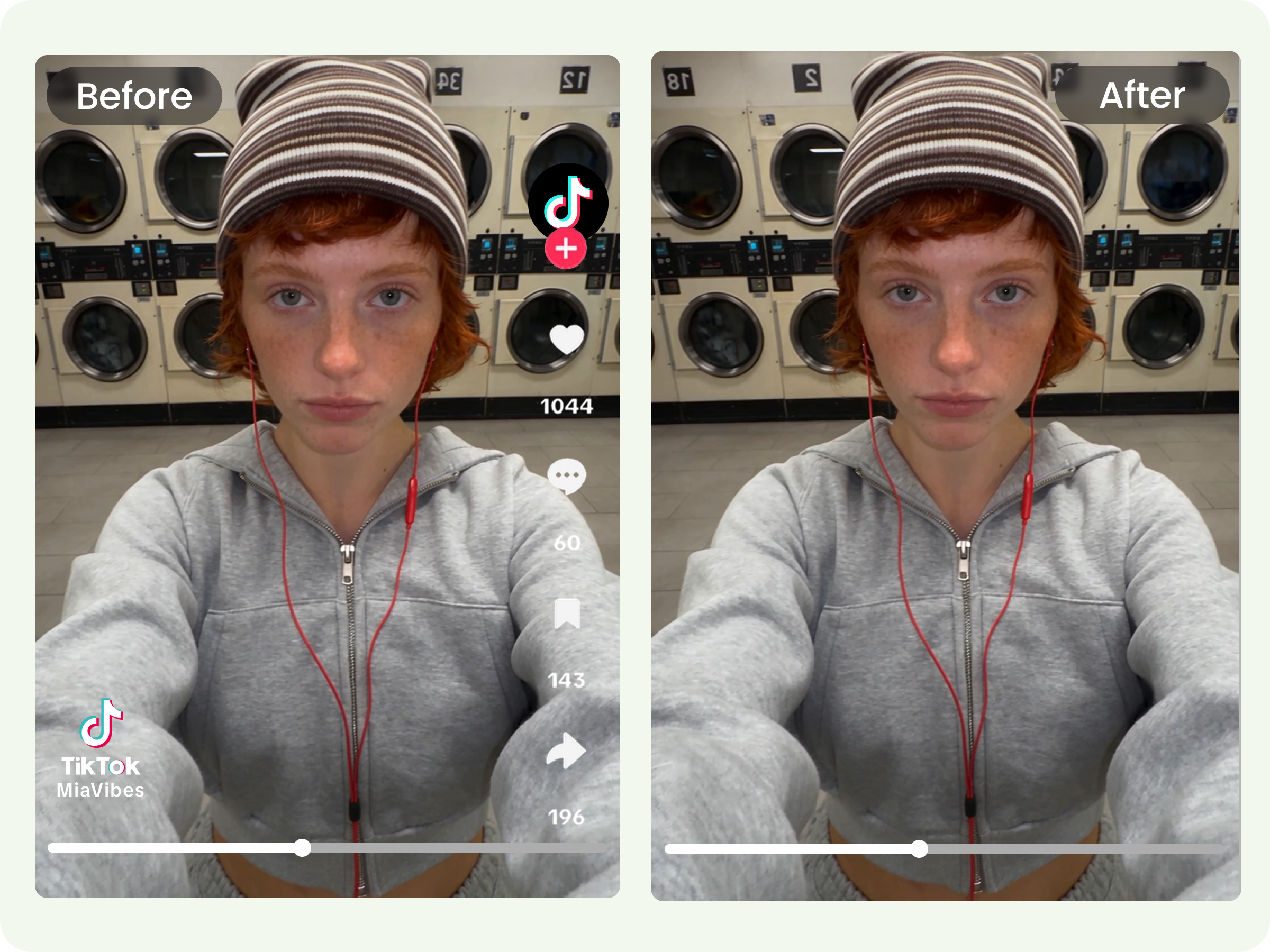
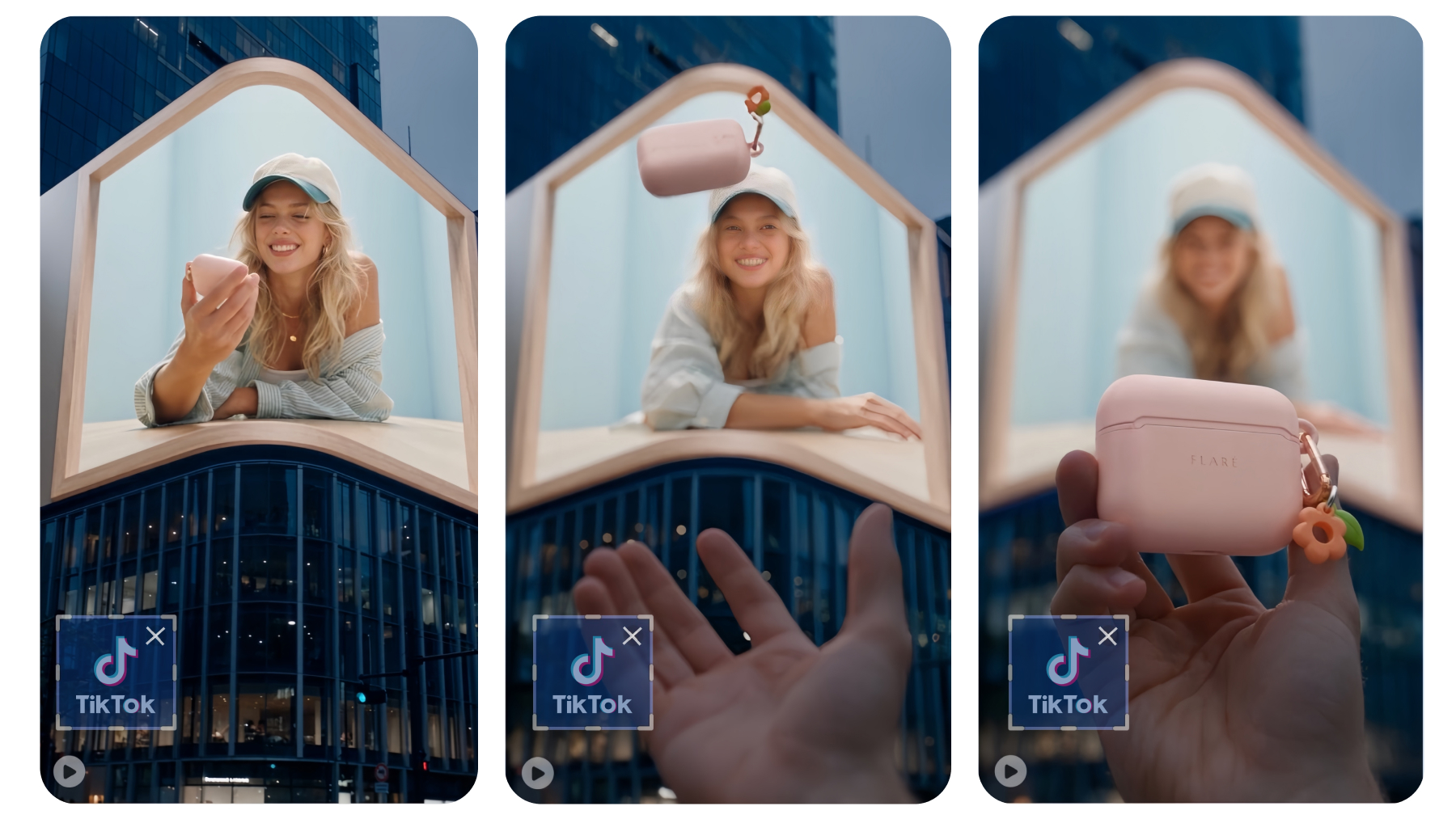
Remove TikTok logos, usernames, and other platform marks from videos you own or have permission to edit. Keep the original frame instead of cropping the video to hide the watermark.
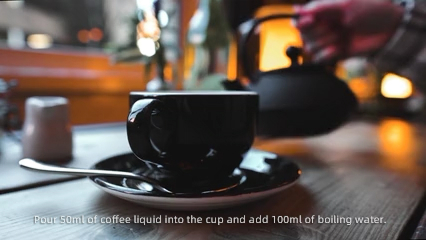
Remove captions, subtitles, timestamps, and other text embedded directly into video frames. Designkit detects the unwanted text and reconstructs the area behind it across the clip.
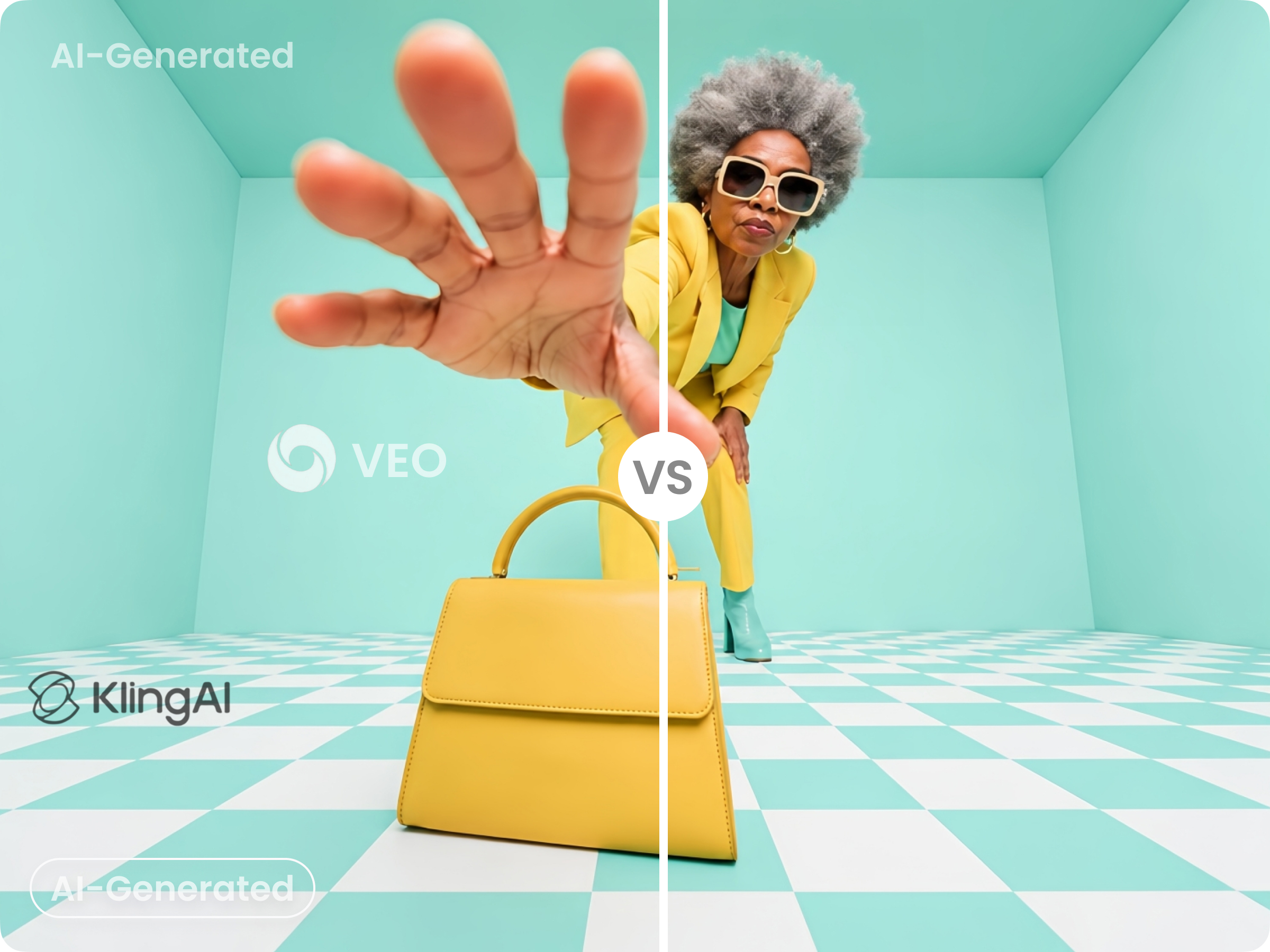
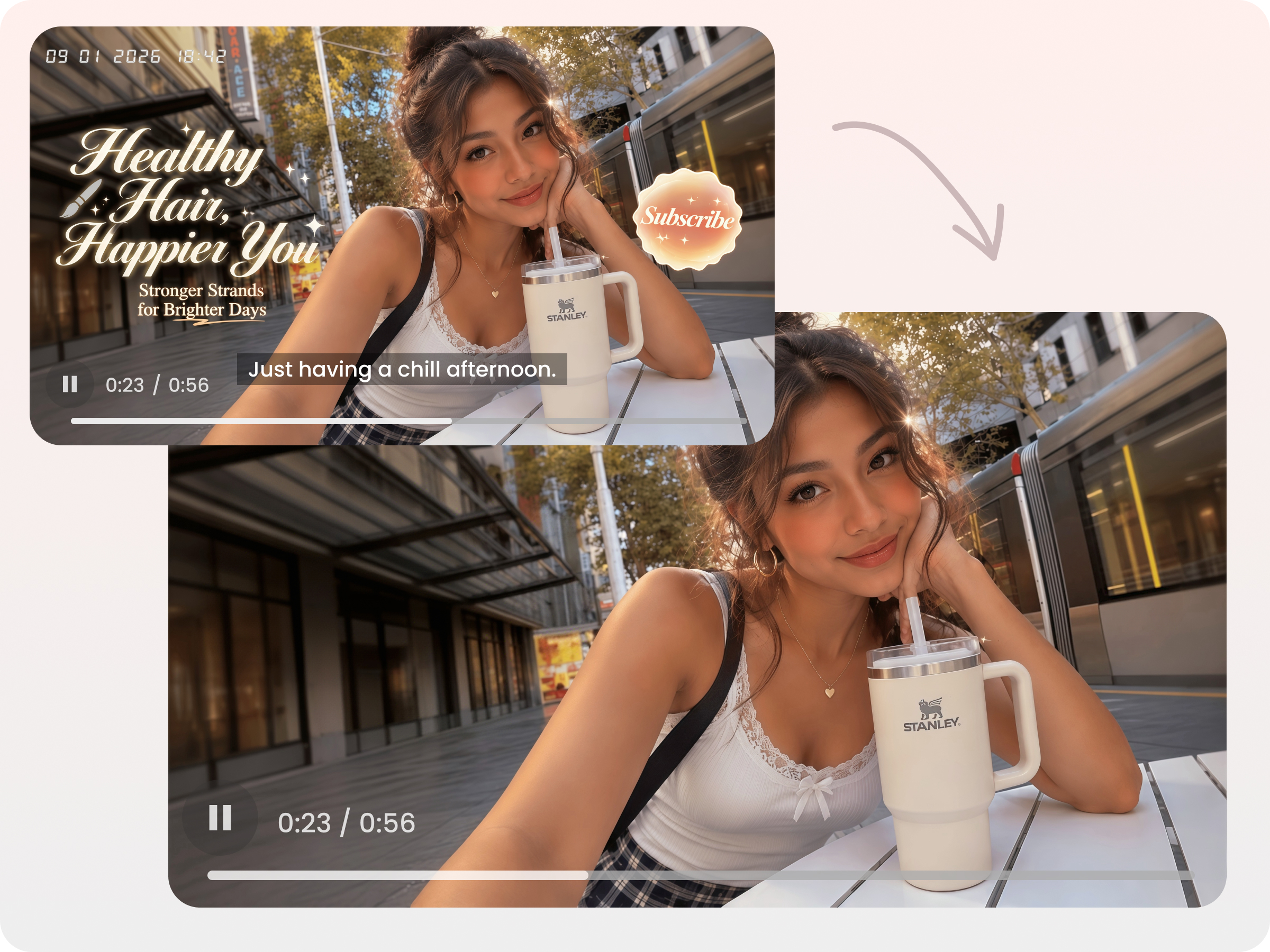
Clean visible AI-generated video watermarks, logos, and export marks from authorized footage. Remove fixed or moving overlays while preserving the surrounding video content.
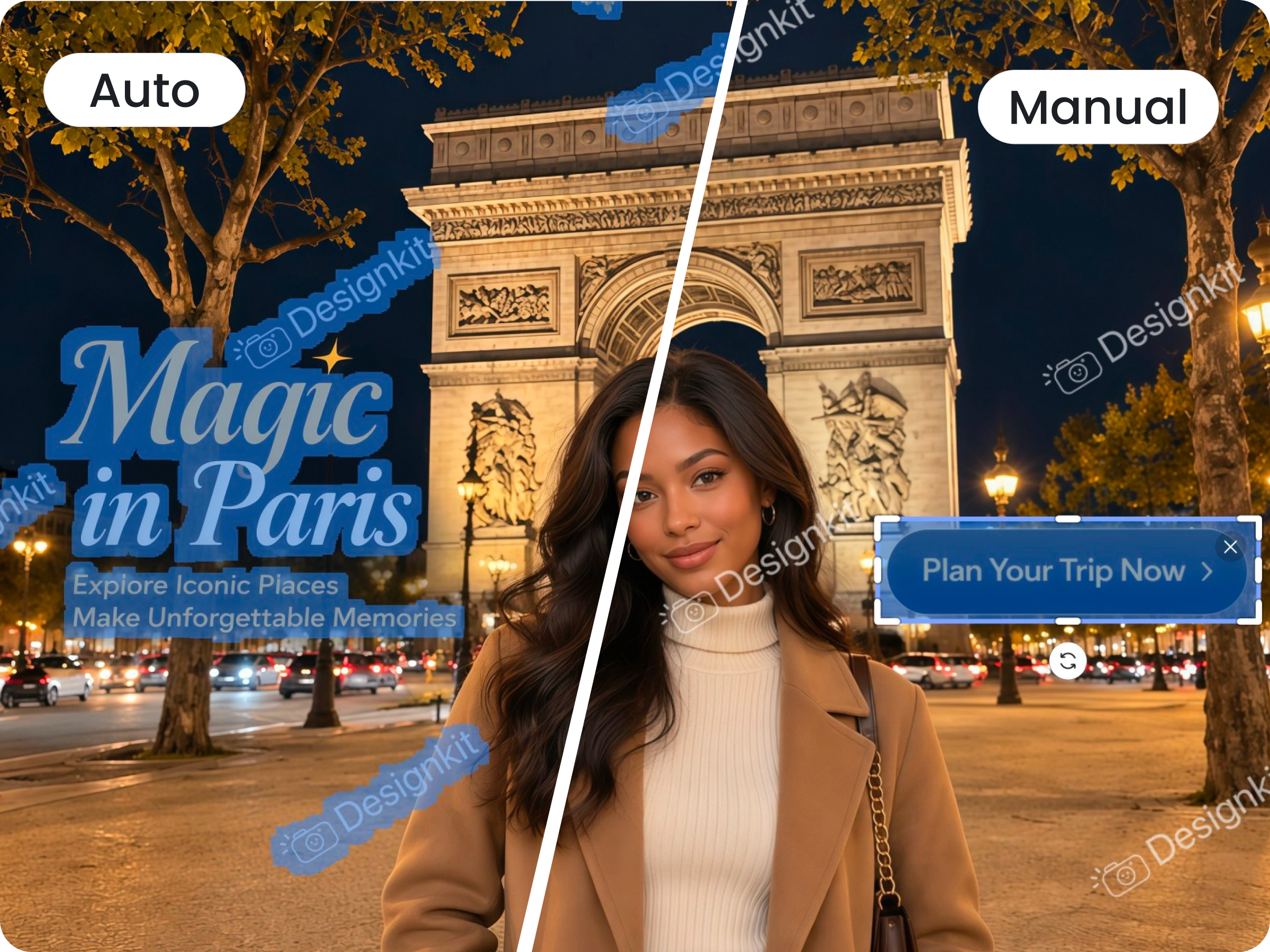
Let AI detect logos, text, watermarks, and unwanted objects, or manually select the area you want to remove. Choose the workflow that works best for each video.

Batch process multiple videos to remove logos, text, subtitles, and other overlays. Clean an entire video library without editing every clip manually.
Upload an MP4, MOV, or M4V file, or paste a supported TikTok, Instagram, or YouTube link. Batch upload up to 30 videos and review each file separately.
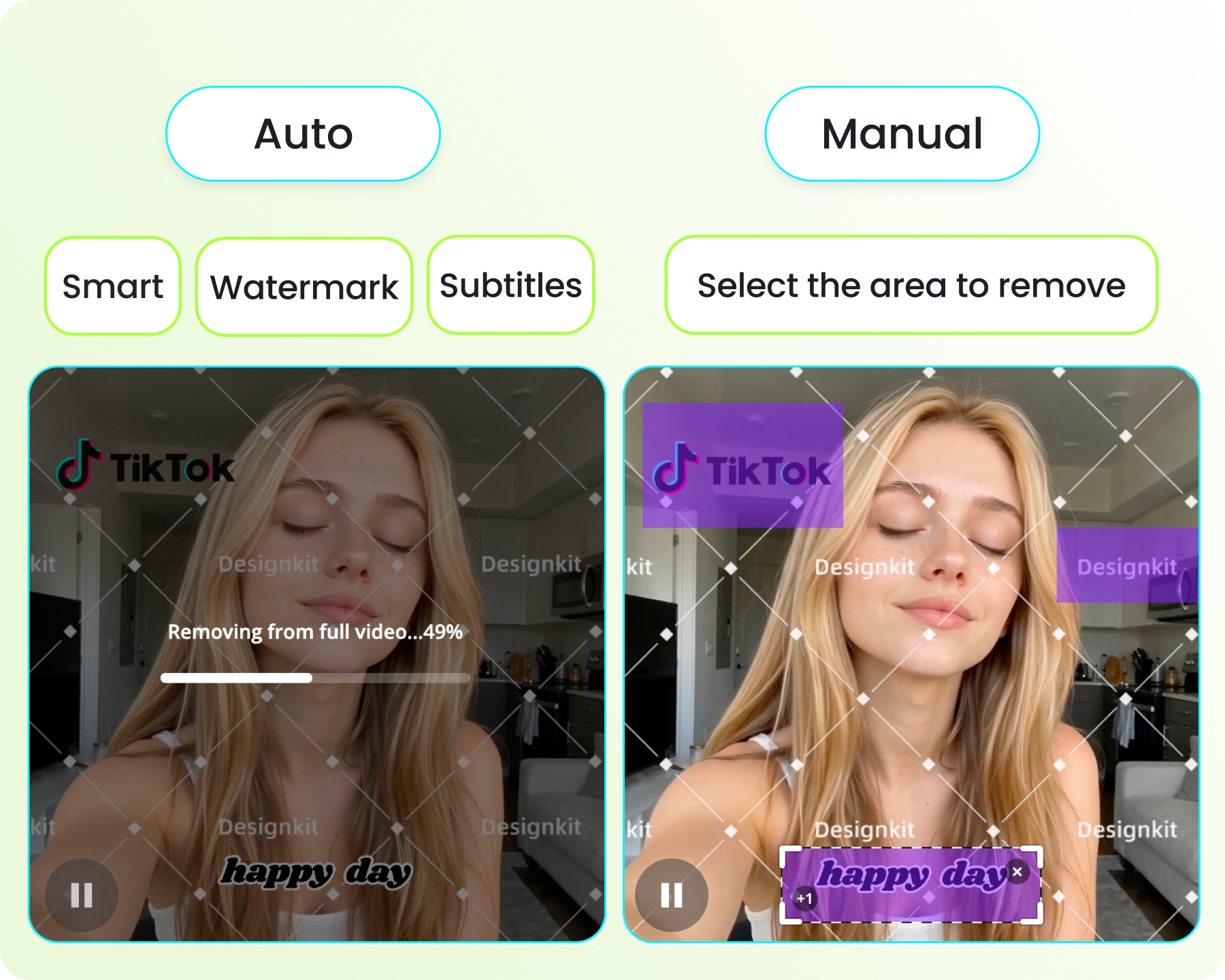
Let Designkit automatically detect the watermark, subtitle, or text, or manually select the area you want to erase. AI tracks the selected area across the video.
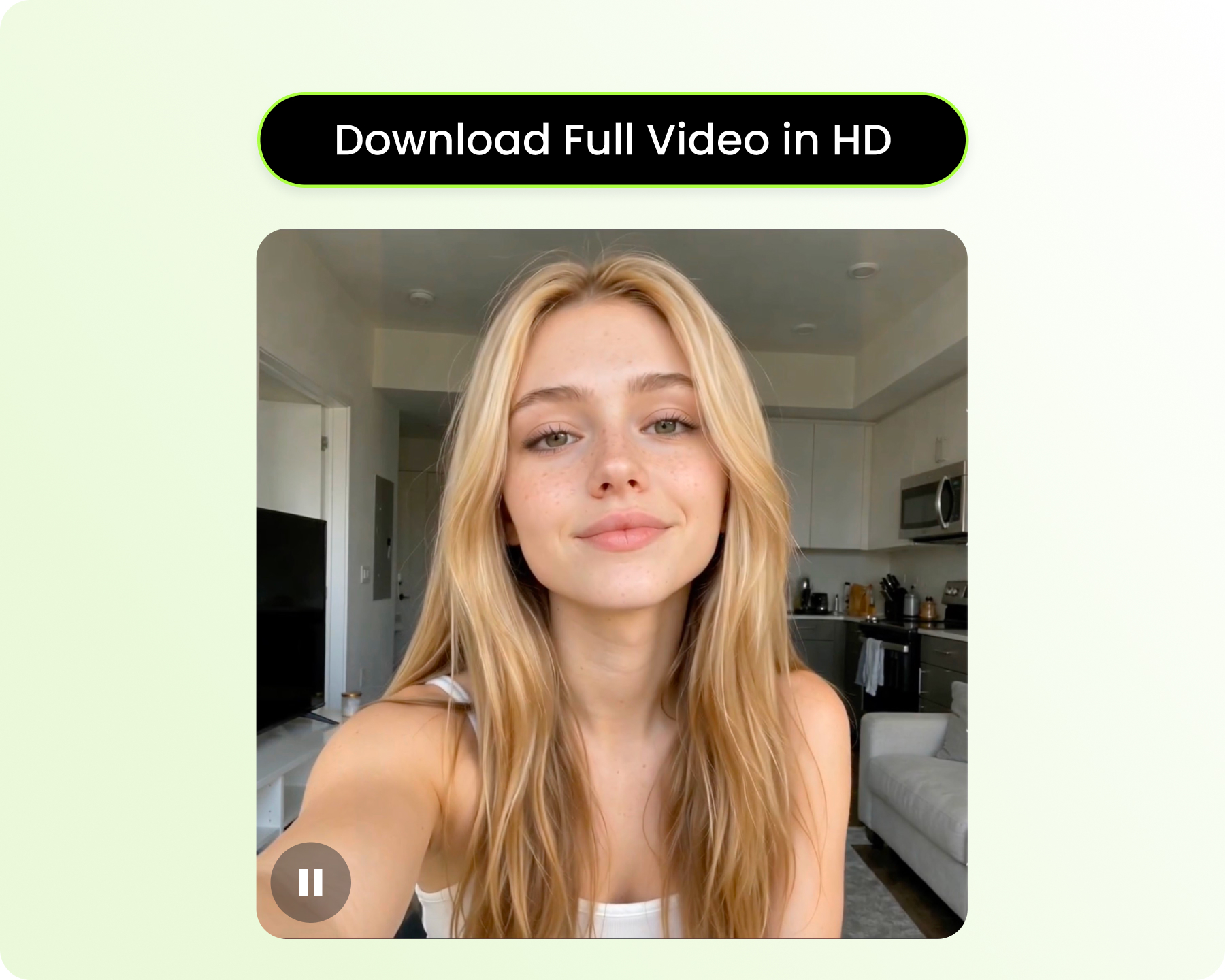
Preview the cleaned video before exporting. Download a free 5-second preview, or export the full video in HD for sharing on any platform.
Track watermarks as the camera, subject, or overlay moves.
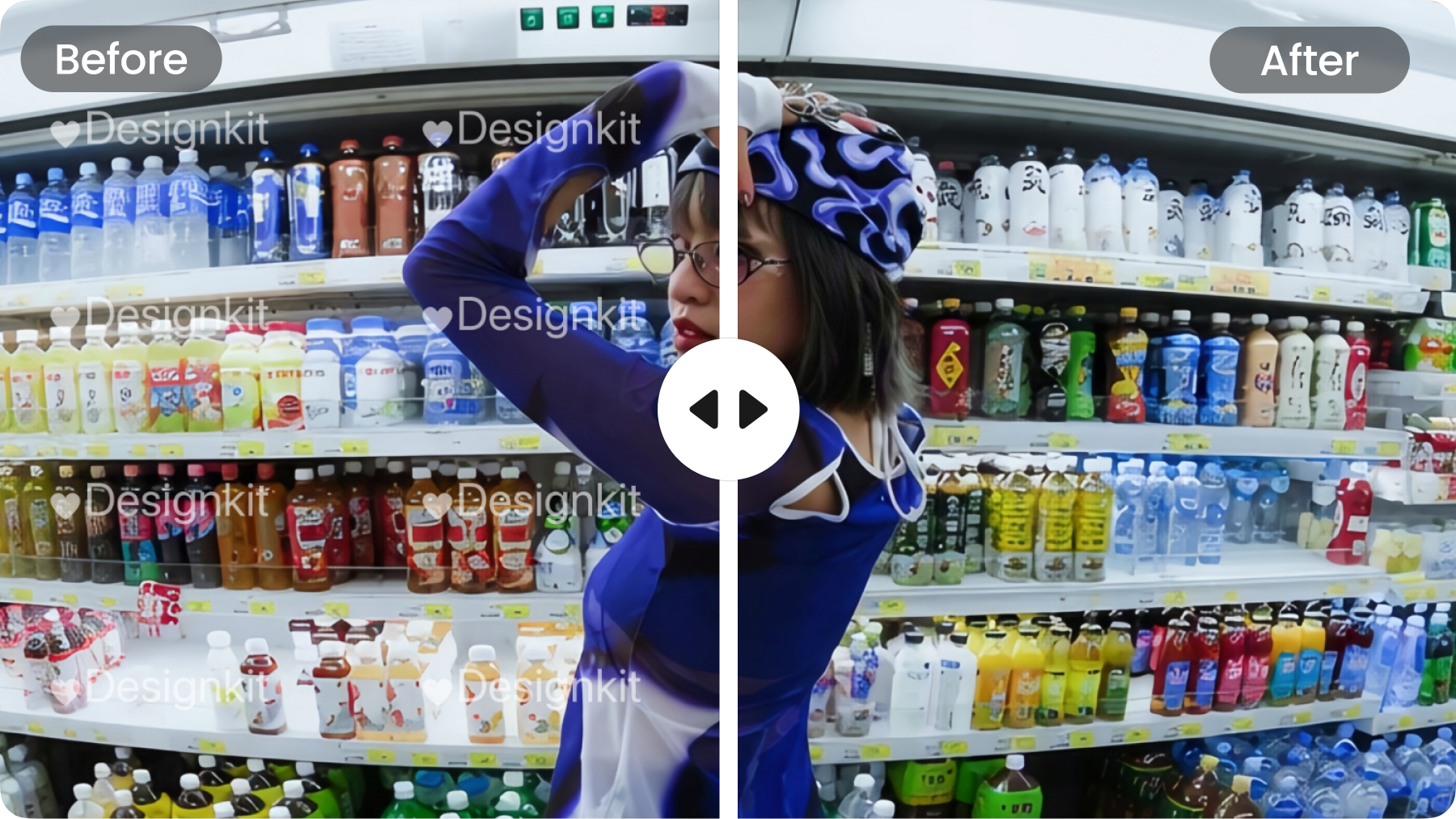
Rebuild covered areas to better match surrounding textures and details.
Process frames consistently to reduce flicker, ghosting, and visible patches.
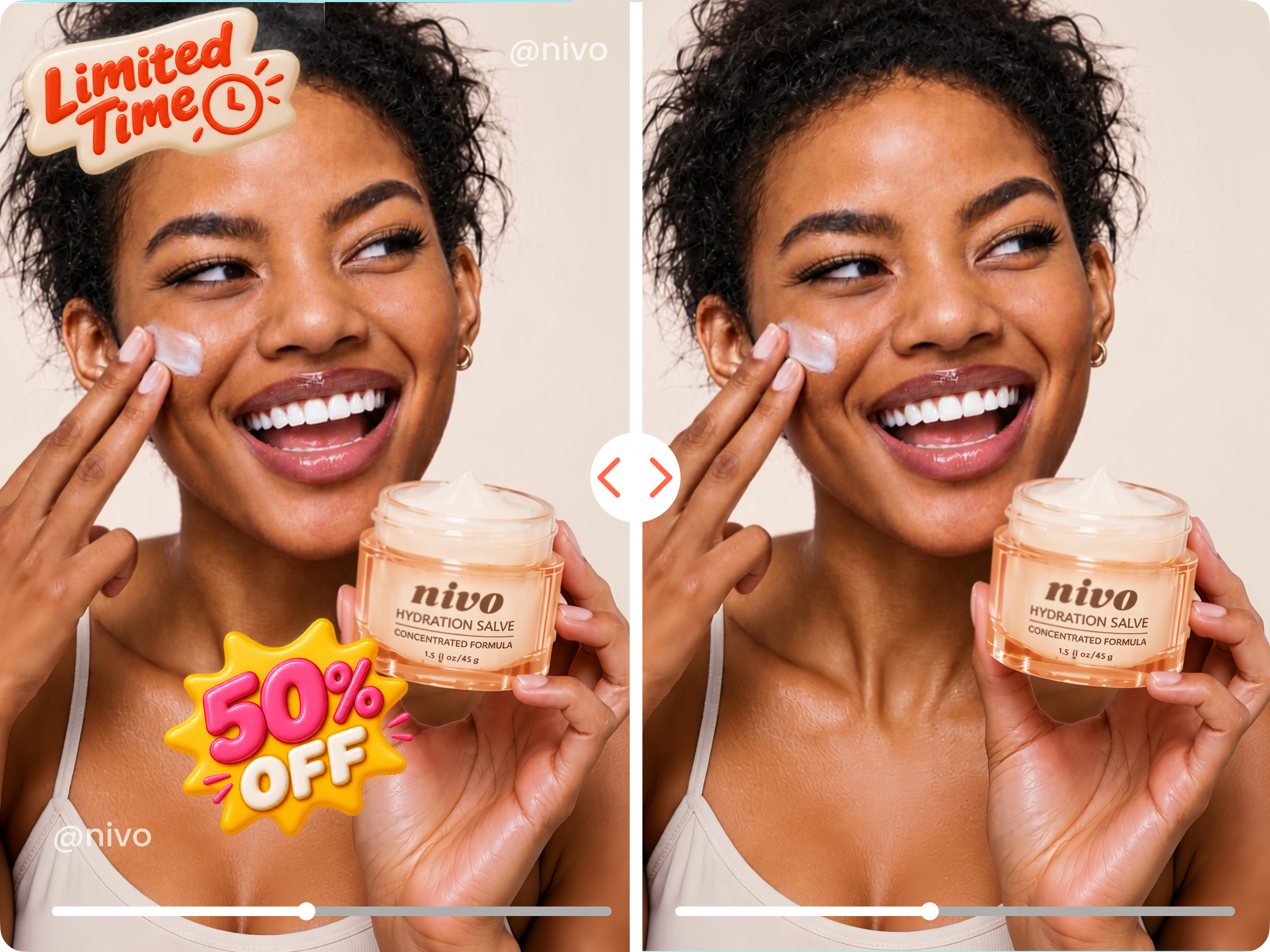
Remove expired discounts, dates, promotional text, or old branding from existing product videos. Reuse the original footage for new campaigns instead of creating the video again.

Open Designkit in your browser and remove video watermarks without rebuilding the project in desktop editing software.

Upload an MP4, MOV, or M4V file, or import supported videos through a social link when you do not have the local file.

Process multiple videos in one workflow when you need to clean a larger content library.
Yes. Designkit is an online video watermark remover that works in your browser. Upload an MP4, MOV, or M4V file, or paste a supported TikTok, Instagram, or YouTube link to get started.
AI analyzes the area around a watermark, including nearby pixels, textures, and visual information, then reconstructs the covered area. Designkit processes the selected area across the video to create a more natural result instead of simply blurring or covering the watermark.
Yes. Designkit can remove visible TikTok logos, usernames, and other platform marks from videos you own or have permission to edit. You can remove the watermark without cropping the original video frame.
Yes. Designkit can remove text embedded directly into video frames, including burned-in subtitles, captions, promotional text, and other visible overlays. AI can detect the text automatically, or you can manually select the area to remove.
Yes. Designkit can remove visible AI-generated video watermarks and export marks from authorized footage. It can handle fixed corner marks as well as overlays that move across the video.
Yes. Designkit removes the selected watermark directly instead of requiring you to crop the video around it. This helps preserve the original composition and framing.
Designkit is designed to reconstruct the area covered by a watermark instead of hiding it with a blurry box. It uses surrounding visual information to create a cleaner transition between the repaired area and the rest of the frame.
The result depends on the original video, the size and position of the watermark, and the visual information surrounding it. Designkit reconstructs the affected area rather than simply applying a blurry patch, helping minimize visible artifacts while maintaining the original video composition.
Designkit lets you preview the watermark removal result before exporting. You can download a free 5-second preview, while full-video export options depend on the available plan.
Yes. Designkit supports batch uploads, allowing you to add multiple videos and process them through the same watermark removal workflow. You can upload up to 30 videos at once.
Remove logos, TikTok watermarks, subtitles, text, and other unwanted overlays online. Upload your video and get a clean, share-ready result in minutes.





How Creators and Brands Use Designkit
We can reuse the same product videos for new promotions.
We had a bunch of product videos with old discount text burned into the footage. I didn't want to reshoot everything just because the offer changed. Designkit let us remove the old text and reuse the videos for the next promotion. It has saved us a lot of time.
It saved a lot of our older content after a rebrand.
We changed our channel name and logo, but had years of videos with the old branding in the corner. Instead of leaving all that content behind, I used Designkit to clean up the logos on the videos that were still worth using. The results were much better than just cropping the corner.
We don't have to rebuild an ad just because the offer changed.
We often have good-performing ads that are still useful except for an old price or campaign message. Before, we'd usually have to send the whole thing back to the editor. Now we can remove the outdated part and update the rest of the creative. It's especially useful when we have a lot of variations to update.
It makes cross-posting our videos much easier
We work with a lot of short-form content that gets reused across different channels. The original files sometimes have a platform logo or username already on them, which isn't ideal when we're preparing the video for another channel. Being able to clean that up without cropping the video makes the workflow much easier.
I had a good travel clip that was almost unusable because of one object.
I had a great beach shot with a random object sitting right in the middle of the frame. I didn't want to cut the shot because the composition was already good. I selected the object in Designkit and it did a surprisingly good job cleaning it up. Now I can actually use the clip.