
Remove Background From Video in One Click
Upload a clip or paste a TikTok, Instagram, or YouTube link, and your background disappears in seconds. No green screen, no signup, no editing skills required.
Drag & drop, paste, or click to upload (MP4, MOV, M4V supported)
Try These Videos:
How to Remove a Background From a Video
Upload or import your video
Drag and drop, click to upload, or paste a TikTok, Instagram, YouTube, or Facebook link to import a clip directly. Supports .mp4, .mov, and .m4v.
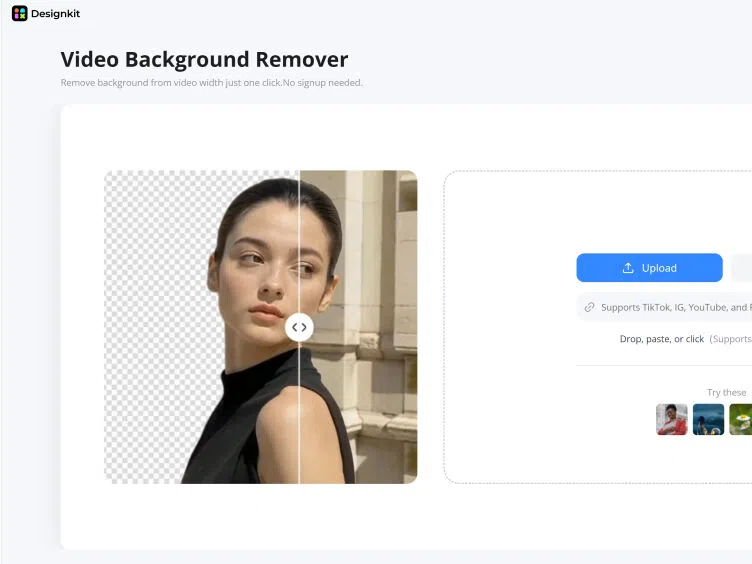
Remove the background automatically
Designkit detects your subject and clears the background across every frame in one click. No green screen, masking, or editing experience needed.
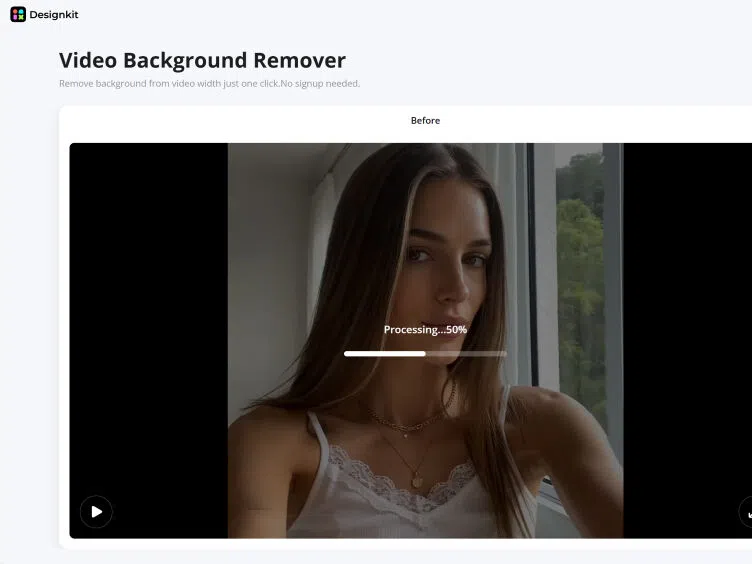
Download your clean video
Preview the cutout, then download your background-free video, ready for social, ecommerce, or any edit.
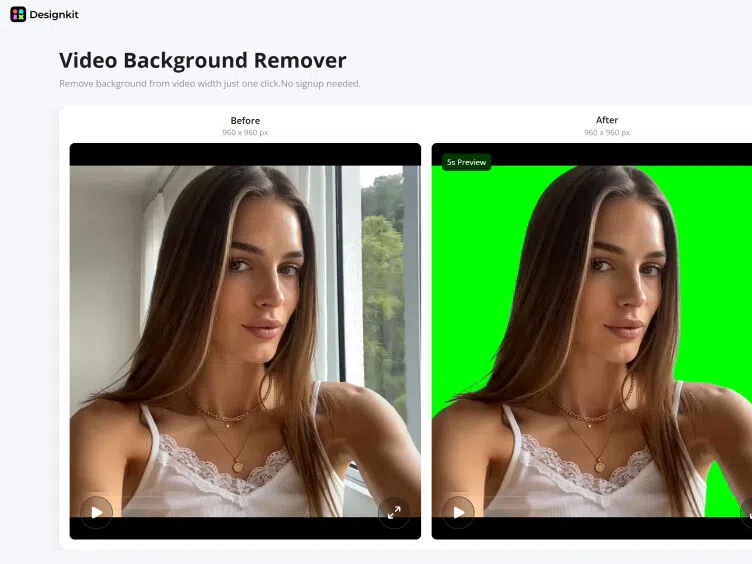
What Makes This Video Background Remover Different
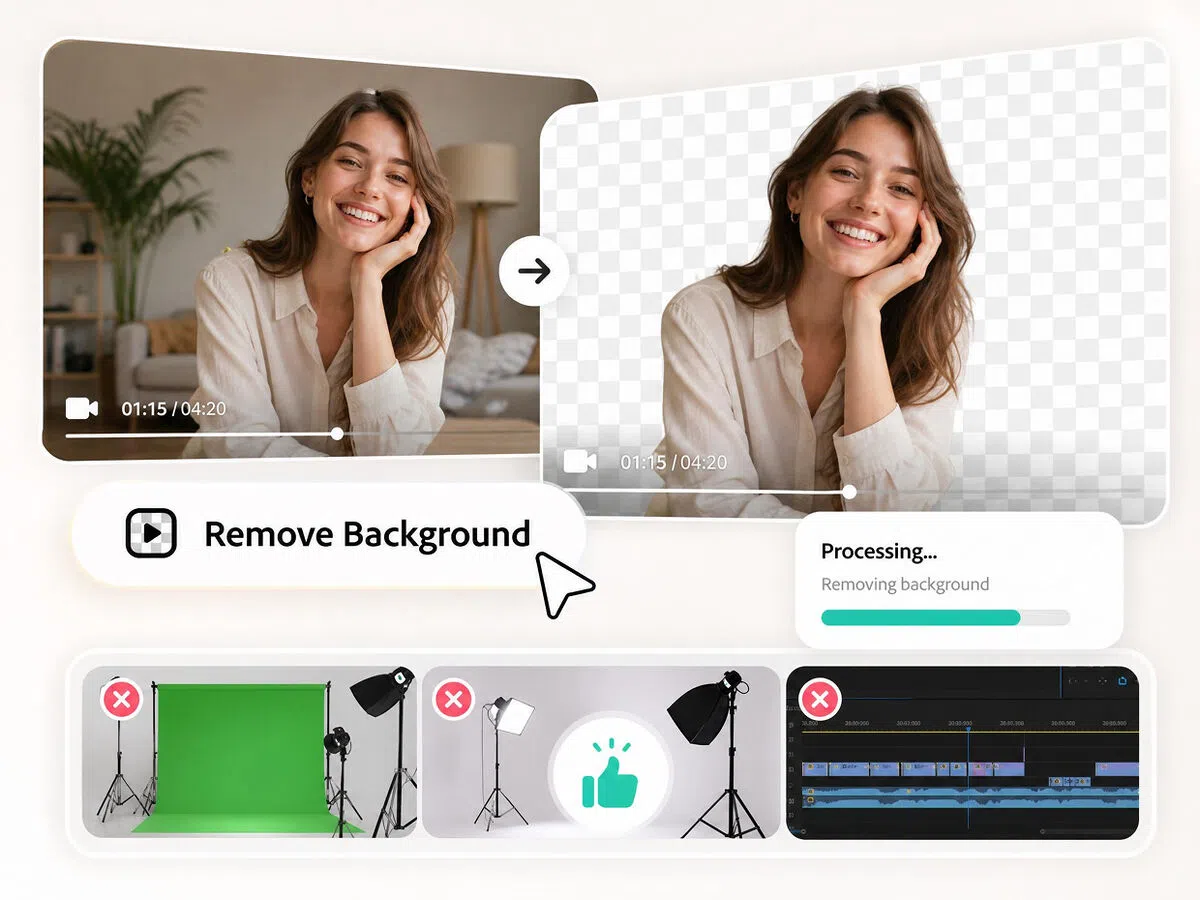
One-Click Removal With Zero Setup
Designkit separates your subject from the background the moment your video loads. No green screen, lighting rig, or masking timeline to set up first.
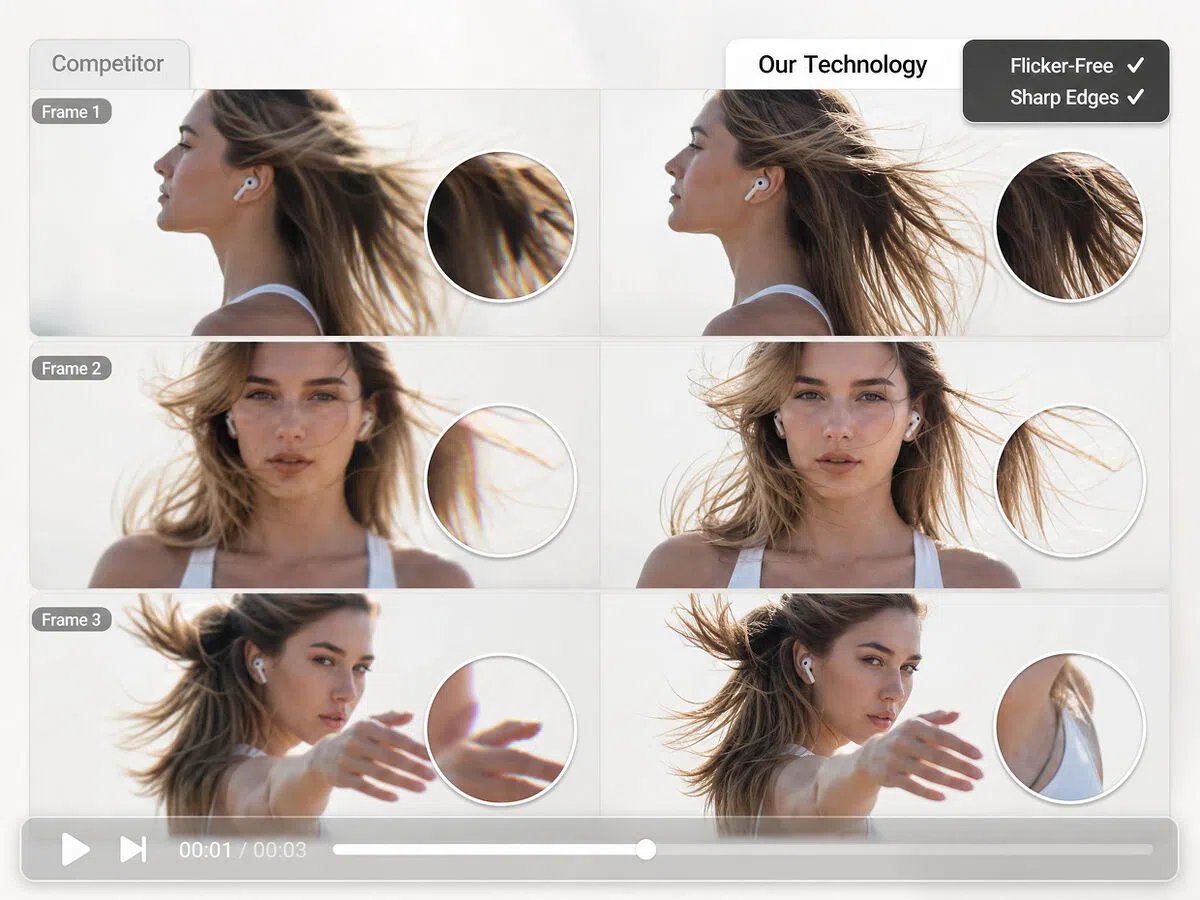
Clean Edges That Stay Steady Frame to Frame
Your subject is tracked across the whole clip, so hair, hands, and product outlines stay sharp without the flicker or fuzzy halo most tools leave on moving footage.
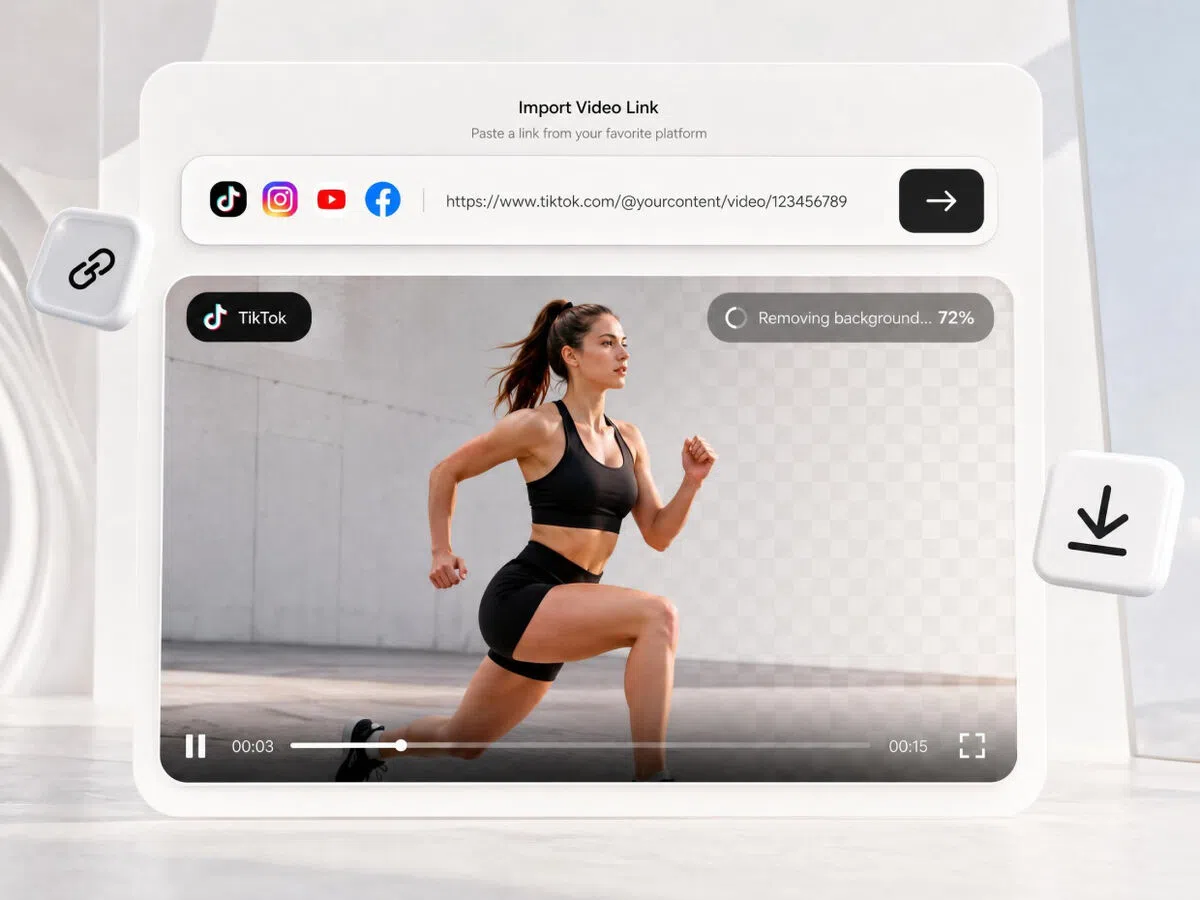
Import Videos Straight From Social Platforms
Paste a TikTok, Instagram, YouTube, or Facebook link and the clip imports without a manual download, so you can repurpose social content in one step.
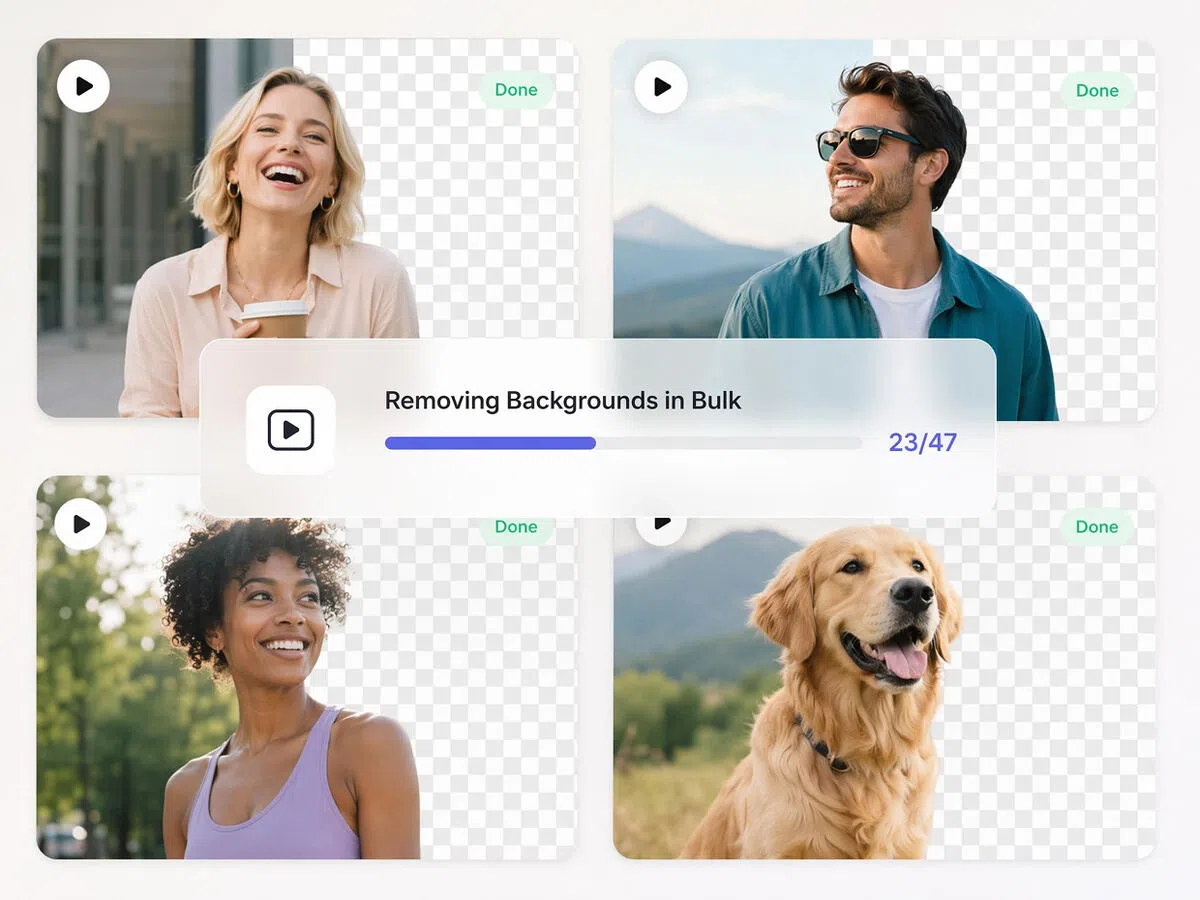
Remove Backgrounds From Clips in Bulk
Upload multiple clips together and remove every background in a single pass instead of one at a time. Built for creators and ecommerce teams with large content libraries.
Who Uses the Video Background Remover
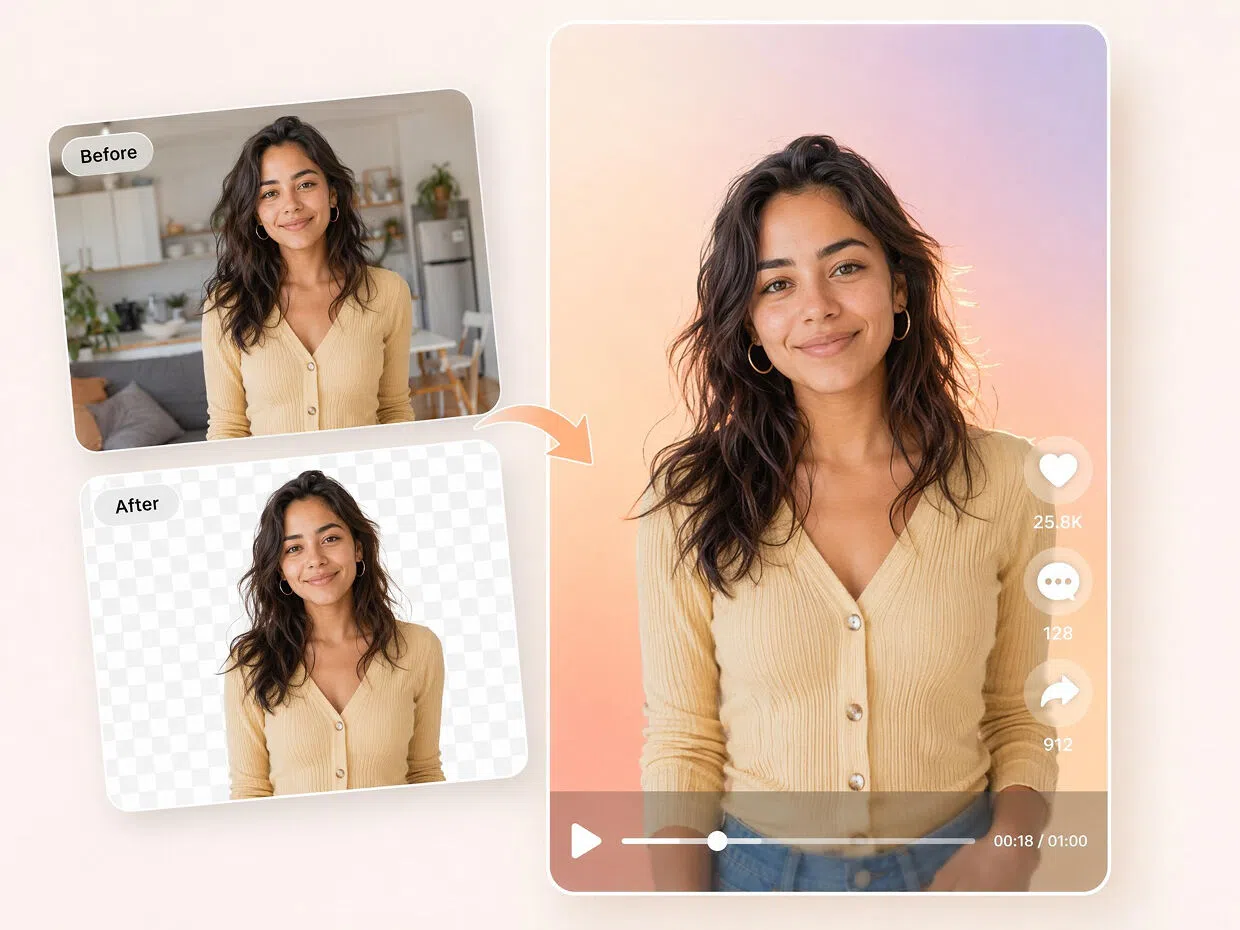
Creators isolating themselves in Reels, Shorts, and TikToks
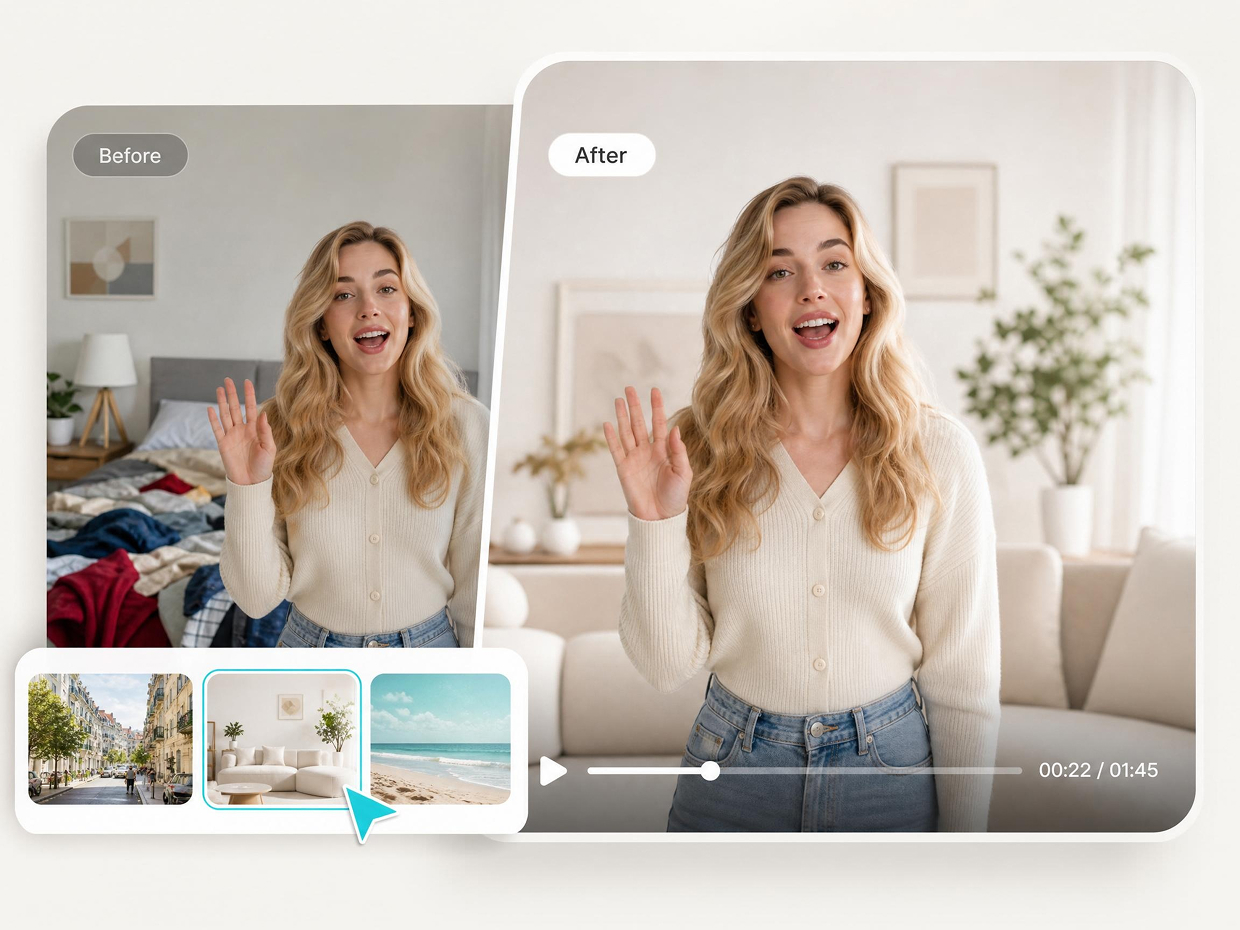
Drop a distracting room out of the frame so your face and message stay front and center across every short-form post.


Why Remove Video Backgrounds With Designkit

No Green Screen, No Gear, No Studio
Get a clean cutout from footage you already have. There's no chroma backdrop to set up and no lighting to fix before you start.

Import Videos Directly from Social Links
Pull clips directly from TikTok, Instagram, YouTube, and Facebook by pasting a link, skipping the save-and-re-upload step most removers force on you.

Start Instantly With No Signup
Drop a video and get to work right away. There's no account to create, nothing to install, and it works in any browser.
Video Background Remover FAQ
What does the video background remover do?
Can I remove a video background without a green screen?
Yes. Designkit isolates your subject from the footage you already have, so no chroma backdrop, lighting setup, or manual masking is needed.
What video formats and sources are supported?
You can drop, paste, or click to upload .mp4, .mov, and .m4v files, or paste a TikTok, Instagram, YouTube, or Facebook link to import a clip directly.
Can I remove backgrounds from several videos at once?
Yes. Batch upload lets you add multiple clips together and clear every background in a single pass.
Do I need an account or any software?
No. There's no signup and nothing to install. It runs entirely in your browser.
Will the result look clean on moving footage?
The subject is tracked frame to frame, so edges around hair, hands, and products stay sharp and steady without the flickering or halo many tools leave behind.
Is the video background remover free to use?
Yes. You can upload a clip and remove its background online for free, with no account required to get started.
Get a Clean Video Background in Seconds
Upload a clip or paste a social link and clear the background automatically. Free to try, no signup, and you can see your first clean cutout before you commit to anything.

What Creators and Teams Say
Sellers, creators, and small teams use Designkit to clear video backgrounds every day. Here's what a few of them shared.
Saved me a whole green-screen setup
I used to dread filming because of my messy background. Now I just drop the clip in and it's gone in seconds, edges around my hair look surprisingly clean.
Batch upload is the part I love
I had a stack of product clips to clean before a launch and ran them all together. What used to eat half my afternoon was done before my coffee went cold. — Devin O., Shopify Store Owner
Pasting the TikTok link just works
Being able to drop a TikTok link straight in instead of downloading first sounds small, but it saves me a bunch of steps every time I repurpose a video. — Priya S., Social Media Manager
Didn't think I could do this myself
I'm not a video person at all. I made a little clip for my mom's birthday and got the messy background out without watching a single tutorial. Honestly shocked at how clean it came out.