
Image Editing Skills
For design support, operations, and content teams that need to remove objects, edit in-image text, translate visuals, swap products, crop for platform specs, and process images in bulk.
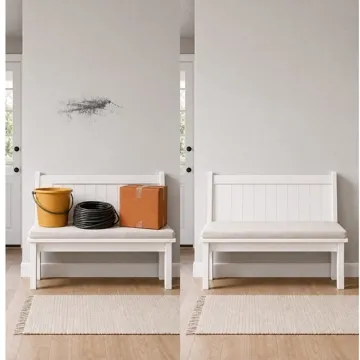




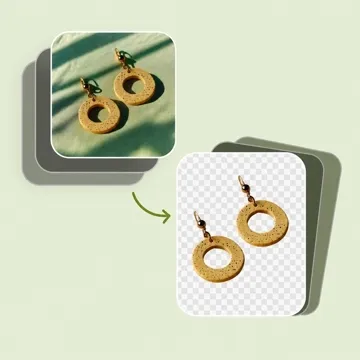
Common image editing workflows from single fixes to bulk delivery.
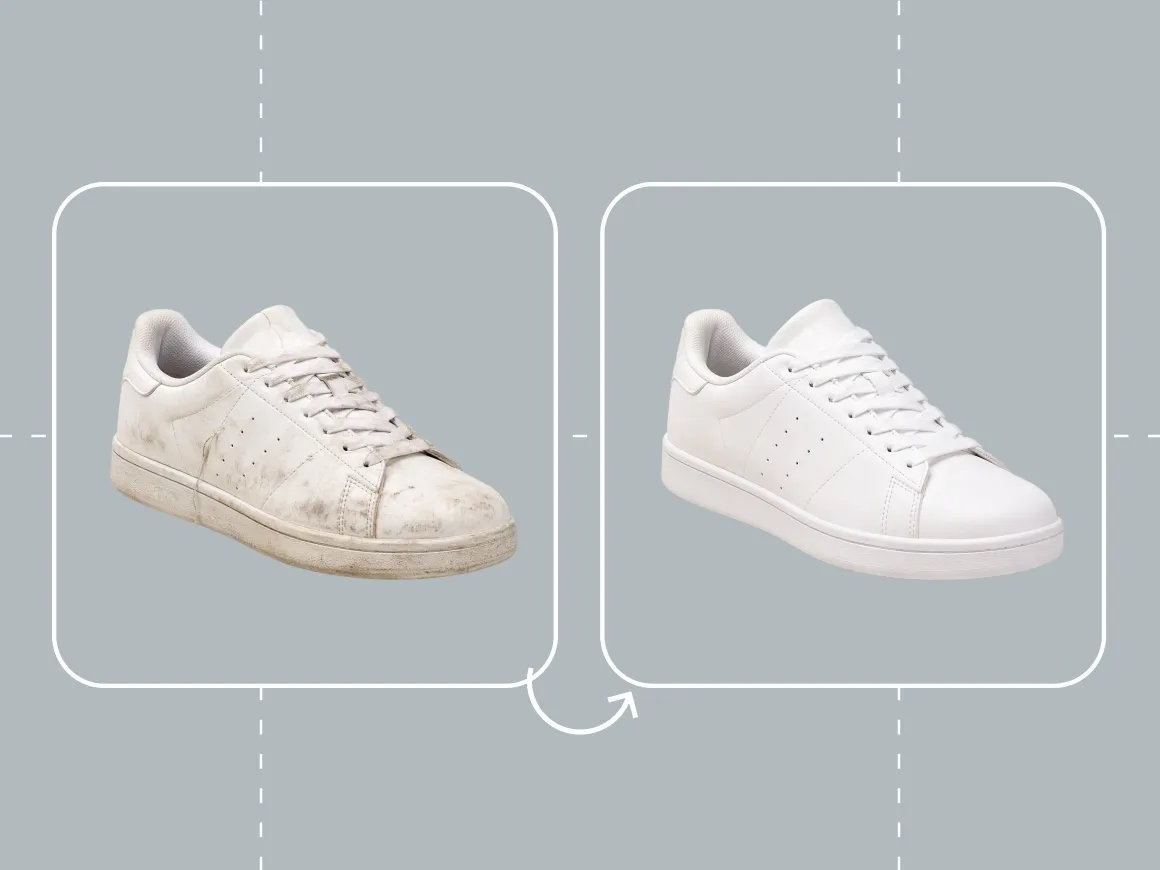
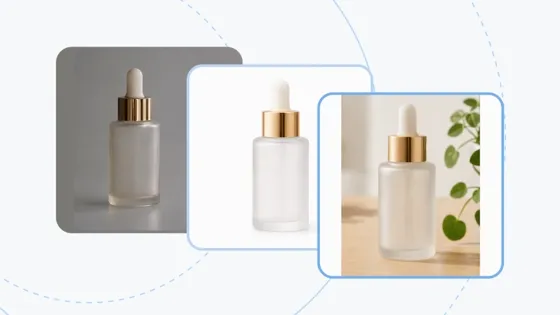
Product Image Cleanup & Repair
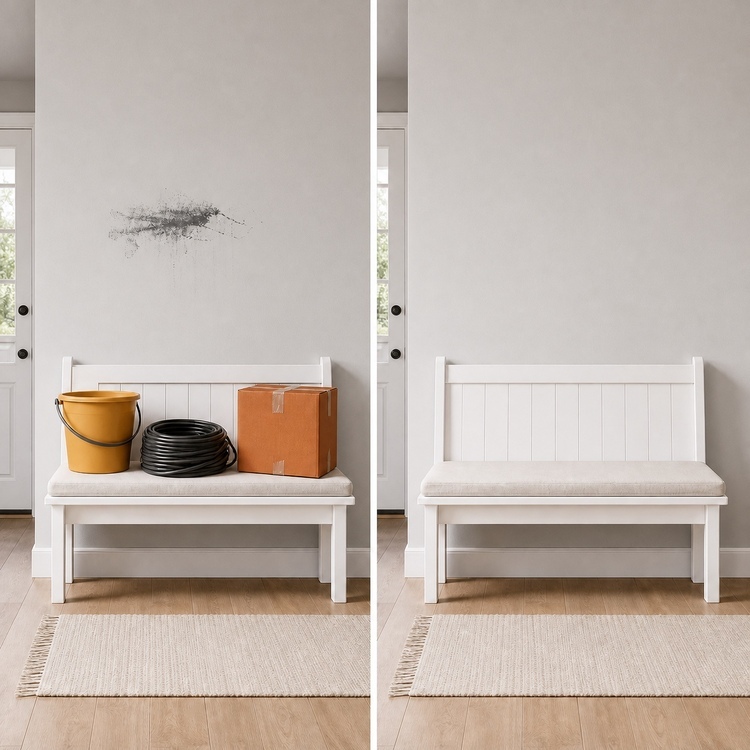
- Raw product photos often include watermarks, clutter, or flaws that block publishing.
- Remove watermarks, bystanders, clutter, and image defects while keeping subject detail.
- Clean supplier shots, product photos, and existing marketing assets.
- Export cleaner files ready for the next edit or upload.
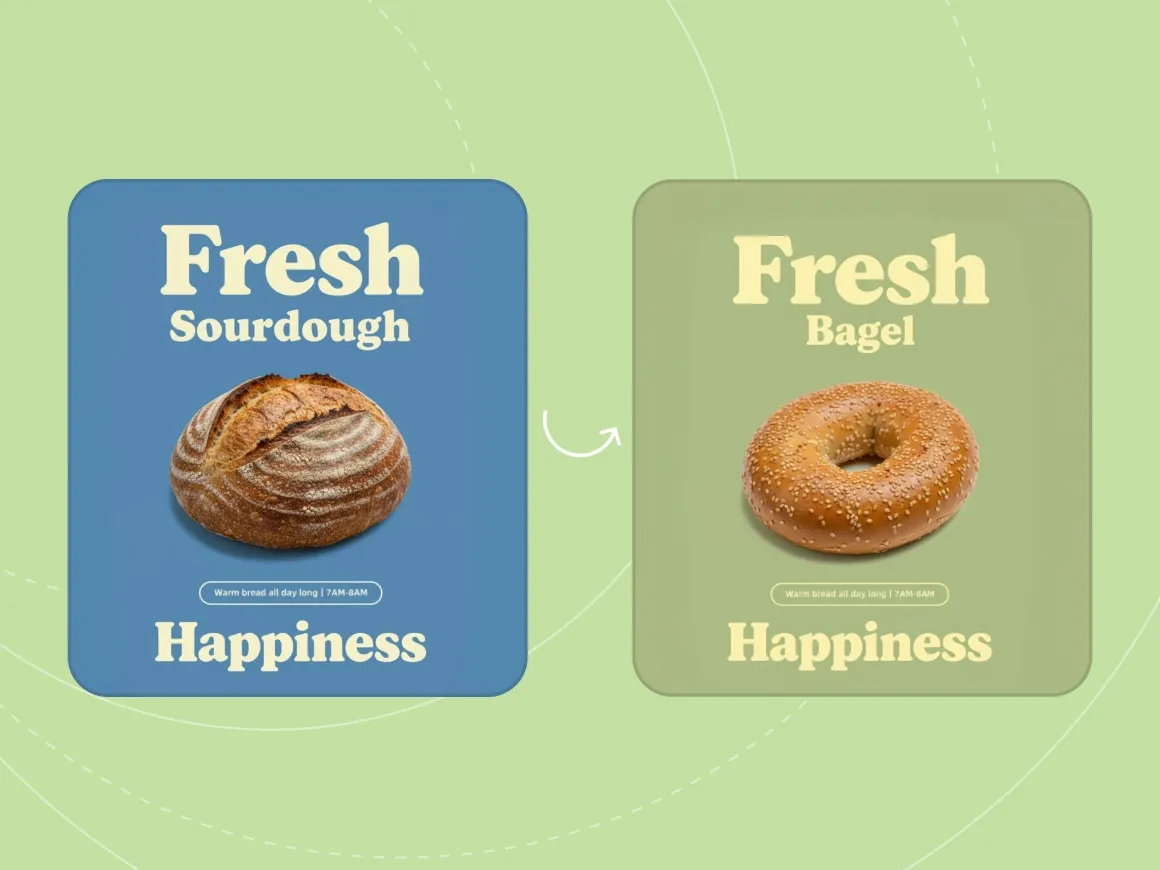
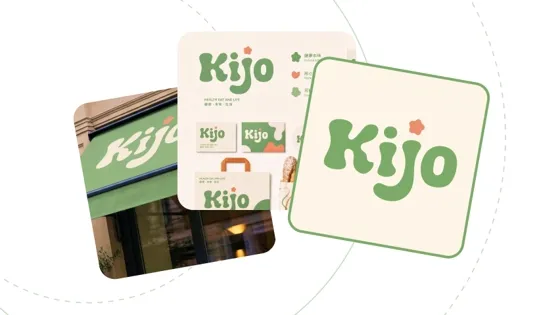
In-Image Text Editing & Localization
- Updating text inside an image is faster than rebuilding the whole design, especially for multilingual catalogs.
- Edit titles, prices, dates, selling points, and campaign text in place.
- Keep layout, type style, and visual hierarchy where possible.
- Use for cross-border stores, multilingual ads, and localized asset updates.
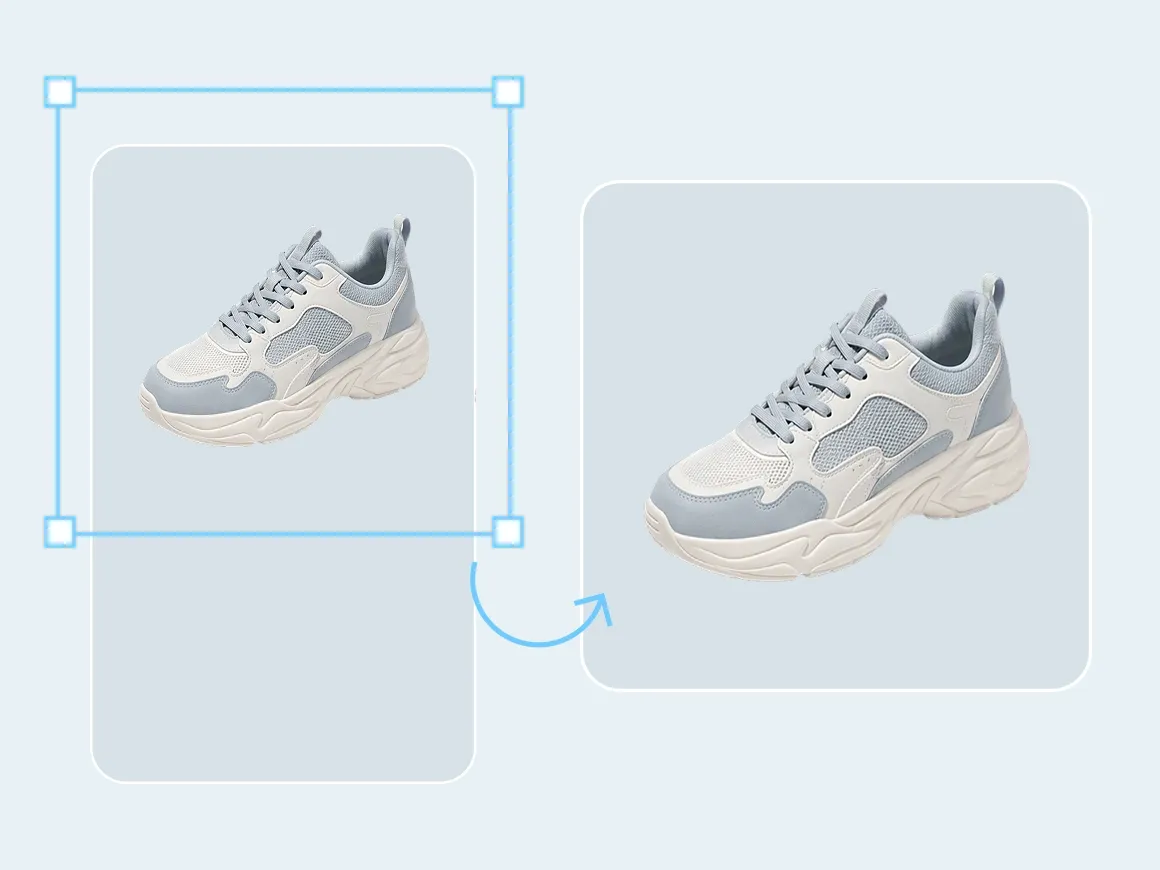
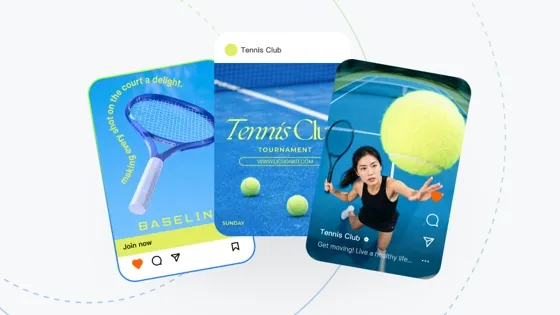
Image Sizing & Composition Adjustment
- One source image usually needs different crops and ratios for marketplaces, ads, and social posts.
- Smart crop, extend canvas, fill background, and refine edges.
- Fit product main images, ad creatives, social graphics, and landing pages.
- Cut down manual resizing work.
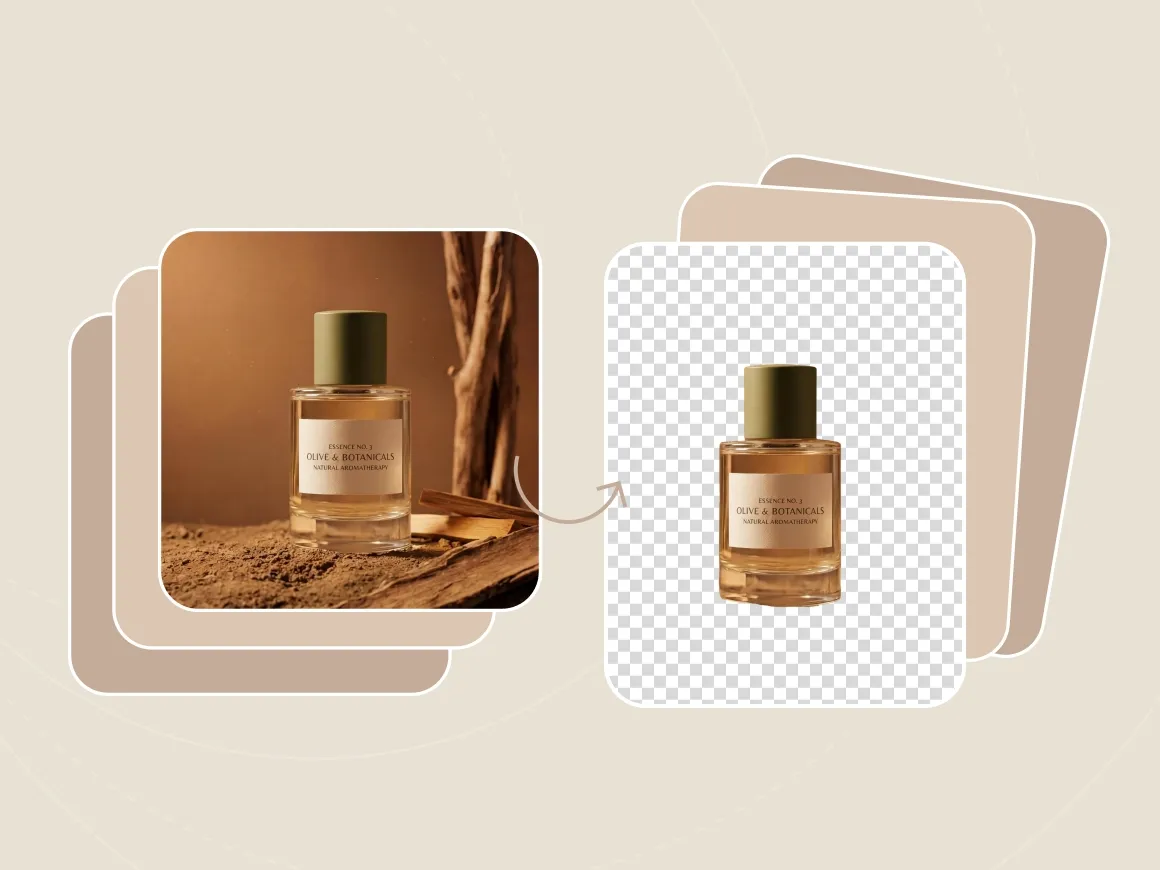
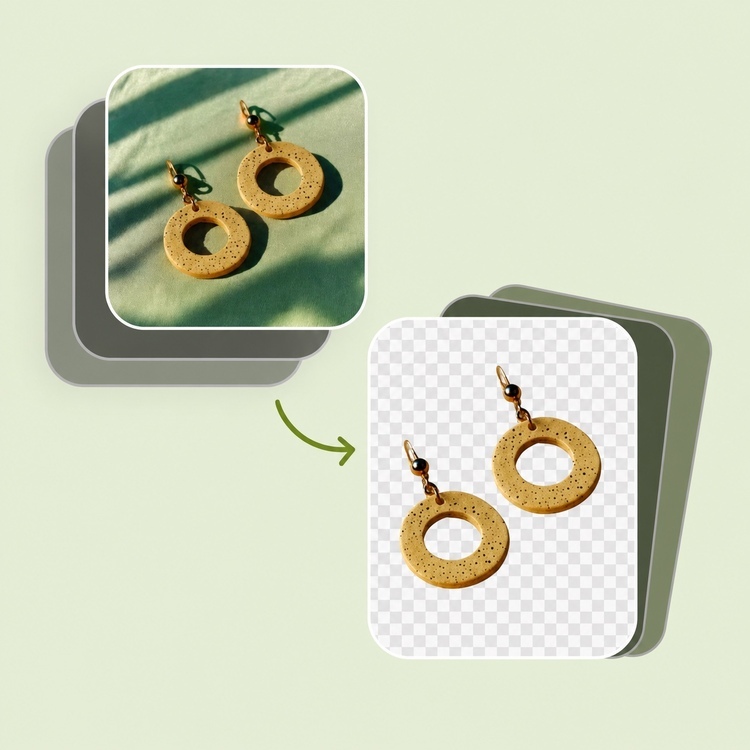
Batch Image Processing
- Large catalogs create the same cleanup, text, crop, or translation task dozens of times.
- Run cleanup, text replacement, translation, cropping, and resizing across many files.
- Keep composition, background, and style consistent across a set.
- Use for product catalogs, marketing sets, and multilingual image batches.
Skills for image editing workflows
Need cleanup, in-image text edits, resizing, or batch processing? Open the Skill that matches the task.





Frequently Asked Questions
Who should use Image Editing Skills?
How is the Image Editing Scene different from a Skill page?
The Scene groups image editing Skills by task type. Each Skill page covers one tool and its task form.
Can I use multiple Image Editing Skills together?
Yes. Remove unwanted objects first, edit or translate text next, then use Smart Crop for final sizing.
What can Image Editing Skills do?
Object removal, in-image text edits, translation, product replacement, resizing, and batch processing. Capabilities vary by Skill.
Can I start immediately?
Yes. Select a Skill, add your brief or upload files, and generate results in the task view.


