
AI Product Video Generator for Ecommerce
Turn product images and selling points into polished videos with AI. Create product showcases, demonstrations, and ads for ecommerce and social channels.
How to Create a Product Video with AI
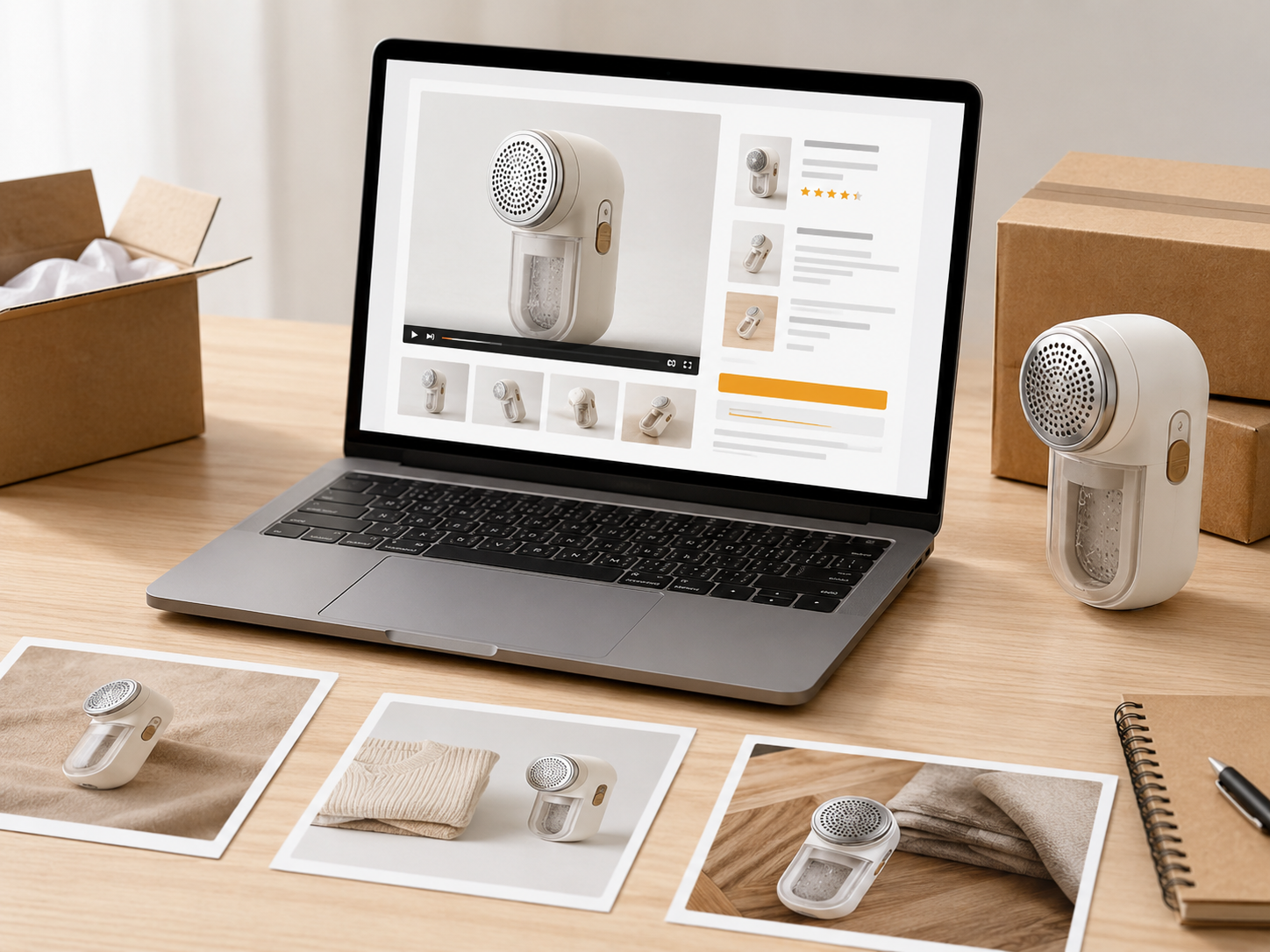
Add Product Images and Key Details
Upload product photos, enter the main selling points, and choose the type of product video you want to create.
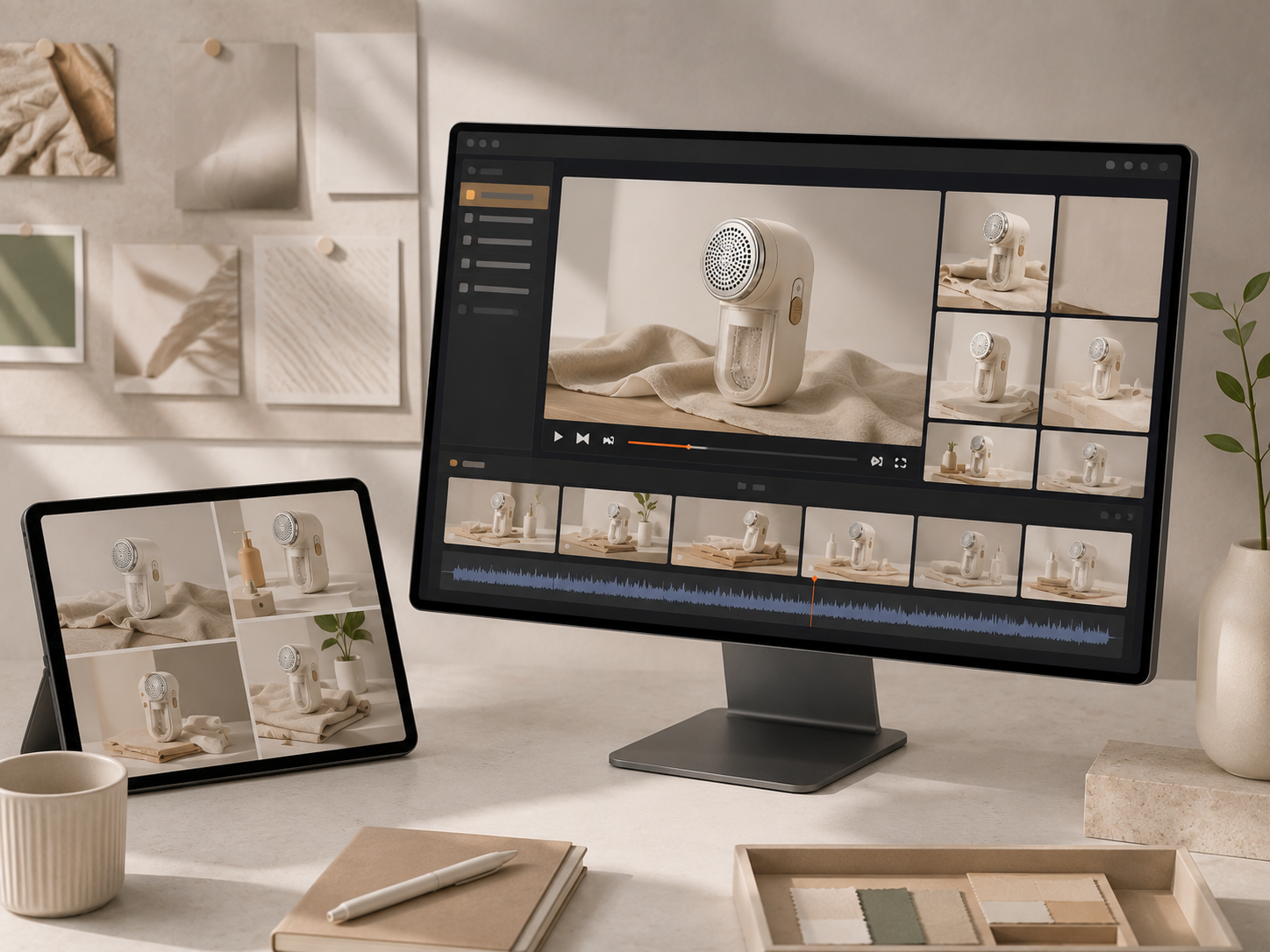
Generate the First Video Draft
AI arranges scenes, motion, captions, and music to turn your materials into a complete product video.
Review, Refine, and Export
Preview the result, replace assets or adjust details, then export the final video in the format you need.
Create More Product Videos from Existing Assets
Turn Product Images into Showcase Videos
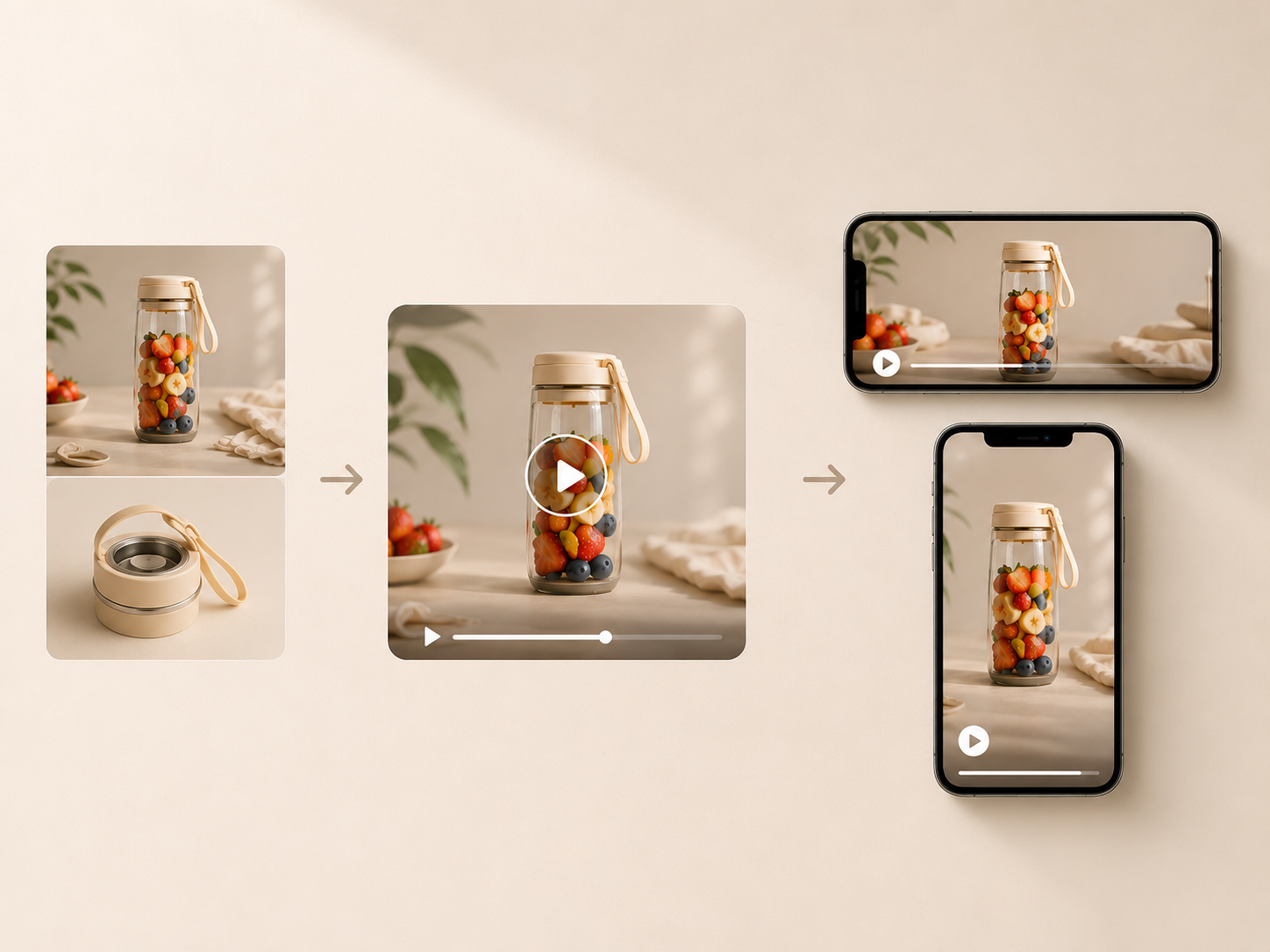
Upload a clean product photo and let the AI product video generator add motion, scene changes, and visual pacing around the item. It turns a static listing image into a more engaging ecommerce product video while keeping the product as the clear focus throughout the sequence.
Present Products with AI Avatars
Choose an AI avatar to introduce the product, explain its main value, or guide viewers through a short demonstration. Add your script, select a presenter, and generate synchronized speech and natural gestures that give the product video a more human presence.
Recreate Proven Product Ad Structures
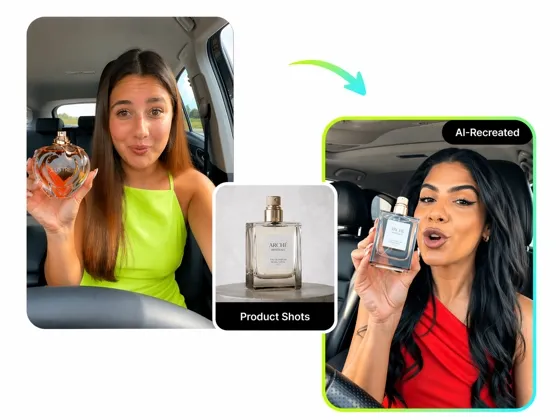
Upload a reference ad and let Designkit analyze its pacing, scene order, and creative structure. Replace the original assets with your own product images to create a new product advertisement video that follows a similar rhythm while presenting your own offer.
Built for the Teams Behind Ecommerce Growth

Turn Product Photos into Storefront Videos
Convert existing catalog images into product showcase videos for store pages and new launches. Brands can present the product more clearly, introduce key benefits, and create fresh video content as the catalog expands.
Why Create Product Videos with Designkit?

Designed for Product-Led Content
Designkit keeps the product and its selling points at the center of the video. The workflow focuses on presenting an item clearly instead of producing a generic AI clip that has little connection to the original listing.

No Professional Video Editing Required
Designkit handles the video structure, motion, captions, and pacing, so teams can create polished product videos without hiring a professional editor. You can still review the draft and adjust key details before export.

Scale Across a Growing Catalog
Use the same workflow to turn existing product assets into new videos as your catalog grows. Teams can keep production consistent without setting up a separate editing process for every item.
Unlock More Creative Possibilities
AI Video Ad Recreation
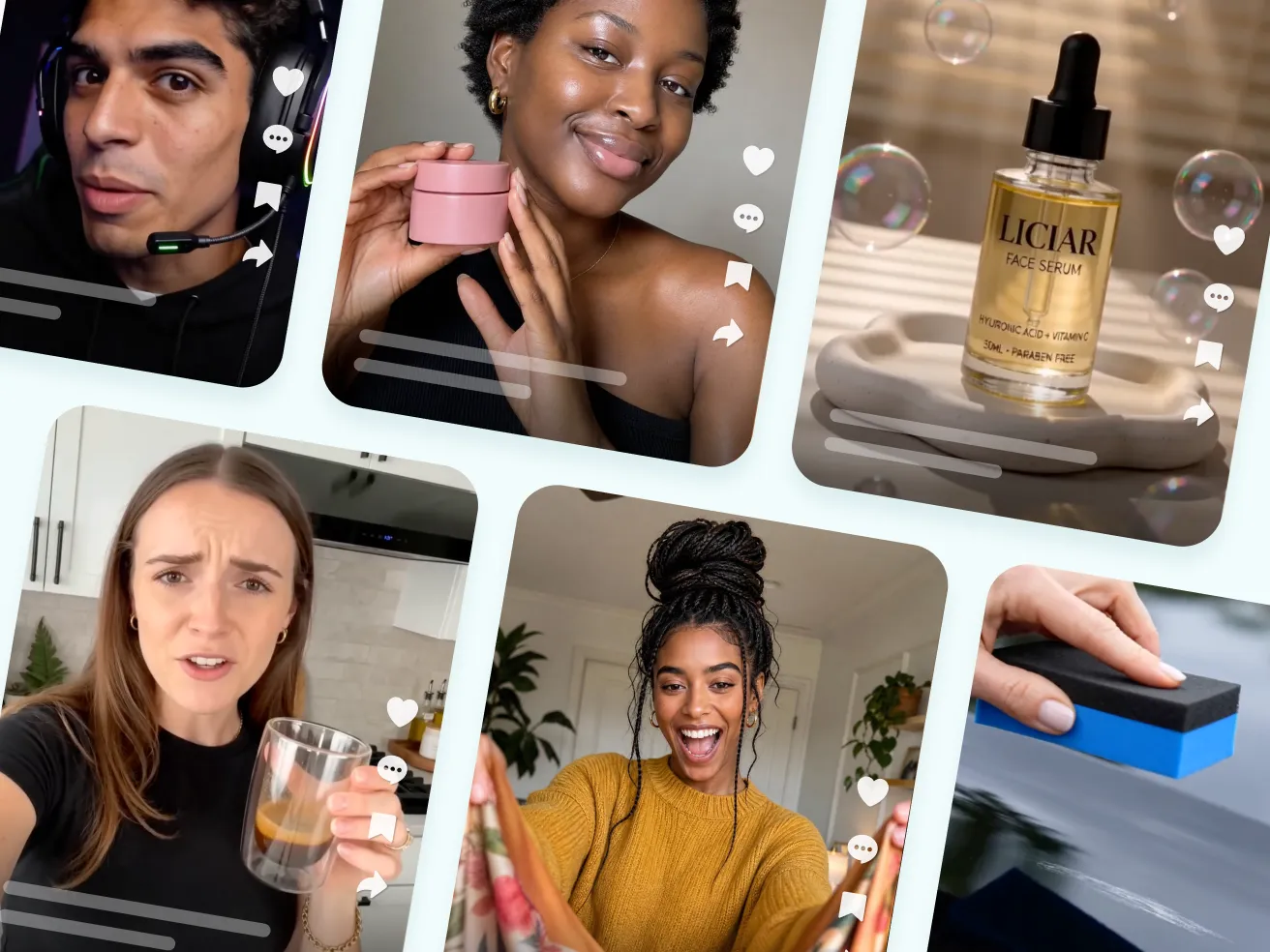
AI Viral Video Generator
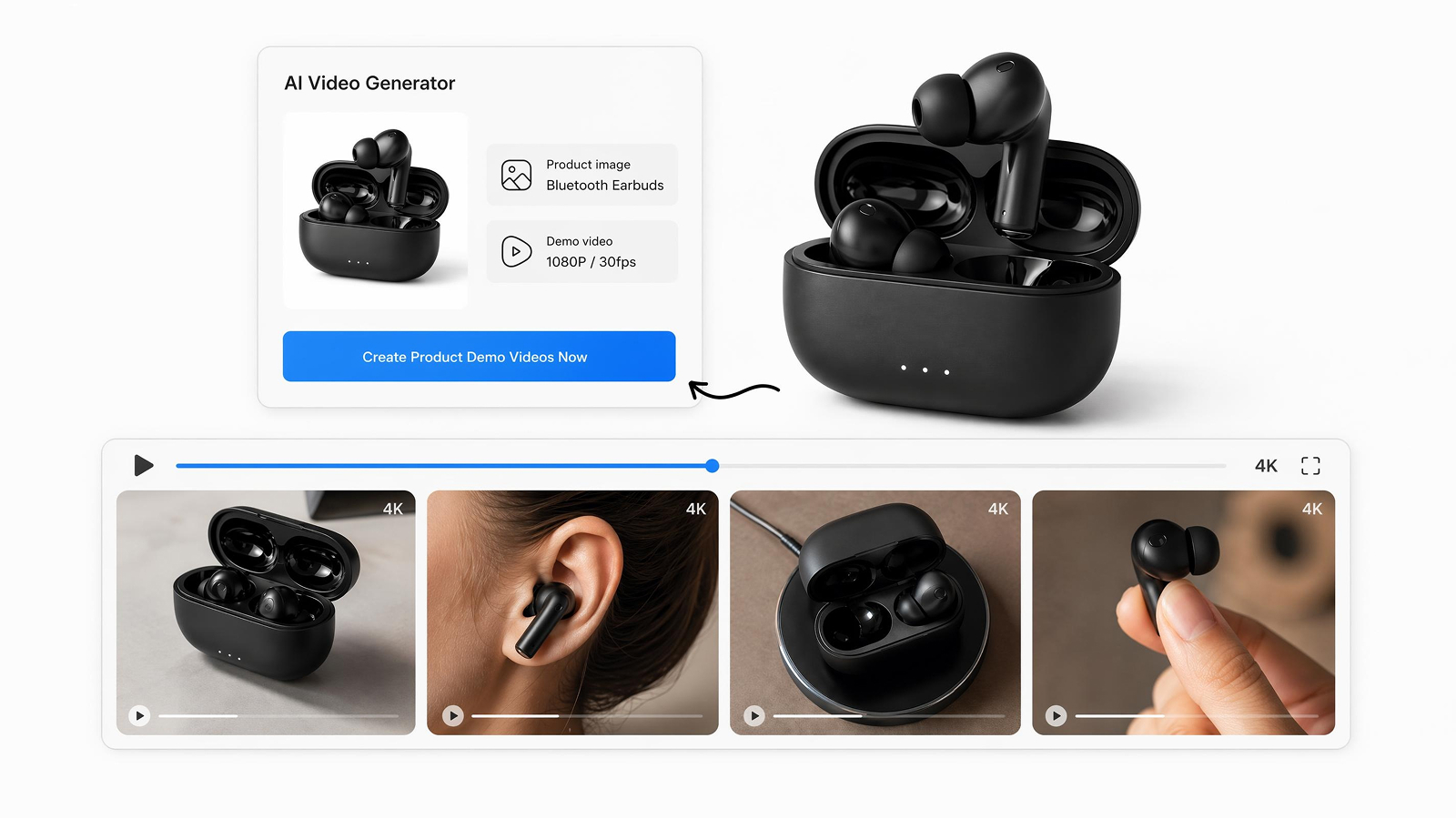
AI Product Demo Video Maker
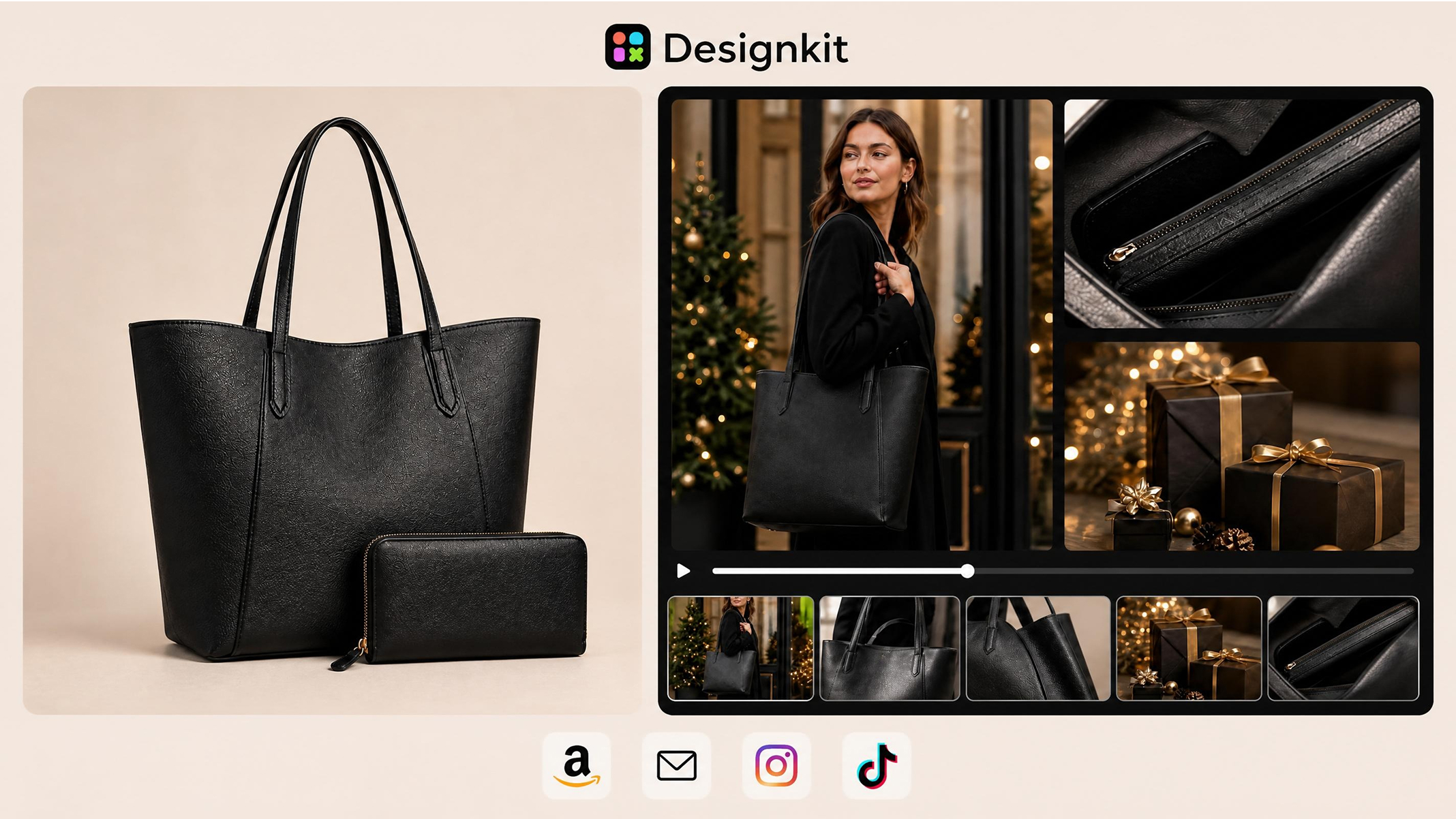
AI Promo Video Maker
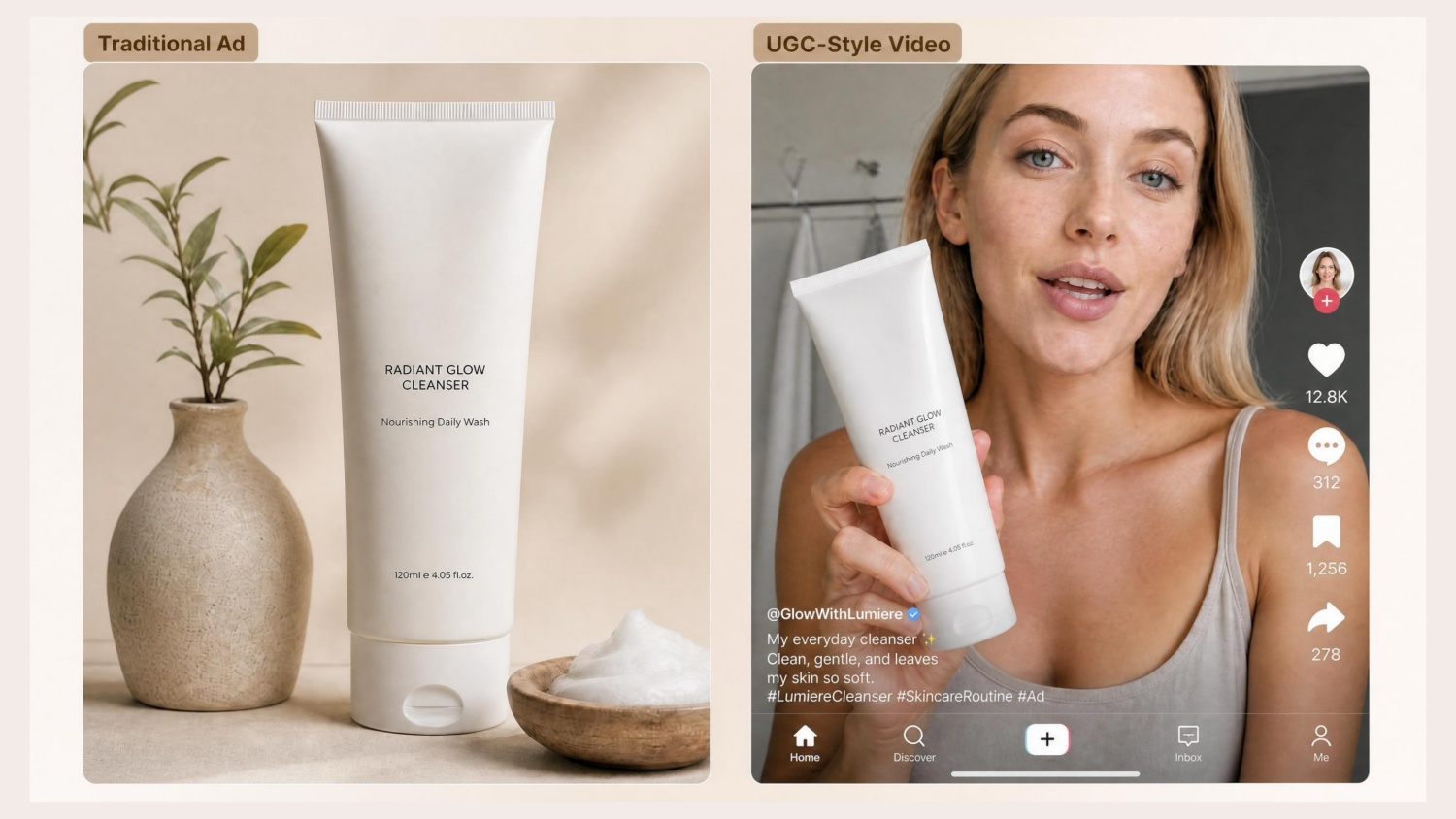
AI UGC Video Ad Generator
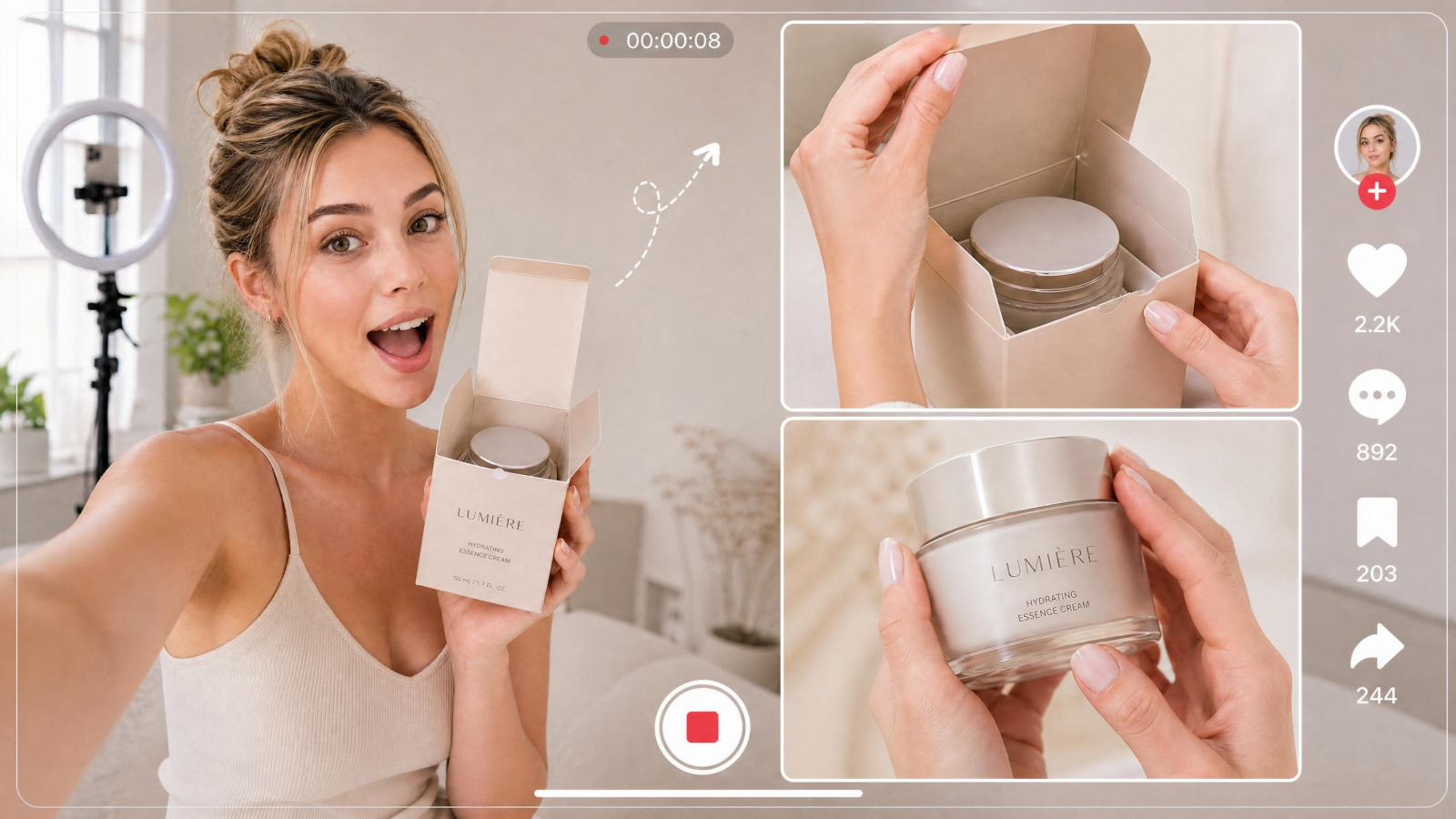
AI Unboxing Video Maker
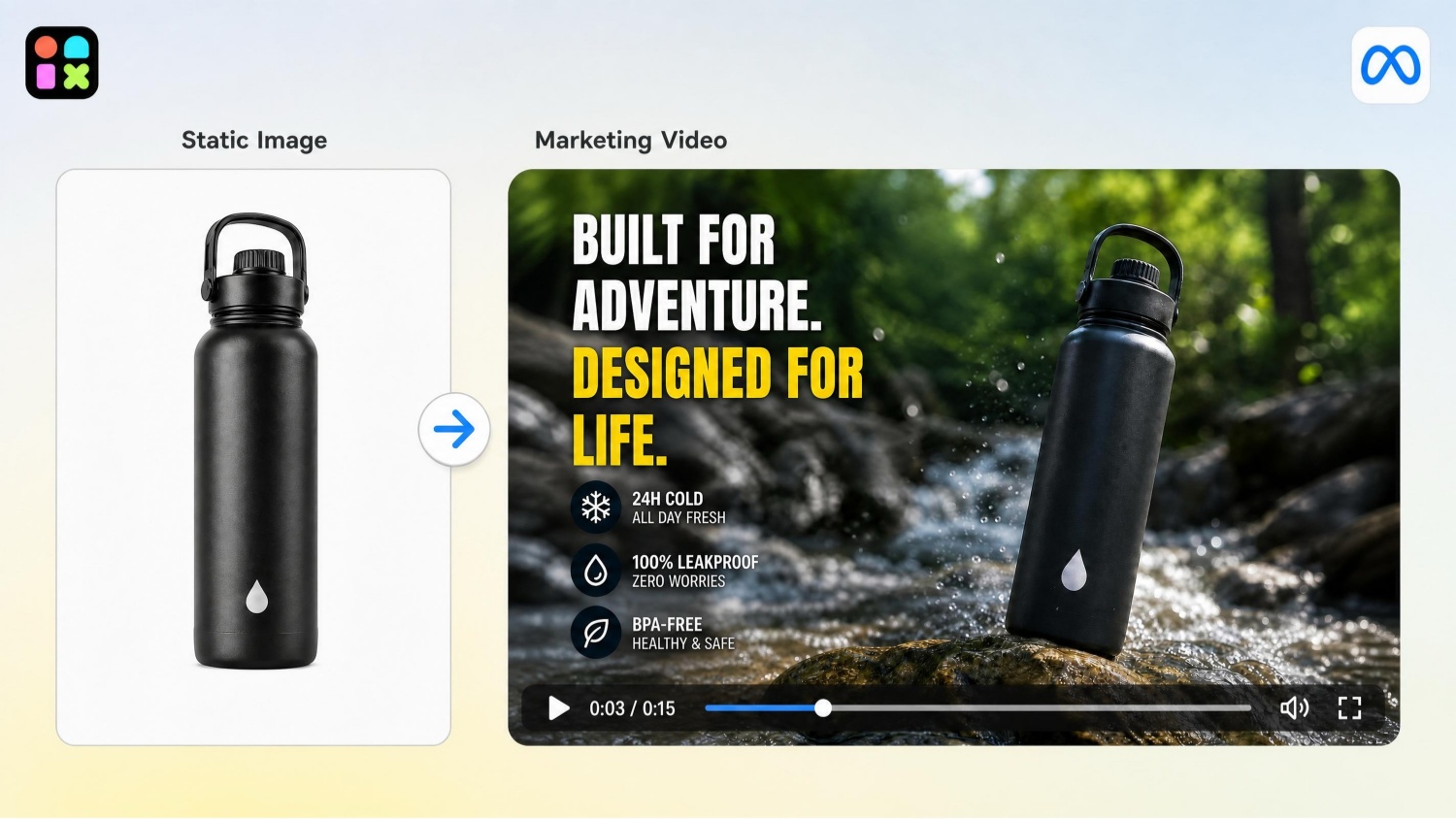
AI Marketing Video Maker
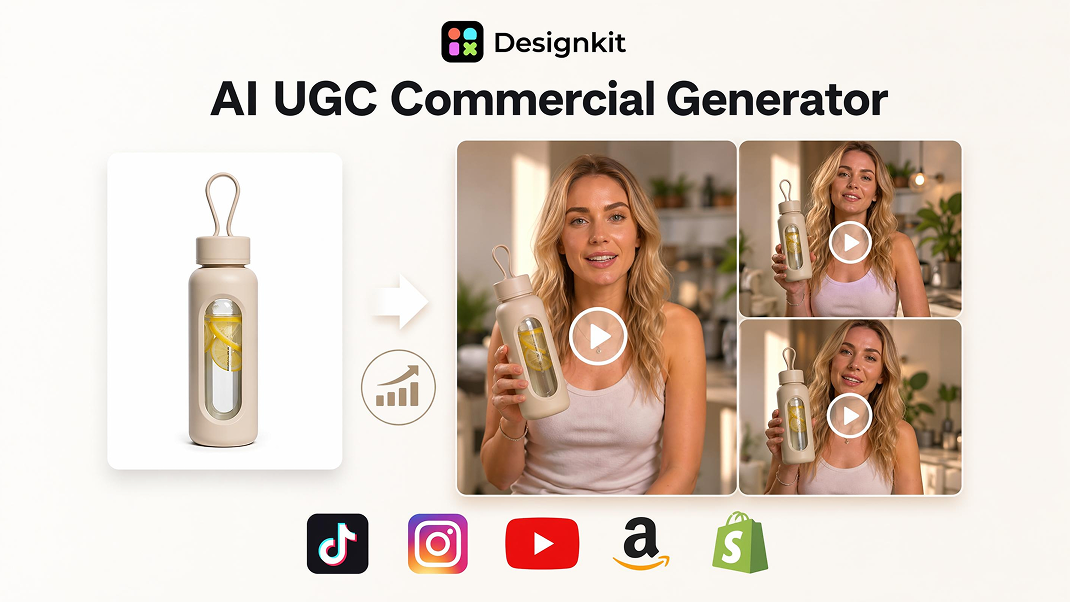
AI Commercial Video Maker
Frequently Asked Questions
Can I turn product images into a video?
Will the AI keep my product recognizable?
Yes, in most results. Designkit uses your uploaded images as the main product reference. Review the generated draft before publishing to make sure important colors, shapes, and product details remain accurate.
Can I create an Amazon product video?
Yes. You can turn product photos into a landscape video for an Amazon listing. Check the latest marketplace requirements before uploading the final file.
Can I make product demo and advertisement videos?
Yes. Use product images and selling points to create a demonstration, or upload a reference ad when you want the new video to follow an existing structure and pace.
Can I edit the video and create more than one version?
Yes. Preview the first draft, replace materials, adjust the message, and generate further variations for different products or creative tests.
Can I use the generated product videos commercially?
Yes, subject to Designkit’s current terms. You should also have permission to use any product images, scripts, music, or reference materials added to the project.
Create high-converting product videos in minutes with AI
Turn your product images and descriptions into sales-ready videos designed for e-commerce platforms, scalable social media video production, and high-converting UGC ads.



How Teams Use Designkit for Product Videos
See how ecommerce teams turn existing product materials into videos for listings, promotions, and ongoing content production.
Faster Launches from Existing Product Photos
We already had strong product photography, so using an AI product video generator fit naturally into our launch process. I uploaded the approved catalog images, added the main selling point, and had a clear first draft to review. It gave us a practical way to turn product images into videos while keeping the item central in every scene.
Clearer Product Demonstrations for Listings
I wanted our Amazon product video to explain the item more clearly than another set of static images. Designkit organized my photos into a simple product demonstration video that showed the item from useful angles. The workflow was easy to follow, and the landscape export was straightforward to prepare for the listing.
More Ad Variations from One Reference
The reference-video option has been the most useful part of our testing process. We can start from an ad structure that already communicates the offer well, replace the original assets with the client’s product images, and create a new product advertisement video. It still leaves us room to adjust the message and pacing.
Product Videos from Brand-Supplied Assets
I receive product images from brands much more frequently than finished footage. Designkit lets me turn those materials into a short product video and add an AI presenter when the content needs more explanation. I can keep the focus on the product, adjust the script, and prepare a vertical version that fits the way I publish.
A Repeatable Workflow for a Growing Catalog
Our catalog changes regularly, so arranging a new production for every product is difficult to maintain. Designkit gives the team a consistent way to create ecommerce product videos from approved images. We can update the materials, review another version, and keep production organized as more products are added.