
Instagram Image Resizer for Posts, Stories & Reels
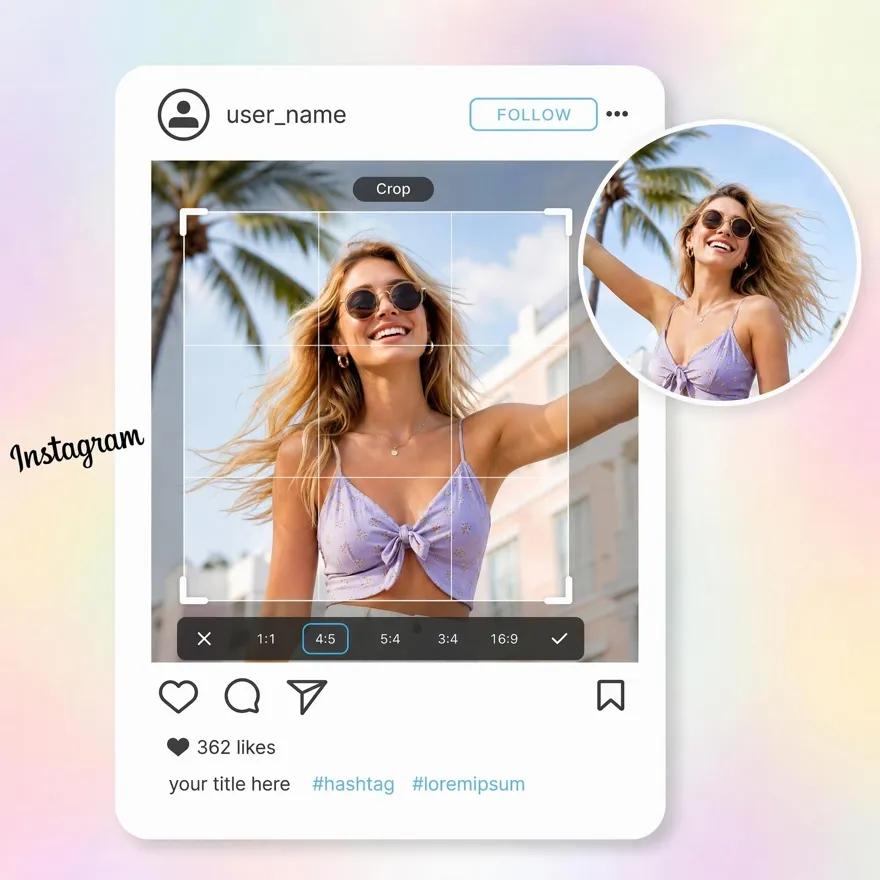
Fix cropping, blurry uploads, and awkward framing fast. Designkit resizes images for Instagram while keeping visuals sharp and feed-ready.
No image? Try one of these:



3 Steps to Feed-Ready Instagram Images
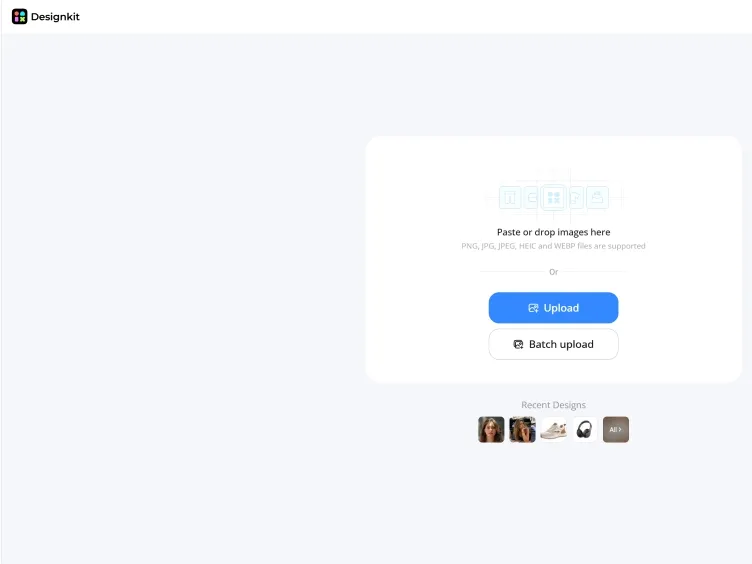
Upload Your Image
Upload one Instagram image to Designkit, or batch resize up to 30 photos at once for a smoother, faster workflow.
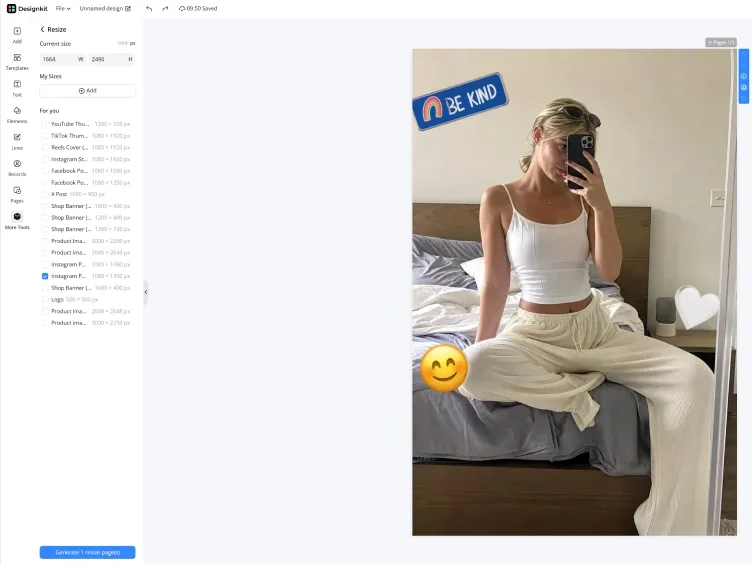
Resize for Any Instagram Format
Choose Instagram Post, Story, Reel Cover, or Profile Picture presets. Designkit automatically fits your image while keeping important content visible.
Preview and Download
Check how your resized image looks on the canvas before downloading. Export as JPG or PNG and your Instagram-ready file is set to post.
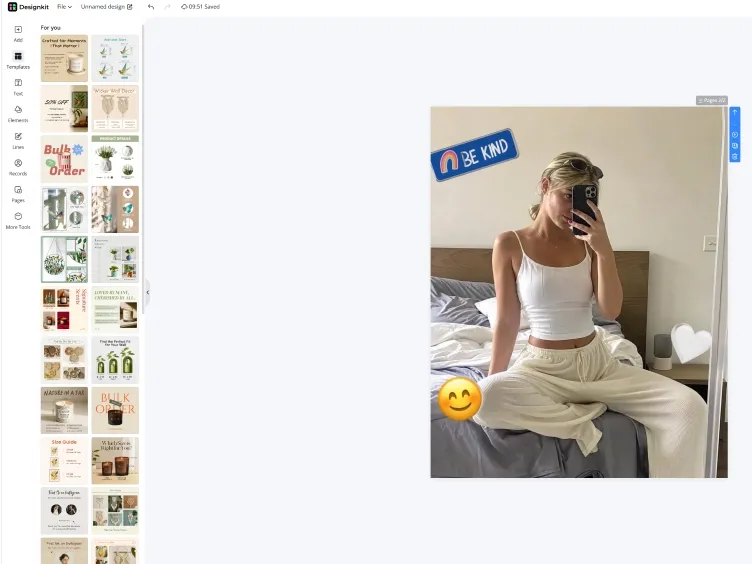
Resize image for instagram with Designkit
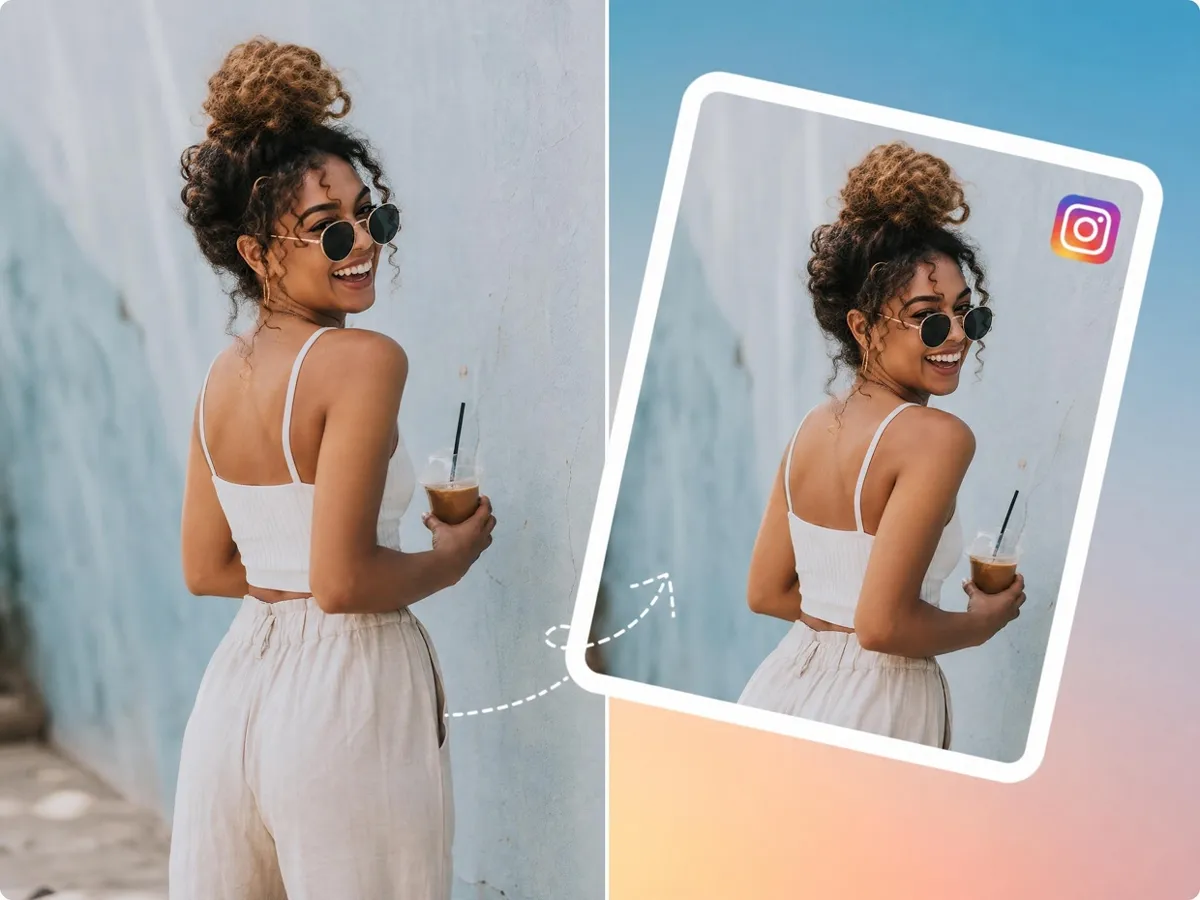
Smart Reframing That Protects Faces, Text & Products
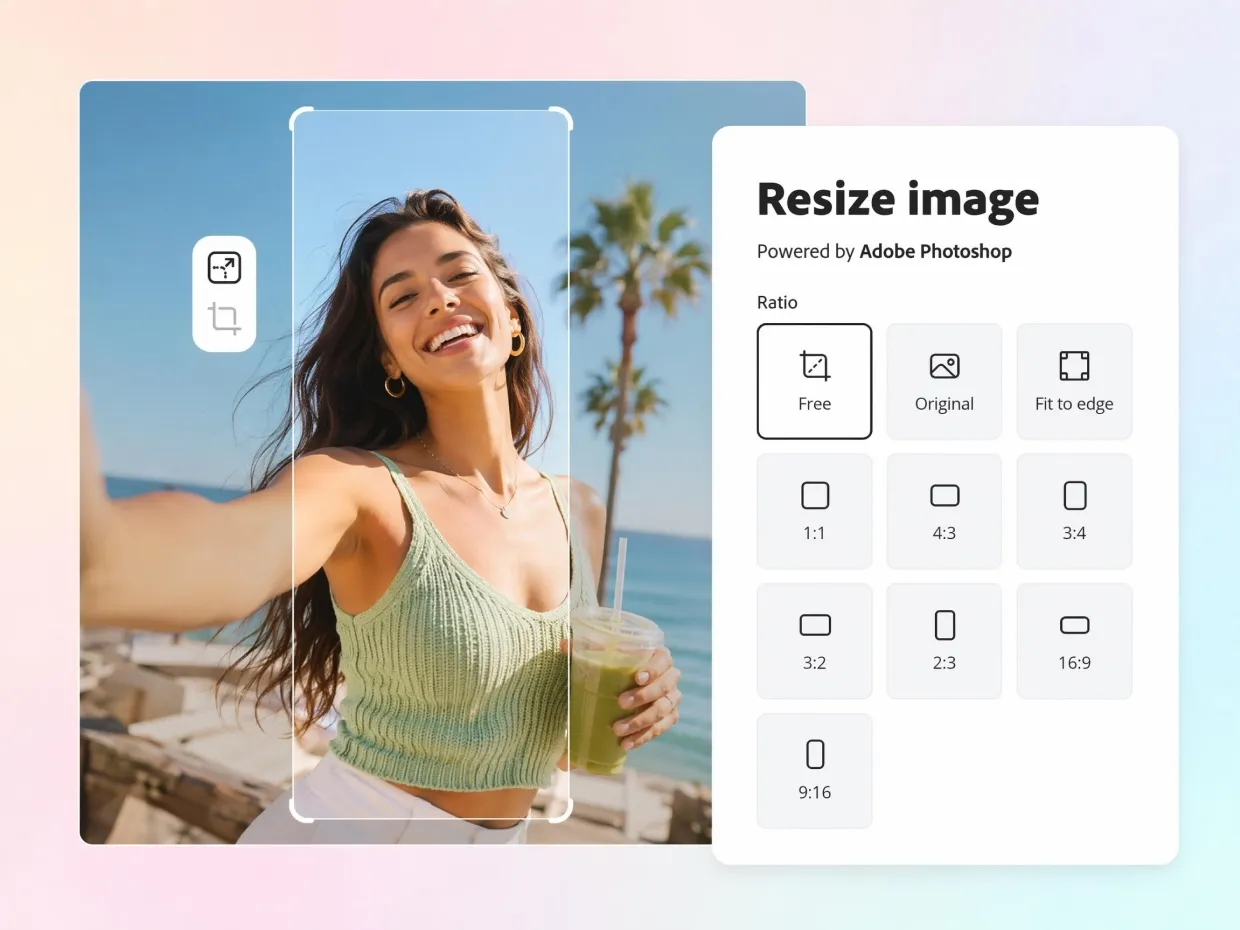
Instagram often crops faces, products, and text when images are resized for different formats. Designkit automatically adjusts framing and positioning to keep important details visible, helping creators produce cleaner, more professional posts without manual image adjustments.
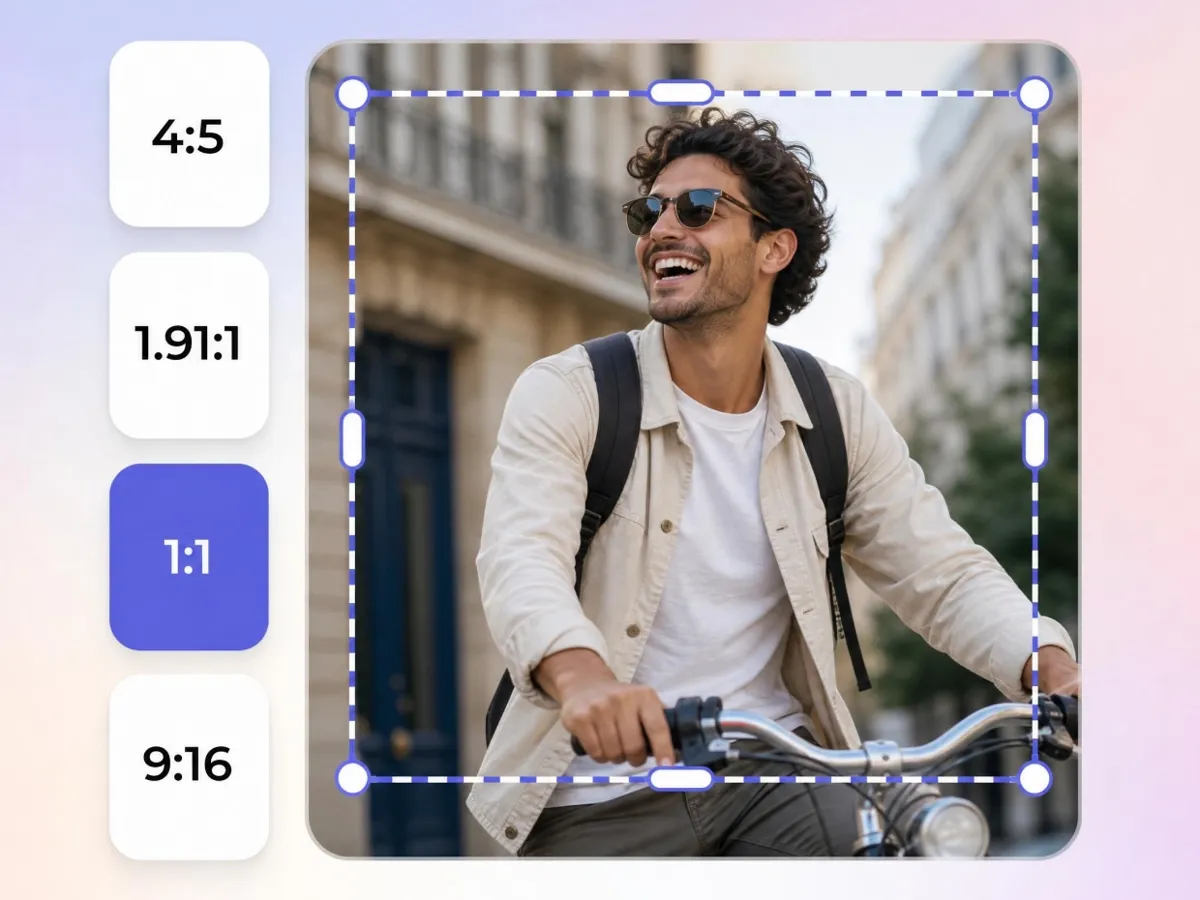
Resize Once for Posts, Stories & Reels
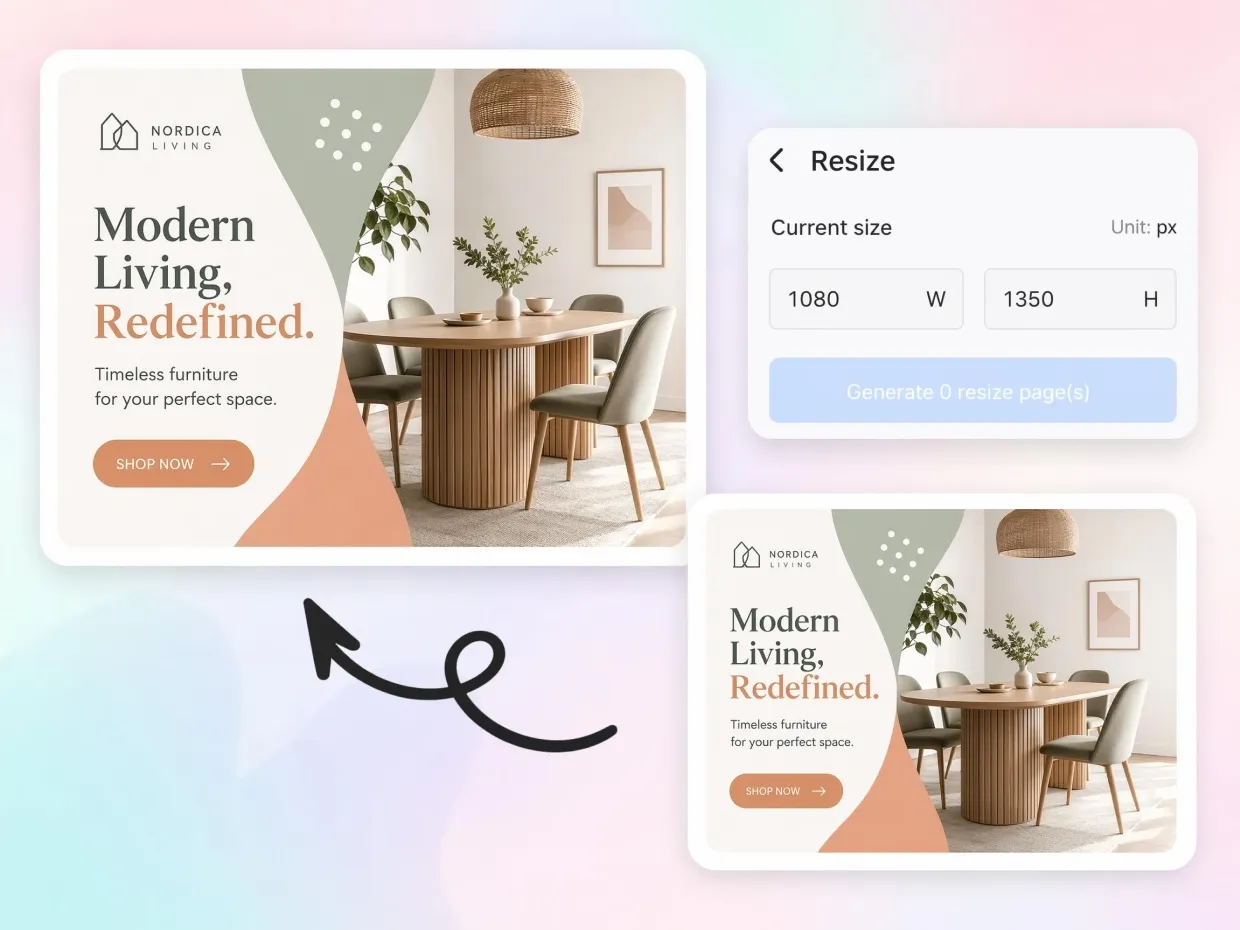
Creating separate layouts for Instagram posts, Stories, and Reels takes time. Designkit converts one image into multiple Instagram-ready formats while preserving branding and composition, helping creators maintain a polished, consistent presence with less effort.
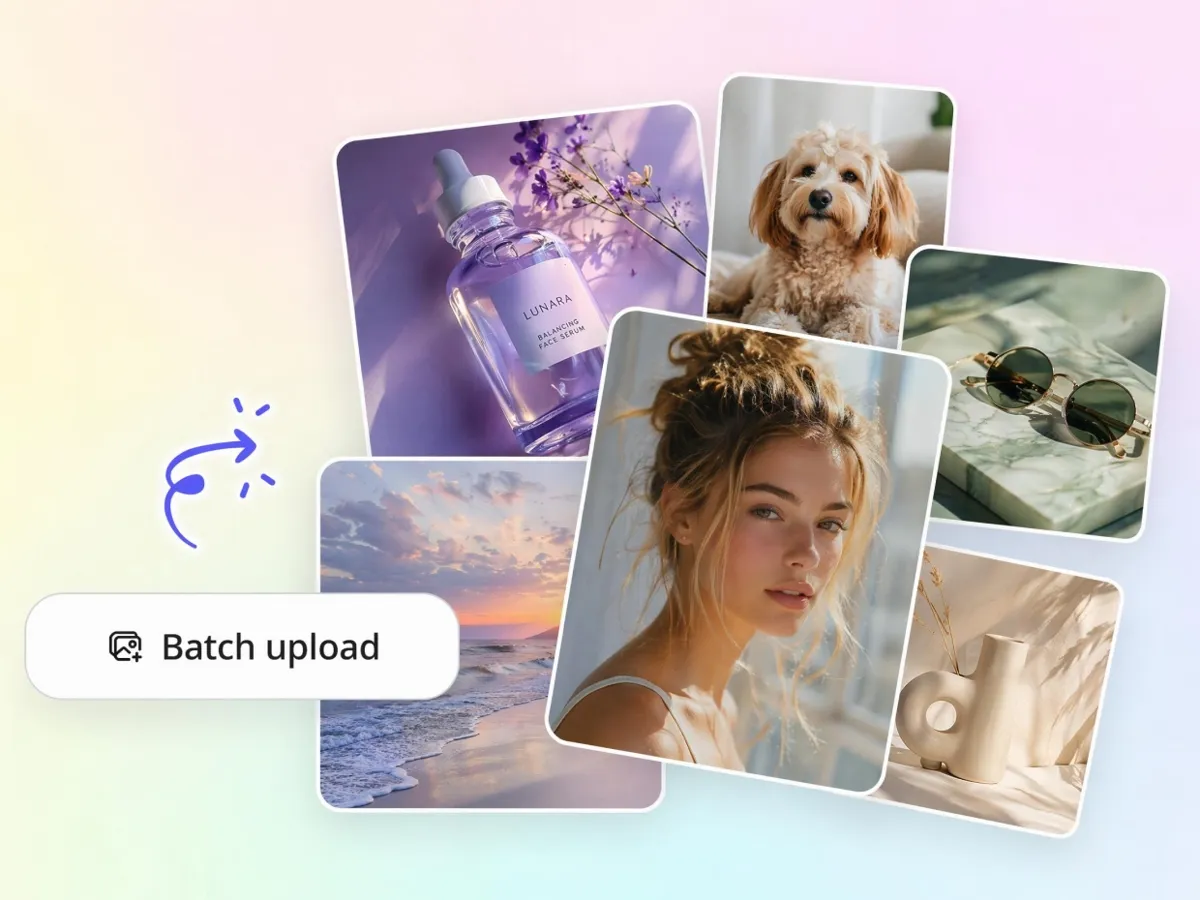
Batch Resize Instagram Content
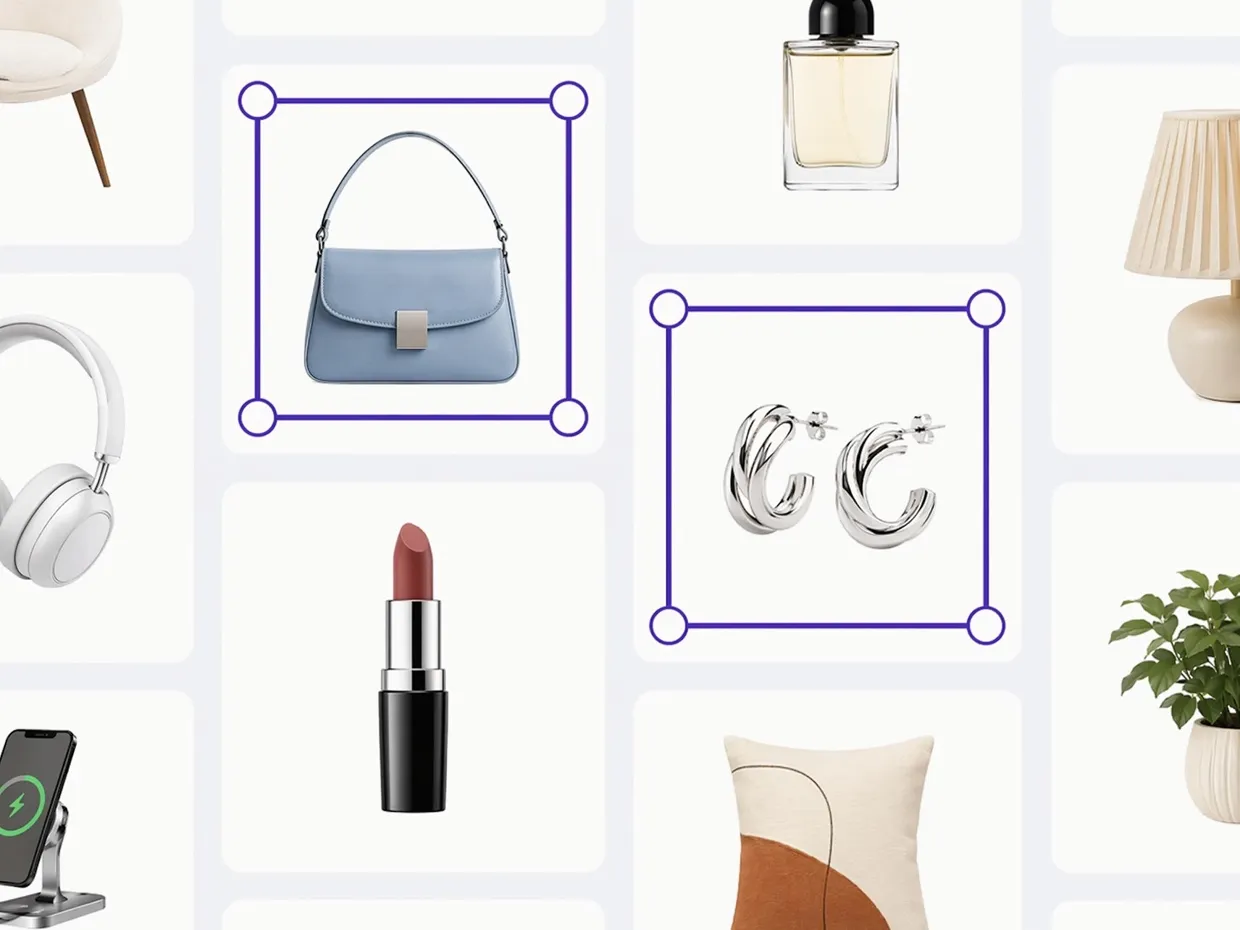
Managing Instagram visuals one by one can slow content production. Designkit helps resize multiple images for posts, Stories, and Reels simultaneously, reducing repetitive editing and making it easier to maintain a consistent publishing schedule.
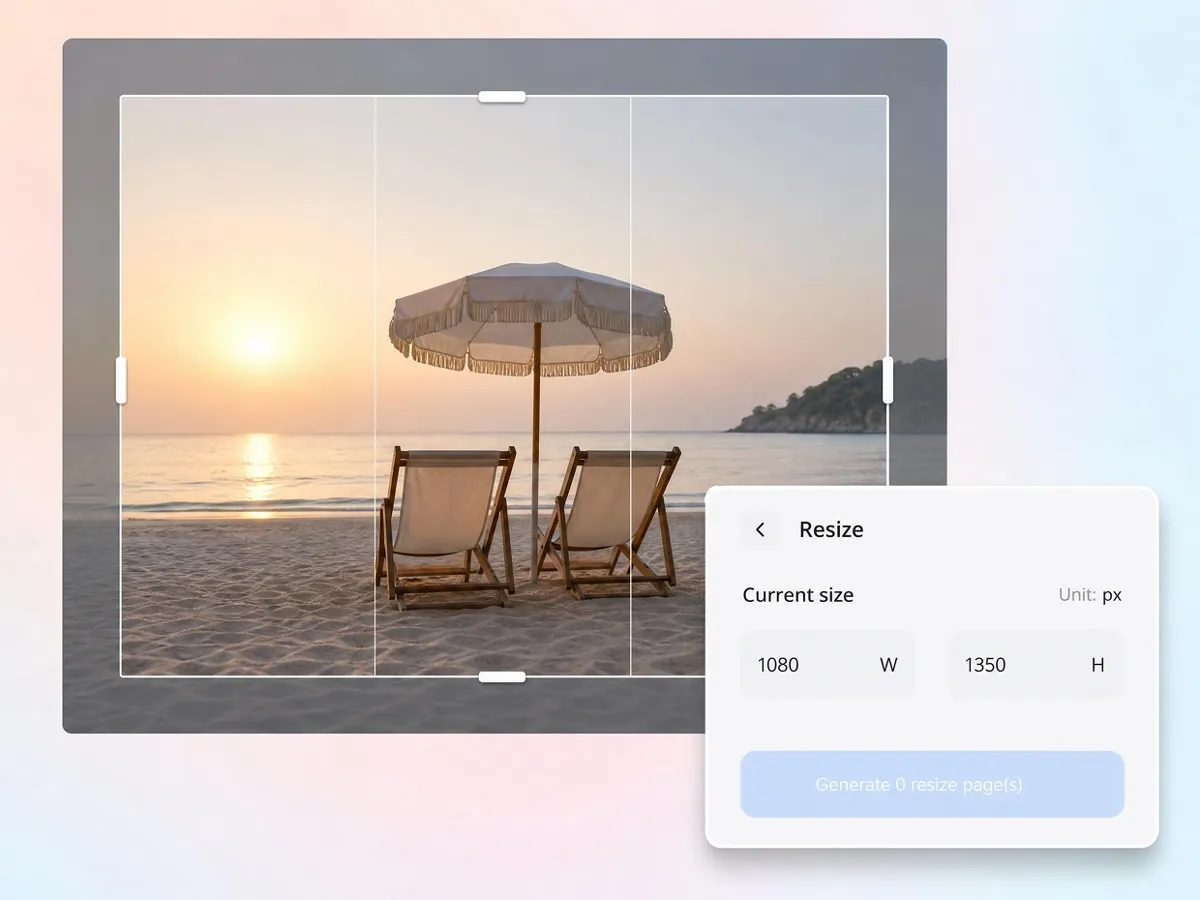
Turn Random Photos into Feed-Ready Visuals
Many photos are not captured with Instagram dimensions in mind, leading to awkward crops and unbalanced layouts. Designkit automatically adjusts framing and sizing to create cleaner, feed-ready visuals that look polished and professional across Instagram formats.
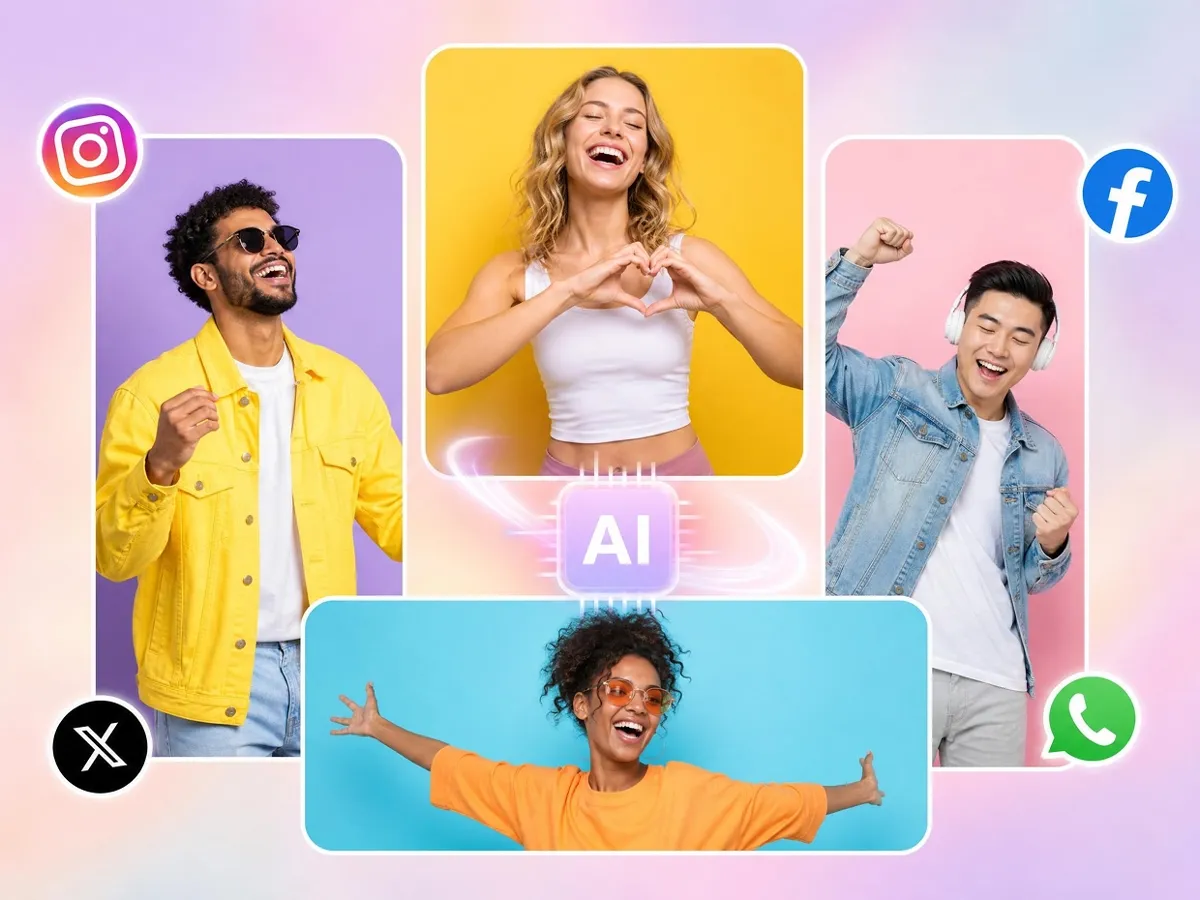
Resize Without Photo editing or Design Experience
Complex editors make simple resizing harder than it needs to be. Designkit lets anyone resize images for Instagram posts, Stories, and Reels in a few clicks, with no canvas setup, cropping, or editing experience required.
Who Uses Designkit for Instagram Resizing
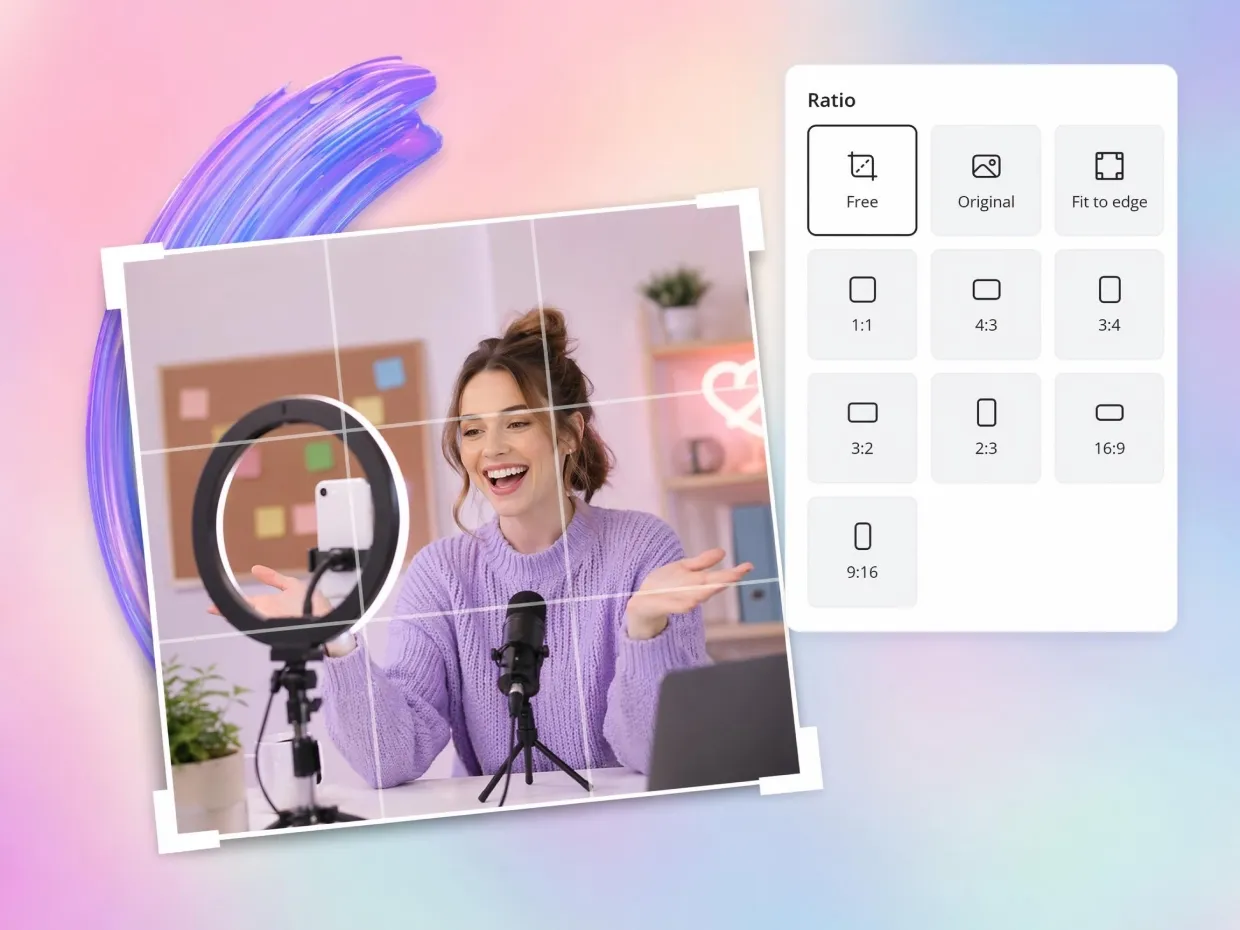
Keep Your Feed Looking Consistent Without Extra Editing
A clean Instagram feed depends on consistent sizing and framing, but manually adjusting every post can break your flow. Designkit helps creators quickly resize images so posts, stories, and covers align visually without constant tweaking. It keeps layouts balanced and helps maintain a recognizable aesthetic across the entire feed.
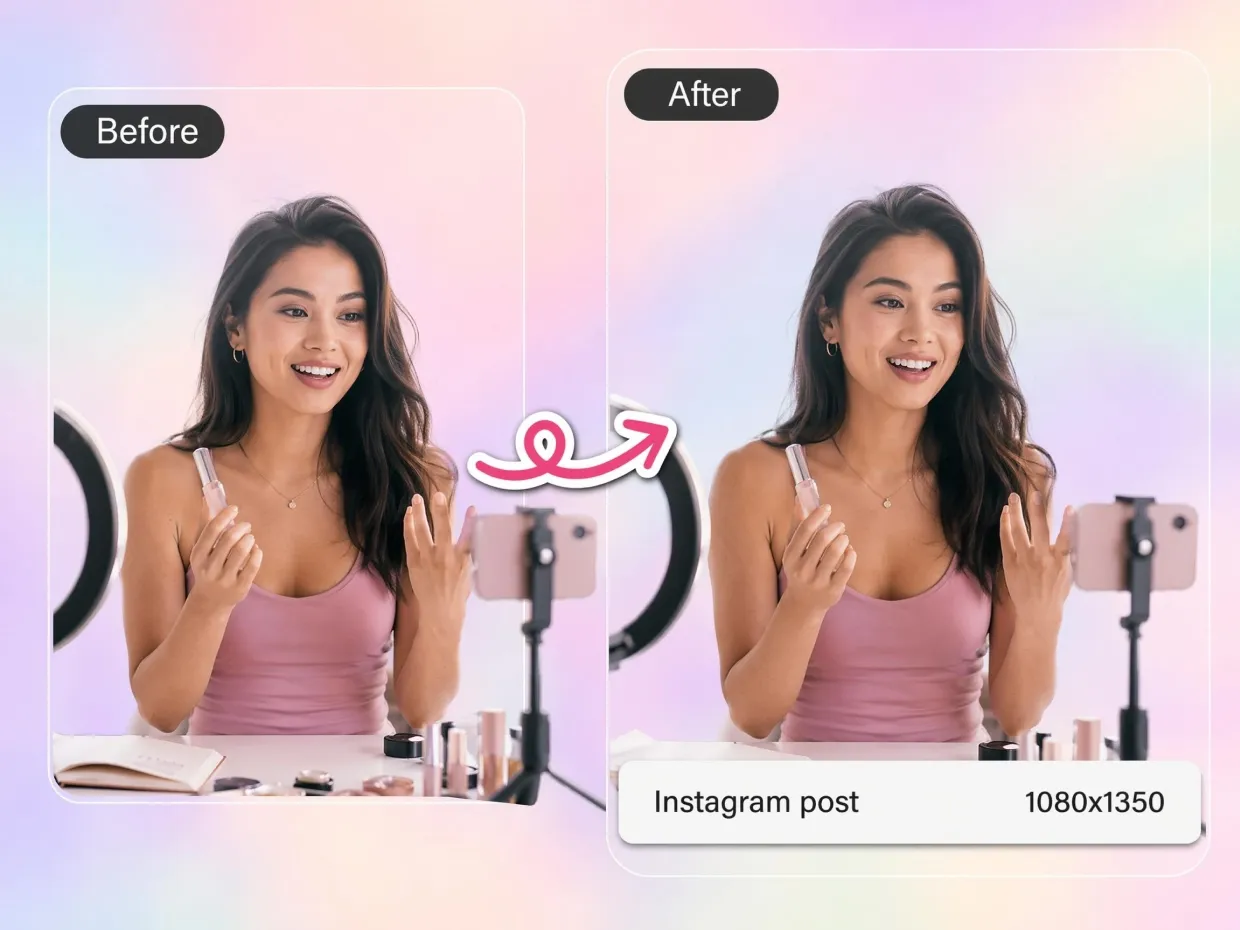
Why People Switch to Designkit for Instagram Resizing

Built Specifically for Instagram
Unlike generic image resizers, Designkit uses Instagram-specific dimensions for Posts, Stories, Reels Covers, and Profile Pictures, helping content display correctly across every placement.

Framing That Generic Resizers Get Wrong
Standard resizers stretch or center-crop blindly. Designkit repositions faces, products, and text to stay inside Instagram's visible area, so nothing important is lost across formats.

Resize, Preview, and Export in One Place
Designkit lets you resize images, preview how they look on Instagram, and export final files from a single workflow, making content creation faster and easier.
Frequently Asked Questions
How do I resize images for Instagram without cropping important parts?
Does resizing images reduce quality or make them blurry?
What is the best Instagram size for posts, Stories, and Reel covers?
Can I resize multiple Instagram images at once?
How do creators keep their Instagram feed visually consistent?
Can I resize Instagram images without editing skills?
Can I reuse old or random photos for Instagram posts?
Is there a difference between resizing for Instagram posts and Reels covers?
Resize Any Image for Instagram in Seconds
Convert photos into perfectly sized Posts, Stories, Reel Covers, and Profile Pictures without cropping important content or losing image quality.

Real Experiences from People Using Designkit for Instagram Resizing
I Stopped Missing Trends Because of Editing Delays
Before Designkit, resizing content for Reels covers, Story promos, and feed posts took so much extra time that trends would already feel old by the time I published. Now I can repurpose one visual across formats in minutes. It sounds small, but it completely changed how fast I can react online. My content cadence improved a lot, and posting feels way less stressful now.
My Educational Posts Became Easier to Read
A lot of my Instagram posts include tips, headlines, and text-heavy graphics. Before Designkit, important text kept getting cropped or compressed after upload, especially on mobile. That was frustrating because it made my content harder to understand. Designkit fixed the formatting issues and now my posts feel much clearer and easier for followers to engage with.
Bulk Resizing Is a Game-Changer
I used to spend hours resizing dozens of product images for Stories and Reels. Designkit's bulk resizing saved me days and finally made scaling campaigns feel achievable. I feel less burned out and more creative.
Content Creation Feels Less Mentally Draining
Honestly, I didn't realize how much resizing images was draining my energy until I stopped doing it manually. Every post used to become this annoying process of adjusting dimensions, checking previews, fixing crops, and exporting again. Designkit simplified the whole thing. Now I spend more time actually creating ideas instead of fighting formatting issues.
Supplier Photos No Longer Make My Store Look Cheap
One of my biggest frustrations was that supplier photos looked terrible once uploaded to Instagram. Cropping ruined product details and everything felt low quality. Designkit helped me clean up and resize images properly without needing a designer. My posts finally started blending in with bigger brands instead of looking rushed or low effort.
My Feed Finally Started Looking Like a Real Brand
I used to spend forever trying to make my posts look "Instagram aesthetic," but my feed always felt messy and inconsistent. Some posts were cropped weirdly, some looked blurry, and Stories never matched the feed. After switching to Designkit, everything suddenly looked cleaner and more intentional. People actually started commenting that my page felt more professional, and honestly that gave me a huge confidence boost to post more consistently.