
Product Demo Video Maker: Show How Your Product Works with AI
Turn product photos into simple, structured demo videos that show usage and highlight key features. No filming or editing needed, for Amazon and Shopify sellers.
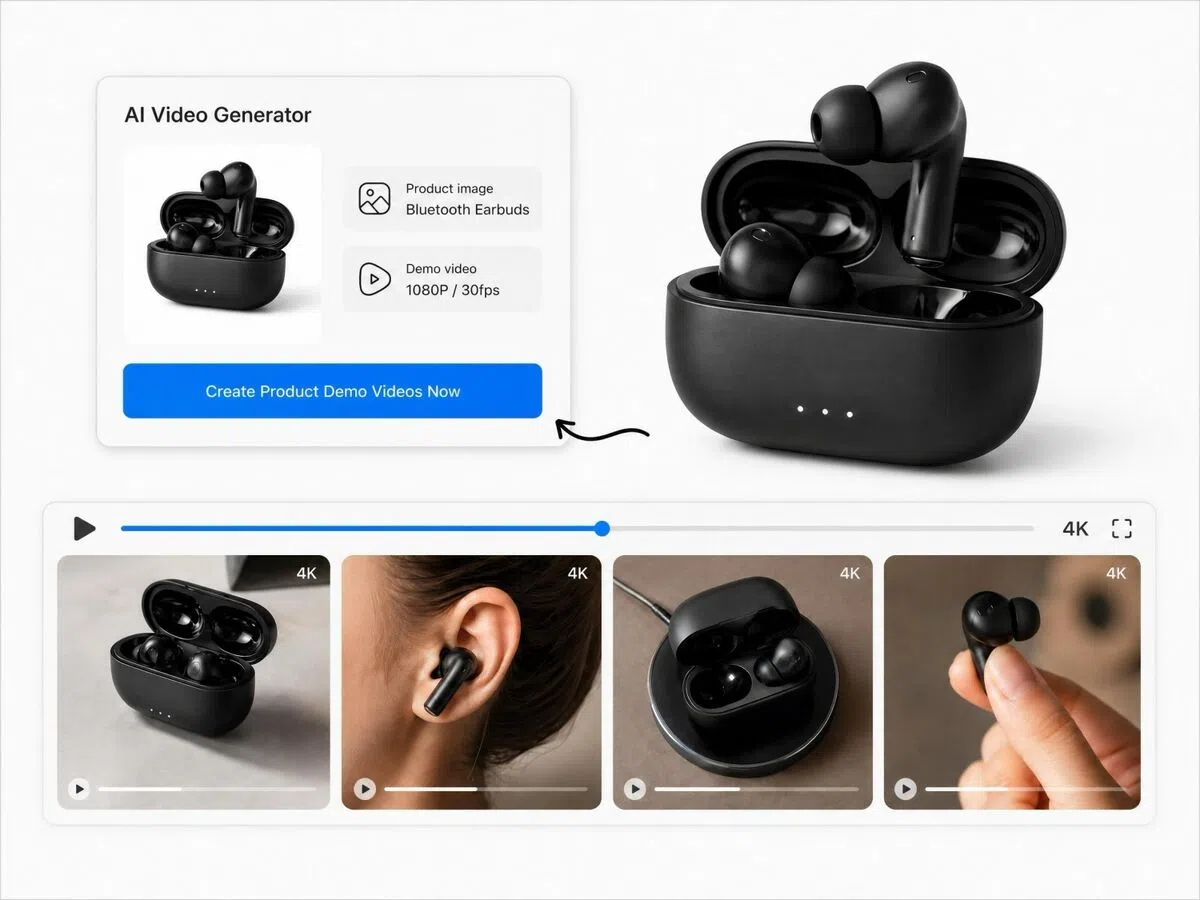
Upload your product image and demonstrate your product in minutes
How to Go from Product Photo to Demo Video in Minutes
Upload Your Product Images
Upload product photos. Multi-angle shots with clean backgrounds work best, but a single clear image is enough to start.
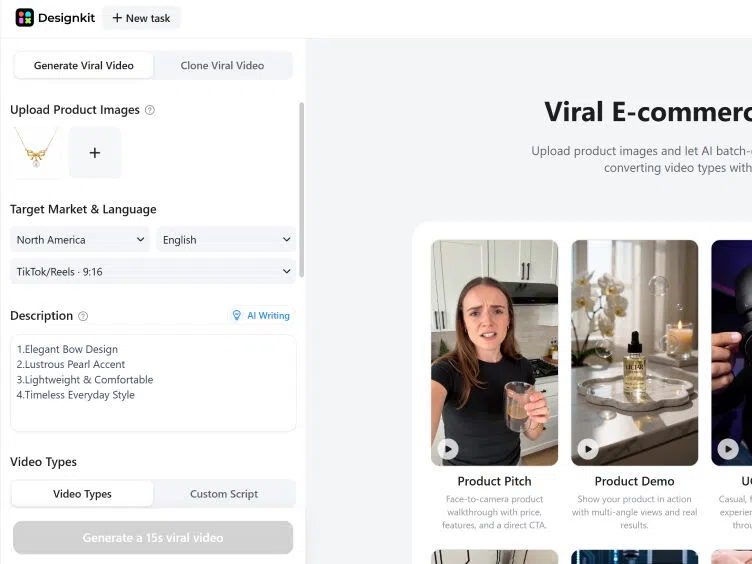
Add Product Details and Generate
Enter product features, usage scenarios, and target audience. Click generate and Designkit builds demo-focused scenes automatically. Review the output and regenerate variations if needed.
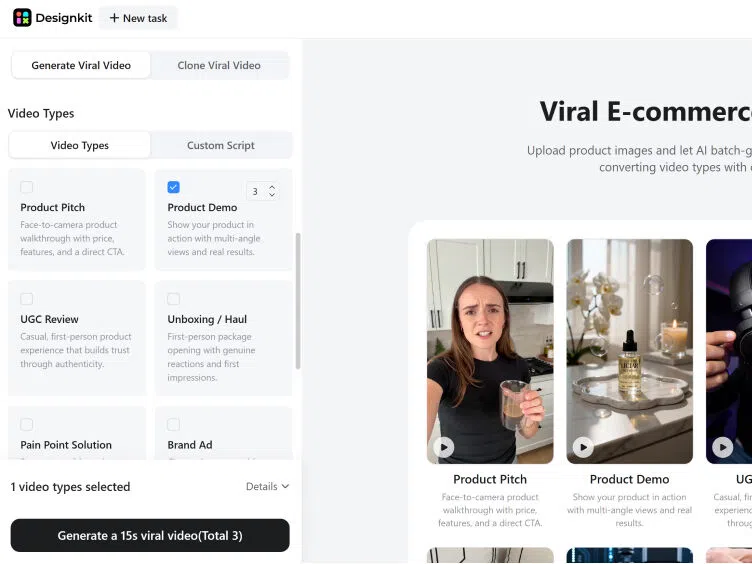
Export in Platform-Ready Format
Download your demo video in the right format for each channel: 16:9 for Amazon and Shopify listings, 9:16 for TikTok and Reels, 1:1 for Meta ads.
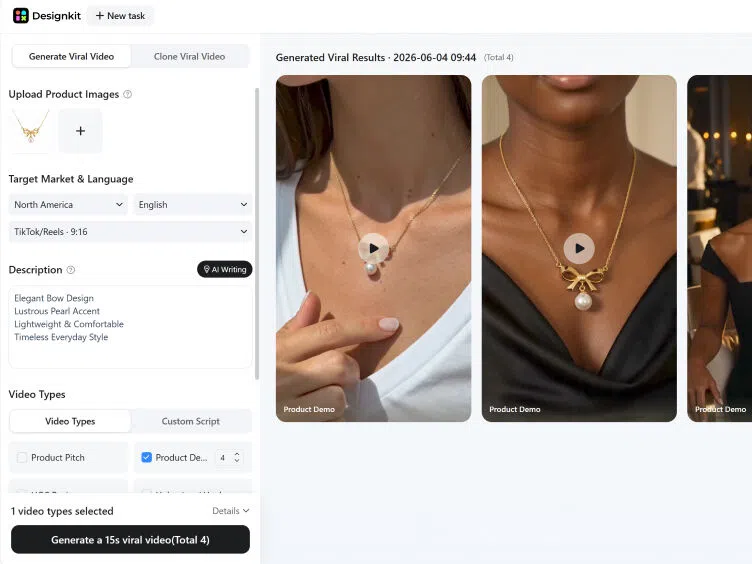
Capabilities of Designkit's Product Demo Video Maker
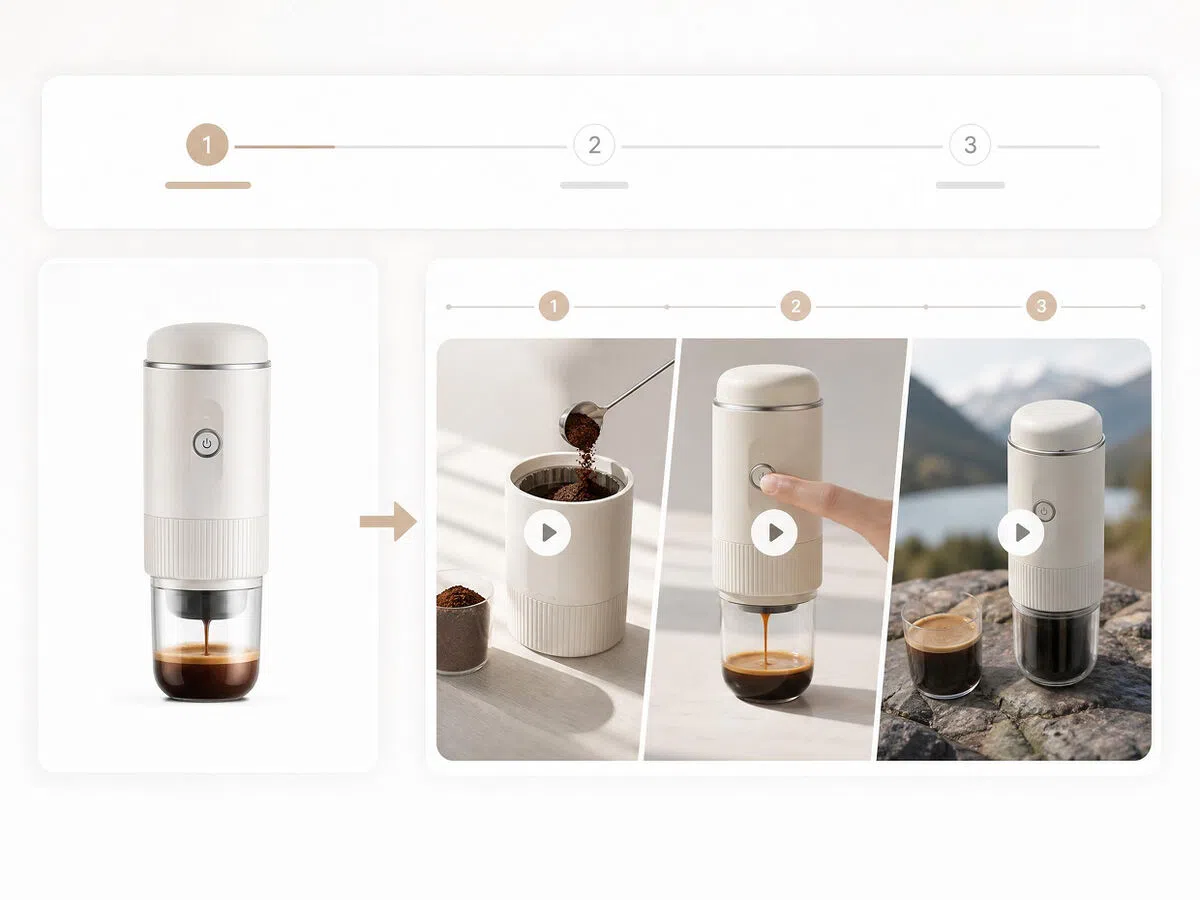
Turn Product Photos into Videos That Show How It Works
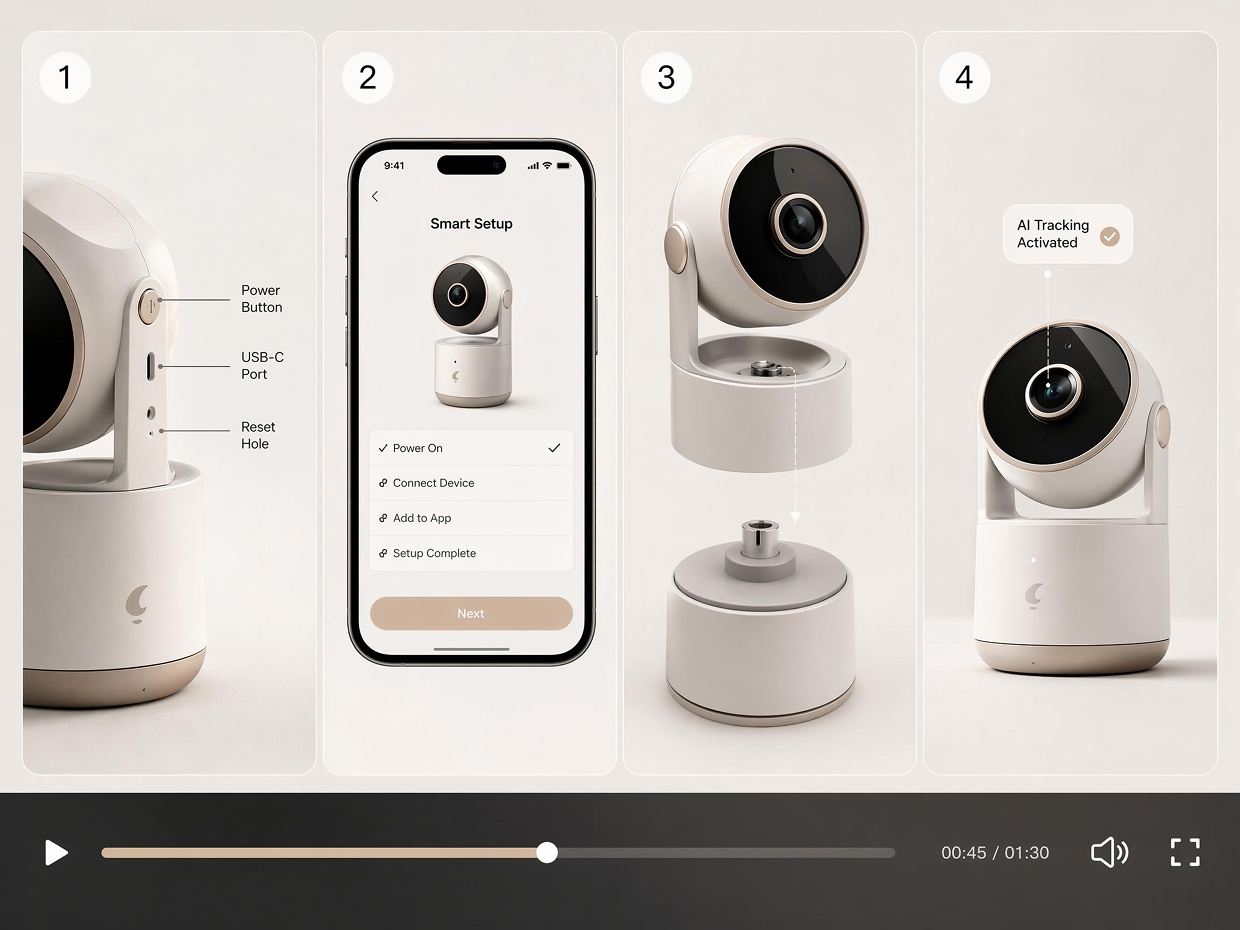
Upload a product image and Designkit builds a structured demo — showing usage steps, key features in action, and practical context that static photos can't communicate. No filming of actual product use required.
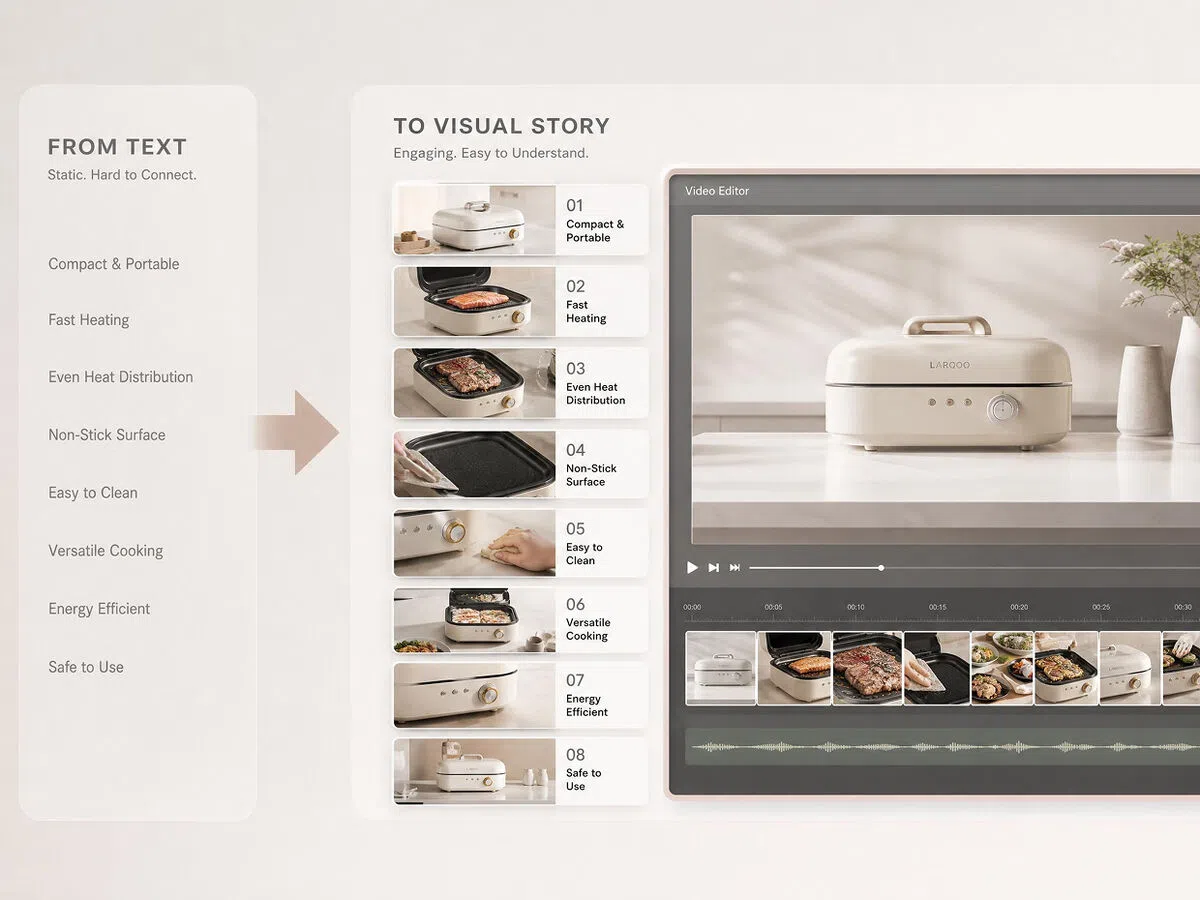
Turn Feature Lists into Visual Storytelling
Features buried in a product description rarely get read. Designkit sequences product benefits into a visual story — each selling point shown in context, not listed in text — giving buyers a reason to keep watching.
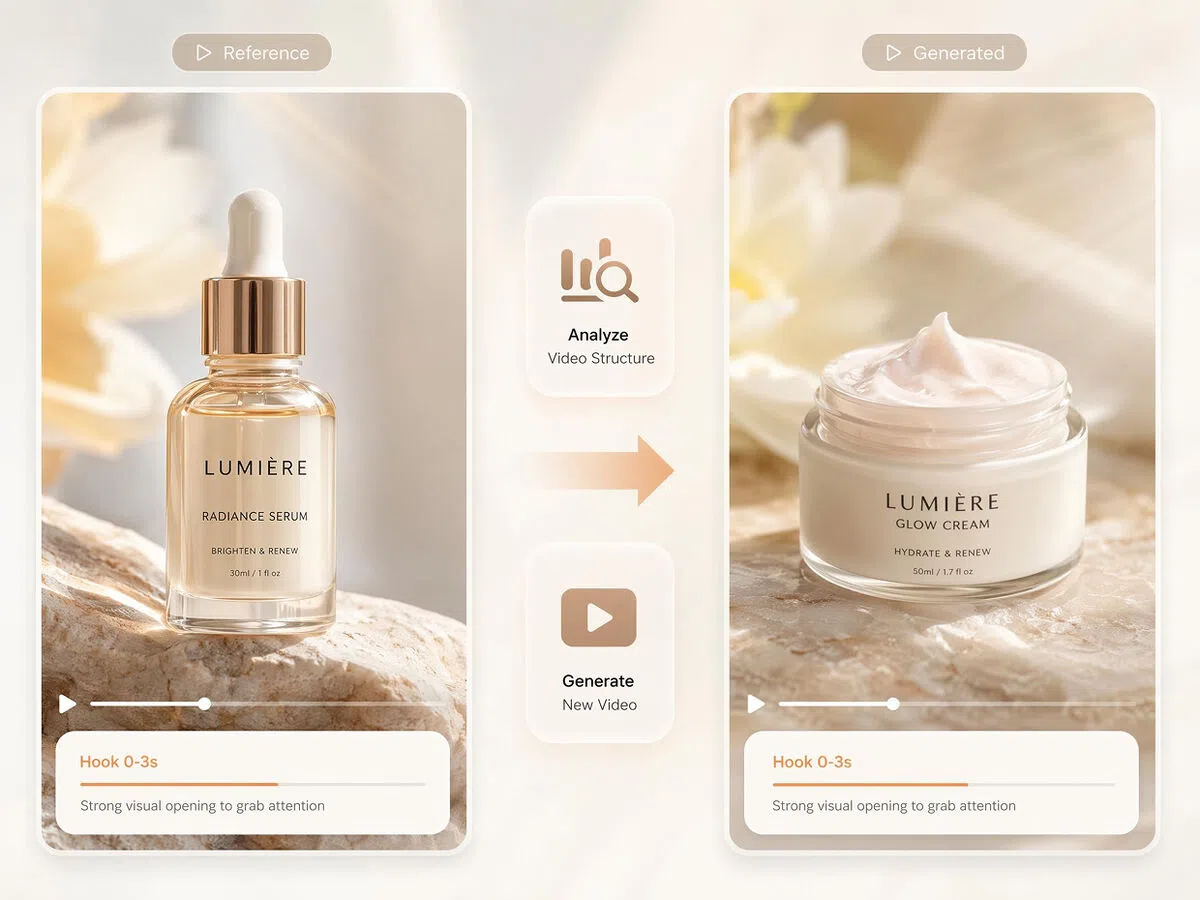
Replicate Winning Demo Formats with Your Product
Upload a reference demo video alongside your product images. Designkit analyzes the structure, pacing, and feature sequence of the reference, then recreates it with your product. Skip building demo flow from scratch when you already know what works.
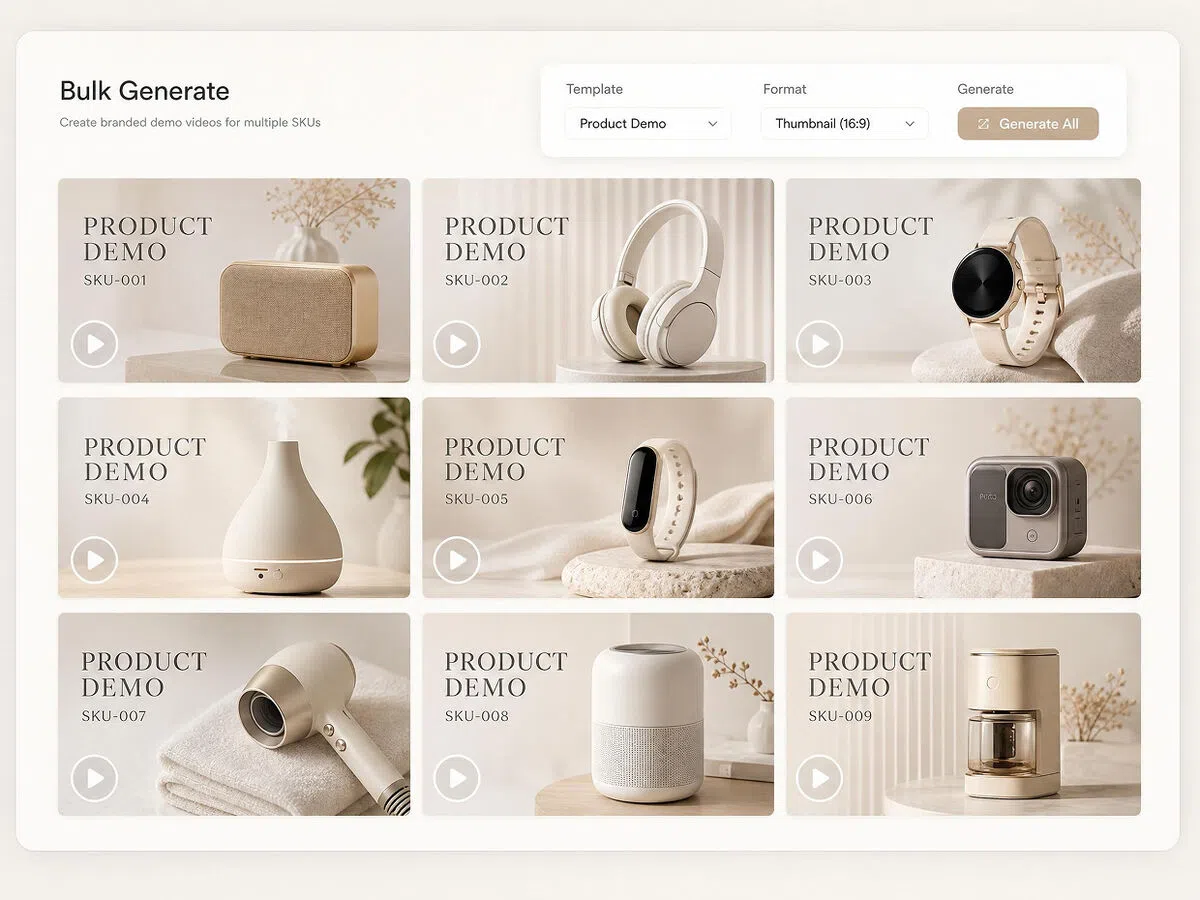
Consistent Demo Videos Across Your Entire Catalog
Every SKU gets the same visual style, scene pacing, and feature structure. Designkit maintains uniformity across large catalogs without additional shoots or manual editing between products.
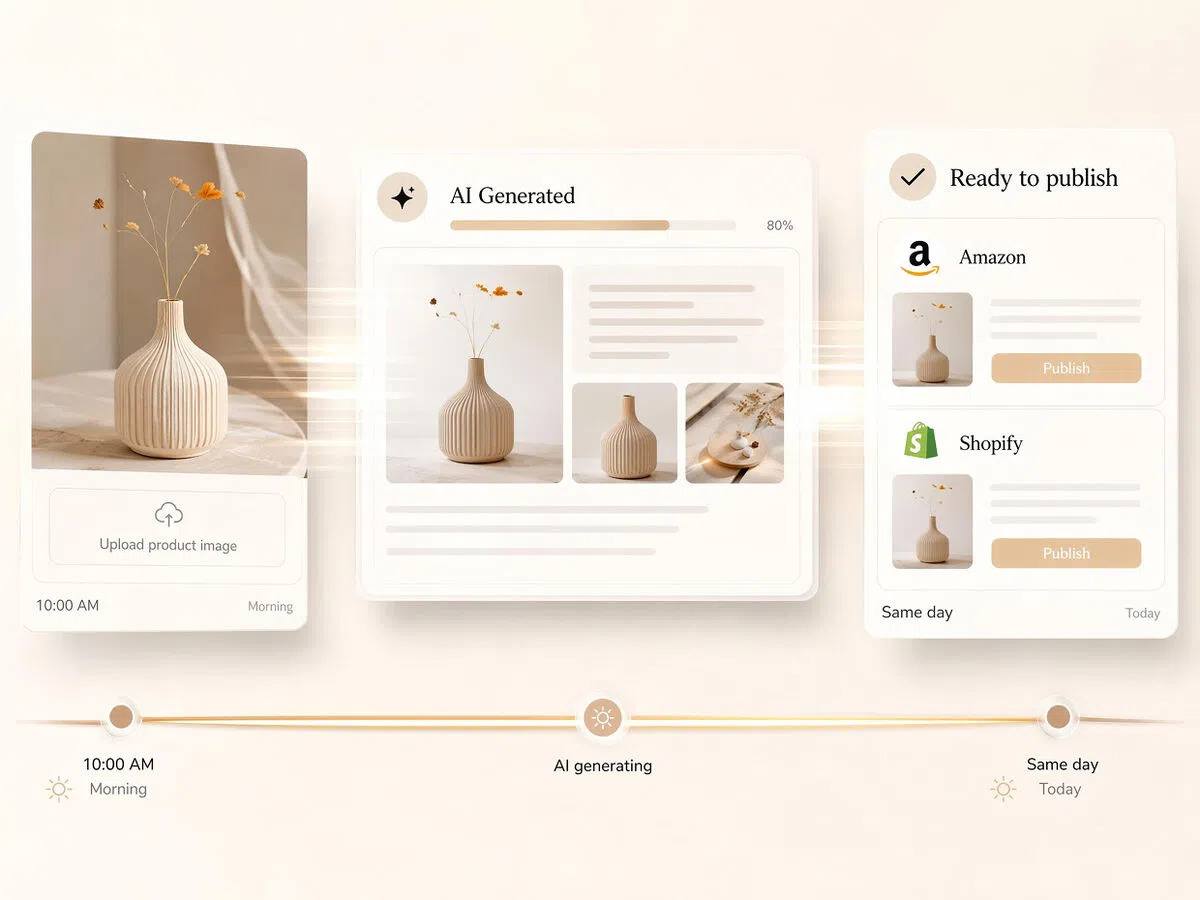
Go from Product Photo to Published Demo the Same Day
No editing cycles, no freelancer wait time. Upload existing product images and have a platform-ready demo video within the same session — fast enough to publish before a launch window closes.
Who Can Use Designkit for Product Demo Video Creation
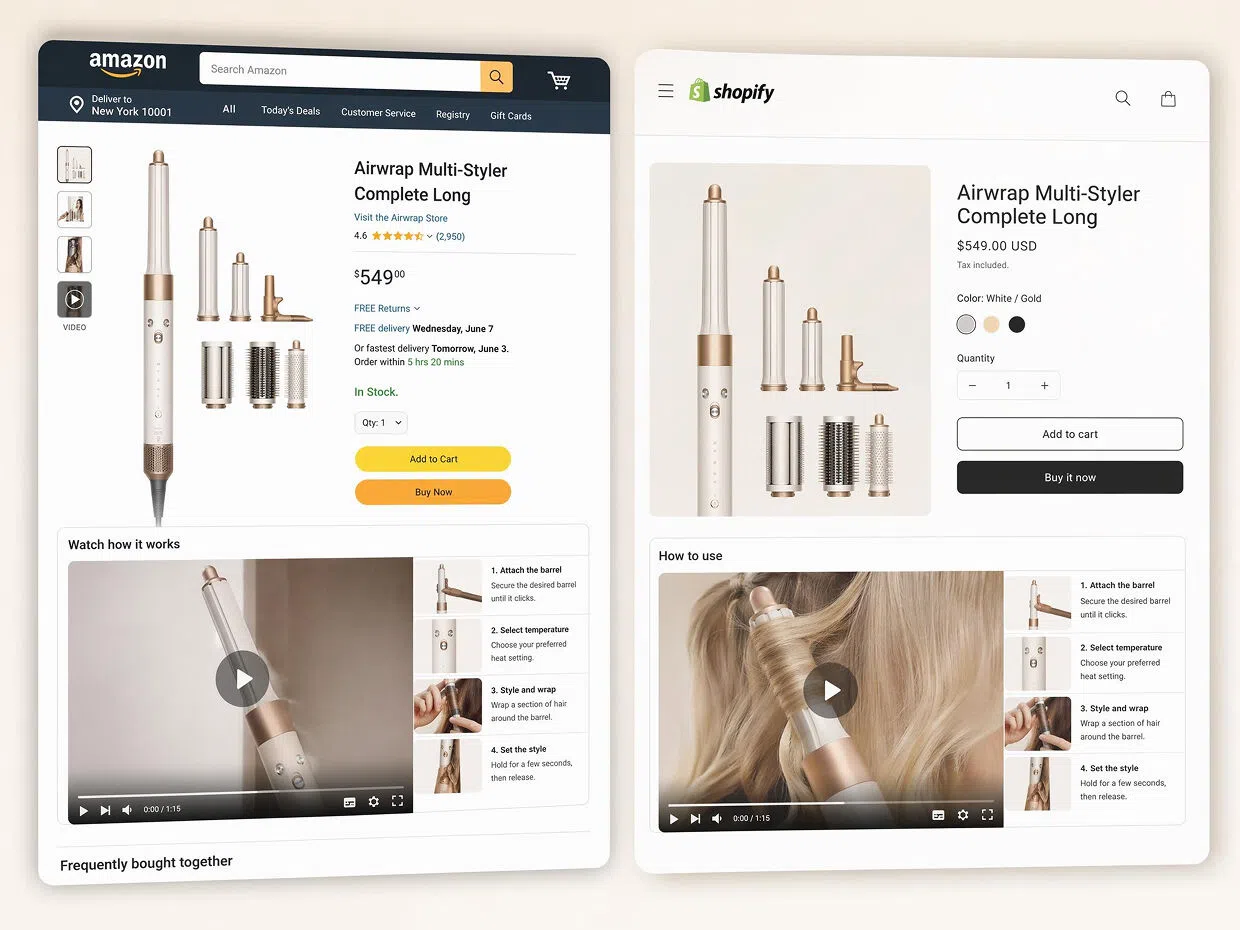
Replace the Listing Images That Leave Buyers Guessing
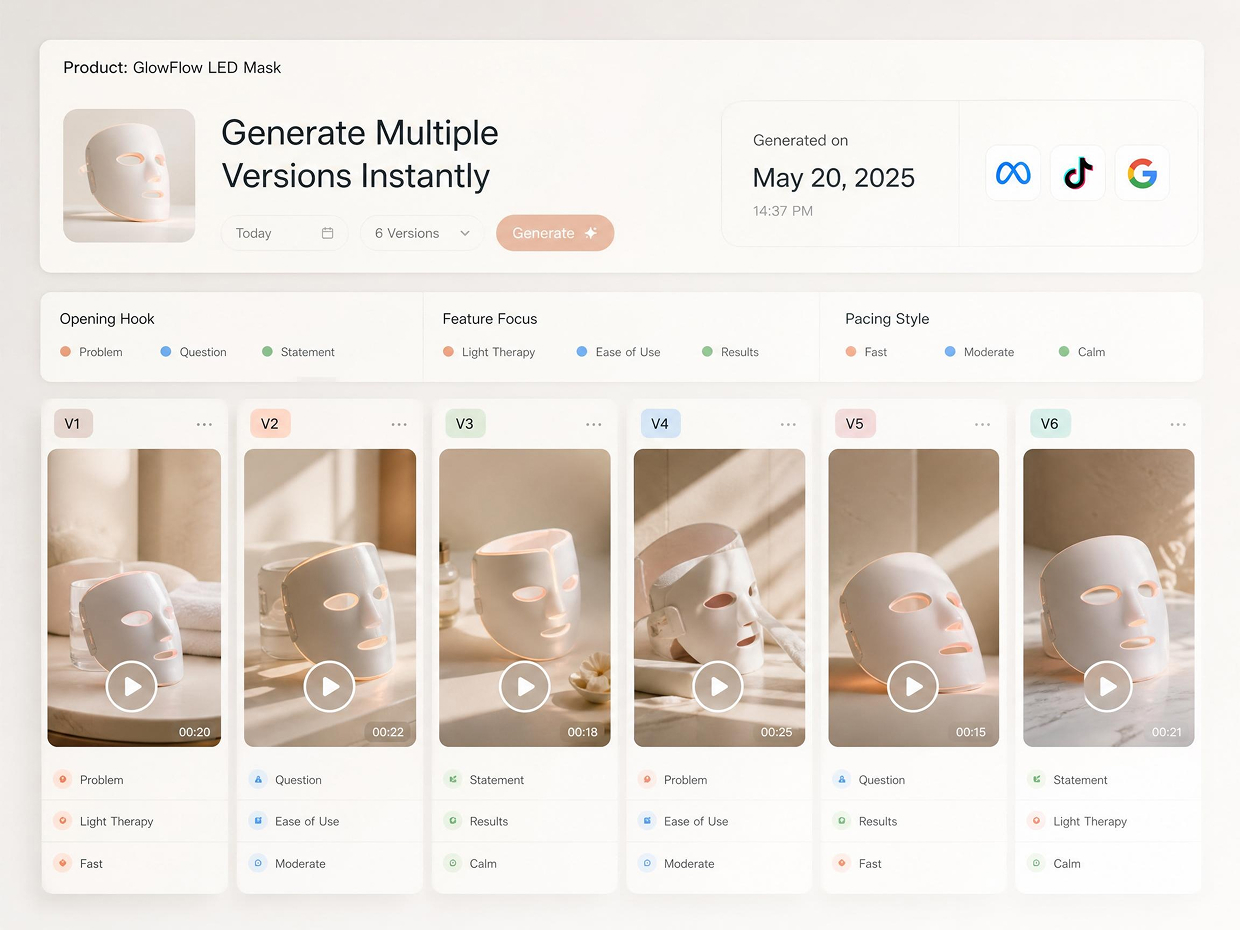
Buyers who can't picture how a product works don't buy it — they move to the next listing. A demo video answers the "but how does it actually work" question before it becomes a lost sale. Designkit turns product photos into structured demo videos that walk buyers through usage without a single second of filming.
Why Choose Designkit for E-commerce Demo Videos

Demo Videos Built Around Real Product Usage
Every demo is generated from your product inputs, with scenes, features, and workflows tailored to how the product is actually used.

From Product Photo to Published Video the Same Day
No editing cycle, no freelancer wait. Existing product images become platform-ready demo videos within a single session.

Consistent Output Across Dozens of SKUs
Every product gets the same scene structure and pacing. No separate production work per SKU, no visual drift as the catalog grows.

Reduce Pre-Purchase Questions
Demo videos show how products work before buyers ask. Reduce support inquiries and help shoppers purchase with confidence.

Works from Images You Already Have
No reshoots, no new photography needed. Existing listing images are enough to generate a professional demo video from day one.

No Professional Production Skills Required
Cameras, studios, and editing software are not part of the process. Upload a product image and the demo is generated automatically.
Frequently Asked Questions
Are AI-generated product demo videos realistic enough for paid ads and platform listings?
What is a product demo video maker used for in ecommerce?
A product demo video maker is used to visually explain how a product works, helping shoppers understand features faster than text or images alone. In ecommerce, tools like Designkit help turn static product photos into clear demo-style videos, reducing confusion, improving product clarity, and making listings more engaging for potential buyers who scroll quickly.
What is the difference between AI-generated product demos and real-life shooting?
Real-life shooting requires cameras, models, and editing time, while AI-generated demos work directly from product images. With Designkit, sellers avoid the need for costly shoots and still present products in a visually engaging way. This helps reduce production delays while keeping product storytelling clear, consistent, and easy to scale across many listings.
How do product demo videos improve conversions?
Product demo videos help shoppers see real usage, which reduces hesitation and builds confidence before purchase. When products are clearly understood, buyers are more likely to proceed to checkout. Using Designkit, sellers can quickly turn images into demo videos that highlight key benefits visually, helping improve engagement and encourage stronger buying decisions.
Can I create product demo videos without editing skills?
Yes, no editing background is required since everything is handled through simple image uploads and basic inputs. Designkit makes it easy for sellers to convert product photos into demo videos without dealing with timelines, tools, or technical steps. This allows beginners and busy store owners to produce professional-looking videos without learning complex editing software.
What products work best with demo videos?
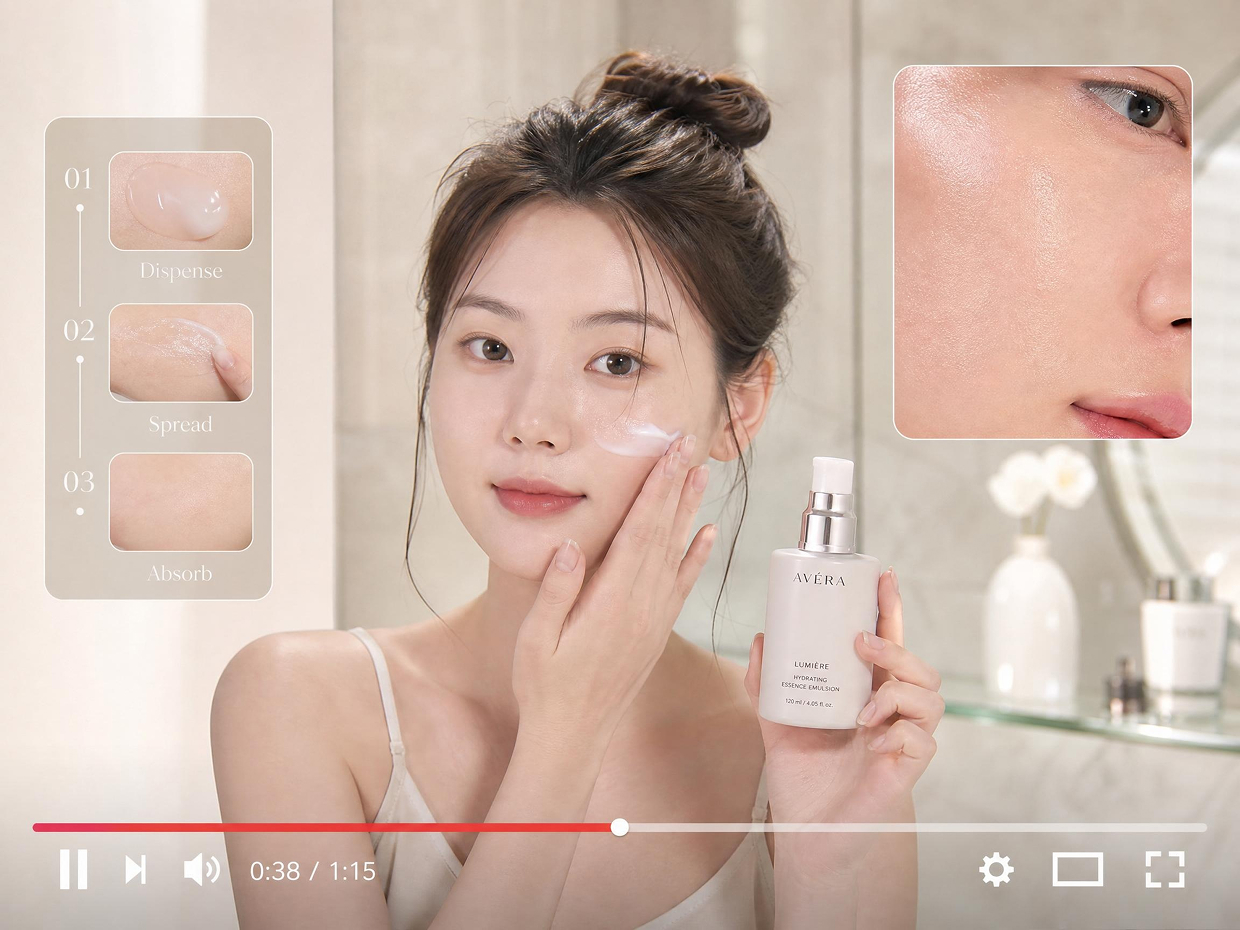
Demo videos work especially well for physical products that need explanation, such as electronics, beauty items, home goods, and gadgets. With Designkit, even simple product images can be turned into clear visual demonstrations, helping customers understand usage, texture, or features more easily, which is often difficult to communicate through static photos alone.
Do demo videos help reduce returns?
Yes, clearer product understanding often leads to fewer mismatched expectations after purchase. When shoppers see how a product actually looks and works, they make more informed decisions. Using Designkit, sellers can present realistic product demos that reduce confusion, helping customers feel more confident and reducing the chances of unnecessary returns.
Can I use demo videos for ads and social media?
Yes, demo videos are highly effective for ads and social platforms because they quickly capture attention and explain value within seconds. With Designkit, product images can be turned into short, engaging videos suitable for ad campaigns and social sharing, helping brands maintain consistent messaging while improving reach and performance across multiple channels.
Turn Product Images into Clear Demo Videos That Sell Better
Your product already has a story worth showing. Upload your first product image and get a demo video ready to publish.

User Reviews of Designkit's Product Demo Video Maker
See users talk about Designkit for product demo video creation
Finally getting results without stress
I had no idea how to make product videos before this. I was only using images and guessing what might work. After using Designkit, I created demo videos in a few hours while managing daily orders. Product clicks went up noticeably, and customers started trusting the listings more.
Ads started performing way better
I manage ads for multiple clients, so creative speed matters. Before, video production slowed everything down for days. With Designkit, I can turn product images into demos in the same session and test faster. One campaign improved from break-even performance to consistent profitable ROAS, which changed how I plan creatively.
Makes small stores feel professional
My store used to feel basic compared to competitors. After adding demo videos made with Designkit, the product pages looked more complete. Session time improved clearly, and customers often mentioned they understood the product better before buying.
Saves time I didn’t realize I was wasting
I used to spend hours per product trying to edit simple videos or wait on freelancers. Now I upload images and get results in one go. What used to take a full day for a few listings now wraps up in one session, which makes launching new products much smoother.
Better clarity equals fewer customer questions
Customers often asked basic questions like how to apply or what the texture felt like. After switching to Designkit demo videos, those repetitive messages dropped significantly. People understand usage much faster now, and checkout decisions feel more confident.
Ads started performing way better
Creative speed matters when managing ads for multiple clients. Before, video production slowed everything down for days. With Designkit, I can turn product images into demos in the same session and test faster. One campaign that had been breaking even started performing more consistently after we refreshed the demo creative.