
AI Product Details Page Design for Ecommerce
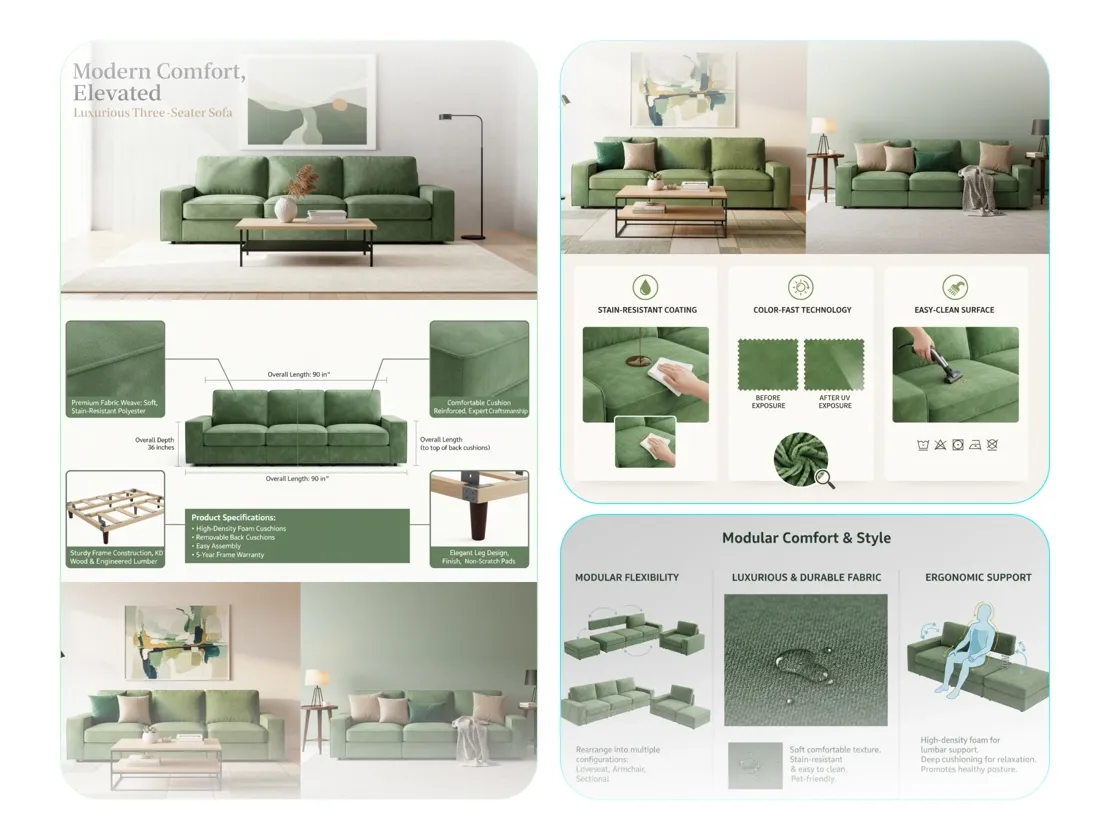
Turn a product image and short brief into a complete ecommerce product page design. AI plans the PDP layout, generates product descriptions, and prepares editable content modules.
How to Design a Product Details Page with AI
Add Your Product and Brief
Upload a product image and describe its main selling points, target audience, and preferred visual style in a short brief.
Review the AI PDP Design Plan
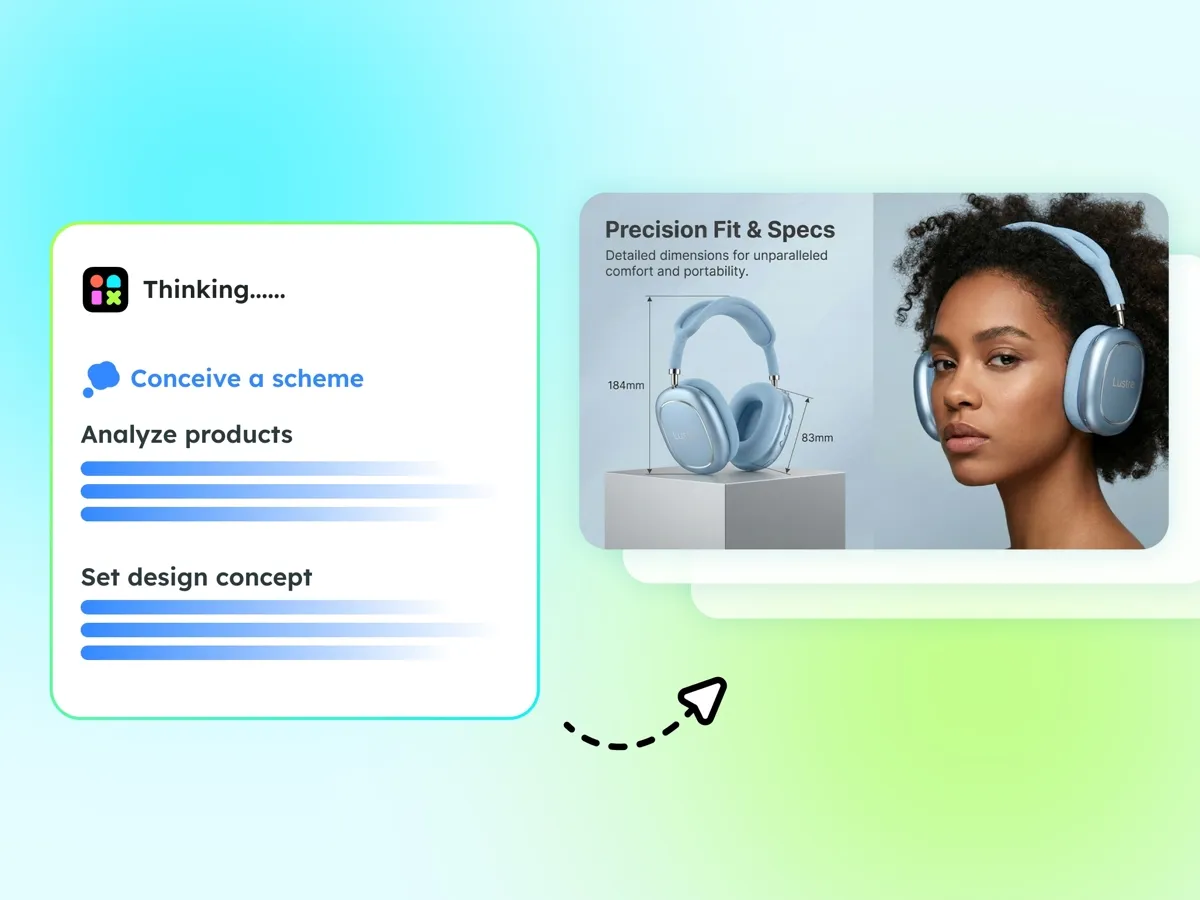
AI analyzes your brief and creates a product page layout with module order, visual direction, and draft product descriptions.
Generate, Edit, and Export
Choose a design plan to generate the full page, then refine the layered images, text, and layout details before exporting.
Plan and Generate a Complete Product Details Page
Build a Clear Product Page Layout
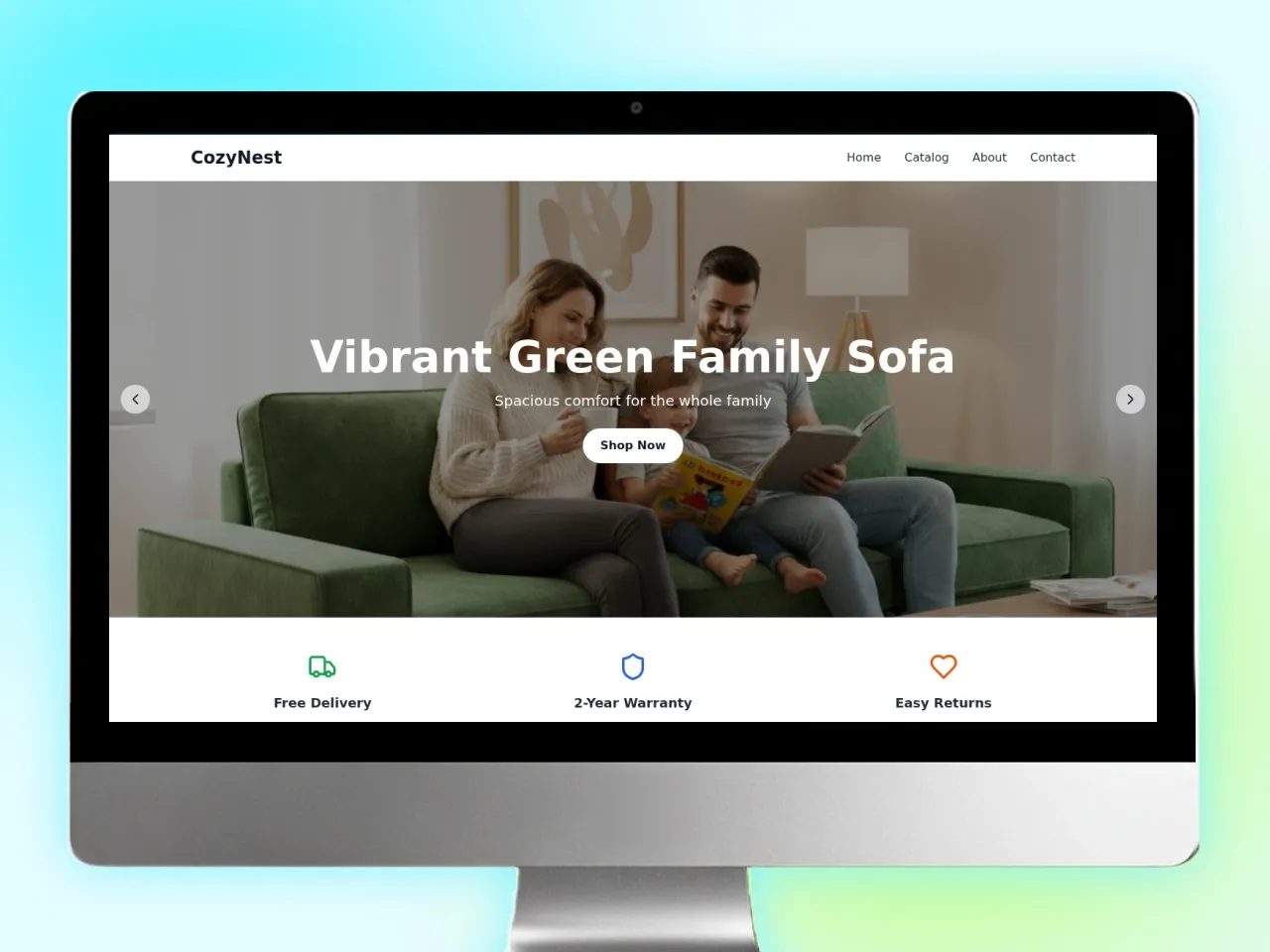
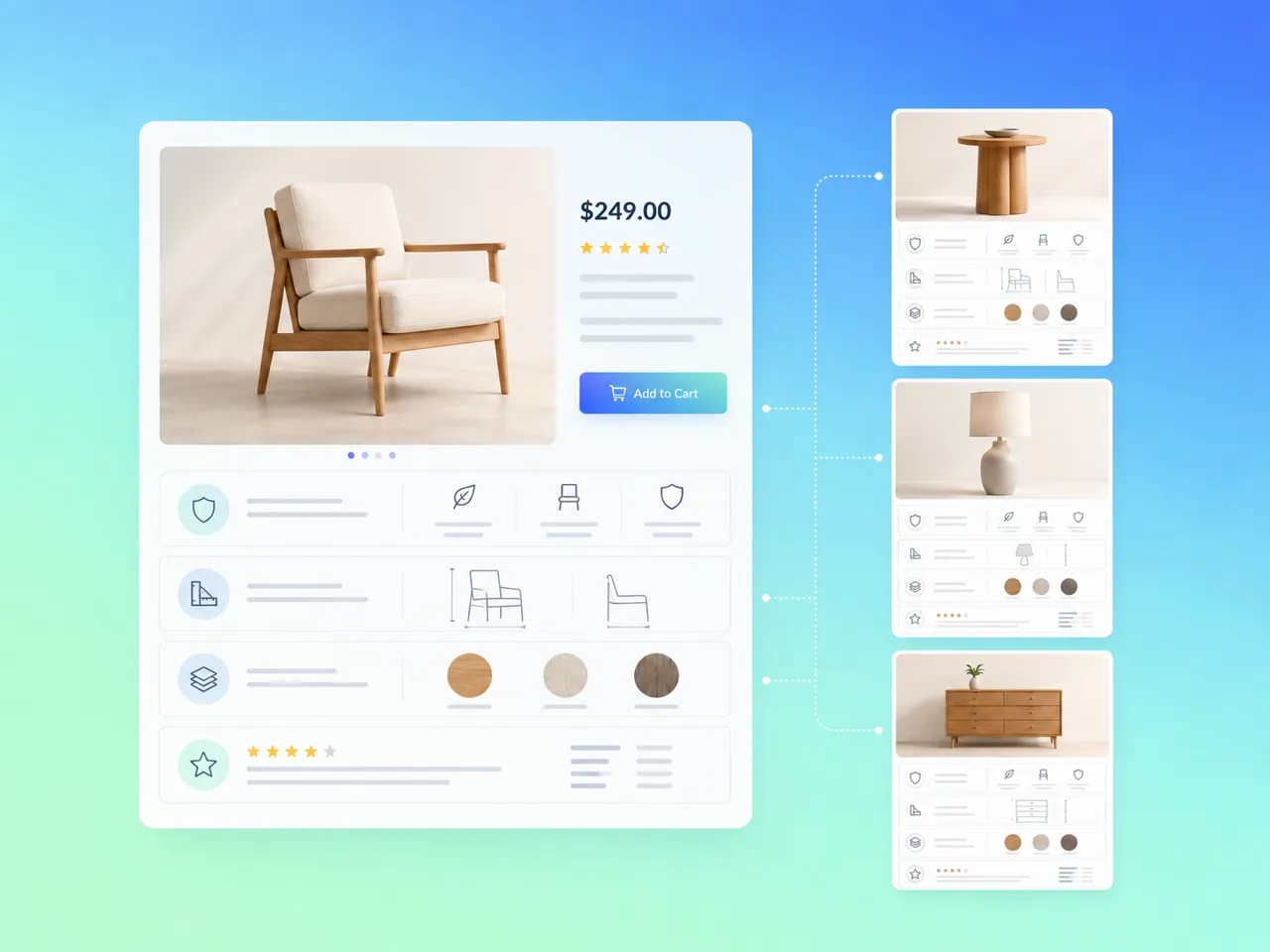
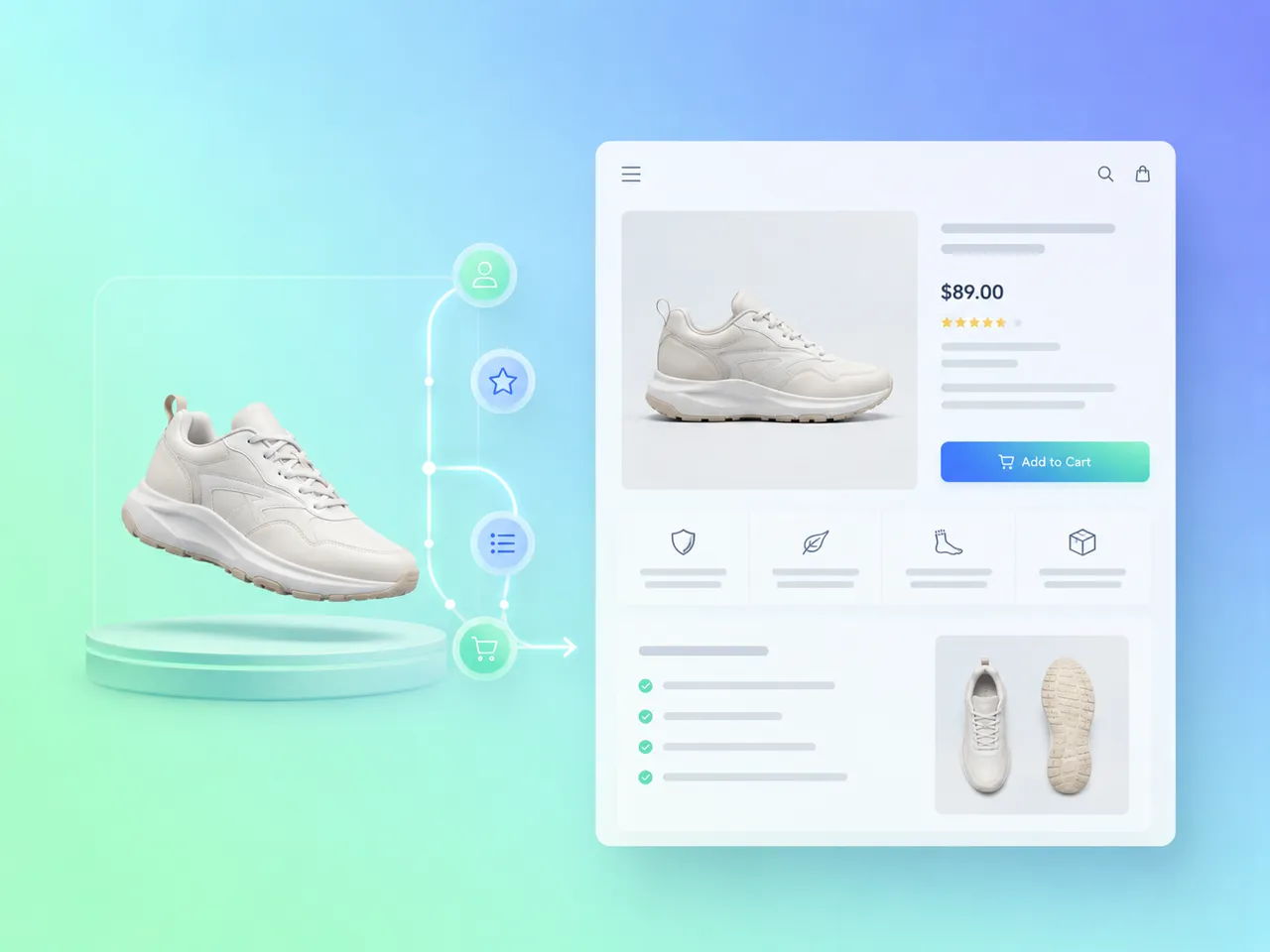
Designkit analyzes your product information and organizes it into a structured product page layout. The AI plans the module order and visual hierarchy, giving each selling point a clear place within the PDP instead of presenting the page as a collection of disconnected sections.
Generate PDP Copy and Page Content
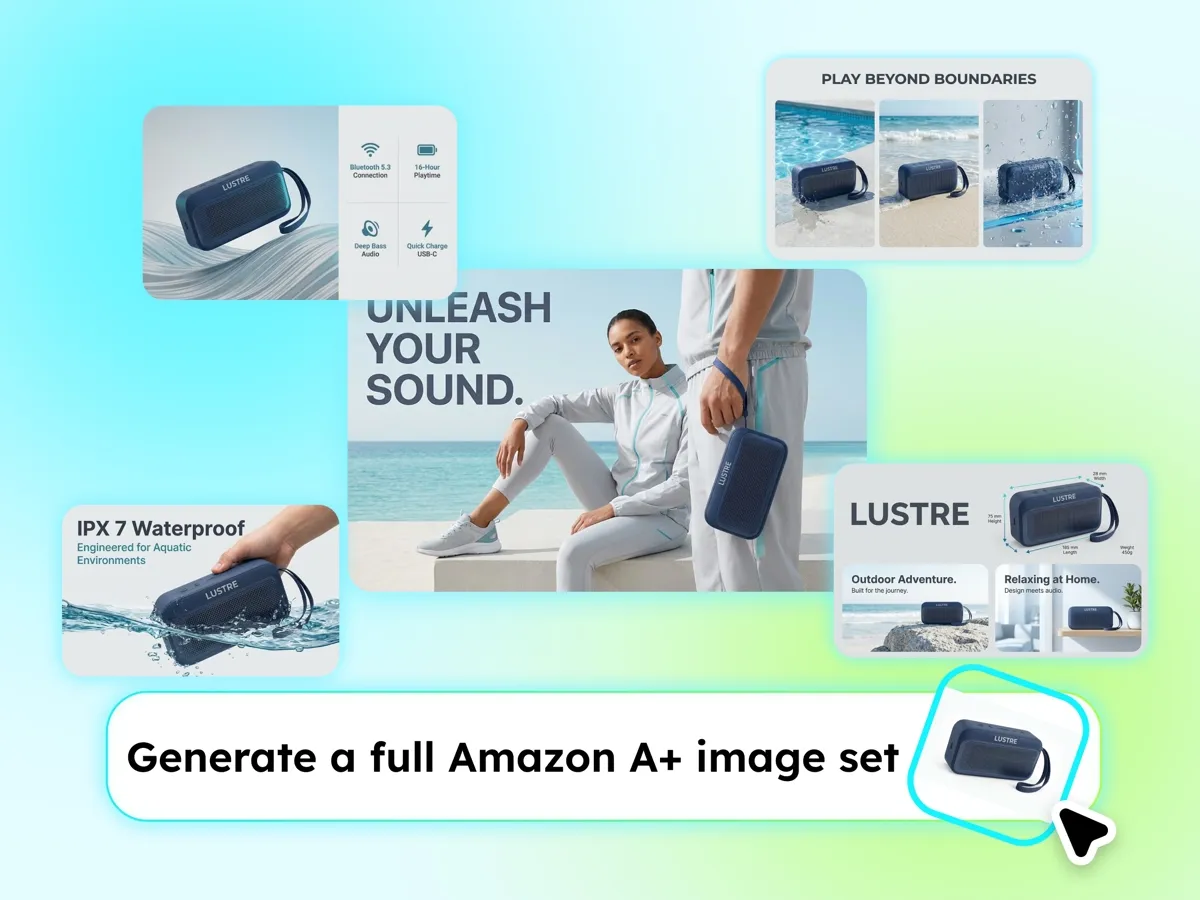
Use AI as a product description generator to turn your brief into page copy that fits each content module. The generated descriptions stay connected to the product’s selling points and intended audience, helping you develop a complete ecommerce product page design from limited starting information.
Edit Page Elements without Starting Over
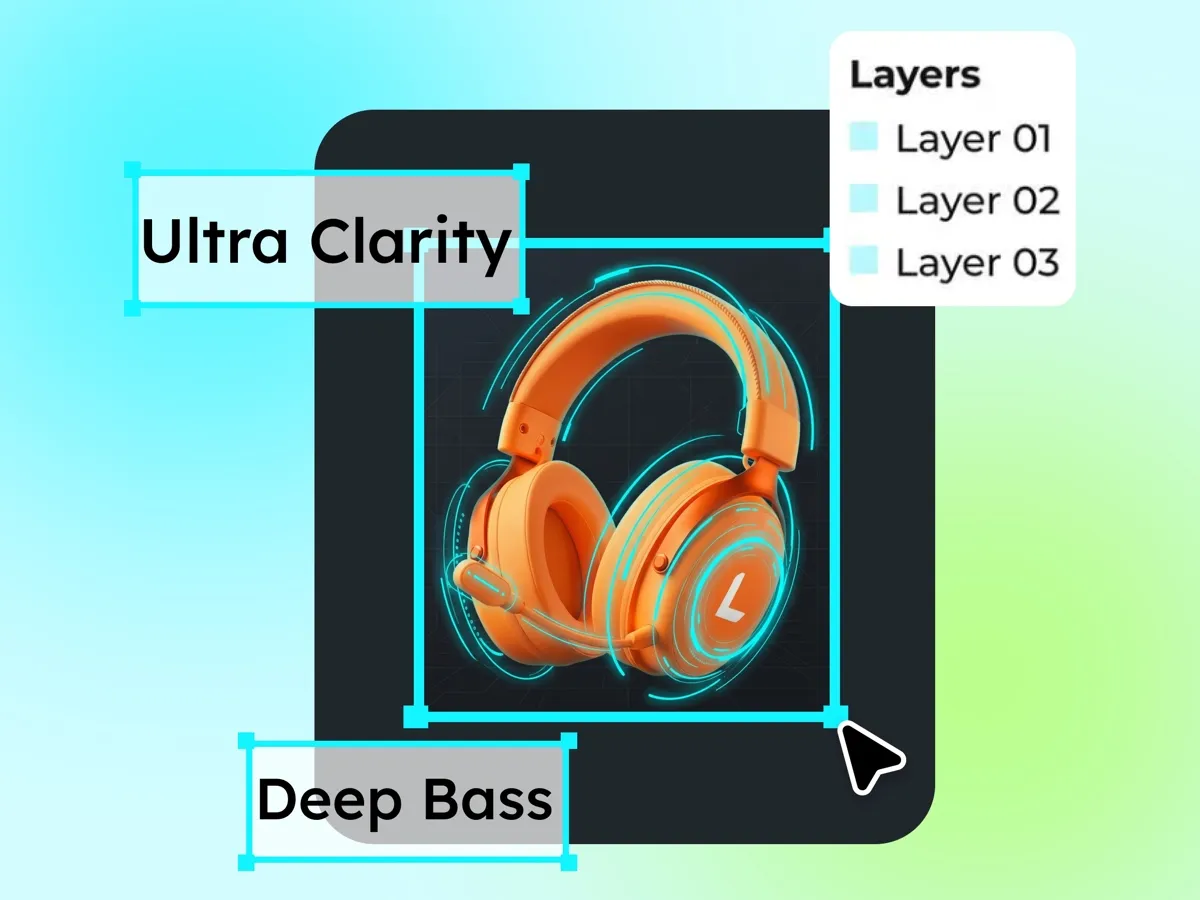
Generated sections remain layered, so you can refine individual elements without rebuilding the full PDP design. Update the copy, replace the product, or adjust the visual treatment while keeping the surrounding product page layout intact.
Built for Every Product Page Workflow
Build Product Pages Around Clear Selling Points
Turn approved product images and brand direction into a complete ecommerce product page design. Organize key benefits into a clear visual sequence, refine each content module, and keep the final PDP aligned with the wider storefront.
Why Create PDP Designs with Designkit?

No Dedicated Design Team Required
Turn a product brief into a structured PDP through guided AI planning and generation, without assigning a specialist designer to every product.

Keep Product Pages Visually Consistent
Apply the same visual direction across more products while adjusting each page to fit its own content and selling points.

Adapt Designs for Different Sales Channels
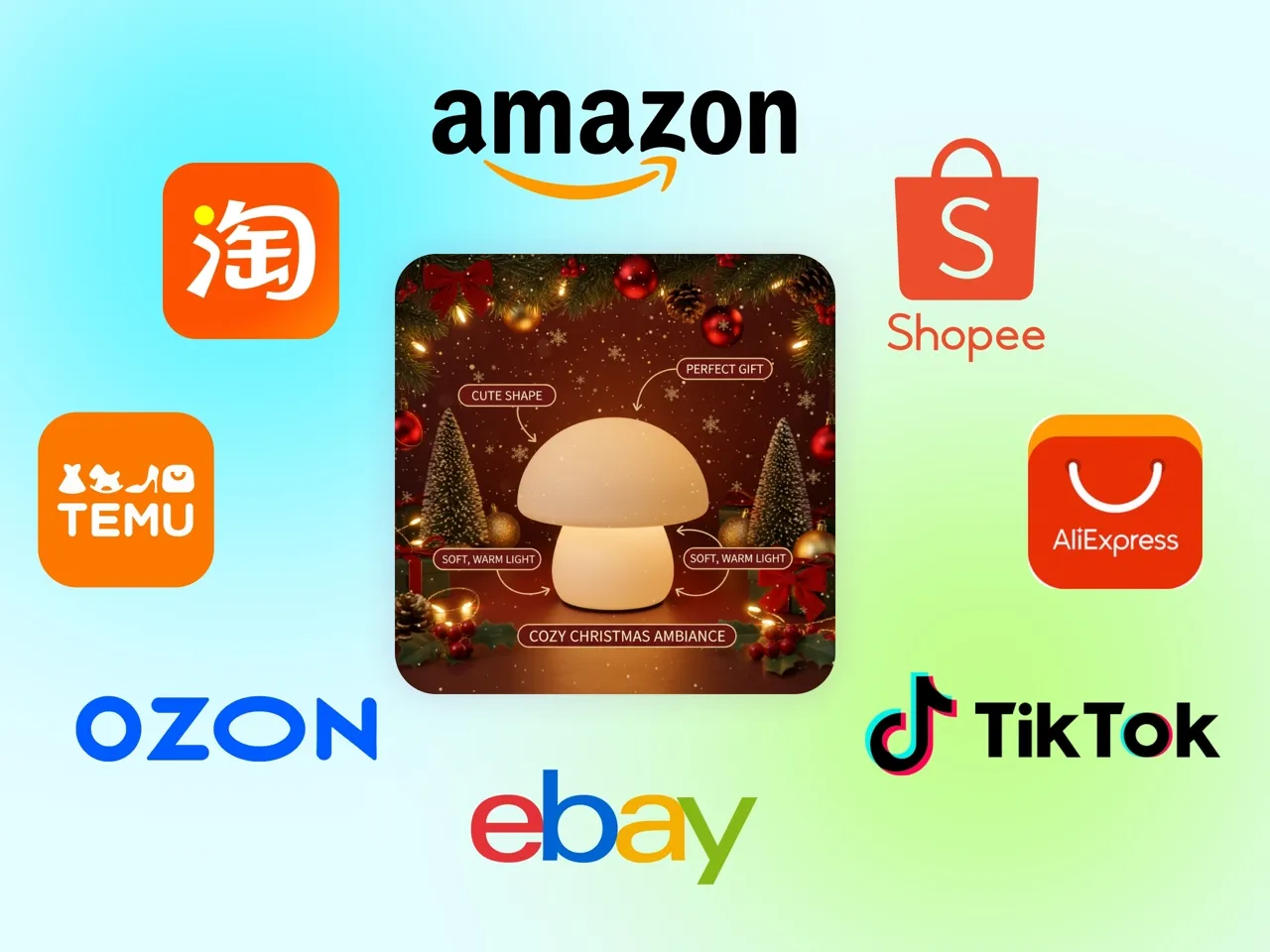
Reuse approved product content across storefronts and marketplaces, then adjust the presentation for each channel while keeping the core message consistent.
Frequently Asked Questions
What do I need to create a product details page design?
Can Designkit generate product descriptions for the page?
Yes. The built-in product description generator turns your brief into draft copy for different PDP modules. Review specifications, performance claims, and regulated information before publishing.
Can I edit the product page layout after it is generated?
Yes. Generated modules remain editable, so you can refine the copy, replace images, and adjust individual sections without rebuilding the complete product page layout.
Will every AI-generated PDP design look the same?
No. You can guide the visual direction through your product assets and brief. Designkit can keep pages consistent with the wider brand while adapting each PDP design to the product’s own information.
Can I adapt the ecommerce product page design for different sales channels?
Yes. Reuse approved product content across storefronts and marketplaces, then adjust the presentation for each channel. Check the latest image, copy, and layout requirements before publishing.
Will the AI change or invent important product details?
No, not intentionally. However, generated descriptions may interpret limited information too broadly. Always verify materials, dimensions, pricing, benefits, and other factual details before the page goes live.
Turn Product Information into a Page Shoppers Can Follow
Create a product details page design that presents key benefits clearly, keeps the brand consistent, and helps shoppers move from interest to purchase with confidence.



What Users Say About Designkit’s Product Details Page Design
See how ecommerce teams use Designkit to improve planning, approvals, product storytelling, and cross-team collaboration.
A Clearer Starting Point for Product Launches
Designkit gives our launch team something concrete to review before production moves too far. Instead of discussing the product page through scattered notes, we can look at the full PDP direction together and confirm how the product should be presented. That makes it easier for marketing, ecommerce, and brand teams to stay aligned from the beginning.
More Focused Feedback from Stakeholders
Our review rounds became much more specific once stakeholders could respond to a complete product details page design. They could point to the exact section that needed clarification instead of giving broad feedback about the overall page. That helped us resolve disagreements faster and keep approvals moving without reopening the entire brief.
Product Information Organized Around Shopper Questions
I use Designkit to look at the page from the shopper’s perspective rather than simply placing every available detail online. It helps us decide which information should appear first and where supporting content belongs. The final page feels easier to follow because each section answers a clear question instead of competing for attention.
Stronger Concepts for Client Presentations
Presenting a complete PDP concept gives clients a much clearer sense of the proposed direction than a mood board alone. They can see how the product story will unfold across the page and respond to the idea as a whole. That makes early discussions more productive and reduces uncertainty before the project moves into production.
One Shared Reference for the Entire Team
Our product information used to live across briefs, spreadsheets, and separate creative files. Designkit gives the team one visual reference for how the page should come together. Content, design, and operations can review the same direction, which reduces handoff confusion and makes it easier to track what has already been approved.