
Change Image Backgrounds Online for Instant Pro Looks
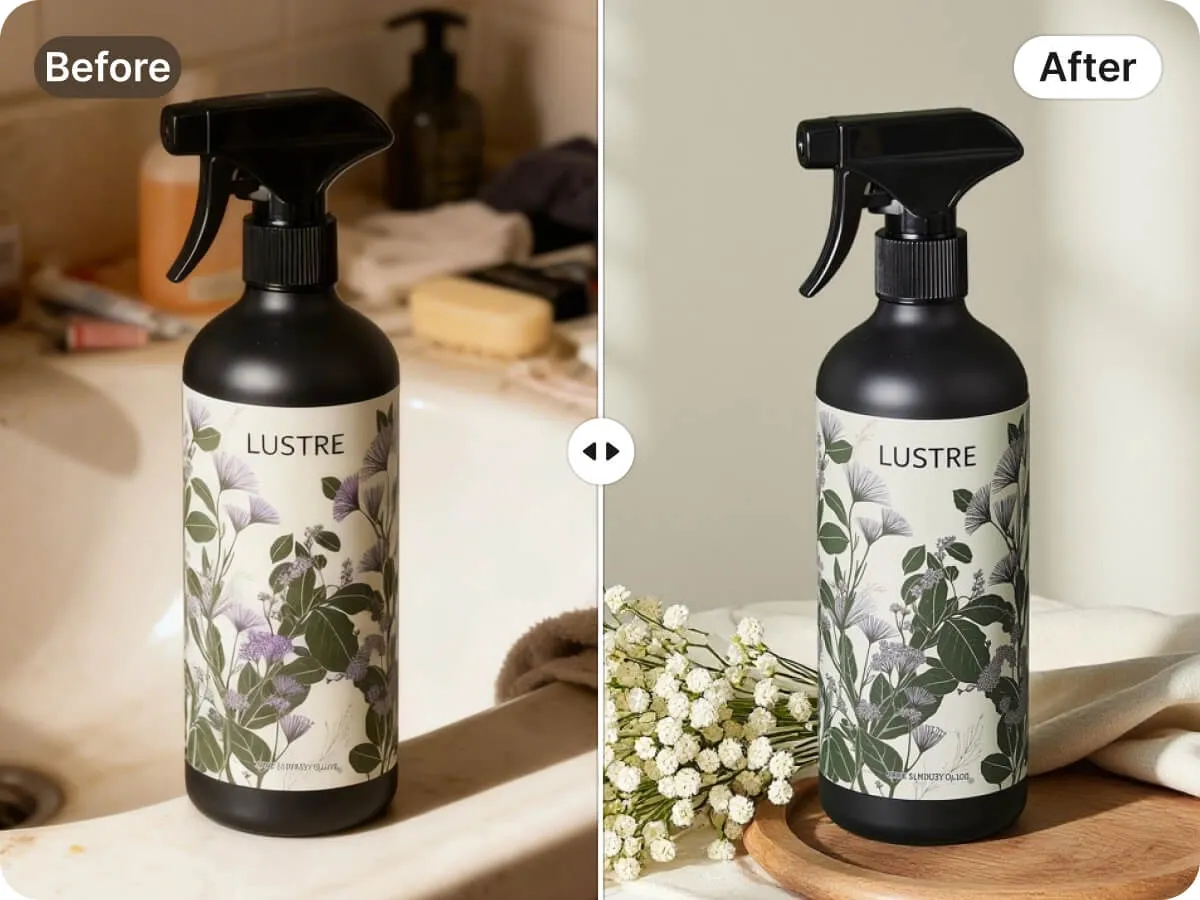
Upload your photo and our AI removes clutter, then adds a clean new background in seconds. Built for e-commerce sellers and creators. Get studio-quality results with one click.
No image? Try one of these:




How to use How to change the image background with AI in 3 easy steps
Upload your image
Click Upload on the web page and choose a a JPG, JPEG, PNG, or WebP from your computer or phone. The AI automatically detects the subject and starts removing the old background right away, so you don’t have to trace or erase anything manually.
Let AI change backgrounds
Click AI Backgrounds to remove the image background instantly and replace it in a few seconds. Select an existing AI background, or type what you want in the custom prompt box (e.g., “clean studio white” or “modern lifestyle scene”) and the AI will generate options for you.
Download HD backgrounds
Choose a solid color or a custom design, then click Download to export your edited image in high resolution within seconds. You’ll have a professional result ready for e-commerce listings, ads, or social content right away.
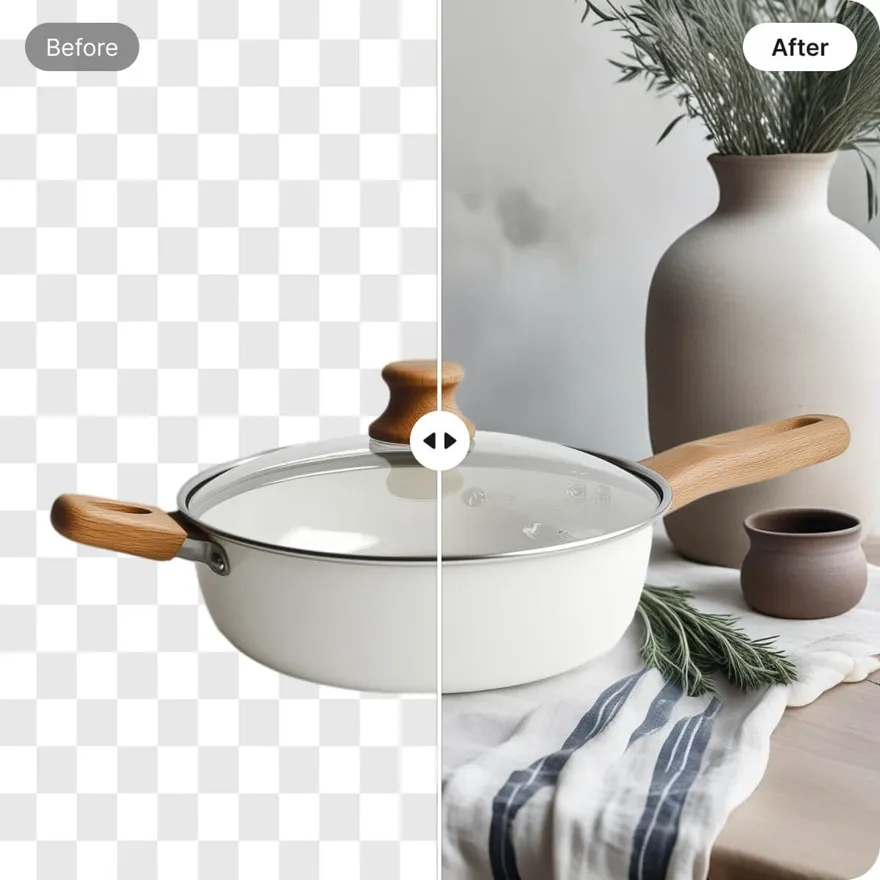
Instant AI Segmentation to Change Image Backgrounds Online Faster
Stop wasting 60 minutes on manual pen-tool cutouts and masking. Our AI-driven background changer detects subjects in seconds, delivering crisp edges without the tedious labor. By automating the extraction process, e-commerce sellers reduce editing time by 80%, ensuring professional, clean visuals that are ready for immediate storefront or social media use.
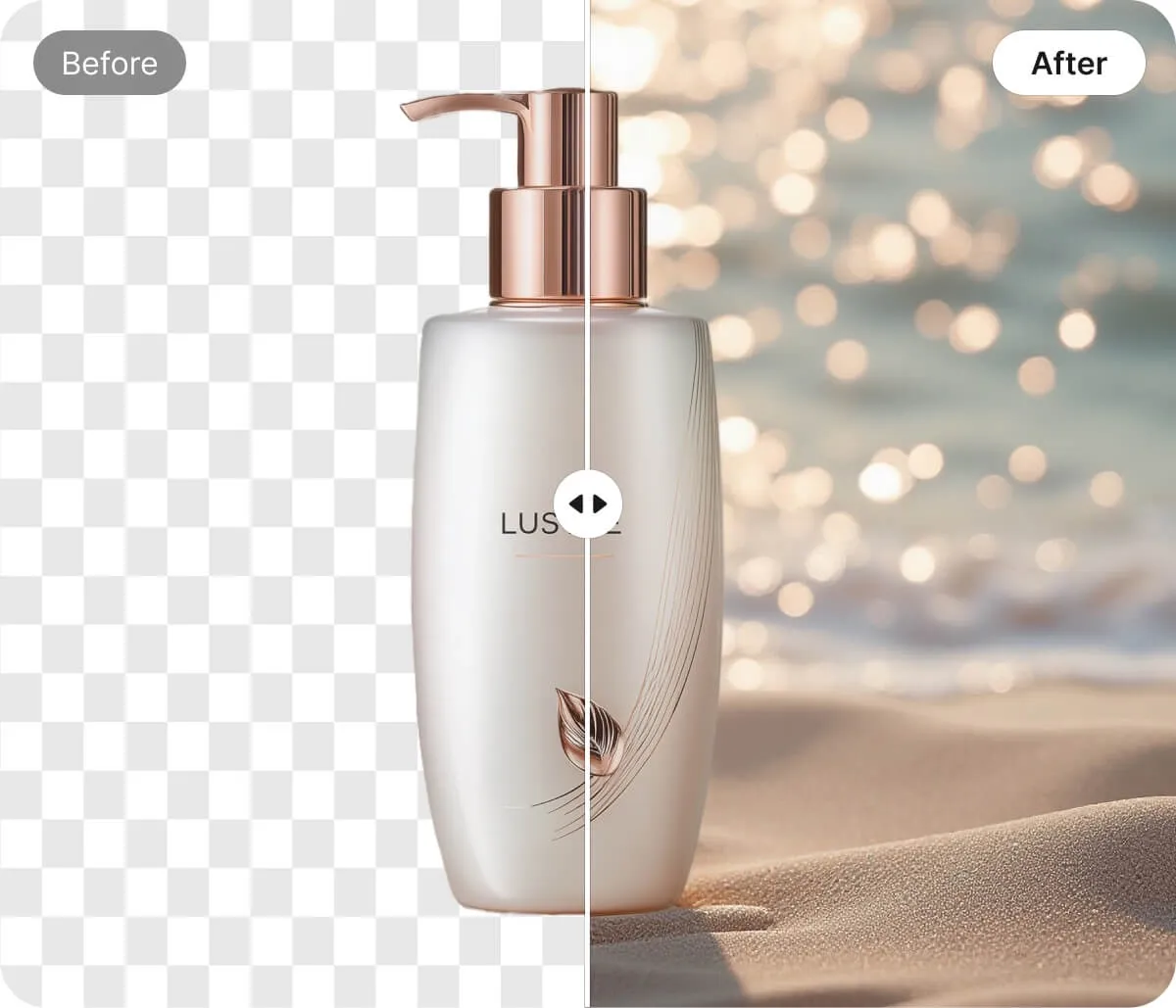
Seamless AI Edge Blending to Change Image Backgrounds Naturally
Avoid the "pasted-on" look of traditional editors that struggle with halos and color spills. This autopilot for background blending automatically corrects subject boundaries and hair contours to ensure a natural transition. Teams achieve 5x faster revisions by skipping manual feathering, producing high-quality compositions that look authentic and professionally lit.
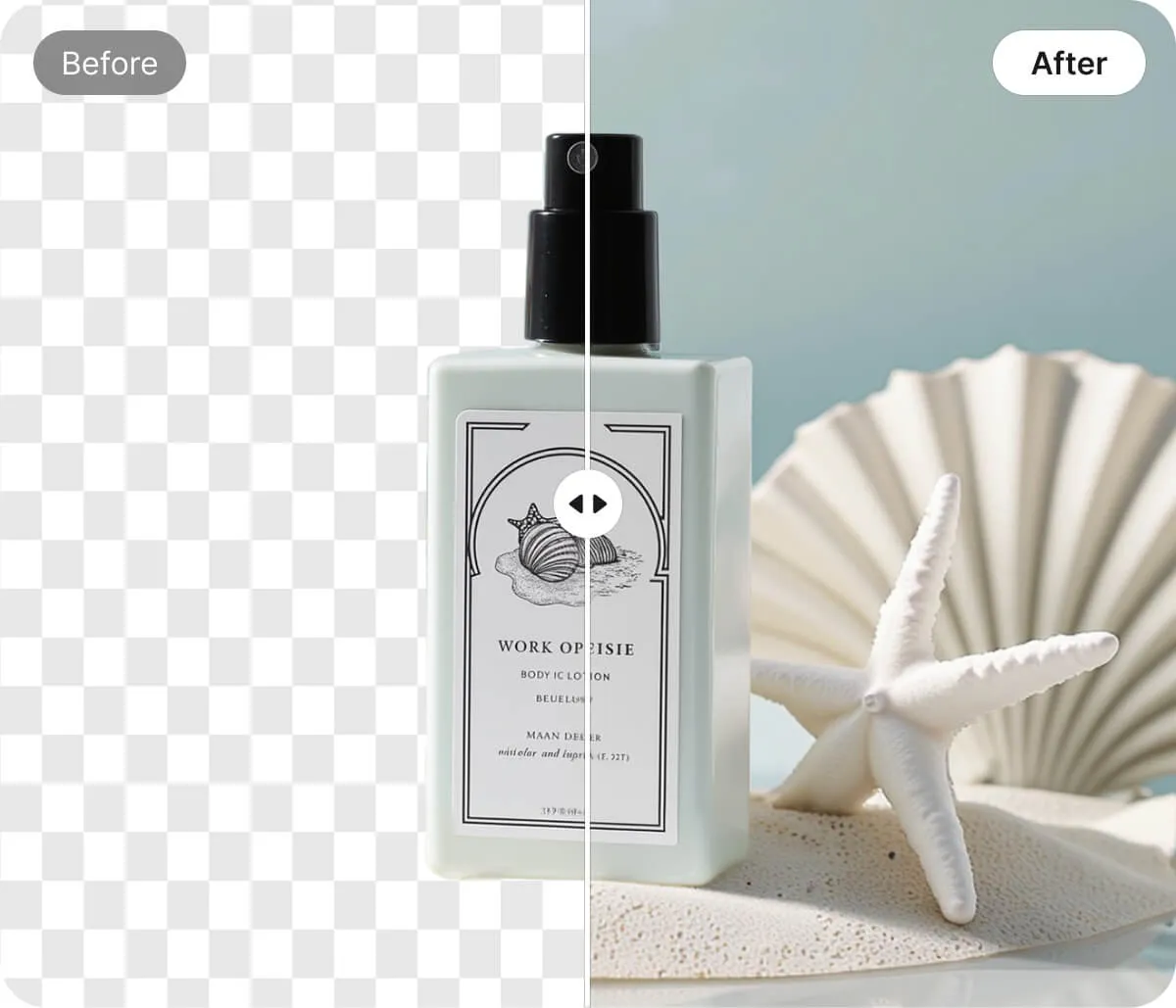
One-Click Solid Colors to Change Image Backgrounds Online
Generate marketplace-ready product shots instantly by replacing cluttered backdrops with high-contrast solid colors. Whether you need classic white or bold brand tones, our AI isolates items in under 10 seconds. This streamlined workflow slashes studio retouching costs by 60%, helping you maintain a consistent, compliant catalog across all platforms.
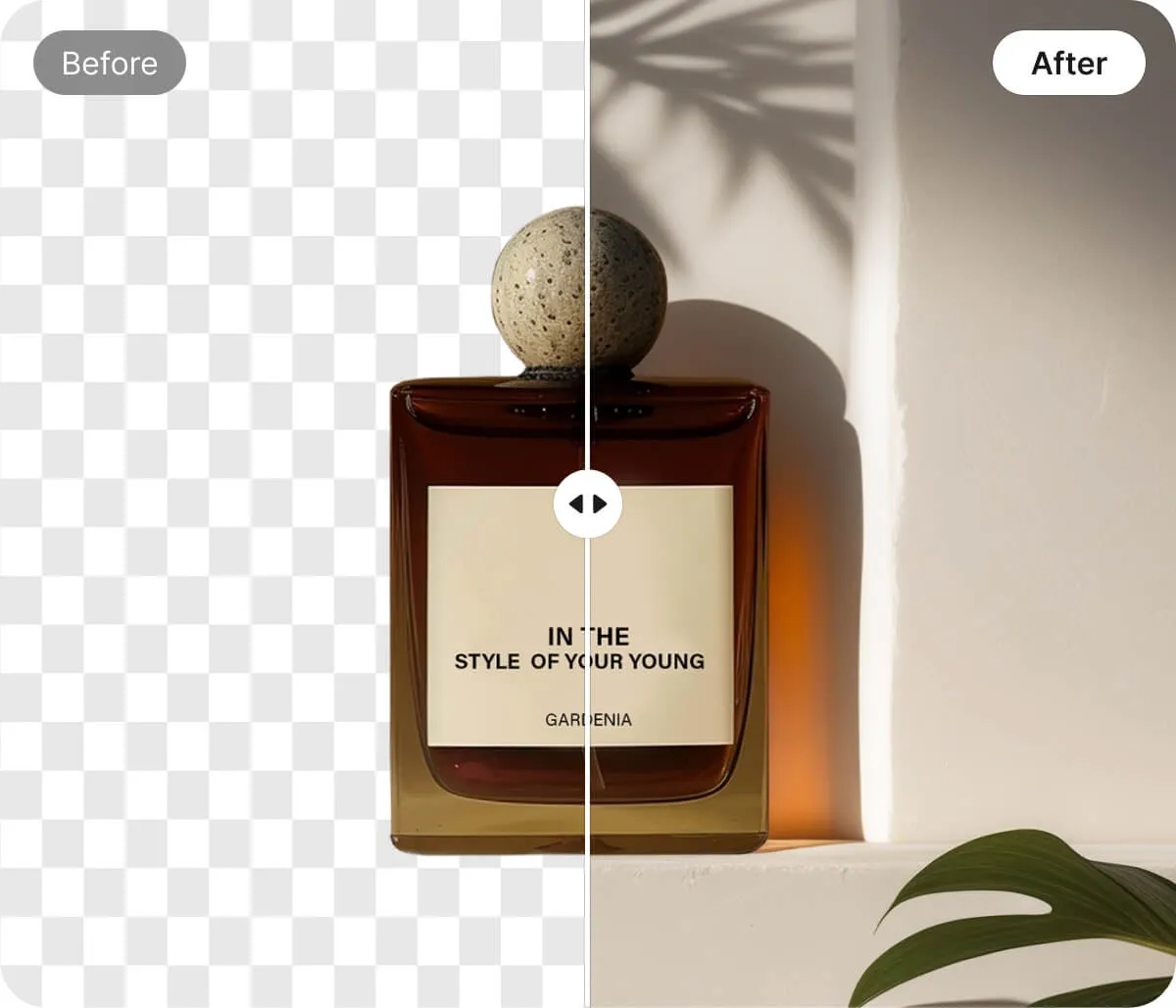
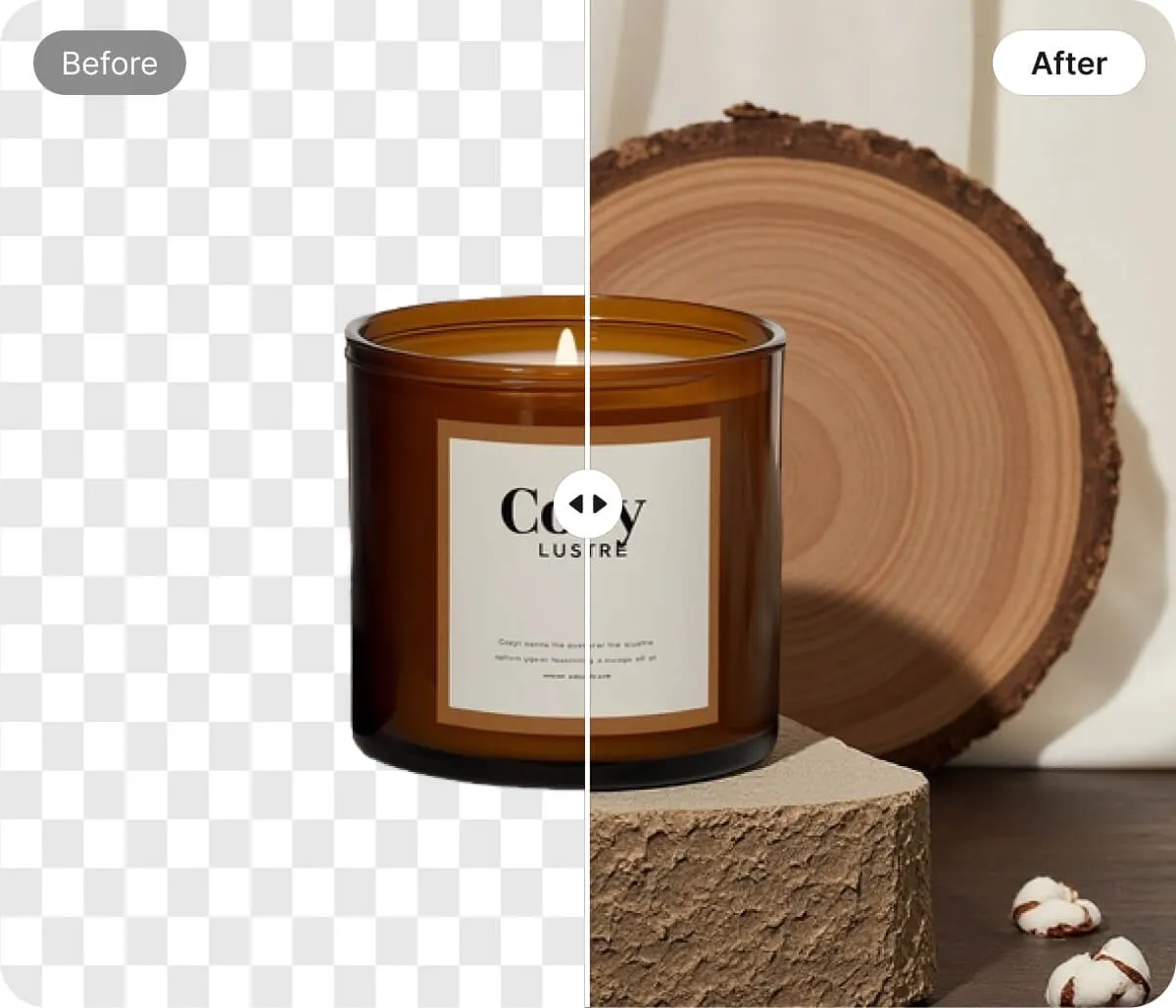
Prompt-Based AI Scenes to Change Image Backgrounds Online Creatively
Describe your ideal setting and watch AI generate custom scenes—from minimal studios to festive holiday tables. Instead of scouring stock photo libraries for hours, use prompt-to-scene generation to create unique brand environments in under a minute. This innovative approach saves hours per campaign while providing limitless creative variety.
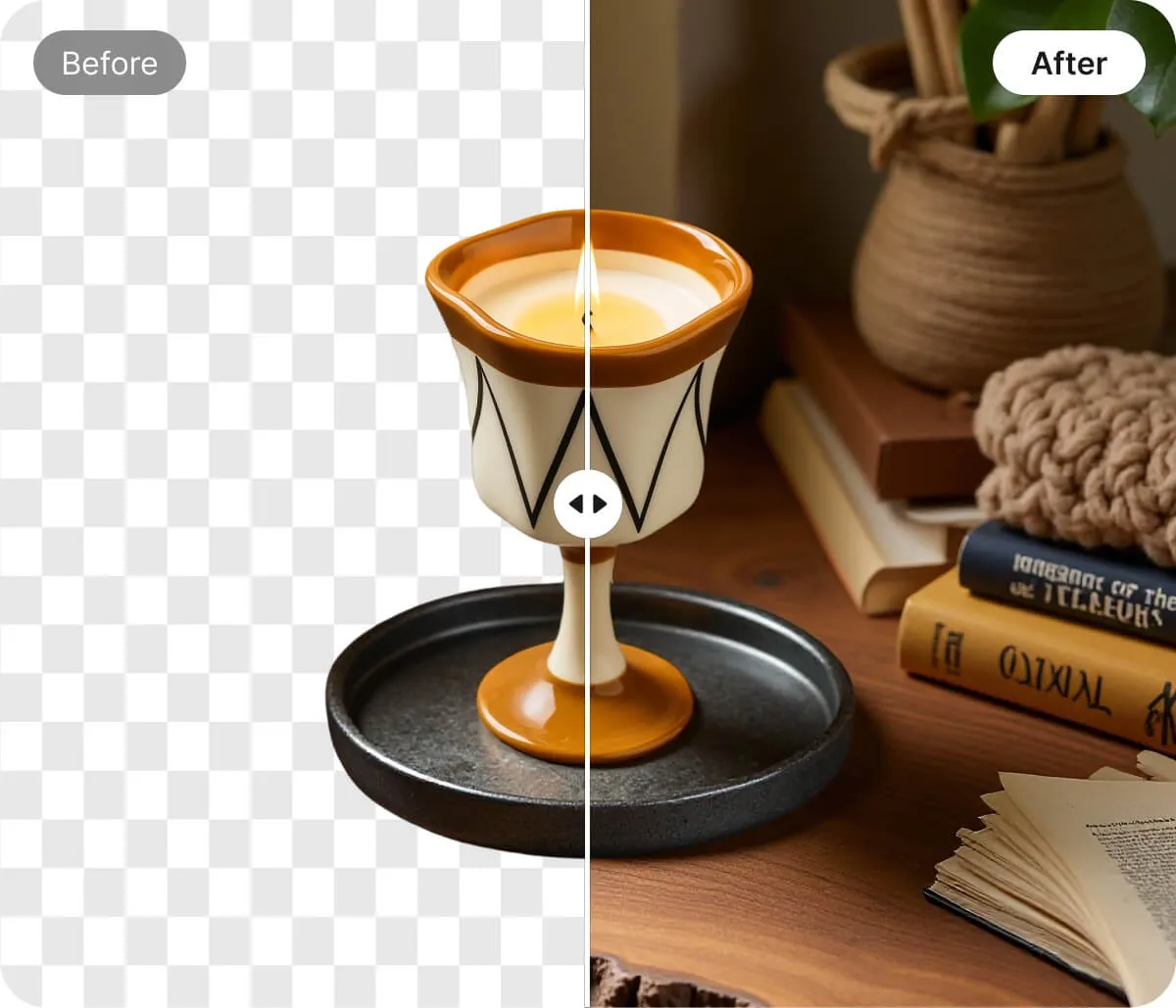
Presets and Editing Tools to Change Image Backgrounds Online
Leverage a library of professionally designed presets tailored for e-commerce studio looks and seasonal themes. Unlike generic tools, these templates allow you to drop in images and export polished creatives immediately. Users typically triple their creative output without hiring extra staff, making high-volume content production simple and scalable.
Change Image Backgrounds Online with AI for Every Creative Need
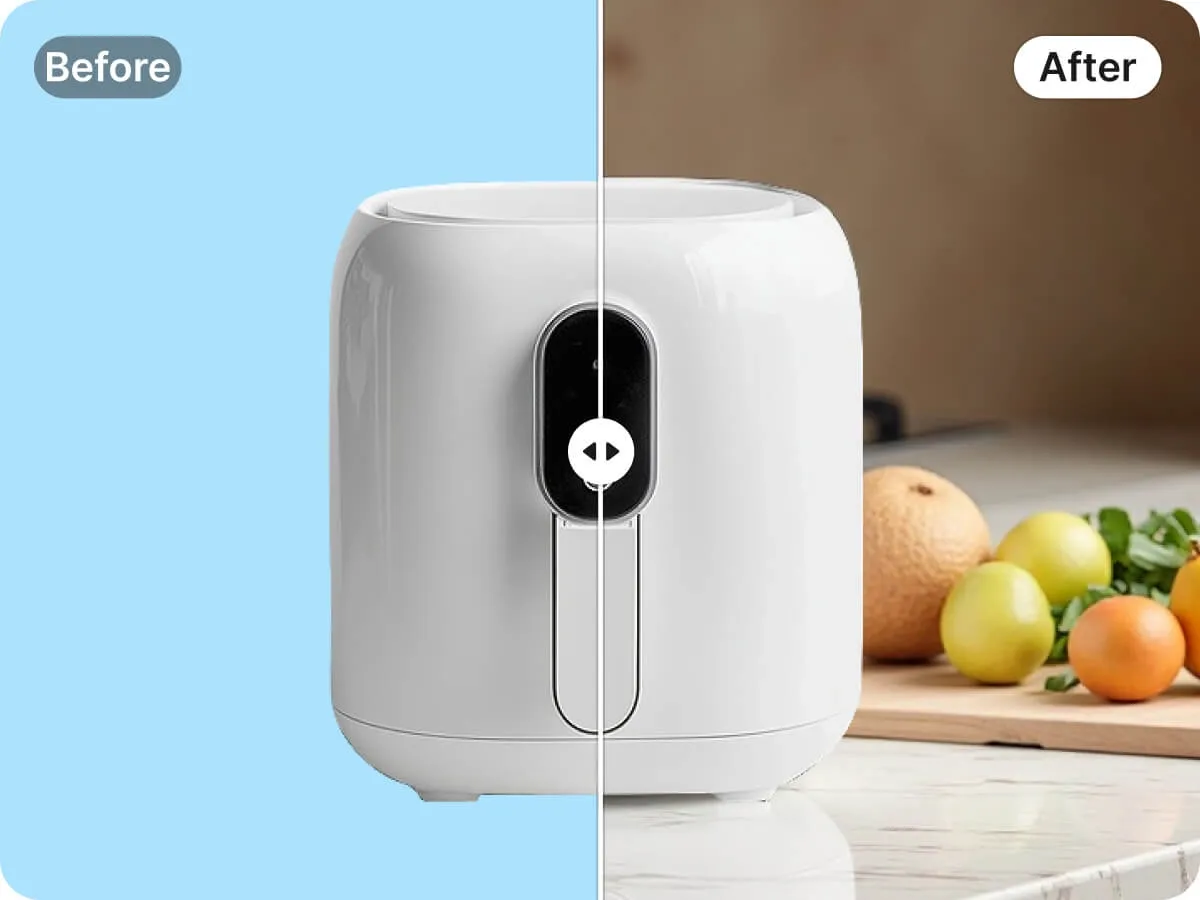
Change Image Backgrounds Online for High-Converting Ad Creatives
Stop letting slow design cycles bottleneck your growth. Testing multiple visual styles is essential for performance marketing, but traditional reshoots are expensive. Our AI background generator allows you to swap environments instantly to see which aesthetics resonate with your audience. By generating sharp, conversion-focused variations in seconds, you can identify high-performing styles and scale your winning ads without the extra overhead.
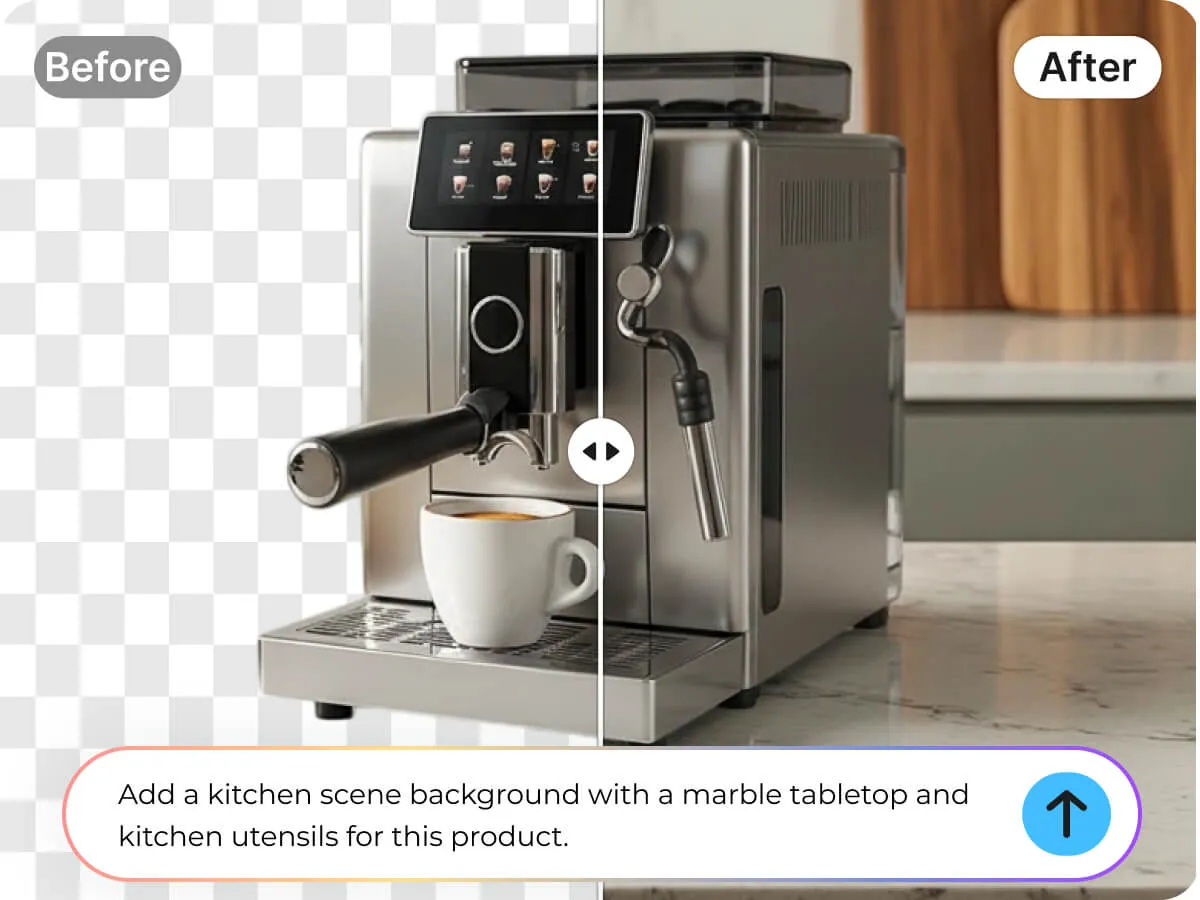

Key Advantages of Change Image Backgrounds with Designkit

Instant AI Background Swaps
Get crisp, ready-to-publish visuals instantly. Our AI detects subjects and replaces backdrops in seconds, eliminating manual masking for faster workflows.

Free Full-Resolution Downloads
Change image backgrounds online for free without watermarks or sign-ups. Download high-quality, professional results directly from your browser at zero cost.

Professional Ready-Made Styles
Choose from hundreds of one-click presets, from clean studios to seasonal themes. Match your brand’s mood instantly without building manual scenes.
Efficient Bulk Background Editing
Process dozens of photos simultaneously to ensure catalog consistency. This batch tool saves hours, allowing sellers to sync styles across collections.
Natural Lighting and Tone
Preserve authentic shadows and color balance while replacing backdrops. This intelligent switcher keeps your product photos realistic to build buyer trust.
Custom AI Text Prompts
Turn descriptions into unique backgrounds instantly. Create bespoke campaign visuals and standout portfolio shots without sourcing stock photos or compositing layers.
Discover More Powerful Features in Designkit
FAQ About Change Image Backgrounds With AI
How does Designkit change image backgrounds with AI?
Can I use AI background changes for Amazon or Etsy photos?
Yes—AI background changes are commonly used for Amazon, Etsy, Shopify, and eBay images, as long as you follow each platform’s image rules. For example, Amazon’s main image usually requires a pure white background and no extra props. Designkit can help you quickly create compliant main images and separate lifestyle versions for secondary galleries.
Does Designkit keep product edges clean and realistic?
Yes, in most cases. AI background removal is very good for clear product shots, but tricky items (fur, glass, thin straps, reflective packaging) may need quick touch-ups. A good workflow is to zoom in around edges, check for halos, and keep natural-looking shadows when appropriate. Clean edges reduce returns and improve conversion on product pages.
Is Designkit free, and what’s included?
Designkit typically offers a free option or trial-style access, with paid plans for higher usage. What you get depends on the plan (for example, export quality, number of edits/exports, and premium templates/tools). If you’re editing many SKUs each week, a paid plan usually costs less than outsourcing per-image background edits.
Are my photos secure when I change backgrounds with AI?
Designkit should handle uploads through secure connections and standard cloud processing, but exact retention and storage details depend on their current policy. If you sell private-label products or unreleased launches, check their terms for file retention, deletion options, and whether content is used to improve models. For sensitive work, use watermarked previews until launch.
Designkit: Automate Your Product Visuals with E-Commerce AI
Transform raw product shots into studio-quality marketing assets in seconds. Designkit’s AI agent handles background removal, scene generation, and catalog lighting automatically—so you can launch new collections faster than ever.


