
Edit Photos in Bulk from One Workspace
Upload multiple images, apply precise edits, and keep every photo in the batch clear and consistent.
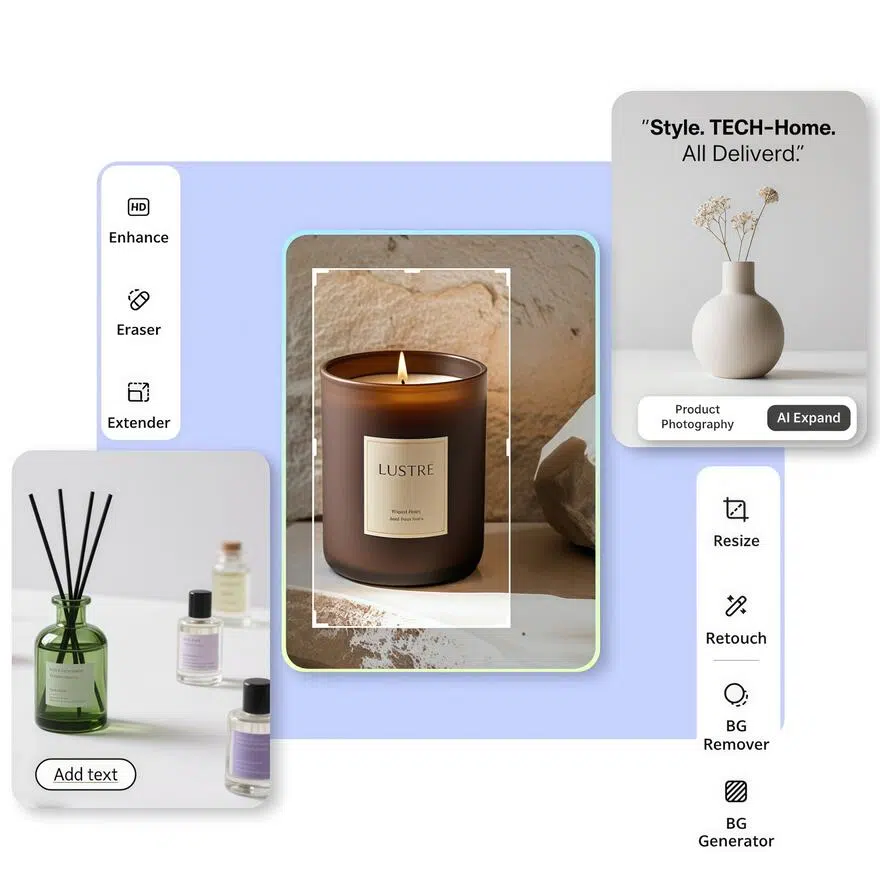
No image ready? Try one of these samples:


How to Edit Multiple Photos at Once
Upload Your Image Batch
Add multiple photos in one upload so the full image set stays together in the same editing workspace.
Select an Editing Tool
Choose the tool you need, apply the change, and preview the result before continuing through the batch.
Review and Download
Check the edited images, make any final adjustments, and download the finished files in high resolution.
Batch Photo Editing Tools for Complete Image Sets

Keep Catalog Images Consistent
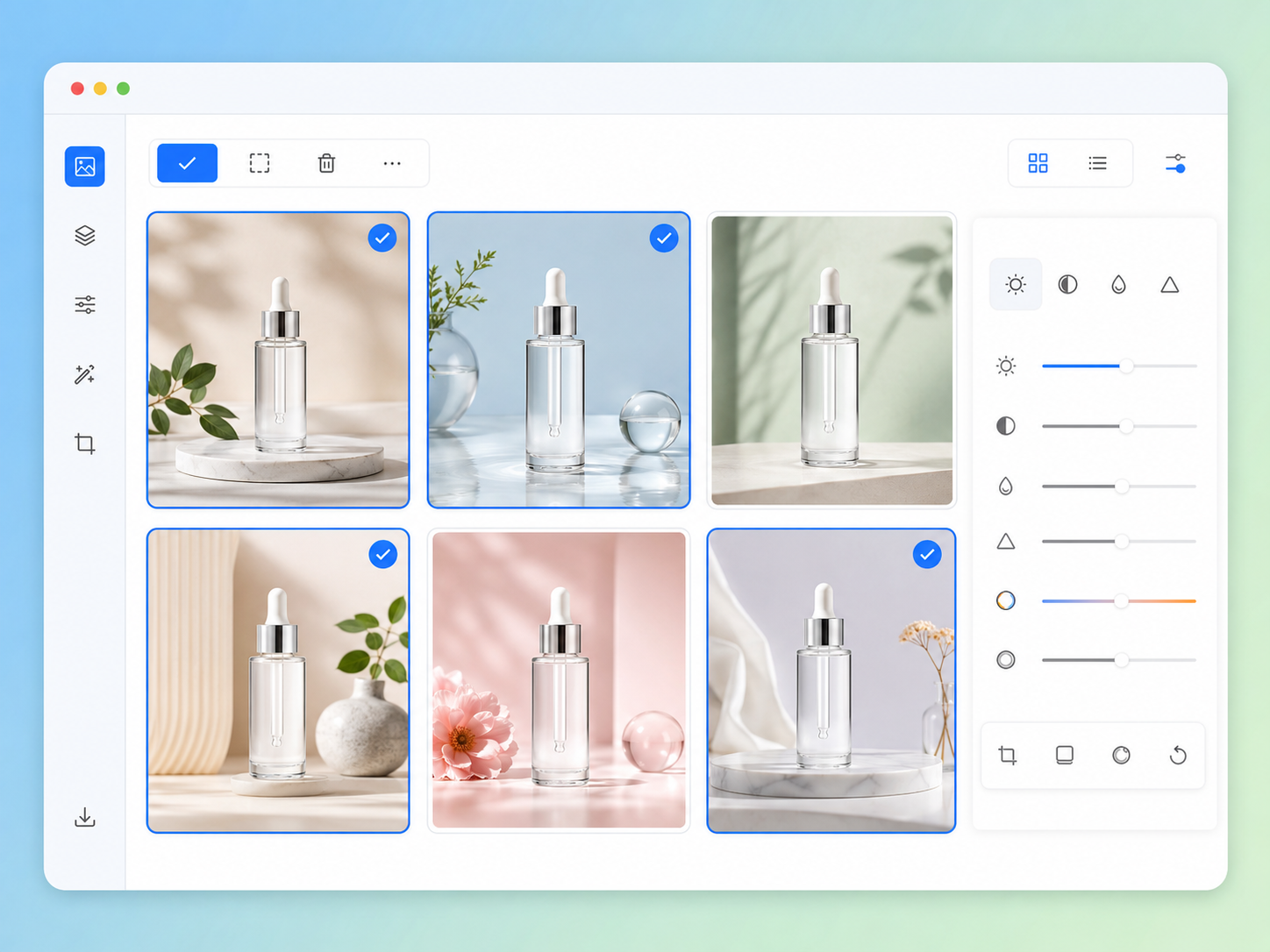
Use the bulk photo editor to process an entire product image set under the same editing approach. Standardize how each photo is presented while retaining its original proportions. The finished catalog gains a more coherent look across product pages and collection updates.

Replace Backgrounds Across a Batch
Remove existing backgrounds or generate a new setting for multiple photos in the same workspace. Apply a consistent background style while keeping the subject clear and central. Related images become easier to organize into a unified catalog or seasonal collection.

Enhance Multiple Images with Balanced Results
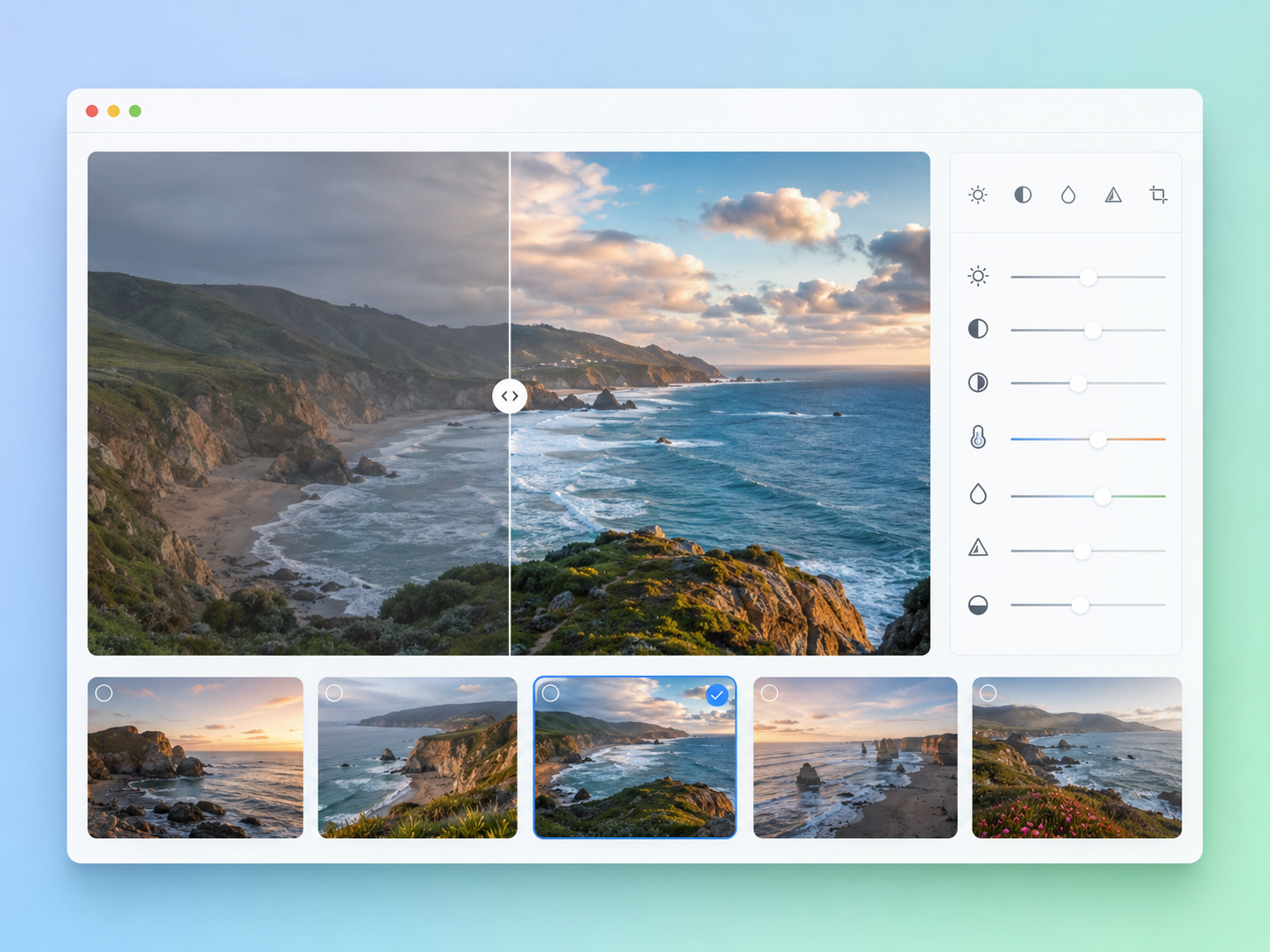
Improve clarity and tonal balance across a complete image set with the batch photo enhancer. Each photo is adjusted according to its own lighting and detail, helping mixed images look clearer while avoiding one fixed correction that may not suit every file.

Remove Distracting Objects from Image Sets
Clear unwanted items from photos while keeping attention on the main subject. Review each result inside the batch image editor, refine areas that need extra attention, and move through the collection without reopening every file as a separate project.
Batch Photo Editing for Different Workflows
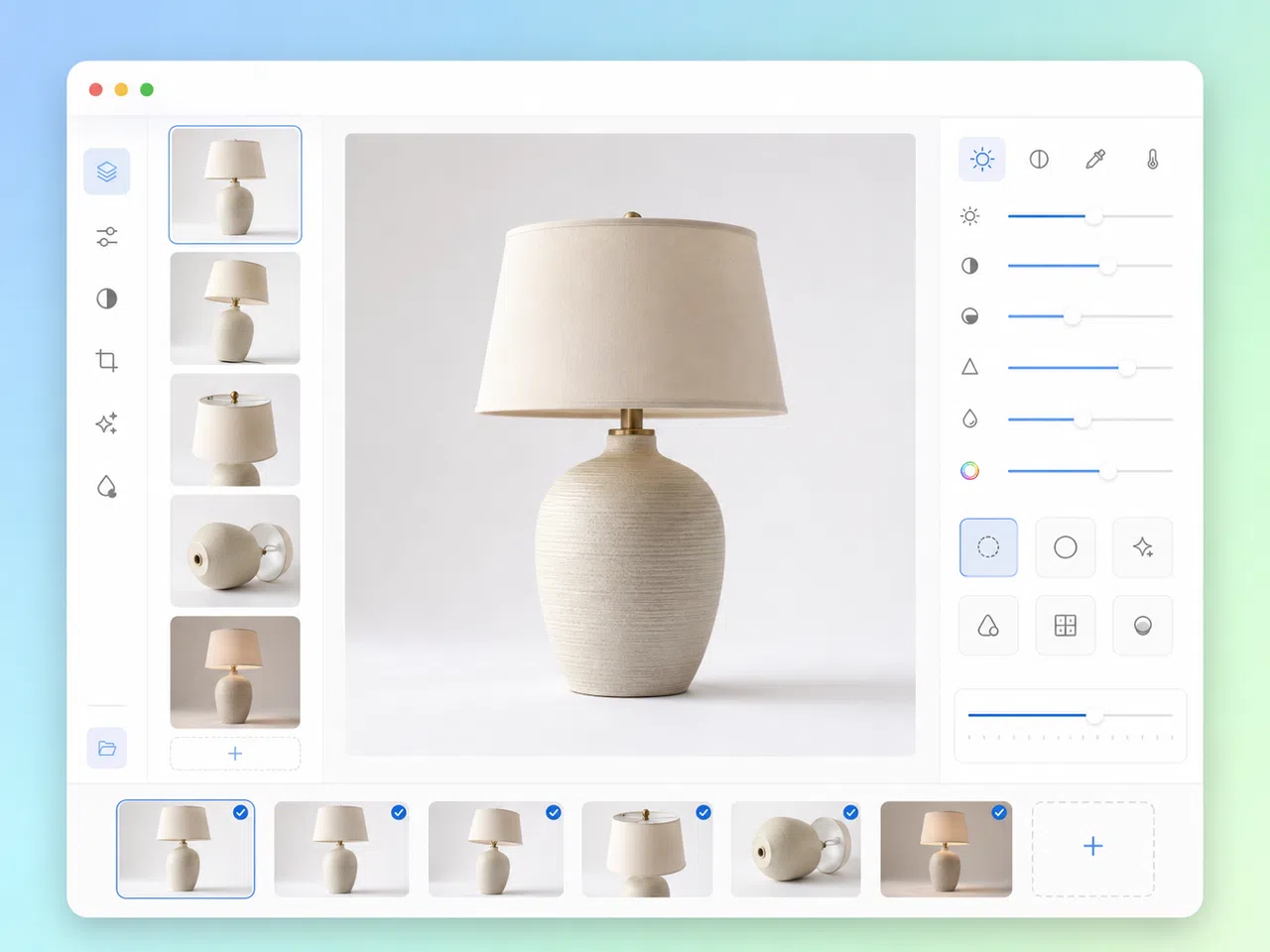
Prepare Catalog Updates in Batches
Prepare complete product image sets as new listings and catalog updates move into production. Keep related photos together, review the collection in one place, and refine any file that needs extra attention. Ecommerce teams can maintain a more coherent storefront while reducing repetitive work across frequent product launches.
Why Choose Designkit for Batch Photo Editing?

Built for Multi-Image Workflows
Upload related photos together and manage the full image set in one workspace, with less repeated setup between files.

Refine Each Image Individually
Preview every result and adjust individual photos when they need extra attention, while keeping the batch aligned.

Preserve Image Quality
Download high-resolution results that retain the original proportions and important details of each photo.
Unlock More Creative Possibilities

Bulk Background Generator

Bulk Image Background Remover

Bulk Image Enhancer

Bulk Watermark Remover
Frequently Asked Questions
What is a batch photo editor?
Can I edit multiple photos at once with Designkit?
Yes. Designkit supports batch upload, so you can add multiple photos and keep them together during the editing process. You can preview the results and make individual adjustments before downloading the completed files.
Which tools are available for batch photo editing?
The editor supports background removal, background generation, image enhancement, and object removal. Select the tool required for your image set, apply the edit, and review the result directly in the workspace.
Can the batch image editor handle different image sizes?
Yes. Photos can have different dimensions and orientations. Designkit preserves the original proportions of each image, so portrait and landscape files are not stretched to match one fixed shape.
Will edited images lose quality after download?
Designkit exports finished images in high resolution to preserve clarity and important details. Review the final results before downloading to make sure each edit meets the needs of your project.
Is the AI batch photo editor only for product photos?
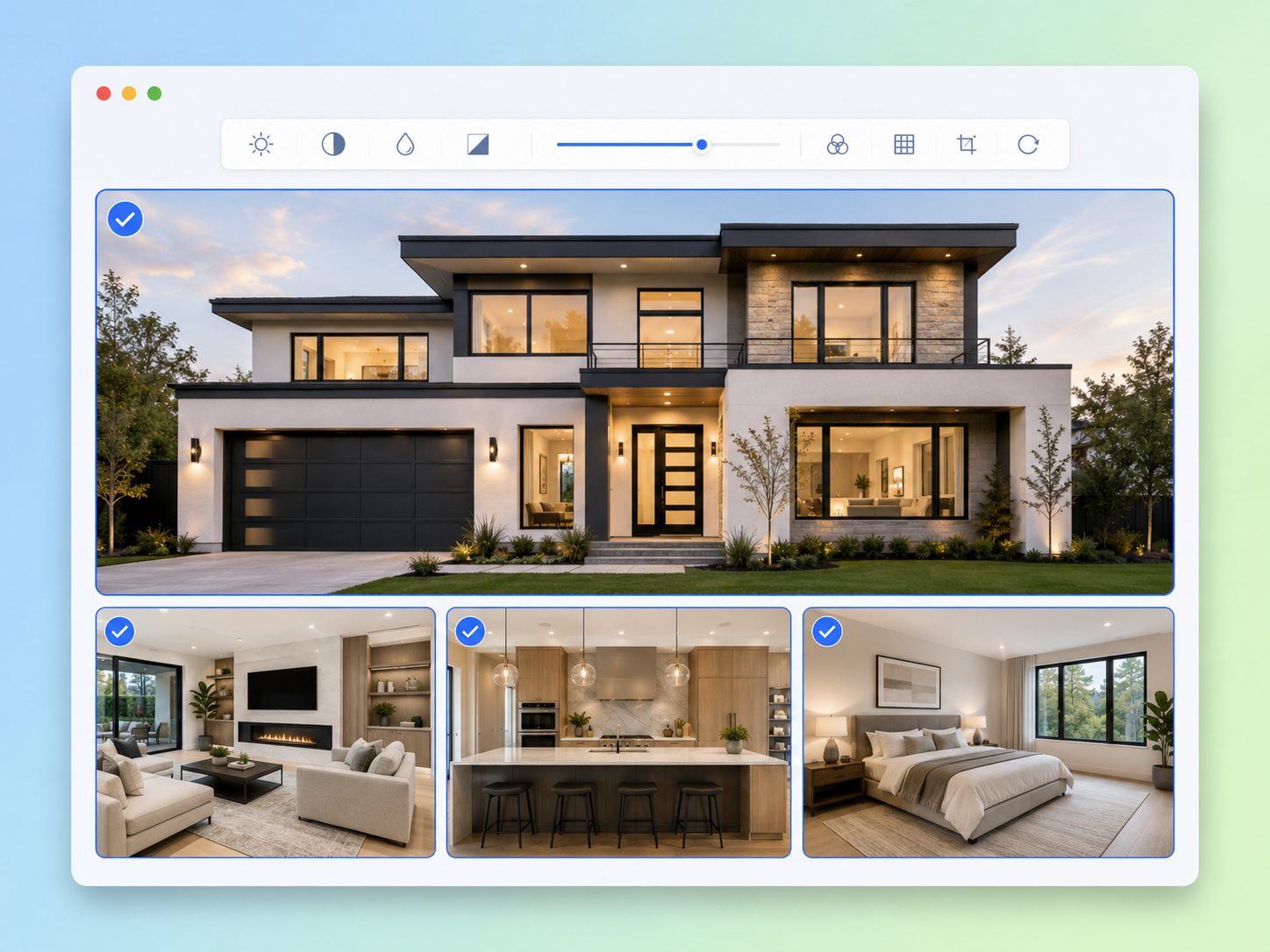
No. The tool can process any supported image set that needs consistent editing. It works well for catalog updates, property galleries, recurring content production, and personal photo collections.
Complete Your Next Image Batch in One Workspace
Upload multiple photos, apply the edits each image needs, and download a clean, consistent set from one workspace.

How Teams Work Faster with Batch Photo Editing
See how different teams use one batch workspace to manage recurring image production more efficiently.
A Smoother Product Launch Handoff
We prepare new product images every week, and keeping the full set together has made our handoff much easier. I can review the collection, catch anything that still needs attention, and send the completed images to our store team in a more organized way. It also helps us avoid missing assets before a launch.
Easier Client Review Across Full Image Sets
Client feedback usually covers an entire group of photos rather than one file. Designkit helps me keep those images in the same working session, which makes revisions easier to track. I spend less time reopening files and more time checking that the final delivery feels complete and follows the approved direction.
Better Flow for Property Galleries
A property gallery needs to feel balanced from the first image to the last. Working with all the photos together helps me spot uneven results before publishing. It has made our review stage more reliable, especially when several listings need to be prepared and approved within the same production schedule.
More Organized Weekly Content Production
Our weekly content schedule uses groups of images that need to be approved together. The batch workspace gives me a clearer view of what is finished and what still needs work. It is much easier to keep production moving when every asset stays connected to the same task and publishing deadline.
Less Dependence on Separate Editing Apps
I used to move between different apps while preparing photos for my online shop. Now I can handle the main editing work in one place and keep each product set organized. The process feels more manageable, especially when I am updating several listings and coordinating new images across different product categories.