
Create YouTube Videos That Keep Your Channel Active
Turn footage, images, or ideas into YouTube Shorts, intros, and full videos in minutes.
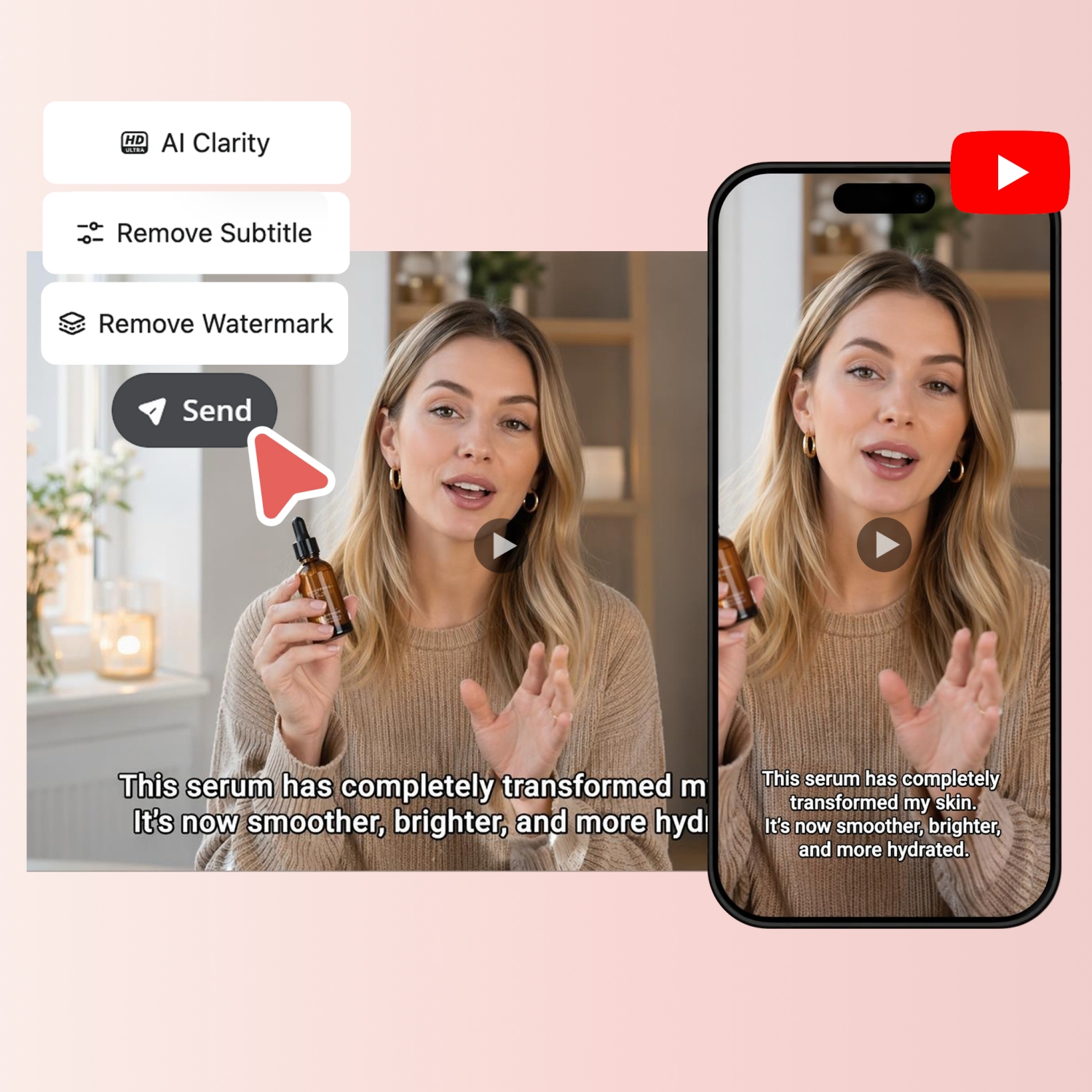
How to Make a YouTube Video in 3 Easy Steps with Designkit
Upload Your Image or Clip
Open Designkit and upload your images or clips. Pick the 16:9 preset for long-form videos or 9:16 for Shorts.
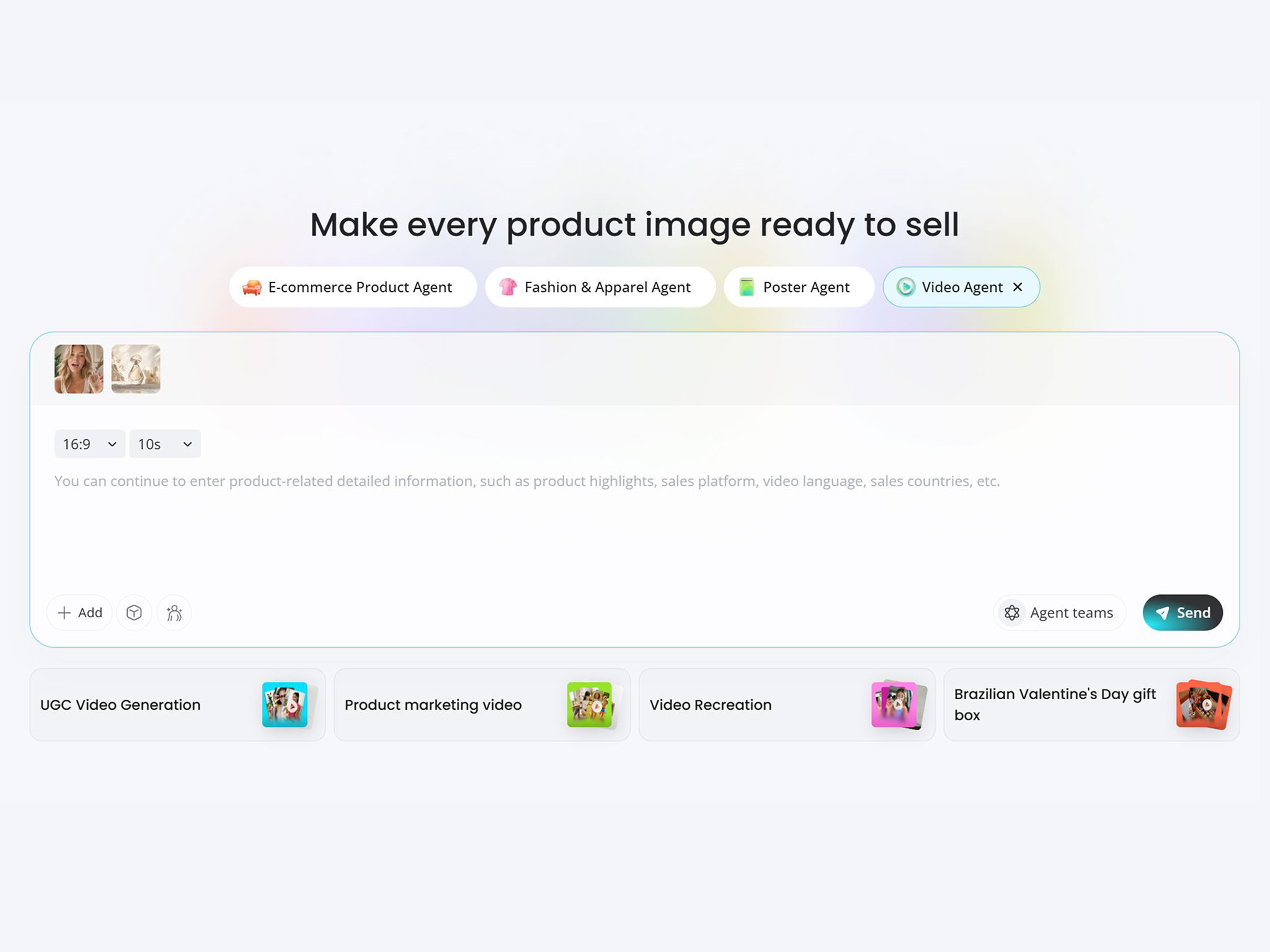
Generate Your Video
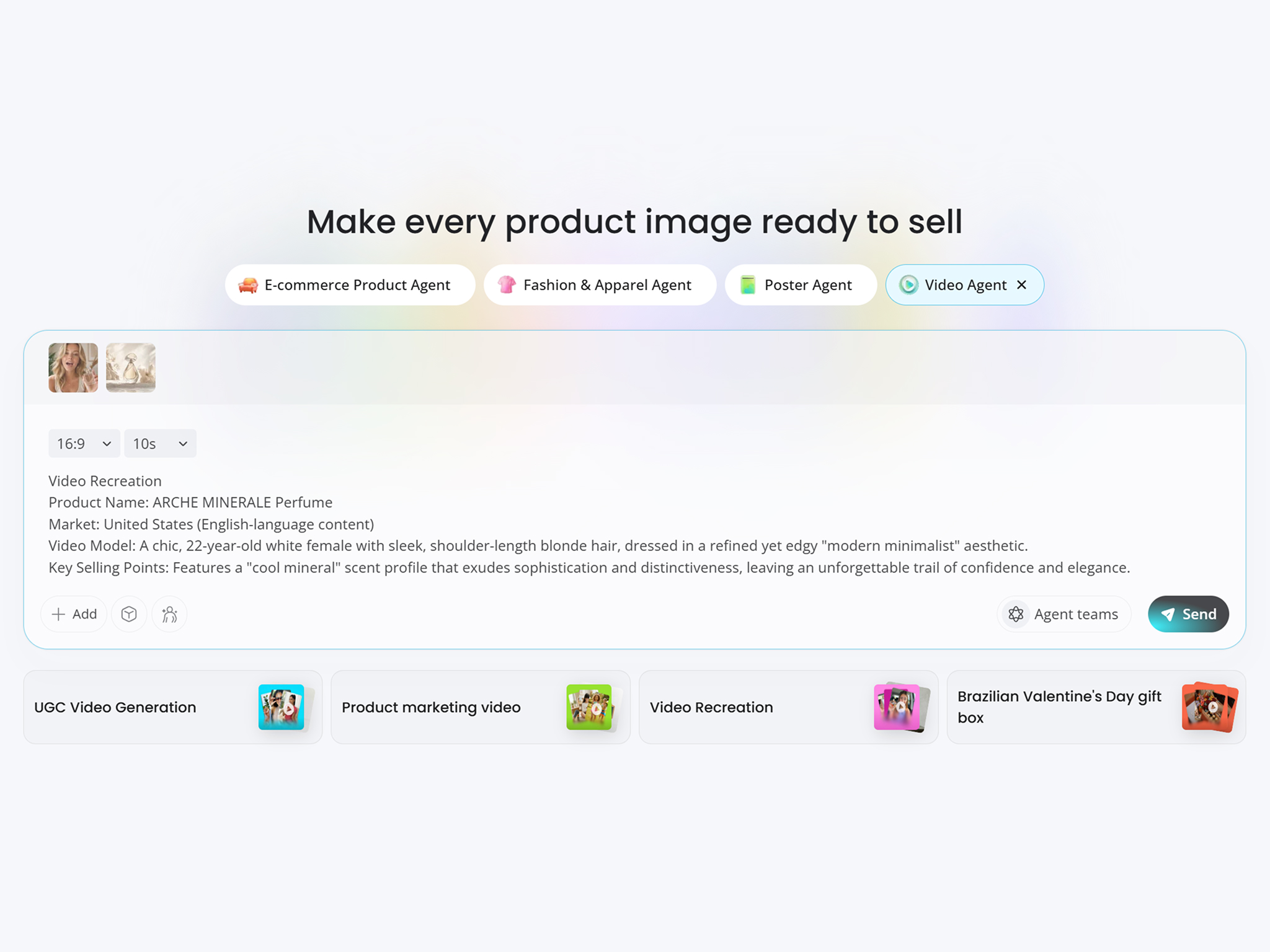
Describe your video with an idea or script, then set your audience and language. Choose a model like Seedance 2.0, Veo 3.1, or Kling 3.0, and Designkit builds a YouTube-ready video in minutes.
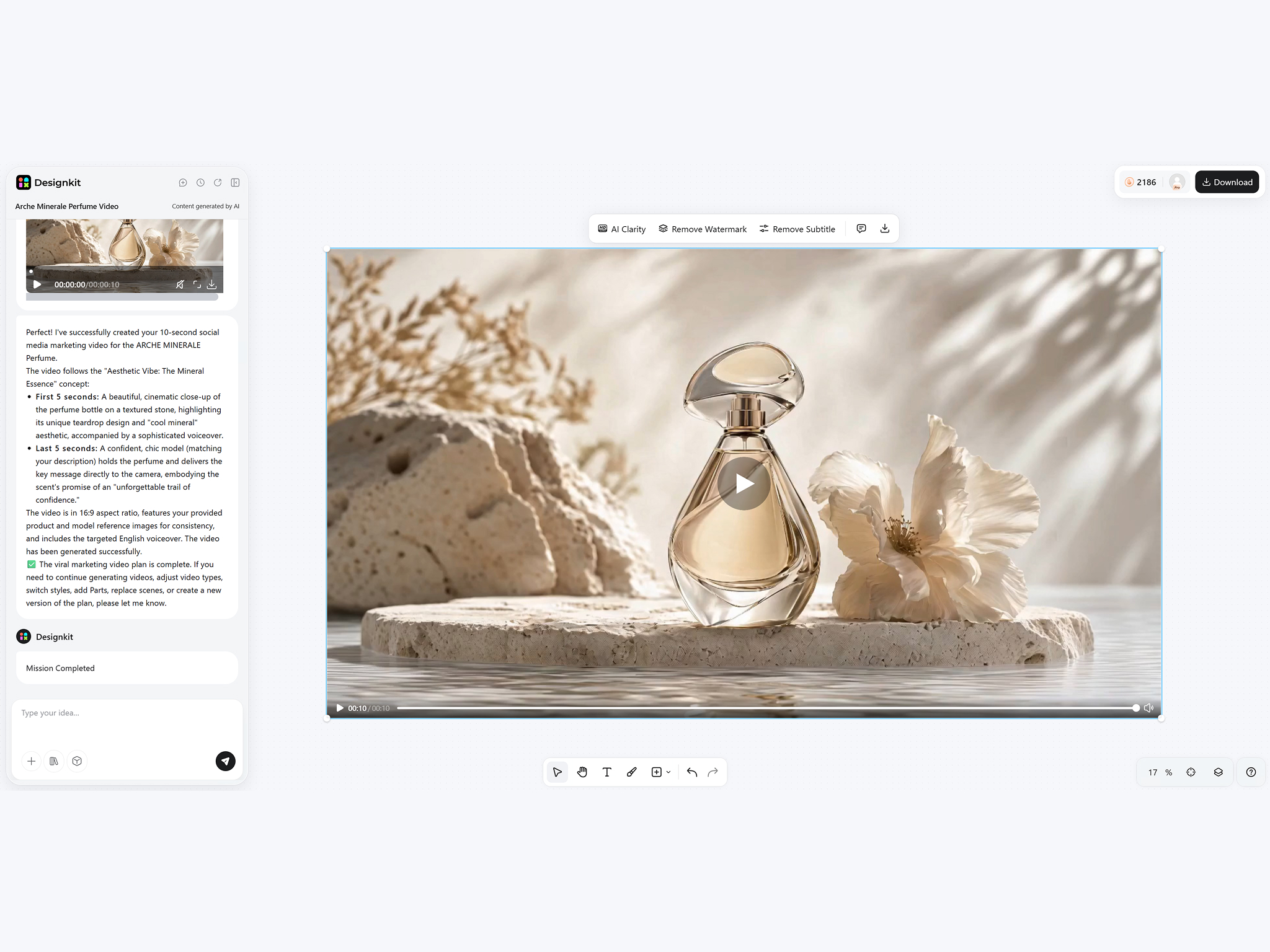
Preview and Export
Preview your video and download it in high resolution. The file comes formatted for YouTube, so you can upload it right away.
What Makes Designkit Ideal for YouTube Video Generation
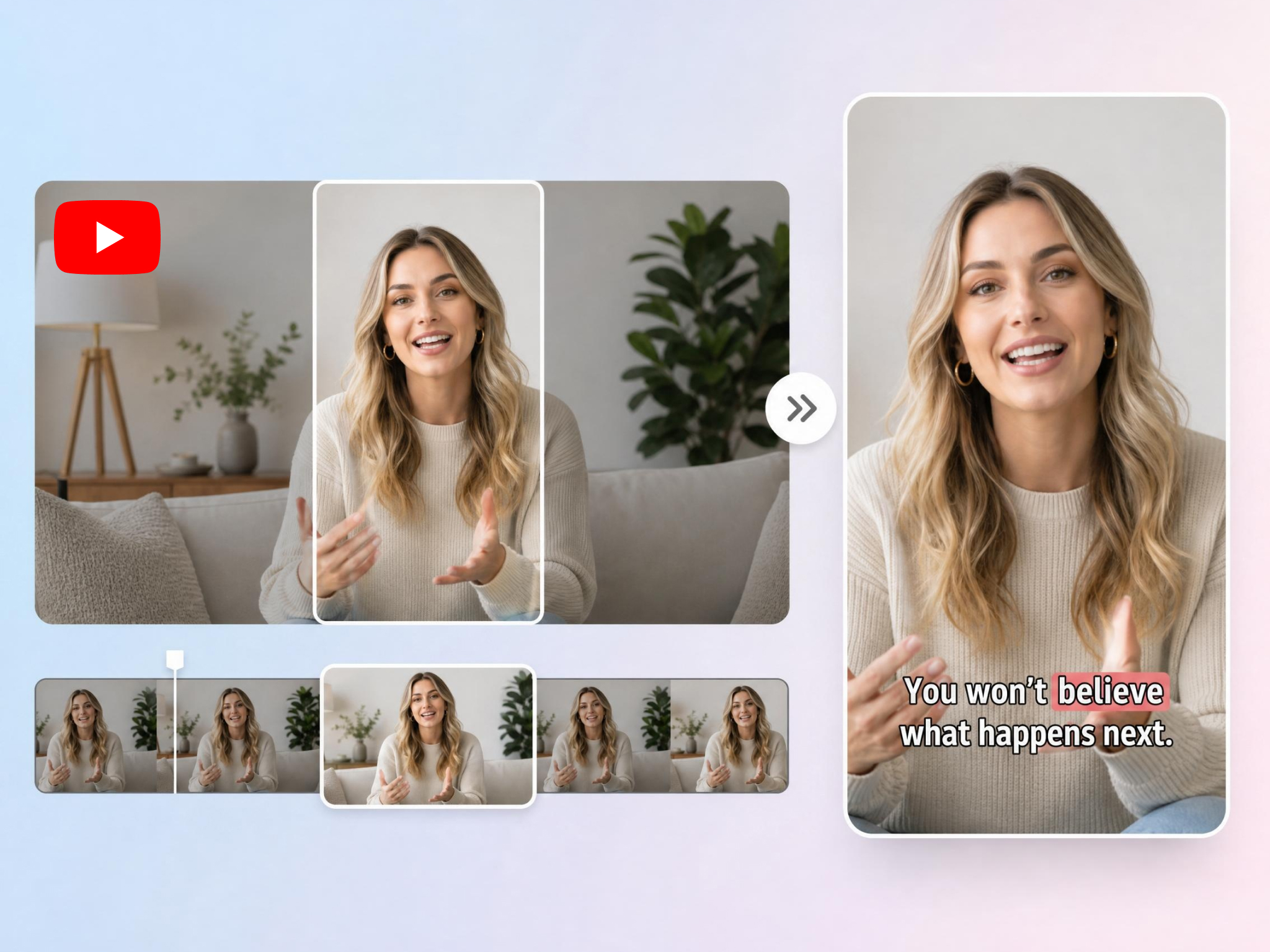
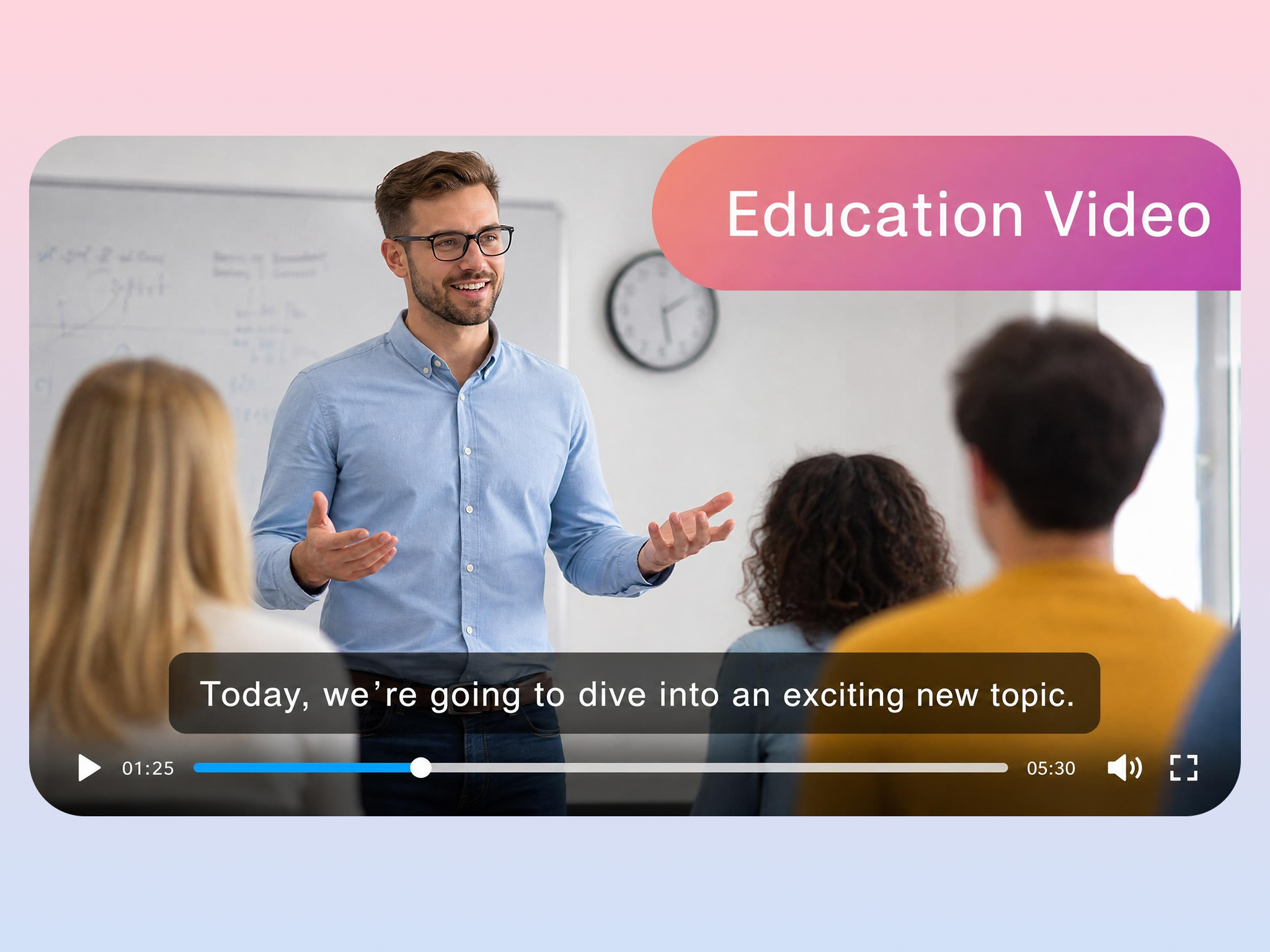
Turn Long Videos into YouTube Shorts
Manually extracting highlights from long videos is time-consuming and inconsistent. Designkit automatically identifies the most engaging moments in podcasts, interviews, tutorials, and webinars, and converts them into vertical Shorts ready for publishing. Get publish-ready short-form videos in minutes.
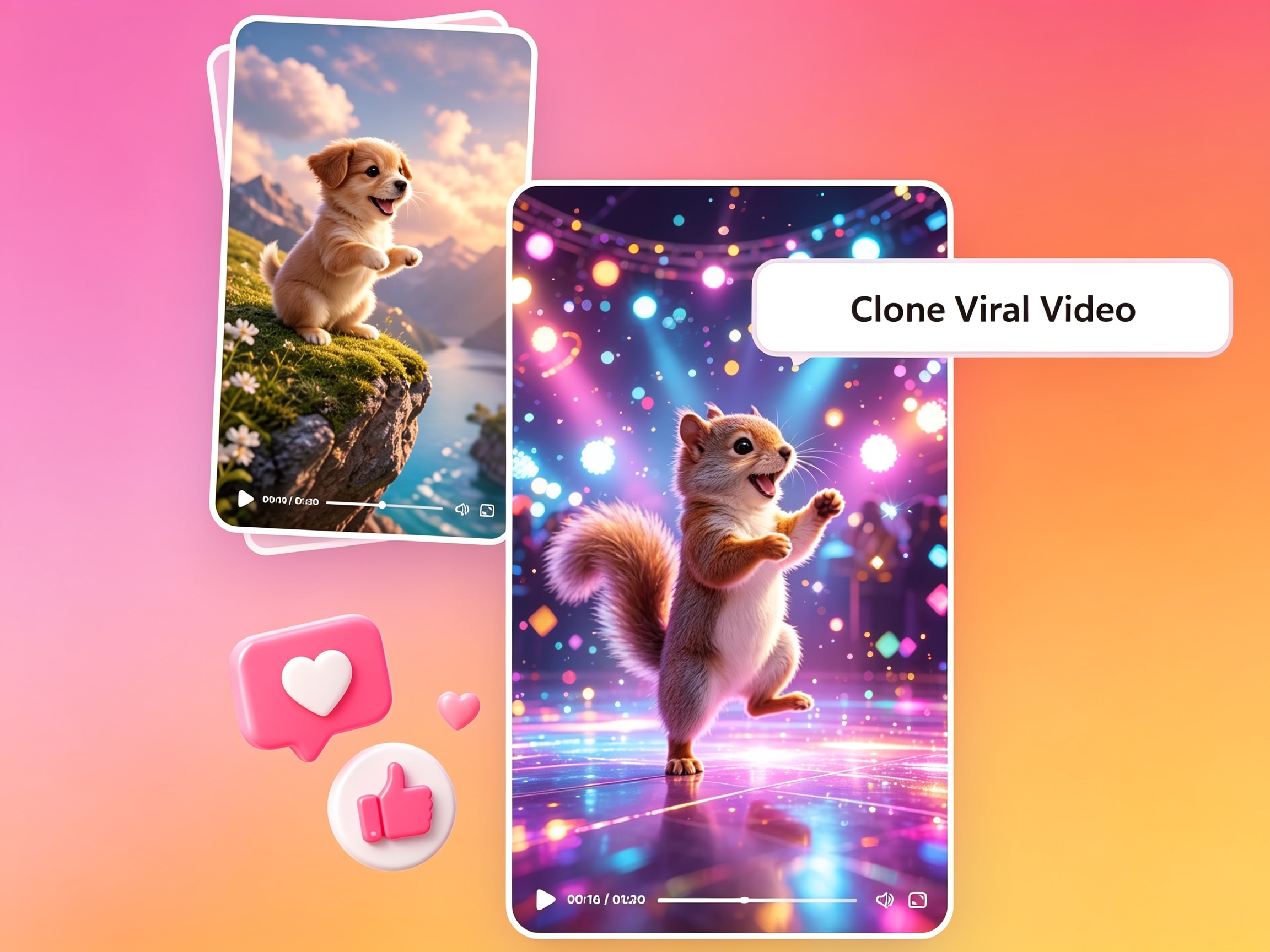
Recreate a Viral Video From a Reference
High-performing video structures are difficult to replicate at scale. Designkit's AI video ad recreation lets you upload a reference video and generate multiple original variations based on its pacing, structure, and visual style.
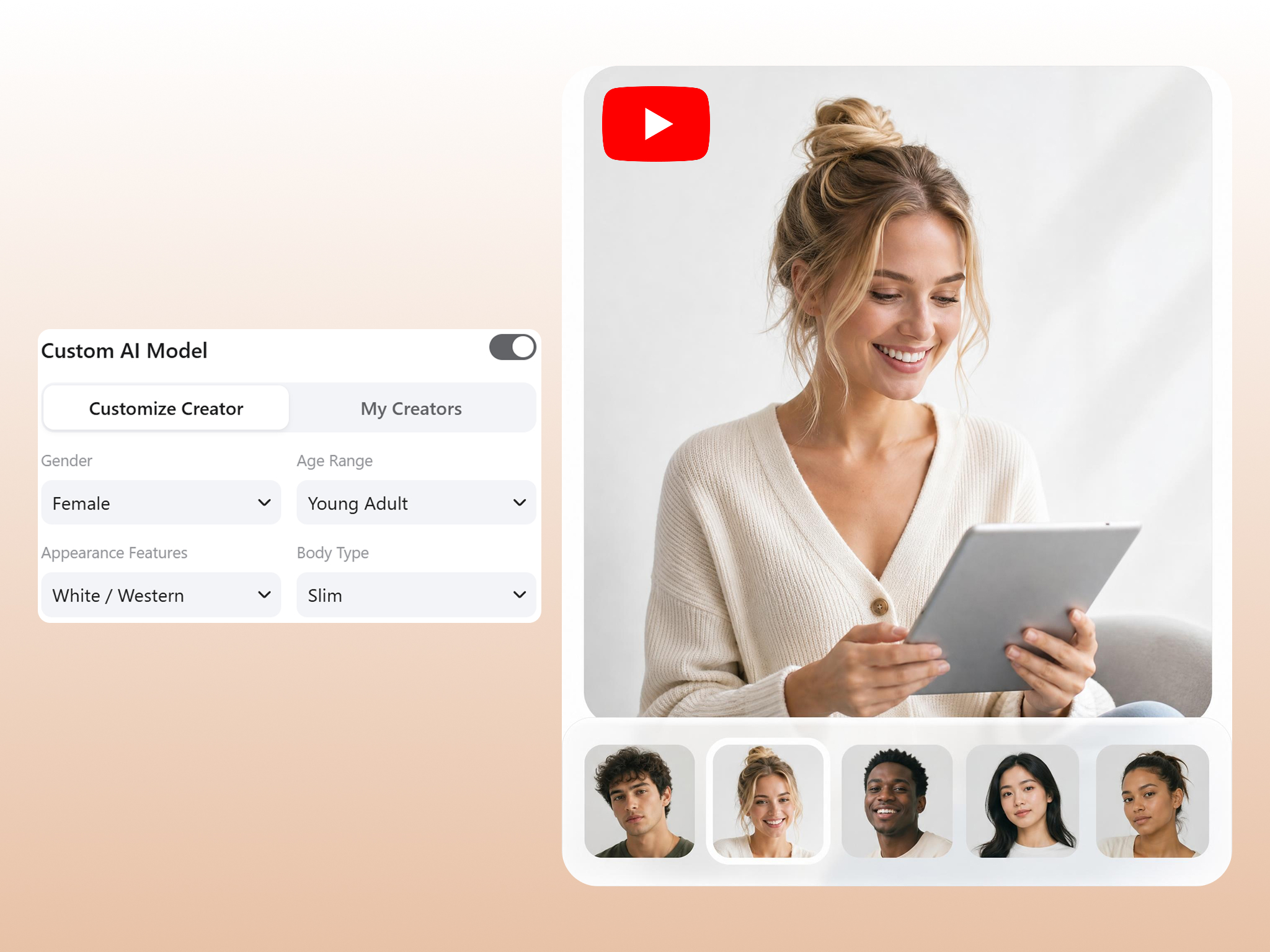
Create Realistic UGC Videos with Custom AI Avatars
Producing UGC-style videos usually requires creators, scripts, and filming time. Designkit generates realistic AI avatar videos with customizable appearance, voice, and tone, making it easy to produce authentic-looking UGC content such as reviews, product demos, and tutorials.
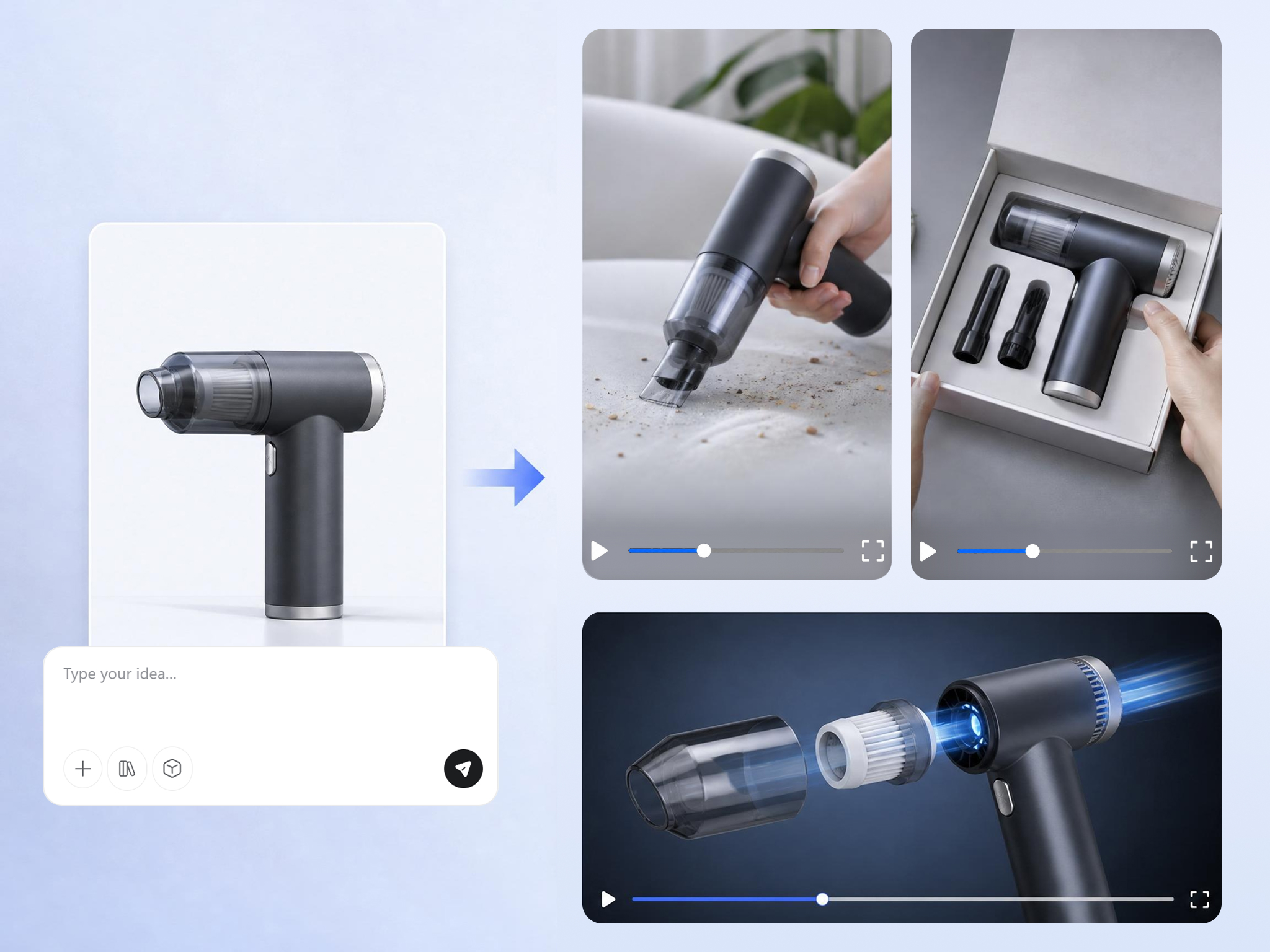
Turn One Idea into 8 YouTube Video Styles
Audience preferences vary across formats and platforms. Designkit transforms a single concept into multiple video types, including tutorials, product showcases, explainers, reviews, promotional videos, commentary, and more. Maximize content output while adapting to different viewer segments and distribution channels. Explore explainers.
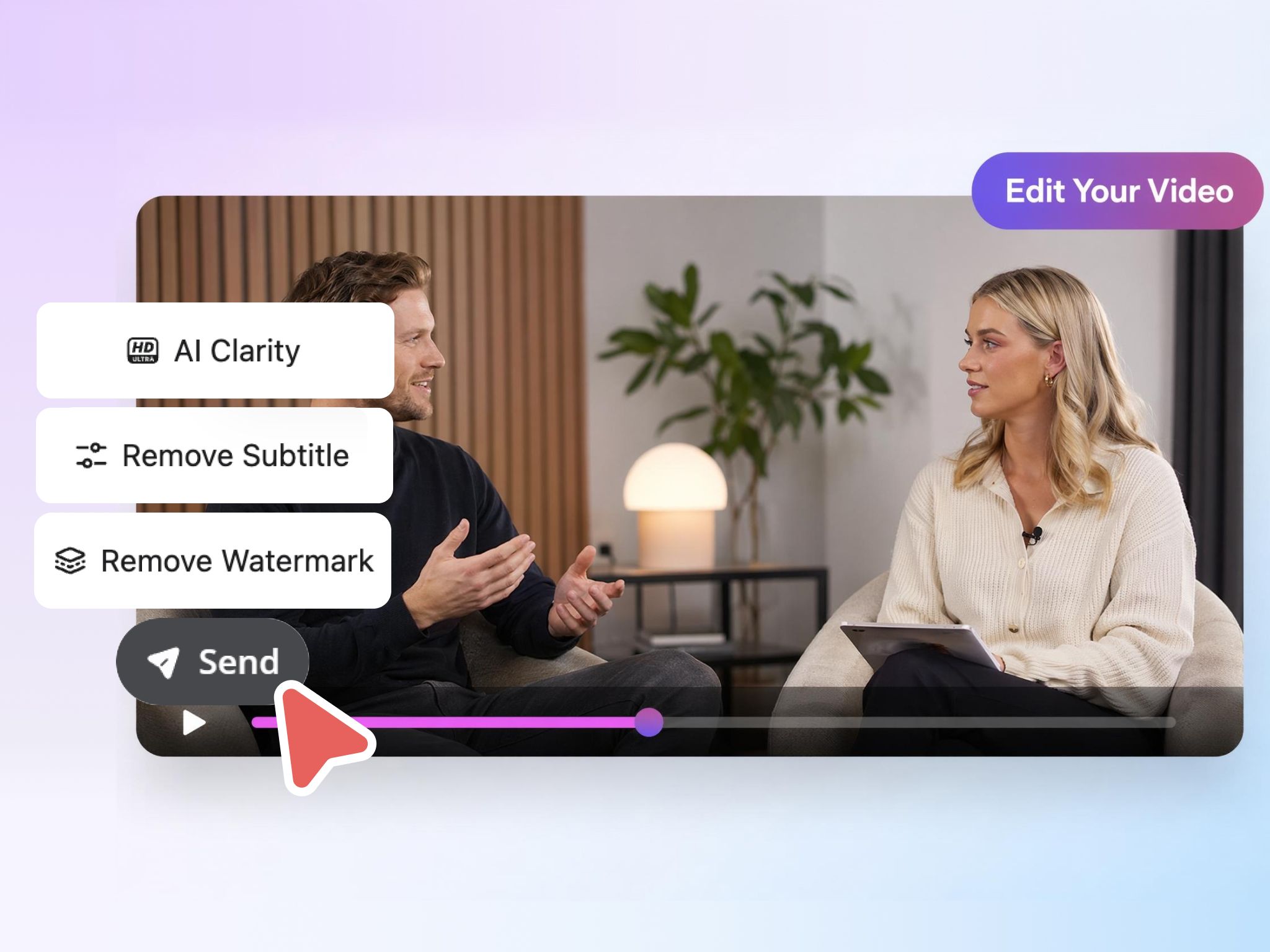
Enhance Any Clip: Upscale, Clean Backgrounds, Remove Watermarks
Low-quality footage reduces engagement and perceived credibility. Designkit automatically enhances video resolution, improves clarity, removes distracting backgrounds, and erases unwanted watermarks in one workflow. Produce clean, professional YouTube content without switching between multiple editing tools.
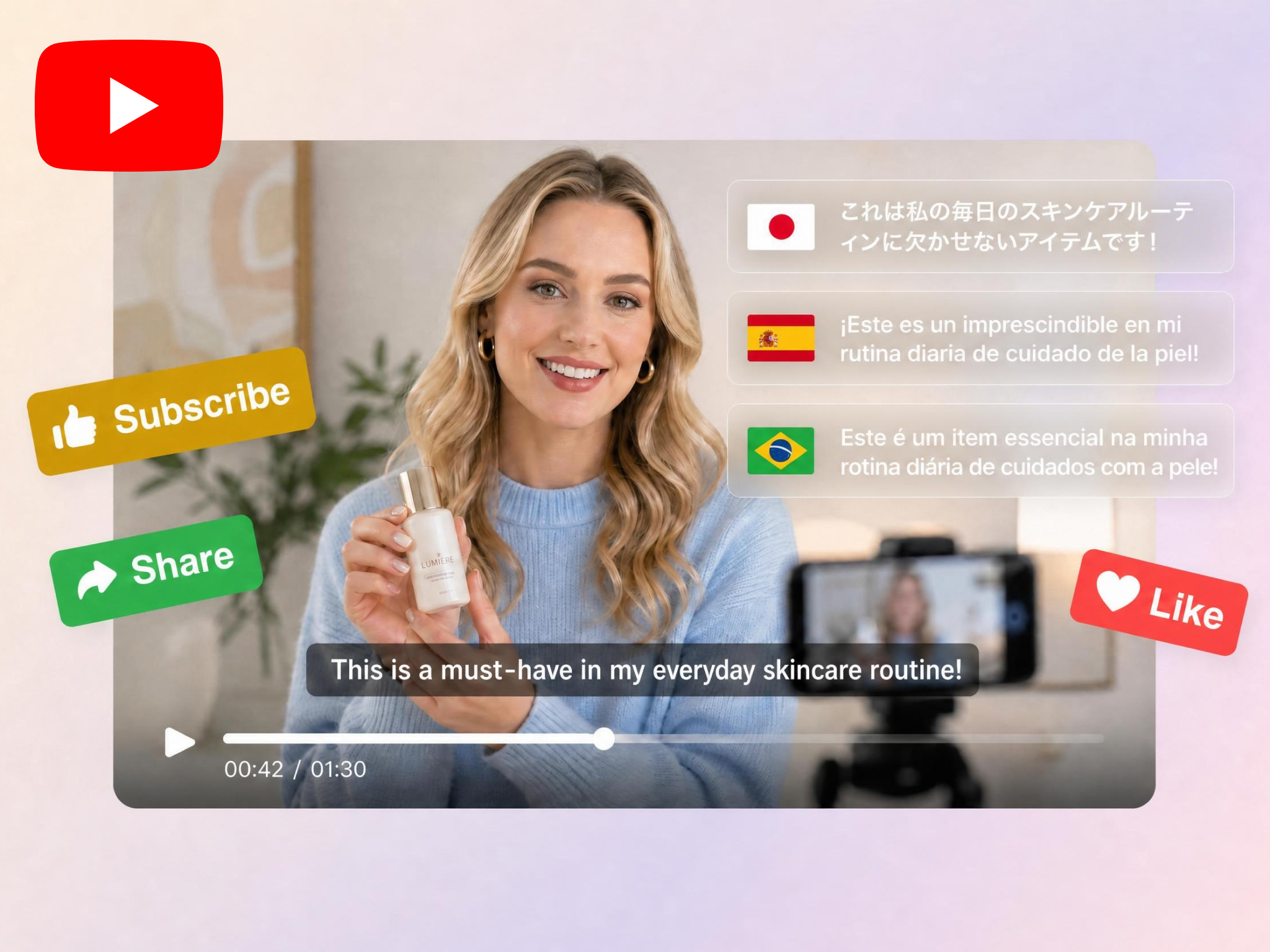
Localize Videos for Global Audiences Instantly
Expanding to international markets requires localized content. Designkit automatically generates multilingual versions of your videos with translated voiceovers and on-screen text, enabling global distribution without additional production effort.
Built for Every Creator Who Needs More YouTube Content
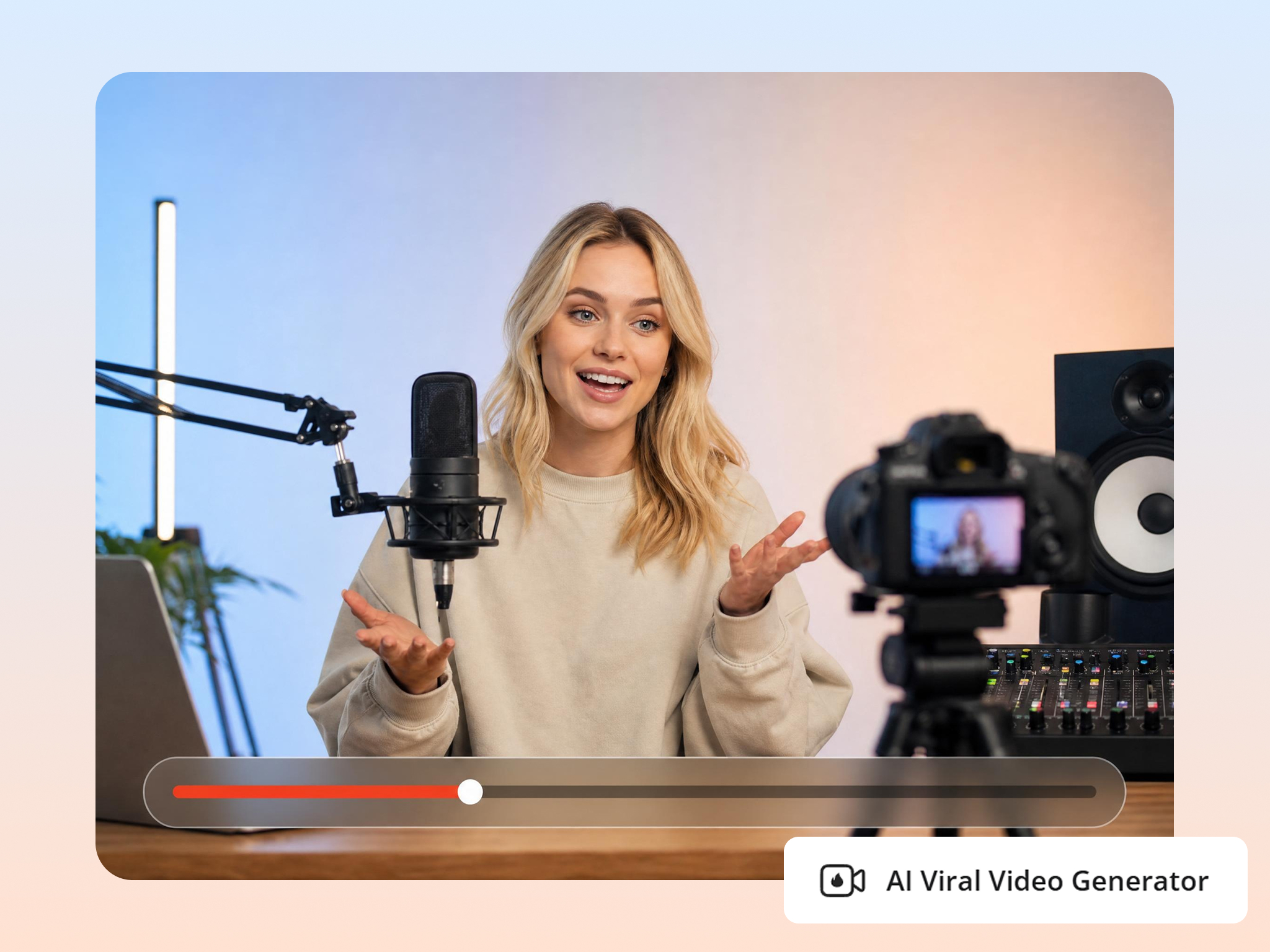
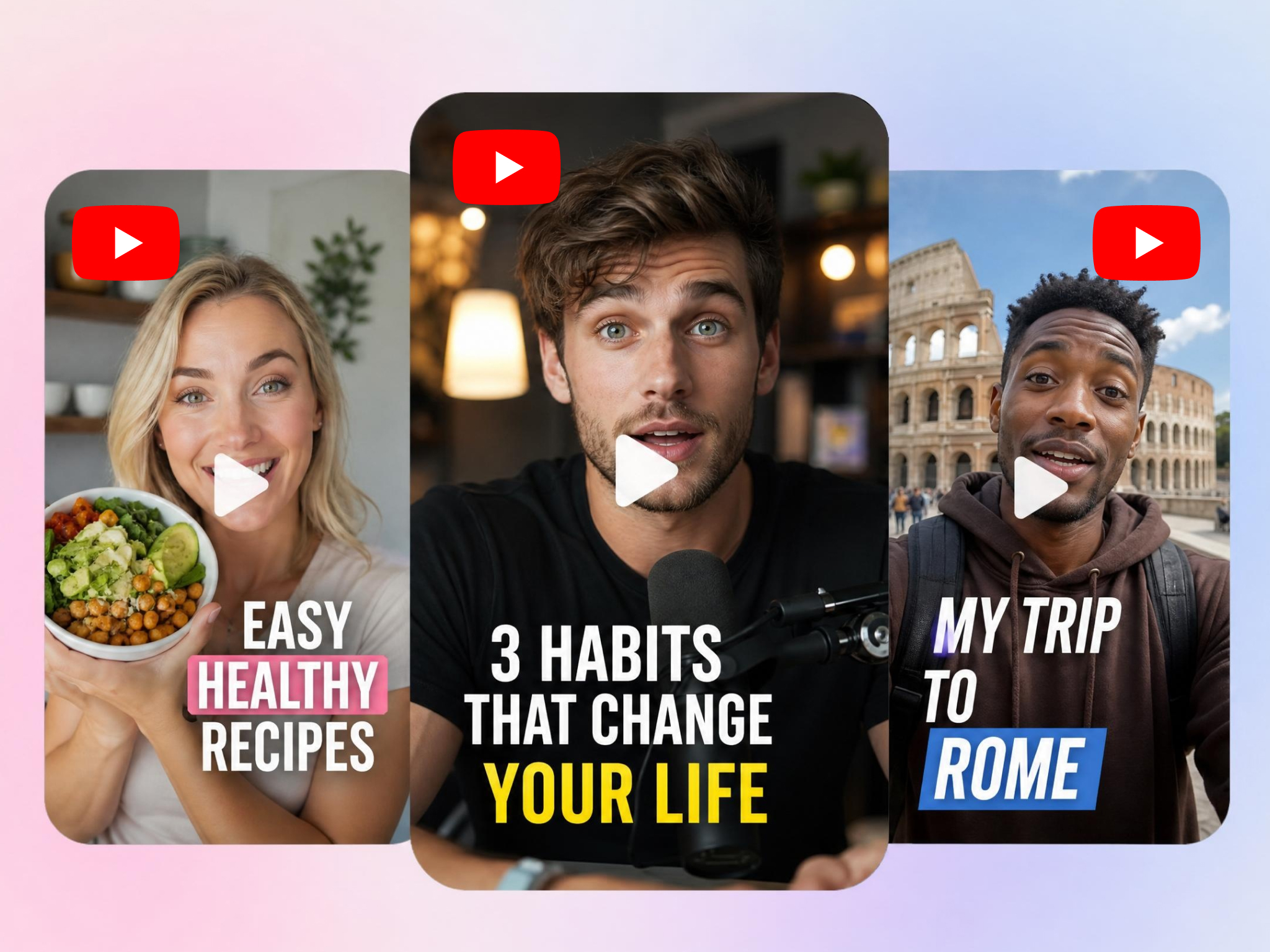
Turn Long Podcasts into YouTube Shorts
A single podcast episode often contains multiple high-performing moments, but manually extracting them is time-consuming. Designkit automatically detects key highlights, generates captions, and formats them into vertical YouTube Shorts. Each episode becomes a continuous source of short-form content that drives reach and discovery.
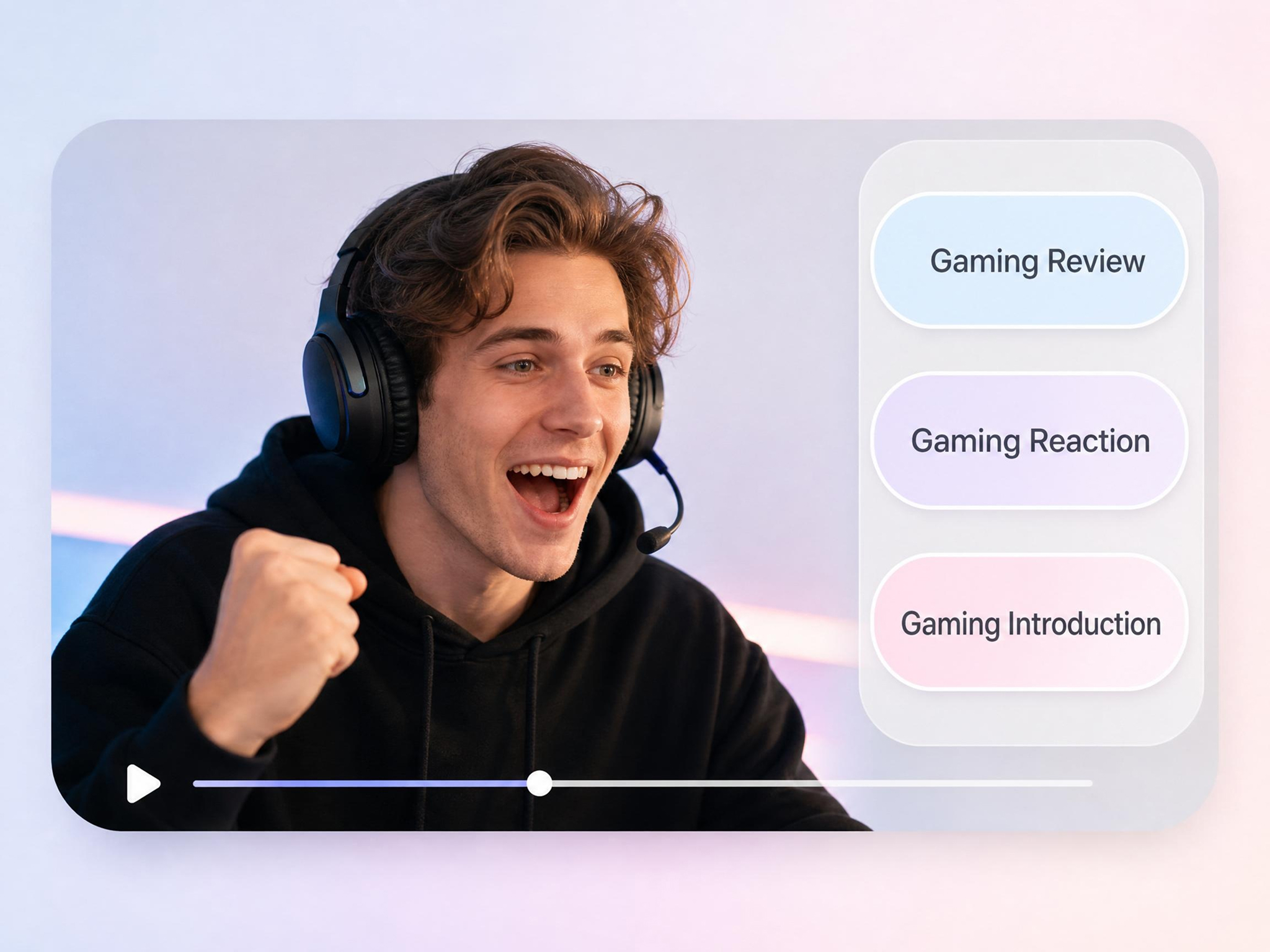
Why Choose Designkit for YouTube Video Creation

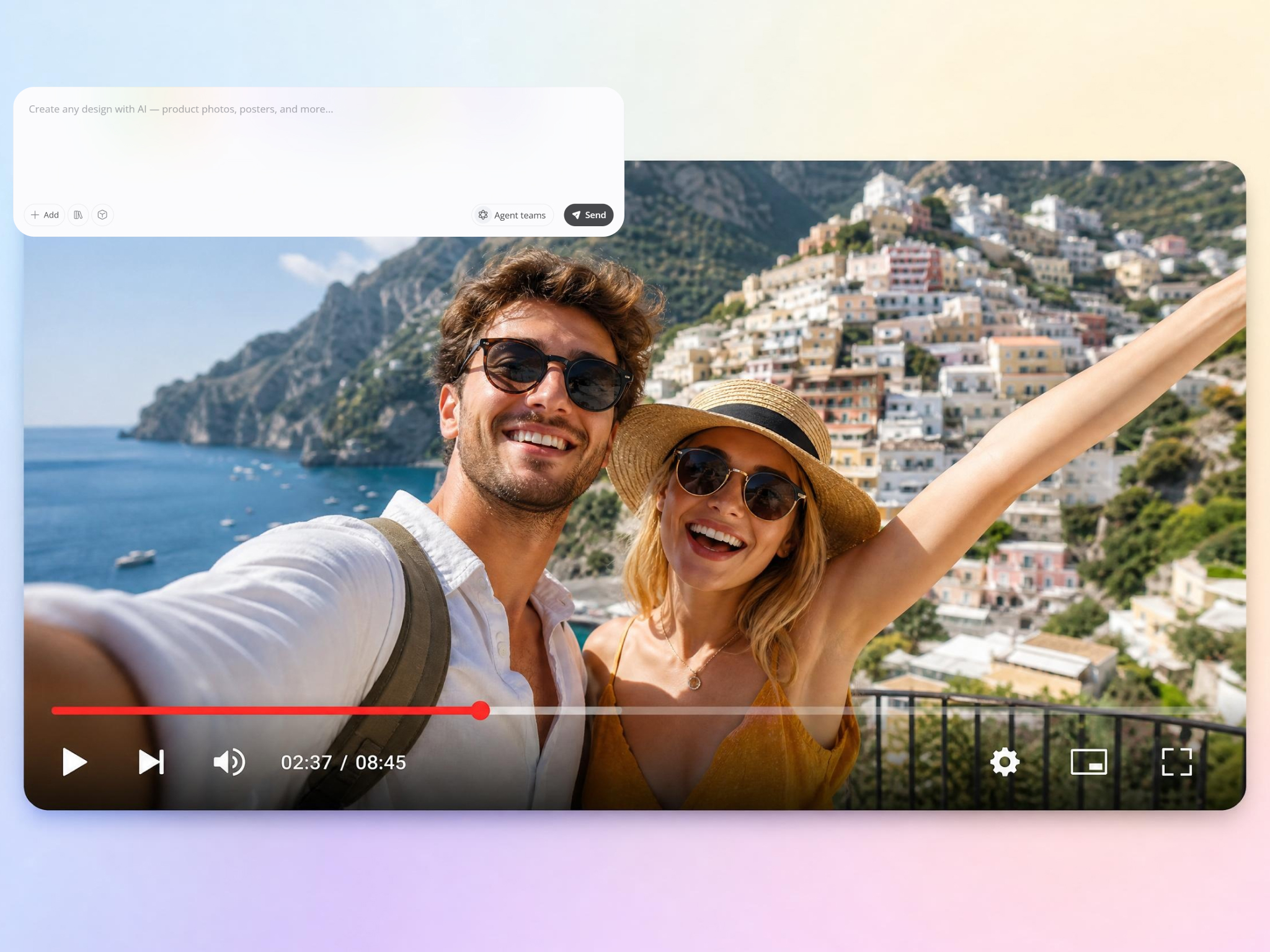
Make Videos Without a Camera or Crew
Designkit turns scripts, ideas, and assets into finished videos, so you publish without filming a thing. It works as a full YouTube video creator from your first upload.

Keep One Look Across Every Video
A mixed style weakens your brand. Designkit holds the same visual identity across every video, so your channel stays recognizable and your viewers know your content on sight.

Recreate Top Videos in Bulk
Rebuilding a winner by hand eats time. Designkit recreates proven formats in bulk, so you scale the styles your audience already responds to.
Refresh Old Footage Without Editing Software
Dated clips usually go unused. Designkit improves their quality and look with no editing software, so you can republish past footage as fresh content.

Reach Global Viewers in Their Language
Going global normally means remaking every video. Designkit adapts your videos into multiple languages, so new audiences get content that fits without a reshoot.

Scale Output as Your Channel Grows
More subscribers means more content pressure. Designkit helps you produce more videos at a steady quality, so your upload schedule holds as you grow.
Frequently Asked Questions
How do I make a YouTube video without recording new footage?
Do AI-generated YouTube videos look natural?
Yes. AI-generated videos are designed to match real creator content with natural pacing, smooth transitions, captions, and platform-native layouts. Designkit ensures outputs look authentic and are optimized for viewer engagement on YouTube.
Can I recreate a viral video from a reference?
Yes. You can upload a reference video and generate new versions based on its structure, pacing, and style. Designkit helps you reuse proven video formats while producing original content variations.
Can I customize the AI avatar's look and voice?
Yes. You can fully customize AI avatars, including appearance, voice, tone, and speaking style. This allows a single avatar to represent different content types across your YouTube channel.
How many video versions can I generate from one idea?
You can generate multiple video variations from a single concept in one workflow. This makes it easier to test hooks, formats, and angles before publishing the best-performing version.
Can I clean up old footage, like upscaling or removing watermarks?
Yes. You can enhance video quality by upscaling resolution, improving clarity, and removing unwanted watermarks. Designkit helps repurpose existing footage into polished, upload-ready YouTube content.
What types of YouTube videos can I make?
You can create Shorts, intros, tutorials, product videos, reviews, and explainers from a single idea. Designkit supports multiple YouTube content formats so you can scale output without generating new concepts each time.
Do I need editing experience to use Designkit?
No. The workflow is designed for beginners and automates most editing steps. You can produce professional YouTube videos without prior editing or technical skills.
Make Your Next YouTube Video in Minutes
Turn footage, images, and ideas into Shorts, intros, tutorials, and channel videos. Start free and keep your channel growing today.



What Creators Say About Designkit for YouTube Video Creation
Real creators use Designkit to publish more content, reduce editing workload, and keep their channels growing.
Cut My Weekly Editing Down a Lot
I struggled to keep up with weekly uploads, usually 6–8 videos max with uneven quality. With Designkit, I now publish 12–15 consistent videos monthly, and my content quality feels more stable across every upload. My channel looks more professional overall.
Turned One Podcast Into a Batch of Shorts
One podcast episode used to give me only 2–3 clips. Now I consistently generate 8–10 Shorts from each episode. My channel output increased from around 10 clips monthly to nearly 30, helping me reach new viewers faster.
My AI Product Videos Look Real
My product videos barely got any interaction before. Since switching to Designkit, engagement has picked up clearly because the visuals look cleaner and easier to trust. They finally feel worth posting.
Scale Content Across Channels
Running a few channels at once used to be a headache. Now I spin up a handful of variations per idea and post across all of them. My output has basically doubled while each channel stays on message.
Better Tutorial Completion
My tutorials used to lose viewers midway, with low completion rates per lesson. After using Designkit, learners now complete 5–6 lessons per session on average because visuals and explanations are much clearer and easier to follow.
Stronger Gaming Highlights
I managed only a few uploads a week before, depending on editing time. Now I publish a steady run of highlight clips every week by turning streams into clean, structured videos. My growth has held steady since.