
AI Video Ad Maker: Create Sale-Boosting Video Ads in Minutes
Generate high-converting video ads for ecommerce products in seconds. Turn product listings into engaging creatives that drive attention, clicks, and conversions.
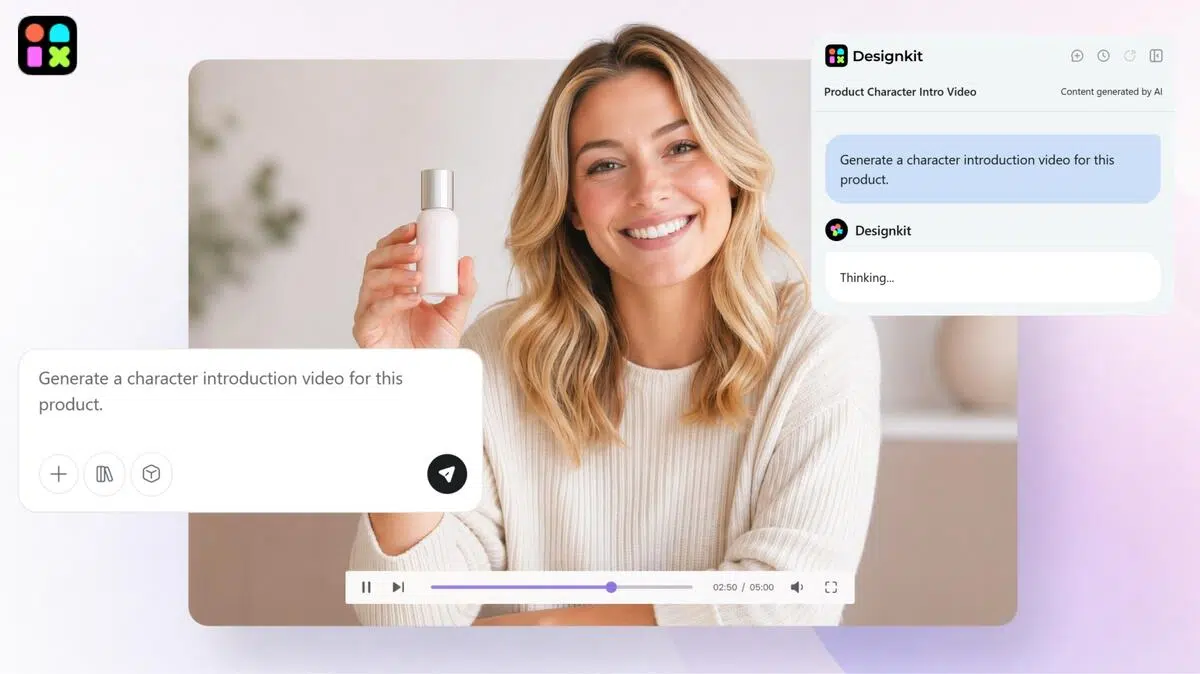

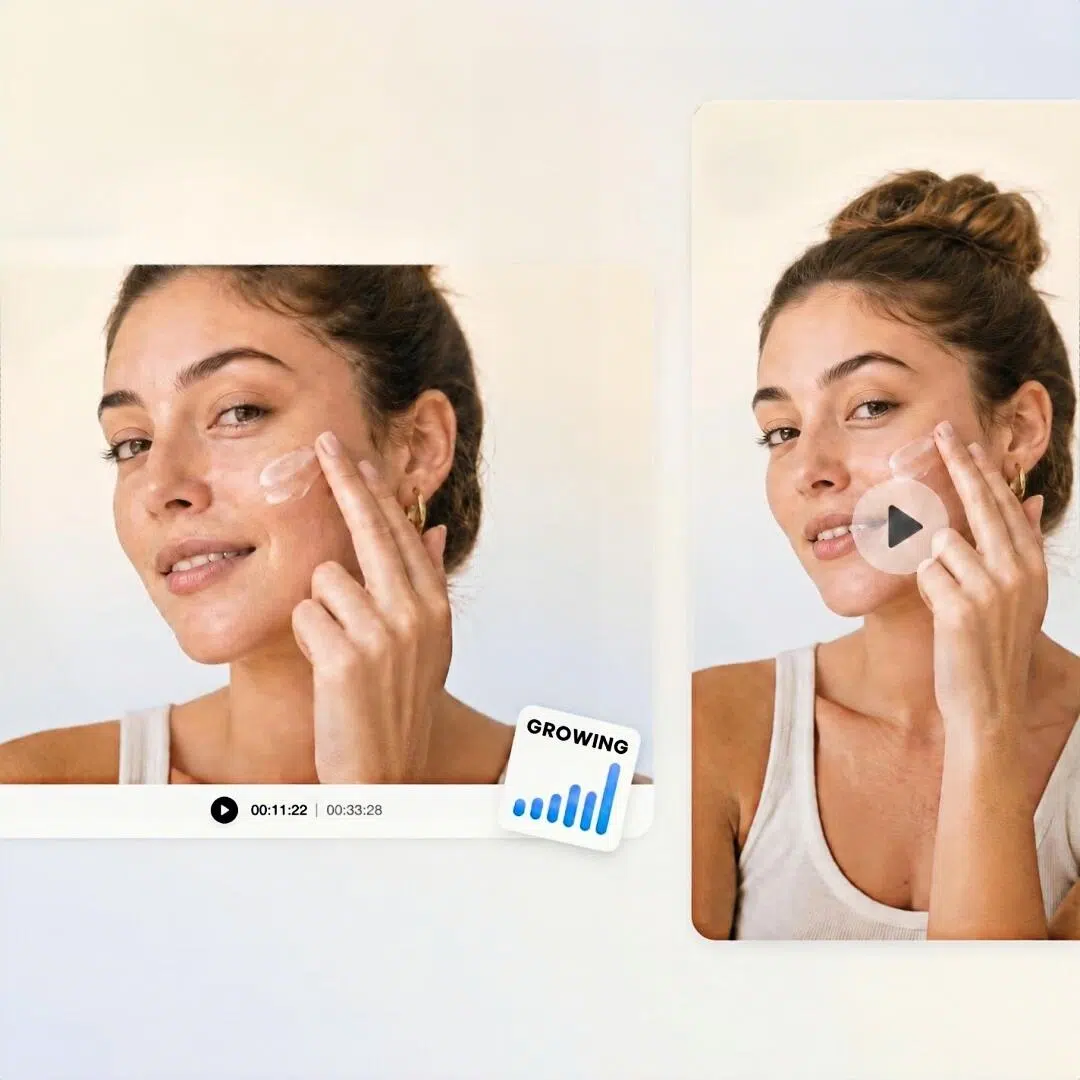
Upload product images and let Al batch-generate multiple high- converting video types with one click.
How to Make High-Converting Video Ads with Designkit
Upload Product Images
Upload your product images and add key product details like features, audience, and campaign goals. This gives the AI everything needed to create effective video ads.
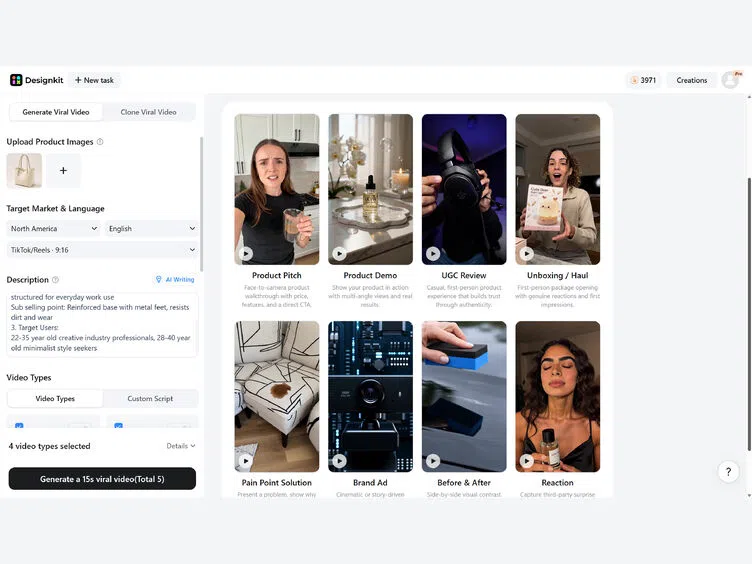
Choose Your Ad Style and Platform
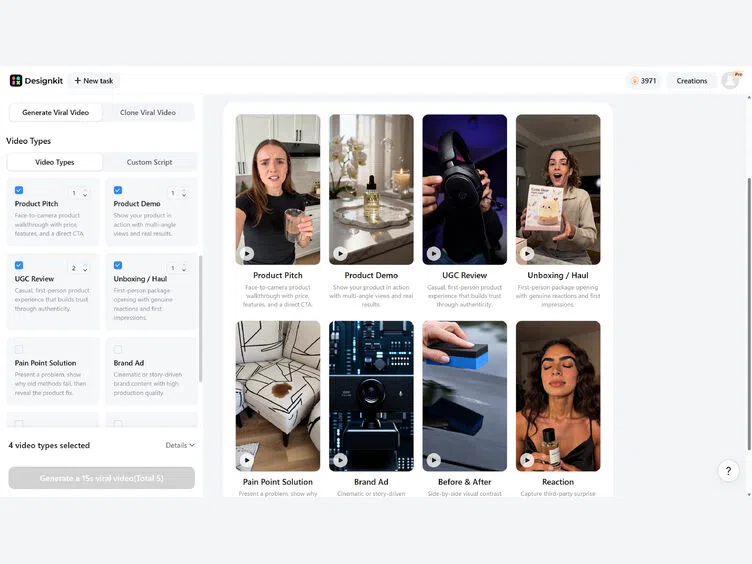
Select your target platform (TikTok, Meta, Amazon, YouTube), aspect ratio, and video style — UGC, product demo, unboxing, before-and-after, or branded ad. Designkit generates multiple ad variations instantly.
Preview, Adjust, and Export
Preview your generated video, make quick adjustments if needed, and export with one click. Your final video is ready to publish across ads, social media, and eCommerce campaigns.
What Designkit Video Ad Maker Can Do
Turn Product Images into Video Ads without Filming
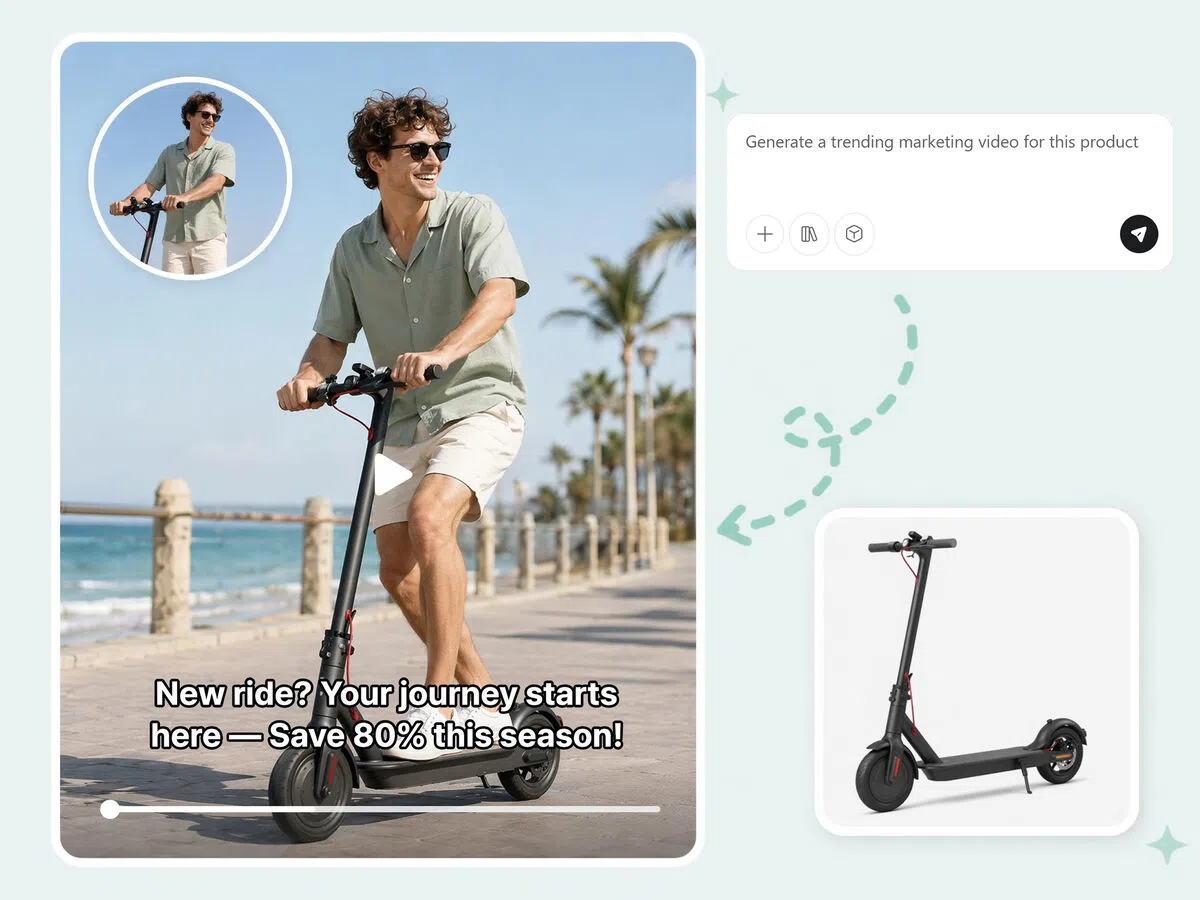
Static product photos can instantly become engaging marketing videos. No filming, no studio setups, no production timelines. Upload product visuals, and Designkit transforms them into video ads built for Shopify, TikTok Shop, and Amazon listings.
AI-Generated Marketing Scripts for Seamless Creation
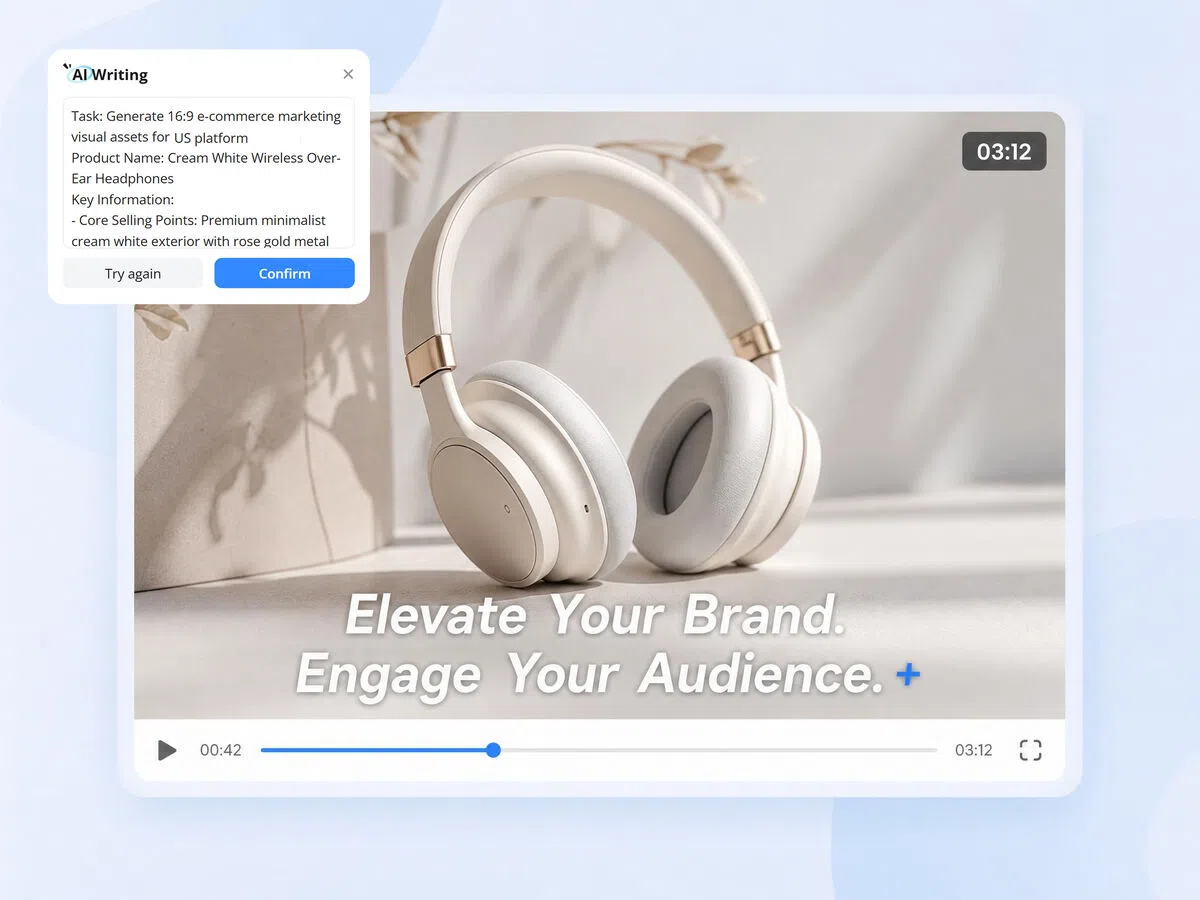
Describe your product and audience, and Designkit writes the hook, voiceover script, and on-screen captions automatically. Every script is tailored to your product details and ad format, so you skip the blank-page problem and go straight to a finished video.
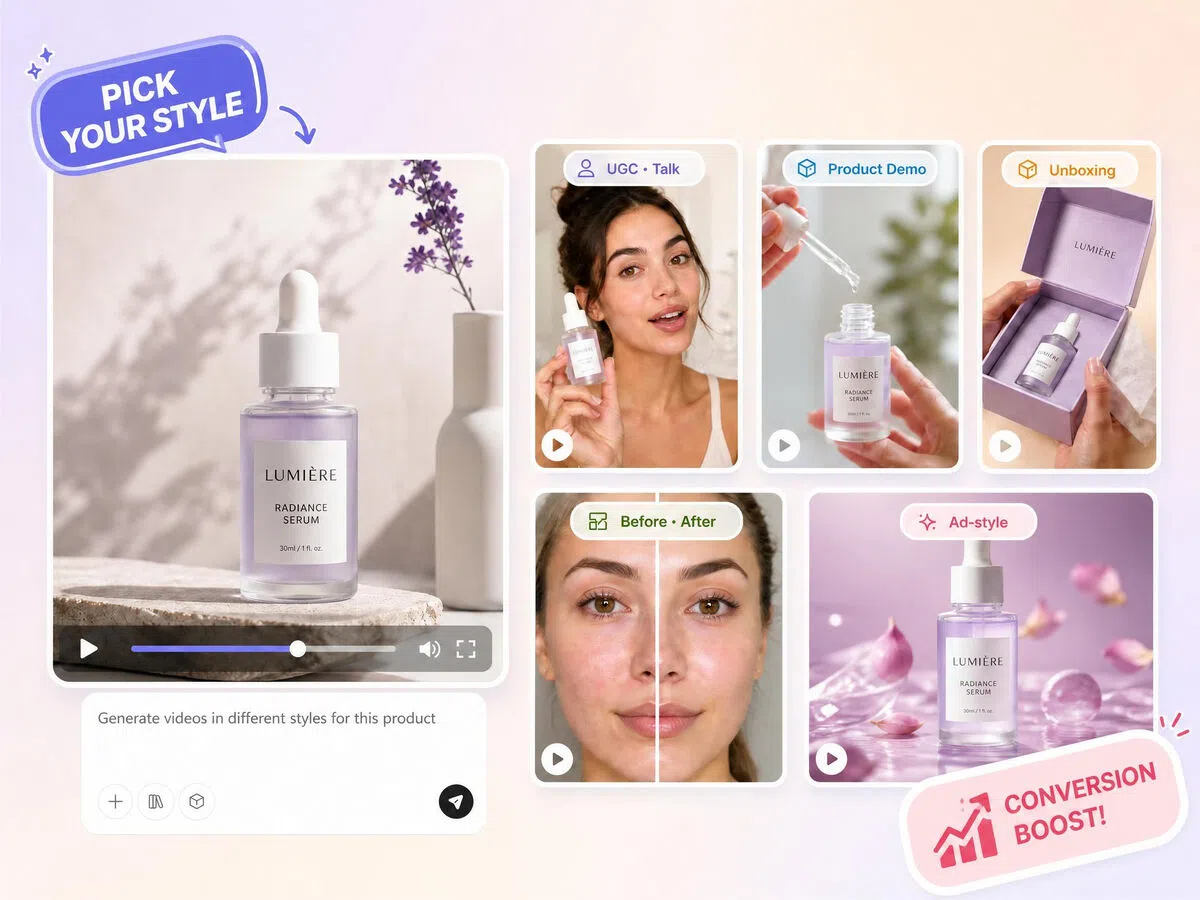
Create All Kinds of Video Ad Styles Based on Your Needs
UGC, product demo, unboxing, before-and-after, or branded ad — choose the format that fits your campaign and audience. Each style follows proven engagement patterns for its platform, so your content feels native wherever it runs.
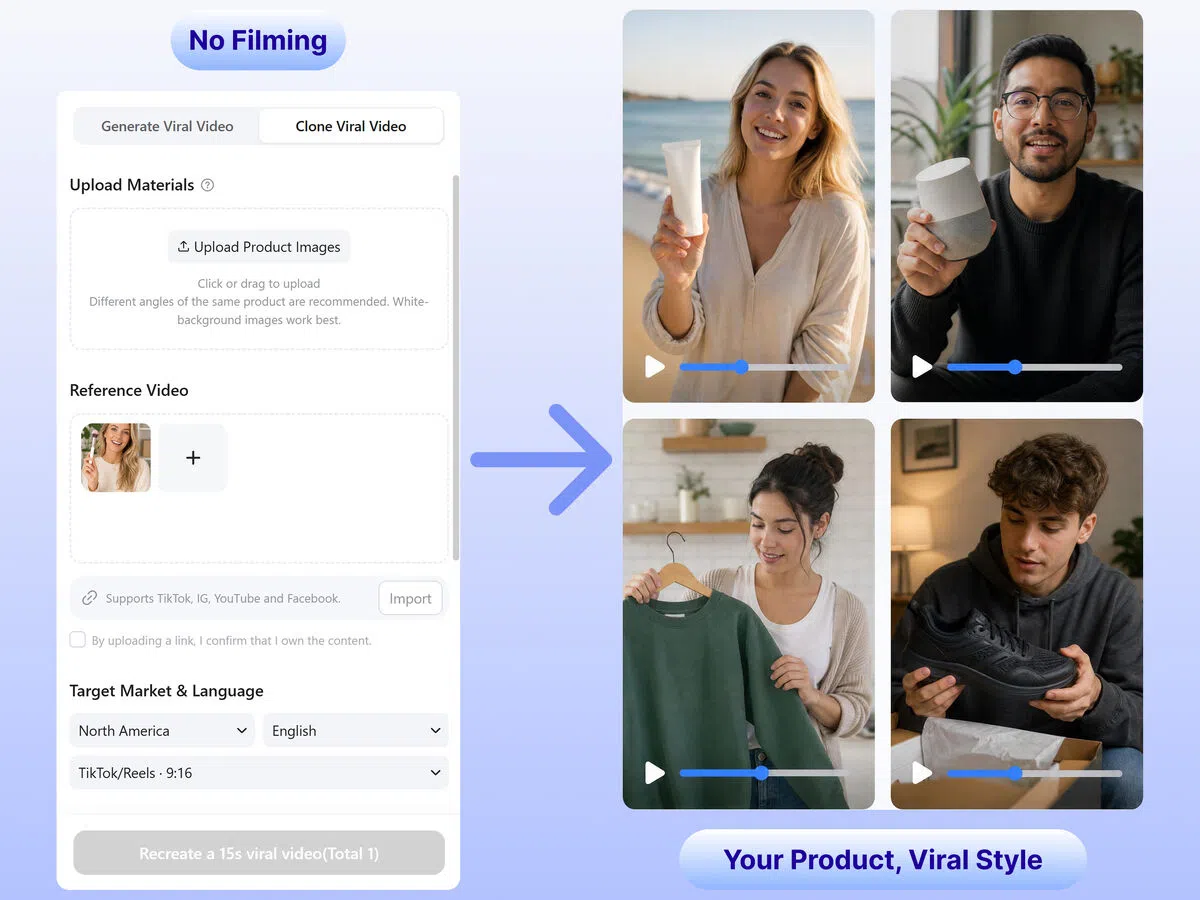
Recreate Viral Video Ads Using Reference Videos
When you find a winning ad style, Designkit makes it easy to recreate that creative direction. Upload a reference video, and the system analyzes pacing, structure, and presentation style to generate fresh product-focused ads inspired by proven high-performing content while keeping results original.
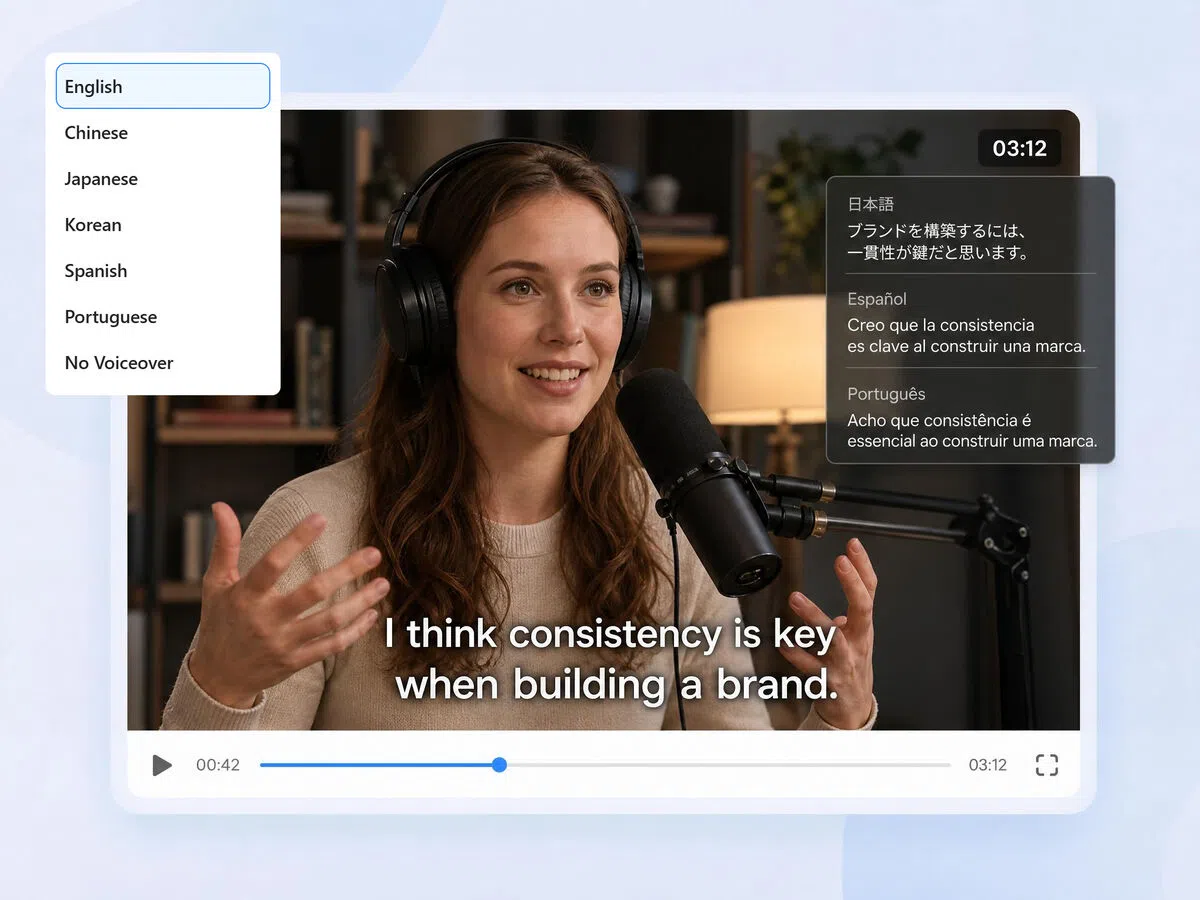
Adapt Your Video Ads for Any Platform, Language, and Market
Choose your target platform, language, and region before generating. Designkit formats videos natively for TikTok (9:16), Meta (1:1), YouTube (16:9), and international campaigns — captions, pacing, and style adjusted per platform without extra editing.
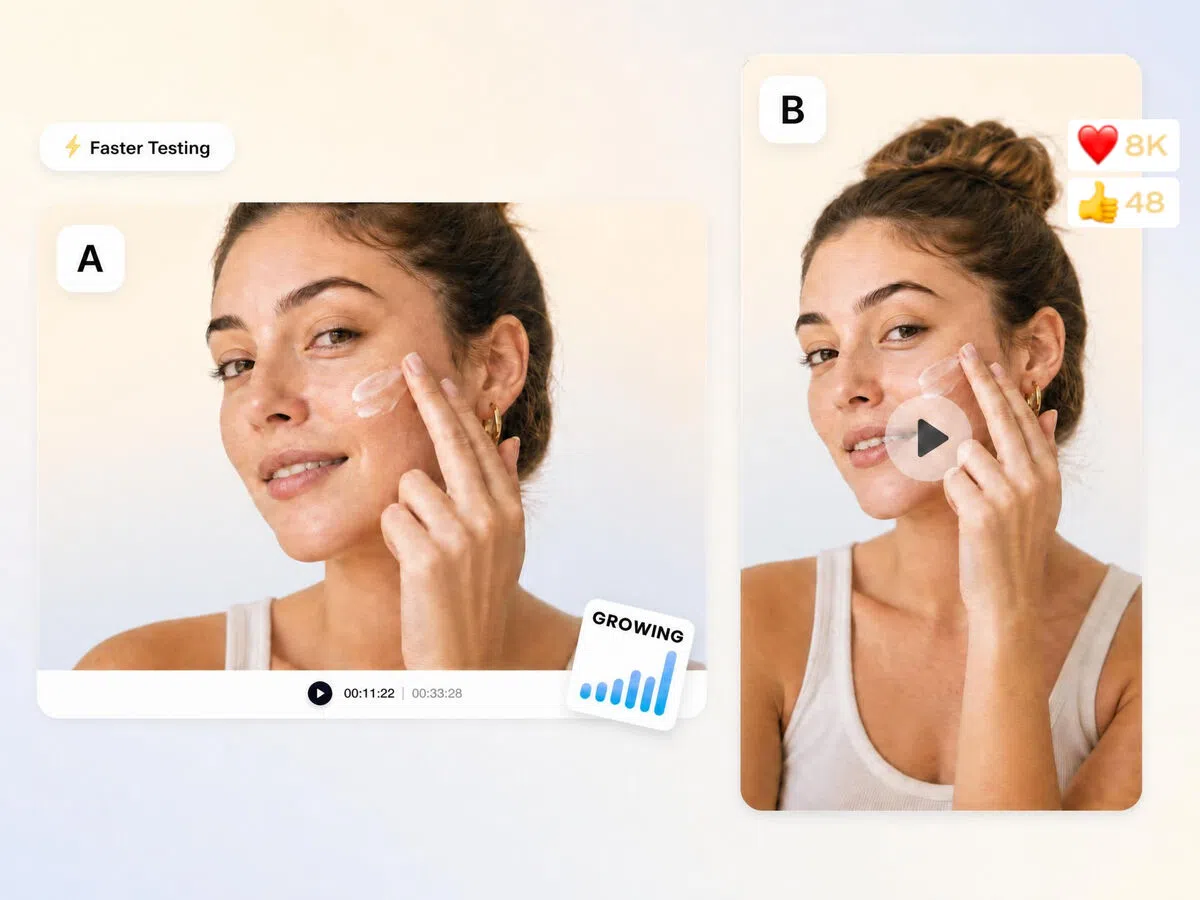
Generate Multiple Video Ads at Once for A/B Testing
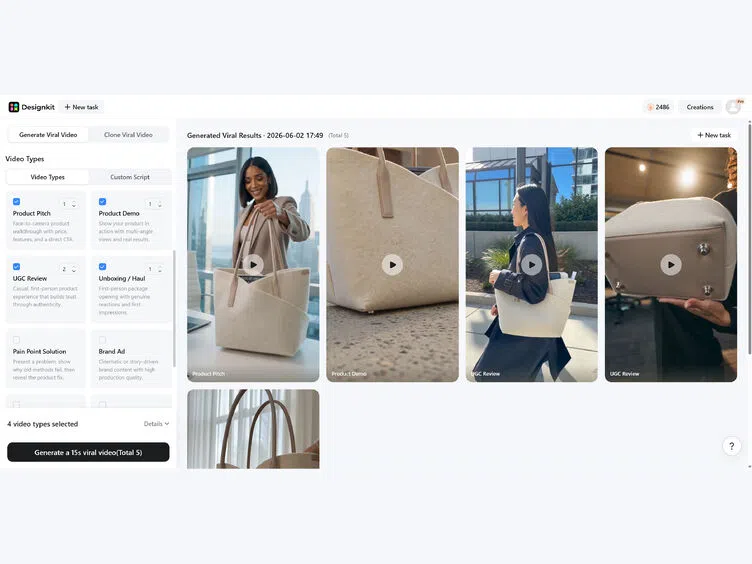
Campaign testing becomes faster with Designkit's ability to generate multiple ad variations at once. Different hooks, visuals, and messaging styles can be created instantly, making it easy to compare performance and identify top-performing creatives. This saves production time while helping marketers optimize campaigns for stronger results.
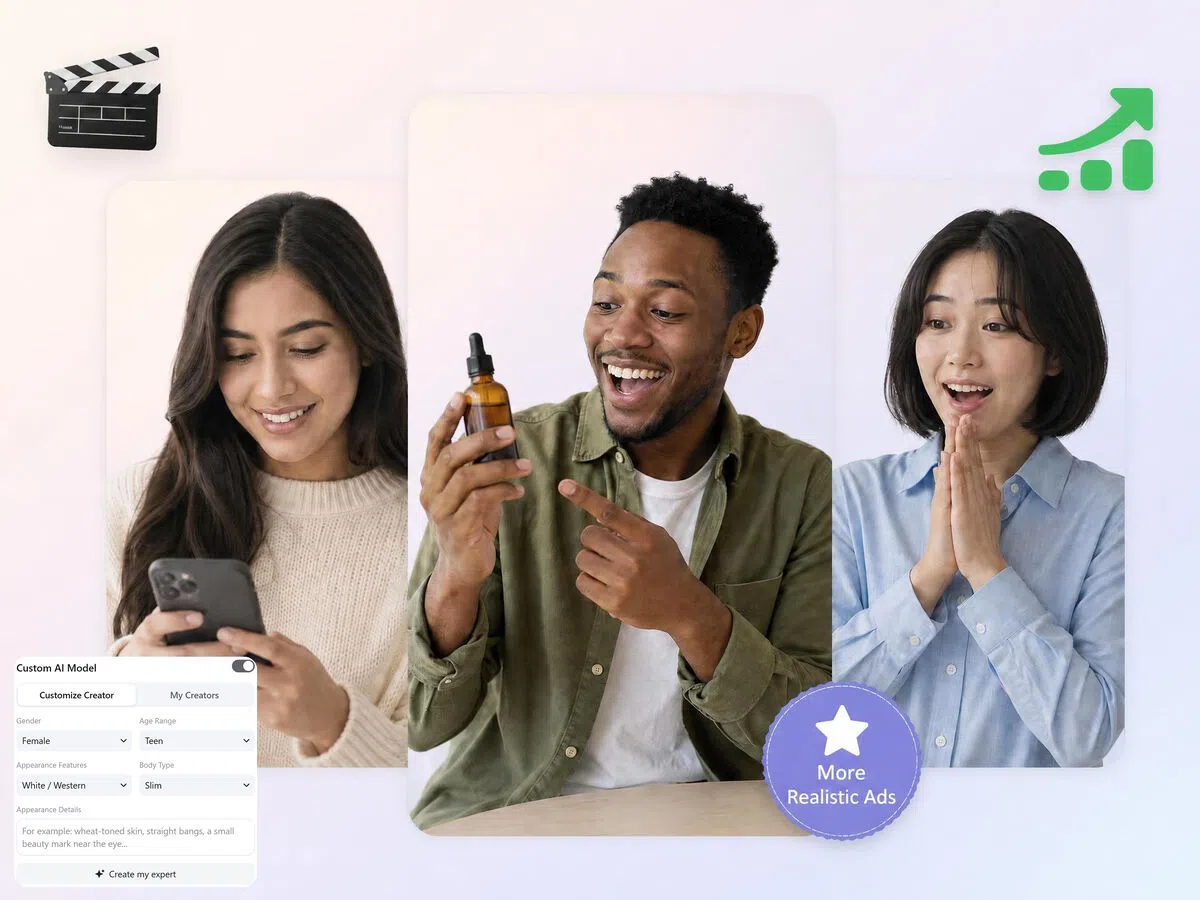
Customize AI Models for More Realistic Video Ads
Choose your on-camera presenter's gender, age range, appearance, and style before generating. Matching the model to your target audience makes the ad feel less like a commercial and more like a recommendation — improving watch time and purchase intent.
Who Can Use Designkit's Video Ad Maker
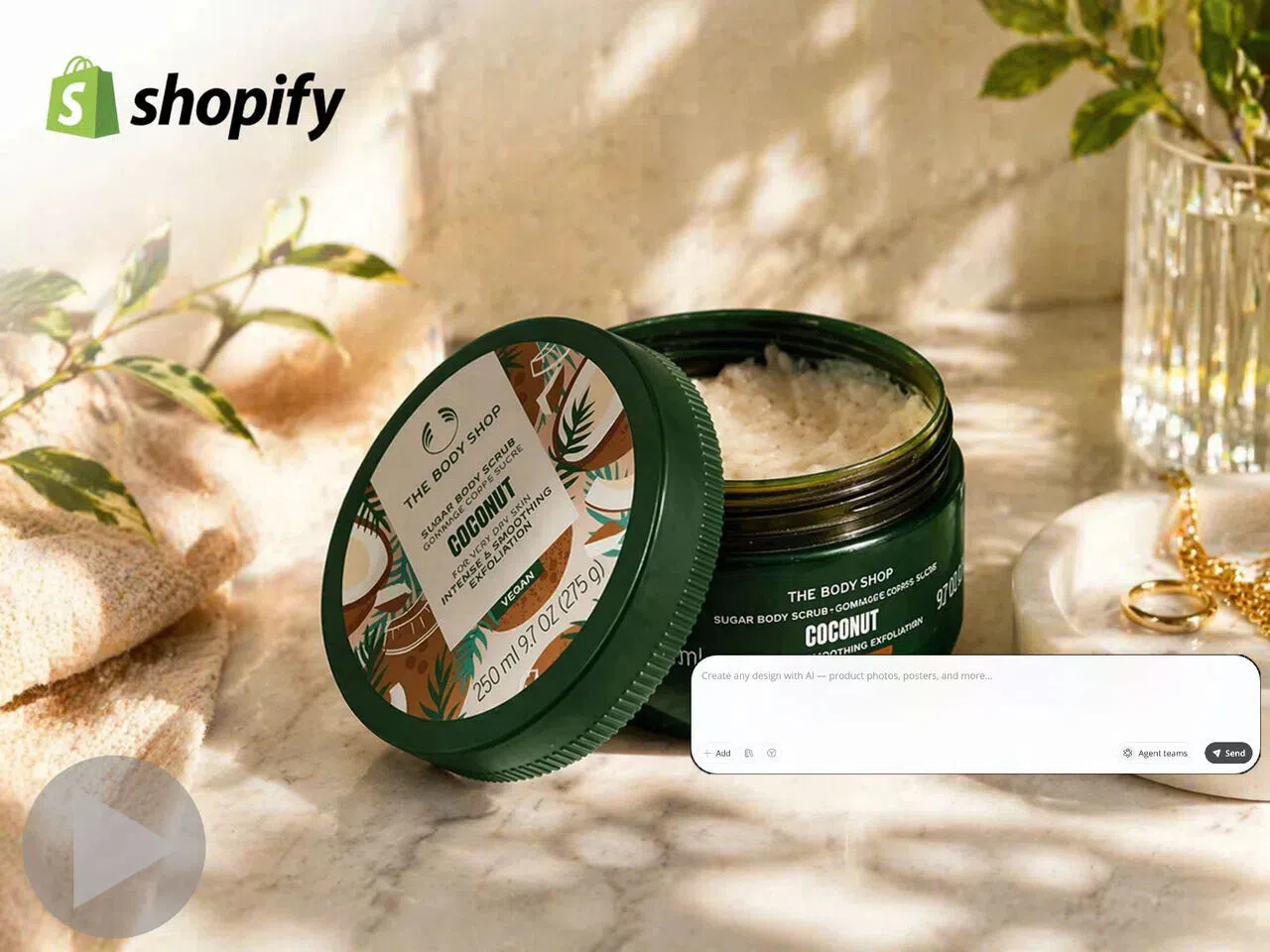
Product Video Ads for Shopify Stores, Without a Shoot
Shopify product pages with video convert at a higher rate than image-only pages — but producing video for every SKU means hiring a crew or waiting on editors. Upload your product image and Designkit builds a platform-ready video ad: the right hook, the right format, ready to embed on your product page or run as a paid ad the same day.
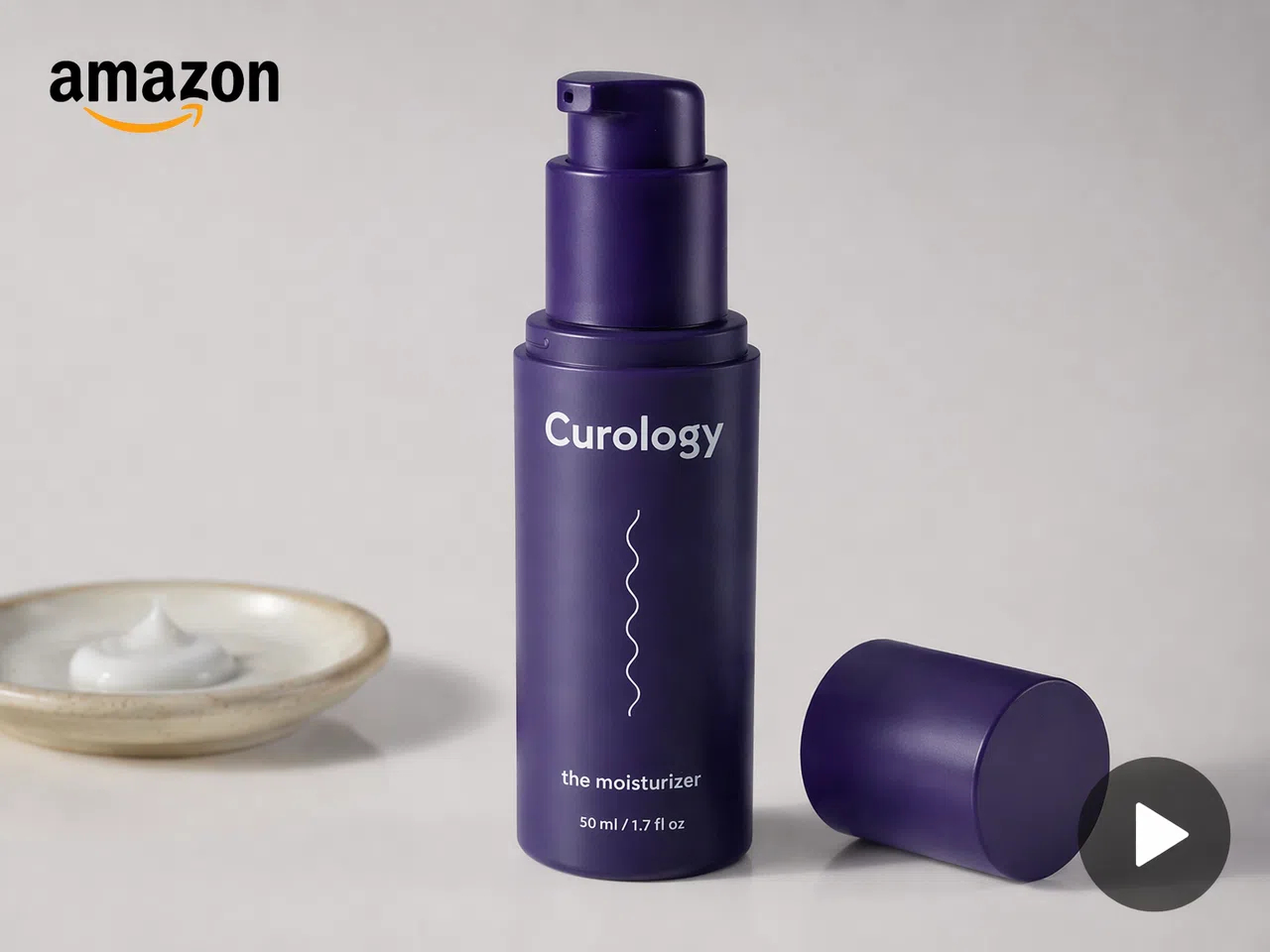
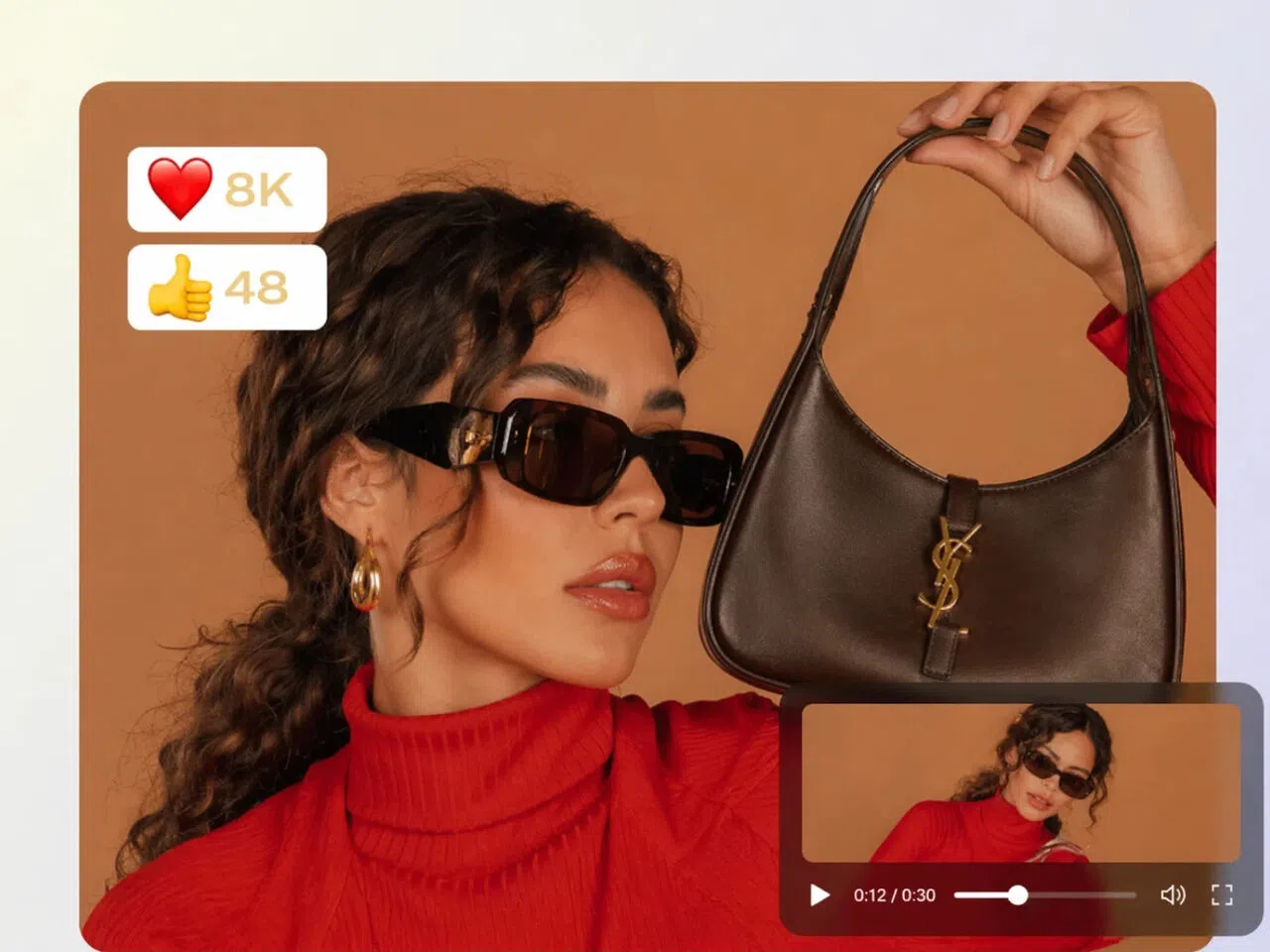
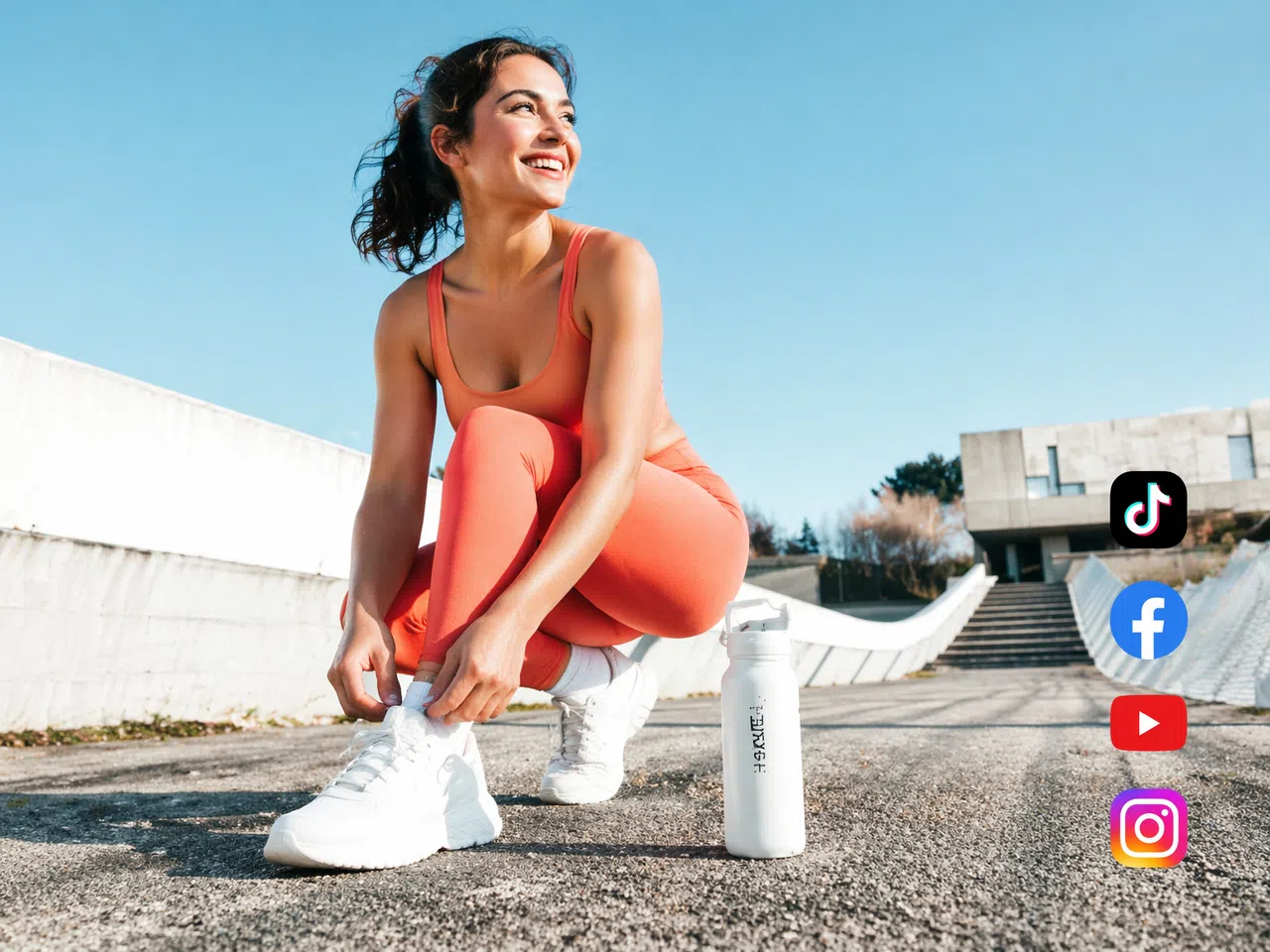
Video Ad Maker for Different Marketing Scenarios

AI UGC Video Maker

AI Marketing Video Maker

AI Commercial Video Maker

AI Promo Video Maker

Before and After Video Maker

Etsy Listing Video Maker

AI Explainer Video Maker

AI Fashion Video Generator

AI 360° Product Video Maker

Product Demo Video Maker

AI Unboxing Video Maker
Why Marketers Choose Designkit for AI Video Ads

Auto-Formatted for TikTok, Meta, Amazon, and YouTube
Every generated video ad is formatted to platform specs automatically — 9:16 for TikTok and Reels, 1:1 for Meta, 16:9 for YouTube and Amazon. No resizing, no separate exports, no reformatting per channel.

Better for Ecommerce Marketing
Convert product images into video ads that highlight key benefits and improve listing visibility. Built specifically for Amazon FBA, Shopify, and TikTok Shop — not generic content creation.
No Filming, No Studio, No Production Team
Traditional video ad production costs $500–$5,000 per video. Designkit removes that entirely — upload a product image and get a finished video ad in minutes, with no crew, no equipment, and no editing software required.

Turn Any Reference Video into Original Ads
Upload a viral or reference video, and Designkit recreates a new version of your product. It keeps structure and style while making content unique and brand-focused.

Easier Global Expansion
Adapt videos for different languages and regions easily. Designkit helps your ads feel local, relevant, and effective across international markets without extra production work.

Unlimited Variations, Zero Creative Block
Designkit generates endless ad variations from one idea. Test different hooks, scenes, and styles quickly to avoid creative block and keep campaigns fresh and scalable.
Frequently Asked Questions
How does AI turn product images into video ads?
Do AI-generated video ads look realistic enough to run as paid ads?
Yes. Output is designed to match the look and feel of creator-made content — natural pacing, authentic on-camera presenters, and platform-native formatting. For best results, use clean product images and a specific prompt describing your audience and tone. Most viewers engage with the content without identifying it as AI-generated.
Do I need editing or filming skills to use a free AI video ad maker?
No editing or filming experience is required. AI handles everything from sequencing to rendering automatically. Designkit simplifies the process even further by letting users upload product images, choose campaign settings, and instantly generate polished video ads without technical skills, expensive equipment, or time-consuming manual production.
What types of video ads can I create with Designkit?
AI video ad makers can create many ad formats depending on campaign goals. With Designkit, brands can generate product demos, unboxing videos, UGC-style ads, before-and-after showcases, and promotional creatives tailored for different audiences. This flexibility helps create stronger campaigns that improve trust, engagement, and conversions.
Can I customize the AI model or avatar in my video ads?
Yes, AI-generated video ads can be personalized to match different branding styles and audiences. Designkit supports optional AI model customization, allowing brands to create more relevant and natural-looking ads. This helps improve authenticity, emotional connection, and overall campaign performance across marketing channels.
How does the viral video replication feature work?
Viral replication tools analyze successful reference videos to understand pacing, structure, and creative style. Designkit uses uploaded reference videos to generate fresh product-focused ads inspired by those winning formats, helping brands recreate proven engagement strategies while keeping the final content unique and campaign-ready.
Can I generate multiple video ad variations at once for A/B testing?
Yes, AI tools can instantly create multiple creative variations from one product input. Designkit makes this easy by generating different hooks, visuals, and messaging styles for testing. This allows brands to compare results quickly, discover top-performing creatives faster, and optimize ad performance using real campaign data.
Is AI video advertising cheaper than hiring a production team?
Yes, AI video creation is significantly more cost-effective than traditional production methods. Designkit removes the need for filming crews, studios, actors, and lengthy editing workflows, helping businesses create professional-quality video ads faster while reducing costs and scaling campaigns more efficiently.
Your Next Video Ad is One Product Image Away
SStop losing clicks to image-only listings. Turn your product photo into a video ad today and see the difference in your first campaign.

User Reviews of Designkit's Video Ad Maker
Users value Designkit for creating fast, engaging video ads that improve clicks, conversions, and campaign performance.
Static Listings to High Engagement Videos
My store used to rely entirely on static images, and visitors would leave without interacting. After switching to Designkit, I started adding video ads to my key product pages. The difference in how long people stayed on the page was obvious within the first week — and I started seeing more completed purchases, not just visits.
Low Visibility to Strong Amazon Listing Performance
Competing in a crowded Amazon category was rough when my listings looked the same as everyone else's. Designkit helped me get product videos up for my top SKUs without hiring anyone. My listings started showing up in Sponsored Video placements, and the click-through rate noticeably improved compared to image-only listings.
Faster Product Testing and Winning Ads
Before Designkit, testing a new product meant waiting days for edited creatives from a freelancer. Now I can put three or four different video ad hooks into testing the same afternoon I decide to run a product. I find out what works much faster and don't burn through budget on slow creative cycles.