
Office & Productivity Skills
For professionals and business teams creating presentations, charts, resumes, office materials, and ID photos for reports, proposals, and day-to-day work.

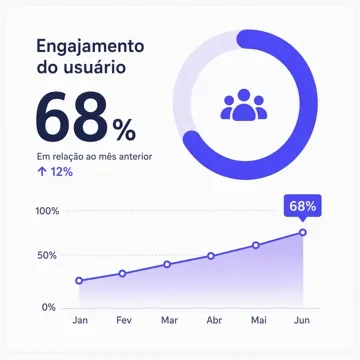
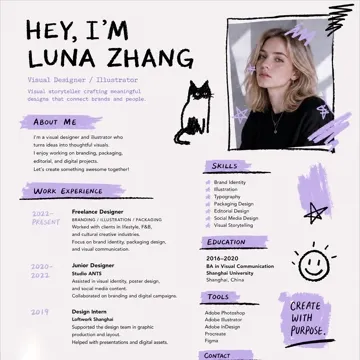




Common office visual workflows from draft content to finished files.

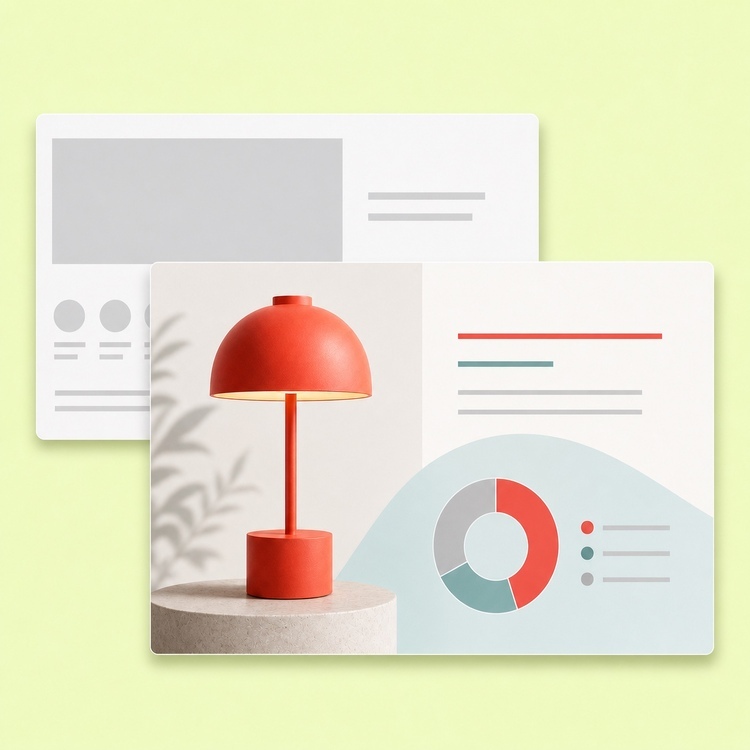
Reports & Proposal Creation
- Scattered notes and data often need structure before they become a presentable deck.
- Generate presentation outlines, slide titles, and content hierarchy.
- Organize page flow so conclusions come first.
- Use for weekly reports, project reviews, proposals, and pitch decks.
Data & Information Visualization
- Dense data and process notes are hard to scan in plain text or tables alone.
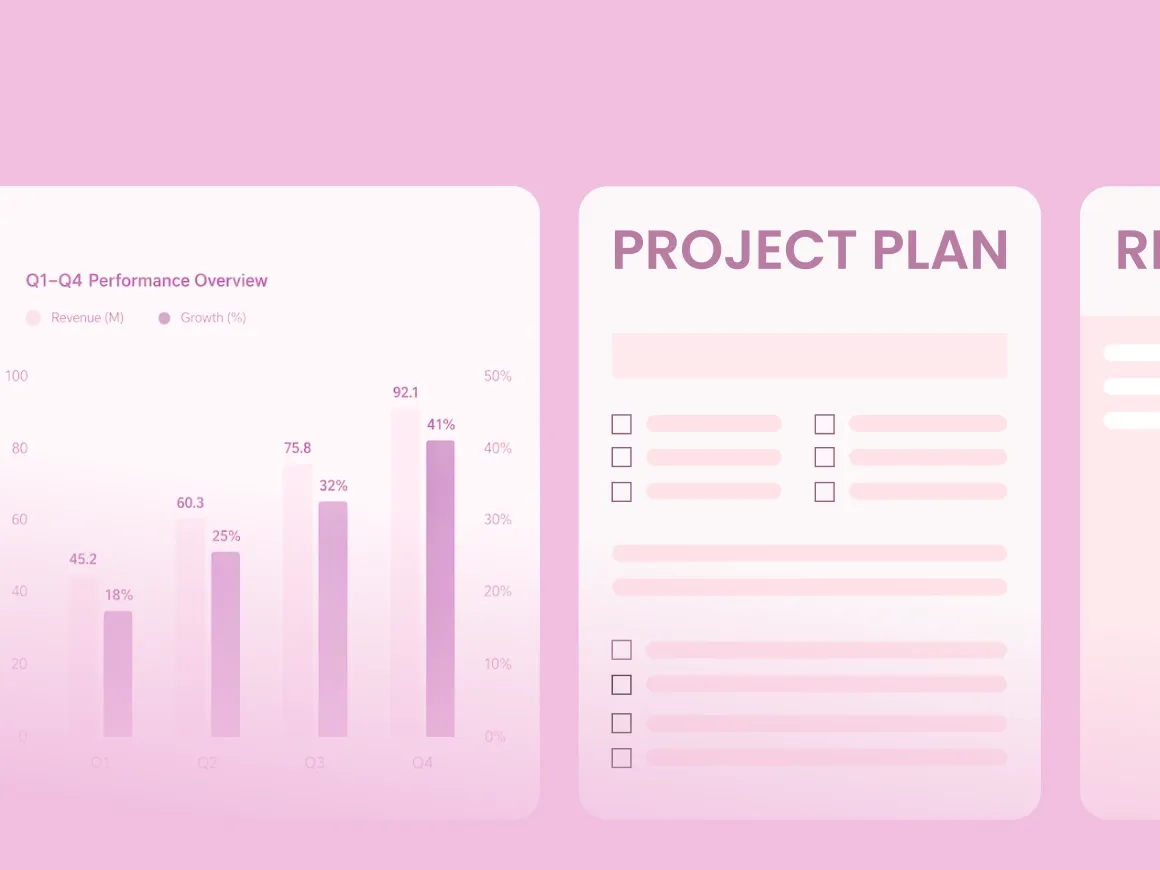
- Create charts, infographics, flowcharts, and comparison slides.
- Use visual hierarchy to highlight key numbers and takeaways.
- Use for team updates, executive reviews, client decks, and cross-team reviews.

Resume & Personal Materials
- Job applications need clear structure, readable layout, and role-specific emphasis.
- Improve resume structure, content hierarchy, and visual layout.
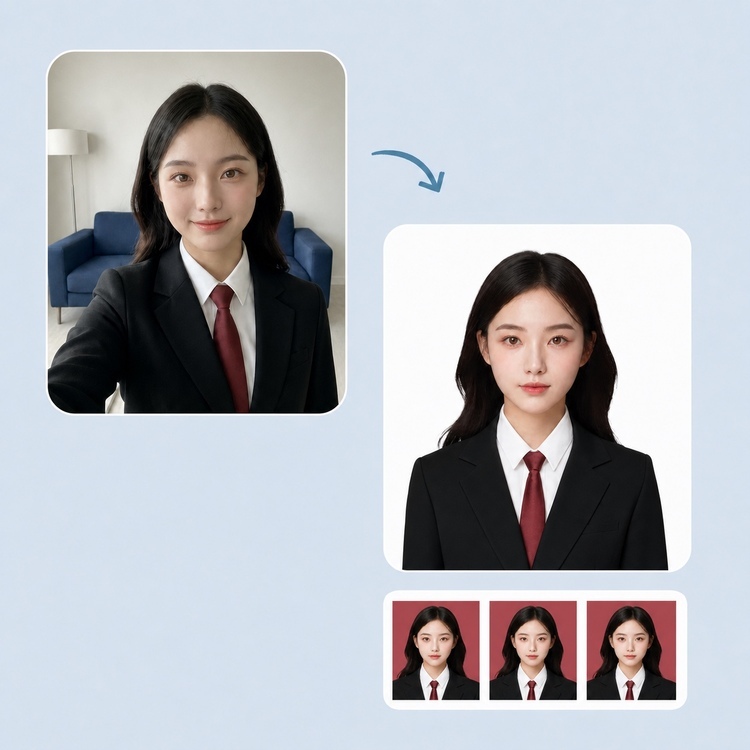
- Generate ID photos, professional headshots, and profile assets.
- Tailor experience and project highlights to each role.

Everyday Office Materials
- Teams repeatedly recreate simple visuals for notices, events, and internal comms.
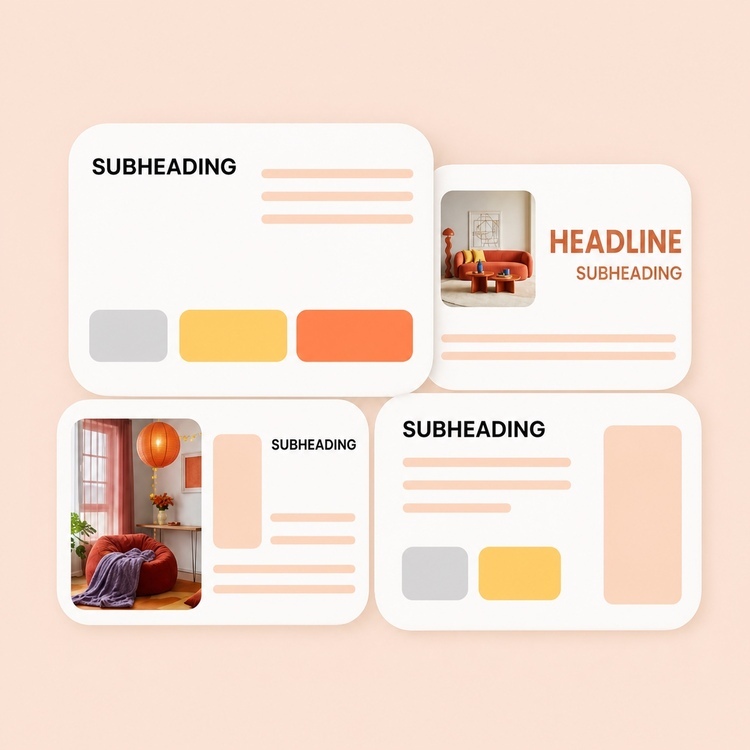
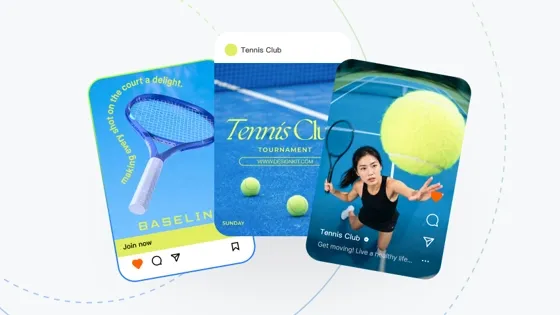
- Create announcements, invitations, certificates, meeting signage, and promo pages.
- Keep layout and visual standards consistent.
- Turn repeat requests into reusable templates.
Skills for office and productivity workflows
Need a presentation, chart, resume, or office visual? Open the Skill that matches the task.









Frequently Asked Questions
Who should use Office & Productivity Skills?
How is the Office Scene different from a Skill page?
The Scene groups office Skills by task type. Each Skill page covers one tool and its task form.
Can I use multiple Office Skills together?
Yes. Organize data with Charts & Infographics, then build the deck with Presentation Design, or pair Resume Design with ID Photos.
What can Office & Productivity Skills do?
Work reports, business proposals, data visualization, resume creation, and office materials. Capabilities vary by Skill.
Can I start immediately?
Yes. Select a Skill, add your brief or upload files, and generate results in the task view.


