
AI Virtual Try-On for Clothing, Shoes and Jewelry
Turn product photos into virtual try-on images for clothes and shoes. Publish on-model fashion visuals without booking a shoot.
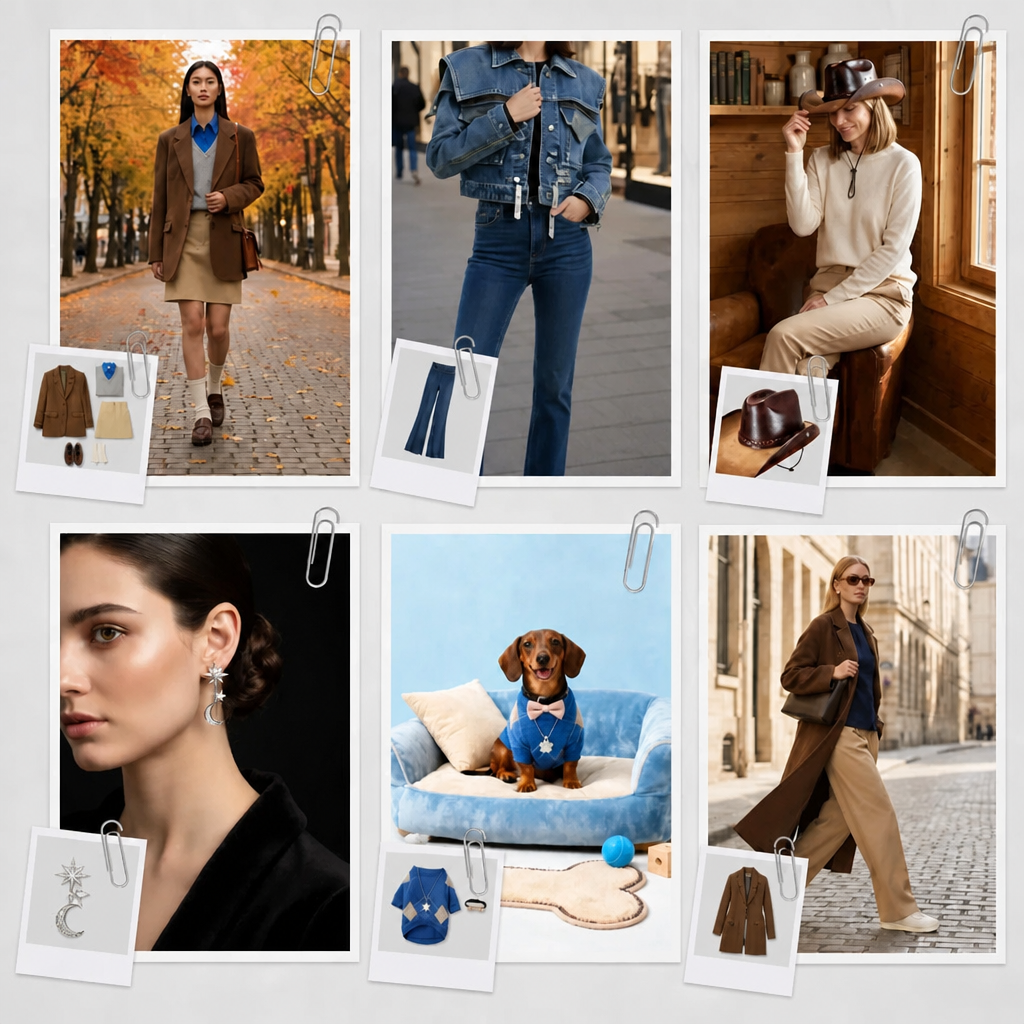
How to Create a Virtual Try-On With AI
Step 1. Upload Your Product Photo
Upload a photo of your clothes, shoes, or accessories. Flat-lay, white-background, or simple phone photos all work.
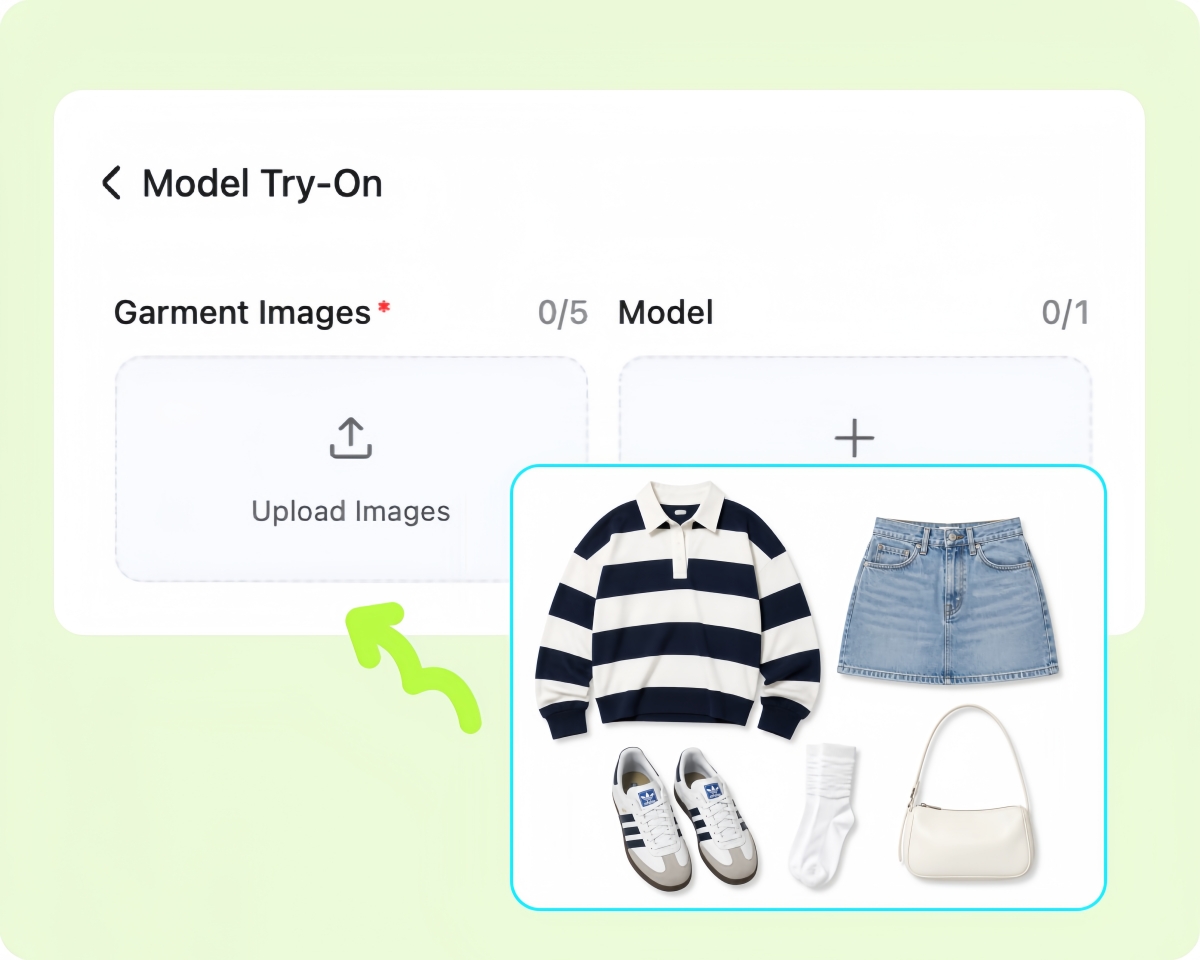
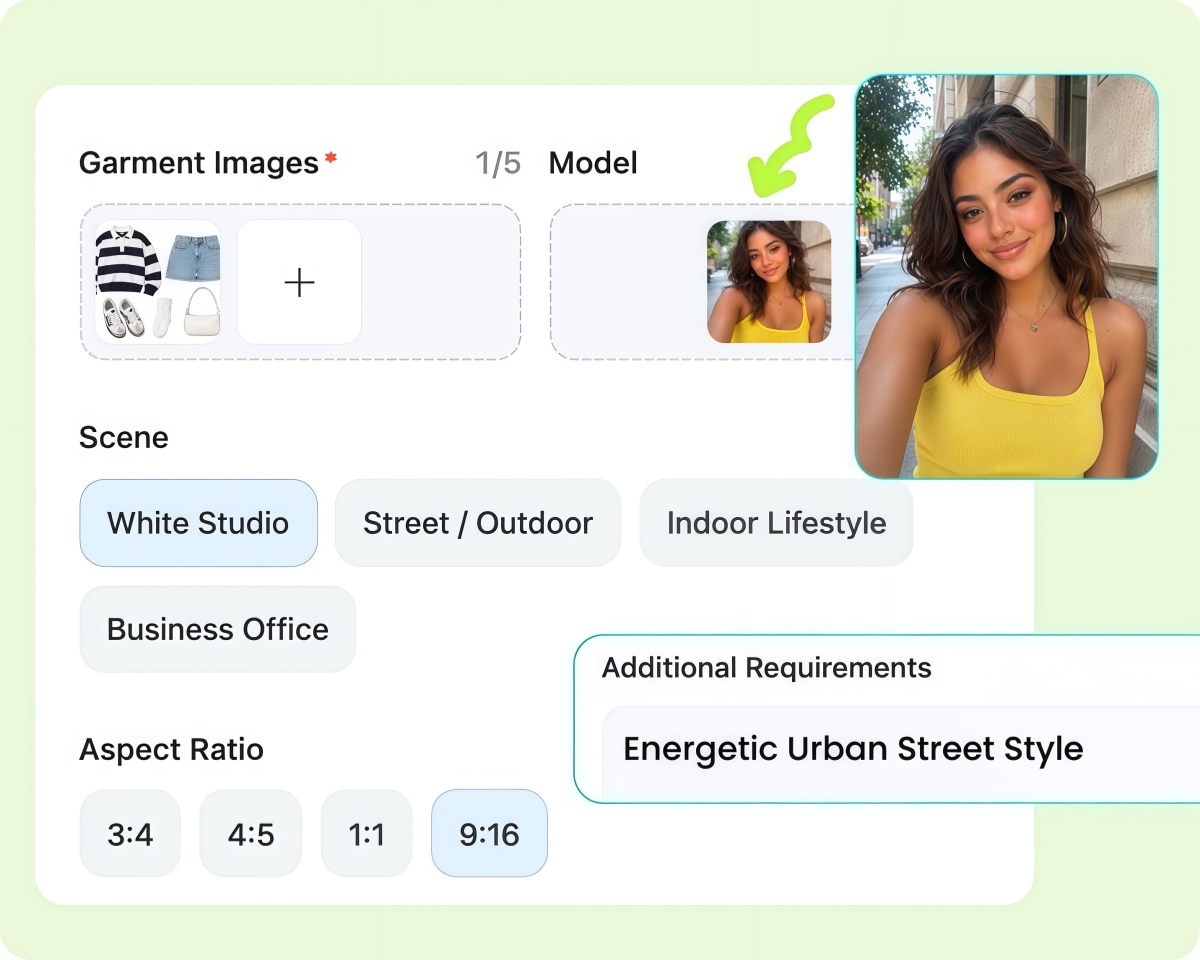
Step 2. Set Your Model, Scene, and Style
Choose a model reference, scene, and aspect ratio. Add a short prompt to set the style, such as “Energetic Urban Street Style.”
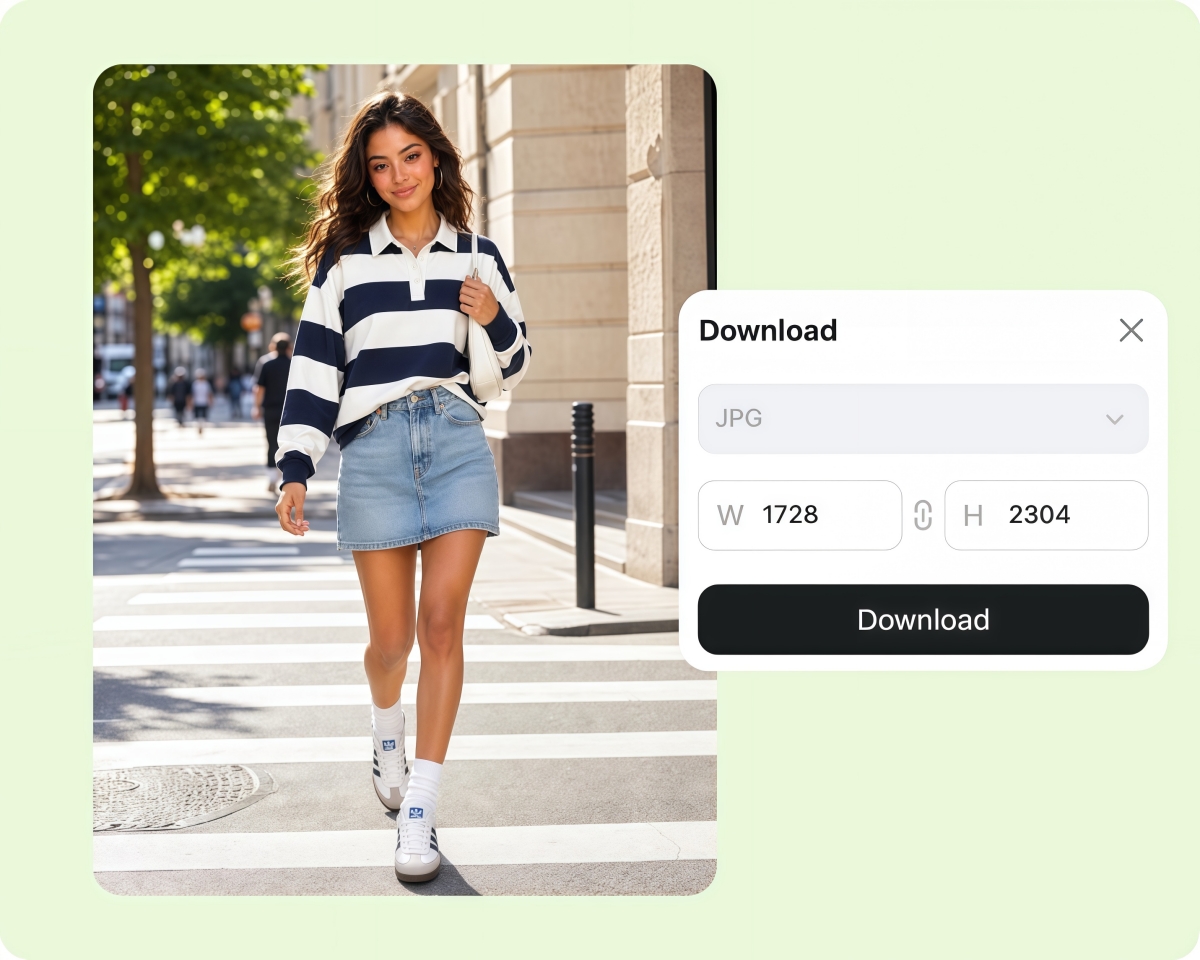
Step 3. Generate and Export Your Try-On
Click Generate to create your on-model image, then download high-resolution files for product pages, listings, and ads.
Create Virtual Try-On Images for Every Product
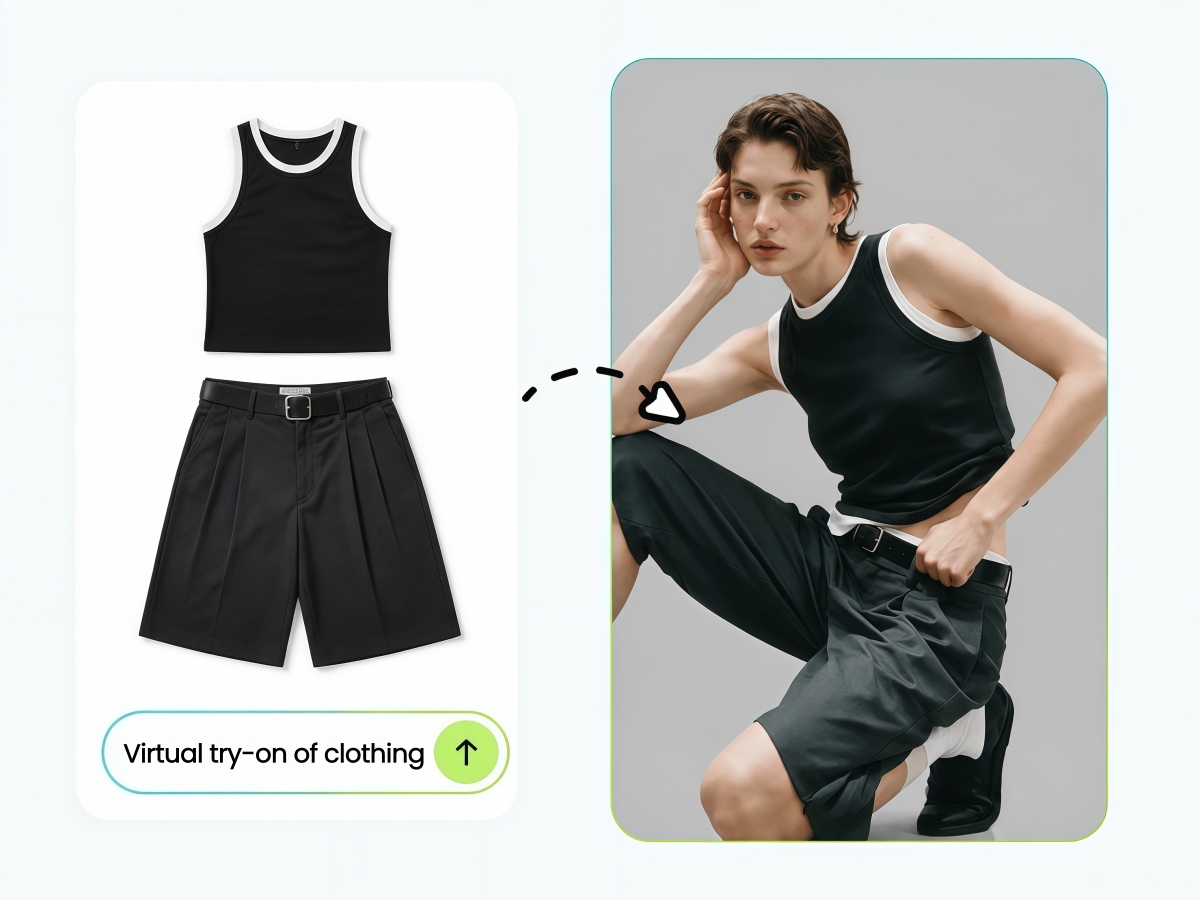
Turn Flat-Lays into On-Model Images
Turn flat-lay or white-background product photos into realistic virtual try-on images. Choose the model’s ethnicity, age, body type, and pose while keeping the product’s shape, color, and fabric details clear.
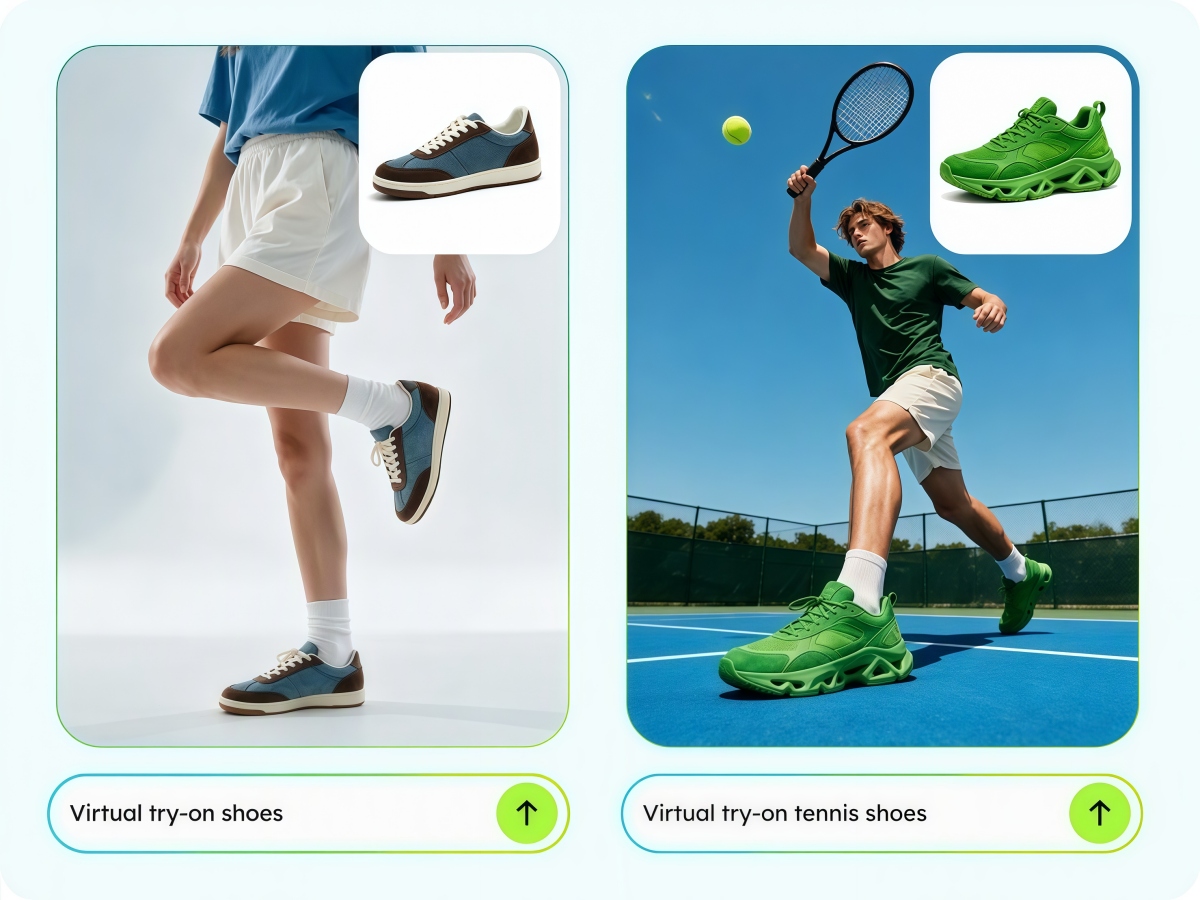
Create On-Model Shoe Images
Show shoes on a model instead of relying on product-only photos. Generate different poses and angles to give shoppers a clearer view of how the shoes look when worn.
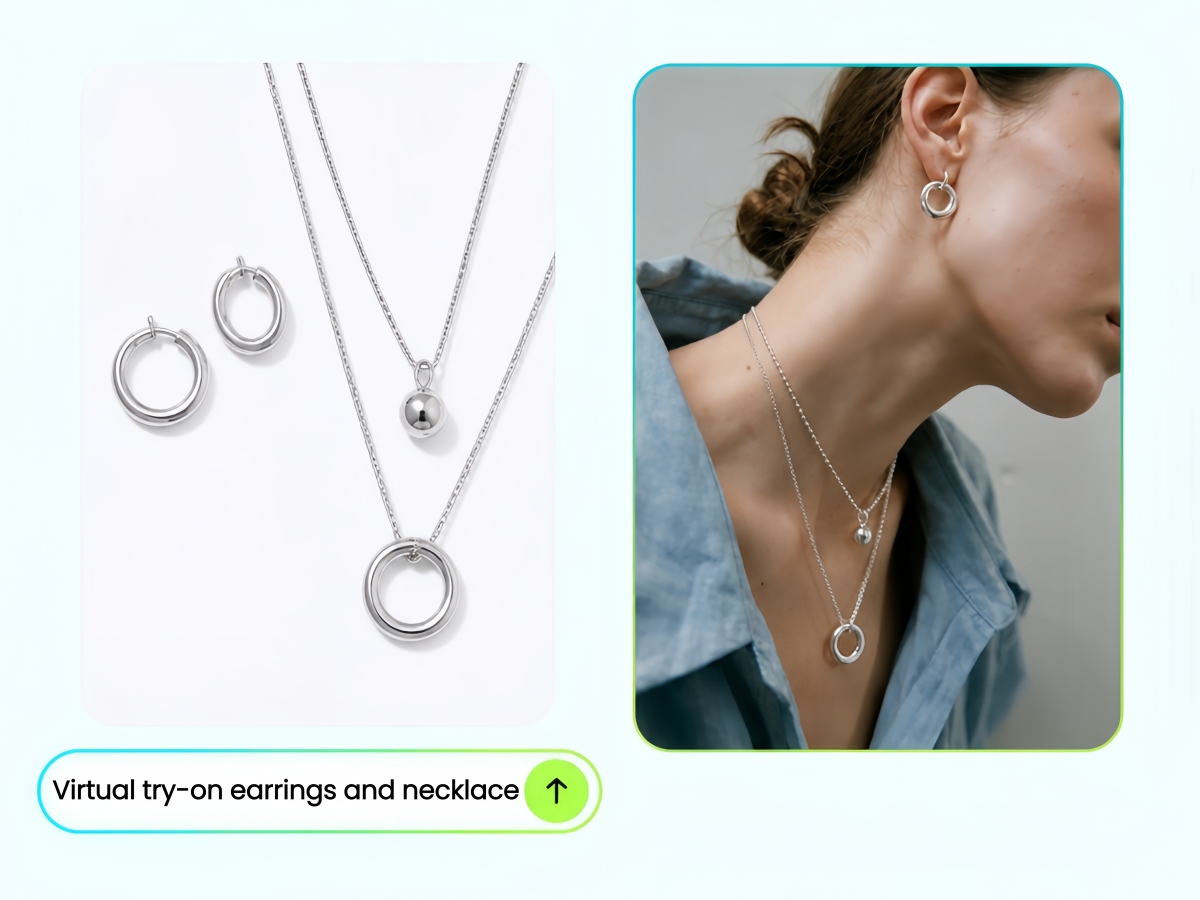
Show Jewelry on a Model
Help shoppers see the size and style of jewelry when worn. Create close-up try-on images for earrings, necklaces, rings, glasses, bags, and other accessories.
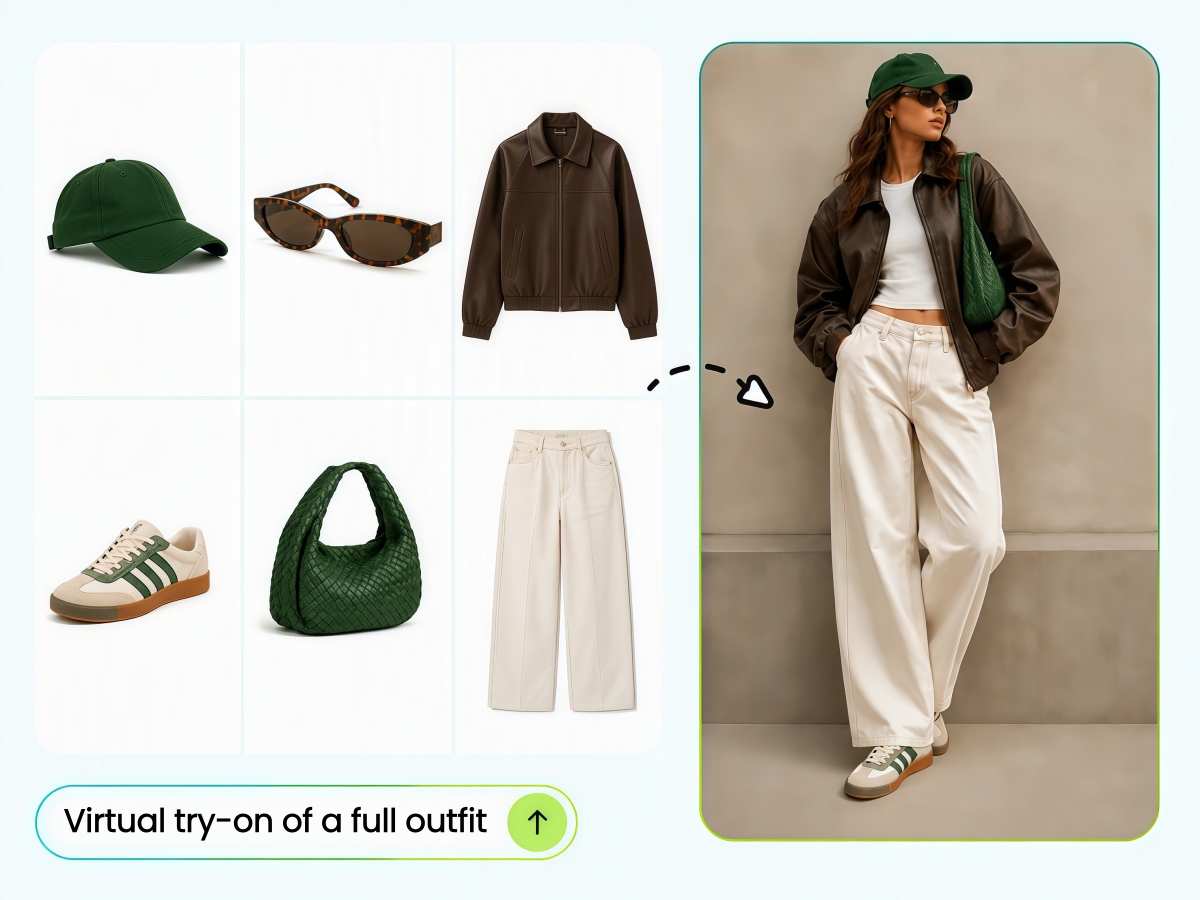
Create Complete Outfit Try-Ons
Combine multiple products into one complete look. Upload tops, bottoms, shoes, bags, and other pieces to create coordinated outfit images for product pages, lookbooks, and campaigns.
Who Is Designkit Virtual Try-On For
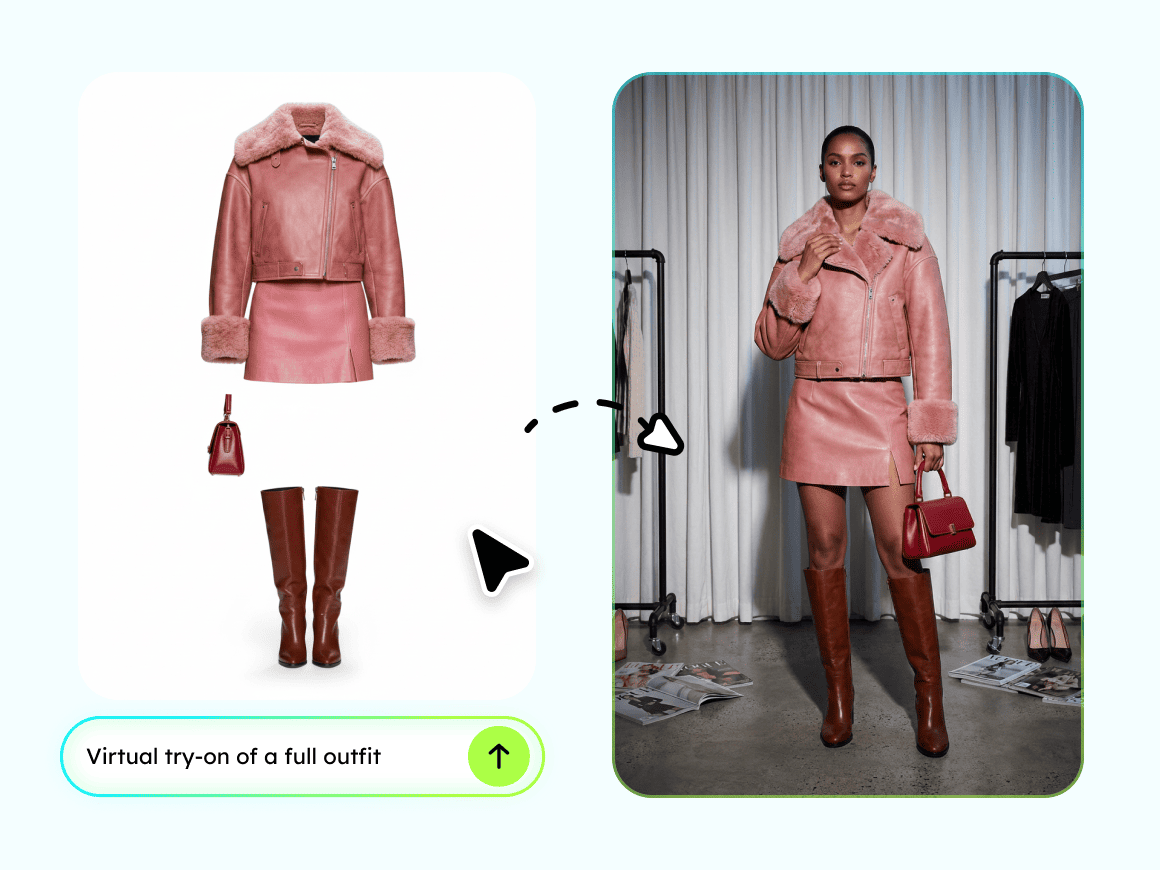
Small Fashion Sellers: Sell Without a Photoshoot
Turn product photos into on-model images without hiring models or booking a studio. Create ready-to-use visuals for new products in minutes.
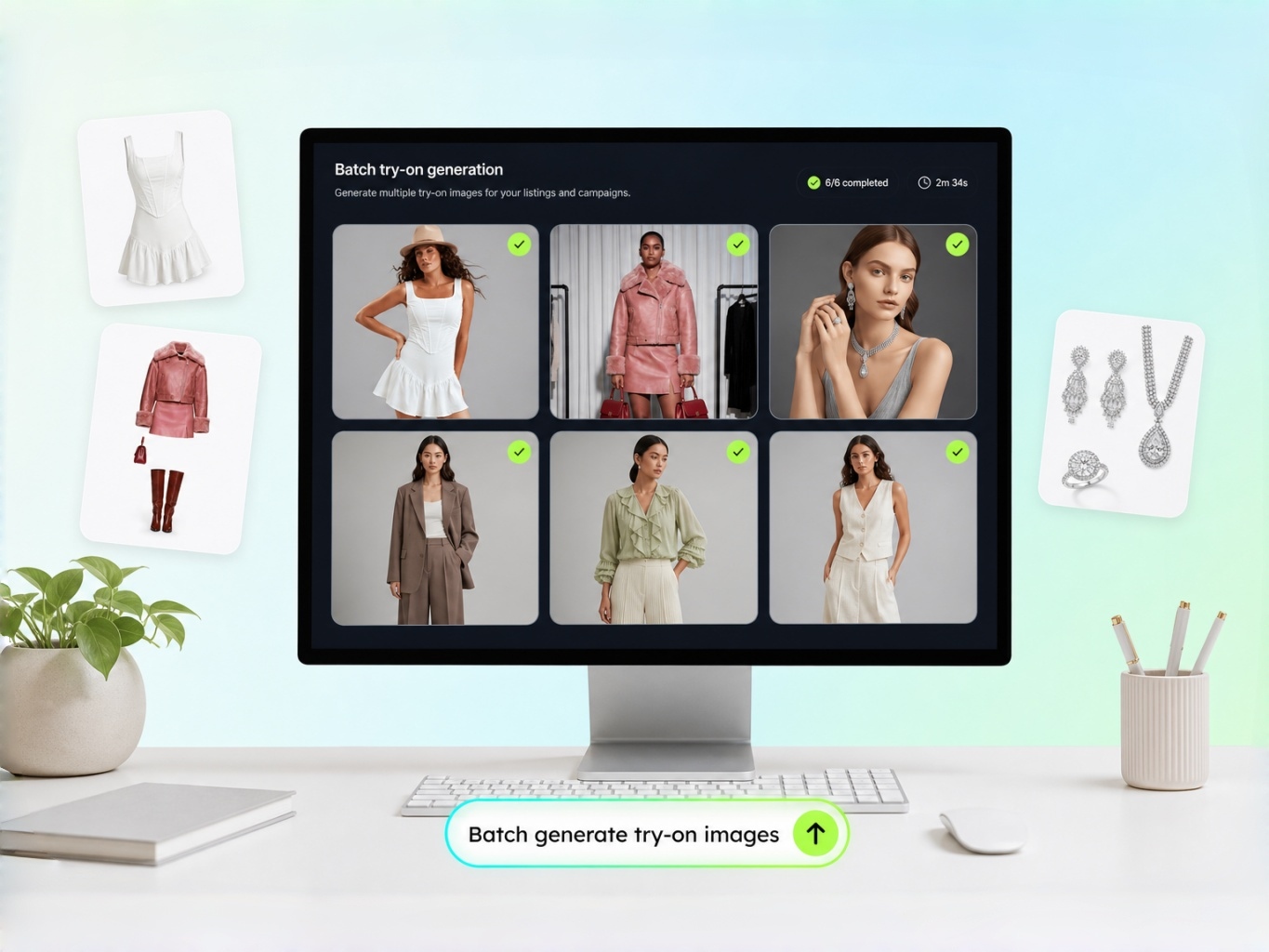
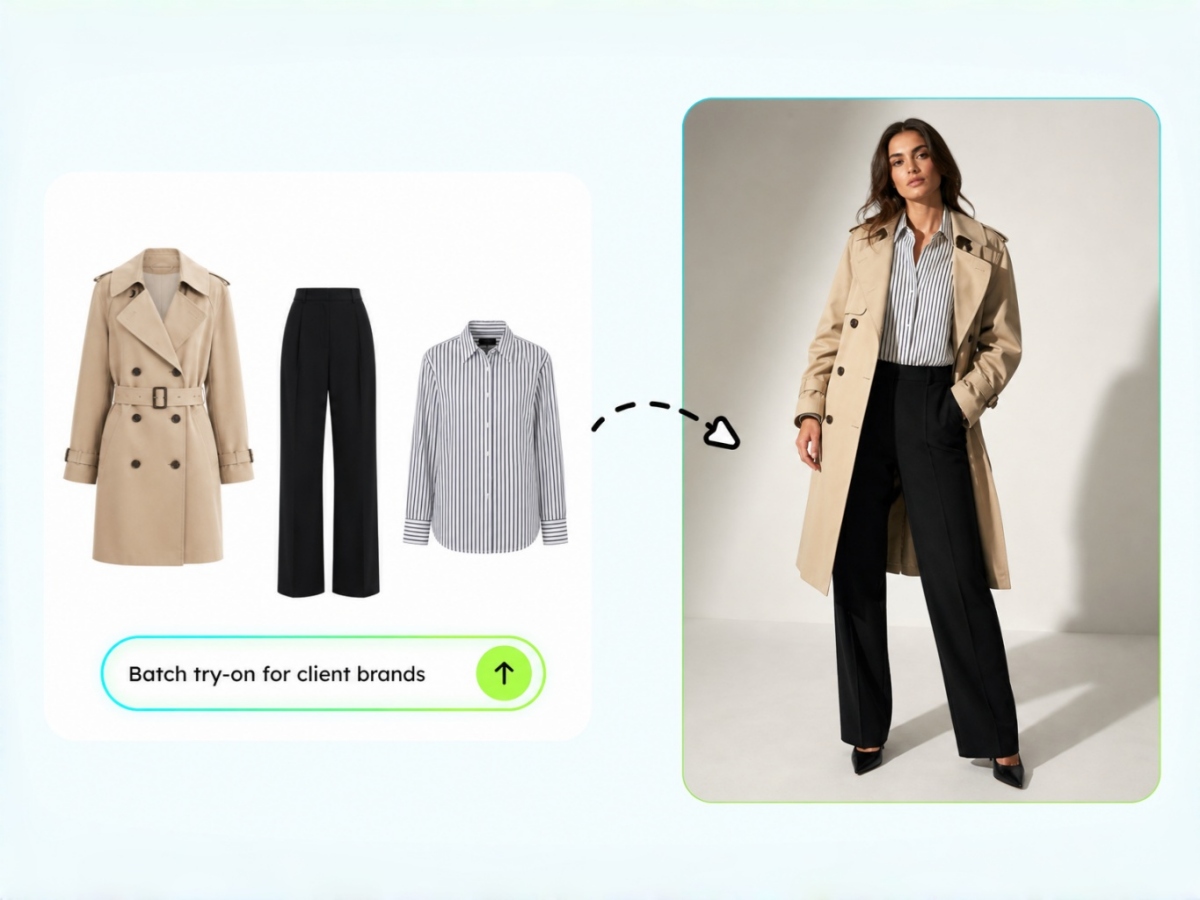
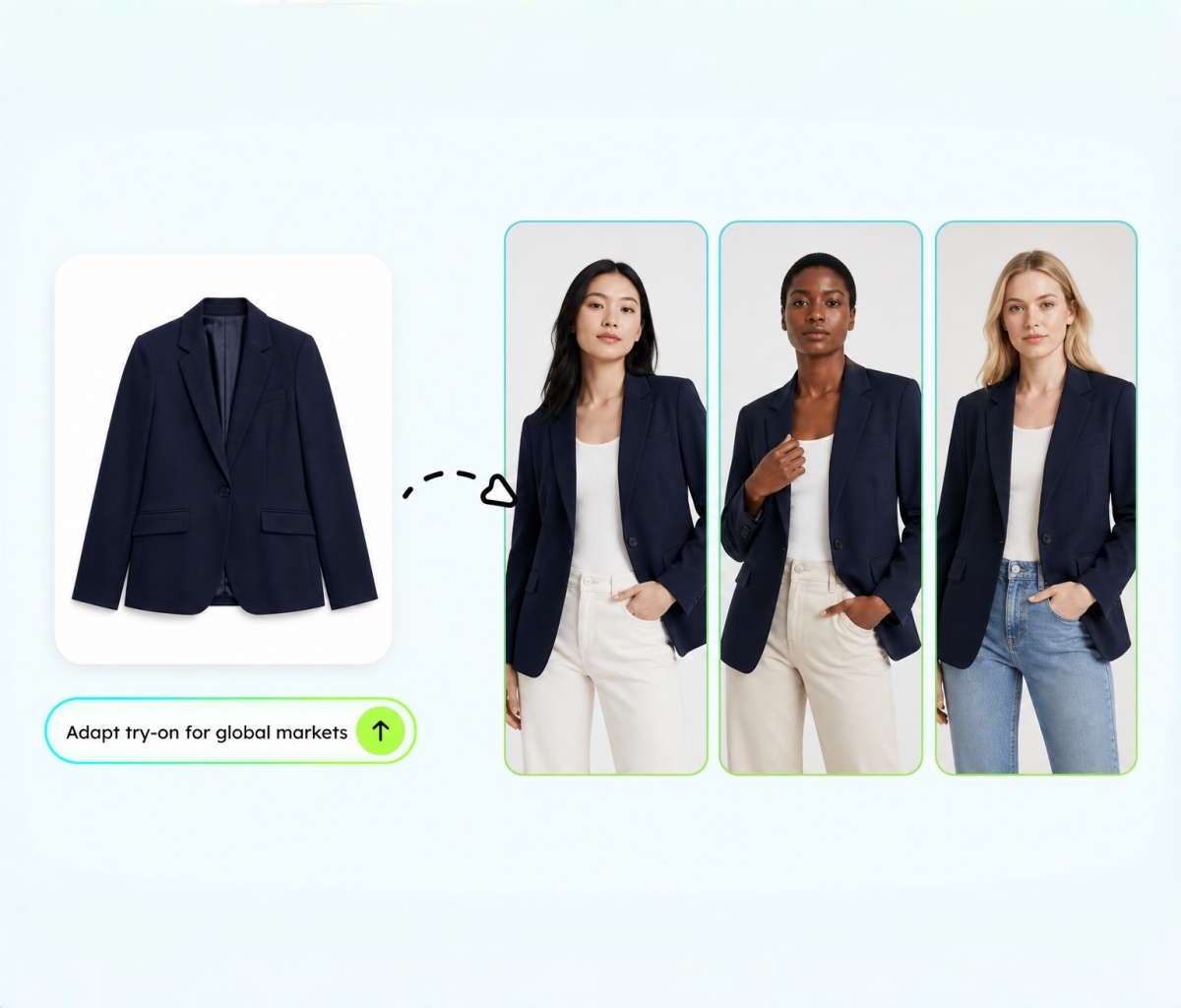
Why Choose Designkit for Virtual Try-On
On-Model Images Without a Shoot
Turn flat-lay or white-background product photos into realistic try-on images without casting, samples, or studio shoots.

Try On Clothes, Shoes, Jewelry & More
Create try-on images for clothes, shoes, jewelry, accessories, and complete outfits in one workflow.

Keep Your Model Look Consistent
Upload a model or face reference and create consistent try-on images across your product catalog.
Try On Types You Can Create with Designkit
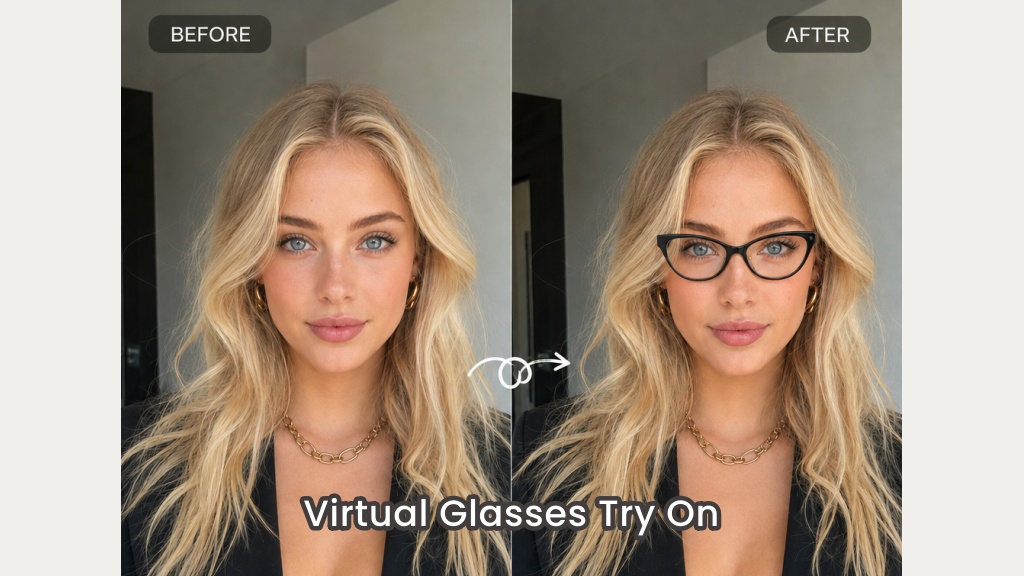
Virtual Glasses Try-On
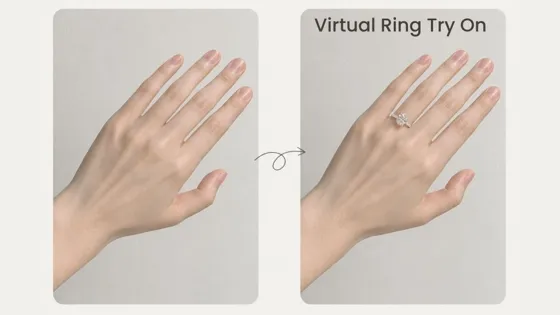
AI Virtual Ring Try-On
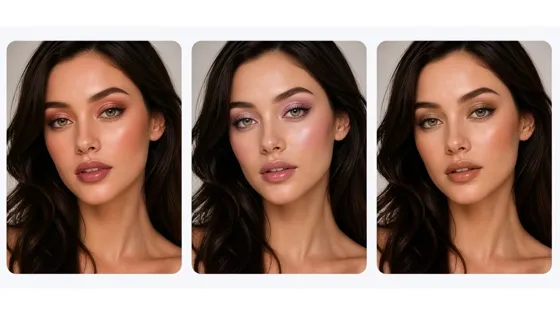
Virtual Makeup Try-On
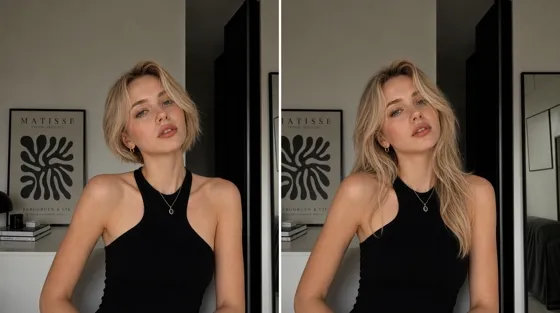
AI Hairstyle Changer
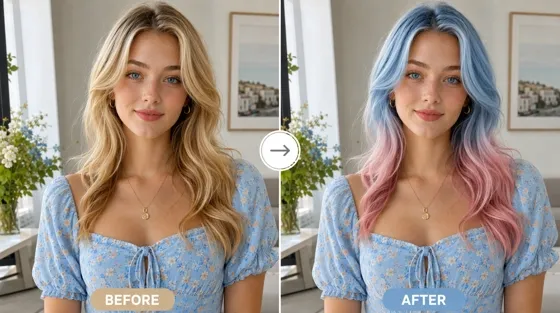
AI Hair Color Changer
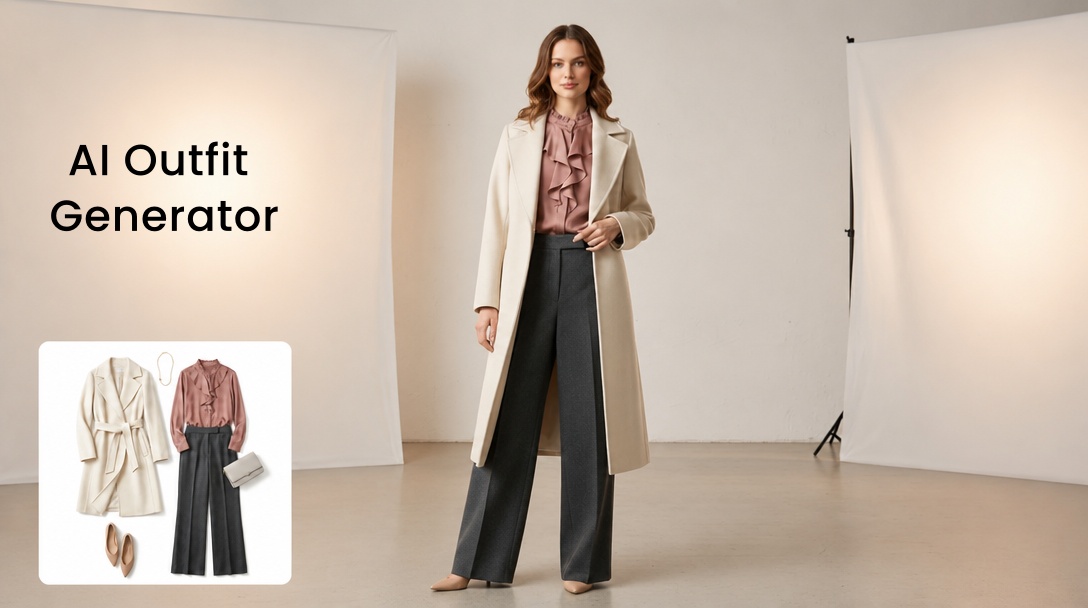
Free AI Outfit Generator

Free AI Clothes Changer

AI Fashion Model Generator
Frequently Asked Questions
Is it possible to virtually try on clothes online?
Which AI application offers virtual clothing try-on functionality?
Designkit is one of the top AI applications on the market that provides virtual try-on services. You can upload photos of garments, whether they are for men, women, or children, and observe their fit on a variety of virtual fashion models. Whether you are a fashion designer looking to create product images or an online consumer seeking a quick understanding of the fit, this tool allows you to rapidly grasp the clothing's wearing effect.
Can specific clothing categories be selected during the virtual try-on process?
Yes, of course. The online AI apparel replacement tool has a user-friendly interface, allowing users to conveniently select specific clothing items they wish to try on, such as tops, skirts, jumpsuits, dresses, suits, pants, shorts, and more. The selection range is very extensive.
Do I need a real model or design skills for virtual try on?
No. Upload a product photo, set model preferences, and generate the try-on. Flat-lays and basic phone photos work for clothes, shoes, and accessories.
Can I use virtual try-on images on Shopify and Amazon listings?
Yes. Export high-resolution try-on images for ecommerce listings, detail pages, and ads. Use them as an ecommerce try-on solution across storefronts without a separate studio shoot.
Will AI virtual try on change my product’s color or details?
No. The goal is to place your garment on a model while keeping color, texture, and silhouette consistent with the upload. If a result looks off, adjust the prompt or model settings and regenerate.
Generate Virtual Try-Ons Instantly
Empower your eCommerce store with AI-generated virtual try-ons. Reduce costs, showcase products faster, and streamline your online merchandising workflow.



What E-Commerce Sellers Say About Virtual Try-On
See how brands and sellers are using Designkit's virtual try-on to launch products faster and sell with more confidence.
A Virtual Fitting Room That Actually Works
We used to spend a huge part of our budget booking models and photographers every season, but this virtual try on tool replaced most of that spending entirely. I upload a flat lay of the garment, pick a model, and get realistic images in under a minute. It has become the fastest way we produce new listing photos.
Fabric Drape Looks Genuinely Real
As a designer, I was skeptical that AI could show how clothing actually drapes on a body, but virtual try on clothes through this tool captures fabric weight, folds, and texture surprisingly well. Silk, denim, and knitwear all behave differently in the renders, which finally gives customers an honest sense of fit before they buy.
Models That Match Every Market We Sell To
Selling the same product across Latin America, Europe, and Southeast Asia used to mean separate photoshoots for each region, which was slow and expensive. This fashion try on AI lets us swap ethnicity, age, and body type in seconds, so every storefront gets visuals that feel locally relevant without booking a single additional shoot.
Finally Confident About How Shoes Will Fit
Shoes are notoriously hard to sell online because customers can never tell how they will actually look on a foot, but this virtual fitting room shows realistic proportions across walking, standing, and sitting angles. Return rates on fit complaints have noticeably dropped since we started using these renders on our product pages.
Scaled Our Whole Catalog in Days, Not Months
Generating outfit sets used to require coordinating stylists, photographers, and multiple studio days for every combination we wanted to sell. As an ecommerce try on solution, this tool let us batch produce top, bottom, and accessory combinations across hundreds of SKUs in days, which noticeably boosted our cross-sell numbers almost immediately.