
AI Video Generator Built on Gemini Omni
Upload a video or write a prompt. Gemini Omni relights scenes, swaps backgrounds or products, changes characters, and applies style transfer.
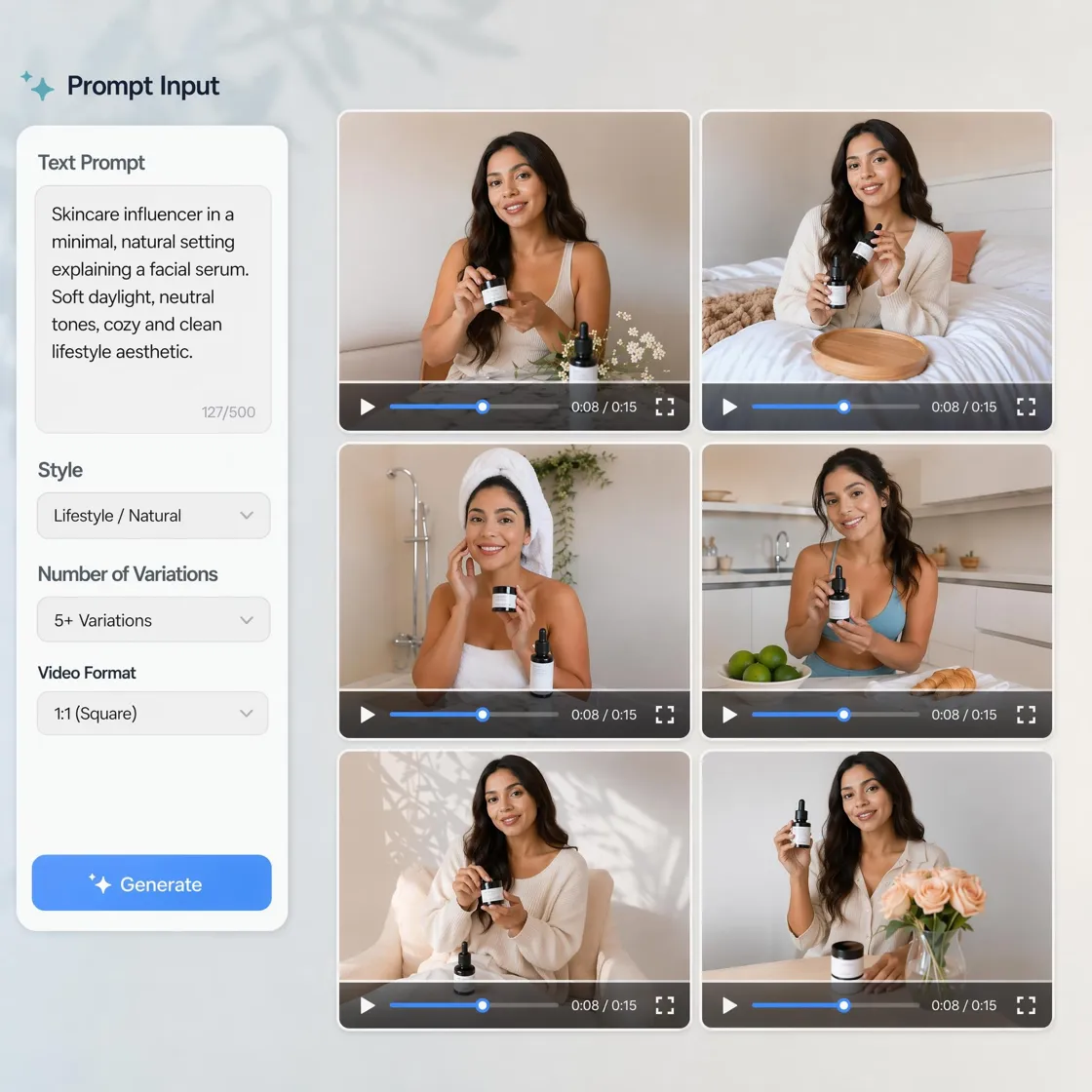
How to Generate and Edit Videos with Gemini Omni
Upload your video
Upload an existing clip or generate a new one from a text prompt to start editing.
Describe the change
Tell the AI what to change: lighting, background, product, character, or visual style.
Review and download
Preview the result, adjust details manually if needed, then export your finished video.
Gemini Omni AI Video Generation and Editing Capabilities
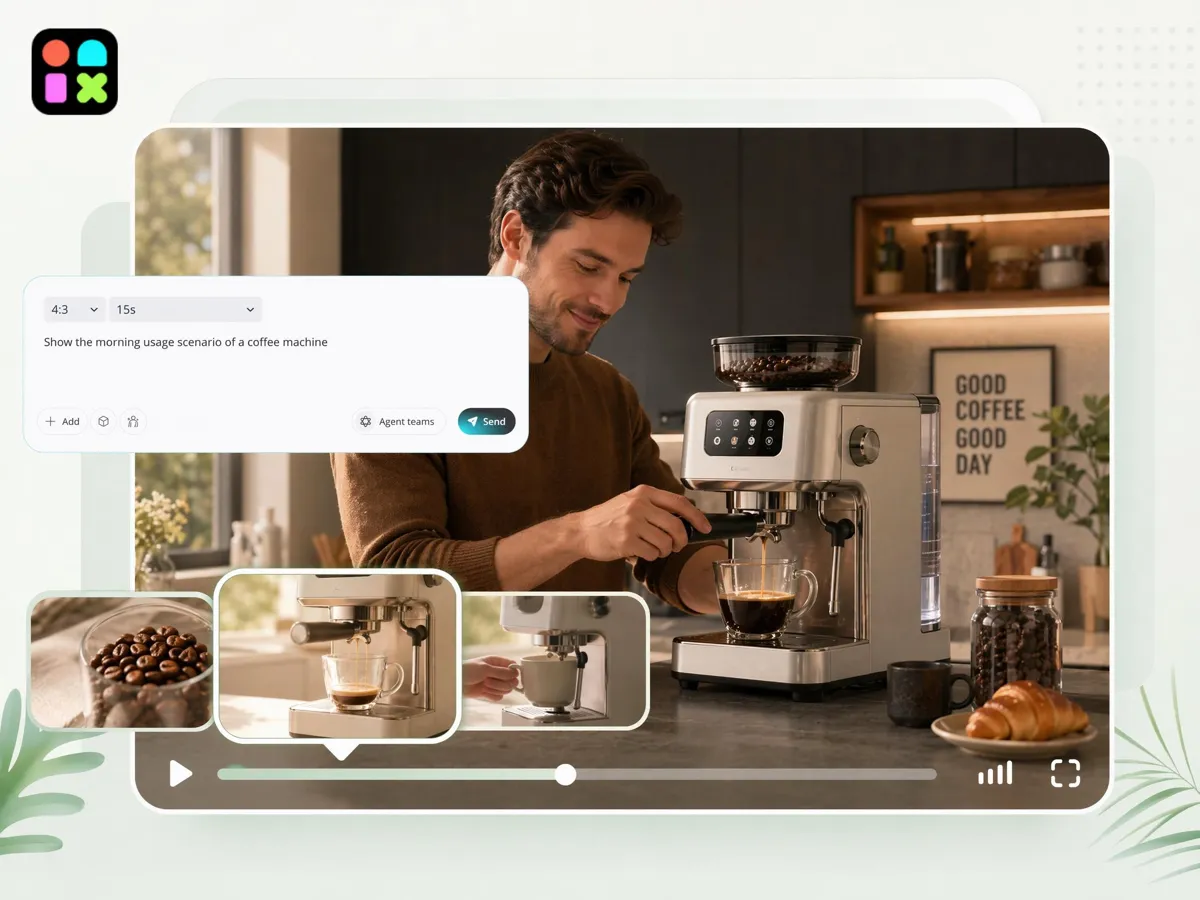
Text to Video Generation
Generate video clips directly from text prompts with basic motion and scene composition. Best results occur with simple camera movement and clear subject definitions.
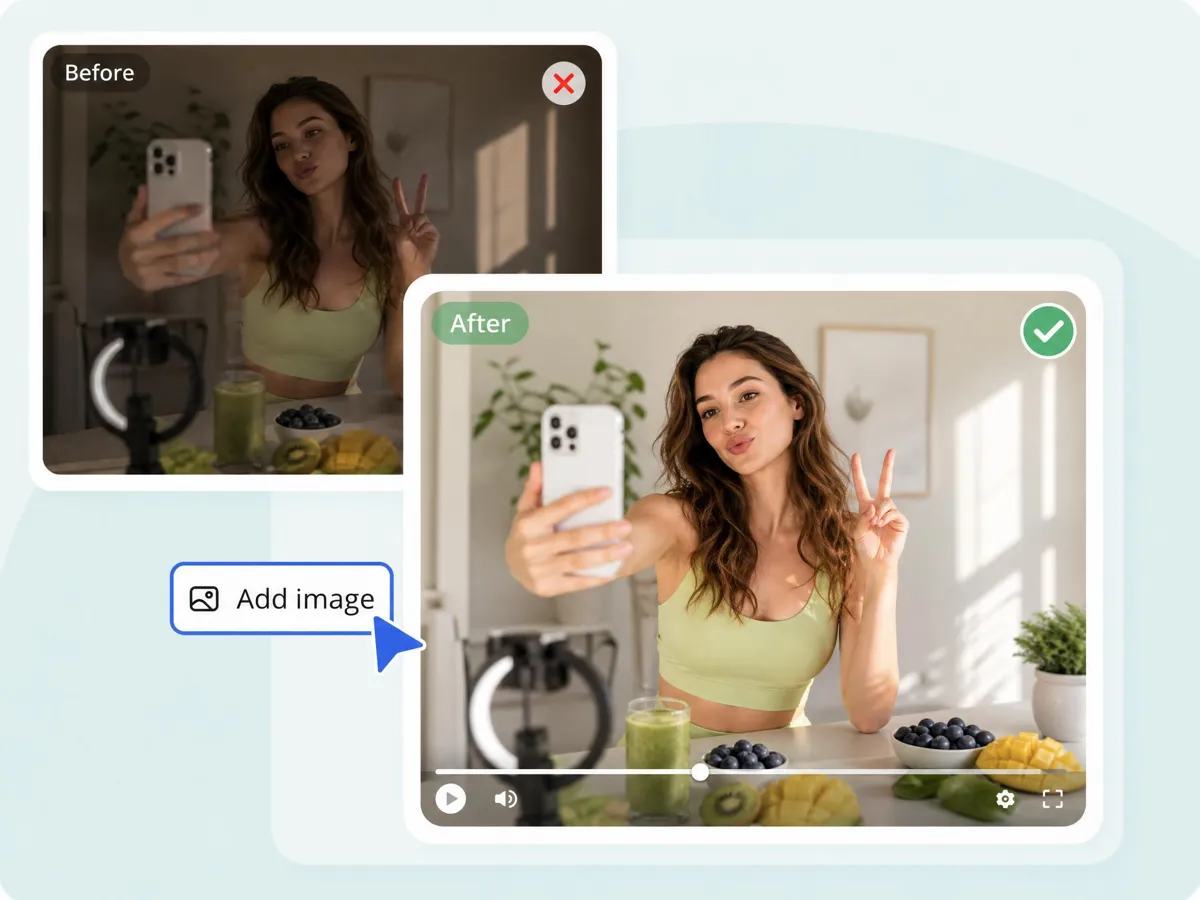
Relighting and Scene Atmosphere Control
Gemini Omni adjusts lighting and mood while preserving subject motion. It works well for converting daytime clips into night, sunset, or studio-like environments with consistent scene structure.
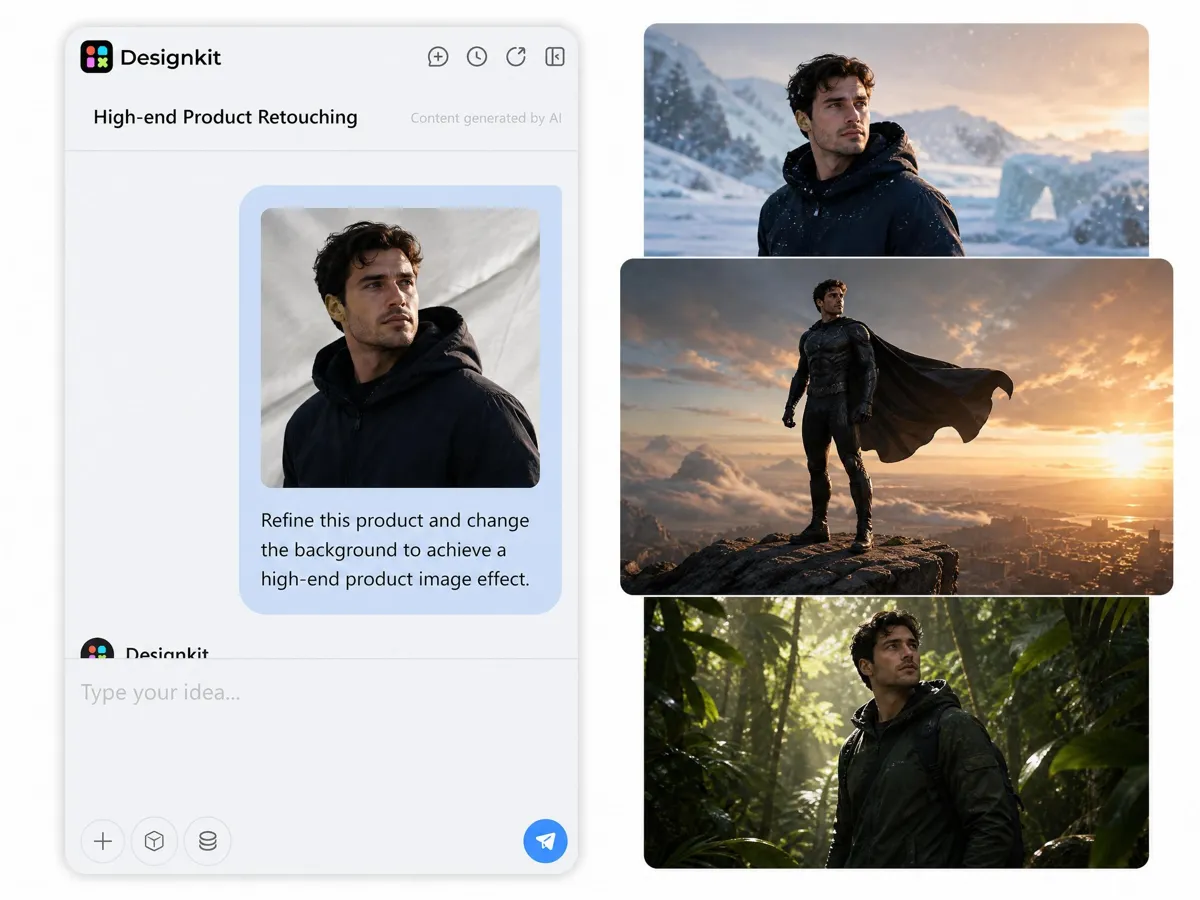
Background and Environment Transformation
Replace backgrounds such as indoor rooms, outdoor streets, rain scenes, or fire environments while keeping the subject stable and aligned with the new context.
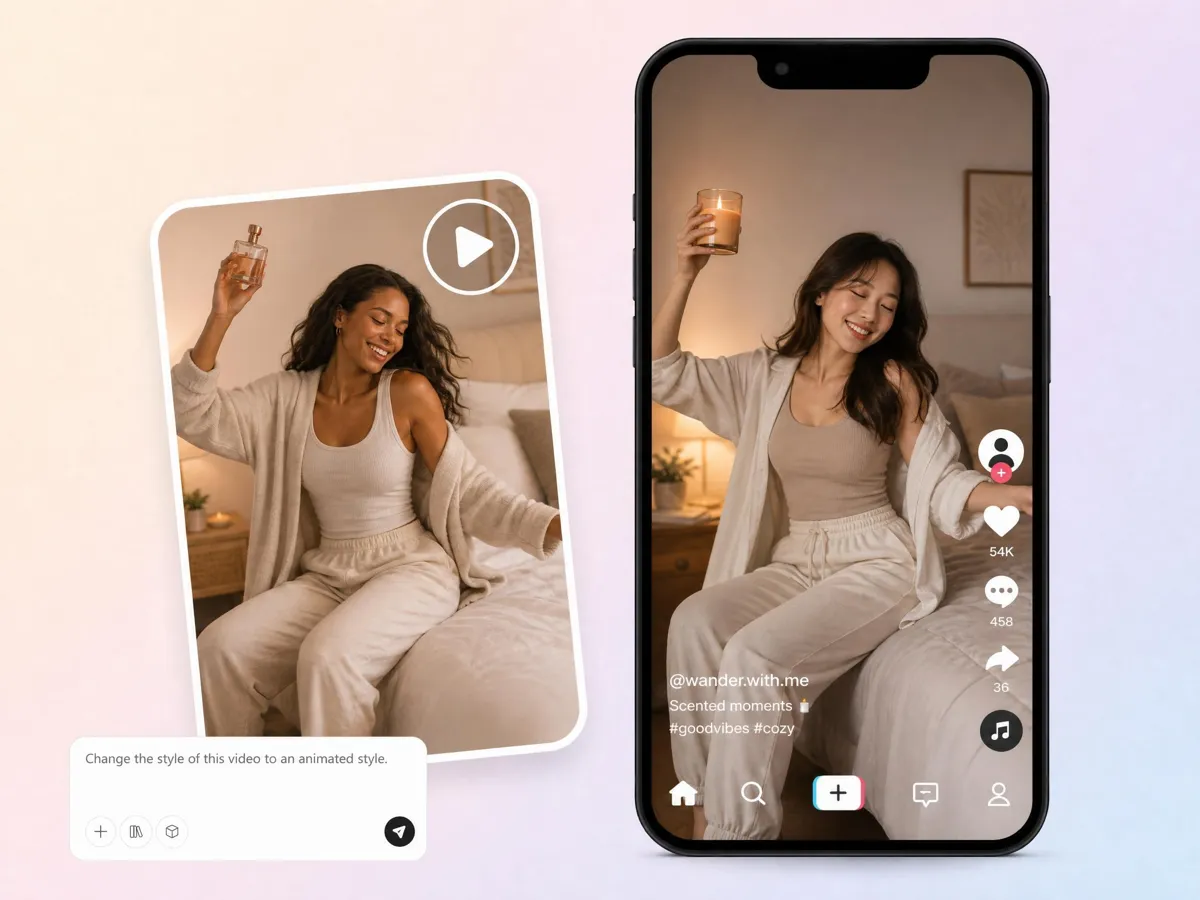
Product and Object Replacement in Video
Swap objects in a scene such as products held by users. The system maintains hand interaction, scale, and contact realism in most standard shots.
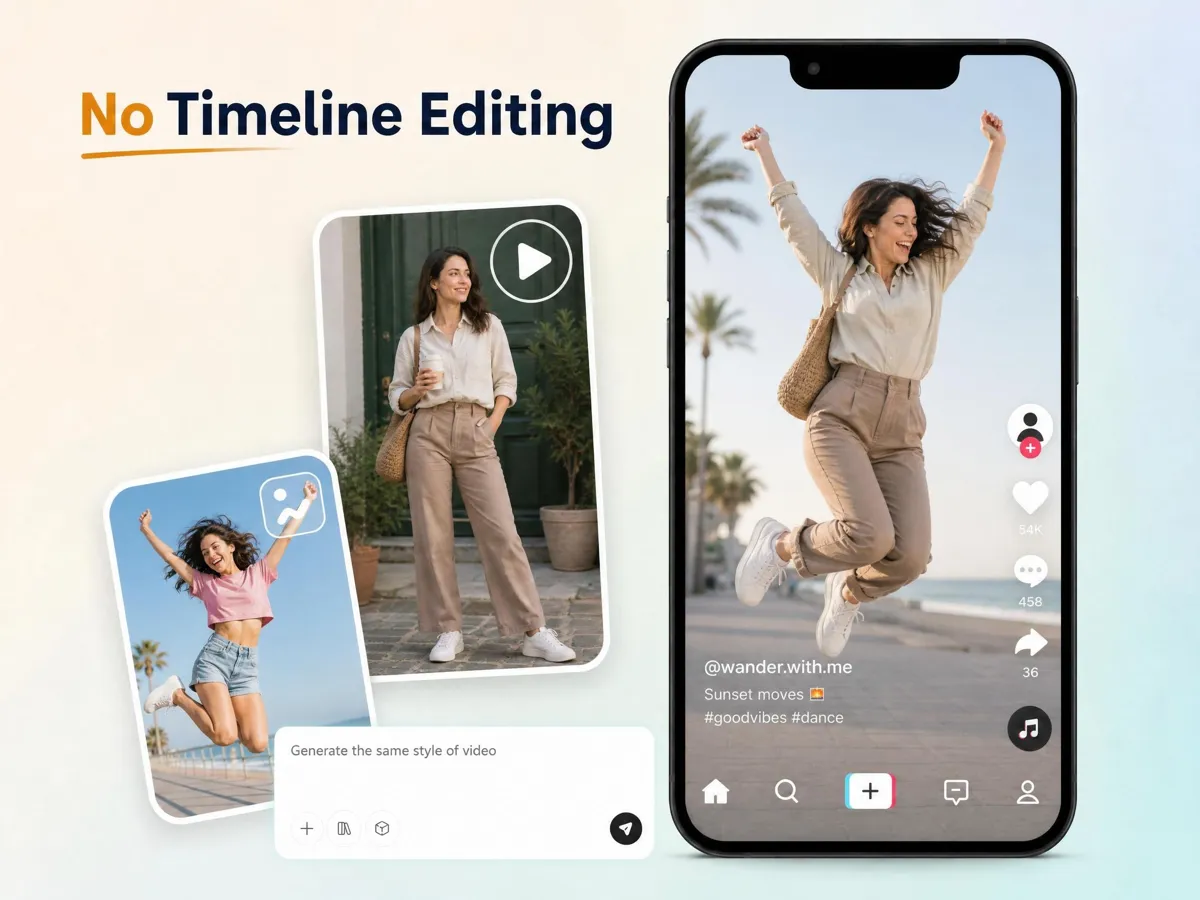
Character Swap and Identity Transfer
Replace people in a video using reference images while preserving motion, pose, and scene layout. Performance is strongest in frontal or mid-angle shots.
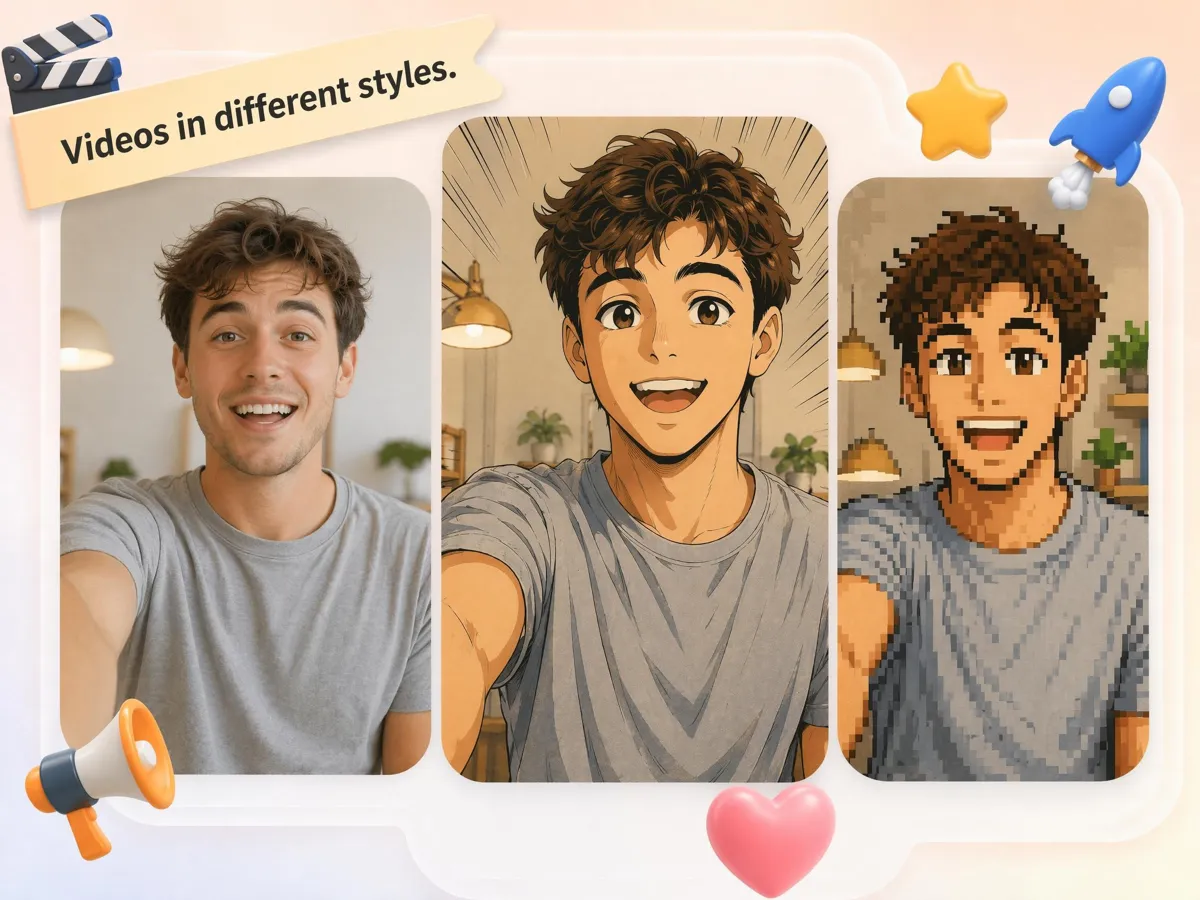
Style Transfer for Video Formats
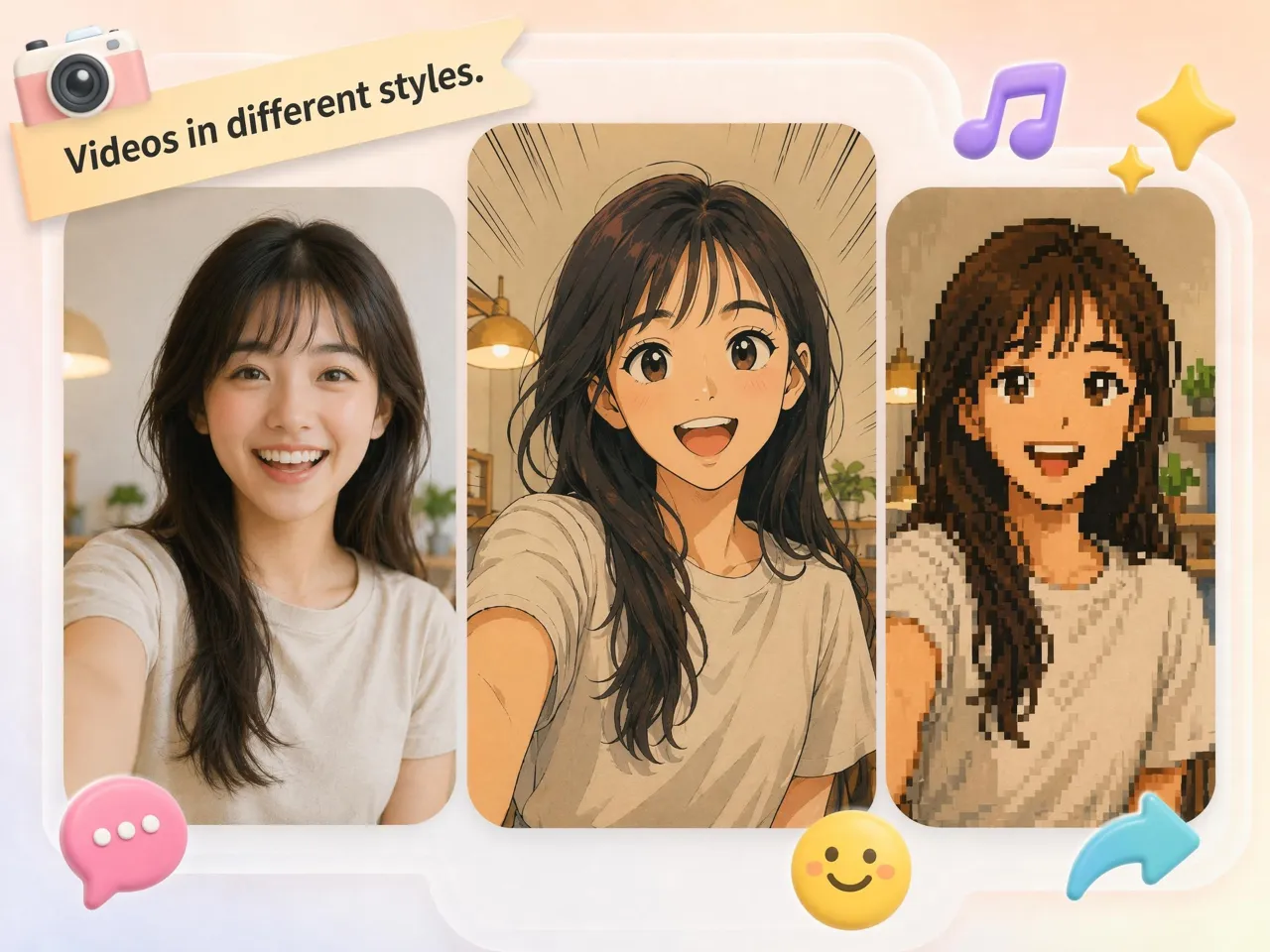
Apply styles such as cinematic, cartoon, pixel, or stylized rendering while maintaining temporal consistency across frames.
Practical Applications of Gemini Omni AI Video Generator
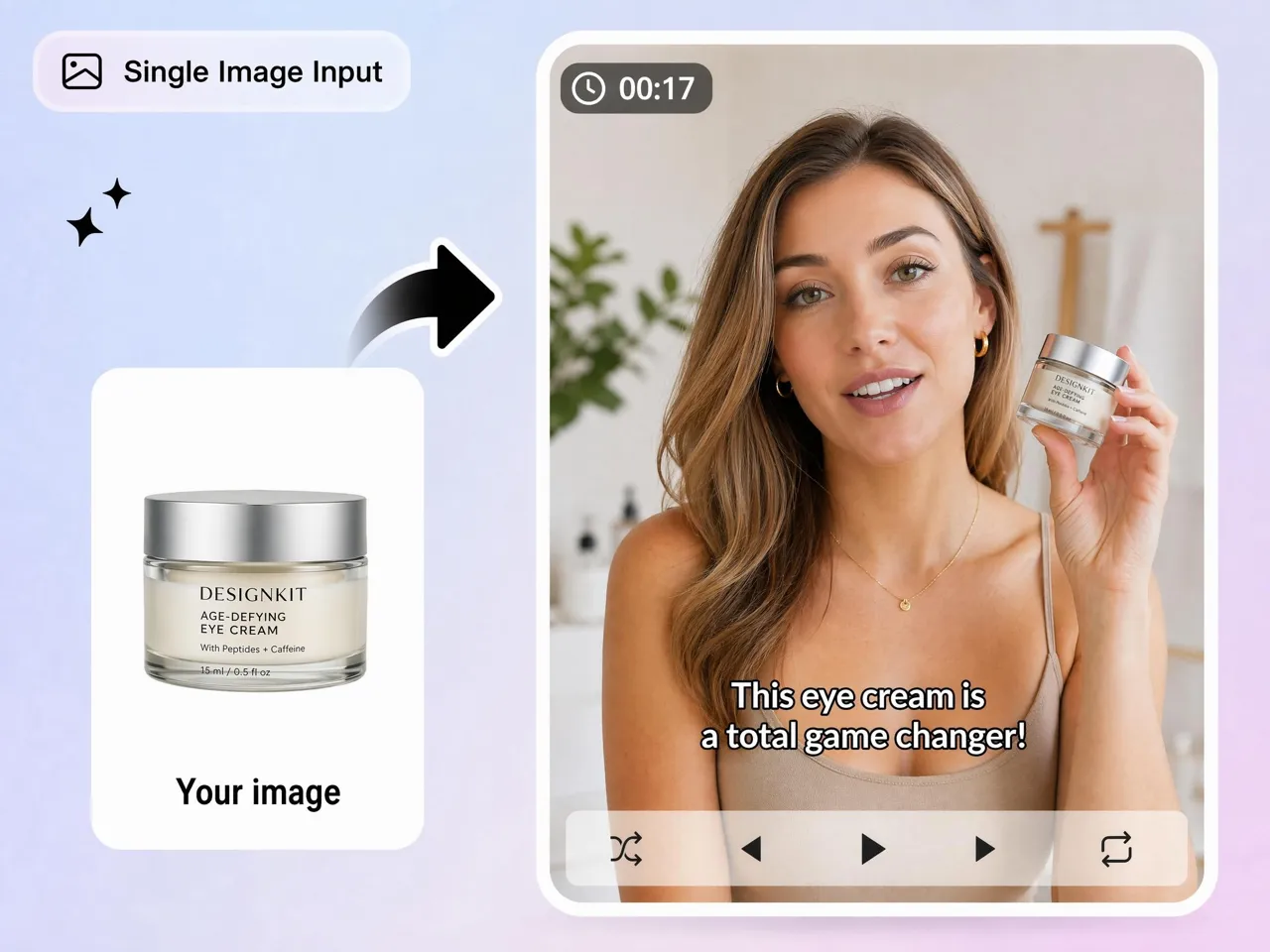
Product video variation for ecommerce
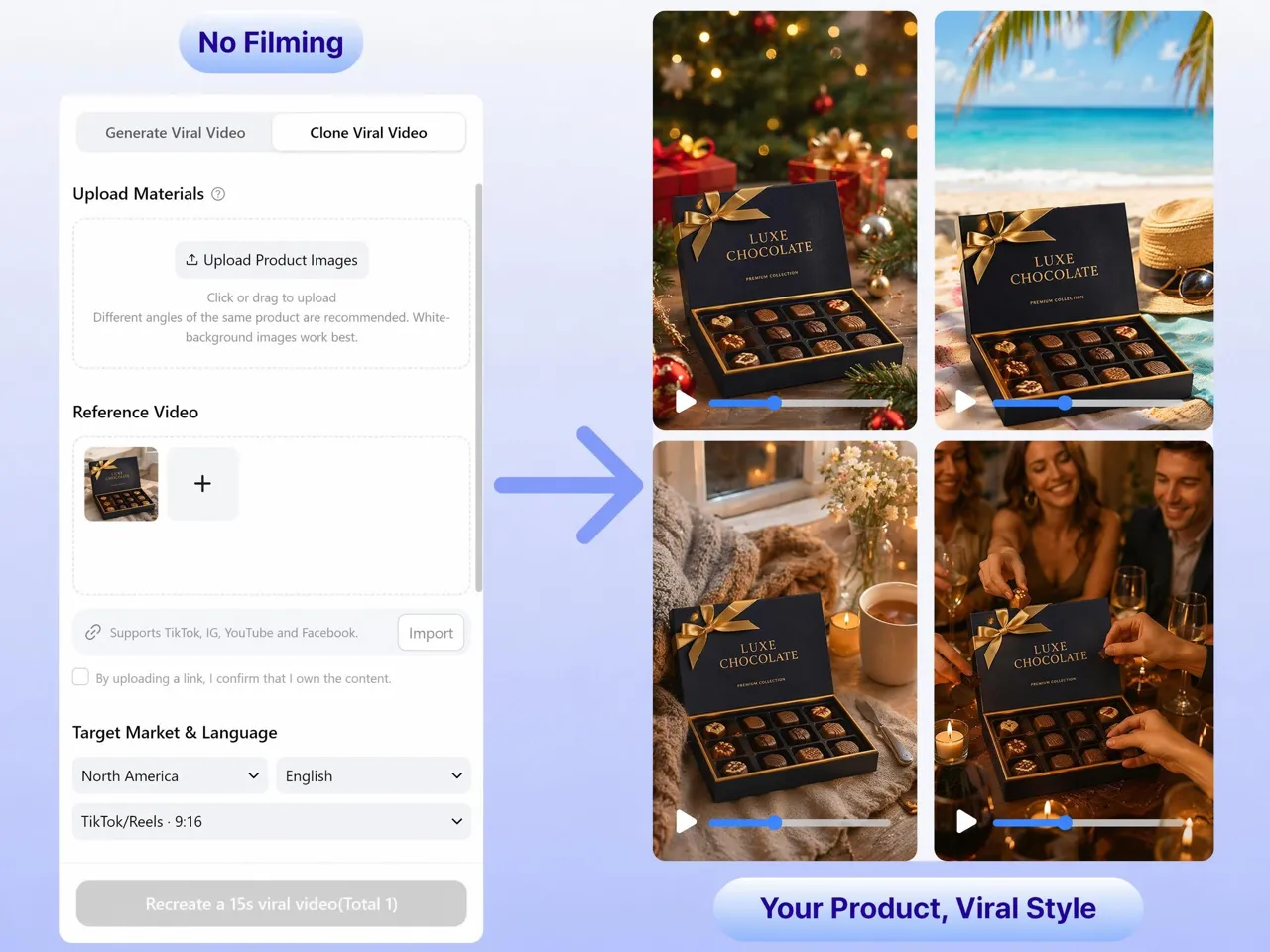
Convert product clips into different environments such as studio, outdoor, or branded showroom scenes while keeping the product consistent. Useful for Shopify and Amazon creatives.
Why Use Gemini Omni in Designkit AI Video Workflow

Stable Subject Preservation
Maintains main subject identity and motion across most editing scenarios such as background swap or relighting.

Fast Generation Workflow
Most outputs are generated in around 2 minutes, enabling rapid iteration for ad and content testing cycles.

Multi-mode Video Editing
Supports relighting, swapping, style transfer, and text to video in a single workflow instead of separate tools.

Strong Environmental Transformation
Handles scene changes like rain, fire, night, or studio environments with generally consistent visual integration.

Ecommerce Oriented Output
Works well for product-focused videos where object clarity and scene consistency matter more than precise camera control.

Iterative Prompt Control
Users can refine outputs through prompt updates rather than restarting the entire generation process.
Unlock More Creative Possibilities
Seedance 2.0

Kling 3.0 Video Model
Happy Horse 1.0
Veo 4 AI Video Generator
Common Questions About Gemini Omni AI Video Generator
What is Google Gemini Omni used for in video editing
Can Gemini Omni generate video from text prompts
Yes. It supports text to video generation, though results are more stable with simple prompts and limited camera movement.
How accurate is background replacement
Background swaps are generally stable, but lighting integration and fine details such as reflections may vary depending on scene complexity.
Does it support product replacement in videos
Yes. It can replace objects in a subject’s hand while maintaining scale and interaction consistency in most standard shots.
Can it change video style like cartoon or cinematic
Yes. Style transfer can convert footage into different visual styles while preserving motion and scene layout.
What are the limitations of Google Omni
It has weaker control over precise camera movements like drone angles or POV shots, and complex scenes may show minor inconsistencies.
How long does generation take
Typical generation time is around 2 minutes depending on prompt complexity and video length.
Is it suitable for ecommerce videos
Yes. It is commonly used for product-focused videos where background, lighting, or context needs to be changed without reshooting.
Explore More About Omni
Start creating videos with Google Gemini Omni AI
Turn existing footage into new video variations using relighting, background swaps, and style control. Generate multiple versions for ads, social media, and product pages without reshooting.



What Users Say About Gemini Omni AI Video Generator
Feedback highlights strength in scene transformation and limitations in precise camera control scenarios.
Strong for fast video variations
I used it to turn one product video into multiple ad versions with different backgrounds. It kept the product stable and saved editing time.
Useful for creative testing
Good for testing different styles like night scenes or cinematic looks. Some lighting inconsistencies appear but overall usable for social content.
Fast iteration workflow
Generation is quick enough for campaign testing. I can try several prompts in a short time and pick the best output.
Works best with simple scenes
Clean results when the subject is clear and centered. Complex camera movement or crowded scenes are less consistent.
Helpful for product marketing
We used it to adapt product clips into seasonal ads. Background swaps worked well for ecommerce listings.