
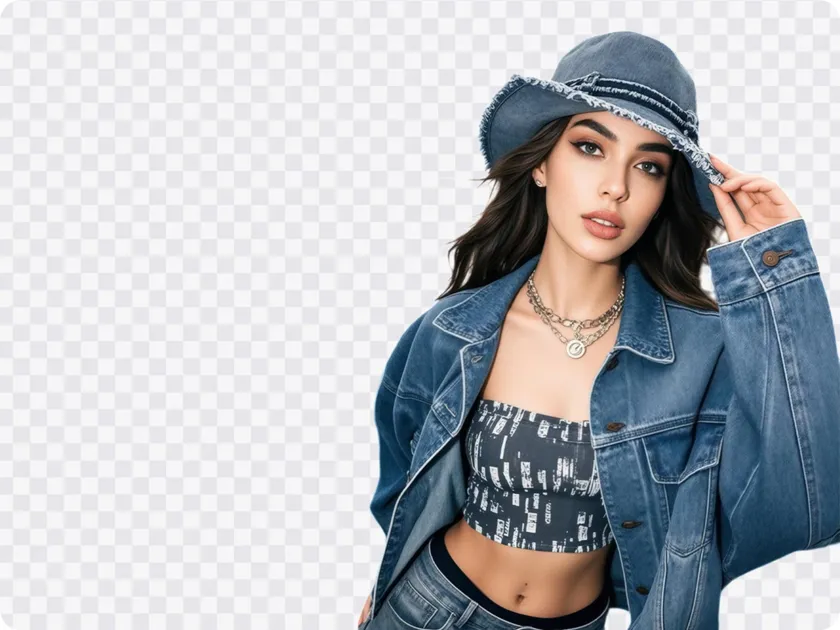

No Signup or Downloads Required
Remove image backgrounds online instantly without installing software or creating an account.

Remove image backgrounds in seconds with AI. Get up to 100 free background removals and full-size exports per day.
Batch up to 15 photos at once
No picture on hand? Try with one of these:
Remove image backgrounds online instantly without installing software or creating an account.

Remove backgrounds from up to 100 images daily for free, with no daily workflow limits.

Sign in to export full-size images with up to 100 free exports every day.

Remove backgrounds from multiple images at once to save time and streamline your workflow.

Replace backgrounds, resize images, and prepare visuals for social media and e-commerce listings.
Global Runner-up at the CVPR 2024 competition. Breakthrough research published at AAAI and CVPR.






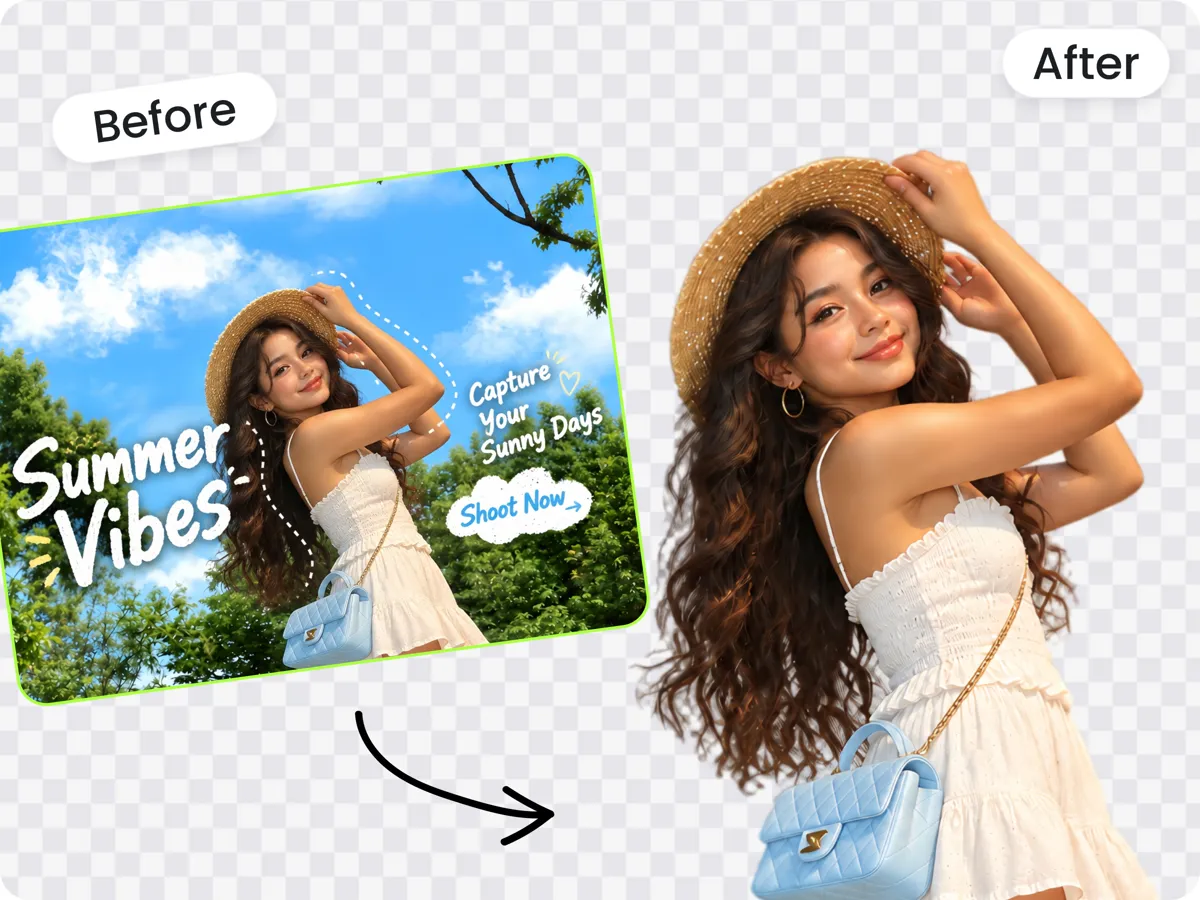
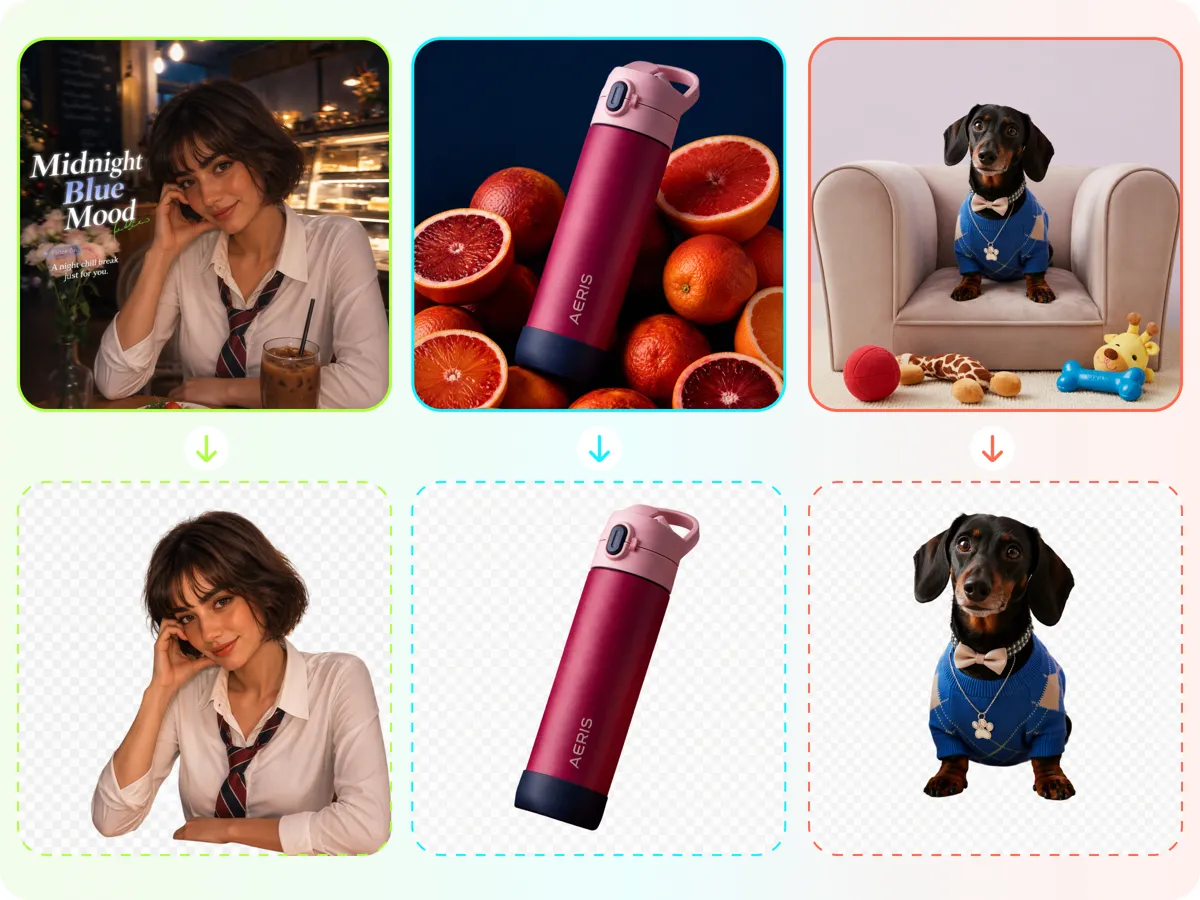
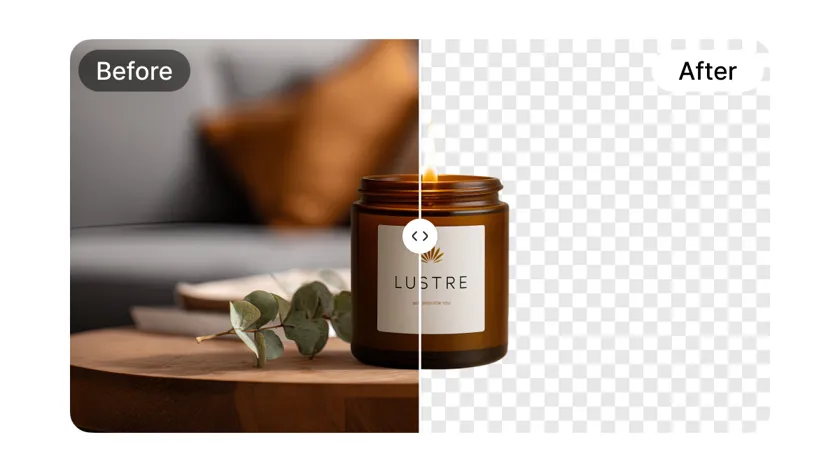
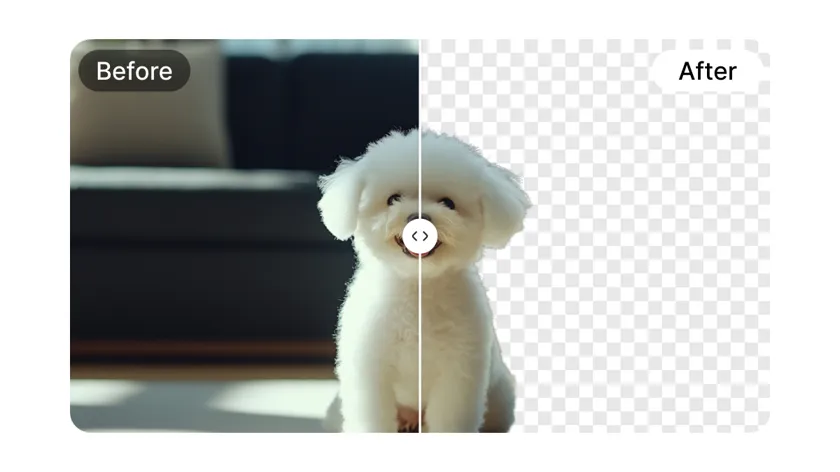
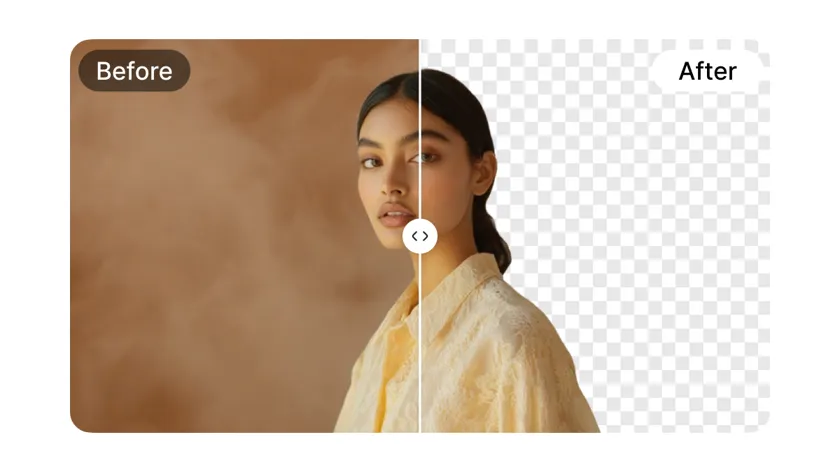
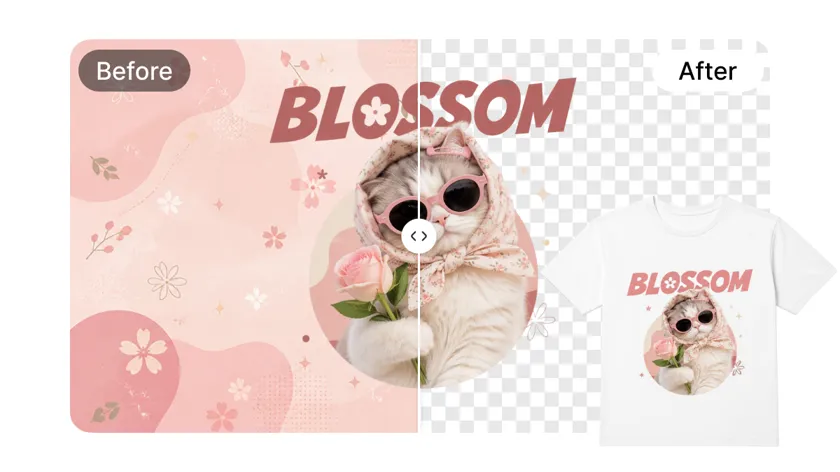
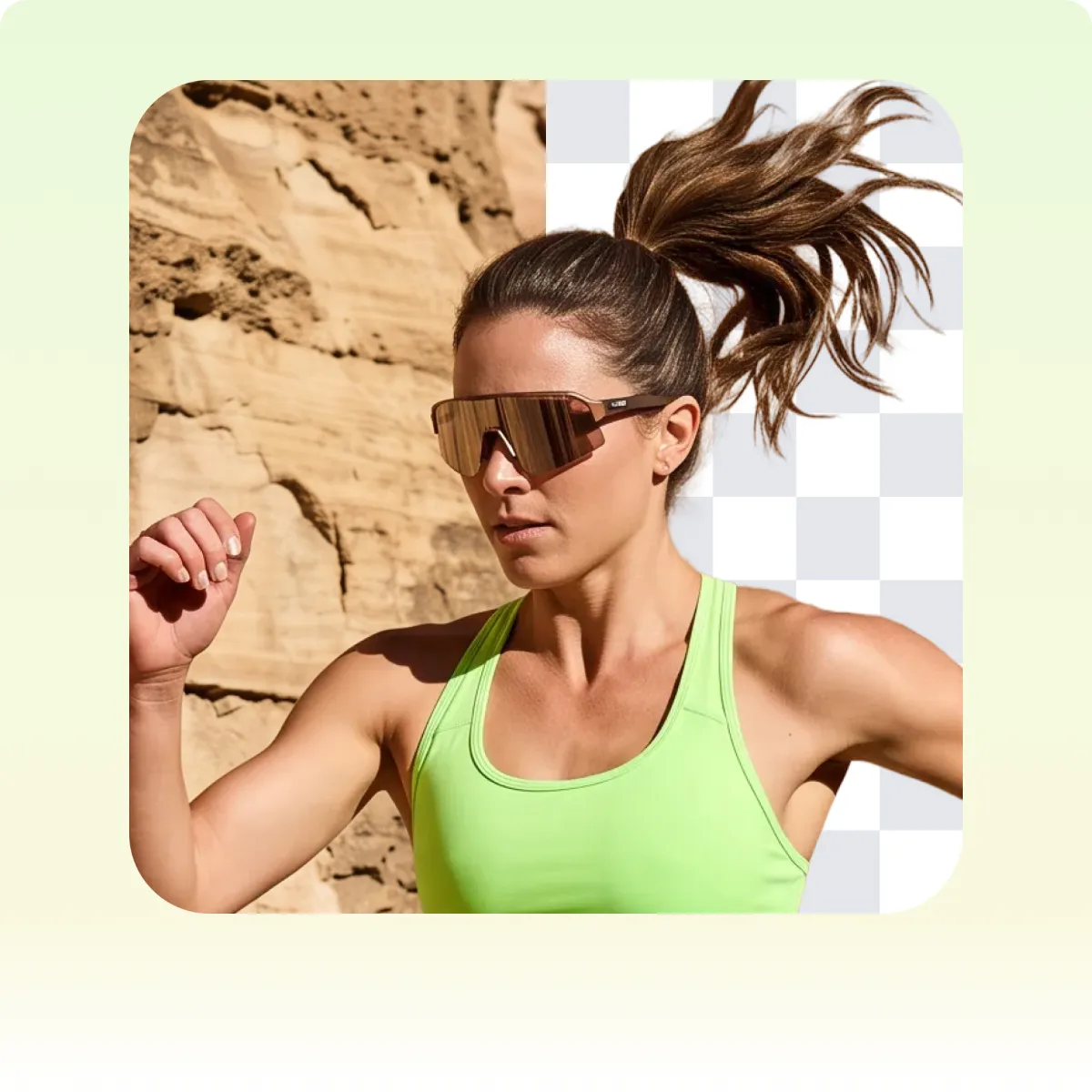
Remove busy backgrounds and text overlays in one click. AI detects the main subject in portraits, product photos, fashion images, pet photos, logos, and more, creating clean cutouts without manual tracing, masking, or erasing.
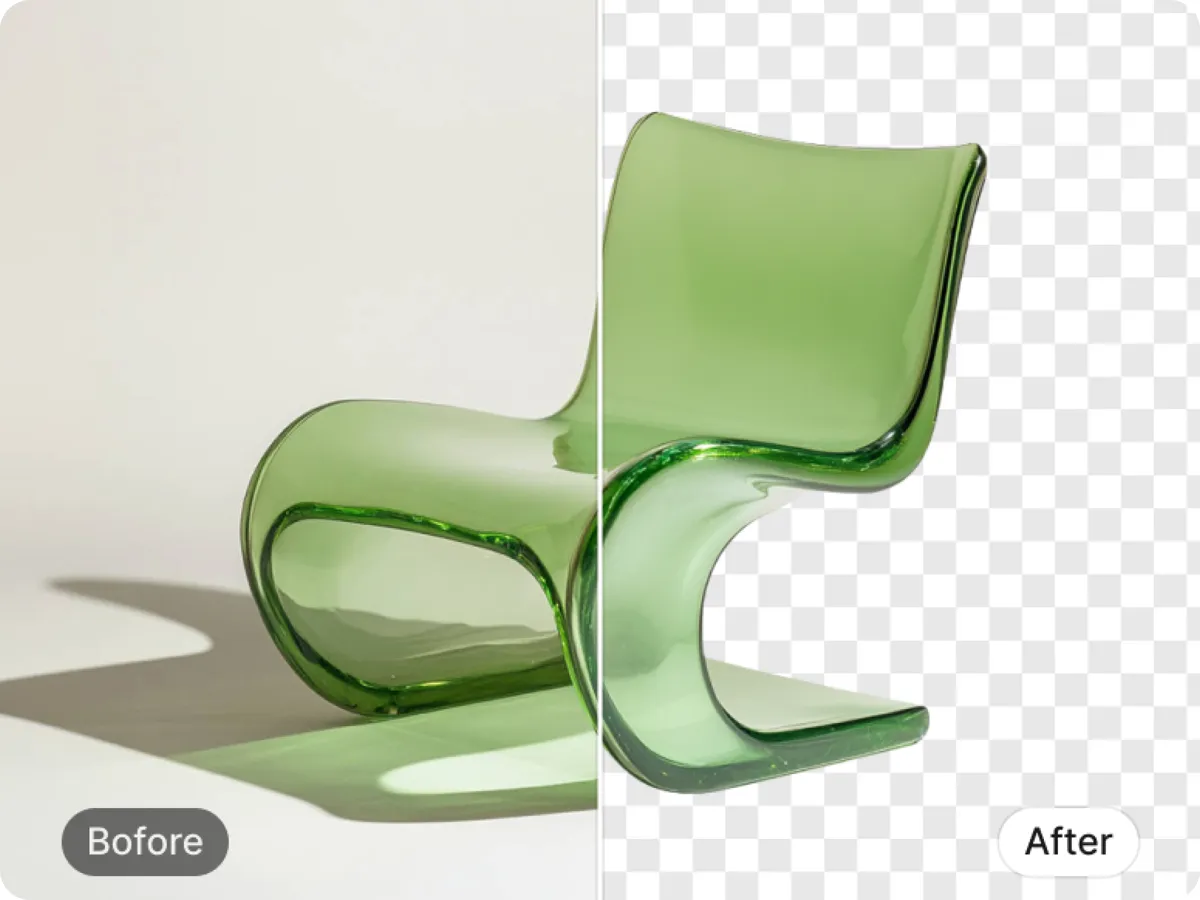
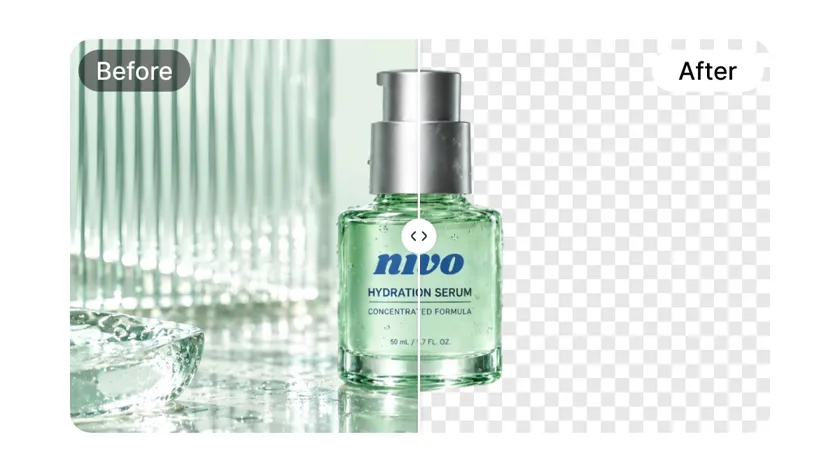
Automatically remove backgrounds from glass, plastic, and other translucent products while preserving their natural transparency, clarity, and see-through details.
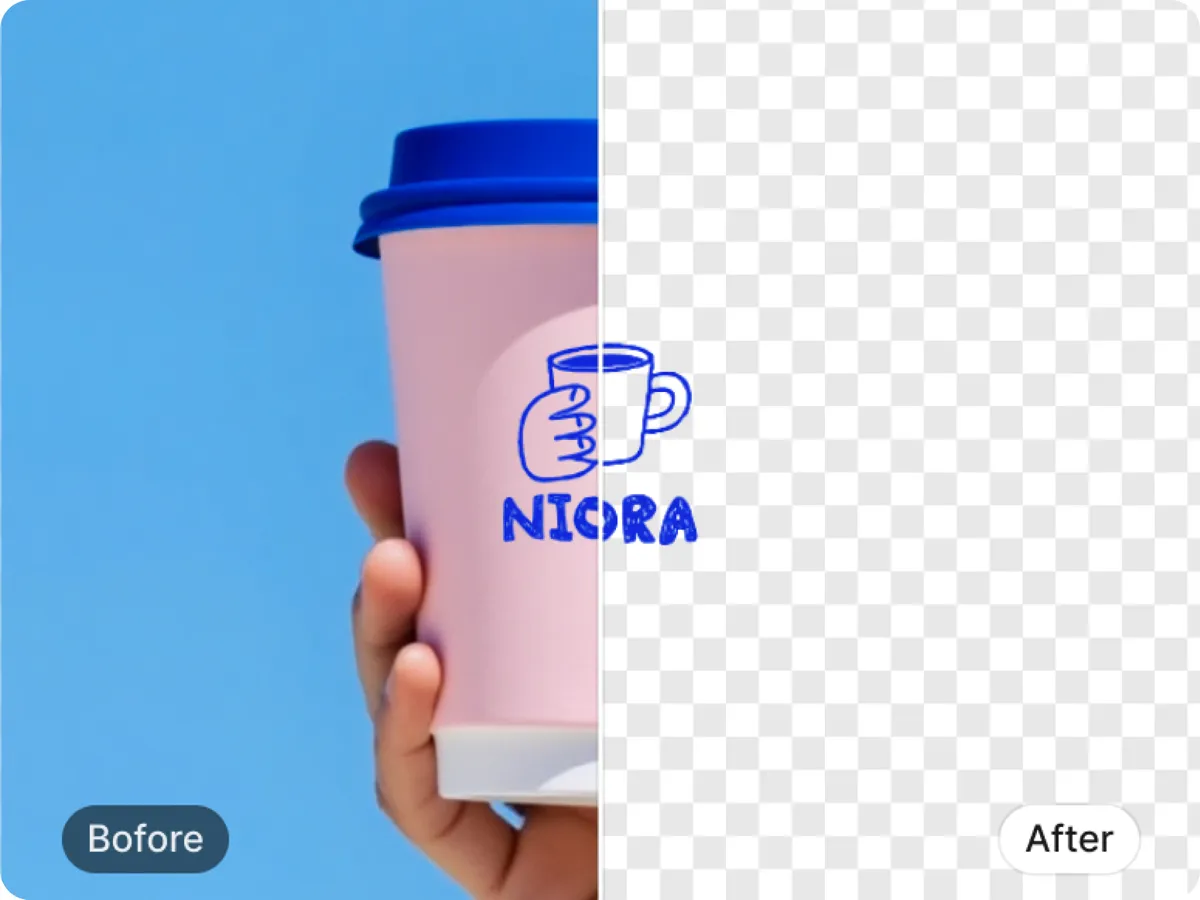
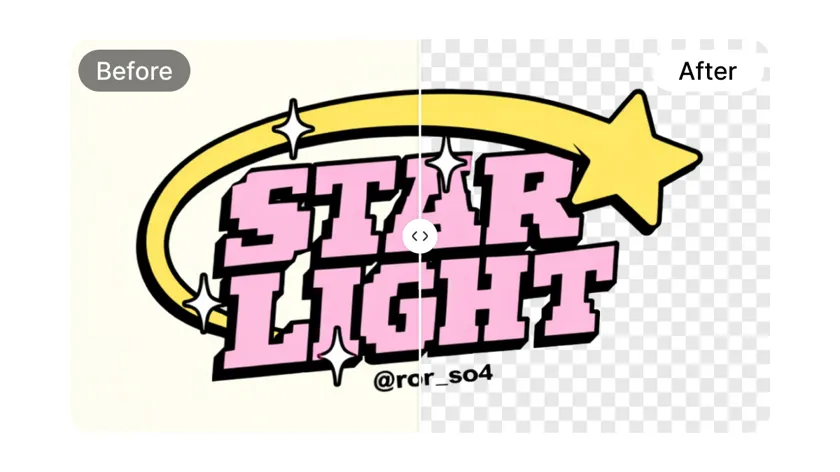
Remove backgrounds while keeping text, line-art logos, stamps, and fine graphic details sharp, complete, and free from blurring or missing parts.
Need to process multiple images? Upload up to 15 photos in one batch and remove their backgrounds at the same time. Process product catalogs, content assets, or multiple photos without editing each image individually.
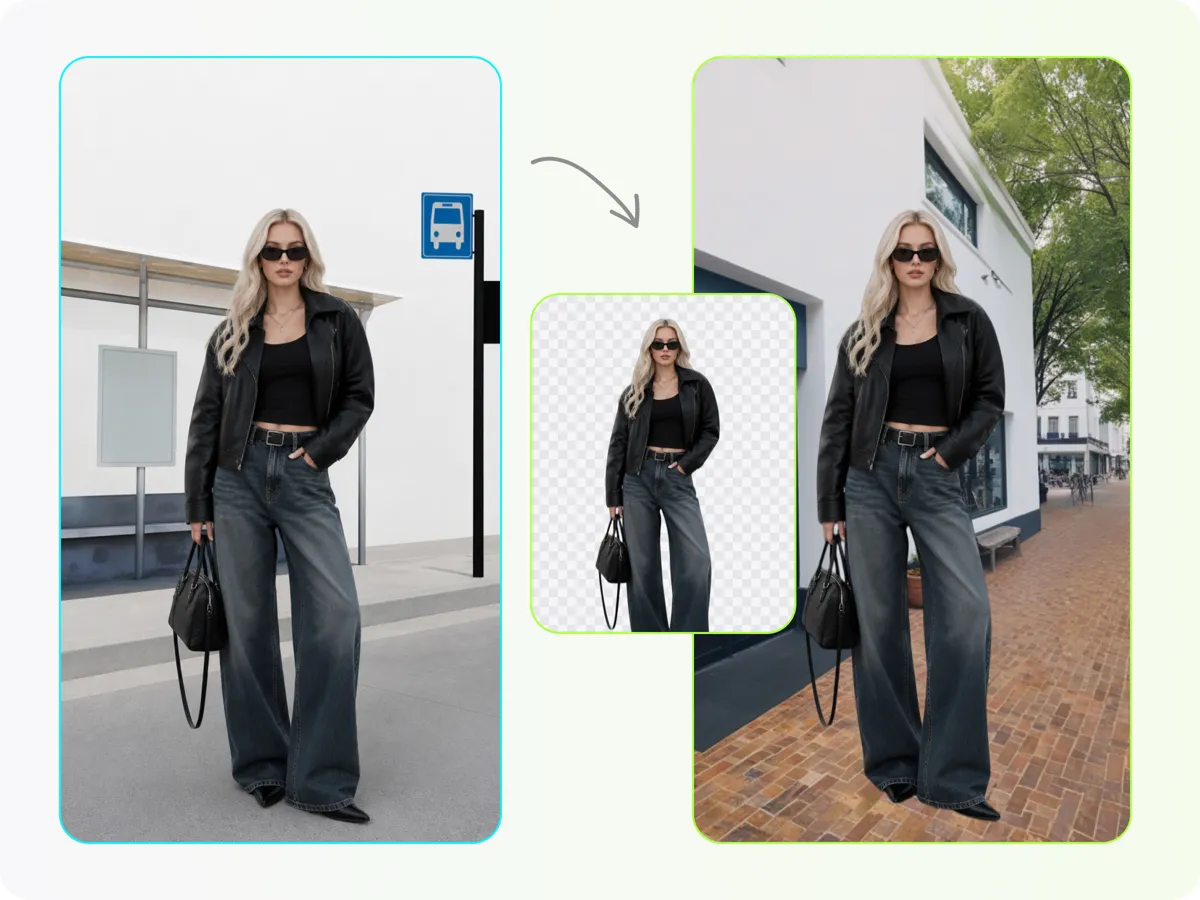
Turn your cutout into a finished image without switching tools. Keep the background transparent, use a clean white background for product photos, or choose any custom color for your brand.
No Photoshop, design skills, or software downloads required.

Upload a JPG, PNG, or WebP image, or add up to 15 images at once for fast batch background removal.

Let AI detect your subject and remove even complex backgrounds automatically. Preview your cutout and choose a transparent, white, or custom-color background.

Choose preset sizes for Amazon, Shopify, Instagram, and more, or enter custom dimensions. Sign in for full-resolution exports, with up to 100 free exports per day.
Remove the background, customize the scene, refine your image, and create visuals for e-commerce, social media, and more.
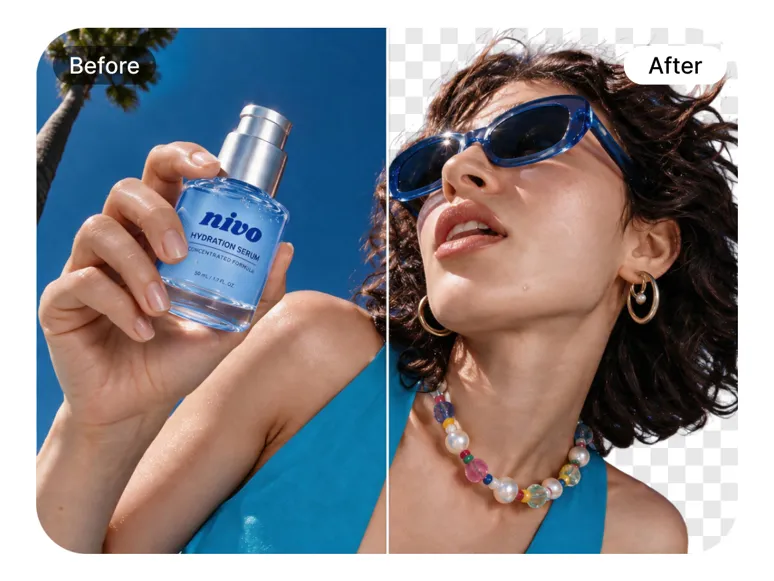
Automatically detect your subject and create a clean cutout with transparent background, ready for further editing.
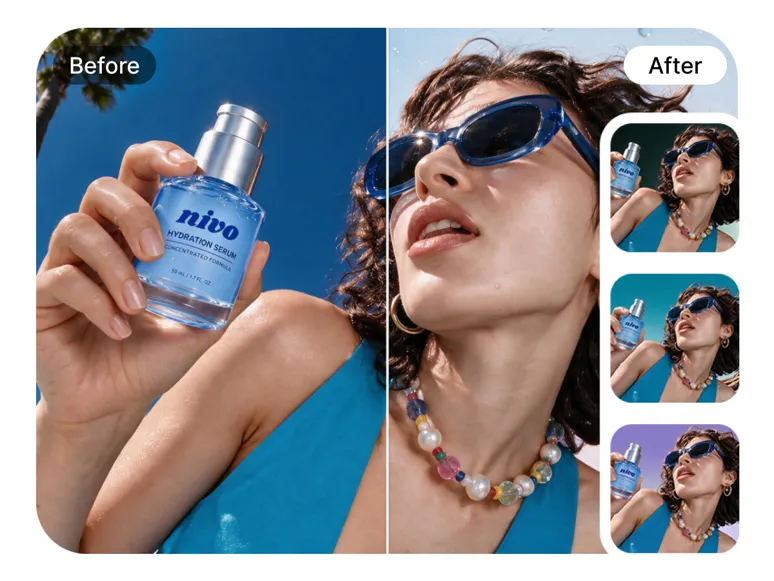
Keep it transparent, switch to a solid color, or replace it with a new scene that fits your image.
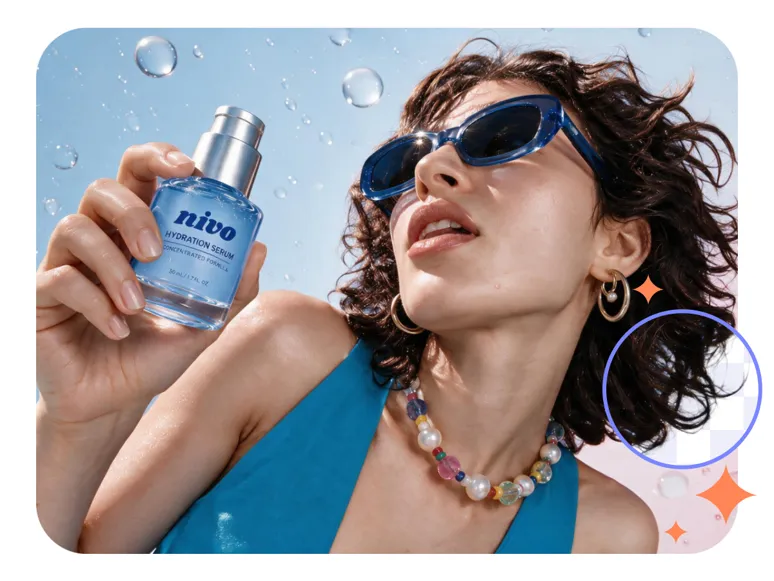
Improve image clarity, refine visual details, and extend the canvas to create more space around your subject.
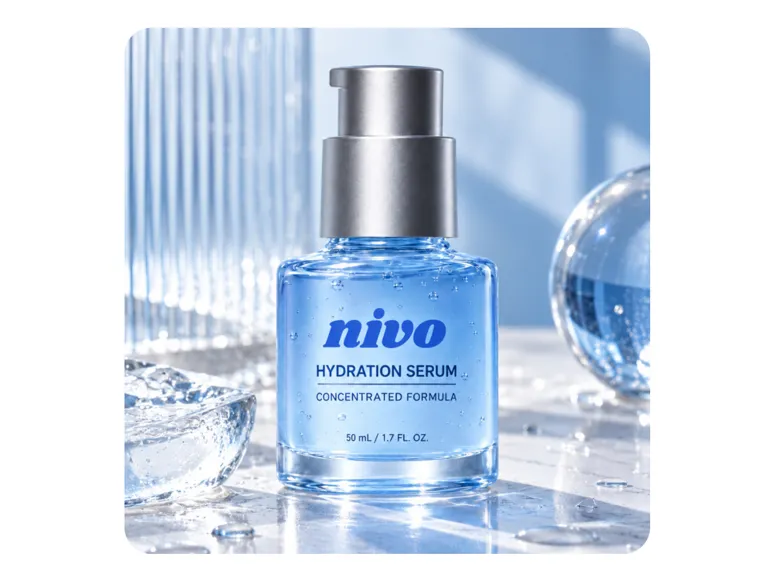
Turn a product cutout into polished product images, realistic lifestyle scenes, and marketplace-ready listing visuals.
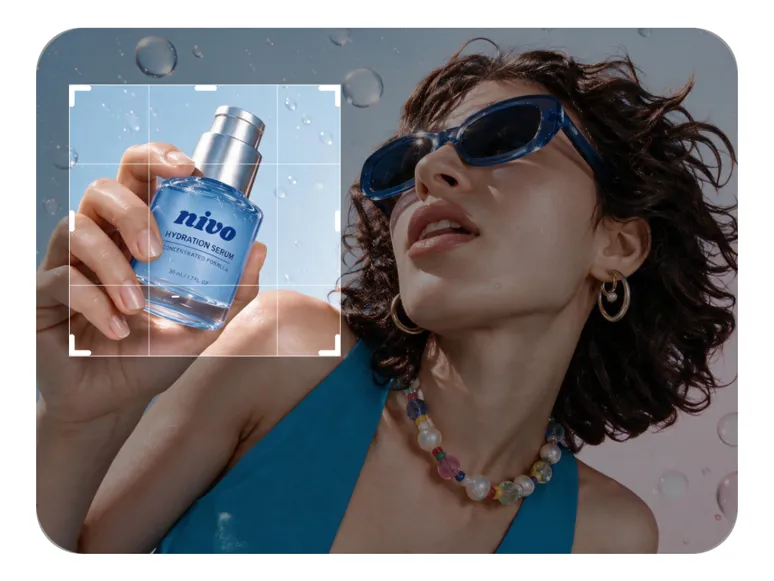
Adjust image dimensions for different platforms, or add stickers and decorative elements to make your visuals stand out.
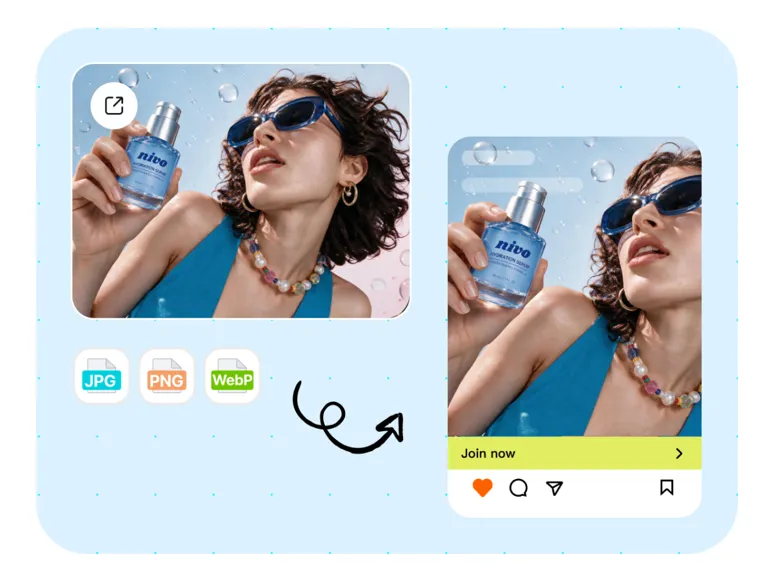
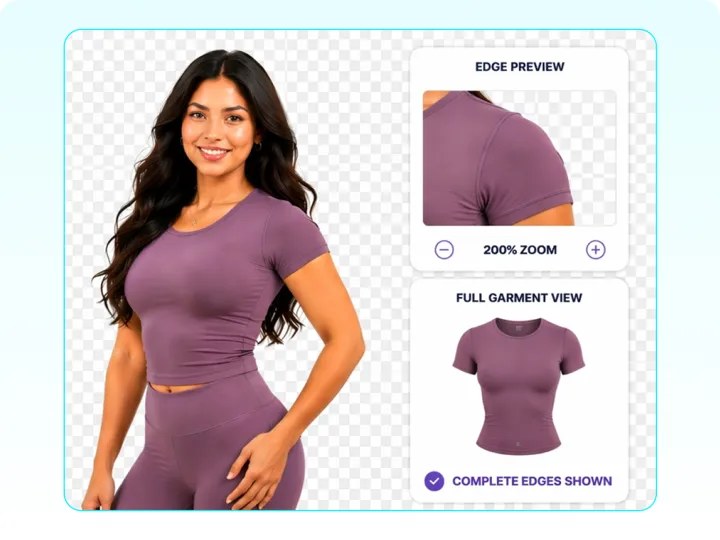
Take your cutouts further with AI-powered tools for fashion visuals and other creative projects.
Compare the best image background remover tools, including free AI options. See accuracy, batch features, and which tool fits ecommerce product photos.
Compare the best online background removers for e-commerce in 2026. See Amazon white, Shopify catalogs, bulk cutouts, and listing-ready photo exports.
Discover the 7 best AI background changer tools to remove, replace, or generate photo backgrounds. Compare features, learn workflows, and edit images with ease.
Compare 7 Remove.bg alternatives for free cutouts, transparent PNGs, full-resolution downloads, batch processing, and easy editing.
Yes. Designkit supports batch background removal for up to 15 images at once. Upload multiple images together and the AI will process their backgrounds in one batch.
Yes. You can upload images and preview background-removed results for free without signing up. Sign in to export full-size images, with up to 100 free exports per day.
You can upload an image and preview the background-removed result without signing up. Sign in when you want to export the full-size image.
Yes. After removing the background, you can keep it transparent and download the result as a PNG.
Yes. You can keep the background transparent, choose white or another solid color, or select a custom color after removing the original background.
You can upload JPG, JPEG, PNG, and WebP images. Download your finished image as PNG or JPG depending on your background and output needs.
Designkit includes preset sizes for Amazon, Shopify, eBay, Etsy, Instagram, Facebook, YouTube, TikTok, Pinterest, and other common platforms. You can also enter custom dimensions.
Designkit is designed to preserve the original image details while removing the background. Fine details such as hair, fur, and product edges can remain clear in the final cutout.
Upload a photo and let Designkit remove the background automatically. Preview your cutout for free, then sign in to export the full-size image. Get up to 100 free exports per day.



