
AI Poster Generator for Fast, Professional Poster Design
Describe the poster you need and get a finished design back in minutes. Generate static or animated posters from a text prompt or your own product images, then edit any element before you export.
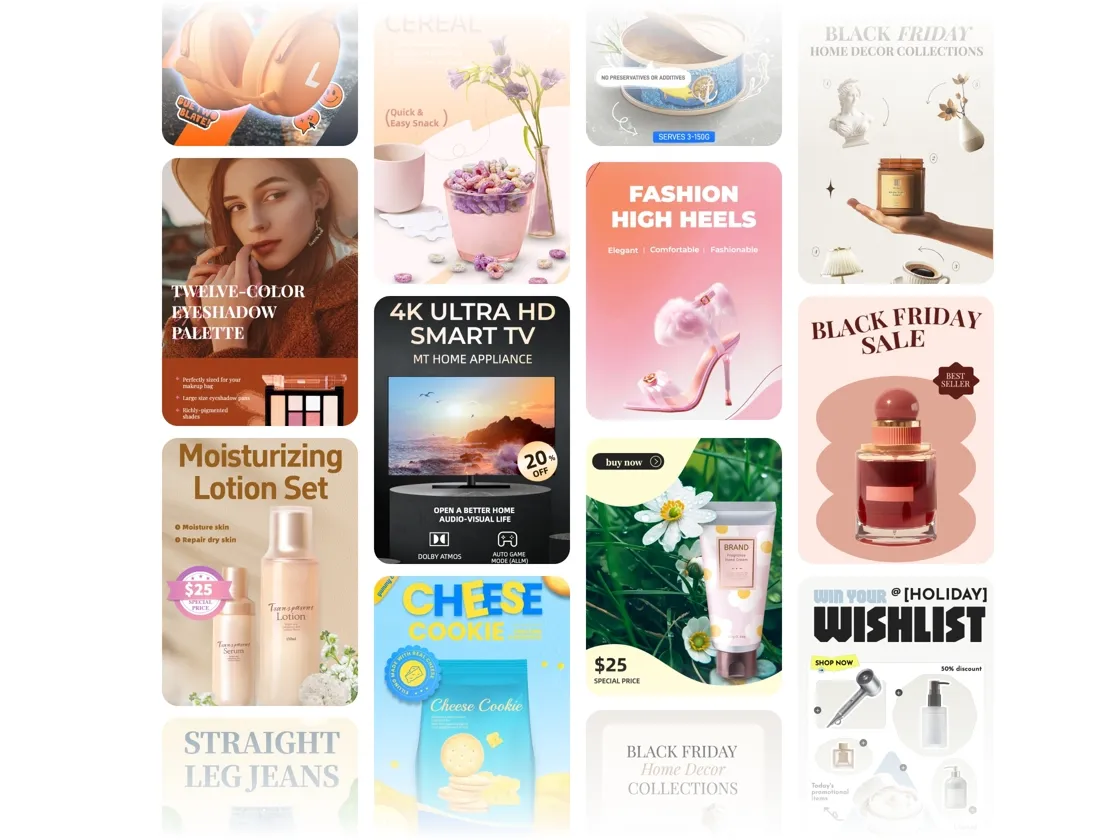
How to Generate Poster In 3 Simple Steps
Describe Your Poster and Upload Assets
Type what you want the poster to say and show. The more specific you are about the style, occasion, or product, the closer the first result will be. Upload product photos, a logo, or reference images if you want them included.
Let AI Generate Your Options
Designkit picks the right model for your prompt and generates your poster as a static image or short animation. You get a few style variations to compare, so you're not stuck with the first version.
Refine and Export
Adjust the result by chatting with the AI or editing layers directly. Export in JPG, PNG, GIF, or video at high resolution, ready for listings, ads, and print.
Everything You Need to Design Posters With AI
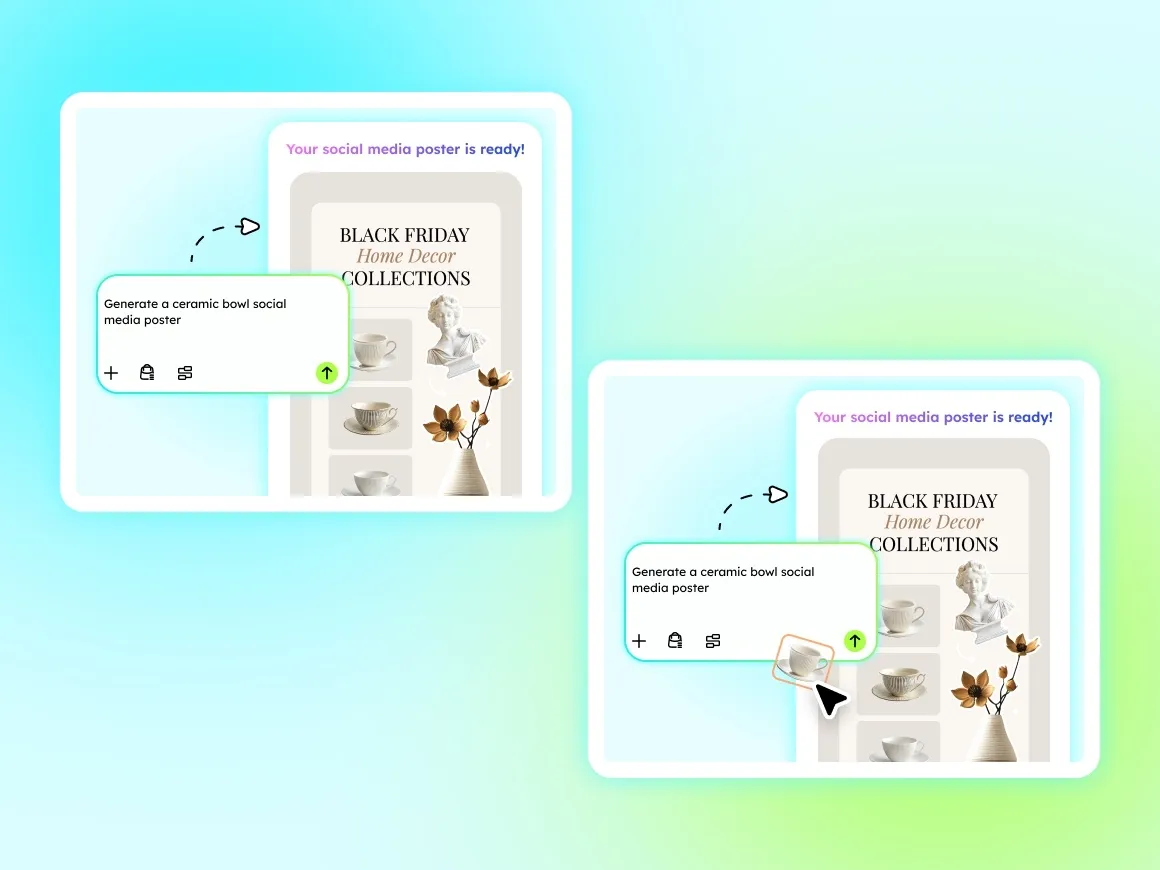
Generate Posters From Text or Your Own Images
Start from a written description or upload your product photo and let the AI build around it. Both text-to-image and image-to-image modes work for product campaigns, seasonal sales, and brand assets, so you can match whatever the project needs.
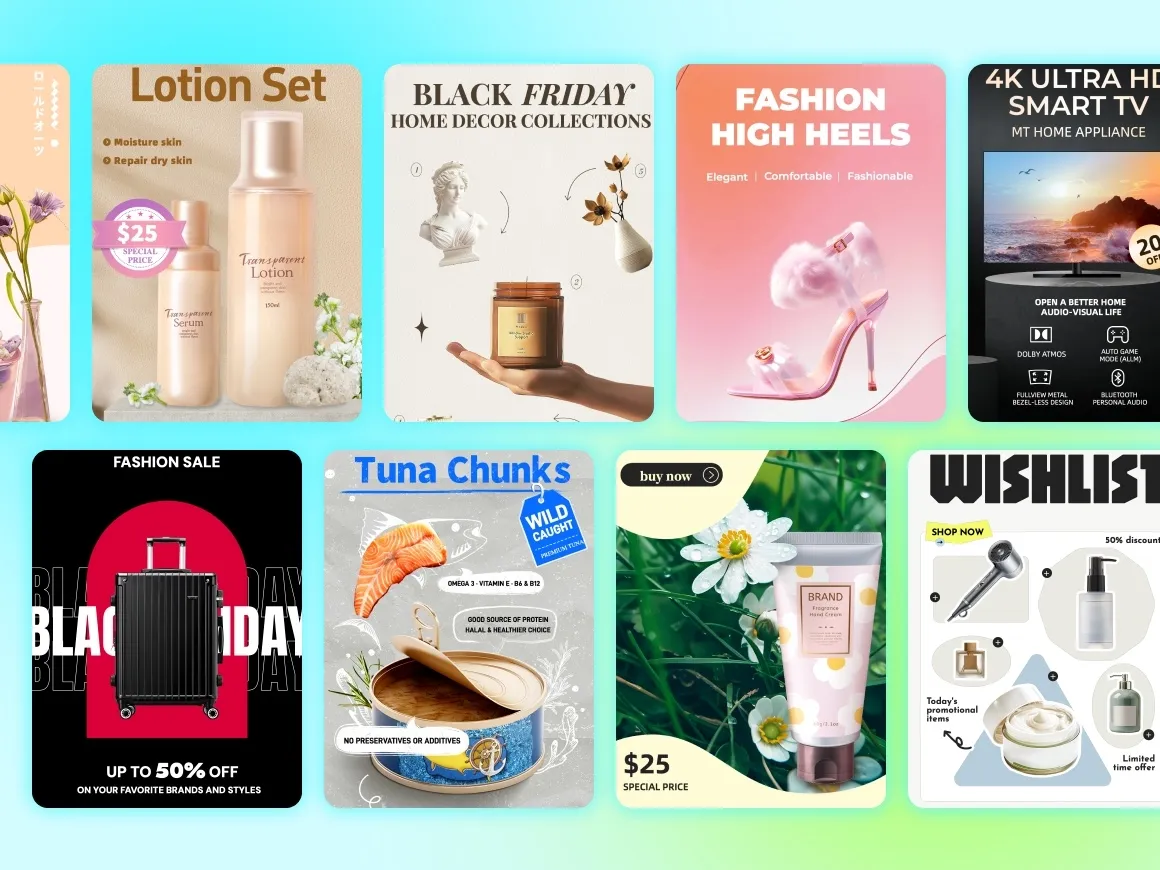
Make a Batch of On-Brand Posters at Once
One prompt can produce several posters in different sizes and styles while keeping your product and brand consistent across all of them. Lock your fonts and color palette so every output reproduces your brand details the same way.
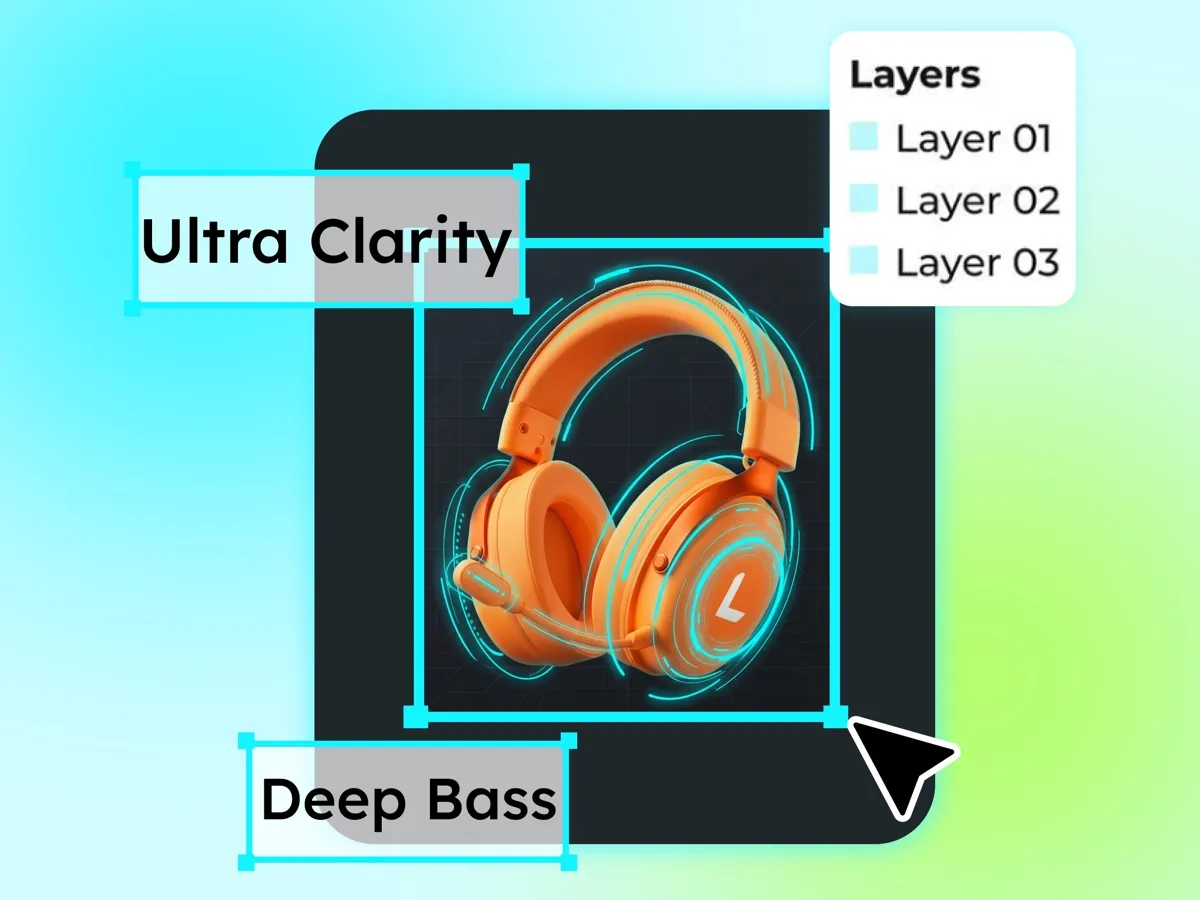
Edit Any Layer Without Starting Over
Adjust text, swap an image, or retouch with AI tools like outpainting, upscaling, and background removal. The infinite canvas lets you combine multiple images and replace assets freely, so changing one element never means redoing the whole poster.
One Poster Tool for Every Campaign and Channel
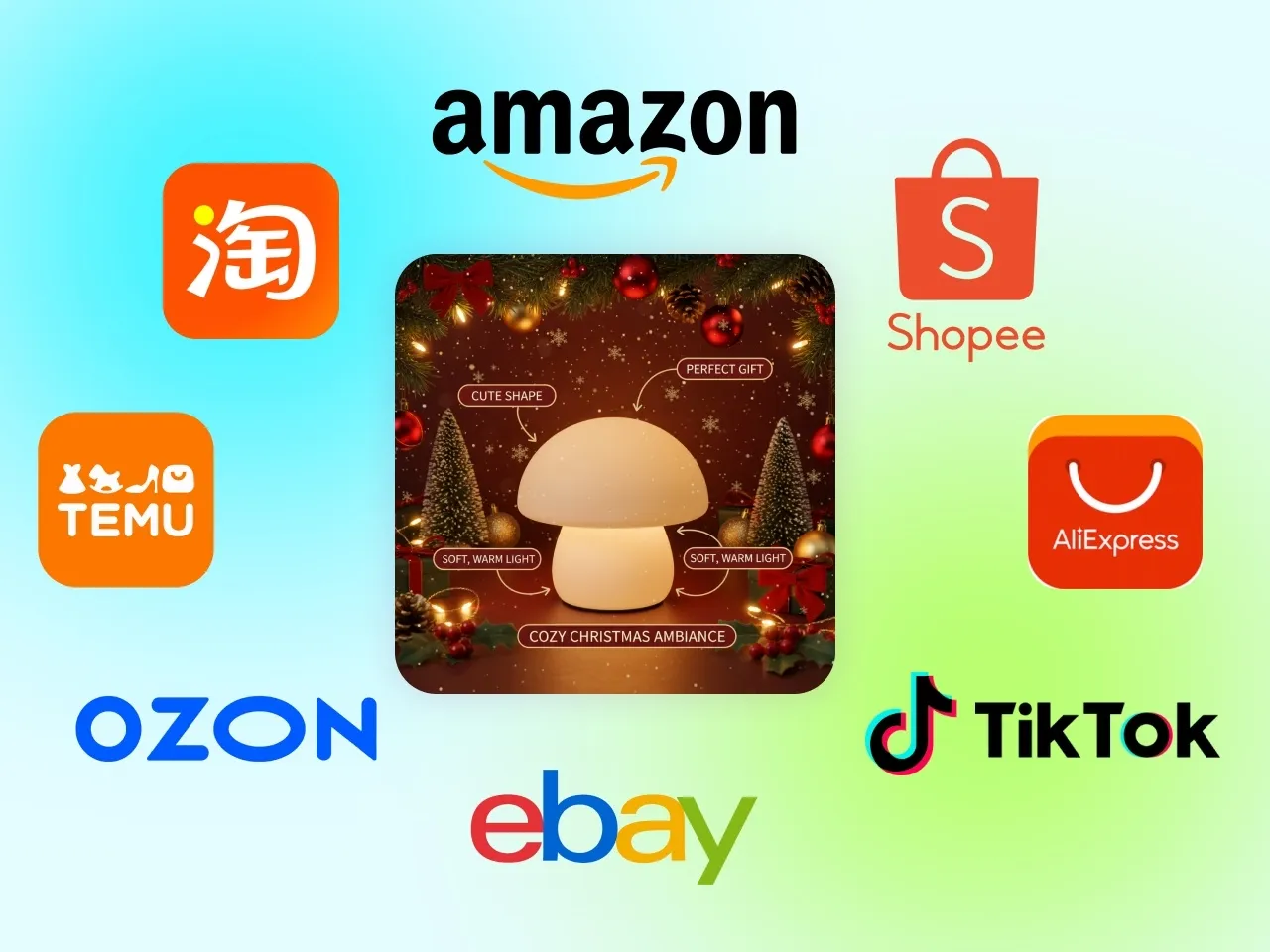
Run E-commerce Promotions on Schedule
Sales events move fast, and your main images and detail-page graphics often need several versions before a launch. Generate posters that fit platform size and background rules, then regenerate variations as the campaign changes, so the creative is ready when the promotion goes live.
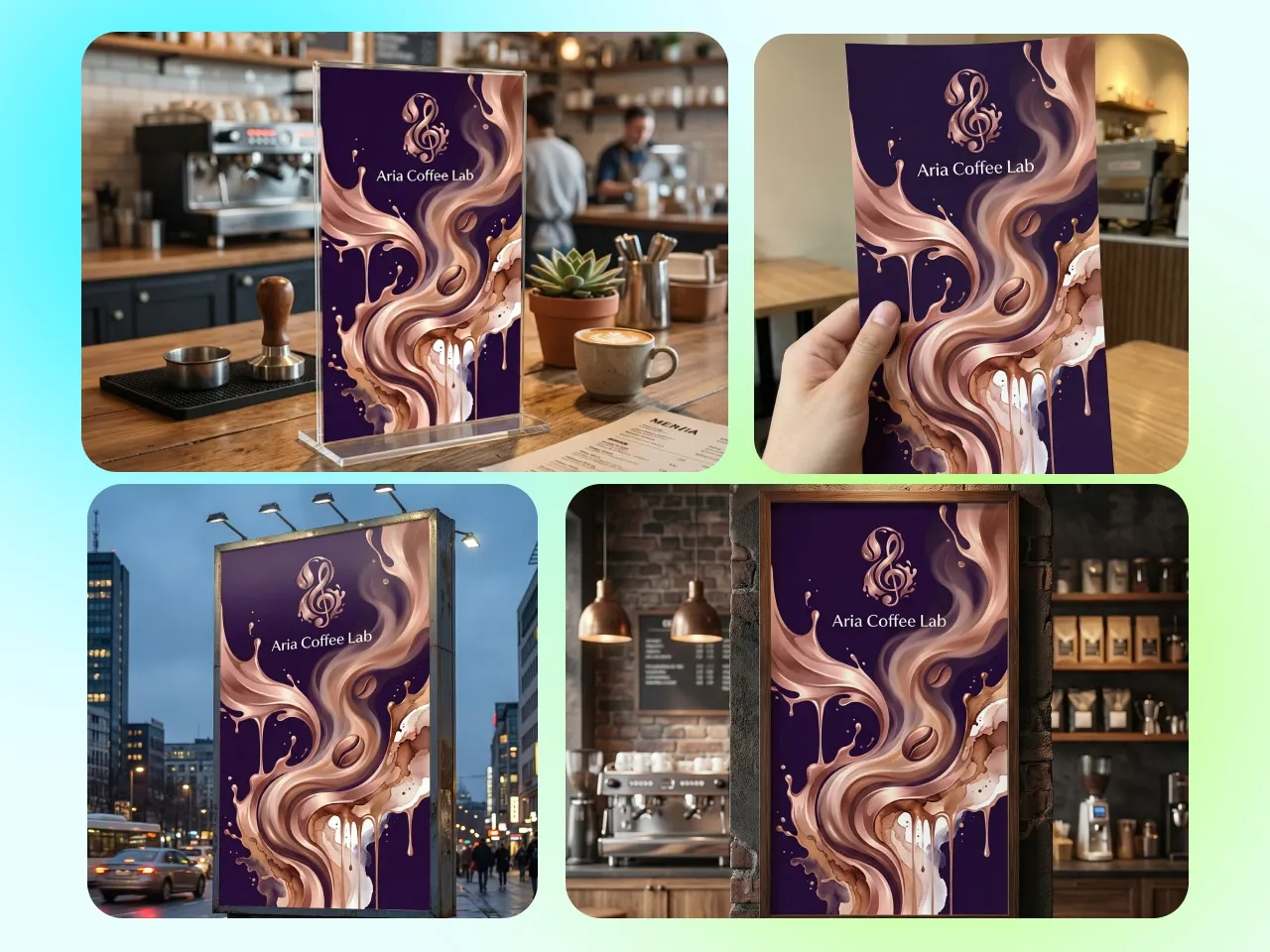
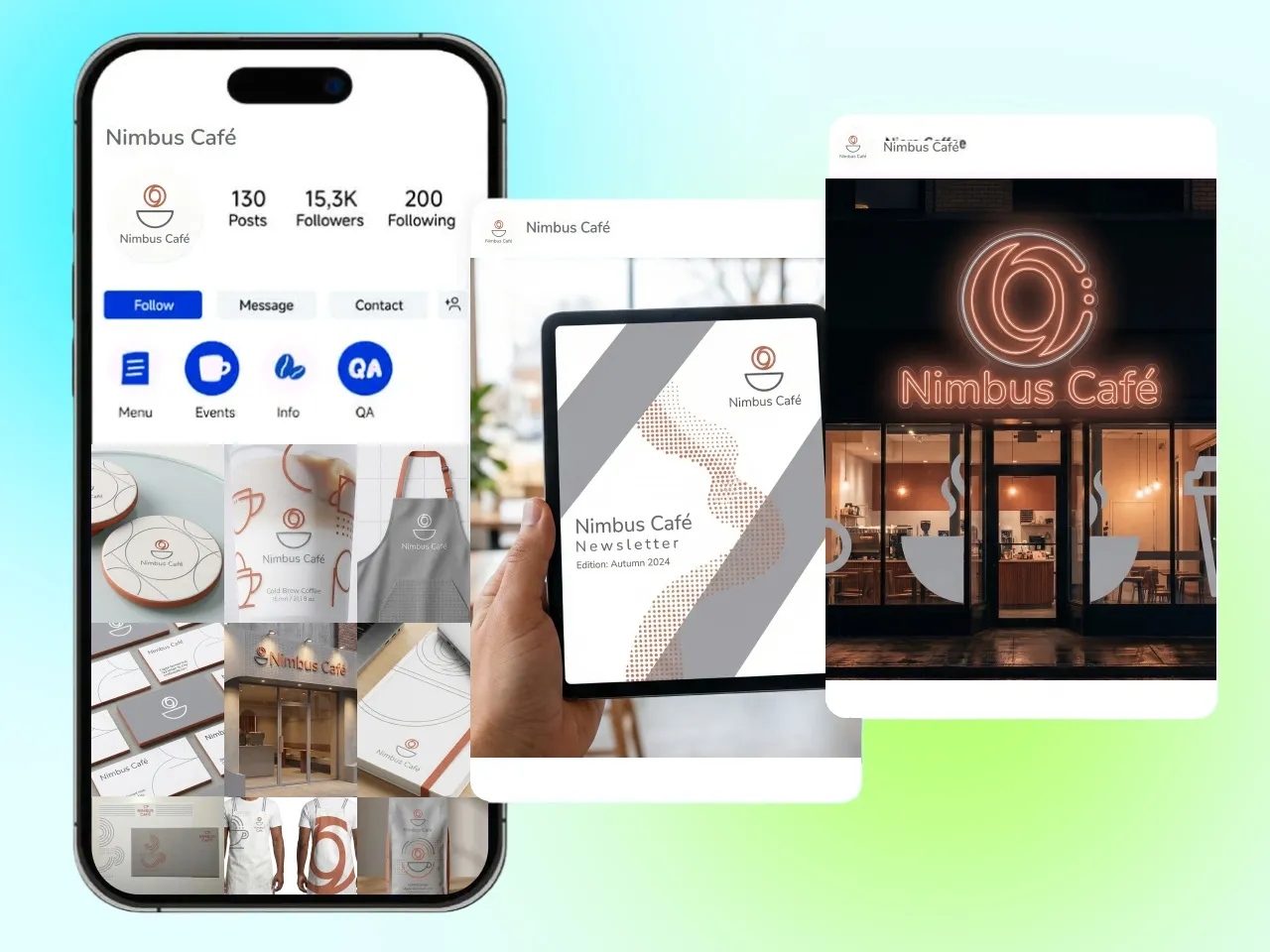
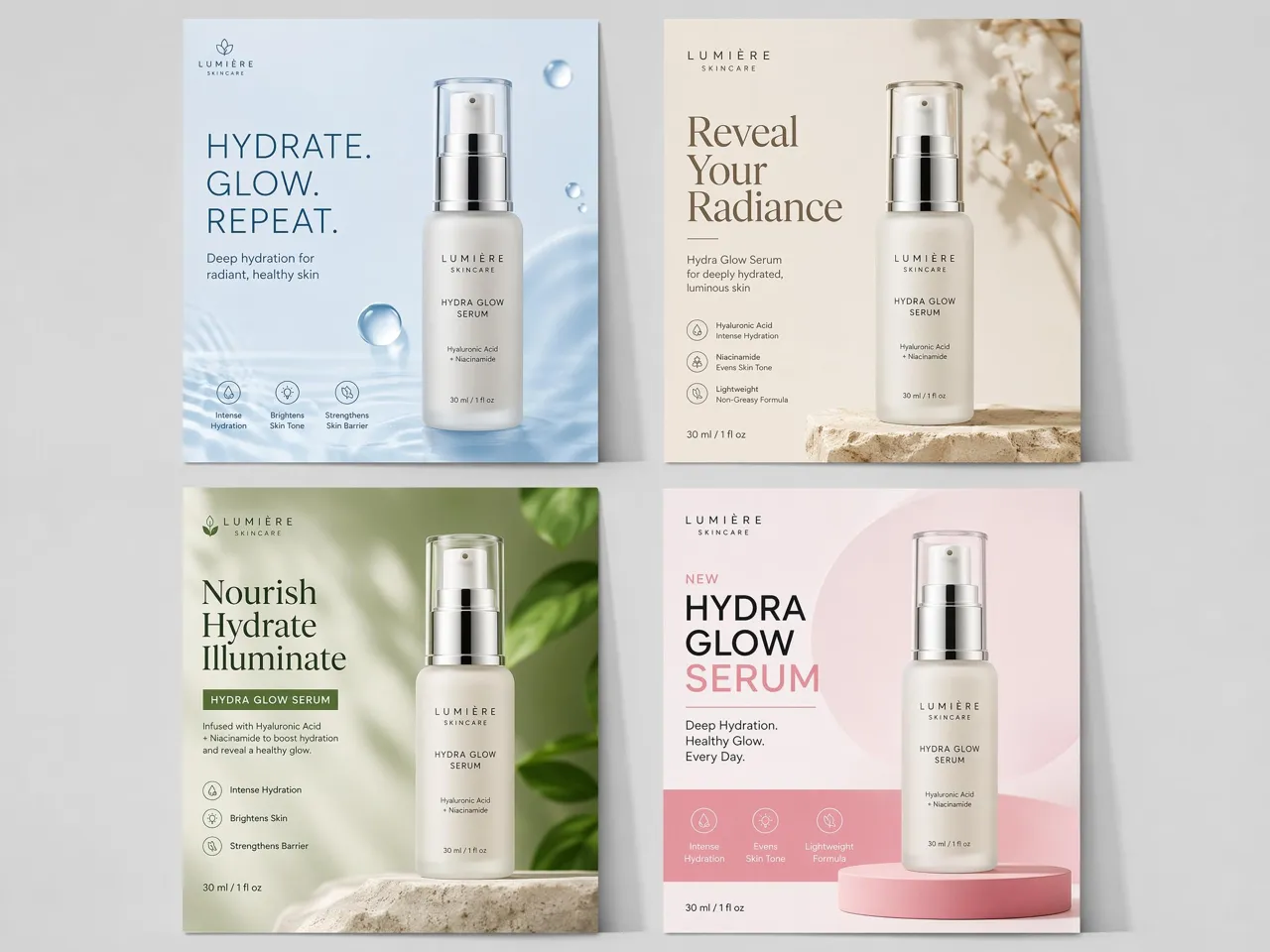
Poster Types You Can Create with Designkit
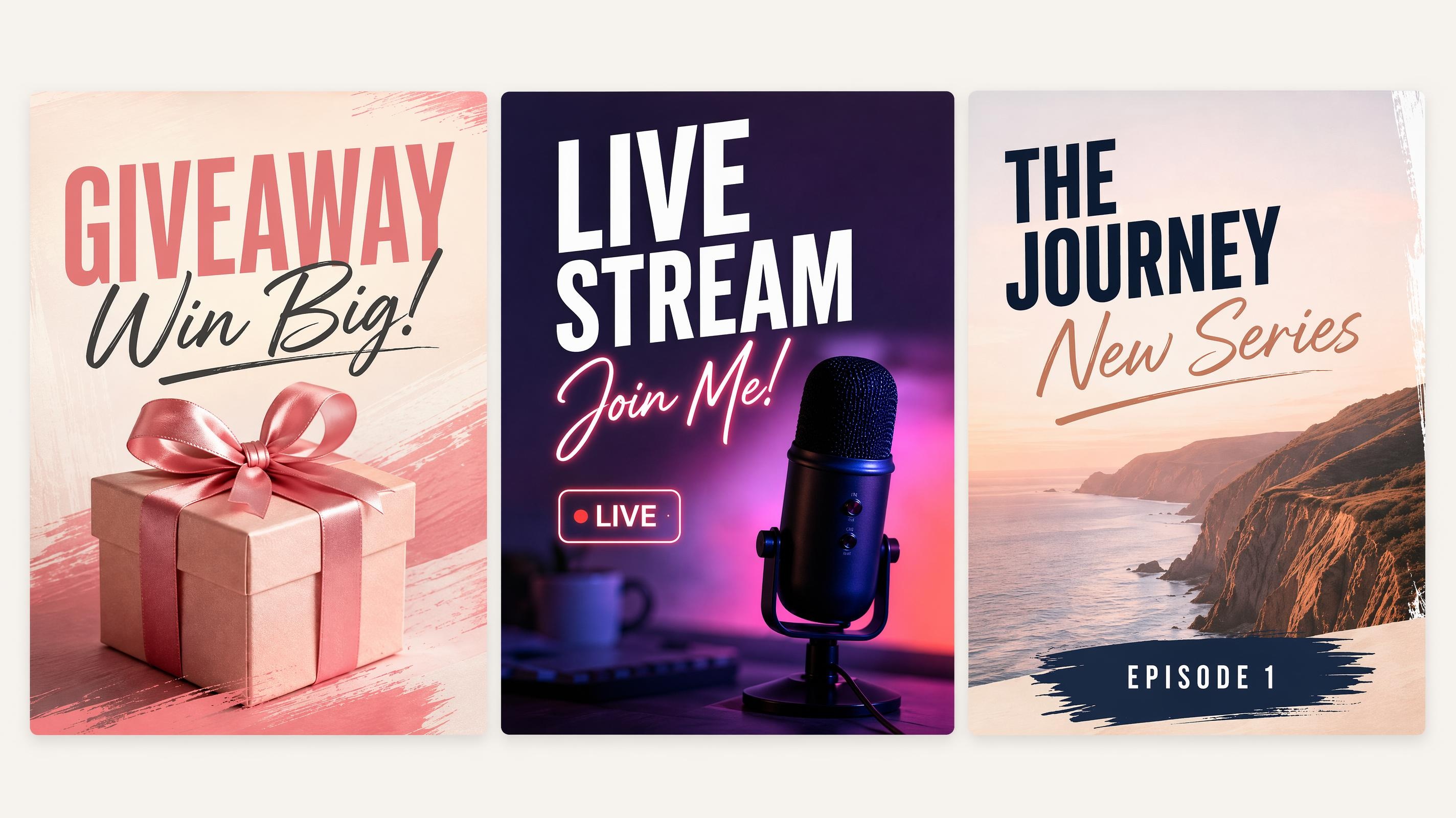
Social Media Poster
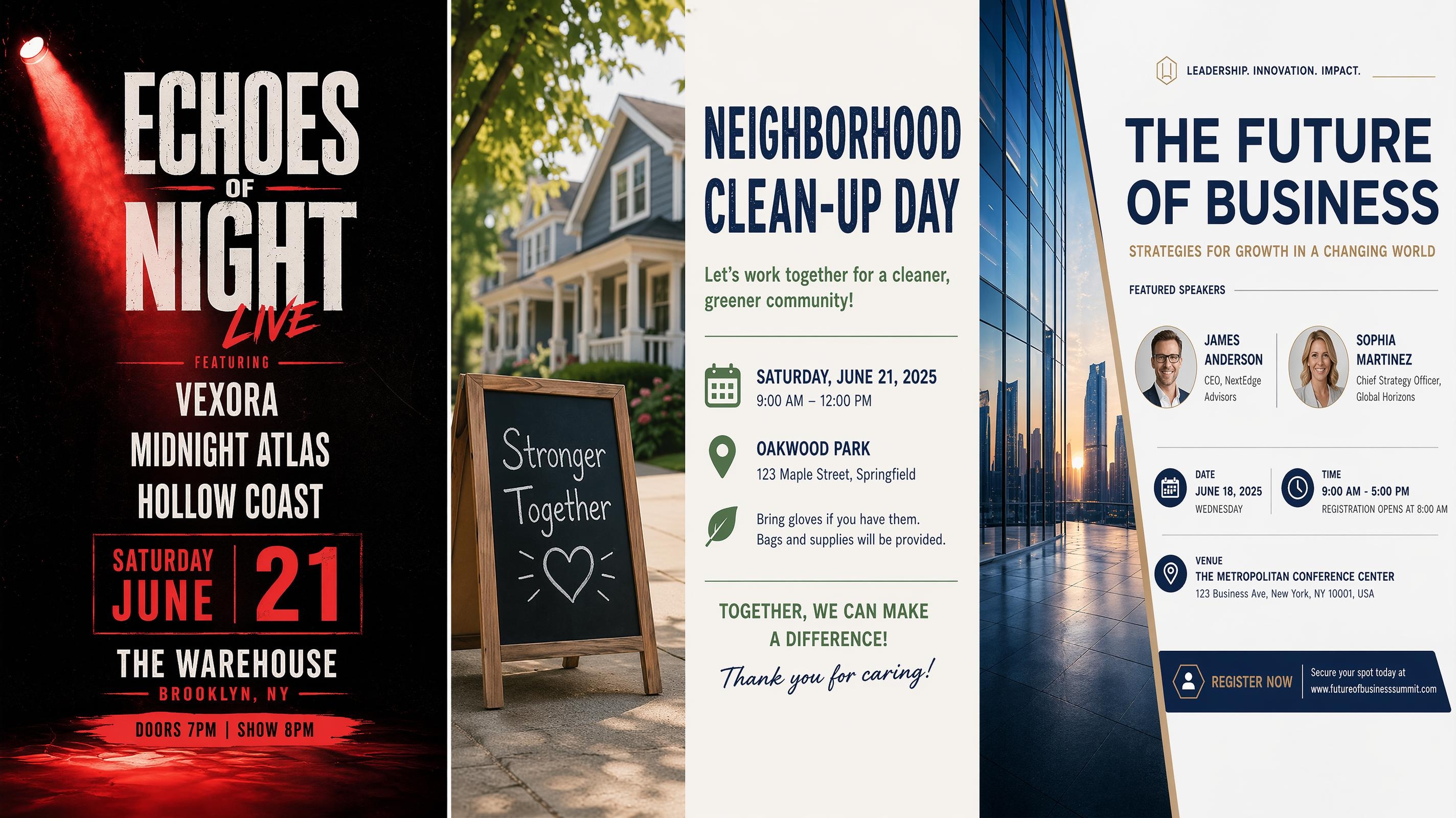
Event Poster
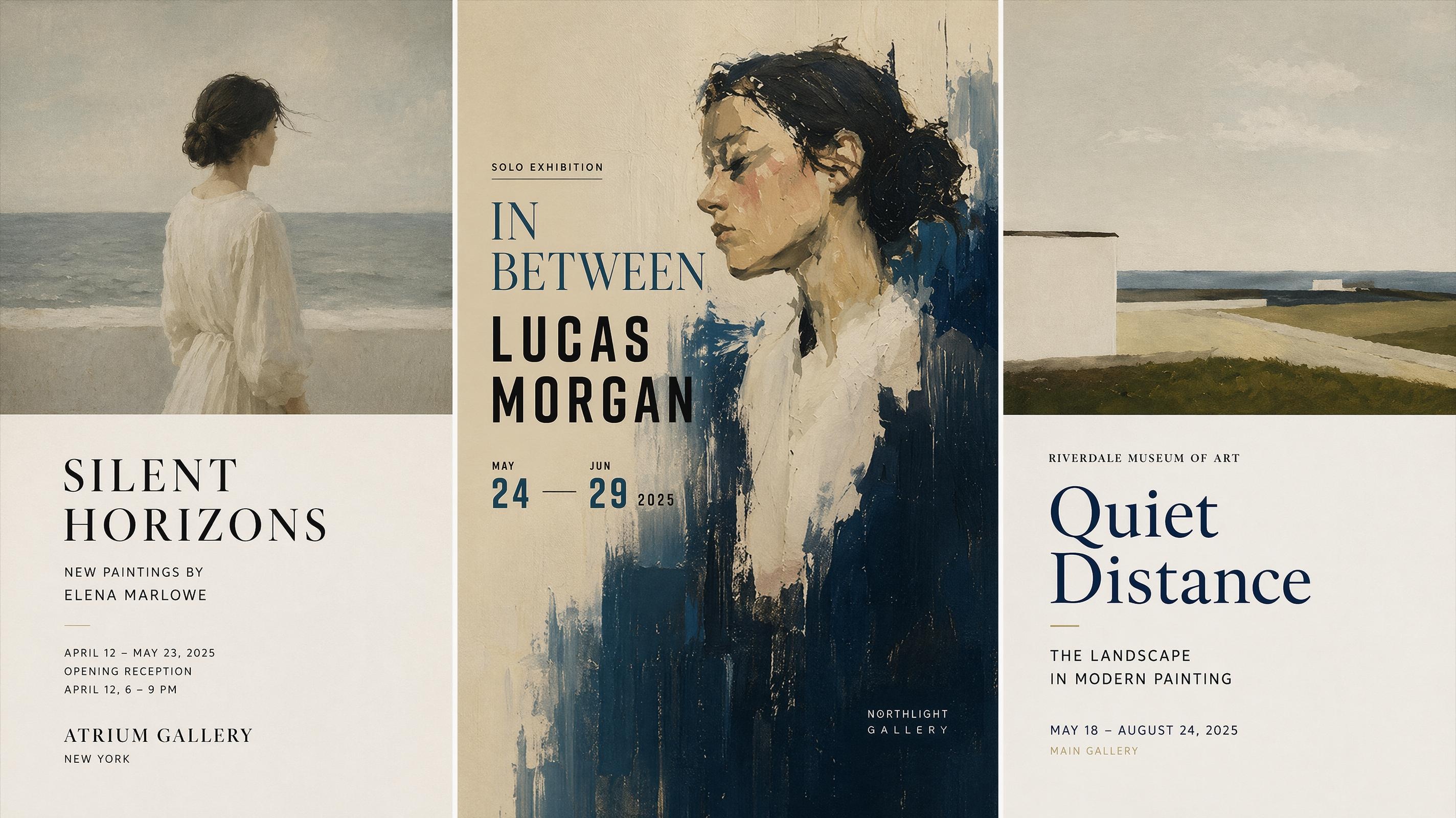
Art Poster Generator
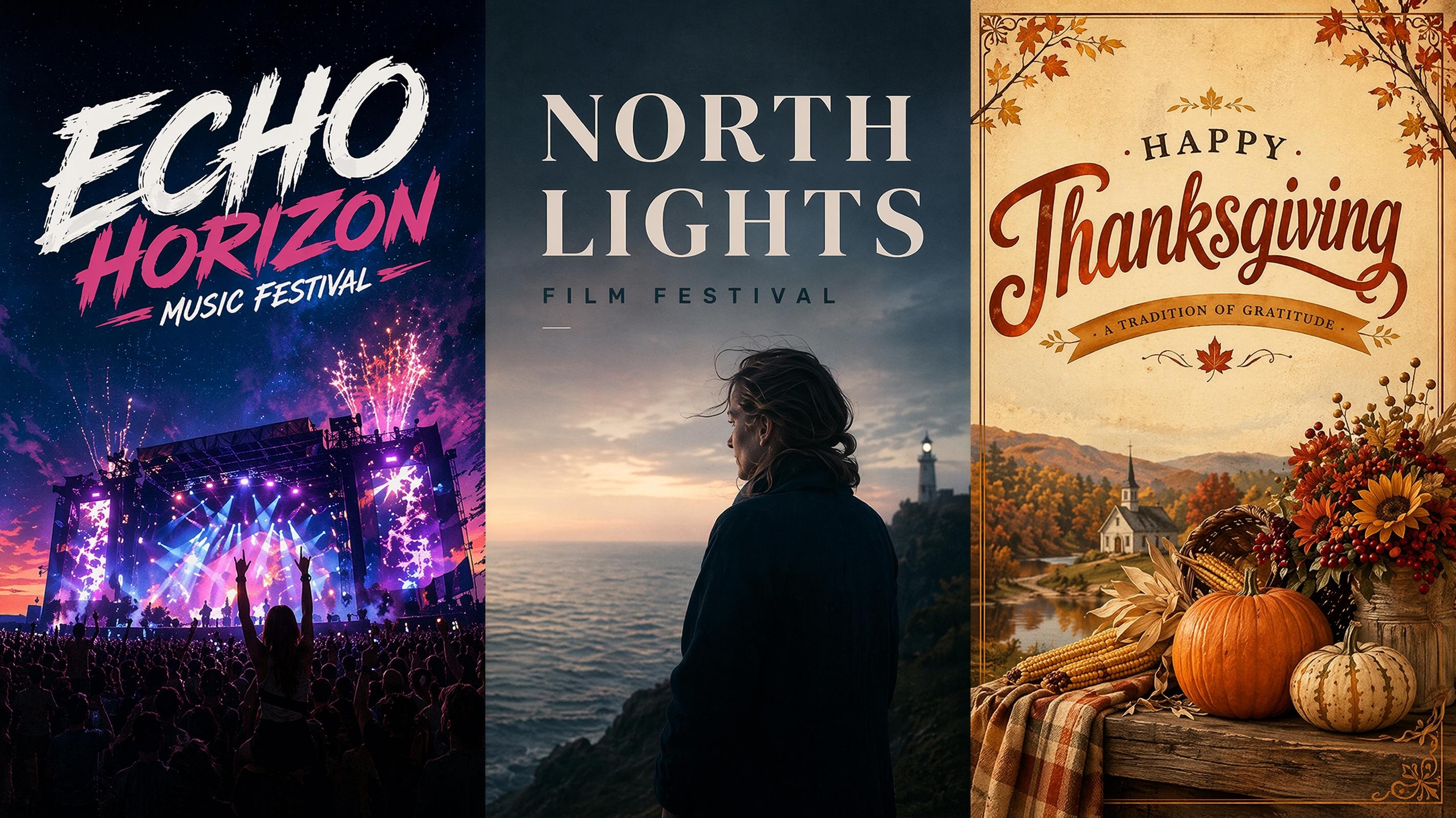
Festival Poster
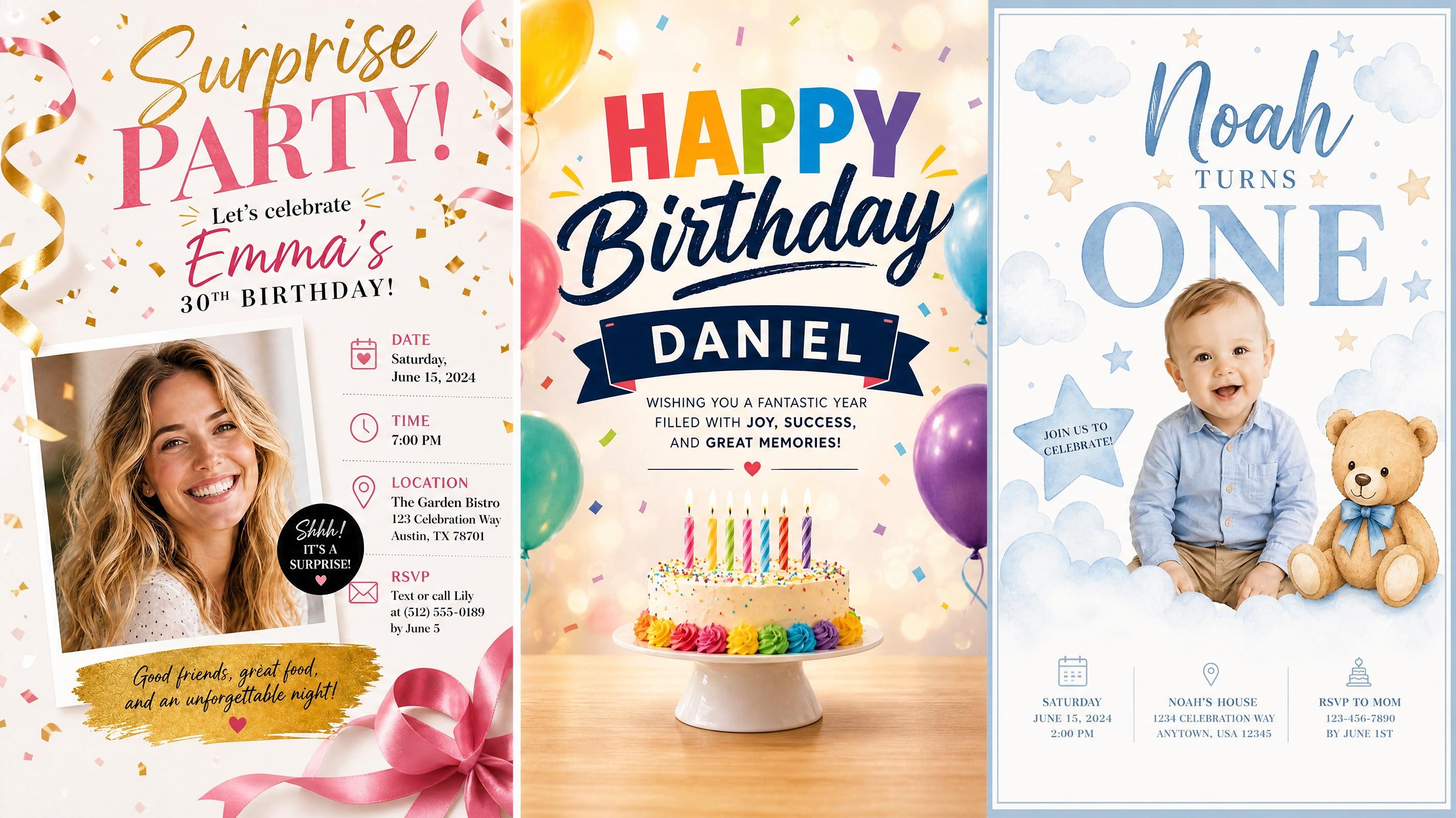
Birthday Poster
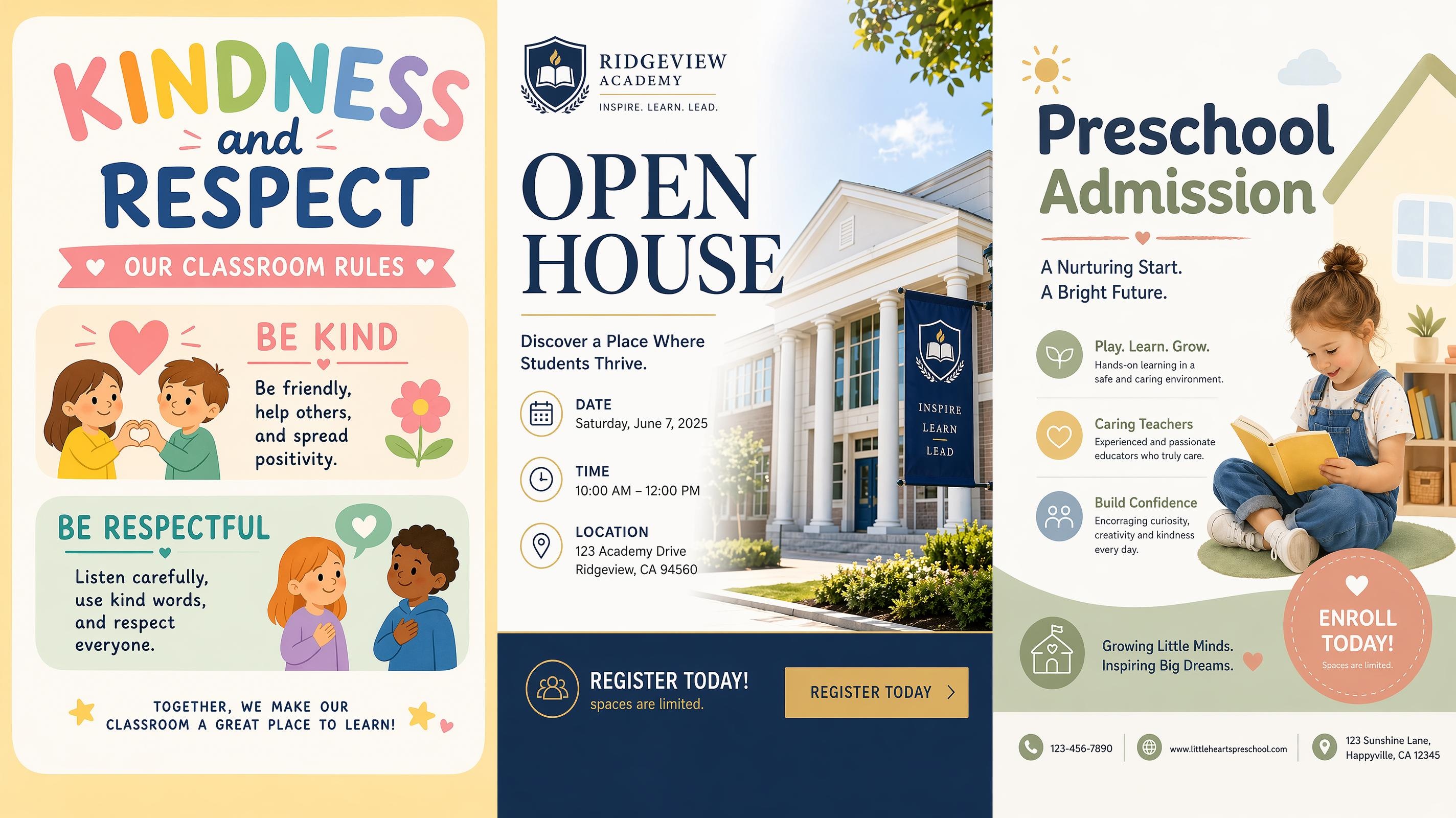
School Poster
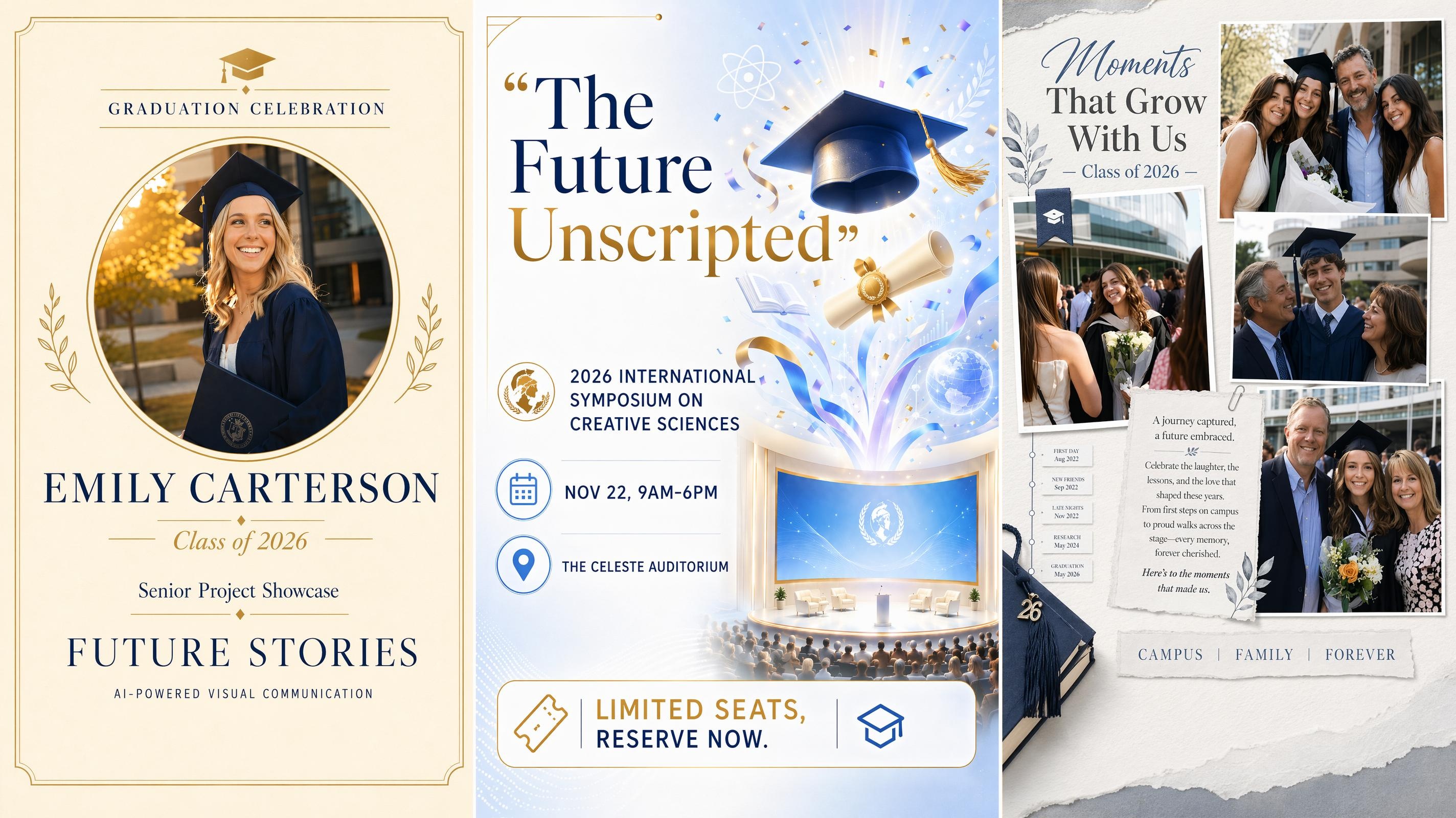
Graduation Poster
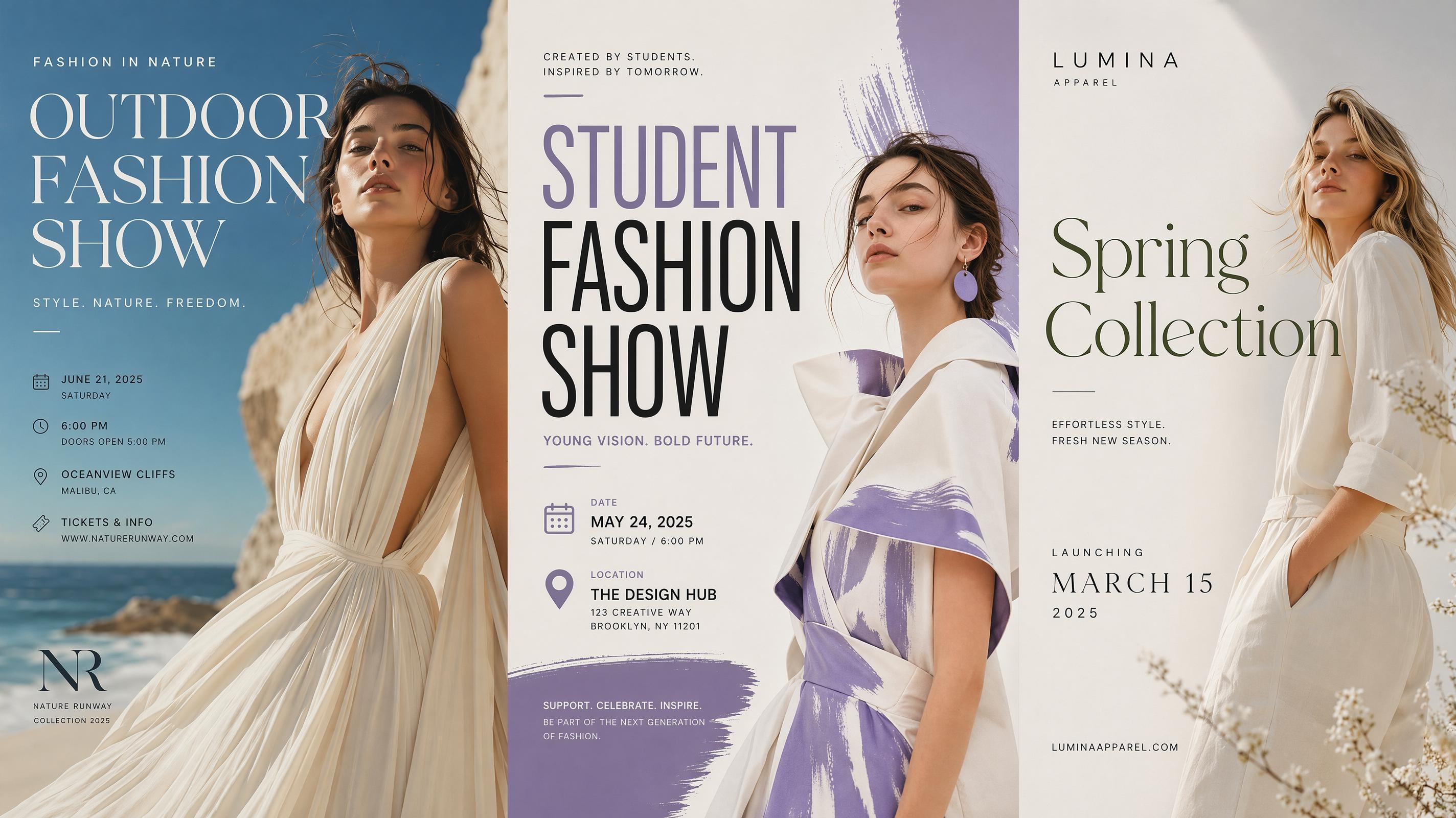
Fashion Poster
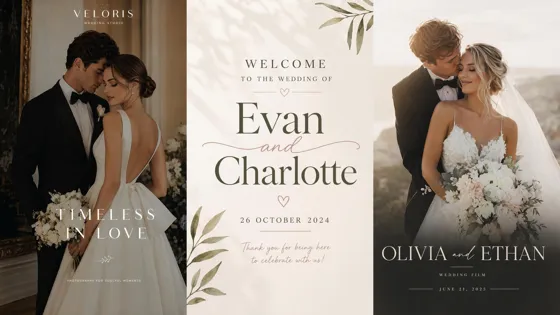
Wedding Poster
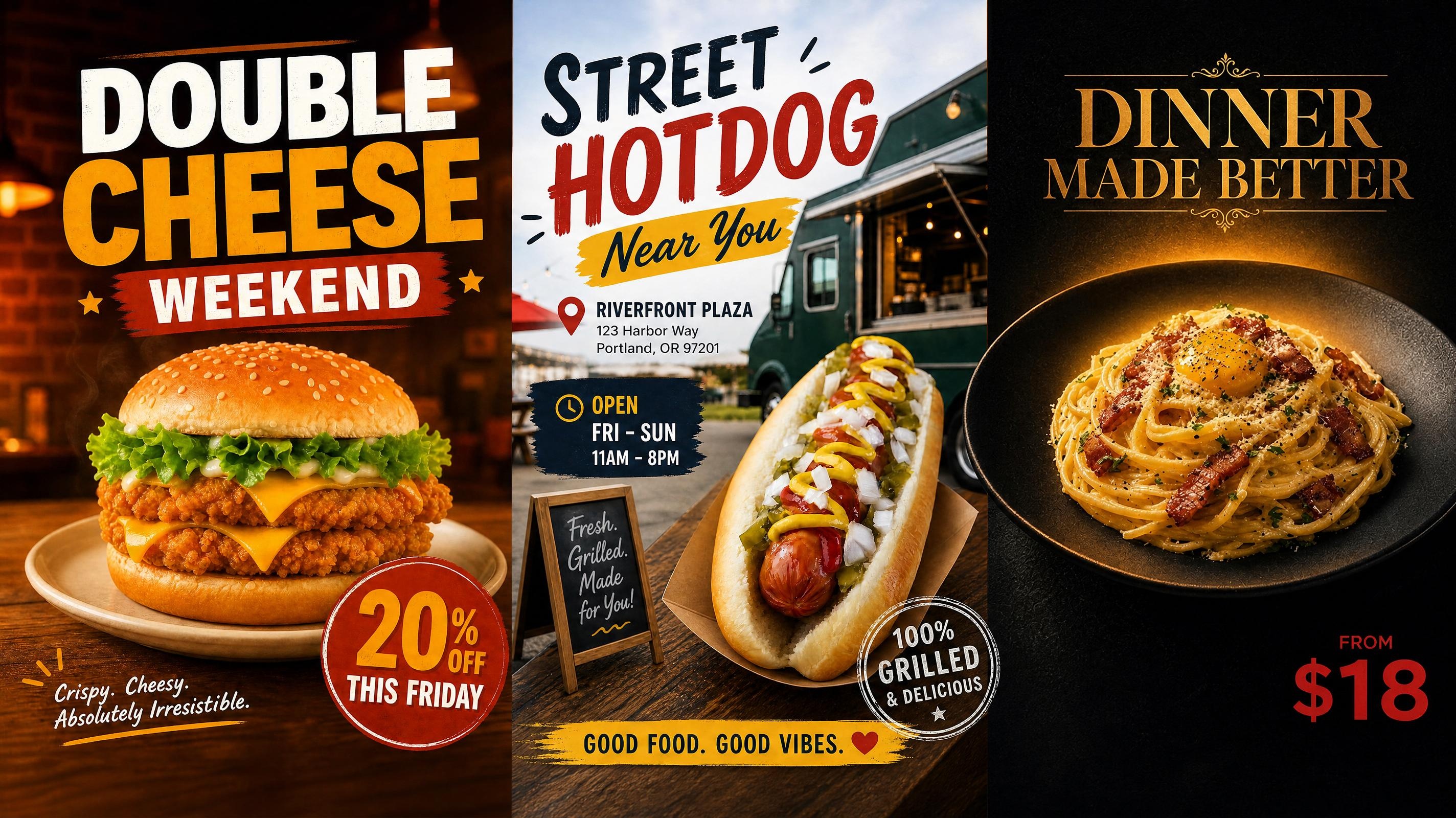
Food Poster
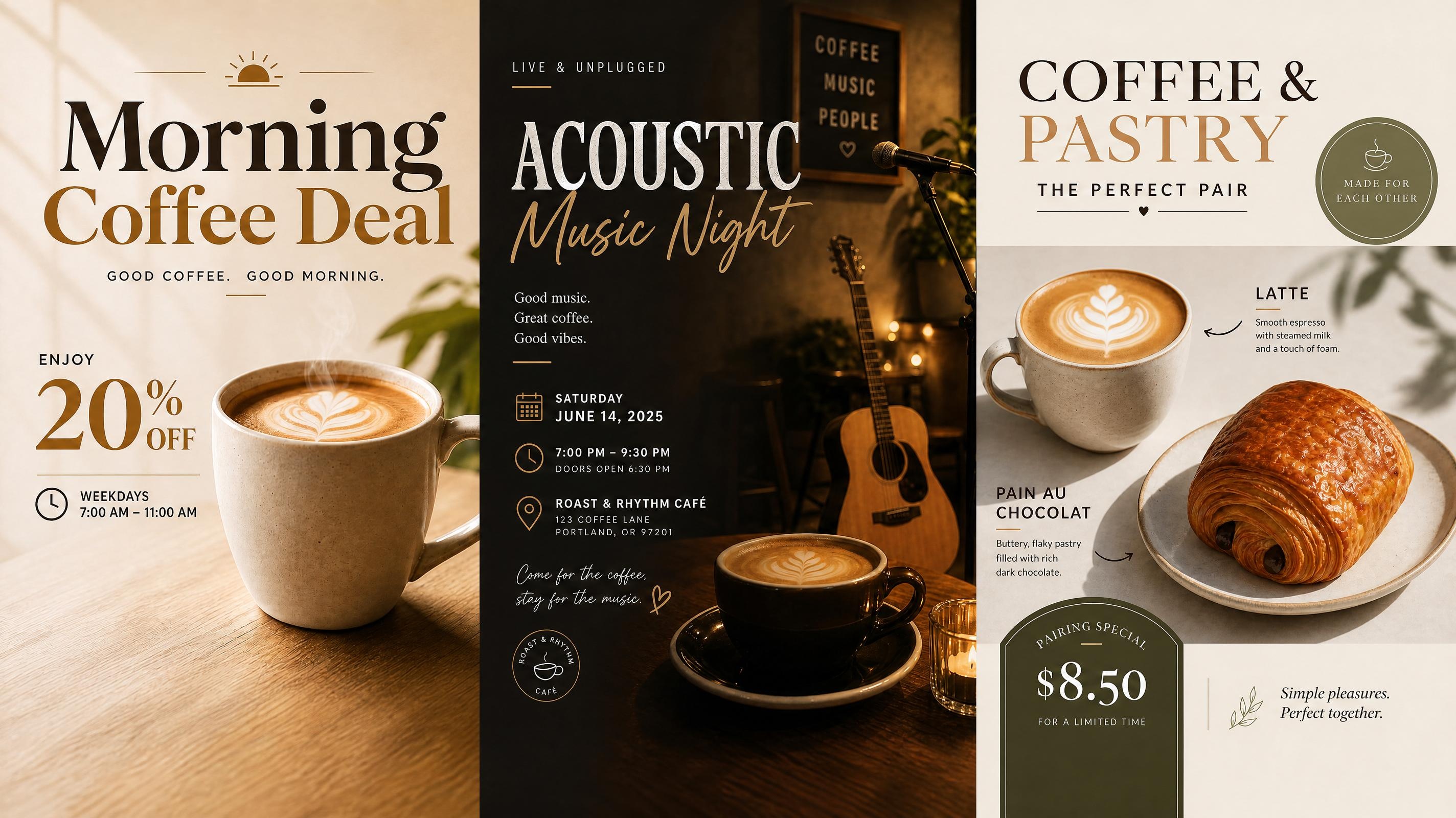
Cafe Poster
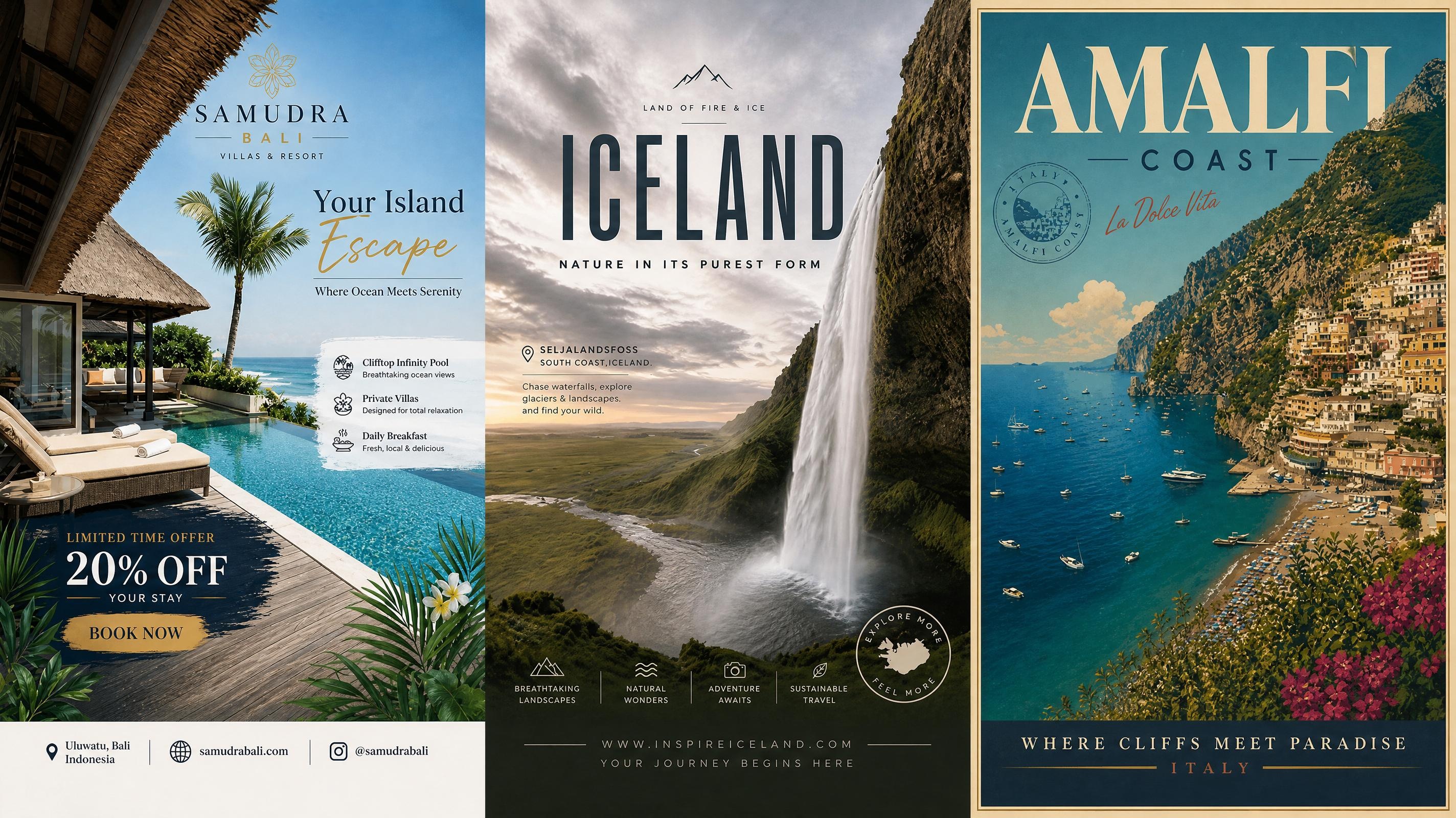
Travel Poster
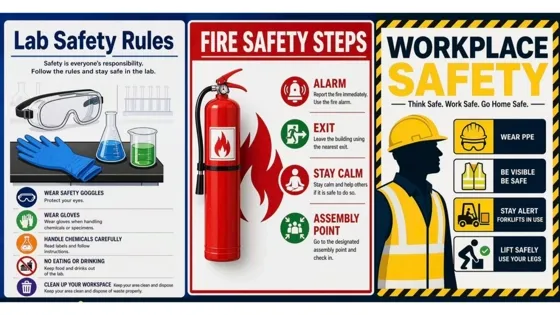
Safety Poster
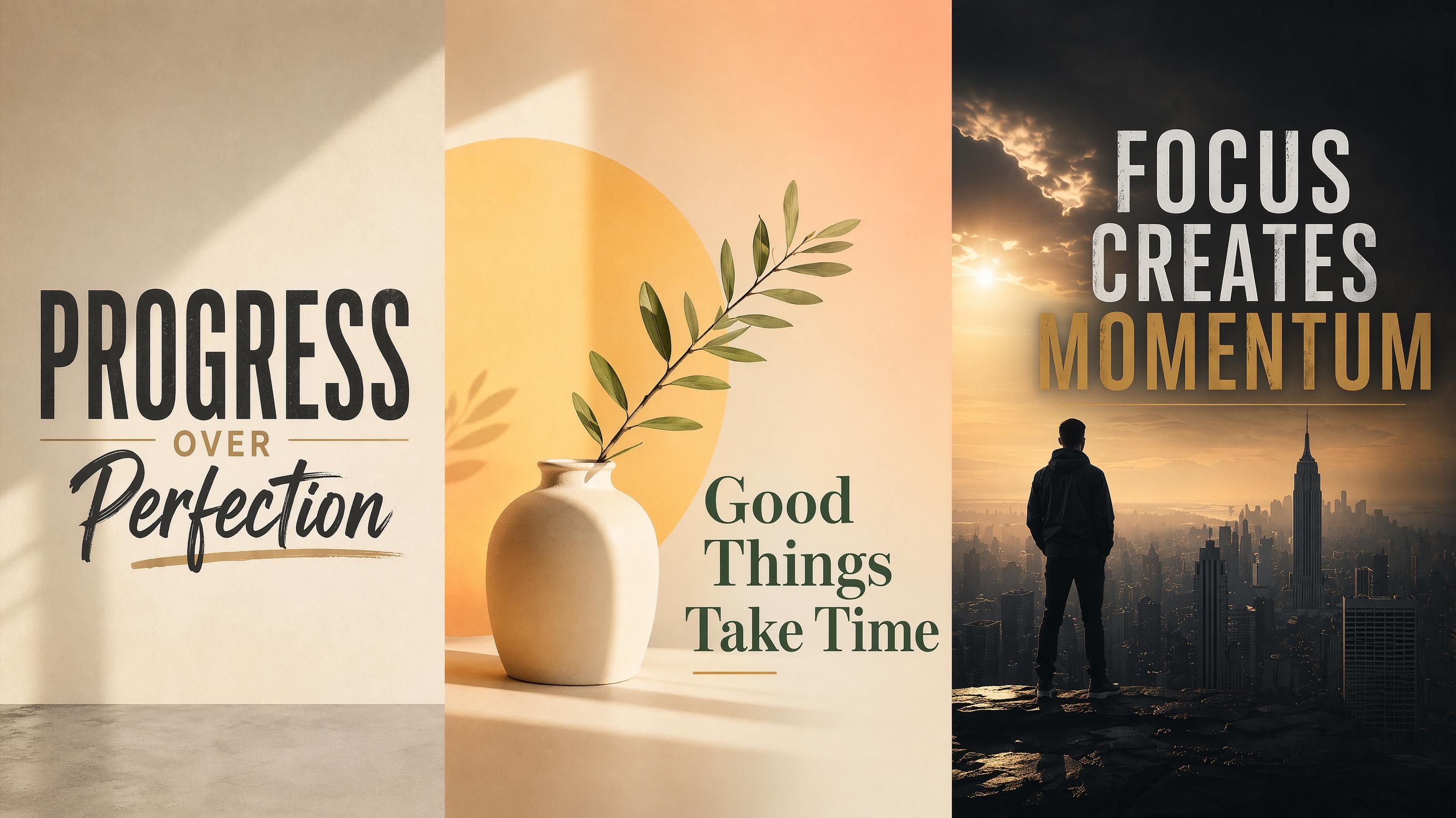
Motivational Poster
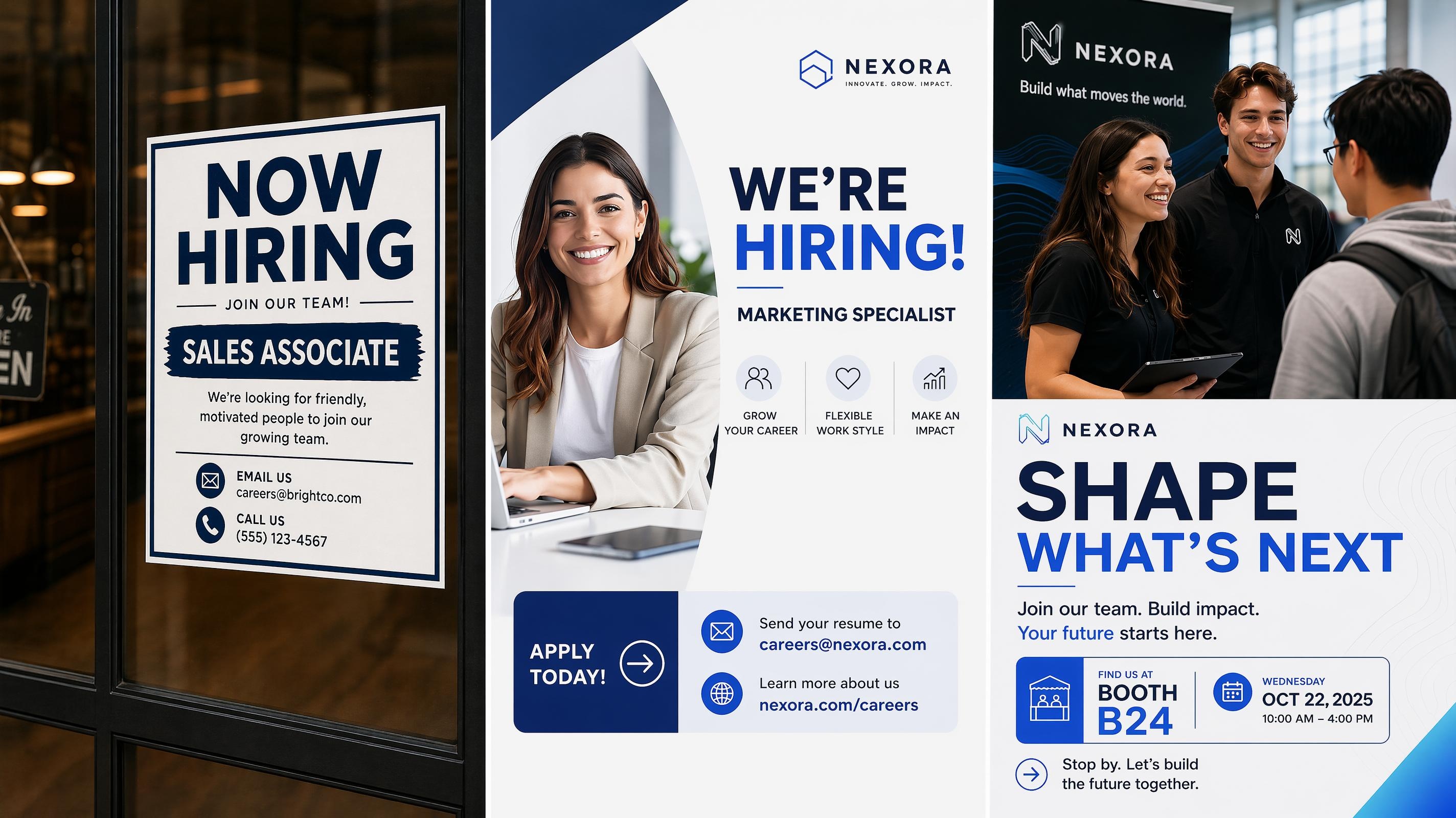
Recruitment Poster
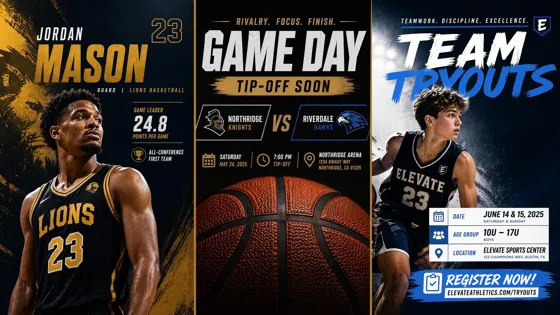
Sport Poster
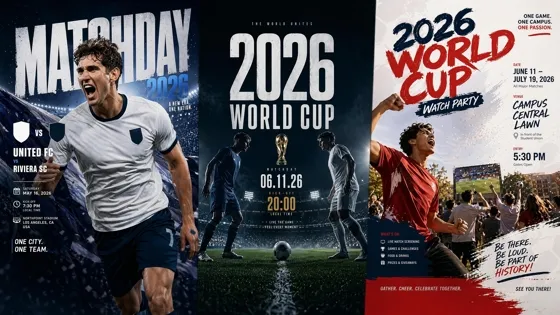
World Cup Poster
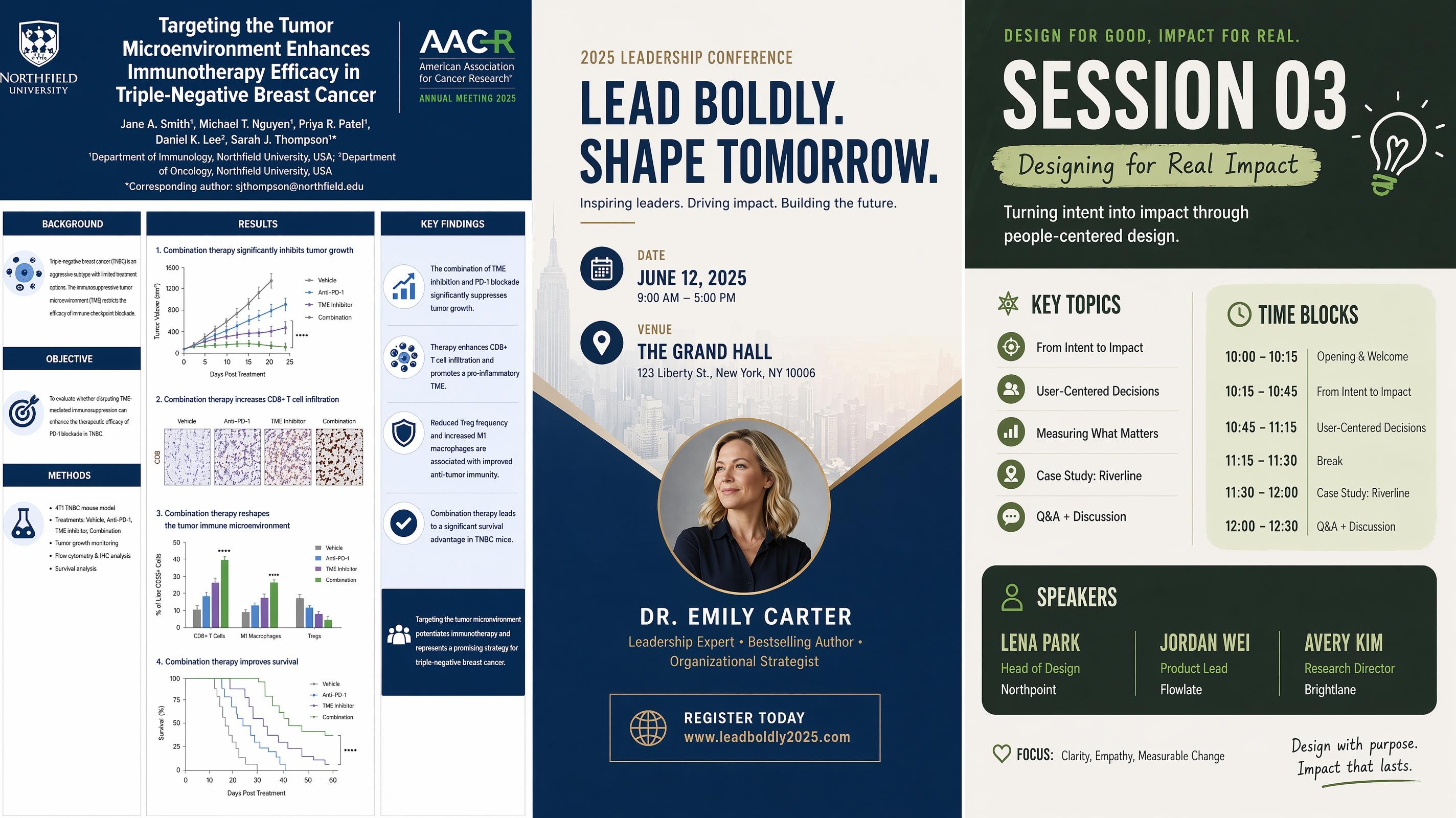
Conference Poster
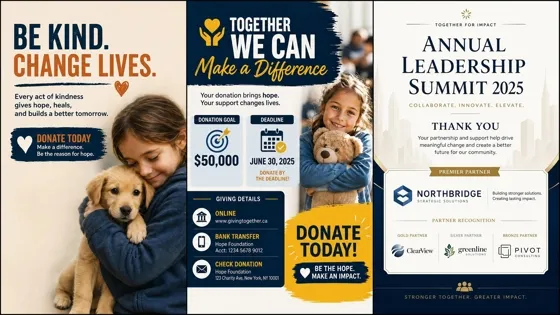
Fundraising Poster
Fueling E-commerce Operator Success

No Design Skills Required
Layout, typography, and spacing are handled for you. You describe the poster and get a clean result back, without learning design software or hiring a designer.
Every Output Stays On Brand
Lock your fonts, colors, and logo so each poster reproduces your brand details accurately. Run a full batch and the whole set still looks like one designer made it.

From Prompt to Finished File in Minutes
Skip templates you have to build from scratch. Generate, refine in a few words, and export a print-ready or social-ready file in one short session.
Frequently Asked Questions
What can I use the AI poster generator for?
Do the generated posters look professional enough to publish?
Yes. Layout, typography, and spacing are handled automatically, and you can refine any result by editing layers before exporting, so posters come out clean enough for live listings and ads.
Do I need design skills to make a poster?
No. You describe what you want in plain text and the layout is handled for you. You only step in if you want to fine-tune the result.
What do I need to provide to get started?
A short text description is enough. You can also upload product photos, a logo, and set brand colors so the poster matches your store's identity.
Which formats can I export, and can I use them commercially?
Posters export as JPG, PNG, GIF, or video in high resolution, ready for commercial use on listings, ads, and store banners.
Can I make posters for ads and social media?
Yes. You can generate posters sized for online ads, social platforms, and store banners, and reuse the same design across channels.
Can I generate posters in bulk for different products or campaigns?
Yes. A single prompt can produce several posters in different styles and sizes, which makes it easy to scale promotions or run A/B tests.
Do the posters work with Shopify and other marketplaces?
Yes. Posters are sized and formatted to fit e-commerce stores and marketplaces, so products stand out in listings and campaigns.
Generate Your First Poster Free
Describe your idea and get a finished poster back in minutes. Generate, refine, and export at no cost.



What Sellers and Creators Say About Designkit's AI Poster Generator
Kept up with our whole sale week
We had a week-long promo and needed fresh main images almost every day. I typed in the campaign details and got platform-sized posters back in a few minutes each. What used to eat a full afternoon with a designer now fits between other tasks.
Looks like we have a design team
I run everything solo and could never justify a designer for event and recruitment posters. I locked in our colors and logo once, and now everything I make matches. People assume we have a proper brand team now.
Same look across every platform
My thumbnails, banners, and social posts always looked a little off from each other. Now I set the brand style once and get versions sized for each platform in one go. My channels finally feel like one brand.
Easy to test a few versions fast
For ad testing I need several takes on the same idea. One prompt gives me a handful of style variations, so I can push a few into testing the same day instead of waiting on rounds of design edits.
Posters ready before the event started
I usually scramble to get promo posters done in time. This time I described the event, picked from a few variations, and had everything printed days early. Way less last-minute panic than I'm used to.