
Remove Watermarks for Clean Images
Remove watermarks from photos online while restoring the covered area with natural texture and clear detail.

No image ready? Try one of these samples:




How to Remove a Watermark from an Image Online
Upload Your Image
Upload one image, or choose Batch upload when you need to process several files.

Choose a Removal Method
Turn on Watermarks for automatic removal, or use Brush, Box, or Circle to mark the area manually.
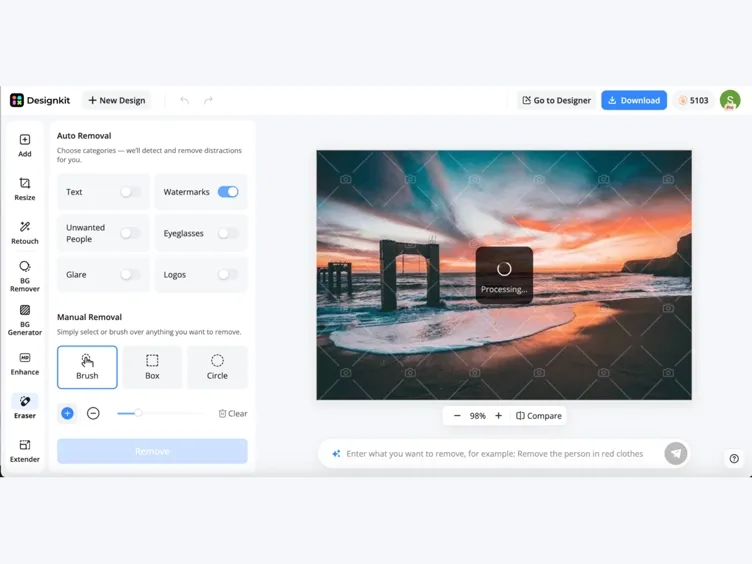
Review and Download
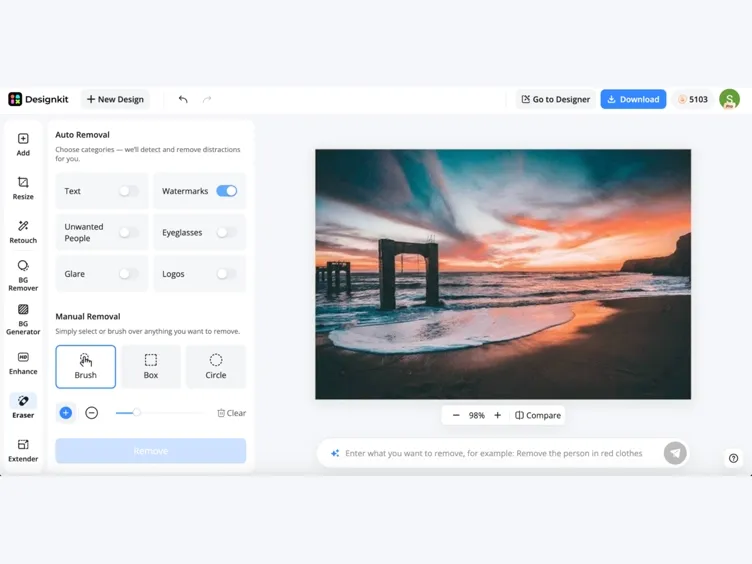
Compare the result with the original, then select Download or continue editing in Designkit. Sign in or create an account when prompted to export.
Remove Watermarks Without Compromising the Image
Detect Watermarks Automatically
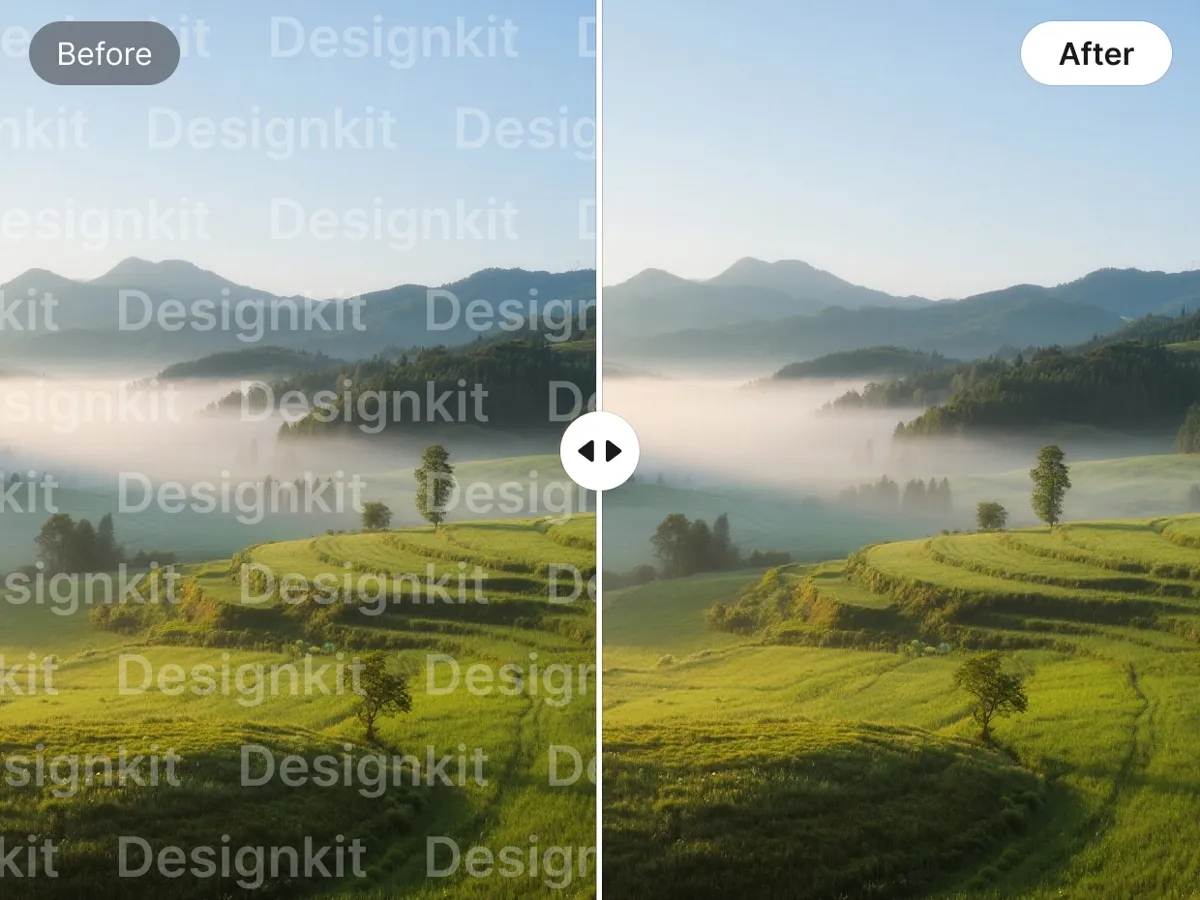
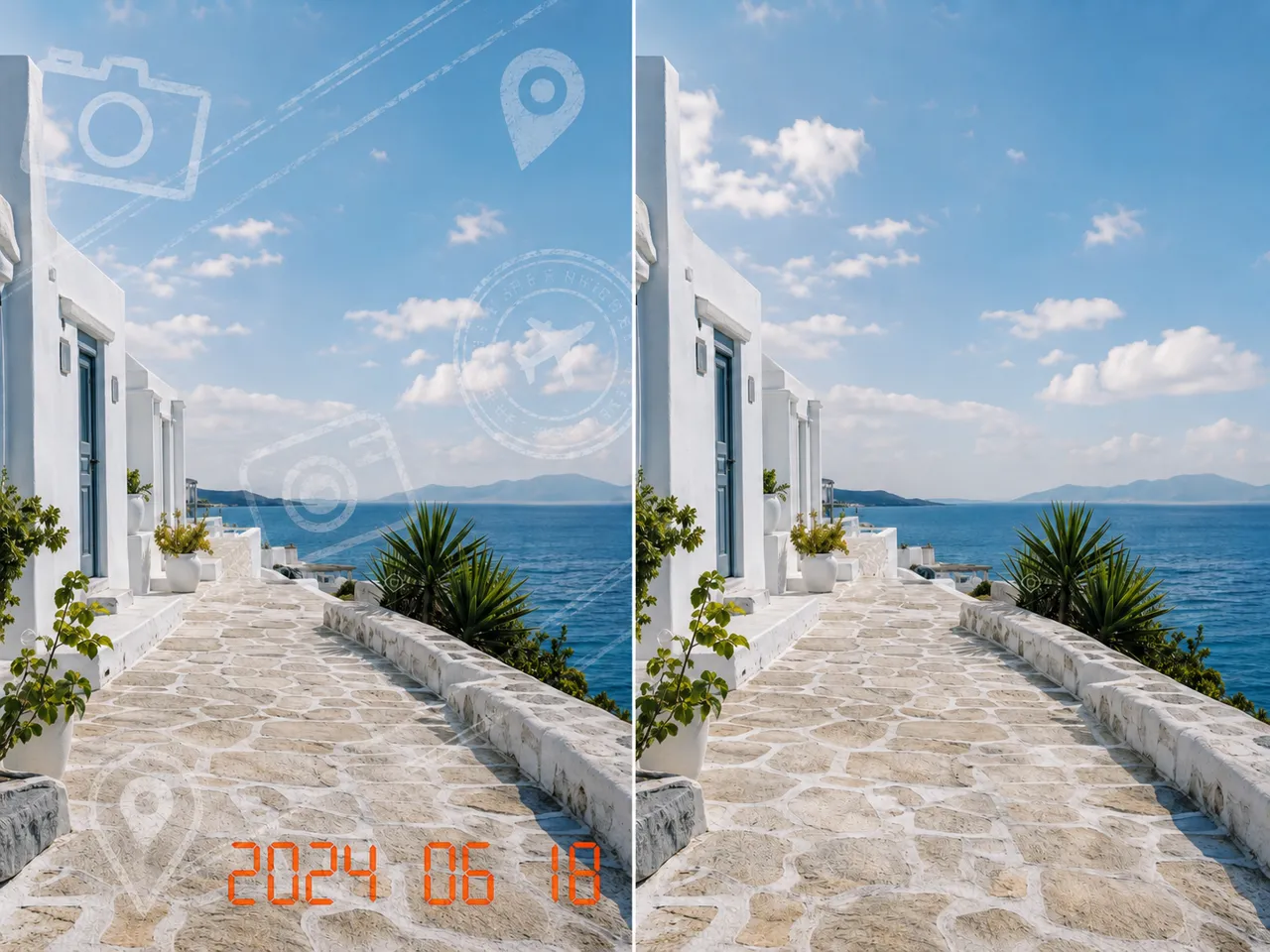
Designkit identifies watermark areas as soon as the image is uploaded, so you do not need to trace every edge by hand. The AI watermark remover separates the visible mark from the surrounding content and applies removal to the detected region, giving simple overlays a faster path to a clean result.
Restore the Covered Area Clearly
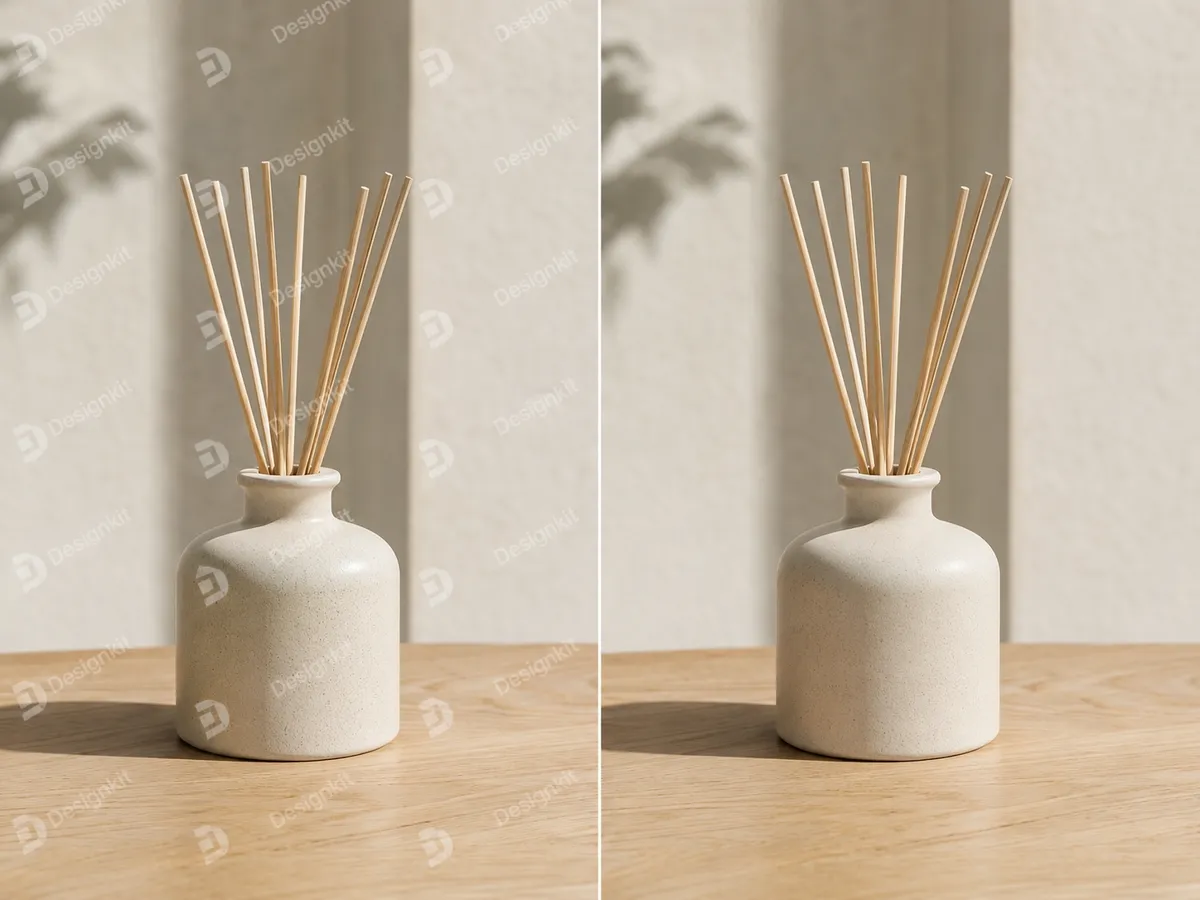
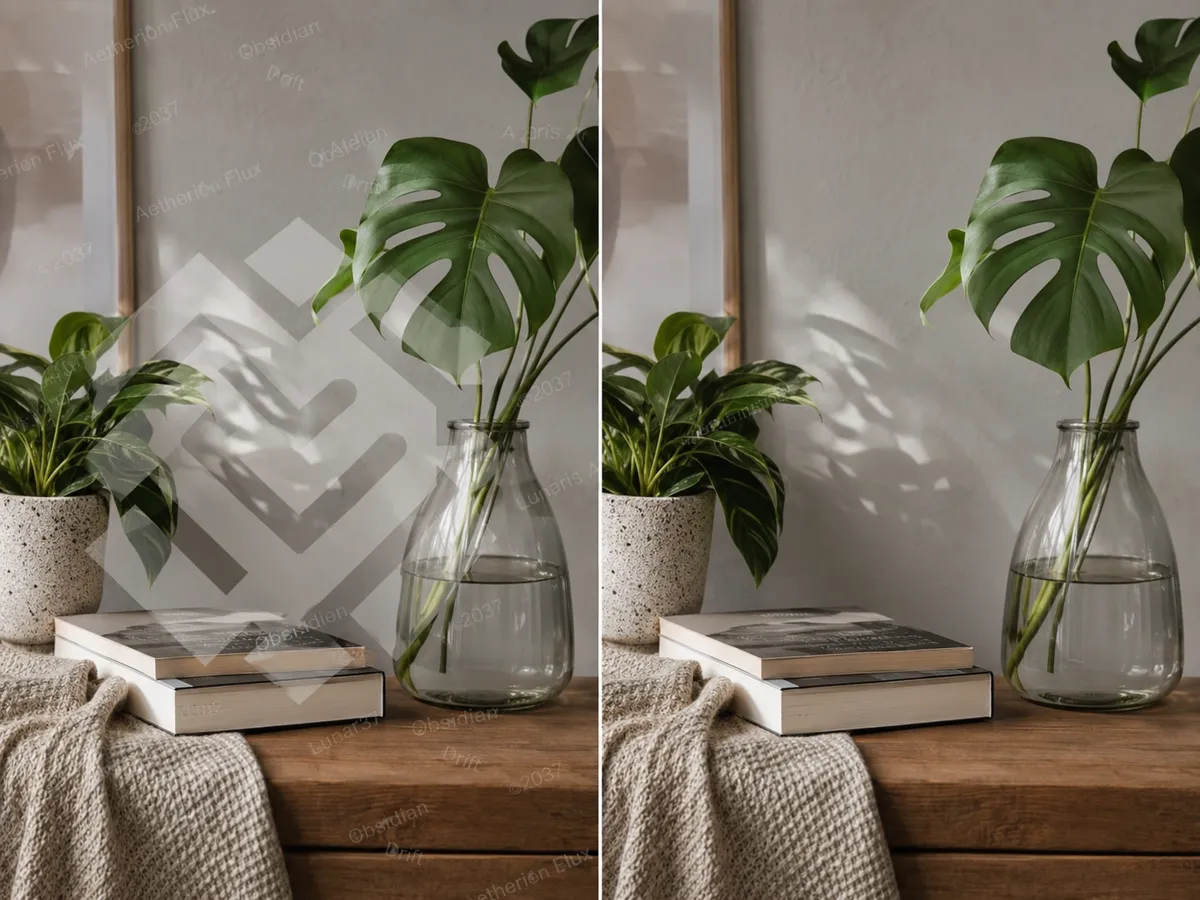
Instead of softening the entire region, Designkit rebuilds the covered area using nearby texture, color, and lighting. Fine detail remains clearer around the edit, helping the image retain a natural finish at its original resolution rather than showing an obvious blurred patch.
Refine Difficult Watermark Areas
Transparent marks and logos placed across detailed areas may need more precise control. Adjust the selected region so the image watermark remover focuses on the correct pixels, then run another pass to improve the edges or clear separate marks while keeping unrelated content intact.

Process Multiple Images Together
Add a group of images to one session and let the batch watermark remover inspect each file separately. This saves you from restarting the workflow for every photo, while individual results remain available for review when watermark placement or background detail varies across the collection.
Use a Watermark Remover Across Different Image Tasks
Standardize Product Listing Images
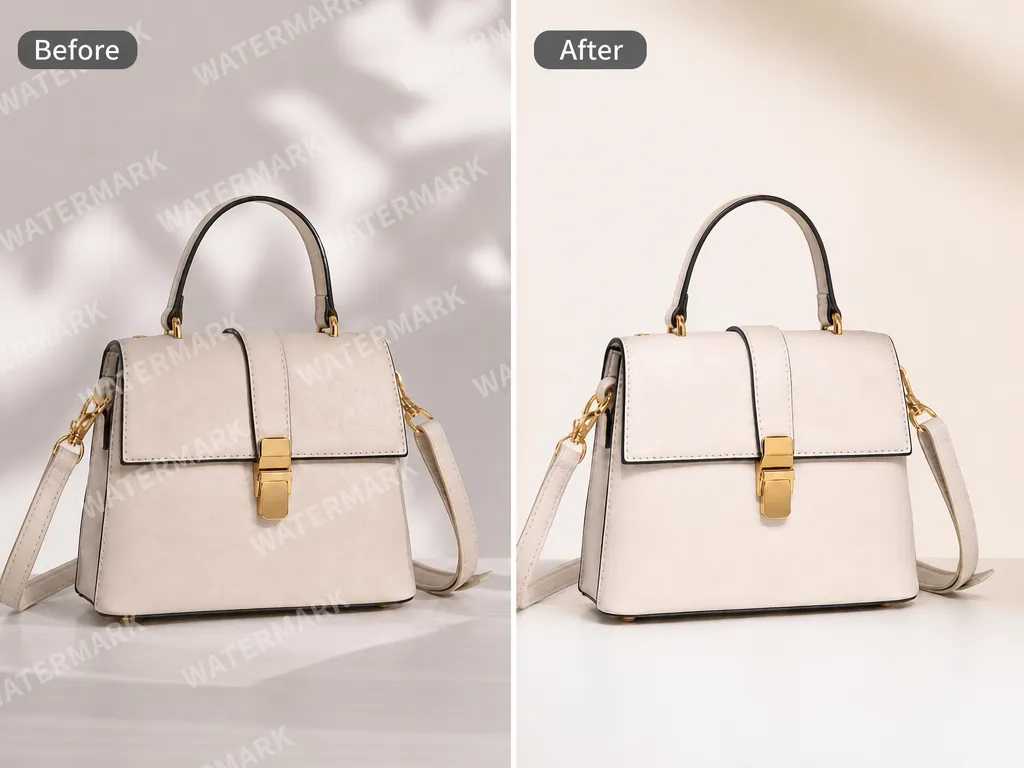
Clear authorized supplier marks from product photography before placing the files into a consistent listing layout. A cleaner source image keeps attention on the item and gives ecommerce teams more control over later cropping, resizing, and storefront presentation.

Why Use Designkit to Remove Watermarks

Work Directly in Your Browser
Use the online watermark remover on any supported device. Clean images directly from the page without installing separate desktop software.
Follow a Focused Workflow
Complete straightforward cleanup through a clear workspace without learning layers, masks, or other professional retouching controls.

Continue Editing in Designkit
Open the cleaned image in another Designkit tool when further adjustments are needed, keeping the next edit within the same workspace.
Unlock More Creative Possibilities

Bulk Watermark Remover
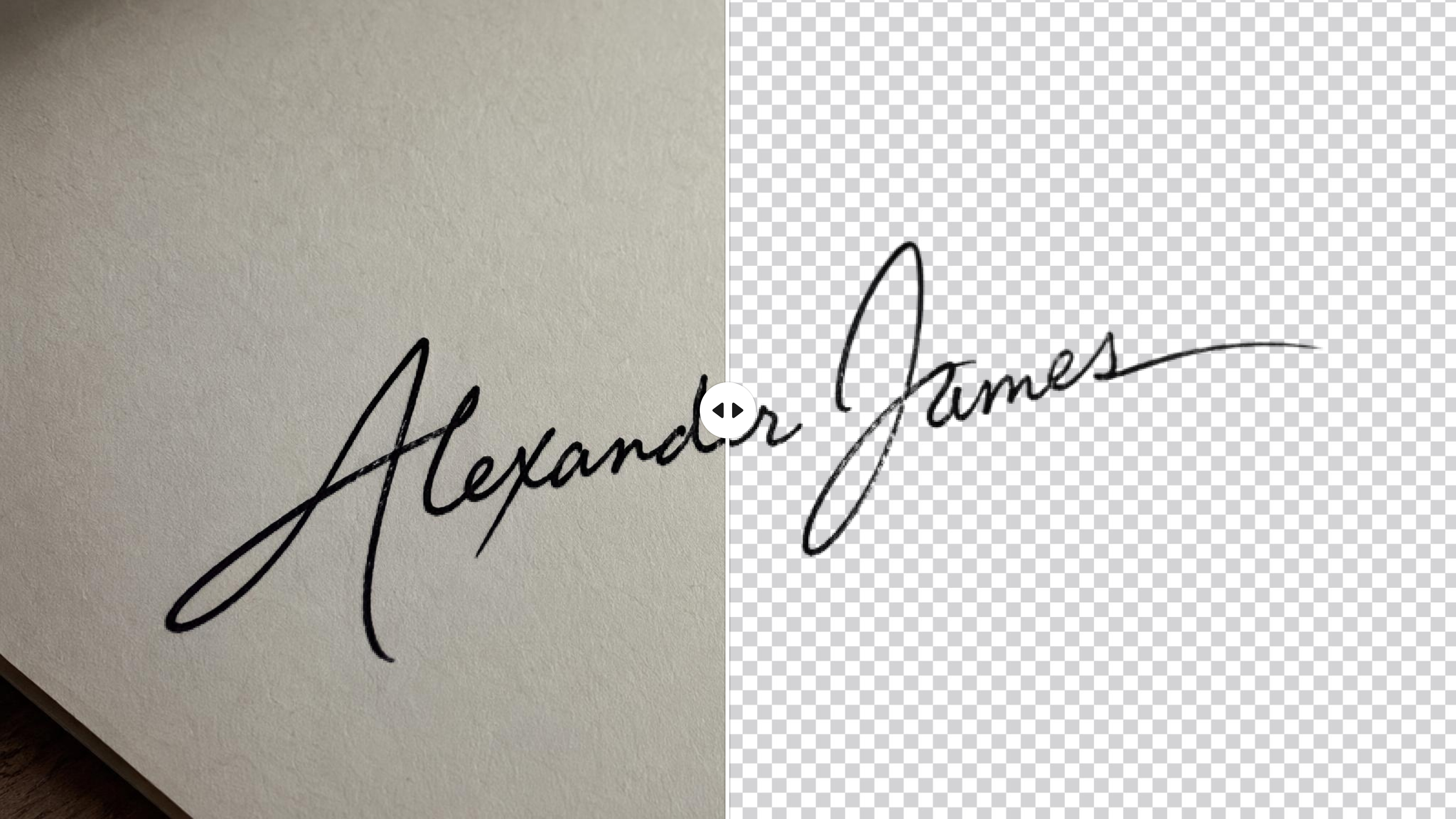
Signature Background Remover
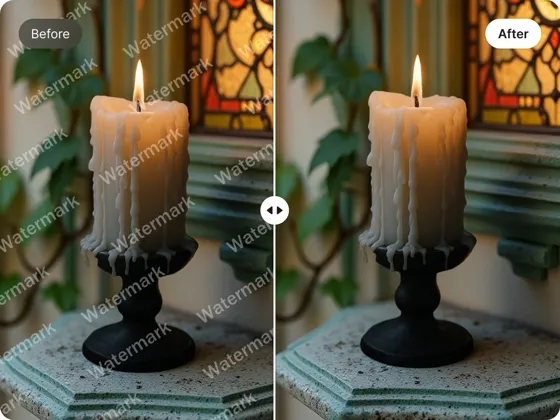
AI Object Remover
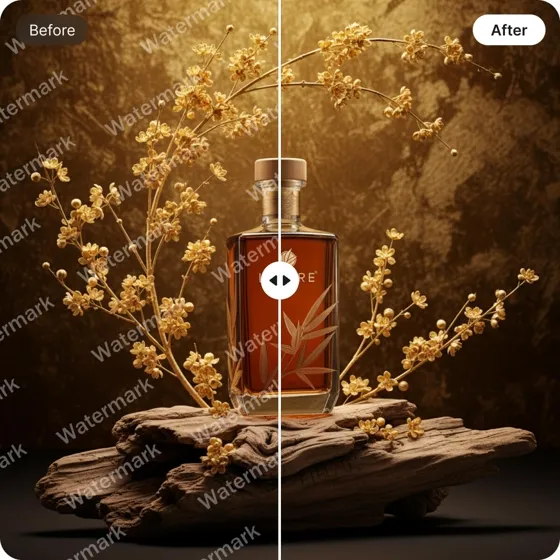
Remove Text From Images
Frequently Asked Questions
How does an AI watermark remover work?
Can I remove a logo from an image?
Yes. The AI logo remover can clear logos and other visible overlays from images you own or have permission to edit. Marks placed over detailed subjects may require a refined selection or an additional pass.
Will the watermark eraser blur my photo?
Designkit is designed to rebuild the selected area rather than blur the entire region. Results depend on the size, opacity, and placement of the watermark, so complex areas may need closer review.
Can I remove watermarks from multiple images?
Yes. Batch upload lets you add multiple files to one session. The tool examines each image separately, which is useful when the watermark appears in a different position or over a different background in each file.
Is there a free online watermark remover?
Designkit lets you start removing watermarks online for free. Available usage and batch limits may depend on the current plan shown when you use the tool.
Is it legal to remove a watermark from an image?
Only remove a watermark when you own the image or have permission to modify it. Removing the visible mark does not transfer copyright or give you the right to use someone else’s content.
Create a Cleaner Source for Your Next Edit
Create a clean source file that is easier to reuse, update, or place into your next design.



How Designkit Supports Real Image Workflows
See how cleaner source files improve reviews, production planning, asset value, and quality control.
Kept Creative Reviews Focused
Our internal proofs sometimes included an old approval mark that distracted people from the layout we actually wanted them to review. Clearing it before circulation changed the quality of the feedback immediately. Stakeholders commented on the composition and message instead of repeatedly asking about a mark that was never meant to appear in the finished file.
Protected Tight Publishing Schedules
Small cleanup requests used to wait behind larger design tasks, even when the rest of the image was already approved. I can now handle those corrections before the publishing deadline instead of reopening the entire production request. That has made our schedule more predictable and reduced the number of minor issues left until final review.
Retained the Composition We Had Licensed
We had licensed photography with exactly the framing our team wanted, but some working copies contained an approval overlay from an earlier review stage. Removing the overlay meant we could keep the composition we had already selected and paid for. We did not have to replace a strong image just because the clean master was difficult to locate.
Reduced Reliance on External Retouching
I used to send every minor image correction back to a freelance retoucher because our regular software made the task feel more complicated than it was. Designkit gives me a practical option for straightforward authorized cleanup. I still escalate detailed restoration work, but the smaller requests no longer create extra invoices or unnecessary coordination.
Made Final Quality Checks More Consistent
Our team reviews files from several contributors, so small leftover marks can be easy to miss until the final publishing check. Running the images through one cleanup stage gives us a more consistent checkpoint before delivery. It has also made responsibilities clearer because everyone knows which version should move into the final inspection.