
AI Logo Generator for Any Brand, Store, or Creator
Turn ideas and images into a logo in seconds. Whether for building a business, a YouTube channel, a game identity, or a personal brand, explore different logo directions before choosing the one that fits you.
Your Brand. Your Story. Your Logo.
How to Create a Logo with Designkit in 3 Steps
Describe Your Logo Idea
Enter your business name, industry, brand personality, target audience, and logo preferences.
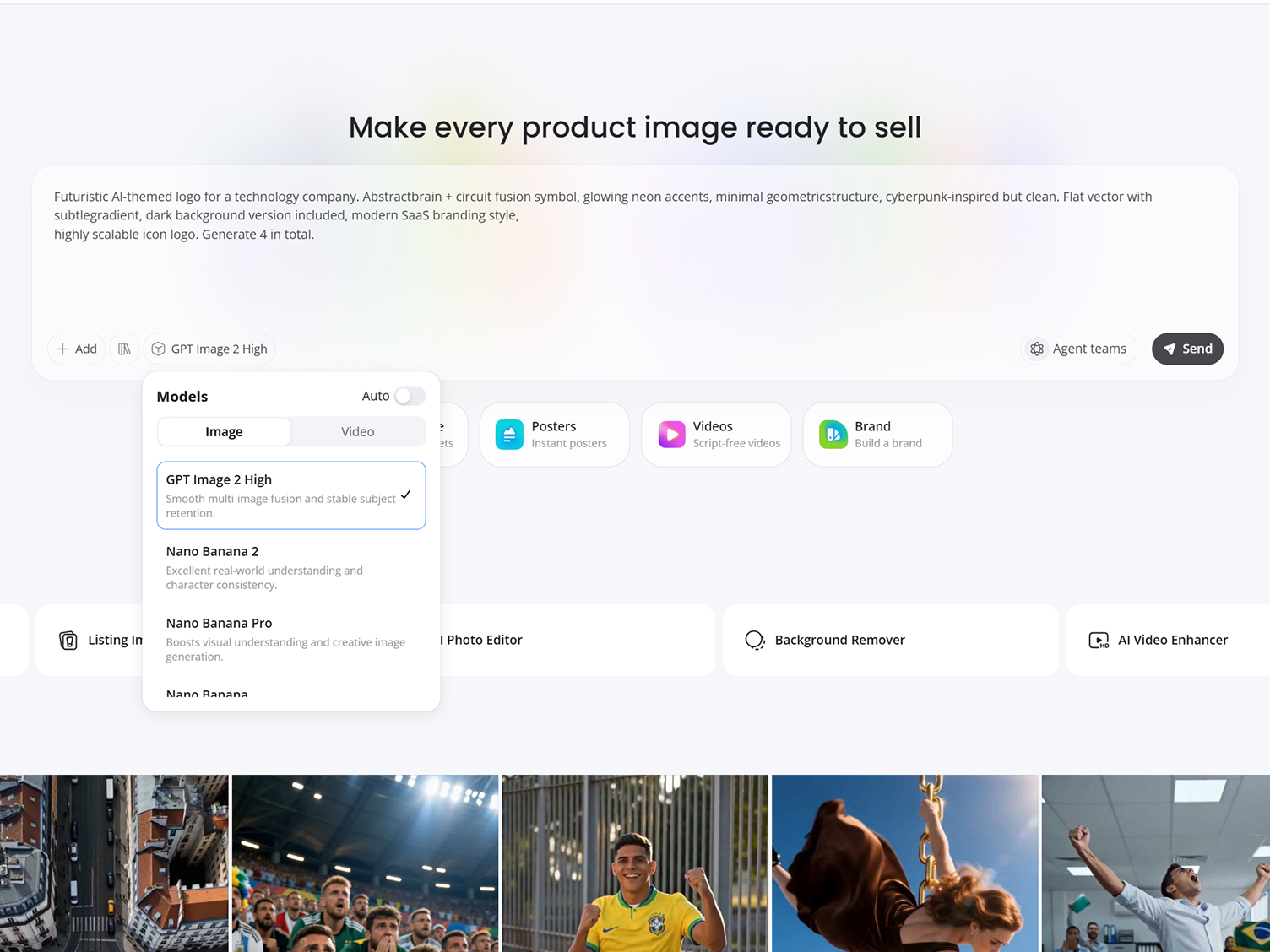
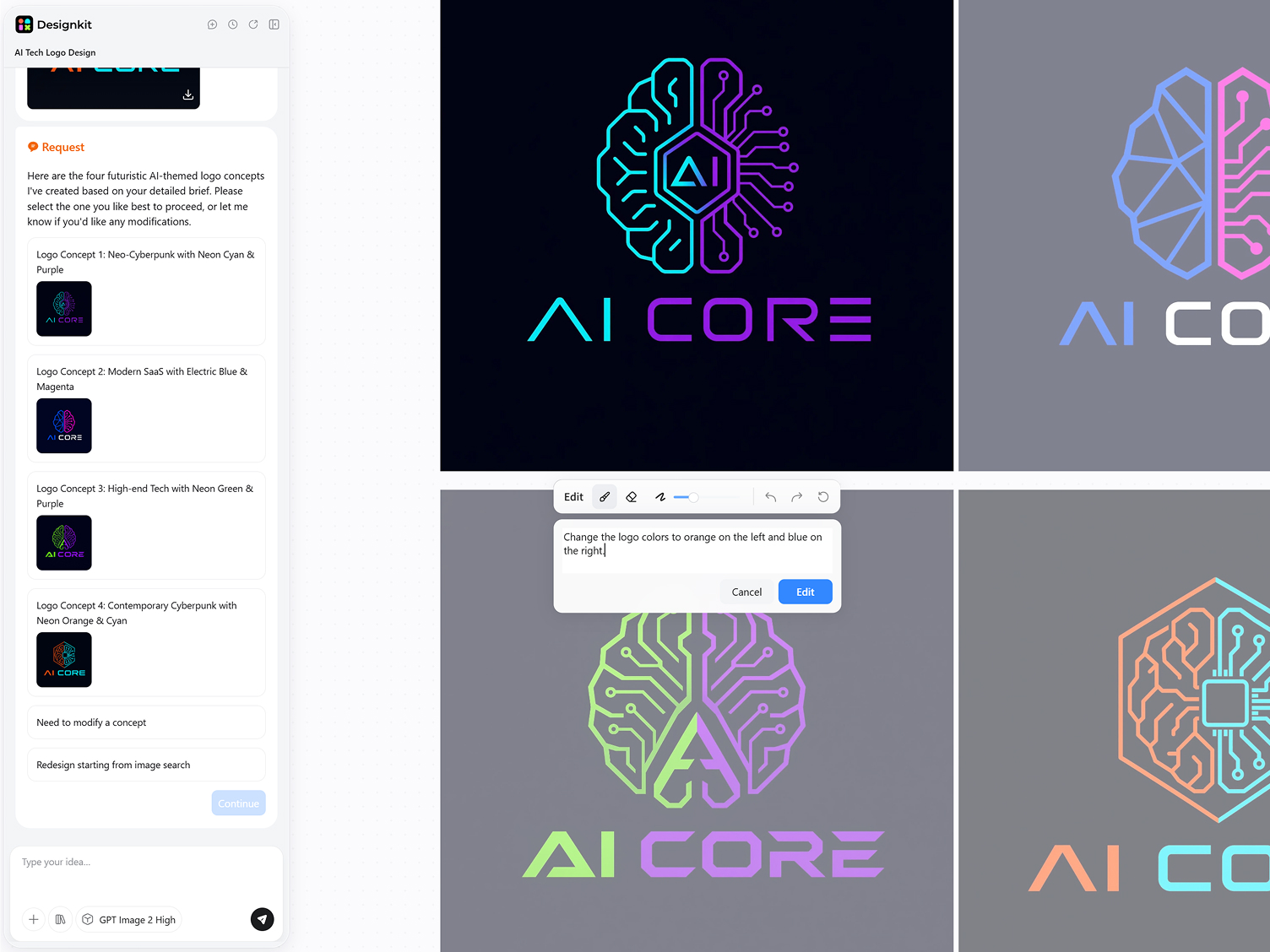
Generate Logo Concepts
Designkit creates multiple logo ideas based on your description, including symbols, typography, layouts, and brand directions.
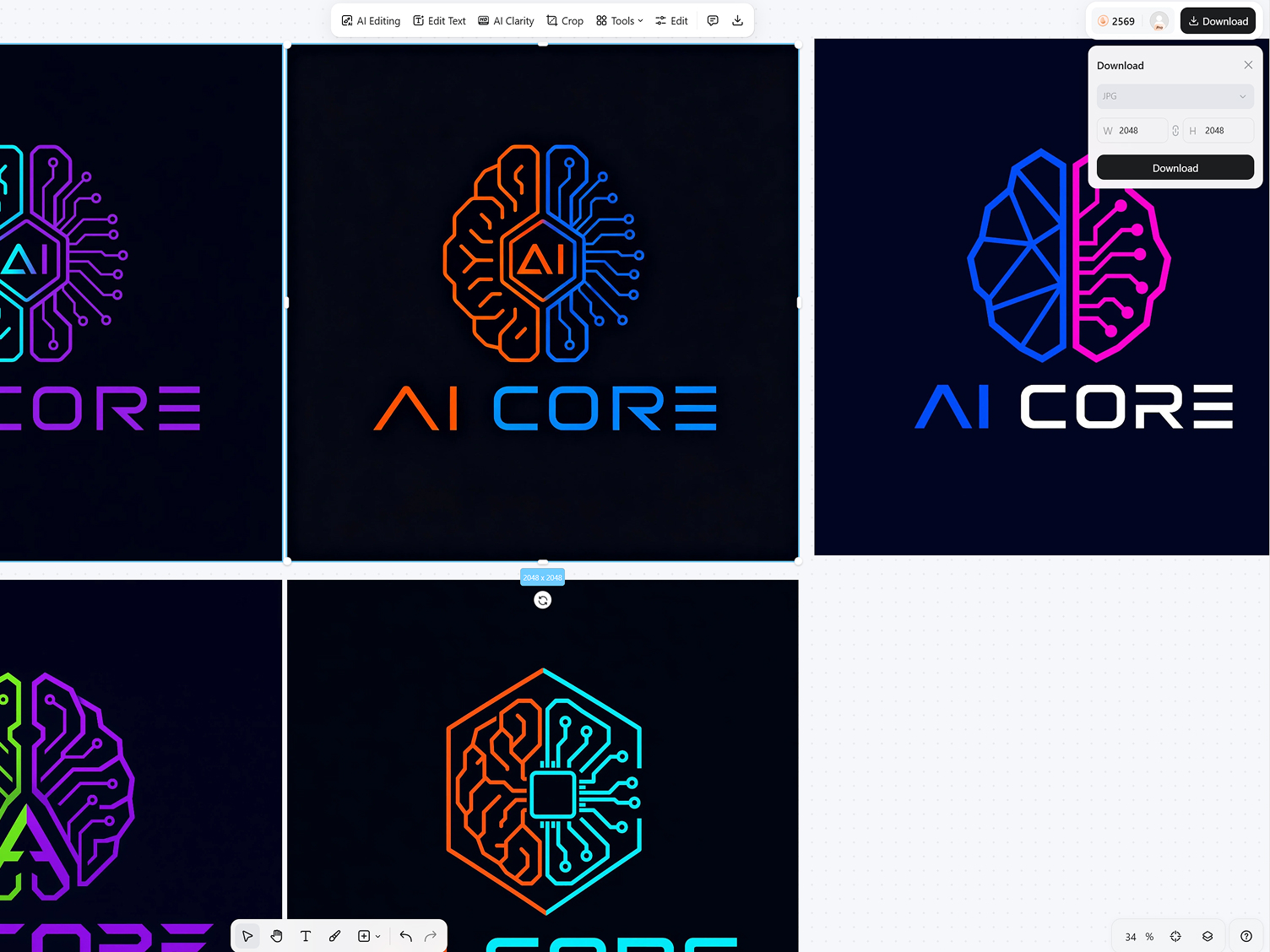
Refine and Export
Review different logo options, refine your prompt if needed, and download the design that best represents your brand.
Capabilities of Designkit's AI Logo Generator
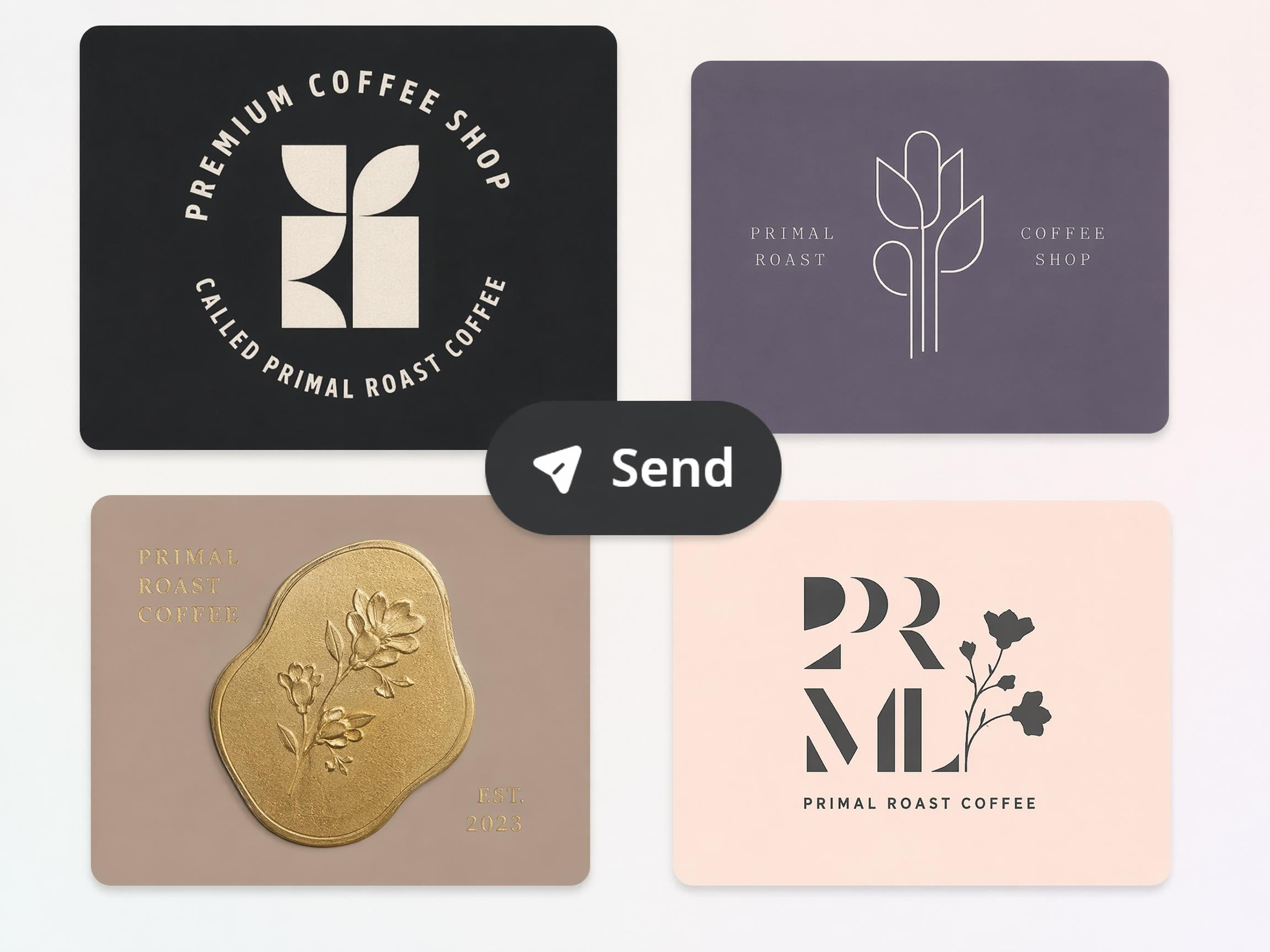
Turn Text Prompts into Logos Instantly
Start with a business idea instead of a sketch. Describe your brand, industry, or style in a few words, and Designkit's AI logo creator generates original logo concepts you can refine for websites, products, social media, or marketing materials.
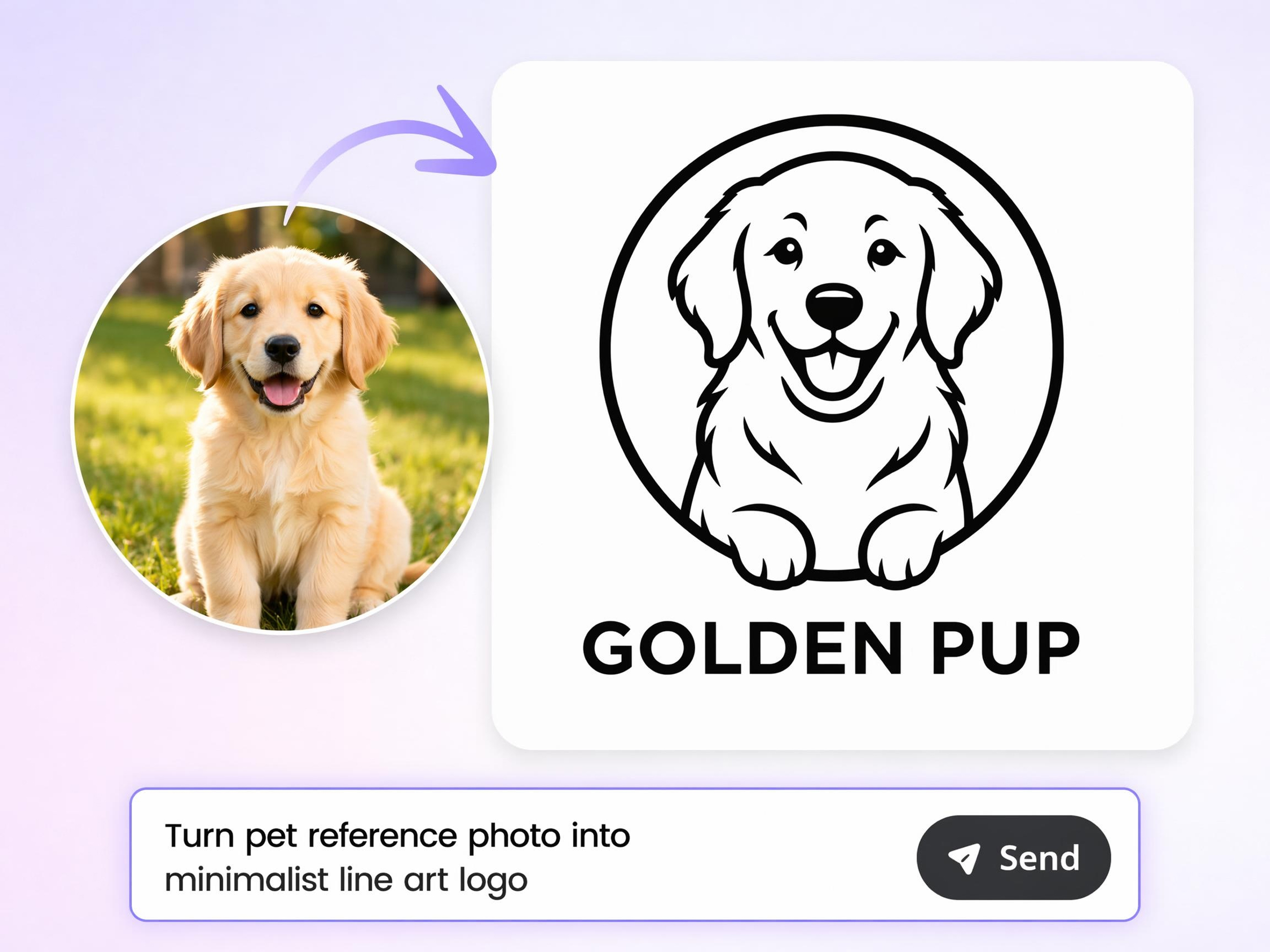
Build a Logo from a Reference Image
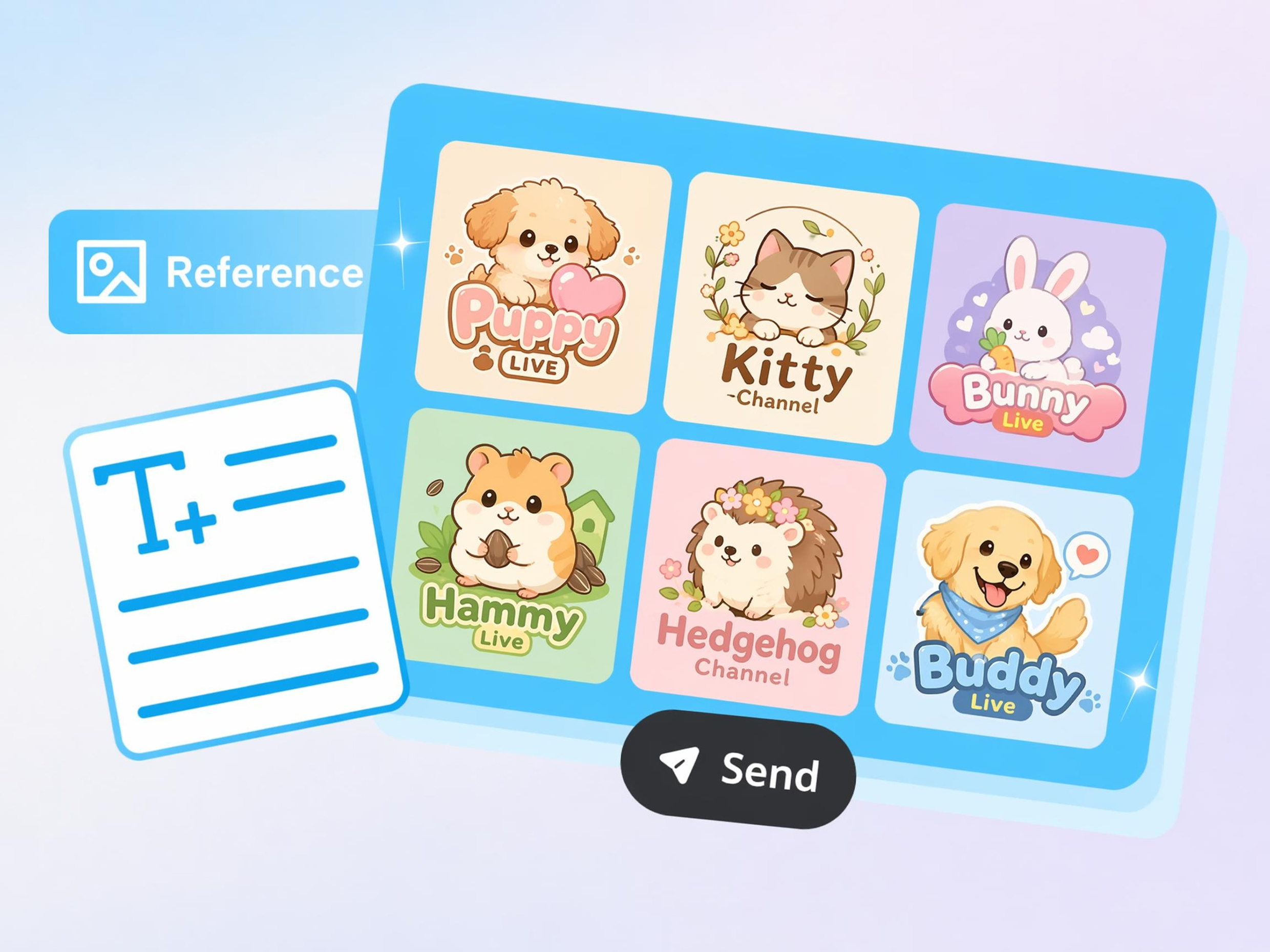
Already have a logo you like? Upload a reference image and Designkit creates new logo concepts inspired by its style without copying it directly. This AI logo maker workflow helps refresh outdated branding or explore new creative directions.
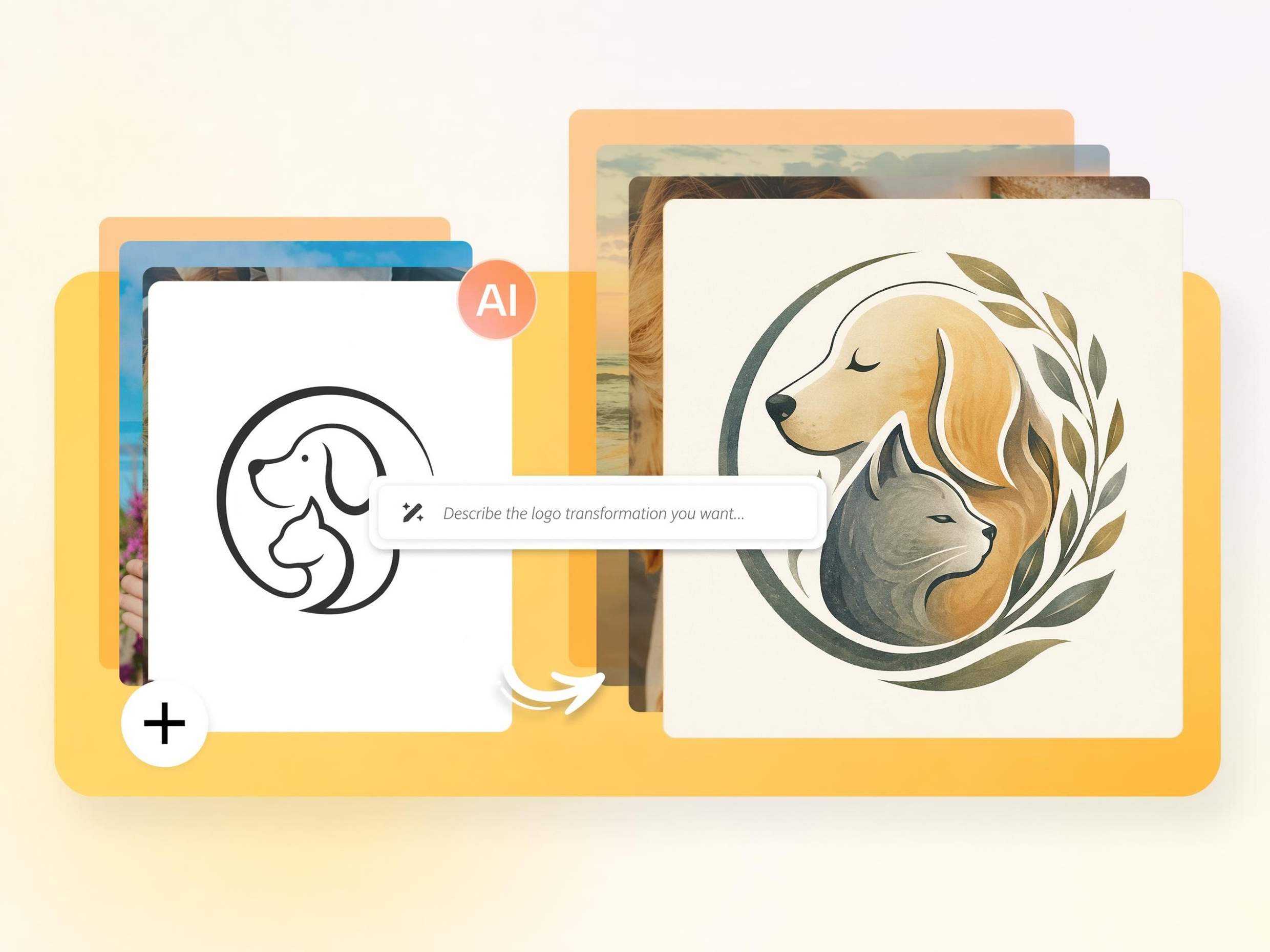
Control Your Logo with Prompt-Based Editing
When the first result is close but not perfect, describe what should change instead of starting over. Designkit updates colors, icons, layout, typography, or style using simple prompts, making AI logo design revisions more flexible.
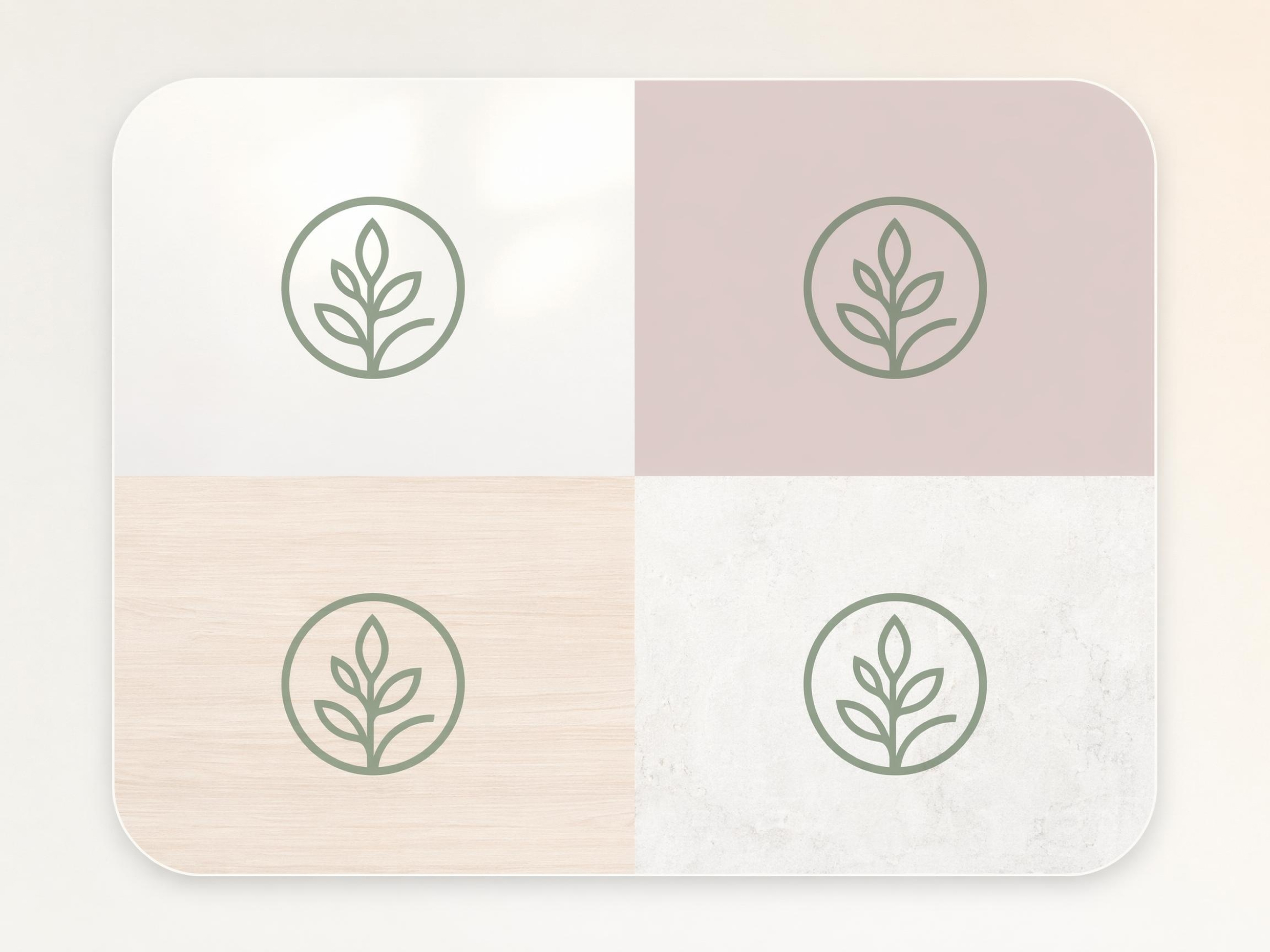
Generate Customizable Backgrounds for Your Logo
A logo often needs different backgrounds for websites, presentations, packaging, and social media. The AI background generator in Designkit creates matching scenes and backgrounds around your logo, helping every AI-generated logo fit the place where it will be used.
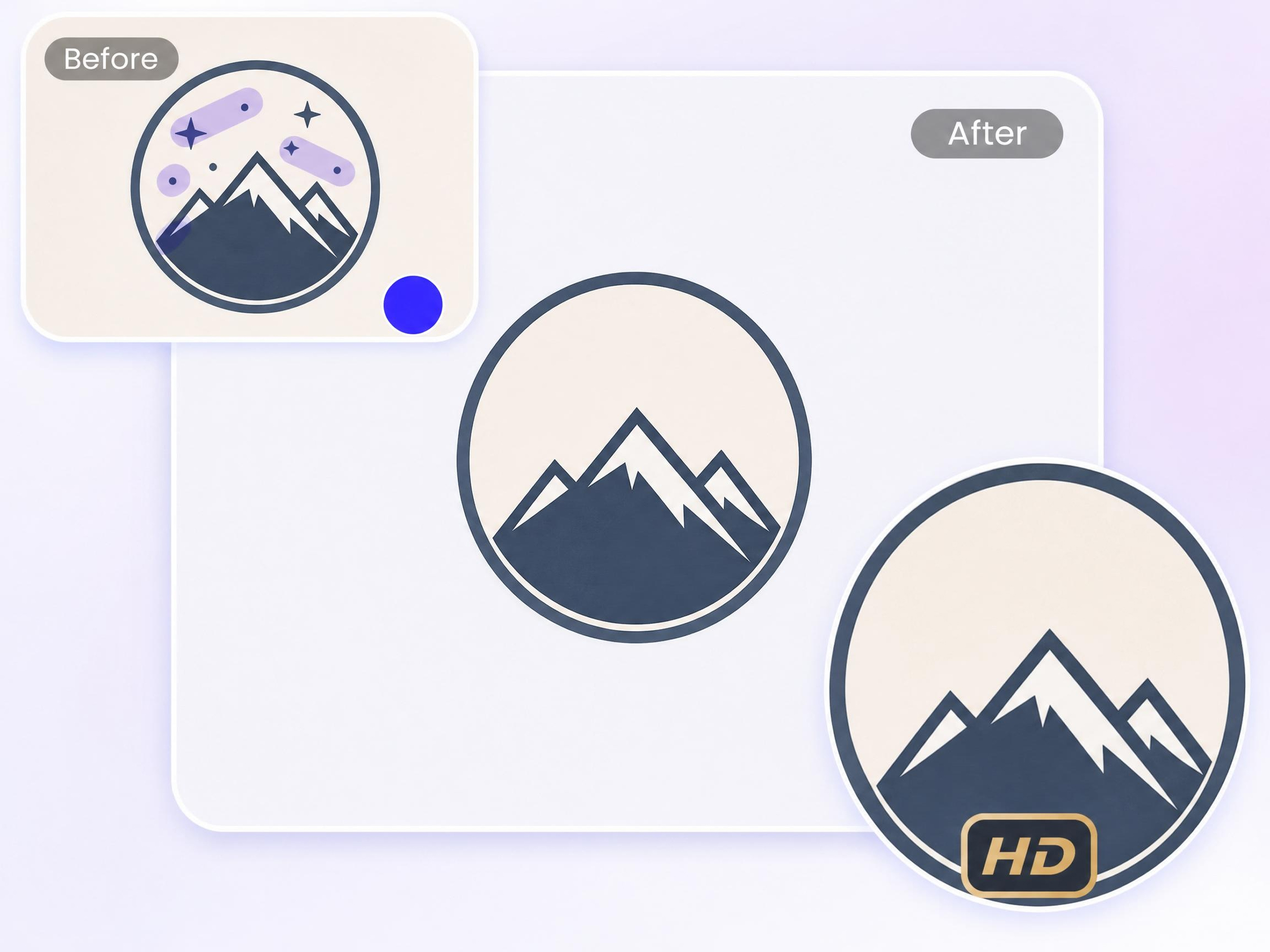
Remove Unwanted Elements from Your Logo
If a logo contains icons, shapes, or details that don't fit your brand anymore, remove them without rebuilding the design. Designkit's cutout feature lets you clean up and simplify logos, making it easier to create a logo with AI that matches your current brand identity.
AI Logo Generator for Personal, Creative, and Professional Identity
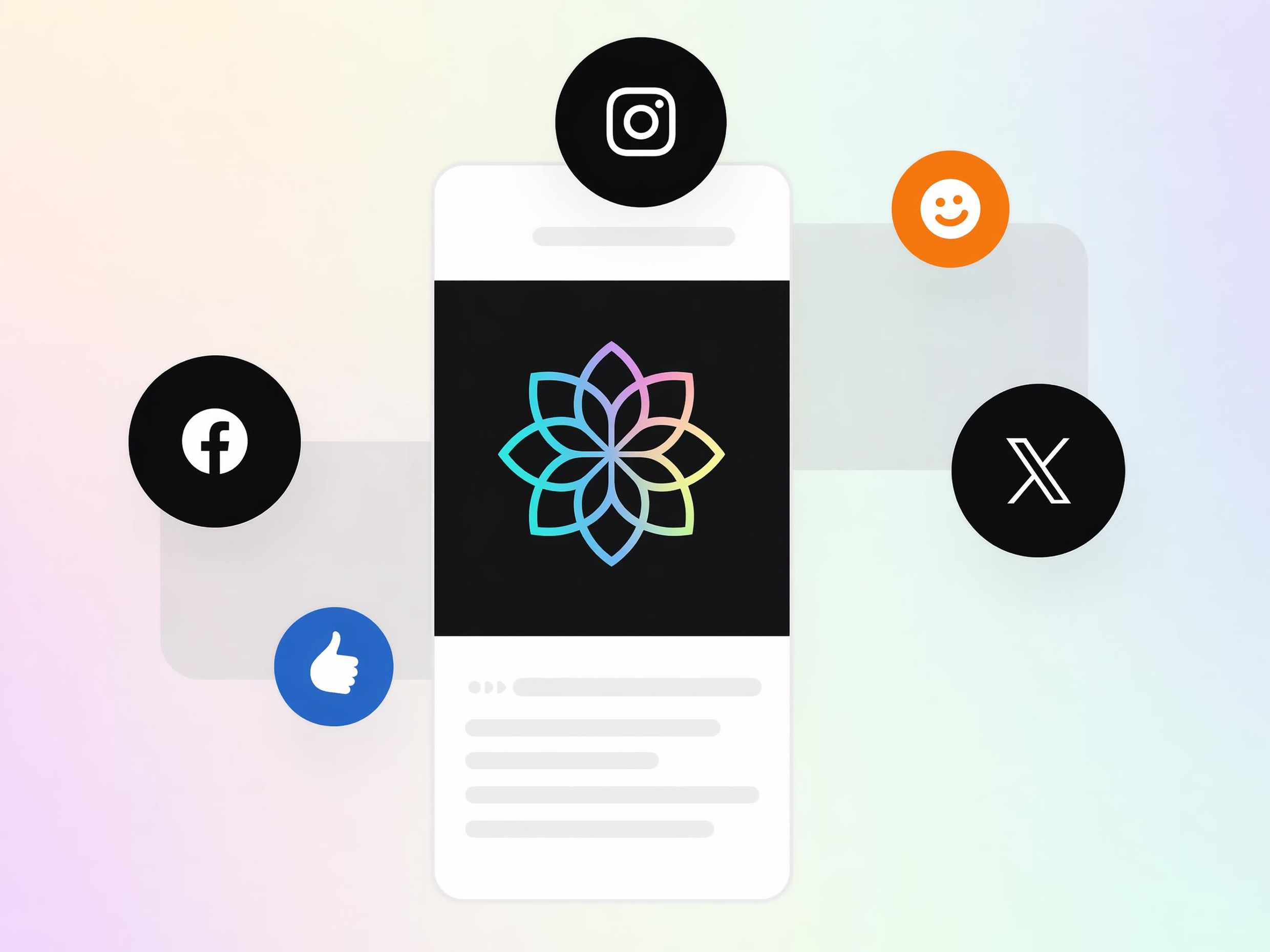
Give a Channel a Visual Identity
A channel can be hard to recognize without a memorable logo. Designkit helps creators generate unique branding for YouTube, Twitch, and social platforms using an AI logo generator with prompt, making every profile easier to identify.

Why People Choose Designkit's AI Logo Maker
Generate Logos from Plain Descriptions
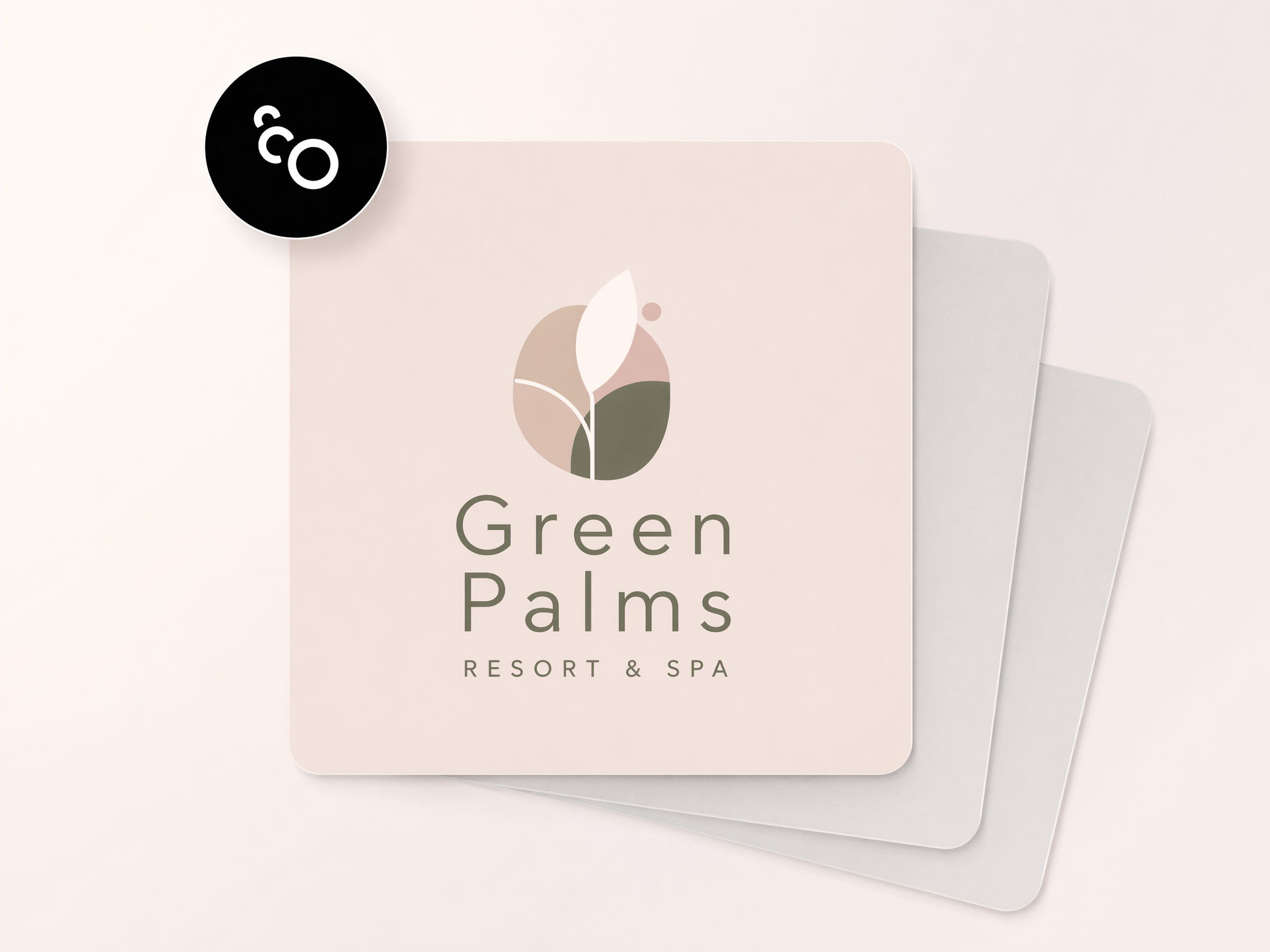
Turn a simple idea into multiple usable logo concepts, reducing the time spent sketching or explaining ideas to designers.
Start from A Reference Image
Refresh existing branding while exploring new creative directions, without rebuilding your logo concept from the beginning.
Get Several Directions in One Round
Compare different logo concepts from the same idea, making it easier to evaluate options before choosing a final design.
Reshape a Logo by Rewriting the Prompt
Update colors, layout, icons, or style through new instructions instead of repeating the entire logo creation process.
No Design Tools or Skills Needed
Anyone on the team can create and refine logo concepts, removing design bottlenecks during branding and product launches.

Logo Styles Matched to Your Industry
Generate logos that better reflect your business type, helping your brand feel more relevant across websites, products, and marketing.
Frequently Asked Questions
Can I make a business logo with AI if I have no design experience?
What should I put in my prompt to get a good logo?
Include your business name, industry, preferred colors, style, symbols, and the feeling you want the logo to convey. The more specific your description, the more relevant the results. Designkit uses these details to generate logo concepts that fit your goals, and you can update the prompt anytime to explore different creative directions.
Can I get several logo options from one description?
Yes, a single prompt can generate multiple logo concepts, giving you different layouts, icons, and visual styles to compare. Designkit helps you review several directions before deciding on one, making it easier to find a logo that fits your brand without starting over each time.
Do AI-generated logos look professional enough for a real brand?
AI-generated logos can be suitable for websites, social media, products, startups, and marketing materials when guided by a clear prompt. Designkit creates clean logo concepts that you can refine before using them, helping businesses create a business logo with AI while keeping control over the final design.
Can I use a reference image to guide the logo style?
Yes, uploading a reference image helps communicate the style you want, such as minimal, modern, vintage, or bold. Designkit uses the image as visual inspiration while generating new logo concepts rather than copying it directly, giving you results that better match your creative direction.
What can I do if the logo doesn't match what I pictured?
You don't need to begin again. Simply update your prompt with clearer instructions about colors, layout, icons, typography, or style. Designkit regenerates new versions based on your feedback, allowing you to improve the logo step by step until it matches your vision.
Can I make logos for an online store or a YouTube channel?
AI-generated logos work well for online stores, YouTube channels, gaming brands, startups, podcasts, and personal brands. Designkit lets you design a logo with AI for different platforms, then customize the result so it better fits your audience, content, and overall brand identity.
Create a Logo That Matches Your Brand
Describe your business, generate custom logo concepts, and Designkit builds your professional brand identity in minutes.



Real Users Share Their AI Logo Creation Experience
Entrepreneurs, founders, and creators build professional brand identities with Designkit.
Finally Found a Brand Direction
I had a business idea but couldn't picture how the brand should look. Designkit generated several logo concepts that instantly made the business feel real. Seeing those options helped me choose a direction and move forward with confidence.
Saved Weeks of Back-and-Forth
I had tried several logo makers and everything looked generic. Designkit generated concepts that actually reflected my business description. Instead of endlessly revising templates, I found ideas I genuinely liked within a single afternoon.
Helped Me Launch Faster
I needed branding before opening my online store. Hiring a designer wasn't on my budget yet. Designkit helped me generate professional-looking logo concepts that gave my store a much stronger first impression.
Great for Exploring Ideas
Sometimes clients know what they want, and sometimes they don't. Designkit helped me generate several directions quickly, making client discussions much easier because they could react to actual visuals instead of vague descriptions.
Made My Channel Look Professional
My YouTube channel had no visual identity. Designkit created logo concepts based on my content style and audience. For the first time, my channel felt like a real brand instead of just another account.
Better Than Template-Based Tools
Most logo generators produced designs that looked familiar and reused. Designkit felt different because I could guide the process with detailed prompts and generate concepts that matched my vision much more closely.