
Top 8 Online Background Removers for Ecommerce Photos
Cutouts are only step one. Compare removers for Amazon white rules, batch catalogs, and listing-ready product exports.


Store teams compare the best online background removers for e-commerce when product photos need to go live on Amazon, Shopify, or a brand site without a long Photoshop queue. A phone shot or supplier JPEG is rarely listing-ready on its own.
Clearing a plain backdrop is no longer the hard part. Catalog teams get stuck on thin straps, mesh, glass, hair, uneven edges across a batch, and marketplace rules that reject off-white main images.
The useful comparison is not which demo looks sharp. It is which path gets your SKUs to an approved file with the least cleanup.
Quick Picks by Ecommerce Workflow
Match the tool class to the work you repeat every week.
| Workflow | Start with | Reason |
|---|---|---|
| Amazon main images | Removers with clean white export | You need a true white field and framing that passes listing checks |
| Shopify / DTC catalogs | Cutout tools that also resize and stage | PDPs often need transparent PNGs, secondary scenes, and several sizes |
| High-volume pipelines | API-first removers | Automation and routing matter more than an editor UI |
| Premium hero shots | Photoshop or careful manual masking | High-value images still reward full layer control |
| Occasional edits | Free browser removers | Small volume and simple edges do not need a full production stack |
| Batch listing prep | Ecommerce visual workspaces | Removal, backdrop choice, and platform sizing stay in one pass |
How Ecommerce Teams Should Judge a Remover
Most readers want a shortlist, clear selection criteria, and a next step they can run on their own photos. For store catalogs, a good result is a file that survives review and repeats cleanly across SKUs.
Edge quality on difficult products

Run candidates on the shots that fail most often:
- Hair and fur on apparel or model photos
- Mesh, lace, and open weave
- Thin straps, chains, and spokes
- Transparent or reflective packaging
- Cluttered supplier photos
A clean result on a mug against a wall does not prove the tool can handle footwear mesh or jewelry. Score tools on your hardest SKUs.
Marketplace rules after the cutout
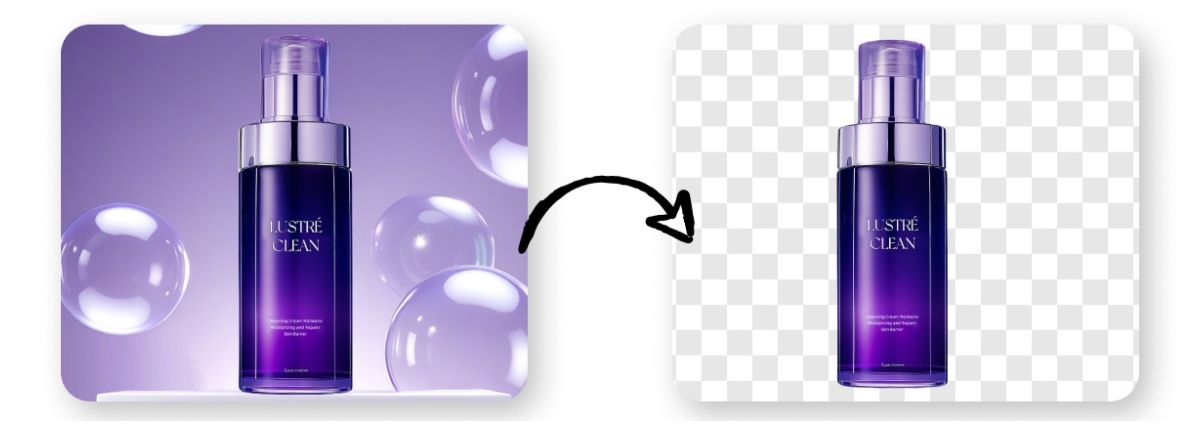
Amazon's seller help materials require pure white backgrounds on main product images and ask that the product fill most of the frame. Many operators treat pure white as RGB 255, 255, 255. Leftover props, soft gray fills, or heavy shadows can still create listing risk after a successful cutout. Shopify is more flexible, but zoom and PDP layouts still reward consistent framing and resolution.
So an Amazon white background remover is only half segmentation. The export step has to set background color, crop, and file specs correctly.
Batch consistency

One good preview is not a catalog process. When you review a bulk background remover for ecommerce, check:
- Whether batch runs in the browser, desktop app, or API only
- Whether edge quality drifts from image to image
- How many files still need hand cleanup
Track minutes to an approved set of listing images. Preview speed alone is a weak KPI.
Work that continues after removal

Most teams still need one or more of these outputs:
- White JPG for marketplace main images
- Transparent PNG for ads and overlays
- Lifestyle or studio variants for secondary gallery slots
- Resizes for Amazon, Shopify, or social crops
A raw cutout API can be enough when publishing systems already exist. Smaller teams often save time with a workspace that covers export and light editing in the same session.
Comparison 8 Tools for 2026 Catalog Work
The notes below describe fit among common options people evaluate when researching the best online background removers for e-commerce. This is not a universal ranking. Where a vendor publishes its own accuracy test, treat the numbers as vendor-reported. Photoroom has posted a 45-image ecommerce comparison on its blog and reported 42 clean cutouts for its model, with lower scores for some alternatives. Retest on your catalog.
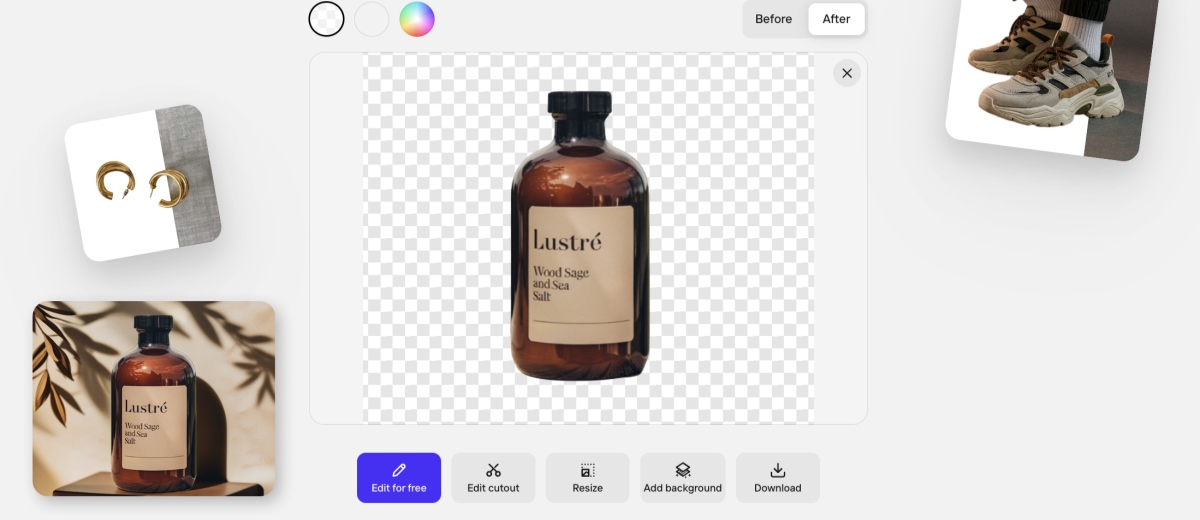
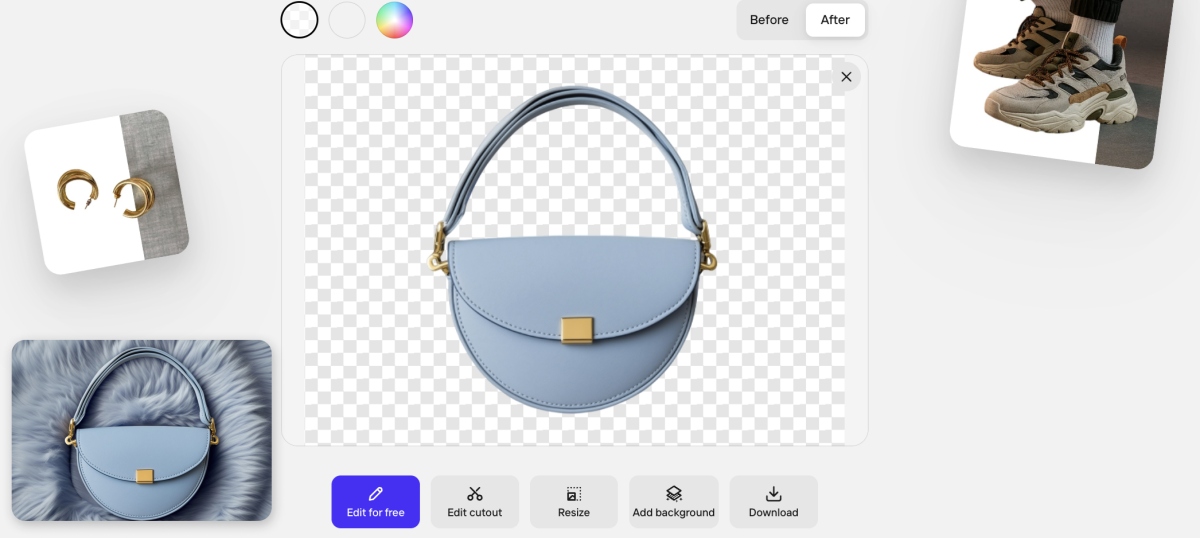
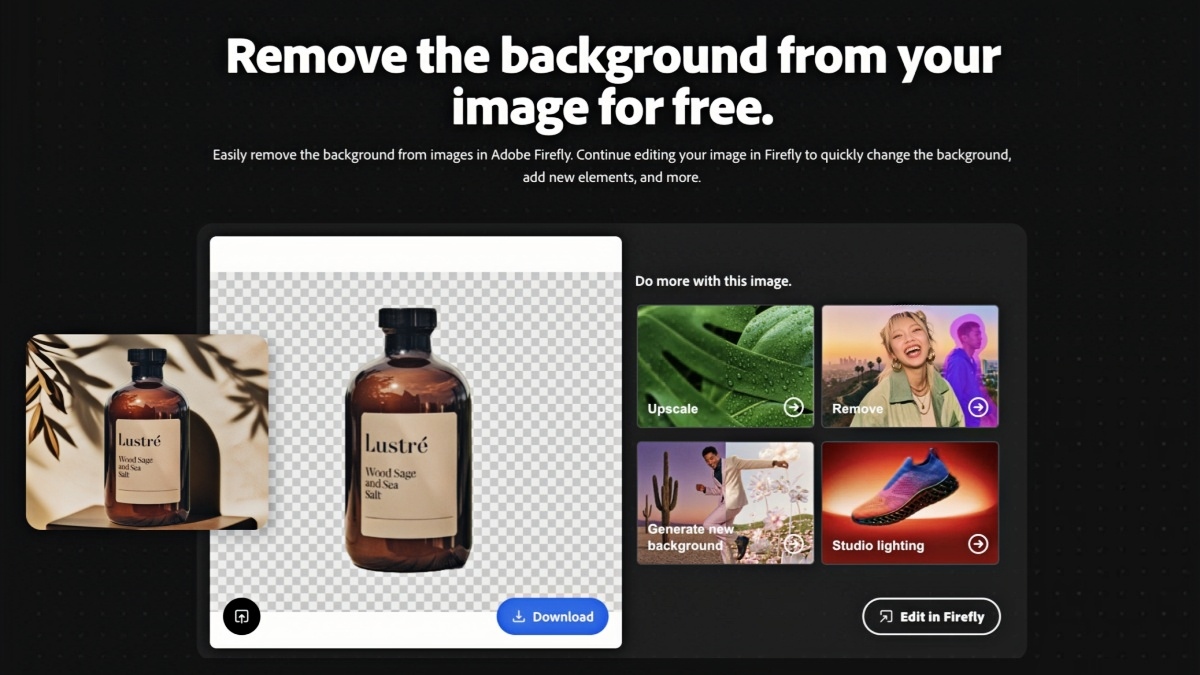
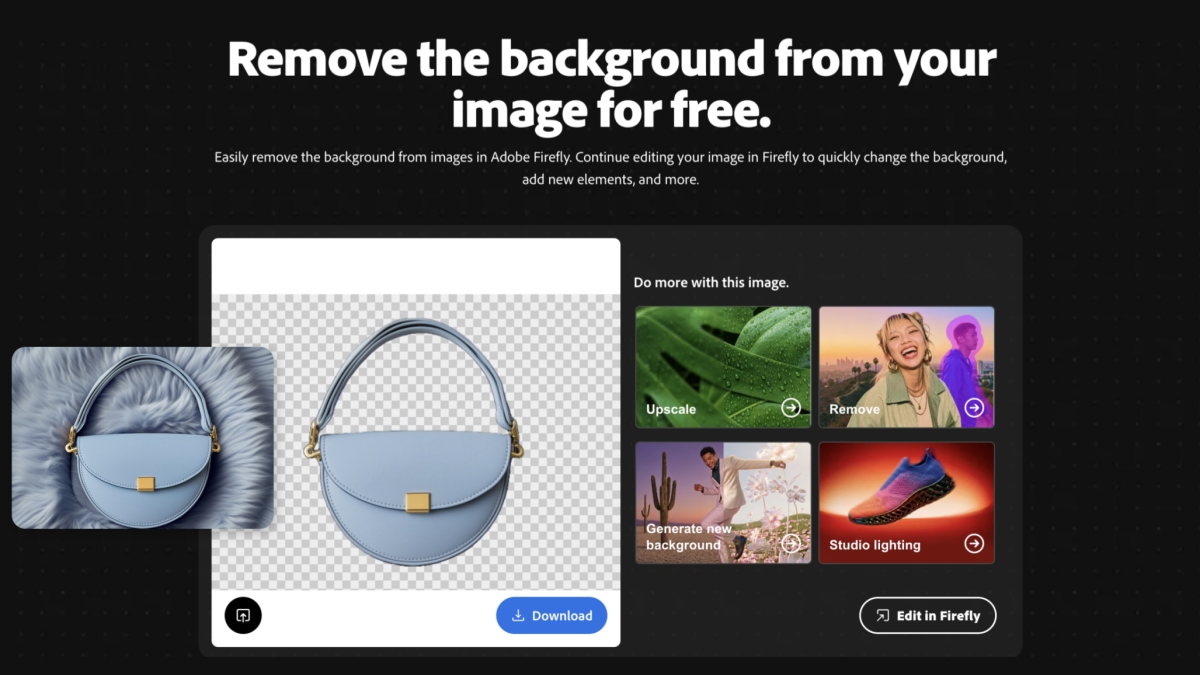
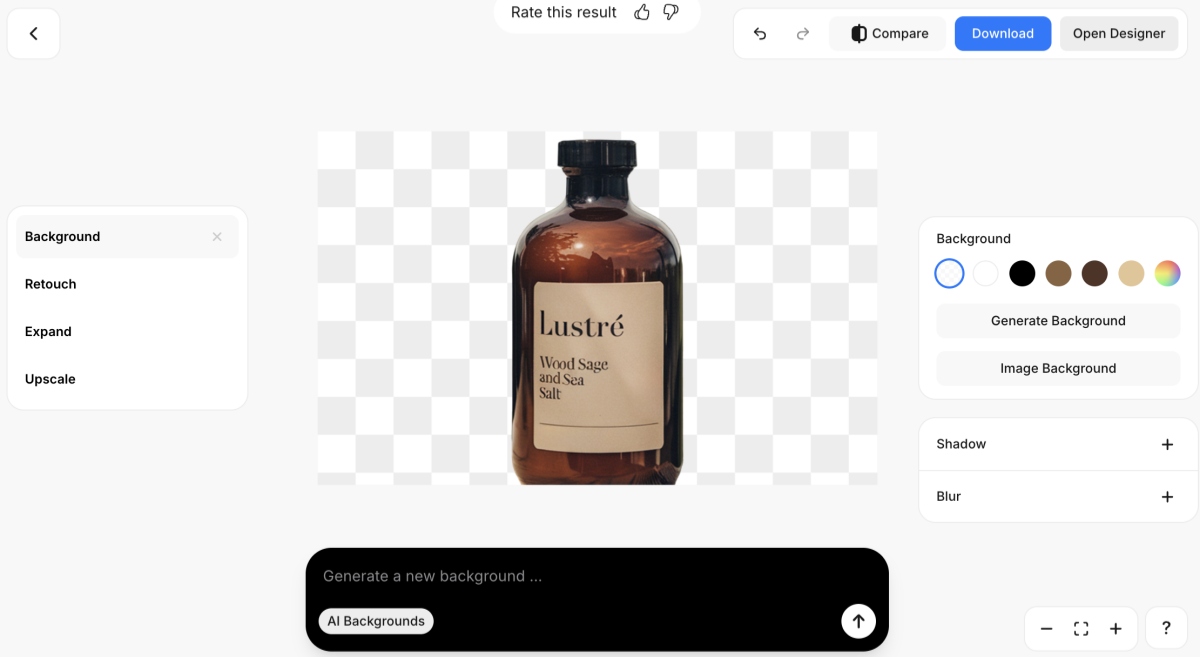
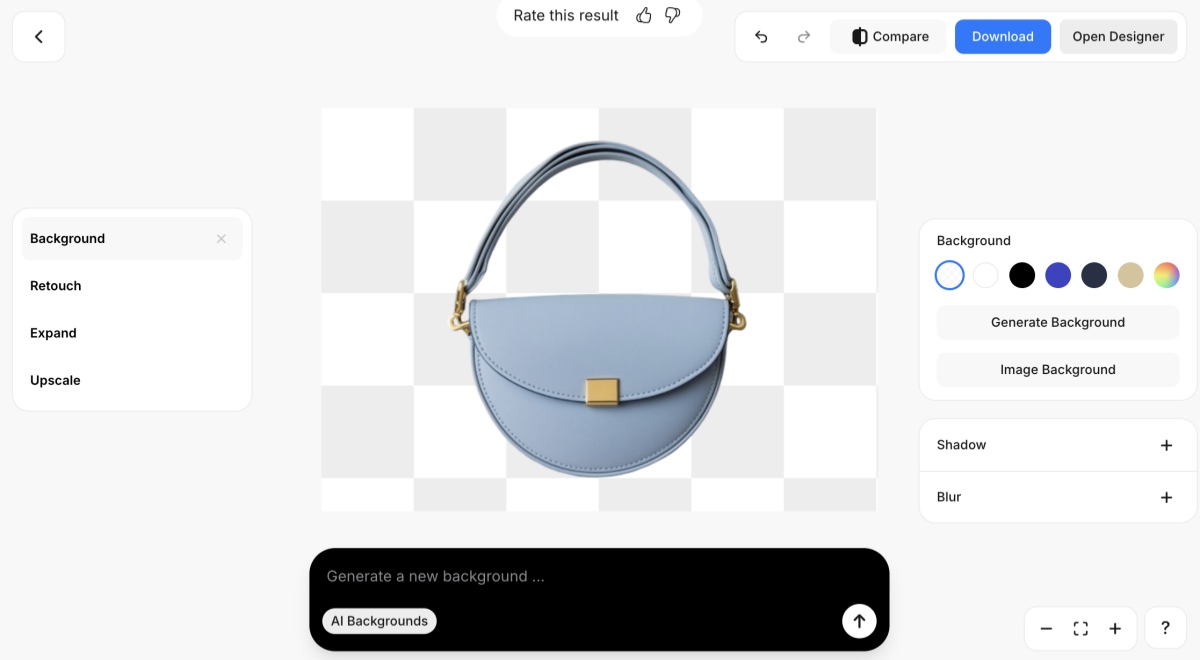
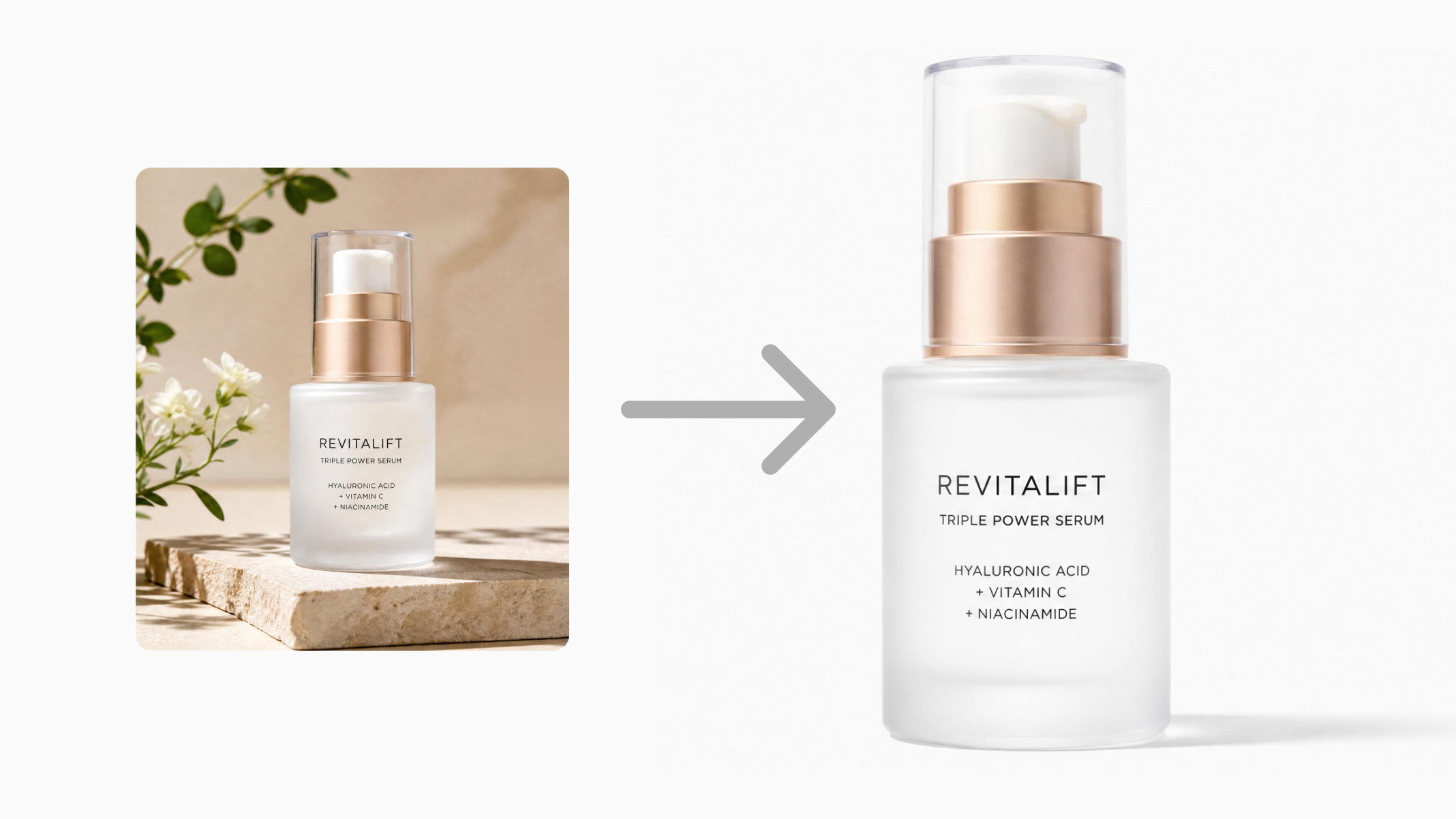
These are the three images used to test the tools in this article: a mug with a relatively simple background, an aromatherapy bottle with a slightly more complex scene, and a handbag that posed the greatest challenge.

Photoroom
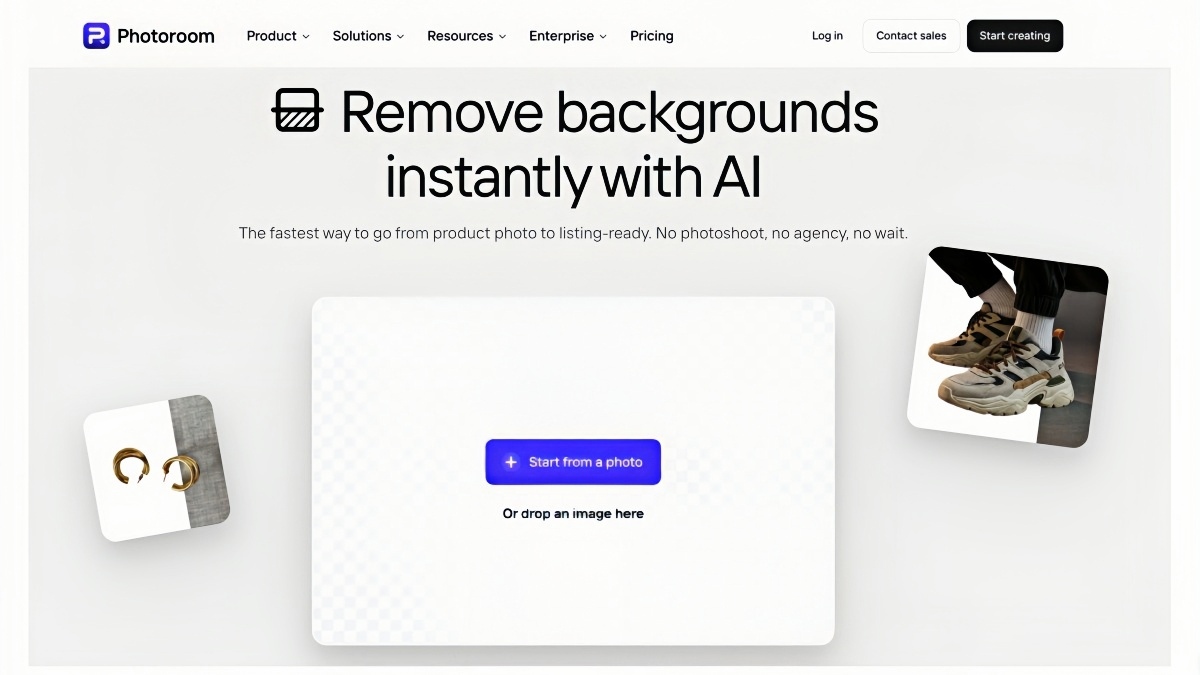
Photoroom is a product-photography toolkit with an AI background remover for ecommerce listings.
Sellers can cut out products, switch to white or other fills, edit the mask, resize, add scenes, and move toward listing-ready files.
A free plan covers lighter use; higher volume, batch, and API access sit on paid plans.
Hands-on notes: cutout quality and UI
After removal, the product sits on a transparent checkerboard.
You can switch to white, compare Before/After, edit the cutout, resize, add a background, or download.
Handbags kept a clean silhouette in our tests; check white export for gray halos before batching.
Pros:
- Strong post-cutout listing flow.
- Clean hardgoods edges in testing.
- No login for a quick single cutout.
- Batch and API sit on paid plans.
Cons:
- Free limits for full production.
- Only one image can be processed at a time; even if multiple images are uploaded, only one will be processed for background removal.
- Web and API billing can sit apart.
- More than you need for one-off social cutouts.
Best for: Sellers who want removal plus white export and product staging in one listing workflow.
Adobe Firefly
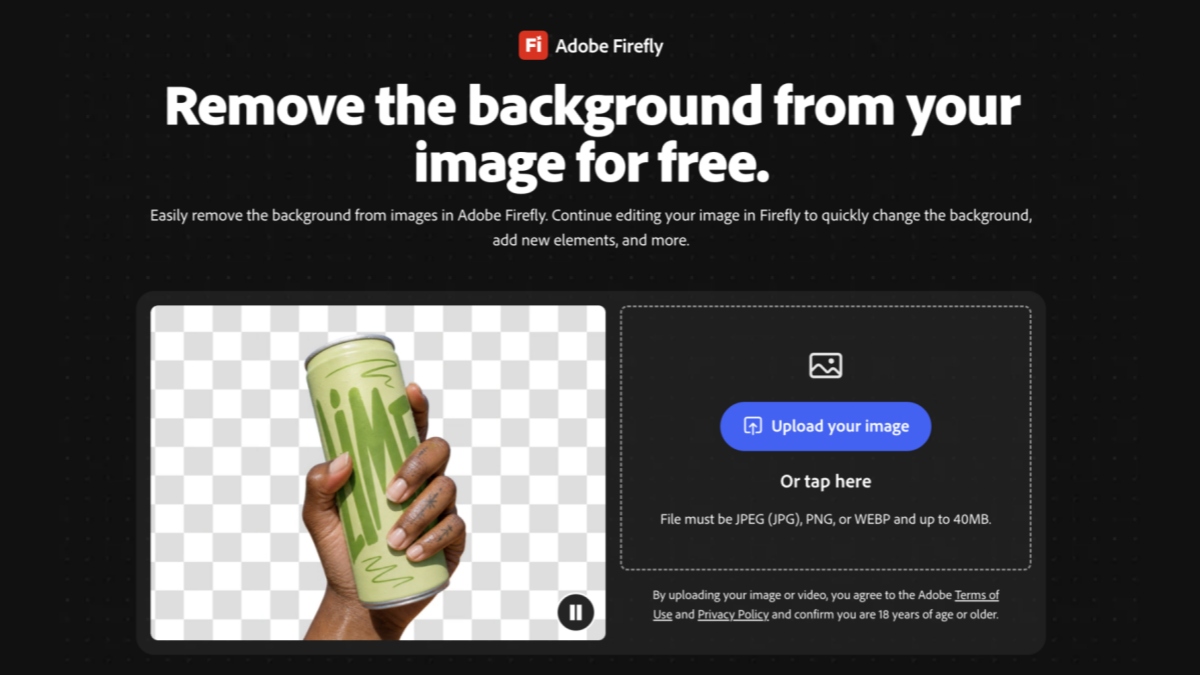
Adobe Firefly's Remove Background tool places the subject on a transparent checkerboard, then offers Download or follow-on actions such as upscale, remove, generate background, and studio lighting.
The remove-background entry is offered as a free web flow; broader generative use may need an Adobe account and paid credits or plans.
Hands-on notes: cutout quality and UI
In our tests, Firefly handled more complex product scenes, including a glass aromatherapy bottle, with edges clean enough for ecommerce cutouts.
The tradeoff was speed: tougher images felt slower than lightweight browser removers.
Pros:
- Stronger on complex backdrops.
- Clean detailed product edges.
- You can upload images, remove backgrounds, and download images without logging in.
- Stays inside Adobe's editing path.
Cons:
- Slower first pass.
- The online tool allows you to upload only one image at a time.
- Thin on marketplace size presets and no-code catalog batching.
Best for: Adobe-centric teams that need complex-background removal and can accept slower processing.
Picsart
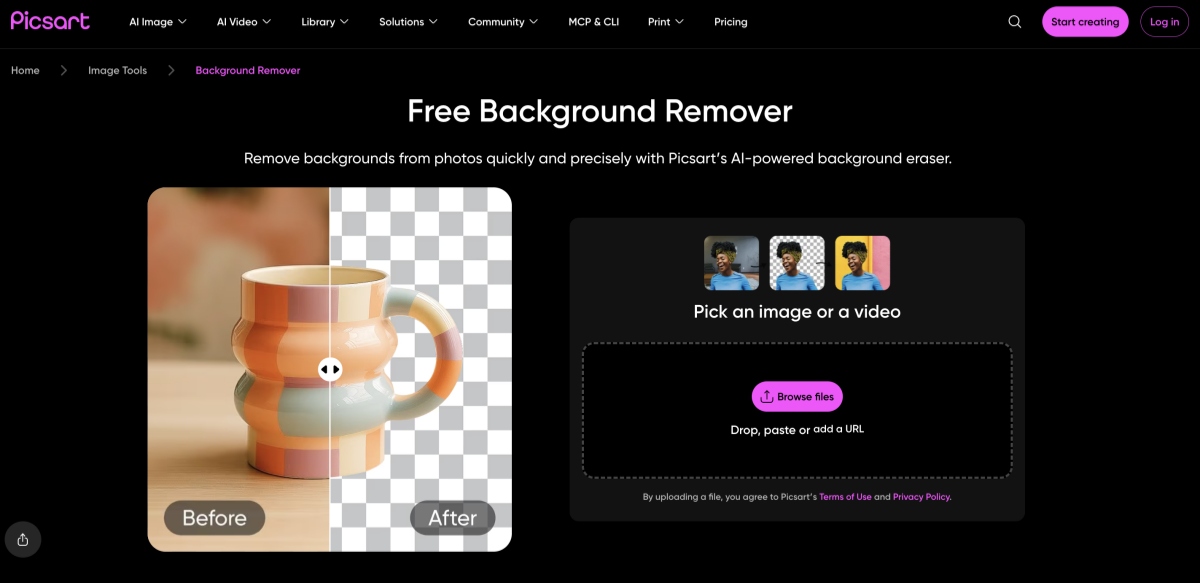
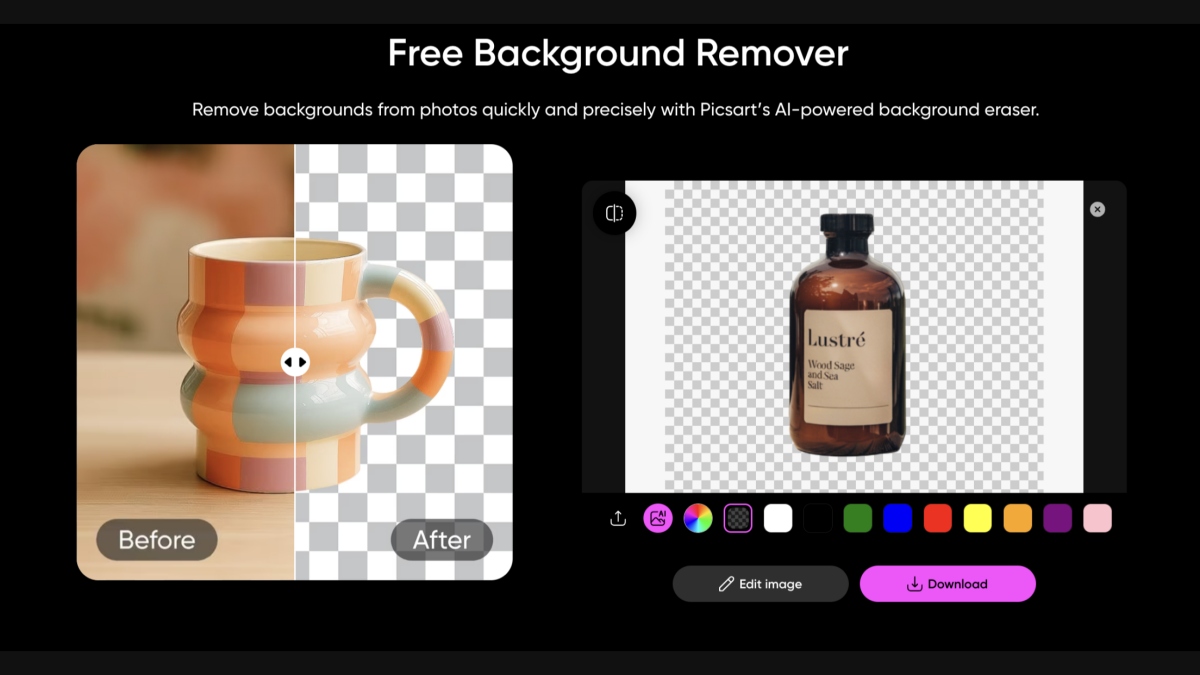
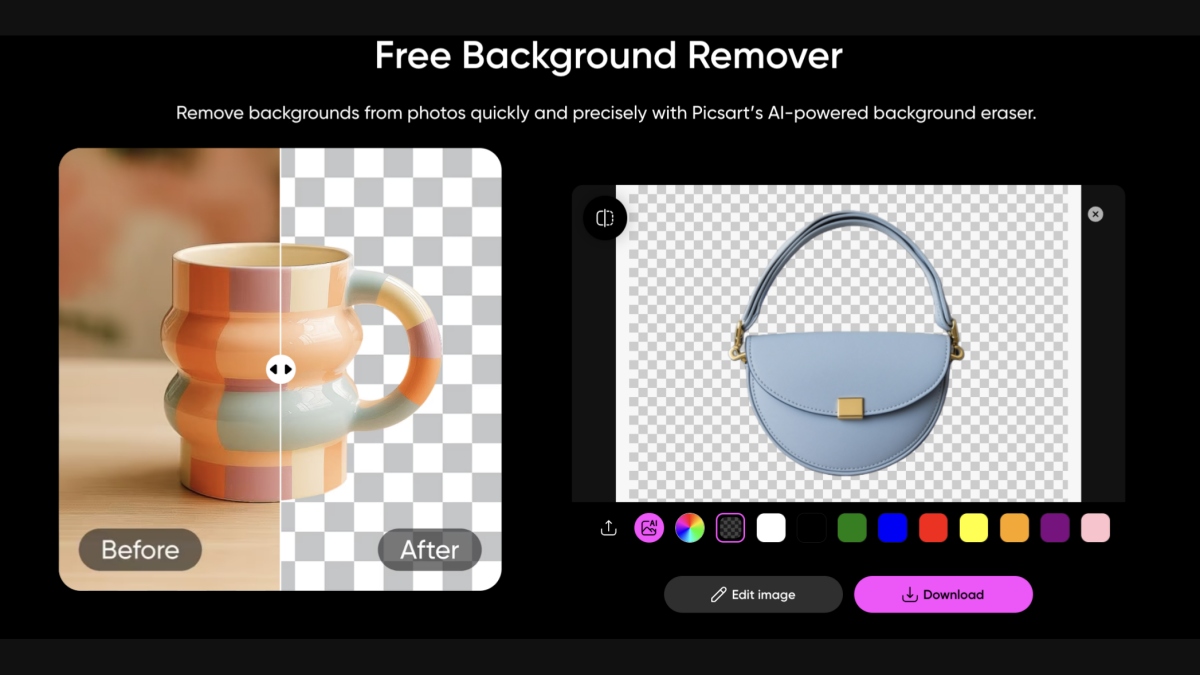
Picsart's Free Background Remover is built for quick photo cutouts.
After removal, you get Before/After, a transparent checkerboard, solid-color swaps, Edit image, and Download.
It is free to start; Picsart Pro expands editing limits beyond basic removal.
Hands-on notes: cutout quality and UI
Picsart removed busier scenes in testing, such as a mug on a wooden table, and still left a usable silhouette.
Color backdrop swaps are immediate, which helps social and creative exports.
Pros:
- Handles complex original scenes in our tests.
- Upload images, remove backgrounds, and download images without logging in.
- Fast cutout-to-color flow. Easy consumer UI.
Cons:
- Processes one image at a time; even if multiple images are uploaded, only one is processed.
- Weak as an Amazon/Shopify sizing workspace.
- Thin straps and hardware still need spot checks.
Best for: Creators who want AI removal plus quick backdrop color changes in one editor.
Pixlr
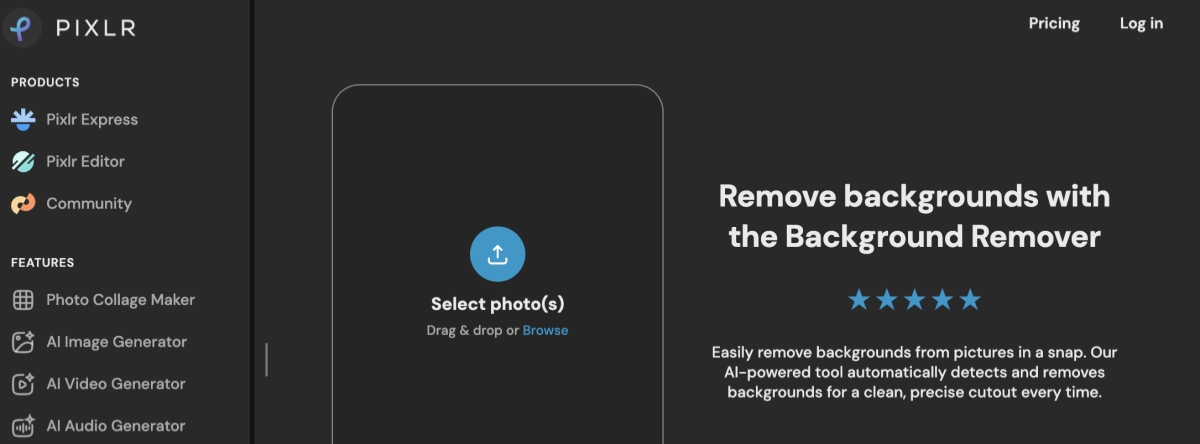
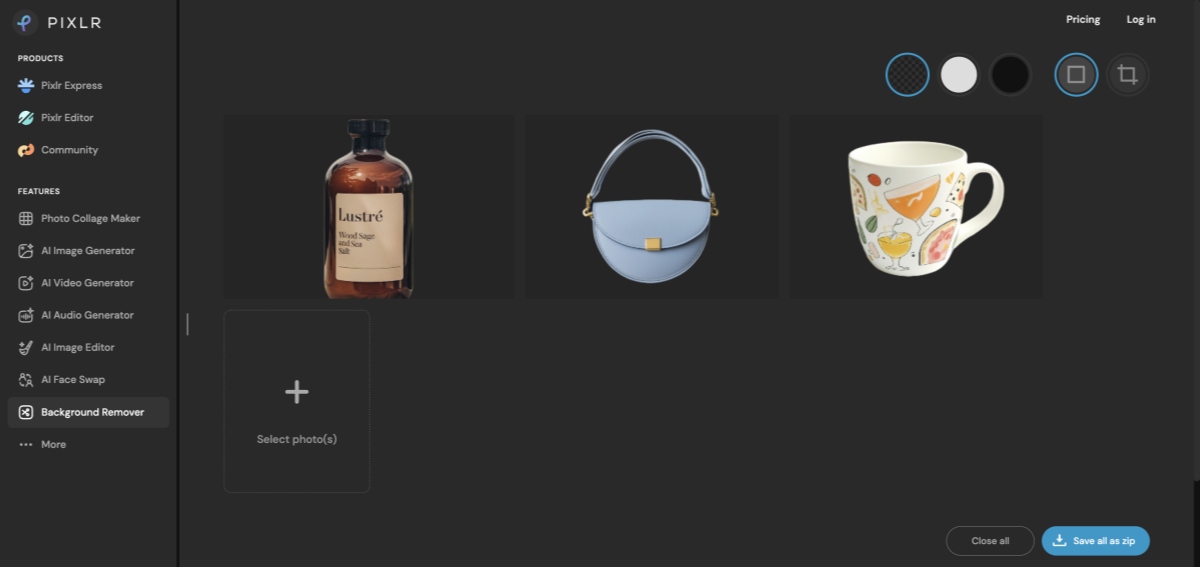
Pixlr Background Remover sits in Pixlr's browser suite. Upload one or more photos, preview cutouts, switch Transparent / White / Black, then Save all as zip.
Free use often depends on limited AI credits; paid plans raise capacity.
Hands-on notes: cutout quality and UI
Multi-image upload and zip download worked for light batch jobs. A glass bottle and structured handbag from busier scenes still produced clean silhouettes in our tests.
Pros:
- Multi-image upload with zip download on the free browser flow we tested.
- Handled complex scenes in testing.
- Upload images, remove backgrounds, and download images without logging in.
- Basic backdrop toggles without a heavy suite.
Cons:
- Thin marketplace presets.
- Reflective edges still need QA.
Best for: Low-to-mid volume browser cleanup with transparent or white exports.
Pixelcut
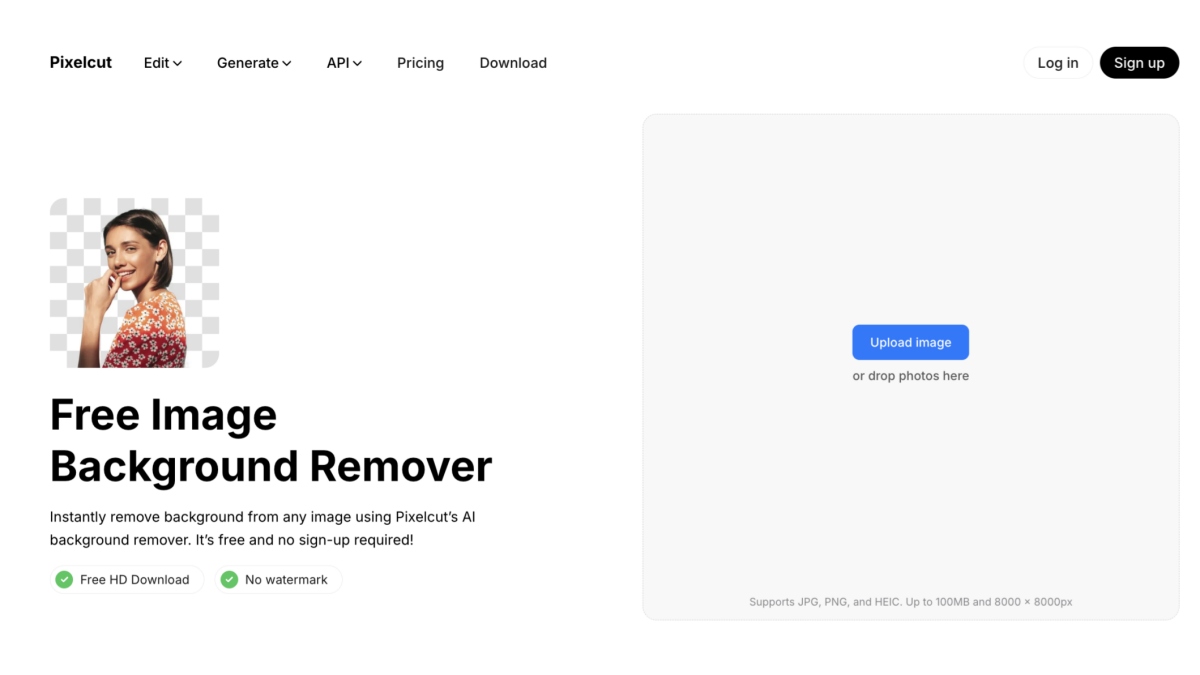
Pixelcut offers a free online background remover inside an AI product-image editor.
After cutout, use Compare, Download, Open Designer, color presets, Generate Background, Shadow, Blur, and an AI prompt bar.
Paid plans expand design and volume features.
Hands-on notes: cutout quality and UI
On a glass bottle and other detailed products, Pixelcut kept clean edges even when the original scene was busier.
Removal plus AI backdrop tools stayed in one browser flow.
Pros:
- Strong on complex/detailed products in testing.
- Upload images, remove backgrounds, and download images without logging in.
- AI background tools after cutout.
- Good for phone-shot inventory.
Cons:
- Marketplace compliance may need a separate resize step.
- Check reflections and thin labels before batching.
- To remove backgrounds from multiple images at once, you need to upgrade to a paid plan.
Best for: Sellers who want complex-background removal plus quick AI backdrop generation.
Designkit
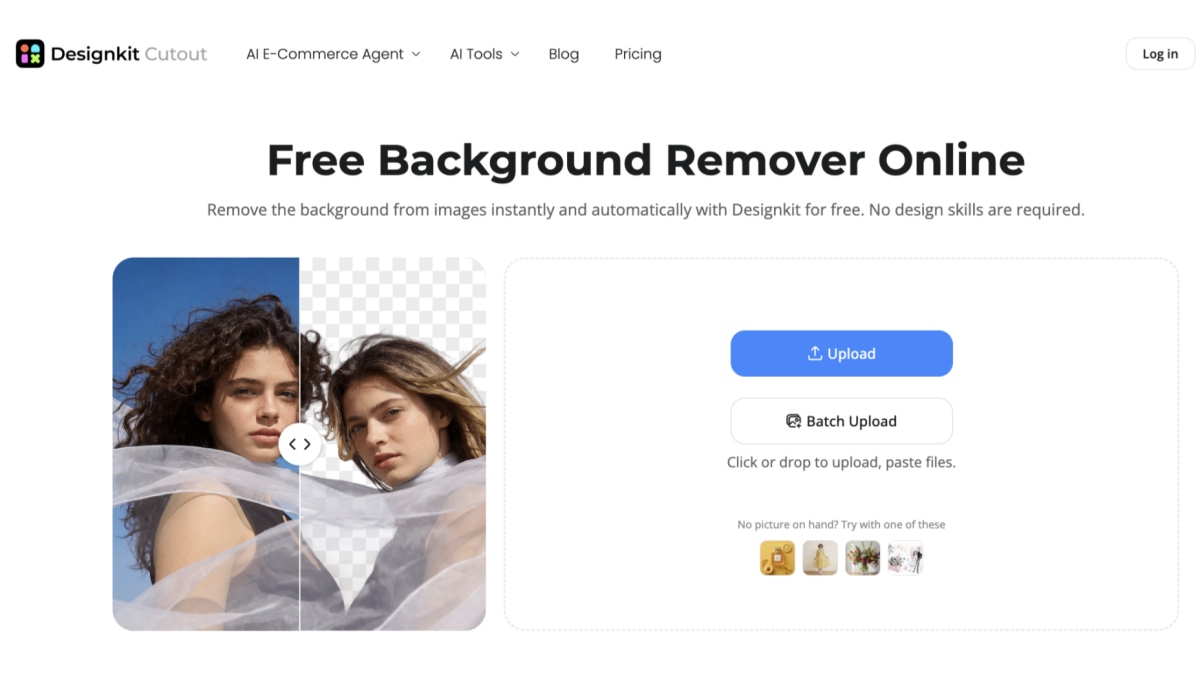
Designkit Cutout is an ecommerce background remover for product photos.
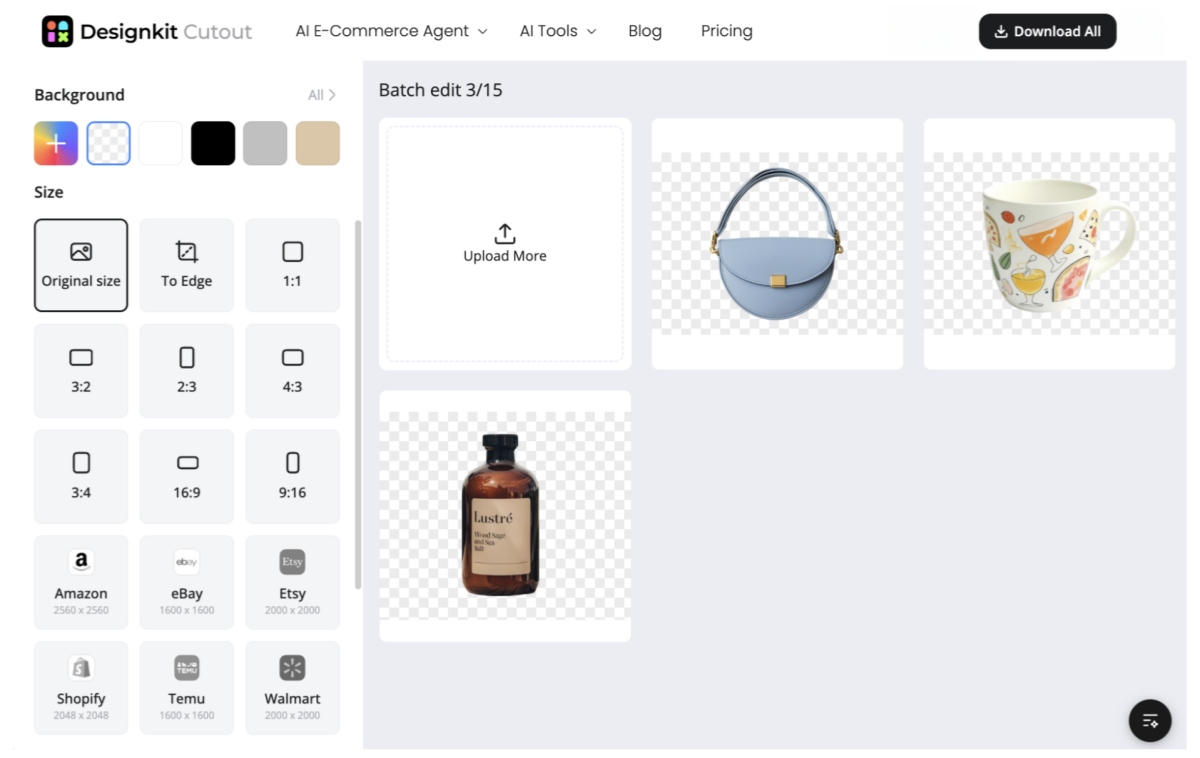
Upload in the browser, review cutouts, switch white or other fills, apply Amazon or Shopify size presets, and Download All.
Designkit's product page states removal, batch processing (up to 15 images), and resize presets are free, without a watermark on that flow.
Hands-on notes: cutout quality and UI
In testing, handbags, mugs, and glass bottles from busier scenes returned clean edges.
Batch upload felt fast, and marketplace sizing sat next to the cutout, which reduced tool switching.
Pros:
- Complex-background removal in our tests.
- Fast processing.
- Batch upload (up to 15) without signup on the free Cutout flow.
- Listing size presets in the same workspace.
Cons:
- Not built for deep custom API pipelines.
- Thin straps and reflective labels still need a final check.
Best for: Amazon, Shopify, and DTC sellers who need batch cutouts and listing-oriented export in one free browser flow.
Canva
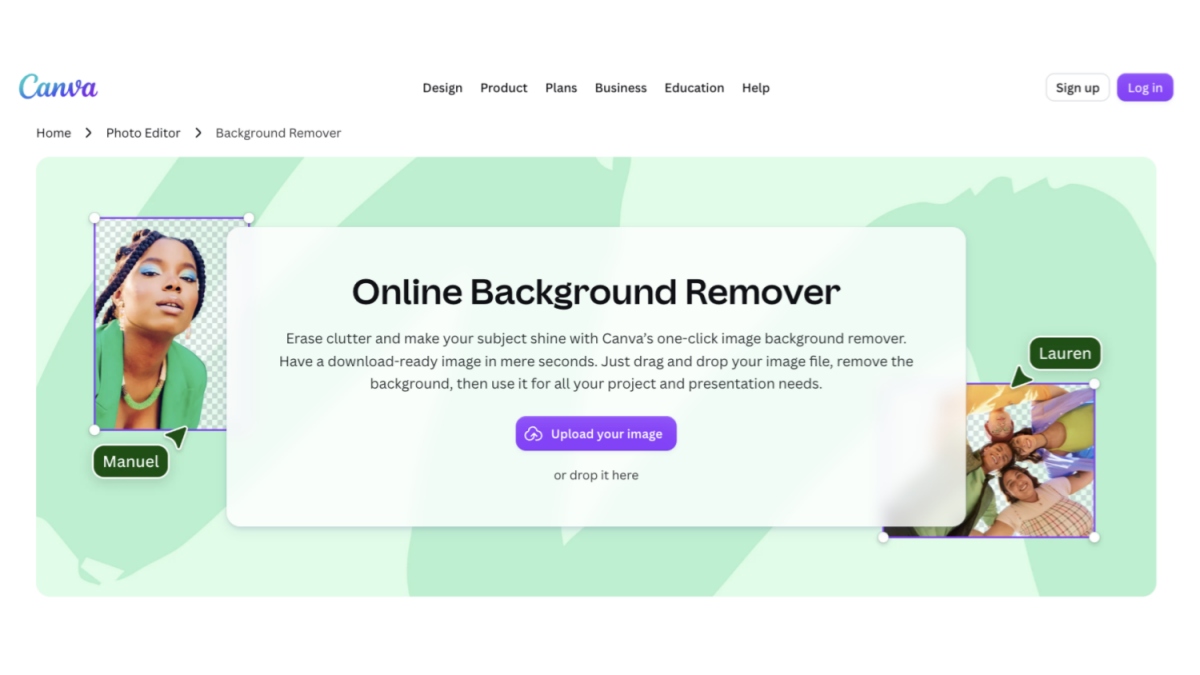
Canva Background Remover is a Magic Studio feature inside Canva.
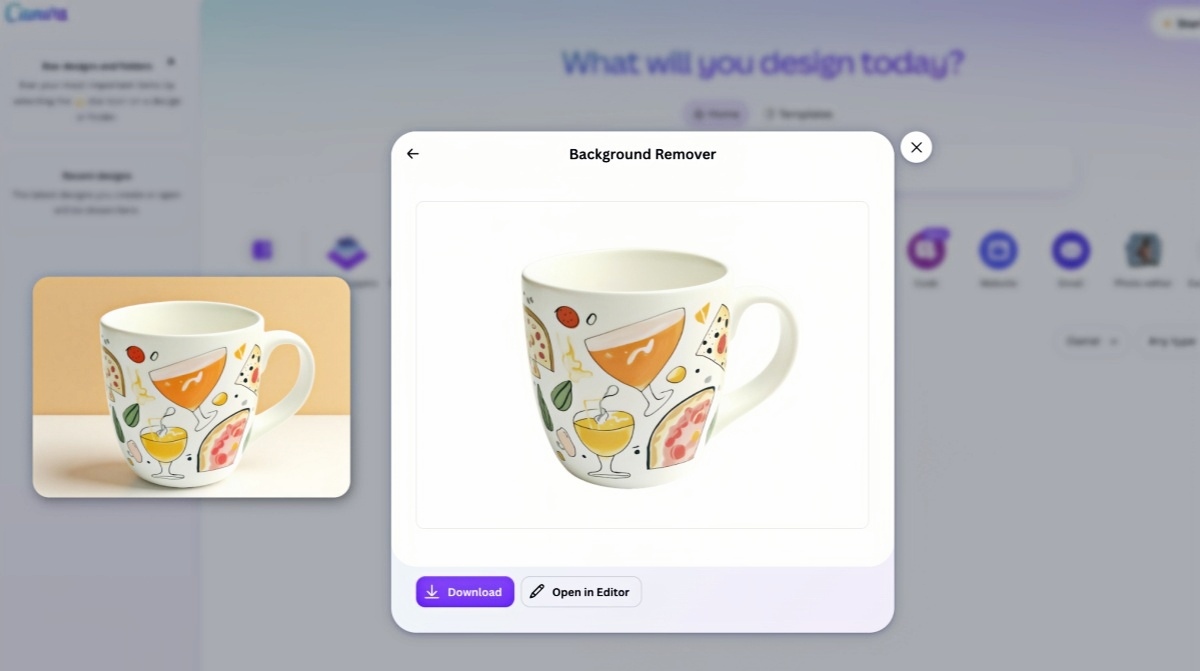
The UI is a simple modal: upload, preview, then Download or Open in Editor.
It is generally a Canva Pro feature, not a full free-plan tool.
Hands-on notes: cutout quality and UI
On a mug with a plain field, removal succeeded.
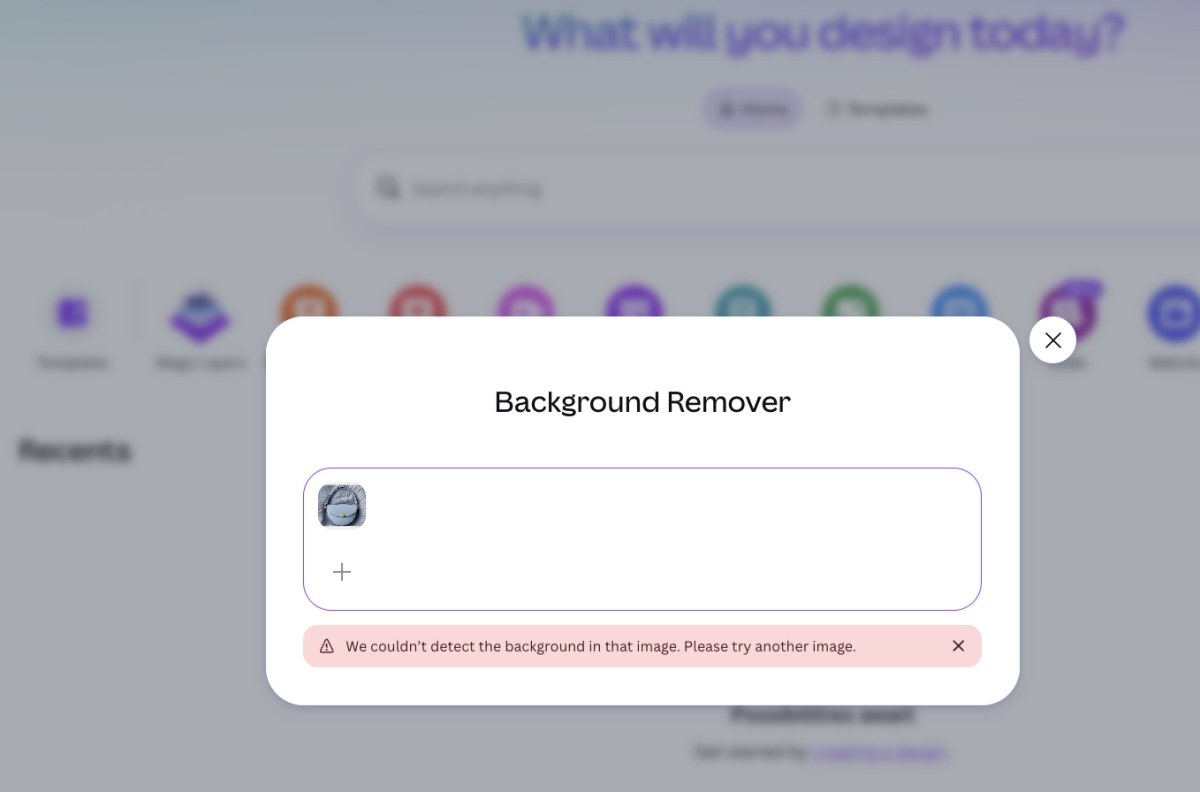
On a handbag with a textured surface, Canva failed with: "We couldn't detect the background in that image. Please try another image."
Pros:
- Works on simple backgrounds.
- Smooth handoff into Canva layouts.
- Easy for designers already in Pro.
Cons:
- Logging in is required to upload images.
- One image at a time in the modal we tested.
- Fails on complex scenes in our tests.
- Weak for catalog batching and marketplace-spec export.
Best for: Simple-background cutouts inside Canva Pro creative workflows.
remove.bg

remove.bg is a specialist removal service with a simple upload flow, download options, and integrations such as Edit in Canva.
Free use is mainly for previews or limited credits; full-resolution volume usually needs paid credits or plans.
Hands-on notes: cutout quality and UI
On remove.bg's own sample images, automatic removal worked well.
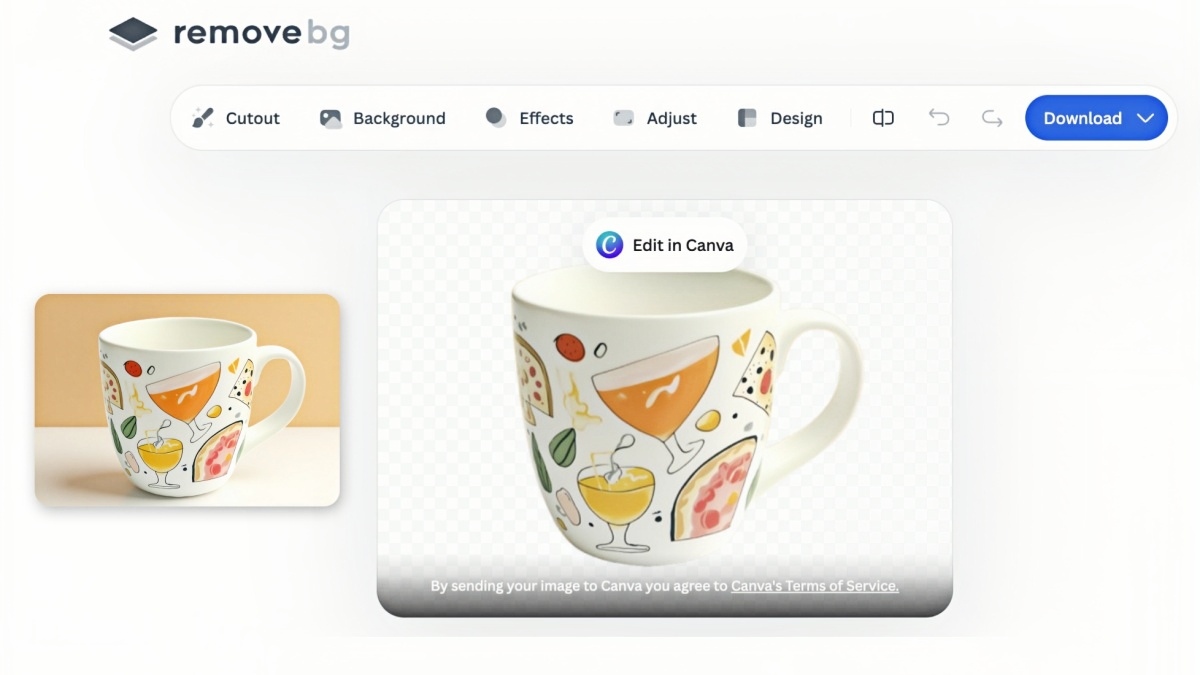
An uploaded product photo failed with: "We're sorry, we couldn't remove the background," and the UI suggested Magic Brush.

Pros:
- Samples worked without friction.
- Upload images, remove backgrounds without logging in.
- Mature one-purpose UI.
- Useful as a cutout step inside existing stacks.
- Users can upload one image at a time, then click the "+" button to add more images and remove backgrounds from all of them in a single batch.
Cons:
- A real upload failed and suggested Magic Brush.
- Demo quality is not a catalog guarantee.
- Listing prep usually continues elsewhere.
Best for: Teams that need a dedicated cutout utility and will validate real SKUs, not only samples.
A Practical Way to Choose
Use a specialist cutout API if engineering already owns publishing, QA, and retries, and segmentation volume is the bottleneck.
Use a design-suite remover if most files become campaign creatives and designers already work in Canva or Adobe.
Use an ecommerce visual workspace if the same person prepares Amazon and Shopify images end to end and needs white backgrounds, transparent PNGs, and platform sizes without switching apps after every cutout. A free background remover for Shopify-style prep can work for light volume; larger drops need clearer batch limits and consistent edges.
Fifteen-minute test on your own SKUs
- Select 8 to 12 live catalog images: simple hardgoods, apparel, one transparent pack, one messy supplier shot.
- Process the same set in two or three shortlisted tools.
- Score edge cleanliness, white or transparency quality, batch consistency, and cleanup minutes.
- Export one Amazon-style white main image and one transparent PNG for ads.
- Keep the option with the lowest total cleanup time for the formats you actually publish.
Public leaderboards cannot account for your lighting, packaging, or acceptance bar. Your own sample set can.
Mistakes That Waste Time
- Judging tools on easy photos that never appear in the live catalog
- Approving soft previews without checking full-resolution edges
- Ignoring Amazon white and fill rules after a cutout looks "done"
- Assuming a free tier that handles five images will cover a seasonal drop
- Comparing credit prices instead of cost per approved listing image
- Stopping at removal, then hopping across apps for crop, resize, and backdrop color
Closing Notes
Selection has moved past "can the tool erase a backdrop." Teams now weigh edge survival, marketplace compliance, batch consistency, and the steps after removal. Cutout APIs, design-suite features, and listing-prep workspaces each solve a different constraint.
Shortlist two options that match your weekly workflow, run the SKU test above, and standardize on the path that produces approved files with the least cleanup. If your process needs removal, backdrop control, and platform sizing in one browser session, include a workspace such as Designkit in that comparison.
Frequently Asked Questions
Which remover should ecommerce teams pick in 2026?
What is the best background remover for Amazon listings?
Choose a path that can export a clean product on a pure white background and keep framing tight enough for main-image rules. Confirm details against current Amazon seller image requirements before bulk upload.
Can I remove backgrounds in bulk for Shopify product photos?
Yes. Use browser batch upload or an API tied to your stack. After processing, check that white or transparent exports display correctly in your theme and PDPs.
Are free tools enough for a full catalog?
They can cover small catalogs and simple edges. Larger or seasonal catalogs usually need clearer batch capacity, steadier edges, and export controls.
Do ecommerce teams still need Photoshop?
Not for every SKU. Automate routine catalog images. Keep Photoshop or similar software for premium heroes and cases that need manual masks.
What should you check after AI removal?
Look for broken edges, missing parts, impure whites or dirty transparency, leftover shadows, product fill in the frame, resolution, and fit for the destination (main image versus ad creative).
Where does Designkit fit?
Designkit supports browser-based removal for product images, batch catalog updates, white or transparent (or custom-color) backdrops, and resize options for common ecommerce and social destinations. It is one option when the goal is moving from cutout to publishable store files with fewer handoffs.
You May Also Like
Turn White Background Images into Lifestyle Amazon Listings
White Background Product Photography Guide & Tips 2026

How to Remove Background in Photoshop: 7 Easy Methods
Turn Cutouts Into Listing-Ready Product Images
Remove backgrounds, set white or transparent backdrops, and resize for Amazon or Shopify with Designkit.


